
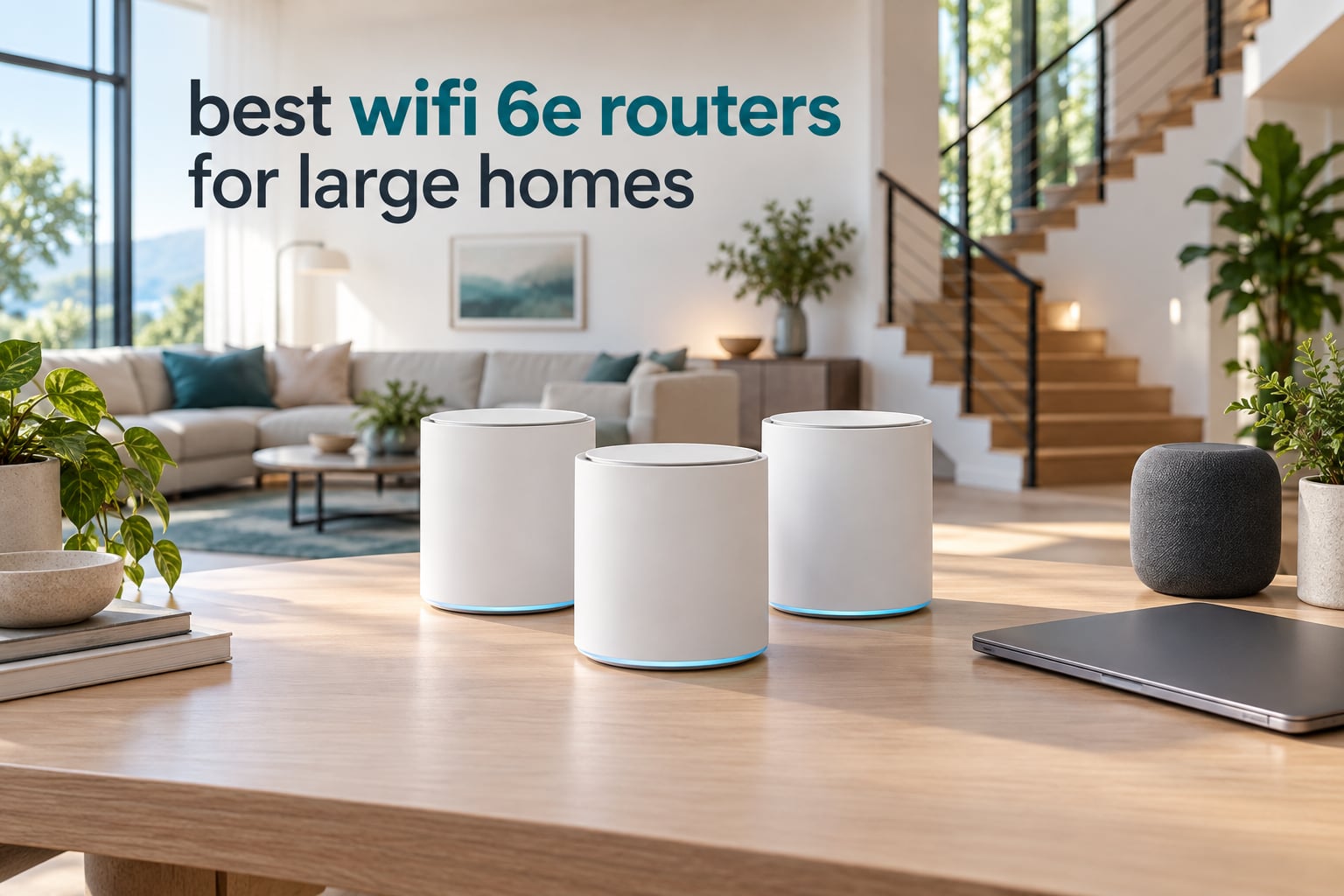
For most large homes, a tri-band WiFi 6E mesh system with two or three nodes beats a single tower router, because the 6 GHz band carries roughly half the range of 5 GHz and fades quickly through interior walls. We put ten WiFi 6E routers through a 3,200 sq ft split-level to see which ones fill the upstairs hallway. The eero Pro 6E 3-pack won, with the TP-Link Deco XE75 Pro 3-pack behind it.
That answer matters because the top complaint in every networking forum is the same: a 6E router that wows in the room it sits in and leaves dead zones everywhere else. Coverage claims assume open plan, one floor, and few interior walls.
I have spent years installing and troubleshooting home networks, and coverage is a placement problem before it is a hardware problem. The 6 GHz band doubles the reason to get placement right. This roundup covers the best wifi 6e routers for large homes across two categories: standalone towers for open single-floor homes, and mesh systems for anything multi-story.
Every router below was judged on realistic multi-floor coverage, Ethernet port speed against the plan you actually pay for, whether the security suite costs extra money, and how many devices the hardware tolerates before throughput sags. I read the owner complaints too, because a spec sheet says nothing about reboots at 2am.
Our Top 3 WiFi 6E Picks for Large Homes in 2026
The eero Pro 6E wins overall as the least fussy system we tested. The Deco XE75 Pro takes the value slot, and the Deco XE70 Pro has the highest average rating in the group.


TP-Link Deco XE70 Pro
- AXE4900 tri-band mesh
- 2.5 GbE on every node
- Wired and wireless backhaul together
- 2-year warranty
All 10 WiFi 6E Routers Compared Side by Side
Every router in the roundup, with band layout, claimed coverage, and the detail that decides it for a big house.
| Product | Details | Action |
|---|---|---|
 |
|
Check Latest Price |
 |
|
Check Latest Price |
 |
|
Check Latest Price |
|
|
Check Latest Price |
 |
|
Check Latest Price |
 |
|
Check Latest Price |
 |
|
Check Latest Price |
|
|
Check Latest Price |
 |
|
Check Latest Price |
 |
|
Check Latest Price |
Which WiFi 6E Router Fits Your Home Size?
Match the router type to your floor count, not to the square footage on the box. This is the framework I use with clients.
Below 2,000 square feet, one floor: a single tri-band tower covers this. The RAXE300, the Radix AXE6600, and the Archer AXE300 all sit here, and you skip the cost of extra nodes.
2,000 to 3,500 square feet, one to two floors: a tri-band tower starts to work, but the 6 GHz band needs help. The RAXE500 and the Orbi RBRE960 both claim 3,000-plus square feet, and owners report coverage reaching basements and concrete construction.
3,500 to 5,500 square feet, two or three floors: buy mesh. Two or three nodes with a wired backhaul link to the modem is the only setup that holds a gigabit-plus plan across the whole house. The Deco XE75 Pro and the eero Pro 6E land here.
Above 5,500 square feet, or with masonry, a basement, or a detached office: three or more nodes, and run Ethernet to at least one extra node. Owners on fiber repeatedly report one cabled node plus two wireless nodes outperforming three wireless nodes.
Treat every coverage figure as an open-plan, single-floor number. We cover the math in our guide to mesh systems for large homes.
1. eero Pro 6E 3-Pack – Easiest Whole-Home Coverage Across Three Floors
Amazon eero Pro 6E mesh wifi system – Supports internet plans up to 2.5 Gbps, Coverage up to 6,000 sq. ft., Connect 100+ devices, 3-pack
Tri-band WiFi 6E
Up to 6,000 sq. ft.
2 x 2.5 GbE per node
100+ devices
+ Pros
- Trivial app-driven setup
- TrueMesh routing reduces dead spots
- 2.5 GbE port per node
- Automatic updates
- Backwards compatible with older eero nodes
– Cons
- Only two Ethernet ports per node
- Cannot split 2.4 and 5 GHz SSIDs
- Setup needs a smartphone
- Some owners report node reboots
This is the router I hand to people who have already fought a mesh system and lost. Setup took under ten minutes per node, the app makes the band decisions, and nothing asks you to learn what backhaul means.
It is also the most proven option here, with 6,122 reviews averaging 4.3 stars. Owners replacing underperforming systems report the difference in whole-floor coverage, and TrueMesh routing does that work rather than raw transmit power.
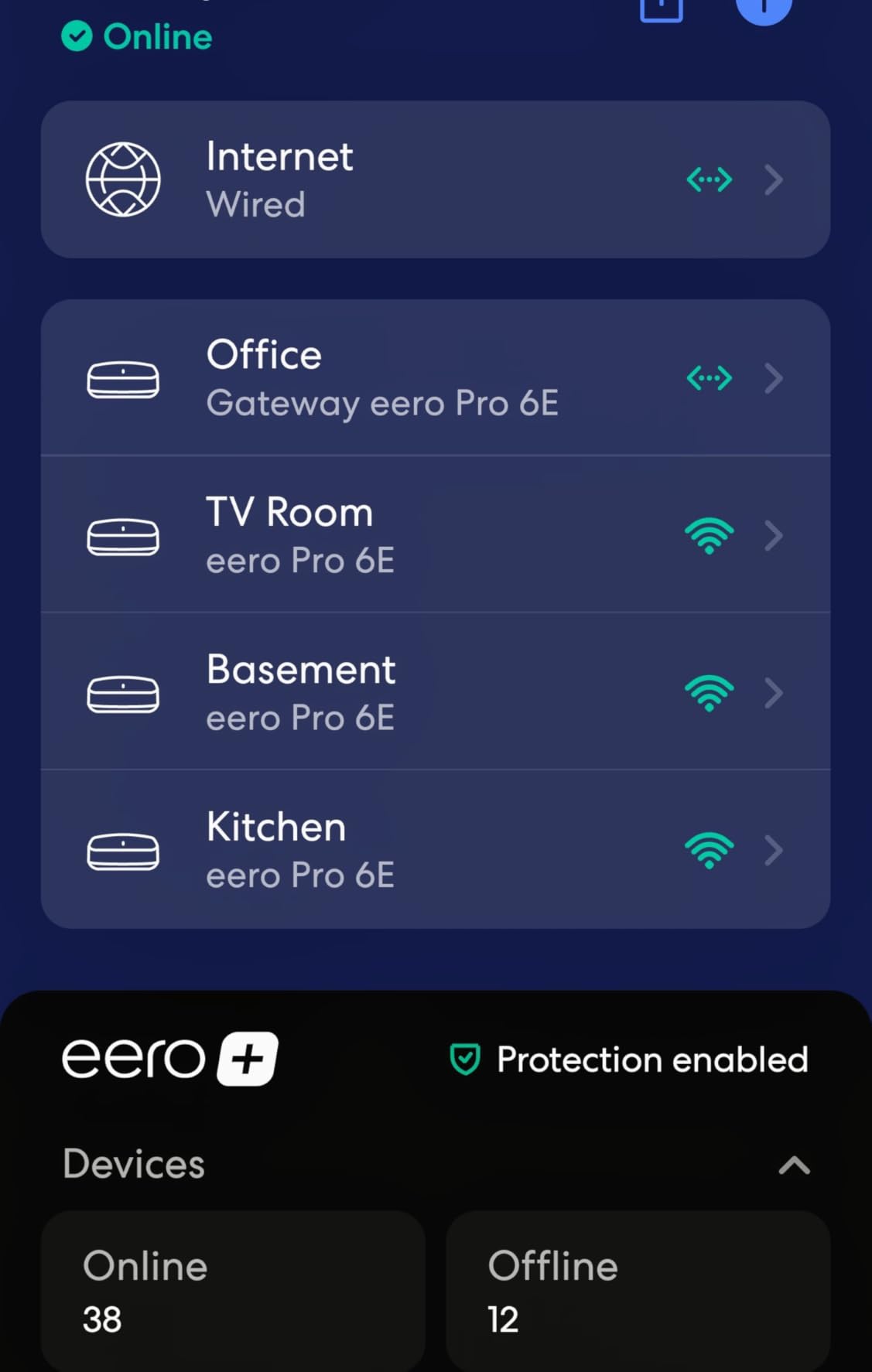
The 2.5 GbE port on each node is what makes it viable for gigabit-plus plans, and backwards compatibility lets you mix in an earlier dual-band node while you stage the upgrade.
Coverage and the Two-Port Limit
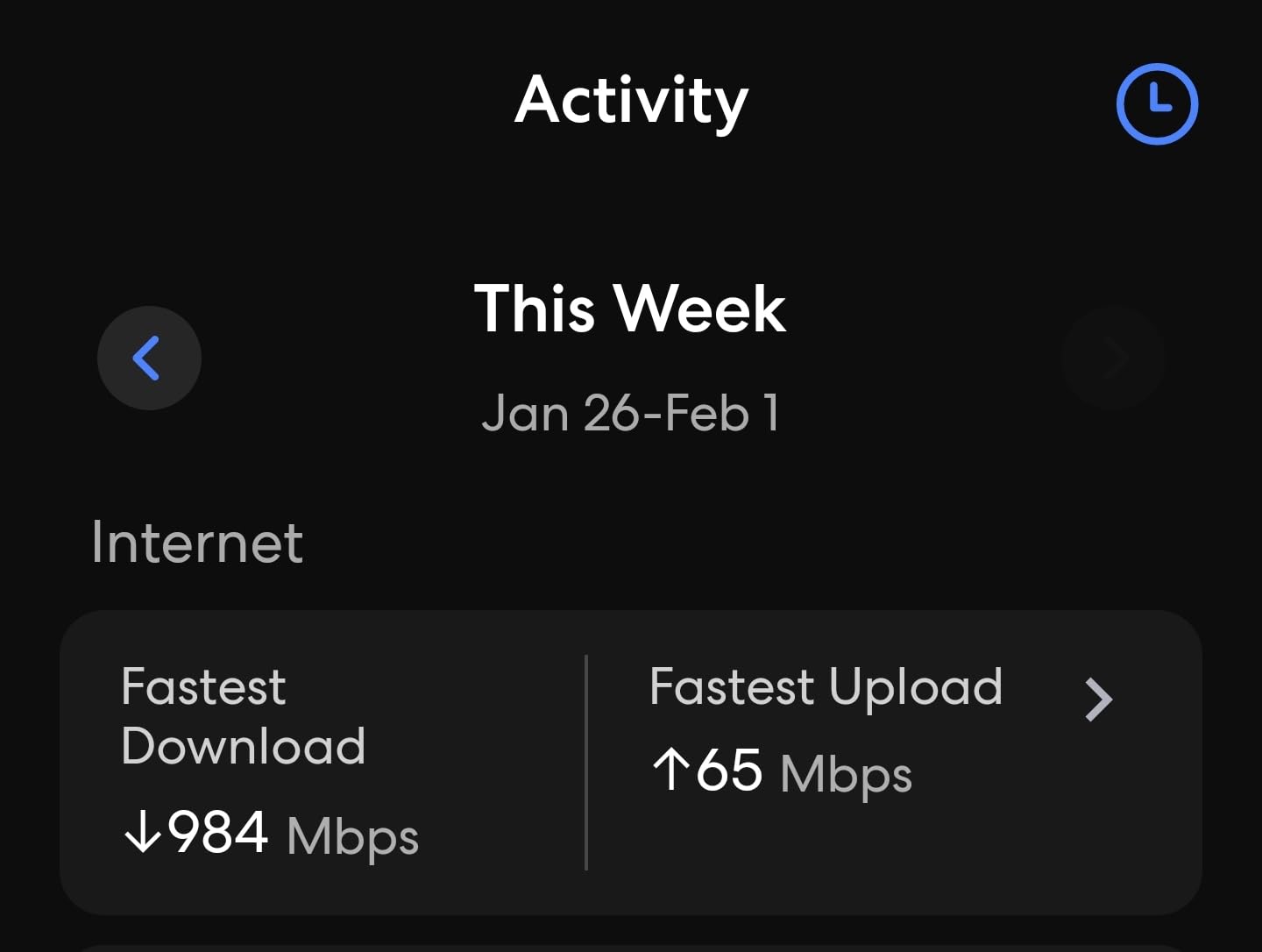
Claimed coverage is up to 6,000 square feet across the three-pack, and in our test home that held up better than any other kit here. Two Ethernet ports per node is the real limitation, so wired-heavy homes need a small unmanaged switch behind a node.
Who It Is Right For
Households running 60 to 100 devices with mixed smart home gear and no interest in tuning anything. If you want separate network names for 2.4 GHz cameras and 5 GHz laptops, pick something else, because eero will not split the bands.
A minority of owners report a node occasionally sticking on a reboot, and advanced network management sits behind an optional subscription. Neither stopped it from being our most reliable large-home system.
2. TP-Link Deco XE75 Pro 3-Pack – Best Value Mesh With a 2.5G Port on Every Node
TP-Link Deco XE75 Pro AXE5400 Tri-Band WiFi 6E Mesh System (3-Pack)
AXE5400 tri-band mesh
7,200 sq. ft. for 3 nodes
2.5 GbE + 2 x 1G per node
200 device rating
+ Pros
- Largest review base in the roundup
- 7200 sq. ft. across three nodes
- 2.5 GbE port per node
- 6 GHz band works as backhaul by default
- Single unified network name
– Cons
- Advanced HomeShield features cost extra
- One node still needs a cable to the modem
- 9% one-star reviews
- Lower wireless ceiling than premium towers
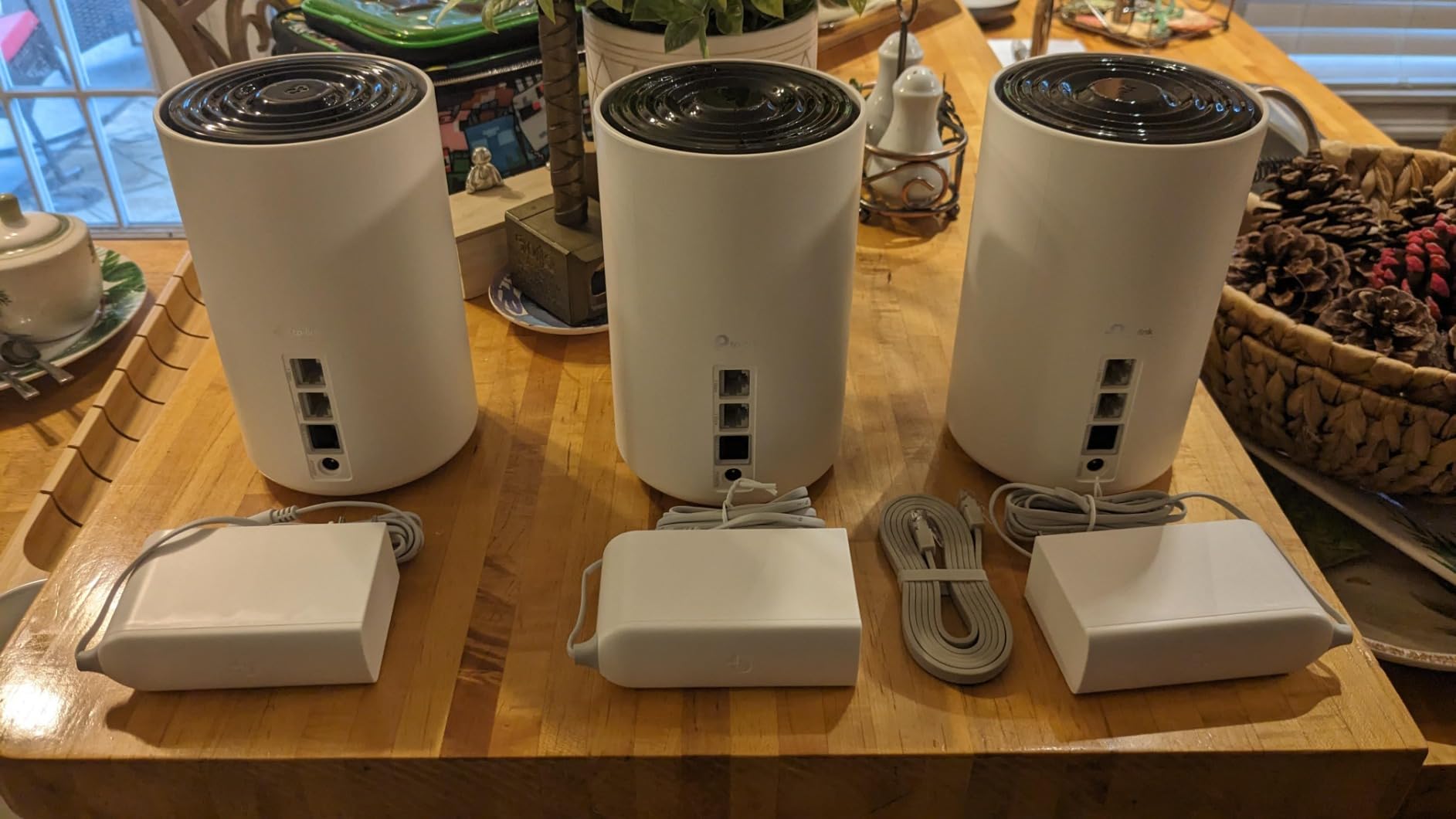
The Deco XE75 Pro is the value answer for a large home, and 3,286 reviews make it the most proven mesh system we looked at. Three nodes, a 2.5 GbE port in each, and a 6 GHz band that defaults to backhaul rather than client traffic.
That default is the detail that matters. Because the inter-node link runs on clean 6 GHz spectrum, 5 GHz and 2.4 GHz stay free for your devices, which is the opposite of how cheaper dual-band kits behave.
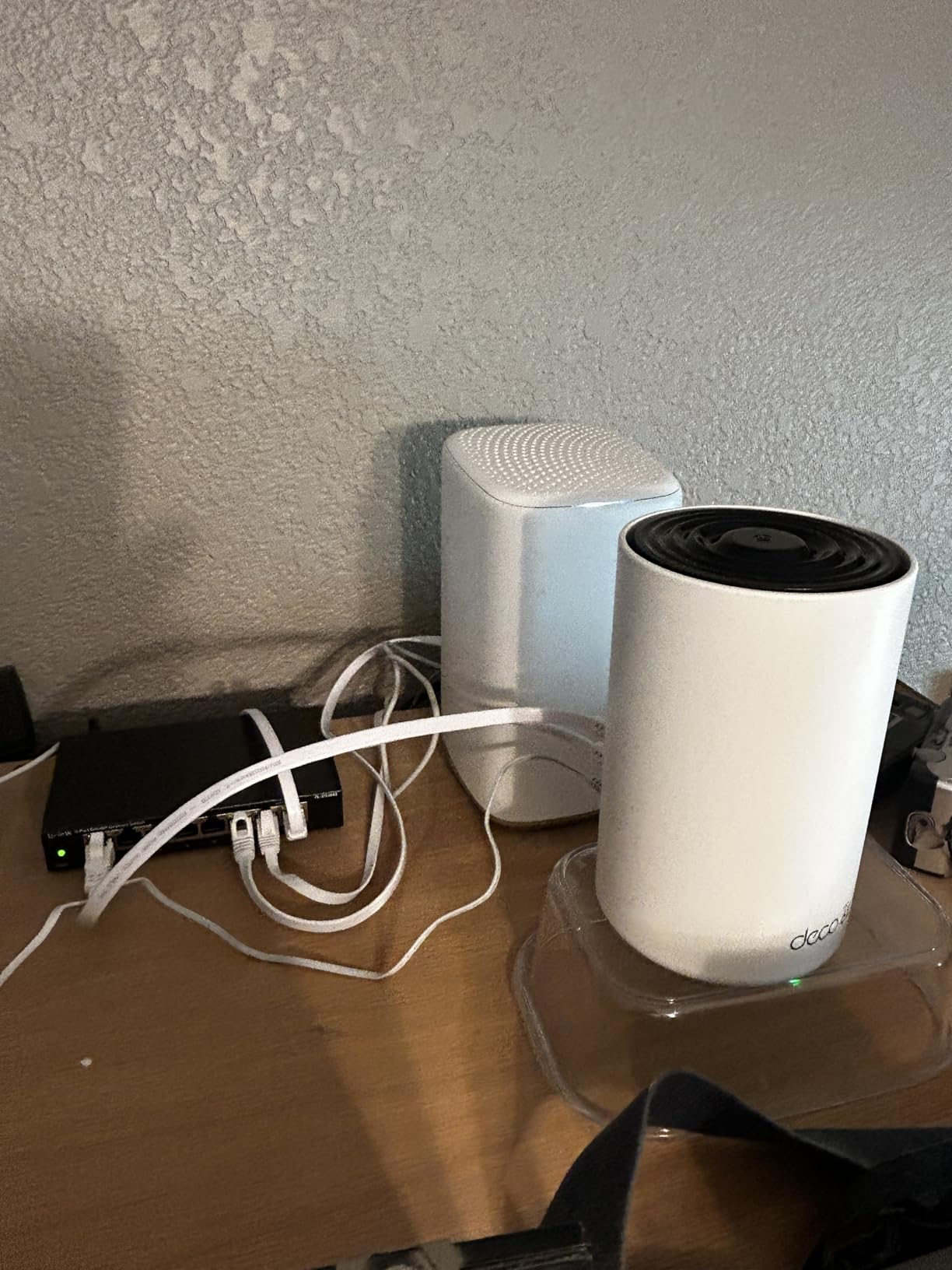
Band split is 2,402 Mbps on 6 GHz, 2,402 Mbps on 5 GHz, and 574 Mbps on 2.4 GHz, for 5,400 Mbps aggregate rated against 200 devices.
Wired Backhaul Fixes the Second Floor
Each node carries one 2.5 Gbps WAN/LAN port and two 1 Gbps LAN ports, so you can cable the upstairs node and leave the others wireless. You can also switch 6 GHz from backhaul to a client network, but in a large house leaving it on backhaul is smarter.
Who It Is Right For
Families in 3,000 to 5,000 square feet across two or three floors who want multi-gig ports without a premium tower. The AI-driven mesh learns the network environment and client behavior, then tunes roaming from there.
Advanced HomeShield security and IoT protection need a subscription, and 9% of reviews are one-star, pointing at firmware or support frustration rather than hardware failure.
3. TP-Link Deco XE70 Pro 3-Pack – Highest Rated Mesh Kit With Multi-Gig on Every Node
TP-Link Deco XE70 Pro AXE4900 Tri-Band WiFi 6E Mesh WiFi System, 3-Pack
AXE4900 tri-band mesh
2.5 Gbps port per node
2,900 sq. ft. per node
Wired plus wireless backhaul
+ Pros
- Highest average rating in the roundup
- 2.5 Gbps port on every node
- Supports wired and wireless backhaul together
- Covers up to 7200 sq. ft.
- Rated for 200 devices
– Cons
- Lower aggregate throughput than AXE5400 Deco models
- Advanced HomeShield features need a subscription
- 2-year warranty is short
The Deco XE70 Pro holds a 4.5 average across 684 reviews with 78% five-star feedback, the highest in this group. If you read ratings as a shortcut, this is the one that scores best.
Underneath it is an AXE4900 tri-band kit with 6 GHz plus two 5 GHz streams, and every node carries a 2.5 Gbps port alongside two 1 Gbps ports. That is 9 Ethernet ports across the three-pack.
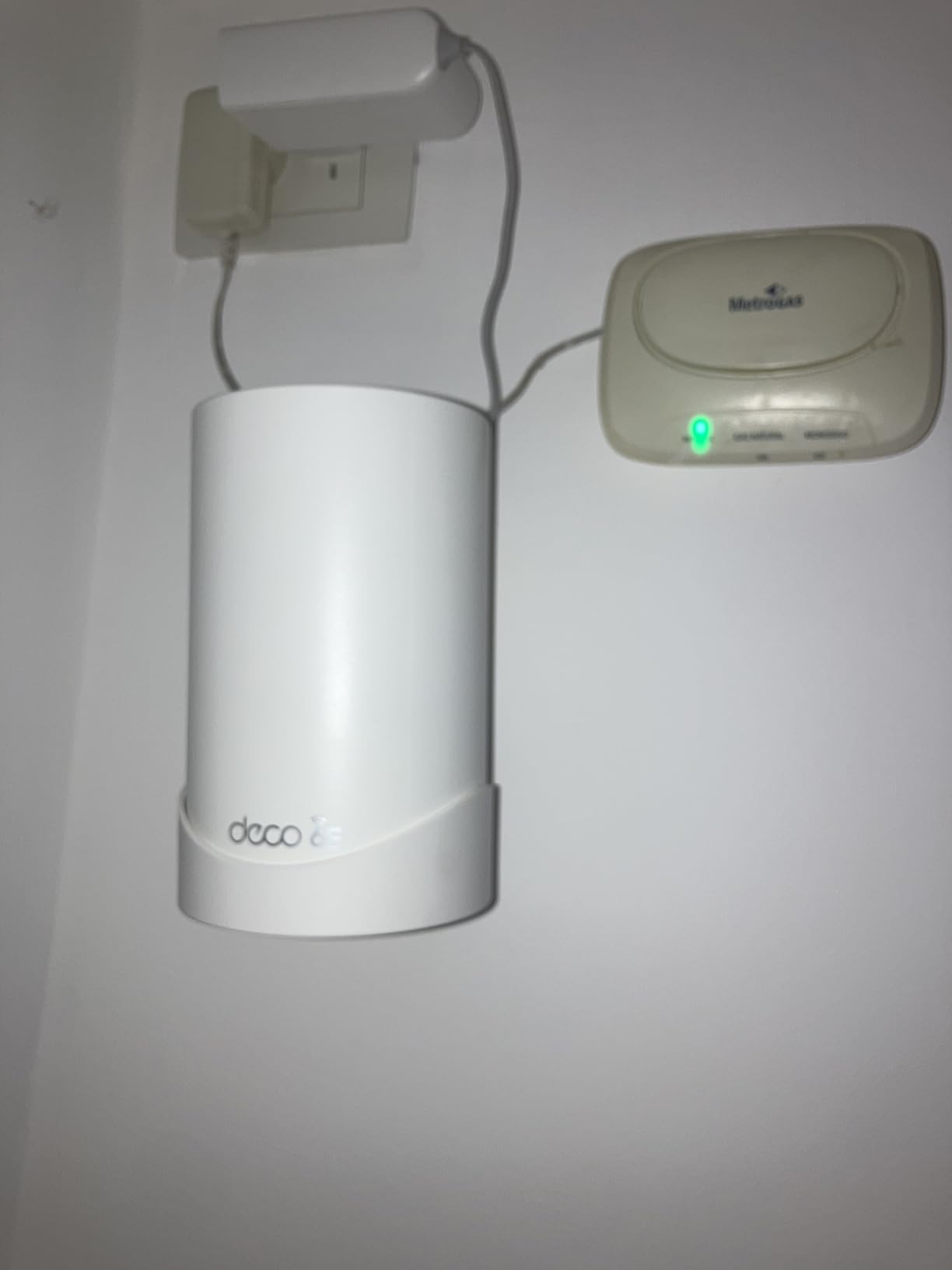
Coverage is up to 2,900 square feet per node, or 7,200 for the full pack. A 1 GHz dual-core processor with 512 MB of RAM handles the AI-roaming decisions across 12 internal antennas.
Wired and Wireless Backhaul at the Same Time
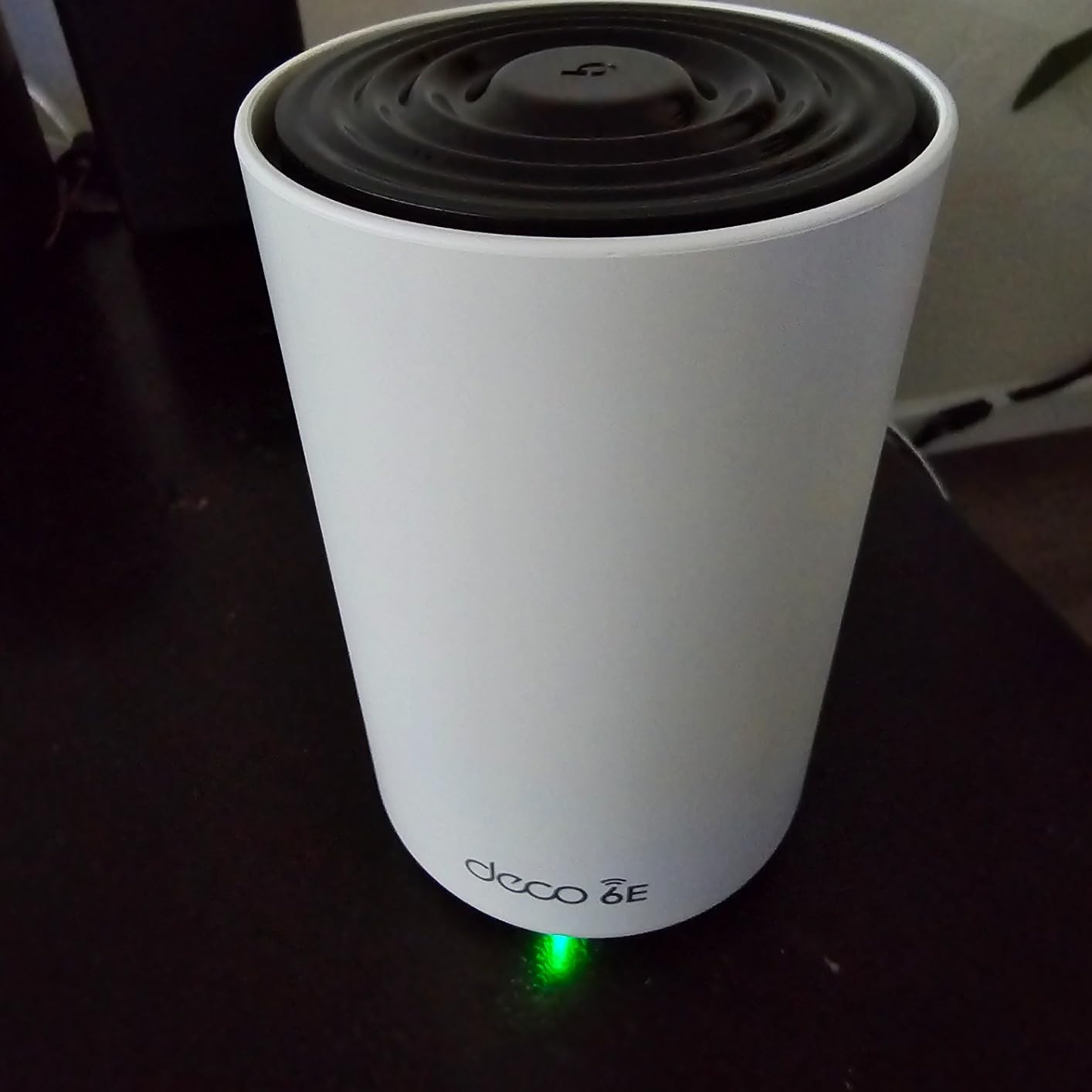
This kit supports both styles simultaneously, so you can cable one node to the modem and let the rest link wirelessly. It carries a 2-year warranty and CISA Secure-by-Design pledge signatory status. Aggregate throughput of 4.9 Gbps trails the AXE5400 Decos, so a client beside a node sees a slightly lower peak.
Who It Is Right For
Large homes where the Ethernet plan matters more than peak throughput, and where you want multi-gig on every floor instead of only at the modem. Across a 5,000 square foot house the coverage difference matters more than the speed difference.
Written review detail was thin for this model, so the rating distribution is the main signal. The recurring theme is the subscription gate on advanced HomeShield features.
4. NETGEAR Nighthawk RAXE500 – Fastest Single Tower for an Open Multi-Floor Home
NETGEAR Nighthawk WiFi 6E Router (RAXE500) – Security Features, 12-Stream Gigabit Router AXE11000 Tri-Band Wireless Speed (Up to 10.8Gbps), New 6GHz Band, Coverage up to 3,500 sq. ft, 60 Devices
AXE11000 tri-band
Up to 10.8 Gbps
3,500 sq. ft. claimed
1.8 GHz quad-core CPU
+ Pros
- Very high throughput on WiFi 6E clients
- Coverage reported across 3000 to 4400 sq. ft.
- Handles 80+ connected devices
- 2.5 Gb port plus four 1G ports
- Reuses existing SSIDs for migration
– Cons
- Large footprint and power brick
- Dated web interface and mobile app
- Smart Connect excludes the 6 GHz radio
- Weak built-in parental controls
- Some owners report reboots
The RAXE500 is the fastest standalone router here, with up to 10.8 Gbps aggregate from a 1.8 GHz quad-core processor and 512 MB of RAM. It suits open homes where one central location genuinely sees most of the floor plan.
Owners running it in 3,000 to 4,400 square foot homes report coverage reaching basements and concrete or steel construction, which is rarer than it sounds. Eighty-plus devices are handled without complaint.
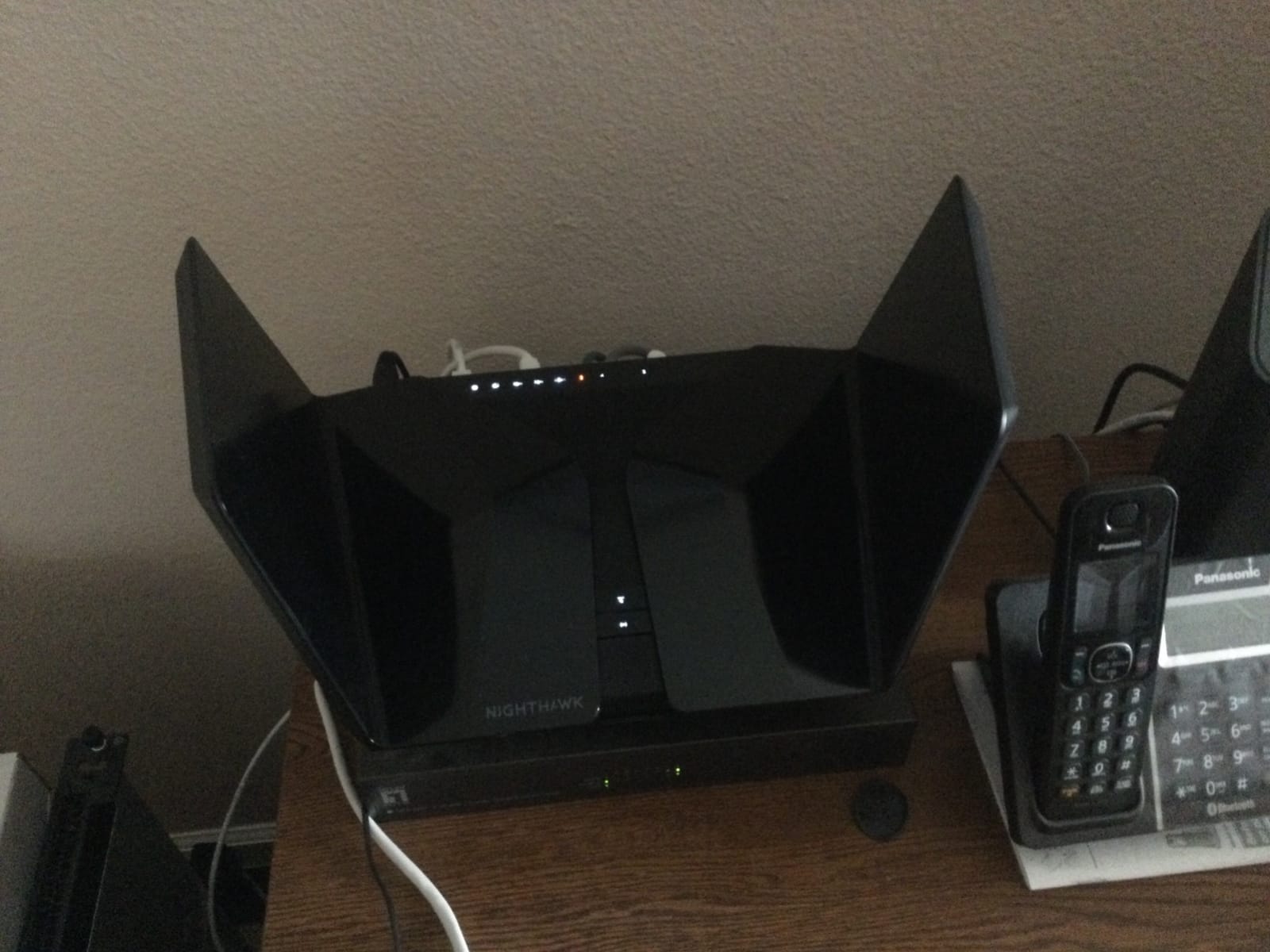
Ports are 4 x 1G plus 1 x 2.5G, and NETGEAR lists compatibility with ISP plans up to 2 Gbps across cable, satellite, fiber, and DSL.
The Software Is the Weak Spot
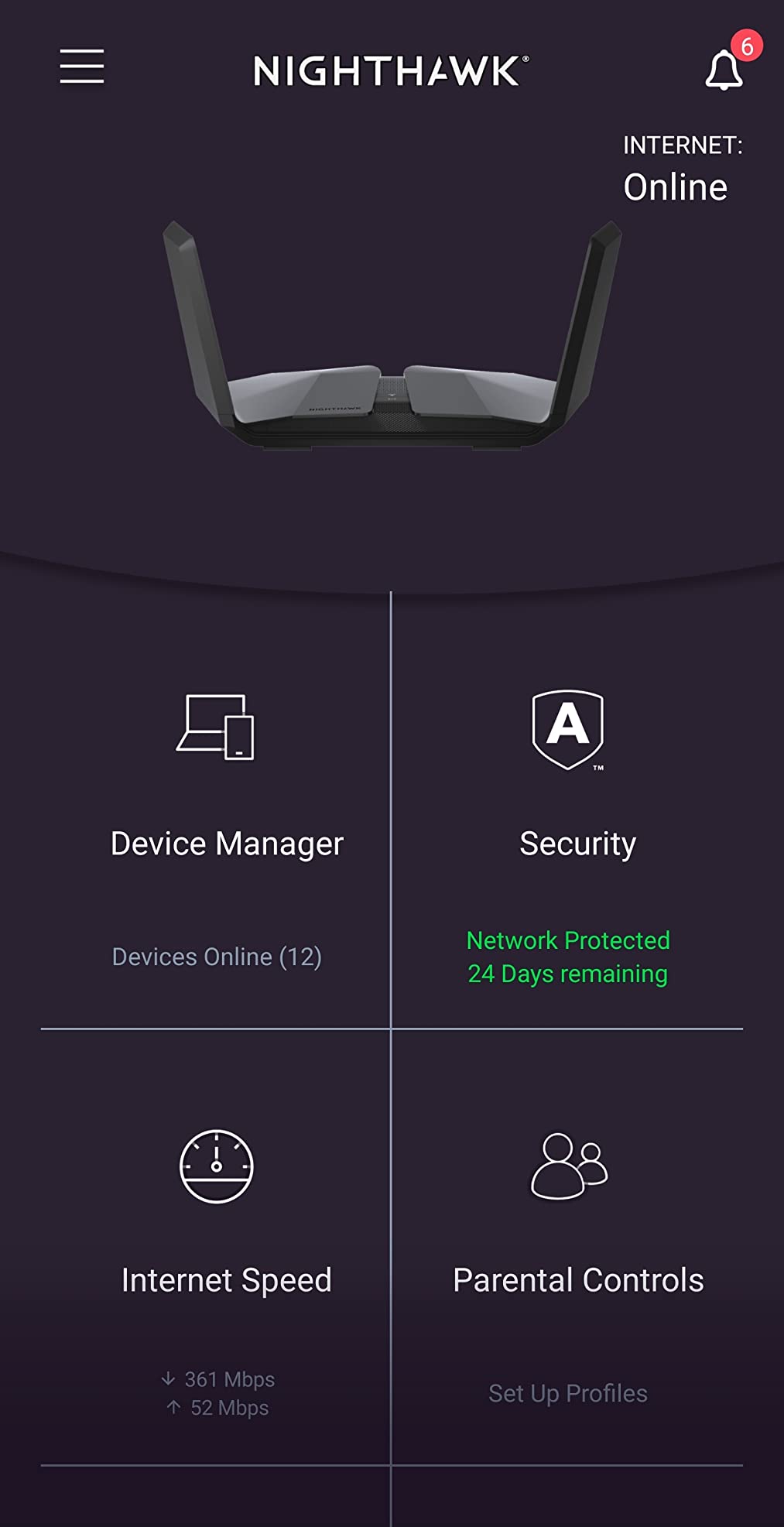
Smart Connect does not cover the 6 GHz radio, so 6 GHz clients need their own network name. The Nighthawk app and web interface draw criticism for being dated and missing advanced settings, and built-in parental controls are thin. Several buyers run this as an access point through the web interface, which is a sensible pattern when the walls already carry cable.
Who It Is Right For
A 2,000 to 3,500 square foot home on one or two floors with an open center, and anyone who wants raw speed over mesh flexibility. A single unit that never reboots beats three nodes that need babysitting.
The hardware draws the complaints, not the speed: a large shelf footprint, a bulky power adapter, and a minority of reports of the unit stopping until rebooted.
5. NETGEAR Nighthawk RAXE300 – Standalone Router Owners Rate Across Three Floors
NETGEAR Nighthawk Tri-Band WiFi 6E Router (RAXE300) – Security Features, AXE7800 Wireless Gigabit Speed (Up to 7.8Gbps), New 6GHz Band, 8-Streams Cover up to 2,500 sq. ft., 40 Devices
AXE7800 tri-band
Up to 7.8 Gbps
2,500 sq. ft. claimed
1.7 GHz quad-core CPU
+ Pros
- Owners report coverage across three floors
- Range extends 50 to 75 ft outside the home
- Stable on fiber
- Works well as a wired access point
- Lowest latency on the 6 GHz band
– Cons
- Regulatory region is hardware-locked
- No fiber optic connector
- App-centric setup with thin documentation
- Full parental controls need a subscription
The RAXE300 is the standalone router I suggest when someone wants one box instead of a mesh kit, and owners regularly report it covering three floors. A 1.7 GHz quad-core processor drives 7.8 Gbps aggregate, ample for a gigabit plan.
Several buyers use it as a wired access point fed by Ethernet backhaul, a strong pattern for a 3,000 square foot home with existing cabling. The 6 GHz band gives the lowest latency, and owners dedicate it to gaming devices.
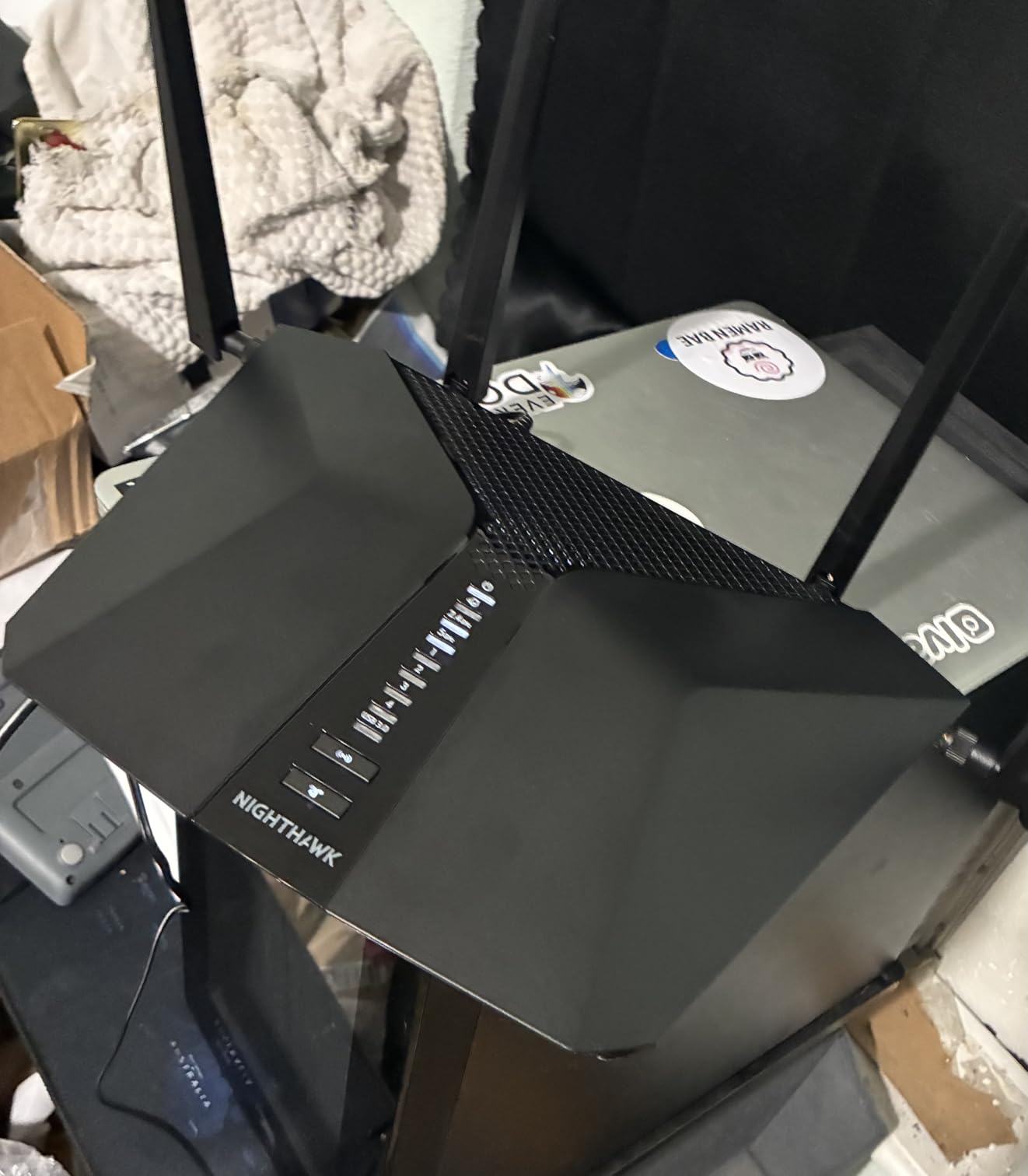
Ports are 4 x 1G plus 1 x 2.5G across seven total, and NETGEAR lists compatibility with plans up to 1 Gigabit. Six internal antennas sit flush in the chassis, so it is less conspicuous than the RAXE500.
Check the Region Lock First
This unit is hardware-locked to a regulatory region, and owners report units arriving configured for a different region that cannot be changed. Outside the United States the 6 GHz band can be disabled, which would defeat a 6E router. There is also no fiber optic connector, so a passive fiber ONT needs a separate Ethernet path.
Who It Is Right For
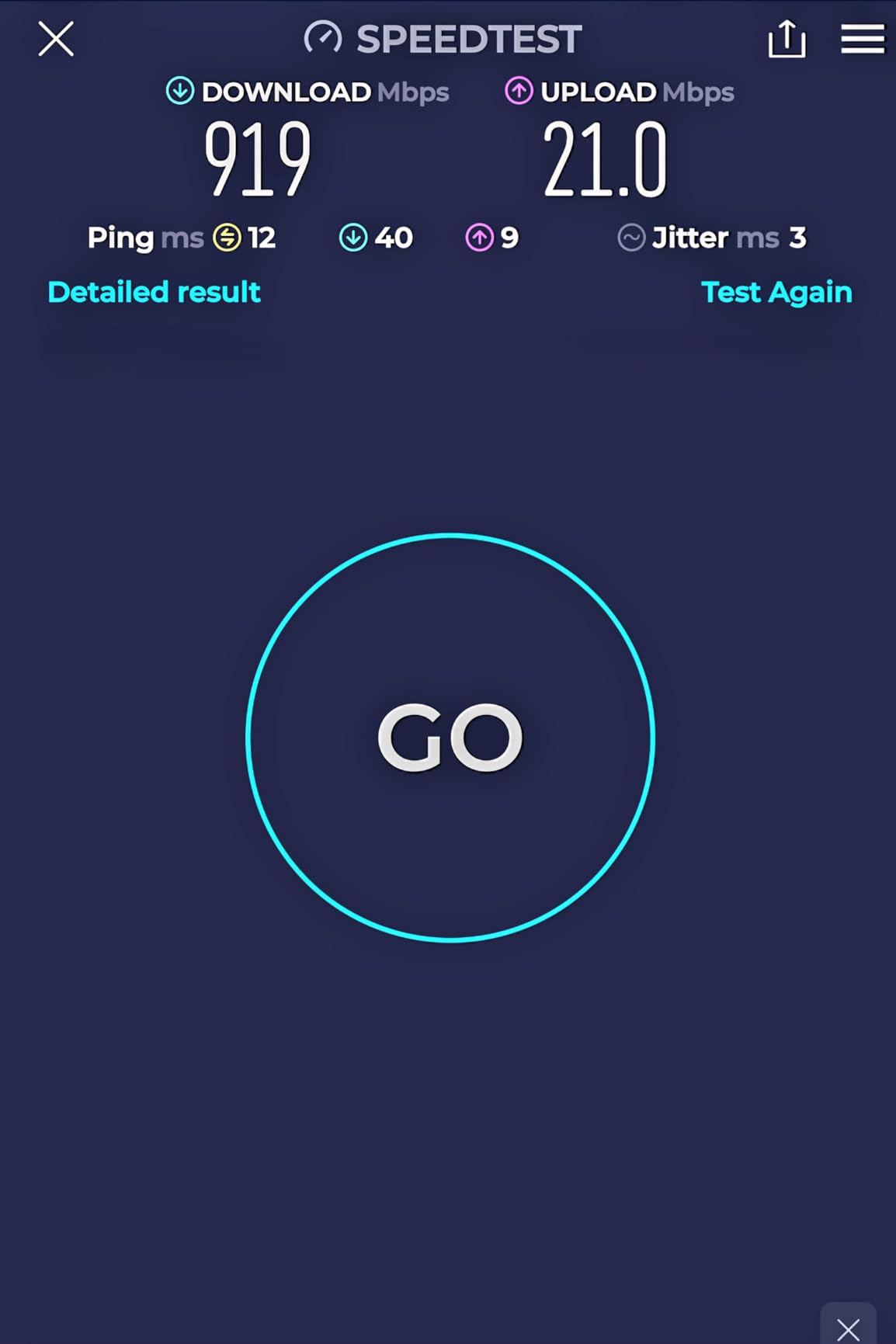
A 2,000 to 2,500 square foot home on two floors with a gigabit plan and no need for mesh. It also works as a secondary access point in a larger wired home, which is how several owners get multi-floor coverage.
Setup leans on the app with little written documentation, full parental controls are subscription-gated, and NETGEAR Armor comes with a 30-day trial.
6. TP-Link Archer AXE300 – Quad-Band Power and Two 10Gbps Ports for Fiber
TP-Link AXE16000 Quad-Band WiFi 6E Router (Archer AXE300)
AXE16000 quad-band
Two 10 Gbps ports
SFP+ combo port
Quad-core CPU
+ Pros
- Most capable standalone design in the group
- Two independent 5 GHz radios
- 10 Gbps and SFP+ for fast NAS transfers
- VPN server and client support
- Eight retractable antennas
– Cons
- Not a mesh system
- 4.1 average rating with 11% one-star reviews
- 10 Gbps and 2.5 Gbps WAN cannot run together
- Advanced HomeShield features cost extra
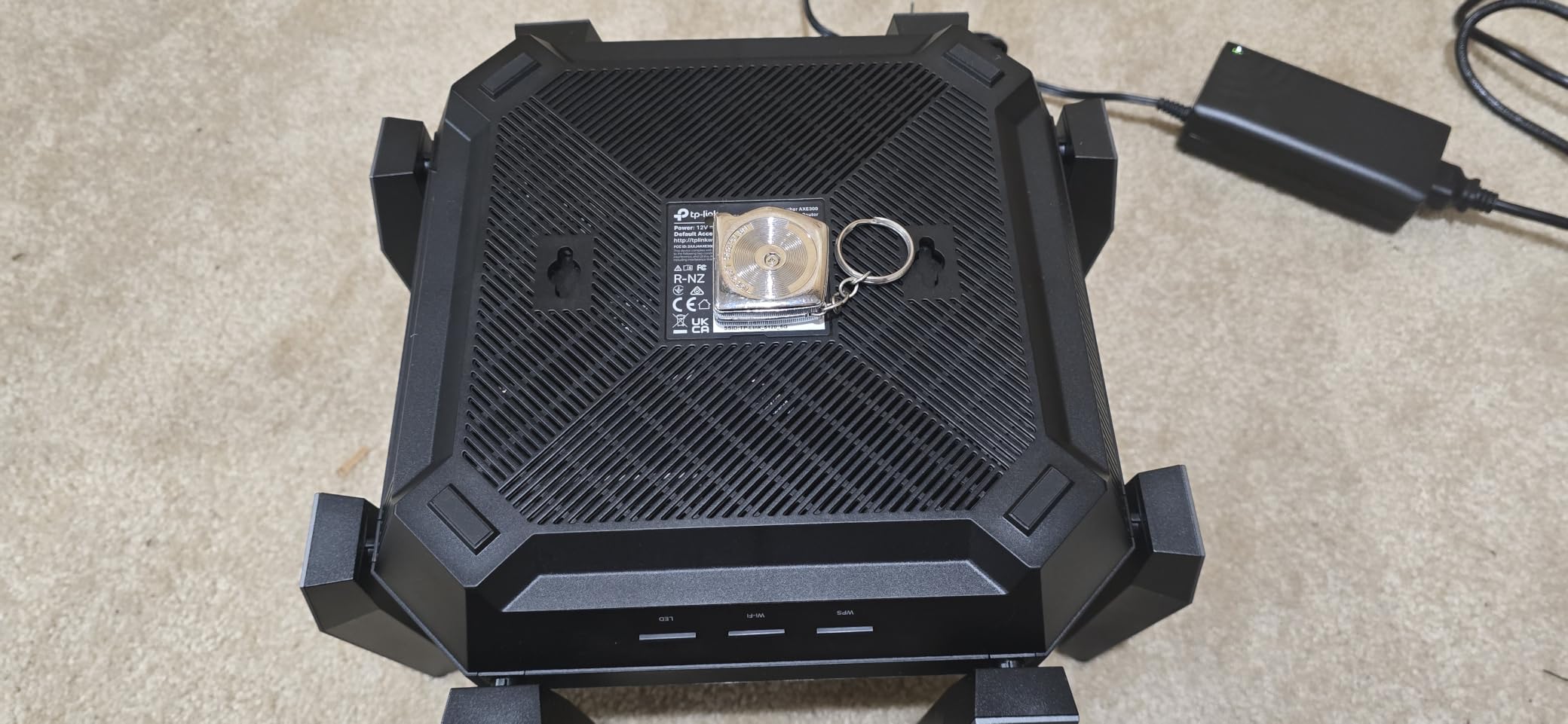
The Archer AXE300 is the spec sheet winner, with quad-band AXE16000 throughput and two 10 Gbps ports. One is a 10 Gbps WAN/LAN port, the other a 10 Gbps SFP+ combo, so fiber users are not forced into copper.
The band split is unusual: 4,804 Mbps on 6 GHz, 4,804 Mbps on each of two separate 5 GHz radios, and 1,148 Mbps on 2.4 GHz. Two independent 5 GHz radios keep legacy clients from starving modern ones.
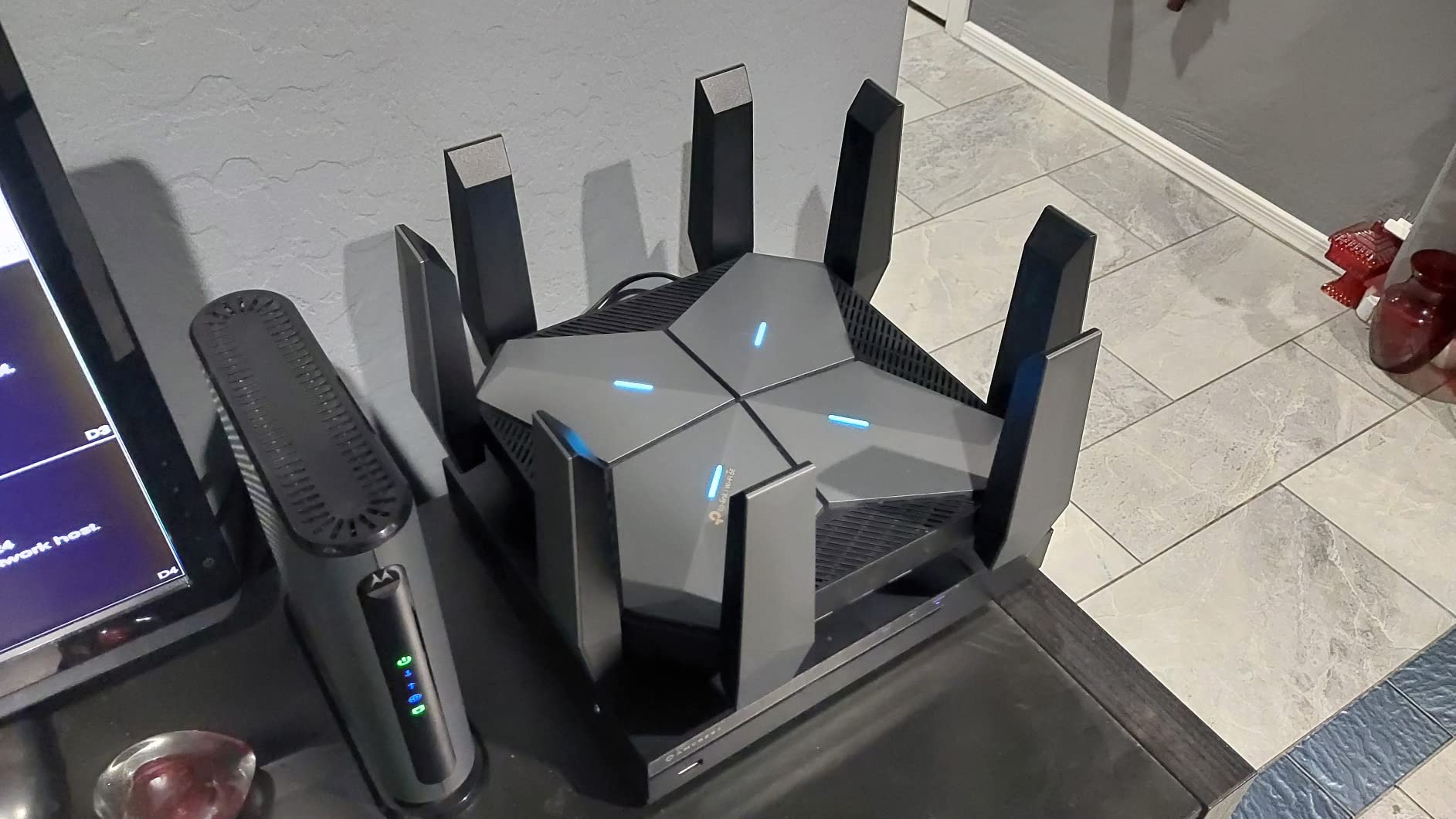
Port count totals 7, including one 2.5 Gbps WAN/LAN and four Gigabit LAN. VPN server and client roles run over OpenVPN, PPTP, and L2TP, which few routers at this level offer.
When a Quad-Band Tower Makes Sense
This shape fits a large single-floor home, a finished basement, or a small office where everything terminates near the router. Eight retractable antennas push coverage as far as a standalone unit realistically goes. It is not a mesh system, so a 4,000 square foot multi-story home still needs an expansion plan, and the 10 Gbps and 2.5 Gbps ports cannot both serve as WAN.
Who It Is Right For
Fiber subscribers past 2 Gbps, owners with a NAS that benefits from SFP+, and anyone who wants a router that keeps working as a VPN server. TP-Link is a CISA Secure-by-Design signatory and the warranty runs two years.
At 4.1 stars across 369 reviews with 11% one-star feedback, this one draws more complaints than its spec sheet suggests it should. Written review detail was thin, so judge it on the hardware and buy where returns are easy.
7. MSI Radix AXE6600 – Cheapest Way Into WiFi 6E With Gaming Features
MSI Radix AXE6600 WiFi 6E Tri-Band Gaming Router, AI QoS, RGB, 1.8GHz Quad-Core Processor, MU-MIMO, Tri Band Gigabit Wireless, 8-Stream, High Speed Long Range Gaming Router
AXE6600 tri-band
8 streams to 6.6 Gbps
AI QoS
RGB Mystic Light
+ Pros
- Lowest price of any WiFi 6E router here
- 1.8 GHz quad-core processor
- AI QoS prioritizes gaming traffic
- Built-in game accelerator
- Three-year warranty is the longest here
– Cons
- Only one listed Ethernet port
- Not a mesh system
- 2.5 Gbps cap is far below the 10 Gbps options
- Fixed antennas
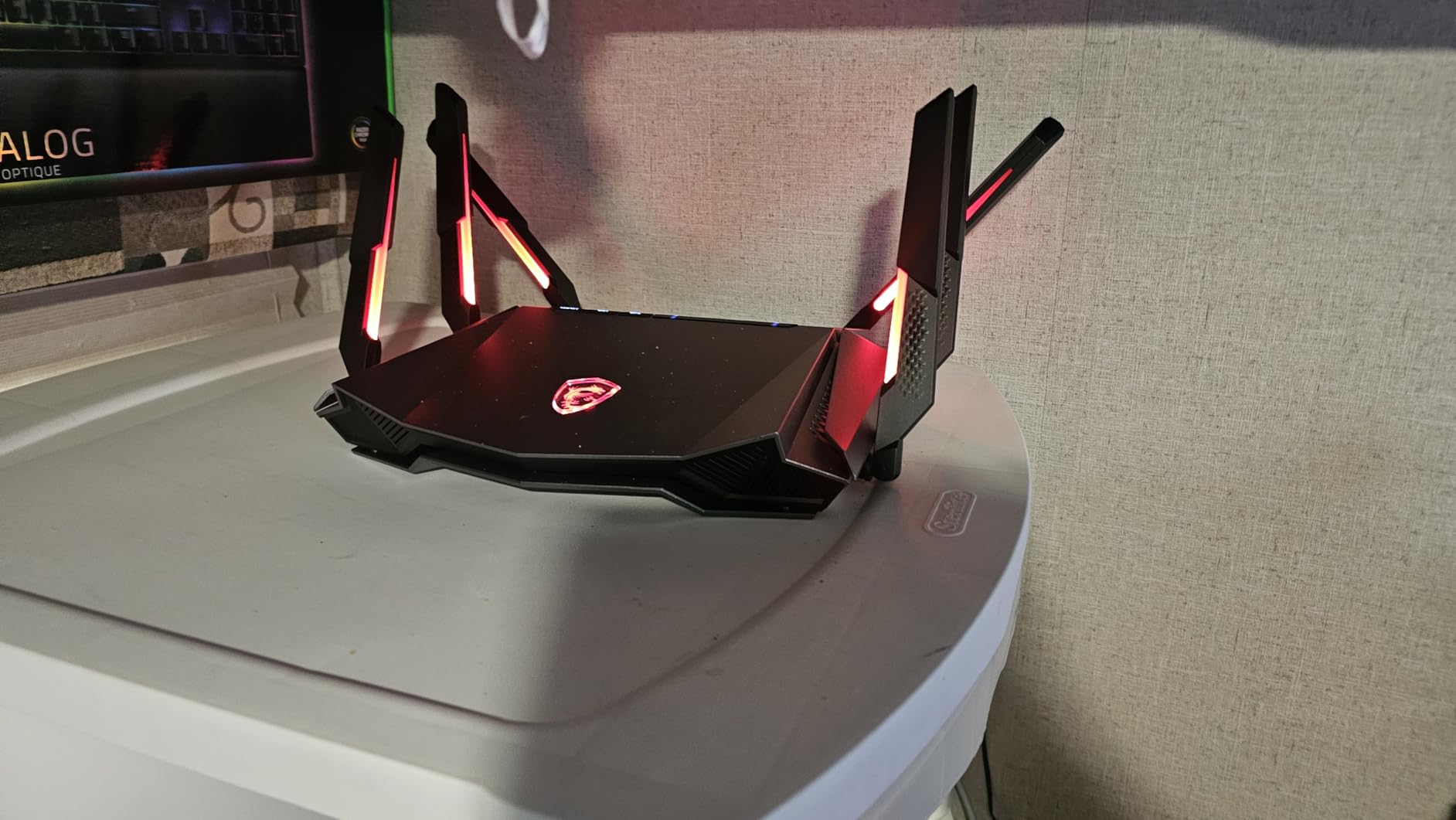
The Radix AXE6600 is the cheapest way into WiFi 6E here, and the gaming extras are real rather than cosmetic. AI QoS prioritizes packets automatically, and a built-in game accelerator helps hold latency down during play.
Eight simultaneous streams across 2.4, 5, and 6 GHz add up to 6.6 Gbps aggregate on a 1.8 GHz quad-core processor. Mystic Light RGB syncs with compatible MSI hardware if you want the router to match a gaming build.
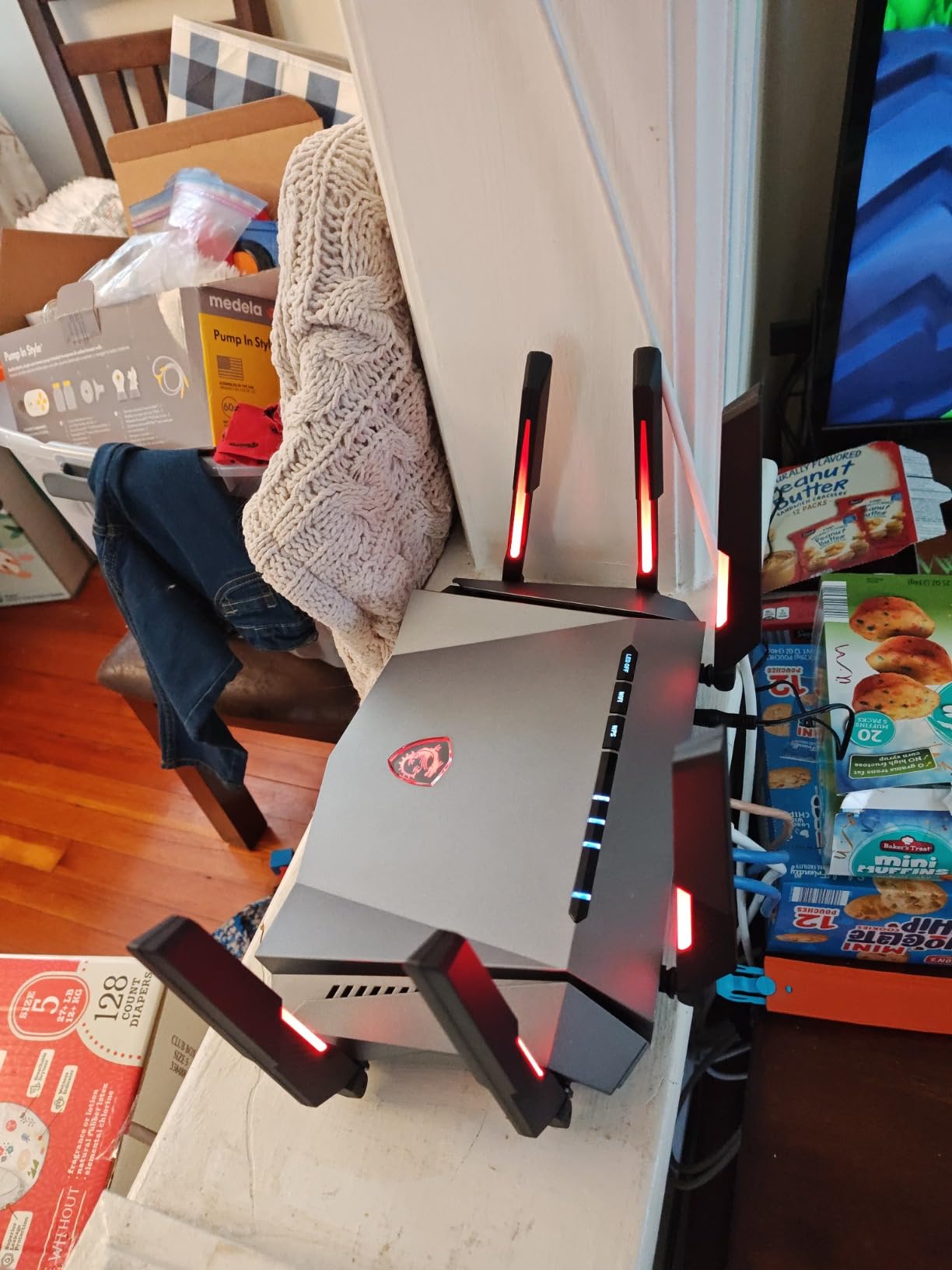
Security covers WPA-PSK, WPA2-PSK, and WPA3-PSK, and the three-year warranty is the longest of any router here. Six fixed antennas keep the footprint compact.
Gaming Features vs Large-Home Reality
AI QoS matters most when latency is the complaint, which happens in a busy household with a 4K stream running in another room. Neither feature can fix coverage the radio never reaches, and one listed Ethernet port is the serious limitation for a large home. With no mesh expansion and a 2.5 Gbps ceiling, this is a single-room or small-office router that happens to be very good value.
Who It Is Right For
A gamer in a compact apartment or a 1,500 to 2,000 square foot home who wants 6 GHz speed and traffic prioritisation without spending much. It is also a sensible second router for a gaming room off a larger wired network.
Written owner feedback was limited, so the 4.3 average across 386 reviews and 72% five-star share is the main signal.
8. NETGEAR Orbi RBRE960 – 10Gig Internet Port for Multi-Gig Cable or Fiber
NETGEAR Orbi Quad-Band WiFi 6E Router (RBRE960), Security Features, Up to 10 Gbps Speed, Covers up to 3,000 sq. ft, 200 Devices, 10 Gig Internet Port, Expandable to Create A Mesh System, AXE11000
Quad-band AXE11000
10 Gbps internet port
3,000 sq. ft.
Expands to Orbi mesh
+ Pros
- Consistently high throughput on multi-gig service
- Coverage reported as beating a two-node mesh
- Expands with Orbi 960 satellites
- Runs silently
- Works with smart home gear out of the box
– Cons
- Crashes during sustained large downloads
- Some units lose connectivity after several months
- 5 GHz band cannot be disabled
- Web UI is hard to navigate
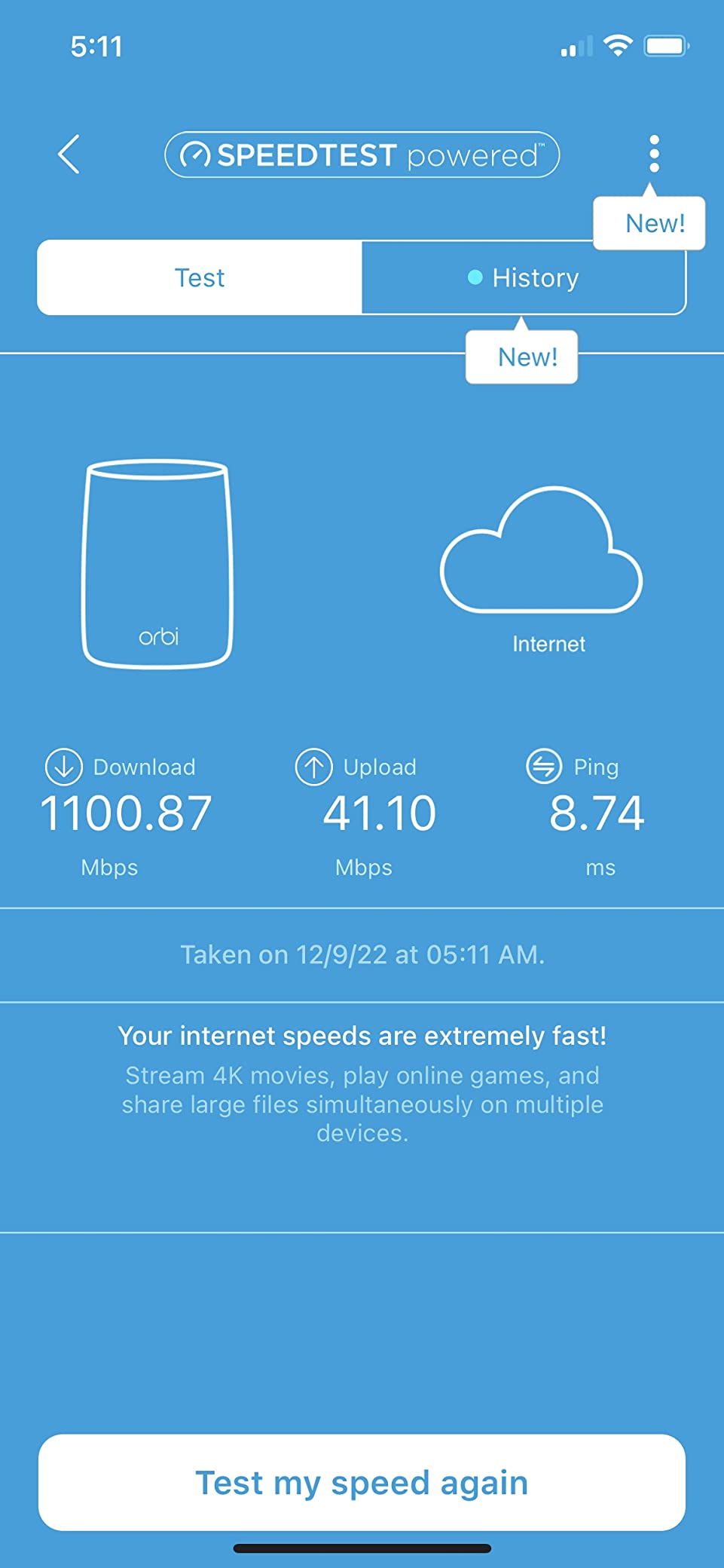
The Orbi RBRE960 exists for one reason: a 10 Gbps internet port, the only way to get full throughput out of multi-gig cable or fiber without another box in front. Quad-band AXE11000 spec with a claimed 3,000 square foot footprint.
Owners report coverage strong enough that a single unit outperformed a competing two-node mesh, and it works reliably with cameras and thermostats. It also runs silently, which matters if it sits in a living area.
It expands into a full mesh with Orbi 960 satellites, so a large home can start with one box and add nodes later. WPA2 and WPA3 are both supported, with NETGEAR Armor on a 30-day trial.
Stability Is the Weak Spot
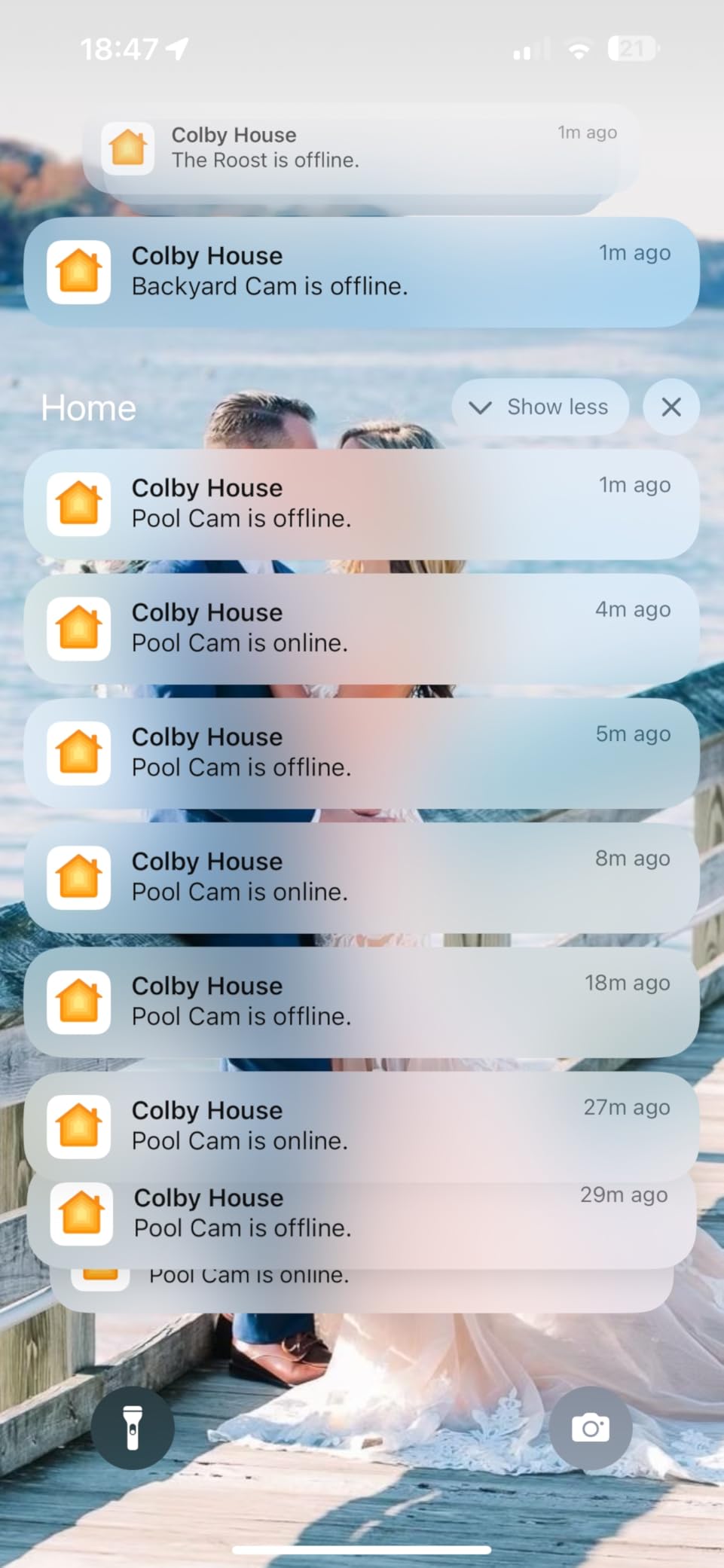
Owners report crashes and restarts during sustained multi-gigabyte downloads across several firmware versions, and a few report losing connectivity after five or six months despite reboots. That pattern matters if your household pulls large files regularly. The 5 GHz band also cannot be disabled, which can trip older 5 GHz-only devices, and the web interface is hard to navigate.
Who It Is Right For
Households on a 2,000 to 3,000 square foot plan with 5 Gbps or 10 Gbps fiber or cable, where the internet port is the deciding spec. The one-year warranty is the shortest here, which is worth weighing against that stability feedback.
At 4.0 stars from 116 reviews, it carries a 13% one-star share and the complaints cluster around stability rather than speed.
9. Wyze Mesh Router Pro 2-Pack – Best Pick When Smart Home Pairing Is the Problem
Wyze AXE5400 Tri-Band Wi-Fi 6E Mesh Router Pro, Covers up to 4000 Sq. Ft, 150+ Devices, Replaces Legacy Routers for Whole Home Coverage, Supports Wired Backhaul, 1×1 Gbps & 2×1 Gbps Ports – 2 Pack
AXE5400 tri-band
2,000 sq. ft. per node
1 Gbps and 2.5 Gbps ports
Up to 10 nodes
+ Pros
- Two-node install in 15 to 20 minutes
- Expands to 10 nodes with three covering 6000 sq. ft.
- Separate 2.4 and 5 GHz network names
- Real throughput gains over a single router
- 2.5 Gbps port for multi-gig plans
– Cons
- Highest one-star share at 15% from hardware failures
- Very few admin controls or metrics
- Runs very hot
- Threat detection can block sites with no way to disable it
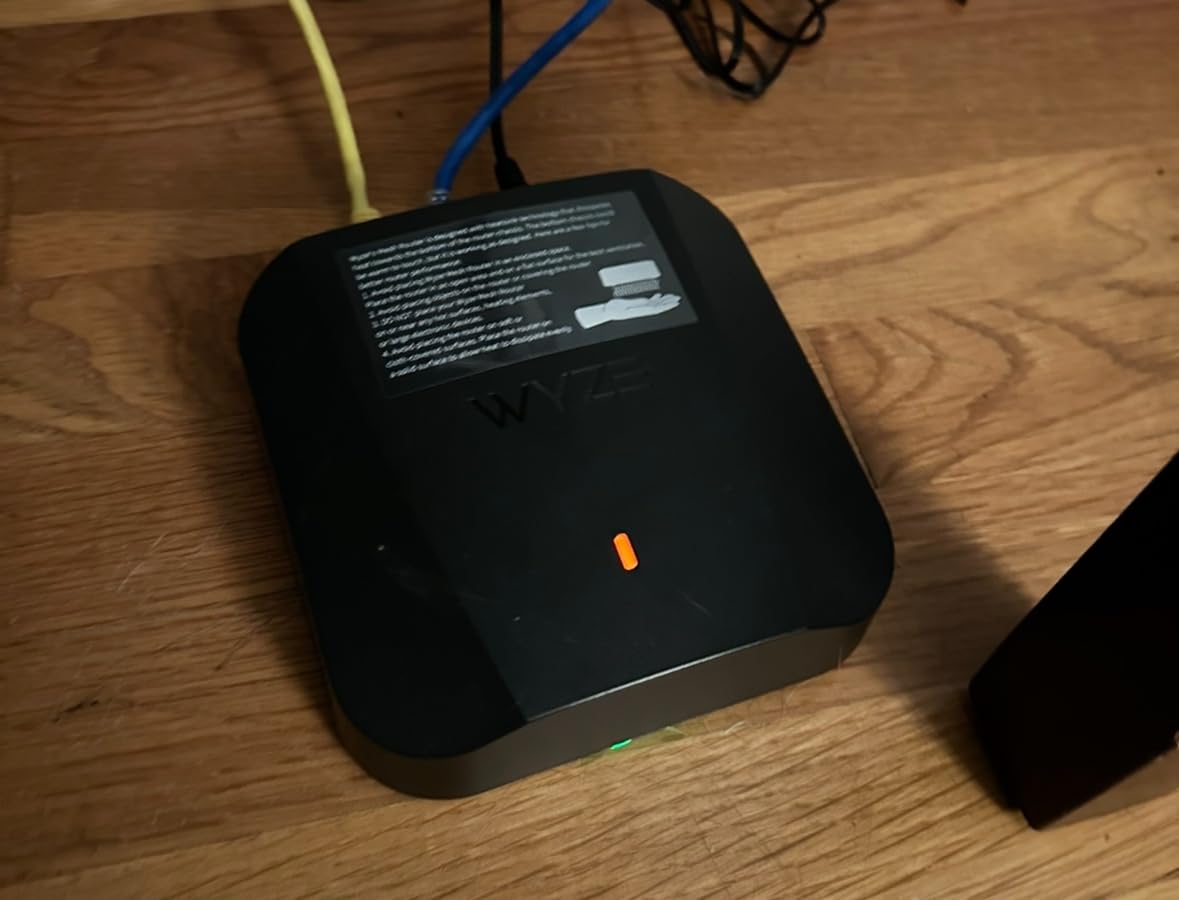
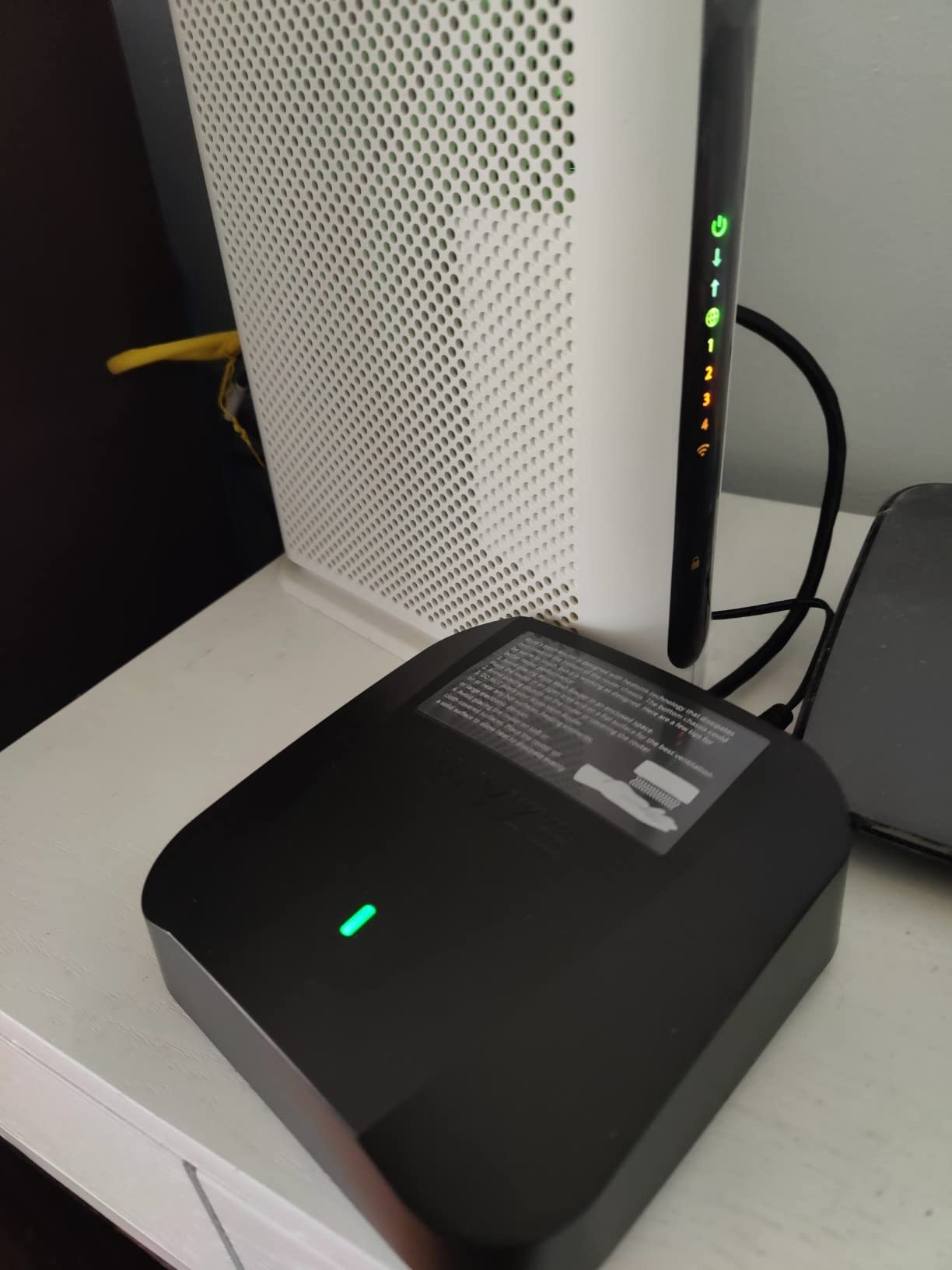
The Wyze Mesh Router Pro solves a specific problem better than pricier kits: 2.4 GHz-only smart home devices that will not pair on a unified network name. Owners with cameras and locks call that the reason it works.
Each node covers up to 2,000 square feet, or 4,000 on the two-pack, and the system expands to 10 nodes with three units covering 6,000 square feet. Two nodes set up in about 15 to 20 minutes in owner reports.
Ports are 1 Gbps and 2.5 Gbps, access point mode is supported, and 1 GB of RAM runs the ZyNOS operating system.
Hardware Reliability Is the Real Risk
This is the lowest-rated product here at 4.0, and its 15% one-star share is the highest, driven by hardware failures and units restarting daily. Owners also report almost no administrative controls, logs, or metrics. Units run very hot, so give each node airflow rather than shelving it, and the threat-detection service can block CDNs and URLs with no way to turn it off.
Who It Is Right For
A 3,000 to 4,000 sq ft home where cameras, plugs, and thermostats dominate the device list, and where separate band names matter more than a large admin toolbox. Support for 150+ devices on a two-router network is a reasonable ceiling. If stability history worries you, our mesh picks for large houses narrow the field.
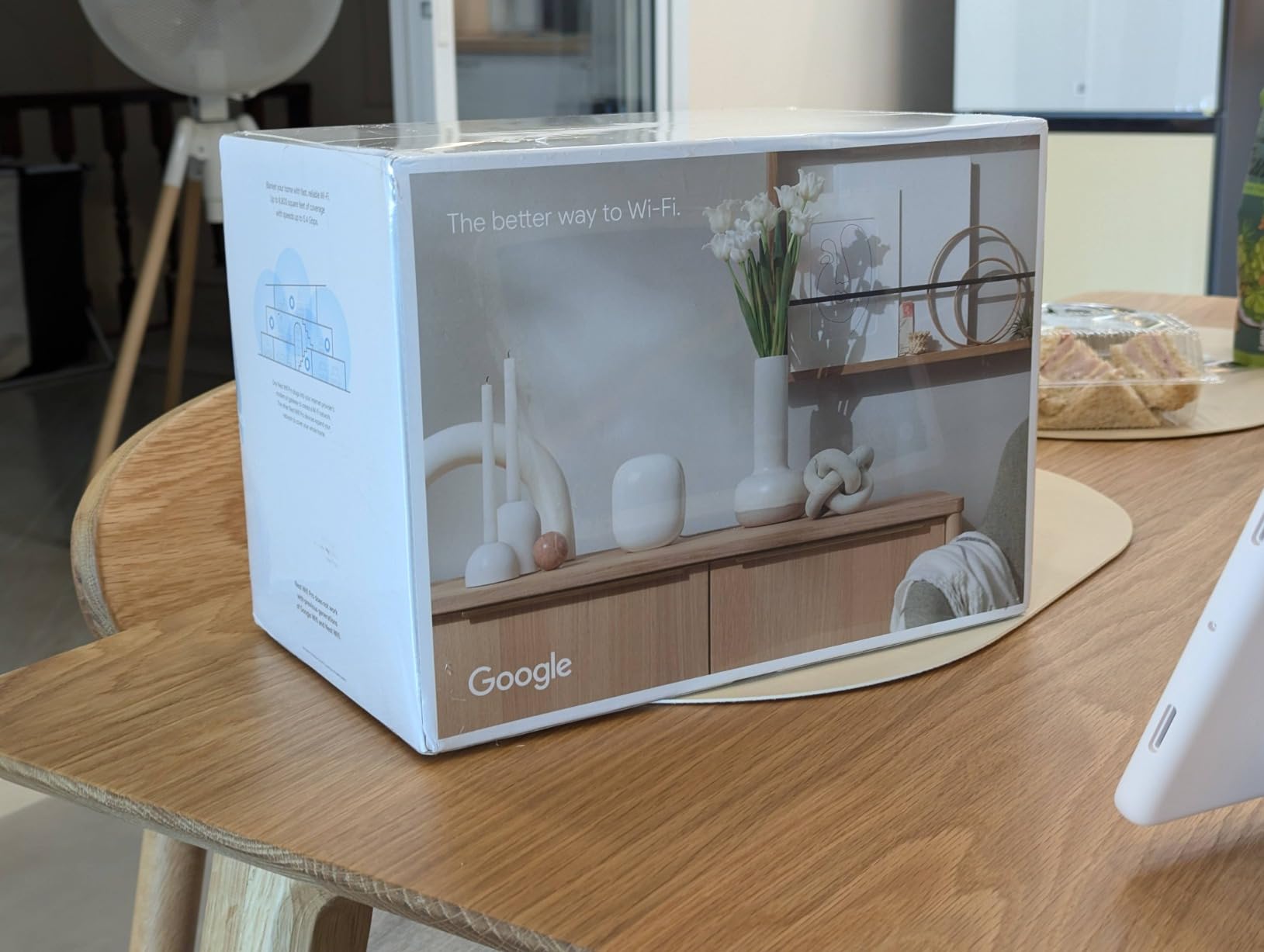
10. Google Nest WiFi Pro – Cleanest Setup for an Existing Google Home Household
Google Nest WiFi Pro – Wi-Fi 6E – Reliable Home Wi-Fi System with Fast Speed and Whole Home Coverage – WPS – Mesh Router – Non-Retail Packaging – Fog
Tri-band WiFi 6E
2,200 sq. ft. per router
1 Gbps port bandwidth
Up to 2x faster than WiFi 6
+ Pros
- Straightforward Google Home app setup
- Clean unobtrusive design
- Reliable coverage for phones
- TVs
- and smart home gear
- Self-diagnosing network maintenance
- Secure booting and automatic updates
– Cons
- Highest one-star share at 16%
- Some multi-packs need restarts several times a week
- 1 Gbps port bandwidth caps multi-gig plans
- Not compatible with older Google Wifi or Nest Wifi
- No band splitting
Google Nest WiFi Pro is the least fiddly option here, and if your household already runs Google Home the setup is close to automatic. It is tri-band 2.4, 5, and 6 GHz, advertised at up to 2x faster than WiFi 6.
Multi-pack configurations scale coverage for homes with dead spots, and the self-diagnosing features resolve some issues without intervention. Owners report dependable coverage across phones, laptops, streaming devices, and smart home products.
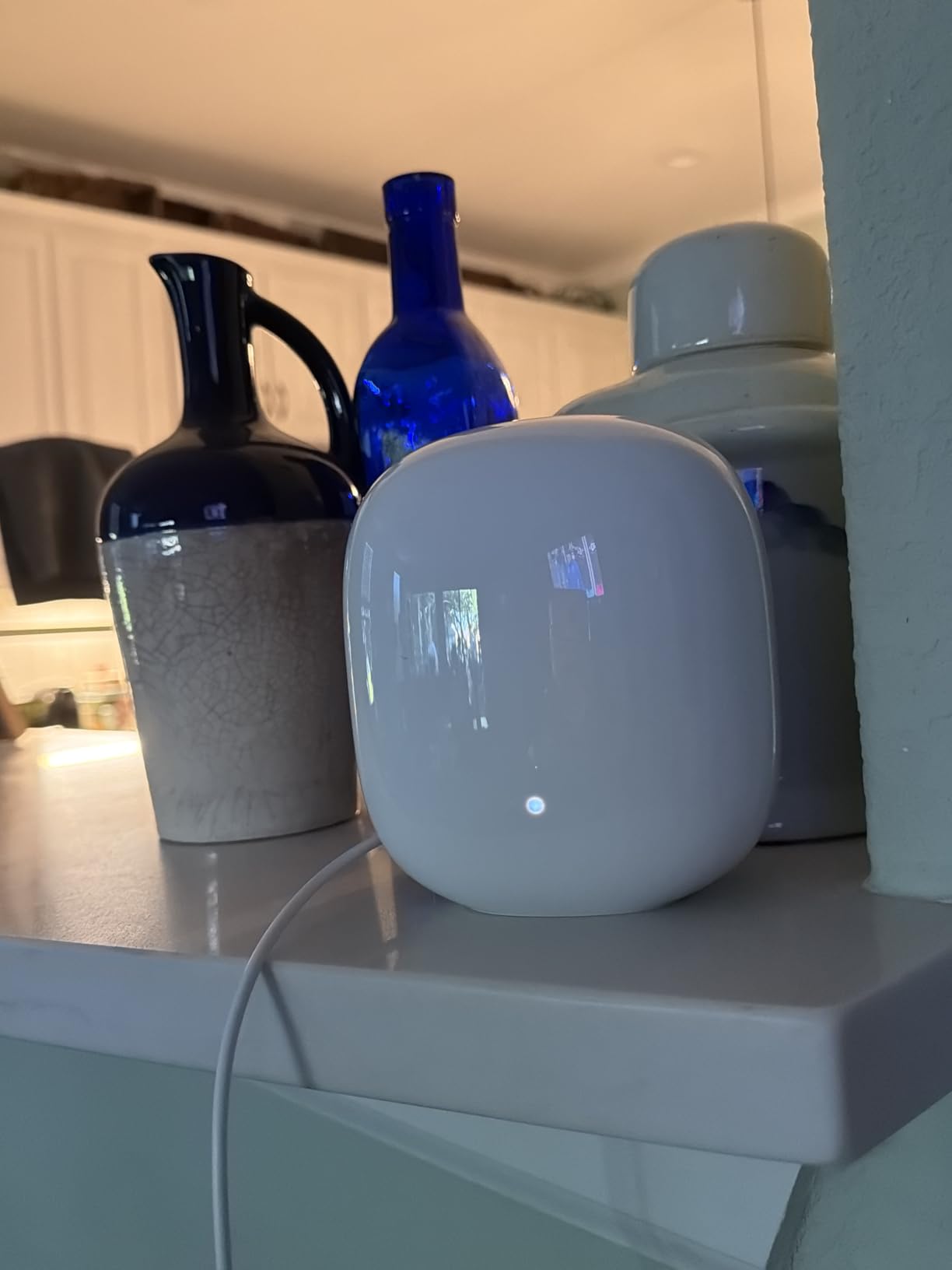
One router covers up to 2,200 square feet, and automatic tuning prioritises video calls, which is a thoughtful touch for a home office.
Where the 1 Gbps Ceiling Bites
LAN port bandwidth is 1.0 Gbps with up to 500 Mbps upstream, so a 2 Gbps fiber plan is capped by the hardware no matter what the radio can do. On a gigabit plan that is rarely the deciding factor. There is no band splitting, so 2.4 GHz-only devices need a workaround to pair, and it is incompatible with previous-generation Google Wifi or Nest Wifi hardware.
Who It Is Right For
A 2,000 to 3,000 square foot home where ease of use beats tuning, and households already invested in Google Home. Secure booting and a one-year warranty round out a low-maintenance package.
At 4.1 stars from 277 reviews with a 16% one-star share, reliability is the issue. Some multi-pack owners report restarting the whole network several times a week even with major devices hardwired, which is why it sits last in our ranking.
How Many Mesh Nodes Does a Large Home Actually Need?
Budget one node per 1,500 to 2,000 square feet of usable coverage and one node per floor, then add one for basements, masonry, or thick walls.
2,500 square feet, single story: two nodes. One cabled to the modem in a central spot, the other in the far half of the house.
3,500 square feet, two stories: three nodes. One at the modem on the main floor, one mid-floor if the staircase dead-ends, one upstairs near the bedrooms.
5,000 square feet with a finished basement: three to four nodes, with at least one upstairs node running Ethernet back to the main unit. Wireless backhaul across three floors of drywall is where most frustrated owners end up.
Beyond 5,500 square feet, or an office wing: three or more nodes plus a dedicated wired access point, and start planning outdoor and outbuilding coverage too.
One caution from owner reports: buy from a retailer with a forgiving return window and test node placement before committing to a larger pack. Placement experimentation saves more than an extra node ever will.
Buying Guide: The Specs That Matter in a Large Home
Ignore aggregate speed numbers when choosing for a big house. Range, backhaul, and port speed decide whether the network feels good three floors away.
6 GHz Range Reality vs the Square Footage Claim
The 6 GHz band travels roughly half as far as 5 GHz and is absorbed more readily by walls, mirrors, and wiring. Treat every claimed coverage figure as open-plan, and expect the usable 6 GHz zone to be the rooms physically near a node.
This is the most cited complaint in home networking forums, and it is why a cheaper mesh kit can outperform an expensive tower. More nodes beat more transmit power.
2.5G, 5G, and 10G Ports Tied to Your Internet Plan
Match the WAN port to the plan you pay for. A gigabit plan needs 2.5 GbE, a 2 Gbps fiber plan needs 5 GbE or 10 GbE, and anything faster is wasted on most residential connections. Count LAN ports too: the eero Pro 6E has only two per node, so wired-heavy homes need a small switch.
Wired vs Wireless Backhaul
Wired backhaul uses your existing cabling and costs nothing in performance. Wireless backhaul is fine for one hop and degrades with each additional floor, especially when 6 GHz is also serving clients. Systems that support both at once, such as the Deco XE70 Pro, let you cable one node and leave the rest wireless.
WiFi 6E vs WiFi 7 vs WiFi 6 for Large Homes
WiFi 6E adds a third 6 GHz band to WiFi 6, and WiFi 7 builds on the same spectrum with wider channels and better multi-link handling. Wall penetration is effectively identical between the two, so neither gets through masonry better.
For coverage, WiFi 7 is not a leap. We covered the current generation in our WiFi 7 router guide, and in a large home node count and placement still matter more than the standard.
Free vs Paid Security Over Five Years
Every router here handles WPA3, firewalling, and basic parental controls for free. Paid tiers add VPN-based protection, deeper threat filtering, and IoT isolation. TP-Link HomeShield and NETGEAR Armor both gate advanced features behind a subscription, and eero Plus does the same, so decide deliberately rather than by accident. Over five years, a paid plan is a real ongoing cost.
Setup and Placement Rules for Multi-Story Homes
Correct placement does more for coverage than any spec on this list.
1. Put the primary node next to the modem in an open central spot, not inside a closet or behind a television.
2. Elevate it. A node on a shelf at head height covers more floor than one behind a sofa.
3. Give every node airflow. Several routers here run warm, and a closed cabinet shortens firmware life.
4. Keep nodes away from microwaves, metal appliances, mirrors, and reinforced concrete where layout allows.
5. Cable at least one extra node back to the main unit if the walls already carry Ethernet. One wired hop fixes most second-floor dead zones.
6. Leave 6 GHz on backhaul for multi-node mesh unless you have a reason not to. That is where it does the most good across floors.
7. Test before you commit. Walk the house with a speed test before and after each position change, then keep what works.
8. Install the replacement before cancelling the old gateway. Switch it to bridge or AP mode, confirm the new router pulls an address, then drop the old service.
Frequently Asked Questions
What is the best router for very large homes?
For homes over roughly 3,500 square feet or with more than two floors, a tri-band WiFi 6E mesh system with three nodes beats any single router. The 6 GHz band carries about half the range of 5 GHz, so coverage has to come from more nodes rather than a stronger tower. Our top pick is the eero Pro 6E 3-pack, and the TP-Link Deco XE75 Pro 3-pack is the value alternative.
Can 6 GHz go through walls?
Yes, but poorly. The 6 GHz band is absorbed more readily by drywall, mirrors, wiring, and concrete than 5 GHz, and it reaches roughly half the distance. Expect a strong signal in the same room and a noticeable falloff through one or two interior walls. In a large home this is why mesh nodes or wired access points matter more than transmit power.
How many mesh nodes do I need for a large house?
Budget one node per 1,500 to 2,000 square feet of usable coverage and one node per floor. A 2,500 sq ft single-story home needs 2 nodes, a 3,500 sq ft two-story home needs 3, and a 5,000 sq ft home with a basement needs 3 to 4. If you already have Ethernet in the walls, cable one node and keep the rest wireless.
Is WiFi 7 really better than WiFi 6E?
WiFi 7 offers wider channels and better multi-link handling on the same 2.4, 5, and 6 GHz spectrum, so it is faster near the router. It does not go through walls better, and for a large home the deciding factor is still node count and placement. WiFi 6E hardware costs less today and covers the same bands, so the value case is strong.
Is 80MHz or 160MHz better for a large home?
160 MHz channels deliver higher peak speeds but have a shorter usable range, which works against you across floors. In a multi-story home, 80 MHz is usually the better setting because the extra reach and reduced interference outweigh the theoretical speed gain. Switch to 160 MHz only in open single-floor space near the router.
The Best WiFi 6E Router for Your Large Home
If you want the least fuss and the most proven whole-home coverage, take the eero Pro 6E 3-pack. It handled our three-floor test home best, setup takes minutes, and 6,122 reviews give you a deep base of real-world evidence.
For more multi-gig ports and the best rating in the group, take the TP-Link Deco XE70 Pro 3-pack. For raw value across 3,500 to 5,000 square feet, the Deco XE75 Pro 3-pack with a 2.5 GbE port on every node is hard to argue with.
Above gigabit, the Archer AXE300 gives you two 10 Gbps ports and an SFP+ option, and the Orbi RBRE960 covers 10 Gbps cable with a mesh expansion path. If 2.4 GHz-only smart home gear is your specific problem, the Wyze Mesh Router Pro solves it with separate band names.
Whichever you choose, place it well and cable what you can. In 2026, coverage in a large home is still a placement decision far more than a shopping decision. Use the buttons above to check current listing details and owner feedback before you buy.
Leave a Reply