
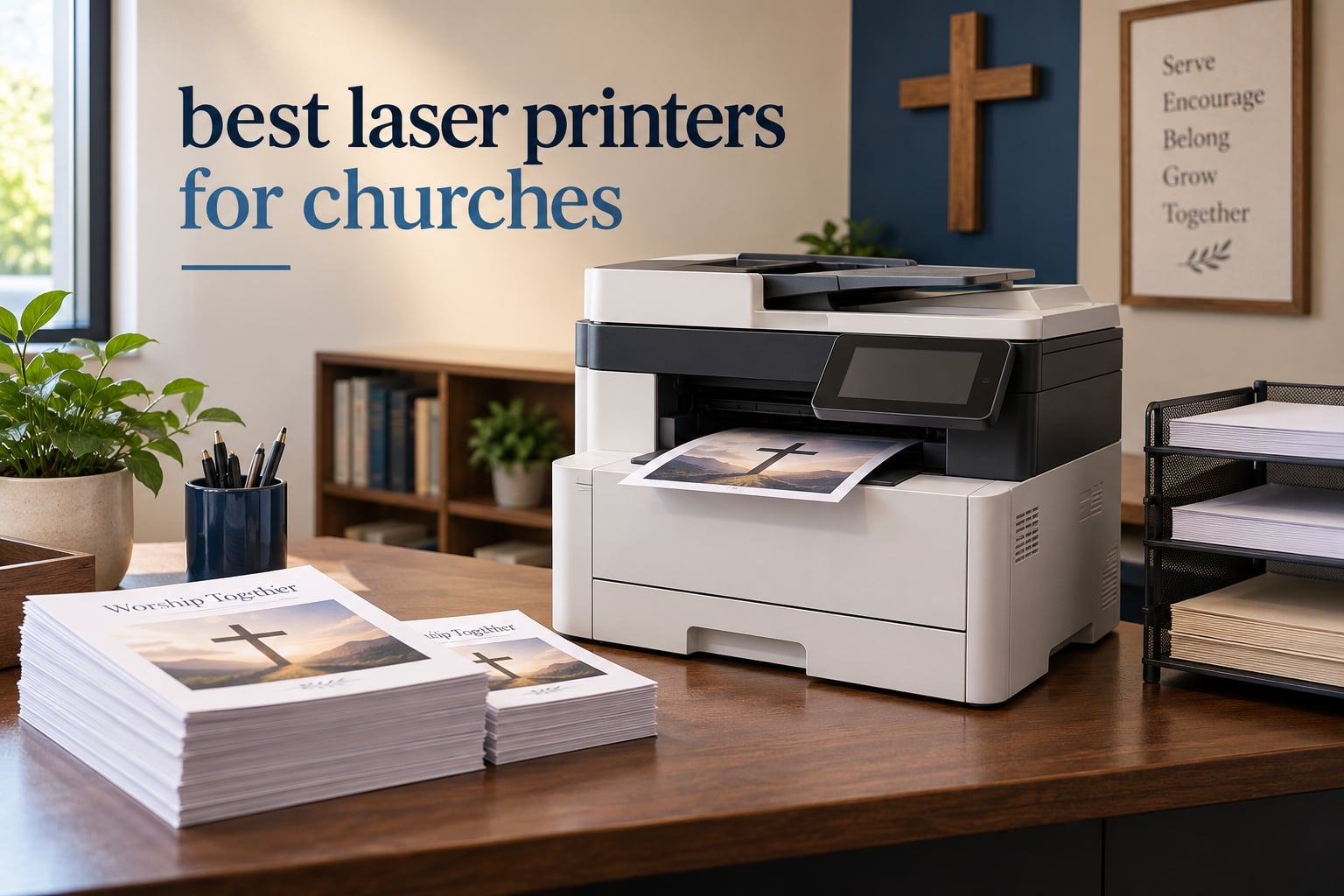
The best laser printer for a church is a monochrome or color laser multifunction machine with automatic duplex printing, an automatic document feeder, and a duty cycle high enough to absorb a weekly bulletin run without overheating. For most congregations under 600 people, that means a workgroup all-in-one rather than a desktop unit.
I spend a lot of time with church office equipment, and the pattern repeats almost every time. Somebody buys an inkjet because the machine is cheap at the register, then discovers what a 52-week bulletin run does to ink costs. Or a machine that was fine for 150 copies a month gets asked to produce 4,000 for Vacation Bible School, and the drum gives up eighteen months later.
Church printing is its own category. The same job repeats on the same schedule every week, the paper is often cardstock or glossy, the operator changes constantly, and a growing share of what comes out of the machine is confidential: giving statements, membership rolls, background check forms, counseling notes. A printer that fits a general office usually fits that volume badly.
This guide covers ten laser printers sized for real church offices, from congregations under 200 people to a dedicated print room. I look at monthly page load, toner economics, paper handling, security features, and how forgiving the machine is when the person pressing the buttons has never used it before.
If you also run a small company or nonprofit with similar needs, our picks for the best laser printers for small businesses cover similar ground with a different mix of hardware.
Our Top 3 Church Office Laser Printers, Tested Against Real Bulletin Loads

Brother MFC-L3720CDW
- Color laser all-in-one with fax
- 19 ppm color and black
- 250-sheet tray with 50-sheet ADF
- 3.5-inch color touchscreen

HP LaserJet MFP M234dw
- Monochrome laser all-in-one
- 30 ppm single-sided output
- Automatic two-sided printing
- Compact desktop footprint

HP LaserJet Pro MFP 3101sdw
- Monochrome laser up to 40 ppm
- 250-sheet input tray
- 50-sheet automatic document feeder
- Fast first page in 7 seconds
Comparing the Best Laser Printers for Churches in 2026
All ten machines below are laser devices suited to a church office. Five handle color, five are monochrome, and every one has automatic two-sided printing except the HP LaserJet Pro 4001n, which is manual-duplex by design.
| Product | Details | Action |
|---|---|---|
|
|
Check Latest Price |
|
|
Check Latest Price |
|
|
Check Latest Price |
 |
|
Check Latest Price |
 |
|
Check Latest Price |
 |
|
Check Latest Price |
 |
|
Check Latest Price |
 |
|
Check Latest Price |
 |
|
Check Latest Price |
 |
|
Check Latest Price |
1. Brother MFC-L3720CDW – The All-Rounder Color Laser for a Church Office
Brother MFC-L3720CDW Wireless Color Laser Printer, Scanner, Copier, Fax, Auto Duplex, 250-Sheet Capacity
Color laser all-in-one
19 ppm
250-sheet tray
50-sheet ADF
Auto duplex
+ Pros
- Print scan copy and fax in one color laser unit
- 3.5-inch color touchscreen with 48 customizable shortcuts
- 50-sheet ADF with a 250-sheet adjustable tray
- Automatic duplex across every function
- Dual-band wireless plus Wi-Fi Direct
– Cons
- Color toner costs more per page than monochrome models
- Single 250-sheet tray with no expansion cassette listed
- 19 ppm color speed is modest for large color runs
This is the machine I end up recommending more often than any other in this roundup. The MFC-L3720CDW puts print, scan, copy, and fax in one box with a color touchscreen, and it has the largest installed base of any color laser here at 1025 reviews. That matters in a church because it means replacement toner and parts are easy to source and troubleshooting advice exists somewhere online for whatever goes wrong.
At 19 ppm in both color and black, it is not fast. What it is, is steady, and it hits its stated speed on the kinds of jobs a church actually produces: a 500-copy color bulletin insert, a stack of name badge sheets, a set of doubled-sided prayer cards.
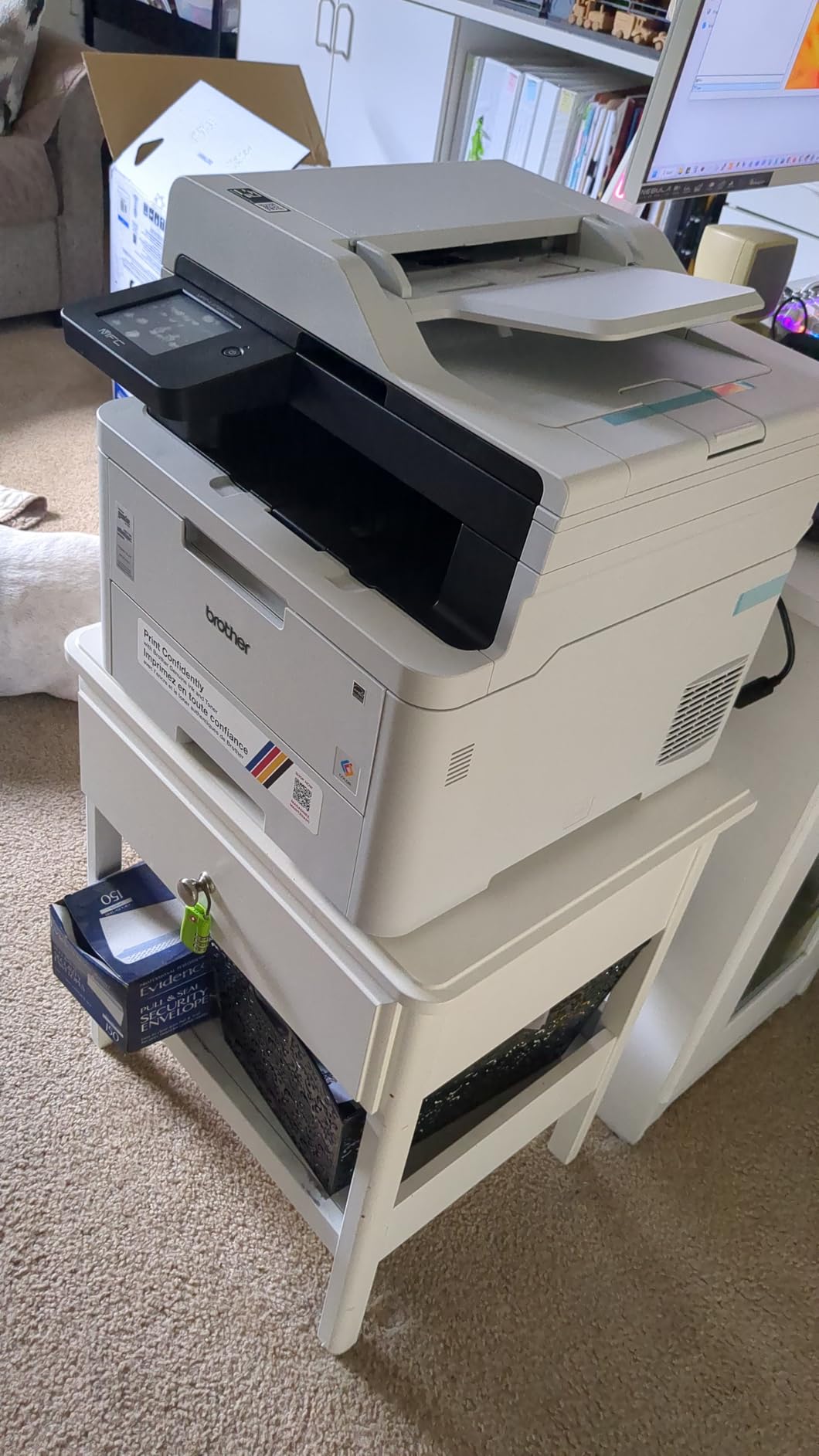
The touchscreen is the real story here. With 48 customizable shortcuts, an office manager can build a single button for “print double-sided bulletin” or “scan to church email” so the person covering the desk that week does not have to hunt through a menu tree. For a volunteer-operated office, that one feature removes more friction than raw speed would.
Duplex, Tray, and ADF Details That Matter on Sunday Morning
Automatic duplex works across printing, copying, and scanning, and the 50-sheet document feeder handles the stack of sign-up sheets or visitor cards that shows up after service. The 250-sheet adjustable tray takes letter and legal sizes up to 8.5 by 14 inches, and the machine lists card stock, envelopes, glossy photo paper, labels, and plain paper as supported media.
One practical note. There is a single paper tray and no expansion cassette listed for this model, so a 1,000-copy insert run means someone is filling the tray while it runs. Plan staff for that rather than expecting the machine to be unattended.
Cardstock and Glossy Media for Invitations and VBS Decorations
This is one of the few entry color machines here that explicitly lists card stock and glossy photo paper among its supported media. That matters for the church that prints its own invitations or Vacation Bible School name tags instead of ordering them from a shop. First page out in under 15 seconds, and a 2400 by 600 dpi maximum color resolution gives clean edges on large type.
Expect to set the paper type manually in the print driver for heavier stock. Getting that wrong is the usual reason laser printers curl or jam on church paper, and it is a habit any volunteer can pick up in a five-minute orientation.
Toner Economics Over a Church Year
It uses TN229 series toner in black, cyan, magenta, and yellow, with high-yield versions available, plus a DR229CL drum unit. The honest tradeoff is that a color laser costs meaningfully more per page than a mono machine, and reviewers consistently name color toner cost as the top complaint on this model.
Our rule of thumb for churches: run color for bulletins, inserts, and anything a visitor sees, and route internal documents, attendance reports, and budget worksheets to a mono machine when you have one. Volume alone does not make color cheap.
Fax for Churches That Still Take Confirmation Calls
Plenty of congregations still receive faxed forms, donation authorizations, and event RSVPs from vendors. This machine keeps a fax line without a separate device on the desk. If your office has moved entirely to email, that capability is simply unused rather than a reason to buy a different model.
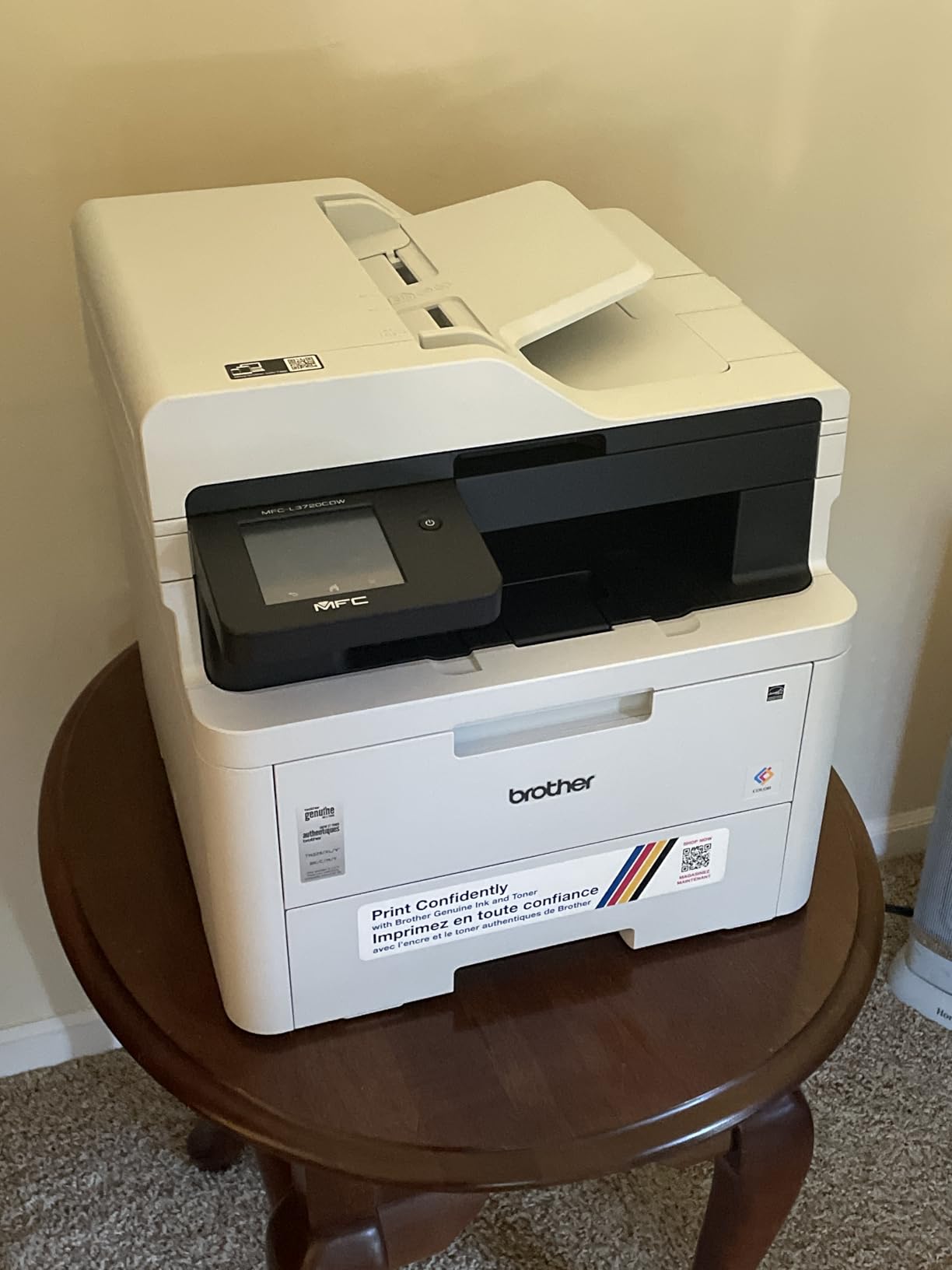
Connectivity covers the volunteer reality well: dual-band wireless, Wi-Fi Direct, and USB 2.0, with a mobile companion app for toner monitoring and remote management. It weighs 44 pounds, which is a two-person lift, so plan the location accordingly.
2. HP LaserJet MFP M234dw – Compact Mono for Congregations Under 200
HP LaserJet MFP M234dw Wireless Printer, Print, scan, Copy, Fast speeds, Easy Setup, Mobile Printing, Best-for-Small Teams, Instant Ink Eligible
Monochrome laser all-in-one
30 ppm
150-sheet tray
Flatbed scanner
Auto duplex
+ Pros
- Compact footprint with fast automatic two-sided printing
- Dual-band Wi-Fi with self-reset that recovers dropped connections
- Crisp print and flatbed scan quality
- Built-in security features
- Works with Windows Mac AirPrint Android and Chromebook
– Cons
- No automatic document feeder so multi-page scans use the flatbed
- HP Smart app setup can be confusing and may want a phone
- Some features require an HP account login
- Small 150-sheet paper capacity
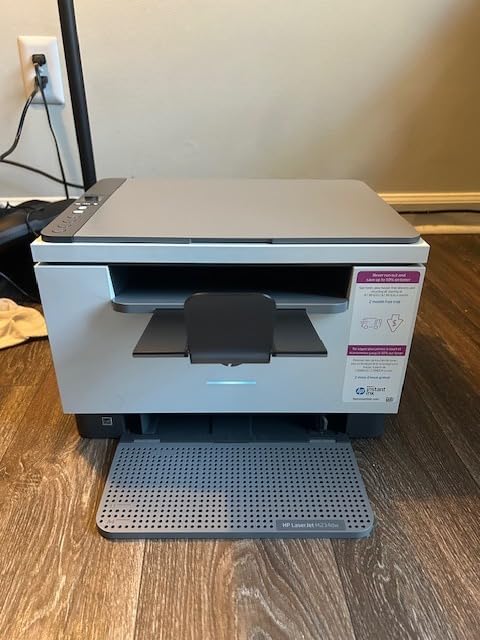
Not every church needs color. If yours prints orders of service, ministry handouts, and internal reports and little else, this monochrome machine does the job at 30 ppm and takes up a genuinely small amount of desk space at under 12 inches tall. It carries 1125 reviews, the largest count in this roundup, and the consensus among owners is very consistent.
Several of the people who bought it came from inkjets specifically to stop dealing with dried printheads in a room nobody heats in winter. That resonates with church offices, where the machine often sits in a closet or an unheated fellowship hall wing.
Why the Missing ADF Is Not Always a Problem
The single most common complaint in reviews is that there is no automatic document feeder. Scanning a stack of pages means lifting the flatbed lid and doing it one page at a time. For a church that occasionally scans a signed form or a receipt, that is a minor inconvenience.
For a church office that regularly scans stacks of donor receipts, attendance sheets, or background check paperwork, it is not. In that case step up to the HP LaserJet Pro MFP 3101sdw below, which has a 50-sheet feeder.
Automatic Duplex and What It Saves a Church
Automatic two-sided printing runs at 19 images per minute, against 30 pages per minute single-sided. On a church workload, where orders of service and lesson plans are almost always printed double-sided, that is a real saving in both paper and time.
It is also the reason duplex should be non-negotiable in this category. A machine without it turns every two-page handout into two pieces of paper and one extra human action.
150 Sheets of Capacity and Refill Discipline
The 150-sheet input tray is the smallest here, and owners flag it. For a small congregation printing a few hundred pages a week, a full ream is a week or two of work, so it is manageable. For heavy seasonal projects, pair it with a separate mono machine rather than filling this tray constantly.
Media support covers card stock, envelopes, labels, and plain paper, with sizes from 4 by 6 inches up to 8.5 by 14 inches. That covers bulletins, mailing labels for a church newsletter, and standard office paper.
Self-Reset Wi-Fi for Offices With No IT Staff
Dual-band Wi-Fi with a self-reset feature is the underrated detail here. When a church’s router changes after a power outage, the printer re-establishes its connection on its own instead of requiring someone to log into a control panel with a prayer book in one hand.
The catch is software. HP Smart app setup can be confusing, some users report it wants a phone rather than a computer, and certain features ask for an HP account login. Budget twenty minutes for setup and one clear walkthrough for the volunteers.
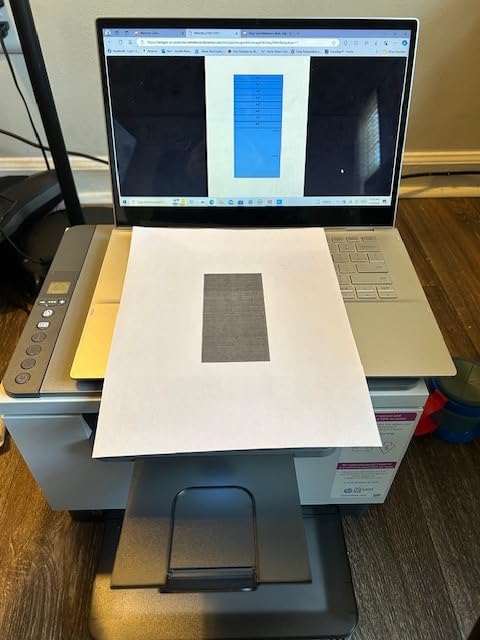
Toner is a standard HP Black LaserJet cartridge rated at roughly 700 pages, and at 4.2 stars across 1125 reviews this is among the most proven machines in the set. It weighs 19.4 pounds, so one person can position it.
3. HP LaserJet Pro MFP 3101sdw – Fastest-Rated Mono Workhorse for Small Teams
HP LaserJet Pro MFP 3101sdw Wireless Black and White All-in-One Laser Printer, Office Printer, Duplex, Best-for-Small Teams (9D2X4F)
Monochrome laser all-in-one
Up to 40 ppm
250-sheet tray
50-sheet ADF
+ Pros
- Quick installation with immediate Wi-Fi connection
- Fast crisp output with automatic two-sided printing
- 50-sheet ADF for multi-page scanning and copying
- 250-sheet tray suits busy small work teams
- Quiet operation and low sleep-mode energy use
– Cons
- Firmware blocks third-party toner cartridges and locks owners into HP consumables
- Build quality and paper tray flex draw criticism
- Can occasionally drop off the network after a power surge
- Wi-Fi scanning to a computer can need driver reinstalls
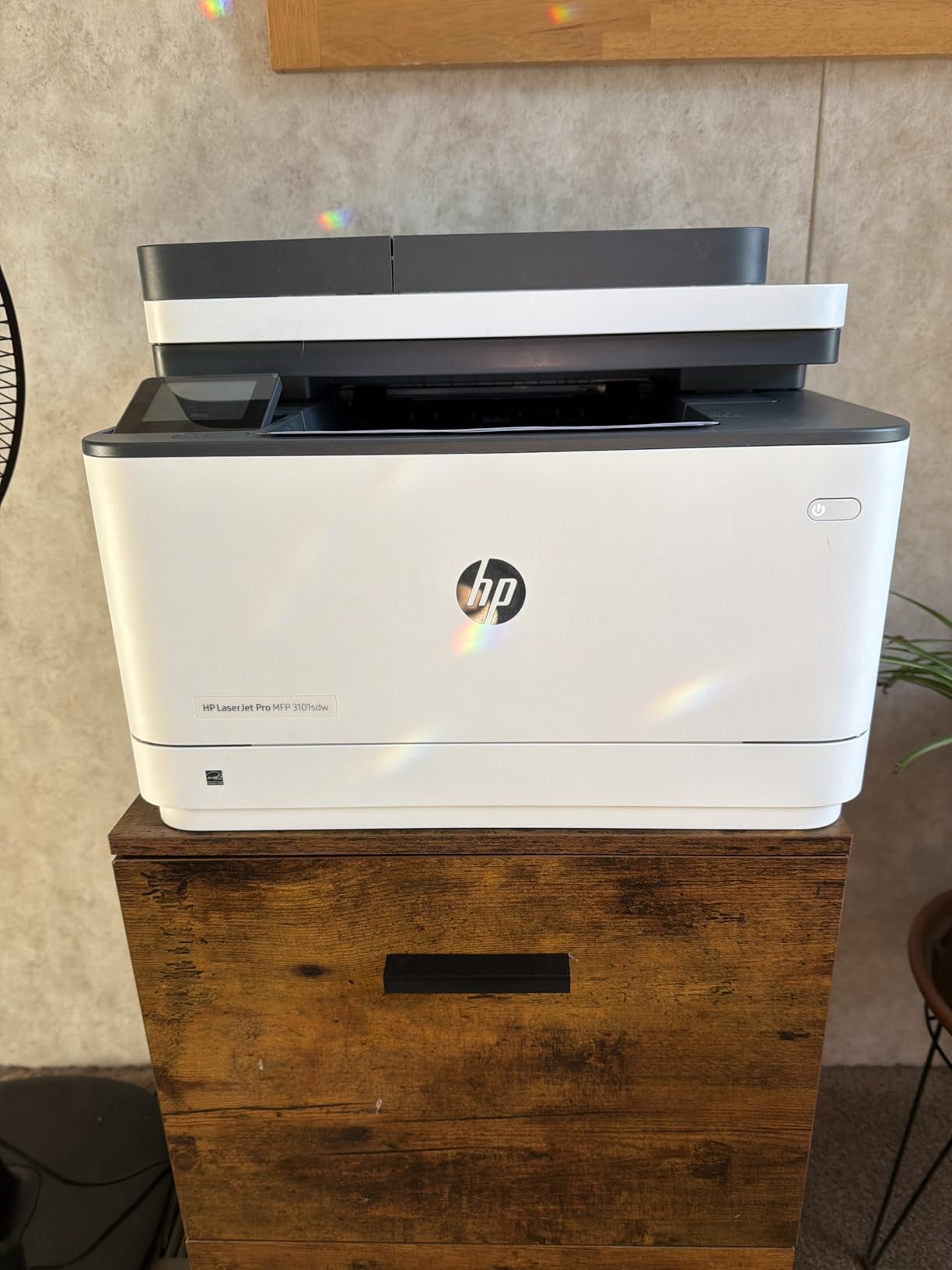
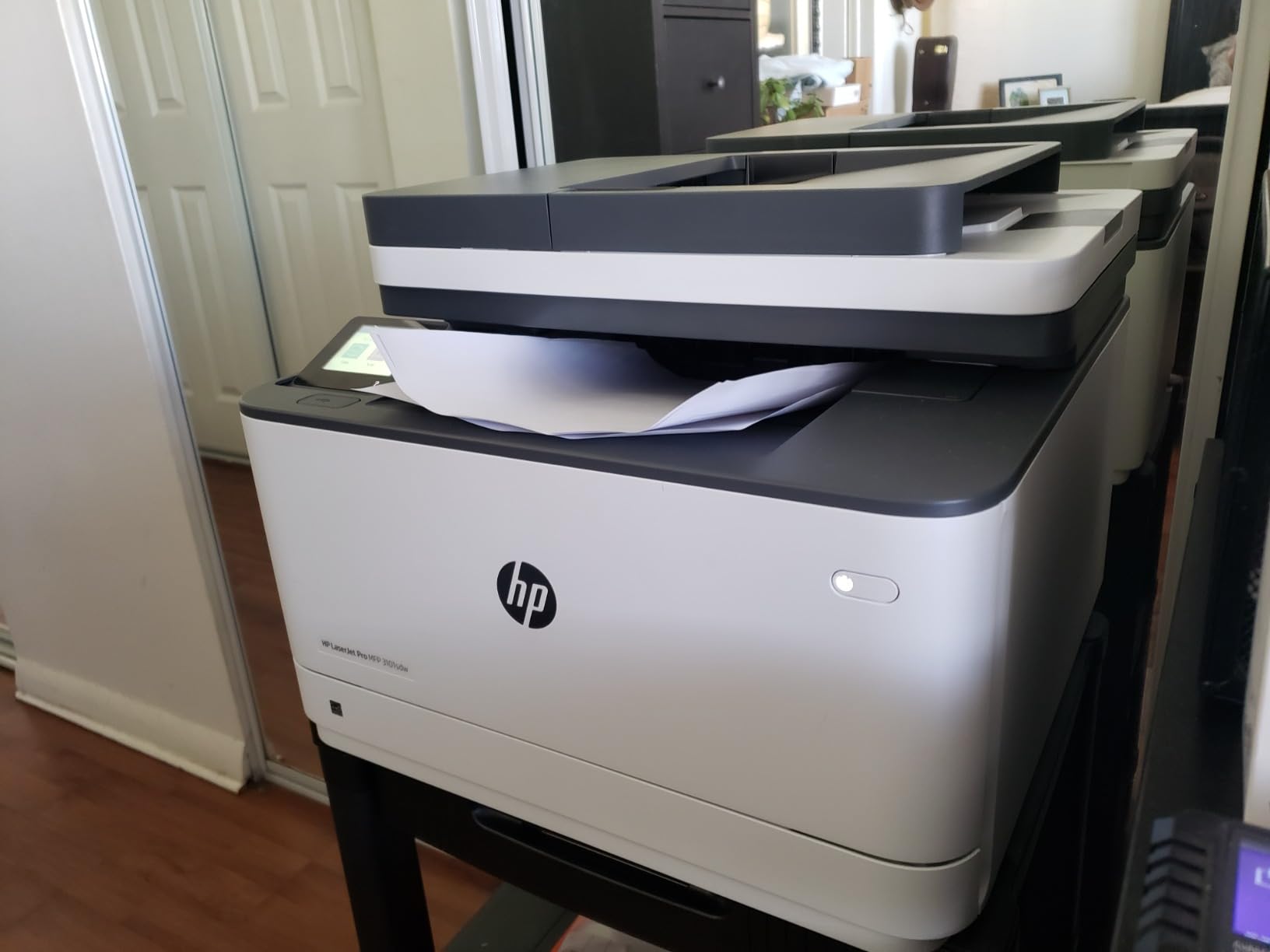
At 4.5 stars across 596 reviews, this is the highest-rated machine in the roundup. For a church with a modest weekly load and a genuinely busy administrative staff, that combination of speed, a working document feeder, and a 250-sheet tray makes it the strongest general-purpose mono pick.
It reaches up to 40 ppm with a first page out in 7 seconds, and the maximum print resolution is up to 1200 by 1200 dpi for both printing and copying. That is sharper text than the 600 dpi entry machines here, which you notice on small type in an old hymnal appendix.
Print Speed, Duty Cycle, and Monthly Volume Fit
Speed alone is not the whole story. What matters for a church is whether the machine’s recommended monthly volume sits above the load. A 250-family congregation running a four-page color bulletin plus inserts lands somewhere in the low thousands of pages a month, spread across five or six heavy weekends a year rather than every week.
This machine has the headroom for that pattern. Where it falls short is sustained daily commercial use: at 40 ppm it is fast out of the gate, but it is not a machine to buy if you expect 20,000 pages every single month.
50-Sheet ADF and Scan to Email for Church Administration
The automatic document feeder holds 50 sheets, and scan to email is supported. That combination matters more in a church than it does in most offices, because the highest-value scanning a church does is administrative: receipts into the treasurer’s inbox, forms into the office address, records into a secure folder.
The flatbed covers originals that will not feed, including anything oversized or fragile. A few owners report Wi-Fi scanning to a computer being unreliable until the driver is reinstalled, which is an IT ticket in a church that has no IT.
The Toner Lock Question You Cannot Ignore
HP firmware on this model blocks third-party toner cartridges. That is the single most common complaint across reviews, and it is a real cost decision rather than a defect: every page you print from here on uses genuine HP chips.
We think this is acceptable for a church that wants predictable output and low support calls, and unacceptable for an office determined to run the cheapest consumables it can find. Factor it into your three-year cost before you commit, and do not be surprised when a well-meaning volunteer orders a bargain cartridge online and it fails.
Quiet Operation for Offices That Double as Meeting Rooms
Owners repeatedly mention quiet operation and low energy use in sleep mode. Small church offices frequently share space with meeting rooms, and a machine that is audible during a staff meeting gets replaced by a quieter one regardless of its features.
Connectivity is broad: AirPrint, Ethernet, Mopria, USB, Wi-Fi, and optional wireless with an accessory, with one Ethernet port and a single 250-sheet tray. The unit weighs 23.1 pounds.
4. HP LaserJet Pro 4001n – Raw Mono Speed for High-Volume Back Offices
HP LaserJet Pro 4001n Black & White Printer, Print, Fast speeds, Easy Setup, Mobile Printing, Advanced Security, USB, Ethernet Connection, Best-for-Office
Monochrome print only
Up to 63 ppm
350-sheet capacity
Manual duplex
+ Pros
- Print-only design stays simple and dependable
- Very fast monochrome output for the class
- Sharp clear black-and-white quality
- Quiet operation compared with many laser printers
- Compact footprint for the speed class
– Cons
- Print-only with no scanner copier or fax
- No built-in wireless so Ethernet or USB only
- Manual duplex rather than automatic
- Firmware blocks non-HP toner cartridges
- Some users report unit failure and poor support
When a church needs monochrome printing and nothing else, this is the fastest machine here. It lists up to 63 ppm with a first page in 6.1 seconds and a 350-sheet capacity, which is the kind of headroom that lets an office absorb a 5,000-page background-check season or a full year of mailing labels without stopping.
The tradeoffs are structural, not quality related. It is a print-only device with no scanner, no copier, and no fax, and it does not print both sides automatically. You turn the stack over.
When Print-Only Is the Right Decision
A church with a separate copier already in the office should look here. A congregation whose only real job is printing a weekly monochrome worship folder, internal reports, and mailing labels does not need a scanner it will use twice a year, and it will not miss features it never had.
Owners describe the simplicity as the main benefit: fewer things to go wrong, fewer things for a volunteer to break. The LCD display and remote management keep it out of the way rather than in the way.
Manual Duplex in a Real Church Workflow
This is the one compromise we flag hardest. Manual duplex on a machine rated at 63 ppm means the speed advantage evaporates the moment you are printing two-sided material, because a person has to handle every stack.
Worship folders are usually single-sided, and mailing labels are always single-sided, which is why this machine still fits many churches. If your primary output is double-sided handouts, choose an automatic duplex model instead.
Ethernet-Only Networking and the Volunteer Problem
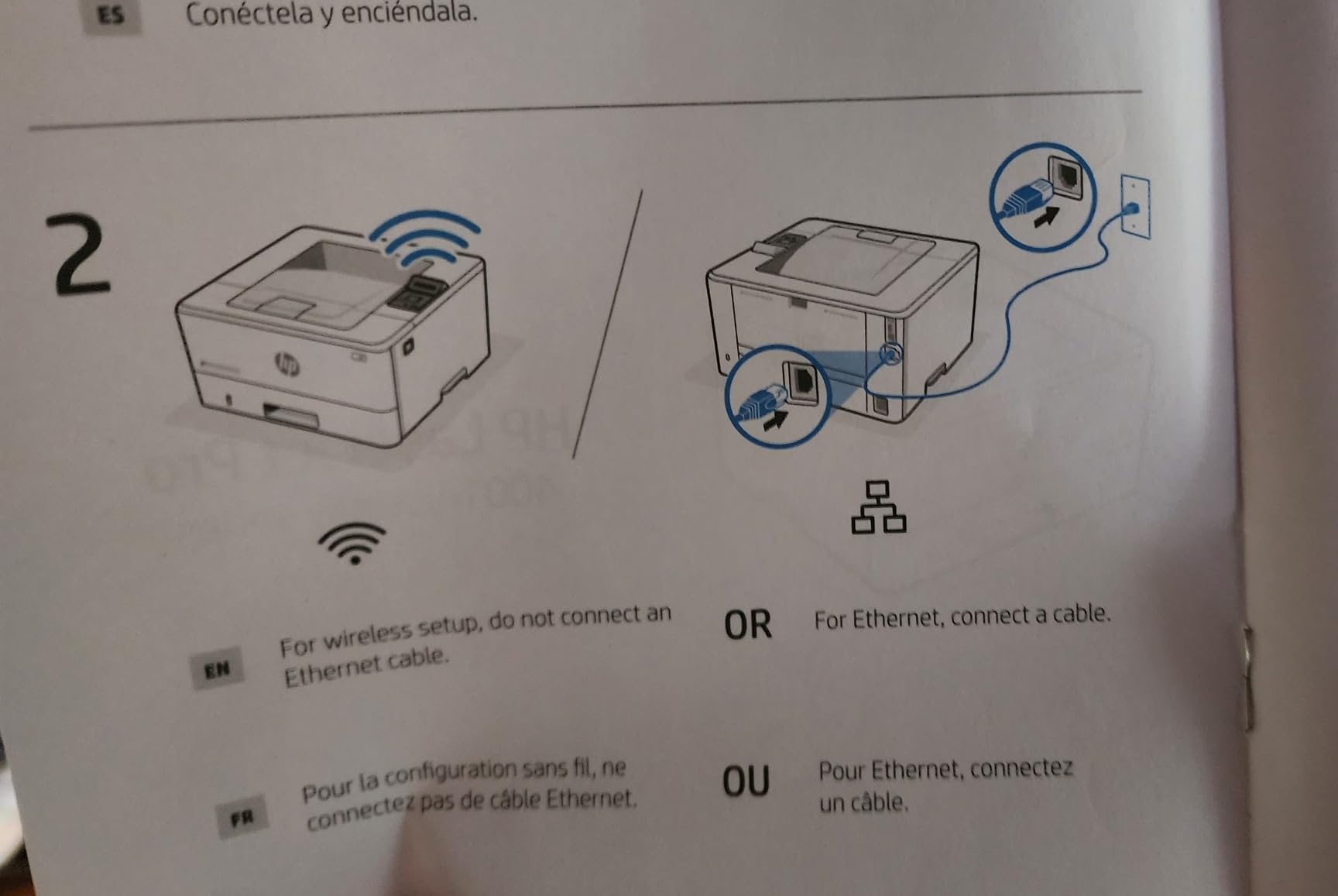
There is no built-in wireless on this model. It connects by Ethernet or USB, with one Ethernet port. In a church where the printer sits in a hallway closet rather than beside the office computer, that means a cable run or a different machine.
It works fine on a wired network and several owners mention easy plug-and-play setup, but it is worth confirming your building has an Ethernet port near wherever the machine will live before you buy it.
Security Features and Consumable Lock
HP Wolf Pro Security with customizable settings is included, which matters if the printer sits on a network shared by staff devices. It also uses HP 148A, HP 148X, or W1020XC cartridges, and firmware blocks non-HP chips, the same policy discussed in the previous review.
Print resolution is 4800 by 600 dots per inch for text, and the unit weighs close to 15 inches wide by 8.5 inches tall. A small number of owners report hardware failure and unhelpful support, so factor that into a backup plan if this is your only printer.
5. Canon imageCLASS MF753Cdw II – Color Plus Fax for Confirmation Calls
Canon Color imageCLASS MF753Cdw II – All-in-One Color Duplex Laser Printer
Color print scan copy fax
35 ppm
250-sheet cassette
ADF duplex
3-year warranty
+ Pros
- Color wireless duplex print scan copy and fax in one machine
- Fast and quiet output with a 100k to 150k page duty cycle
- Automatic color calibration during setup
- Low per-page cost versus HP and Brother color consumables
- Large internal memory handles long jobs
– Cons
- Canon Windows software and the online support site can be unreliable
- Desktop software often fails to discover the printer on Windows 11
- 250-sheet cassette is small for very high volume
- Heavy 50-pound unit
This is the pick for a mid-size church that needs genuine color throughput and still receives faxed documents. It runs up to 35 ppm in both color and monochrome, which is nearly double the color speed of the Brother MFC-L3720CDW, and it carries a 3-year manufacturer warranty with 3-year spare part availability in Europe.
Several owners report running tens of thousands of pages on this machine without trouble. For a church that prints color every week rather than occasionally, that reliability record is the main argument.
Color Speed Where Weekly Bulletins Live
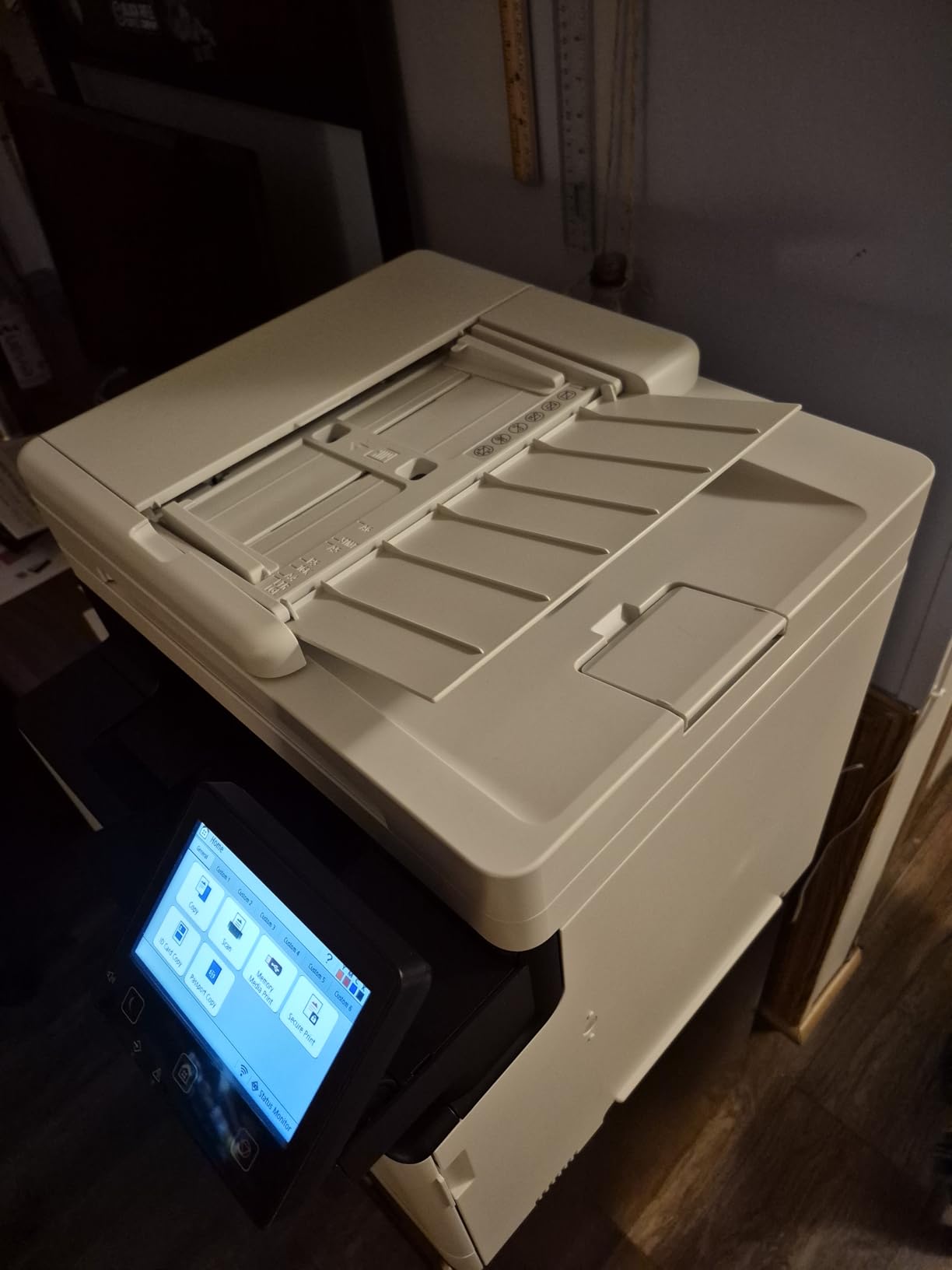
At 35 ppm in color with a first page in 7 seconds, this machine clears a 1,000-copy color insert run in the time it takes to change the paper once. The 1200 by 1200 dpi maximum color resolution and automatic color calibration during setup produce accurate color out of the box, which reduces how often someone has to print a test page and adjust it.
For a church, color consistency across volunteers matters more than it does in a design studio. Same driver, same settings, same result.
Duty Cycle and the Print Room Reality
Owners cite a duty cycle in the 100,000 to 150,000 page range and quiet operation even at speed. That is well beyond what a 200 to 600 person congregation generates in a normal year.
If your church runs a school, a summer camp, and a large missions conference, your peak months might genuinely reach into the tens of thousands. This machine has the range for that, and the standard 250-sheet cassette plus multipurpose tray is where you will feel it most.
Toner Economics and the Canon Software Caveat
Per-page cost is consistently reported as lower than HP and Brother color consumables, which matters a lot at color volume. It uses Canon Genuine Toner 069, with starter cartridges of roughly 1,100 pages for cyan, magenta, and yellow and about 2,100 for black.
The consistent complaint is software. Canon desktop software often fails to discover the printer on Windows 11, and the online support site is reported as unreliable. Windows built-in installation generally works. Our advice for a church: print the driver to a USB stick ahead of time so a volunteer can install it without a phone.
Two Tray Positions and a 50-Pound Footprint
The machine has two tray positions and a 250-sheet standard cassette with a multipurpose tray, accepting sizes from 3 by 5 inches up to 8.5 by 14 inches. At 50 pounds and roughly 18 by 17 by 17 inches, it needs a dedicated spot, not a volunteer room shelf.
Automatic duplex covers both printing and scanning through the ADF, and it prints at a claimed 100,000 to 150,000 page duty cycle. That combination of durability and duplex handling is why it earns its place for medium-sized churches.
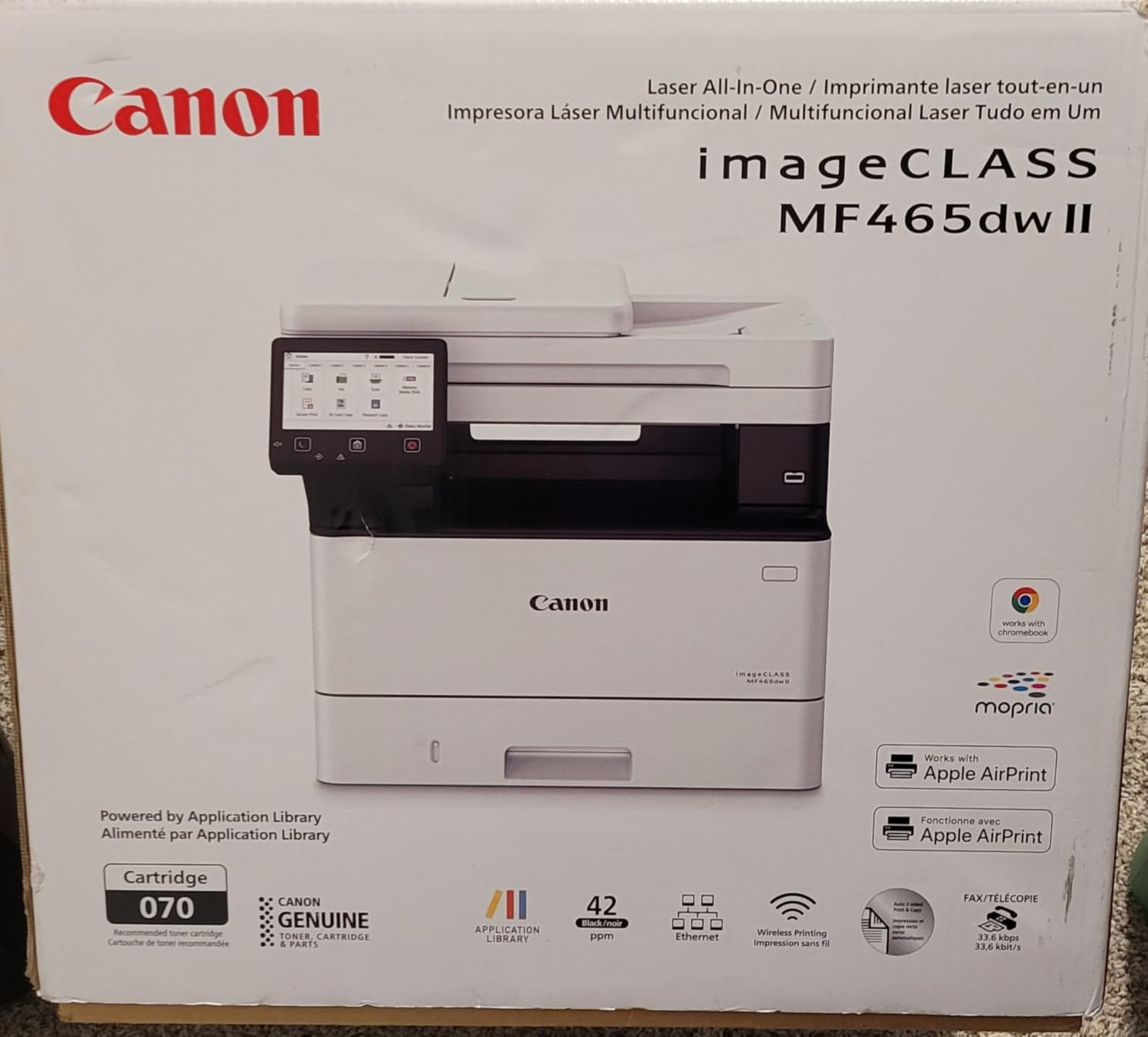
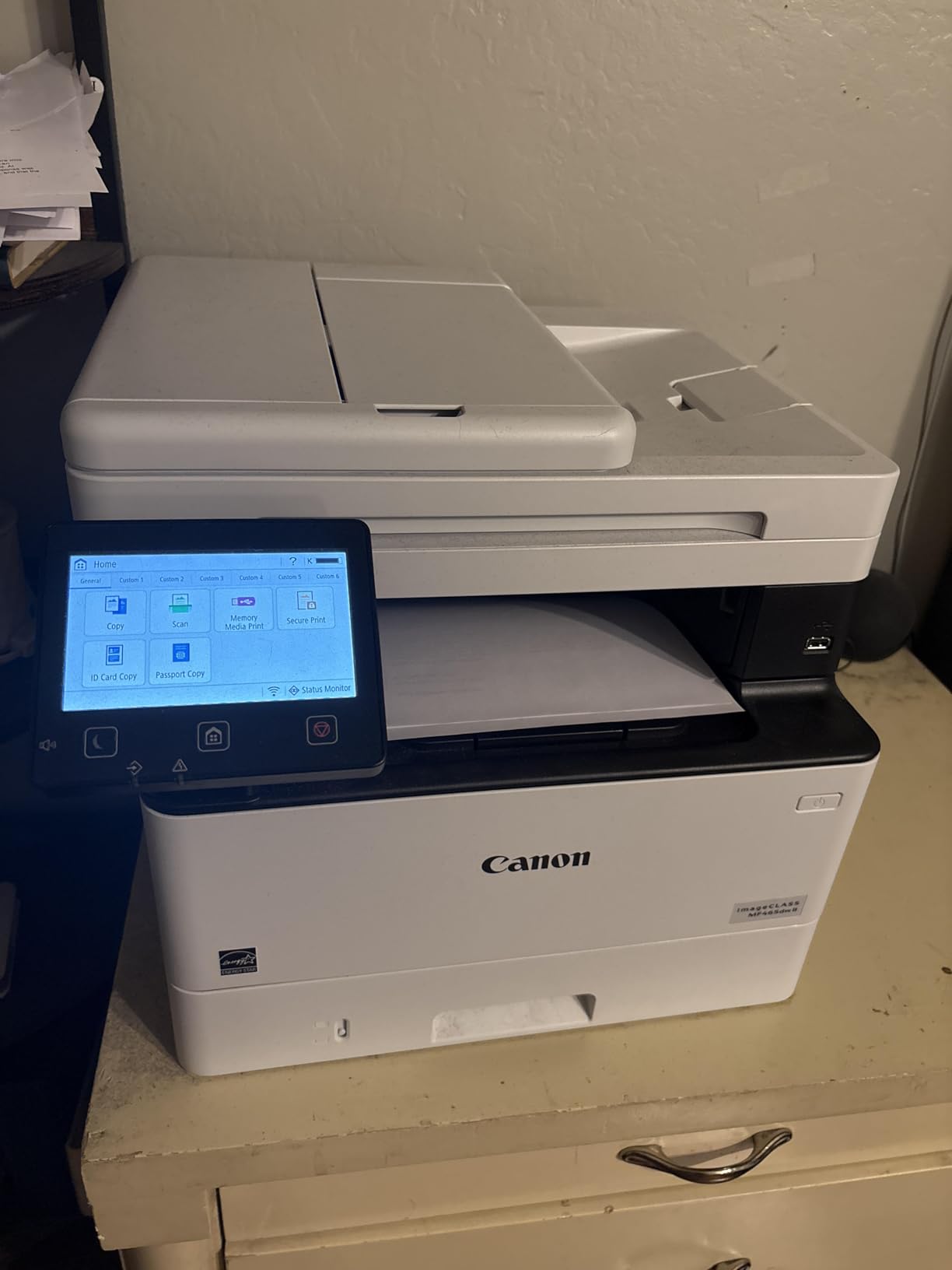
6. Canon imageCLASS MF465dw II – Mono Speed With Expandable Paper Capacity
Canon imageCLASS MF465dw II – Monochrome Wireless Duplex Laser Printer with Print, Copy, Scan, Fax, Expandable Paper Capacity, 42 PPM
Monochrome print scan copy fax
42 ppm
Up to 900 sheets
5-inch touchscreen
+ Pros
- Fast monochrome output up to 42 ppm with a 4.9 second first print
- Print copy scan and fax with automatic duplex in one unit
- 5-inch touchscreen for on-device control
- Expandable paper capacity up to 900 sheets
- 3-year manufacturer warranty
– Cons
- Higher toner cost than comparable Brother models
- Large footprint for the speed class
- Canon mobile and desktop software can be limited on some platforms
Where most machines here cap out at a fixed 250-sheet tray, this one grows to 900 sheets with an optional cassette. For a church print room that runs letter and legal stock, that flexibility means you can keep one tray loaded with plain paper and another with envelopes or card stock instead of reloading constantly.
It prints up to 42 ppm with a 4.9 second first page, handles print, copy, scan, and fax with automatic duplex, and carries a 5-inch touchscreen for walk-up operation.
Paper Capacity as the Deciding Factor
Capacity is the reason to buy this one. Standard and optional cassettes give you up to 900 sheets total, with the multipurpose tray taking media from 3 by 5 inches up to 8.5 by 14 inches. A congregation running several thousand pages in a month can load once and stop thinking about it.
The 3-year manufacturer warranty and 3-year spare part availability are also stronger than most competitors in this class, which matters when the office manager has been burned by an out-of-warranty failure.
Speed and the 5-Inch Touchscreen
At 42 ppm and 1200 by 1200 dpi maximum resolution, this produces crisp small text. The 5-inch touchscreen is large enough to build custom one-touch buttons for the jobs a church repeats, which is the same volunteer-usability argument that makes the Brother and Canon touchscreens worth paying for.
Owners like the fast monochrome output, clear results, easy wireless setup, and generous expandable paper capacity.
Toner Cost Versus Brother and the Footprint Problem
The main drawback named in reviews is higher toner cost than comparable Brother models. It uses Canon Genuine Toner 070 with a starter black cartridge of roughly 3,000 page yield, so the running cost per page needs to be weighed against the speed and capacity you are buying.
The footprint is also worth noting at roughly 18 by 17 by 15 inches, which is large for the speed class. If the office is tight, the Canon MF753Cdw II at a similar footprint may serve better with color.
Fax and Duplex for Administrative Workflows
Automatic duplex across printing and scanning plus a built-in fax line covers the full administrative set: print a two-sided report, scan a stack of receipts, send a fax to a vendor. Wireless setup is reported as easy, and mobile printing is supported.
At 186 reviews this machine has a thinner owner history than the HP and Brother entries, which is the main reason it sits lower in the roundup despite solid specs.
7. Brother MFC-L5915DW – Single-Pass Duplex Scanning for High-Volume Offices
Brother Professional Laser Printer All-in-One with Scanner and Copier, High-Speed 50 ppm Monochrome Printing, Wireless Network Ready, Dual-Band WiFi, Auto 2-Sided Print (MFC-L5915DW)
Monochrome all-in-one
50 ppm
70-page duplex ADF
5-inch touchscreen
+ Pros
- Fast 50 ppm monochrome print and copy
- 70-page single-pass two-sided ADF scanning up to 56 ipm
- 5-inch color touchscreen with straightforward software
- Dual-band wireless and Gigabit Ethernet
- High-yield 18000-page toner keeps per-page cost low
- Built for constant daily office use
– Cons
- Switching paper sizes between trays needs manual adjustment and moving paper
- No printed instruction manual included
- Optional expansion tray is tricky to configure for tray-specific printing
- Occasional skipped pages in print queues and sleep-wake connection resets
This is the machine we would put in a church office that already scans constantly and prints constantly. Fifty ppm monochrome output, and a 70-page automatic document feeder that scans both sides in a single pass at up to 56 images per minute, is a genuinely different class of hardware from the desktop units above it.
Heavy-use owners report thousands of duplex pages daily without failure. That is the profile of a church office where the secretary scans receipts, forms, and mailing labels every week.
What Single-Pass Duplex Scanning Actually Saves
A single-pass duplex feeder scans the front and back of a sheet as it moves through, rather than taking two passes or requiring a manual flip. On a stack of 70 two-sided pages, that is the difference between one handling and none.
It matters most for double-sided documents, which is to say giving statements, mailed forms, and any printout that was already two-sided. Church administrative paper is heavily two-sided, so this feature pays back faster here than in most offices.
Toner Yield and Cost Per Page at Church Volume
It uses Brother Genuine TN920UXXL ultra high-yield toner rated at 18,000 pages, with a 3,000-page starter cartridge included. At church print volumes, a cartridge that lasts most of a year removes the outage risk that comes from running out mid-bulletin-season.
The drum is a separate unit, and replacement cost for drum, fuser, and transfer belt is the line item most churches discover too late. Budget for it as an annual maintenance expense rather than a surprise.
Touchscreen, Networking, and Cloud Scanning
The 5-inch color touchscreen supports scan to cloud services and printing from a USB flash drive through the host port. Large document glass accepts legal-size originals, and printing and copying resolve at 1200 by 1200 dpi.
Dual-band wireless and Gigabit Ethernet cover both a modern church office and one with wired infrastructure. Brother software is generally reported as easy to navigate.
Where It Frustrates Users
The most cited weakness is multi-tray paper handling. Switching paper sizes between trays requires manual tray adjustment and physically moving paper, and owners report that configuring the optional expansion tray for tray-specific printing can be difficult.
There is also no printed instruction manual in the box, and a few users report occasional skipped pages in the print queue along with connection resets when waking from sleep. Set up the machine with someone technical before it goes into the office.
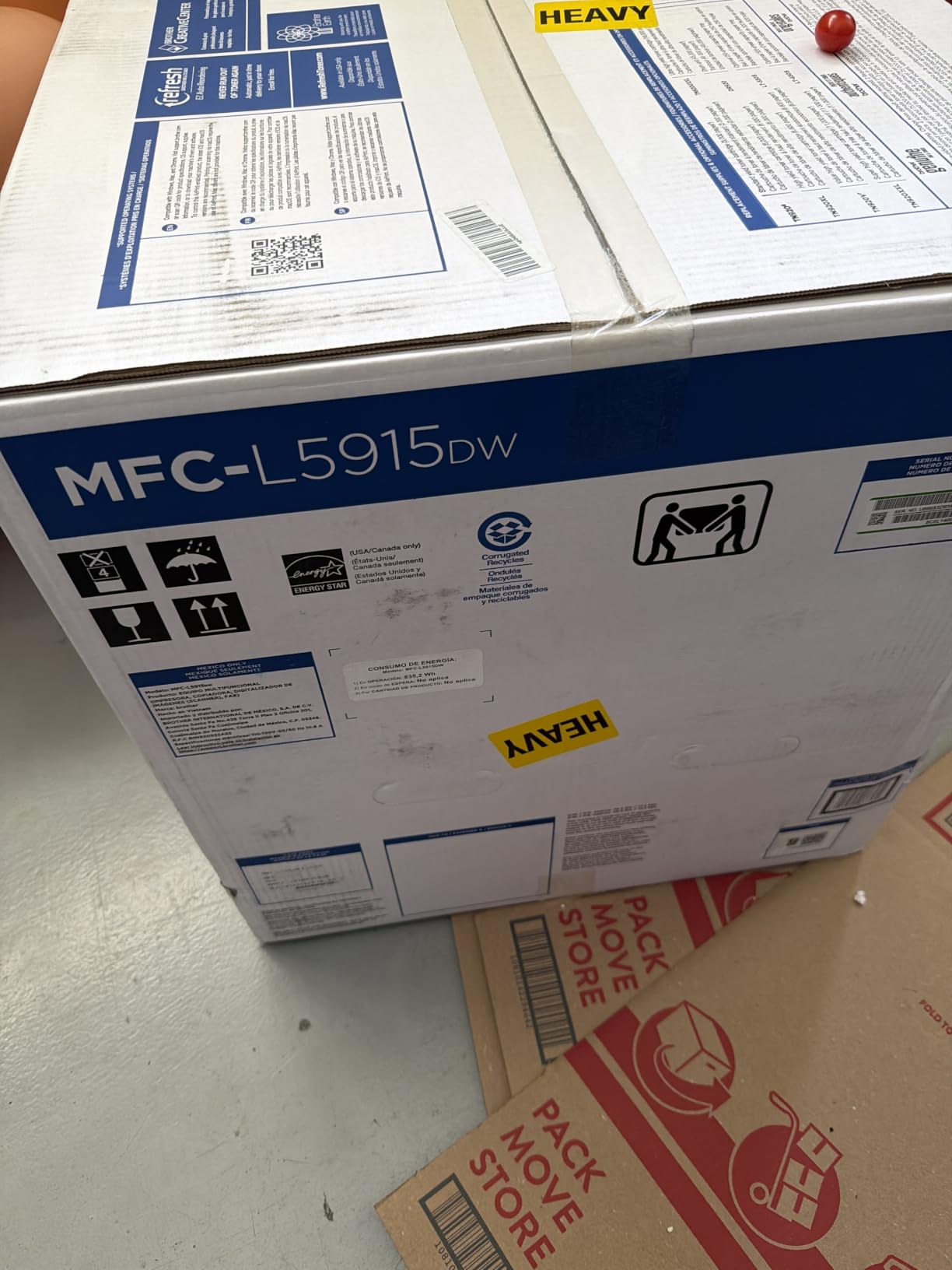
At 38.3 pounds and roughly 19 inches wide, this needs real desk space. The trade is speed and scanning throughput, which is exactly what a high-volume church office lacks.
8. Brother MFC-L8930CDW – Badge Authentication and 1,340 Sheets of Paper
Brother MFC-L8930CDW Business Color Laser All-in-One Printer with Duplex Print, Scan, Copy, Low-Cost Printing, and Advanced Security Features
Color laser all-in-one
33 ppm
1340 sheets
NFC badge reader
+ Pros
- Sharp color and black output at up to 33 ppm
- 80-page ADF with two-sided scanning up to 104 ipm
- 7-inch color touchscreen with 64 customizable shortcuts
- Very high 1340-sheet paper capacity
- Triple Layer Security with an integrated NFC card reader
- EPEAT Gold rated and ENERGY STAR certified
– Cons
- Large and heavy at 71.2 pounds needing dedicated floor or table space
- Color toner running cost is higher than monochrome alternatives
This is the machine to buy when confidentiality matters as much as print speed. Its Triple Layer Security includes an integrated NFC card reader for badge authentication, and that is the feature no other printer in this roundup offers at this class of capability.
The case is straightforward. Youth ministry background checks, pastoral counseling notes, giving statements, and member directories all pass through one machine that sits outside a locked office. A card reader means the job only prints when the person who sent it releases it, which is a much smaller problem than printing and hoping nobody walks by.
Badge Release as a Confidentiality Control
Badge authentication changes the failure mode. Without it, a confidential job prints the moment it is sent and sits in an output tray in a hallway. With it, the job waits until its owner touches a card to the reader.
That is not a full security system, but for a church office it closes the gap that matters most in practice. If your organization already issues badges or RFID cards for children and volunteers, they may already be in the building.
33 ppm Color and an 80-Page Duplex Feeder
Color and monochrome both run at up to 33 ppm, with a maximum resolution of 2400 by 600 dpi and a first page in 9.9 seconds. The 80-page automatic document feeder scans both sides at up to 104 images per minute over legal-size glass.
For a church that produces school newsletters, VBS packets, and event programs, that feeder is the difference between finishing in an afternoon and finishing over two days.
Paper Capacity and Touchscreen Presets
Paper capacity of 1,340 sheets is the highest here, and it means a print room can load once per term. The 7-inch color touchscreen carries up to 64 customizable shortcuts with scan preview and scan to email, cloud, or SharePoint.
Sixty-four presets is generous. Set the most-used ten for bulletin, insert, name badge, mailing label, and internal memo, and lock the rest out of temptation.
Size, Weight, and Consumable Yields
At 71.2 pounds and roughly 21 by 16 by 22 inches, this is the largest machine in the roundup and needs a dedicated table or floor position, not an office shelf. Its TN635XXL super high-yield toner runs to 7,500 pages black and 6,500 pages color.
Reviewers rate it as professional-grade with excellent color quality and enterprise security features, citing size, weight, and higher color consumable cost as the tradeoffs. EPEAT Gold and ENERGY STAR certification with 11% post-consumer recycled material is worth noting if your church tracks stewardship reporting.
9. Brother HL-L5210DWT – Dual Trays for a Church Print Room
Brother HL-L5210DWT Business Monochrome Laser Printer with Dual Trays, Wireless and Gigabit Ethernet Networking, Duplex Printing, Large Paper Capacity, and Mobile Printing, White
Monochrome print only
48 ppm
Dual 250 and 520-sheet trays
+ Pros
- Fast 48 ppm monochrome output with automatic duplex
- Dual paper trays of 250 and 520 sheets plus a 100-sheet multipurpose tray
- Total capacity expandable to 1390 sheets
- Dual-band wireless and Gigabit Ethernet
- TN920XXL super high-yield 11000-page toner
- Triple Layer Security features
– Cons
- Print-only unit with no scanner copier or fax
- LCD control panel and remote management need a learning curve
- No touchscreen for walk-up operation
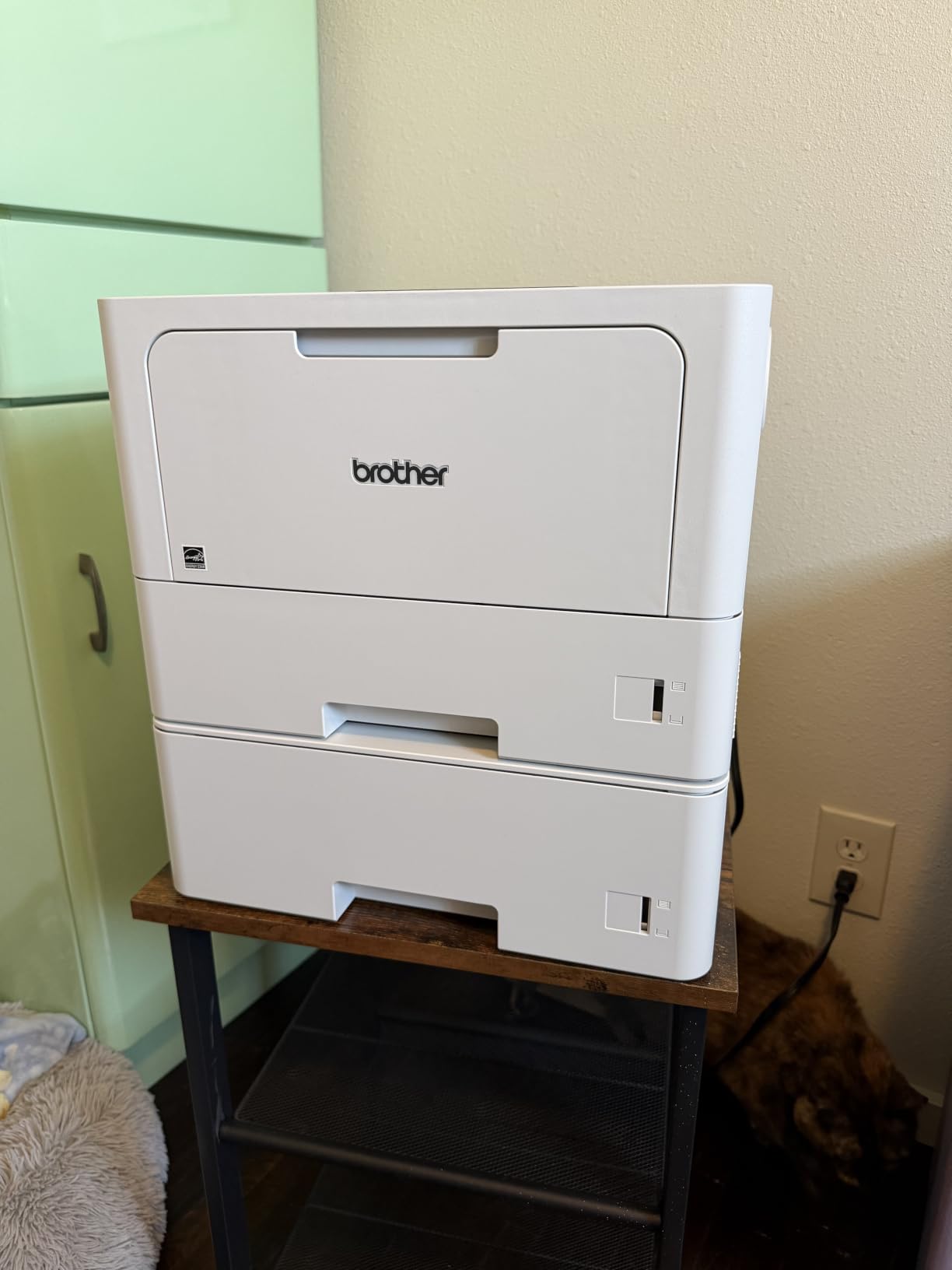
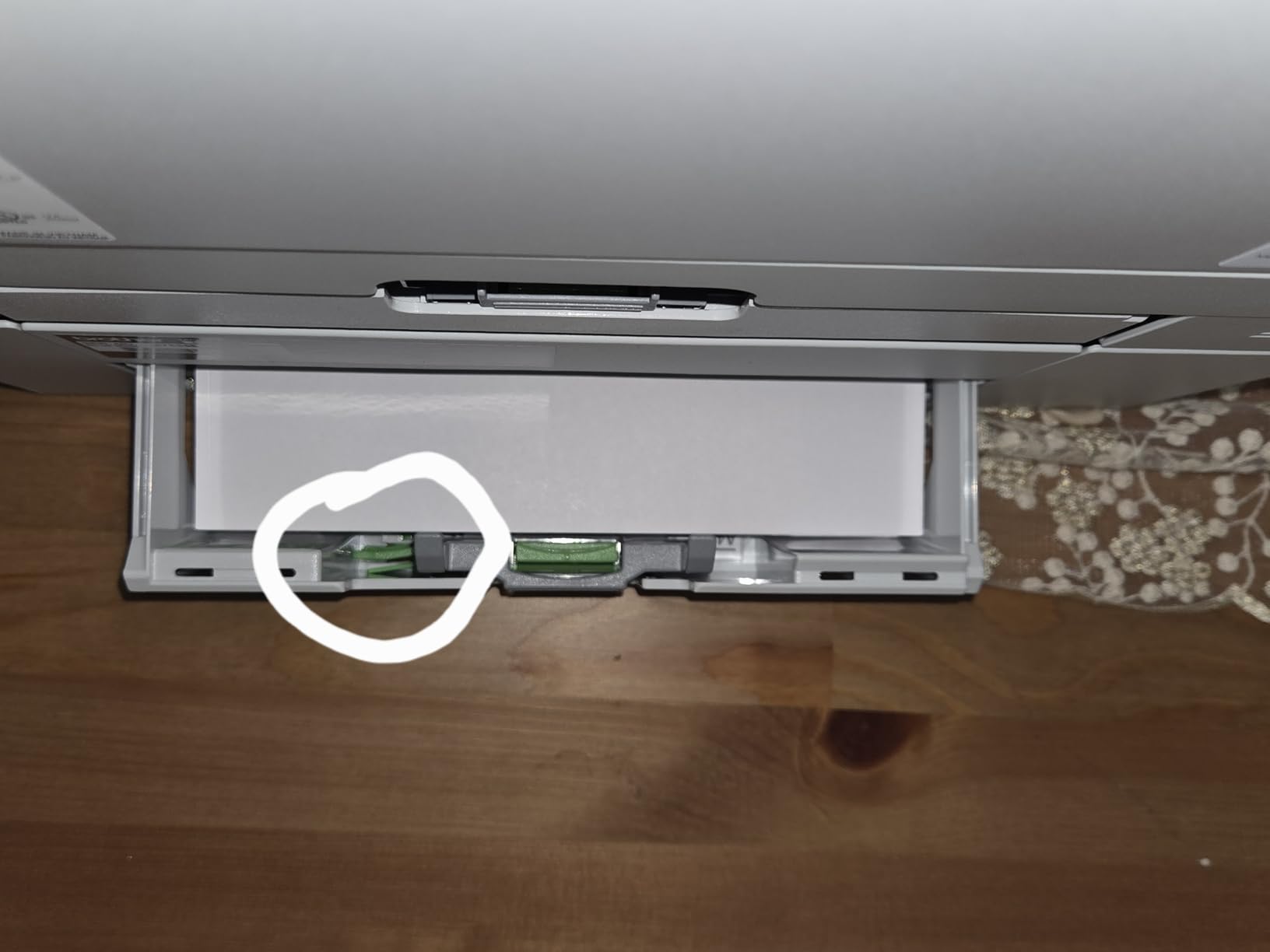
This printer ships with two paper trays out of the configuration, a 250-sheet and a 520-sheet, plus a 100-sheet multipurpose tray. That is the rarest feature in this roundup and the reason it earns a place: a church can keep letter and legal stock, or plain paper and envelopes, permanently loaded in separate trays.
It prints up to 48 ppm monochrome with automatic duplex, first page in 6.7 seconds, at 1200 by 1200 dpi. Total paper capacity is expandable to 1,390 sheets with an optional tray.
Dual Trays as a Workflow Feature
Dual trays are not about speed. They are about not having to relabel, refill, and reset the machine every time the job changes. A church printing a 600-page mailing on plain paper one hour and a stack of legal-size reports the next does not have to touch the tray at all.
The 100-sheet multipurpose tray handles envelopes and labels, which are the media most likely to cause a jam if fed through the main cassette.
High-Yield Toner for a Machine That Runs a Lot
It supports Brother Genuine TN920XXL super high-yield toner rated at 11,000 pages, alongside standard TN920 and TN920XL cartridges. At 48 ppm with duplex, this is built to consume toner, and the high-yield cartridge is what keeps cost per page from climbing.
Toner is the single biggest lever on a church’s true printing cost. A machine that runs fast but forces standard-yield cartridges will cost more per year than a slower machine with high-yield options.
Wireless, Ethernet, and Triple Layer Security
Dual-band wireless and Gigabit Ethernet let the machine live on a church network without a cable run, which solves the placement problem that limits the HP LaserJet Pro 4001n. Triple Layer Security features safeguard the network and documents in transit.
Energy Star and EPEAT qualified. It weighs 32.7 pounds and measures about 15 inches square.
The Print-Only Trade and the LCD Panel
There is no scanner, copier, or fax, and no touchscreen for walk-up operation. Settings are handled from an LCD panel and remote management software, which reviewers describe as needing a learning curve.
That is a fair trade for a church print room where the machine is loaded with paper and left to run, and a poor trade for a front desk where someone copies a document every few hours.
10. Canon imageCLASS MF662Cdw – Straightforward Entry-Level Color
Canon Color imageCLASS MF662Cdw – Wireless Duplex Laser Printer with Copier, Scanner, 3 Year Limited Warranty, 26 PPM
Color print scan copy
26 ppm
250-sheet cassette
5-inch touchscreen
+ Pros
- Color wireless duplex print scan and copy in one unit
- 26 ppm in both color and monochrome with crisp contrast
- 5-inch color touchscreen with an Application Library
- 3-year limited warranty longer than most competitors
- Photo paper feeds without bending or jamming
– Cons
- Canon 075 toner cartridges are expensive relative to the machine
- Wi-Fi often drops after sleep and needs a reboot
- Canon software and mobile app lack basic functionality
- Large and heavy footprint at 55.1 pounds
- Manual feed slot holds a single sheet
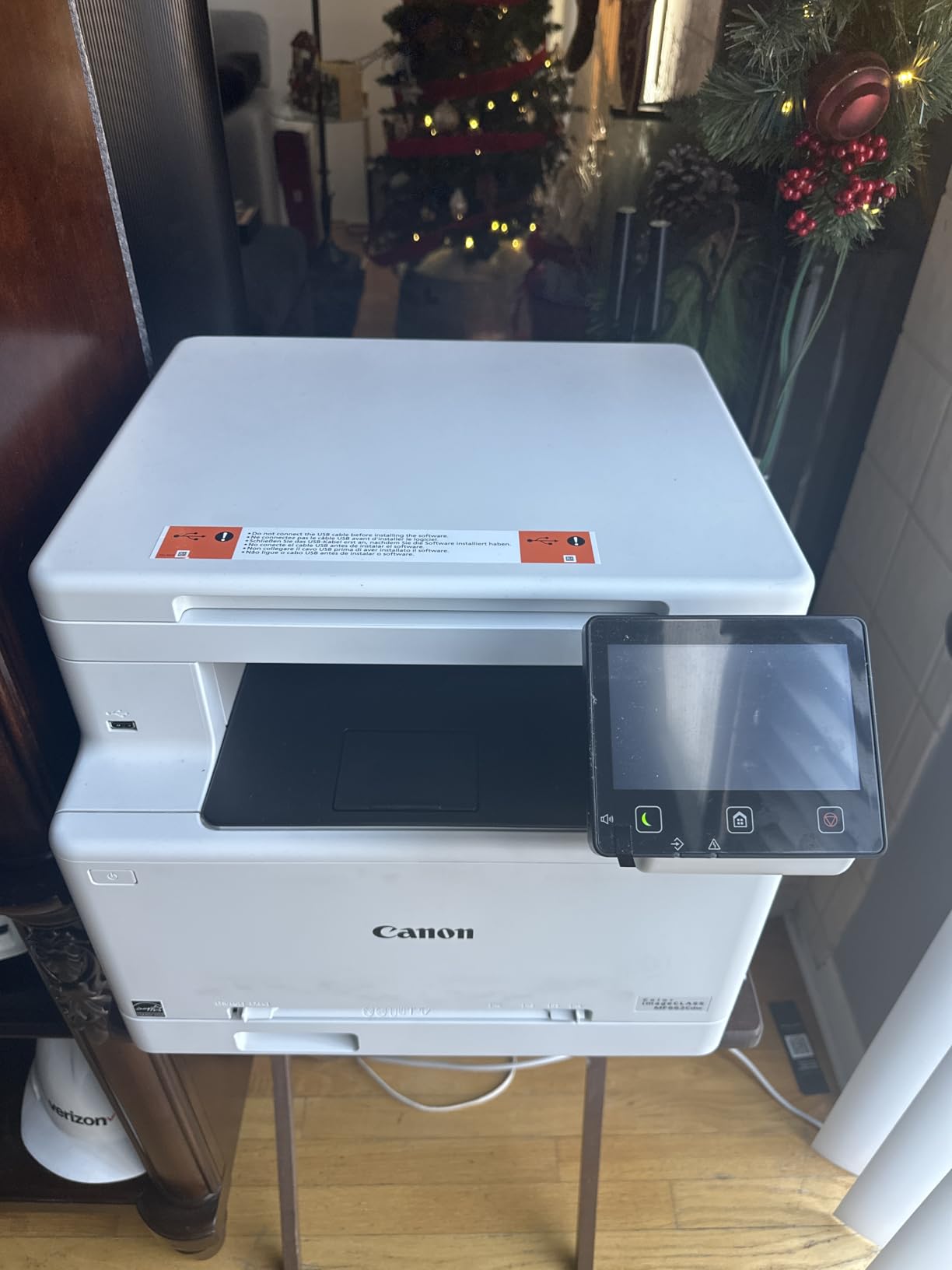
This is the entry point for a small church that wants color in the office and does not print a lot of it. Print, scan, and copy with automatic duplex, wireless, and a 5-inch color touchscreen with a customizable Application Library for the jobs you repeat.
Owners consistently like the color quality and speed, and several report durability better than previous HP printers they owned. The 3-year limited warranty is longer than most in this roundup.
Color Quality and Paper Feeding
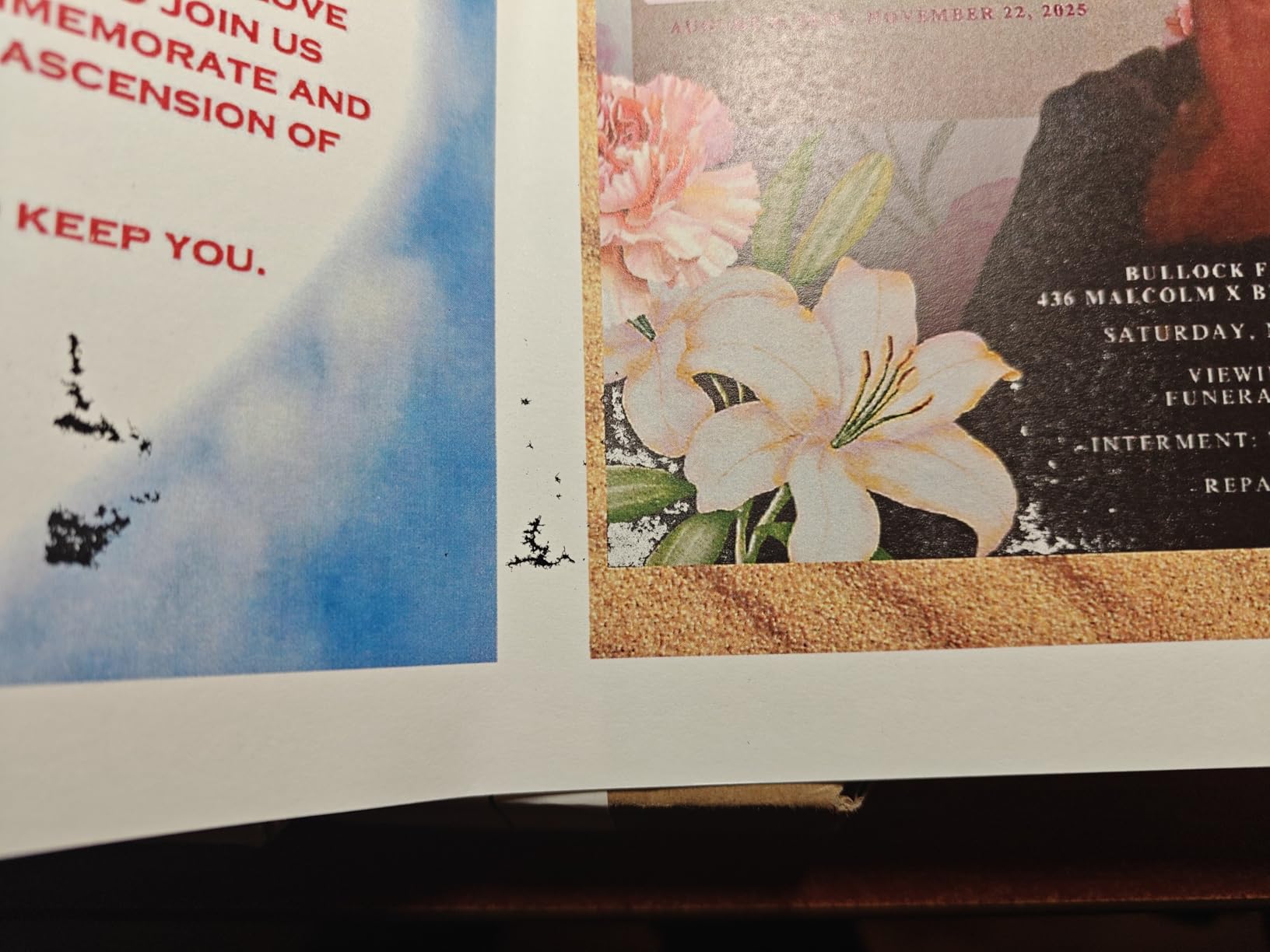
At 26 ppm in both color and monochrome with a first page in about 10.3 seconds, this handles an occasional color job without making the office wait. Reviewers report photo paper feeding without bending or jamming, which is the specific failure that matters for event invitations.
Print resolution is 600 by 600 dpi for color and black. That is lower than the Brother MFC-L8930CDW at 2400 by 600 dpi, and it shows most in fine text rather than in photographs or large display type.
Touchscreen Application Library for Volunteers
The 5-inch touchscreen with an Application Library lets you pin frequently used settings to the home screen. For a church that prints the same three documents repeatedly, one-touch access removes the most common source of volunteer error.
Energy Star and Epeat Silver certified, with automatic two-sided printing as standard. This is a well-specified small office machine rather than a stripped-down one.
Toner Cost and the Wi-Fi Sleep Issue
The most common complaint is that Canon 075 toner cartridges are expensive relative to the machine price. For a small church printing color occasionally, that may be an acceptable trade for buying a lower-cost machine up front.
The second complaint is more operational: Wi-Fi connections drop after sleep and often need a full reboot to reconnect. In a church where the machine sits idle over a weekend and is used Monday morning, plan on a reboot or keep a USB connection as backup.
Footprint and Manual Feed Limits
At 55.1 pounds and roughly 18 by 17 by 16 inches, it is heavy for a machine in this class. The 250-sheet standard cassette is paired with a 1-sheet manual feed slot, which is inconvenient for anything beyond a one-off envelope.
Canon software and the mobile app are reported as lacking basic functionality compared with competitors. Set up with a direct connection first, then add wireless.
How to Size a Church Printer Before You Buy
The specs above only matter against your own page load. Here is how to work it out, and what to check in a church office that a generic small-business guide will never mention.
Step 1: Calculate Your Weekly Bulletin Run
Multiply the number of copies you print by the number of printed pages, then by 52 weeks. A congregation of 250 households printing a four-page bulletin with a two-page insert produces roughly 1,500 pages a week and about 78,000 pages a year. Double-sided printing cuts that closer to 39,000 sheets, which is where automatic duplex earns its place.
Add the jobs nobody counts: mailing labels, name badges, event programs, Vacation Bible School packets, school newsletters, and internal reports. Then multiply by a seasonal factor, because church printing is extremely lumpy. A quiet February and a packed September are not comparable months.
Step 2: Match Load to Duty Cycle, Not Print Speed
Pages per minute tells you how fast the machine moves paper. Duty cycle, also called maximum monthly print volume, tells you how much you can realistically print before it starts failing. Those are different numbers and churches buy the wrong one constantly.
A machine rated at 40 ppm with a 25,000 page duty cycle is excellent for a church that bursts to 4,000 pages in September and does nothing in March. It is the wrong purchase for an office printing 20,000 pages every month. If you want a broader view of how these fit, our guide to the best color laser printers breaks down the spec categories further.
Step 3: Decide Mono, Color, or Both
Many churches print color only for things a visitor sees: the bulletin, the cover, the insert, the name badge. Everything else is text. A mono machine handles orders of service, lesson plans, reports, and mailing labels at a fraction of the per-page cost.
If your color volume is low, a mono machine plus occasional shop printing for the big color jobs is often the cheapest outcome. If color happens weekly in house, a color laser is worth the higher running cost. Our picks above cover both ends.
Step 4: Check Duplex and Document Feeder Before Anything Else
Automatic duplex is close to mandatory. Church output is overwhelmingly two-sided: orders of service, lesson plans, forms, reports. A machine without it doubles paper use and adds a handling step that volunteers will eventually forget.
An automatic document feeder is the second priority, and its importance depends on scanning volume. If the office scans receipts and forms weekly, a 50-sheet feeder is worth more than a larger touchscreen.
Step 5: Confirm Paper Handling for Church Media
Church printing is not plain office paper. You will run card stock for invitations and name tags, glossy or photo paper for event programs, envelopes for direct mail, and labels for mailing lists. Check that the machine lists all of these as supported media.
Every recommended machine here handles letter paper, envelopes, and labels. Card stock and glossy paper support varies, and it is worth checking specifications before you buy rather than discovering a jam at 9 the night before VBS.
Step 6: Estimate Cost Per Page, Not Machine Cost
Cost per page is cartridge price divided by ISO page yield. A cheap printer with expensive consumables can cost far more over three years than a pricier machine with high-yield toner, and churches typically run a machine for five years or more.
Multiply your monthly page count by 12, then by cost per page, then by five. That is your realistic consumables budget, and it is the number to bring to a church board meeting instead of the purchase price.
If your office is small enough that you are weighing a cheap machine, our picks for the best laser printers for home offices under $300 cover the low-volume end of the market.
Step 7: Plan for Volunteer Usability and Confidentiality
Whoever presses the buttons changes. A machine that needs four menu steps to print double-sided will be operated incorrectly by someone within a month. Favor presets, touchscreens, and app-based setup, and spend an hour on orientation with the current volunteer team.
On confidentiality, the question every church should ask is what happens to a giving statement or a background check form the moment it prints. If the answer is that it sits in an open tray in a hallway, a printer with badge authentication such as the Brother MFC-L8930CDW is worth the premium, or at minimum establish a pull-and-file discipline.
Step 8: Compare Buying, Leasing, and the Print Shop
Outright purchase suits small and predictable volume. Leasing a copier suits larger or steadier volume but comes with a contract, and church administrators should read the auto-renewal clause carefully. Multi-year copier leases that quietly roll into new terms are a well-known trap for nonprofits and small congregations alike.
A print shop handles overflow and very large jobs better than any desktop machine. For a church doing a one-time 5,000-copy event program, outsourcing is often cheaper than buying hardware sized for a spike that happens twice a year.
Frequently Asked Questions
What is the best printer for a church?
The best printer for a church is a laser multifunction machine with automatic two-sided printing, an automatic document feeder, and enough duty cycle to absorb the weekly bulletin run. Congregations under 200 people can use a compact monochrome all-in-one, while larger churches printing color bulletins and VBS packets need a workgroup color laser with a 50-sheet feeder and 250 sheets or more of paper capacity.
Are laser printers being phased out?
No. Laser printers are not being phased out for office or institutional use. They remain the standard choice for high-volume text printing because they start instantly, cost far less per page than inkjet, handle card stock and envelopes reliably, and produce fade-resistant output suited to archiving parish records. Tank inkjets compete on photo quality and low up-front cost, not on volume economics.
What brand makes the best laser printers?
Brother is frequently recommended for durability and low cost per page, with widely available high-yield toner and good duplex feeders. HP is popular for compact machines and straightforward setup, though many models block third-party toner cartridges. Canon is valued for scanning and automatic document feeder strength, three-year warranties on several models, and competitive color cost per page. Match the brand to your volume and who operates the machine.
Which laser printer has the best print quality?
For text-heavy church documents, the Brother MFC-L8930CDW and the Canon imageCLASS MF753Cdw II lead this roundup, resolving at 2400 by 600 dpi and 1200 by 1200 dpi respectively. For sharp small type on a smaller machine, the HP LaserJet Pro MFP 3101sdw prints and copies at up to 1200 by 1200 dpi. Laser printers are a poor choice for photographic images regardless of model.
Which printer uses laser light for printing?
All laser printers use laser light, or more precisely a charged drum or imaging belt, to attract toner onto the page before heat fuses it. This is the defining difference from inkjet printers, which spray liquid ink from microscopic nozzles. That is why laser machines start instantly, need no drying time, and handle card stock more reliably at volume.
How much does a laser printer cost per page?
Cost per page equals cartridge price divided by the cartridge page yield. A high-yield black toner cartridge can bring mono printing into cents per page, while color laser pages typically cost several times more because four cartridges feed every page. For a church printing thousands of pages a month, choosing high-yield cartridges and running color only on visitor-facing material is the single biggest lever on annual cost.
Can a laser printer print on cardstock?
Yes, within limits. Most business-class laser printers accept card stock through the main tray or a multipurpose tray, typically up to around 160 gsm, and some models list card stock and glossy photo paper as supported media. Heavier specialty stock still needs a manual feed or a dedicated photo printer. Always set the paper type in the print driver, since the wrong setting is the usual cause of curling and jamming.
What are some high ppm printers available?
In this roundup the fastest monochrome machines are the HP LaserJet Pro 4001n at up to 63 ppm, the Brother MFC-L5915DW at 50 ppm, the Brother HL-L5210DWT at 48 ppm, and the Canon imageCLASS MF465dw II at 42 ppm. For color, the Canon imageCLASS MF753Cdw II reaches 35 ppm and the Brother MFC-L8930CDW reaches 33 ppm. Print speed matters less than matching duty cycle to your actual monthly load.
Which Church Laser Printer Fits Your Office
If you are a congregation under 200 people that mostly prints orders of service and internal documents, the HP LaserJet MFP M234dw is compact, proven across 1125 reviews, and automatic duplex. If your office needs color every week for bulletins and inserts, the Brother MFC-L3720CDW is our top pick and the machine we recommend most often.
If you want the sharpest combination of rating and capability in this roundup, the HP LaserJet Pro MFP 3101sdw carries a 4.5 star rating with a 50-sheet feeder and 250-sheet tray at up to 40 ppm. When speed is the only thing that matters and you already have a separate copier, the HP LaserJet Pro 4001n goes faster than anything else here.
For a church printing color at real volume plus handling faxed forms, the Canon imageCLASS MF753Cdw II runs color as fast as it runs black and carries a three-year warranty. For growing monochrome loads with paper to spare, the Canon imageCLASS MF465dw II expands to 900 sheets and the Brother HL-L5210DWT ships with dual trays already fitted.
Where confidential records pass through a shared machine, the Brother MFC-L8930CDW is the only pick here with badge authentication and 1,340 sheets of capacity. And for a church office that scans every single week, the Brother MFC-L5915DW single-pass duplex feeder is the fastest scanning option we tested.
Whatever you choose, size it against your real bulletin run before you commit, and run color only where a visitor will see it. Our picks for the best laser printers for small businesses cover the same machines from a different angle if you want a second read. Church printing volume is predictable enough that a well-sized machine will still be running years from now in 2026.
Leave a Reply