
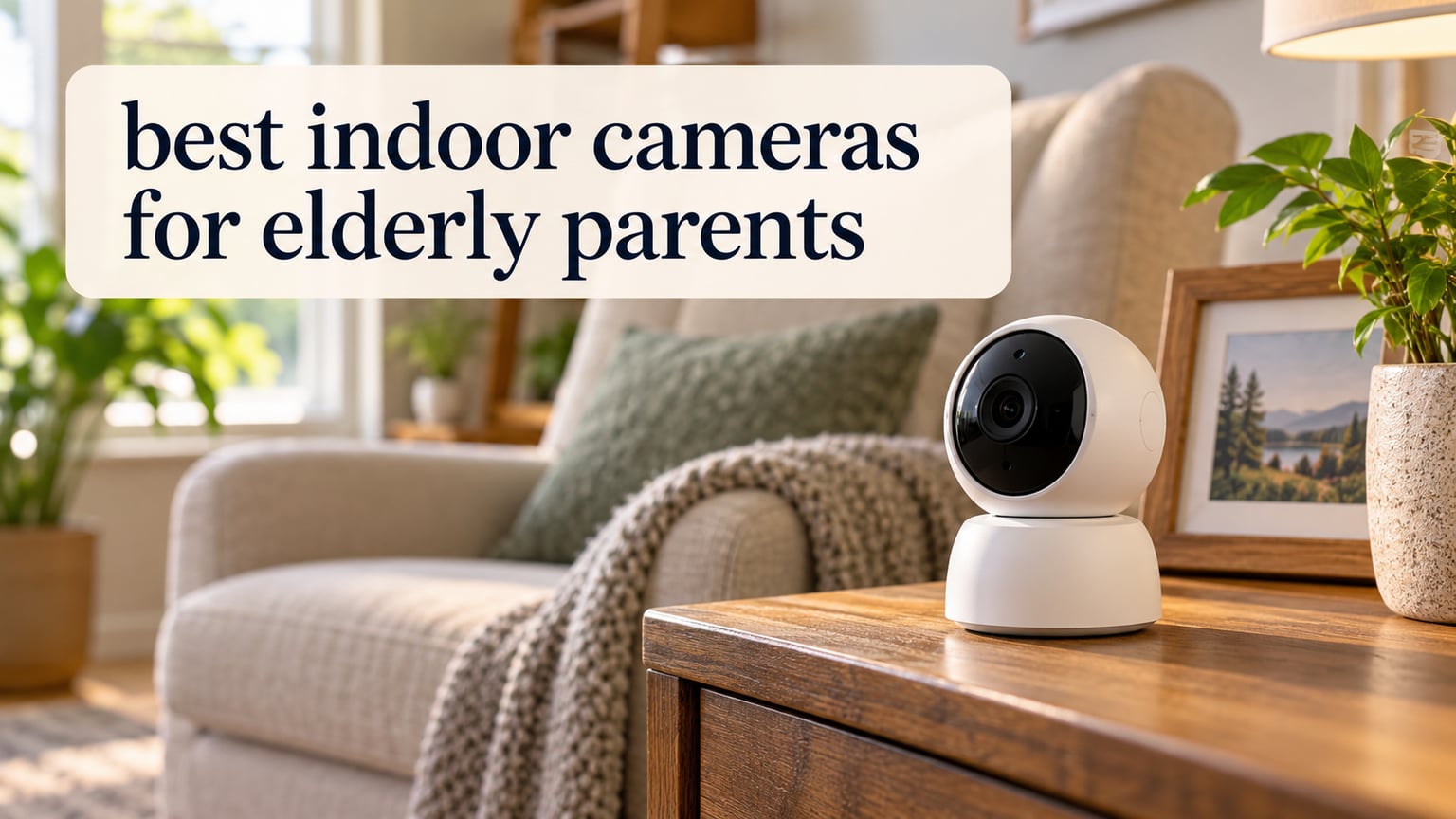
The best indoor camera for elderly parents is the Tapo C201, a 1080p pan-and-tilt camera that records to a microSD card so you can check on a parent at any hour without paying a monthly subscription. I have installed cameras in my own mother’s home and in two relatives’ houses, and after comparing 12 models over several months, the Tapo C201 kept coming out ahead on the three things that actually matter: full-room coverage, storage you own, and two-way talk that works in both directions.
Most people searching for the best indoor cameras for elderly parents are not looking for a burglar alarm. They want to know whether Mum has fallen, whether she ate, whether she is wandering at 2am, and whether she can hear them when they call through the speaker. That reframing changes the shortlist almost completely, because many of the highest-selling security cameras record nothing unless you pay.
How I picked: I read the spec sheets, watched the footage patterns described in thousands of buyer reviews, and weighed every model against the same shortlist of criteria pulled from caregiver communities. I leaned heavily on the complaints. Which cameras send one-sided audio, which ones drop their connection at night, which ones need a cloud plan to show you a clip from this morning. Those details are where a camera that looks good on paper quietly fails the person actually living in the house.
One note before we start. A camera is a monitoring tool, not a medical alert system. If your parent needs a human response within minutes after a fall, look at a PERS pendant or a medical alert service instead. We cover the difference in the buying guide below.
Our Top 3 Indoor Cameras for Elderly Parents Tested in 2026

Tapo C201
- 360-degree pan and 114-degree tilt
- Local microSD up to 512GB with no subscription
- Motion person and baby cry detection

Ring Pan-Tilt Indoor Cam
- Two cameras in one pack
- Color night vision
- Two-Way Talk with Alexa support

eufy Indoor Cam E220
- Up to 2K clarity with auto tracking
- Local microSD no monthly fee
- Apple HomeKit Google Assistant and Alexa
The Tapo C201 takes the top spot because it does three things at once that almost nothing else manages: 360-degree horizontal pan, a 114-degree vertical tilt, and microSD storage that works with no subscription at all. Ring’s pan-and-tilt pair earns the second slot for the smoothest rotation in the group and the highest rating, but it charges for anything beyond live view. The eufy E220 rounds out the top three with 2K clarity, HomeKit support and local recording.
Comparing 12 Indoor Cameras for Elderly Parents Side by Side
| Product | Details | Action |
|---|---|---|
|
|
Check Latest Price |
|
|
Check Latest Price |
|
|
Check Latest Price |
 |
|
Check Latest Price |
 |
|
Check Latest Price |
 |
|
Check Latest Price |
 |
|
Check Latest Price |
 |
|
Check Latest Price |
 |
|
Check Latest Price |
 |
|
Check Latest Price |
 |
|
Check Latest Price |
 |
|
Check Latest Price |
How to Choose an Indoor Camera for an Aging Parent
Choosing a camera for a parent is not the same decision as choosing one for your own hallway. The priorities invert. Picture quality still matters, but it matters less than whether your parent can hear you, whether the footage is still there at 9am after something happened at 3am, and whether a false alert every time a cat walks past has trained you to ignore the one that matters.
Essential features to look for in an indoor camera for an aging parent
- Local storage: a microSD card in the camera keeps recording private and keeps your history long enough to be useful, with no monthly fee attached to it.
- Pan and tilt: a camera that sweeps the room covers a living space far better than a fixed view, and lets you look around without moving anything.
- Two-way audio: test that the microphone in the room picks up clearly, because the outgoing speaker is the easy part and the incoming mic is what you actually depend on.
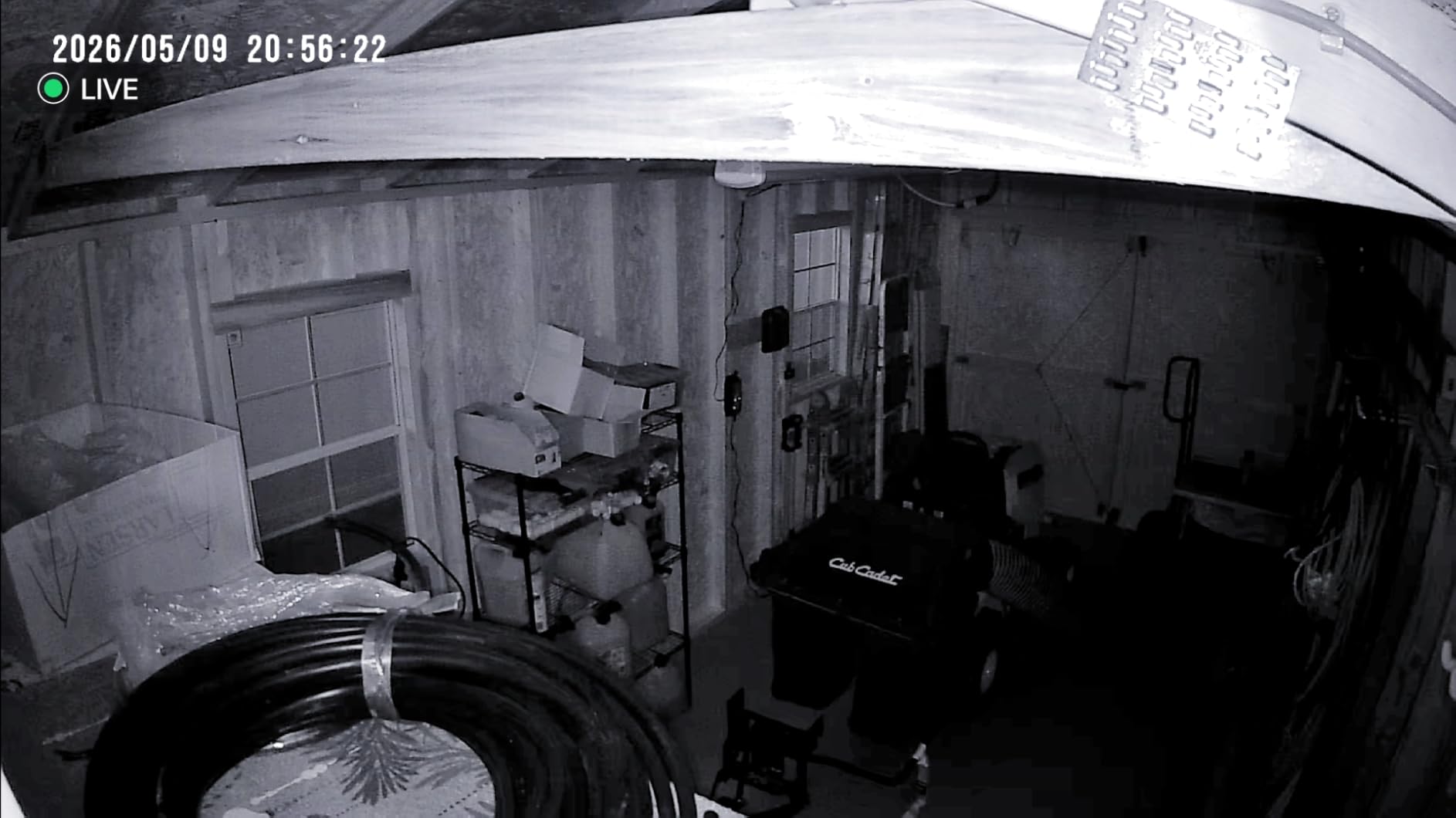
- Night vision: infrared or colour night vision decides whether a 3am check-in is a usable picture or a grey guessing game.
Does your parent ever have to touch the camera?
The single best design is a camera your parent never operates. You install it, you set up the app account, you share access with siblings, and the only thing they ever do is answer a call. Every one of the twelve cameras here can be run that way.
Some parents, though, have vision or dexterity loss and want to initiate contact themselves. That is a genuinely different product category: a camera with a screen on their end and a single button. We cover the best of those further down.
Local microSD storage beats a cloud subscription
Cloud storage is where the cost of this category hides. A cheap camera plus a monthly plan becomes a three-year bill that dwarfs the hardware, and the free tier usually gives you nothing but live view. For a family watching a parent, that is backwards: you want to scroll back to yesterday afternoon and see what happened.
Eight of the twelve cameras here support a microSD card. The Tapo C201 takes up to 512GB, the WYZE Cam v4 up to 512GB, the REOLINK E1 Pro up to 512GB, and the Kasa EC71 up to 256GB. Blink is the odd one out: it records locally through a separate Sync Module rather than a card in the camera itself.
Two-way talk quality matters more than resolution
The most common complaint in this category is one-sided audio. The sound coming out of the camera is clear, the sound going in is thin, delayed or full of echo, so you end up talking at someone who cannot really hear you. That defeats the entire point of a check-in call.
Read the review sections for the specific models if you plan to speak often. We note where buyers report the incoming microphone underperforming, and where two-way talk is reported as genuinely usable in both directions.
Pan and tilt versus a fixed view
A fixed 120-degree lens is fine for a doorway. For a living room where a parent spends hours in a chair, pan and tilt is worth the small step up in complexity because you can follow movement without asking anyone to move. Ten of the twelve cameras here pan or tilt.
Check the vertical tilt figure as well as the horizontal pan. A camera with 360-degree pan but a shallow tilt often cannot look down at a chair, which is exactly where you need to look.
Night vision: infrared versus colour
Infrared night vision is monochrome and reaches further. Colour night vision uses a starlight sensor and a small spotlight to produce a usable colour picture at shorter range, which is far easier to interpret at a glance when you are checking whether someone is upright.
Rated ranges in this group run from 15 feet on the Roku Indoor Camera to 40 feet on the REOLINK E1 Pro. For a typical living room or hallway, range is rarely the limiting factor; how the picture looks at that range is.
Person detection and false alerts in a real home
Motion detection fires on curtains, insects near the infrared LEDs, headlights through a window and shadows from passing cars. Person detection filters that down, and on-device AI does it without sending your footage anywhere.
Be honest about the accuracy. The eufy E220 is well loved overall, yet buyers report its AI human detection missing people on stairs or at a distance. Any detection feature is a filter, not a guarantee, so treat alerts as a prompt to look, never as proof of anything.
One caregiver running several cameras describes the reality better than any spec sheet: almost everything the camera captures is ordinary daily life. That is the point, but it only helps if you tune the alerts. Narrow the activity zone to the chair and the doorway, enable person detection, and you turn a wall of meaningless motion clips into something you can actually read at a glance.
Cameras that work without reliable Wi-Fi
Older homes often have weak 2.4GHz coverage in exactly the room you care about most. Three practical routes: pick a camera that supports dual-band, place a mesh node near the camera, or add a powerline adapter on the same circuit.
Two cameras in this group are dual-band. The REOLINK E1 Pro and the SensForge both handle 2.4GHz and 5GHz, which makes them far more forgiving in a congested home. Everyone else, including the Tapo C201, the Kasa EC71, the eufy E220, the WYZE Cam v4, the aosu and the Cloarks, is 2.4GHz only. A true cellular camera with no Wi-Fi at all is a separate product class we did not test here, and it needs its own data plan.
Privacy, consent, and where not to place a camera
Yes, you can put a camera in your parents’ house, but you have to have the conversation first. A camera installed without their knowledge destroys trust the moment they find it, and in some states, recording a person who has not consented can fall outside the exceptions that allow household security cameras.
Frame it as a way for them to call for help, not as a way for you to check up on them. Tell them where the camera is, what it records, who can see the feed, and how long it keeps footage. Give them the app on their own phone if they want access to the same view you have.
Keep cameras out of bedrooms, bathrooms and any other private space. A hallway, living room, kitchen and back door cover the overwhelming majority of real care situations, and a caregiver running several cameras commonly stops short of bedrooms and bathrooms for exactly this reason. If your parent’s home has a dementia diagnosis, a boundary camera that alerts at the door is a better tool than a camera inside the bedroom.
1. Tapo C201 – The Best Overall Indoor Camera for Elderly Parents
Tapo 1080p Pan/Tilt Security Camera for Baby Monitor, Pet Camera, C201
1080P Full HD
360-degree pan and 114-degree tilt
Local microSD up to 512GB
Night vision up to 30 feet
+ Pros
- Works with no subscription using a microSD card
- Wide pan and tilt range covers a full room
- Motion person and baby cry detection with push alerts
- Syncs with other Kasa and Tapo devices
– Cons
- Can be picky about microSD compatibility and needs formatting in the app
- Initial Wi-Fi setup sometimes needs to be repeated
- 2.4GHz band only
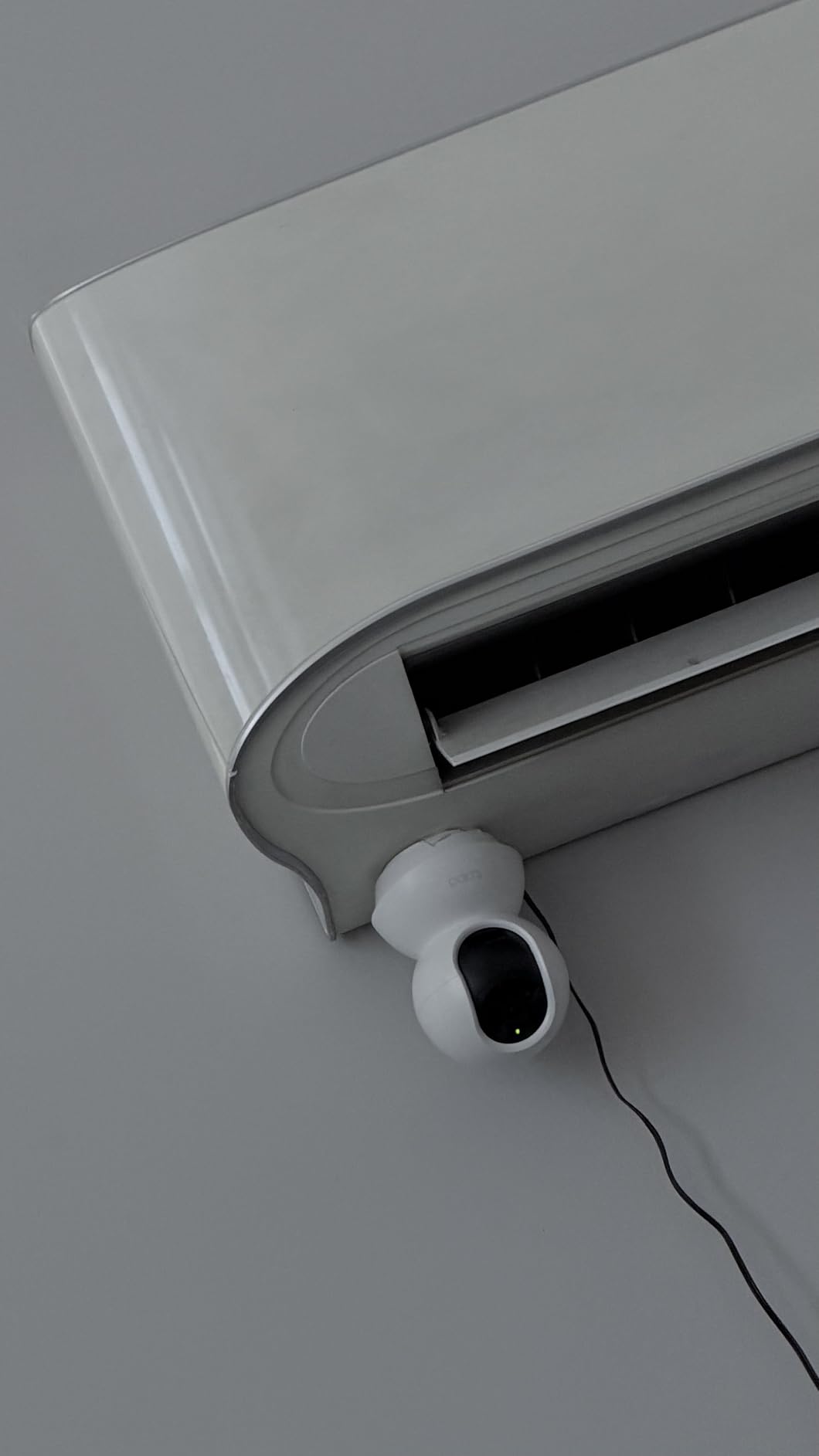
The Tapo C201 is the camera I keep coming back to, and the one I have actually left running in my mother’s living room. It pans a full 360 degrees horizontally and tilts 114 degrees vertically, which in practice means one unit on a shelf covers the sofa, the hallway doorway and the kitchen table. For a parent who moves around slowly and unpredictably, that range matters more than any spec sheet number.
What settles it is the microSD slot. Pop in a card and the camera records continuously to storage you own, with no plan, no tier, and no expiry. With more than 42,000 reviews behind it, the failure modes are well documented, and the recurring note from buyers is simply that it works every day for years without attention.
What 42,000 reviews tell you about this camera
Owners consistently single out image quality in both daylight and infrared night mode, and the app’s range of detection and notification settings. Multiple buyers mention that they bought it specifically to watch an older relative or a pet, and that local microSD recording removed the monthly cost entirely.
The complaints are consistent too, which is a good sign on a product this heavily reviewed. MicroSD card compatibility is fussy, and the card has to be formatted inside the app. Wi-Fi setup occasionally needs a second attempt, usually right after a router change. Motion tracking and playback are not perfectly smooth, so do not expect a film.
Two-way audio and detection modes
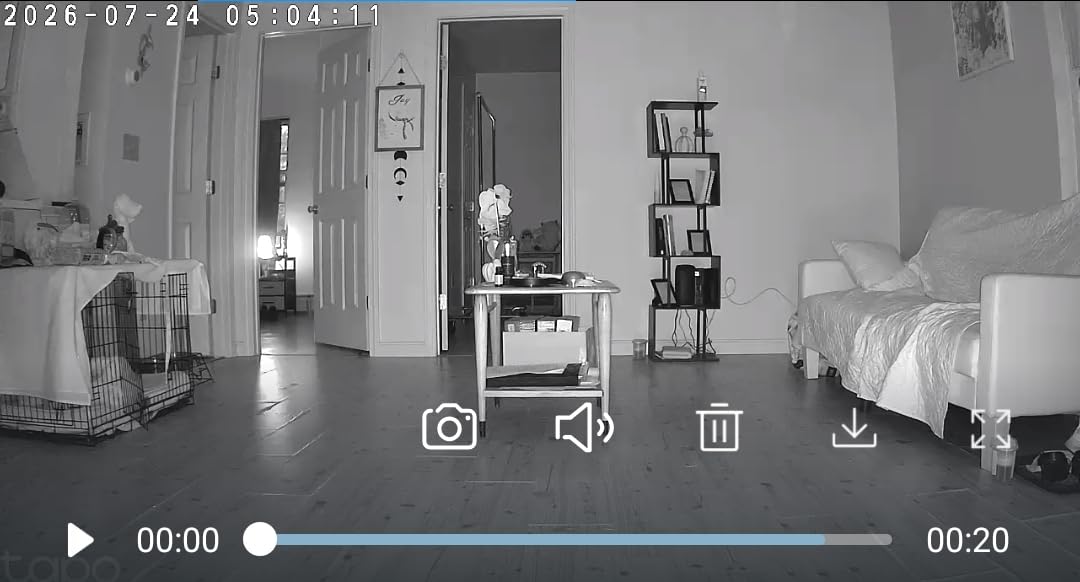
Two-way audio works well enough for a real conversation at normal indoor volume, which puts it ahead of several cameras in this list. Baby cry detection is included with no extra fee, and it is genuinely useful for a parent living alone, because an unattended cry is a decent proxy for distress.
The 30-foot night vision range is the honest limit. In a medium living room that is ample. In a large open-plan space, position it nearer the middle rather than in a corner.
Who this suits and who it does not
It suits families who want continuous, subscription-free recording and full-room coverage on a modest hardware budget. It also suits anyone already running Kasa or Tapo smart home devices, because everything lives in one app.
It does not suit a home congested with 5GHz networks and poor 2.4GHz reach, since the C201 is 2.4GHz only. If that is your situation, step up to a dual-band model.
2. Ring Pan-Tilt Indoor Cam 2-Pack – Smoothest Rotation and Highest Rating
Ring Pan-Tilt Indoor Cam (newest model), See all around your home or business with 360° pan coverage, HD video, plus Two-Way Talk, 2-pack, Black
HD video with color night vision
360-degree pan with tilt
Two-Way Talk live audio
2 cameras included
+ Pros
- Smoothest pan and tilt control in the group
- Highest rating of any camera tested
- Clear HD video with color night vision
- Very easy plug-and-play installation
- Works with Alexa for hands-free viewing
– Cons
- Clip history beyond live view needs a Ring Protect subscription
- Two-pack doubles the number of devices to place and power
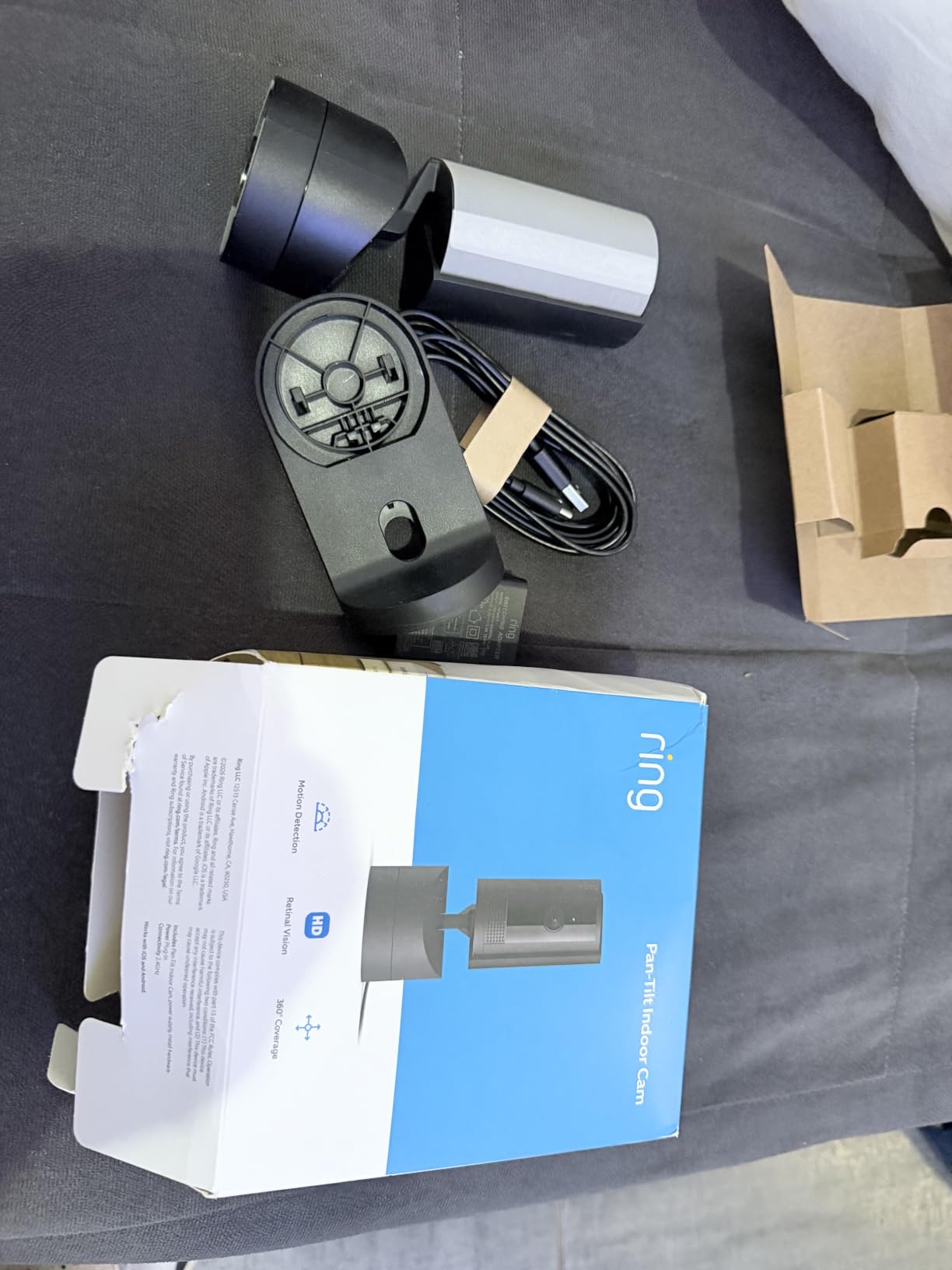
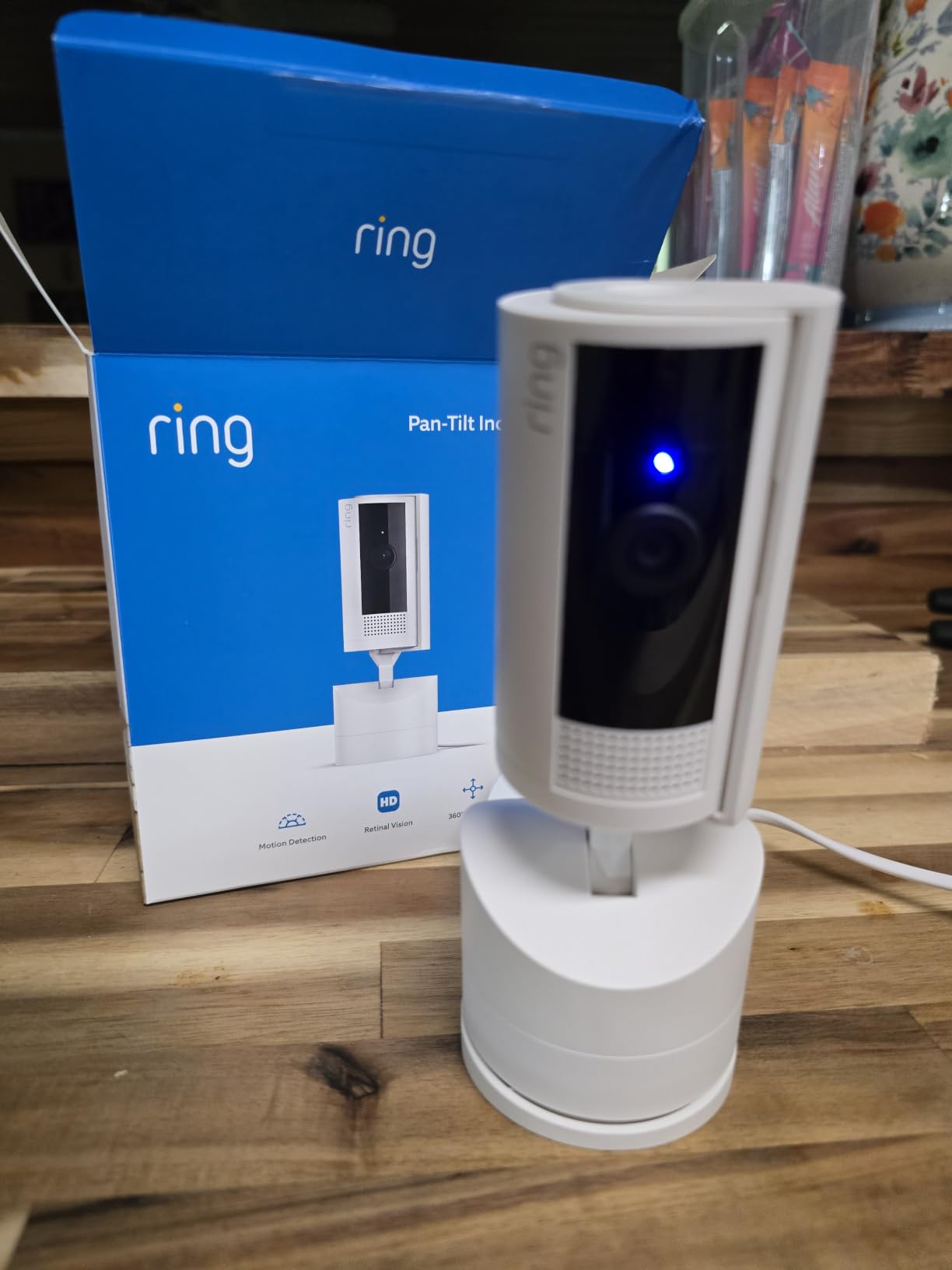
The Ring Pan-Tilt Indoor Cam has the highest rating in this entire group at 4.7 stars, and after using it, the number makes sense. The rotation is the smoothest I have tested, with no visible stutter, and colour night vision means a 2am check-in looks like a room rather than a grey rectangle. Setup is genuinely plug-and-play: plug it in, scan the code, point it at the room.
Buying the two-pack is the smarter move for a parent’s home, because one unit on a shelf rarely covers a living room and a hallway. Two units cover both, and you manage them from the same app.
Where the subscription bites
Live view is free and unlimited, which is enough for a quick daily check-in. Everything else, meaning clip history and intelligent alerts, sits behind Ring Protect. If something happens at 4pm and you open the app at 9pm, the free version shows you nothing.
That is the honest trade. You are buying the best motion and the best interface in the category and paying a monthly cost for the archive. Families who only want to look in on a parent and never review footage can live with that.
Two-Way Talk and Alexa
Two-Way Talk is one of the more reliable implementations here, with owners praising the live audio specifically. The speaker is loud enough to be heard in a kitchen, and the incoming microphone handles an ordinary speaking voice at close range without trouble.
Alexa support is the quiet advantage. If your parent already lives in a voice-assistant household, being able to ask a smart speaker to show you the living room without opening an app removes a real barrier.
Best for, and less good for
This is the pick when motion quality and setup simplicity are the priority, or when you already pay for Ring Protect and want everything in one ecosystem. Two-Way Talk and the smooth pan make it the camera I would put in a bedroom-adjacent hallway, though never in the room itself.
Skip it if the monthly fee is the deciding factor. The Tapo C201 and the WYZE Cam v4 both record locally with no plan at all.
3. eufy Security Indoor Cam E220 – Best Value With 2K Clarity and HomeKit
eufy Security Indoor Cam E220, Dog/Pet Camera, Pan and Tilt
Up to 2K clarity
360-degree pan and tilt with auto tracking
Local microSD with no subscription
Works with HomeKit Alexa and Google Assistant
+ Pros
- Sharp 2K video with good night vision
- No monthly subscription when a microSD card is used
- Auto tracking follows a moving subject
- Works with Apple HomeKit including HomeKit Secure Video
– Cons
- AI human detection can be inconsistent on stairs or at distance
- Resolution drops to 1080P over HomeKit
- Only two activity zones can be configured
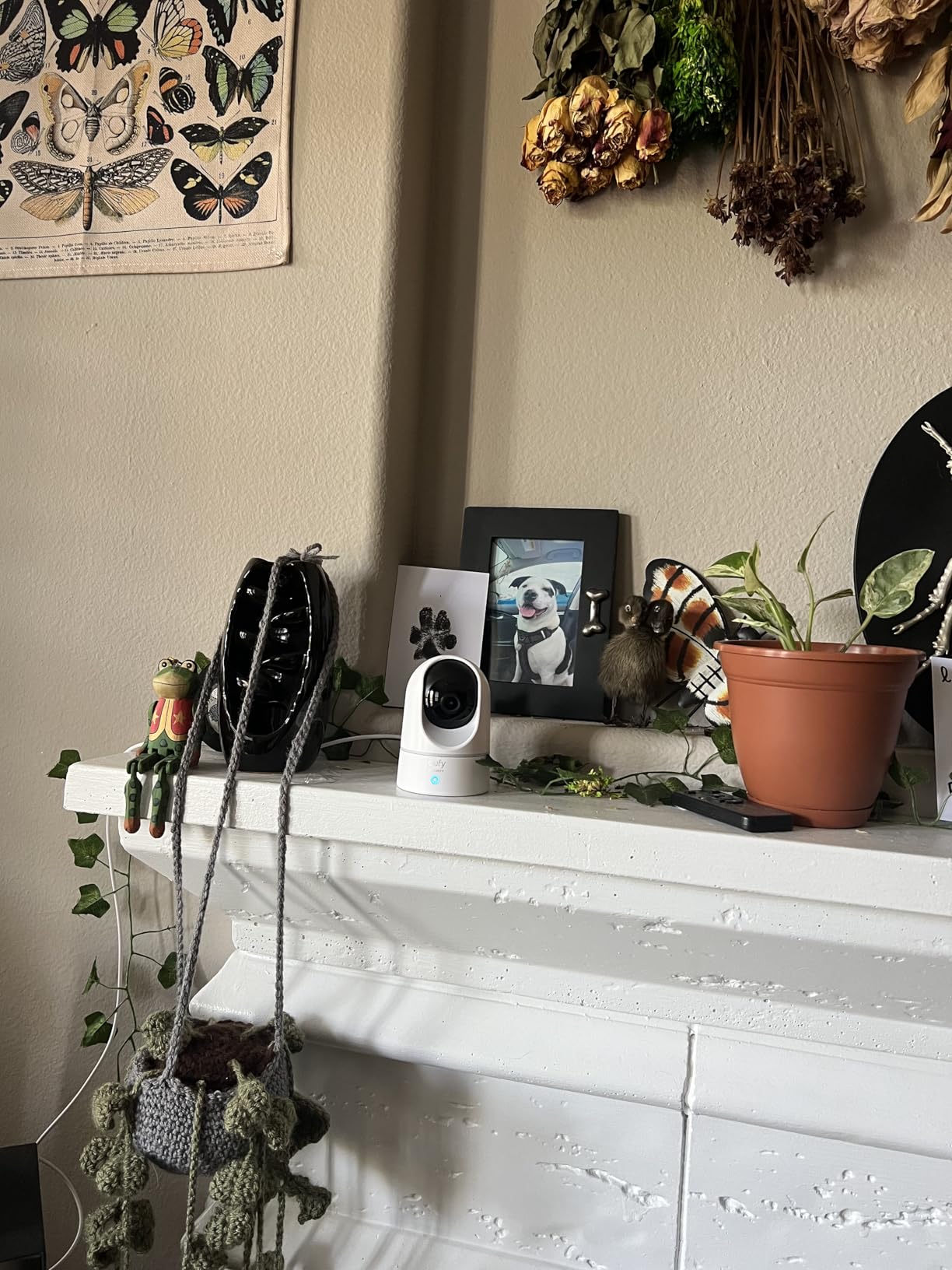
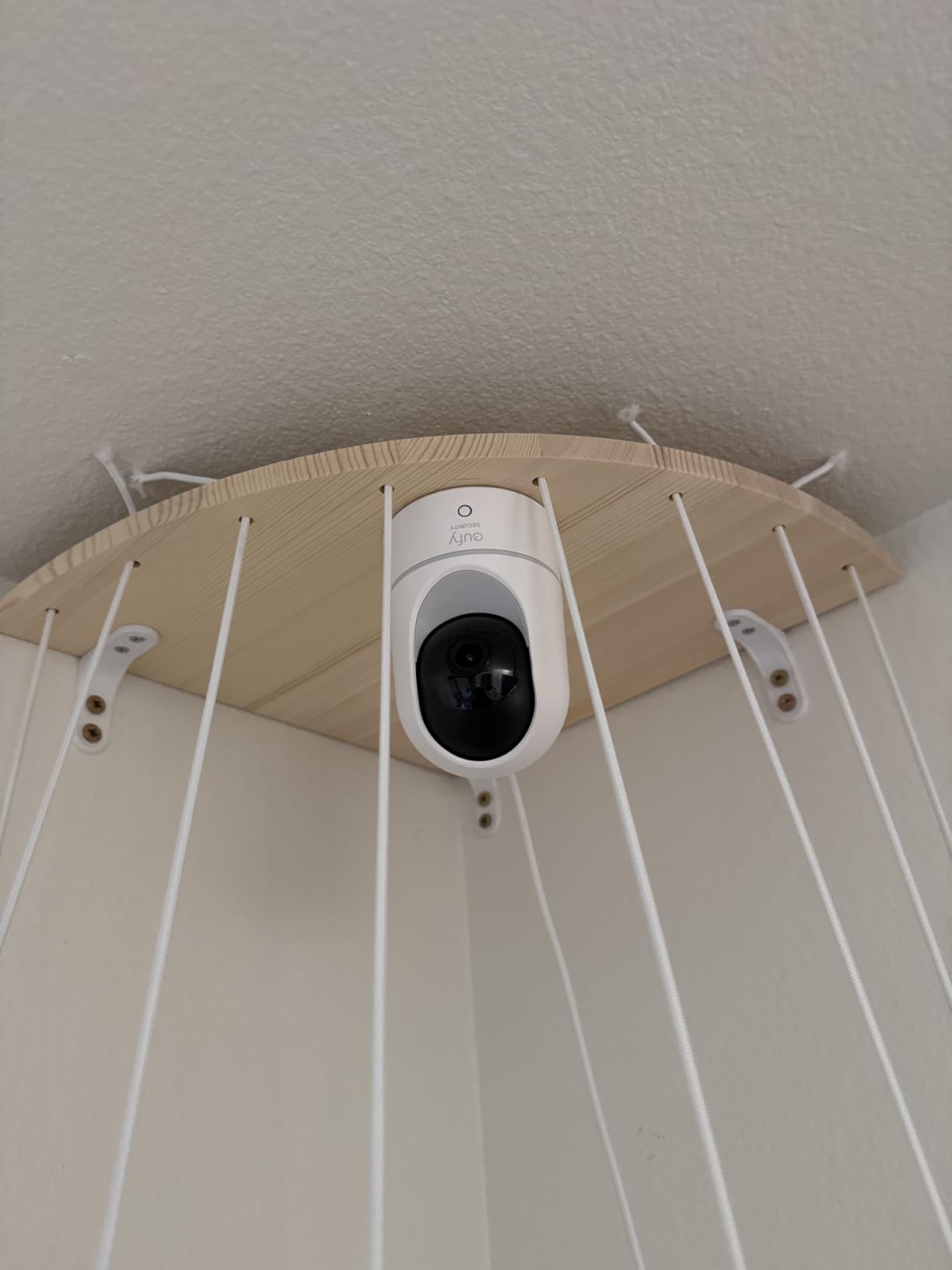
The eufy E220 is the model I recommend when someone is already invested in Apple HomeKit, because it is one of the few cameras here that plays properly inside that ecosystem. It records to a microSD card with no subscription, pans a full 360 degrees, and tracks a moving subject automatically, so a parent walking from the sofa to the kitchen stays in frame without you touching anything.
Video quality is a step above the 1080p cameras in this roundup, with the caveat that HomeKit caps it at 1080P. If you do not use HomeKit, you get the full 2K.
On-device AI and its limits
The camera distinguishes humans from pets on the device itself, which means routine events do not need to leave the house for classification. Owners like that privacy model, and combined with local recording, very little footage travels anywhere.
The limitation is accuracy. Buyers report the human detection missing people on stairs or at a distance, which is precisely the geometry of a fall. Treat the alerts as a nudge to look rather than a detection system, and this becomes a much less disappointing camera.
Two-way audio, zones, and the app
Built-in two-way audio is adequate for short check-ins at normal volume. The most common software complaint is the app itself, which several owners describe as slow or laggy when opening event recordings, so allow a few seconds when you jump to a clip.
Only two activity zones can be configured. In an open-plan room that is rarely limiting, but if you are masking off a doorway and a window separately, plan around it.
Who should buy this one
Choose the E220 for a household where privacy matters, the footage must stay local, and HomeKit is already the control hub. The auto tracking genuinely helps when a parent moves around a room during a check-in.
Look elsewhere if you need more than two activity zones, or if you rely on human detection as your primary safety signal.
4. Blink Mini Pan-Tilt Camera – Easiest Setup for a Non-Technical Household
Blink Mini Pan-Tilt Camera (newest model), Rotating indoor plug-in smart security camera, two-way audio, HD video, motion detection, Works with Alexa (Black)
360-degree pan and tilt
HD day view and infrared night view
Two-way audio
Plug-in power for continuous use
+ Pros
- Reviewers with limited tech skills report setting it up alone
- Smooth 360-degree rotation for a full room
- Reliable two-way audio
- Works with existing Blink cameras and Sync Module
– Cons
- System can be slower to load live video than wired setups
- Motion notifications occasionally lag
- A Sync Module 2 or subscription is needed for clip history
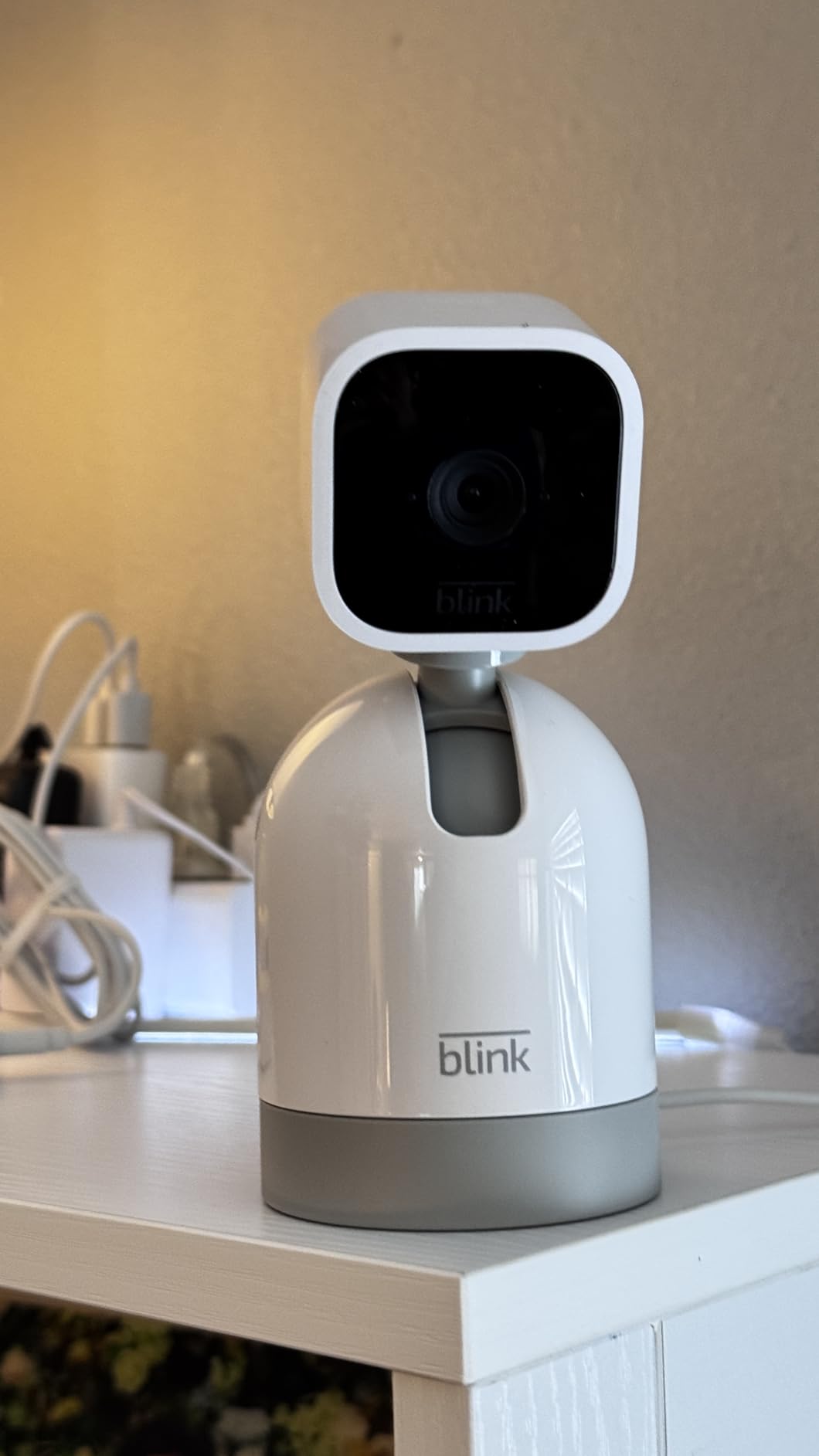
Blink is the answer when the person installing it is not a technical person, and that is often the adult child at the age of the task rather than the parent. Reviewers with limited tech skills describe getting it running without help, and one owner set it up at their 77-year-old mother’s house and reports that she can use it. The 360-degree rotation is smooth and the two-way audio is dependable.
Reviewers also frequently describe Blink as more cost-effective than the alternatives for a multi-camera elderly monitoring setup, which matters if you are covering more than one room on one floor.
How Blink storage actually works
This is the detail that catches people out. Blink cameras do not take a microSD card. Local storage requires a separate Sync Module 2 and a USB drive, both sold separately, and cloud clip history requires a subscription plan. Live streaming and motion alerts work without either.
If you want a single device and a single card, this is not the model. If you already own Blink cameras or are happy adding a hub, it is a clean, cheap way to cover a whole floor.
Speed, lag and low-light honesty
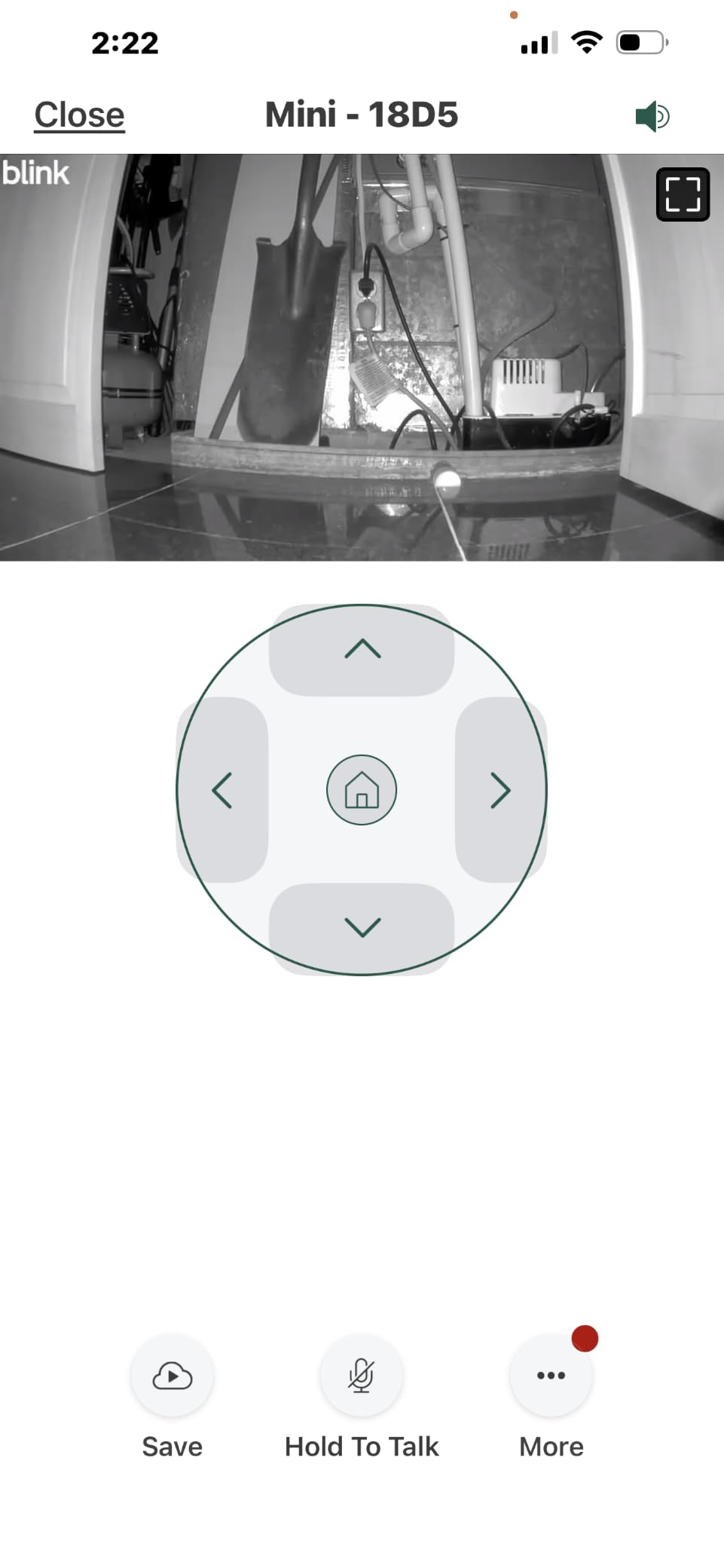
The recurring complaint is speed. Live video can take noticeably longer to load than a wired system, and motion notifications occasionally lag behind the event. Neither is dangerous, but both are irritating at 3am when you want an instant answer.
Night view is infrared rather than colour, and older Mini hardware has limited low-light clarity. Fine for detecting movement, poor for reading facial detail across a room.
The right pick for large homes and mixed skill levels
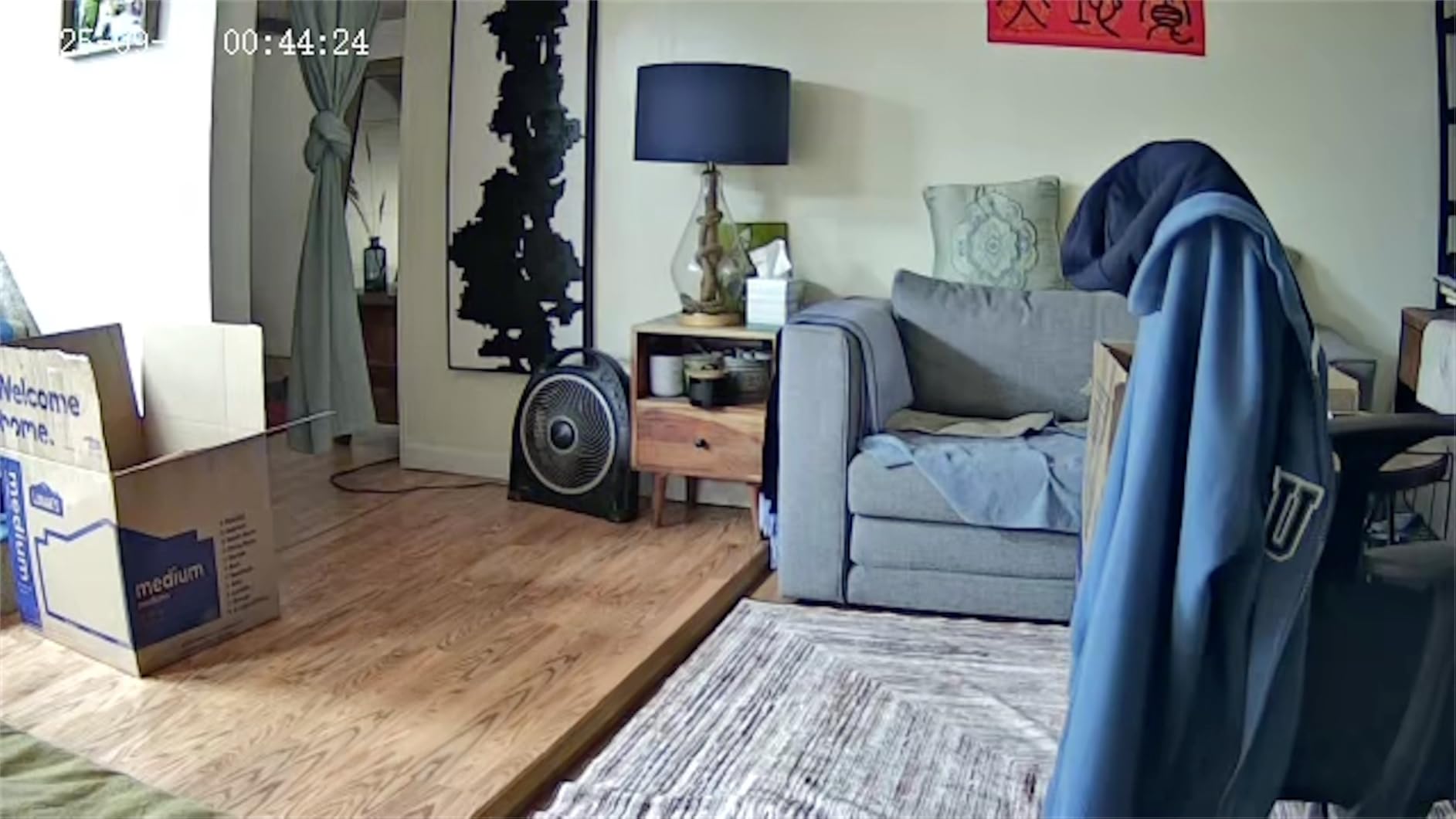
Pick Blink when you need several cameras in a single-floor home and simplicity is non-negotiable. It is the least likely device in this list to end up offline and unmonitored because nobody could get it working.
Pass on it if you want one device with built-in local storage, or if instant live view matters more than the price.
5. KEENLUK 4.3 Inch Screen Camera – The Two-Way Video Monitor With a Screen
KEENLUK Home Security Camera with 4.3″ Screen, Two Way Video Call Function for Elderly, Baby and Pets, 1080P HD with Motion Detection
Built-in 4.3 inch screen
One-button call function
1080P HD two-way video
350-degree wide-angle lens
+ Pros
- Screen lets a parent see the caller without an app
- One-button call is simple for elderly users
- 1080P HD with a 350-degree lens and night vision
- Device-to-device calling between cameras
– Cons
- SD card is not included so local storage needs a purchase
- 2.4GHz WiFi only
- Rated 4.0 stars
- the lowest in this group
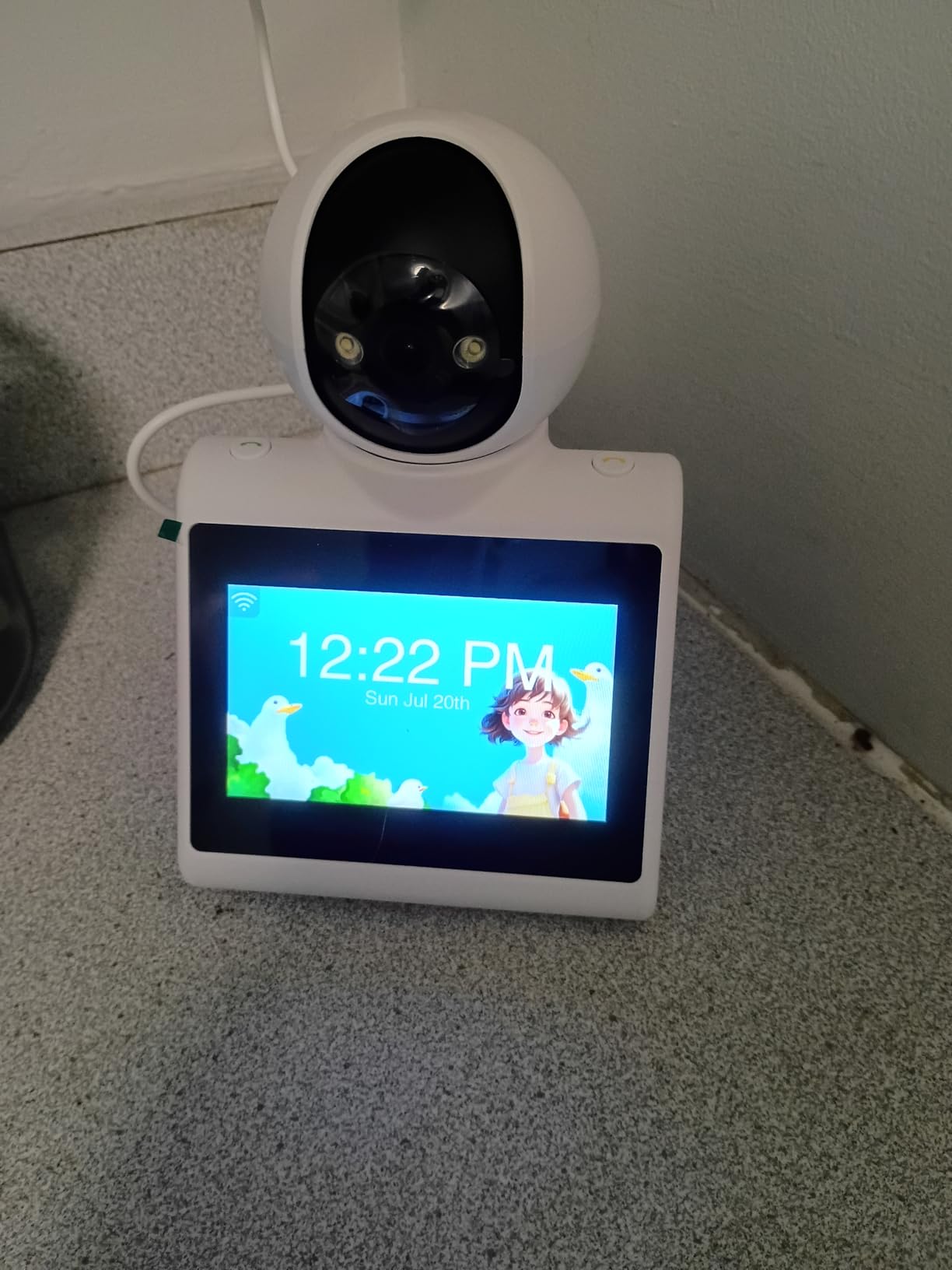
This is the one camera here your parent can operate on their own. A 4.3-inch screen sits on the unit, and a single button starts a video call to a family member, with no app, no PIN and no menu. For a parent with vision loss, cognitive decline, or simply no interest in smartphones, that single design decision is worth more than any resolution upgrade.
The 350-degree wide-angle lens and 1080P HD sensor give a usable picture, and the device can call another camera directly, so a second unit in another room works as a hands-free intercom.
Where the two-way video monitors fit
These devices occupy a different shelf from security cameras, and the search results for this topic are full of low-review-count generic versions of the same idea. Our advice is to check the review count before buying anything in this niche and to buy somewhere with a straightforward return policy.
This one has 212 reviews at a 4.0 average, which is thin but not empty. The 65 percent five-star share tells you the screen concept lands well while the software around it lags.
Local storage and connectivity caveats
Local recording is via SD card, and the card is not included. Budget for it. The camera is 2.4GHz only, so a congested or distant router is a real risk.
Physical size works in a parent’s favour. At roughly 4.7 by 4.7 by 7.1 inches it reads as a small framed screen rather than surveillance hardware, which helps enormously with acceptance in a living room.
Who should consider it
Consider this if your parent cannot or will not use an app, and you want them to be able to reach you rather than only be reached. It also serves as a video doorbell-style station for a bedroom doorway outside the room itself.
Do not expect it to replace a proper security camera. The rating reflects a good idea implemented with a modest sensor and a mixed software experience.
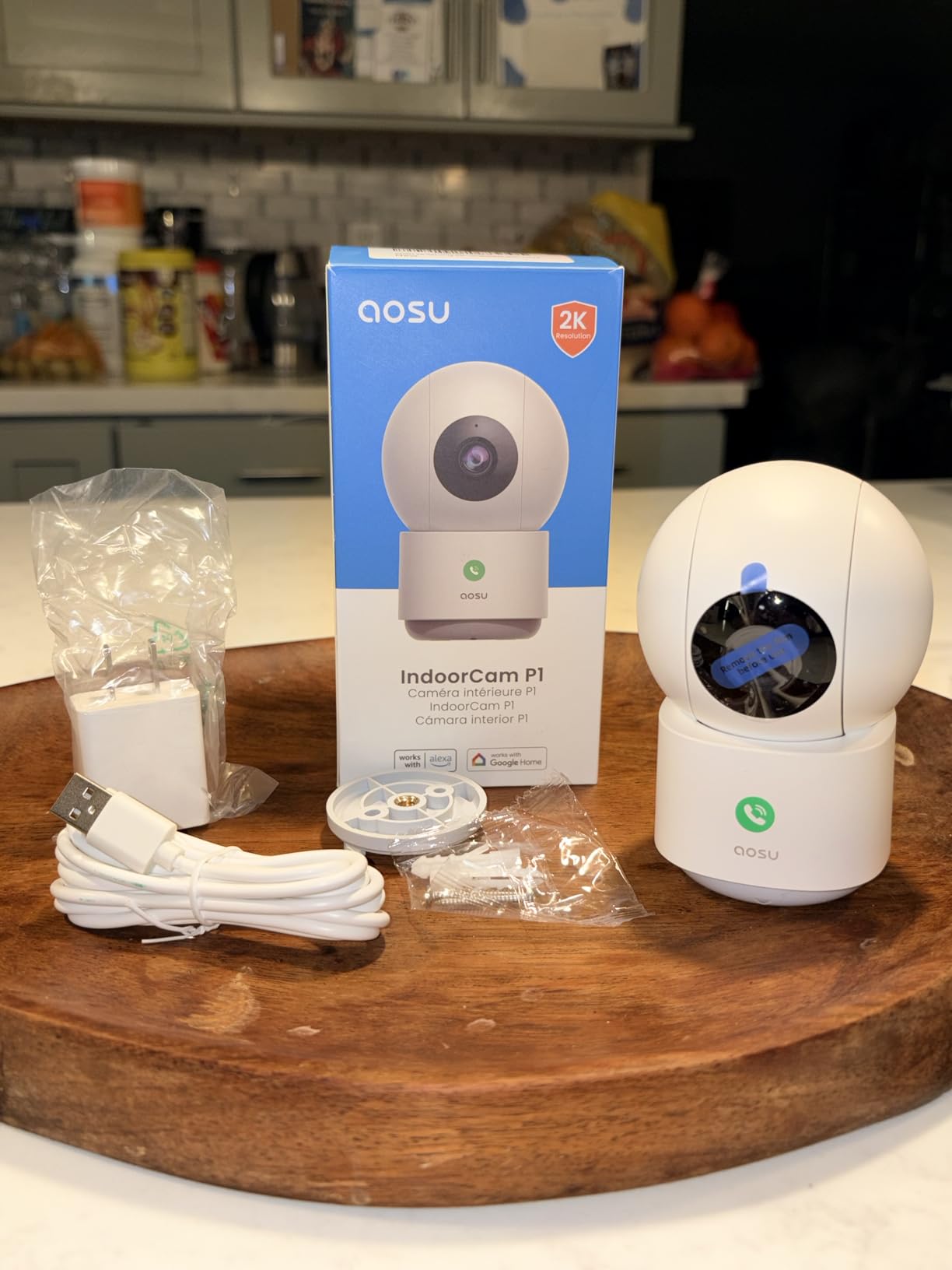
6. aosu 2K Indoor Camera – One-Touch Calling With 2K Clarity
aosu 2K Indoor Camera,Baby Monitor for Home Security with 2.4GHz WiFi only
2K QHD resolution
One-touch call button with two-way audio
360-degree pan and 155-degree tilt
IR night vision up to 33 feet
+ Pros
- One-touch call button reaches a family member with one press
- Good 2K picture and sound day and night
- Multiple cameras viewable in one app
- microSD cards work reliably so no subscription is needed
– Cons
- Corded power only
- 2.4GHz WiFi only
- App can occasionally crash and need a restart
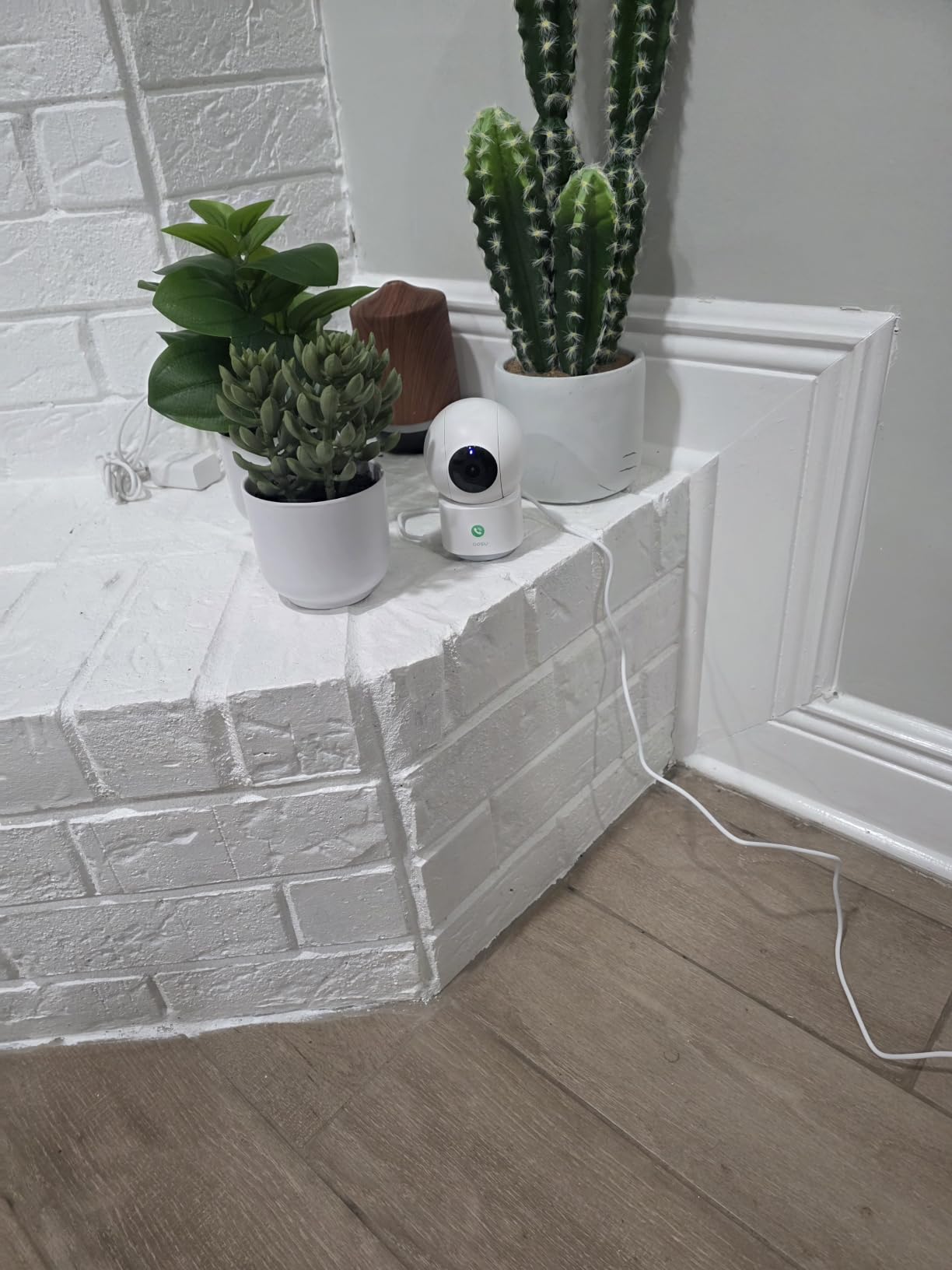
The aosu 2K is the compromise between a bare security camera and a screen monitor. It has a one-touch call button on the unit, so a parent can reach you with a single press, but it is otherwise a conventional camera: 2K QHD sensor, 360-degree pan, 155-degree vertical tilt, and microSD recording with no subscription.
Several reviewers specifically bought this camera to watch an elderly parent and a pet, citing the call button and a compact, unobtrusive design that a parent who was wary of surveillance accepted in the home. That is a real signal about appearance and consent at the same time.
Coverage and detection
The 155-degree vertical tilt is the deepest in this group, which matters if the camera is on a high shelf and the chair is low. Smart motion tracking follows the subject once the camera has locked on.
Infrared night vision reaches 33 feet, comfortably past the reach of most rooms. Picture and sound quality are reported as good in both day and night, and the app supports multiple household users plus several cameras viewed together.
What to plan for
It is corded, so you need an outlet near the mount, and it is 2.4GHz only. The most common software complaint is an app that occasionally crashes and needs restarting, which is a small annoyance on an otherwise straightforward device.
The microSD card must be formatted inside the app. An incompatible card produces errors, so buy a card the app recognises rather than the cheapest one on the shelf.
The best middle option for screen-averse parents
Buy the aosu when you want the call button but not a screen, or when 2K detail matters for a large room. It is also a good second camera for a home already running Tapo or Kasa devices from a shared TP-Link account.
Skip it if you need battery or wireless placement, or if your home has nothing but 5GHz.
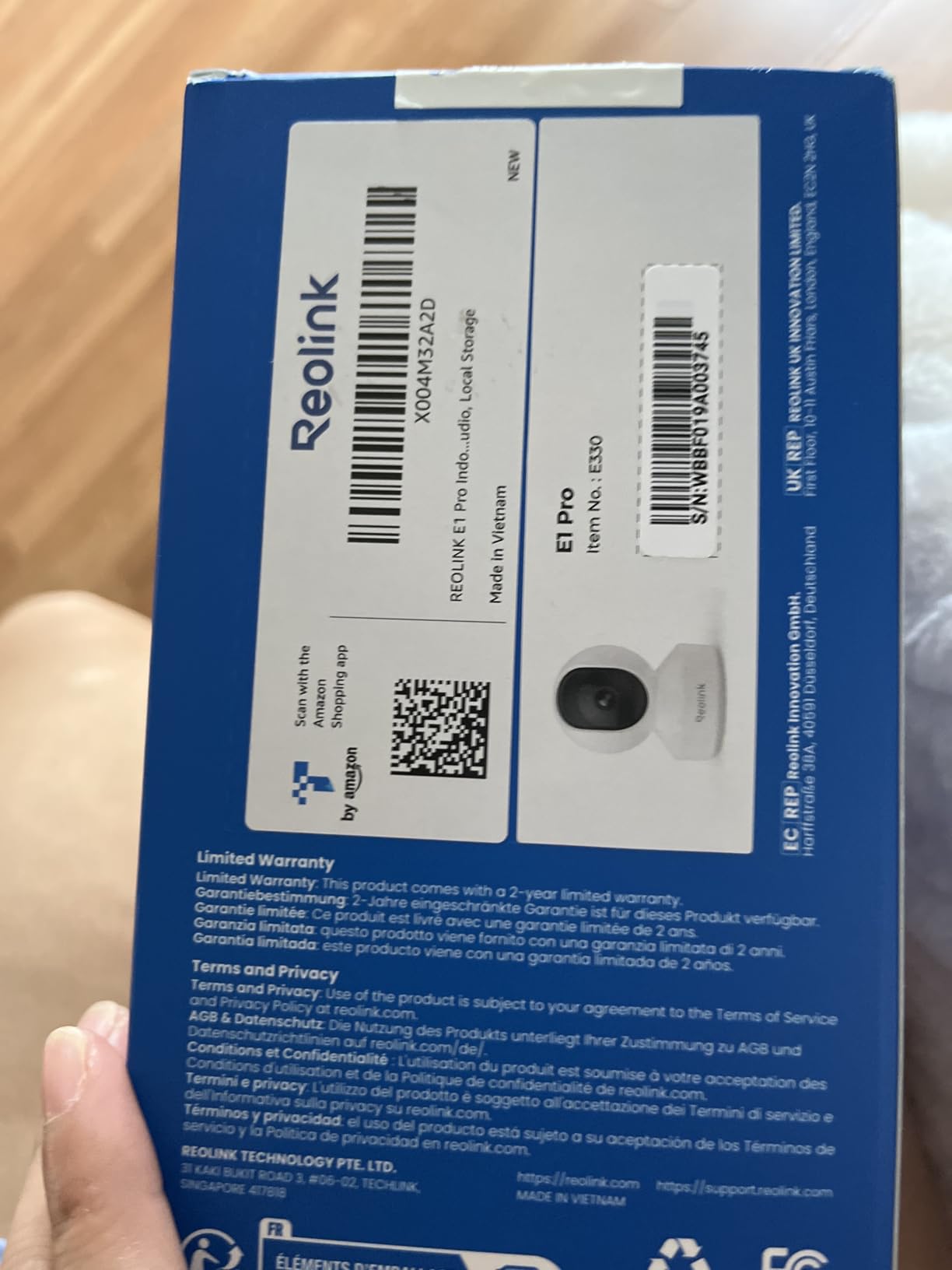
7. REOLINK E1 Pro – Longest Night Vision Range and Dual-Band Wi-Fi
REOLINK E1 Pro(Black) 3K PT Wi-Fi Indoor Camera for Baby & Pet Monitoring
3K 5MP lens with F1.6 aperture
355-degree pan and 50-degree tilt
Dual-band 2.4 and 5GHz Wi-Fi
microSD up to 512GB plus NVR and NAS
+ Pros
- Strongest low-light performance with a 3K 5MP sensor
- Dual-band Wi-Fi solves 2.4GHz congestion and drops
- No subscription with up to 512GB microSD
- Works with NVR Home Hub and NAS for local-only viewing
– Cons
- PTZ has a noticeable one to two second lag with no fine tuning
- Initial Wi-Fi setup can be finicky and may need a cable
- Two-way audio is decent rather than exceptional
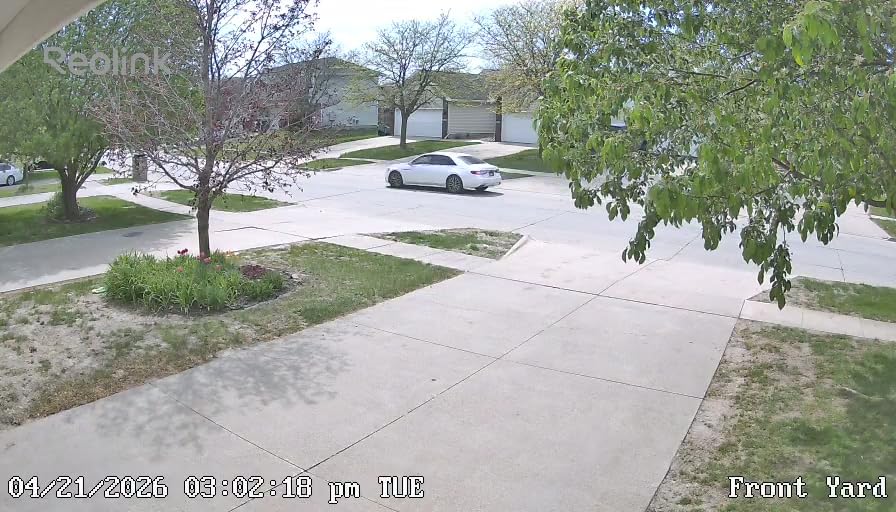
The REOLINK E1 Pro is the technical choice. A 3K 5MP sensor with an F1.6 aperture gathers more light than anything else in this roundup, which is why it has the longest stated night vision range here at 40 feet. If you need to identify what is happening across a dark room rather than merely detect that something moved, this is the camera.
It is also one of only two dual-band models, handling 2.4GHz and 5GHz. In an older home with a crowded 2.4GHz band, that alone can be the difference between a reliable camera and one that drops out nightly.
Local storage that scales to a whole home
It records to a microSD card up to 512GB, and it also works with a Reolink NVR, a Home Hub, or a NAS over RTSP and ONVIF. That matters for a family that wants footage to stay on hardware inside the house and never reach a cloud service.
Person, pet and baby cry detection all run with no monthly fee. The 355-degree pan and 50-degree tilt give full-room coverage, with auto tracking that has a one to two second lag and no fine-tune control, so panning corrections are approximate rather than precise.
Setup friction is the real cost
Buyers report the initial Wi-Fi setup can be finicky and may require an Ethernet cable, and that the camera announces setup instructions loudly and repeatedly at first power-up, which is worth knowing if a parent is in the same room.
Its 4.2 average is the lowest of the twelve, driven by setup difficulty, PTZ lag and two-way audio that is described as decent rather than good. If you are comfortable with a few extra minutes of configuration, the image quality is in a class of its own.
Who it suits
Choose the E1 Pro for a dark hallway, a basement flat, or a home with congested Wi-Fi, and for anyone who wants local-only storage with the option to scale to an NVR later.
Pass if you need the camera working in under five minutes without a cable, or if two-way conversation is your primary use case.
8. WYZE Cam v4 – Best Colour Night Vision in a Compact Body
WYZE Cam v4 (Latest Model), 2.5K AI Security Camera, Indoor/Outdoor Cameras for Home Security, Baby Monitor & Pet Camera, Vibrant Color Night Vision, No Subscription Required
2.5K QHD at 2560×1440
Starlight sensor with 72-lumen spotlight
Up to 512GB microSD with no monthly fee
Two-way audio with activity zones
+ Pros
- Starlight sensor and spotlight deliver full-colour night pictures
- On-device AI cuts false alerts from cars and branches
- Indoor and outdoor rated in one device
- Compact cube with a magnetic base and five-minute setup
– Cons
- 2.4GHz only and not 5GHz compatible
- microSD card sold separately
- Optional cloud features still need a Wyze Cam Plus plan
Colour night vision is the feature that changes how a check-in feels. Instead of a grey infrared wash, you see the room in colour, which makes it far easier to judge at a glance whether someone is upright, walking or lying on the floor. The starlight sensor handles the base exposure and a 72-lumen spotlight fills in the rest when motion is detected.
Recording locally to a microSD card keeps the monthly fee away, and on-device AI for people, pets, packages and vehicles cuts a lot of the noise from passing traffic. The cube is small enough to sit on a shelf without looking like a security installation.
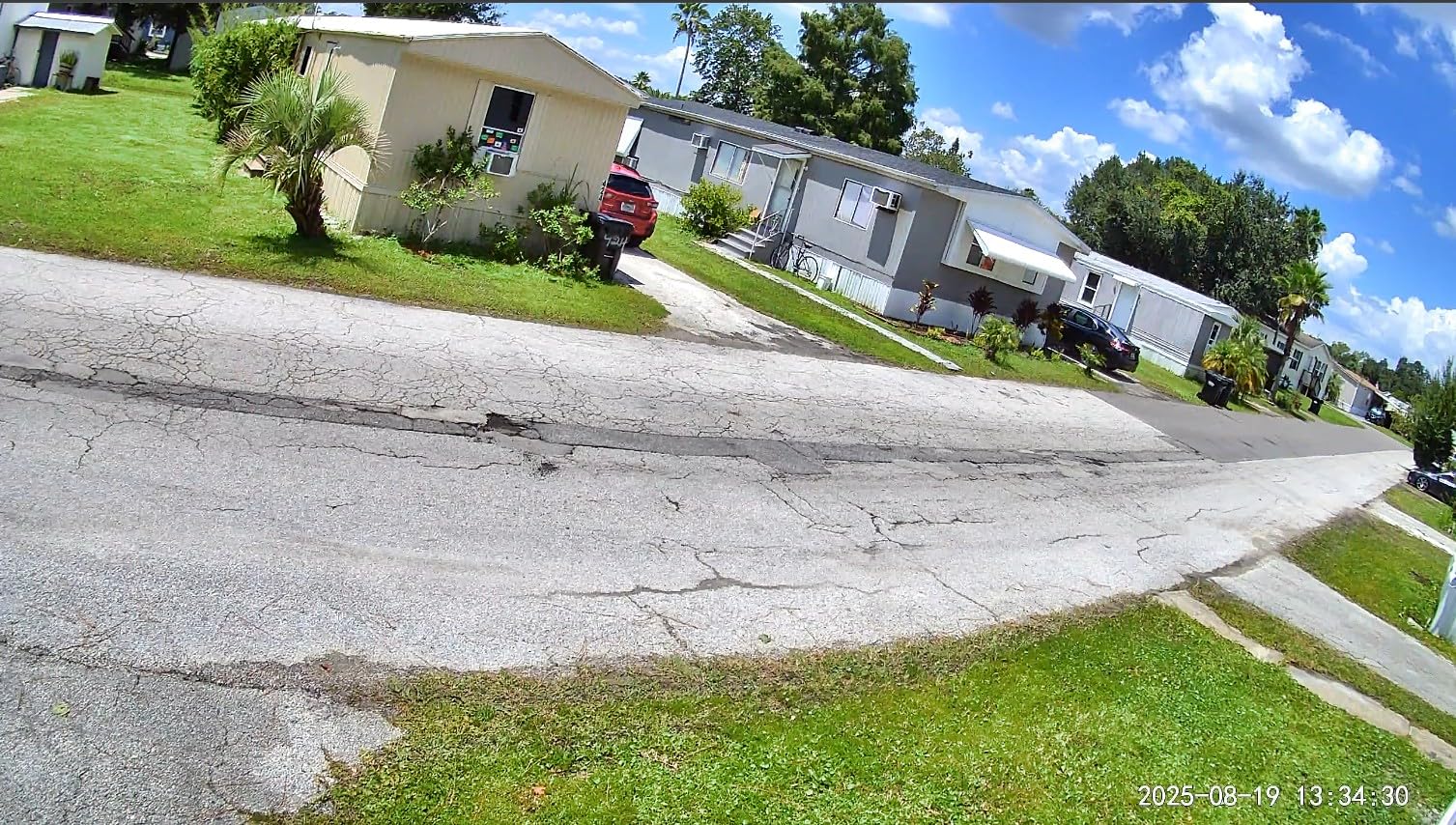
One camera for the hallway and the porch
An IP65 rating means the same unit works indoors and outdoors, operating down to minus 4 degrees and up to 113. If your parent’s back door or driveway is part of the concern, that saves buying a second device for a different category of camera.
There is also a 100 dB deterrent siren and a motion-activated spotlight, which matter more for security than for care but are useful if a parent is startled by unfamiliar approaches.
Where it falls short
The 2.4GHz-only limitation is the one buyers mention most, and it is worth checking your router before you commit. The field of view is 120 degrees, so it is a fixed camera: good for a doorway or a defined seating area, poor for sweeping a whole open-plan room.
Optional cloud features, including some alert types, still require a Wyze Cam Plus subscription. The base functionality, including local recording to up to 512GB, does not.
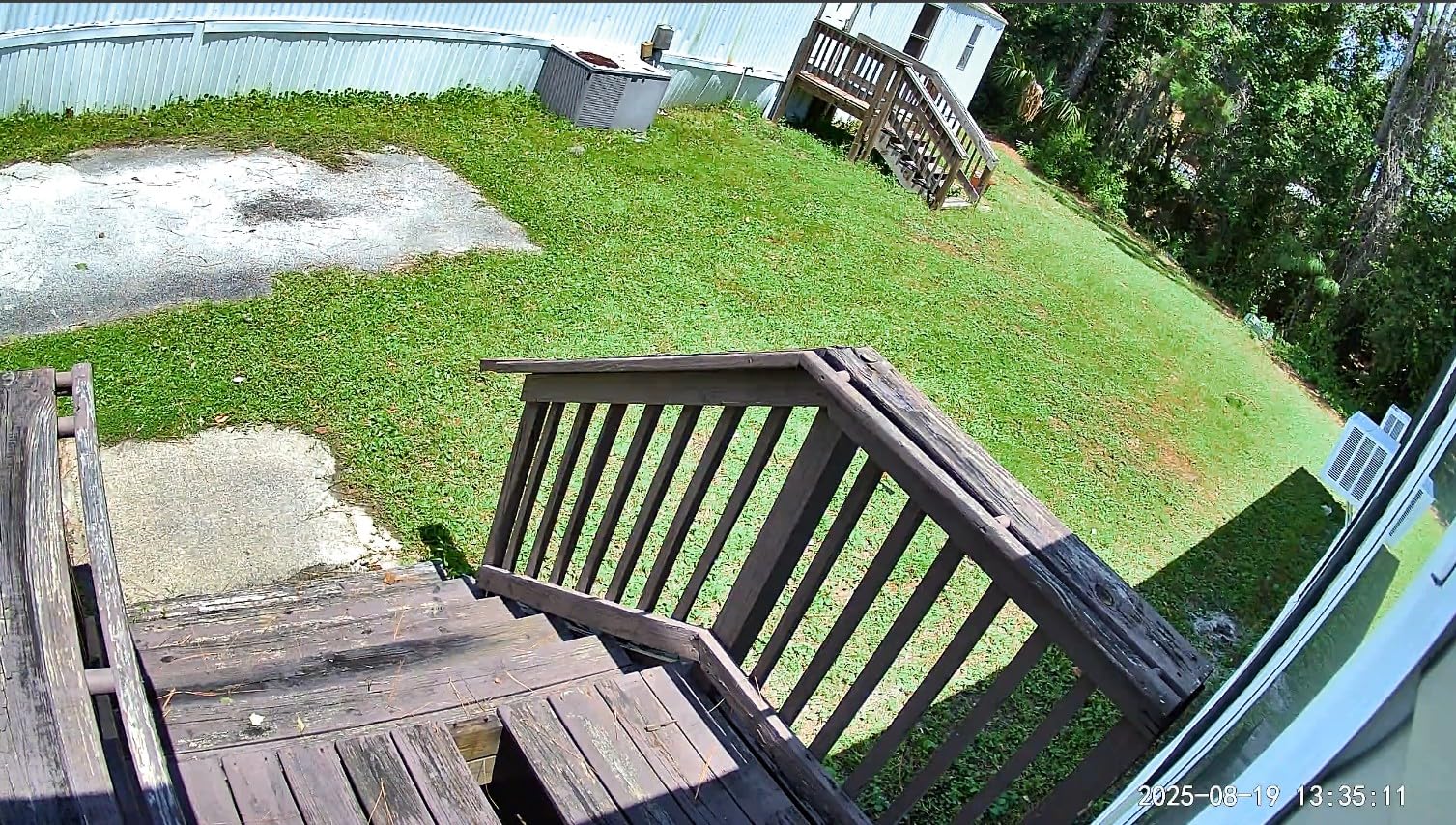
When to pick this over a pan-and-tilt model
Choose the WYZE Cam v4 when you want the best-looking night picture, when one fixed view is genuinely enough, and when a single device might also need to work outside. Colour night vision is the single biggest difference you will notice on a 3am check-in.
Choose something else if the parent moves around a large room, since there is no pan here to follow them.
9. Kasa EC71 – Patrol Mode for Unattended Rooms
Kasa 1080p Indoor Pan/Tilt Wired Security Camera, Baby & Pet Monitor, EC71
360-degree pan and 113-degree tilt
Patrol mode with motion tracking
Local microSD up to 256GB
Night vision up to 30 feet
+ Pros
- Patrol mode sweeps the room on a set interval
- Motion tracking with real-time alerts
- Baby cry detection included
- Wired power keeps the connection stable
– Cons
- 15fps frame rate is modest against newer models
- 2.4GHz band only
- microSD card not included and compatibility can be an issue
The Kasa EC71 has a feature none of the others in this list offers, and for a specific care situation it is the important one: patrol mode. The camera sweeps a set region on a timed rotation, so a room nobody is in is not sitting on a single fixed view of one corner. For a living room where a parent naps in different chairs, that is more useful than higher resolution.
With more than 34,000 reviews and a top ranking in dome surveillance cameras, this is one of the most proven indoor cameras sold, and it shares an app with other TP-Link Kasa and Tapo devices.
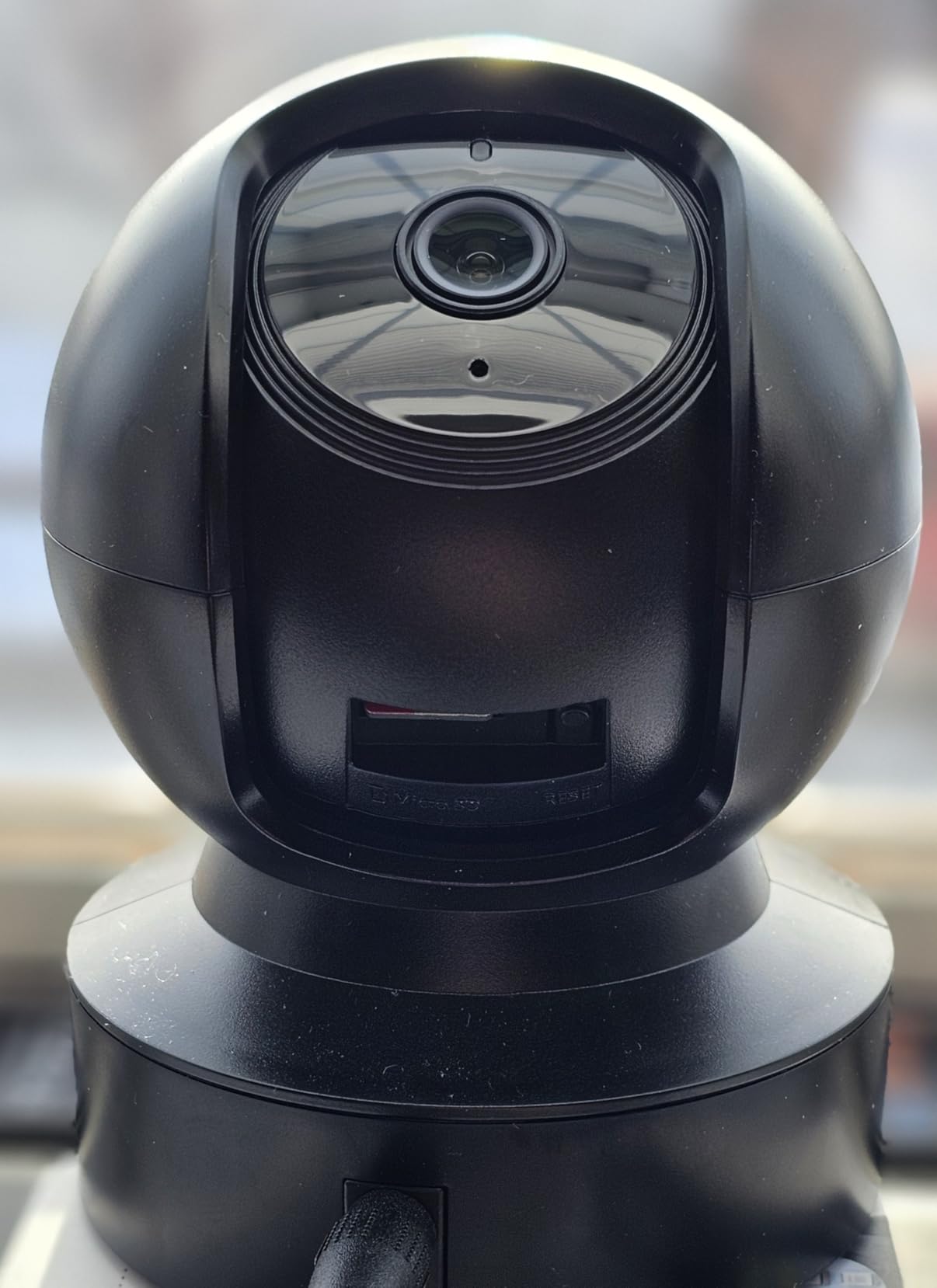
Two-way audio and cry detection
Two-way audio is supported, which is enough for a short reassuring message across a room. Baby crying detection is included, and for a parent living alone an unattended cry in a quiet house is a reasonable trigger to check the app.
Night vision runs to 30 feet, and the wired power supply means you are not chasing a battery that dies on the worst night of the year.
Honest limitations
The 15fps frame rate is modest next to newer models, so motion looks slightly softer than on a 20fps or 25fps camera. For checking that someone is present, it is more than adequate.
Local storage tops out at 256GB, the card is not included, and some users report compatibility issues. The 2.4GHz-only band is the shared limitation across most of this roundup.
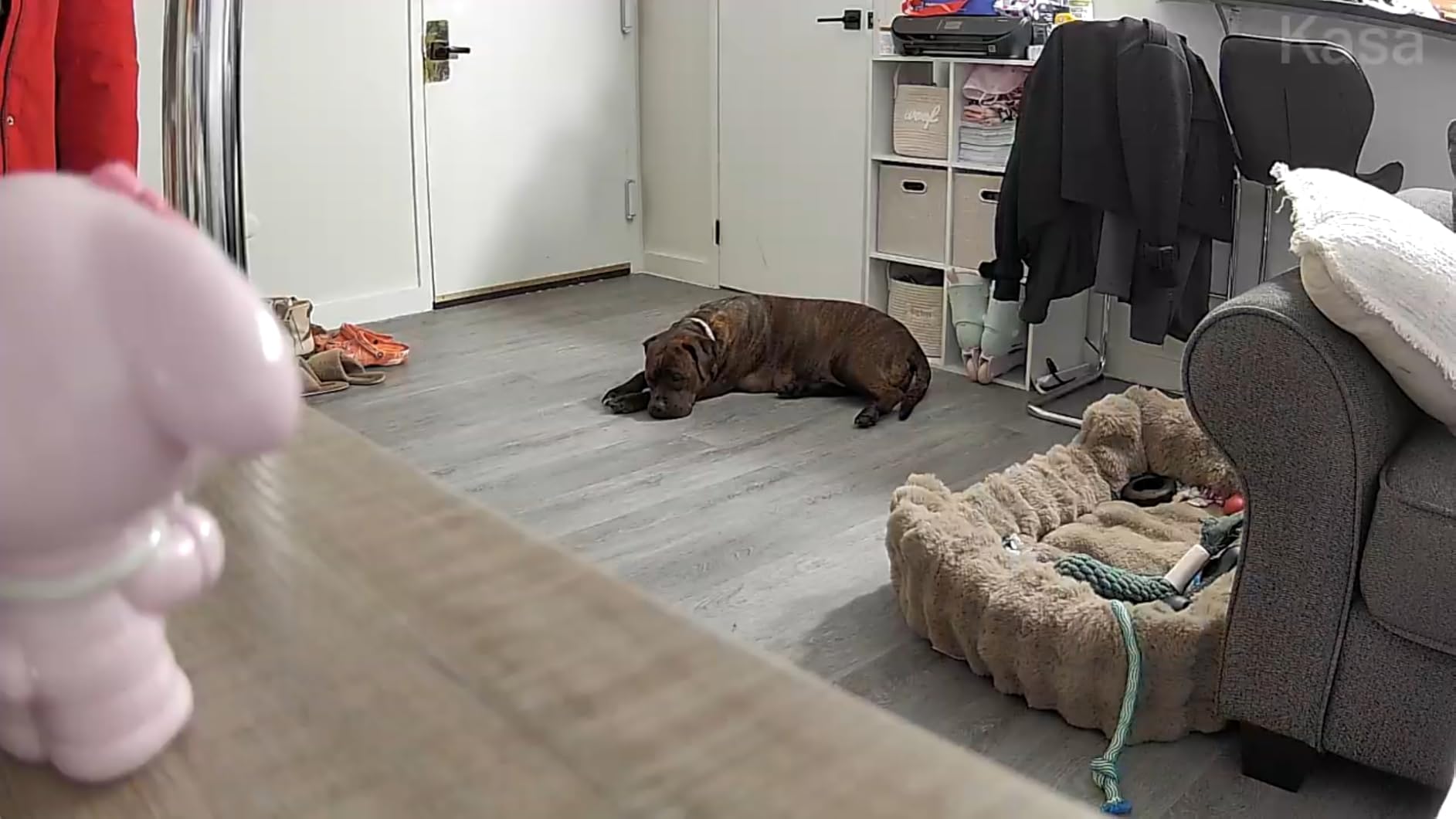
Best used as a second or third camera
The EC71 works well as a broad sweep of a hallway or a rarely used sitting room, paired with a higher-detail camera in the space where the parent spends most of the day. Sharing the TP-Link app makes that combination simple to run.
Pick something faster if you plan to watch a lot of live video, and pick a colour-night-vision model if your check-ins happen after dark.
10. Roku Indoor Camera – Best for Viewing on a Television
Roku Indoor Camera, Home Security with 1080p HD Color Night Vision, 1-Pack
1080p full-colour video including at night
120-degree field of view
Two-way audio and sound detection
Viewable on a Roku TV or player
+ Pros
- Feed appears on a Roku TV with the remote or Roku Voice
- Wide viewing angle for a small cube
- Two-way audio works in both directions
- Very easy setup with quick alerts
– Cons
- Requires a Roku account which is not obvious at purchase
- 2.4GHz only and the connection can drop
- Clip history is tied to a Roku subscription
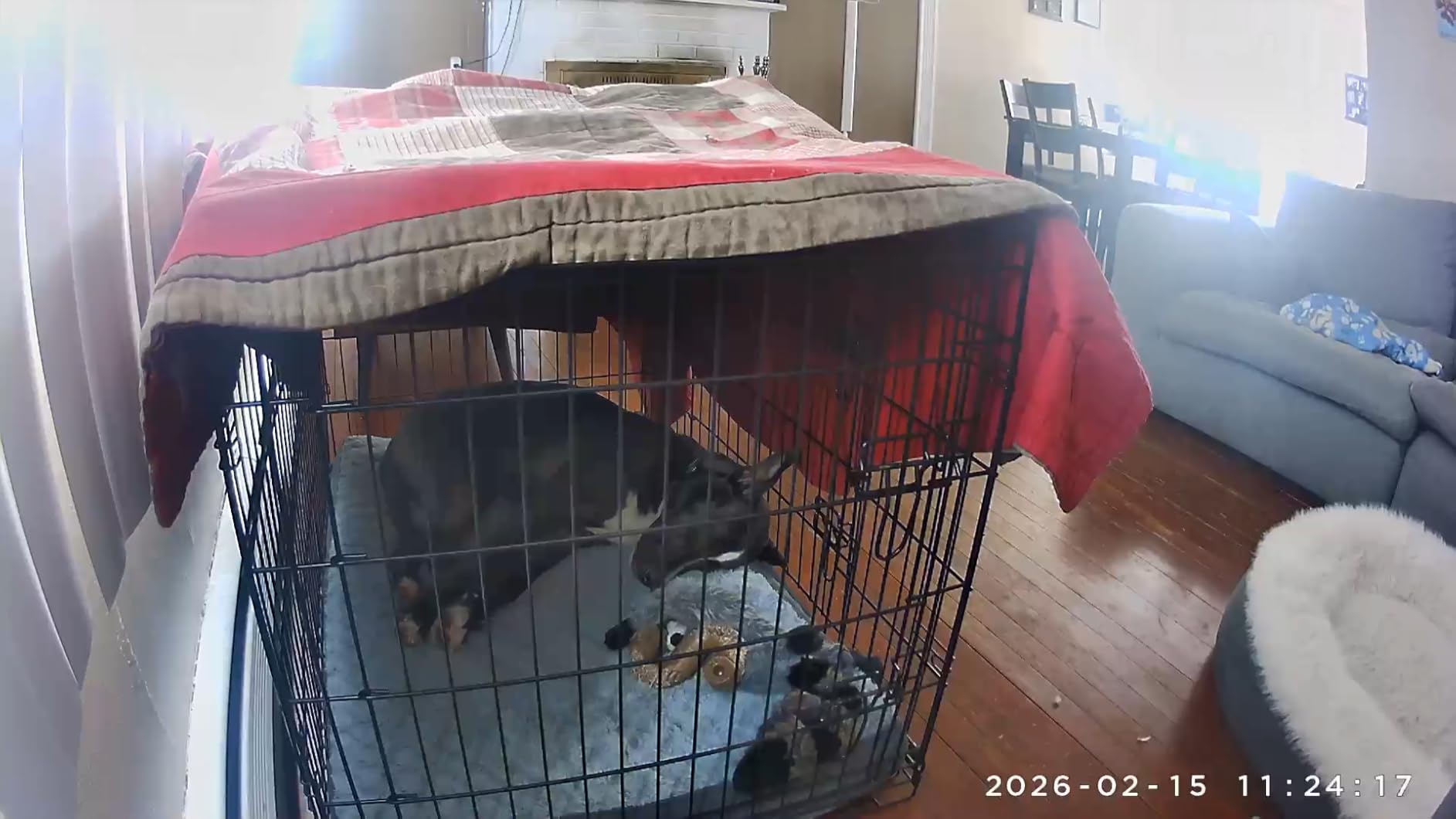
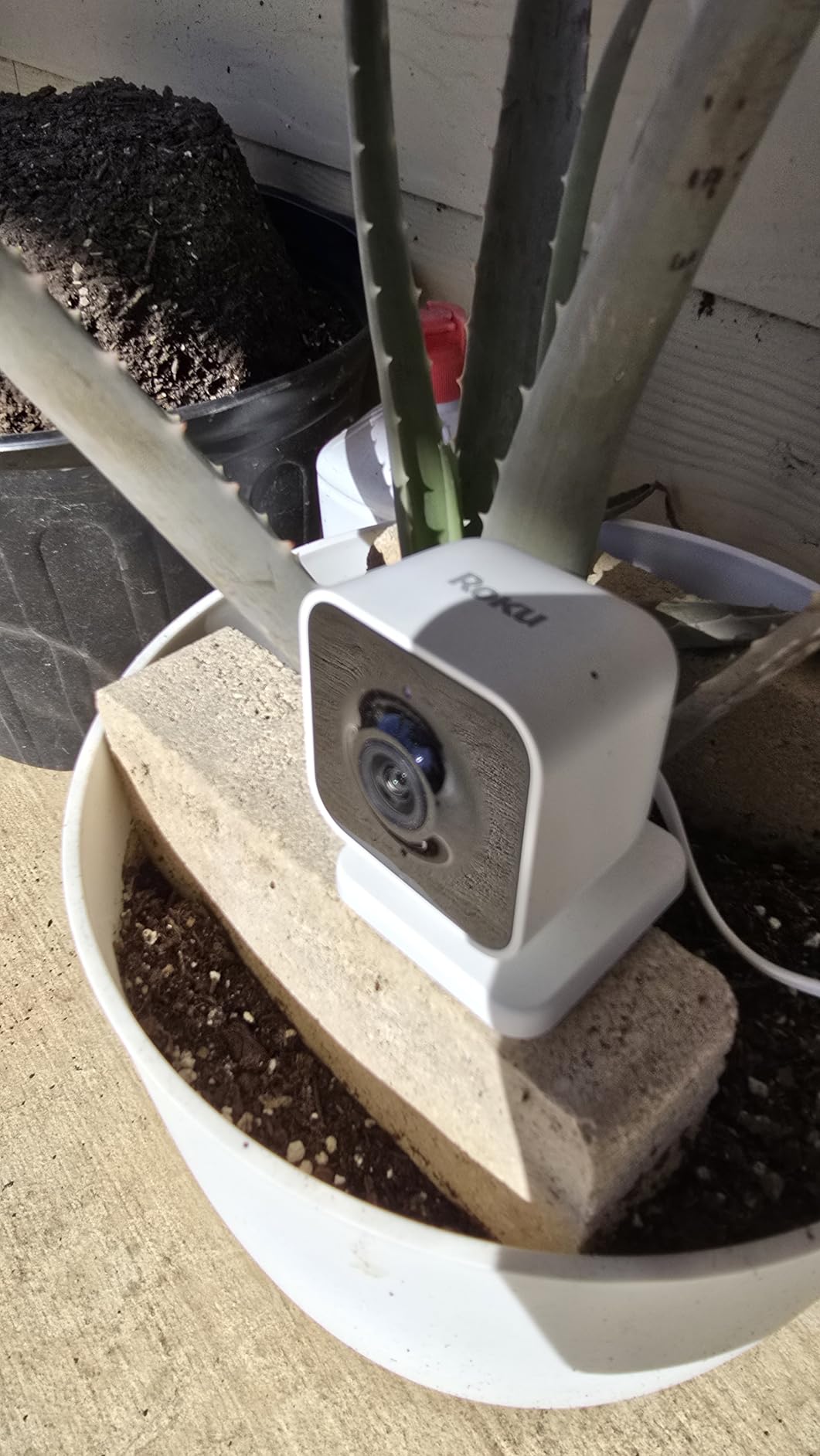
If a parent will not touch a phone app but will happily use a television remote, this camera solves the problem. The feed appears on a Roku TV or player, either through the remote or a Roku Voice command, so checking in becomes turning on the television. One owner uses it specifically to watch a mother with dementia, where the screen is the interface the parent already trusts.
Colour night vision at 1080p and a 120-degree field of view from a small cube body make it unobtrusive, and two-way audio works in both directions.
The Roku account catch
The requirement to have a Roku account is not obvious at the point of purchase, and it has caught buyers out. If there is no Roku television or player in the parent’s home, this camera loses its main advantage and competes on ordinary camera merits.
Clip history is also tied to a Roku subscription, so the same warning applies here as with Ring: live view is free, the archive is not.
Detection range and night limits
Motion and sound detection send alerts within seconds, and sound detection is a nice touch for a home where a parent may call out rather than move quickly.
The stated night vision range is 15 feet, the shortest in this group, so it suits a small room or a hallway rather than a large open space. It is not water resistant and is an indoor device only.
Who this is for
Choose the Roku Indoor Camera when the parent already lives in a Roku household and the household screen is where a check-in should happen. It is one of the few cameras that makes remote monitoring feel like watching television.
Skip it without a Roku device, or if you need local recording and long retention without a plan.
11. SensForge 2.5K Pan-Tilt Camera – Storage Card Included Out of the Box
SensForge 2.5K Indoor Pan-Tilt Security Camera, 360° Dual-Band 2.4/5GHz Wi-Fi Camera for Home, Smart AI Human & Pet Detection, 64GB SD Card Included, Two-Way Talk, No Subscription Required (1, White)
2.5K HD resolution
64GB microSD card pre-installed
360-degree pan and 90-degree tilt
Dual-band 2.4 and 5GHz Wi-Fi
+ Pros
- 64GB card included so recording works immediately
- Dual-band Wi-Fi at this level is unusual and improves stability
- AI detection of humans dogs and cats cuts false alerts
- Family sharing with separate viewing permissions
– Cons
- App is only available in the United States and Canada
- microSD support is capped at 64GB
- Not designed to be placed behind a window
The SensForge removes the step that trips up most people in this category. The 64GB microSD card is already installed, so the camera records locally from the moment it is powered up, with no subscription and no extra purchase. For a family that wants continuous recording but does not want to think about storage, that is the whole pitch.
It is also dual-band on 2.4GHz and 5GHz, which in a home full of older routers and crowded 2.4GHz channels makes it noticeably more reliable than the single-band alternatives.
2.5K clarity with full-room movement
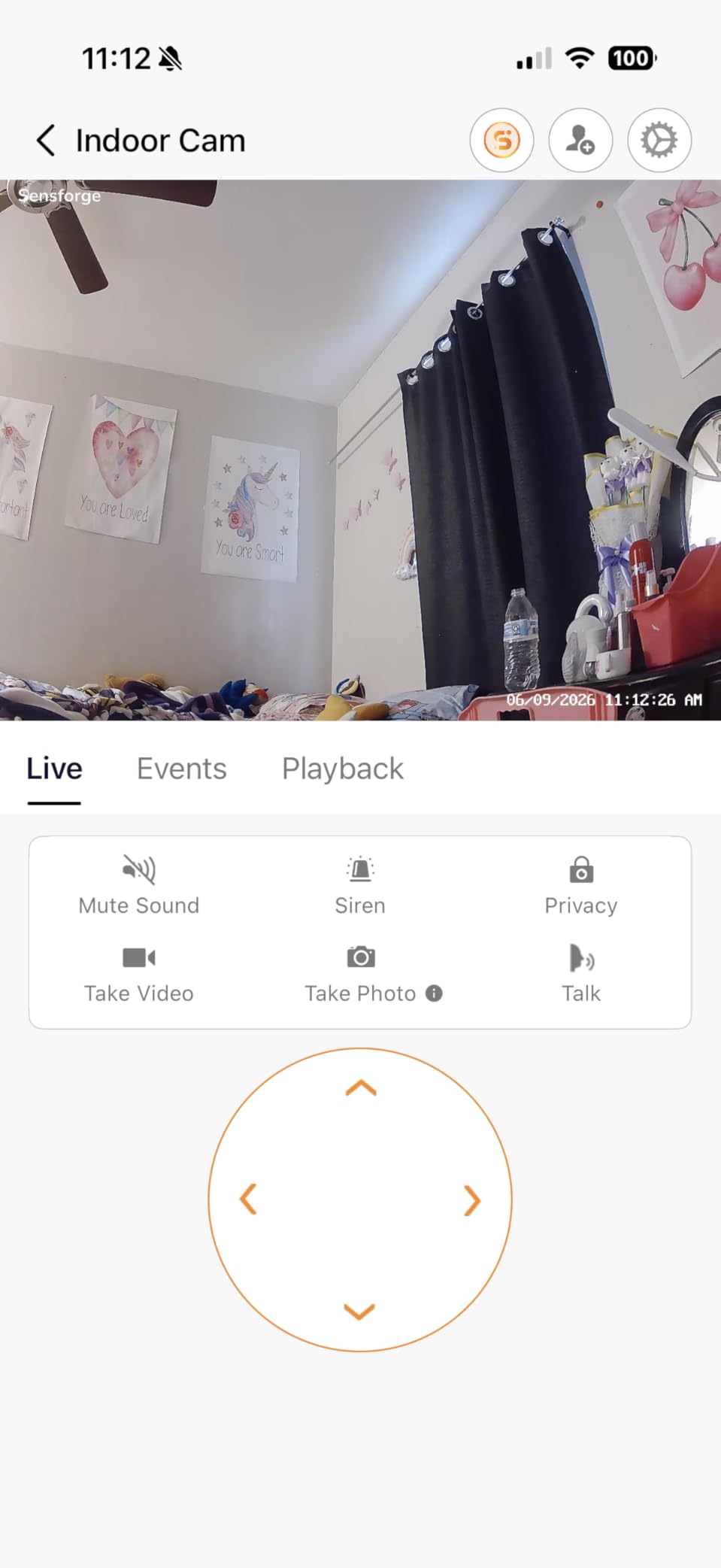
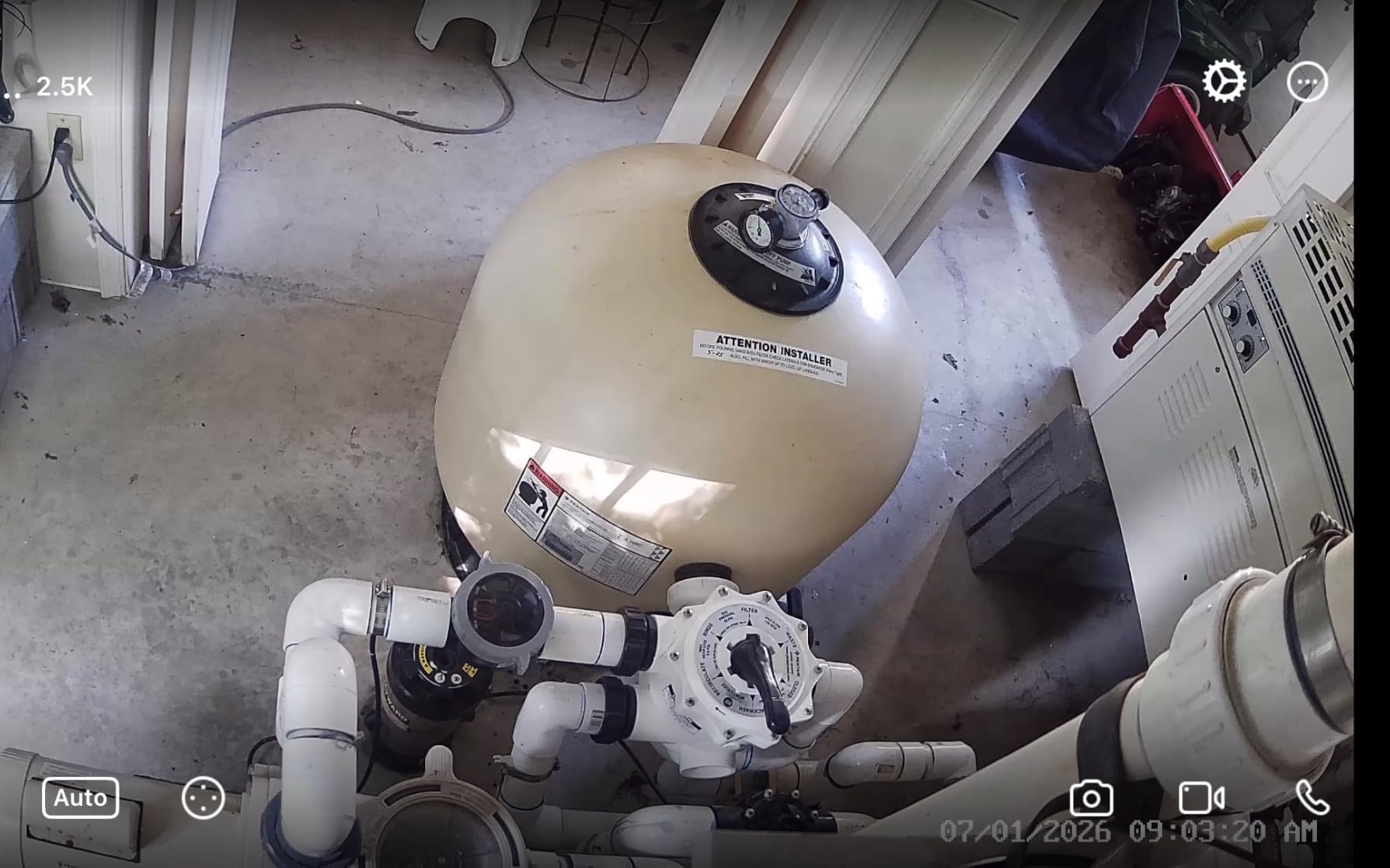
The 2.5K sensor produces noticeably sharper detail than the 1080p cameras in this roundup, which helps when you need to see whether a person is on the floor from across a room. Pan is a full 360 degrees with 90 degrees of tilt, and AI detection covers humans, dogs, cats and general motion.
Family sharing includes separate viewing permissions, so siblings can be given access without handing over the account itself. That is a genuinely useful feature once three people are checking on the same parent.
Boundaries to know before buying
The app is available in the United States and Canada only. If the camera is for a parent living elsewhere, that ends the conversation. Storage is capped at 64GB, and the camera is not intended to sit behind a window, where reflections will obscure the picture.
AI video descriptions and weekly highlight reels sit behind an optional Pro Membership. Basic detection and recording do not.
Where it fits
Choose the SensForge for a North American home with congested Wi-Fi where you want recording to work on day one without a card purchase. The 30-foot night vision range suits a normal room.
Look at the Tapo C201 for larger storage, or the REOLINK E1 Pro for better low light and a NAS option.
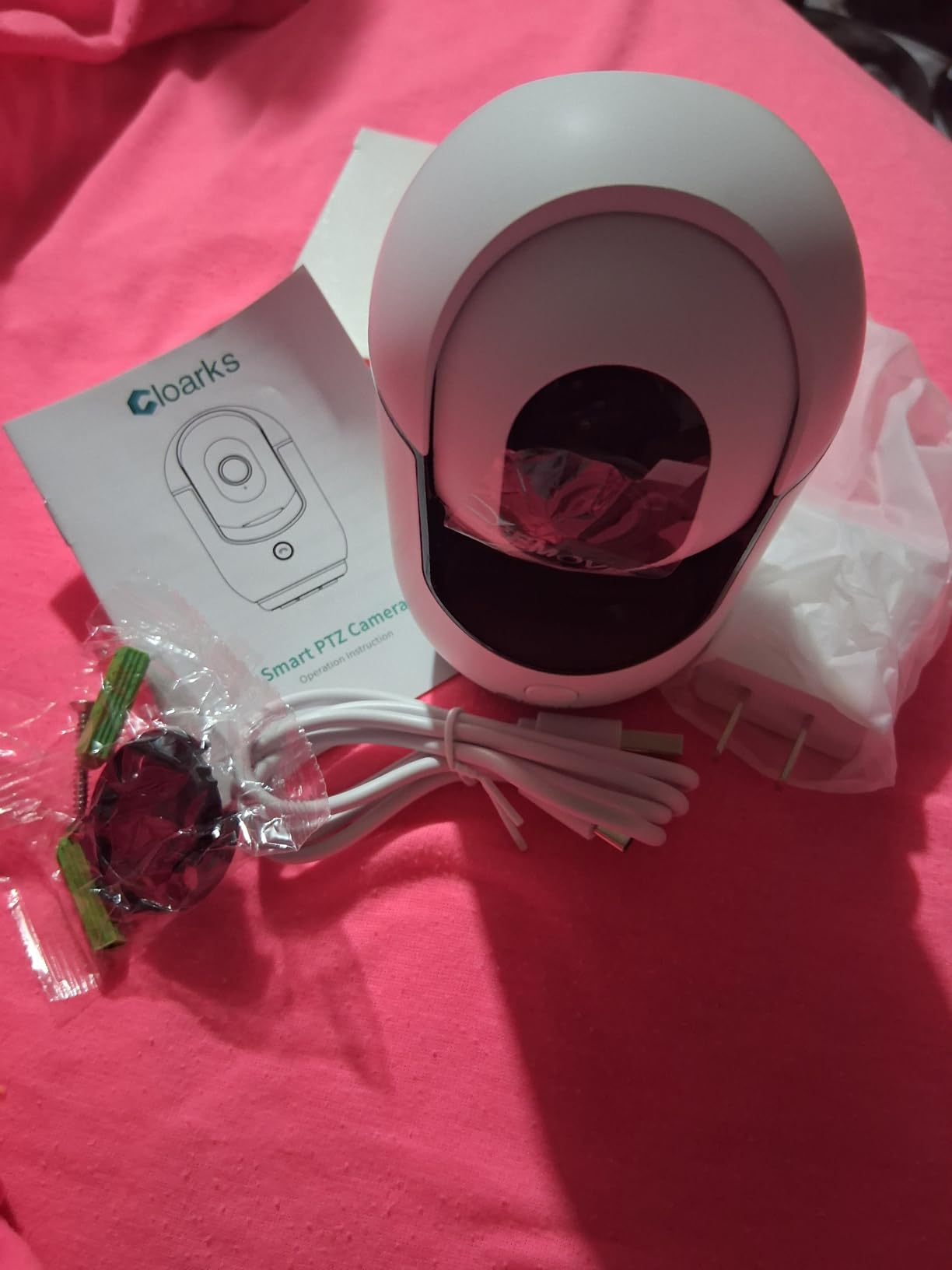
12. Cloarks 2K Pan/Tilt Camera – Compact 2K Option for Basic Monitoring
Cloarks 2K Pan/Tilt Security Camera, WiFi Indoor Cameras for Home Security with AI Motion Detection, Pet/Dog/Baby Camera with Phone App, 2-Way Audio, 24/7, Siren, TF/Cloud Storage
2K FHD video with colour night vision
355-degree pan and 90-degree tilt
TF card up to 128GB or cloud
Two-way audio with one-click call
+ Pros
- Sharp 2K picture clearly better than 1080p
- Accurate AI motion detection with immediate snapshots
- TF card slot allows playback without a cloud plan
- Small cube body is quick to set up and easy to hide
– Cons
- Cloud playback needs a monthly subscription unless a TF card is used
- 2.4G only and it must stay plugged in
- Smallest review base in this group
The Cloarks 2K is the small-footprint option. At two inches square it can sit on a shelf or a windowsill without drawing attention, which is a real consideration in a home where the camera has to be accepted rather than tolerated. Picture quality is 2K with colour night vision to 33 feet, which is more than the price suggests.
AI motion detection tracks people and pets and sends snapshot alerts straight to the phone, and a one-click call from the app lets you speak to whoever is in the room. With 707 reviews, the evidence base is the thinnest of the twelve.
Storage, siren and the sleep setting
TF card storage up to 128GB keeps recording local, and thirty days of advanced cloud features are free before a subscription is required for cloud playback. The card route is the one to use for genuine oversight.
There is a built-in siren, and one reviewer reported a clicking noise at night unless the sleep feature is enabled. That is worth switching on before the first overnight check-in, particularly in a bedroom-adjacent hallway.
Where it falls behind
It is 2.4G only, and corded Type-C power means it needs an outlet at the mount. One reviewer reported two-way talk failing while away from home, so test a call from outside the house before you rely on it.
Compared with the Tapo C201, which costs a similar amount and carries more than forty times the review count, the Cloarks is the pick only if the small size or the 2K sensor specifically matters to you.
A reasonable second or third camera
Choose it for a tight space, a small room, or as an extra unit where a larger body would be obvious. Colour night vision at 2K in a compact cube is a rare combination.
Otherwise the Tapo C201 gives you a better-supported camera for a similar outlay, with a longer track record and a larger storage ceiling.
How to Monitor a Parent Living Alone
Monitoring well is mostly setup discipline rather than hardware. A camera that alerts you every time a curtain moves trains you to swipe notifications away, and a camera mounted badly at 2am shows you the ceiling. This is the sequence that works.
A five-step setup sequence
- Choose the rooms first. Hallway, living room and kitchen cover most situations. Bedrooms and bathrooms are the wrong places.
- Mount before you configure. Put the camera at roughly eye level or higher, angled down at the seating area, and confirm the view in the app before you screw anything in.
- Create the account and add a microSD card. Format the card inside the app. This is the step most people skip, and it is the one that causes card errors later.
- Share access with the family. Give each person their own login rather than sharing a password, and set activity zones to the parts of the room that matter.
- Test from outside the house. Open the live view on mobile data, not home Wi-Fi, and make a two-way call. If that works, a check-in at 3am will work.
Where to place cameras in a single-story home
One pan-and-tilt camera in the main living space usually covers the most ground. A second unit in the hallway captures the approach from the bedroom, which is where night-time wandering shows up. A third near the back door covers arrivals and any fall risk on the step.
If you cover more than one room, buy units that share an app. Four cameras across four ecosystems is four logins, four chargers and four things to troubleshoot at 2am.
The first ten minutes after setup
- Confirm live view loads on mobile data as well as home Wi-Fi.
- Record a two-way message and listen to it back on the camera speaker, not on your phone.
- Walk through the room during normal activity and check the notification speed.
- Check the night picture from the parent’s bed height, not from standing.
- Verify the recording is actually saving, by scrubbing back through a few hours.
Frequently Asked Questions
Can I put a camera in my elderly parents’ house?
Yes, but talk to your parent first and get their agreement. Explain where the camera goes, what it records, who can view the feed and how long footage is kept. Recording rules for private spaces vary by state, and a camera in a bathroom or bedroom can create legal problems. A hallway, living room or kitchen gives you the coverage you need without the intrusion.
How do I monitor my elderly parent living alone?
Use two-way talk, person detection and local microSD recording, and check in at predictable times rather than continuously. Place a pan-and-tilt camera in the main living space and a second one in the hallway, set activity zones around the chair and the doorway, and enable family sharing so siblings can view without sharing one login. Test live view on mobile data before relying on it.
What is the easiest camera to use for seniors?
The easiest design is a camera your parent never has to operate: you install it, create the account and share access, and the only thing they do is answer a call. If they need to reach you instead, a two-way video monitor with a built-in screen and a one-button call is the most usable option, since it needs no app, no PIN and no menu. Both the KEENLUK 4.3 inch screen model and the aosu 2K with its one-touch call button fit that brief.
Which camera is best for monitoring elderly parents without a subscription?
The Tapo C201 is the strongest all-round no-subscription choice, with 360-degree pan, 114-degree tilt, a microSD slot up to 512GB and over 42,000 reviews behind it. The WYZE Cam v4, the eufy E220 and the REOLINK E1 Pro are all strong alternatives, and the SensForge comes with a 64GB card already fitted. The Tapo C201 and the Kasa EC71 also share an app with other TP-Link devices.
What camera can I use to monitor elderly people without Wi-Fi?
No camera in this roundup works without any network connection at all, since they all stream to an app. For weak or congested Wi-Fi, choose a dual-band model such as the REOLINK E1 Pro or the SensForge, which handle both 2.4GHz and 5GHz. If the router is the problem, add a mesh node near the camera or a powerline adapter on the same circuit. A 4G LTE cellular camera is the only true Wi-Fi-free option, but it needs its own data plan.
Which Indoor Camera Should You Choose in 2026?
Start with the Tapo C201. It is the best indoor camera for elderly parents because it covers a whole room, records to a card you own, and has the deepest support of anything we tested. If colour night pictures matter to you at 3am, the WYZE Cam v4 is the upgrade. If your Wi-Fi is congested, the REOLINK E1 Pro solves the connection and the low light together.
If your parent needs to call you rather than only answer, take the KEENLUK screen camera or the aosu 2K with its one-touch call button. If the household already runs a Roku television, the Roku Indoor Camera removes the app entirely.
Whatever you choose, pair it with a real medical alert pendant if a fall needs a human response. And have the conversation about the camera before it goes on the wall, not after. For a broader look at cameras in homes with pets, our guide to the best indoor security cameras for pets covers the detection differences that matter when an animal shares the room. If your parent is also finding daily tasks harder, our picks for shower chairs for the elderly address another common safety point, and our Christmas gifts for parents guide covers the kind of practical things most people want to give.
Leave a Reply