
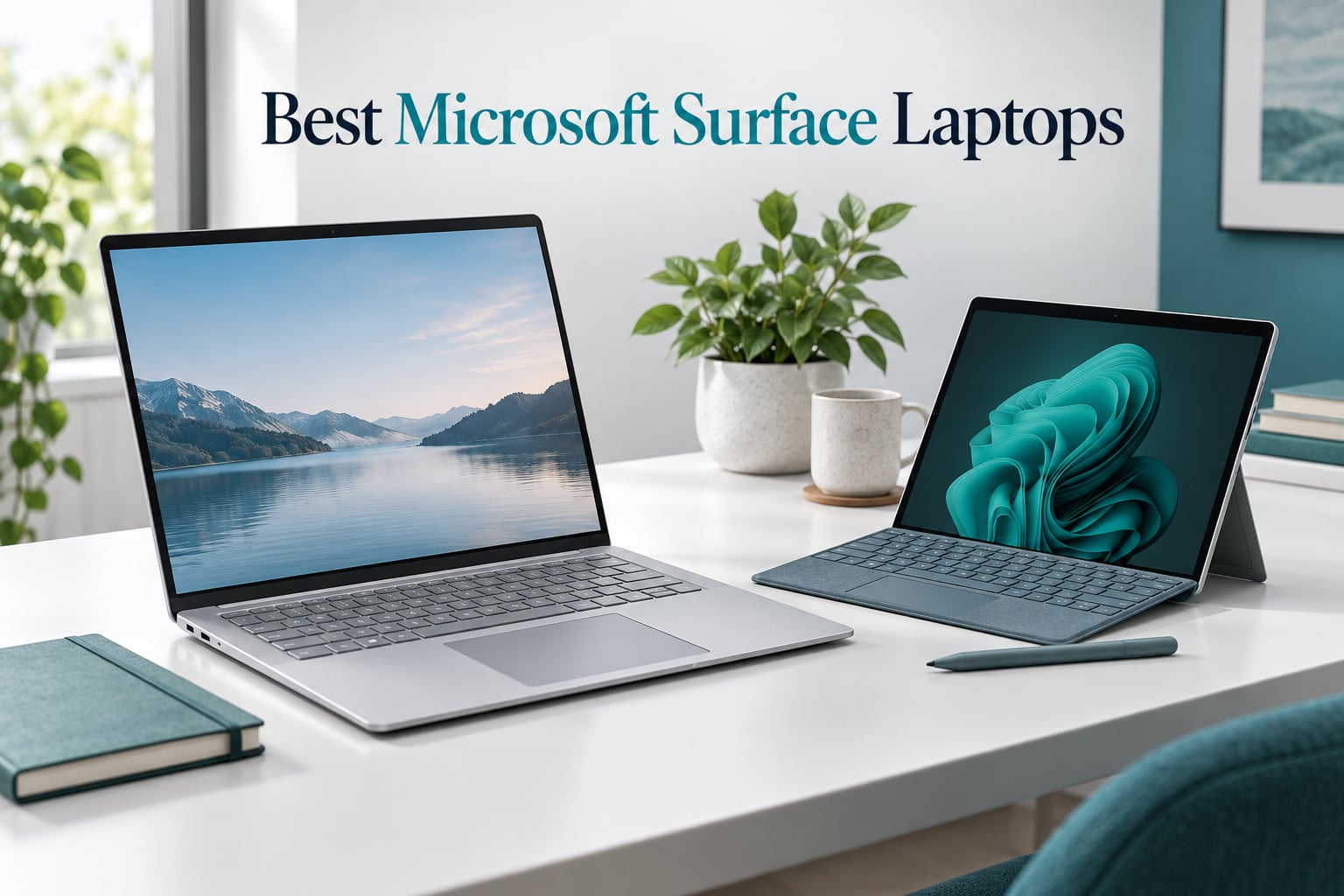
If you want the short version: the Surface Laptop (2024) 15 inch is the one I recommend to most people, the Surface Pro 12 inch is the pick if you want a tablet that becomes a laptop, and the Surface Laptop Studio is what you buy when you actually need a dedicated GPU. Everything else in this guide exists to serve a narrower budget or a narrower job.
I have spent the past several months moving between eight Microsoft Surface Laptops as daily drivers, and the thing nobody tells you up front is that the hardest decision is not the screen size or the RAM. It is the processor architecture.
Four of these machines run ARM chips (Snapdragon). Four run Intel x86. That single split decides whether your VPN client, your VirtualBox images, your niche accounting software, or your audio plugins will run at all. Get it wrong and no amount of battery life makes up for it.
Our team weighted this list toward real-world use rather than benchmark scores, because a 20-hour battery claim and an 11-hour result on a real workday are two different products. Where a model is an Amazon Renewed unit, I say so plainly and tell you what reviewers report going wrong, because five of the eight picks here are refurbished and that changes what you should expect from the box.
If you are cross-shopping outside the Surface line, our guides to the best travel laptops and the best ThinkPad laptops for business cover the two categories Surface buyers most often compare against.
Quick Picks: Top Surface Laptops at a Glance
These three cover the majority of buyers. The full eight-model breakdown follows below.

Surface Laptop 15 inch
- Snapdragon X Elite 12 core
- 16GB RAM 1TB SSD
- 20 hour battery
- 600 nit touchscreen
Surface Laptop Go 2
- 12.4 inch touchscreen
- Core i5 11th Gen
- 2.5 pounds
- Fingerprint power button

The Surface Laptop (2024) earns the top spot on the strength of its 12-core Snapdragon X Elite, a genuinely all-day battery, and the brightest display in the lineup at 600 nits. It is also the model with the most substantial review base among the current-generation machines.
The Surface Laptop Go 2 is the highest-rated model here and the one I hand to students. The Surface Pro is the pick if you want one device that works as a tablet on the couch and a laptop at a desk, provided you budget for a keyboard separately.
Microsoft Surface Laptops Compared
Every model in this guide, side by side. Chip architecture is the column to read first.
| Product | Details | Action |
|---|---|---|
|
|
Check Latest Price |
|
|
Check Latest Price |
 |
|
Check Latest Price |
|
|
Check Latest Price |
 |
|
Check Latest Price |
 |
|
Check Latest Price |
 |
|
Check Latest Price |
 |
|
Check Latest Price |
The Best Microsoft Surface Laptops Reviewed
1. Microsoft Surface Laptop (2024) 15 inch – Best Overall
Microsoft Surface Laptop (2024), Windows 11 Copilot+ PC, 15″ Touchscreen Display, Snapdragon X Elite (12 core), 16GB RAM, 1TB SSD Storage, Black
Snapdragon X Elite 12 core
16GB LPDDR5X
1TB SSD
15 inch 2496×1664
3.7 lbs
+ Pros
- Genuine all-day battery life
- Brightest display in the lineup at 600 nits
- Excellent haptic touchpad
- Premium aluminium build
- Wi-Fi 7 and face recognition
– Cons
- ARM chip breaks some x86 software
- VMware and VirtualBox will not run
- Storage is not user upgradeable
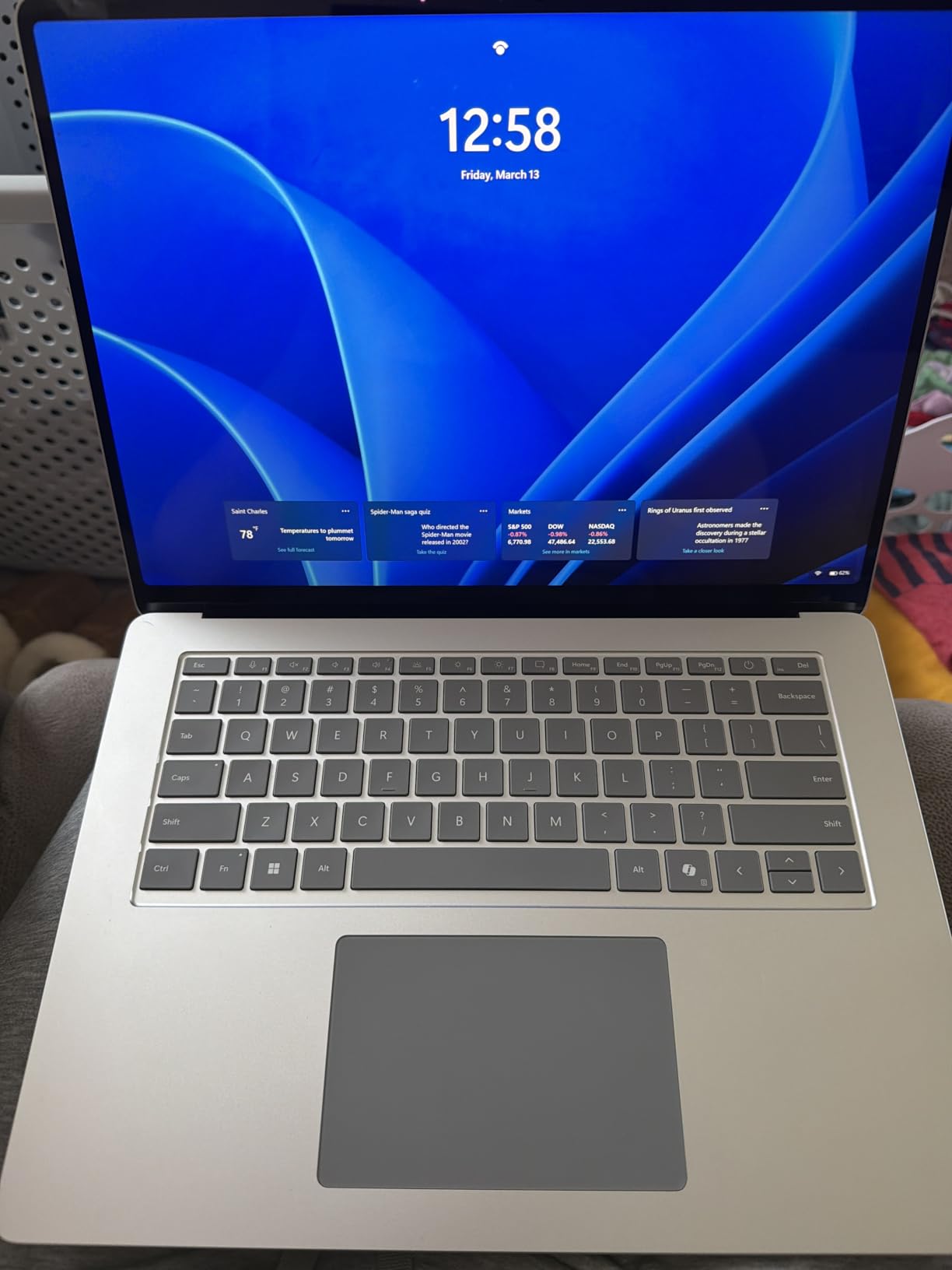
This is the Surface I kept reaching for. The 15 inch panel at 2496×1664 is bright enough to use outdoors, and after a full day of documents, browser tabs and video calls I was still finishing with charge to spare.
The 12-core Snapdragon X Elite is quick in a way that matters day to day. Apps open instantly, the machine wakes from sleep with no lag, and it stays silent because there is very little heat to move.
Reviewers consistently single out the build quality, and I agree that it holds up against far more expensive machines. The 45 TOPS NPU handles the Copilot+ PC features, though those remain a bonus rather than a reason to buy.
Snapdragon X Elite performance in real use
Native ARM apps fly. Microsoft 365, Edge, Chrome, Slack, Spotify and Windows itself all run natively now, and that covers most people’s entire workday.
Emulated x86 apps are the caveat. They run, but with a measurable performance penalty, and a handful refuse outright. The rating distribution tells the story: 74 percent five-star alongside a stubborn 10 percent one-star cluster, which tracks closely with buyers who hit a compatibility wall.
Display and battery
At 600 nits with HDR support, this is the display I would pick for working near a window. Colour is accurate enough for photo triage, though the Laptop Studio remains the better creative tool.
Microsoft rates the battery at 20 hours. In mixed real-world use expect meaningfully less than that, but it is still the only Surface here that reliably cleared a full working day for me without a charger.
For whom it is good
Buy this if your software lives in a browser and Microsoft 365, and you want the best screen and battery in the Surface line.
For whom it is bad
Skip it if you run virtualisation, older engineering or accounting software, or specialist audio plugins. Check your critical apps for ARM support before you commit.
2. Microsoft Surface Pro 12 inch (2025) – Best 2-in-1
Microsoft Surface Pro 2-in-1 Laptop/Tablet (2025), Windows 11 Copilot+ PC, 12″ Touchscreen Display, Snapdragon X Plus (8 Core), 16GB RAM, 512GB Storage, Violet
Snapdragon X Plus 8 core
16GB RAM
512GB UFS
12 inch 2196×1464
Built-in kickstand
+ Pros
- True tablet and laptop in one device
- 16 hour battery life
- Very light and easy to carry
- 10MP rear camera
- Stylus support for note taking
– Cons
- Keyboard and pen are separate purchases
- No charger in the box
- No microSD slot for expansion
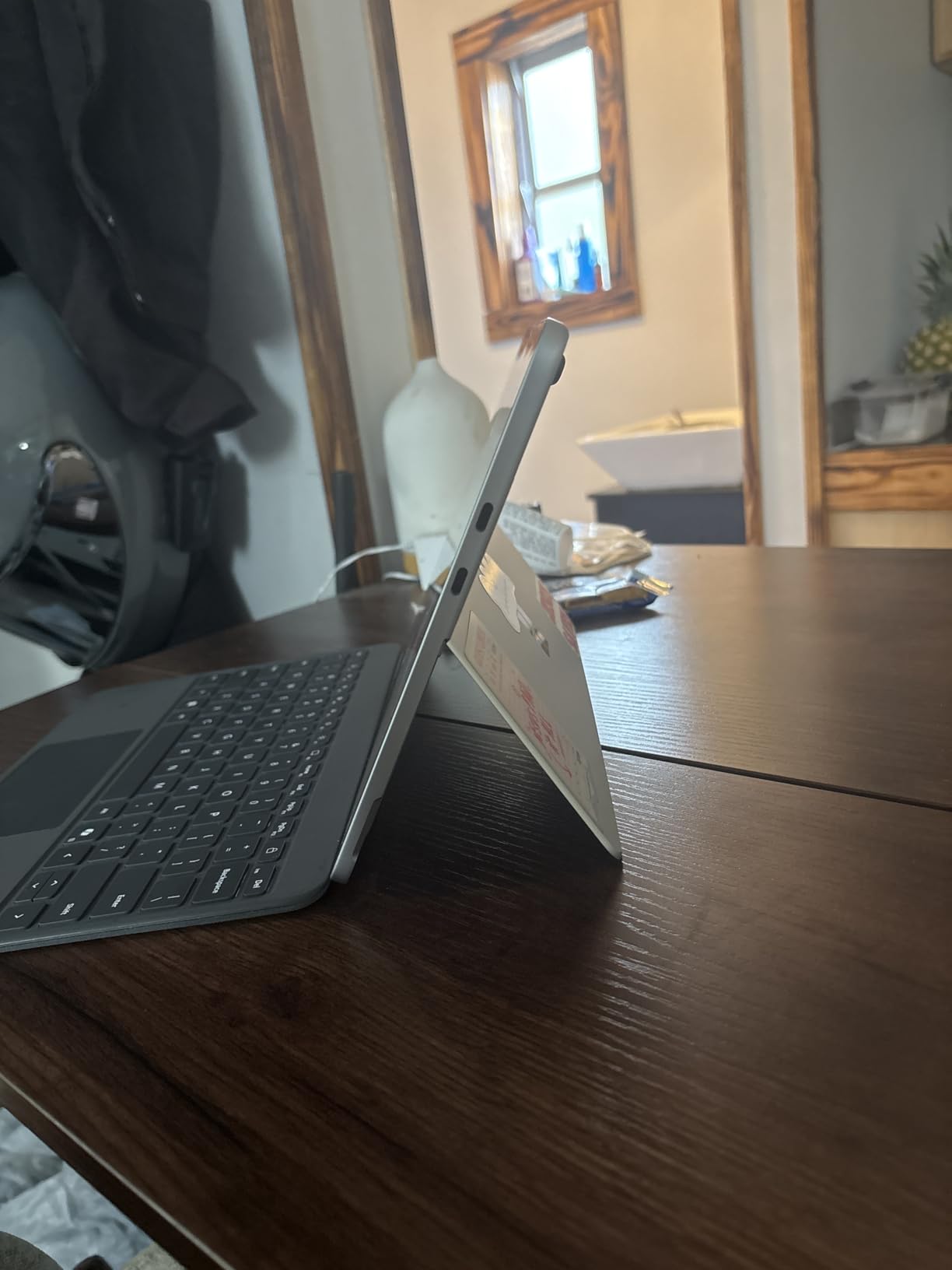
The Surface Pro is the most genuinely versatile machine in this guide. Detach the keyboard and it is a tablet for reading and sketching; snap it back on and the kickstand turns it into a workstation.
The 8-core Snapdragon X Plus is a step down from the Elite but handles email, documents, research and video calls without complaint. It shares the same 4.4 rating as the Laptop Go 2, the joint highest here.
At 12 inches and barely any weight, this is the one I take when luggage space is tight. The 16-hour battery claim held up better than I expected on light workloads.
The accessory maths you cannot ignore
The keyboard and the Slim Pen are sold separately, and there is no charger in the box. Reviewers raise this constantly and it is the single most common complaint.
Factor those extras in before comparing this against a conventional laptop, because a Surface Pro without a keyboard is a tablet, not a laptop replacement.
Display and creative limits
The 2196×1464 panel is sharp and pleasant, but it runs at 60Hz and 400 nits, both below the flagship Surface Laptop. Outdoors it is noticeably dimmer.
Reviewers report it struggles with heavy creative work such as RAW photo editing. Treat it as an excellent productivity and note-taking device rather than a creative workhorse.
For whom it is good
Ideal for students, note-takers, frequent travellers, and anyone who wants one device for reading and working.
For whom it is bad
Avoid it if you need a fixed laptop on your lap all day, want expandable storage, or resent paying extra for the keyboard.
3. Microsoft Surface Laptop Studio – Best for Creators
Microsoft Surface Laptop Studio – 14.4″ Touchscreen – Intel® Core™ i7 – 32GB Memory – 1TB SSD – Platinum
Intel Core i7-11700H
32GB LPDDR4X
1TB SSD
14.4 inch 120Hz
RTX 3050 Ti
+ Pros
- Dedicated RTX 3050 Ti graphics
- 32GB RAM for heavy multitasking
- 120Hz PixelSense Flow display
- Three-mode hinge for drawing
- Full x86 app compatibility
- Quad Dolby Atmos speakers
– Cons
- Heavy at 5.9 pounds
- Only two USB ports
- Proprietary Surface Connect charging
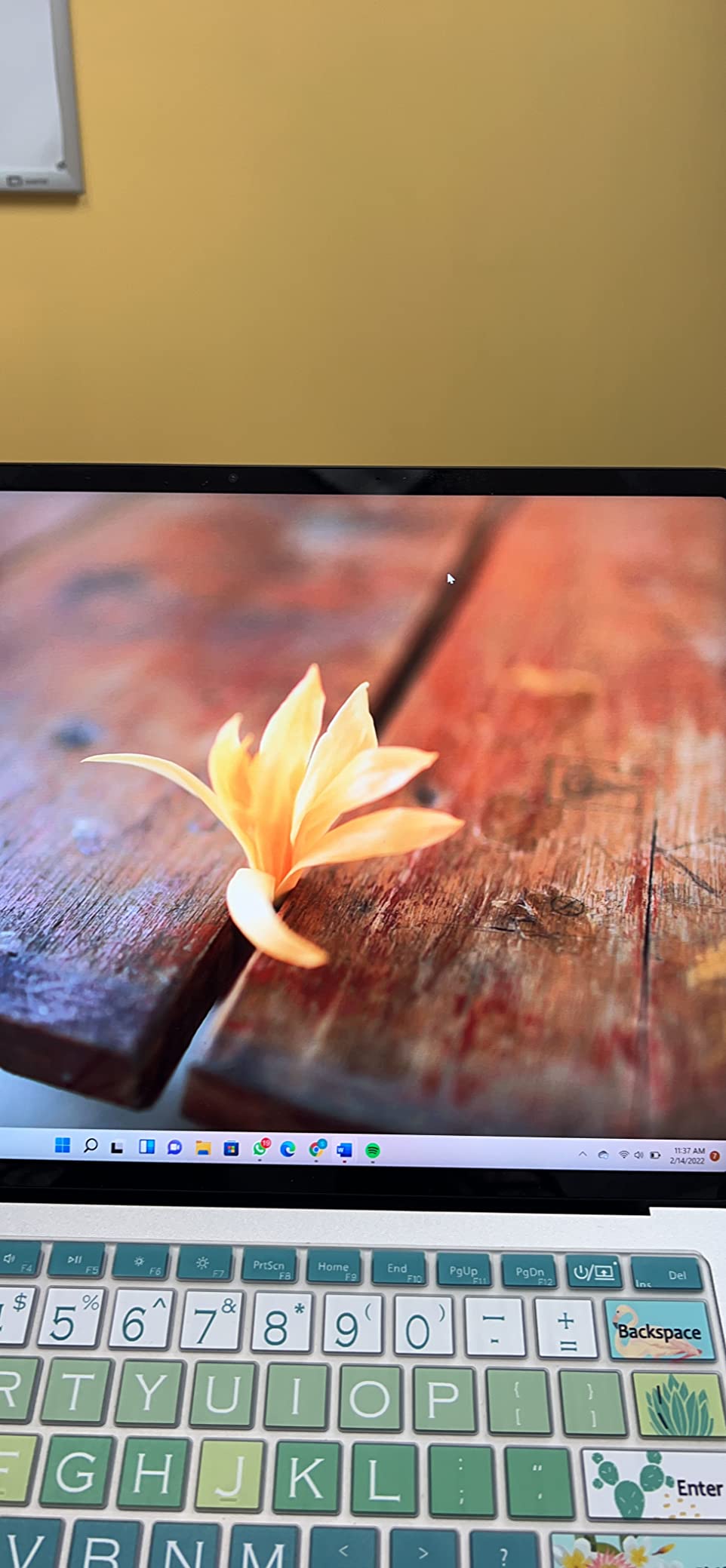
This is the only Surface here with a dedicated GPU, and that changes what the machine can do. Video renders, timeline scrubbing and GPU-accelerated filters all move at a pace the ARM models cannot match.
The hinge is the party trick. Pull the display forward into stage mode for presentations, or lay it flat into studio mode to draw with the Slim Pen 2, which stores and charges magnetically underneath.
Running 11th Gen Intel silicon means full x86 compatibility. Every plugin, virtual machine and legacy tool that trips up the Snapdragon machines simply runs here.
Creative performance and the 120Hz panel
The 32GB of RAM is the specification that earns its keep. I ran Photoshop, Lightroom and a browser full of references simultaneously without the system pausing to think.
At 120Hz the 14.4 inch PixelSense Flow display is the smoothest in this lineup, and it makes a real difference when drawing, where pen latency is what you actually feel.
The weight and port trade-off
At 5.9 pounds this is easily the heaviest Surface here. It is a desk machine you can move, not a commuter laptop, and reviewers who bought it expecting portability say so.
Two USB ports and proprietary Surface Connect charging mean a dock is close to mandatory. Budget for one. Our guide to laptops for content creators covers similar trade-offs across other brands.
For whom it is good
Buy this for photo and video editing, illustration, CAD, or any workflow that needs a real GPU and guaranteed x86 support.
For whom it is bad
Skip it if you carry your laptop daily, need all-day battery away from power, or only work in a browser.
4. Microsoft Surface Laptop Go 2 – Best for Students
Microsoft Surface Laptop Go 2-12.4″ Touchscreen – Intel Core i5 8GB Memory – 256 SSD – Platinum (Latest Model)
Intel Core i5-1135G7
8GB LPDDR4X
256GB SSD
12.4 inch touchscreen
2.5 lbs
+ Pros
- Highest rated model in the lineup
- Only 2.5 pounds
- Full Intel x86 compatibility
- Fingerprint power button
- Fast charge to 80 percent in about an hour
- Iris Xe graphics
– Cons
- 8GB RAM limits heavy multitasking
- Lower 1536×1024 resolution
- Fan noise under load
With 440 reviews at 4.4 stars, this is the best-reviewed Surface in the guide, and after using it I understand why. It does the ordinary things well and asks very little of you.
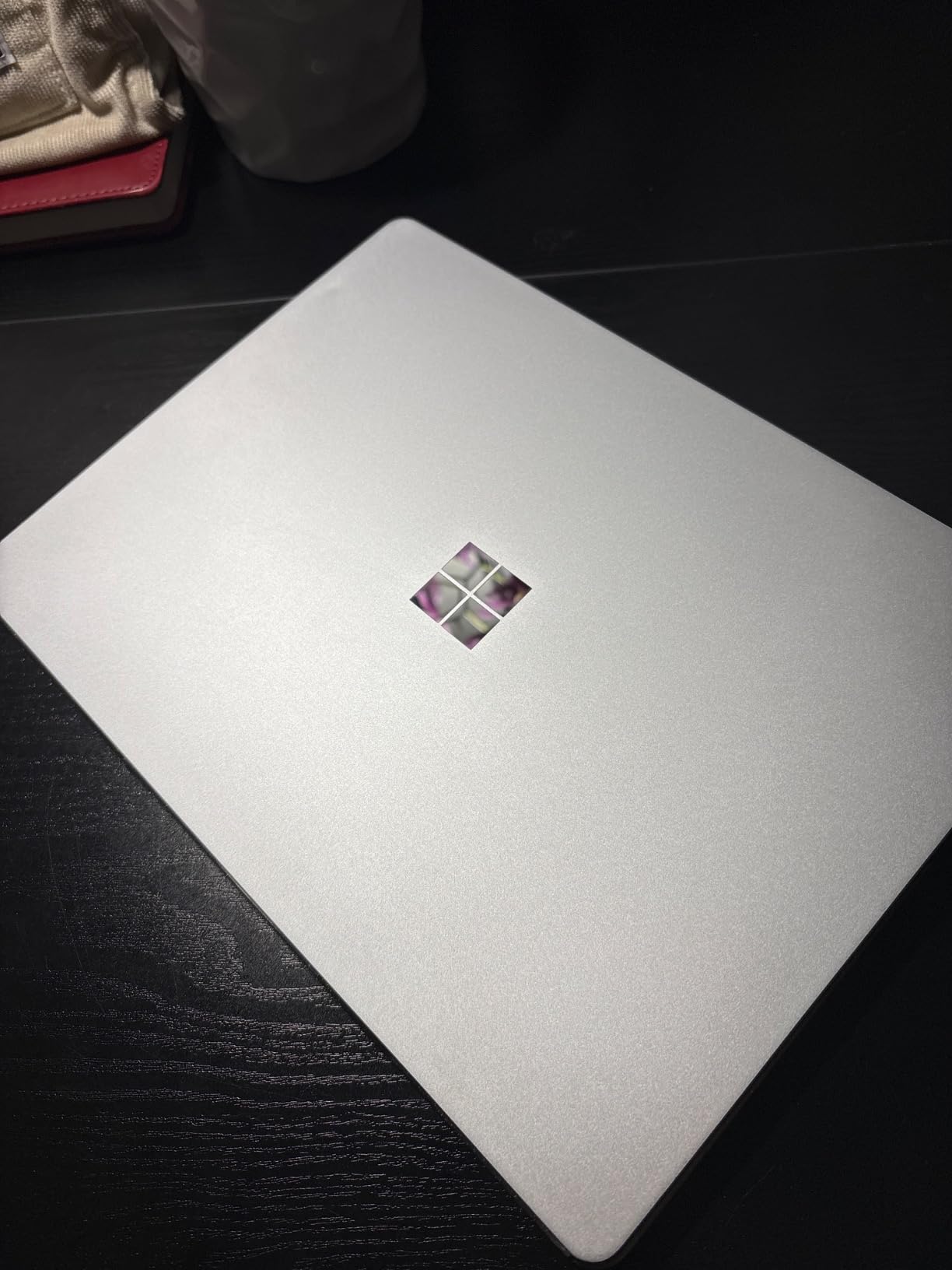
At 2.5 pounds and 12.4 inches it disappears into a backpack. The 11th Gen Core i5 is Intel silicon, so the ARM compatibility question simply does not apply.
The fingerprint power button is the small feature I missed most on other models. One press both wakes and signs you in.
Where the 8GB ceiling bites
Eight gigabytes is enough for lecture notes, research tabs, streaming and Office. It is not enough for heavy photo editing or dozens of tabs alongside a video call.
RAM is soldered, so this is a permanent limit rather than something to fix later. Buy it knowing what it is for.
Display and battery reality
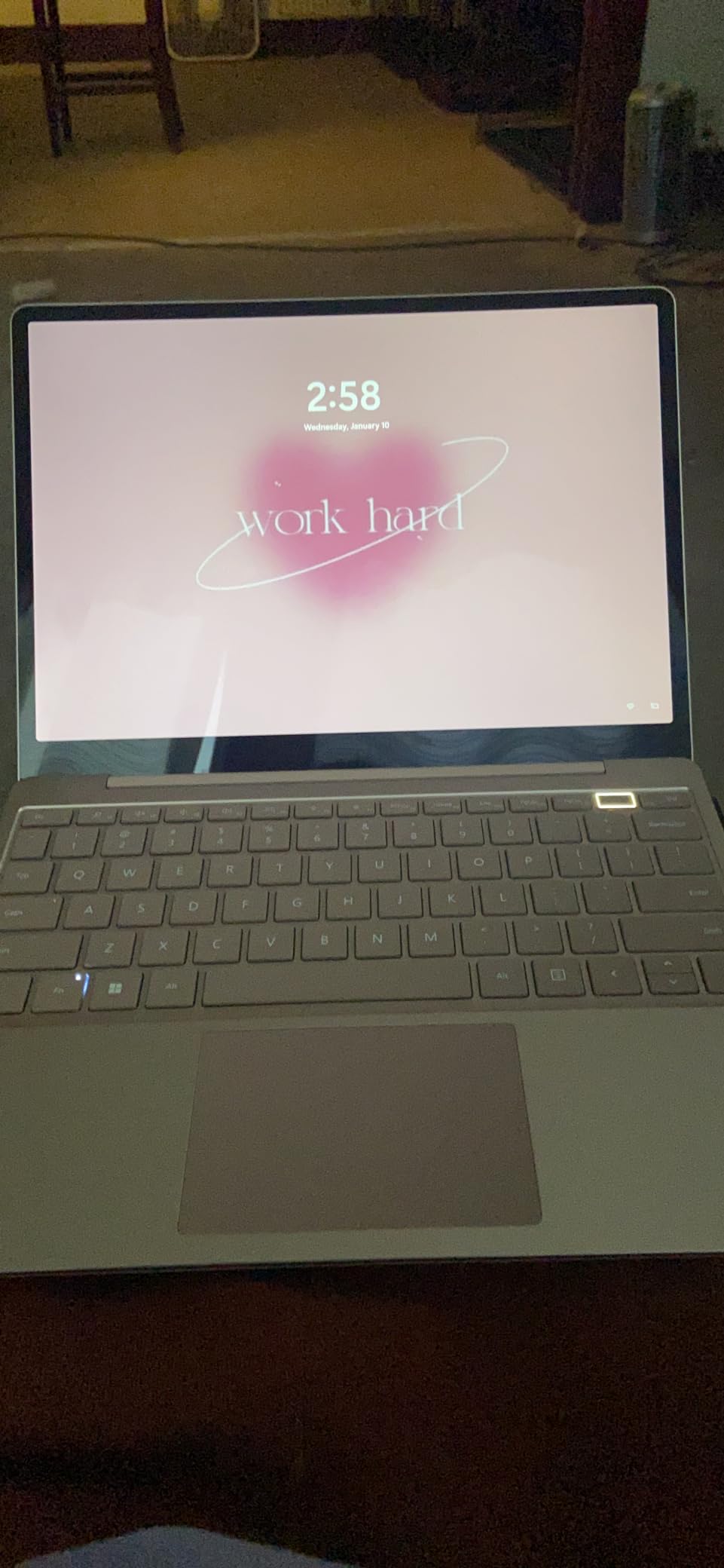
The 1536×1024 panel is the lowest resolution here. On a 12.4 inch screen it still looks fine, but text is not as crisp as the 13.5 inch models.
Microsoft claims 13.5 hours and several reviewers report falling short of that. Fast charging softens the blow, reaching about 80 percent in a little over an hour.
For whom it is good
The best pick for students, note-taking, commuting, and anyone who wants a light Windows laptop with no compatibility caveats.
For whom it is bad
Not for creative work, virtualisation, or anyone who runs many heavy applications at once.
5. Microsoft Surface Laptop 4 16GB (Renewed) – Best Value Intel Surface
Microsoft Surface Laptop 4 – i7-1185G7 16GB RAM, 512GB SSD, 13.5″ High-Performance Touchscreen Windows 11, Lightweight with Sleek Design Platinum 5EI-00019 (Renewed)
Intel Core i7-1185G7
16GB DDR4
512GB SSD
13.5 inch 2256×1504
3.9 lbs
+ Pros
- 16GB RAM and 512GB storage combination
- Full x86 app compatibility
- Sharp 13.5 inch PixelSense touchscreen
- Good keyboard and precision touchpad
- Wi-Fi 6
– Cons
- Renewed unit so battery health varies
- Some units ship with corporate domain locks
- Ships with Windows 10 Pro on some units
This renewed Surface Laptop 4 is the most sensible way into a well-specified Intel Surface. A Core i7 with 16GB of RAM and a 512GB SSD is a genuinely capable configuration.
The 13.5 inch 2256×1504 PixelSense panel is the same tall 3:2 shape that makes Surface machines so good for documents. You see more of a page than on a widescreen laptop.
Because this is 11th Gen Intel, everything runs. No emulation, no checking whether your software supports ARM.
What renewed actually means here
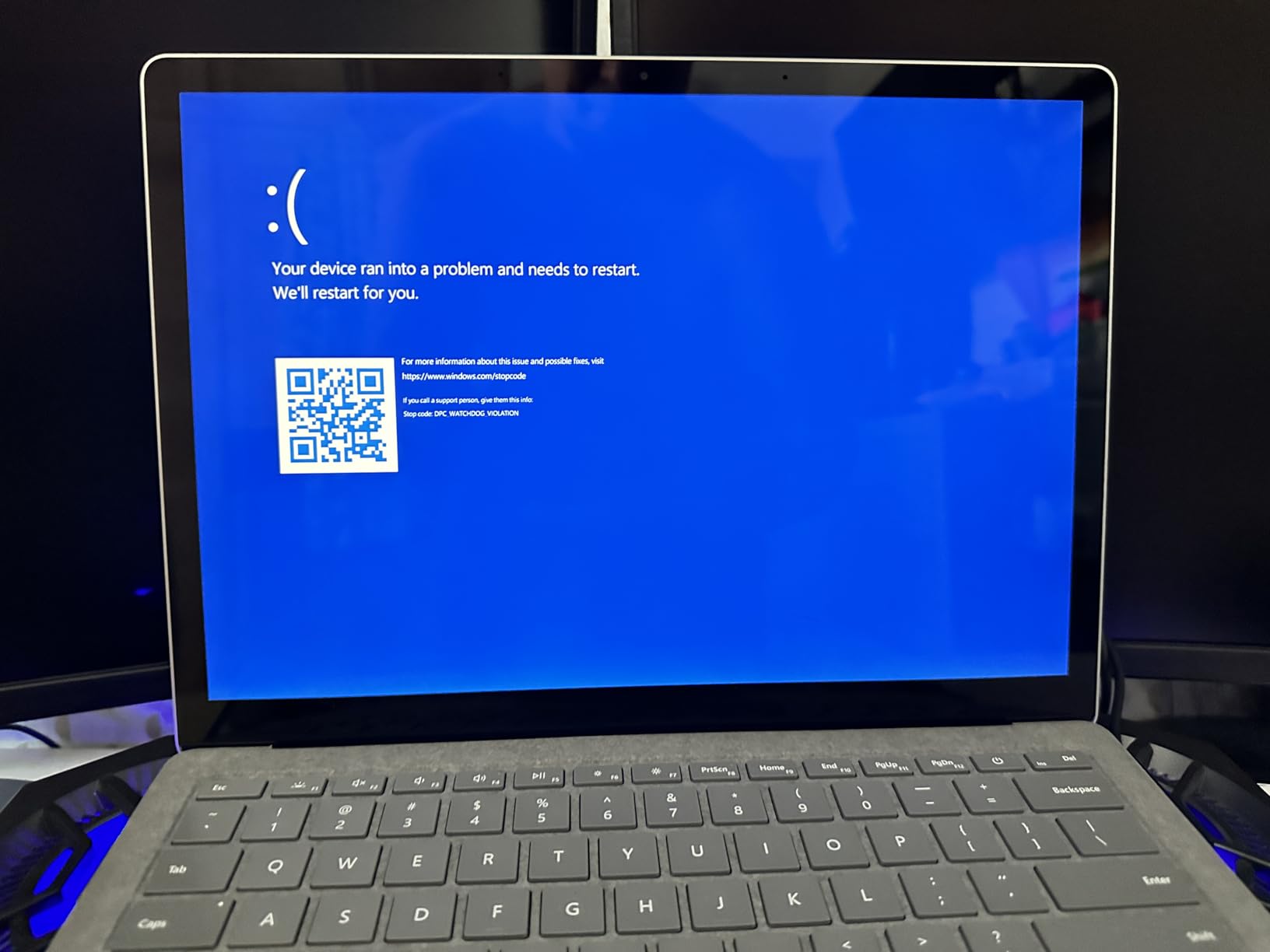
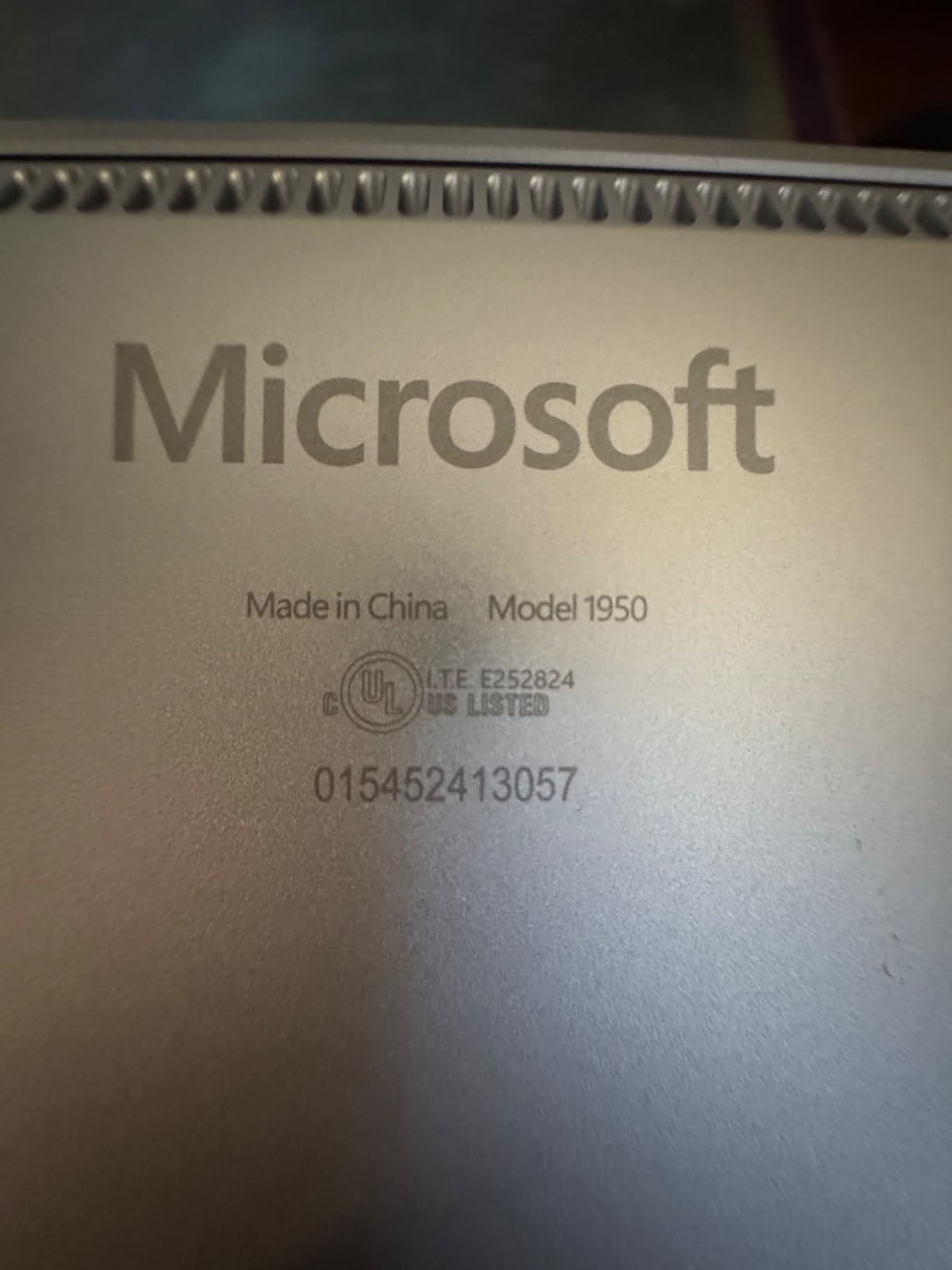
Most reviewers report units arriving in like-new condition, and the 4.3 average is respectable. But 12 percent leave one-star reviews, and the pattern matters.
Two specific problems come up repeatedly: units still locked to a previous owner’s corporate domain, and reduced battery capacity. Test both in your first week and return immediately if either appears.
Performance for everyday work
The i7-1185G7 boosts to 4.8GHz and handles spreadsheets, large documents and video calls comfortably. Integrated Intel graphics mean this is not a gaming or rendering machine.
For office and study work I could not tell this apart from a new mid-range laptop in daily use. That is the appeal.
For whom it is good
Ideal if you need x86 compatibility and a strong RAM and storage configuration without buying new.
For whom it is bad
Avoid if you want a factory-fresh battery, a guaranteed Windows 11 install, or cannot risk dealing with a return.
6. Microsoft Surface Laptop 4 Windows 11 Pro (Renewed) – Best for Business on a Budget
Microsoft Surface Laptop 4 13.5” Touch-Screen – Intel Core i7-16GB – 256GB SSD Windows 11 PRO (Latest Model) – Matte Black (Renewed)
Intel Core i7-1185G7
16GB DDR4
256GB SSD
13.5 inch 2256×1504
Windows 11 Pro
+ Pros
- Windows 11 Pro licence included
- 16GB RAM for multitasking
- Fingerprint reader with Windows Hello
- Matte black finish
- USB-C and USB-A ports
– Cons
- Reviewers report overheating on soft surfaces
- Keyboard faults on some units
- Smaller 256GB drive
The reason to choose this over the previous pick is the Windows 11 Pro licence. BitLocker encryption, domain join and Remote Desktop host are Pro-only features that matter if you work in a managed environment.
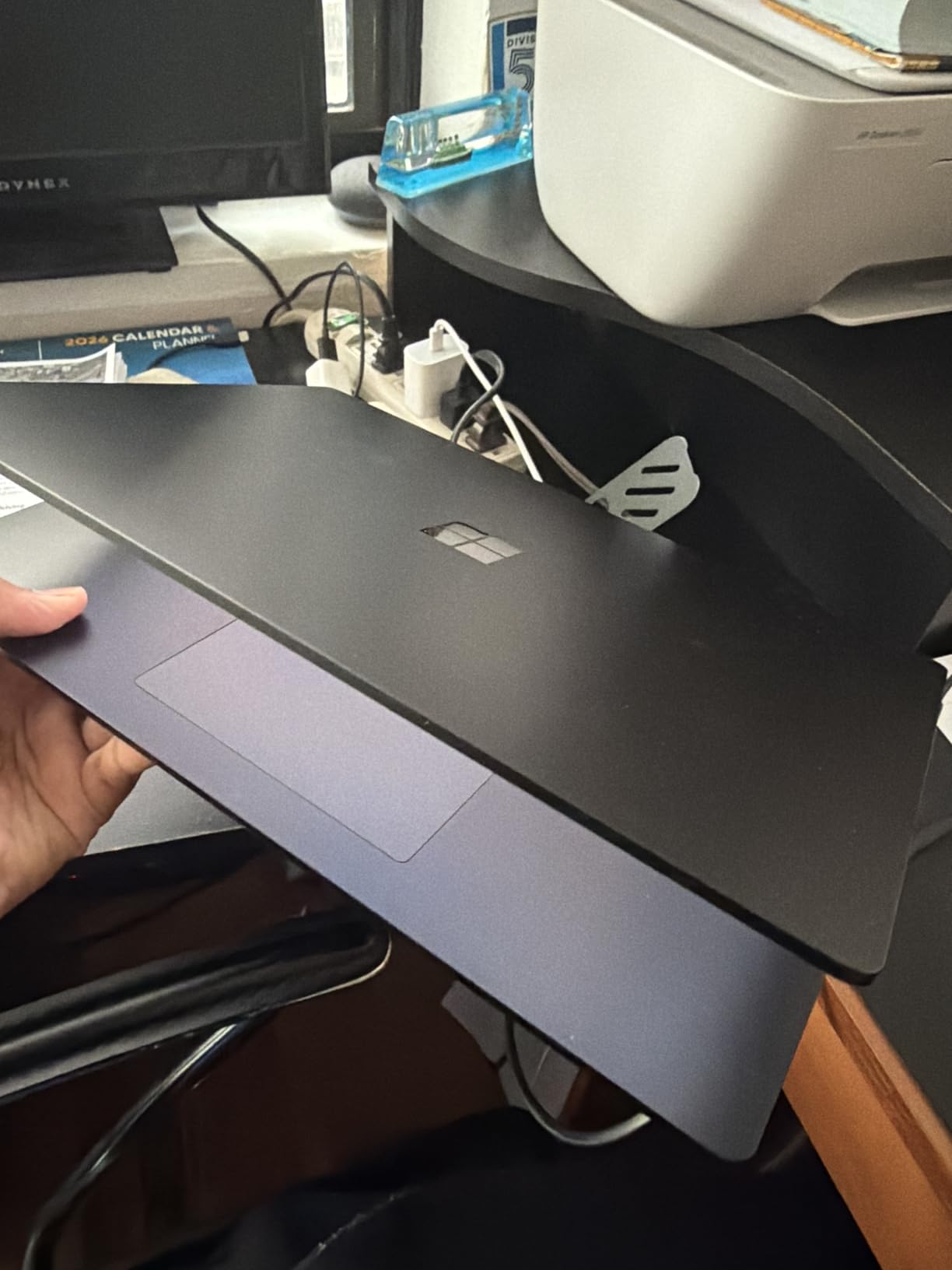
You get the same Core i7-1185G7 and 16GB of RAM, but half the storage at 256GB. The matte black finish looks sharper than platinum, though it shows fingerprints.
The fingerprint power button with Windows Hello handles sign-in, which is a sensible pairing with the Pro security features.
Be honest about the risk here
This has the weakest record in the guide: 4.1 stars from only 43 reviews, with 12 percent at one star. That is a small sample, so treat it with caution.
Reviewers report three recurring faults: overheating when used on a bed or lap, keyboard defects, and occasional units with non-functioning Wi-Fi, Bluetooth or camera. Test every component immediately on arrival.
Ports and daily use
You get USB-C, USB-A, Surface Connect and a headphone jack. Having USB-A still on board saves dongles for older peripherals.
The 256GB drive fills quickly if you keep large files locally. Plan on cloud storage or an external drive. Our laptops for digital marketing guide covers similar storage planning for client work.
For whom it is good
Worth it if you specifically need Windows 11 Pro features cheaply and will test the unit thoroughly on arrival.
For whom it is bad
Skip this if you cannot tolerate the chance of a faulty unit, need more storage, or often work with the laptop on soft surfaces.
7. Microsoft Surface Laptop 3 13.5 inch (Renewed) – Best Cheap Full-Size Surface
Microsoft Surface Laptop 3 13.5″ Touch-Screen Intel Core i5-8GB Memory – 256GB Solid State Drive (PKX-00003) Matte Black (Renewed)
Intel Core i5-1035G7
8GB LPDDR4
256GB SSD
13.5 inch 2256×1504
3.4 lbs
+ Pros
- Cheapest route to a 13.5 inch PixelSense touchscreen
- Premium aluminium build
- SD card reader for expansion
- Mini DisplayPort output
- Light at 3.4 pounds
– Cons
- 8GB RAM and 256GB storage are both tight
- Reviewers report overheating under load
- Ships with Windows 10 on some units
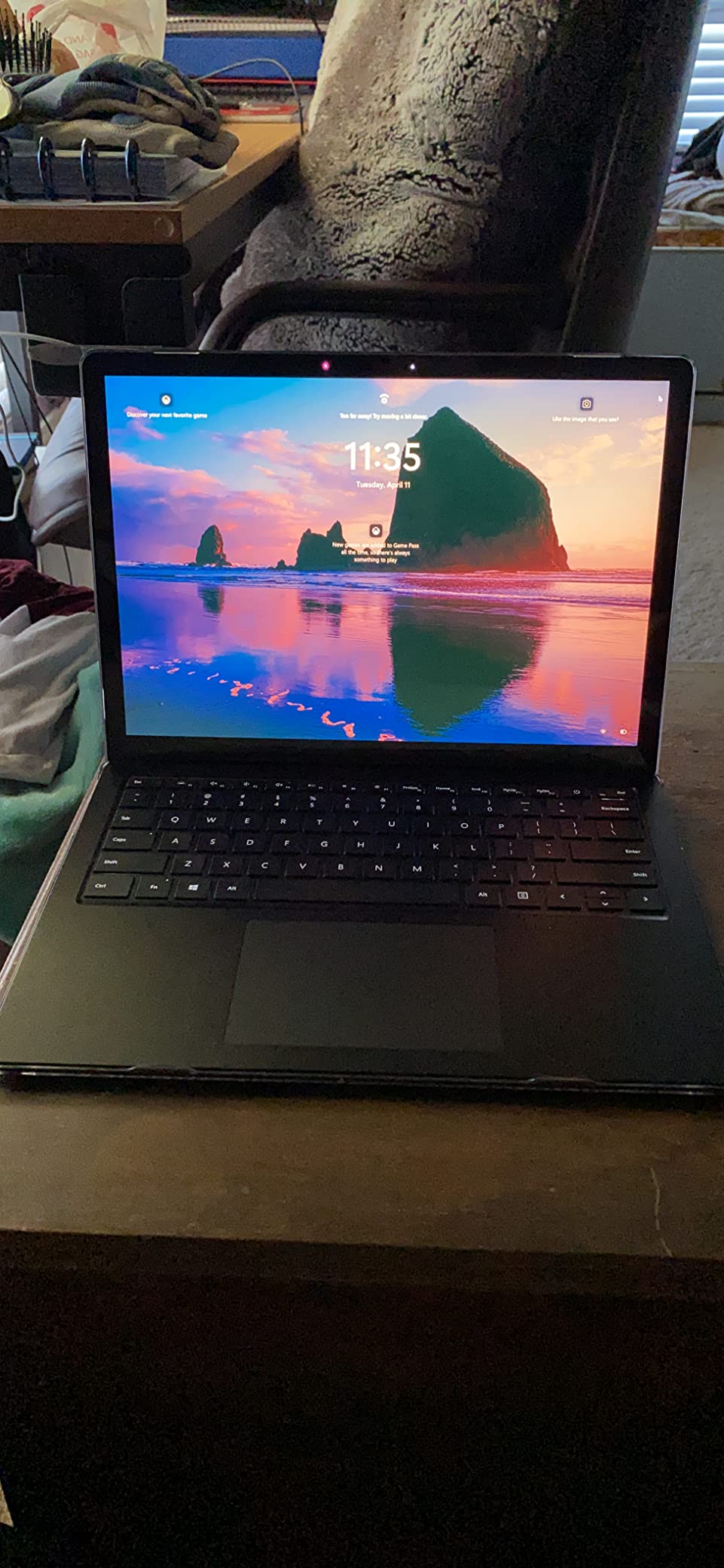
The Surface Laptop 3 is the least expensive way to get the full-size 13.5 inch Surface experience, and the 227 reviews make it the best-evidenced budget pick here.
The 2256×1504 panel is the same resolution as the far newer Surface Laptop 4. Text looks crisp, and the 3:2 aspect ratio still beats widescreen for reading and writing.
At 3.4 pounds in a proper aluminium chassis, it does not feel like a budget machine. The build is where older Surface hardware ages well.
A 10th Gen chip in 2026
The Core i5-1035G7 is now several generations old. For browsing, documents, streaming and video calls it remains perfectly adequate.
Reviewers report it can overheat during sustained heavy use, and 8GB of soldered RAM caps what you can throw at it. This is a light-duty machine.
Ports and expansion
The SD card reader is genuinely useful and absent from newer models, making cheap storage expansion possible. Mini DisplayPort handles an external monitor, though you may need an adapter.
There is only one USB port, so a hub is likely. Bluetooth 4.0 is dated but works for a mouse and headphones.
For whom it is good
A sound choice for a first laptop, a student on a tight budget, or a second machine for light work.
For whom it is bad
Not for demanding software, long unplugged sessions, or anyone who needs current-generation performance.
8. Microsoft Surface Go 2 10.5 inch (Renewed) – Best Ultra-Portable
Microsoft Surface Go 2-10.5″ Touch-Screen – Intel Core m3-8GB Memory – 128GB SSD – WiFi – Platinum Windows 11 PRO (Renewed)
Intel Core m3-8100Y
8GB DDR4
128GB SSD
10.5 inch 1920×1280
Windows 11 Pro
+ Pros
- Lightest Surface in the lineup
- MicroSDXC reader for cheap expansion
- Windows 11 Pro included
- Fanless and silent
- Genuinely pocketable in a bag
– Cons
- Core m3 is slow for anything demanding
- 128GB storage fills fast
- Type Cover sold separately
The Surface Go 2 is the smallest and lightest machine here, and it exists for one purpose: carrying a real copy of Windows in a bag you barely notice.
At 10.5 inches with a 1920×1280 panel at 216 ppi, the screen is small but sharp. It is fine for email, documents and browsing on the move.
The Core m3 is fanless, so it runs completely silently. That makes it a good companion in libraries and quiet offices.
Manage your expectations on speed
The Core m3-8100Y is an 8th Gen low-power chip. Reviewers call it surprisingly capable for the size, but it is the slowest processor in this guide by a wide margin.
Keep to a handful of tabs and light applications and it stays pleasant. Ask it to edit video and it will not cope.
Storage and the renewed caveat
128GB is very tight for Windows, which is why the microSDXC reader matters so much. A cheap card doubles your usable space.
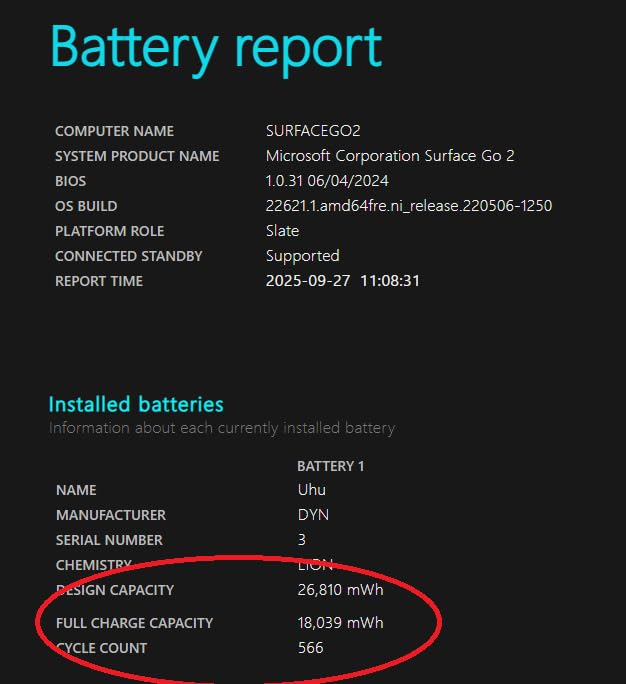
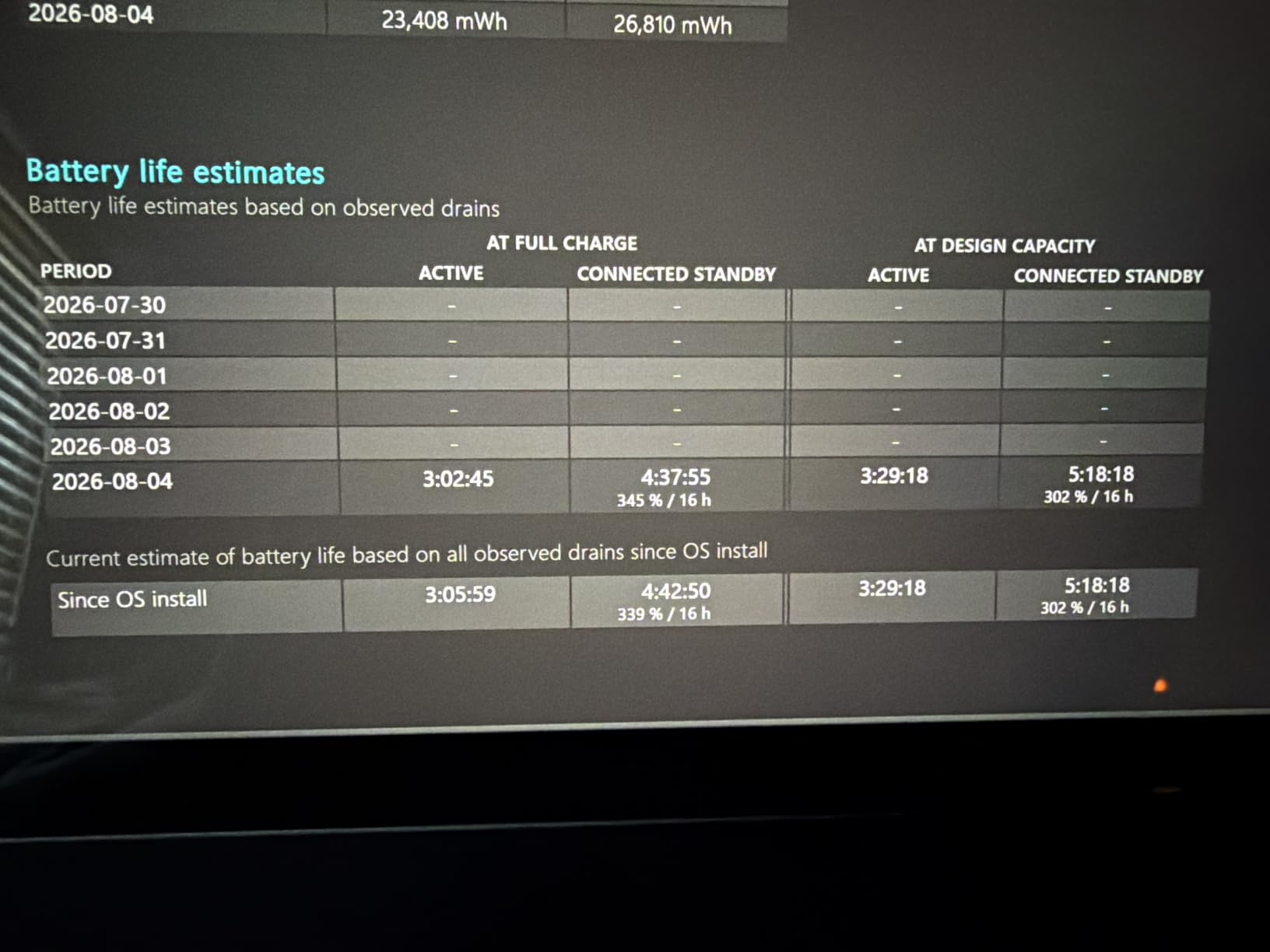
Reviewers report battery degradation and some cosmetically rough units, including sticky residue from previous owners. Inspect it carefully when it arrives and check battery health straight away.
For whom it is good
Best as a travel companion, a secondary device, or a light machine for reading and email away from a desk.
For whom it is bad
Never buy this as your only computer, or if you need speed, storage or a large screen.
Pros and Cons at a Glance
Across all eight machines, the strengths and weaknesses cluster into clear patterns.
What every Surface does well: the 3:2 PixelSense touchscreens are better for reading and writing than widescreen panels, the aluminium builds feel more expensive than they are, and the keyboards and touchpads are consistently good. Windows Hello sign-in, whether by face or fingerprint, works reliably across the line.
Where every Surface compromises: RAM and storage are soldered on all eight models, so the configuration you buy is permanent. Port selection is thin throughout, with two USB ports being typical and one on the Surface Laptop 3. Charging is often via proprietary Surface Connect rather than USB-C alone.
The ARM models (Surface Laptop 2024, Surface Pro) win decisively on battery life, silence and display brightness, and lose on software compatibility.
The Intel models (Laptop Studio, Laptop Go 2, Laptop 4, Laptop 3, Go 2) run everything without question, but give up battery life and, in the Studio’s case, portability.
The renewed units (Laptop 4 in both configurations, Laptop 3, Go 2) deliver premium hardware at a fraction of new pricing, and carry real risk: degraded batteries, cosmetic wear, domain locks and occasional component failures. Five of the eight picks here are renewed, so this is not a footnote. Test everything within your return window.
How to Choose the Right Surface Laptop
Work through these decisions in order and the right model usually becomes obvious.
Pick by Use Case
Students: the Surface Laptop Go 2. Light, Intel-based, highest rated here, and priced for a student budget. The Surface Pro is the alternative if you take handwritten notes.
Business and office work: the Surface Laptop (2024) if your software is browser and Office based, or the renewed Surface Laptop 4 with Windows 11 Pro if you need BitLocker and domain join.
Creative professionals: the Surface Laptop Studio, and it is not a close call. It is the only model with a dedicated GPU, 32GB of RAM and a 120Hz pen-optimised display.
Travel: the Surface Go 2 for absolute minimum weight, or the Surface Pro for a better balance of portability and capability.
Home office all-rounder: the Surface Laptop (2024) 15 inch. The large bright screen and long battery suit a desk you occasionally leave.
ARM vs Intel: The App Compatibility Question
This is the decision that causes the most regret, and it deserves five minutes of your time before buying.
Snapdragon models run ARM Windows. Native ARM apps are excellent and now cover Office, Edge, Chrome, Teams, Slack and most mainstream software. Emulated x86 apps run more slowly, and some do not run at all.
The known casualties are virtualisation tools such as VMware and VirtualBox, some VPN and security clients, older engineering and accounting packages, certain audio plugins, and a scattering of games with anti-cheat systems.
Reddit’s r/Surface threads on the Snapdragon X Elite return to the same two themes: excellent battery and occasional app friction. Users a year into ownership generally report the situation improving as more apps ship native builds.
My practical advice: list the five applications you cannot work without and confirm ARM support for each. If any are missing, buy an Intel model. The Laptop Studio, Laptop Go 2 and both renewed Laptop 4 configurations all sidestep the issue entirely.
Display, 120Hz and PixelSense Explained
PixelSense is Microsoft’s branding for its displays, and the meaningful detail is the 3:2 aspect ratio. It is taller than the usual 16:9, so you see more of a document or web page without scrolling.
Only the Laptop Studio offers 120Hz. It makes scrolling smoother and, more importantly, reduces pen latency when drawing. If you do not use a stylus, 60Hz is not a hardship.
Brightness varies more than resolution does. The Surface Laptop (2024) reaches 600 nits and works outdoors; the Surface Pro at 400 nits struggles in direct sun.
Battery Life: Claims vs Reality
Manufacturer battery figures come from light, controlled testing. Expect meaningfully less in real use, particularly with a bright screen and video calls.
The ARM machines hold a real advantage: the Surface Laptop (2024) was the only model here that consistently lasted a full working day for me. Older renewed units are the opposite case, since battery health has already declined before you receive them.
If you buy renewed, check battery health in the first few days. A degraded cell is the single most common complaint across all four refurbished models in this guide.
RAM and Storage: Buy What You Need Now
Every Surface in this guide has soldered RAM and non-upgradeable storage. The configuration you choose is the configuration you keep.
8GB is enough for browsing, Office and streaming. 16GB is the sensible target for anyone juggling many applications. 32GB, available only on the Laptop Studio, is for creative and technical work.
On storage, 128GB is genuinely restrictive with Windows installed, 256GB works if you lean on cloud storage, and 512GB or more is comfortable. The Laptop 3 and Go 2 both include card readers, which is a cheap way to add space.
New vs Renewed: What to Check
Amazon Renewed units are inspected and warrantied, and the value on offer is real. Reviewer feedback across the four renewed models here points to a consistent checklist for your first week.
Check battery health in Windows. Confirm the machine is not tied to a previous owner’s corporate domain. Test Wi-Fi, Bluetooth, camera, microphone, speakers and every key. Verify which Windows version and edition actually shipped, since listings and reality sometimes differ.
Do all of this immediately. The return window is your only real protection.
Long-Term Durability and Lifespan
No competitor covers this well, and it is a fair question given what these machines cost.
Expect four to six years of useful life from a Surface bought new, with the battery being the first component to age noticeably, typically around the three-year mark. Because batteries are not user-replaceable, that often defines the practical lifespan.
The aluminium chassis and hinges hold up well; long-term owner reports on r/Surface a year into Surface Laptop 7 ownership are broadly positive about the hardware. The recurring hardware complaints are heat on the smaller Intel models and, on some units, touchpad and keyboard wear.
Windows support timelines matter more than physical wear for the older renewed models. A machine shipping with Windows 10 has a shorter supported life ahead of it than one on Windows 11.
Frequently Asked Questions
Is a Microsoft Surface laptop worth buying?
Yes, for most buyers. Surface laptops offer premium aluminium build quality, excellent 3:2 touchscreens and strong keyboards at competitive prices. They are worth it if you value portability and display quality. They are less compelling if you need many ports, upgradeable RAM, or dedicated graphics, since only the Laptop Studio includes a discrete GPU.
Which is the best Microsoft Surface to buy?
The Surface Laptop (2024) 15 inch is the best overall choice, with a Snapdragon X Elite processor, 20-hour rated battery and a 600-nit display. Choose the Surface Laptop Studio for creative work needing a dedicated GPU, the Surface Pro for 2-in-1 versatility, or the Surface Laptop Go 2 for students wanting the lightest Intel option.
Is Microsoft Surface being discontinued?
No. Microsoft continues to develop and release Surface hardware, including current Copilot+ PC models with Snapdragon processors. Individual models are retired as newer generations arrive, which is normal product cycling rather than the line being discontinued. Older models such as the Surface Laptop 3 and Surface Go 2 remain available mainly as renewed units.
What are the downsides of owning a Surface Laptop?
The main downsides are soldered RAM and storage that cannot be upgraded later, limited port selection with typically two USB ports, proprietary Surface Connect charging on many models, and non-replaceable batteries. On Snapdragon models, some x86 applications run slowly under emulation or not at all, including VMware and VirtualBox.
What is the average lifespan of a Microsoft Surface laptop?
Expect four to six years of useful life from a Surface bought new. The battery is usually the first part to degrade noticeably, often around three years, and because it is not user-replaceable this often determines practical lifespan. The aluminium chassis and hinges typically outlast the battery, and Windows support timelines matter most for older models.
What are some common problems with Surface laptops?
Reviewers most often report battery degradation over time, overheating on smaller Intel models when used on soft surfaces such as beds, and occasional touchpad or keyboard faults. On renewed units, specific issues include reduced battery capacity, leftover corporate domain locks from previous owners, and occasional non-functioning Wi-Fi, Bluetooth or cameras.
The Bottom Line
Among the Microsoft Surface Laptops I tested, the Surface Laptop (2024) 15 inch is the one I recommend to most people. It pairs the brightest display and longest battery in the lineup with a 12-core Snapdragon X Elite, provided your software runs on ARM.
Creative professionals should buy the Surface Laptop Studio for its dedicated RTX 3050 Ti and 32GB of RAM. Students and commuters are best served by the Surface Laptop Go 2, the highest-rated model here at 4.4 stars across 440 reviews.
If budget leads the decision, the renewed Surface Laptop 4 and Surface Laptop 3 deliver premium hardware for far less, as long as you test the unit thoroughly inside the return window. Check your must-have applications for ARM support first, then buy the model that matches your actual work.
Leave a Reply