
Chromebooks under 300 dollars have quietly become the most useful laptops you can buy without thinking hard about the purchase. My first one replaced a machine that cost three times as much, and for everything from email to video calls the difference barely registered. The best chromebooks under 300 dollars handle Chrome, Google Docs, YouTube, Zoom and the Android app library without breaking a sweat, and they do it on hardware that would struggle to boot a full desktop operating system.
I spend an unusual amount of time with budget laptops, because that is where mistakes hide. A premium machine forgives a cramped screen or a slow chip because it has headroom everywhere else. Below 300 dollars, every spec is a decision you have to live with. I went through owner reviews for the ten models below, weighed the real complaints, and looked for the ones that still hold together after a year of daily use rather than the ones that win on a spec sheet for one afternoon.
Three things decided almost every ranking for me. RAM matters more than any other spec in ChromeOS, because a browser tab is a memory-hungry process and 4 GB fills up fast. Screen quality decides whether you enjoy the machine or tolerate it, and the difference between a 1366 x 768 panel and a 1920 x 1080 one is obvious within a minute. Auto Update Expiration is the quiet factor that determines how long the device stays useful, and I explain how to check it further down.
If you want the short version: the HP Chromebook 14 is the pick I keep coming back to, the renewed Dell Chromebook 11 3100 is the cheapest way into the format, and the Lenovo 14-inch touchscreen is the one to buy if you want a proper Full HD touch panel. Everything else in the list earns its place for a specific reason, and I spell out which.
If you are also working out what else this budget covers, we ranked the best gaming monitors under 300 and the best smartwatches under 300 with the same value-first method.
Our Top 3 Picks for Chromebooks Under 300 Dollars in 2026
These three cover the three most common situations: a dependable everyday machine, the lowest-cost way in, and the best touchscreen. I would buy any of them without hesitation for the use case named.
Comparing All 10 Budget Chromebooks Side by Side in 2026
Every model in this roundup, with the specs that actually separate them. Scroll past the table and you will find why each one earned its place, along with the flaws owners complain about most.
| Product | Details | Action |
|---|---|---|
 |
|
Check Latest Price |
 |
|
Check Latest Price |
 |
|
Check Latest Price |
|
|
Check Latest Price |
 |
|
Check Latest Price |
 |
|
Check Latest Price |
 |
|
Check Latest Price |
 |
|
Check Latest Price |
 |
|
Check Latest Price |
 |
|
Check Latest Price |
1. HP Chromebook 14 (Celeron N4120) – The Dependable All-Rounder
HP Chromebook 14 Laptop, Intel Celeron N4120, 4 GB RAM, 64 GB eMMC, 14″ HD Display, Chrome OS, Thin Design, 4K Graphics, Long Battery Life, Ash Gray Keyboard (14a-na0226nr, 2022, Mineral Silver)
14-inch anti-glare HD
4 GB DDR4 RAM
64 GB eMMC
Quad-core N4120
+ Pros
- Up to 14 hours of listed battery life with fast charging
- Light 3.2 lb chassis that travels well
- Quad-core chip handles browsing and 4K streaming
- Full-size keyboard and accurate multi-touch trackpad
– Cons
- 1366 x 768 resolution looks soft on a 14-inch panel
- 4 GB RAM and 64 GB eMMC cap heavy multitasking
- No touchscreen and only three USB ports
This is the model I keep recommending first, and the reason is boring in the best way. It has by far the largest volume of owner feedback in this list, and when I read through it the tone is consistent: people bought it for school or a second family laptop, and it kept working. The quad-core Celeron N4120 is not a fast chip, but it never feels slow for a browser, a document or a video call.
The 47 watt-hour battery is the quiet hero here. HP rates it at up to 14 hours of standby, and owners report a full school day of intermittent use without hunting for a charger. HP Fast Charge also refills roughly half the capacity in about 45 minutes, which turns a long lunch break into a usable top-up.
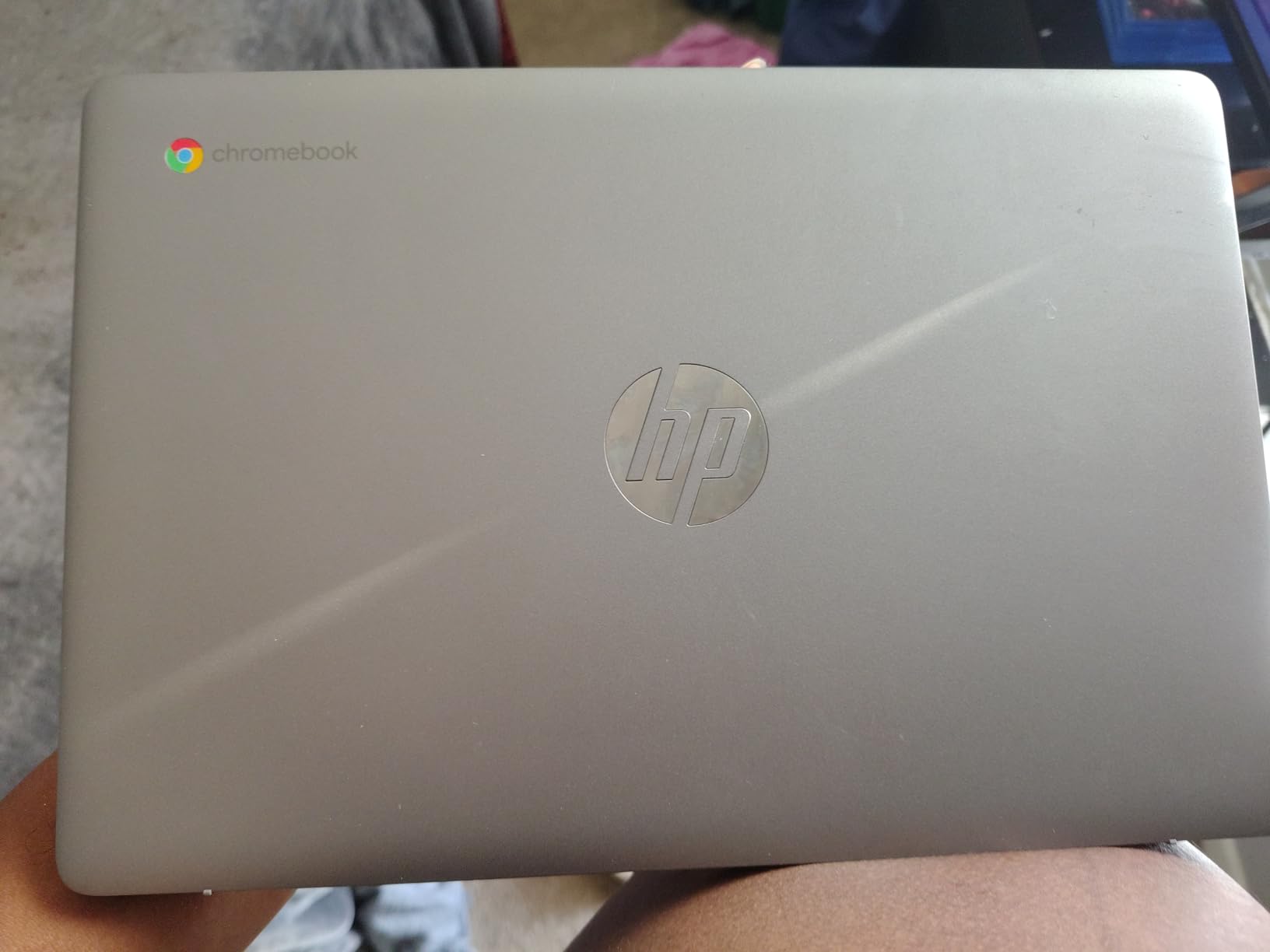
At 3.2 pounds with a 0.7-inch profile, it slips into a backpack without announcing itself. The anti-glare coating does more work here than it gets credit for, cutting reflections in a bright classroom or beside a window.
Battery Life and Everyday Reliability
Out of the ten machines here, this one pairs a long rated runtime with the longest owner-review history in the group. The 14-hour figure is a standby number rather than a looping-video number, so treat it as a ceiling rather than a promise, but reviewers consistently describe getting through a full day of browsing, Docs and calls on one charge.
That reliability is the reason it takes the top spot. When a laptop fails, it is usually the charger, the battery or the keyboard, and owners of this one rarely raise those. ENERGY STAR certification and an EPEAT Silver registration are small signals, but they suggest HP did not cut the cheapest possible corners.
Display and Multitasking Limits
Here is the honest part: 1366 x 768 on a 14-inch screen gives you roughly 1 megapixel, and text is softer than on a Full HD panel. If you spend the day reading documents, upgrading to a Full HD model is worth more than any processor bump.
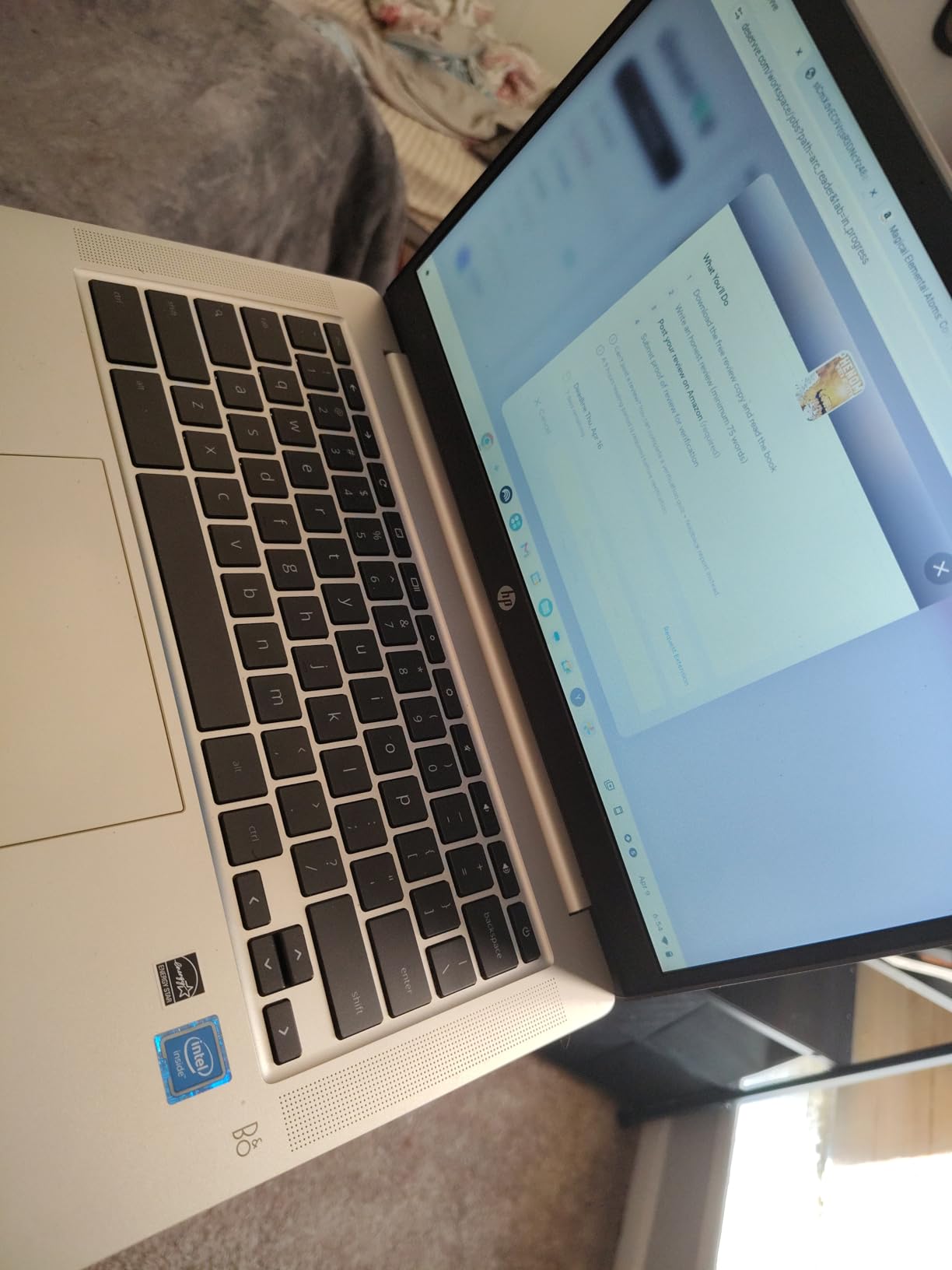
The 4 GB of DDR4 RAM is workable but not generous. A dozen tabs plus a video call starts to feel heavy, and 64 GB of eMMC means you lean on cloud storage constantly. For a shared family machine or a school-issued laptop, neither is a dealbreaker.
Only three USB ports, with no touchscreen, closes off some options. There is no HDMI here either, so an external display needs a USB-C adapter that supports video output.
2. Dell Chromebook 11 3100 (Renewed) – The Cheapest Way Into ChromeOS
Dell Chromebook 11 3100 11.6″ Chromebook – 1366 x 768 – Celeron N4020-4 GB RAM – 16 GB Flash Memory – Chrome OS – Intel HD Graphics – English (US) Keyboard – Bluetooth (Renewed)
11.6-inch 1366×768
Celeron N4020
16 GB flash
2.9 lb
+ Pros
- Lowest cost machine in this roundup
- Compact 2.9 lb body
- Well-regarded Dell keyboard layout
- Five USB ports plus microSD
– Cons
- 16 GB of storage leaves very little room locally
- Performance is sluggish with multiple tabs
- Renewed units can arrive with battery or key faults
When someone asks me how to test whether ChromeOS works for them, this is the machine I suggest, because it is the lowest-cost way into the format among these ten and a bad fit is easy to live with. The trade-off is real, though: the Intel Celeron N4020 is a dual-core chip and 16 GB of storage is barely enough to hold an operating system with room to spare.
Owners frequently praise the keyboard, because Dell’s spacing feels deliberate and the layout stays close to full size on an 11.6-inch machine. At 2.9 pounds it is one of the lightest options in this roundup, and the easiest to carry for a full day of classes.
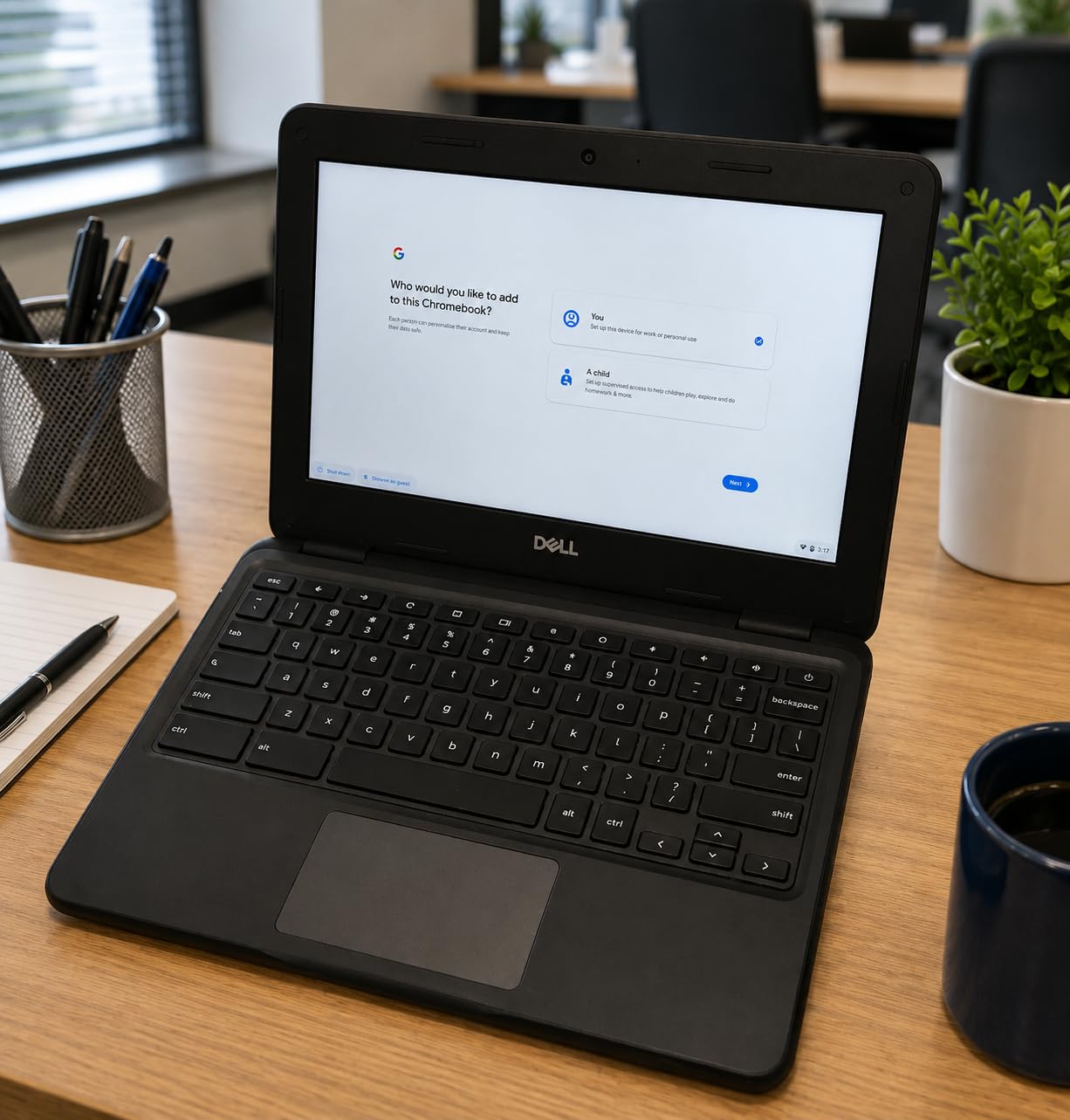
Port selection is unusual for the money, with five USB ports and a microSD slot. That makes dongles far less necessary than on most budget machines, and a full-size SD card is a cheap way to add storage.
What Renewed Actually Means Here
Renewed means inspected and returned, not new, and the 90-day limited warranty is the key difference from a factory-refurbished purchase with a full year. Owners often describe arriving units that look nearly untouched, but the recurring complaint pattern is clear: battery, charging port or individual keys can fail early, and a 90-day window catches only the first weeks.
Before you wipe it, factory-reset the device yourself. Renewed units from schools or businesses sometimes still carry enrollment locks, and a fresh reset removes that risk. It takes five minutes and removes the most common source of buyer frustration in this category.
Where It Falls Short for Daily Work
Performance is the honest limitation. Reviewers describe pages timing out and needing frequent refreshes, and the 16 GB of flash storage means one reviewer reported far less usable space than the number suggests. Keep your documents in Google Drive and expectations realistic, and it handles browsing, email and streaming fine.
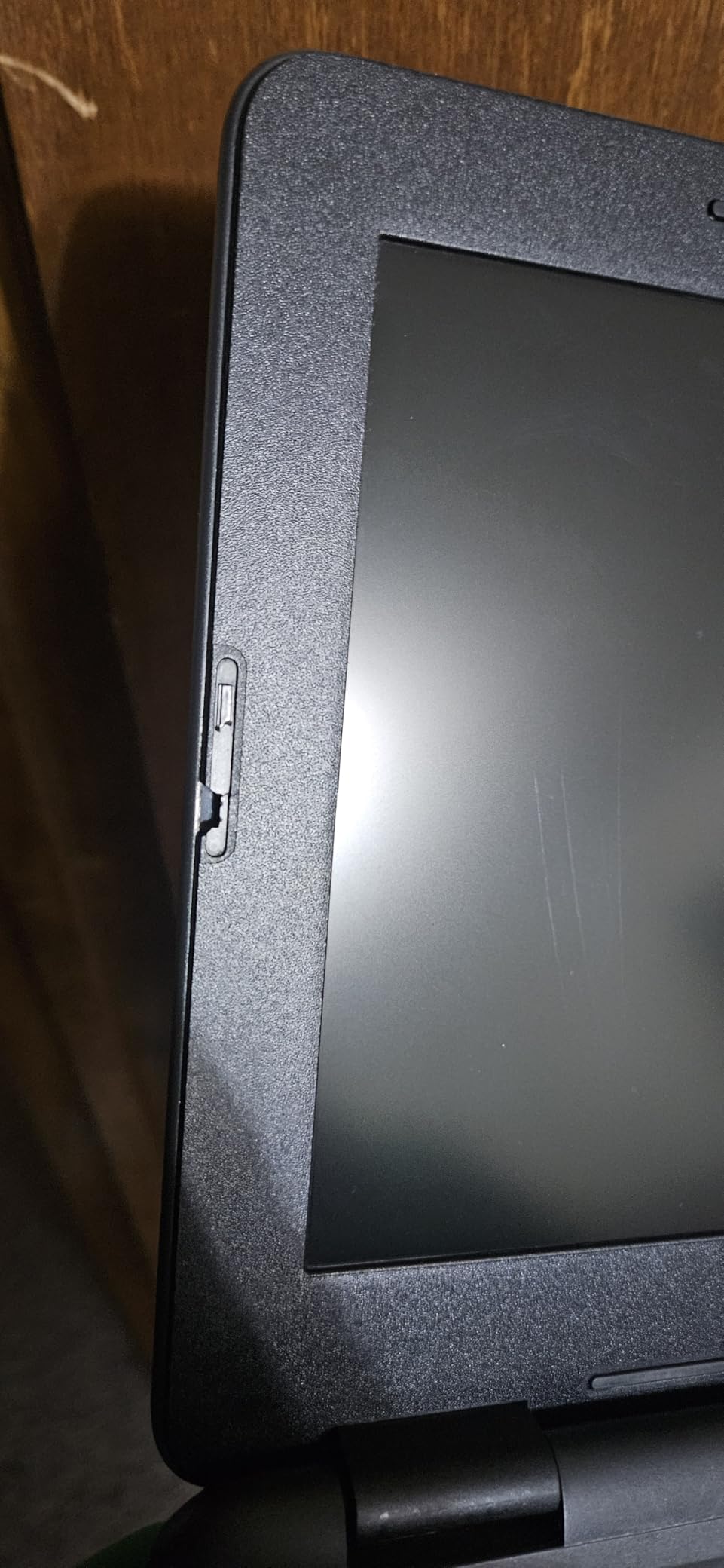
Real-world battery life is closer to a few hours of active use for some owners, well below the up-to-14-hours figure on the spec sheet. The 31 watt-hour battery is the smallest pack in this roundup. Screen size is the other tradeoff, since 11.6 inches is tight for editing a document and scrolling is awkward for longer pages.
3. Lenovo 14-Inch FHD Touchscreen (Kompanio 520) – The Best Touchscreen With Full HD
Lenovo Flagship Chromebook, 14” FHD Touchscreen Slim Thin Light Laptop Computer, 8-Core MediaTek Kompanio 520 Processor, 4GB RAM, 64GB eMMC, WiFi 6,Chrome OS, Abyss Blue
14-inch 1920×1080 IPS touch
Kompanio 520 octa-core
4 GB RAM
Backlit keyboard
+ Pros
- Sharp 1920 x 1080 IPS touchscreen with wide viewing angles
- Backlit keyboard and privacy-shutter webcam
- Light 2.9 lb chassis
- Wi-Fi 6 and Bluetooth 5.1
– Cons
- Struggles with many apps or tabs open at once
- Trackpad can feel imprecise
- Keyboard caps feel wide and plastic
If your eyes are tired from 1366 x 768 panels, the jump to a 1920 x 1080 IPS touchscreen is the clearest quality-of-life change in this roundup. Text snaps into focus, colors look right, and the viewing angles mean you can actually work beside a window. The capacitive touch layer also makes Android apps far less annoying to use.
The MediaTek Kompanio 520 is an octa-core chip built on ARM, and it runs ChromeOS well. Owners report fast boot times and smooth everyday browsing, and battery life is rated at up to 13.5 hours from a 47 watt-hour pack, which is one of the stronger battery results owners report at this price.
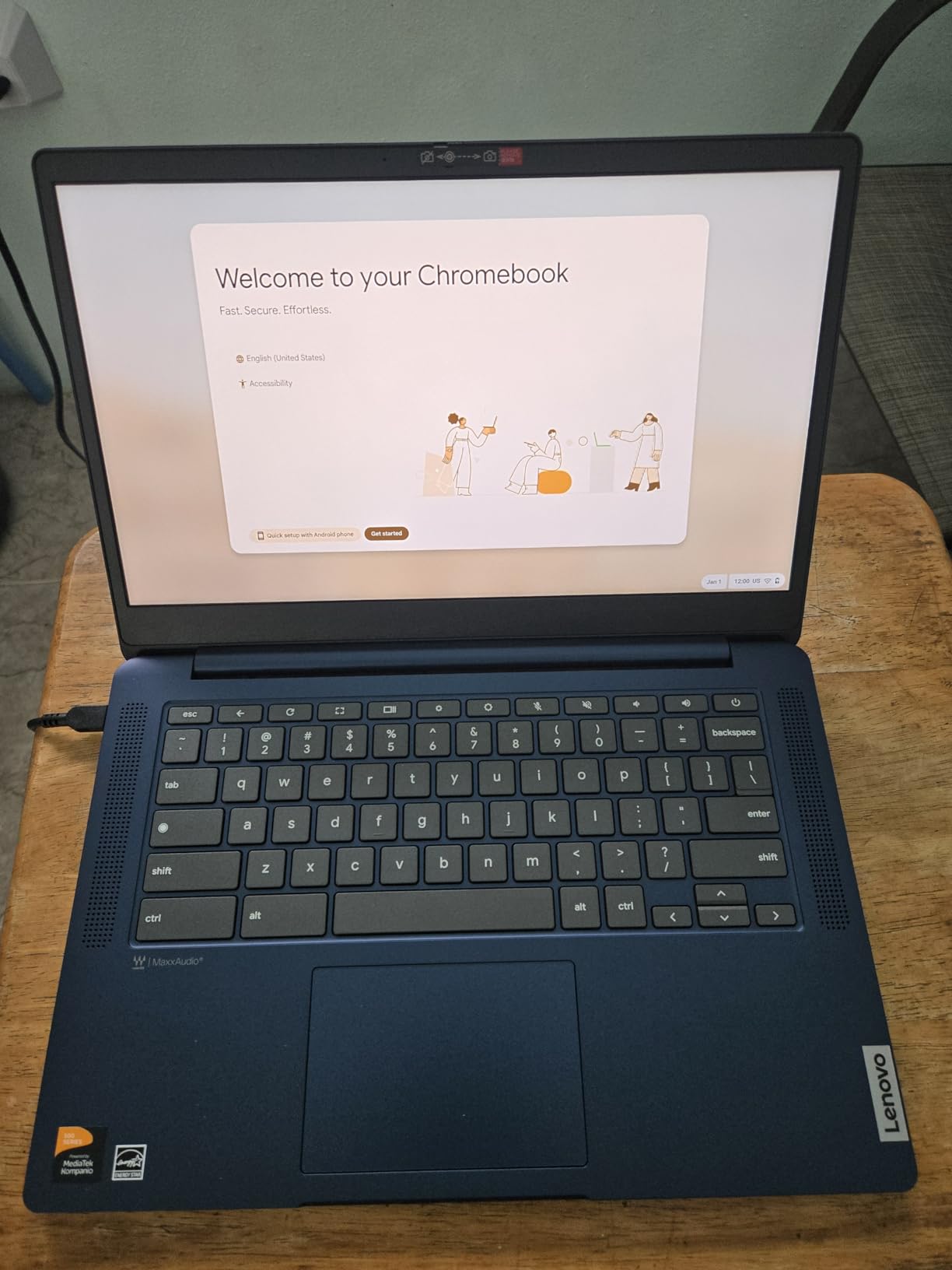
Two features at this level are unusual and worth calling out. The backlit keyboard is rare under 300 dollars, and the 720p webcam has a physical privacy shutter, which matters more than it sounds if you ever handle documents with personal information on camera.
Why the Display Changes Everything
Brightness on this panel is on the dim side, which is typical of budget screens at this price. Indoors, though, the IPS panel quality is what carries this machine. Wide viewing angles and accurate color make it a better screen for media than the 1366 x 768 alternatives, and touch input is genuinely useful for scrolling long pages or reading recipes.
Wi-Fi 6 with 2×2 MIMO and Bluetooth 5.1 keep the wireless side current, and the microSD reader plus headphone jack cover the basics without adapters.
The Trackpad Problem and Other Gripes
The most common complaint is the trackpad, which many owners describe as imprecise with delayed or missed input. A surprising number buy a mouse as a workaround. If precise cursor control matters to you, test it in a shop or add a mouse to your budget.
Secondary complaints include a keyboard that feels wide and plastic, and a caps-lock key that also acts as a tab switcher. Owners also report the machine struggling when several apps or many tabs are open, which is the 4 GB RAM ceiling showing up again.
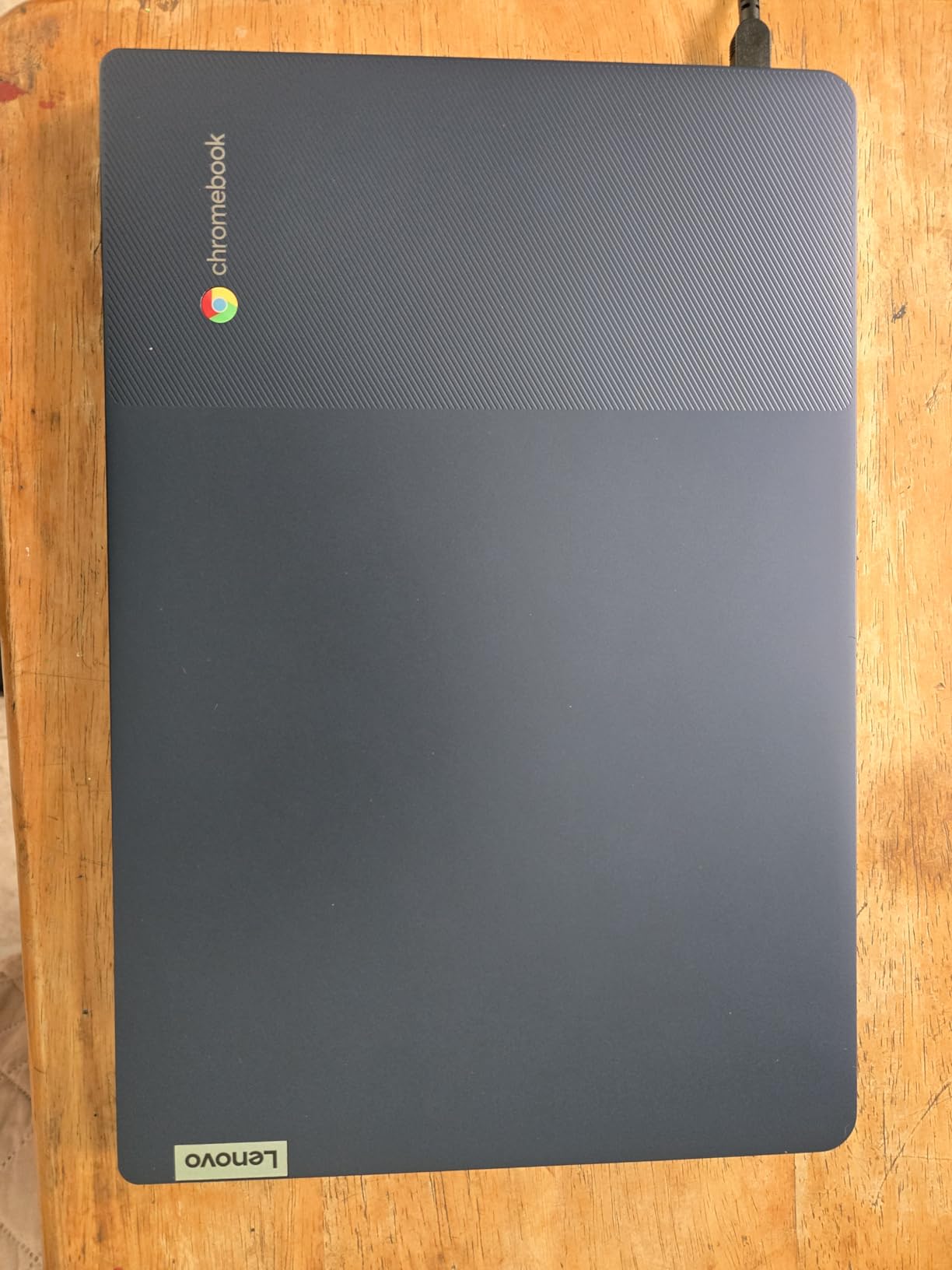
There are occasional reports of charging failures after extended use, so keep the original 65-watt charger rather than relying on a random USB-C brick. Overall this is the machine I recommend when the screen is the deciding factor.
4. Dell Chromebook 11 3100 Touch 2-in-1 (Renewed) – The Best Budget Tablet
Dell Chromebook 11 3100 11.6″ Touchscreen 2 in 1 Chromebook – HD – 1366 x 768 – Intel Celeron N4020 Dual-Core (2 Core) – 4 GB RAM – 32 GB Flash Memory (Renewed)
11.6-inch IPS touch
Convertible 2-in-1
Celeron N4020
32 GB SSD
+ Pros
- Folds into a tablet at a low cost in this roundup
- Responsive IPS touchscreen
- Lighter 3.1 lb build that survives a bag
- Handles browsing
- email and streaming
– Cons
- 32 GB storage makes cloud storage mandatory
- Not suited to heavy multitasking
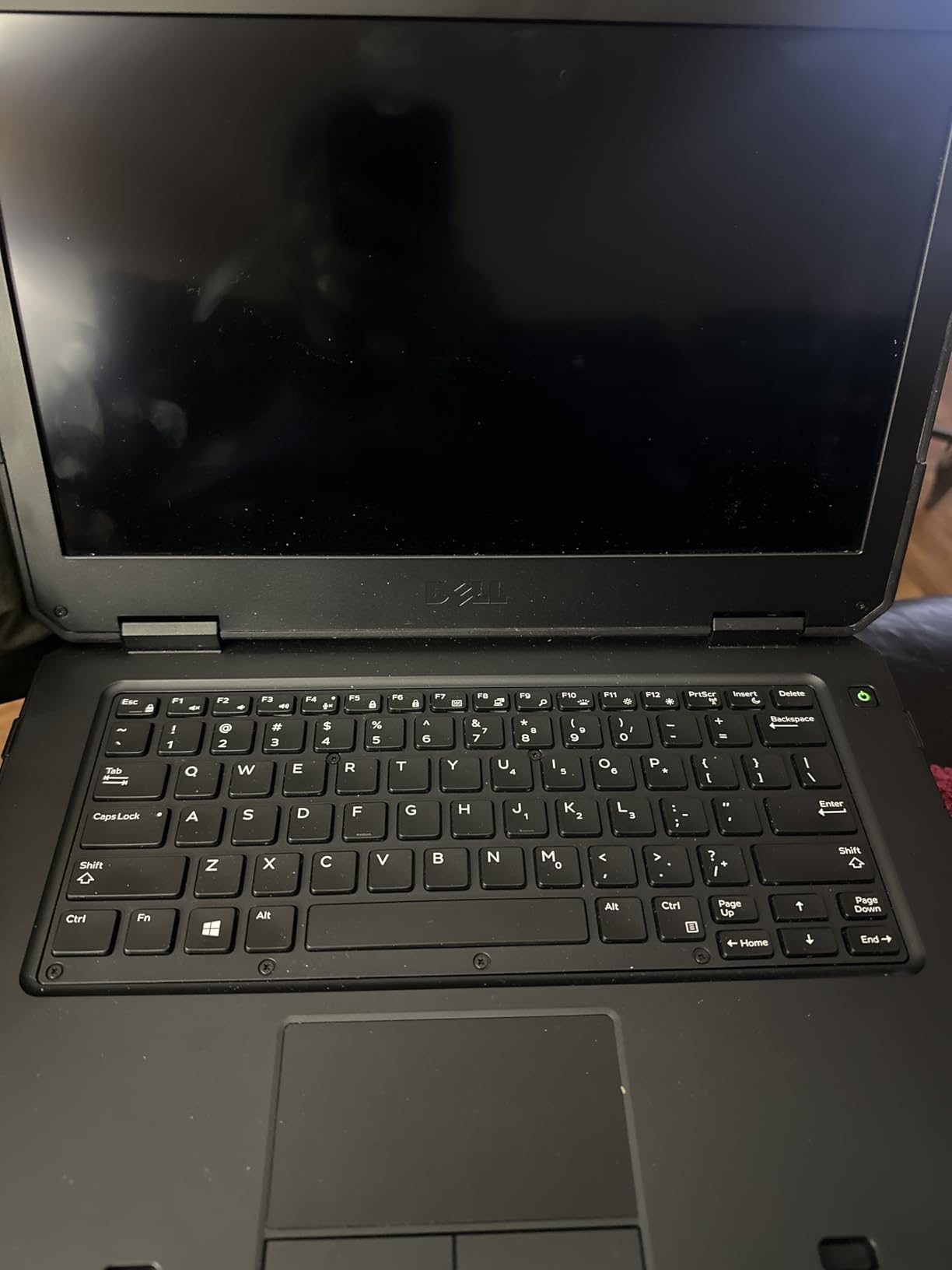
- Renewed units may arrive with marks or stickers
For a child’s first laptop, the 2-in-1 hinge is the feature that changes daily life. Folding the screen back turns this into a tablet that a small hand can actually hold, and the IPS panel responds well enough for games, drawing apps and video calls. Parents get a keyboard when homework demands one and a tablet when it does not.
It shares the Chromebook 11 3100 platform with the previous entry, so the Celeron N4020 and 4 GB of LPDDR4 RAM apply, but storage doubles to 32 GB of SSD rather than flash. That is still small, and reviewers are blunt about it, describing cloud storage as effectively required.
The 42 watt-hour battery across three cells is rated at up to 14 hours, and the included 65-watt charger means no extra purchase. At 3.1 pounds it stays light enough for a child to carry without complaint.
A First Laptop Built to Be Battered
Owners consistently describe the build as sturdy and easy to carry, and the convertible design gives a device that feels more like a real computer than a tablet with a keyboard cover. Four USB ports including USB-C add flexibility that most machines at this level skip.
For a kitchen table, a shared study desk or a travel bag, the versatility is worth the performance limits. It is a browsing, homework and video-call machine, not a multitasking one.
Renewed Unit Watch List
Be specific when you buy. Some units arrive with scratches, dirt or warehouse stickers, and others have been reported without a factory reset or still enrolled in a previous organization. The 90-day warranty is shorter than a new purchase, so inspect the hinge and touchscreen on arrival.
Occasional freezing and missing accessories show up in reviews, which is normal for refurbished hardware and worth factoring into your decision. A quick reset at setup solves the enrollment problem in seconds.
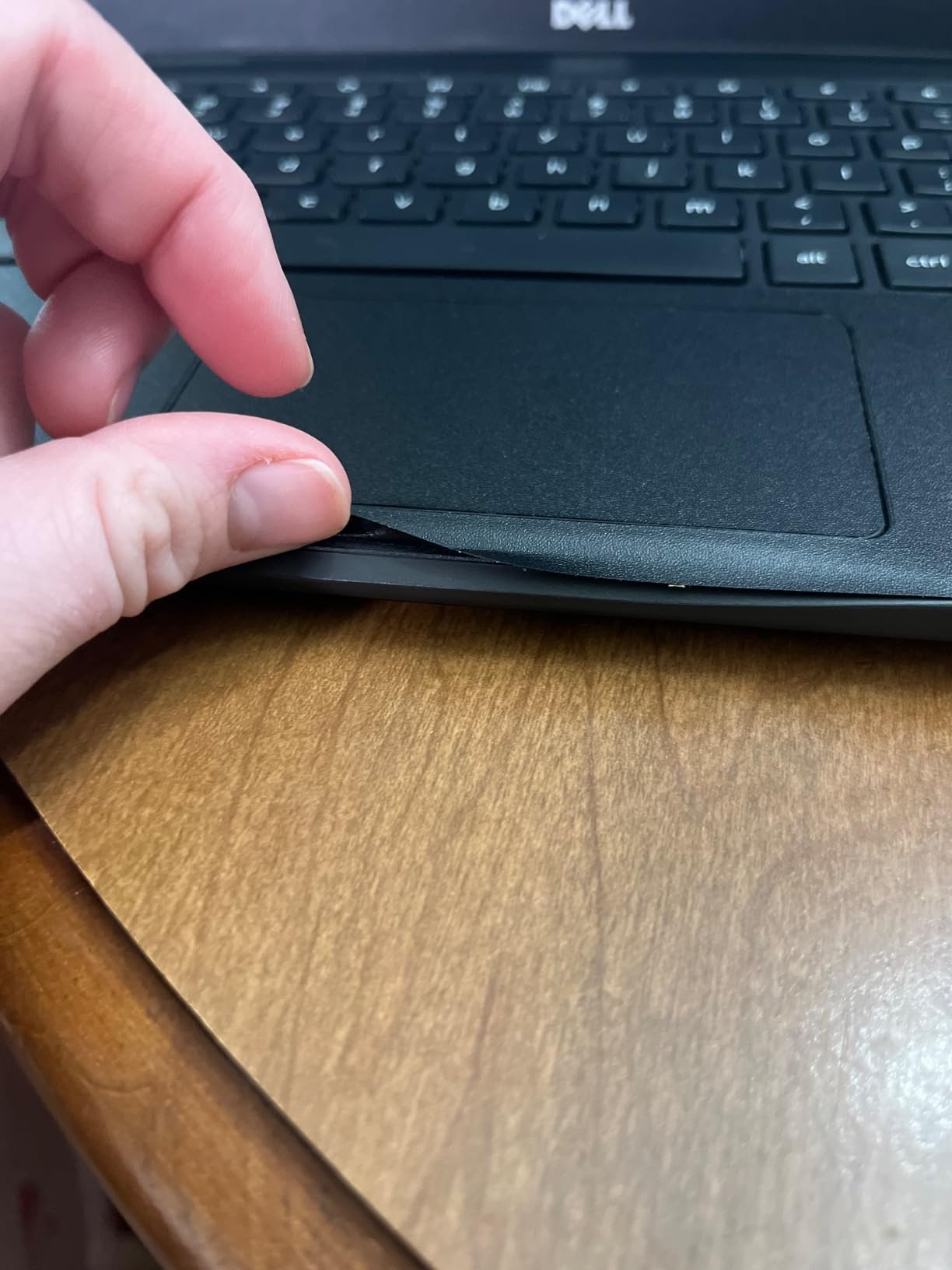
Freezing under load is a real complaint, as is the lack of headroom for anything demanding. Treat this as a simple, sturdy second machine rather than a main workstation.
5. Samsung Chromebook 4+ 15.6-Inch Full HD – The Big Screen Option
Samsung Chromebook 4 + Chrome OS 15.6″ Full HD Intel® Celeron® Processor N4000 4GB RAM 64GB eMMC Gigabit Wi-Fi -XE350XBA-K02US
15.6-inch 1920×1080
Celeron N4000
64 GB eMMC
Gigabit Wi-Fi
+ Pros
- Large 15.6-inch Full HD screen in a slim frame
- Build quality owners describe as built to last
- Gigabit Wi-Fi where most rivals offer slower links
- Comfortable keyboard for long documents
– Cons
- Screen color and contrast look dim and bluish
- Speakers are quiet at maximum volume
- Older Celeron chip is slow beyond basic tasks
A 15.6-inch Full HD screen is the combination most people want and most budget Chromebooks refuse to give. The Samsung Chromebook 4+ delivers it, and owners frequently describe it as a large screen in an unexpectedly light frame, which matters because 15.6-inch machines are usually the heaviest in the category.
Long-term owners report that these units keep working for years, with several mentioning the machine outlasting far more capable laptops. That consistency is why these units remain a familiar sight in second-device households.
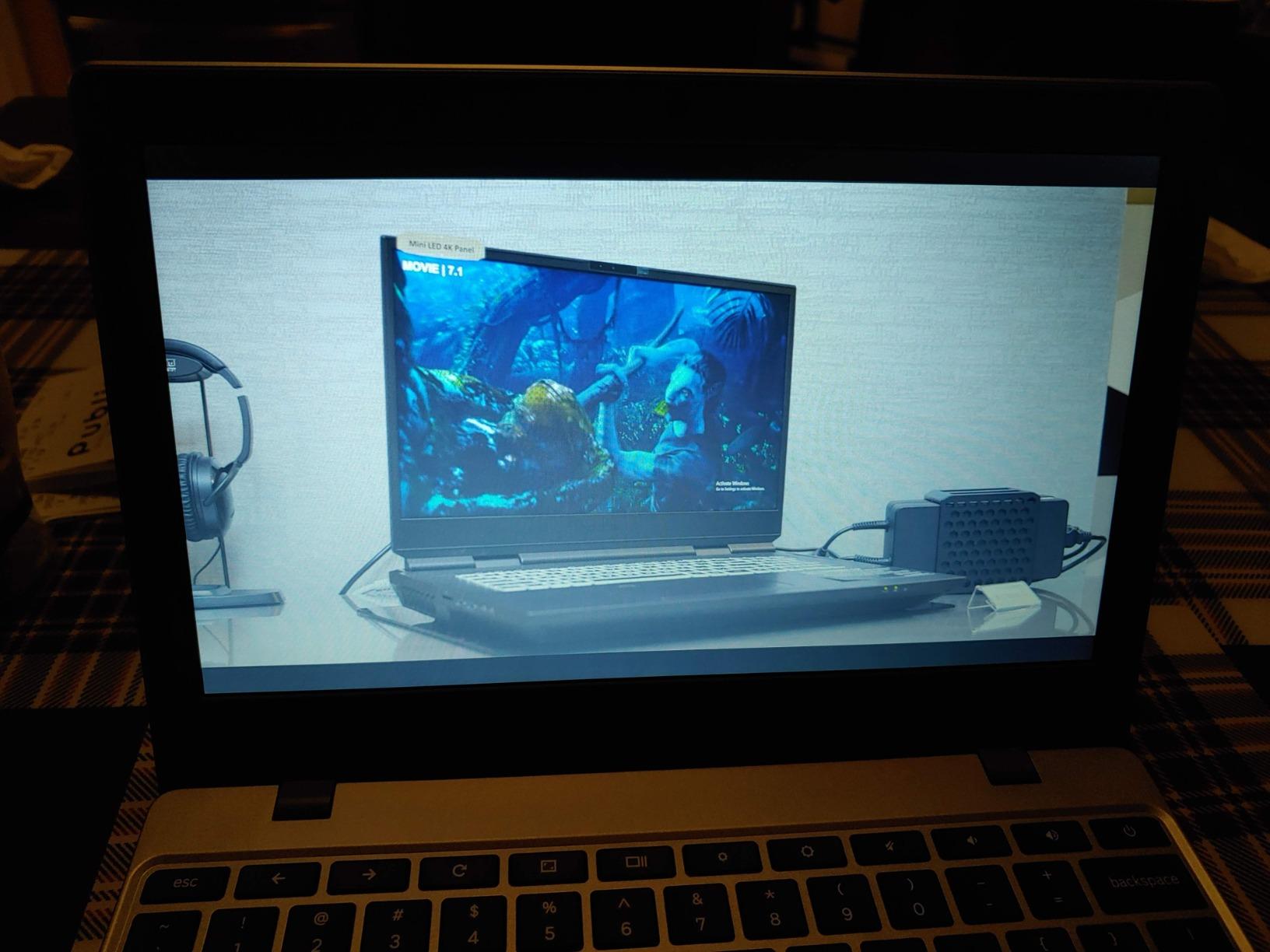
Gigabit Wi-Fi is a real advantage on a large screen when you are streaming 4K, and 64 GB of eMMC plus 4 GB of LPDDR4 RAM covers the standard school and home workload. The keyboard gets specific praise for document work.
Screen Size Versus Screen Quality
Read the reviews carefully and you will see the same note repeatedly: the resolution is good, the colors are not. Owners describe the image as dim and bluish even at maximum brightness, which is typical of a budget TN-type panel. It is perfectly usable indoors and disappointing next to the IPS panel in the Lenovo.
Speakers are the other weak point. Volume is low enough that they struggle to be heard across a room, so budget for a pair of earbuds or a small Bluetooth speaker if you watch a lot of video with other people present.
Older Processor, Longer Life
The Intel Celeron N4000 is from an older generation, and reviewers note it is slow for anything beyond basic tasks. Battery life is rated at up to 10.5 hours from a 39 watt-hour pack, which is reasonable but no longer a headline figure.
Military-grade durability and multiple layers of built-in virus protection are genuine selling points for a machine that will be handled by children. If the screen’s color accuracy is not your priority, this is a dependable large-screen option.
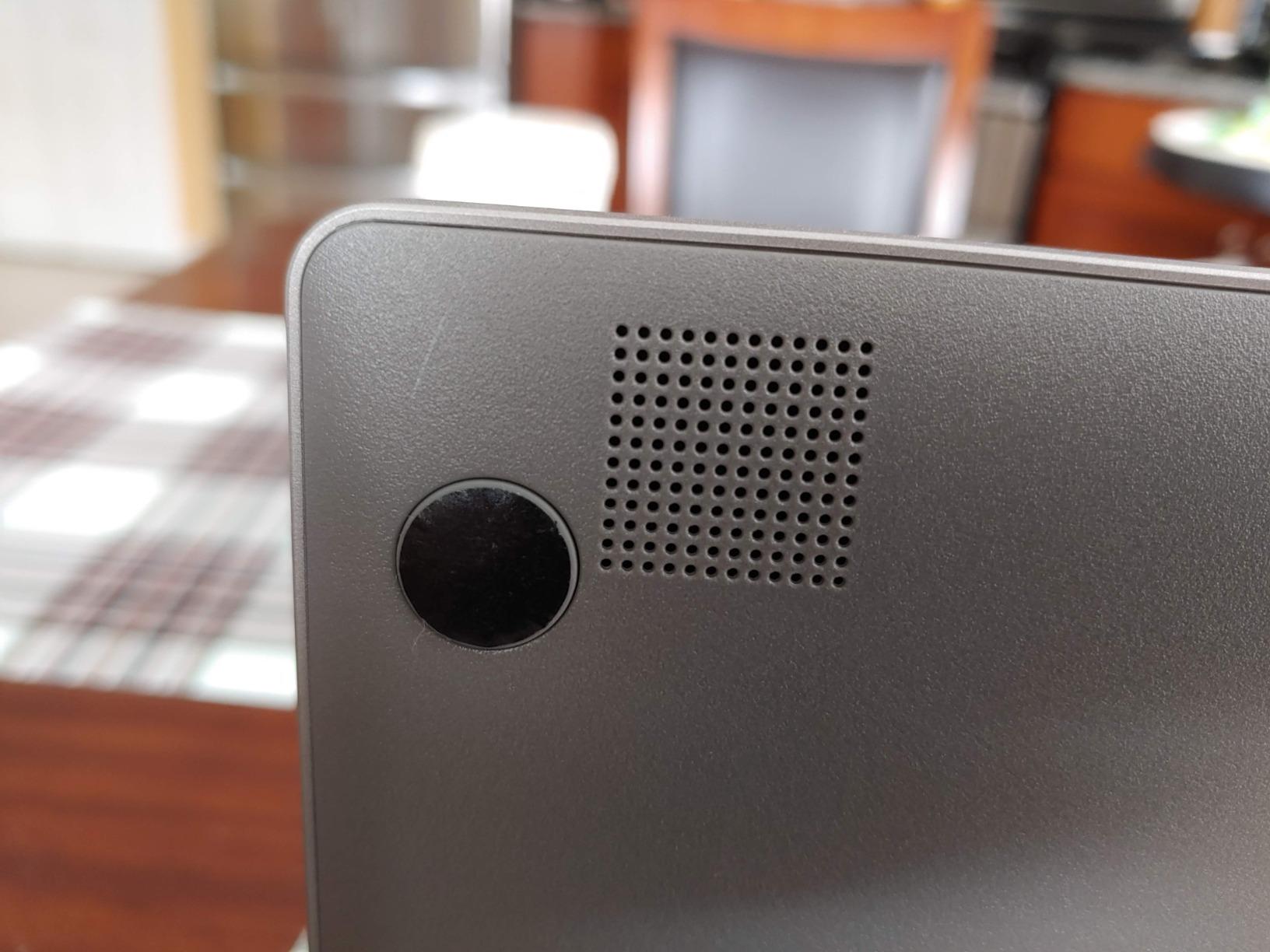
Note that this is an older model year, so its Auto Update Expiration date is the thing to verify before buying. That check matters more on this machine than on the newer models in the list.
6. HP Chromebook 14 N100 (8 GB / 128 GB) – The Most Headroom Under 300
HP Chromebook 14 inch Laptop, HD Display, Intel Processor N100, 8 GB RAM, 128 GB UFS, UHD Graphics, Chrome OS, Chalkboard Gray, 14a-nf0099nr
Intel N100 quad-core
8 GB LPDDR5 RAM
128 GB UFS
Wi-Fi 6e
+ Pros
- Only 8 GB RAM and 128 GB storage configuration here
- Over 8 hours of real browsing and productivity
- Handles streaming
- Docs and Minecraft smoothly
- Guided setup that first-time users follow easily
– Cons
- No backlit keyboard despite some listings suggesting otherwise
- Very limited port selection with one USB-A and one USB-C
- 1366 x 768 screen looks washed out to some
Every other 14-inch machine in this roundup ships with 4 GB of RAM and 64 GB of storage. This one has 8 GB of LPDDR5 and 128 GB of UFS, and that gap is the single most important spec difference on this page. If your habit is twenty tabs, four apps and a video call, this is the laptop that stops complaining.
The Intel Processor N100 is a four-core chip that boosts to 3.4 GHz, and it is a step up in capability from the dual-core Celerons elsewhere in the list. Owners report it handling streaming, word processing, Minecraft and web-based gaming without slowdown, which puts it in a different performance tier entirely.
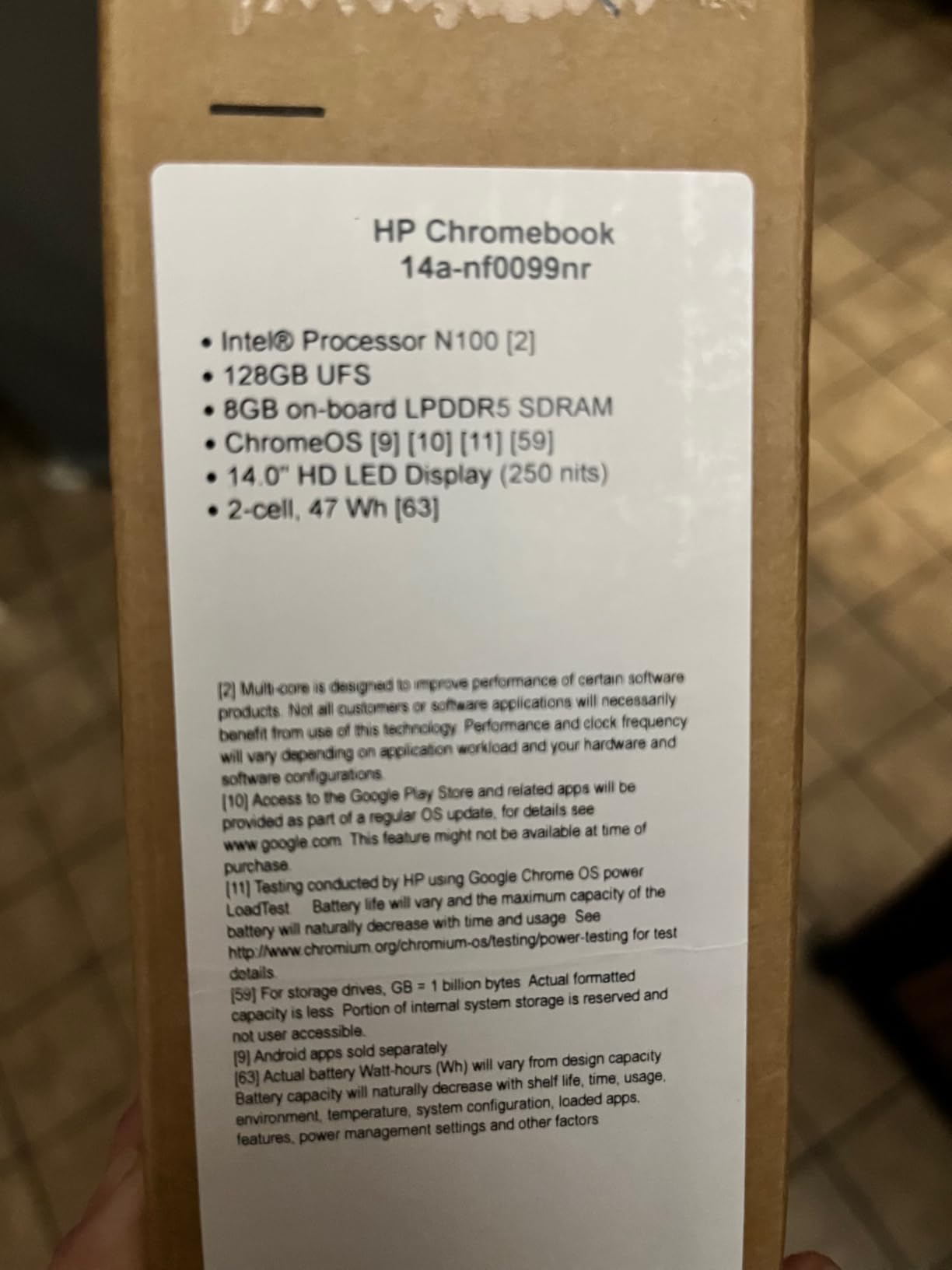
Battery life is the second strength. Reviewers report more than eight hours of real mixed use from a light workload, and this is a recent model year. The textured plastic chassis feels solid at 3.2 pounds, and Wi-Fi 6e covers current routers.
When 8 GB of RAM Actually Changes Your Day
ChromeOS runs a browser with many processes plus the Play Store environment, so memory is the usual bottleneck. On a 4 GB machine, background tabs get unloaded and video calls compete with everything else. On 8 GB, that pressure largely disappears, and 128 GB of UFS storage is also faster than eMMC when moving files.
If you intend to run Android apps, split screens or a Linux development environment, this is the only machine here with the headroom for it. For basic browsing you would not feel the difference, so match the purchase to your workload rather than to the number.
Listing Traps and Port Limitations
Buy carefully, because some listings for this model mention a backlit keyboard or touchscreen and it has neither. That is the single most common complaint, and it can make a first impression disappointing. The keyboard is decent in good light, just unlit at night.
Port selection is genuinely minimal: one USB-A, one USB-C and a headphone jack. You will want a hub if you connect peripherals, and there is no HDMI or microSD reader. A few owners also report persistent Wi-Fi dropouts, so keep an Ethernet adapter nearby if your network is unstable.
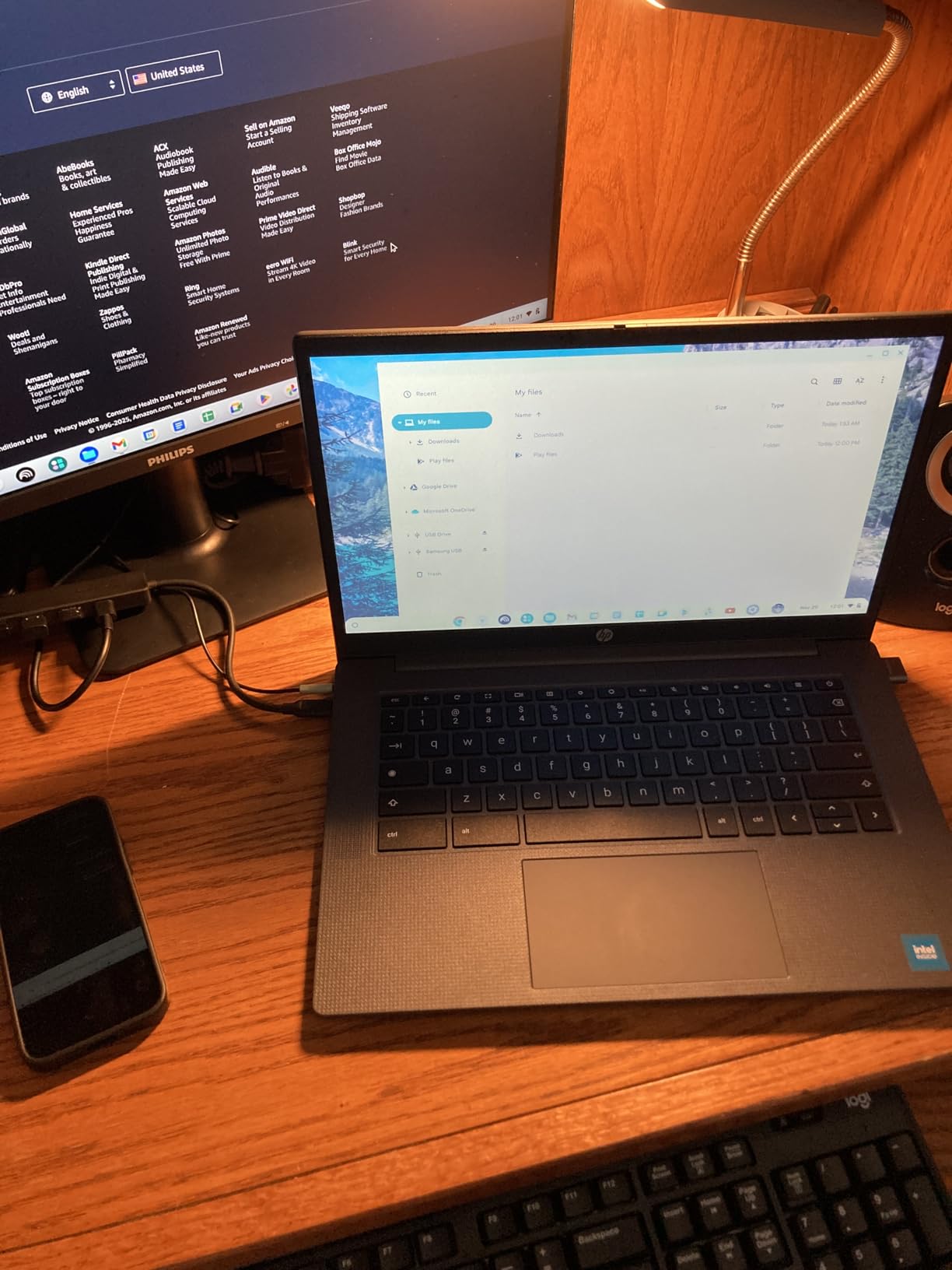
The 1366 x 768 anti-glare display is the last compromise, and some owners find it washed out. It is the same price-class weakness across the non-Lenovo machines, so treat it as the price of the 8 GB upgrade rather than a defect.
7. Acer Chromebook 15.6-Inch (Renewed) – The Best Port Selection for Travel
Acer Chromebook 15.6″ Intel Celeron 4GB 64GB eMMC Dove Gray (Renewed)
15.6-inch HD IPS
Celeron N dual-core
64 GB eMMC
Two USB-C ports
+ Pros
- Two USB-C and two USB-A ports
- Large 15.6-inch IPS panel with comfortable angles
- Wi-Fi 6 for current routers
- Slim 0.79-inch profile
– Cons
- Entry-level Celeron limits heavier tasks
- 1366 x 768 resolution on a large screen
- Weighs 4 pounds
- more than most machines here
The reason this machine is worth your attention is the port list. Two USB-C and two USB-A ports plus a headphone jack on a renewed 15.6-inch laptop is unusual at this level, and it means you can charge from either side, connect a monitor, and still have a port left for a flash drive. The Wi-Fi 6 radio is a similar surprise, since it is a newer standard than the price suggests.
Owners rate the 15.6-inch HD IPS ComfyView panel well for viewing angles, which matters on a screen this large where you often sit off-center. The 4 GB of LPDDR4 RAM and 64 GB of eMMC handle light multitasking without trouble.
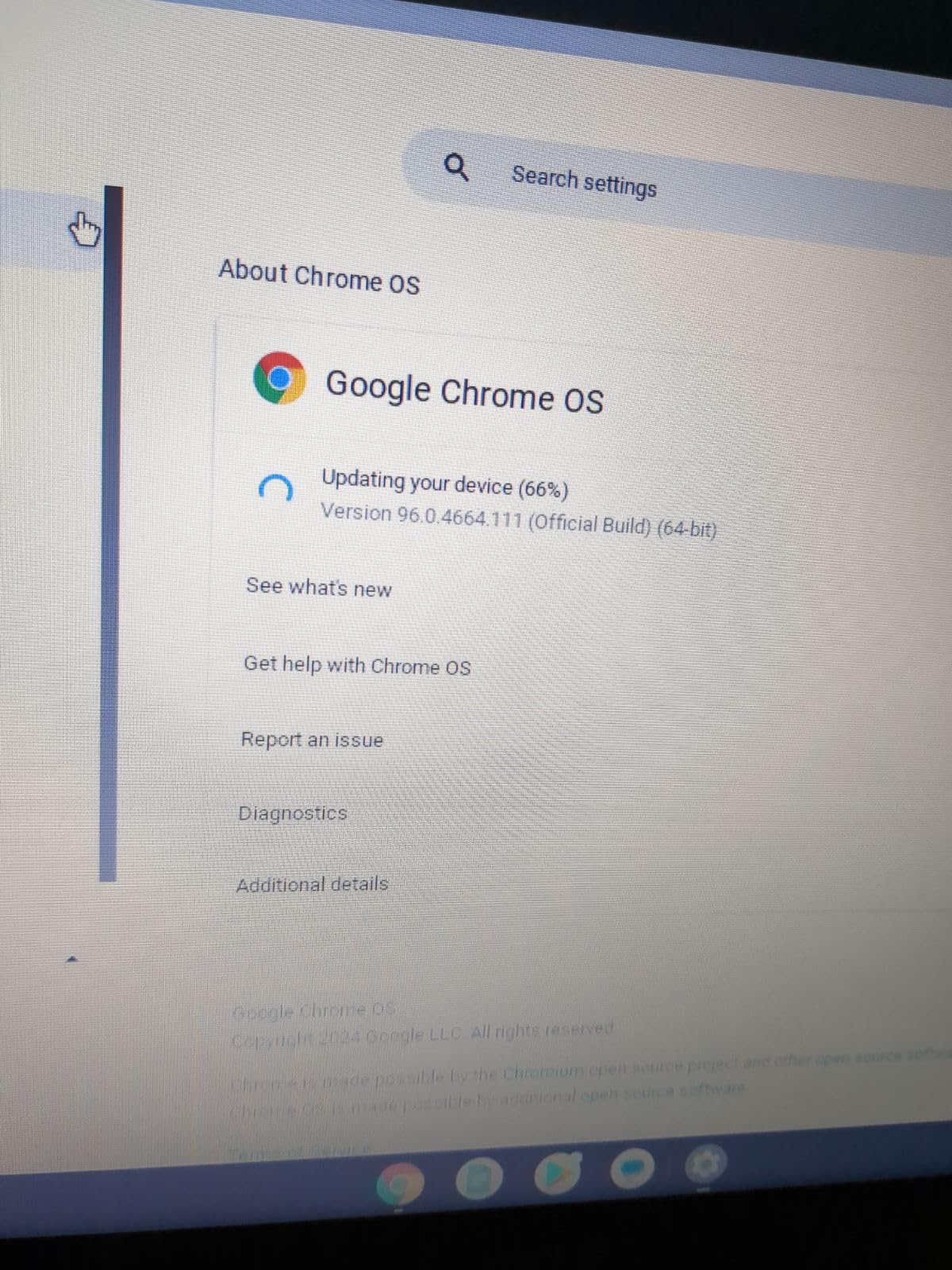
Refreshed units carry a 90-day extended warranty, and the AC charger is included. That saves a purchase, though you should confirm what is included in the box before you start.
Why Four Pounds Matters Day to Day
At 4 pounds this is a heavy machine, and owners say so. If it lives on a desk, the weight is a non-issue. If it goes in a backpack every day, the difference between this and a 2.9-pound option is noticeable after a full term.
The dual-core Celeron running up to 2.70 GHz is entry-level, and reviewers report it limiting heavier tasks. For streaming, browsing, email and documents, that ceiling stays comfortably out of the way.
Renewed Condition Expectations
Renewed means variable cosmetic and functional state, and the Dove Gray finish shows marks more than darker colors would. Check the panel for dead pixels and the ports for looseness on arrival, since the warranty window is short.
The 0.79-inch profile keeps it from looking bulky despite the weight. If ports and a large screen matter more than a light bag, this is a strong pick.
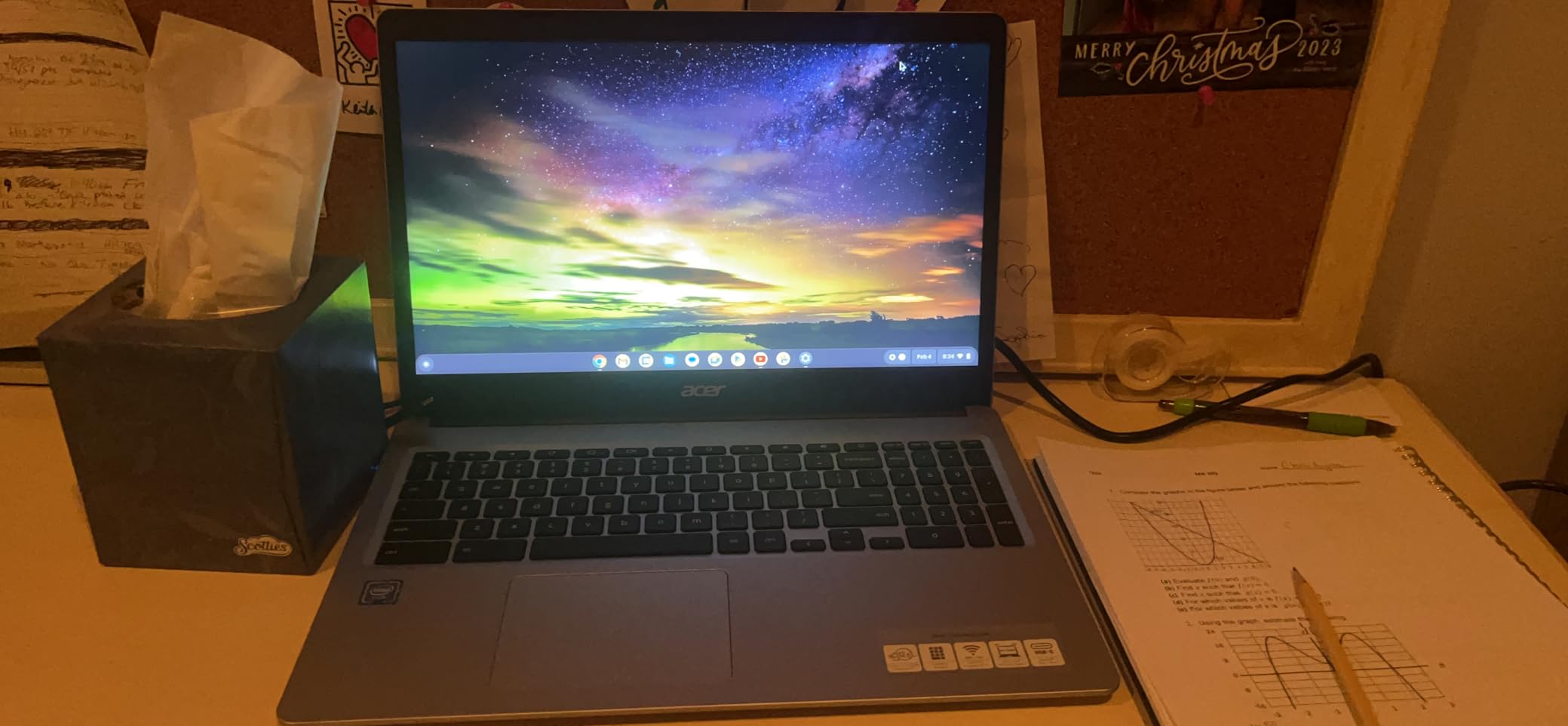
The 1366 x 768 resolution spread across 15.6 inches is the spec reviewers flag most, and it makes the smaller 14-inch Full HD option look sharper by comparison. A high-DPI external monitor sidesteps this if you work at a desk.
8. Acer Chromebook 15 CB3-532 – The Backlit Keyboard Workhorse
acer Chromebook 15 CB3-532-C42P, Intel Celeron N3060, 15.6″ HD Display, 4GB LPDDR3, 16GB eMMC, Granite Gray, Google Chrome
15.6-inch anti-glare
Celeron N3060
Backlit keyboard
12-hour battery
+ Pros
- Backlit keyboard at a budget price point is rare
- Up to 12 hours of battery for its age
- Large anti-glare screen easy on the eyes
- Reported by owners to work reliably for years
– Cons
- Only 16 GB of eMMC storage
- Weak and quiet stereo speakers
- Trackpad can feel flimsy and register phantom clicks
Long-term owners are unusually enthusiastic about this one. Multiple reviewers describe the CB3-532 still working reliably years after purchase, and it remains one of the highest-rated options here. If you want a Chromebook that keeps working rather than one that impresses, the pattern of complaints in the reviews is the mildest in the roundup.
The backlit keyboard is the feature that separates it. Typing in a dim room or during evening classes is a genuine quality-of-life improvement, and almost nothing else in this price bracket offers it. The anti-glare 15.6-inch display is also easier on the eyes over long sessions than glossy panels.
Battery life is rated at up to 12 hours from a 45 watt-hour, three-cell pack, which is competitive with new machines. A 720p webcam, stereo speakers, two USB 3.0 ports and HDMI cover the basics, and stylus support is listed as well.
Auto Update Expiration Is the Question Here
This is an older model year, so the support horizon is the deciding factor, not the hardware. Before you buy, look up the exact model on Google’s official device list and confirm the Auto Update Expiration date still has several years left. If it does not, the backlit keyboard is not enough to justify the risk.
Performance is the other honest limitation. The Celeron N3060 dual-core handles browsing and typing, and reviewers accept that, but it struggles with gaming and anything RAM-intensive. The average rating reflects owners who bought it for the right job.
Speakers, Storage and the Trackpad
Weak, quiet speakers are the most repeated complaint, so this is not a laptop for watching films in a group. The 16 GB of eMMC is very small, and reviewers push cloud storage as the practical answer.
Cloud-only file access means you need a constant connection for your documents, which matters if you travel. The trackpad is the other recurring gripe, described as flimsy and prone to phantom clicks, so a mouse is a sensible addition.
9. Acer Chromebook 315 Full HD – The Sharpest Screen Under 200
Acer Chromebook 315 Laptop, Celeron N4500, 15.6″ Full HD IPS Display, 4GB LPDDR4X, 64GB eMMC, Wi-Fi 6, DTS Audio, USB Type-C, Chrome OS, CB315-4H-C8XU, Silver
15.6-inch 1920×1080 IPS
Celeron N4500
Two USB-C
Wi-Fi 6
+ Pros
- Full HD 1920 x 1080 IPS display is unusually sharp in this budget class
- DTS stereo speakers praised as clear and loud enough
- Wi-Fi 6 and two USB-C with DisplayPort
- Large screen and full-size keyboard suit older users
– Cons
- Processor is slow
- adequate only for browsing and typing
- Glossy finish collects fingerprints and glare
- No touchscreen
If you want a sharp screen and a decent sound system without leaving the budget tier, this is the one. Reviewers repeatedly describe it as a strong value Full HD Chromebook, and the consensus is that the panel is the star. Text is crisp, colors look accurate and the 15.6-inch size pairs well with a full-size keyboard for typing.
The DTS Audio stereo speakers get singled out more than once, and several users with hearing loss call them clear and loud enough. That is worth noting, because quiet speakers are a complaint on several other machines here.
Connectivity is genuinely good for the class. Two USB-C 3.2 Gen 2 ports handle charging and DisplayPort output, two USB-A ports cover peripherals, and there is HDMI, Wi-Fi 6 and Bluetooth 5.1. Owners also report very fast boot times and trouble-free reliability over years.
A Good Fit for Older Users
This combination of a large screen, a full-size keyboard and clear audio is why this machine keeps coming up in conversations about a Chromebook for a parent. Larger default text is readable, the keys are full size, and the speakers are audible without being loud.
Glossy screens collect fingerprints and pick up glare from overhead lights, which is the flip side of the good panel. A screen protector and a case handle both problems cheaply.
Accepting the Processor Limit
The Celeron N4500 dual-core is slow, and reviewers are consistent that speed is only adequate for browsing and typing. The 48 watt-hour battery is rated at up to 10 hours, which is a fair figure for a machine of this class.
64 GB of eMMC and 4 GB of LPDDR4X memory define the ceiling, and there is no touchscreen. A few buyers also report the actual panel being smaller than the advertised 15.6 inches, so check the fit if you have a tight desk.
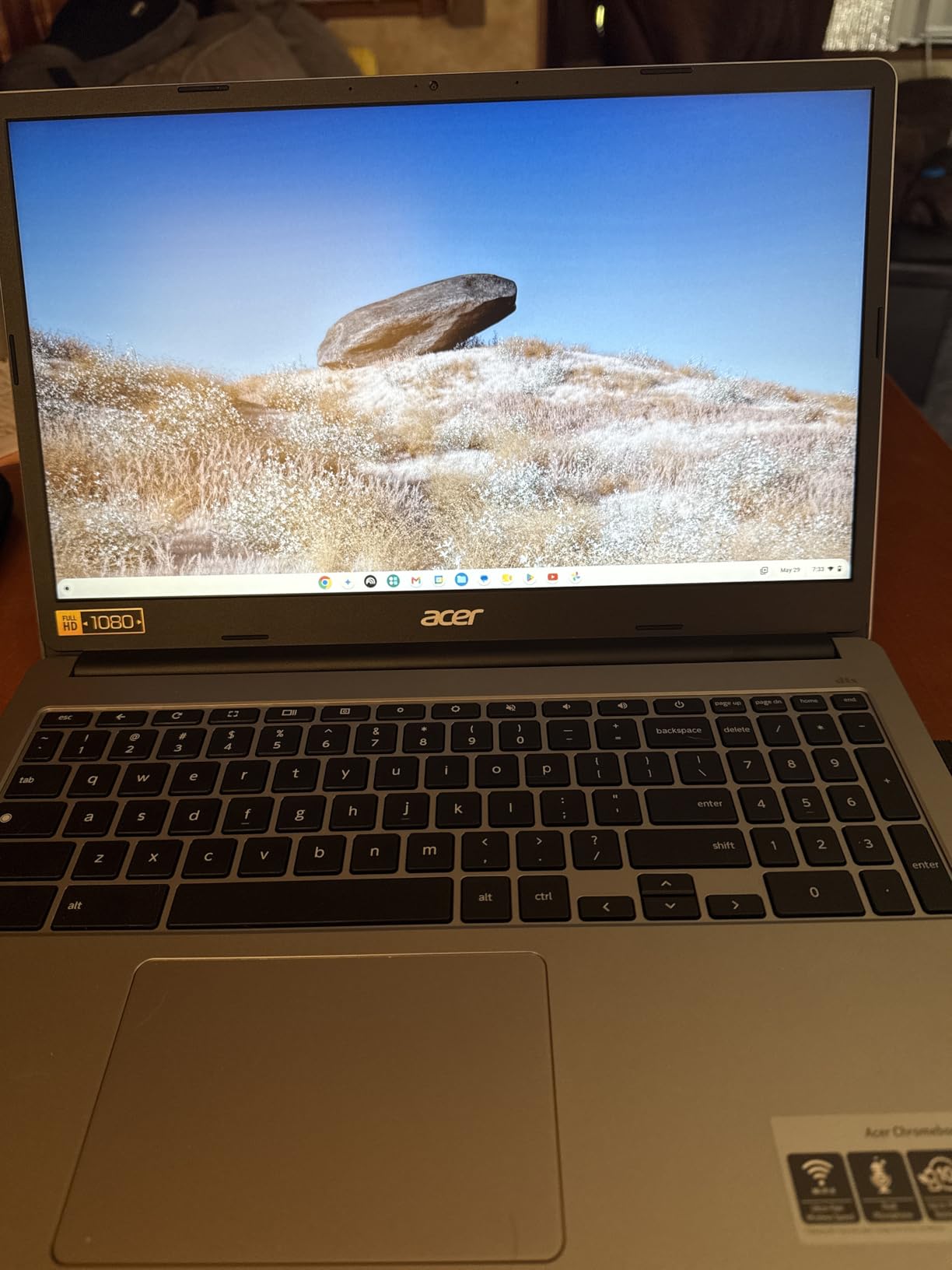
USB Power Delivery means a compact USB-C charger works, which is convenient for travel. Overall, for screen sharpness and speaker clarity on a large panel, this pairing is hard to beat.
10. HP 14-Inch Student Chromebook – The Straightforward Homework Machine
HP 14″ HD Chromebook Laptop for Students, Intel Quad-Core N4120(> N4020), 4GB RAM, 64GB eMMC, WiFi, Webcam, HDMI, USB-A&C, 14 Hours Battery life, ZOOM, Chrome OS, CUE Accessories
14-inch 250 nit anti-glare
N4120 quad-core
4 GB LPDDR4x
Hardware privacy shutter
+ Pros
- Quad-core chip handles multiple tabs and apps smoothly
- Up to 14 hours of battery for school days
- Good port selection with two USB-A
- USB-C and HDMI
- Webcam privacy shutter and Zoom ready setup
– Cons
- 1366 x 768 resolution is dated for 14 inches
- 64 GB eMMC fills quickly
- Entry-level Celeron performance
Nothing about this machine is exciting, and that is exactly why it works for school. Students and parents describe it as a dependable everyday machine for homework, and the quad-core N4120 handles multiple browser tabs and apps smoothly, which is the one performance claim that matters for a school workload.
The 14-hour battery figure is the strongest selling point for a student carried between classes all day. The 4 GB of LPDDR4x memory and 64 GB of eMMC back that up, and owners report the machine coping with Google Classroom, Docs and Zoom without fuss.
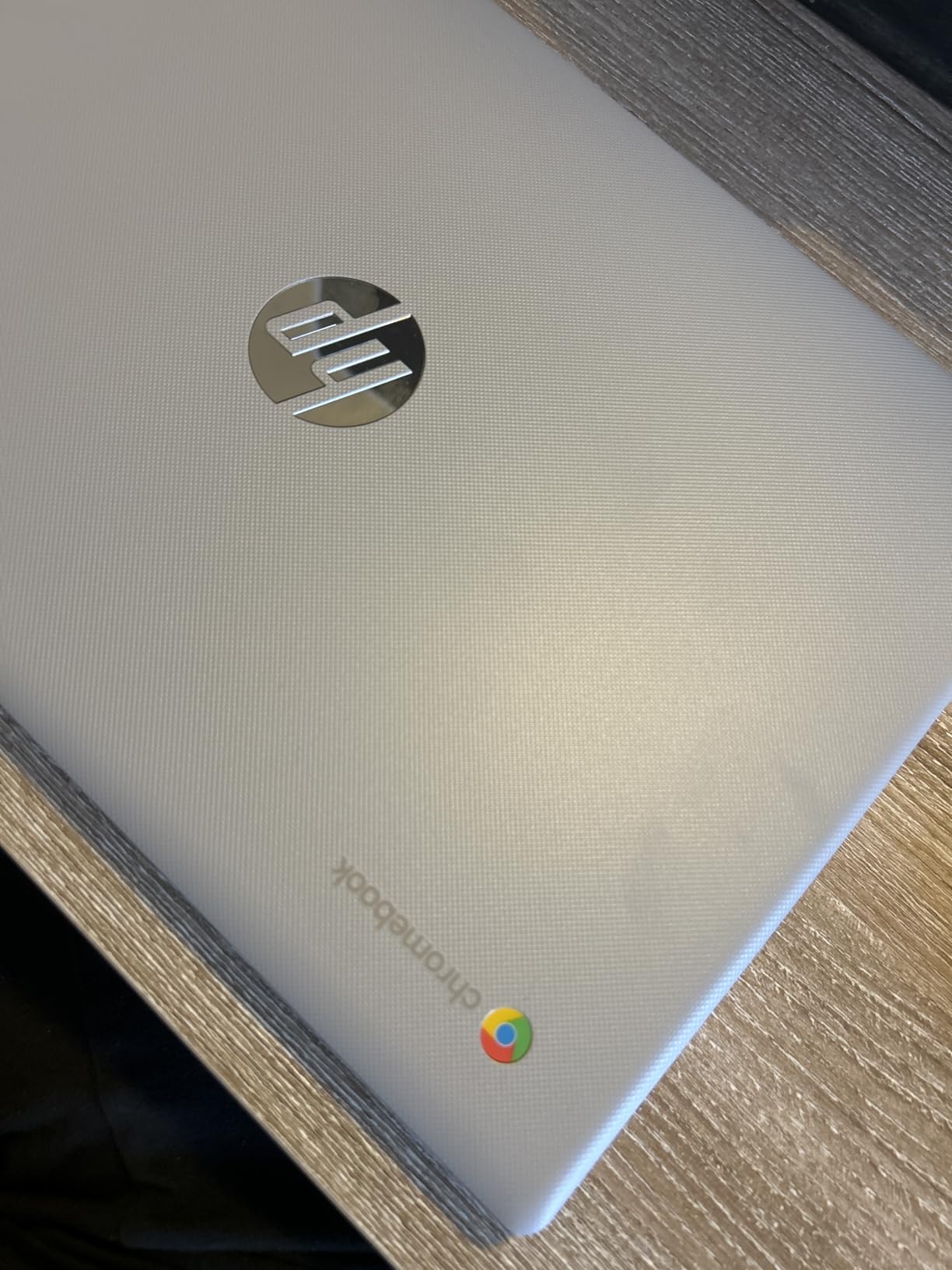 N4020), 4GB RAM, 64GB eMMC, WiFi, Webcam, HDMI, USB-A&C, 14 Hours Battery life, ZOOM, Chrome OS, CUE Accessories customer photo 1″ class=”wp-image-customer”/>
Port selection is well judged for the price, with two USB 3.0 Type-A ports, one USB-C, HDMI and a headphone jack. The front webcam has a physical privacy shutter, which matters for students on camera, and the machine is described as Zoom ready out of the box.
What Students Actually Do On It
The realistic workload is Docs and Classroom in one window, research in another, a video call on the side, and a streaming app in the background. Owners report that combination running fine, which is the test that matters for a school year.
The 250 nit anti-glare display is easy on the eyes during long sessions, though the anti-glare coating does dim it compared with glossier panels. Setup is the guided Google process, so a first-time user can get through it unassisted.
Where the Budget Shows
Performance is entry-level, and this is not a gaming or heavy-work machine. Reviewers are clear about that, and the device is aimed at coursework rather than anything more demanding.
The 1366 x 768 resolution is dated for a 14-inch panel and is the most common complaint. 64 GB of eMMC fills quickly, so cloud storage is a must. A one-year seller warranty and included productivity software round out the package.
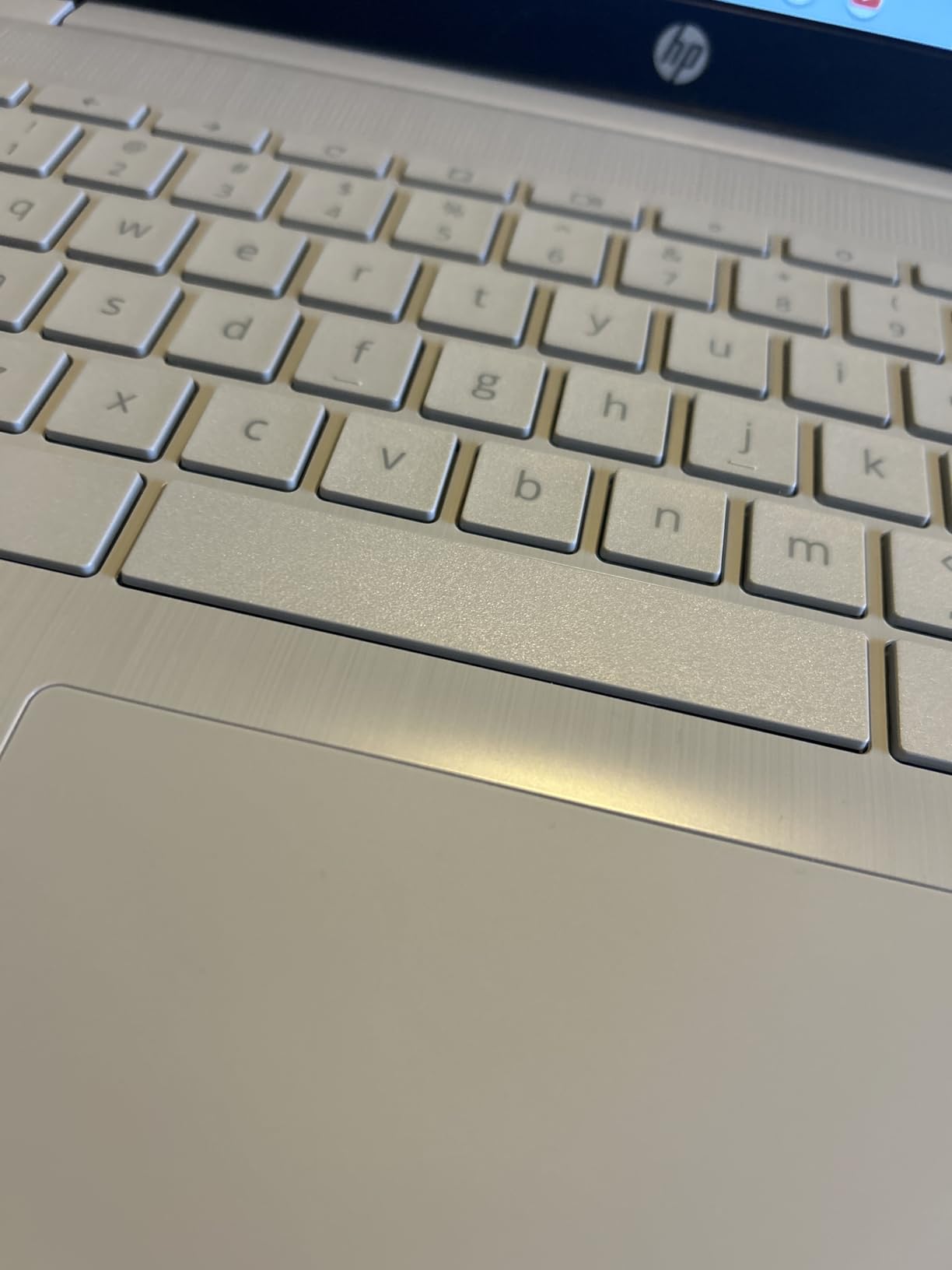 N4020), 4GB RAM, 64GB eMMC, WiFi, Webcam, HDMI, USB-A&C, 14 Hours Battery life, ZOOM, Chrome OS, CUE Accessories customer photo 2″ class=”wp-image-customer”/>
At 3.4 pounds it is portable without being fragile-feeling, and the Natural Silver finish suits a school bag better than darker colors. For a first laptop or a dedicated homework machine, it does the job at a price that is hard to argue with.
How to Choose a Chromebook Under 300 Dollars
Below this price, the differences between machines are smaller than they look on a spec sheet, and the decisions that matter are about your workload rather than the model year. Here is how I would think through it, in the order I would think through it.
Set Your RAM and Storage Floor First
Treat 8 GB of RAM as the floor for anything beyond light browsing, and 4 GB as the floor for little more than email, documents and streaming. ChromeOS is a browser with an Android environment attached, and both are memory hungry.
On the r/chromeos community, the most common question in this price range is whether 4 GB is enough, and the honest answer is that it is enough until you open the tabs you actually need.
For storage, 64 GB of eMMC is workable if you live in Google Drive, and 32 GB or 16 GB means you have no choice. eMMC is also slower than UFS or SSD, so expect a pause when opening large files. The only machine on this page with 8 GB and 128 GB is the HP N100, and that is the entire reason it exists.
Choose Screen Size, Then Resolution
Screen size is a portability decision and resolution is a comfort decision. An 11.6-inch panel is genuinely easier to carry and awkward for documents, while 15.6 inches is comfortable for long sessions and heavy to live with in a backpack. 14 inches is the compromise most people settle on happily.
Resolution matters more than size once you are past 13 inches. 1366 x 768 spreads too few pixels across a large panel and text looks soft, while 1920 x 1080 makes a real difference to reading comfort. If your eye is drawn to a 15.6-inch machine, check the resolution first, because that is where budget models cut.
Touch is a separate question. A touchscreen helps with Android apps, scrolling and tablet use, and frustrates you if you never need one. Convertible 2-in-1 designs are rare in this tier, so decide before you start looking rather than hoping the deal of the day includes one.
Verify the Auto Update Expiration Date
Google publishes an official device list with an Auto Update Expiration date for every supported Chromebook. Look up the exact model number before you buy, and refuse anything with fewer than a few years remaining. This single check prevents the most common expensive mistake in this category, and it matters most for the older models on this page.
Chromebook Plus certification is the other standard worth understanding. It is a higher bar: at least 8 GB of RAM, 128 GB of storage, and a processor and screen above a defined minimum, with guaranteed performance targets. None of the models on this page carry it, which is typical below this budget, and owners in the community confirm Plus models rarely drop this low new.
Match Ports and Charging to Your Setup
Count what you actually plug in. A USB-C port with Power Delivery means you can travel with one small charger, and the Acer Chromebook 315 and the renewed Acer 15 both give you two USB-C ports. Machines with a single USB-C and one USB-A, like the HP N100, work fine with an inexpensive hub.
Look for HDMI or DisplayPort output if you plan to use an external monitor, and a microSD reader if you want cheap expandable storage. Do not assume USB-C means video output, because on budget Chromebooks it frequently means charging only.
One practical tip I share from the r/chromeos community: use the charger that comes in the box rather than trusting a random USB-C brick. Occasional charging failures appear in reviews across several models, and a mismatched charger is an easy way to create that problem yourself.
Decide Between New and Renewed
Renewed units in this roundup cost a fraction of new equivalents and are a sensible way to test whether ChromeOS fits your routine. The trade is warranty length. New machines here typically carry a one-year warranty, while renewed listings carry 90 days, so you absorb the early-failure risk yourself.
Unreset units are the recurring problem. Factory-reset the device on arrival, confirm it is not enrolled to a previous organization, and check the panel, ports and hinge. Batteries and keyboards are the two items most likely to fail early on refurbished hardware, so test both before the return window closes.
For more budget tech comparisons, we rank the best 3D printers under 300 using the same value-first method.
Frequently Asked Questions
Which Chromebook is the best value for money?
In this budget bracket, the HP Chromebook 14 with its quad-core N4120, 14-hour battery and 3.2 lb chassis offers the strongest balance of endurance, build and owner satisfaction. If you want a sharper screen, the Acer Chromebook 315 gives you 1920 x 1080 resolution and clear DTS speakers, and if you need real headroom under heavy tab loads, the HP N100 with 8 GB of RAM is the pick.
Which budget Chromebook is best for a student?
The HP 14-inch student Chromebook is built around what school actually needs: a quad-core chip that handles multiple tabs, up to 14 hours of battery between classes, and a webcam with a physical privacy shutter for Zoom classes. The renewed Dell 2-in-1 is a good alternative for a younger child because it folds into a tablet.
What is the most reliable brand of Chromebook?
Reliability across owner reviews in this budget range points to Acer and Samsung for long-term dependability, with Acer Chromebook 315 and CB3-532 owners frequently reporting years of trouble-free use. HP and Lenovo models are praised for build quality and battery life, though HP listings sometimes overstate keyboard or touchscreen features, so check the spec table before buying.
Is 4 GB of RAM enough for a Chromebook?
4 GB is enough for email, Google Docs, browsing and one video call, which covers most school and light household use. It becomes tight with fifteen or more tabs, several Android apps or a Linux development environment running at the same time. If you expect that, look for 8 GB, which only the HP N100 model in this roundup offers.
Are Chromebooks worth buying in 2026?
Yes for browser-based work, streaming, school, travel and a secondary family machine, because ChromeOS updates itself, needs no maintenance and boots in seconds. They are a poor fit for Windows software, intensive video editing or serious gaming. Always confirm the Auto Update Expiration date before buying, especially on older budget models.
The Verdict: Which Budget Chromebook to Buy in 2026
If you want one answer, buy the HP Chromebook 14. It is the machine I would put in front of a student, a parent or a second-device user, because the battery lasts a day and the reviews say it keeps working.
Choose differently and the decision gets easy. Want the sharpest screen and the best speakers for the money? The Acer Chromebook 315. Need real multitasking headroom? The HP N100 with 8 GB of RAM and 128 GB of storage. Want a touch panel? The Lenovo 14-inch Full HD touchscreen. Buying for a young child? The renewed Dell 2-in-1 folds into a tablet. Need a big screen for a parent? The Samsung Chromebook 4+ or the renewed Acer 15, and add earbuds to both.
The only rule I would not break: check the Auto Update Expiration date before checkout. Every other spec on this page is a preference, but that one determines how long the machine keeps running. Whatever you pick among the best chromebooks under 300 dollars, pair it with a case, keep the original charger and back up to Google Drive from day one.
Leave a Reply