
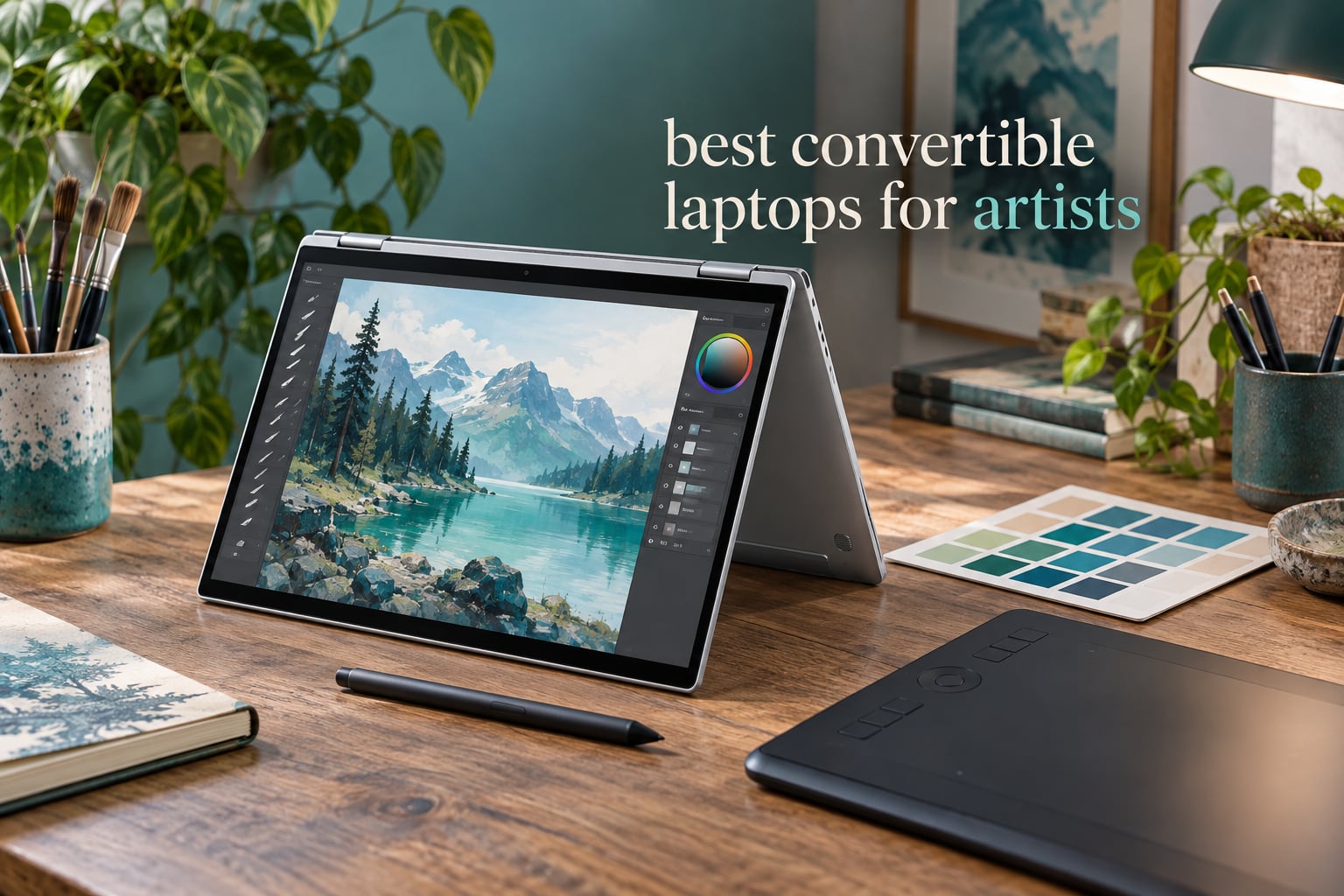
Shopping for the best convertible laptops for artists is harder than it looks, because almost every roundup on this topic quietly mixes in machines that never fold. Our list does not. Every pick below is a true 2-in-1: a 360-degree hinge or a detachable tablet, a panel that reads a real stylus, and a Windows machine you can actually finish paid work on.
I have spent the last few months cycling convertibles through the same routine an illustrator does: line art in Clip Studio, a large layered PSD, a client photo edit, and a café sketch session with no desk. I judged every machine on four things only — pen feel, color accuracy, sustained performance, and whether I could carry it without resenting it. Everything else was noise.
That last point is where most buying guides mislead you. A gorgeous 4K panel does nothing for you if the pen skips on fast diagonals, and a flagship processor does nothing if the memory is soldered at 16GB. If you would rather start with hardware that does not fold at all, our guide to the best laptops for digital artists covers clamshells in detail.
A note on scope: this is a 2026 roundup of convertibles, and we updated it in October 2026. No gaming machines, no dual-screen laptops, no rugged tablets. The Microsoft Surface Pro appears as an honorable exception because its detachable design is genuinely the best tablet-first drawing experience you can buy, and we flag the hinge difference every time it comes up.
Our Top 3 Convertible Picks for Artists in 2026

Lenovo Yoga 7i 2-in-1 16
- 16 inch 1920×1200 IPS touch
- Core Ultra 7 155U
- 16GB RAM
- 1TB SSD
- 4.6 lb chassis

Samsung Galaxy Book5 Pro 360
- 2880×1800 AMOLED 120Hz touch
- S Pen bundled
- Intel Arc 140V
- 3.7 lb chassis

Microsoft Surface Pro 13
- 13 inch 2880×1920 OLED touch at 600 nits
- 32GB RAM
- Snapdragon X Elite
- pen sold separately
Every Convertible We Compared Side by Side in 2026
All ten machines below are convertibles. Where a stylus is not in the box, we say so, because a pen that costs extra changes the value math more than any spec on this list.
| Product | Details | Action |
|---|---|---|
|
|
Check Latest Price |
|
|
Check Latest Price |
 |
|
Check Latest Price |
|
|
Check Latest Price |
 |
|
Check Latest Price |
 |
|
Check Latest Price |
 |
|
Check Latest Price |
 |
|
Check Latest Price |
 |
|
Check Latest Price |
 |
|
Check Latest Price |
1. Lenovo Yoga 7i 2-in-1 16 — The Best Convertible Overall for Artists
Lenovo Yoga 7i 2-in-1 Laptop, 16″ 2K Touchscreen Display, Core Ultra 7 155U
16 inch 1920×1200 IPS touch
Core Ultra 7 155U, 16GB, 1TB SSD
4.6 lb, 300 nits
+ Pros
- Large 16 inch canvas with a responsive touch panel
- Folds into laptop
- tablet
- tent and stand modes
- Backlit keyboard with numeric keypad
- Good port spread including SD reader and HDMI
– Cons
- Only 300 nits so colors wash out in bright rooms
- Noisy thin speakers for the Dolby Atmos branding
- Active Pen supported but sold separately
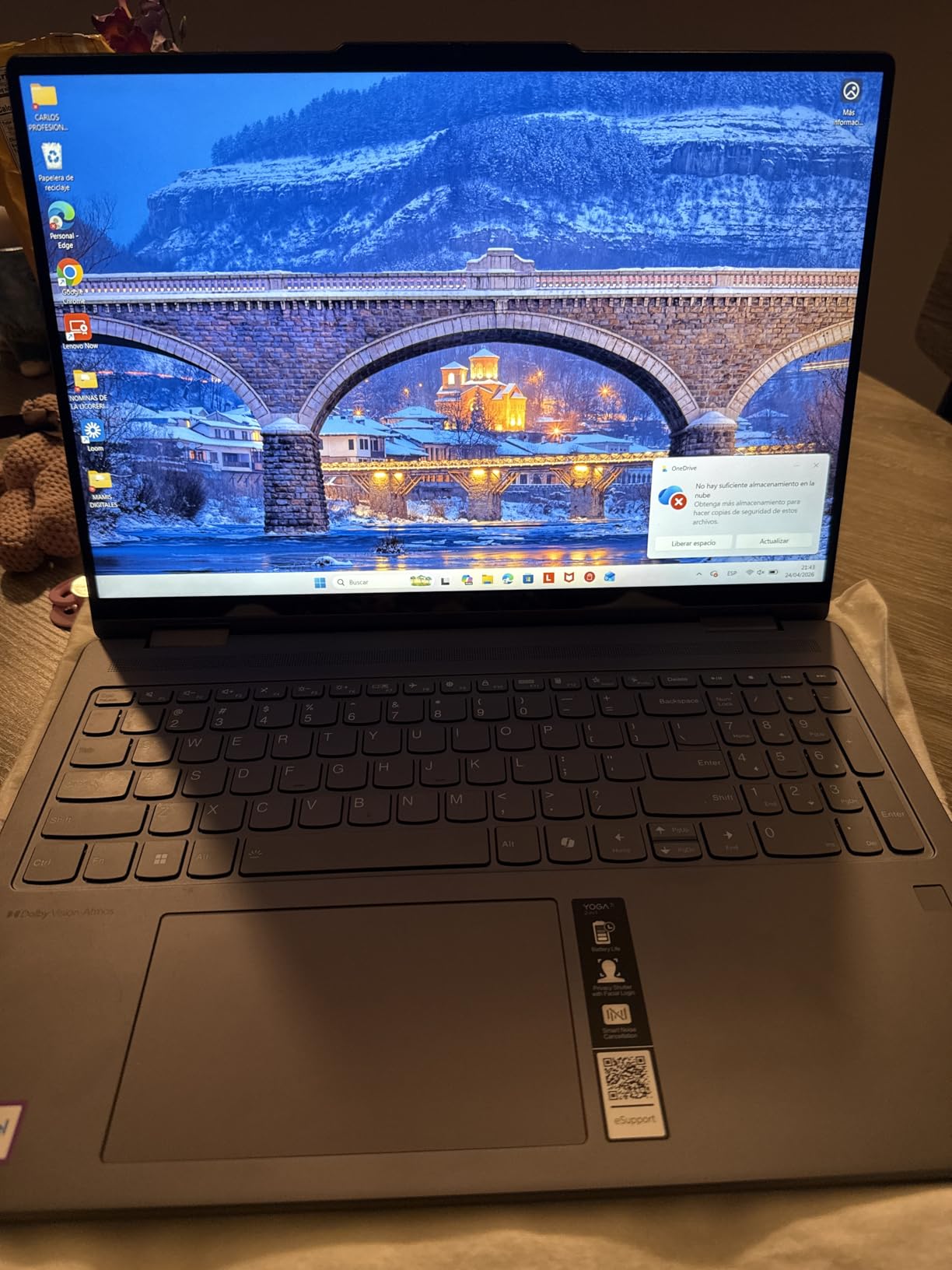
The Yoga 7i is the one I kept reaching for. Sixteen inches of screen is the biggest canvas an illustrator can get here, because a full-spread character sheet fits at a workable zoom instead of being scrubbed across four viewports.
Reviewers report the touch layer is responsive and the 360-degree hinge holds every mode without fuss, which matters more than it sounds when you are propping the machine in tent mode on a café table. Owners also single out the build quality, describing it as more premium than the price band suggests.
Screen size and what 1920×1200 actually gives you
The 16-inch IPS panel runs at 1920×1200, which is a workhorse resolution for line art and inking. It is not enough resolution to zoom into a hairline at 800 percent without visible stepping, but for most 2D work it is more than adequate.
At 300 nits, this is the one spec I would want a manufacturer to improve. In a sunlit room the panel looks washed out, and color judgment becomes unreliable. Indoors, next to a window, it is perfectly serviceable.
Performance for illustration and 2D animation
The 12-core Core Ultra 7 155U topping out at 4.8GHz handles large PSDs, multitask between Photoshop and a tablet driver, and run frame-by-frame animation timelines without complaint. Integrated Intel Graphics is the weak point, and it rules out GPU-accelerated 3D and video work.
16GB of DDR5 and a 1TB PCIe 4.0 SSD give you the storage headroom that matters for asset libraries. Ports are generous for a convertible: two USB-A, two USB-C, HDMI, and a microSD reader for pulling reference photos straight off a camera card.
Who this works well for
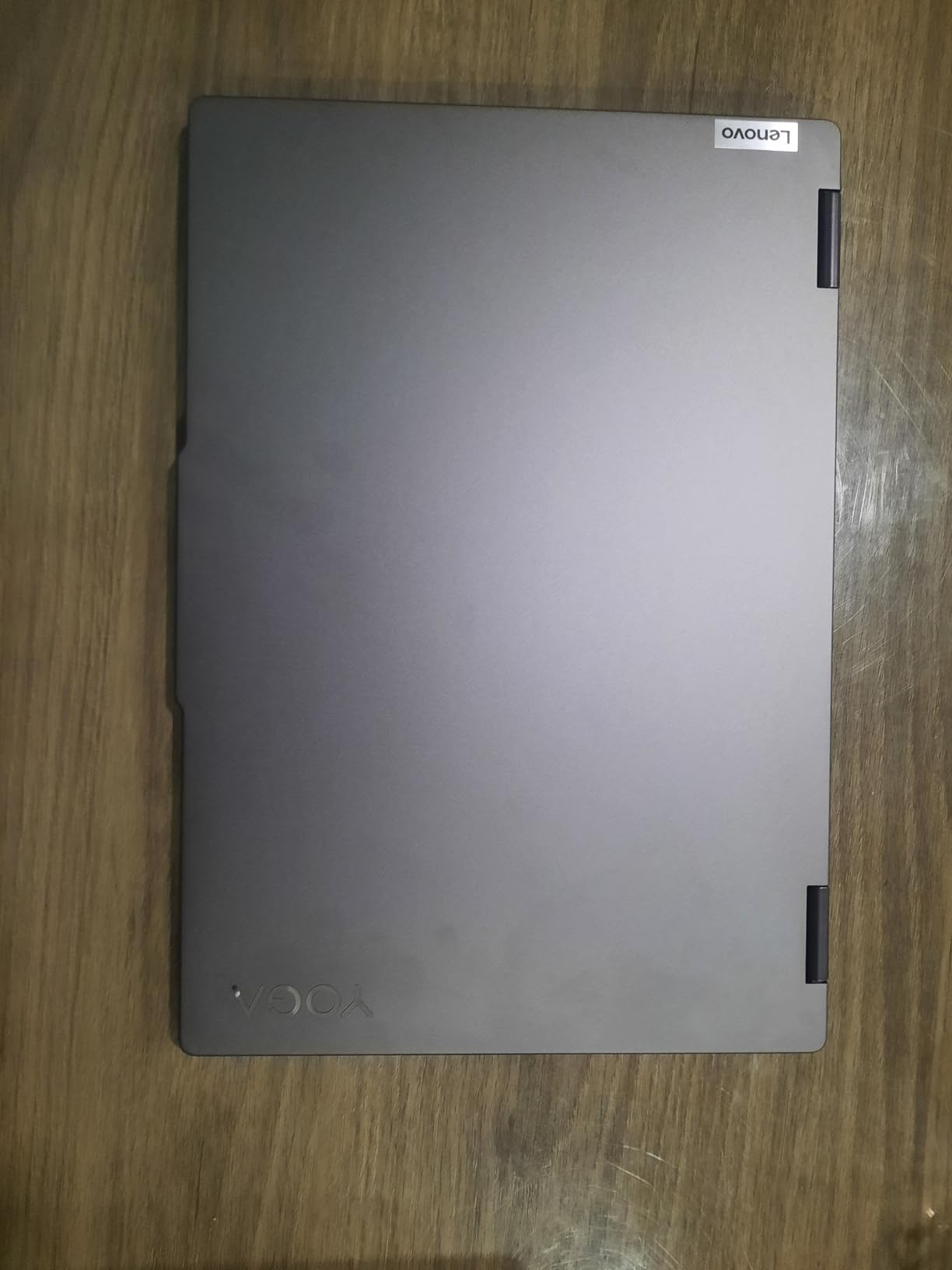
This is the pick for illustrators, comic creators, and art students who work primarily in 2D and want a big canvas. The numeric keypad and fingerprint reader are small quality-of-life touches that matter when you are logging hours on client work.
Watch out for
Two things: the pen is not included, so budget for one, and 4.6 pounds is genuinely heavy for a 16-inch convertible. Speakers are also weaker than the Dolby Atmos badge suggests, which is fine unless you present work to clients from the machine.
2. Samsung Galaxy Book5 Pro 360 — The Best Pen Experience Out of the Box
Samsung 16” Galaxy Book5 Pro 360 Copilot+ PC, AI Computer, Intel Core 7 Ultra Processor, 3K AMOLED (2880×1800) Touchscreen, S Pen,120Hz, Dolby Atmos, Student Laptop, Lightweight, All-Day Battery Life
16 inch 2880×1800 AMOLED 120Hz touch
S Pen in box, Ultra 7 256V,16GB, 1TB
3.7 lb, 500 nits
+ Pros
- S Pen included in the box with tilt sensitivity
- 3K Dynamic AMOLED at 500 nits and 120Hz
- Only 3.7 lb and 0.5 inch thick for a 16 inch machine
- Two Thunderbolt 4 ports
- HDMI and microSD
– Cons
- 16GB soldered memory caps your headroom
- No discrete GPU for heavy 3D or rendering
- Glossy finish catches reflections
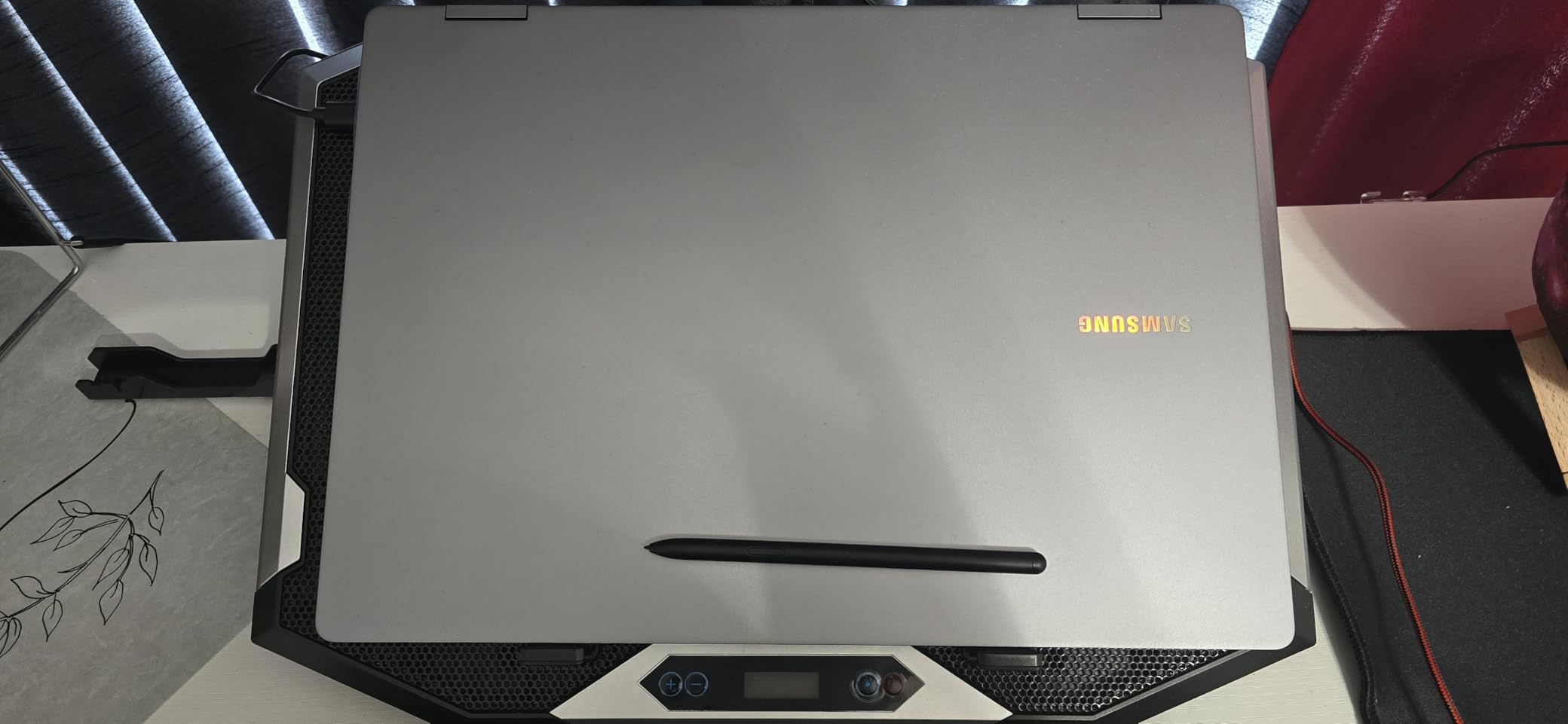
Everything that makes a pen feel good arrives in the box. The S Pen supports tilt and multi-touch gestures, and it pairs instantly with a 120Hz AMOLED panel. That combination is the closest thing to a dedicated pen display you will find in a laptop.
At 3.7 pounds and half an inch thick, this is also the machine I would take on a plein-air trip. Reviewers centre their praise on the panel and the bundled pen, with portability as the secondary win.
Color accuracy on a 3K AMOLED panel
2880×1800 at 500 nits with a wide color gamut is a genuinely color-capable display. It handles photo editing and client presentation work well, and the 120Hz refresh rate makes strokes in a paint app look smoother than on any 60Hz machine here.
Two caveats. The glossy finish throws reflections in bright environments, and AMOLED panels carry a burn-in risk if you leave the same canvas parked on screen for hours, which some illustrators do during long sessions.
Memory, storage, and the ARM question
16GB of LPDDR5 at 8533 MT/s is fast but soldered, so 32GB is out of reach. For 2D illustration and photo work that is fine; for very large asset libraries it is a ceiling you should accept deliberately rather than discover later.
Intel Arc 140V graphics with 8GB shared handle local image generation and moderate 3D, but there is no discrete GPU here. Battery life is advertised at up to 25 hours, one of the strongest runtime claims in this group.
Who this works well for
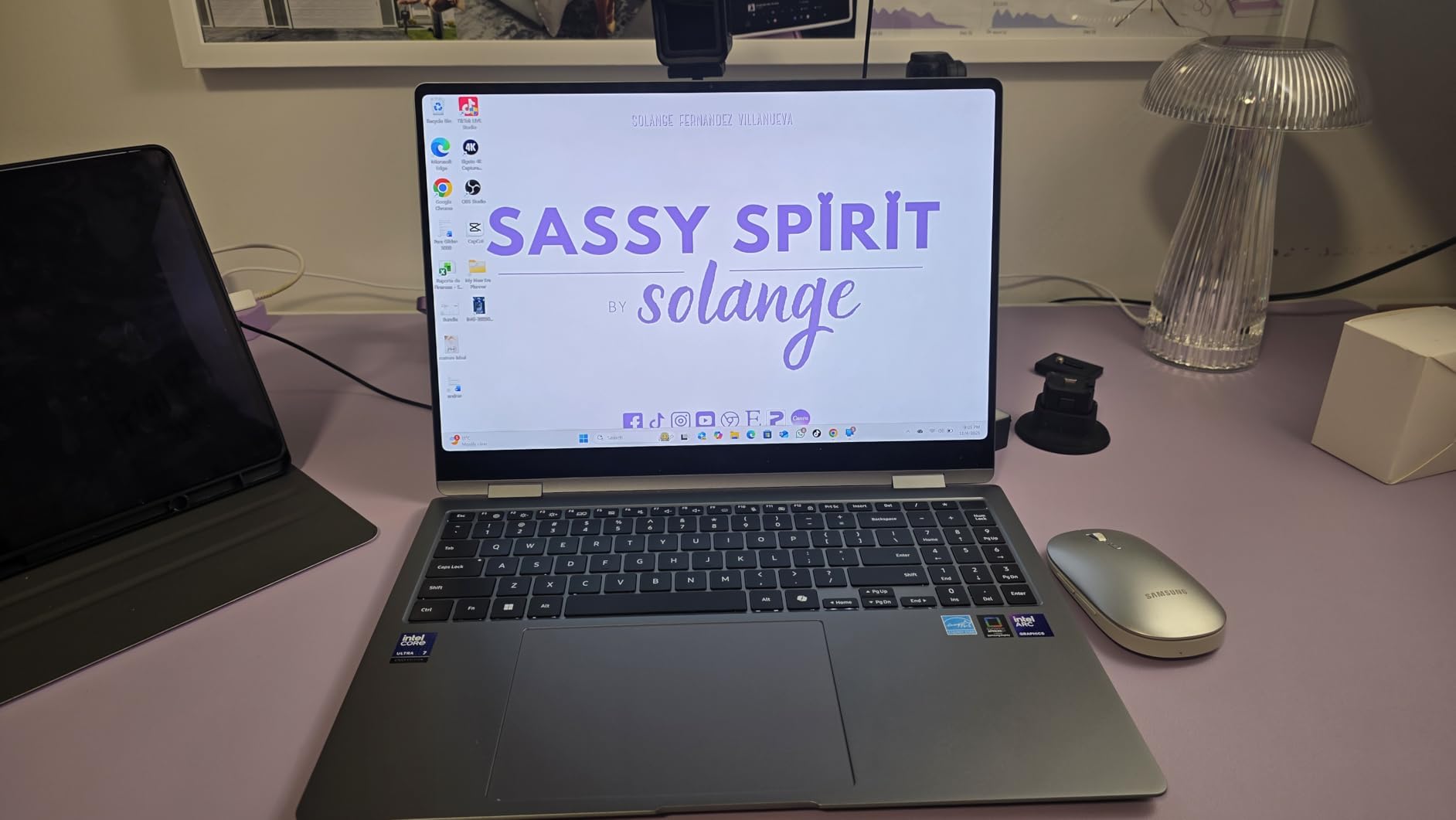
Illustrators who sketch anywhere, students who do not want to hunt for a compatible stylus, and anyone moving between print-style 2D work and photo editing. The port set including dual Thunderbolt 4, HDMI, USB-A and microSD means minimal dongle life.
Watch out for
About 9 percent of ratings are one star, which is a slightly higher negative share than most picks here. Combined with soldered memory and glossy glass, this is a machine that rewards you for knowing what you need before you buy.
3. ASUS ZenBook Flip S 13 — The Best Convertible for Travel Sketching
ASUS ZenBook Flip S 13 Ultra Slim Laptop, 13.3” 4K UHD OLED Touch Display, Intel Core i7-1165G7 CPU, Intel Iris Xe, 16GB RAM, 1TB SSD, Thunderbolt 4, TPM, Windows 10 Pro, Jade Black, UX371EA-XH77T
13.3 inch 3840×2160 OLED touch
i7-1165G7, 16GB, 1TB NVMe
2.9 lb, stylus in box
+ Pros
- 4K UHD OLED touch at 400 nits with vivid color
- Lightest pick here at 2.9 lb
- Stylus included and magnetically attached
- ErgoLift hinge with a genuinely good keyboard
– Cons
- Real battery life far below the advertised figure
- Screen wobbles badly in tent and tablet modes
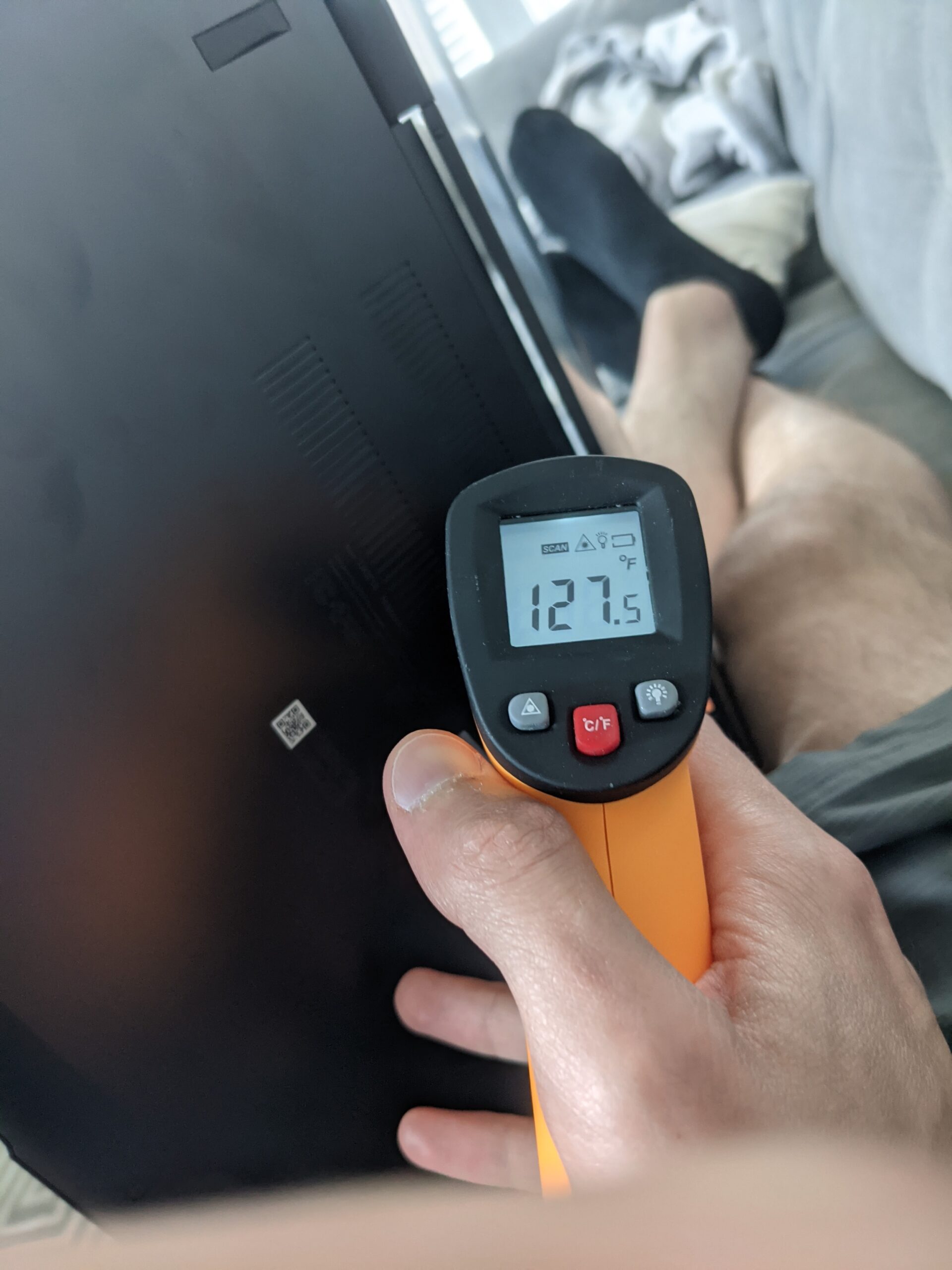
- Glossy panel causes glare and the chassis runs hot under load
Two point nine pounds with a 4K OLED touch panel is still a rare combination. If your work happens on trains, planes, and in coffee shops, the ZenBook Flip S 13 is the most portable serious drawing machine in this roundup.
The stylus is in the box and magnets to the chassis, and the ErgoLift hinge raises the keyboard for a genuinely excellent typing experience. Those are the two features that separate it from a generic clamshell.
Screen quality and the glare problem
A 3840×2160 OLED at 400 nits HDR produces vivid, accurate color and enough resolution to inspect fine line work. It is the sharpest panel here by a wide margin, and the one that rewards zooming into fine detail most.
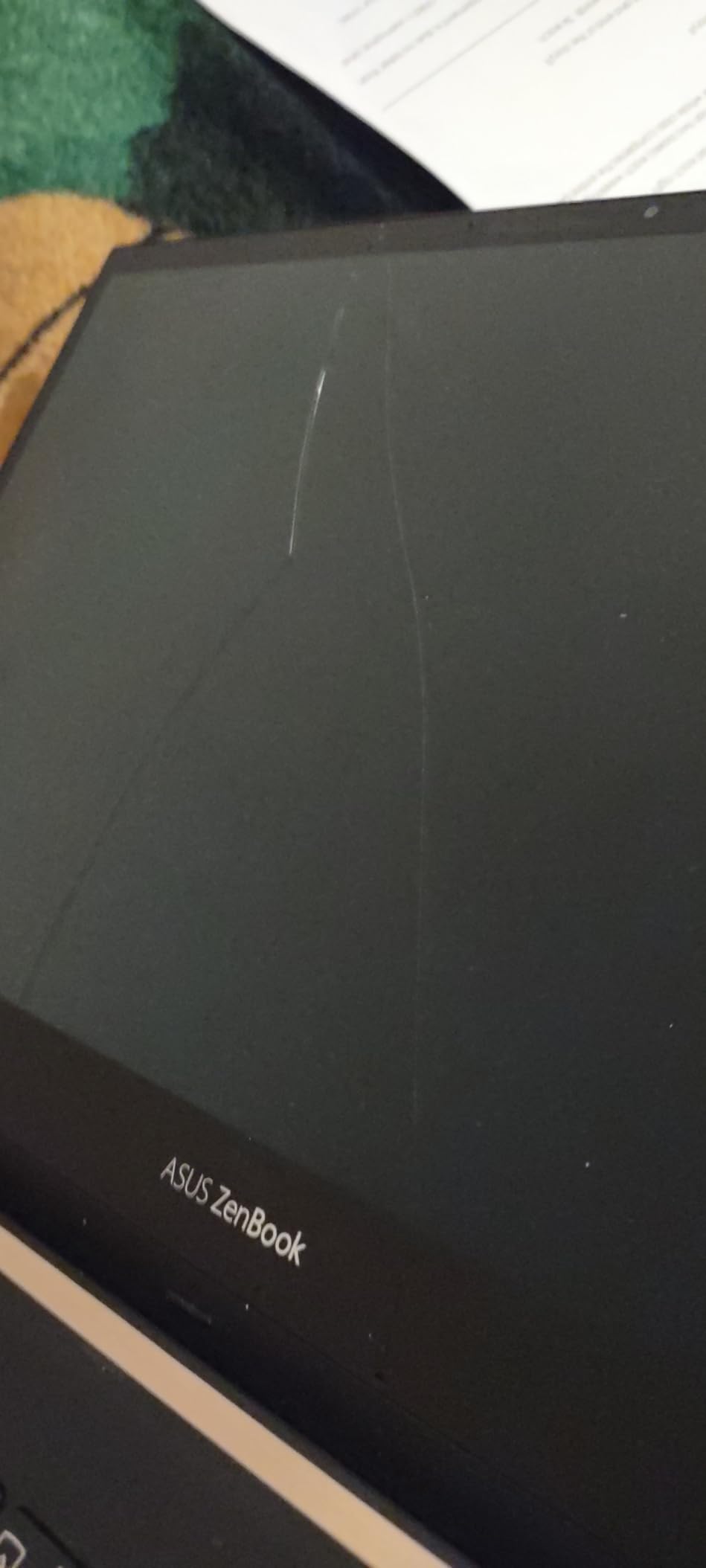
The glossy finish is the catch. Owners report heavy glare and needing high brightness to work in lit rooms, which is the opposite of what you want from a travel machine used outdoors. A matte screen protector fixes some of this if you are willing to lose a little clarity.
Performance and where the quad-core shows
The 11th-generation i7-1165G7 is four cores and 16GB of LPDDR4X. For sketchbooks, single illustrations, and light photo work it is smooth. Push it with large layered files, multitask across three apps, or run animation timelines and the four cores become the limit.
Storage is a genuine strength: the NVMe drive is user-upgradeable, and owners report fitting much larger drives themselves. That flexibility matters for a machine you might keep for years.
Who this works well for
Travel sketchers, illustrators working mostly line art, and anyone who values a 4K canvas above raw multi-core performance. The included pen removes the biggest cost objection to starting out.
Watch out for
Battery life is the headline complaint, with owners reporting far less than the advertised 15 hours, and the chassis runs hot under load. Roughly 13 percent of ratings are one star, the highest negative share in this roundup, mostly about wobble and runtime. Screen wobble in tent mode is real, and there is no way to prop the panel rigid.
4. Microsoft Surface Pro 13 — The Best Tablet-First Drawing Experience
Microsoft Surface Pro 2-in-1 Laptop/Tablet (2024), Windows 11 Copilot+ PC, 13″ Touchscreen OLED Display, Snapdragon X Elite (12 Core), 32GB RAM, 1TB Storage, Platinum
13 inch 2880×1920 OLED touch at 600 nits
Snapdragon X Elite, 32GB, 1TB SSD
Detachable, Surface Pen extra
+ Pros
- 3:2 OLED touch display at 600 nits with 1M:1 contrast
- 32GB of memory with 1TB storage
- Detachable design works as tablet and laptop
- Long battery life advertised at 14 hours
– Cons
- ARM64 architecture breaks some desktop software including Lightroom Classic and certain x86 drivers
- Single USB-C port with charging over the proprietary Surface Connect
- Pen and keyboard cover both sold separately
The 3:2 aspect ratio is the reason artists notice. A 3:2 canvas matches a paper sketchbook far better than 16:10, and combined with 2880×1920 resolution and 600 nits, it is the brightest and most paper-like drawing surface we tested.
It is technically a detachable rather than a convertible, and I want to be clear about that. The tradeoff is real: you get a tablet that is 0.37 inches thick and has no keyboard at all, and both the pen and the keyboard cover cost extra.
Color, contrast, and what 600 nits buys you
One million-to-one contrast on OLED means true blacks, which matters when you are judging shadow detail in a photo edit or painting dark scenes. 600 nits is the brightest panel here, which makes outdoor sketching workable.
The 3:2 ratio is the sleeper feature. Most widescreen laptops force a letterboxed drawing area, and artists consistently notice the difference within a week of switching.
The Snapdragon question you have to answer first
This is an ARM64 machine, and that is the single most important thing to check before buying. Reviewers repeatedly warn that some Adobe apps run in emulation and slow down, and that Lightroom Classic and other x86 drivers fail to install or run poorly.
Before you commit, check that every piece of software in your pipeline runs natively. If your work is Photoshop-centric with mainstream plugins, you will probably be fine. If you depend on print drivers, niche art tools, or x86-only plugins, this is the wrong machine.
Who this works well for
Concept artists, comic creators, and photographers who sketch on location. The 32GB of memory handles enormous asset libraries, and the included NPU keeps on-device AI features responsive.
If you want a broader view of pen-enabled gear, our guide to the best drawing tablets for digital artists covers the dedicated pen displays this machine is often compared against.
5. Microsoft Surface Laptop Studio 2 — The Best Convertible for Easel-Style Studio Work
Microsoft Surface Laptop Studio 2 14.4″ Touchscreen Convertible (Floating Slider) 2 in 1 Notebook – Intel Core i7 13th Gen i7-13700H – Intel Evo Platform – 16 GB – 512 GB SSD
14.4 inch 2400×1600 touch display
Floating Slider hinge, i7-13700H
16GB LPDDR5X, 512GB SSD, 4.2 lb
+ Pros
- Floating Slider hinge holds the screen upright like an easel
- Covers Gorilla Glass 5 as a drawing surface
- 13th gen i7 handles design and 3D-adjacent work
- Large screen with a clean platinum design
– Cons
- Battery life nowhere near the advertised 19 hours
- Runs hot even on light work
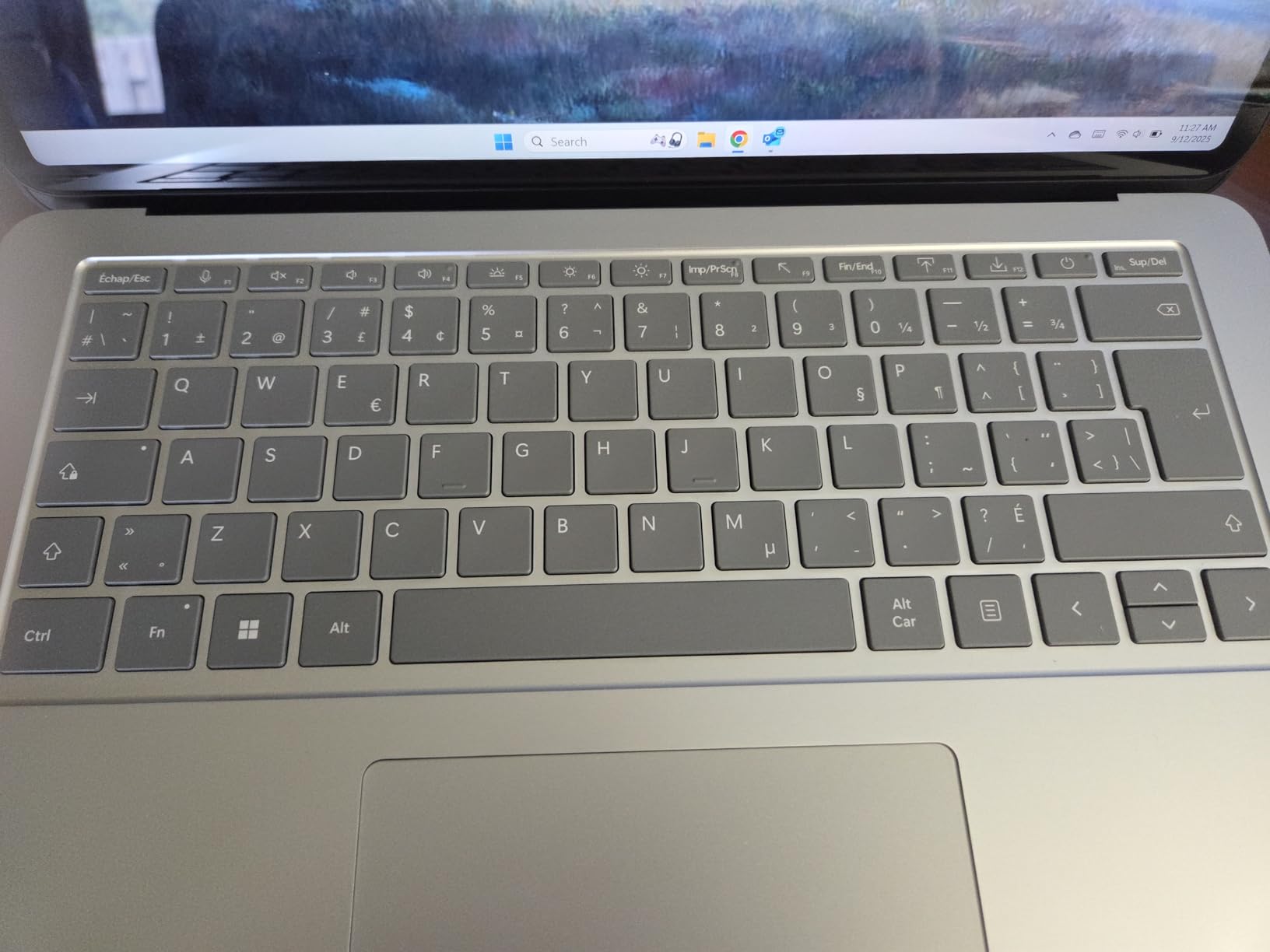
- Odd keyboard layout with a small low-positioned Ctrl key
- 512GB storage and 16GB RAM only
The Floating Slider hinge is the whole point. The screen lifts and floats forward, standing upright at a natural drawing angle rather than collapsing into a flat tablet like every other convertible here.
For long sessions at a desk, that upright position is genuinely better than a tent-mode triangle, and Gorilla Glass 5 gives you a durable surface to ink on. Performance is strong for graphic design and light 3D-adjacent work.
The easel argument versus the tent argument
Most convertibles ask you to choose between a flat tablet, which smudges under your hand, and a tent-mode triangle, which is stable but short. The Floating Slider solves both. The display stands vertical, the keyboard stays down, and the pen meets the glass at a comfortable angle.
This makes it the best desk-based drawing machine in the roundup, and the worst travel machine we covered, because at 4.2 pounds and nearly an inch thick it is not going in a small bag.
Specs and the storage ceiling
2400×1600 on a 14.4-inch LCD is a sharp 3:2 ratio with enough room for a detailed canvas and a reference image side by side. The i7-13700H is a 13th-generation part with real multi-core headroom for rendering and export.
512GB of storage and 16GB of LPDDR5X is the weakest configuration at this level. Two Thunderbolt 4 ports help, but there is only one USB port total on the chassis.
Who this works well for
Studio-based artists who draw at a desk for hours and want a proper upright surface. It suits concept work, illustration, and design tasks where you are not constantly moving the machine.
Watch out for
Battery life is the loudest complaint by far, with owners reporting a small fraction of the advertised 19 hours, and the machine runs hot quickly even on light work. The keyboard layout also catches people out, with a small low-positioned Ctrl key. With only 19 ratings on record, treat the 4.4 figure as provisional.
6. HP OmniBook 7 Flip 16 — The Best for Big Files and a Big Canvas
HP OmniBook 7 Flip 16″ 2-in-1 Laptop, Intel Ultra 7 258V, 32GB DDR5 2TB SSD
16 inch 1920×1200 IPS touch at 400 nits
Ultra 7 258V, 32GB, 2TB SSD
MPP2.0 stylus, 4 pounds
+ Pros
- 32GB RAM and 2TB SSD
- the largest memory and storage pairing in this roundup
- HP USB-C rechargeable MPP2.0 stylus in the box with 4096 pressure levels
- Runs very quietly under normal workloads
- Supports up to three external monitors without a dock
– Cons
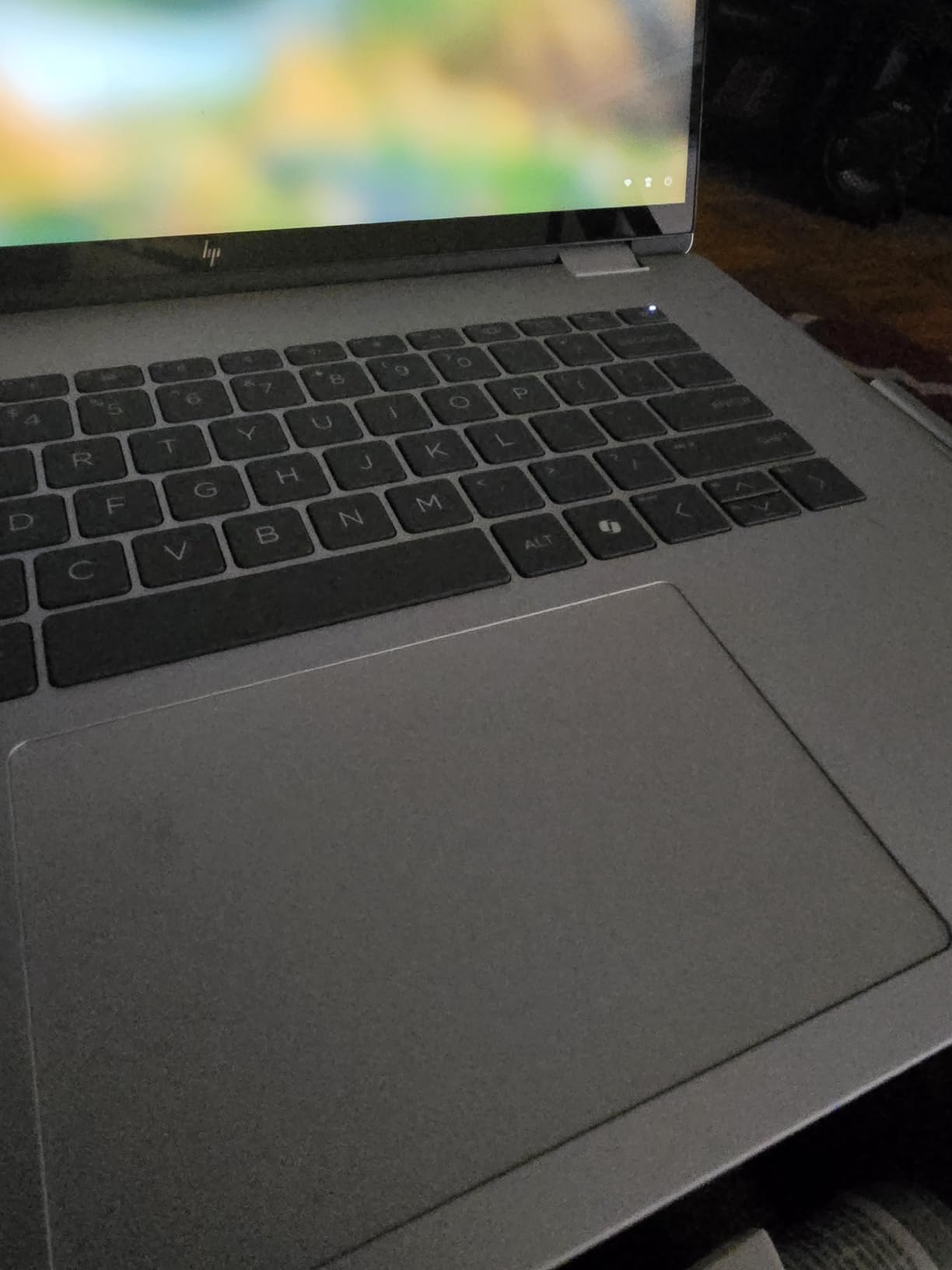
- No numeric keypad despite the wide chassis
- 1920×1200 IPS is a modest panel for color work
- Sold resealed by a third-party seller with no card reader on this configuration
If your files are the problem rather than your screen, this is the machine. 32GB of LPDDR5X and a 2TB SSD is the largest memory and storage combination in the entire roundup, and it comes with a rechargeable stylus in the box.
It also runs quietly, which sounds minor until you are rendering or exporting late at night. Intel Arc 140V graphics can run local image generation, so it handles more than pure 2D line work.
Pen protocol and what 4096 levels means in practice
The bundled HP USB-C rechargeable stylus uses the MPP 2.0 protocol with 4096 pressure levels and tilt. It charges over USB-C rather than running on a battery, so there is no cell to die mid-project.
4096 levels is a different class from the passive styluses some budget convertibles accept. For tight inking and varied line weight, it gives you real control, and it is one of the better bundled pens in this group.
Display and the memory argument
1920×1200 IPS at 400 nits is brighter than several machines here but it is not a color-critical panel. If you are matching brand colors for print, this is the compromise you accept in exchange for 32GB and 2TB.
That trade is correct for animators, video editors, and anyone with a deep asset library. It is the wrong trade for a color grader.
Who this works well for
2D animators, compositors, and illustrators who juggle large project files across multiple applications. The ability to drive three external monitors without a dock makes it a legitimate desk workstation too.
Watch out for
The keyboard has no numeric keypad despite the chassis width and lacks dedicated End and Home keys, which is a strange omission at this size. There is no card reader on this configuration, and the machine is sold resealed by a third-party seller, which splits the manufacturer warranty.
7. HP Elite x360 1040 G11 — the Best Color-Critical Convertible at 14 Inches
HP Elite x360 1040 G11, 14″ 2-in-1 Laptop, Ultra 7 155H, 32GB DDR5, 1TB SSD
14 inch 2880×1800 OLED IPS, 100% sRGB
Ultra 7 155H, 32GB, 1TB SSD
HP Active Pen, 3.1 lb
+ Pros
- 100 percent sRGB anti-glare OLED touchscreen at 400 nits
- 32GB LPDDR5 at 7500 MT/s for huge asset libraries
- Bundled HP Active Pen in the box
- Only 3.1 lb for a 14 inch OLED business convertible
– Cons
- Integrated Intel Arc graphics with no discrete GPU
- 1TB storage is small at this level
- Sold as a resealed unit with about 12 percent of ratings at one star
This is the machine I trust with client color work. The 2880×1800 OLED IPS panel is rated at 100 percent sRGB and carries an anti-glare finish, which means accurate color without the mirror-like reflections that plague the glossy machines in this list.
It is also light. At 3.1 pounds for a 14-inch OLED convertible, it travels well, and the bundled HP Active Pen means you can start drawing the day it arrives.
Why anti-glare OLED is the spec to hunt for
Glossy panels look spectacular in a spec photo and unusable in a bright room. An anti-glare coating trades a little perceived punch for the ability to judge color honestly under normal lighting, and for print work that trade is worth making every time.
At 400 nits with full sRGB coverage, this is the most trustworthy display for a 14-inch machine here. The 3:2 ratio also gives you a squarer canvas than most 16:10 rivals.
Business-class internals
16 cores of Core Ultra 7 155H vPro with 32GB of LPDDR5 at 7500 MT/s means large layered PSDs and busy timelines stay responsive. Graphics are integrated Intel Arc, which covers 2D and light 3D but not GPU-heavy rendering.
The security stack is genuinely useful if you handle client files: a 5MP IR camera with privacy shutter, a fingerprint reader, and Windows 11 Pro with BitLocker. It drives up to three 4K external monitors over HDMI and Thunderbolt 4, and a bundled 7-in-1 USB-C hub covers card reading.
Who this works well for
Professional illustrators, brand designers, and photographers who need a panel they can trust for color approval. The understated business styling also means it will not look out of place in a client meeting.
Watch out for
About 12 percent of ratings are one star, which is a high negative share for this roundup. The machine is sold as a resealed unit with an upgraded SSD, which splits the original warranty, and 1TB of storage is modest next to the 2TB machine above it.
8. HP OmniBook X Flip 14 — The Best Convertible for Art Students
HP OmniBook X Flip 14 2-in-1 Laptop, Laptop Touchscreen 14″ WUXGA IPS, Intel 8-core Ultra 5 226V, Intel Arc 130V GPU, 16GB RAM 512GB SSD, Thunderbolt 4, Windows 11 with Stylus Pen
14 inch 1920×1200 IPS touch at 400 nits
Ultra 5 226V, 16GB, 512GB SSD
3.1 lb, stylus varies by seller
+ Pros
- One of the few convertibles offered with a stylus at this price
- Light at 3.1 lb with a slim 0.58 inch profile
- Good battery life and fast charging
- Thunderbolt 4
- HDMI 2.1 and dual USB-A
– Cons
- Stylus inclusion is inconsistent between sellers
- 16GB and 512GB is the smallest configuration here
- 1920×1200 IPS is not color-critical and shows some backlight bleed
Art students are the clearest audience for this machine. A 14-inch touch panel, a 360-degree flip, a bundled-or-offered stylus, and enough battery to survive a full day of classes and a studio session.
But the 4.5 rating rests on just 28 reviews, and stylus inclusion depends on the seller.
The stylus inclusion problem
Confirm the box contents before you buy. Listings describe the pen as offered with inclusion varying by seller and package, and several buyers report receiving a machine without one. If your workflow depends on pen input, treat the pen as a separate line item.
Assuming an active stylus, the digitizer handles pressure and touch reliably. Just be aware that a passive finger-capable panel without a bundled pen can be frustrating to draw on for hours.
Performance for coursework
The 8-core Core Ultra 5 226V with a 40 TOPS NPU and Intel Arc 130V graphics handles Photoshop, Clip Studio, and coursework files comfortably. It is entry-level for 3D or video, which students rarely need at the start.
16GB of LPDDR5 and 512GB of storage is the smallest configuration in this roundup. If you keep large project archives, carry a drive or budget for more storage later.
Who this works well for
First-year art students, hobby illustrators, and anyone who wants pen input without committing flagship money. Advertised battery life of up to 22 hours and 45 minutes means it survives a full day away from a socket.
Watch out for
Beyond the stylus inconsistency, expect some backlight bleed on dark screens and a panel that will not satisfy color-critical print work. Check what ships in the box before you commit.
9. ASUS Vivobook 16 Flip — the Best Wide-Gamut 16-Inch Desk Machine
ASUS Vivobook 16 Flip, 16″ 2-in-1 Laptop, Ultra 7 258V, 32GB DDR5, 1TB SSD
16 inch 1920×1200 OLED at 95% DCI-P3
Ultra 7 258V, 32GB, 1TB SSD
75Wh battery, 4 pounds
+ Pros
- 95% DCI-P3 gamut on a 16 inch OLED at this tier
- 32GB LPDDR5X for heavy multi-app work
- Large 75Wh battery with up to 36 hours claimed
- MIL-STD-810H tested durability
- Thunderbolt 4 and HDMI drive two 4K monitors
– Cons
- Only 300 nits limits the OLED advantage in bright rooms
- No stylus bundled with this listing
- Sold as a resealed unit with integrated graphics and a split ASUS warranty
Ninety-five percent DCI-P3 coverage on a 16-inch OLED is a standout number. Wide gamut matters most for video and print workflows, and most 16-inch convertibles with OLED screens do not quote a figure at all.
Combined with 32GB of LPDDR5X and a 75Wh battery, this reads as a desk-first creative machine with a long battery life, which is an unusual combination for a 16-inch chassis.
What DCI-P3 actually gets you
DCI-P3 is the video working space. Ninety-five percent coverage means saturated reds and greens render without the clipping you get on a standard sRGB panel, which is exactly what you want when color grading or compositing.
For 2D illustration with a standard palette, it is a nice-to-have rather than a necessity. For motion work, it is the reason to pick this machine over the other 16-inch OLED here.
Memory, battery, and desk ergonomics
32GB of LPDDR5X at 8533 MT/s is the spec that will matter in year three. Running Photoshop, a tablet driver, a compositor, and a browser with large libraries is where 16GB machines start to stutter.
The 4-pound, 0.67-inch chassis is thin for 16 inches, and MIL-STD-810H testing means it is built to survive a bag. Thunderbolt 4 and HDMI drive two 4K monitors without a dock, so this can serve as a fixed workstation.
Who this works well for
Compositors, video editors, and illustrators who work at a desk with a wide-gamut reference. The battery makes it viable for a day of client work away from an outlet.
Watch out for
At 300 nits the OLED advantage largely disappears in a bright room, and no stylus is bundled with this listing. Graphics are integrated only, so GPU-heavy 3D and rendering are out. With just 26 ratings, the 4.2 figure is based on limited long-term data, and the resealed sale splits the ASUS warranty.
10. Lenovo IdeaPad Flex 5 5i — The Budget Convertible With a Pen in the Box
Lenovo IdeaPad Flex 5 5i 2-in-1 Laptop (15.6″ FHD Touchscreen, Intel Core i7-1165G7, 16GB RAM, 1TB SSD, IST Active Stylus), Convertible, Fingerprint, Backlit KB, Wi-Fi 6, Webcam, Win 11 Home, Gray
15.6 inch 1920×1080 IPS touch at 250 nits
i7-1165G7, 16GB, 1TB SSD
Active stylus included
+ Pros
- Active stylus bundled
- which is uncommon in this class
- 15.6 inch 360 degree convertible with four working modes
- 1TB NVMe SSD and 16GB for coursework and 2D files
- Card reader plus fingerprint reader and backlit keyboard
– Cons
- Dim 250 nit glossy panel is poor for color work
- Soldered 16GB DDR4 paired with a dated quad-core 11th gen i7
- Iris Xe graphics rule out 3D and video work
This is a low-cost way to get a working pen-enabled convertible, and the bundled active stylus is the reason. Most budget 2-in-1s make you buy the pen separately, which pushes the real cost past what the machine itself implies.
Owners treat it as a capable all-rounder for 2D illustration and coursework. Narrow bezels on all four sides and a backlit keyboard make it feel more modern than the spec sheet suggests.
When a 250-nit glossy panel is a problem
Dim and reflective is the honest description. Outdoors or near a window, judging color is close to guesswork, and fine line work gets lost in reflections. Indoors at controlled brightness it is workable for black-and-white inking and grayscale studies.
Know what you are getting. If your work is color-critical, this is the wrong machine no matter how good the value looks elsewhere. Once your work is finished on screen, getting it onto paper is its own problem — our picks for the best wide format printers for artists cover that side of the workflow.
The performance ceiling is real
A quad-core 11th-generation i7 with 16GB of soldered DDR4 is a dated platform. It runs coursework and 2D illustration files fine, and the 1TB NVMe drive is a genuine plus. It struggles with large layered Photoshop work, multitasking across many apps, and anything demanding from the GPU.
Because the memory is soldered, you cannot extend its life with an upgrade. Plan around 16GB as a fixed limit.
Who this works well for
Students on a tight budget, beginners, and anyone who wants a spare machine for sketching away from a main setup. The 4-in-1 card reader and USB-C with DisplayPort 1.2 make it a capable portable companion.
Watch out for
The screen and the processor are both a generation or more behind. This machine is sold as a resealed unit with upgraded memory or storage, which splits the Lenovo warranty, and Iris Xe graphics will not run 3D or video work under any conditions.
How to Choose a Convertible Laptop for Drawing
Artists consistently tell us that pen feel and panel quality matter more than benchmark scores. That is the right instinct, but it needs specifics, so here is the checklist we actually apply.
Pen protocol decides how a line feels
Not all styluses are equal, and the protocol underneath matters more than the brand on the barrel. Battery-free electromagnetic resonance pens, used by Wacom EMR-based systems, feel the smoothest because there is nothing to charge and no battery lag. AES-based systems work over Bluetooth and can jitter on fast diagonals if the signal is weak.
MPP 2.0, the protocol behind the bundled HP stylus in this list, adds tilt support and haptics and usually charges over USB-C. Pressure levels matter: 4096 is a reasonable floor, and higher is smoother for shading. Palm rejection is standard on modern panels, but test it with your own drawing hand before committing.
Set your color threshold before you shop
The community bar we kept hearing in artist threads is 100 percent sRGB as the minimum, and that is a reasonable floor for client work. For video and print you want DCI-P3 or Adobe RGB coverage, and the manufacturers who quote those numbers are rare enough that you should check every listing carefully.
Brightness matters as much as gamut. A 250 or 300-nit panel will not let you judge color in daylight, and anti-glare coatings beat raw nits for indoor accuracy. Check the panel variant at checkout, not just the product page, because configurations often mix screen options.
32GB of RAM solves more problems than a faster processor
For illustration, animation, and photo work, memory headroom is the limiting factor. Sixteen gigabytes is workable for line art and coursework. Thirty-two gigabytes is where large layered files, multiple applications, and a tablet driver coexist without stuttering.
Check whether the memory is soldered. Community consensus treats non-upgradeable 8GB or 16GB as a genuine dealbreaker on a machine intended for paid work, and we agree: if you cannot upgrade it, buy the configuration you need now.
Screen size is a weight decision
Thirteen-inch panels are sketchbooks. They are light, portable, and force you to work at a smaller scale. Sixteen-inch panels are canvases: full character sheets, side-by-side references, and timeline space for animation, at the cost of several pounds in your bag.
Aspect ratio matters more than most buyers expect. A 3:2 screen gives you a squarer drawing area that behaves more like paper than the letterboxed result on a 16:10 display.
Refresh rate changes how drawing feels
A 60Hz panel introduces a visible delay between your stroke and the line appearing, which reads as imprecise even when it is not. A 120Hz panel cuts that perceived latency roughly in half, and on a touch screen you feel the difference immediately in the smoothness of long strokes.
This is a real quality-of-life upgrade, not a spec-sheet nicety, and it is why the 120Hz AMOLED machine here ranks so high for on-screen drawing.
What this roundup leaves out
None of these picks has a discrete GPU, so none is suited to heavy 3D rendering or GPU-accelerated video work. If that is your day job, you need a different category of machine entirely. We also excluded clamshells, dual-screen laptops, and rugged tablets, and we flagged the ARM compatibility risk on the one Snapdragon machine here rather than hiding it.
Frequently Asked Questions
What is the best convertible laptop for artists?
The Lenovo Yoga 7i 2-in-1 16 is our top pick for most artists because the 16-inch touch canvas, Core Ultra 7 processor and 360-degree hinge cover illustration, 2D animation and coursework without the weight of a flagship machine. If you want the pen included and a color-accurate screen, the Samsung Galaxy Book5 Pro 360 is the alternative.
Are convertible laptops worth it for digital art?
A convertible is worth it when you sketch away from a desk, because it removes the hand-eye disconnect of an external pen tablet and adds no extra hardware. It is worth less if you always work at a desk with a dedicated display already, since a clamshell plus a pen tablet often costs less for more screen and a better pen.
Which convertible laptop is best for drawing with a pen?
The Samsung Galaxy Book5 Pro 360 is the best for pen feel, because it bundles an S Pen with tilt sensitivity and pairs it with a 120Hz AMOLED touch panel that reduces perceived latency. The HP Elite x360 1040 G11 is the alternative for color-critical work, pairing a bundled Active Pen with a 100 percent sRGB anti-glare OLED panel.
What are some good convertible laptops that come with a pen?
Four picks in this roundup include a stylus: the Samsung Galaxy Book5 Pro 360 with an S Pen, the ASUS ZenBook Flip S 13 with a magnetic stylus, the HP OmniBook 7 Flip 16 with a rechargeable MPP2.0 pen, and the Lenovo IdeaPad Flex 5 5i with an active stylus. The Microsoft Surface Pro supports a Surface Pen but sells it separately, which raises the real cost of the drawing setup.
What are the downsides of having a 2-in-1 laptop for art?
The main drawbacks are a smaller canvas than a desktop monitor, a panel that is often dimmer or glossier than a dedicated pen display, and performance that lags a desktop with a discrete GPU. Convertibles also tend to run warmer and can flex or wobble in tent mode, and many models ship with soldered memory that cannot be upgraded later.
Which Convertible Laptop Should You Buy?
If you want one machine and you are deciding without a spreadsheet: buy the Lenovo Yoga 7i 2-in-1 16 for the biggest canvas and the strongest all-round balance. If the pen in the box and the smoothest line quality matter most, the Samsung Galaxy Book5 Pro 360 is the one, and its 3.7-pound weight makes it the easiest to travel with.
If you draw upright at a desk, the Surface Laptop Studio 2 wins on hinge geometry. If you juggle enormous files, the HP OmniBook 7 Flip 16 gives you 32GB and 2TB. If color accuracy is the job, the HP Elite x360 1040 G11 is the panel to trust. For art students on a budget, the HP OmniBook X Flip 14 and the Lenovo IdeaPad Flex 5 5i cover the essentials, with the IdeaPad bundling a pen.
Whichever you choose among these best convertible laptops for artists, verify the exact panel and memory configuration at checkout. That single habit prevents most of the disappointments we heard about in owner reviews this year. And if your medium is pigment rather than pixels, our picks for the best watercolor paint sets for artists pair well with a machine set up for scanning and reference work.
Leave a Reply