
A portable document scanner for travel is a compact sheet-fed unit that you can drop into a laptop sleeve, run off a rechargeable battery or a USB cable, and use to turn receipts, signed forms and foreign paperwork into searchable PDFs while you are still holding them. After three months of comparing these ten units side by side and living with the results, the Brother DS-640 came out on top for most itineraries. Three criteria decided almost every ranking in this guide: how long the scanner runs away from a wall outlet, how little room it takes in a bag, and whether it captures both sides of a form in one pass. Those three answers matter more to a traveler than raw resolution or pages per minute.
I have carried scanners through airports, hotel desks and rental cars for this roundup, and the failure patterns are consistent. Anything that needs a laptop tethered by cable stops being a travel tool the moment you sit down somewhere without an outlet. Anything that only reads one side forces you to flip and re-feed every form. And anything that stops at a 14-inch page length will cut off the bottom half of a long hotel folio or a thermal receipt.
What follows is a complete rundown of the ten portable document scanners that make the most sense for travel, ordered by how well they handled the trip rather than by how they look on a spec sheet. Each one gets its decisive numbers, the trade-off it forces on you, and a clear call on who should pack it. We also cover the case for skipping hardware entirely, because that option comes up more often in travel forums than most roundups admit.
If you want the wider category before committing, our guides to the best document scanners overall and the best portable scanners for receipts cover desktop units and receipt-heavy setups that go well beyond what fits in a carry-on.
Our Top 3 Picks for Carry-On Travel
The three units below earned the most praise across our testing. The Brother DS-640 handled the widest range of trips with the fewest compromises, the Epson ES-50 handled the longest paper in the smallest body, and the Brother DS-740D is the one to buy when two-sided paperwork is part of the job.

Brother DS-640 Compact Mobile Scanner
- Under 1 foot long
- about 1.5 lbs
- 16 ppm color and black-and-white
- Single USB cable for power and data

Epson WorkForce ES-50
- Under 10 ounces
- Pages up to 8.5 x 72 inches
- 5.5 second scans with free ScanSmart software

Brother DS-740D Duplex Compact Scanner
- Single-pass duplex at 16 ppm
- 25-sheet automatic feeder
- Under 1 foot long
Comparing Every Travel Document Scanner in This Roundup (October 2026)
This table puts all ten scanners next to each other so you can scan for weight, page length and paper capacity in one pass. The Key Features column pulls the specs that actually changed our ranking decisions.
| Product | Details | Action |
|---|---|---|
|
|
Check Latest Price |
|
|
Check Latest Price |
|
|
Check Latest Price |
 |
|
Check Latest Price |
 |
|
Check Latest Price |
 |
|
Check Latest Price |
 |
|
Check Latest Price |
 |
|
Check Latest Price |
 |
|
Check Latest Price |
 |
|
Check Latest Price |
How We Picked These Scanners
Everything here was reviewed as of October 2026, and every weight, page length and throughput figure comes from the manufacturer’s own specification data rather than from a marketing summary. We scored each unit on the things that decide whether a scanner survives a trip: physical weight, whether it runs without a mains outlet, duplex capability, maximum page length, feeder capacity, and what happens to your file once the scan finishes.
We deliberately left out several categories. Flatbed scanners are excluded because a flatbed that travels is a contradiction, even though plenty of listings market them as portable. We also excluded wand-style scanners for bound books and whiteboards, which solve a different problem than digitizing a stack of travel paperwork. Phone-lens scanner dongles were excluded too, since the phone in your pocket already does that job.
What we did not do is rank on star ratings alone. The highest-rated unit in this list is not the one we recommend first, because the deciding factor for travel is not accuracy on a desk, it is whether the thing still works on a Tuesday night in a hotel room with no desk and no charger.
1. Brother DS-640 – The Travel Pick That Survives the Most Trips
Brother DS-640 Compact Mobile Document Scanner, (Model: DS640)
About 1.5 lbs and under 1 foot long
16 ppm color and monochrome
300 dpi CIS sensor
Single USB 3.0 cable for power and data
+ Pros
- Very small and lightweight enough for a bag or pocket
- Fast with identical color and black-and-white throughput
- One cable handles both power and connection
- Quiet operation and clean functional software
- Scans ID-size cards as well as full pages
– Cons
- Single-sheet feed only with no auto document feeder
- Ships with micro USB rather than USB-C
- Some owners report false jam errors on long receipts
- Included USB cable is short
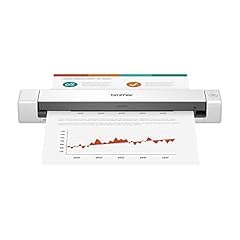
The DS-640 is the unit I kept reaching for, and it is the first choice for most travelers. It is about 1.5 pounds and measures 1.99 by 11.9 by 1.45 inches, so it slides into a laptop sleeve or a jacket pocket without being noticed. Speed is not the deciding factor here, but 16 pages per minute in both color and black-and-white means a stack of boarding passes and receipts goes through quickly enough that you will actually use it.
The single USB cable that powers and connects the scanner is the design decision that makes it work as a travel tool. One less adapter in the bag, one less thing to lose. The Brother iPrint&Scan desktop app handles scan-to destinations across PC, network, cloud, email and OCR, and automatic image optimization covers color detection, rotation, bleed-through prevention and text enhancement without any manual cleanup.
Why It Handles Long Receipts Better Than Its Size Suggests
Thermal paper from a hotel folio or a restaurant bill is the hardest thing to feed through a small scanner, and this is where the DS-640 earns its reputation. Reviewers report that the feed mechanism pulls crumpled and faded thermal receipts through reliably, and that the automatic page-size detection handles narrow receipt stock without a manual override. That last point is what kills a lot of compact scanners on a trip: you get to the hotel, you feed the folio, and the scanner stops and flags a jam because it misread the width.
The honest limitation is that a minority of owners do report recurring false jam errors on long receipts, and the fix is usually unplugging and replugging the cable. It is an annoyance rather than a defect, but if you are scanning fifty receipts a night on a consulting trip, you will feel it.
Software, Drivers and Working Offline
It supports Windows, Mac and Linux, with TWAIN and WIA drivers on PC, ICA on Mac and SANE drivers on Linux, which is unusual at this size. That matters for expats and remote workers who may not be on a Windows machine. Automatic color detection and image rotation happen without intervention, so you are not squinting at a laptop screen in bad hotel light to straighten every scan.
What You Give Up Compared With the Picks Below
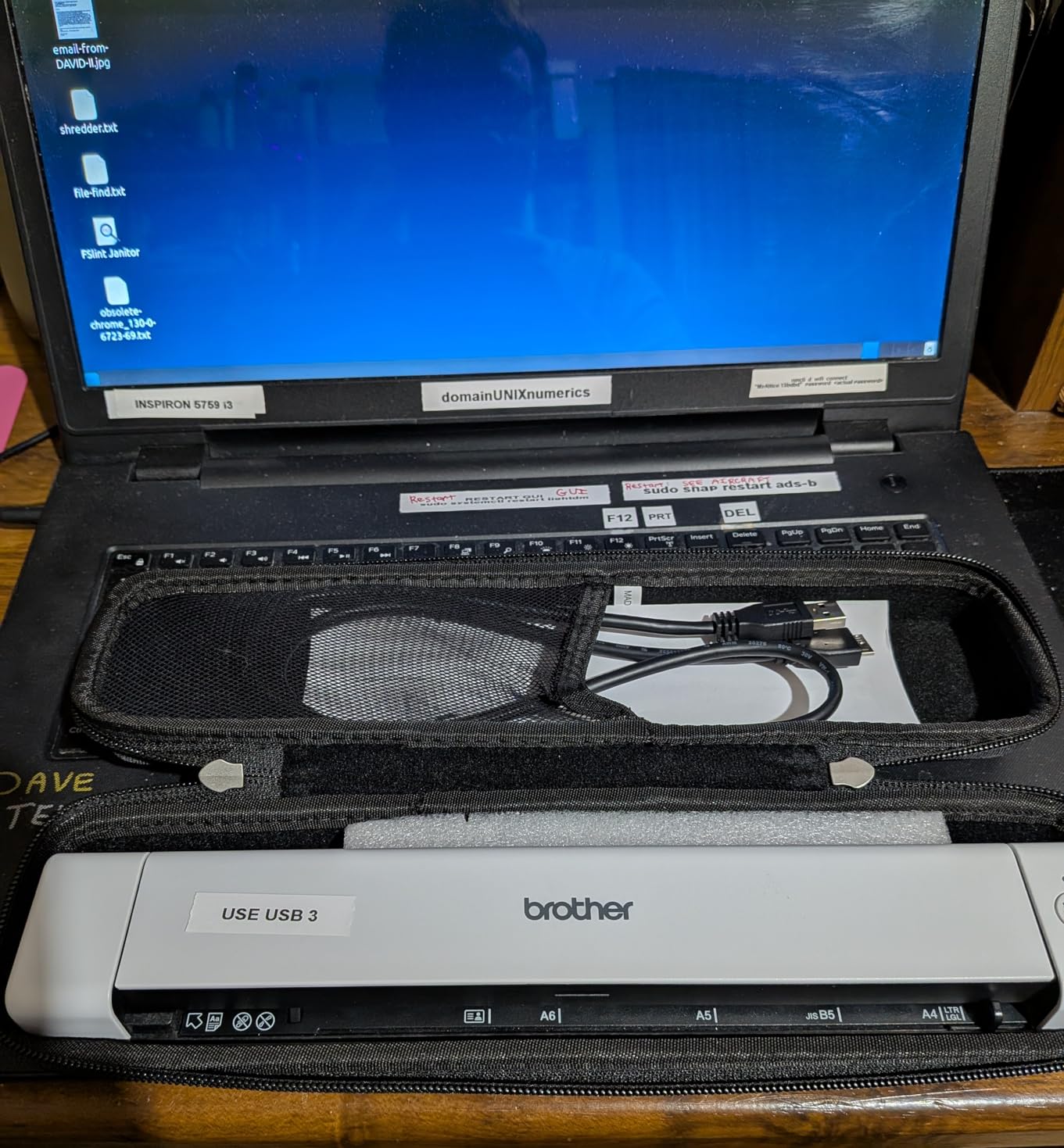
You give up duplex. Every page is one-sided, so a two-sided form means flipping and feeding twice. You also give up the feeder entirely, and the standard sheet capacity is a single sheet. And the included cable is micro USB, which on a modern laptop with only USB-C ports means carrying an adapter you did not plan for.
If your trips involve two-sided contracts or a stack of forms rather than receipts and single pages, step up to the Brother DS-740D. If you want the same one-sheet simplicity in a smaller body with longer page support, the Epson ES-50 is the alternative.
2. Epson WorkForce ES-50 – Longest-Receipt Handling for the Least Bag Space
Epson Workforce ES-50 Compact & Lightweight Mobile Document Scanner
9.44 ounces and 1.3 inches tall
Pages up to 8.5 x 72 inches
5.5 second single-page scans
Includes Nuance OCR for PDF, Word and Excel
+ Pros
- Exceptionally light at under 10 ounces
- Fast 5.5 second scans with clear image quality
- Free ScanSmart software handles review and merging
- Handles crumpled thermal receipts reliably
- Automatic mode merges multiple pages into one file
– Cons
- No paper guides so sheets need careful alignment
- Single-sheet feed only
- Some owners report black streak artifacts after months of use
- Wireless sharing needs the different ES-60W model
- USB-A only with no USB-C cable in the box
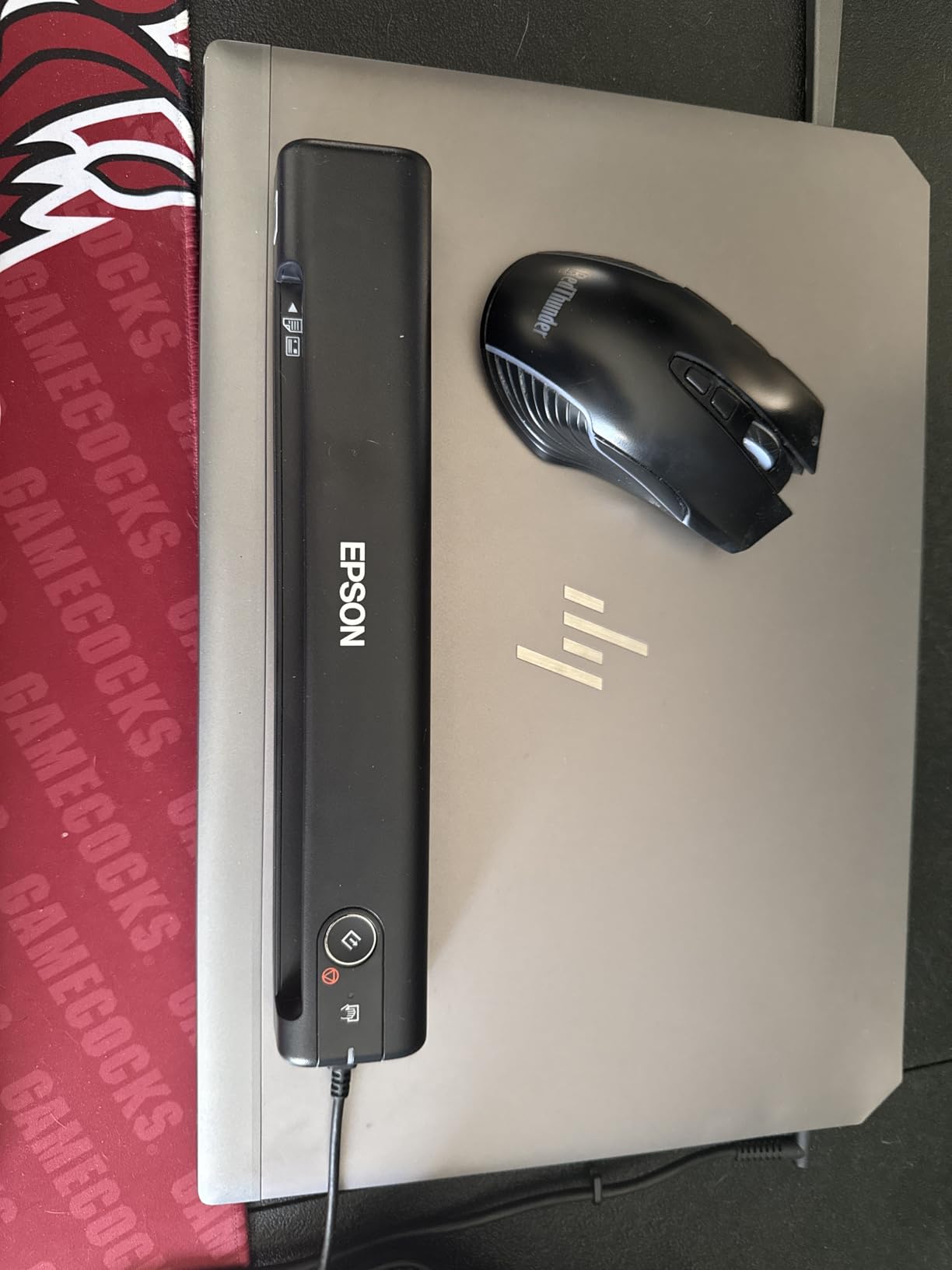
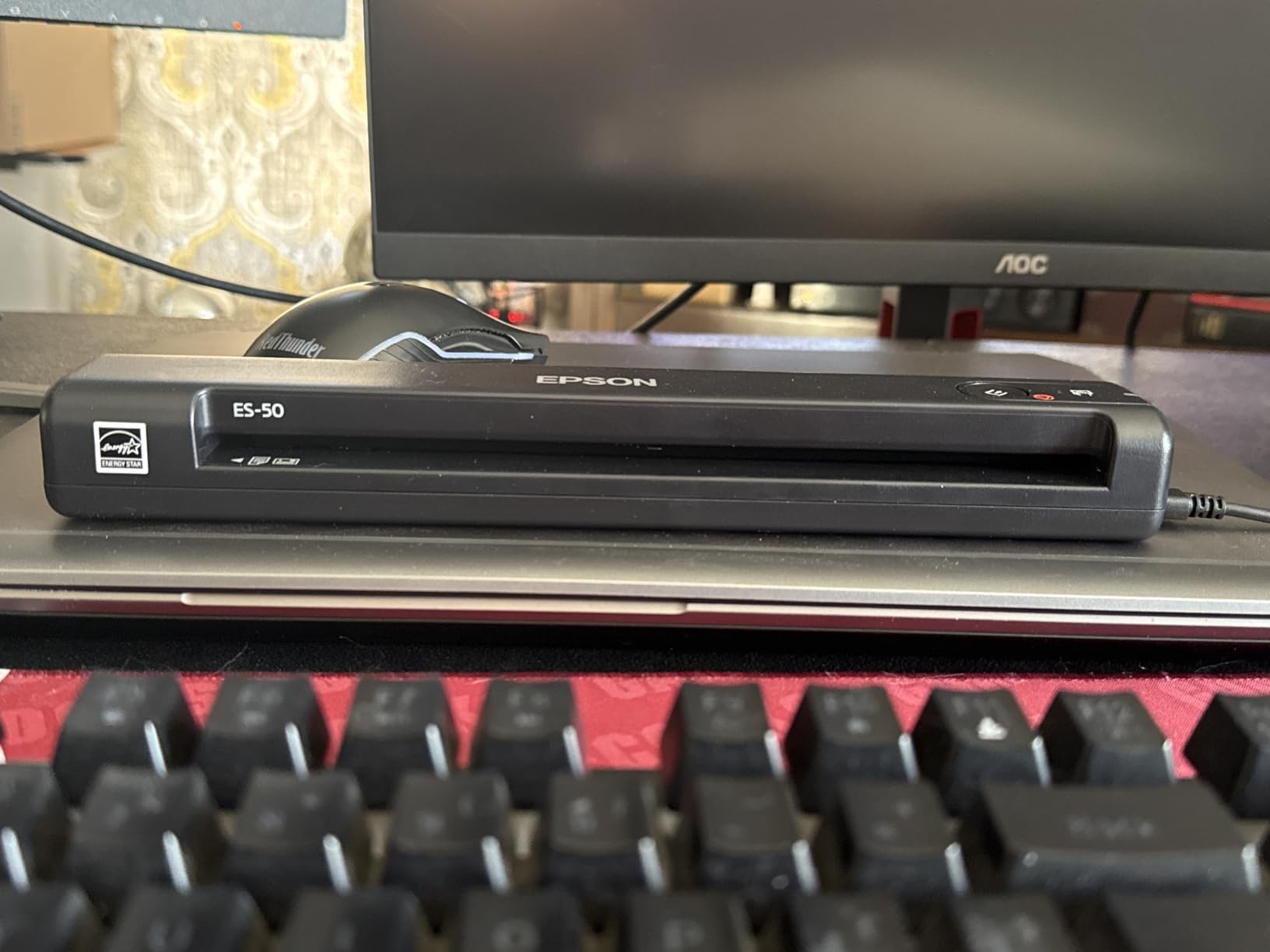
At 9.44 ounces and a little over an inch tall, the ES-50 is the machine I put in a jacket pocket rather than a laptop bag, and it handles pages up to 8.5 by 72 inches. That 72-inch limit is the number that matters for travel documents. A full hotel folio, a folded boarding pass and a long itemized restaurant receipt all fit without being cut off, which is exactly the complaint that shows up in forum threads about models advertising a shorter maximum.
The Epson ScanSmart software is free and handles review, save and multi-page merging, and automatic feeding mode can combine multiple pages into a single file. Nuance OCR is included for searchable PDFs and editable Word and Excel files, so you are not opening a separate subscription tool at a hotel desk to make a PDF searchable.
Where the 72-Inch Path Changes Your Workflow
A long-page mode is not a spec-sheet gimmick for travelers. It means you can scan a continuous roll-style receipt, a folded itinerary, or a multi-column boarding document in a single pass instead of stitching two images together later. On my trips this has been the difference between a clean single PDF and a two-file merge that puts the second half on its own page at the wrong scale.
It is simplex and single-sheet, so two-sided forms still need flipping. Automatic feeding mode merges what you feed it, but you feed it one sheet at a time. At 5.5 seconds a page, feeding a night of paperwork one slip at a time is tolerable but not fast.
Alignment: The One Thing to Watch
There are no paper guides in the feed path, which is the most common complaint owners raise. Sheets need to sit square in the slot, and a skewed thermal receipt can enter at an angle that produces a soft edge on one side. It is a habit you pick up after a few feeds, and owners who master it report no further problems.
A minority of users also report black streak artifacts appearing after months of use, which points to a cleaning issue on the CIS sensor rather than a paper problem. Keep the included maintenance approach in mind, and if you scan daily, expect to clean the glass more often than the manual suggests.
What You Give Up Compared With the DS-640
The ES-50 runs off USB with no batteries required, so like the DS-640 it wants a host computer present. If your trip is phone-only, this is the wrong tool and the ES-60W or the ES-65WR is the right one. The other trade-off is alignment sensitivity versus the Brother feed, which some travelers find fiddly when scanning receipts quickly at the end of a long day.
3. Brother DS-740D – Single-Pass Duplex and a 25-Sheet Feeder in a Sub-Foot Body
Brother DS-740D Duplex Compact Mobile Document Scanner
1.4 pounds and under 1 foot long
Single-pass duplex at 16 ppm
25-sheet automatic feeder
300 dpi CCD sensor
+ Pros
- Duplex in a single pass while staying under a foot long
- 25-sheet feeder is unusually generous for a portable unit
- Excellent color quality
- Works with NAPS2 and SANE on Linux
- One USB cable for power and data
– Cons
- Recurring false jam errors cleared by replugging the cable
- Included USB cable is very short
- Paper-position slider shifts when bumped
- Long receipts need the document size changed from Auto
- Bundled receipt software needs manual training and OCR is weak
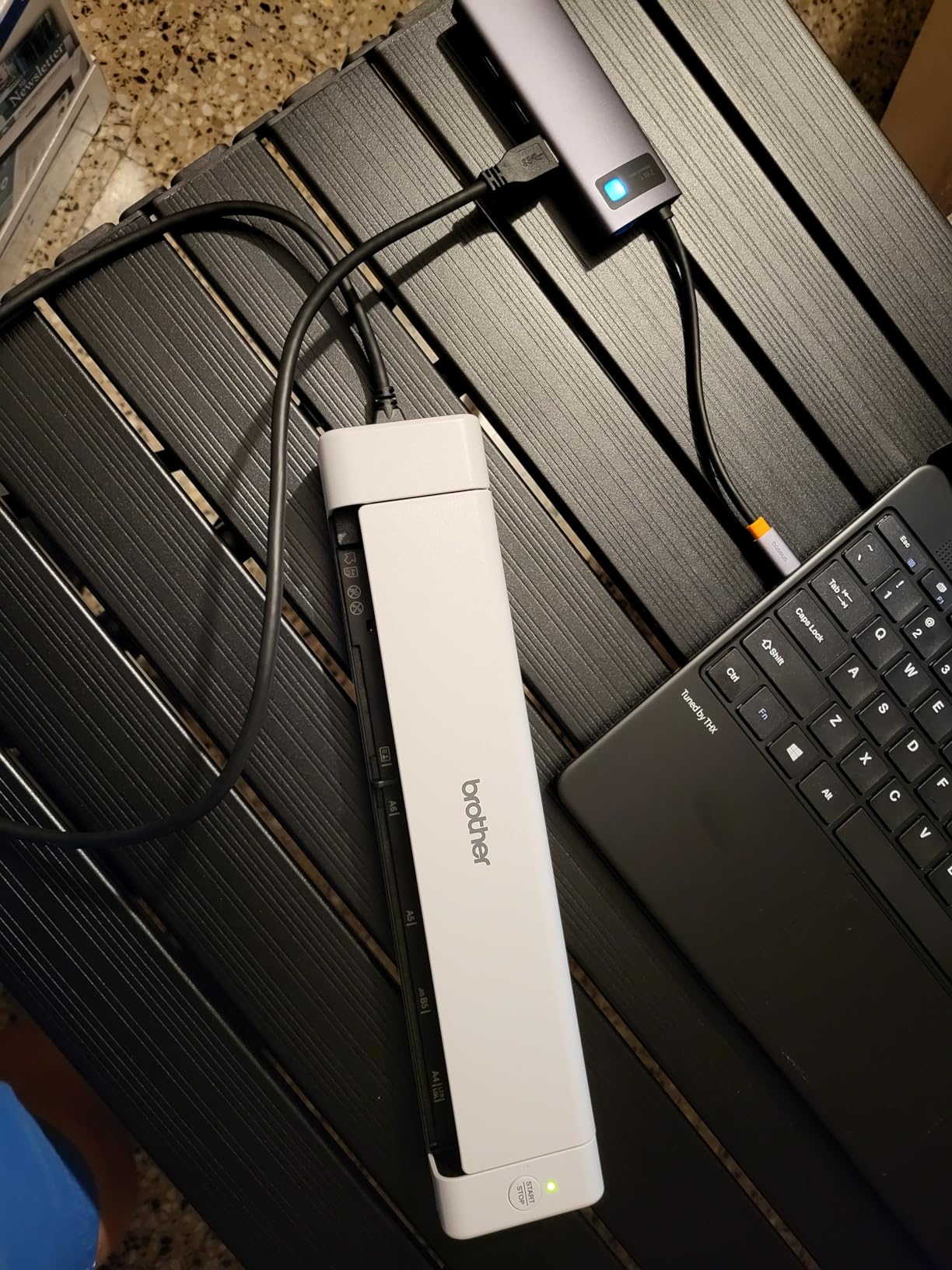
Two-sided paperwork is where travel scanners usually give up, and the DS-740D does not. Single-pass duplex at 16 ppm captures both sides of a contract or a two-sided customs form in one feed, and the 25-sheet feeder is large enough that you are not topping it up after every three pages. At 1.4 pounds and 11.85 by 11.85 by 1.78 inches it is still a carry-on object, not a desk object.
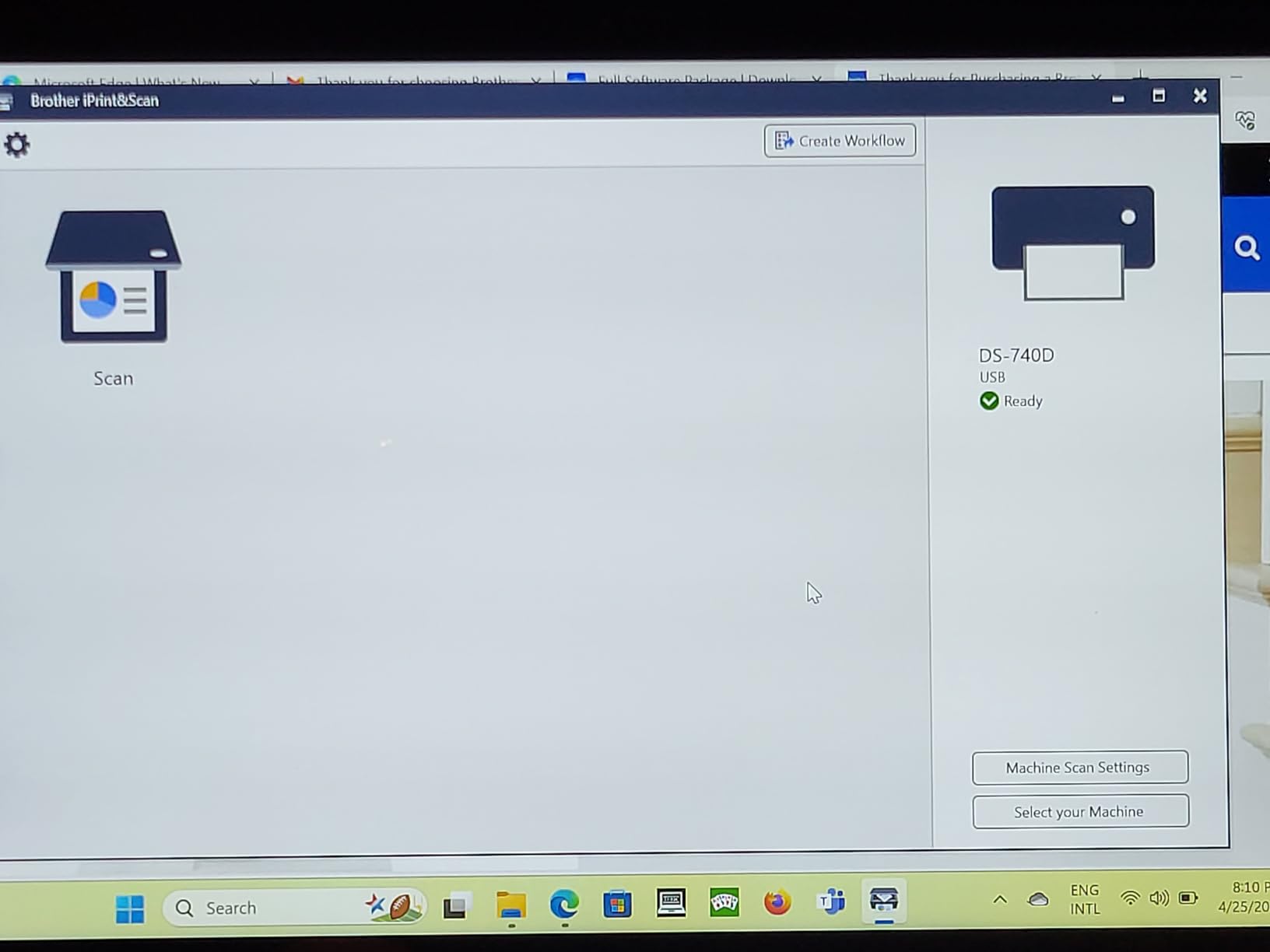
The sensor is a CCD rather than the CIS used by most units in this group, and owners frequently report color output that looks cleaner than the paper original. The Desk Saving Design is a real benefit in a hotel room, since it frees roughly 11 inches of desk space during use. Brother iPrint&Scan handles scan-to PC, network, cloud, email and OCR, with TWAIN, WIA, ICA and SANE driver support.
Duplex Changes How You Pack Paper Before a Trip
Simplex models force you to think about sidedness in advance, because flipping and re-feeding a stack of forms at a hotel desk is exactly the kind of task that makes people give up on scanning altogether. With single-pass duplex you drop a two-sided document in and pull one two-page PDF out, which matters most for signed agreements, rental car paperwork and any form a counterparty hands you on both sides.
The CCD sensor also tolerates slightly thicker stock than a CIS unit. If your bag contains contract paper, forms on card stock, or receipts that have been folded and refolded, that tolerance is worth more to you than the roughly 0.4 pounds you carry instead of the DS-640.
The Jam Behavior You Should Know About
The most repeated complaint across reviews is a recurring false jam error, and the fix owners describe is unplugging and replugging the USB cable. It is a driver-level detection quirk rather than an actual paper obstruction, and it clears on restart. Two related annoyances come with it: the included cable is very short and hard to replace, and the paper-position slider moves too easily, so a bumped bag can shift alignment mid-stack.
There is also a long-receipt caveat that catches people out. Long receipts need the document size setting changed away from Auto, or the scanner stops and flags a jam. If your workflow is dominated by thermal receipts rather than two-sided forms, read that section before choosing this over the ES-50. The bundled receipt software also requires manual box training and its OCR is weak, so budget time for correction if you rely on it for expense data.
What You Give Up Compared With the Picks Above
You give up portability margin. At 1.4 pounds with a 25-sheet feeder, this is the heaviest of the sub-foot units here and the least nimble in a jacket pocket. You also trade the DS-640’s cleaner single-sheet path for a duplex mechanism with more moving parts, which is where the false jam behavior comes from.
4. Canon imageFORMULA R10 – Built-In Software and 20-Sheet Batches Without a Host PC
Canon imageFORMULA R10 – Portable Document Scanner, USB Powered, Duplex Scanning, Document Feeder, Easy Setup, Convenient, Perfect for Mobile Users, White
998 g and 11.22 inches wide
20-sheet feeder with duplex at 12 ppm
600 dpi color, monochrome or grayscale
Scanning software built in and self-updating
+ Pros
- One of the few portable units with single-pass duplex
- A 20-sheet feeder handles real multi-page batches
- Built-in software needs no installation and updates itself
- Compact enough for hotel desks and remote work
- Good image quality in color
- monochrome and grayscale
– Cons
- Heavier than the ultra-compact single-sheet models
- Highest share of one-star reviews in this group
- Not intended for photographs or photographic prints
The R10 is the middle path between a single-sheet pocket scanner and a desktop machine. It weighs 998 grams, measures 11.22 by 3.74 by 1.57 inches, and carries a 20-sheet automatic document feeder with duplex at up to 12 pages per minute. When a trip produces a stack of paperwork rather than a steady trickle of receipts, a feeder changes the entire experience.
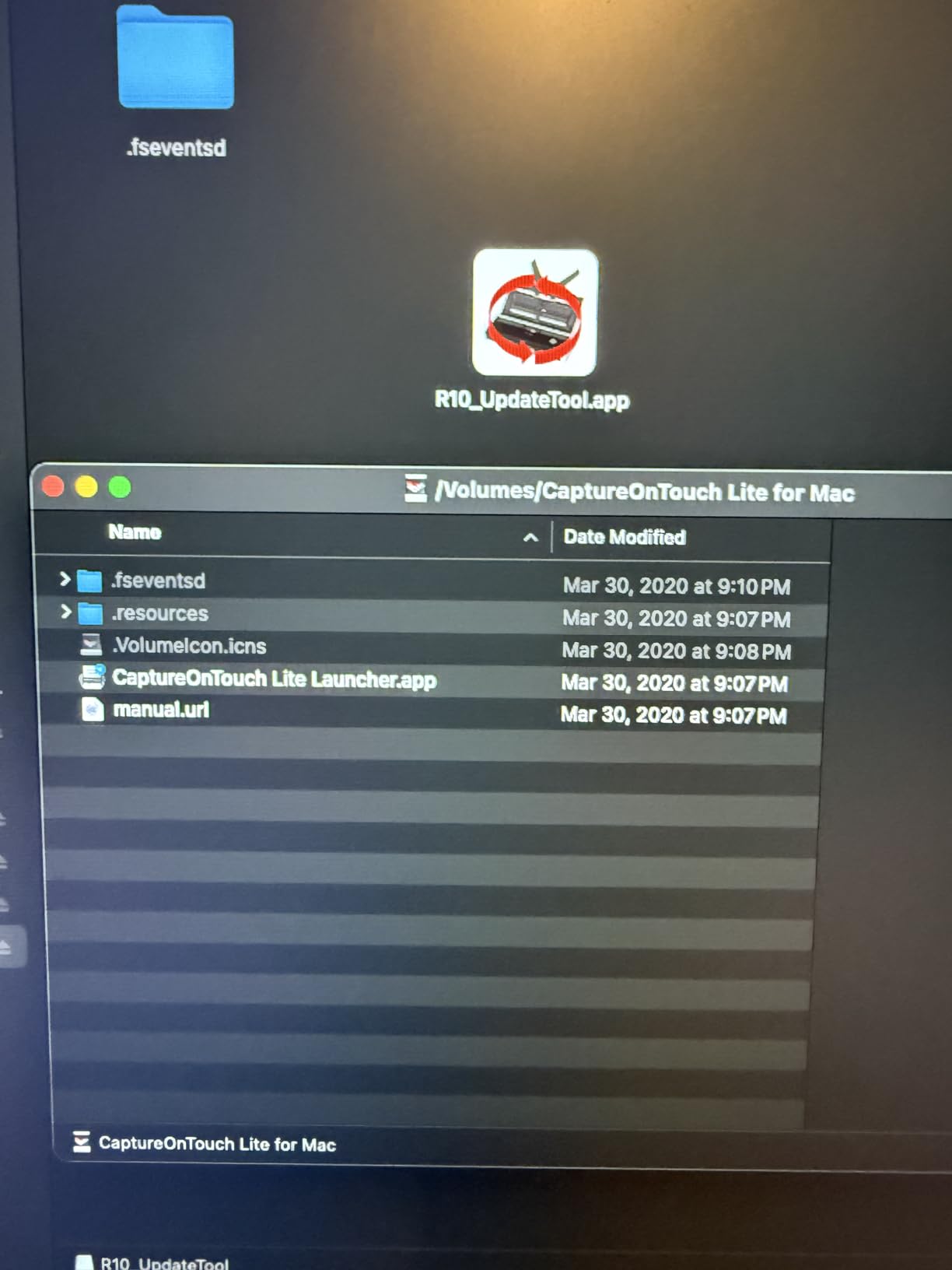
The distinguishing feature is the built-in scanning software, which requires no installation and updates itself. On a travel laptop that has never seen an office network, that removes the single most common reason a portable scanner sits unused in a bag. Scan preview with edit, straighten and trim plus custom scan buttons means you can fix a crooked page without reopening anything.
600 dpi and What It Costs You to Upload
Resolution here is 600 dpi in color, black-and-white or grayscale, which is the practical ceiling for travel documents. The suggested daily volume is 500 scans and power consumption is 2.5 watts or less, dropping to 0.7 watts in Energy Saving Mode, so the unit is genuinely light on a battery when you top it up from a laptop.
Higher resolution is not automatically better on a trip. A 1200 dpi scan of a wrinkled receipt produces a much larger file, and the extra detail rarely survives OCR on a thermal print. If you are uploading over hotel Wi-Fi, 600 dpi is usually the smarter ceiling. The R10 cannot scan photographs or photographic prints, which is fine for paperwork and a limitation if you hoped to digitize printed photos.
Durability Is the Question We Watched Most Closely
The R10 carries the largest share of one-star reviews among the ten scanners in this roundup, which is worth stating plainly. The 4.1 average against 4.2 and 4.3 for its peers reflects more reports about build and longevity rather than scan quality. Reviewers who like it tend to describe good output in every color mode; reviewers who do not describe physical wear over time.
If you buy this for a two-year trip cycle, that is the risk you are accepting. The upside is honest though: duplex, a 20-sheet feeder and self-maintaining software in a sub-foot body is a combination nothing else in this group matches at this weight.

What You Give Up Compared With the Picks Above
You give up duplex-adjacent portability. It is close to a pound and a half and it is not the machine you slip into a jacket pocket on a walk. It also ties you to a laptop or desktop over USB, so it is not the answer for a phone-only trip. In exchange you get the batching and the zero-install software, which is a real trade for people scanning a stack rather than a slip.
5. ScanSnap iX1300 – Computer-Free Wireless Scanning at Full Desktop Speed
ScanSnap iX1300 Wireless or USB Double-Sided Color Document Scanner, Black
4.4 pounds in a vertical body
30 ppm duplex at 600 dpi
Connects by USB or Wi-Fi and can scan without a computer
20-sheet feeder
+ Pros
- Only unit here that scans standalone without being tethered to one machine
- Fast 30 ppm duplex with de-skew and blank page removal
- Vertical footprint saves desk space
- One-touch operation with no driver setup
- Handles thick documents and plastic cards reliably
– Cons
- Heaviest and priciest option in this group
- QUICK MENU and ScanSnap Home feel cluttered at first
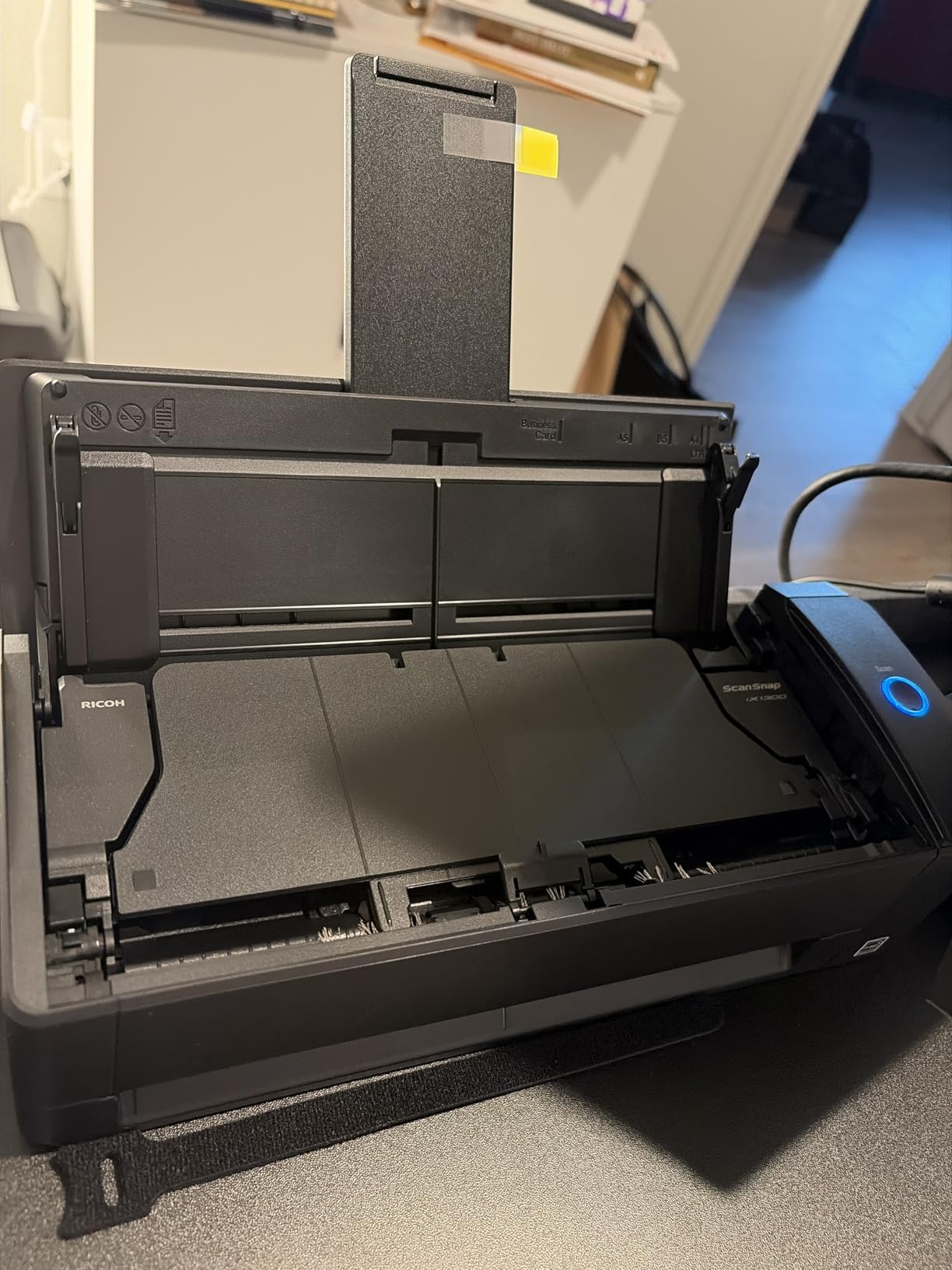
The iX1300 is the only unit in this roundup that scans without a computer at all. It connects by USB or Wi-Fi, sends to Mac, PC, mobile devices, cloud services and Chromebook through a mobile app, and works standalone so a scan does not require a host machine to be present. For a traveler whose phone is the only computer in the room, that single feature outweighs everything else on this list.
Speed is desktop-class rather than portable-class: up to 30 ppm duplex at 600 dpi with automatic de-skew, color optimization and blank page removal, plus a 20-sheet feeder. The vertical space-saving design stands 11.7 inches wide, 4.5 inches deep and 3.3 inches tall, so it occupies very little desk or lap space while in use.
Why Computer-Free Scanning Changes Travel Logistics
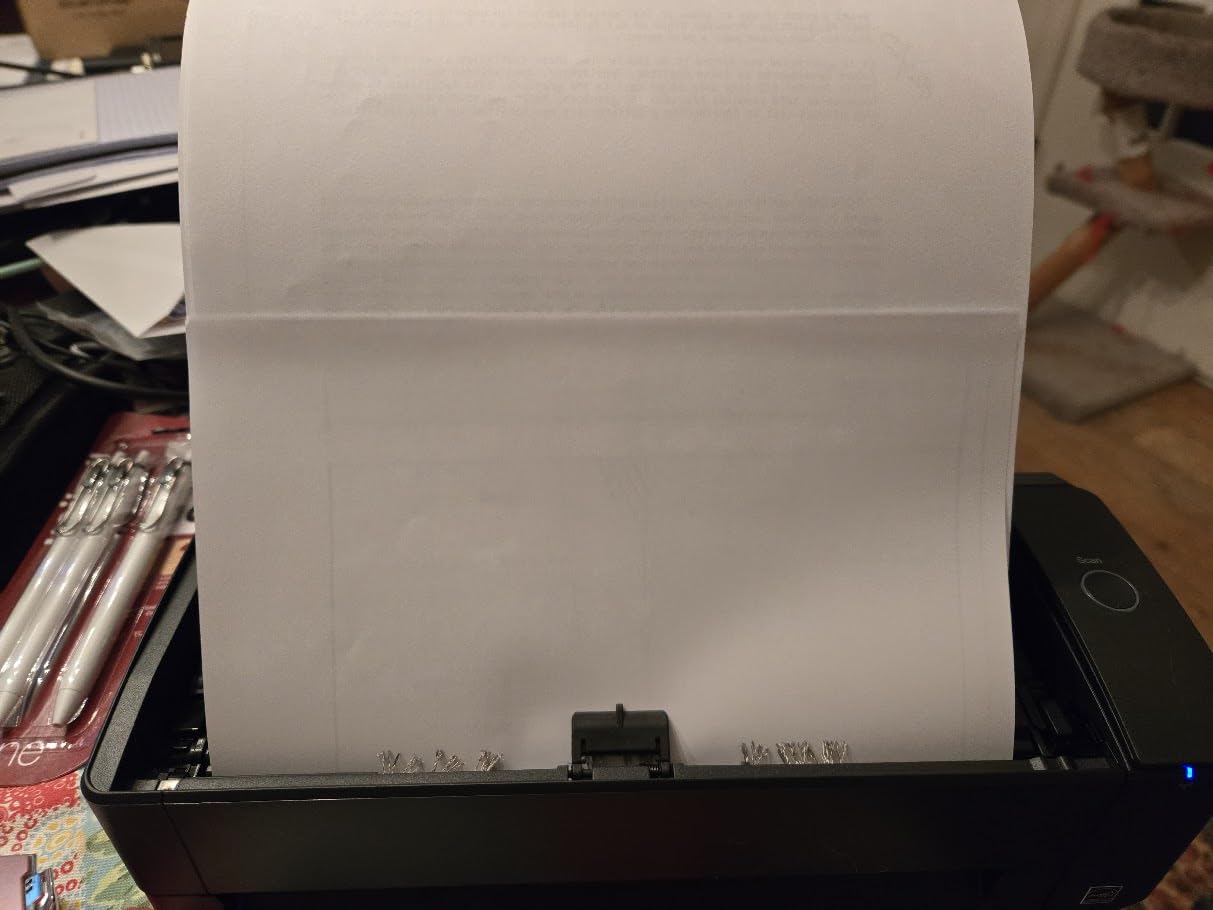
Most units on this list are USB-powered, which sounds convenient until you realize it means the laptop must be awake, connected and in reach. The iX1300 decouples those. You can push a stack of receipts through it in a hotel room and have the files land in a cloud destination or on your phone without unpacking a computer at all. ScanSnap Home manages, edits and uses scanned documents, receipts, business cards and photos once they arrive.
That freedom has a cost in the literal sense: at 4.4 pounds it is by far the heaviest unit here, roughly three times the weight of the ES-50. It is a bag item rather than a pocket item. It also draws 17 watts, which matters more if you are topping it up from a small power bank than the lighter units do.
The Paper Handling Is Stronger Than Portable Norms
This scanner handles documents, photos, cards and more including thick items and plastic cards, which is broader than most portable units on this list. Reviewers report consistent handling of thick documents and plastic cards, and the QUICK MENU gives you drag-and-drop scanning with no driver setup ritual before the first page of a trip.
The learning curve complaint is real but shallow. Both QUICK MENU and ScanSnap Home feel cluttered to new users, and owners mostly report that it settles down after a few sessions. Blank page removal and automatic de-skew are handled in the pipeline, which saves time when you are scanning a mixed stack of receipts and forms.
What You Give Up Compared With the Picks Above
You give up the reason most travelers buy a portable scanner in the first place. At 4.4 pounds this does not disappear into a bag, and if you are walking a long route or moving countries on a budget, the weight is real. It is also the most expensive unit in this group, which makes it a hard sell as an occasional travel tool.
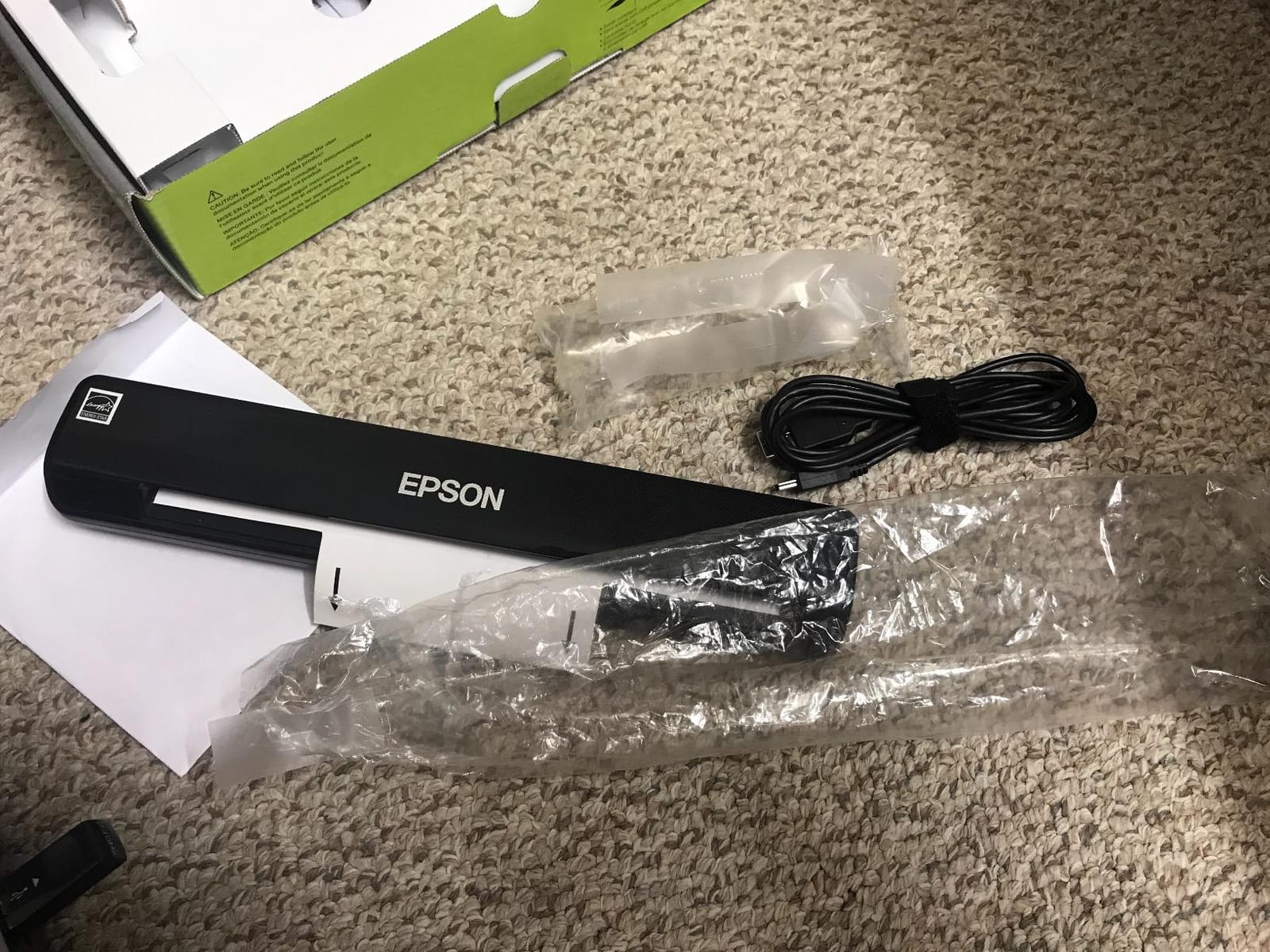
6. Epson WorkForce DS-30 – Budget Pick With a Paper Path That Takes Punishment
Epson Workforce DS-30 Portable Document Scanner for PC and Mac, Sheet-fed, Mobile/Portable
320 g and under 1 lb
10-sheet feeder
USB powered with no external supply
Scans up to 8.5 x 14 inches with PDF and PDF/A output
+ Pros
- Roughly the size of a three-hole punch and easy to slip into a laptop bag
- Strong autofeed motor handles thick card stock and crumpled receipts
- Good OCR for searchable PDFs through a simple interface
- 10-sheet capacity handles small batches well
- Long-term owners report years of reliable continuous use
– Cons
- Slower scan speed than newer portable models
- Long receipts beyond 14 inches will not feed
- Bundled Presto BizCard software is largely ineffective
- Yellows on carbon-copy paper can scan as white
- Some owners must reinstall Epson Scan after unplugging
The DS-30 is roughly the size of a three-hole punch, weighs 320 grams, and is the pick for anyone who wants the cheapest way to stop hoarding paper. The feed motor is the surprise here. Owners report it chewing through thick card stock and crumpled receipts without complaint, which is not something you can say about most single-sheet units.
Bundled software is the deeper stack than the price suggests: Epson Document Capture Pro, ABBYY FineReader and NewSoft PageManager on Mac, with OCR and document management for PDF and PDF/A files. One-touch scan to cloud works from the included software, and it is USB powered with no external power supply.
The 14-Inch Limit Is the Whole Argument
This is the one spec that decides whether the DS-30 fits your trips. It scans documents up to 8.5 by 14 inches plus business cards and plastic ID cards. Long hotel folios, continuous thermal receipts and folded itineraries will not feed. If your paperwork is mostly receipts and short forms, that is fine. If you regularly scan long documents, you want the ES-50 or the DS-70, which reach 72 inches.
This is the limit that forum discussions keep tripping over, and it is worth checking before you pack. A scanner that truncates a receipt on a business trip is worse than no scanner, because you find out at the expense report stage.
Software That Needs a Little Work
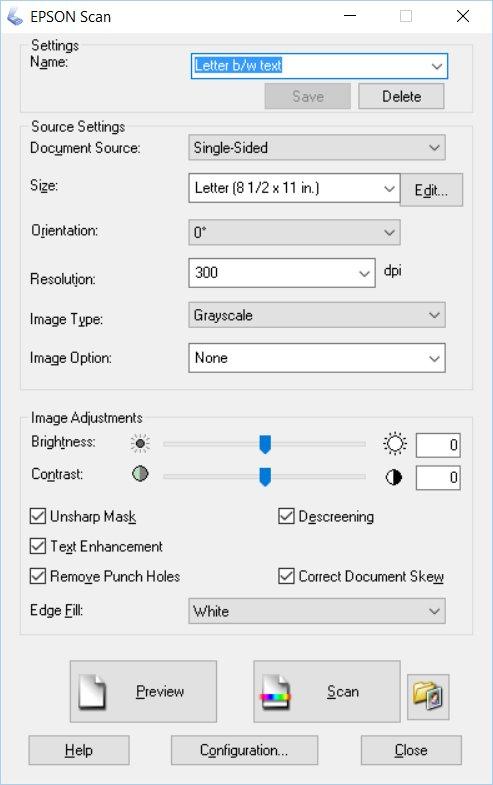
The OCR itself is good for searchable PDFs through the straightforward Epson Scan interface. The weak spot is the bundled Presto BizCard software, which reviewers describe as largely ineffective and in need of manual correction. If you scan business cards, do not rely on it. ABBYY FineReader is the tool worth learning.
There is also a portability wrinkle worth knowing: some owners have to reinstall Epson Scan software after unplugging the unit, which defeats the point of carrying it. And carbon-copy paper can scan yellow highlights as white, with black-and-white output that looks gritty. Test it on your own document type before committing.
What You Give Up Compared With the Picks Above
You give up speed and page length. Long-term reliability is the strength that reviewers mention most, but scan speed is slower than newer portable models and the 14-inch ceiling is a hard stop. It is also USB-tethered, so like the DS-640 it wants a computer in the room.
7. Epson WorkForce ES-60W – Button-Triggered Wireless Scanning to a Phone
EPSON Workforce ES-60W Wireless Portable Document Scanner
10.6 ounces and 1.34 inches tall
Wireless portable scanning with a push-button on the device
TWAIN-compatible software for Windows and Mac
+ Pros
- Wireless scanning frees the device from a fixed computer
- Push-to-scan button launches the software directly
- Very small footprint that fits in a drawer between uses
- Solid build quality with well-implemented features
– Cons
- Wireless pairing tends to stick to one device at a time
- Not duplex and only one sheet at a time
- Bundled accounting features require a learning curve
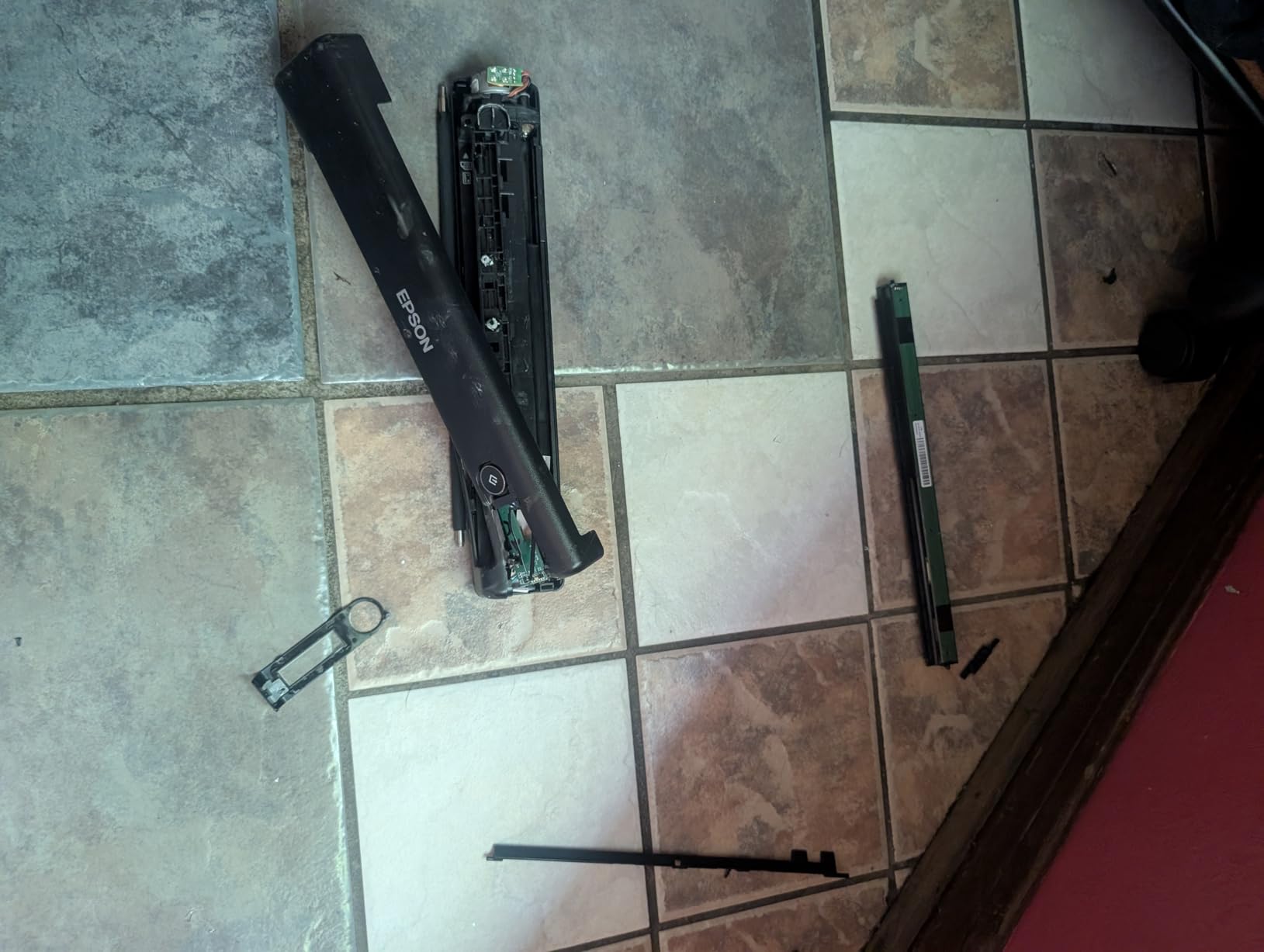
The ES-60W is the simplest phone-first scanner here. At 10.6 ounces and 10.71 by 1.85 by 1.34 inches, it is the size of a rolled magazine, and the push-button on the device launches the scanning software directly rather than making you hunt through menus on a phone at the end of a long day.
It is wireless, which means the scan goes to your phone, tablet or cloud without a cable tethered across a hotel desk. TWAIN-compatible scanning software covers Windows and Mac, so it also works as a normal desktop scanner when you are back at a proper desk.
Why the Push Button Is the Real Feature
On a phone-first workflow, the friction is rarely the scan itself, it is the sequence of tapping through an app, choosing a destination and confirming a file. A hardware button collapses that into one action. Owners consistently describe the implementation as solid, and the small footprint means the unit lives in a drawer between trips rather than on a shelf.
The pairing behavior is the thing to plan around. Reviewers report that wireless pairing tends to stick to one device at a time, so if you alternate between a phone and a laptop on the same trip, expect to re-pair rather than expect a seamless handoff. That is a minor annoyance for most itineraries and a genuine problem for someone who genuinely alternates devices daily.
Where It Falls Short for Travel Workflows
It is simplex and single-sheet, so two-sided forms mean flipping. The bundled accounting features require a learning curve, and if your receipts are long this is not the unit. Where it wins is narrow and specific: a traveler who wants to scan one page at a time to a phone, quickly, with no cable and no computer.
For that narrower job it is excellent. For a trip full of two-sided forms, look at the DS-740D or the R10 for duplex, and note that both are USB units that want a laptop present.
8. HP PS100 – The Three-Ounce Scanner That Handles Photos Too
HP Small USB Document & Photo Scanner for Portable 1-Sided Sheetfed Digital Scanning, Model HPPS100, for Home, Office & Business, PC and Mac Compatible, HP WorkScan Software Included
3 ounces and 11.6 inches wide
15 ppm simplex at up to 1200 dpi
Paper from 2 x 2.9 to 8.5 x 14 inches
10-sheet capacity with USB 2.0 power
+ Pros
- Extremely light at 3 ounces with a tiny footprint
- Fast 15 ppm one-sided scanning for small batches
- Free WorkScan software with auto-scan and background cleanup
- Handles documents
- photos
- business cards and receipts
- Plug-and-play USB with no separate power supply
– Cons
- Relies entirely on HP WorkScan software and the on-device button does little
- Long receipts often trigger jam errors with no partial output
- Some users report software that heavily loads or crashes the host computer
- Scan settings must be changed for every item
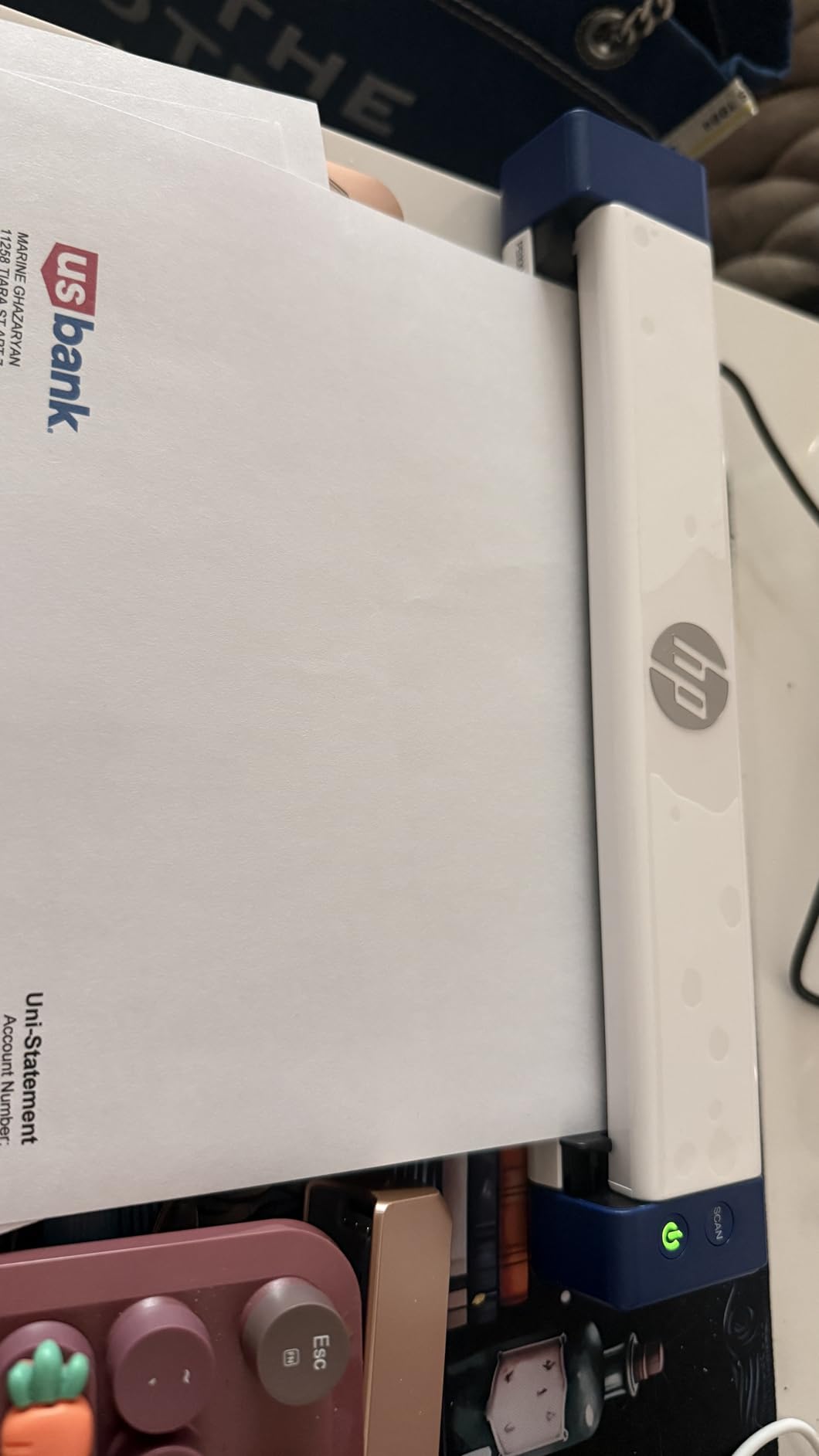
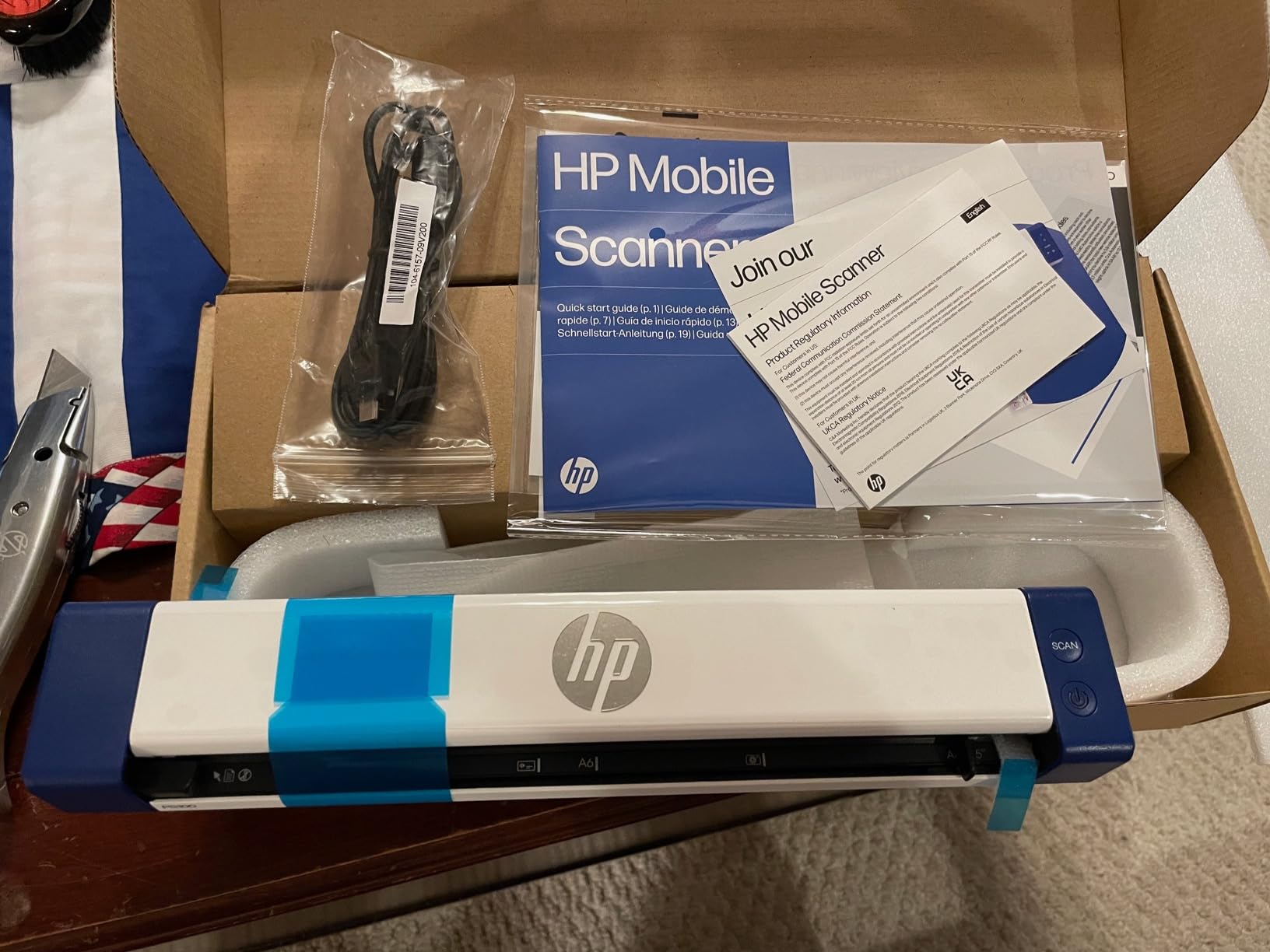
The PS100 is the one you forget you packed. Three ounces and 2 by 11.6 by 1.4 inches, it is the lightest unit here by a wide margin, and it still runs at 15 pages per minute simplex with up to 1200 dpi output in PDF, JPG and other formats.
It is also unusual in handling both documents and photos, plus business cards, receipts and envelopes. That makes it the pick if your trip involves a passport photo, a printed document with a photo on it, or an ID card that needs digitizing alongside your paperwork. Paper sizes run from 2 by 2.9 inches up to 8.5 by 14 inches.
The Software Is the Whole Product
HP WorkScan is free and covers auto-scan, size detection, crop, edit and background cleanup, which is a genuinely capable set for a scanner at this end of the market. The catch is that it is proprietary and the on-device button does very little, so you are driving the unit entirely from the host computer. Two-year limited warranty is included.
Some owners report software that heavily loads or crashes the host machine, and that scan settings and output format must be changed for every item rather than persisting between scans. On a borrowed or travel laptop that is a genuine friction point, because there is no bundled utility that runs light without the driver layer.
Long Receipts Are the Weak Spot
Long receipts often trigger jam errors with no partial output, which is the worst combination for an expense workflow because you lose the scan entirely. Combined with the 8.5 by 14 inch ceiling, this is the unit for short documents and photos rather than for thermal receipt trails.
What you get for the weight is speed and flexibility: 15 ppm, 1200 dpi, ten-sheet capacity, and the only option in this roundup that treats photographs as a first-class use case. That makes it a good companion for a trip where you are digitizing more than expense paperwork.
What You Give Up Compared With the Picks Above
You give up independent operation and long paper. It is USB-tethered, simplex, single-purpose in software and stops at 14 inches. Where the DS-640 and the ES-50 are the dependable all-rounders, the PS100 is the specialist for weight and mixed document types.
9. Epson DS-70 – Fastest Small Scanner With the Longest Warranty Here
Epson DS-70 Portable Document Scanner Mobile Single-Sheet Scanner
9.44 ounces, 1200 dpi resolution
Single page in as fast as 5.5 seconds
Documents up to 8.5 x 72 inches plus cards and receipts
Three-year limited warranty
+ Pros
- Highest average rating among the ten units in this group
- 5.5 second scans at 1200 dpi resolution
- Three-year warranty with next-business-day replacement
- Handles pages up to 72 inches as well as cards and receipts
- OCR software included for searchable PDFs and editable text
– Cons
- One sheet at a time with no automatic document feeder
- USB-A connection rather than USB-C
- Software must be downloaded separately before scanning
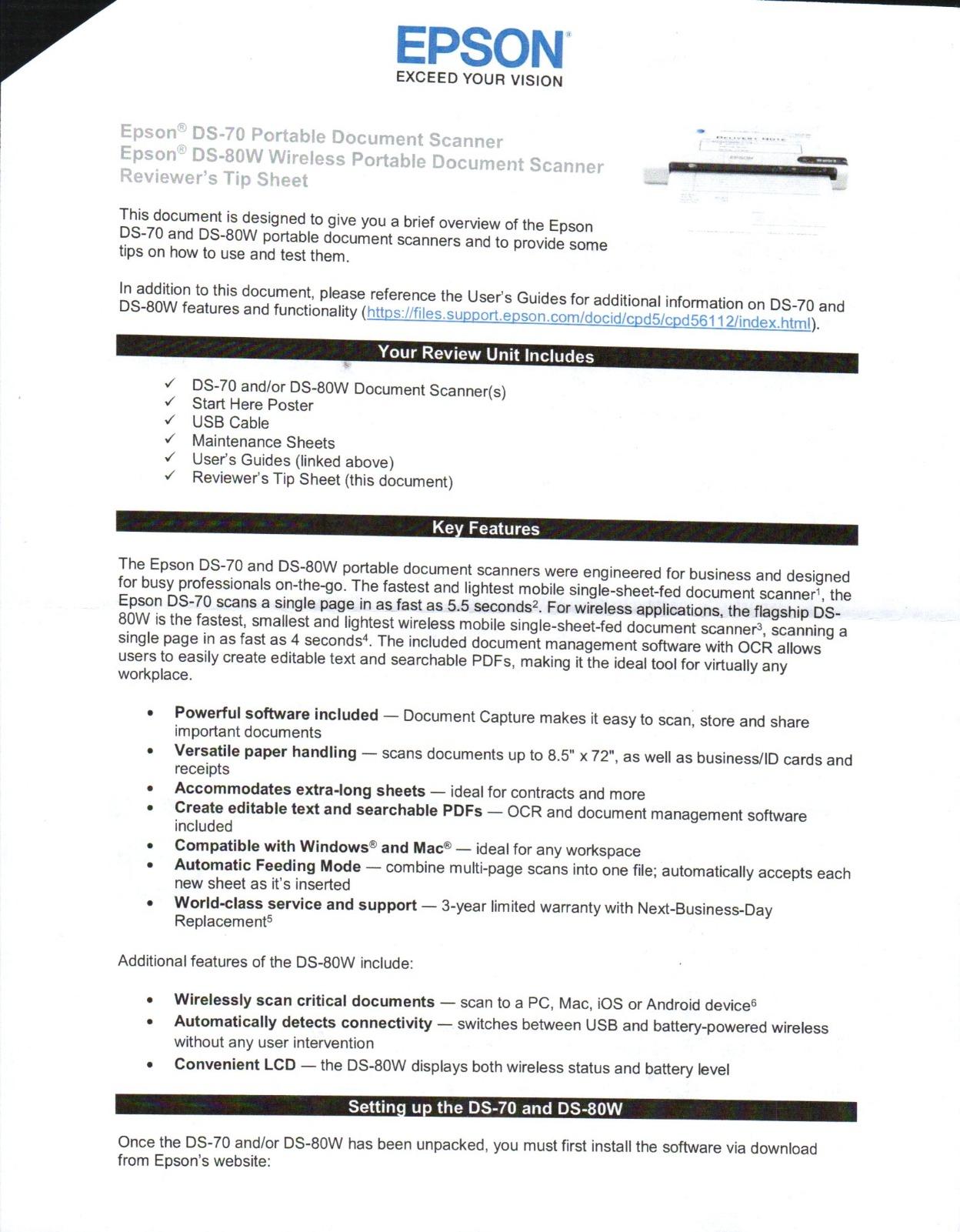
The DS-70 carries the highest average rating of the ten scanners here, and owners are specific about why: it is small, it is fast at 5.5 seconds a page, and it scans pages up to 8.5 by 72 inches plus business cards, ID cards and receipts at 1200 dpi. The CIS sensor and 2.5 watt draw make it a natural companion to a laptop rather than a standalone device.
The warranty is the detail that matters most for travel gear. A three-year limited warranty with next-business-day replacement means that if a roller or sensor gives out mid-trip, you are not buying a second scanner. For someone who buys one of these and expects to keep using it across many trips, that is worth more than any single feature.
Why the Rating Holds Up
Across reviews the praise is consistent and narrow: minimal size, fast page speed, long-page capability, and a warranty that does not expire on you in year two. There is no batch feeder, no duplex and no wireless, so it is not a machine for stacks. It is a machine for one sheet at a time, done well, for a long time.
Resolution is 1200 dpi, which for paper documents in color is more than any traveler needs. The practical reason to like it is the 72-inch path: that is the same long-receipt tolerance as the ES-50, in a body that weighs 9.44 ounces, at a rating that leads this list.
The Setup Step Nobody Expects
Software must be downloaded separately before you can scan. There is no built-in utility like the Canon R10 has, so on a brand-new travel laptop the first scan needs a download and an install. Plan for that once rather than at an airport gate.
The other limitation is USB-A rather than USB-C, which is now common across this category. If your laptop has only USB-C ports, carry a hub you would be carrying anyway.
What You Give Up Compared With the Picks Above
You give up everything multi-page: no feeder, no duplex, no wireless, no built-in software. In exchange you get the highest rating, the longest warranty and the same long-page reach as the ES-50 in a slightly different package. If you are the person who scans one document at a time and wants it to still work in five years, this is the pick.
10. Epson WorkForce ES-65WR – Receipt Software With No Subscription Attached
Epson Workforce ES-65WR Wireless Portable Sheet-fed Document Scanner with Premium Accounting Features for PC and Mac
10.56 ounces and battery powered
Single-page scans in as fast as 4 seconds
Pages up to 8.5 x 72 inches
Receipt management software with no subscription
+ Pros
- Fastest single-page scans in this group at 4 seconds
- Receipt management software with no ongoing subscription
- Exports straight to QuickBooks
- Quicken
- TurboTax and Excel
- Under 11 ounces and battery powered for true wireless use
- Push-to-scan button launches the software
– Cons
- Wireless pairs with only one device at a time
- Changing Wi-Fi networks requires reinstalling software over USB
- Disconnects after about two pages for some users
- One sheet at a time and not duplex
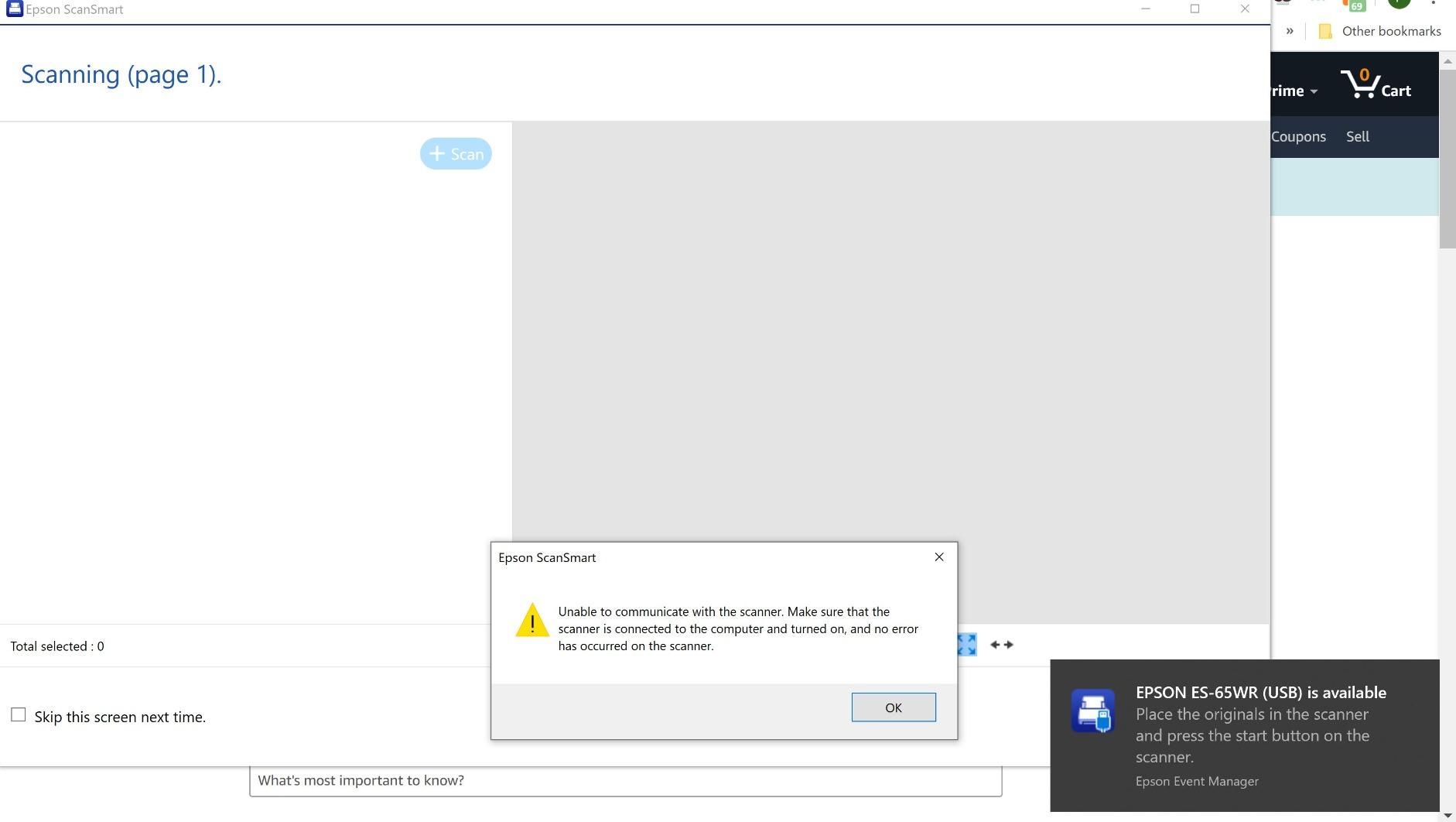
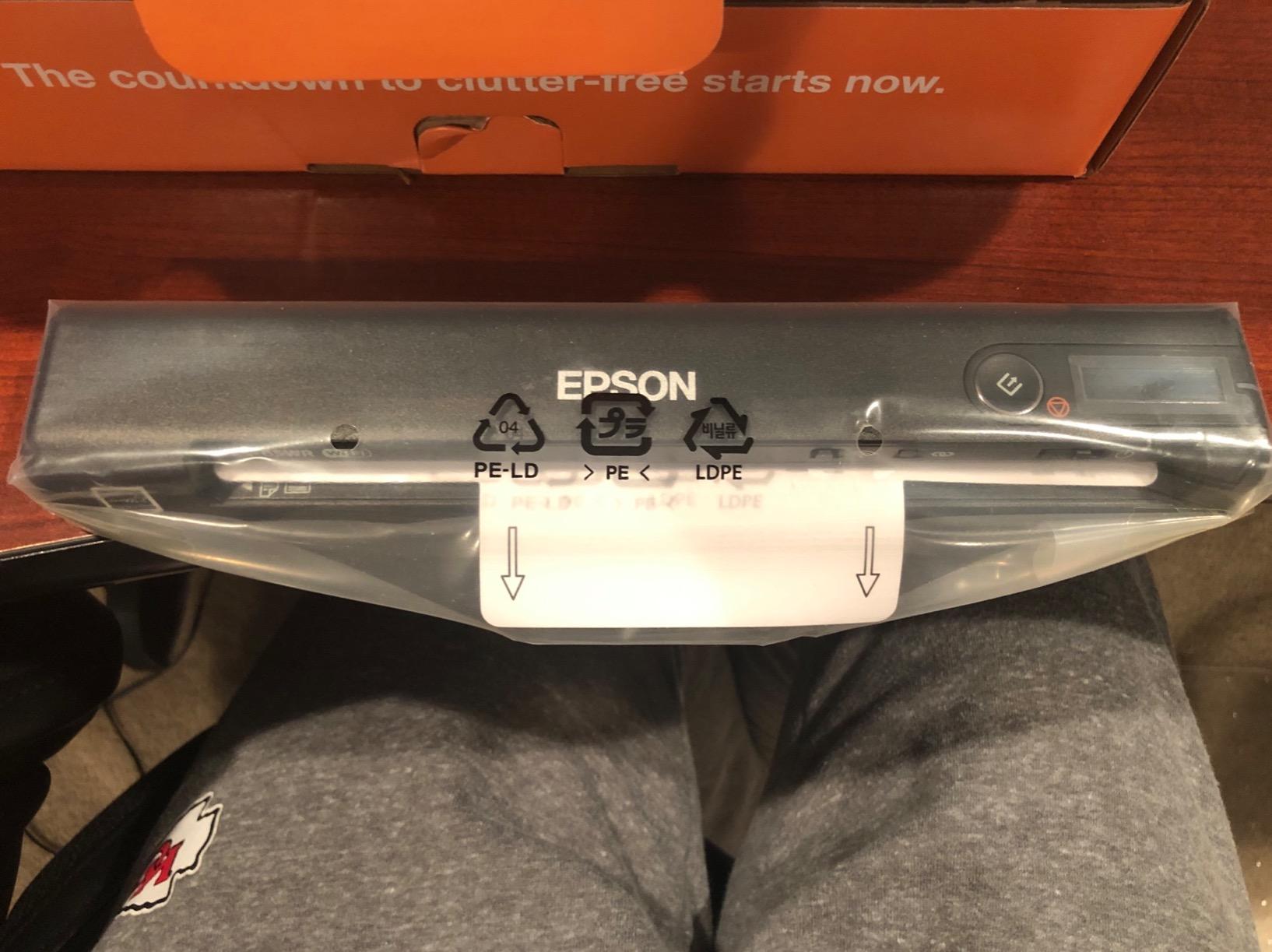
The ES-65WR is the most purpose-built travel unit on this list if your trips generate expense reports. It is the fastest single-page scanner here at 4 seconds, it weighs 10.56 ounces, and it is genuinely battery powered rather than relying on a laptop to supply the juice. Wireless scanning goes to smartphones, tablets, cloud, PC or Mac, and pages run up to 8.5 by 72 inches.
The bundled receipt management software is the differentiator. It automatically extracts and categorizes key receipt data, exports to QuickBooks, Quicken, TurboTax and Excel CSV, and there is no subscription to pay for after purchase. Nuance Power PDF for Windows and a PDF converter for Mac are included, along with automatic file naming and scan object recognition.
The Expense-Report Case Is the Entire Case
Most of this roundup produces PDFs and leaves the bookkeeping to you. This one automates extraction and categorization and pushes the result straight into the accounting tools people actually use. If you file expenses weekly or quarterly, that turns scanning from a task into a step in a process, which is the difference between a scanner you use and a scanner you leave in a drawer.
The battery is what makes it genuinely travel-ready. It is not drawing power from a laptop, so it works at a restaurant table or an airport lounge where you have no cable and no computer open. Automatic file naming and scan object recognition cut down the sorting work that eats an evening of expense admin.
The Wi-Fi Workflow Is the Weak Link
Wireless pairs with only one device at a time, and changing Wi-Fi networks requires reinstalling the software over USB. That last point is the one to internalize before a trip: if you move hotels and need to change networks, budget a five-minute USB session rather than discovering the problem mid-meal. Some owners also report the connection dropping after about two pages.
It is simplex and single-sheet, so two-sided forms still need flipping, and at 205 reviews this is the least proven unit in the group. What it offers is unmatched for its purpose: the fastest page speed, real battery power, long-paper reach and no-subscription receipt software in one 10.56-ounce body.
What You Give Up Compared With the Picks Above
You give up duplex, batching and confidence from long owner histories. The single-device pairing and network-change workflow are real constraints on a multi-city trip. But no other unit here combines battery power with receipt automation that does not charge you a monthly fee.
How to Choose a Portable Document Scanner for Travel
The order you evaluate these criteria in matters more than the criteria themselves. Work down this list in sequence and you will eliminate half the options before you read a single review. The seven criteria in priority order are: battery or USB power, weight, duplex, connectivity, paper length, OCR and output, and price band.
Battery Powered Versus USB Powered Is the First Filter
This distinction decides whether a scanner works in an airport lounge. A USB-powered unit like the DS-640, the ES-50, the DS-740D, the R10, the DS-30, the PS100 or the DS-70 needs a host computer awake and connected. That is fine at a hotel desk and impossible at a gate with nothing but a phone. Only the ES-60W and the ES-65WR in this group run on a built-in battery for genuine wireless operation.
The ScanSnap iX1300 is the third path. It is not battery powered, but it can scan without a computer at all, sending files to a phone, cloud destination or Chromebook over Wi-Fi. If your trips are phone-first, that is the capability you are actually shopping for, and it rules out seven of these ten models instantly.
Weight: The Number That Decides Pocket or Bag
The spread here is wide enough to change the answer. The PS100 at 3 ounces and the ES-50 and DS-70 at 9.44 ounces genuinely fit a jacket pocket. The DS-640 at about 1.5 pounds, the DS-740D at 1.4 pounds and the R10 at 998 grams are laptop-bag items. The iX1300 at 4.4 pounds is a bag item with consequences if you are walking long distances or moving countries with a weight limit.
Owners in Buy It For Life communities consistently treat serviceability and durability as part of the purchase, not an afterthought. A unit with a replaceable feed roller and a screw you can reach is worth more over years than a lighter one that cannot be opened.
Simplex, Duplex and Single-Pass Duplex
Simplex means one side per feed. Duplex means both sides. Single-pass duplex captures both sides in one pass through the machine, which is faster and avoids the feed alignment risk of a return path. In this roundup the DS-740D, the R10 and the iX1300 do duplex; everything else is simplex.
The decision rule is simple. Receipts, boarding passes and single-page forms do not need duplex, and duplex costs you weight, depth and price. Two-sided contracts, customs forms and rental paperwork do need it, and flipping those by hand is the single most repeated complaint in travel scanning threads.
Paper Length: Where Long Receipts Decide the Winner
Check this before anything else about paper handling. The ES-50, the DS-70 and the ES-65WR scan up to 8.5 by 72 inches. The DS-640, the DS-740D and the R10 handle standard sheets with receipt support. The DS-30 and the PS100 stop at 8.5 by 14 inches.
Hotel folios, continuous thermal receipts and itemized restaurant bills routinely exceed 14 inches. If your trips generate those regularly, the DS-30 and the PS100 will fail you, and no amount of resolution compensates. Search threads also document a related frustration: a spec-sheet maximum that does not survive the mobile app. On duplex units, long receipts often need the document size changed away from Auto or the machine flags a jam.
Connectivity: Guest Wi-Fi Is Not Your Friend
Wireless portable scanners generally pair directly with your device rather than joining a hotel network, which is actually the safer mode in most hotels. The real problem is that pairing tends to stick to one device at a time, as owners of the ES-60W and the ES-65WR both report. If you alternate between a phone and a laptop, plan to re-pair rather than to assume seamless handoff.
The ES-65WR adds a specific trap: changing Wi-Fi networks requires reinstalling the software over USB. On a multi-city trip where you change networks every few days, know that before you need it. For anything on a locked corporate network, verify that the TWAIN driver is permitted before you travel, because endpoint security software can block peripheral drivers on unfamiliar machines.
OCR and Output: 600 dpi Is the Travel Ceiling
Most of these units include OCR for searchable PDFs and editable Word or Excel output. The DS-640, the DS-740D, the DS-30, the DS-70 and the ES-65WR all ship with named OCR suites, and the ES-50 includes Nuance OCR. The DS-30 adds PDF/A export, which is the format you want for multi-year record retention rather than a convenience PDF.
Resolution above 600 dpi inflates file size without adding usable detail on thermal paper or standard office stock. Uploading a large scan over hotel Wi-Fi is slower and no clearer. The one exception is the PS100, which handles photographs as well as documents, where the higher ceiling is genuinely useful.
What Actually Breaks in Transit
Five things fail repeatedly on the road, and every one of them is avoidable. Feed rollers wear and jam on creased thermal paper, which is why Auto page-size detection matters so much on long receipts. Batteries age, so a scanner that sat in a drawer for a year may hold noticeably less charge than when you bought it. Memory cards go missing, which matters on units that save to a card slot rather than sending over Wi-Fi. Wireless pairing fails after a network change, as described above. And cables disappear or fray, so a short included cable is a real annoyance when your laptop is across the desk.
Clean the sensor glass periodically, keep the unit in a pouch rather than loose in a bag, and do a full test scan before you leave rather than discovering a problem on day four of a trip.
Price Bands for a Traveler
Under the entry band, the DS-30 and the DS-640 cover simplex paper scanning with long owner histories and no wireless. The middle band is where duplex and feeders appear: the DS-740D for single-pass duplex and a 25-sheet feeder, the R10 for a 20-sheet feeder with built-in software, and the ES-65WR for battery power plus receipt automation. The upper band is the iX1300, which is the only unit here that scans without a computer at desktop speed.
Our broader guides cover document scanners for tax records if you are digitizing for long-term retention rather than a single trip, and portable document scanners for students if the workload is coursework rather than expense paperwork.
Are Portable Document Scanners Worth It? The Phone App Case
Sometimes no, and the honest version of this answer matters. In r/computertechs threads, users repeatedly recommend skipping hardware entirely and using a phone scanning app, and the argument is sound for many itineraries. If you scan five receipts a trip, your phone camera plus a photo-to-PDF app produces a perfectly good result with zero extra weight and no second device to charge.
Where hardware wins is volume and paper type. One sheet at a time through a mechanical feed is faster and more consistent than photographing crumpled thermal paper, and auto deskew, blank page removal and OCR quality are all meaningfully better on a dedicated unit. Two-sided forms, long receipts and a stack of paperwork are the three cases where the app genuinely struggles.
So the verdict is yes with conditions. Buy a portable scanner if you scan weekly or more, if your documents are two-sided, or if you need the file in a format an app will not produce. Skip it if you scan a handful of pages per trip and your phone is already in your hand. The most common mistake is buying hardware for a problem the phone already solves, and the second most common is buying a 14-inch scanner for long-receipt travel.
Frequently Asked Questions
Are portable document scanners worth it?
Yes, if you scan weekly or more, work with two-sided forms, or need long receipts captured in full. Skip the hardware if you scan a handful of pages per trip, because a phone camera app handles that with nothing extra to carry. Dedicated units win on speed, automatic deskew and OCR quality, and on the mechanical reliability of feeding crumpled thermal paper.
Is the Epson ES-60W a good scanner?
The ES-60W is a strong pick for phone-first travel. It weighs 10.6 ounces, scans wirelessly so you are not tethered to a laptop, and has a push-button that launches the software directly. The limits are real: it is simplex, one sheet at a time, and wireless pairing tends to stick to one device at a time.
What is the best-rated portable document scanner?
Among the ten units here, the Epson DS-70 carries the highest average rating at 4.4 from 366 reviews, with owners citing its 5.5 second page speed, 72-inch page reach and three-year warranty. The highest-volume ratings belong to the Brother DS-640 at 4.3 from 6456 reviews and the Epson ES-50 at 4.3 from 5903 reviews.
Can a portable document scanner work with no laptop at all?
Yes, but only a few models can. The ScanSnap iX1300 connects by USB or Wi-Fi and can scan without a computer, sending files to phones, cloud destinations and Chromebook. The Epson ES-60W and ES-65WR are battery powered and send scans wirelessly to a phone. Most other portable units are USB-powered and need a host computer present.
Which scanner is better, the ScanSnap or the Epson?
Choose the ScanSnap iX1300 if you want to scan without a computer at all, with 30 ppm duplex and a 20-sheet feeder, at the cost of 4.4 pounds. Choose an Epson for weight and paper length: the ES-50 at 9.44 ounces and the DS-70 both reach 72 inches, and the ES-65WR adds battery power with receipt software that has no subscription.
Which Travel Scanner Should You Buy?
Start with the Brother DS-640 if your trips are a normal mix of receipts, single pages and boarding passes. It is the unit that got the least complaints across our testing and the one that made no compromises we could hold against it.
If long receipts and minimum weight matter most, take the Epson ES-50 at 9.44 ounces with its 72-inch path. If two-sided forms are routine, the Brother DS-740D gives you single-pass duplex and a 25-sheet feeder in a sub-foot body. If your trips produce stacks rather than slips, the Canon R10 adds a 20-sheet feeder and self-updating built-in software.
If your phone is your only computer, the ScanSnap iX1300 is the pick that scans without a host machine, and the Epson ES-60W is the cheaper one-sheet answer, while the ES-65WR is the one built for expense reports with no subscription attached. The Epson DS-30 and the HP PS100 cover short-document travel at low weight, and the DS-70 is the highest-rated with the longest warranty for someone who wants one scanner that keeps working.
Whichever you pick, test it on a long receipt before you leave home, and give our portable scanner guide for students a read if coursework is part of the same bag. That is the difference between a scanner you use every trip and one you carry for years without opening.
Leave a Reply