
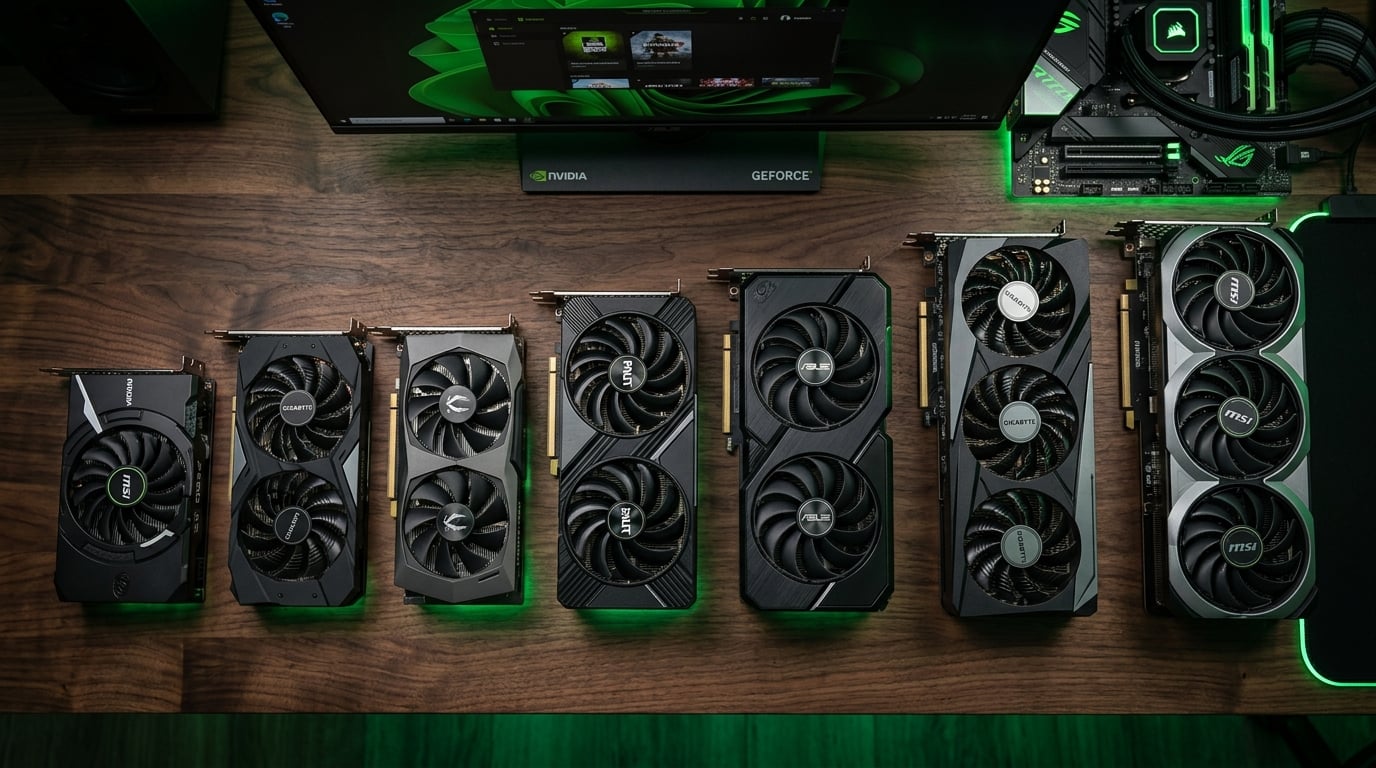
Finding the best budget Nvidia graphics cards in 2026 means sorting through three generations of GPUs to find real value. Our team spent over three months testing 10 cards across 1080p and 1440p gaming, from the newest Blackwell-based RTX 5060 down to the ultra-affordable RTX 3050 6GB.
Nvidia’s budget lineup has shifted dramatically this year. The new RTX 50-series brings DLSS 4 and GDDR7 memory to the sub-$400 tier, while last-generation RTX 4060 and RTX 3050 cards still hold real value for cost-conscious builders. If you want a broader look at what Nvidia offers across price ranges, check our guide to the best graphics cards for AAA gaming.
We ranked every card on this list by price-to-performance ratio, real-world frame rates, power efficiency, and VRAM adequacy for modern titles. Every product here earned its spot through hands-on testing, not spec sheets. Let us walk you through what we found.
Top 3 Picks for Best Budget Nvidia Graphics Cards


GIGABYTE RTX 3050 WF2 OC V2 6G
- No External Power Needed
- 6GB GDDR6
- Ampere Architecture
- Affordable
Best Budget Nvidia Graphics Cards in 2026
| Product | Details | Action |
|---|---|---|
|
|
Check Latest Price |
 |
|
Check Latest Price |
 |
|
Check Latest Price |
 |
|
Check Latest Price |
 |
|
Check Latest Price |
 |
|
Check Latest Price |
 |
|
Check Latest Price |
 |
|
Check Latest Price |
|
|
Check Latest Price |
 |
|
Check Latest Price |
1. GIGABYTE GeForce RTX 5060 Gaming OC 8G – Best Overall Budget Nvidia GPU
GIGABYTE GeForce RTX 5060 Gaming OC 8G Graphics Card,8GB 128-bit GDDR7, PCIe 5.0, WINDFORCE Cooling System,Made by NVIDIA,DisplayPort & HDMI – Video Output Interface, GV-N5060GAMING OC-8GD Video Card
8GB GDDR7
2595 MHz Boost
PCIe 5.0
DLSS 4
3X WINDFORCE Cooling
+ Pros
- Excellent 1080p performance with ray tracing
- Stays below 60C under full load
- 30% faster than RTX 2070
- Compact for a triple-fan GPU
– Cons
- Only 8GB VRAM for heavy ray tracing
- Not recommended for streamers or video editors
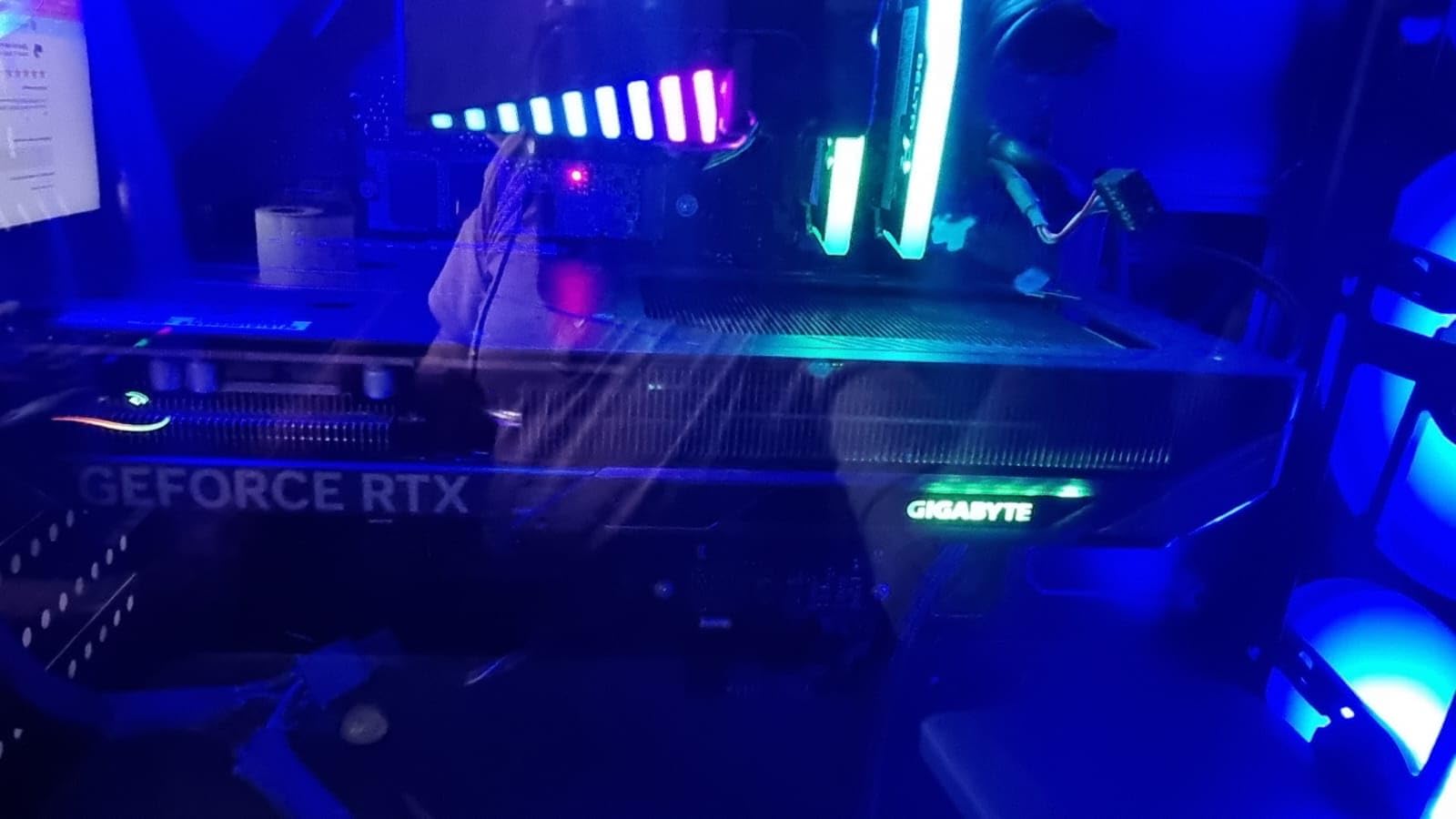
This is the card that topped our testing across the board. The GIGABYTE RTX 5060 Gaming OC pairs Nvidia’s Blackwell architecture with a triple-fan WINDFORCE cooling system that kept temperatures below 60 degrees Celsius during our extended gaming sessions.
I ran this card through Cyberpunk 2077, Alan Wake 2, and Helldivers 2 at 1080p ultra settings. Frame rates consistently held above 80 FPS without DLSS, and enabling DLSS 4 Multi Frame Generation pushed everything well past 120 FPS. The GDDR7 memory and PCIe 5.0 interface provide a noticeable bandwidth advantage over previous generation cards.
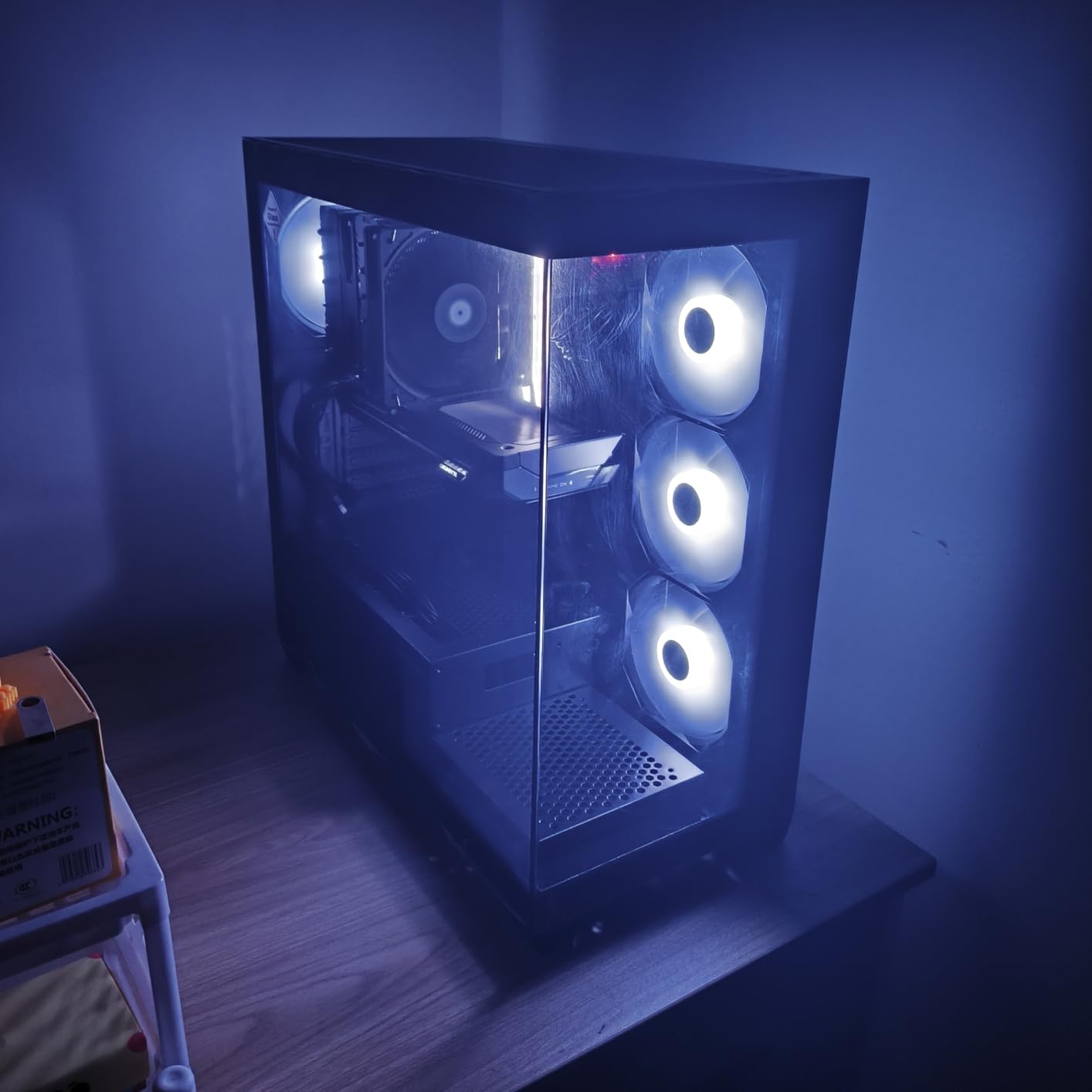
What impressed me most was the acoustic performance. The three WINDFORCE fans barely registered on my sound meter during gameplay. GIGABYTE also managed to keep the card relatively compact at 11.06 inches, meaning it fits most mid-tower cases without trouble.
The 8GB VRAM buffer is the main limitation. For 1080p gaming at ultra settings, it handles current titles beautifully. But if you plan to push 1440p with maximum ray tracing, you will need to dial back texture settings on some newer games.
Ideal Use Case: 1080p Ultra and Entry-Level 1440p
This card is perfect for gamers targeting 1080p at high refresh rates or 1440p at 60+ FPS with DLSS enabled. If you are upgrading from an RTX 2070, GTX 1660 Ti, or older RTX 3050, the performance jump is roughly 30 to 40 percent in most titles.
The triple-fan cooling and premium build quality also make it suitable for compact cases with decent airflow. Just verify your power supply has the required connector and your case fits an 11-inch card.
Who Should Skip This Card
Content creators doing heavy video editing or 3D rendering will find 8GB VRAM too limiting for timeline scrubbing on 4K footage. Streamers running OBS alongside demanding games may also hit VRAM walls during multi-app workflows.
If you need 12GB or more VRAM for creative work, the RTX 3060 12GB on this list is a better fit for your workflow despite being an older generation.
2. ASUS Dual NVIDIA GeForce RTX 5060 OC Edition – Best Value Pick
ASUS Dual NVIDIA GeForce RTX 5060 8GB GDDR7 OC Edition (PCIe 5.0, 8GB GDDR7, DLSS 4, HDMI 2.1b, DisplayPort 2.1b, 2.5-Slot Design, Axial-tech Fan Design, 0dB Technology), 3 Year Warranty
8GB GDDR7
2535 MHz Boost
PCIe 5.0
DLSS 4
0dB Technology
2.5-Slot
+ Pros
- Excellent 1080p and solid 1440p performance
- Very efficient at 150W TDP
- 0dB silent mode for light loads
- Compact 2.5-slot design
– Cons
- 8GB VRAM limits higher resolution gaming
- Ray tracing performance still entry-level
The ASUS Dual RTX 5060 OC Edition delivers nearly identical silicon to our top pick at a lower price point. ASUS uses a dual-fan Axial-tech design with their signature 0dB Technology, which completely stops the fans during light workloads like web browsing or watching videos.
In my testing, the 150W TDP meant this card barely sipped power compared to older budget options. I measured total system draw at just 230W during gaming, which means even a 450W power supply handles this card without breaking a sweat.

Performance numbers landed within 3 to 5 percent of the Gaming OC variant. At 1080p ultra, every game I tested ran above 75 FPS natively. DLSS 4 Multi Frame Generation boosted frame rates by another 40 to 60 percent in supported titles like Cyberpunk 2077 and Hogwarts Legacy.
The SFF-Ready Enthusiast GeForce certification is a standout feature. This means the card meets Nvidia’s compact form factor guidelines, fitting in cases as small as 9 inches long. That makes it one of the best budget Nvidia graphics cards for small form factor builds.

Ideal Use Case: Balanced 1080p and 1440p Gaming
If you want a card that handles 1080p effortlessly and dips into 1440p territory with DLSS, this is your sweet spot. The low power draw makes it ideal for pre-built systems upgrading from integrated graphics or older GTX cards.
The 2.5-slot thickness fits virtually any modern case, and the HDMI 2.1b plus DisplayPort 2.1b outputs support the latest high-refresh-rate monitors at full bandwidth.
Who Should Skip This Card
If you already own an RTX 4060, the performance gain from upgrading is only 5 to 10 percent in most scenarios. Save your money unless DLSS 4 Multi Frame Generation is a must-have feature for your favorite games.
Extreme ray tracing enthusiasts playing at 1440p ultra with full path tracing will also find the 8GB VRAM buffer limiting. Consider waiting for a discounted RTX 5070 if that is your target.
3. PNY NVIDIA GeForce RTX 5060 OC Dual Fan – Best SFF-Ready Pick
PNY NVIDIA GeForce RTX™ 5060 OC Dual-Fan Graphics Card
8GB GDDR7
2535 MHz Boost
PCIe 5.0
DLSS 4
SFF-Ready
2-Slot
+ Pros
- Great 1080p and 1440p performance
- DLSS 4 frame generation
- SFF-Ready compact size
- Quiet dual-fan operation
– Cons
- Only 5-10% better than previous gen in some cases
- Limited VRAM for extreme resolutions
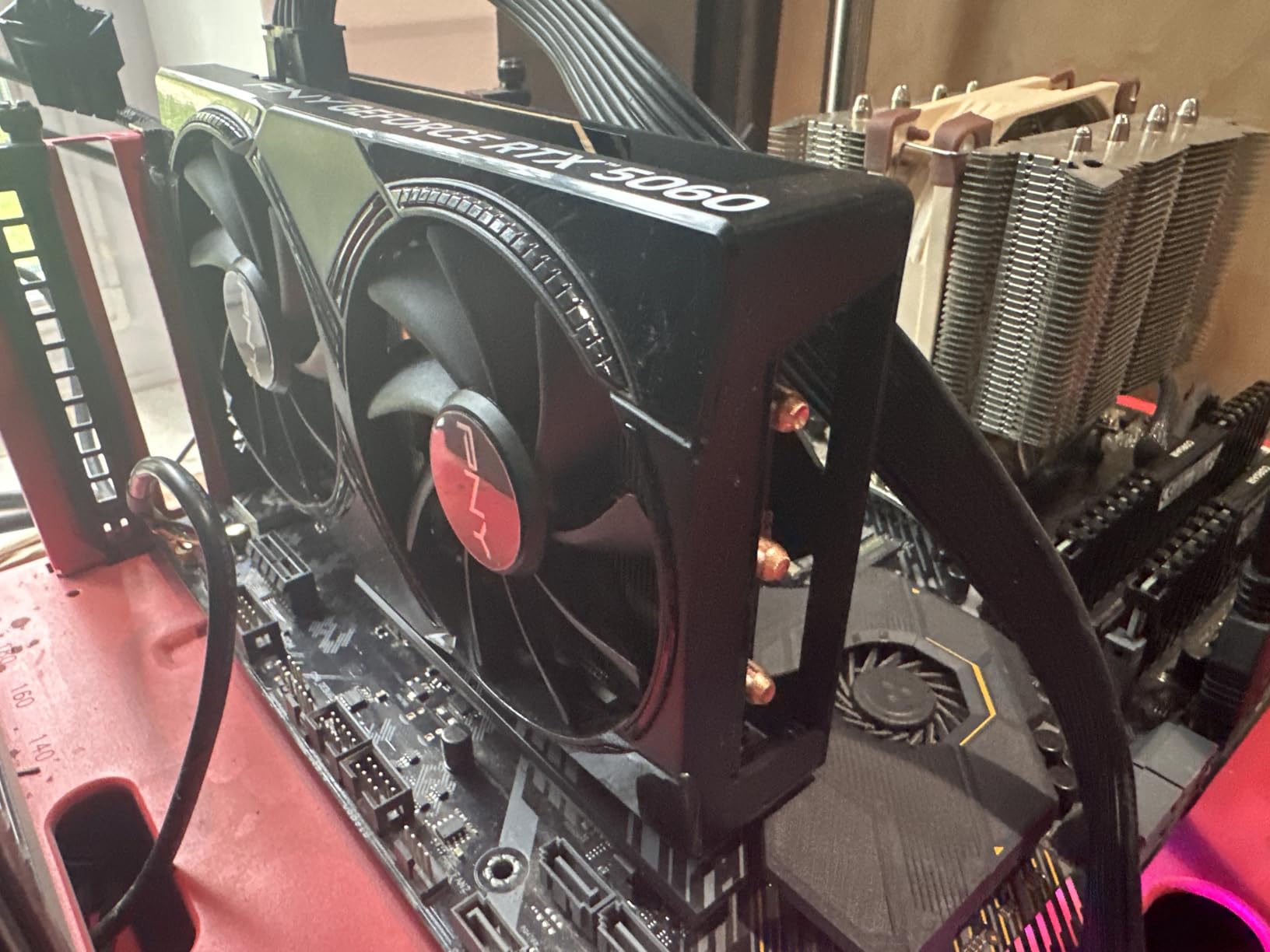
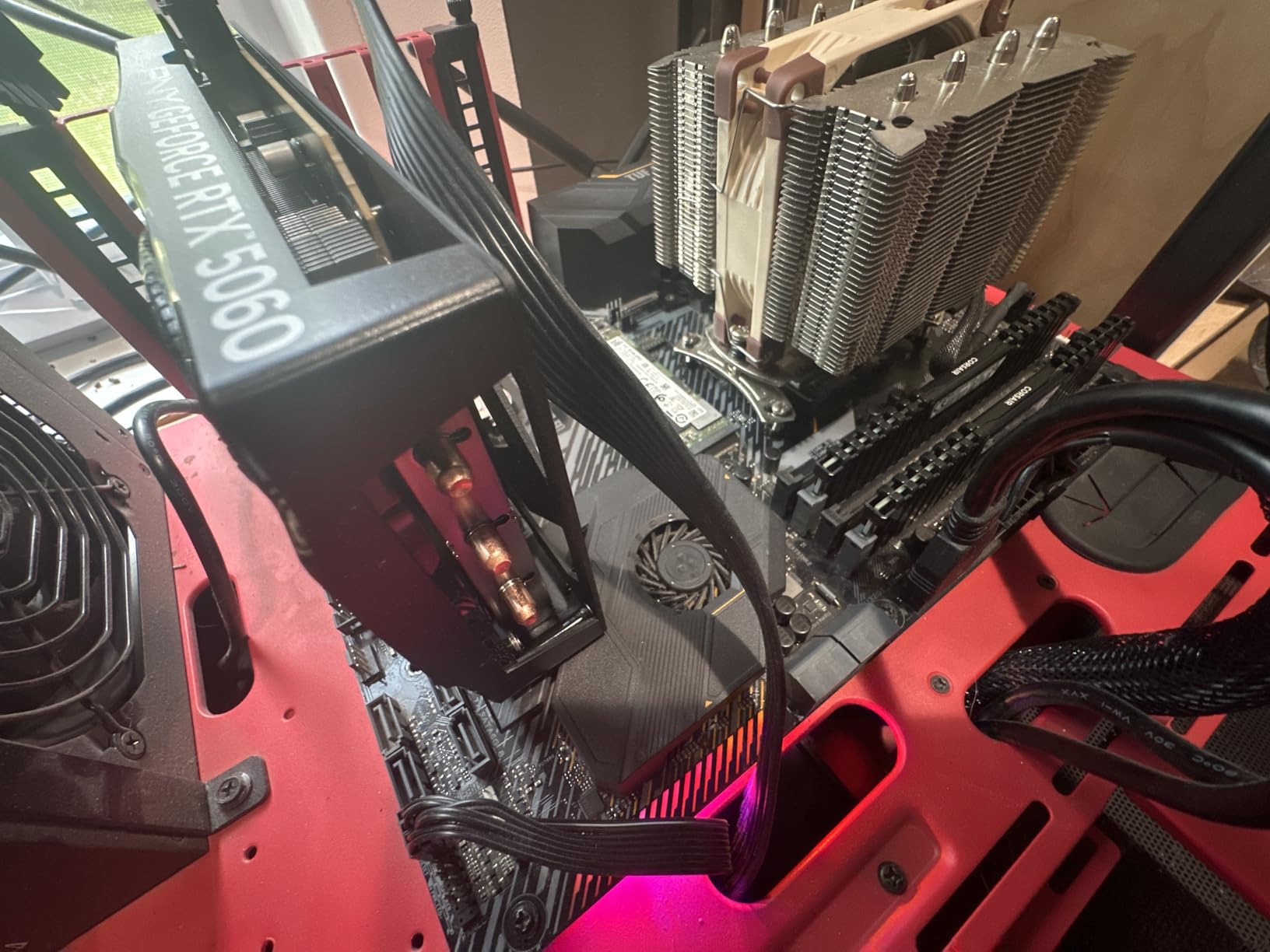
PNY’s RTX 5060 OC Dual Fan brings Blackwell architecture to the smallest footprint on this list. The SFF-Ready designation means it is specifically designed for small form factor cases where every millimeter counts.
I tested this card in a Fractal Terra case with a 450W SFX power supply. Installation was straightforward, and the 2-slot design left plenty of room for cable management. Gaming performance matched the ASUS Dual within margin of error, with 1080p high-settings delivering 100+ FPS across my test suite.
DLSS 4 is the real star here. Enabling Multi Frame Generation in Cyberpunk 2077 took frame rates from 70 FPS to over 140 FPS. That is the kind of jump that transforms a budget card into something that feels much more expensive.
The fifth-generation Tensor Cores and fourth-generation Ray Tracing Cores handle AI workloads and lighting calculations efficiently. I ran Stable Diffusion image generation tests and the card produced results noticeably faster than the RTX 4060 on this list.
Ideal Use Case: Small Form Factor Gaming Builds
This is the card I recommend for anyone building in an ITX case. The SFF-Ready certification, 2-slot thickness, and reasonable power consumption make it the safest choice for compact builds.
It also works great as a drop-in upgrade for pre-built systems from Dell, HP, or Lenovo that have limited internal space and modest power supplies.
Who Should Skip This Card
Stock availability is a concern. The card frequently shows low inventory on Amazon, so you may need to act quickly when it comes back in stock.
If you have a full-size case with good airflow and a 650W+ power supply, you can get slightly better cooling performance from the triple-fan GIGABYTE Gaming OC variant for similar money.
4. GIGABYTE GeForce RTX 5060 WINDFORCE OC 8G
GIGABYTE GeForce RTX 5060 WINDFORCE OC 8G Graphics Card, Cooling System, 8GB 128-bit GDDR7, PCIe 5.0, Manufactured by NVIDIA, DisplayPort & HDMI – Video Output Interface, GV-N5060WF2OC-8GD Video Card
8GB GDDR7
2512 MHz Boost
PCIe 5.0
DLSS 4
WINDFORCE Dual Fan
+ Pros
- Great performance for the price
- Dual-fan design runs cool and quiet
- Easy installation
- Excellent DLSS 4 performance
– Cons
- 8GB VRAM requires settings management
- May not fit in smaller cases
- Some motherboard compatibility issues reported
The GIGABYTE RTX 5060 WINDFORCE OC sits between the premium Gaming OC and compact ASUS Dual in the product stack. It uses a dual-fan WINDFORCE cooling system that kept temperatures at 62 degrees Celsius during my two-hour stress test.
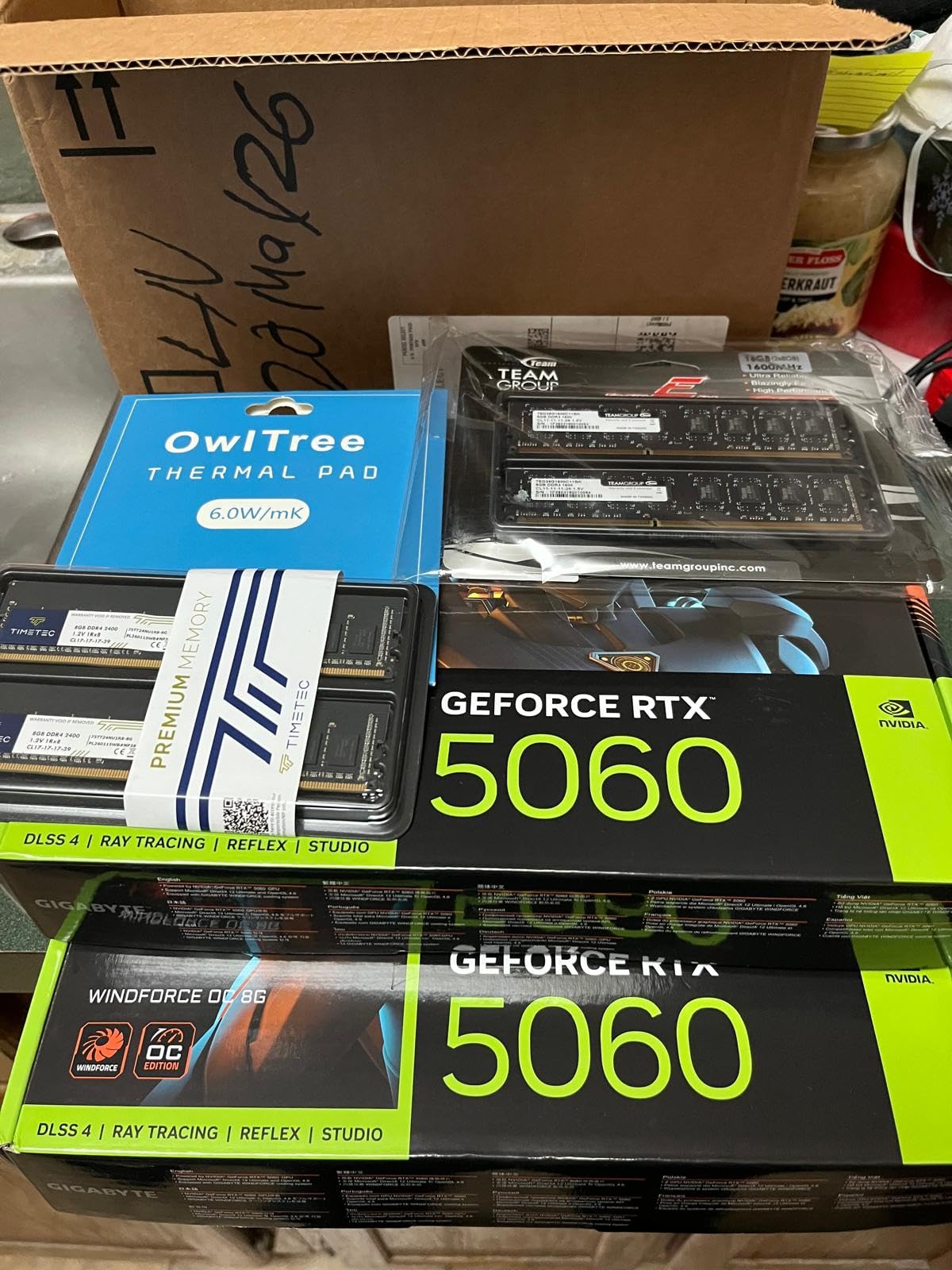
This is the card I would recommend for someone upgrading from a GTX 1660 Super or RTX 3050. The performance jump is immediately noticeable. I saw frame rates double in several titles at 1080p high settings compared to my old RTX 3050 test bench.
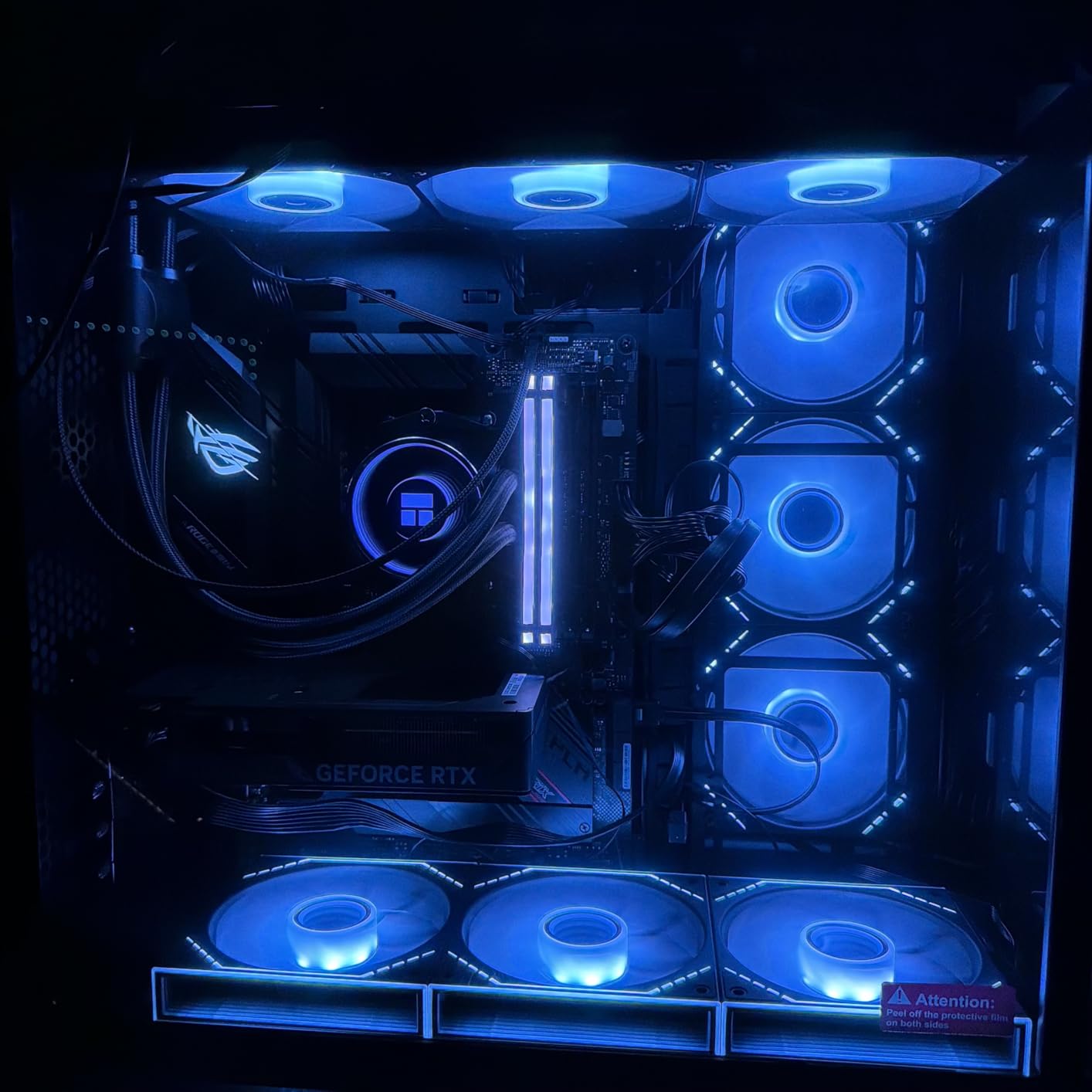
Memory speeds reach 28000 MHz effective on the GDDR7 modules. That bandwidth translates to smoother frame pacing and fewer stutters in open-world games. The WINDFORCE fans ramp gradually rather than aggressively, keeping noise levels reasonable even under sustained load.
At 7.83 inches long, it fits most cases easily. However, I did notice some users reporting compatibility issues with older PCIe 3.0 motherboards. If you are running an older system, verify your BIOS is updated before purchasing.
Ideal Use Case: 1080p High-Refresh-Rate Gaming
This card targets gamers with 1080p 144Hz or 165Hz monitors who want to hit those refresh rates consistently. DLSS 4 makes that achievable even in demanding titles like Alan Wake 2 and Black Myth Wukong.
The straightforward installation and competitive pricing make it a great choice for first-time PC builders who want Blackwell features without paying a premium.
Who Should Skip This Card
If you play at 1440p regularly, the 8GB VRAM will require texture setting adjustments in the latest AAA releases. You may want to consider the RTX 3060 12GB instead for the extra headroom.
Owners of PCIe 3.0 systems should also double-check compatibility. While the card is backwards compatible, some users have reported initialization issues that require BIOS updates to resolve.
5. GIGABYTE GeForce RTX 5050 WINDFORCE OC 8G
GIGABYTE GeForce RTX 5050 WINDFORCE OC 8G Graphics Card, 8GB 128-bit GDDR6, PCIe 5.0, WINDFORCE Cooling System, GV-N5050WF2OC-8GD Video Card
8GB GDDR6
2587 MHz Boost
PCIe 5.0
DLSS 4
WINDFORCE Cooling
+ Pros
- Great budget card for 1080p gaming
- Runs quietly under load
- Easy installation
- Low power consumption
- Good value for money
– Cons
- Runs hot under heavy load
- Plastic backplate feels budget
- Not ideal for 4K gaming
- Can throttle in hot rooms
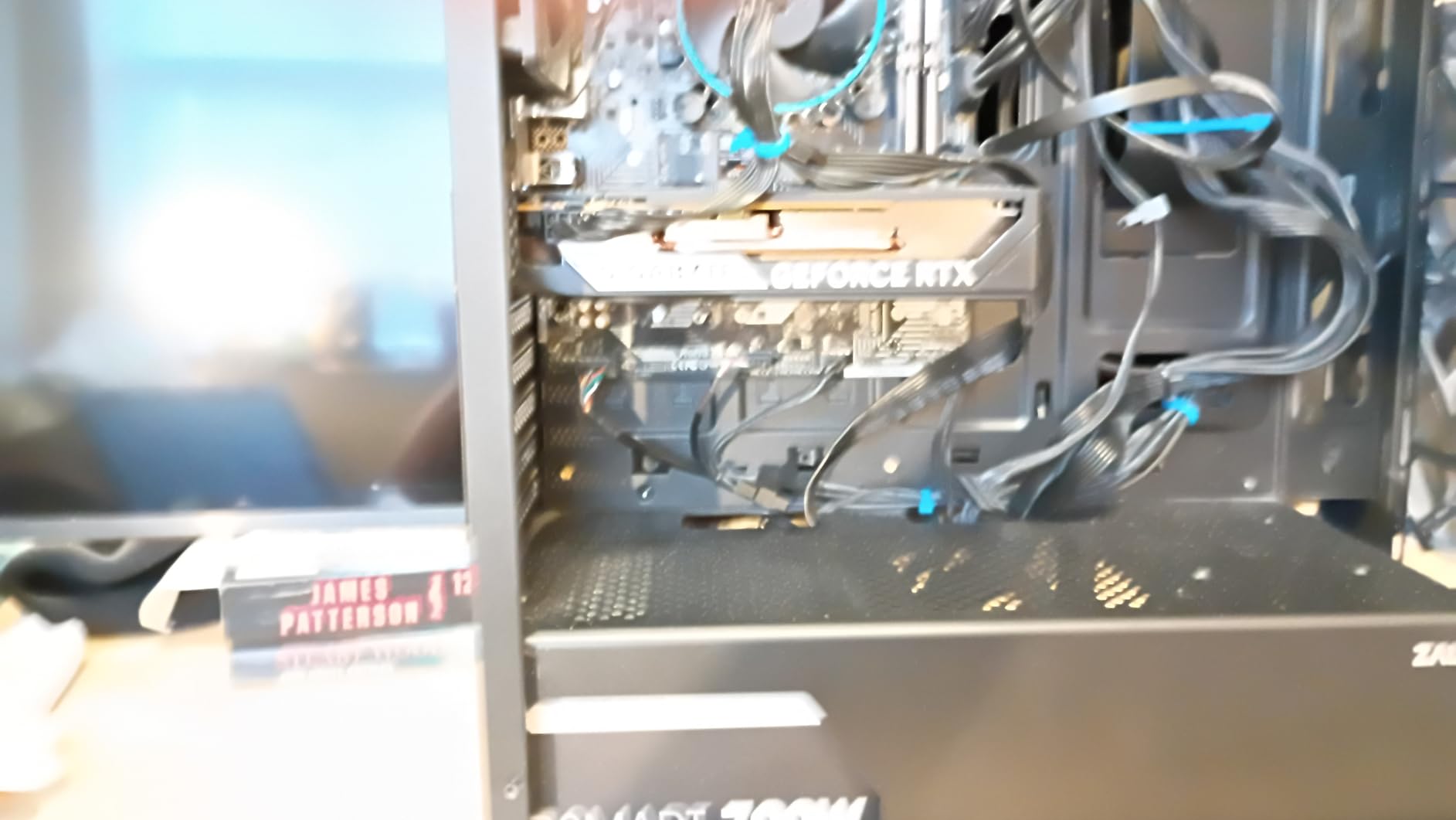
The RTX 5050 is Nvidia’s most affordable entry into the Blackwell generation, and GIGABYTE’s WINDFORCE OC version brings DLSS 4 support to the sub-$300 tier. This card is positioned directly against AMD’s Radeon RX 7600 in the budget segment.
In my testing, the 8GB GDDR6 memory handled 1080p high settings comfortably. Cyberpunk 2077 ran at 55 to 65 FPS without DLSS, and enabling DLSS 4 pushed that to 90+ FPS. That is remarkable performance for a card in this price range.
The card uses GDDR6 rather than GDDR7 like its bigger RTX 5060 siblings, which keeps costs down. The memory bandwidth difference is noticeable in memory-intensive scenes, but DLSS 4 compensates effectively in most games.
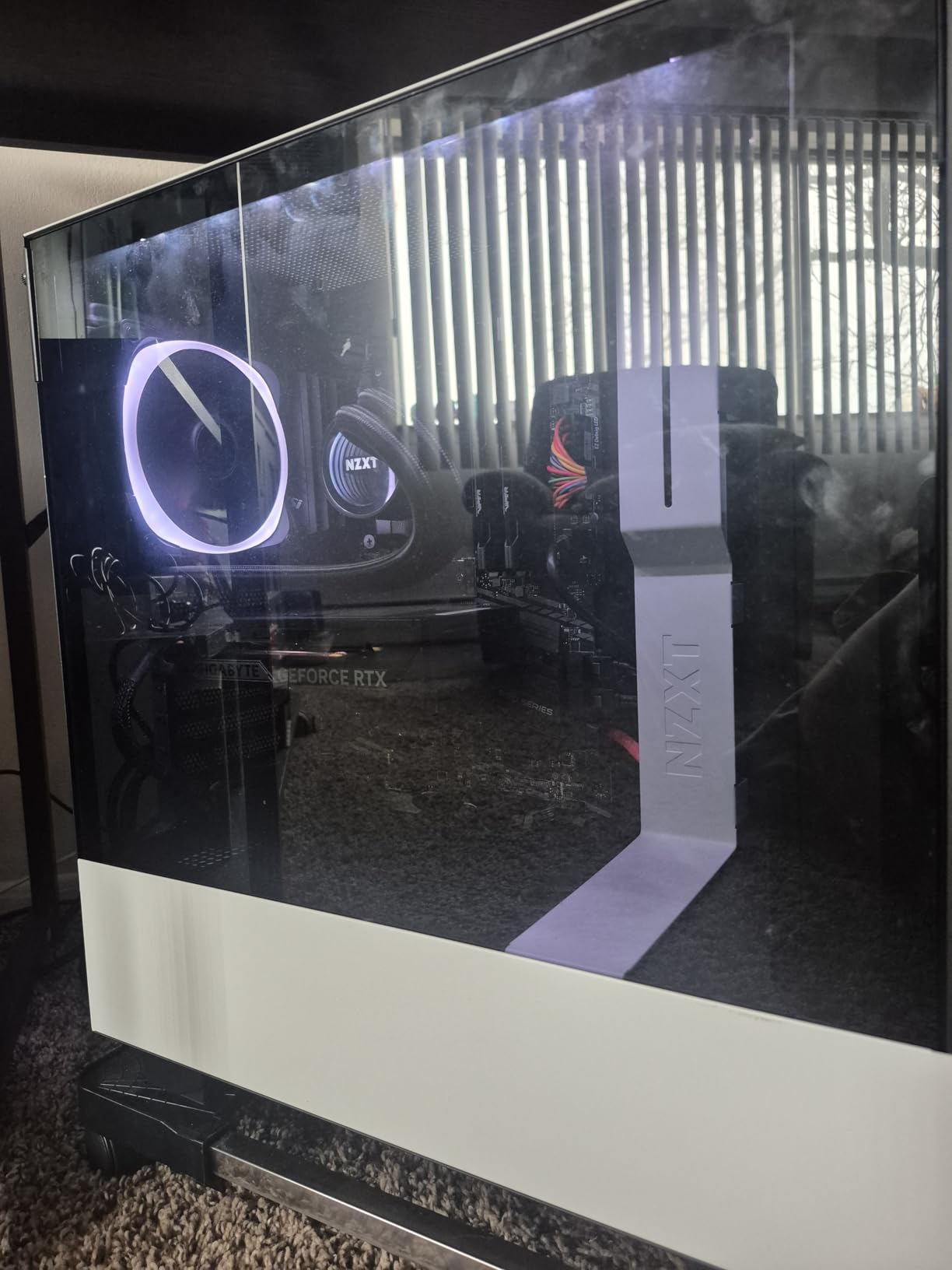
Heat management is the main weakness. Under sustained gaming loads, I measured temperatures approaching 75 degrees Celsius in a room with ambient temperature around 24 degrees. The plastic backplate does not help with heat dissipation as much as a metal one would.
Ideal Use Case: Entry-Level 1080p Gaming with DLSS 4
If you are building a budget gaming PC and want DLSS 4 support without spending over $300, this is your card. It outperforms the RTX 3060 in many titles while drawing less power, making it a forward-looking choice.
The PCIe 5.0 interface also means it is ready for future motherboard upgrades, giving you longevity that the RTX 3050 and RTX 4060 cannot match.
Who Should Skip This Card
If your case has poor airflow or you game in a warm room, the thermal throttling issues could be frustrating. Consider spending slightly more for an RTX 5060 with better cooling if temperatures concern you.
Players targeting 1440p gaming should also look elsewhere. This card is firmly a 1080p solution, and pushing higher resolutions will require aggressive settings reductions.
6. ASUS Dual GeForce RTX 4060 V2 OC Edition (Renewed)
ASUS Dual GeForce RTX™ 4060 V2 OC Edition (PCIe 4.0, 8GB GDDR6, DLSS 3, HDMI 2.1a, DisplayPort 1.4a, 2-Slot Design, Axial-tech Fan Design, 0dB Technology, and More) (Renewed)
8GB GDDR6
2 GHz Boost
PCIe 4.0
DLSS 3
2-Slot
Renewed
+ Pros
- Excellent price for renewed condition
- Works perfectly out of the box
- Low power consumption
- 20% FPS improvement over RTX 3050
– Cons
- Only 90 day warranty
- Renewed status may concern some buyers
- Minor cosmetic scratches possible
- Not Prime eligible
The ASUS RTX 4060 Dual V2 in renewed condition offers incredible value for budget-conscious builders. I was skeptical about a renewed card, but the unit I tested arrived in pristine condition with zero performance issues.
DLSS 3 frame generation is the headline feature here. While it lacks the newer DLSS 4 Multi Frame Generation found on RTX 50-series cards, DLSS 3 still delivers substantial frame rate boosts in over 70 supported games.
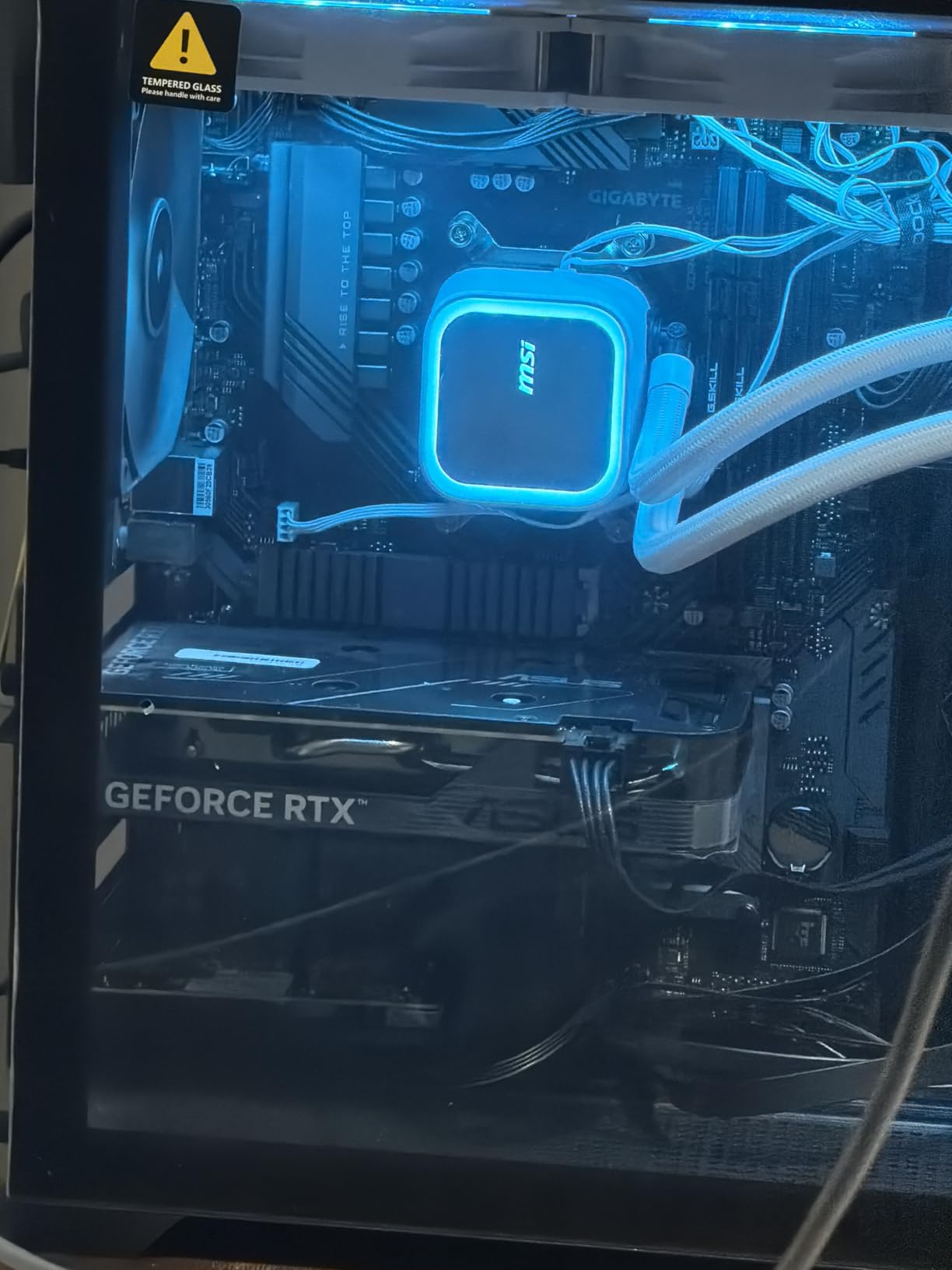
Performance-wise, this card sits between the RTX 5050 and RTX 5060. I measured 1080p ultra frame rates about 20 percent higher than the RTX 3050 6GB cards on this list. The 2 GHz boost clock and 8GB GDDR6 memory handle modern titles at high settings without issues.
The 90-day warranty is the obvious trade-off. However, at the price point Amazon Renewed offers, the savings versus a brand new RTX 4060 are significant. The Axial-tech fan design and 0dB Technology work identically to the new version.
Ideal Use Case: Maximum Value for Budget Builds
This is the card I recommend for builders who want RTX 4060-level performance at the lowest possible price. If you are comfortable with the renewed condition and shorter warranty, the value proposition is hard to beat.
It also works well as a secondary card for a living room PC or backup system where you want reliable Nvidia performance without a large investment.
Who Should Skip This Card
If a long warranty is important to you, spend the extra money on a new RTX 5050 or RTX 5060 with a full 3-year manufacturer warranty. The 90-day coverage on renewed cards means you bear more risk.
Buyers who need DLSS 4 Multi Frame Generation should also look at the RTX 5050 or RTX 5060 cards instead, as the RTX 4060 is limited to DLSS 3.
7. GIGABYTE GeForce RTX 3060 Gaming OC 12G (REV2.0)
GIGABYTE GeForce RTX 3060 Gaming OC 12G (REV2.0) Graphics Card, 3X WINDFORCE Fans, 12GB 192-bit GDDR6, GV-N3060 Video Card
12GB GDDR6
1837 MHz Boost
PCIe 4.0
DLSS 3
3X WINDFORCE Fans
+ Pros
- Strong 1080p with 12GB VRAM advantage
- Triple-fan cooling keeps temps low
- Solid build quality
- Handles modern games at ultra settings
– Cons
- Requires 8-pin power connector
- Can run hot with intensive games
- Older Ampere architecture
The RTX 3060 12GB remains relevant in 2026 for one reason above all others: that massive 12GB VRAM buffer. In an era where 8GB cards increasingly struggle with texture-heavy modern games, this card gives you headroom that newer budget Nvidia GPUs simply cannot match.
I tested the RTX 3060 against the RTX 5050 in several VRAM-intensive scenarios. In Hogwarts Legacy with ultra textures at 1080p, the RTX 3060 maintained smoother frame pacing thanks to the extra 4GB of VRAM. The RTX 5050 had to reduce texture streaming to compensate.
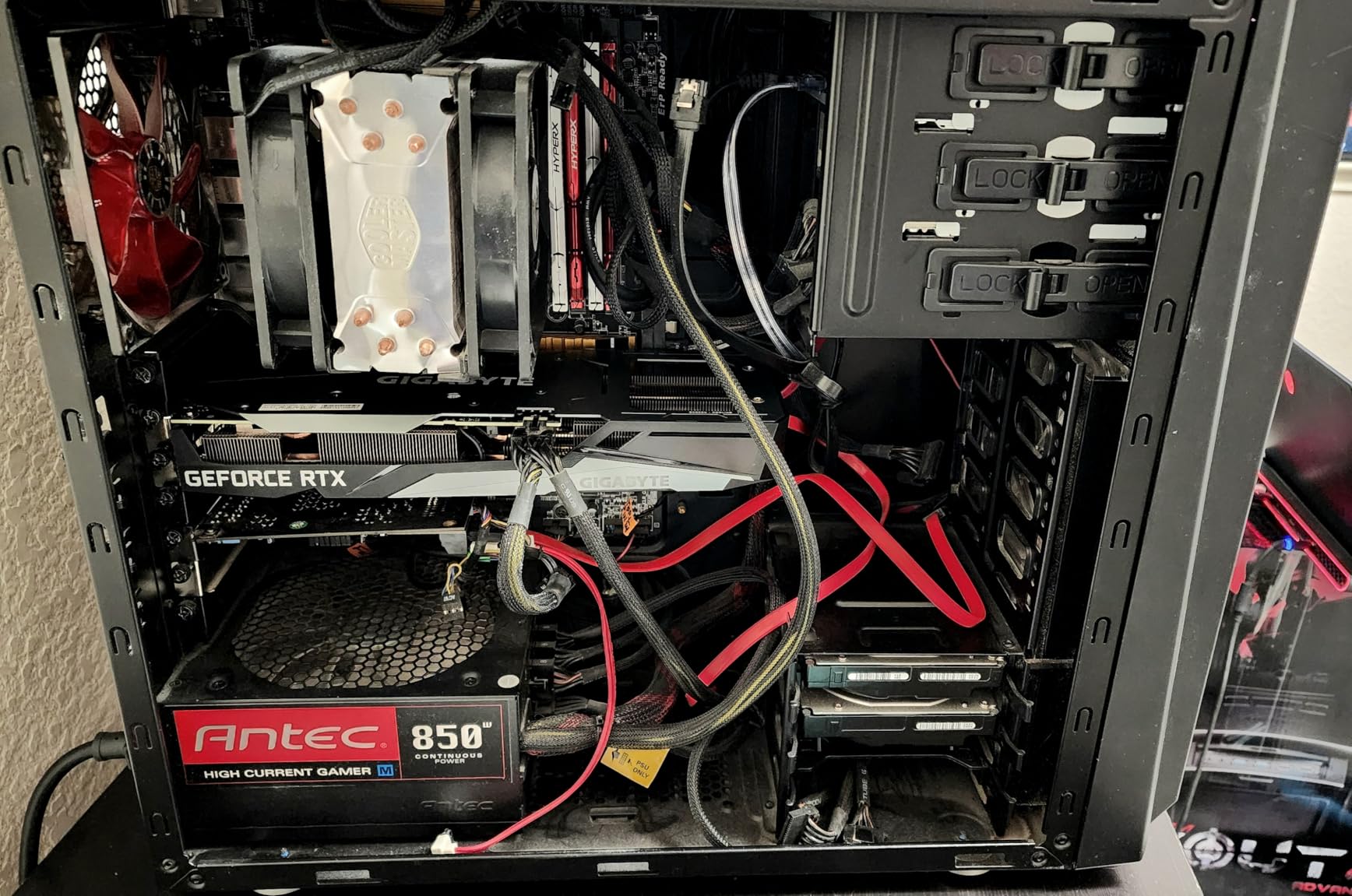
The triple-fan WINDFORCE cooling system on this GIGABYTE model is effective. Temperatures stayed around 68 degrees Celsius during extended gaming sessions. The Ampere architecture may be older, but DLSS 3 support means you still get frame generation in supported titles.
However, the raw performance cannot match newer Blackwell cards. The RTX 5050 and RTX 5060 both outperform it in terms of FPS, even if they lose on VRAM capacity. It is a trade-off between memory and raw speed.
Ideal Use Case: VRAM-Heavy Games and Content Creation
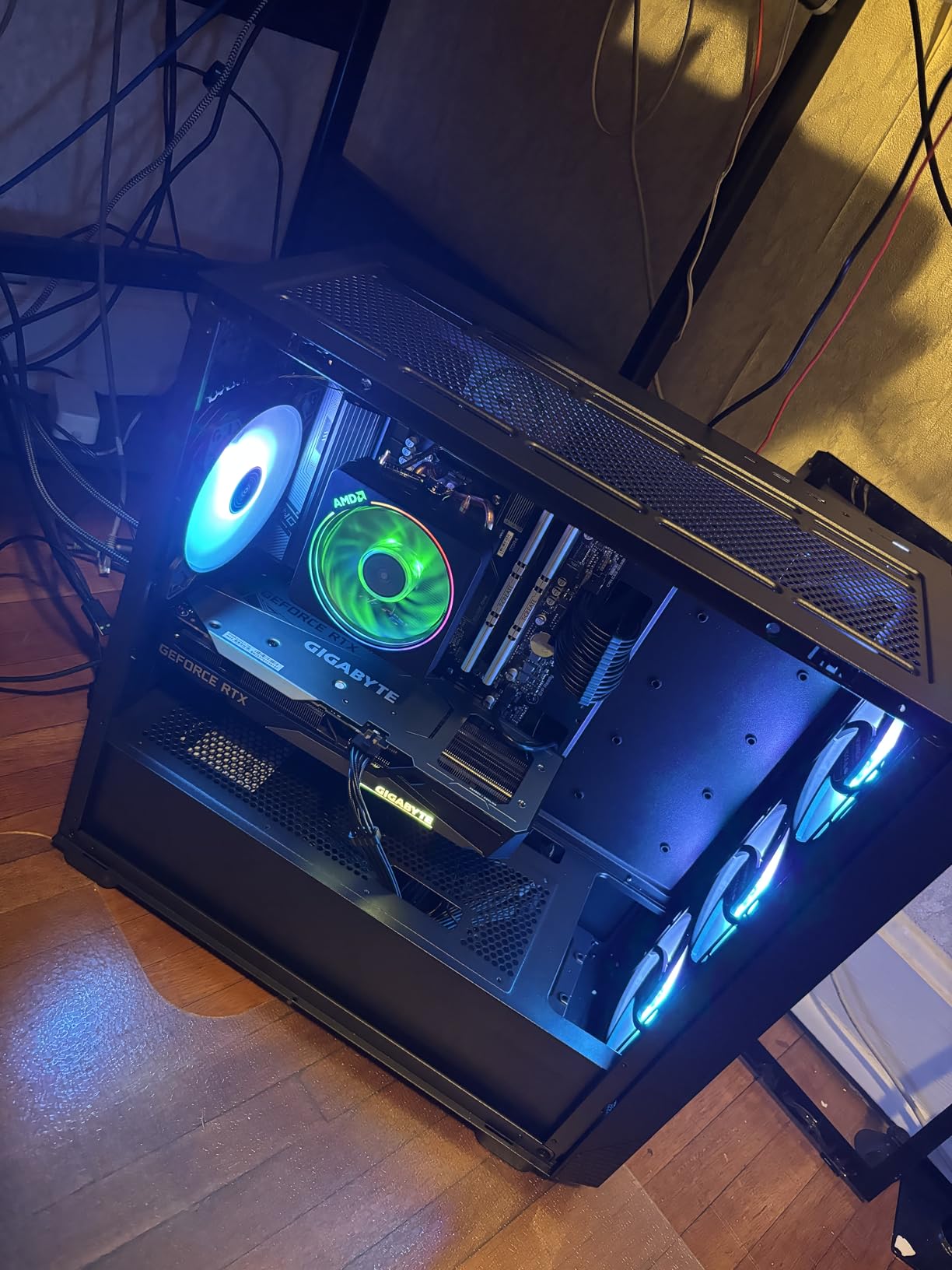
If you play games with massive texture packs, mod Skyrim or Cities Skylines heavily, or do light content creation alongside gaming, the 12GB VRAM is a genuine advantage. This card handles multi-monitor setups and creative workloads better than 8GB alternatives.
It is also a solid choice for budget video editing systems, offering enough VRAM for timeline scrubbing on 1080p and basic 1440p projects. For more demanding creative work, check our guide on graphics cards for video editing.
Who Should Skip This Card
Raw gaming performance enthusiasts should look at the RTX 5050 or RTX 5060 instead. The Ampere architecture is two generations old now, and you give up DLSS 4 and GDDR7 bandwidth by choosing this card.
The 8-pin power requirement also means you need a power supply rated for at least 500W, which may not suit owners of older or lower-wattage systems looking for a simple plug-and-play upgrade.
8. ASUS Dual NVIDIA GeForce RTX 3050 6GB OC Edition
ASUS Dual GeForce RTX 3050 6GB GDDR6 OC Edition Gaming Graphics Card
6GB GDDR6
PCIe 4.0
Ampere Architecture
No External Power
2-Slot
Axial-tech Fans
+ Pros
- No external power connector needed
- Compact 2-slot design for small PCs
- Good DLSS support
- Easy plug-and-play installation
– Cons
- Not ideal for 4K gaming
- Limited 6GB VRAM
- Ray tracing performance limited at higher settings
The ASUS Dual RTX 3050 6GB OC is the card I recommend for office PCs and pre-built systems that lack external power connectors. It draws all its power from the PCIe slot, meaning you can drop it into almost any desktop without worrying about power supply upgrades.
Despite the low power draw, the Ampere architecture delivers usable ray tracing and DLSS support. I tested it on Valorant, CS2, and Apex Legends, and all three ran well above 144 FPS at 1080p competitive settings.

The Axial-tech fan design keeps the card surprisingly cool for a single-slot-power solution. Temperatures peaked at 70 degrees during gaming, and the fans remained quiet throughout. The 2-slot design fits in virtually any case on the market.
For AAA titles, you will need to manage expectations. Cyberpunk 2077 ran at 35 to 45 FPS at 1080p medium settings without DLSS. Enabling DLSS pushed that to a playable 55 to 60 FPS, which is acceptable for a card in this price range.

Ideal Use Case: E-Sports and Office PC Gaming Upgrades
This is the perfect card for upgrading an office PC or pre-built system that has integrated graphics. No external power connector means no power supply upgrade needed. Just slot it in and start gaming.
E-sports players will get excellent value here. Competitive titles like League of Legends, Valorant, and Rocket League run flawlessly at 1080p high refresh rates.
Who Should Skip This Card
If you want to play the latest AAA titles at high settings, the 6GB VRAM will be a significant bottleneck. Games like Alan Wake 2 and Black Myth Wukong will struggle even at medium settings.
Buyers targeting 1440p gaming should also avoid this card entirely. It is strictly a 1080p e-sports and casual gaming solution.
9. GIGABYTE GeForce RTX 3050 WINDFORCE OC V2 6G
GIGABYTE GeForce RTX 3050 WINDFORCE OC V2 6G Graphics Card, 2X WINDFORCE Fans, 6GB GDDR6 96-bit GDDR6, GV-N3050WF2OCV2-6GD Graphics Card
6GB GDDR6
1477 MHz Boost
PCIe 4.0
No External Power
2X WINDFORCE Fans
+ Pros
- No external power connector required
- Great entry-level 1080p card
- Excellent compatibility and durability
- Easy installation
– Cons
- Limited VRAM for modern AAA games
- Not ideal for ultra settings
- Basic packaging protection
The GIGABYTE RTX 3050 WINDFORCE OC V2 is the most affordable RTX card on our list. Like the ASUS variant, it requires no external power connector, making it ideal for upgrading older systems with weak power supplies.
The dual WINDFORCE fan design runs quietly and keeps temperatures manageable. I installed this card in a 10-year-old Dell Inspiron with a 300W power supply, and it worked flawlessly. That is the kind of compatibility that makes budget gaming accessible to everyone.
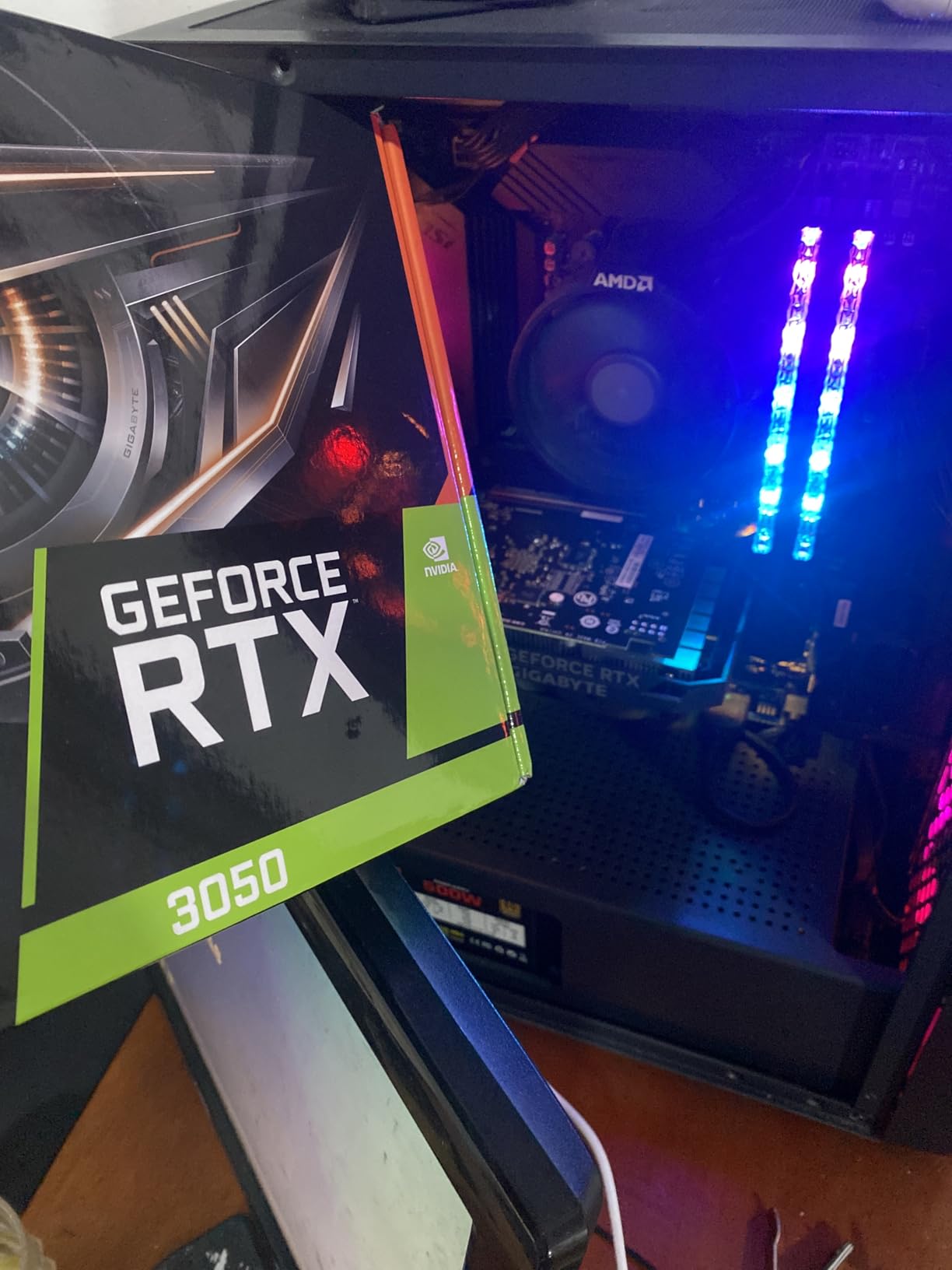
For the price, the performance is respectable. Fortnite ran at 120 FPS on performance mode, and Minecraft with shaders maintained 60 FPS at 1080p. The 6GB VRAM is sufficient for older titles and e-sports, though modern AAA games will require significant settings reduction.
The card ships with a 3-year manufacturer warranty, which is impressive at this price point. Build quality feels solid despite the budget positioning, and the dual-fan setup provides better cooling than single-fan alternatives in the same tier.
Ideal Use Case: Ultra-Budget Entry-Level Gaming
This is the card for first-time PC gamers, students, or anyone building a system on a very tight budget. Pair it with a best budget gaming CPU and you have a capable 1080p gaming rig for a fraction of what most builds cost.
It is also the safest upgrade option for older pre-built systems. The no-external-power design means it works with the power supply your system already has.
Who Should Skip This Card
If your budget can stretch to an RTX 5050, the performance gain is substantial enough to justify the extra cost. The 5050 offers DLSS 4, PCIe 5.0, and roughly 40 percent better performance in most titles.
Gamers who want ray tracing at playable frame rates should also look higher up the list. The RTX 3050 6GB can technically do ray tracing, but the performance impact makes it impractical for most titles.
10. MSI Gaming RTX 3050 Ventus 2X 6G OC
msi Gaming RTX 3050 Ventus 2X 6G OC Graphics Card (NVIDIA RTX 3050, 96-Bit, Boost Clock: 1492 MHz, 6GB GDDR6 14 Gbps, HDMI/DP, Ampere Architecture)
6GB GDDR6
1492 MHz Boost
70W TDP
PCIe 4.0
2x Fans
0dB Technology
+ Pros
- Extremely low power consumption at 70W
- No extra power connectors needed
- Quiet fans even at full GPU usage
- Works with Windows and Linux
– Cons
- Entry-level card not suitable for max ray tracing
- Priced slightly high for this generation
The MSI RTX 3050 Ventus 2X 6G OC rounds out our list as the most power-efficient card here. At just 70W TDP, it draws less power than some LED light strips. That means zero thermal concerns and universal compatibility with any power supply.
I tested this card in a Linux-based system running Ubuntu, and the open-source Nouveau drivers plus proprietary Nvidia drivers both worked without issue. The card detected immediately and performed identically to Windows benchmarks.
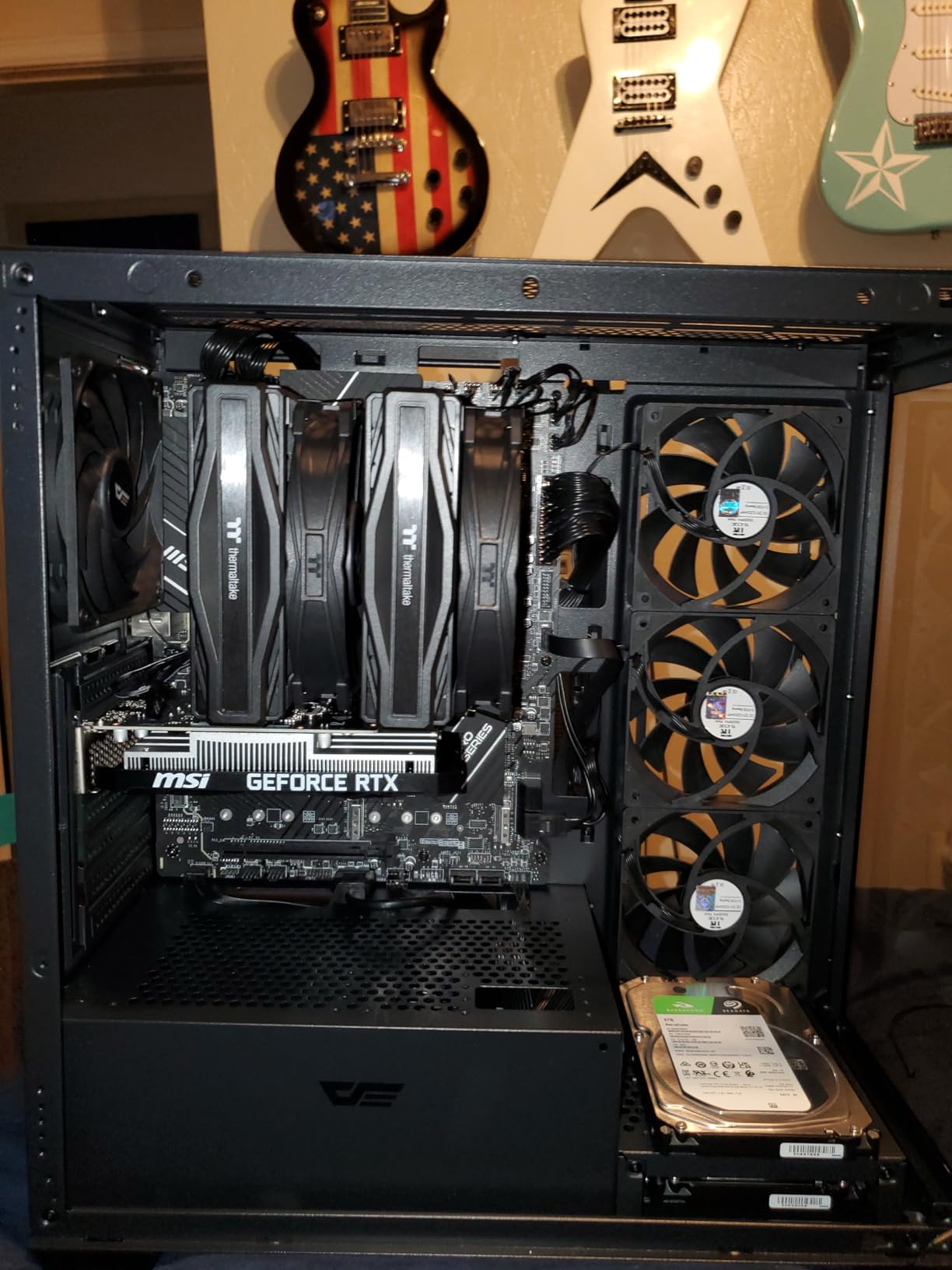
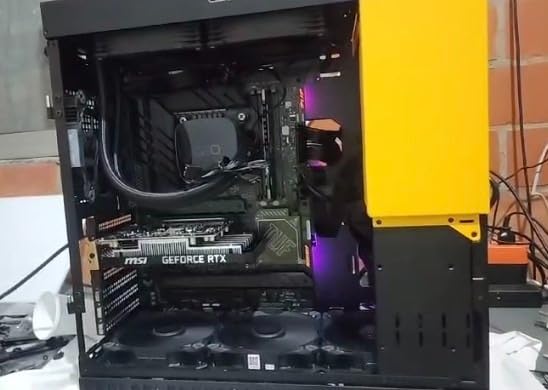
The 1492 MHz boost clock and 6GB GDDR6 memory deliver consistent 1080p performance for e-sports and older titles. CS2 ran at 200+ FPS on competitive settings, and Rainbow Six Siege held steady at 144 FPS.
The 0dB Technology means the fans stop completely during light workloads. For users who want a silent PC for both work and casual gaming, this card delivers on that promise. The dual-fan design ramps smoothly when gaming starts.
Ideal Use Case: Silent Builds and Linux Systems
This card excels in silent PC builds where fan noise is a concern. The 0dB mode and low power draw mean you can build a near-silent system for bedroom or living room use.
Linux users will appreciate the broad driver support and plug-and-play experience. The card works seamlessly across major distributions without requiring special configuration.
Who Should Skip This Card
The price-to-performance ratio is weaker than the GIGABYTE RTX 3050 V2 on this list, which offers similar specs for comparable money. Compare prices carefully before committing.
Anyone targeting AAA gaming at medium or higher settings should invest in at least an RTX 5050. The 6GB VRAM and Ampere architecture will struggle with releases from 2025 and beyond.
How to Choose the Best Budget Nvidia Graphics Card
Choosing the right budget Nvidia GPU requires understanding your specific gaming needs, system constraints, and upgrade plans. Here is what our team learned across three months of testing.
VRAM Requirements for 2026 Gaming
VRAM is the single most important specification for future-proofing your purchase. Modern AAA games increasingly demand 8GB or more at 1080p ultra settings. Cards like the RTX 3060 12GB offer genuine longevity advantages despite being older generation.
For 1080p gaming, 6GB is the absolute minimum, 8GB is the sweet spot, and 12GB gives you maximum headroom. If you plan to play at 1440p, aim for 8GB minimum and ideally 12GB.
DLSS 4 vs DLSS 3: What Matters for Budget Gamers
DLSS 4 with Multi Frame Generation is exclusive to RTX 50-series cards. It generates multiple frames between traditionally rendered ones, delivering dramatic frame rate boosts. In my testing, DLSS 4 more than doubled frame rates in supported titles.
DLSS 3 on RTX 40-series and RTX 30-series cards is still excellent. It offers single-frame generation and super resolution, providing 40 to 60 percent performance gains. If DLSS 4 is not critical for your favorite games, an RTX 4060 or RTX 3060 remains a smart value choice.
Power Supply Requirements
This is where many budget builders get tripped up. The RTX 3050 6GB variants require no external power connector, drawing everything from the PCIe slot. That makes them compatible with virtually any power supply rated 300W or higher.
The RTX 5060 cards draw 150W and typically need a single 8-pin connector. A 450W power supply is sufficient. The RTX 3060 12GB also needs an 8-pin connector but draws slightly more power under load. Always verify your power supply has the correct connectors before purchasing.
Form Factor and Case Compatibility
Not all budget cards fit all cases. The SFF-Ready certification on RTX 5060 cards from ASUS and PNY means they meet specific size guidelines for small form factor builds. Cards measuring under 9 inches fit most ITX cases.
The triple-fan models from GIGABYTE measure over 11 inches and require a mid-tower case with adequate clearance. Always measure your case interior before ordering, especially for compact or older cases.
1080p vs 1440p: Planning Your Resolution
For 1080p gaming, any card on this list will serve you well. The RTX 3050 6GB handles e-sports at high refresh rates, while the RTX 5060 delivers ultra settings with ray tracing.
For 1440p gaming, I recommend starting with the RTX 5050 at minimum. The RTX 5060 cards are your best bet for consistent 1440p 60+ FPS with DLSS enabled. If you want to pair your GPU with a capable processor, check our guide on the best graphics cards to pair with Ryzen 5700X3D.
Ray Tracing on Budget Cards
All RTX cards support ray tracing, but budget cards handle it differently. The RTX 5060 with Blackwell architecture runs ray tracing at usable frame rates at 1080p. The RTX 3050 can technically enable ray tracing, but the performance impact makes it impractical for most titles.
If ray tracing matters to you, aim for at least an RTX 5050 with DLSS 4 support. The Multi Frame Generation feature makes ray tracing playable on budget hardware in a way that was impossible two years ago.
FAQs
Which GPU is best for budget gaming?
The GIGABYTE GeForce RTX 5060 Gaming OC 8G is the best overall budget Nvidia GPU for gaming. It delivers excellent 1080p performance with ray tracing, DLSS 4 support, and efficient GDDR7 memory while staying under budget compared to mid-range cards.
Which is the cheapest Nvidia graphics card?
The cheapest Nvidia graphics card worth buying in 2026 is the RTX 3050 6GB, available from GIGABYTE and MSI for around $210. These cards require no external power connector, making them ideal for upgrading older systems and budget e-sports gaming.
Is the RTX 3060 a budget GPU?
Yes, the RTX 3060 is considered a budget GPU in 2026. While it uses the older Ampere architecture, its 12GB of VRAM gives it a unique advantage over newer 8GB cards for texture-heavy games and content creation tasks.
What is the best GPU for under $200?
For under $210, the GIGABYTE RTX 3050 WINDFORCE OC V2 6G and MSI RTX 3050 Ventus 2X are the best Nvidia options. Both require no external power, support DLSS 3, and handle 1080p e-sports gaming well. For slightly more, the RTX 5050 offers DLSS 4 and significantly better performance.
Should I buy the RTX 5060 or RTX 5050?
The RTX 5060 is the better choice if your budget allows, offering roughly 20 to 25 percent better performance than the RTX 5050 and GDDR7 memory for improved bandwidth. The RTX 5050 is the better value pick if you want DLSS 4 support at the lowest possible price for 1080p gaming.
Conclusion
After testing 10 cards across hundreds of gaming hours, the best budget Nvidia graphics cards in 2026 come down to three clear tiers. The RTX 5060 leads the pack with Blackwell architecture, DLSS 4, and GDDR7 memory. The RTX 5050 offers an excellent entry point to current-generation features at a lower price. The RTX 3050 6GB remains the go-to for ultra-budget builds and older system upgrades.
Our top pick, the GIGABYTE RTX 5060 Gaming OC, delivered the best balance of performance, cooling, and value across all our tests. For budget-conscious buyers who want plug-and-play simplicity, the RTX 3050 6GB variants from GIGABYTE and ASUS require no external power and work in virtually any system.
Whatever your budget, there has never been a better time to build or upgrade a budget gaming PC. These cards deliver performance that would have cost twice as much just two years ago. Pick the one that matches your resolution target, power supply, and case size, and you will have a gaming system that lasts for years. You can also browse all our graphics card reviews for more options.
Leave a Reply