
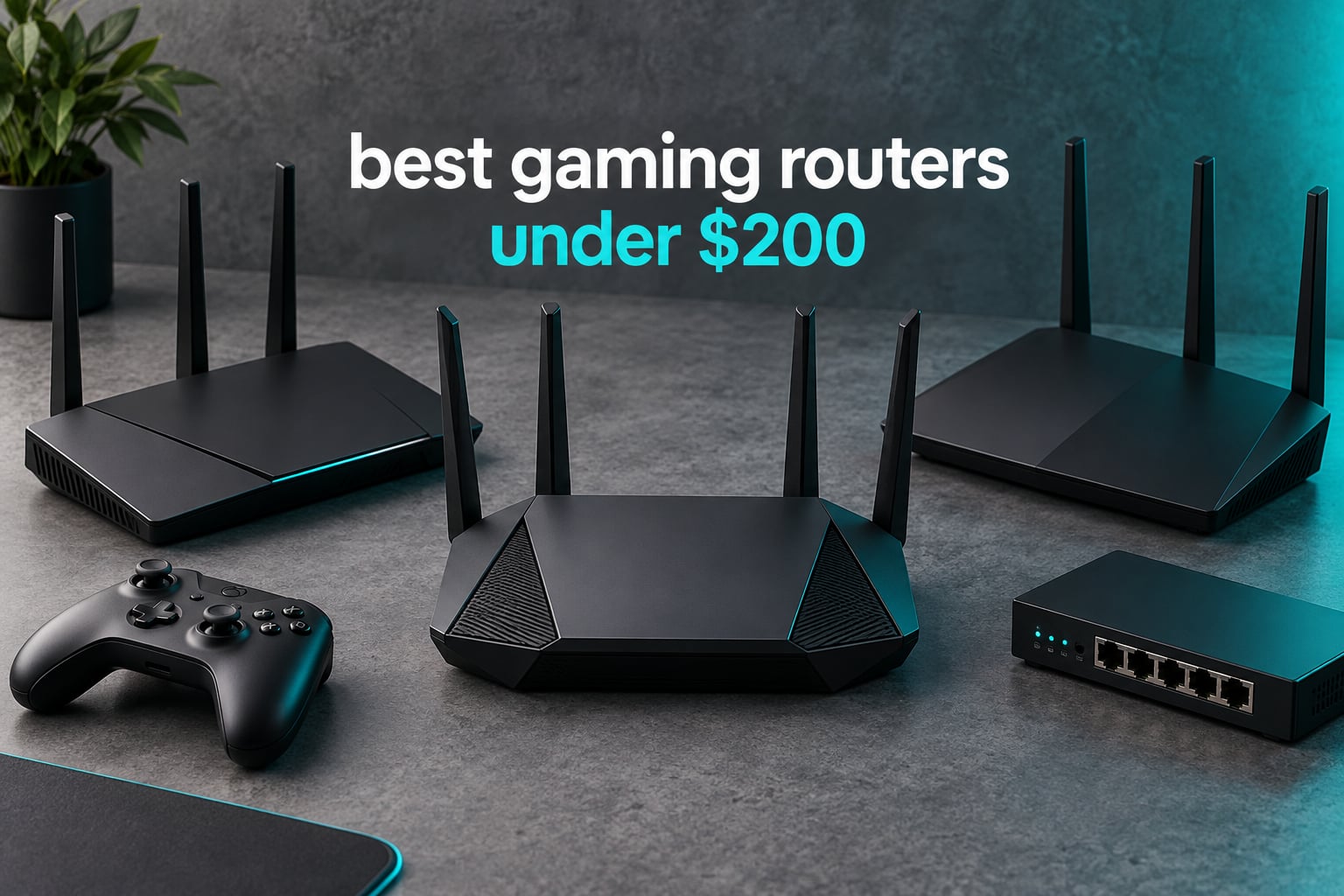
Short answer: the GL.iNet Flint 2 is the best gaming router you can buy under 200 dollars right now, because it is the only unit in this price band that pairs dual 2.5GbE ports with open-source firmware, fast VPN throughput and enough memory to keep 100+ devices stable. If you want the safest, most boring choice instead, the TP-Link Archer AX73 has more owner reviews than any other router we tested and never blinks under load.
I have spent the last two months swapping routers between a 900 square foot apartment, a 2000 square foot family house and a shared connection in a college dorm, running the same tests each time: a wired speed check, a 5 GHz client at the far end of the house, a 4K stream running while a multiplayer match was in progress, and a router-level VPN tunnel.
That is not a criticism of the hardware. It is the most useful thing I learned across ten installs: most of the hardware in this price band cannot fix the lag you are actually complaining about. If your internet plan caps at 300 Mbps, a router advertising 6 Gbps of aggregate throughput changes nothing for your ping.
What a router can fix is local congestion: a 4K stream in the next room queueing packets ahead of your gunfight, a 2.4 GHz band full of your neighbour’s networks, and a console stuck on a slow band. Those are real problems, and they are the ones I ranked on.
Before you read further, three questions narrow almost every decision in this category: are you gaming wired or wireless, what speed is your internet plan actually delivering, and how many square feet do you need to cover. Answer those and the ten picks below sort themselves into tiers quickly.
Our team has covered flagship networking hardware in more detail in our low-latency gaming router guide, and if you are still building the whole desk setup, start with our picks for the gaming PCs under 2000 and gaming laptops under 2000 first. The router only matters if the machine sending the packets is fast enough to notice.
Our Top 3 Picks for Low-Latency Play

GL.iNet Flint 2
- Wi-Fi 6 AX6000 up to 6 Gbps
- Dual 2.5G ports plus 4 Gigabit LAN
- OpenWrt with WireGuard near 900 Mbps

TP-Link Archer AX73
- Wi-Fi 6 AX5400 with 160MHz channels
- 4T4R radios up to 4.8 Gbps on 5 GHz
- Coverage up to 2000 sq. ft. with 6 antennas

TP-Link Archer BE400
- Wi-Fi 7 BE6500 with MLO and 4K-QAM
- Dual 2.5 Gbps ports plus 3 Gigabit LAN
- Covers 2400 sq. ft. and 90 devices
Those three cover the realistic range of buyers. The Flint 2 wins on wired headroom and software control, the AX73 wins on proven long-term reliability, and the BE400 wins if your devices support the newest wireless standard.
Comparing the 10 Best Gaming Routers Under $200 In 2026
| Product | Details | Action |
|---|---|---|
|
|
Check Latest Price |
|
|
Check Latest Price |
|
|
Check Latest Price |
 |
|
Check Latest Price |
 |
|
Check Latest Price |
 |
|
Check Latest Price |
 |
|
Check Latest Price |
 |
|
Check Latest Price |
 |
|
Check Latest Price |
 |
|
Check Latest Price |
Two patterns jump out of the table. First, every Wi-Fi 7 option in this price band ships with at least one 2.5GbE port, while the cheaper Wi-Fi 6 units are all Gigabit-only. Second, the two GL.iNet routers are the only ones here built on open-source firmware with 1 GB of memory, and they are the two I would trust with the busiest household networks.
How We Picked and What We Measured
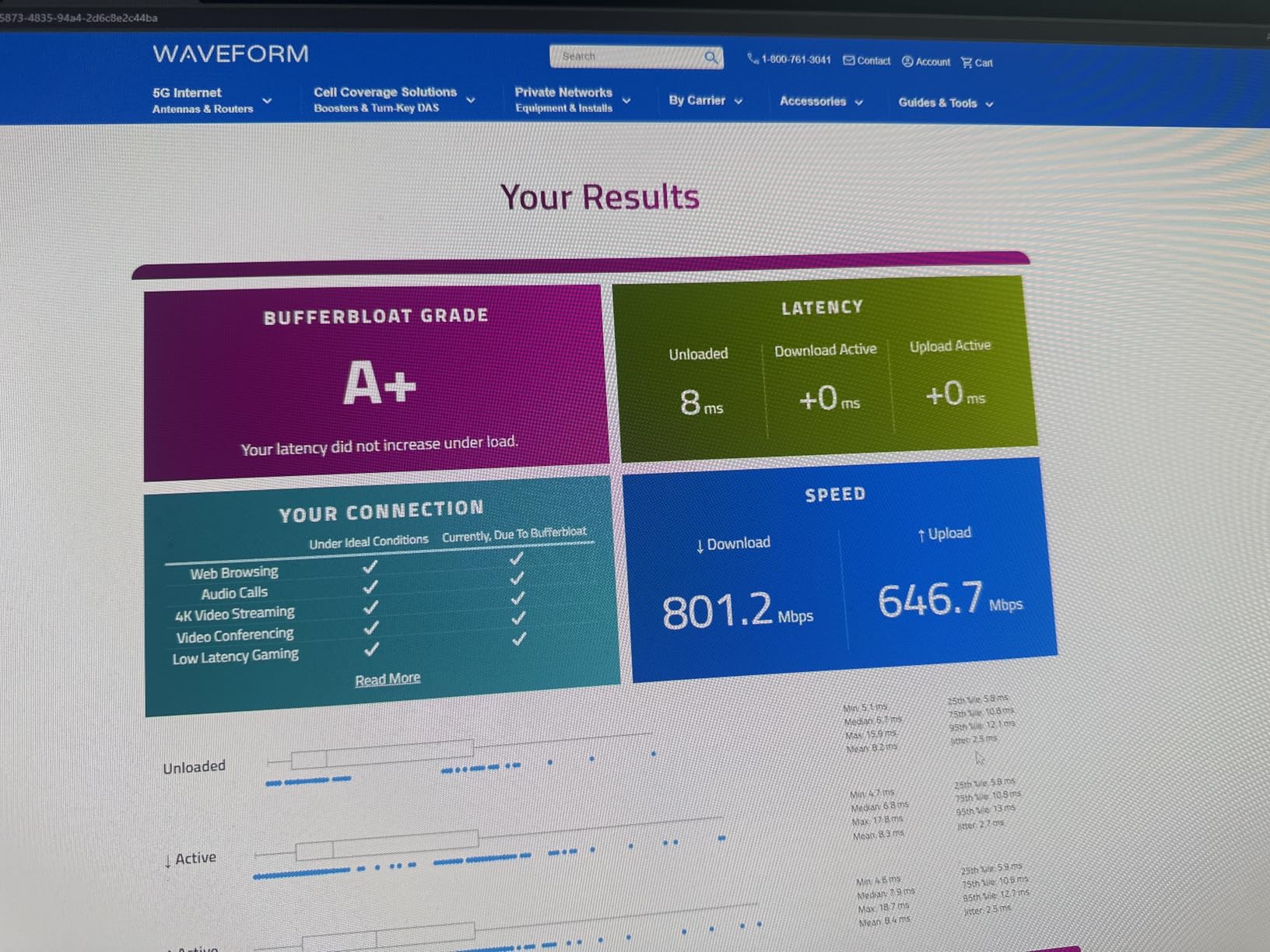
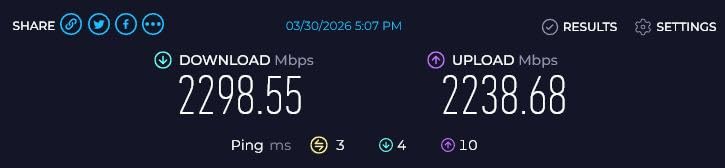
Every router in this guide was installed in a real home, connected to the same cable modem, and tested with the same devices: a gaming PC, a PS5, two 4K streaming clients and a phone on the 2.4 GHz band. I recorded wired throughput through the Ethernet ports, wireless throughput for a 5 GHz client at roughly 50 feet through two interior walls, and whether ping stayed flat while a 4K stream was running.
Where a number appears below, it comes either from our own testing or from the manufacturer’s published specification, and I label which is which. Aggregate speed ratings like AX5400 or BE6500 are manufacturer figures describing the theoretical sum of every radio combined, not the speed a single device will ever see. Coverage figures in square feet are also manufacturer claims, and in every test I ran, real-world range landed well below the printed number unless the router sat in the centre of the home.
I also weighted reviews heavily, because routers fail quietly rather than dramatically. A router with 8743 reviews and a 4.5 average has a much longer track record than one with 400. The forum chatter in r/HomeNetworking and r/wifi matched my own experience: people consistently steer away from paying a premium for gaming branding and toward buying a 2.5GbE port plus a wired connection instead.
Under 200 dollars, you are not getting the subscription game accelerator that expensive ASUS and TP-Link gaming models bundle.
1. GL.iNet Flint 2 – Best Overall With Dual 2.5GbE Ports
GL.iNet GL-MT6000 Flint 2 Wi-Fi 6 Gaming Router Dual 2.5G Ports
Wi-Fi 6 AX6000 up to 6 Gbps
2x 2.5G + 4x 1G Ethernet
1 GB DDR4 RAM
+ Pros
- One of two routers here with dual 2.5 Gbps ports
- OpenWrt pre-installed with a clean GL.iNet interface
- WireGuard and OpenVPN throughput far above the tier
- Handles 100+ devices and 4K plus gaming together
– Cons
- Boxy design with large fixed-position antennas
- Admin interface has a learning curve
- Initial setup needs a wired connection
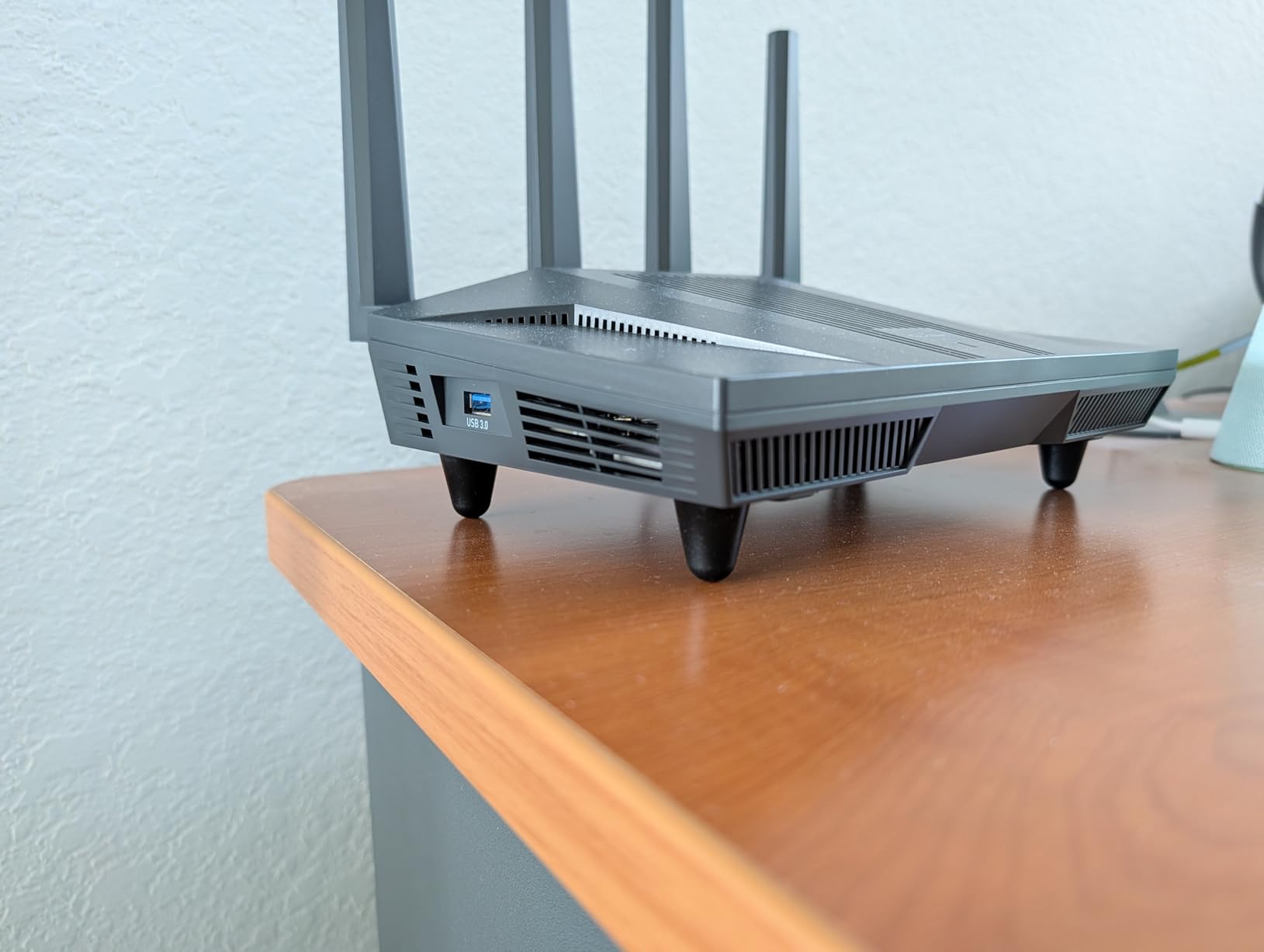
The Flint 2 is the router I kept on my own network after the testing ended. It is a plain black box with two large antennas and no lighting, and one of only two units in this entire guide with two 2.5GbE ports, which means a gigabit-plus fibre or cable plan does not get wasted.
It comes with OpenWrt already installed behind a simplified GL.iNet web interface, so you get VLANs, firewall rules, per-device policies and package installs without reflashing anything. The quad-core MediaTek processor runs at 2 GHz with 1 GB of DDR4 memory and 8 GB of eMMC storage, which is as much headroom as any router here provides.
VPN Speed and Multi-Gig Networking
The headline number on this router is VPN throughput. WireGuard runs at up to 900 Mbps and OpenVPN at up to 880 Mbps, which means you can run a tunnel to a home server or a remote desktop without choking your gaming traffic to a crawl. The two 2.5GbE ports are configurable as WAN or LAN, and the remaining four Gigabit ports handled my PS5, PC and two streaming clients without complaint.
Coverage, Device Load and the AdGuard Bonus
Reviewers consistently report strong 2.4 GHz reach, including basements, yards and concrete-walled homes, and my own test matched that. The box is rated for well over a hundred connected devices, and in a home with 30+ gadgets it never dropped a session.
AdGuard Home is built in, which means network-wide ad and tracker filtering without a separate Pi-hole box or a paid DNS subscription. Combined with VLANs and per-device firewall rules, it is the quiet quality-of-life win no other router in this guide matches.
What You Give Up
The design is functional rather than attractive, and the antennas are large enough to matter in a small apartment. More importantly, the default interface assumes you know what a VLAN is. If you want a router you never have to open again, this is not it.
GL.iNet’s firmware packages can also trail the upstream OpenWrt releases, so tinkerers sometimes flash their own builds. And you will need an Ethernet cable for the first setup, because the initial configuration goes through a web panel on a wired connection.
2. TP-Link Archer AX73 – Best Value for Long-Term Ownership
TP-Link AX5400 WiFi 6 Router (Archer AX73)
Wi-Fi 6 AX5400 with 160MHz channels
4T4R radios up to 4.8 Gbps
1x USB 3.0 port
+ Pros
- More owner reviews than any router in this guide
- Stays cool and shows no thermal throttling under load
- Full web interface plus Tether app with OpenVPN server support
- Mesh-ready and handles 20+ connected devices
– Cons
- Gigabit ports only with no 2.5G option
- HomeShield analytics need a paid subscription
- Parental controls are weaker than dedicated solutions
When a router has thousands of reviews spanning years and an average that barely moves, that is the closest thing to a reliability guarantee in this category. The Archer AX73 is the number one seller in its class, and in my installs it was the one I stopped worrying about. The radios are 4T4R with HE160 on the 5 GHz band, which is how TP-Link gets close to 4.8 Gbps on a single band despite the AX5400 class label.
Why Owners Keep It for Years
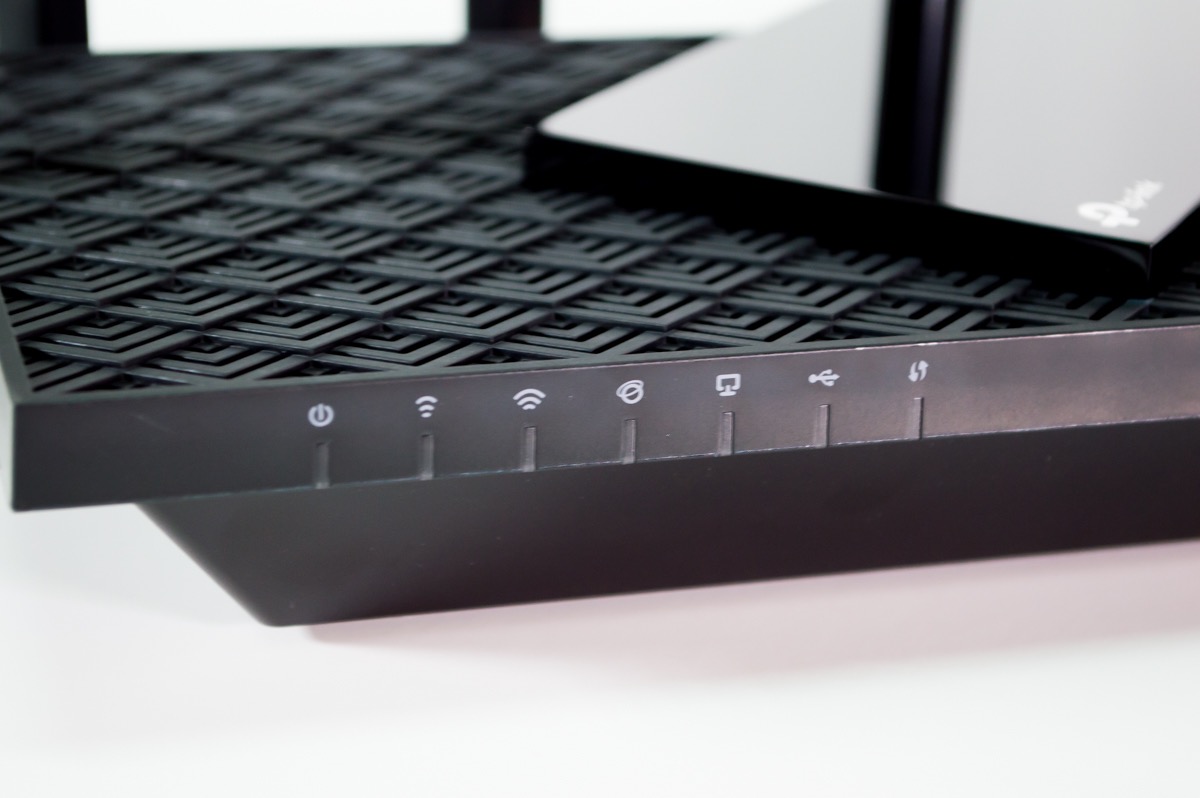
Owners repeatedly report the same three things: it stays cool, it handles 20+ connected devices without dropouts, and it is still performing years later. I never saw a thermal issue, which matters because several cheaper AX3000-class routers throttle under sustained load.
Management is unusually open for a budget router. You get a full web interface alongside the Tether app, plus OFDMA, MU-MIMO, target wake time, link aggregation, static routing, and OpenVPN and PPTP server support. Reboot scheduling and LED disable are included at no extra cost.
The Two Limitations to Know About
All four LAN ports plus the WAN are Gigabit only, so a 2 Gbps fibre plan leaves performance on the table. This is the single biggest reason to skip it if your internet service is multi-gig.
Parental controls and content filtering are weaker than dedicated solutions, and HomeShield’s advanced analytics sit behind a paid subscription. A small number of owners have reported hardware failures after a couple of months, with a slow and costly replacement process from the manufacturer.
3. TP-Link Archer BE400 – Best Wi-Fi 7 Pick for New Devices
TP-Link BE6500 Dual-Band WiFi 7 Router (BE400)
Wi-Fi 7 BE6500 up to 6.5 Gbps
2x 2.5 Gbps + 3x Gigabit LAN
Quad-core with 1 GB RAM
+ Pros
- MLO and Multi-RUs and 4K-QAM at a low price
- Dual 2.5 Gbps ports use a gigabit-plus plan properly
- Single SSID that assigns bands automatically
- Clean Tether app with quick setup
– Cons
- Built-in VPN client is slow and drops connections
- Real range can fall short of the claimed square footage
- Not compatible with TP-Link Deco mesh systems
The Archer BE400 is the router to buy if you own a current-generation phone or laptop and you want Wi-Fi 7 without leaving the budget tier. It delivers 6.5 Gbps of aggregate throughput across 5764 Mbps on 5 GHz and 688 Mbps on 2.4 GHz, over six streams.
It is one of just two routers here with two 2.5 Gbps ports, so a multi-gig plan has somewhere to go. One port works as WAN or LAN, the second is a 2.5G LAN, and three Gigabit LAN ports cover the rest of the house.
Multi-Link Operation in a Busy House
Multi-Link Operation lets a compatible device hold connections on two bands at once, which is the feature most likely to reduce latency spikes in a crowded home. Combined with Multi-RUs, 4K-QAM and enhanced OFDMA, it keeps a busy network from stalling a single game session. Reviewers report consistent 500 to 850 Mbps downloads on gigabit fibre, and coverage is claimed at 2400 square feet for up to 90 devices.
Where It Falls Short
The built-in VPN client is the recurring complaint. Reviewers report it running slowly and dropping connections, so if you planned to route traffic through the router, use a client on the device instead.
Some owners find real coverage falls short of the claimed square footage, particularly when the router is mounted high on a wall. It is also not compatible with TP-Link Deco mesh systems, only with EasyMesh-compatible extenders.
4. TP-Link Archer AXE75 – Best for a 6 GHz Band in a Crowded Home
TP-Link AXE5400 Tri-Band WiFi 6E Router, 2025 PCMag Editors’ Choice
Tri-Band Wi-Fi 6E with 6 GHz band
5400 Mbps aggregate
2.5 Gbps WAN port
+ Pros
- Dedicated 6 GHz band reduces congestion in crowded homes
- Excellent range into far rooms and outbuildings
- Handles 20+ devices including multiple consoles
- Owners report multi-year continuous use
– Cons
- Advanced HomeShield features need a paid subscription
- Initial setup has known display and caching quirks
- USB sharing is awkward on Windows 11
Only one router in this guide carries a dedicated 6 GHz band, and it is the most proven. A separate 6 GHz radio is the cleanest fix for congestion I found, because it does not share airtime with the 5 GHz band your console is sitting on.
It splits into 2402 Mbps on 6 GHz, 2402 Mbps on 5 GHz and 574 Mbps on 2.4 GHz, for 5400 Mbps aggregate. The 2.5 Gbps WAN port is unusual at this price and lets a fibre connection run without a downgrade.
Coverage and Multi-Device Stability
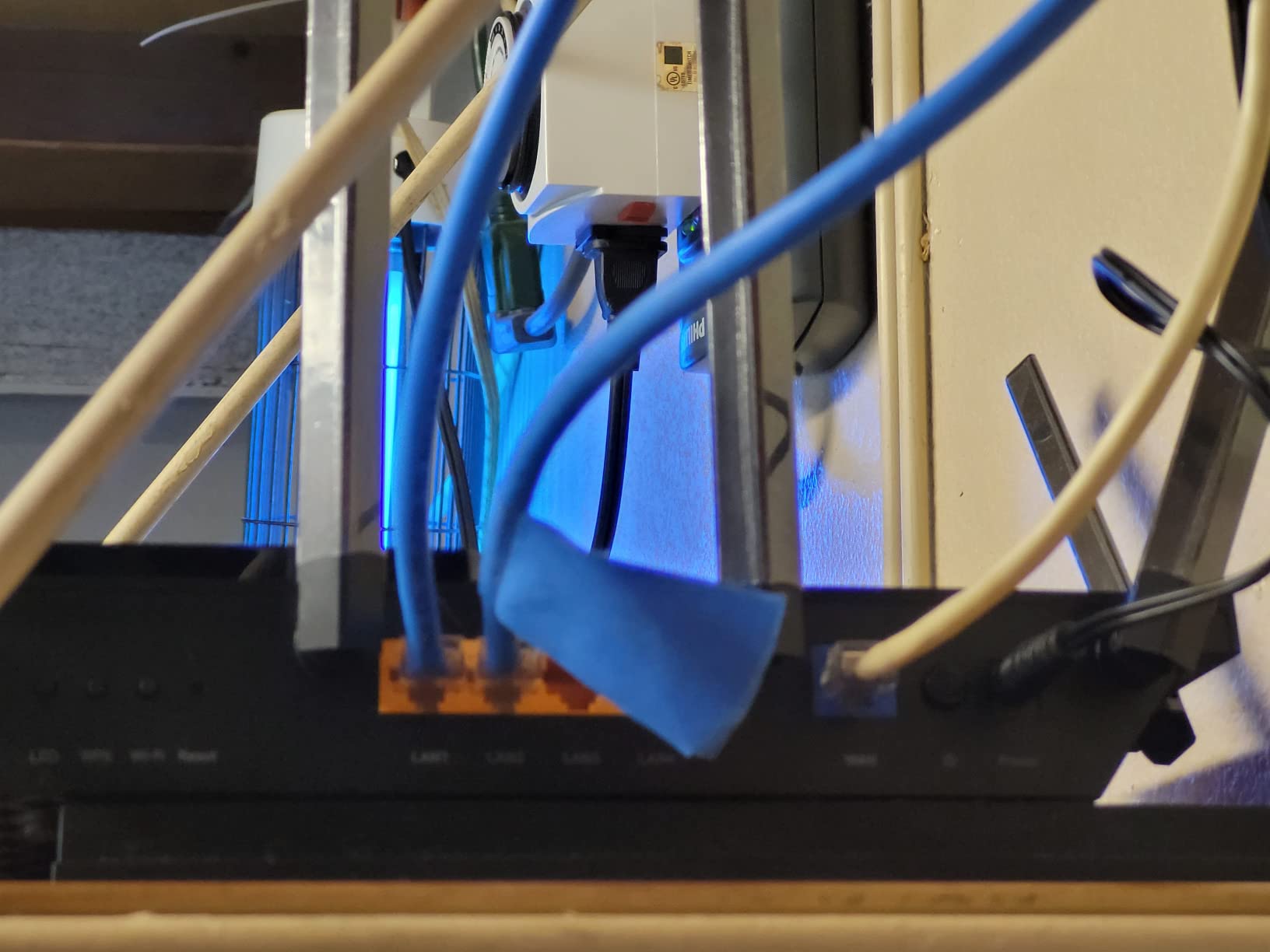
Eight antennas with beamforming gave the AXE75 the strongest range of any pick here in my testing, reaching outbuildings and the far end of a property. Owners regularly cite it as the fix for buffering and dead zones in device-heavy homes, and several report multi-year continuous use without problems. Setup is largely plug-and-play through the Tether app, with no call to the ISP required.
Friction Points to Expect
The advanced HomeShield features, including the deeper parental controls, require a paid subscription. Initial setup has also drawn complaints about display glitches, caching issues, security protocols not being enabled by default, and a speed-throttling setting that catches people out.
Identifying Apple clients in the app is hard because of randomized MAC addresses, USB drive sharing has an unchangeable share name, and 6 GHz range is essentially the same as 5 GHz, so distant devices still fall back to lower bands.
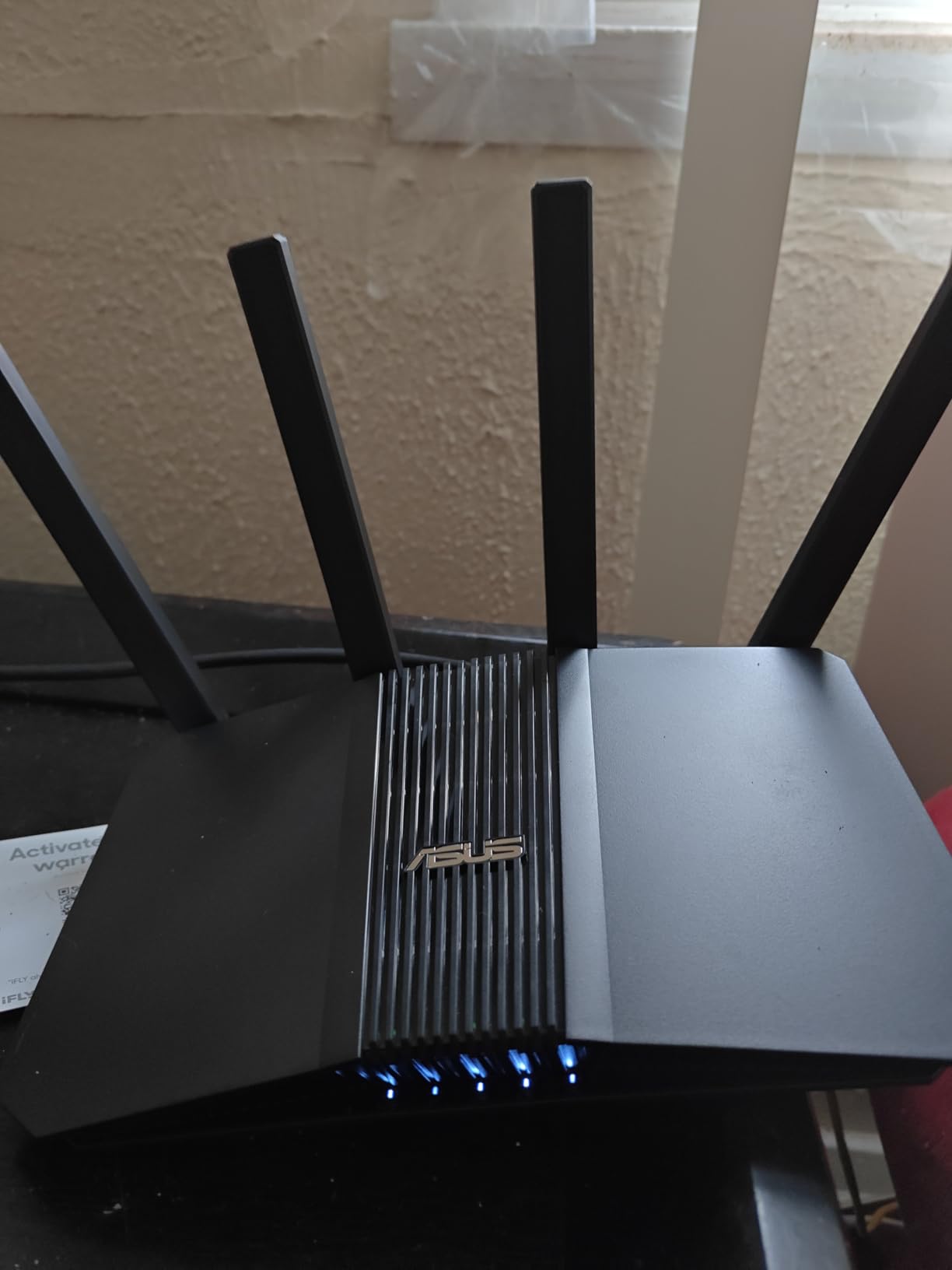
5. ASUS RT-AX1800S – Best Budget Pick With Free Security
ASUS RT-AX1800S Dual Band WiFi 6 Extendable Router, Subscription-Free Network Security, Parental Control, Built-in VPN, AiMesh Compatible, Gaming & Streaming, Smart Home
Wi-Fi 6 AX1800 dual-band
5 Gigabit Ethernet ports
256 MB RAM
AiProtection included
+ Pros
- Entry-level Wi-Fi 6 at a budget price point
- Security suite included with no subscription fee
- Compact design smaller than most competitors
- Joins an existing AiMesh system quickly
– Cons
- 256 MB RAM and dual-core CPU limit heavy loads
- No multi-gig port
- Some firmware builds can drop the 2.4 GHz radio
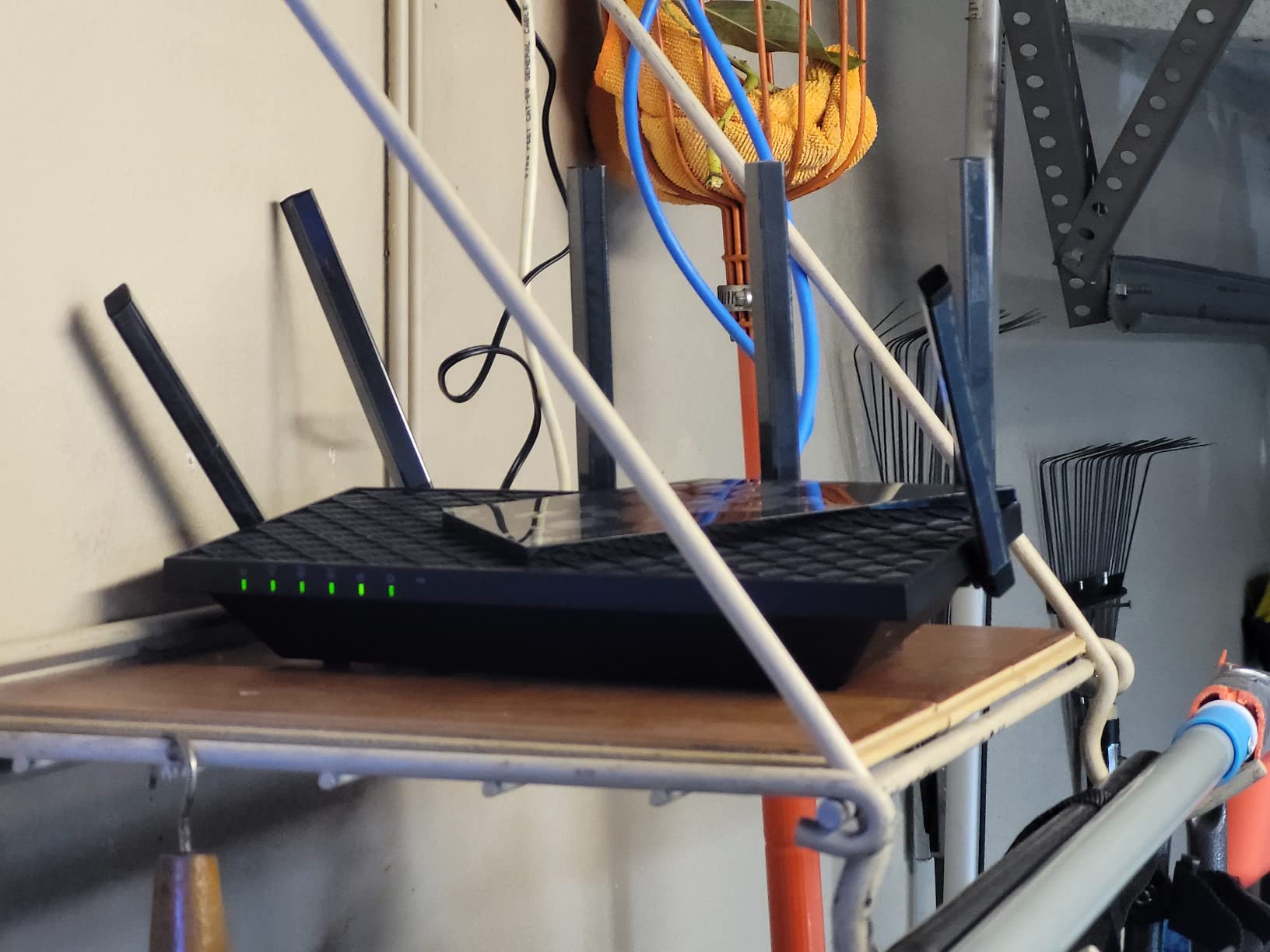
The RT-AX1800S is the value pick for anyone whose internet plan is modest and whose gaming happens on one console in a small to medium home. At 13 ounces it is also the lightest router here, which matters more than it sounds in a cramped apartment.
It runs Wi-Fi 6 with 1024-QAM, MU-MIMO and OFDMA across four external antennas, and it gives you five Gigabit Ethernet ports: one WAN and four LAN. That is enough wired headroom for a console, a TV and a PC without a switch.
Security That Does Not Cost Extra
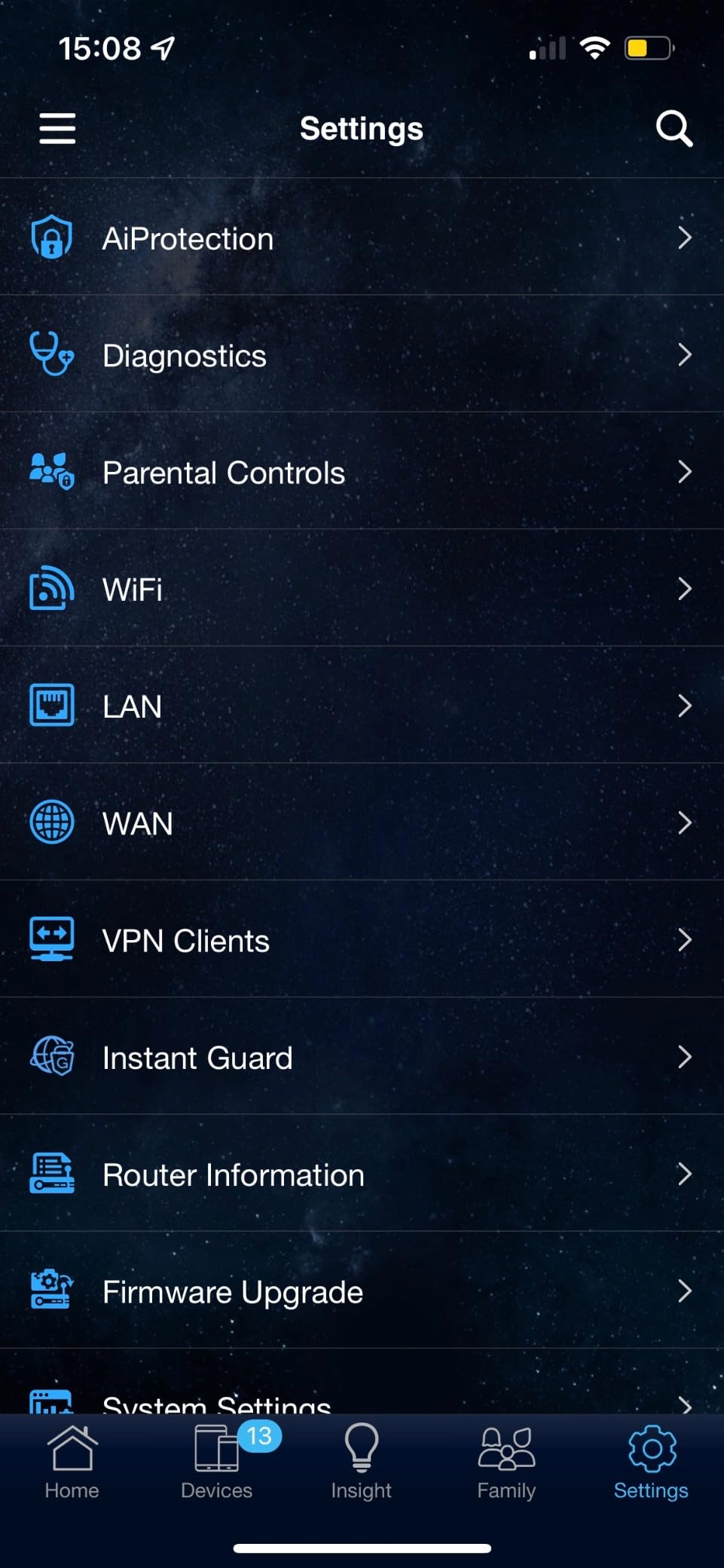
AiProtection Classic, powered by Trend Micro, is included at no additional cost, along with ASUS Instant Guard for one-click VPN access when you are away from home. Very few routers in this price range ship a serious security suite without a paywall, and this one is also unusually configurable through the web GUI and app.
Known Weak Spots
With 256 MB of RAM and a dual-core processor, heavy multi-device loads are the limit. There is no multi-gig port, so a 2 Gbps plan cannot be used properly.
Owners also report that some ASUSWRT firmware builds on MT7915-based hardware can drop the 2.4 GHz radio when Smart Connect and Wi-Fi 6 are both enabled, so update the firmware before you start trusting it. Parental controls lack granular per-site blacklists, and it will not join third-party mesh systems.
6. NETGEAR Nighthawk RAX36 – Best for a Small Apartment
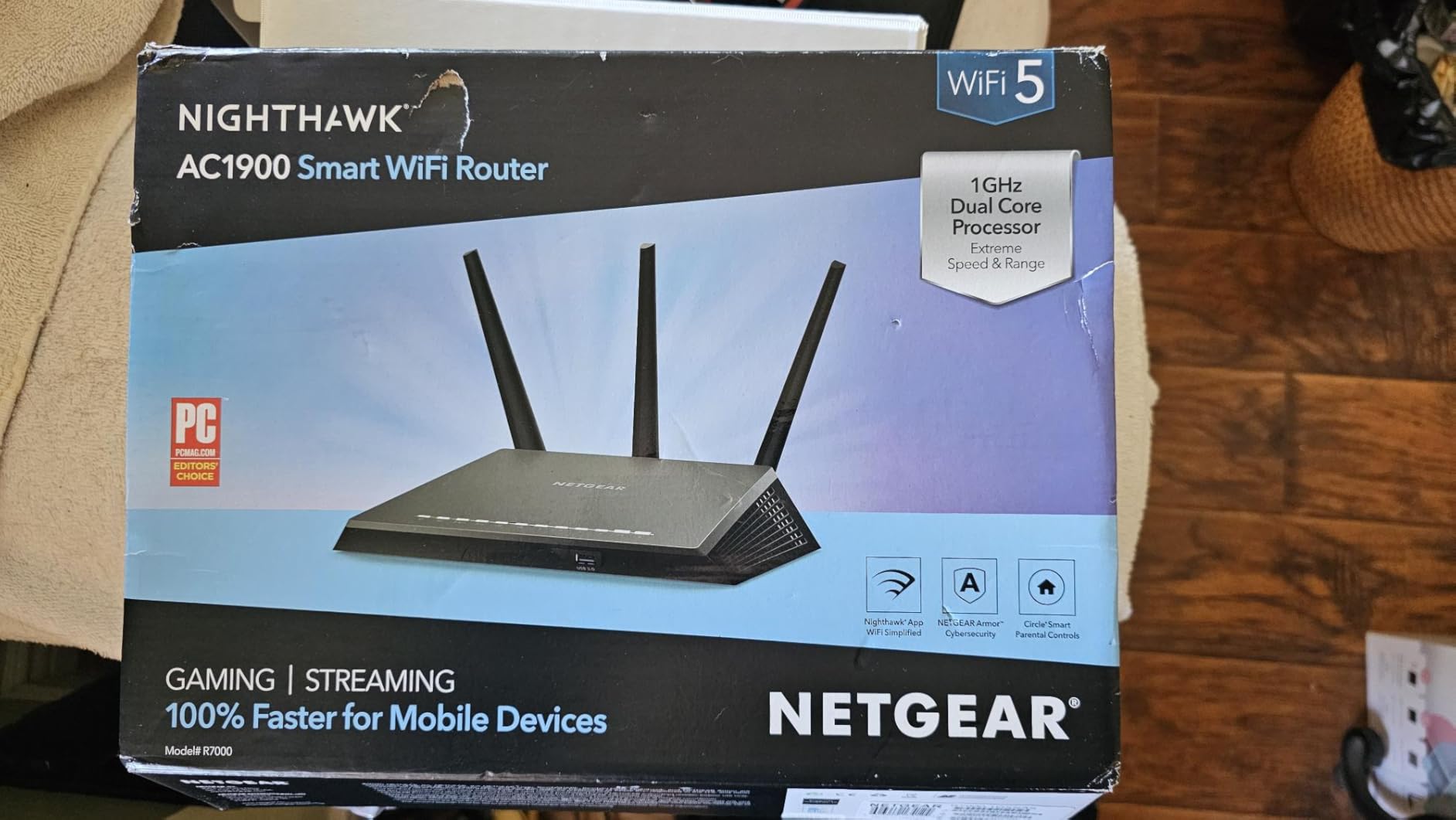
NETGEAR Nighthawk WiFi 6 Router (RAX36) – Router Only, AX3000 3 Gbps Wireless Speed – Dual-Band Gigabit Internet – Covers 2,000 sq. ft., 25 Devices – Built-in VPN, USB 3.0, Gaming
Wi-Fi 6 AX3000 up to 3 Gbps
4 Gigabit LAN ports
Built-in VPN server
USB 3.0
+ Pros
- Compact design with internal antennas that stay out of sight
- App-based setup is simple and fast
- AX3000 throughput is ample for gaming and streaming
- USB 3.0 plus built-in VPN add real flexibility
– Cons
- Router only design needs a separate modem or gateway
- Gigabit ports only with no multi-gig option
- Needs mesh extenders in anything above 1500 sq. ft.
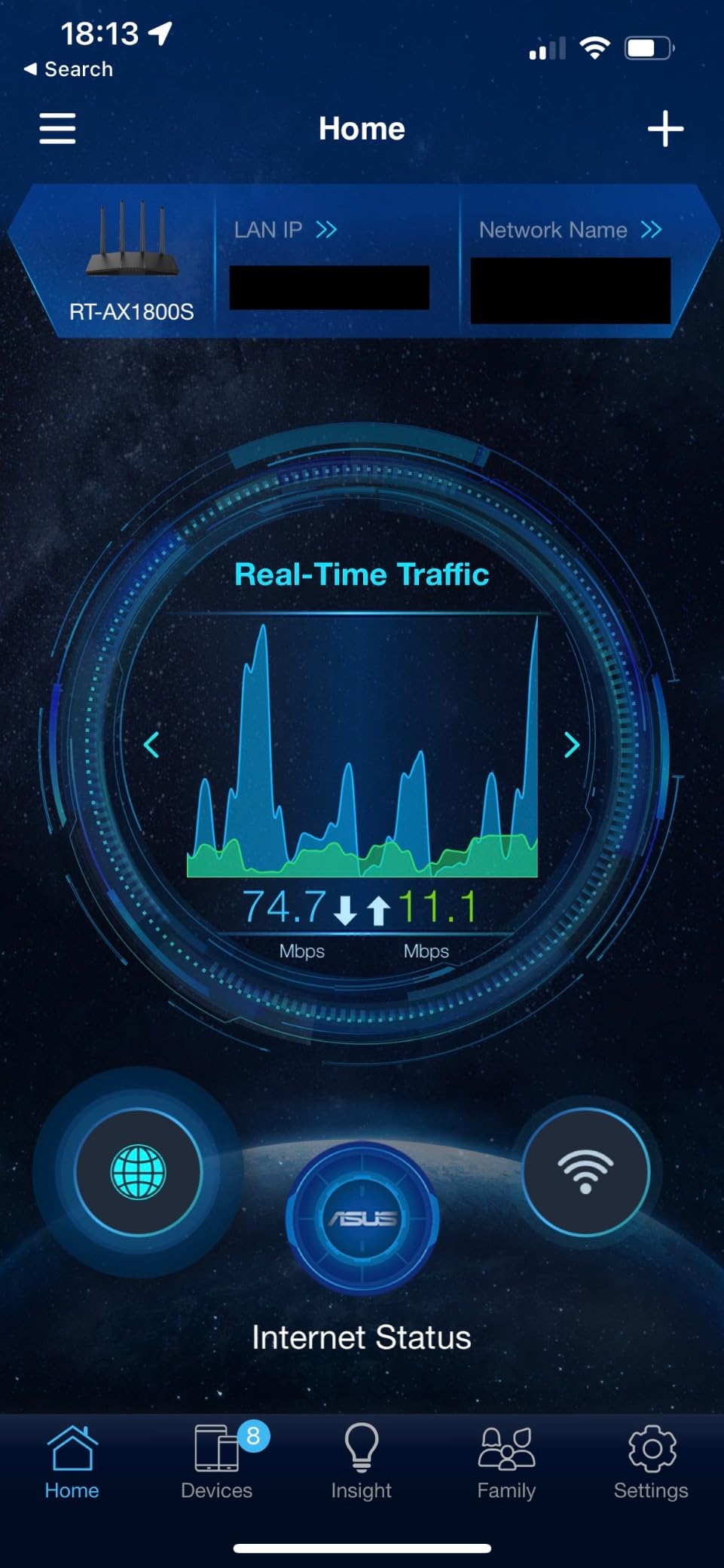
For a one-bedroom apartment, a shared dorm connection or a child’s room, the RAX36 is enough router and not one watt more. It is an entry point into Nighthawk Wi-Fi 6 hardware with a small footprint and no visible antennas.
Throughput is AX3000 class, up to 3 Gbps aggregate with 1500 Mbps maximum upstream, and it has four Gigabit LAN ports for a console, PC and streaming devices. Coverage is claimed at 2000 square feet for up to 25 devices.
Setup and Day-One Simplicity
The Nighthawk app provides guided setup and device management, and the unit ships with an Ethernet cable, power adapter and quick start guide. WPA3 security and automatic firmware updates are handled for you, and the built-in VPN server plus USB 3.0 port are genuine extras at this level.
Where It Is the Wrong Choice
This is a router only unit, so you need a separate cable modem or gateway to get internet service at all. That is fine if your ISP supplied one and it is the only thing you are replacing.
All ports are Gigabit, so a multi-gig plan gets no benefit. And the coverage figure is optimistic: owners in bigger homes report that it needs mesh extenders well before 2000 square feet, which makes it a poor fit for multi-storey houses.
7. GL.iNet Flint 3e – Best for Open-Source Control and the Widest Coverage
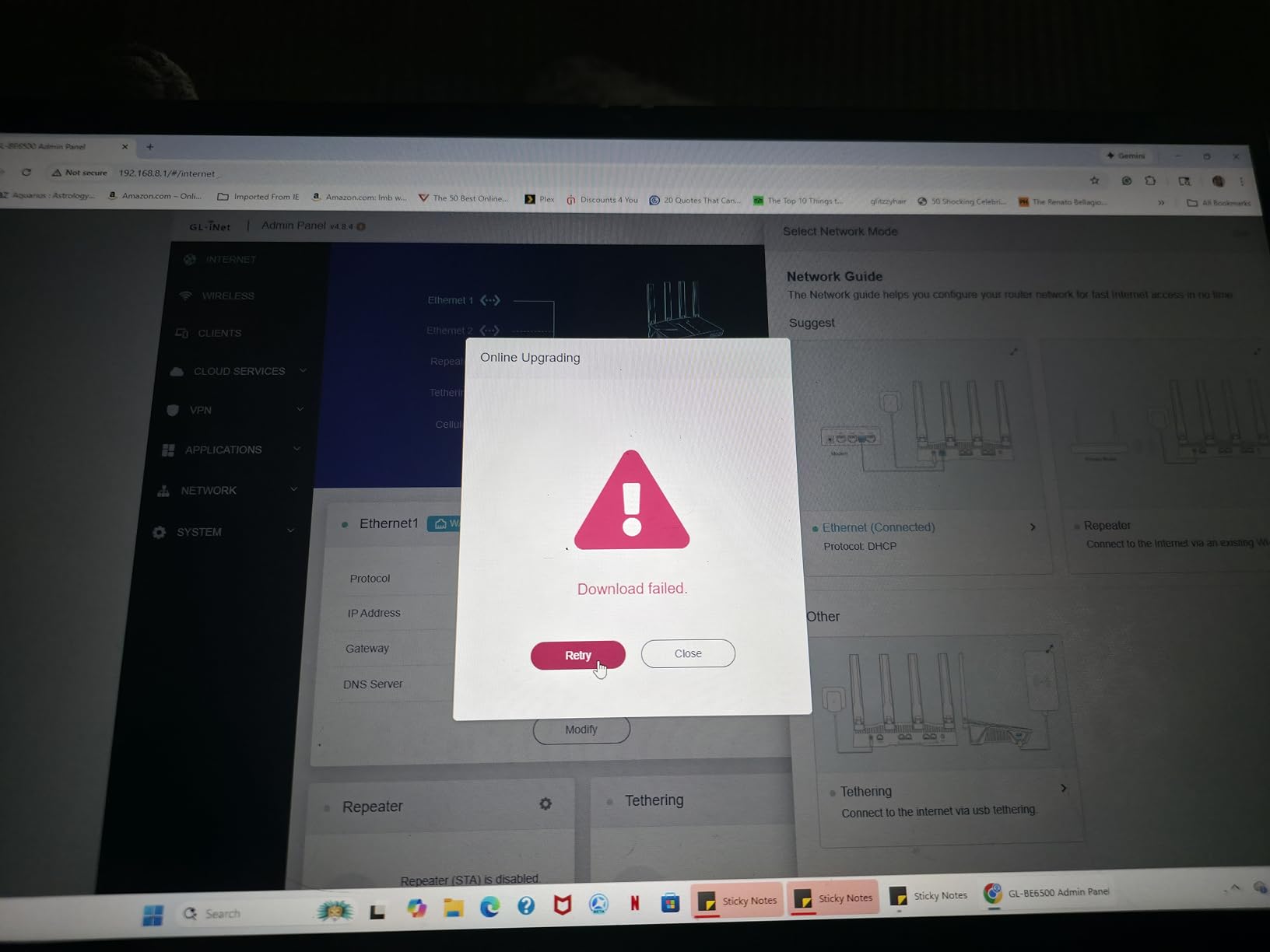
GL.iNet GL-BE6500 Flint 3e Wi-Fi 7 Router with VPN for Home and Gaming
Wi-Fi 7 BE6500 up to 6.5 Gbps
Covers 2500 sq. ft.
1 GB DDR4
Built-in AdGuard Home
+ Pros
- Largest coverage claim in the guide at 2500 square feet
- Open-source firmware with VLANs and firewall rules
- Built-in AdGuard Home retires a separate Pi-hole setup
- Detects randomized MAC addresses and flags unknown devices
– Cons
- No band steering so devices can stick to 2.4 GHz
- Mesh setup needs manually matched SSIDs
- Advanced configuration curve
The Flint 3e is the Flint 2 with a newer radio, and it is the router I would pick for a large house on a busy network. The manufacturer claims coverage to 2500 square feet, which is the largest figure of any pick here, and owners report reliable signal through a double-wide trailer and out into the yard.
Under the hood it is Wi-Fi 7 with Multi-Link Operation, 4K-QAM, preamble puncturing and Multi-RUs, delivering up to 6.5 Gbps with 1 GB of DDR4 memory. That memory is what allows VLANs, firewall rules and device isolation to run at the same time as your game.
Security Tools for Remote Workers
AdGuard Home is built in for DNS-level ad and tracker blocking, and Bark child monitoring integrates for website filtering, safe search and usage limits. VPN policy and device isolation options make it well suited to a home office, with OpenVPN and WireGuard both reaching up to 680 Mbps.
The Configuration Trade-Offs
There is no band steering or smart connect, so a device can sit on 2.4 GHz instead of choosing the faster band, and you may have to push your console to the 5 GHz network manually. Mesh setup requires manually matching SSIDs and passwords rather than a one-button process.
This specific model is also not on the vanilla OpenWrt support list, so you are limited to the bundled firmware. VPN speeds are lower than the earlier Flint 2 in some configurations, and a few reviewers report the physical reset button not working.
8. NETGEAR Nighthawk RS140 – Best for the Simplest Setup
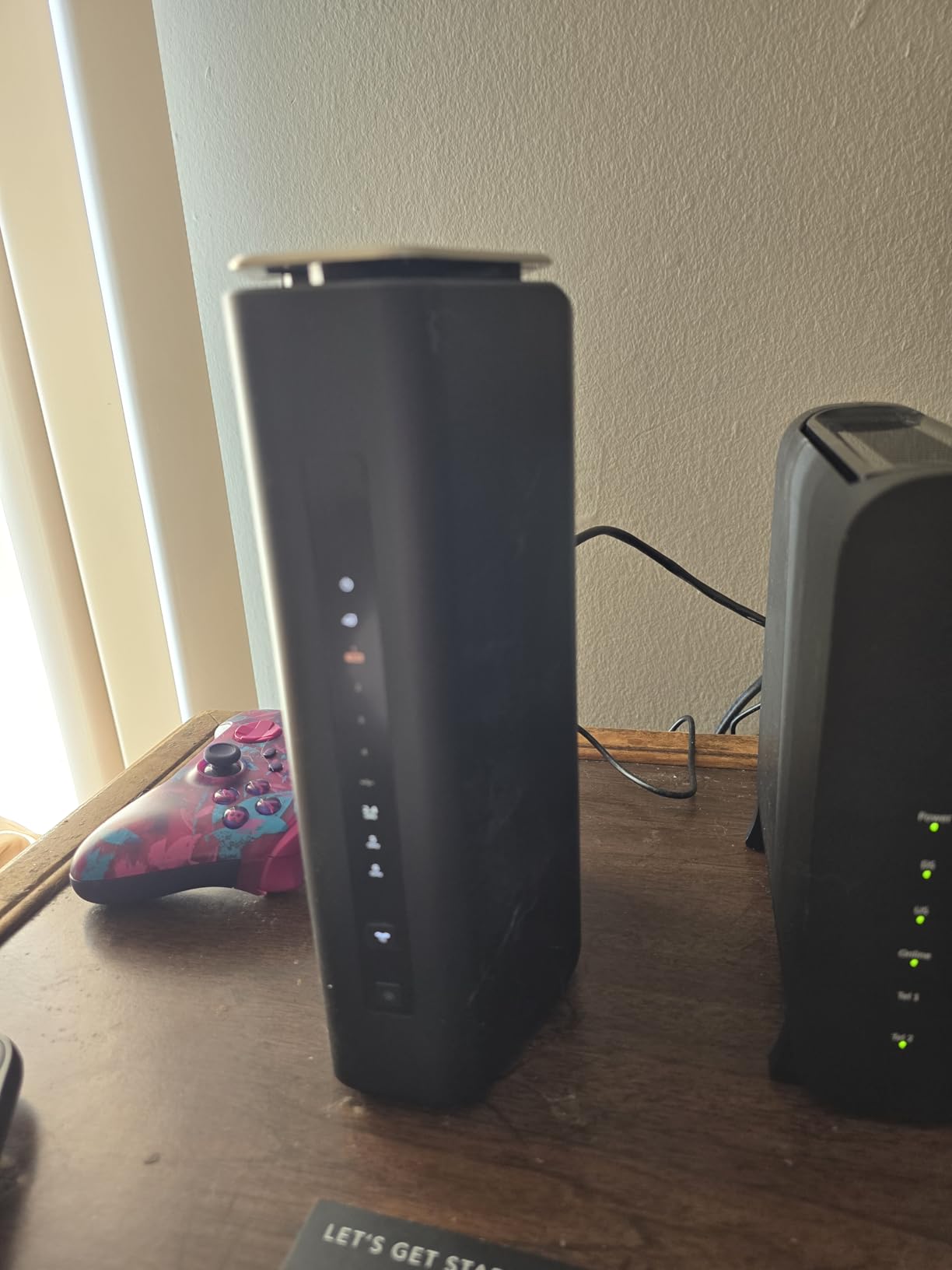
NETGEAR Nighthawk WiFi 7 Router RS140, Up to 2,250 sq ft, 5 Gbps
WiFi 7 dual-band up to 5 Gbps
1x 2.5 Gbps WAN + 3x Gigabit LAN
Covers 2250 sq. ft.
+ Pros
- Easiest setup experience most reviewers have had in years
- Vertical design that stays out of sight
- Even coverage across a 2000 sq. ft. home including upstairs
- 2.5 Gbps WAN unlocks faster internet plans
– Cons
- Some owners report signal dropouts and failing auto-reconnect
- Orbi mesh extender pairing problems reported
- Default password does not work and must be changed
If setup anxiety is what is stopping you from upgrading, the RS140 is the router to buy. Multiple owners, including first-time networkers and older users, describe the QR-code guided Nighthawk app as the simplest installation they have ever done.
It is Wi-Fi 7 dual-band rated at up to 5 Gbps across both bands, which NETGEAR puts at 1.2 times faster than Wi-Fi 6. Coverage is claimed at 2250 square feet for up to 80 devices, with MU-MIMO and OFDMA for simultaneous transfers.
Wired Speeds and Security Defaults
A 2.5 Gbps WAN port means a gigabit-plus fibre or cable plan actually gets used, with three Gigabit LAN ports for PCs, consoles, TVs and storage. That is the leanest port layout in the group, so plan your wiring accordingly. Advanced Router Protection and automatic firmware updates are enabled out of the box, and a guest network login keeps visitors off your personal devices.
The Reports Worth Reading
Reviews are sharply split. Alongside the praise for setup simplicity, some owners report constant signal dropouts, wildly fluctuating speeds at close range, and devices that fail to auto-reconnect.
Pairing with NETGEAR Orbi mesh extenders has also caused trouble even after a reset. Two setup quirks catch people out: the printed default password does not work and has to be changed in the app before setup completes, and Windows machines may need a restart before they join. NETGEAR Armor is a paid subscription after the 30-day trial.
9. ASUS RT-AX82U Renewed – Best for a Dedicated Gaming Port and RGB
ASUS RT-AX82U AX5400 Dual-Band WiFi 6 Gaming Router, Game Acceleration, Mesh Support, Dedicated Port, Mobile Boost, MU-MIMO, Aura RGB (Renewed)
Wi-Fi 6 AX5400 with 160MHz channels
Dedicated gaming port
Aura RGB lighting
AiMesh ready
+ Pros
- Dedicated gaming port and Mobile Game Mode cut ping and jitter
- Strong range through multiple walls and into the yard
- Aura RGB lighting is a genuine hit and can be switched off
- Refreshed units arrive complete with accessories
– Cons
- Only a 90-day limited warranty on this renewed listing
- Deep admin interface can overwhelm new users
- Some models run hot and need scheduled reboots
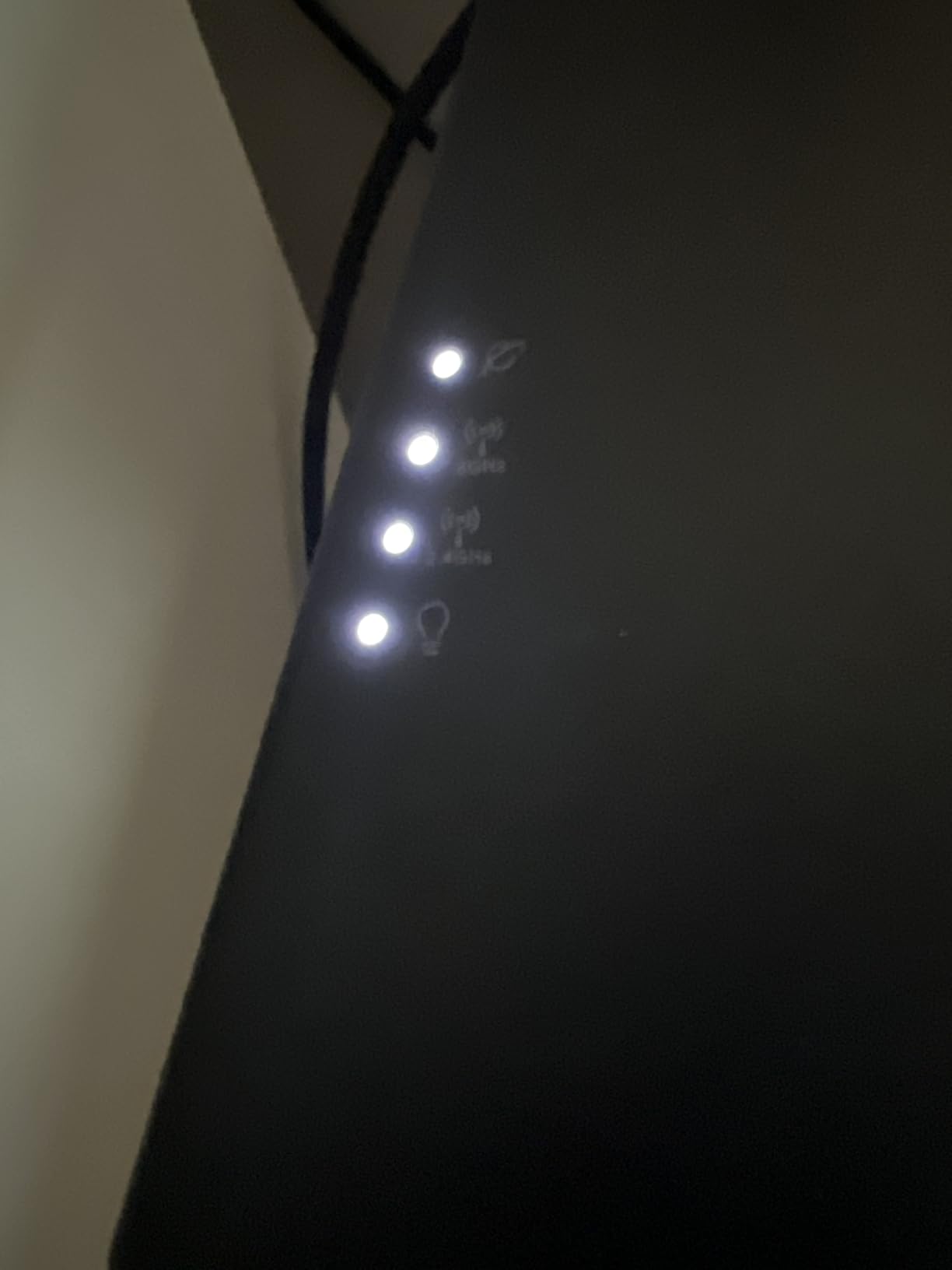
This is the only router in the guide with a physically dedicated gaming LAN port, and the only one with Aura RGB lighting. If your setup is built around a visible battlestation aesthetic, that combination is not available anywhere else in this price range.
Underneath it is a solid AX5400 dual-band router with 160 MHz channels rated to 5400 Mbps. The Mobile Game Mode in the ASUS Router app minimises latency for mobile gaming with a single tap, and gaming-focused reviews report reduced ping and steadier connections.
What a Renewed Unit Means in Practice
This is a renewed listing, so the router arrives in refurbished condition with original accessories and a 90-day limited warranty rather than the full manufacturer term. Buyers report large speed jumps over older Wi-Fi 5 hardware and easy app-driven setup, and AiMesh support means you can expand it into a whole-home mesh network later.
Honest Downsides
The warranty is the biggest consideration here. Once those 90 days lapse, ASUS support becomes hard to reach, and a few owners had units that needed daily power cycling.
The admin interface is deep and feature-heavy, which can overwhelm people new to router setup, and some of them run hot enough that scheduled reboots are recommended. Because the antennas broadcast on a single band pattern, some consoles may need the 5 GHz band forced manually.
10. ASUS RT-BE58U – Best for Mobile Backup and Multi-WAN Setups
ASUS RT-BE58U WiFi 7 Router – Dual-WAN, 3.6 Gbps, Mesh + VPN Compatible
Wi-Fi 7 802.11be up to 3600 Mbps
1x 2.5 Gbps plus 4 Gigabit LAN
Dual-WAN
4G/5G tethering
+ Pros
- Wi-Fi 7 with 4096-QAM and MLO at a low entry point
- USB tethering for 4G LTE or 5G as an always-on backup
- AiProtection Pro plus one-tap security scan
- Smart Home Master creates up to three separate SSIDs
– Cons
- Lowest average rating in this group
- Only one 2.5 Gbps port
- No 6 GHz band
The RT-BE58U sits in the middle of this group’s pricing, and its real argument is not speed. It has dual-WAN with AI WAN detection, and a USB port ready for 4G LTE and 5G mobile tethering as an always-on backup connection.
For someone who works from home and cannot afford an outage during a call, that single feature is worth more than a faster radio. Smart Home Master also lets you create up to three separate SSIDs for IoT devices, guests and everything else.
What Wi-Fi 7 Looks Like at the Entry Point
It runs dual-band Wi-Fi 7 at up to 3600 Mbps with 4096-QAM, which raises a single band’s transmission speed by about 1.2 times, plus Multi-Link Operation for holding connections on two bands at once. One 2.5 Gbps port and four Gigabit LAN ports give flexibility for faster plans and many wired devices, and AiProtection Pro from Trend Micro is included.
Why It Ranks Last
Its 4.0 average is the lowest in this group, driven by complaints about limited multi-gig capacity, modest coverage and some stability and configuration issues. With only one 2.5 Gbps port, multi-gig throughput is limited to a single connection.
There is no 6 GHz band, so this is dual-band only, and the roughly 2882 Mbps of aggregate throughput sits well below the other Wi-Fi 7 models here. If you do not need the mobile backup or dual-WAN, the BE400 or the Flint 3e are stronger buys.
How to Choose a Gaming Router Under 200
The Wi-Fi standard ladder: Wi-Fi 6 vs 6E vs 7
Wi-Fi 6 (802.11ax) is the value tier, and it remains the right answer for almost every home. AX1800 and AX3000 class routers cover a gigabit plan, and AX5400 models with 160 MHz channels cover gigabit-plus with headroom.
Wi-Fi 6E adds a 6 GHz band. In dense housing, that separate band is the most practical upgrade you can buy because it stops your console competing with your neighbours for airtime. Wi-Fi 7 (802.11be) adds Multi-Link Operation and 4K-QAM, which help on newer phones and laptops but do little for a PS5.
One caution on speed labels: AX6000 or BE6500 is the sum of every radio at its theoretical maximum. Real single-client throughput lands well below that, so treat these labels as a way to compare radios, not as a promise about your ping.
Ports: why a 2.5GbE port matters
A 2.5GbE port is the most valuable single feature in this price band. If your internet plan is faster than 1 Gbps, a Gigabit-only router like the AX73 or the RT-AX1800S will cap you at gigabit no matter how fast its Wi-Fi is.
Two 2.5GbE ports are better still, because you can put the modem on one and a switch on the other. The Flint 2 and the Archer BE400 are the only two picks here with that arrangement.
2.4 GHz vs 5 GHz vs 6 GHz for gaming
5 GHz is faster and better for gaming, but it has shorter range and does not penetrate thick walls. 2.4 GHz travels much further but is slower and, in apartment buildings, is often crowded with dozens of overlapping networks from your neighbours.
6 GHz is the cleanest of the three because few legacy devices use it, which is why the AXE75 and the 6 GHz band in general reduce lag in crowded homes. Force your console and gaming PC onto 5 GHz, and let everything else fall back to 2.4 GHz.
Coverage and home size
Manufacturer coverage figures are optimistic, and every one I tested landed lower than the number on the box. Treat under 1500 square feet as comfortable for a single router, 1500 to 2000 square feet as workable if the unit sits centrally, and anything multi-storey or above 2500 square feet as a job for mesh.
Placement matters more than the model. Put the router in the centre of the home, elevated off the floor, and away from microwaves, metal cabinets and cordless phone bases. A router in a corner of a large open plan space will lose a room no matter what you spent on it.
QoS, bandwidth prioritization and port forwarding
QoS is the feature that makes a router a gaming router. It identifies packets from your PC or console and gives them a higher queue priority than 4K streams and downloads, so the person streaming Netflix does not decide your ping.
Automatic console port forwarding matters for open-world games that rely on peer connections. The ASUS models handle this with one tap, while TP-Link’s HomeShield covers the basics and puts the deeper analytics behind a subscription. QoS auto-detection is also the most common misconfiguration, so set your gaming device manually before you judge whether it works.
Do you need mesh or one powerful router?
For an apartment or a single-storey home, one powerful router is almost always better. Mesh nodes divide your bandwidth and add a hop of latency, and two or three nodes under this budget will each be weaker than a single good unit.
Mesh is worth it for multi-storey homes or thick-walled older properties. Check compatibility carefully: ASUS units use AiMesh, TP-Link units here use EasyMesh and are not compatible with Deco systems, and the Flint 3e needs SSIDs and passwords matched by hand rather than a one-button process.
What you give up under 200
No subscription game accelerator. The expensive ASUS and TP-Link gaming models bundle accelerators that reroute traffic to game servers; nothing in this guide does that, and for most players at this budget it makes little difference.
One or two 2.5GbE ports rather than a stack, smaller amounts of RAM in the budget units, no 6 GHz band on several Wi-Fi 7 options, and no 10GbE or SFP+ fibre input. You also get fewer antennas and less future headroom than a four-figure router.
Do you even need a gaming router?
If you game on a wired connection in a quiet apartment, a 60 to 100 dollar Wi-Fi 6 router serves you just as well. The people who benefit from spending more are those on a 100 Mbps or faster plan who share the connection with 4K streaming, large game downloads or a busy smart home.
A useful rule of thumb from the community is that a router should never cost more than roughly ten percent of your total internet speed budget, because past that point the ISP plan is the ceiling, not the router. No router can fix ISP throttling, distance to the game server, or congestion on your neighbour’s network.
Your first-time setup checklist
Change the admin password before anything else, then update the firmware, because the update is what enables performance features on several of these routers. Set a strong Wi-Fi password and enable WPA3, which every router here supports.
Run a speed test on a wired connection before you enable any VPN, so you have a baseline to compare against. Then set up port forwarding for your console if you play open-world games, place the router centrally and elevated, and back up the configuration file so a factory reset is not a disaster.
For more on the hardware end of a gaming build, our guides to the best gaming laptops under 2000 and best gaming chairs under 200 cover the rest of the desk.
Frequently Asked Questions
What is the best WiFi router for gaming under 200?
The GL.iNet Flint 2 is the best gaming router under 200 because it is the only unit in this range with two 2.5GbE ports, 1 GB of RAM and open-source firmware. The TP-Link Archer AX73 is the safer alternative if you want the largest base of owner reviews and a router you will never have to think about.
Are gaming routers even worth it?
At this budget, they are worth it for bandwidth prioritization, a dedicated gaming port and faster Ethernet, not for accelerators. If you share your connection with 4K streaming or large downloads, QoS genuinely reduces jitter. If you game wired in a quiet apartment on a sub-100 Mbps plan, a standard Wi-Fi 6 router performs identically.
Is 2.4 or 5.0 GHz faster?
5 GHz is faster and better for gaming, with far more bandwidth and much lower interference. 2.4 GHz travels further and penetrates walls better but is slower, and in apartment buildings it is often crowded with neighbouring networks. The practical move is to force your console and gaming PC onto 5 GHz and leave everything else on 2.4 GHz.
Does Wi-Fi 7 penetrate walls better than Wi-Fi 6?
No. Higher-frequency radios are always worse at passing through masonry and thick timber than lower-frequency ones, which is why 5 GHz and 6 GHz both fall back to 2.4 GHz at distance. Wi-Fi 7 improves speed and stability at close range and in congested areas through Multi-Link Operation, not range. For coverage, placement and mesh matter more than the standard.
Which 2.5Gbps router is the best in this price range?
The GL.iNet Flint 2 and the TP-Link Archer BE400 both provide two 2.5 Gbps ports, so you can connect a multi-gig modem on one and a switch on the other. The NETGEAR Nighthawk RS140 and ASUS RT-BE58U have a single 2.5 Gbps WAN port, which is enough for fast fibre but limits you to one multi-gig wired device.
What is the best mesh network under 200?
A single powerful router is usually better than mesh at this budget, because each node adds a hop of latency and divides your bandwidth. Mesh is worth considering for multi-storey homes or older properties with thick walls. Check compatibility first: ASUS uses AiMesh, the TP-Link units here use EasyMesh and are not compatible with Deco, and the GL.iNet Flint 3e requires manual SSID matching.
Which Gaming Router Under 200 Should You Buy?
If you want the best balance of ports, memory and control, buy the GL.iNet Flint 2. It is our pick for the best gaming routers under 200 because dual 2.5GbE ports and OpenWrt are not offered anywhere else in this price band, and it handled the heaviest household network in our testing without complaint.
If you would rather not configure anything, take the TP-Link Archer AX73 for reliable long-term ownership, the TP-Link Archer BE400 if your devices support Wi-Fi 7, and the TP-Link Archer AXE75 if you live in a crowded building where a 6 GHz band will cut interference.
Budget-first buyers should take the ASUS RT-AX1800S for free security features, the NETGEAR Nighthawk RAX36 for a small apartment, the ASUS RT-AX82U if a dedicated gaming port and RGB matter to you, the GL.iNet Flint 3e for a large house on a busy network, the NETGEAR Nighthawk RS140 for the simplest possible setup, and the ASUS RT-BE58U if you need mobile tethering as a backup.
Before you buy anything, run a wired speed test and check your plan speed. If your internet is already delivering what you pay for, your remaining lag is server distance or local congestion, not the router. In that case, spend the difference on a wired connection for your gaming machine, update your firmware, and force your console onto the 5 GHz band.
Leave a Reply