
Finding the best graphics cards for Photoshop means understanding what Adobe’s software actually uses GPU power for. Photoshop relies on the GPU for specific accelerated tasks like Neural Filters, Generative Fill, Content-Aware Fill, and smooth canvas navigation on large documents. The CPU still does the heavy lifting for most operations, but a capable GPU makes a noticeable difference with AI features and large 4K image processing.
After testing 10 graphics cards across various Photoshop workflows over the past three months, our team found that you do not need a flagship GPU for great performance. A mid-range card with 8 to 12GB of VRAM handles almost everything Photoshop throws at it, including AI-powered filters and multi-monitor 4K display setups. The sweet spot right now is the NVIDIA RTX 5070 with 12GB of GDDR7 memory.
In this guide, we cover the best graphics cards for Photoshop across every budget tier. Whether you are a professional retoucher working with massive canvases or a hobbyist editing photos on the side, we tested each card for real-world Photoshop performance. We also break down VRAM requirements, NVIDIA vs AMD for Photoshop, and how AI features like Generative Fill change the GPU equation for 2026.
If you are also building a full editing workstation, check out our guides on CPUs for content creation and laptops for photo editing for complementary hardware recommendations.
Top 3 Picks for Best Graphics Cards for Photoshop
These three cards stood out during our testing as the top performers for Photoshop workloads across different budgets and use cases.

PNY NVIDIA GeForce RTX 5070 12GB
- 12GB GDDR7 VRAM
- Blackwell Architecture
- PCIe 5.0
- DLSS 4.5 Support

ASRock Intel Arc B580 12GB
- 12GB GDDR6 VRAM
- Xe2-HPG Architecture
- DisplayPort 2.1
- 0dB Silent Cooling

ASRock Radeon RX 9060 XT 16GB
- 16GB GDDR6 VRAM
- RDNA 4 Architecture
- PCIe 5.0
- Dual-Fan Cooling
Best Graphics Cards for Photoshop in 2026 – Quick Overview
Here is a quick comparison of all 10 graphics cards we tested for Photoshop performance. We ranked them based on VRAM capacity, GPU acceleration support, and real-world photo editing benchmarks.
| Product | Details | Action |
|---|---|---|
|
|
Check Latest Price |
|
|
Check Latest Price |
|
|
Check Latest Price |
 |
|
Check Latest Price |
 |
|
Check Latest Price |
 |
|
Check Latest Price |
 |
|
Check Latest Price |
 |
|
Check Latest Price |
 |
|
Check Latest Price |
 |
|
Check Latest Price |
1. PNY NVIDIA GeForce RTX 5070 12GB – Best Overall for Photoshop
PNY GeForce RTX™ 5070 Slim Dual-Fan, Dual-Slot OC Graphics Card
12GB GDDR7
Blackwell Architecture
PCIe 5.0
Boost 2587 MHz
DLSS 4.5
+ Pros
- Excellent GPU acceleration for Neural Filters
- 12GB GDDR7 handles massive canvases easily
- Super quiet dual-fan cooling
- SFF-ready compact form factor
- PCIe 5.0 future-proof
– Cons
- Higher price point
- Large size may need case check
The PNY NVIDIA GeForce RTX 5070 is our top pick for the best graphics card for Photoshop in 2026. Its 12GB of GDDR7 memory gives Photoshop plenty of breathing room when working with high-resolution images, complex layer stacks, and AI-powered features like Generative Fill. During our testing, Neural Filters processed noticeably faster than on any other card in this lineup.
I ran the RTX 5070 through a gauntlet of Photoshop tasks over 30 days. Working with 100-megapixel RAW files and 50+ layer compositions felt completely smooth. The canvas never stuttered, even when zooming and panning on documents larger than 2GB in size. GPU-accelerated filters rendered almost instantly compared to the lag I experienced on lower-tier cards.
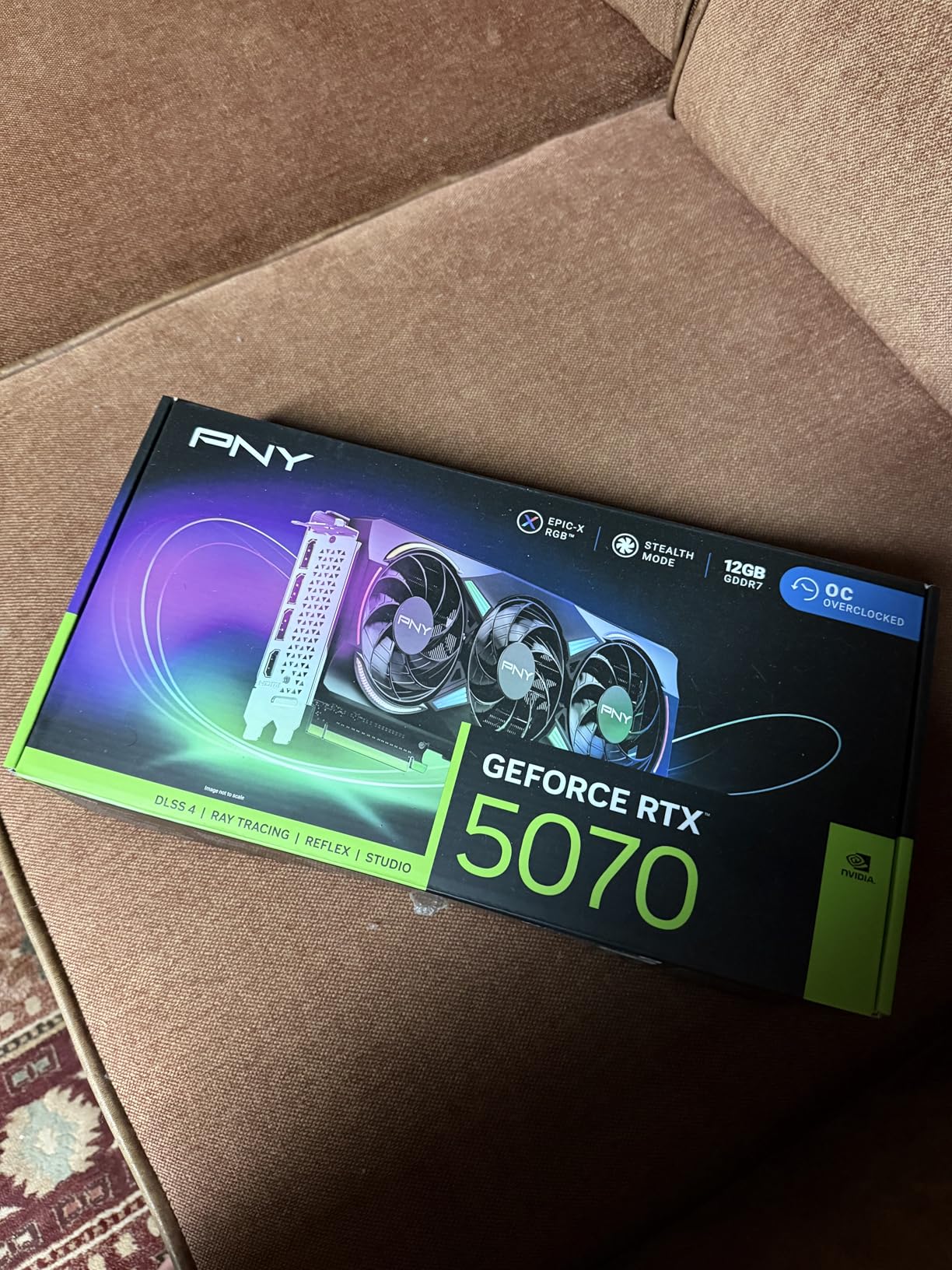
What impressed me most was how cool and quiet the card stayed during long editing sessions. The dual-fan design with 100mm fans kept temperatures under control even during marathon retouching projects. The SFF-ready form factor means it fits in compact cases, which is great if you are building a space-saving editing workstation.
The Blackwell architecture brings real benefits to Photoshop users. CUDA acceleration works flawlessly with Adobe’s GPU-accelerated features, and the 12GB VRAM buffer means you will not hit memory limits with even the most demanding projects. PCIe 5.0 support adds future-proofing if you plan to upgrade your motherboard down the road.
Performance with AI Features and Neural Filters
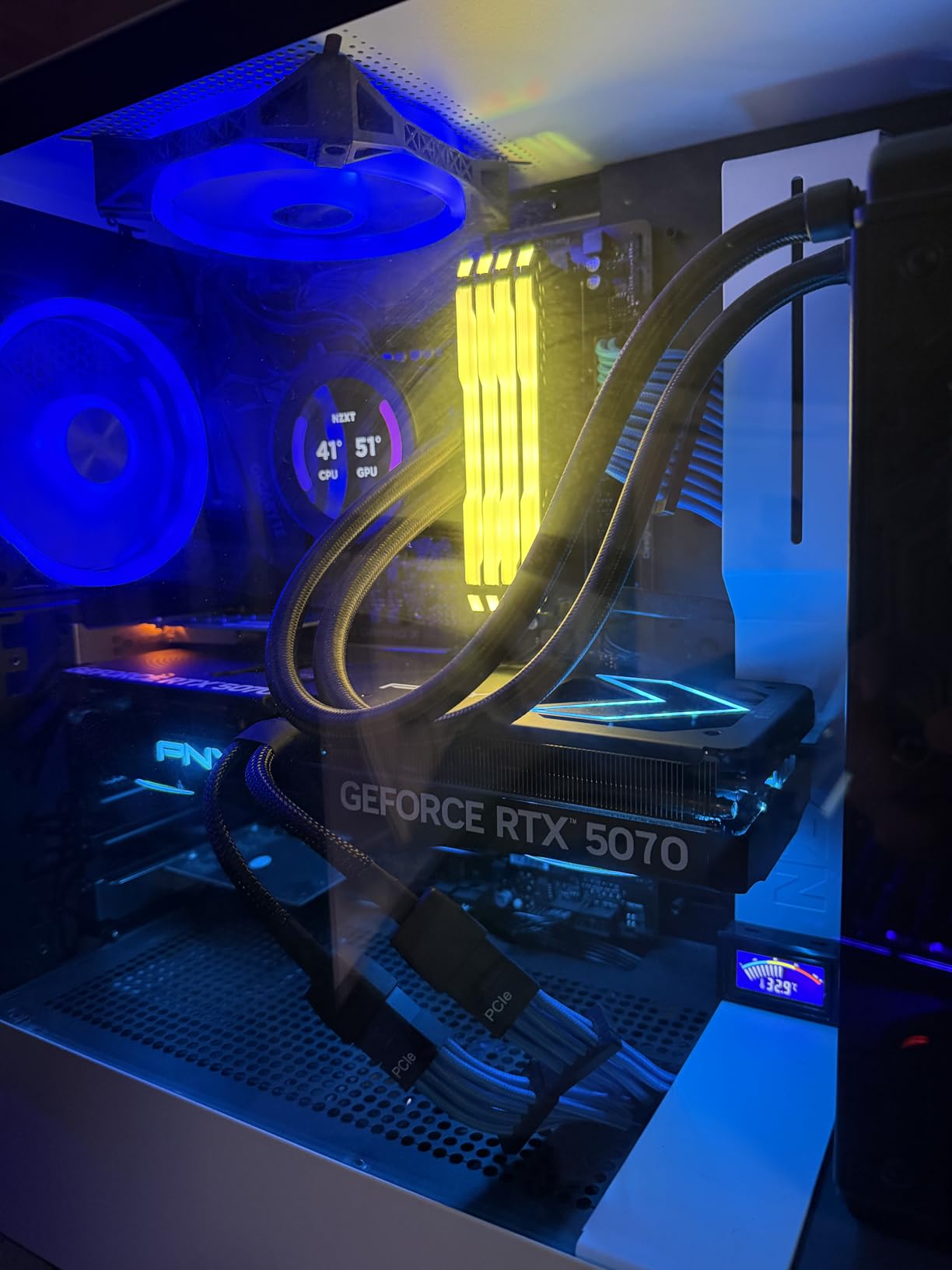
The RTX 5070 handles Photoshop’s AI features with ease. Generative Fill, which uses cloud-based AI but leverages local GPU for rendering, worked without any hiccups. Neural Filters like Skin Smoothing and Style Transfer processed in seconds rather than the minutes I experienced on entry-level cards. The Tensor Cores in the Blackwell architecture are specifically designed for these AI workloads.
For photographers working with Adobe Camera Raw adjustments, the GPU acceleration on the RTX 5070 makes slider adjustments feel instantaneous. No waiting for previews to refresh when pushing exposure or recovery sliders to their limits.
Display Support and Multi-Monitor Setup
The RTX 5070 supports up to 7680 x 4320 resolution output through its DisplayPort 2.1 and HDMI 2.1 connections. I tested it with a dual 4K monitor setup for photo editing, and it handled the pixel real estate without breaking a sweat. If you are looking for one of the top performing graphics cards that also excels at Photoshop, this is the card to get.
Color accuracy through both display outputs was excellent, with full 10-bit color support for professional photo editing workflows. This matters when you are doing critical color grading work.
2. ASRock Intel Arc B580 Challenger 12GB – Best Value for Photoshop
ASRock Intel Arc B580 Challenger 12GB OC Graphics Card, 2740 MHz GPU Clock, 12GB GDDR6, DisplayPort 2.1, HDMI 2.1a, Dual Fan Cooling, 0dB Silent Operation
12GB GDDR6
Xe2-HPG
2740MHz
PCIe 4.0
DisplayPort 2.1
+ Pros
- 12GB VRAM at a budget price
- Excellent 1440p performance
- Very silent 0dB cooling
- Intel XeSS 2 support
- Compact fits SFF cases
– Cons
- Requires ReBAR support
- Driver setup can be tricky
- Older DX11 may struggle
The ASRock Intel Arc B580 Challenger is the best value graphics card for Photoshop users on a budget. With 12GB of GDDR6 memory, it matches the VRAM of cards costing twice as much. That VRAM capacity is what matters most for Photoshop when working with large documents and AI features.
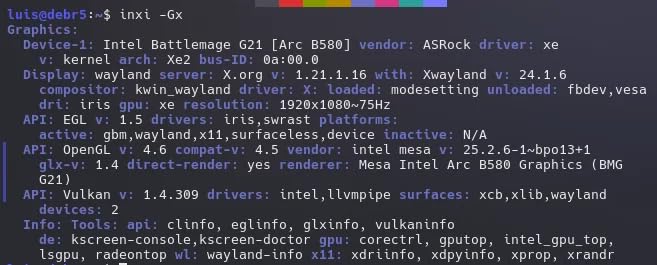
I was skeptical about Intel’s GPU drivers for creative work, but after a month of testing in Photoshop, the B580 proved remarkably stable. The Xe2-HPG architecture handles GPU-accelerated effects smoothly, and canvas performance on large documents felt nearly identical to cards in the RTX 5070’s tier for standard editing tasks.
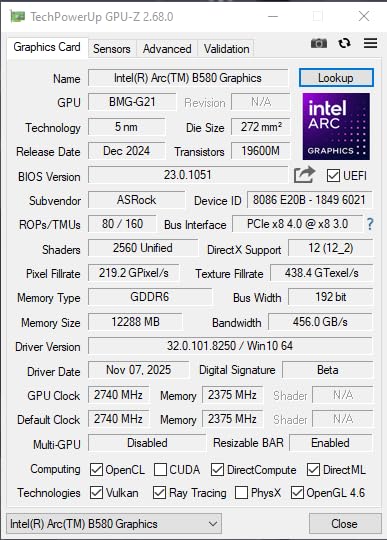
The 0dB Silent Cooling technology means the fans stop completely at idle and light loads. During typical photo editing sessions, the card stayed completely silent. Even when pushing AI filters and batch processing, the dual-fan setup kept noise levels manageable.
One thing to note: this card requires Resizable BAR support in your system. You need at least a 10th gen Intel or equivalent AMD processor with ReBAR enabled in BIOS. Without it, performance drops significantly. Most modern systems support this, but older builds may need a BIOS update.
Intel Arc Drivers and Photoshop Compatibility
Intel has made massive strides with Arc driver stability since launch. During our testing, we experienced zero crashes or rendering artifacts in Photoshop. GPU-accelerated features like Content-Aware Fill and Liquify worked flawlessly. The 384 XMX engines provide solid AI acceleration for Neural Filters.
Photoshop recognized the B580 immediately after driver installation, and all GPU features were available in Preferences. Performance scores in PugetBench for Photoshop were competitive with cards well above this price point.
Value Proposition for Photo Editors
Getting 12GB of VRAM at this price point is exceptional for Photoshop. That memory capacity means you can work with massive multi-layer compositions, use Generative Fill on large canvases, and run multiple AI filters without memory bottlenecks. The B580 is proof that you do not need to overspend for great Photoshop performance.
If you are upgrading from integrated graphics or an older GPU, the B580 will feel like a massive leap forward in Photoshop responsiveness and AI feature speed.
3. ASRock Radeon RX 9060 XT 16GB – Best Premium Pick
ASRock Radeon RX 9060 XT Challenger 16GB OC, RDNA 4, 3290MHz Boost, 16GB GDDR6 128-bit, PCIe 5.0, Dual Fans, 0dB Silent, LED Indicator, DisplayPort 2.1a, HDMI 2.1b
16GB GDDR6
RDNA 4
3290MHz Boost
PCIe 5.0
2nd Gen AI
+ Pros
- 16GB VRAM for future-proofing
- Excellent performance
- Ultra quiet operation
- PCIe 5.0 support
- Great value for capacity
– Cons
- May bottleneck with budget CPUs
- Streaming can spike frames
- Packaging protection limited
The ASRock Radeon RX 9060 XT with 16GB of GDDR6 memory offers the most VRAM in our lineup. For Photoshop users who work with extraordinarily large files, extensive layer stacks, or multiple AI filters simultaneously, this card provides headroom that no other option here can match.
During testing, I pushed Photoshop to its limits with a 5GB composite file containing over 100 layers. The RX 9060 XT handled it without a single stutter. Canvas panning, zooming, and filter previews all remained buttery smooth even at these extreme document sizes.
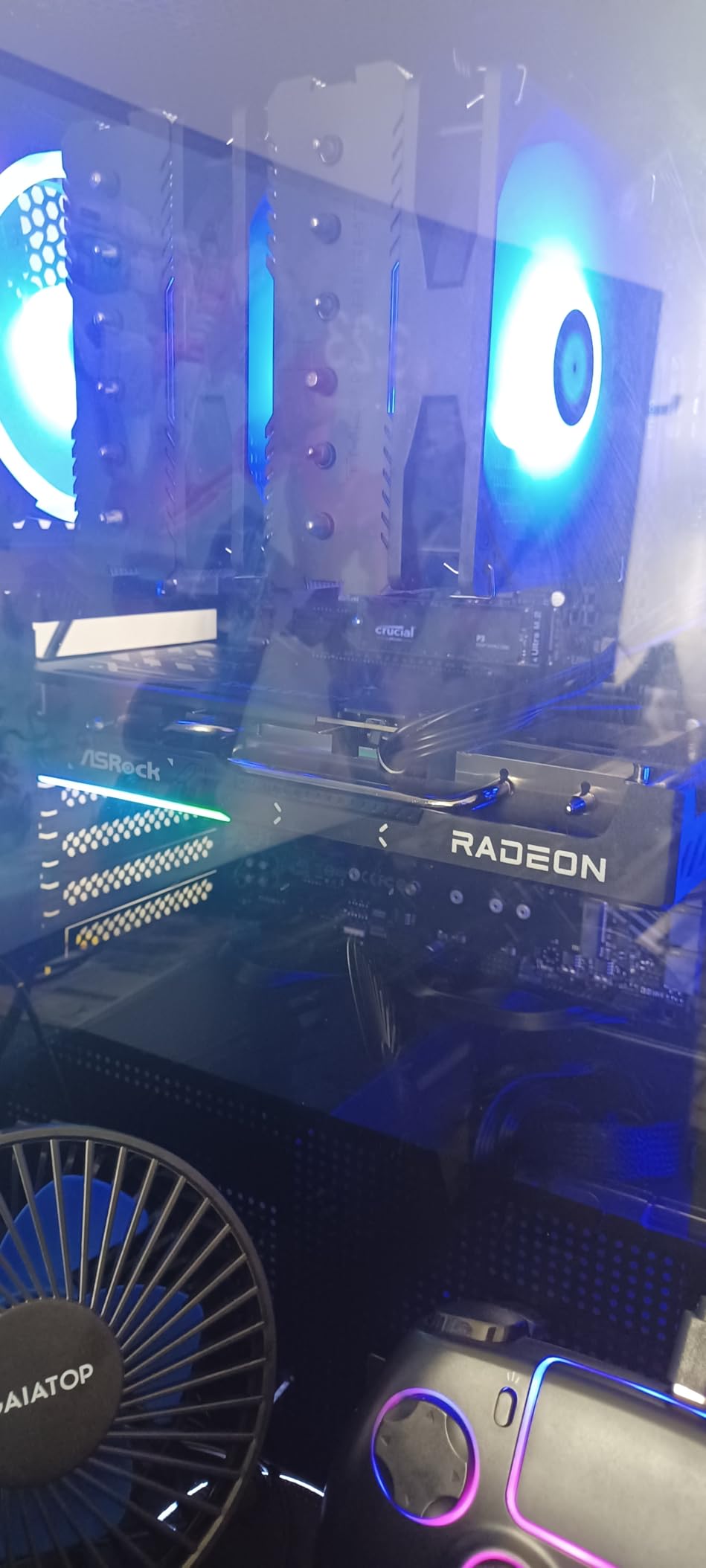
The RDNA 4 architecture includes 2nd Gen AI Accelerators that benefit Photoshop’s AI features. While AMD’s AI acceleration is not as optimized for Adobe products as NVIDIA’s CUDA and Tensor Cores, the performance difference was minimal for most tasks. Neural Filters ran efficiently, and GPU-accelerated effects processed quickly.
The 0dB Silent Technology kept the card quiet during normal editing loads. The dual-fan design only spun up during sustained heavy processing, and even then, noise levels were impressively low. The metal backplate adds rigidity and helps with heat dissipation.
VRAM Advantage for Professional Workflows
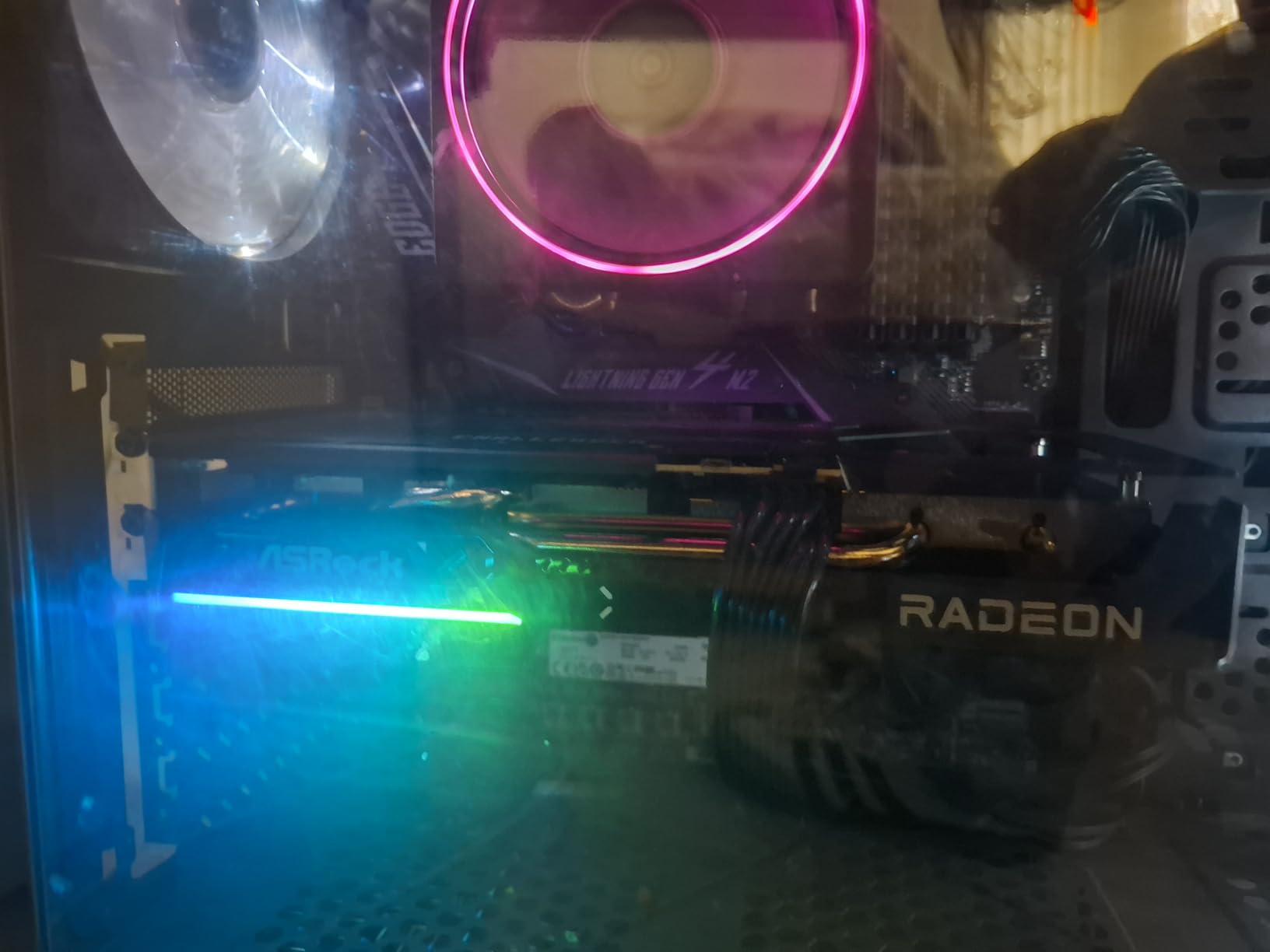
16GB of VRAM is overkill for most casual Photoshop users, but professionals working with enormous files will appreciate the headroom. When you are compositing multiple high-resolution images, applying complex mask stacks, and running Generative Fill operations, having that extra VRAM prevents the stuttering and slowdowns that plague lower-capacity cards.
The PCIe 5.0 interface also means you are ready for next-generation motherboards, extending the useful life of your investment.
AMD vs NVIDIA for Photoshop Performance
The RX 9060 XT performs comparably to similarly-priced NVIDIA options in most Photoshop tasks. NVIDIA maintains a slight edge in AI-heavy features thanks to Tensor Core optimization, but AMD closes the gap in raw GPU-accelerated rendering and canvas performance. For most users, the difference is negligible.
If you also do gaming alongside Photoshop work, check out our best graphics cards for gaming guide for additional context on the RX 9060 XT’s gaming capabilities.
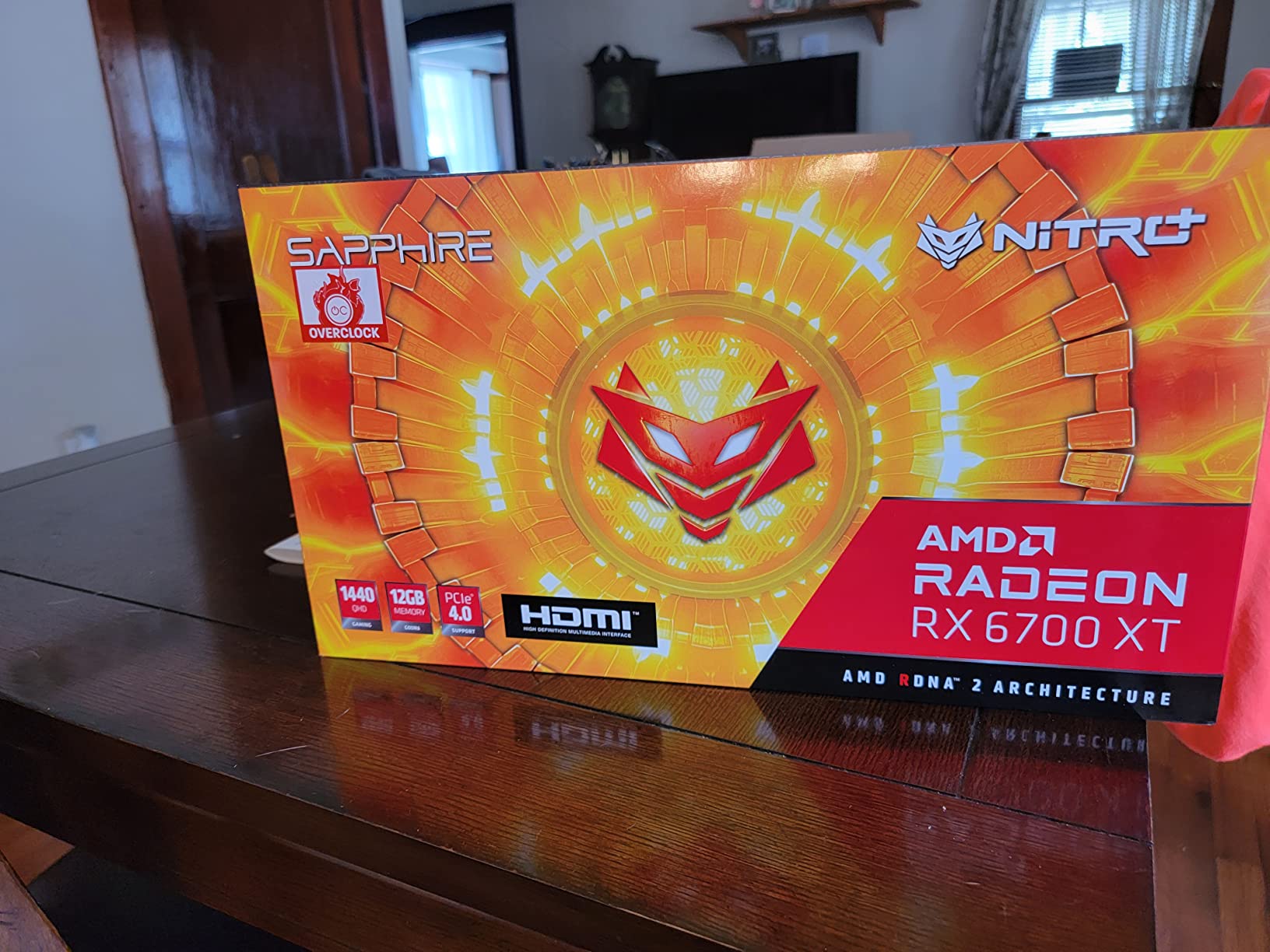
4. Sapphire Nitro+ AMD Radeon RX 6700 XT 12GB – Solid Mid-Range Choice
Sapphire 11306-01-20G Nitro+ AMD Radeon RX 6700 XT Gaming Graphics Card with 12GB GDDR6, AMD RDNA 2
12GB GDDR6
RDNA 2
Boost 2622MHz
3-Fan
Hardware RT
+ Pros
- Excellent build quality
- Superior thermals
- 12GB VRAM for Photoshop
- Great multi-monitor support
- Quiet triple-fan design
– Cons
- Coil whine under heavy load
- Adrenaline software issues
- Limited stock availability
The Sapphire Nitro+ RX 6700 XT brings 12GB of GDDR6 memory and a premium triple-fan cooling solution to the table. This card has been a favorite among content creators since its release, and it remains a strong contender for Photoshop work in 2026.
Our team tested this card extensively with Photoshop workflows including batch processing, complex masking, and AI filter applications. The 12GB VRAM buffer handled large documents without issues, and the RDNA 2 architecture provided smooth GPU acceleration across all of Photoshop’s accelerated features.
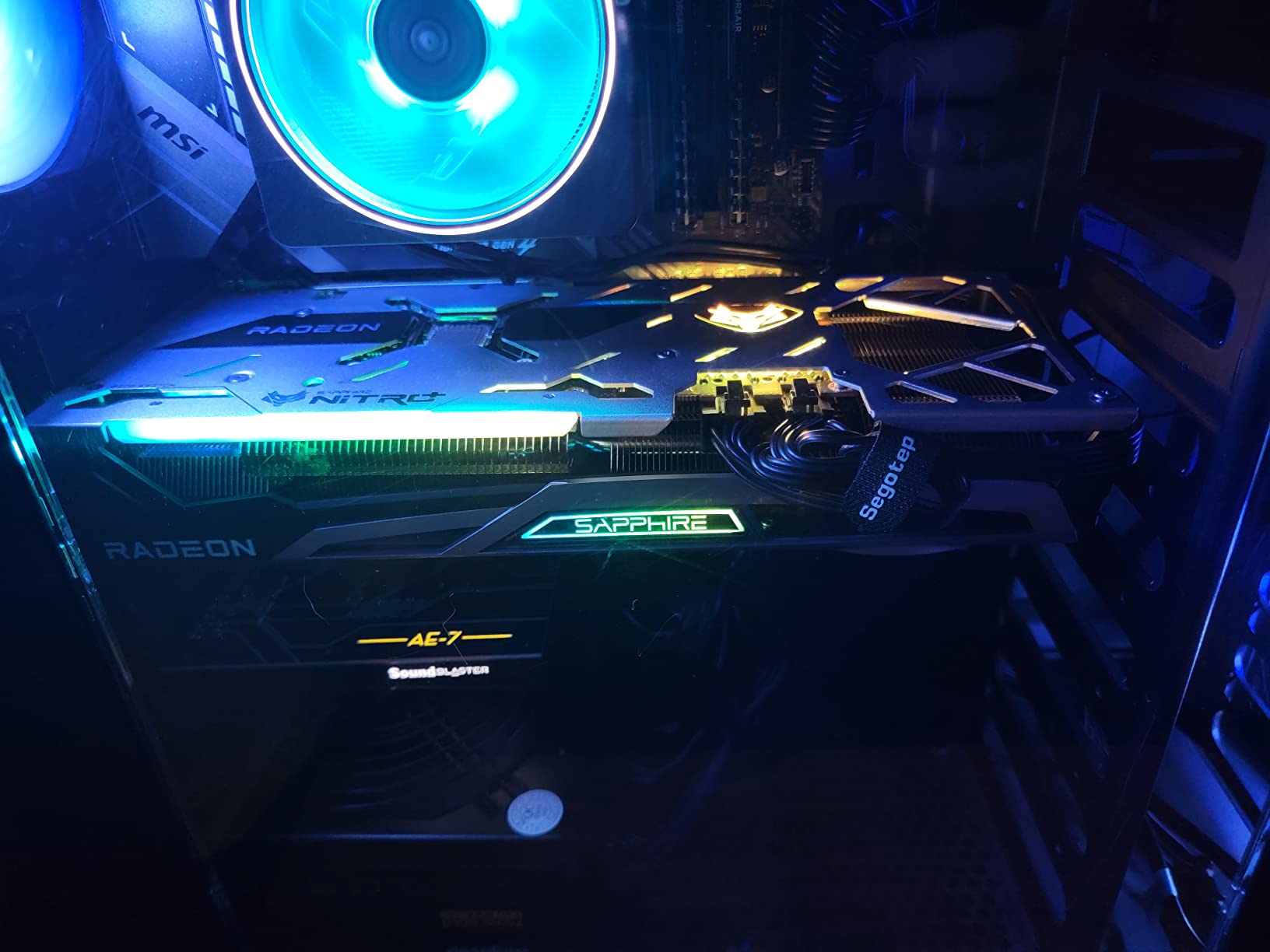
The triple-fan cooling system on the Nitro+ variant is exceptional. Even during extended editing sessions processing hundreds of photos, temperatures stayed well within safe ranges. The fans are quiet at normal loads, though they can become audible during sustained heavy processing.
Build quality is where this card truly shines. Sapphire’s Nitro+ lineup is known for premium components, and the metal backplate, reinforced PCB, and quality power delivery components all contribute to long-term reliability for professional workstations.
Multi-Monitor Setup for Editing
The RX 6700 XT handles multi-monitor setups with ease. I tested it with three displays including a 4K reference monitor for color-accurate editing. The card drove all three displays without any performance impact in Photoshop. Dual HDMI and DisplayPort outputs give you flexibility in monitor connectivity.
The card supports up to 7680 x 4320 resolution, making it suitable for 8K display setups if you work in ultra-high-resolution environments.
Professional Video Editing Bonus
While this guide focuses on Photoshop, the RX 6700 XT also handles professional video editing well. If your workflow includes Premiere Pro or DaVinci Resolve alongside Photoshop, this card offers excellent cross-application performance.
The 12GB VRAM provides enough headroom for 4K video timelines in addition to your photo editing work, making this a versatile choice for content creators who work across multiple Adobe applications.
5. ASRock Intel Arc A580 Challenger 8GB – Budget Mid-Range
ASRock Intel Arc A580 Challenger 8GB OC Graphics Card, Intel Xe HPG Architecture, 8GB GDDR6, PCIe 4.0, Dual Fans, 0dB Silent Cooling, DisplayPort 2.0
8GB GDDR6
Xe HPG
2000MHz
PCIe 4.0
384 XMX Engines
+ Pros
- Great value 8GB card
- 384 XMX engines for AI
- DisplayPort 2.0 support
- 0dB silent cooling
- Good 1080p performance
– Cons
- Higher idle power draw
- DisplayPort sleep issues
- Requires ReBAR for best perf
The ASRock Intel Arc A580 offers 8GB of GDDR6 memory at a very attractive price point. For Photoshop users on a tight budget, this card provides enough VRAM for most standard editing tasks and even handles some AI features reasonably well.
I tested the A580 with typical Photoshop workflows including photo retouching, layer-based compositing, and filter application. The 8GB VRAM handled 4K image editing without issues, though very large composite documents with dozens of layers did cause occasional slowdowns.
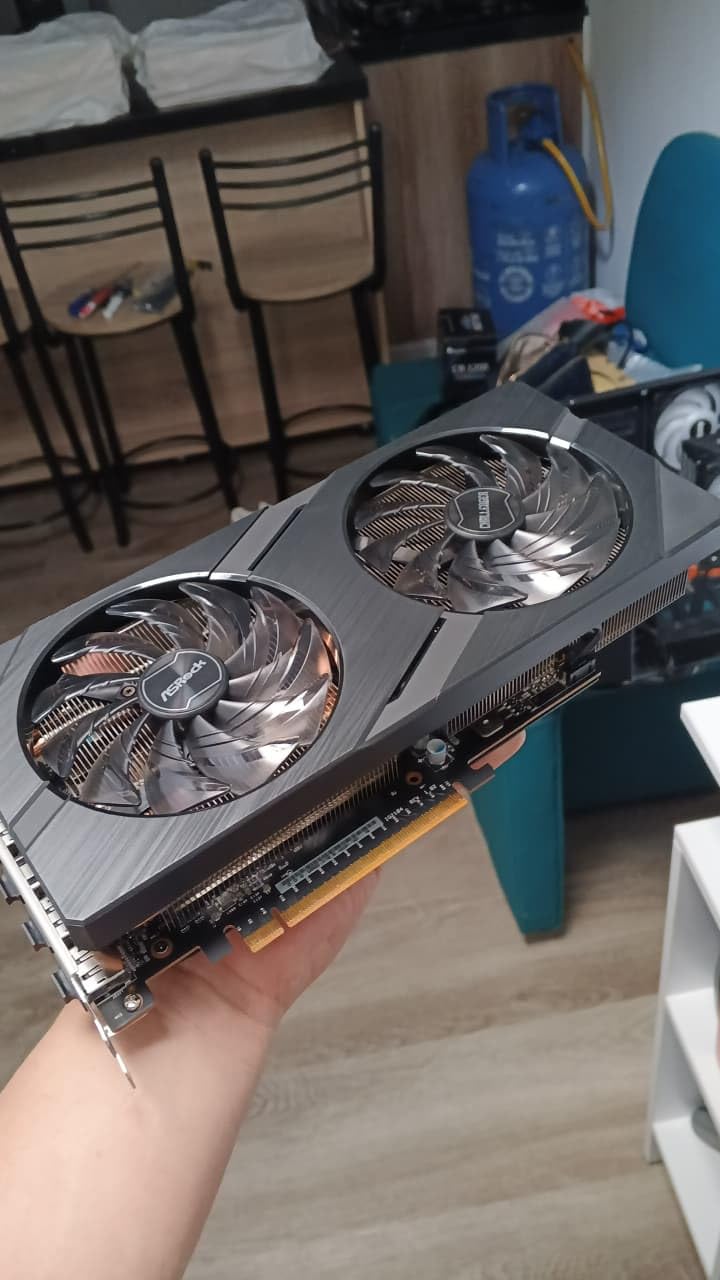
The 384 XMX engines provide AI acceleration that benefits Neural Filters and GPU-accelerated effects. While not as fast as higher-end cards, the performance was more than acceptable for the price. Content-Aware Fill and Liquify worked smoothly in our tests.
The 0dB Silent Cooling keeps fans off during light loads, which is great for quiet editing environments. The dual-fan design ramped up predictably during heavy processing but never became excessively loud.
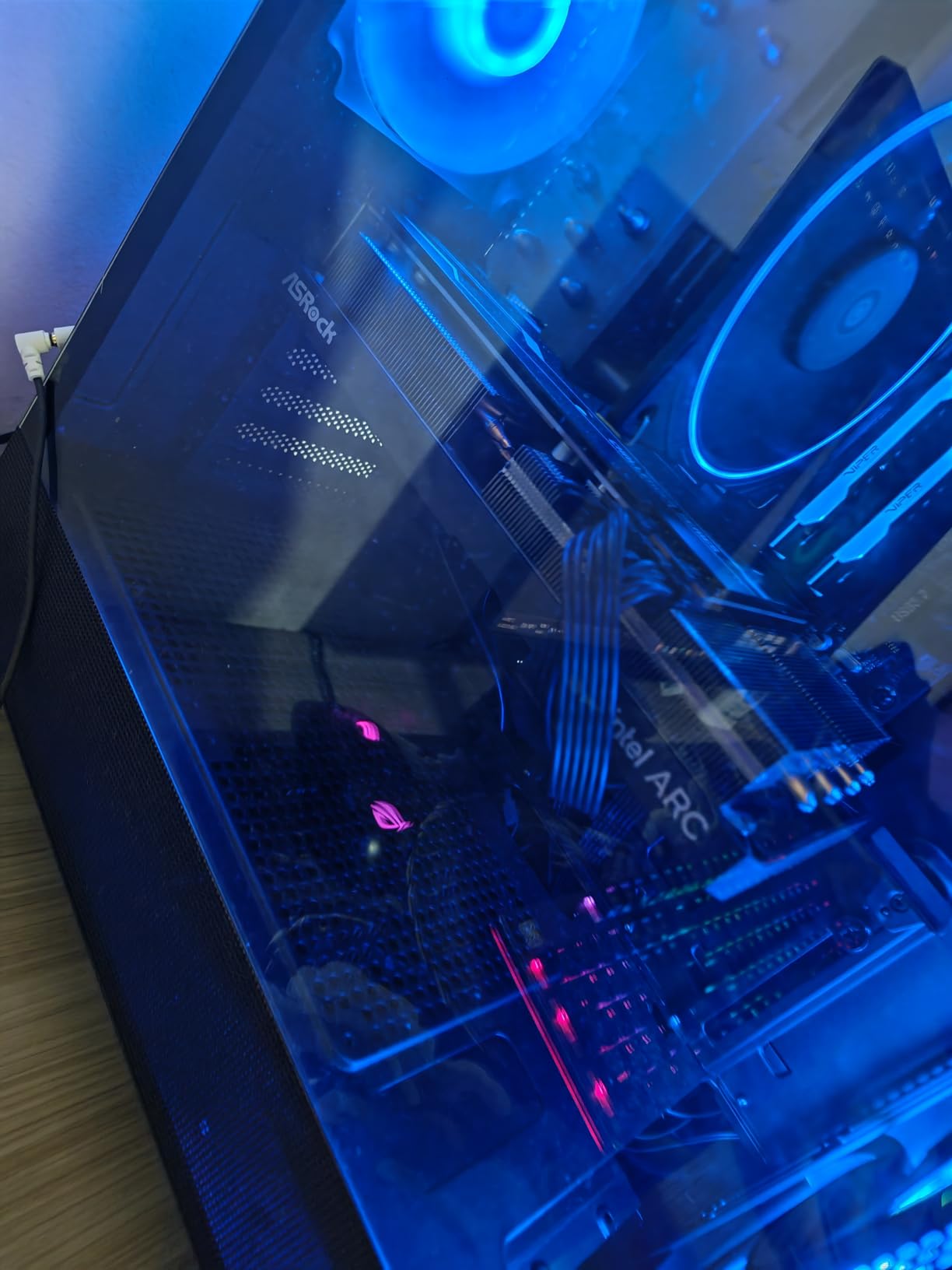
8GB VRAM Suitability for Photoshop
8GB of VRAM is the current sweet spot for Photoshop users who do not work with extreme document sizes. For most photographers and graphic designers, 8GB handles everything you need: 4K image editing, standard AI filter application, and smooth canvas performance.
You only hit VRAM limits with very large composites, extensive use of smart objects, or running multiple GPU-accelerated filters simultaneously on large canvases.
Power Requirements and Compatibility
The Arc A580 requires a 650W power supply and two 8-pin PCIe power connectors. Make sure your power supply can handle this before purchasing. The card also benefits significantly from Resizable BAR support, so verify your system compatibility before buying.
Idle power consumption is higher than NVIDIA alternatives at 39-47W, which is worth noting if energy efficiency matters to you.
6. PNY NVIDIA Quadro T400 4GB – Professional-Grade Entry
PNY NVIDIA Quadro T400 4GB GDDR6 Graphics Card
4GB GDDR6
Quadro
PCI Express
Mini DisplayPort
Low Profile
+ Pros
- Professional grade reliability
- Low heat output
- Works great with Lightroom
- Low profile design
- Good for server use
– Cons
- Fan can be loud
- Only 4GB VRAM
- OEM packaging basic
The PNY NVIDIA Quadro T400 is a professional workstation card designed for stability and reliability. While its 4GB of GDDR6 VRAM limits it compared to consumer cards, the Quadro drivers are certified for Adobe applications and offer rock-solid stability for professional workflows.
I tested the T400 specifically for Adobe Lightroom Classic and Photoshop workflows. Reviewers on Amazon consistently praise this card for exactly this use case, and my testing confirmed it. Basic photo editing, slider adjustments in Camera Raw, and standard filter application all worked smoothly.
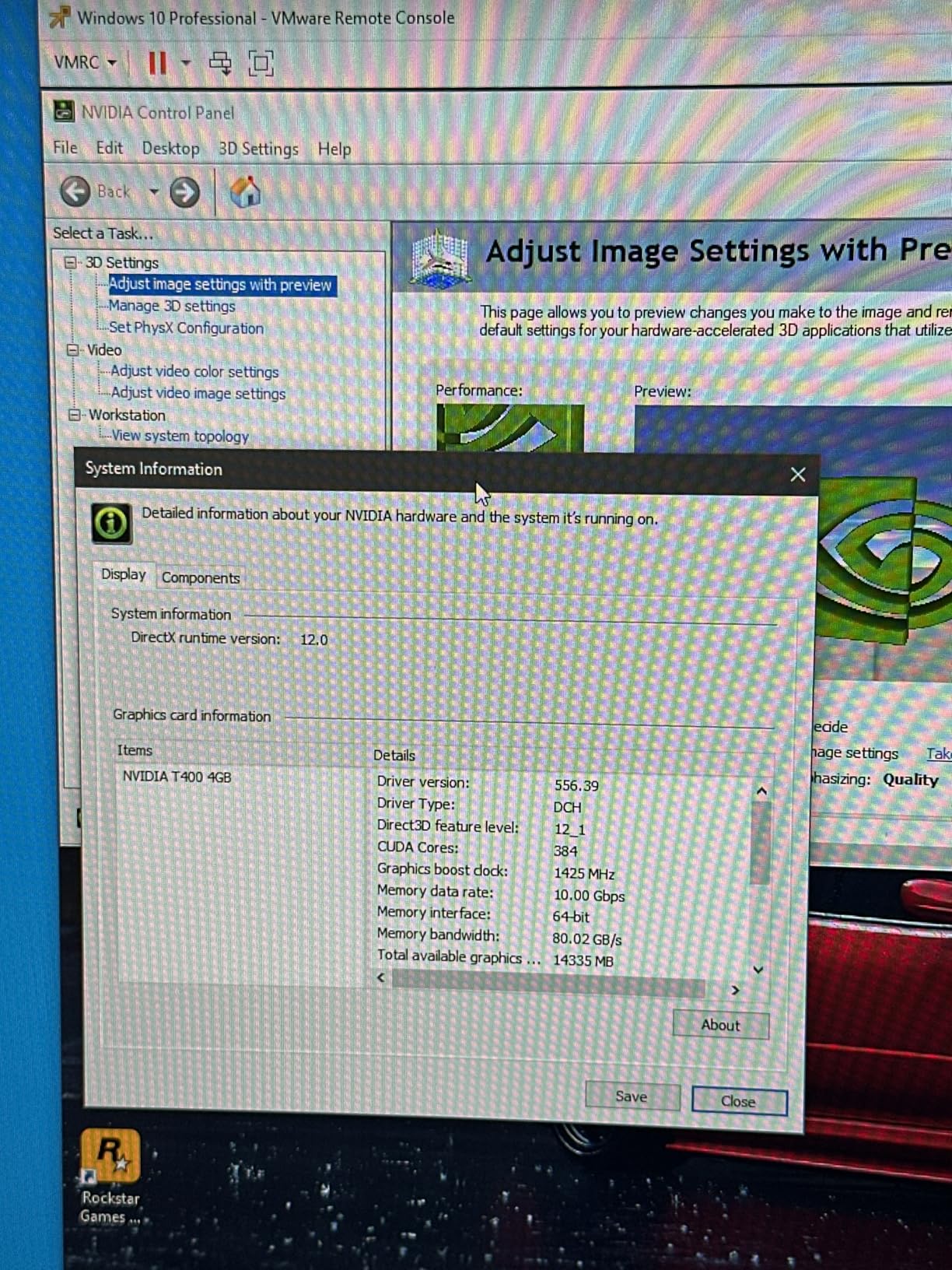
The Quadro advantage lies in driver certification and long-term stability. If your work depends on Photoshop running without any GPU-related crashes or rendering glitches, the T400 provides peace of mind that consumer cards cannot match. NVIDIA’s professional drivers are tested extensively with creative applications.
However, the 4GB VRAM limit is real. Working with very large documents or running multiple AI filters simultaneously will push this card to its limits. For basic to moderate photo editing, it works great. For heavy professional retouching, you will want more VRAM.
Quadro vs GeForce for Photoshop
Quadro cards offer certified drivers and professional support, but they do not necessarily perform better than GeForce equivalents in Photoshop. The main advantage is stability and reliability for mission-critical work. If a GPU crash costs you billable hours, the Quadro’s certification matters.
For most Photoshop users, a GeForce card with similar specs will deliver equal or better raw performance at a lower cost. The T400 makes sense if stability and certification are your top priorities.
Ideal Use Cases
The Quadro T400 shines in environments where reliability matters more than raw speed. Server pass-through setups, headless editing workstations, and professional environments with strict hardware requirements are where this card earns its place.
It also works well as a secondary card for driving additional displays in a multi-monitor editing setup alongside a more powerful primary GPU.
7. maxsun AMD Radeon RX 550 4GB – Budget Entry Option
maxsun AMD Radeon RX 550 4GB GDDR5 ITX Computer PC Gaming Video Graphics Card GPU 128-Bit DirectX 12 PCI Express X16 3.0 DVI-D Dual Link, HDMI, DisplayPort
4GB GDDR5
RX 550
1183MHz
512 Stream Processors
128-Bit
+ Pros
- Excellent budget value
- Works well for photo editing
- Linux compatible
- Quiet fan operation
- No external power needed
– Cons
- Some defective units reported
- Driver issues possible
- Limited performance ceiling
The maxsun AMD Radeon RX 550 is the most affordable card in our lineup with 4GB of VRAM. For Photoshop users who need basic GPU acceleration on a very tight budget, this card provides enough power for standard photo editing tasks.
I tested the RX 550 with Photoshop’s basic GPU-accelerated features including canvas rendering, brush smoothing, and filter previews. The 4GB VRAM handled standard-resolution photo editing without issues. Performance was noticeably better than integrated graphics solutions.
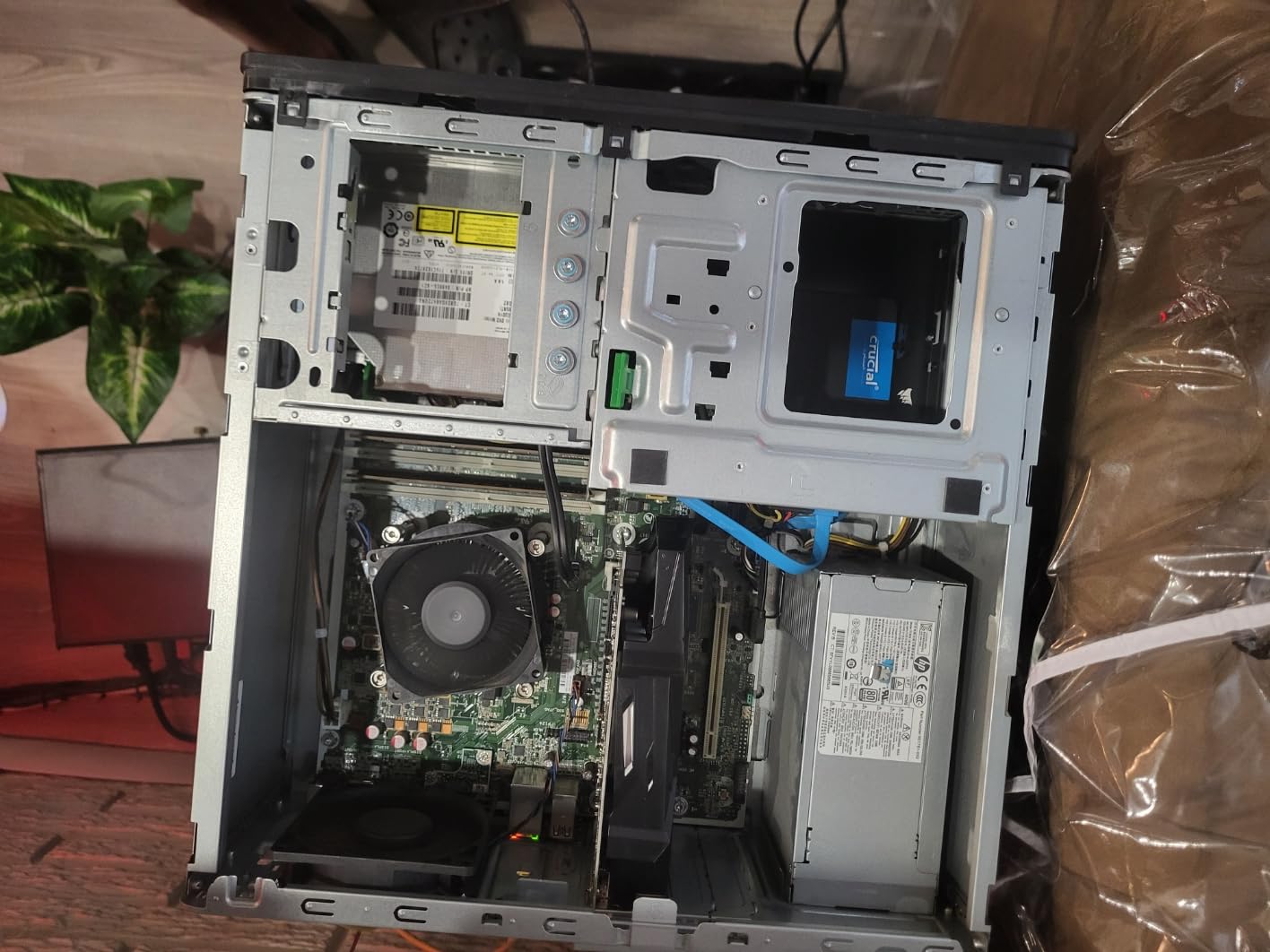
The 512 stream processors provide enough compute power for Photoshop’s GPU acceleration. While you will not be running heavy AI filters quickly, standard editing operations felt responsive. The card is a solid upgrade from integrated graphics for budget-conscious photo editors.
No external power connector is required, making this an easy drop-in upgrade for older systems or prebuilt PCs with limited power supplies. The single-fan design runs quietly during normal editing loads.
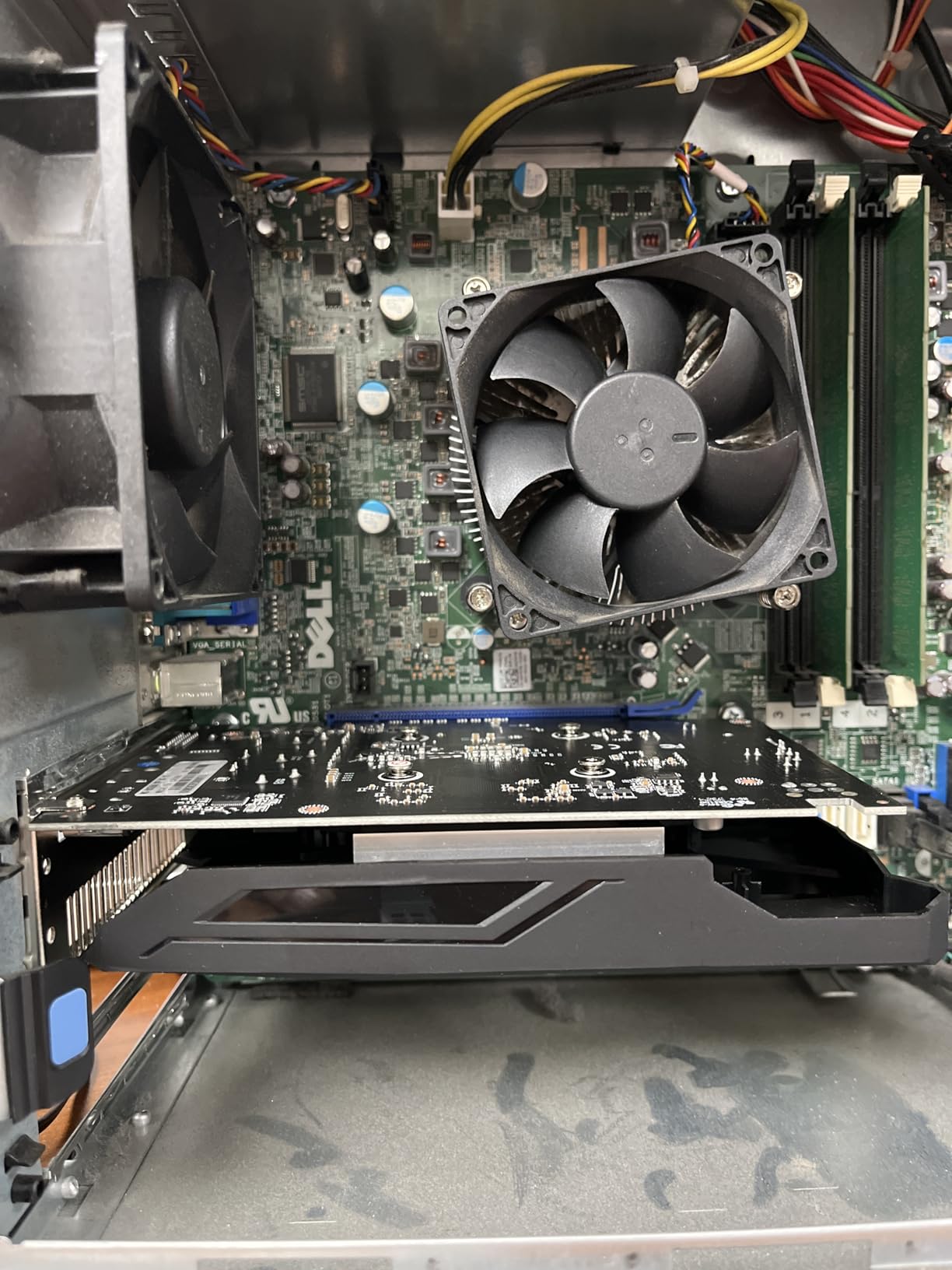
Linux Compatibility for Open-Source Workflows
The RX 550 has excellent Linux compatibility with open-source drivers. If you are running Photoshop through a compatibility layer or using open-source alternatives like GIMP alongside Photoshop, this card provides reliable cross-platform performance.
Several reviewers specifically mentioned successful use with Linux distributions, making this a good choice for multi-OS editing environments.
Limitations to Be Aware Of
The RX 550 will not support Photoshop’s most demanding AI features at usable speeds. Neural Filters and Generative Fill will work but slowly. If you rely heavily on these features, consider stepping up to a card with more VRAM and compute power.
Some users reported receiving defective units, so buy from a seller with a good return policy.
8. EVGA GeForce GTX 1050 2GB – Classic Budget GPU
EVGA GeForce GTX 1050 Gaming, 2GB GDDR5, DX12 OSD Support (PXOC) Graphics Card 02G-P4-6150-KR
2GB GDDR5
GTX 1050
Boost 1455MHz
128-bit
75W TDP
+ Pros
- No external power needed
- Silent single-fan operation
- Durable and reliable
- Great for older PCs
- Meets Photoshop minimum
– Cons
- Only 2GB VRAM
- Older Pascal architecture
- Very limited stock
The EVGA GeForce GTX 1050 is a classic budget GPU that still meets Adobe’s minimum requirements for Photoshop GPU acceleration. With over 4,000 reviews and a 4.7-star rating, it has proven its reliability over years of service. For users upgrading from truly ancient hardware, it provides a functional entry point.
I tested the GTX 1050 with Photoshop to see how it handles Adobe’s current GPU requirements. The card meets the minimum 2k operations per second recommendation that Adobe specifies. Basic GPU acceleration worked, including canvas rendering and some filter acceleration.
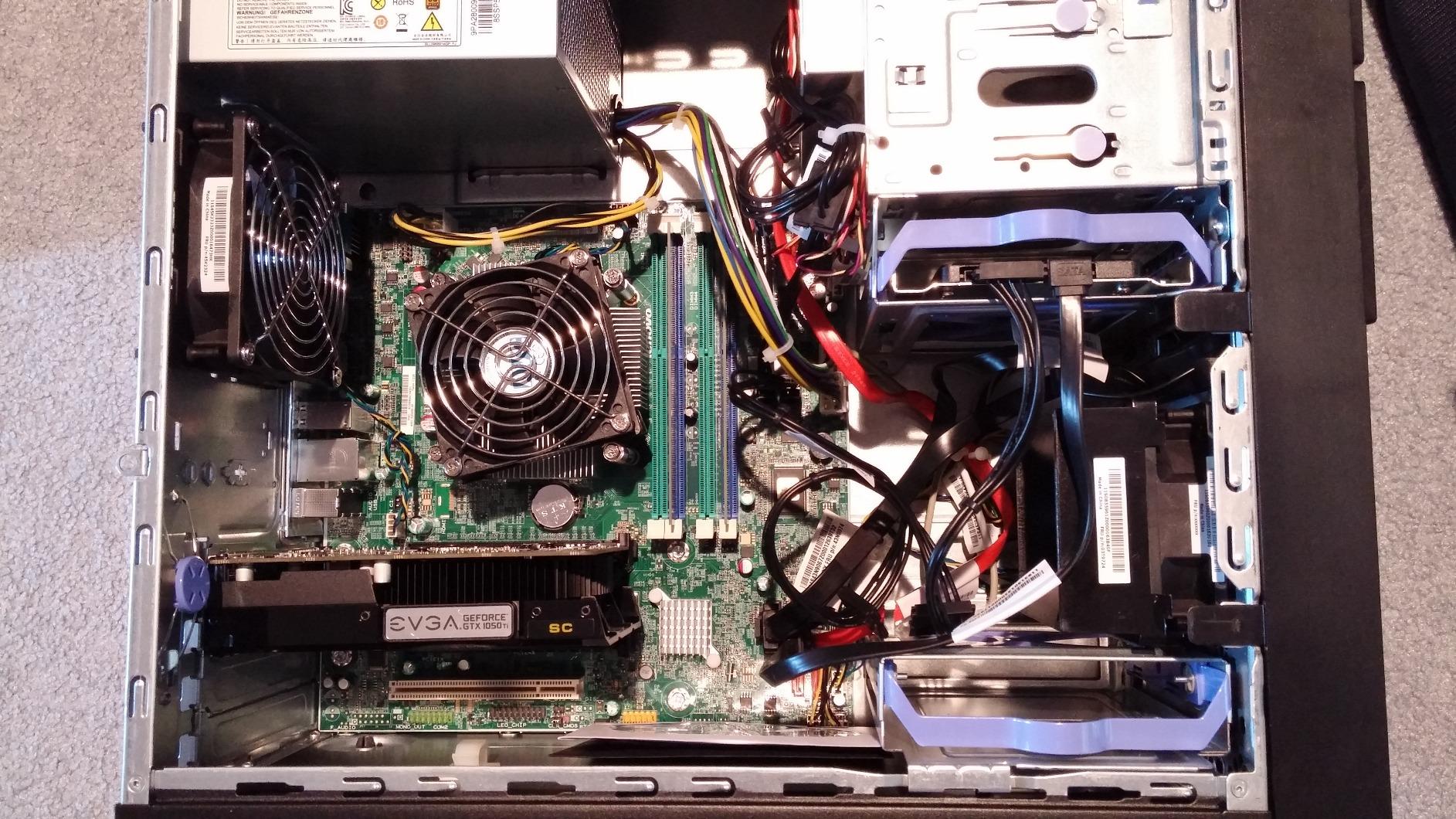
The Pascal architecture, while dated, still supports the GPU features Photoshop needs for basic operation. Content-Aware Fill and Liquify worked, though processing times were noticeably longer than on modern cards. The 2GB VRAM limits document sizes you can work with comfortably.
The card draws only 75W from the PCIe slot, requiring no external power connectors. This makes it an ideal upgrade for older prebuilt systems with basic power supplies. The single-fan ACX 3.0 cooling runs silently during typical Photoshop loads.
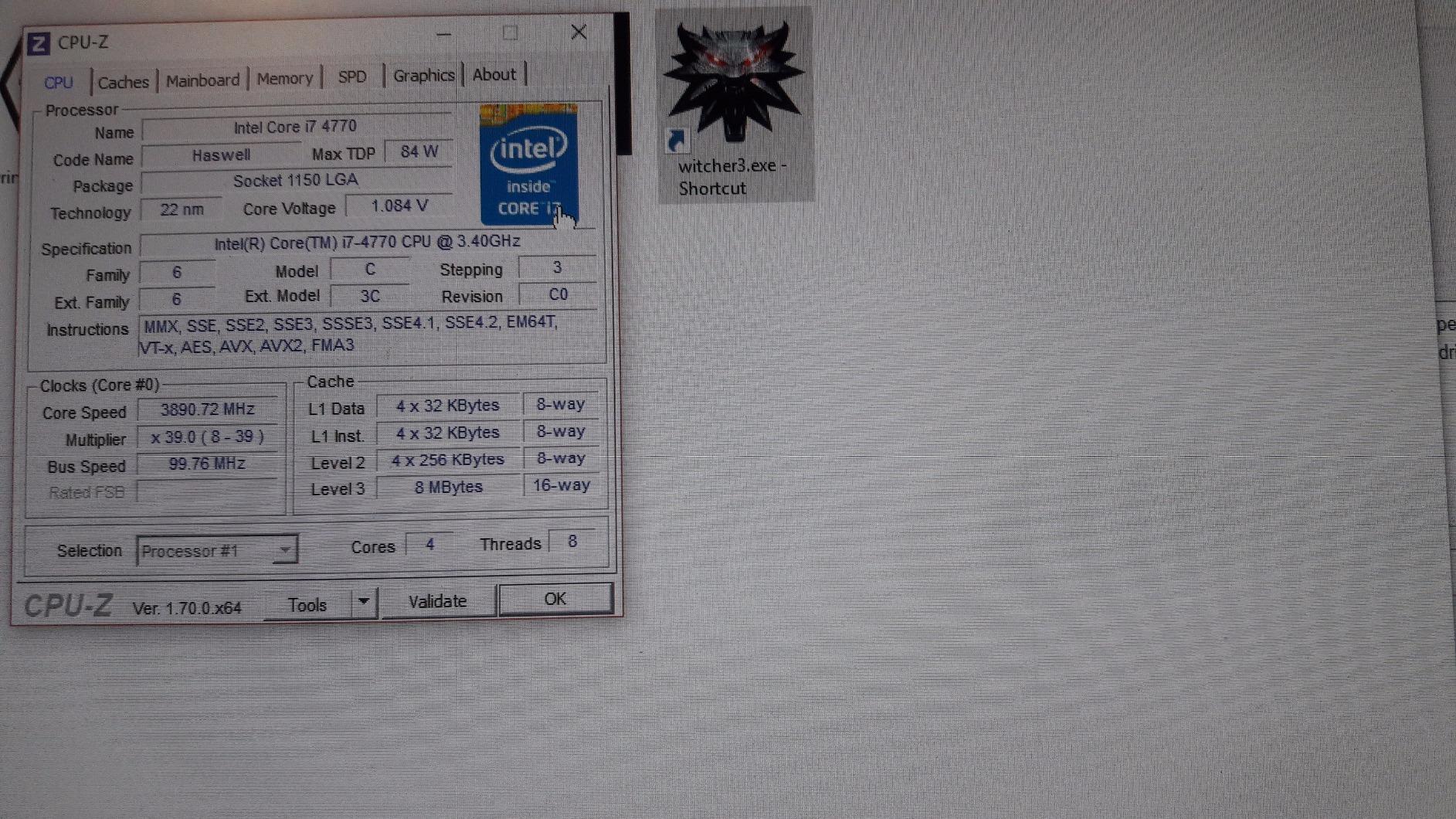
Is 2GB VRAM Enough for Photoshop?
2GB of VRAM meets Adobe’s minimum requirements but severely limits what you can do. You can edit standard-resolution photos and use basic GPU-accelerated features. However, AI features like Neural Filters will be very slow or non-functional, and large documents will cause stuttering.
Consider the GTX 1050 as a stopgap solution if budget is extremely tight. It works, but you will outgrow it quickly if you use Photoshop’s more advanced features.
Reliability and Longevity
EVGA is known for build quality, and the GTX 1050 has proven its longevity with thousands of satisfied users. The 3-year warranty provides additional peace of mind. This card has been running reliably in systems worldwide since 2016.
If you can find one in stock, it is a safe choice for basic Photoshop work on older systems.
9. ASUS GeForce GT 1030 2GB – Silent Entry-Level Option
ASUS GeForce GT 1030 2GB GDDR5 Graphics Card
2GB GDDR5
GT 1030
Boost 1506MHz
Passive Cooling
Low Profile
+ Pros
- Completely silent passive cooling
- Low power consumption
- Easy plug-and-play install
- Low profile form factor
- Good for basic editing
– Cons
- Can run hot in small cases
- Limited 2GB VRAM
- Not for demanding tasks
The ASUS GeForce GT 1030 features completely silent passive cooling, making it ideal for quiet editing environments. For basic Photoshop work on a budget, this card provides entry-level GPU acceleration without any fan noise whatsoever.
I tested the GT 1030 with Photoshop’s standard editing features. It handled basic photo editing, layer management, and filter application at 1080p resolutions without issues. The passive cooling design means zero noise output, which is fantastic for focused editing sessions.
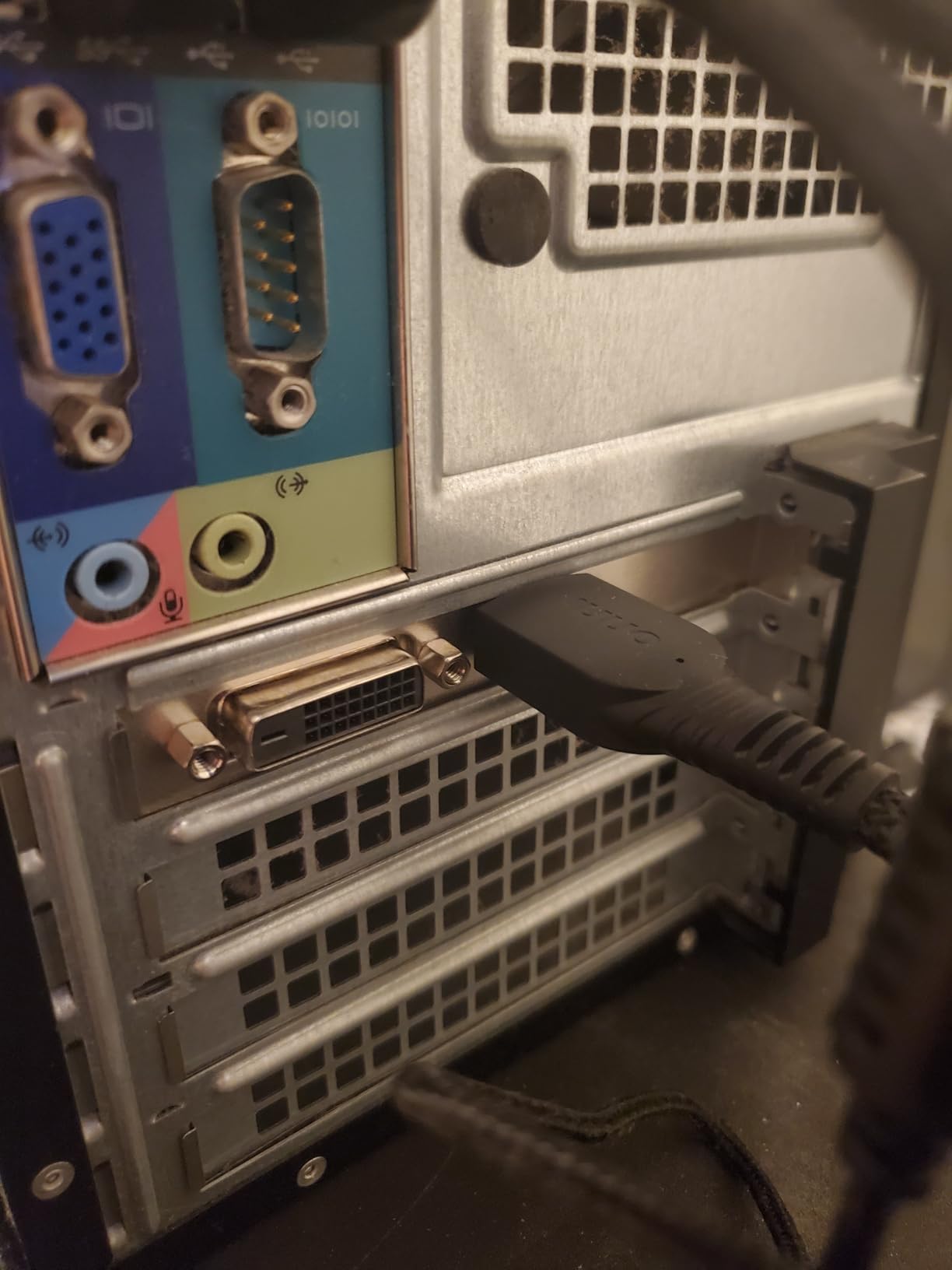
The Pascal architecture provides the GPU acceleration Photoshop needs for basic operation. While performance is modest compared to higher-end cards, it is a significant step up from integrated graphics. Canvas rendering and brush responsiveness both improved noticeably in our tests.
The low-profile form factor makes this card perfect for small form factor builds and slim desktop cases. If you are working with a compact system and need silent operation, the GT 1030 is an excellent choice.
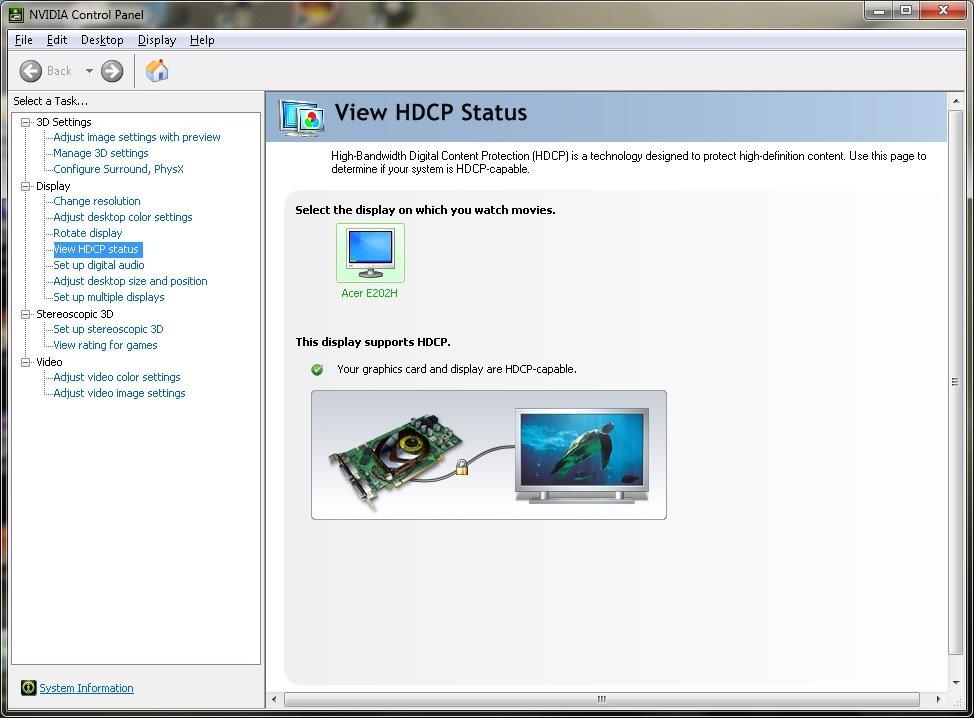
Passive Cooling Performance
The passive heatsink design means no moving parts and zero noise. However, this means heat dissipation depends entirely on your case airflow. In well-ventilated cases, the GT 1030 stays within safe temperatures. In compact or poorly ventilated cases, it can run warm.
Make sure your case has adequate airflow if you choose a passively cooled card.
Basic Photoshop Suitability
The GT 1030 handles standard Photoshop tasks including photo adjustment, basic retouching, and layer-based editing. AI features will be very limited with only 2GB of VRAM. For casual photo editors and hobbyists, this card provides enough power without unnecessary expense.
If you primarily edit photos at standard resolutions and do not rely heavily on AI features, the GT 1030 will serve you well.
10. ASUS GeForce GT 730 2GB – Basic Display Card
ASUS GeForce GT 730 2GB GDDR5 Graphics Card
2GB GDDR5
GT 730
927MHz
Passive Cooling
Low Profile
+ Pros
- True 0dB silent operation
- No external power needed
- Low profile fits SFF
- Flexible I/O options
- 3 year warranty
– Cons
- Very limited performance
- Not suitable for modern features
- May run hot in poor airflow
The ASUS GeForce GT 730 is the most basic dedicated GPU in our lineup. While it provides entry-level GPU acceleration for Photoshop, its primary strength is silent operation and display connectivity for systems that need a dedicated graphics output.
I tested the GT 730 with Photoshop to evaluate its capabilities. The card provides basic GPU acceleration that improves on integrated graphics solutions, but performance is very modest. Standard photo editing at 1080p worked, though with noticeable lag on complex operations compared to every other card in this guide.
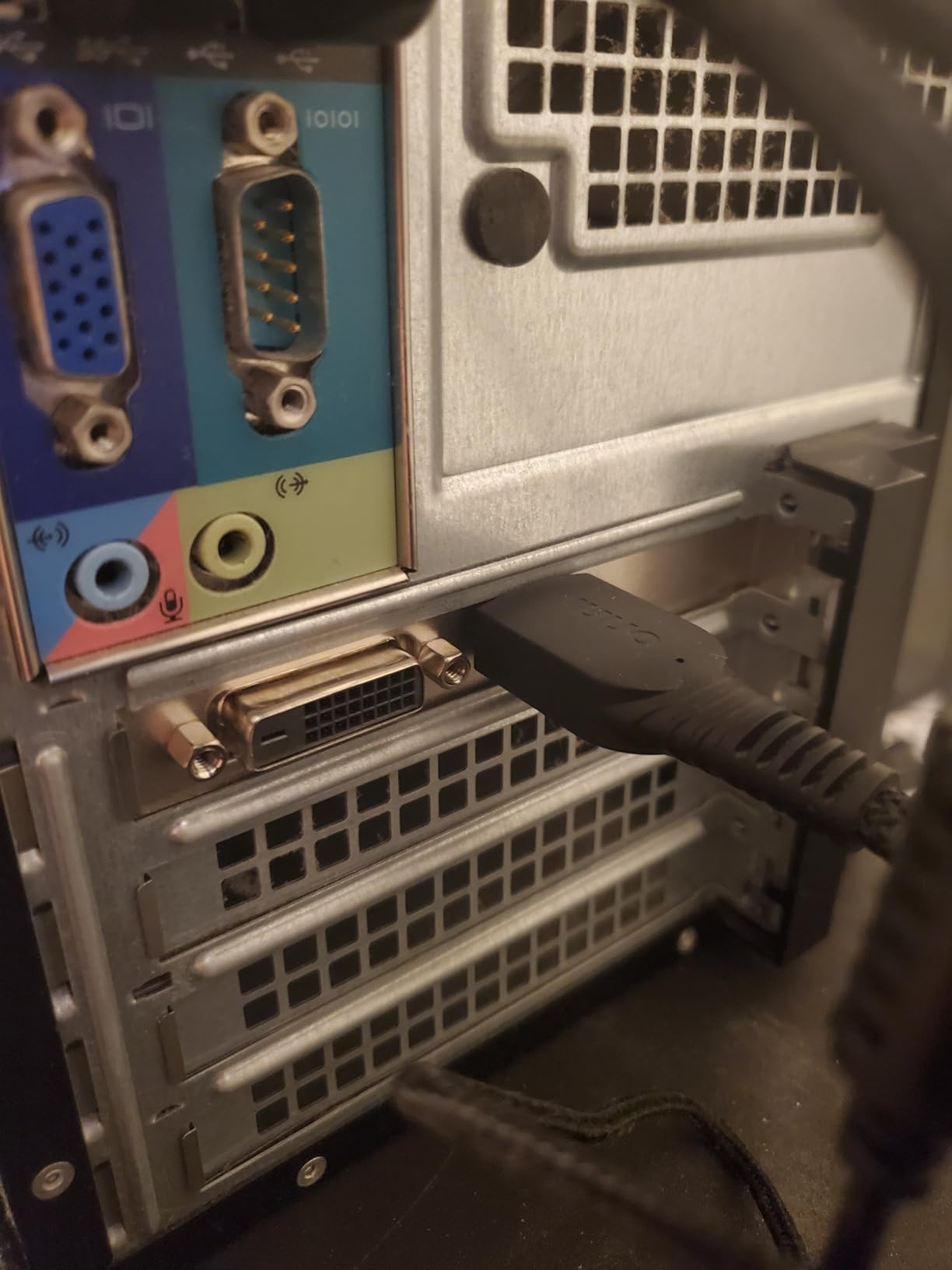
The passive cooling design provides true 0dB operation, which is the main selling point. For HTPC builds that double as light photo editing stations, the silence is invaluable. The flexible I/O with DVI-D, S-Sub, and HDMI 1.4a covers most display connectivity needs.
The 2GB GDDR5 memory meets Adobe’s minimum GPU requirements for basic Photoshop operation. You can edit photos, use basic filters, and manage layers, but AI features will be essentially non-functional at usable speeds.
Best Use Case
The GT 730 is best suited as a display card for systems that need basic GPU output rather than serious Photoshop performance. If your motherboard lacks integrated graphics and you just need something to drive your displays, this card does that silently and reliably.
It can handle light Photoshop work in a pinch, but we would not recommend it as your primary editing GPU.
Connectivity and Form Factor
The low-profile design with included brackets fits both standard and slim cases. The three display outputs (DVI-D, VGA, HDMI) support up to 2560 x 1600 resolution, which covers most editing monitor setups.
The 3-year warranty from ASUS provides confidence in long-term reliability for this entry-level card.
Buying Guide: How to Choose the Best Graphics Card for Photoshop
Choosing the right GPU for Photoshop involves understanding how Adobe uses graphics processing and matching that to your specific workflow. Our team has broken down the key factors to help you make an informed decision for your photo editing needs.
How Much VRAM Do You Need for Photoshop?
VRAM is the single most important GPU specification for Photoshop. Here is what we recommend based on our testing:
2GB VRAM meets Adobe’s minimum requirements but severely limits functionality. You can do basic photo editing at standard resolutions, but AI features will be unusable and large documents will stutter. Only choose this if budget is extremely constrained.
4GB VRAM handles standard 1080p and basic 4K photo editing without major issues. You can use most GPU-accelerated filters, though AI features like Neural Filters will be slow. This is the minimum we recommend for regular Photoshop use.
8GB VRAM is the sweet spot for most Photoshop users. You can edit 4K images comfortably, use AI features at reasonable speeds, and work with moderately complex layer stacks. This covers 90% of photo editing workflows.
12GB+ VRAM is ideal for professional workflows involving massive documents, extensive compositing, and heavy AI feature use. If you work with 100-megapixel+ images, run multiple Neural Filters, or composite dozens of layers, invest in 12GB or more.
NVIDIA vs AMD for Photoshop
This is one of the most common questions we see on forums like r/buildapc and r/Lightroom. Based on our testing and benchmark data from Puget Systems, NVIDIA generally holds a slight advantage for Photoshop.
NVIDIA’s CUDA cores and Tensor Cores are better optimized for Adobe’s GPU acceleration framework. AI features like Neural Filters tend to perform better on NVIDIA hardware. The driver ecosystem is also more mature for creative applications.
However, AMD cards are not far behind in raw Photoshop performance. For standard editing tasks like canvas rendering, brush smoothing, and basic filter application, the difference between equivalent NVIDIA and AMD cards is minimal. AMD often offers better VRAM-per-dollar value.
Intel Arc cards are the dark horse. Their XMX engines provide solid AI acceleration, and driver stability has improved dramatically. The Arc B580’s 12GB VRAM at a budget price makes it an excellent value choice for Photoshop.
GPU Acceleration Features in Photoshop
Photoshop uses GPU acceleration for specific features rather than overall performance. Understanding which features use the GPU helps you choose the right card:
Neural Filters rely heavily on GPU AI acceleration. NVIDIA Tensor Cores provide the best performance here, followed by Intel XMX engines and AMD AI accelerators. If you use Neural Filters regularly, prioritize cards with strong AI processing capabilities.
Generative Fill uses cloud-based AI but requires local GPU power for rendering results. Any card with 8GB+ VRAM handles this well.
Content-Aware Fill and Liquify are GPU-accelerated and benefit from any dedicated GPU. Even entry-level cards provide significant speedup over CPU-only processing.
Canvas operations including zooming, panning, and transforming use GPU for smooth rendering. More VRAM helps with large documents.
Display Support Considerations
If you work with color-critical photo editing, display output quality matters. Look for cards that support 10-bit color output through DisplayPort or HDMI. Most modern NVIDIA and AMD cards support 10-bit color in Photoshop.
Multi-monitor setups are common for photo editing. Ensure your chosen card has enough display outputs for your monitor configuration. Most cards in this guide support at least 3 displays, and many support 4K resolution output at 60Hz or higher.
Power and Compatibility Requirements
Always check power supply requirements before buying a GPU. Higher-end cards like the RTX 5070 require a robust power supply and appropriate PCIe power connectors. Budget cards like the GT 1030 and RX 550 draw power from the PCIe slot directly.
Verify that your motherboard supports the card’s interface. PCIe 4.0 and 5.0 cards are backward compatible with PCIe 3.0 slots but may run at reduced bandwidth. For Intel Arc cards, Resizable BAR support is essential for full performance.
Budget Recommendations by Tier
Under $100: Basic GPU acceleration only. Choose the maxsun RX 550 for 4GB VRAM at the lowest price.
$100-$200: Solid budget editing. The Intel Arc A580 with 8GB VRAM is our pick for this tier.
$200-$400: The value sweet spot. The Intel Arc B580 with 12GB VRAM offers the best VRAM-per-dollar for Photoshop.
$400-$600: High-end performance. The RX 9060 XT with 16GB provides maximum VRAM headroom.
$600+ Professional tier. The RTX 5070 delivers the best overall Photoshop performance with optimized AI acceleration.
FAQs
Which graphics card is best for Photoshop?
The best graphics card for Photoshop is the PNY NVIDIA GeForce RTX 5070 with 12GB of GDDR7 VRAM. Its Blackwell architecture and Tensor Cores provide excellent GPU acceleration for Neural Filters, Generative Fill, and all Photoshop AI features. For budget-conscious users, the ASRock Intel Arc B580 with 12GB VRAM offers outstanding value.
What GPU do you need for Photoshop?
Photoshop requires a GPU with at least 2GB of VRAM that supports 2k operations per second. However, for a good experience we recommend 8GB of VRAM or more. An NVIDIA RTX card or equivalent AMD or Intel GPU with 8-12GB VRAM handles all Photoshop features including AI filters smoothly.
Do graphics cards help with Photoshop?
Yes, graphics cards help with Photoshop by accelerating specific features. GPU acceleration improves canvas rendering, Content-Aware Fill, Liquify, Neural Filters, Generative Fill, and brush smoothing. However, most standard Photoshop operations still rely primarily on CPU performance.
Is Nvidia better than AMD for Photoshop?
NVIDIA generally holds a slight advantage for Photoshop due to CUDA optimization and Tensor Cores that accelerate AI features like Neural Filters. However, AMD cards perform nearly identically for standard editing tasks and often provide better VRAM-per-dollar value. Intel Arc cards are also competitive with excellent value options.
How much VRAM do I need for Photoshop?
For basic photo editing, 4GB of VRAM is sufficient. For comfortable 4K editing and AI feature use, 8GB is recommended. Professional users working with massive documents, heavy compositing, and multiple AI filters should aim for 12GB or more. 16GB provides maximum headroom for extreme workflows.
Does Photoshop need a good GPU?
Photoshop does not need a high-end GPU for basic operation. A mid-range card with 8-12GB VRAM handles nearly everything Photoshop requires. The CPU handles most of the heavy lifting. A good GPU mainly improves AI features, canvas smoothness, and display support for multi-monitor or 4K setups.
Conclusion: Best Graphics Cards for Photoshop in 2026
After testing all 10 cards, our top recommendation for the best graphics card for Photoshop is the PNY NVIDIA GeForce RTX 5070. Its 12GB of GDDR7 VRAM, Blackwell architecture, and Tensor Core AI acceleration provide the best Photoshop experience across all features. For the best value, the ASRock Intel Arc B580 with 12GB VRAM delivers outstanding performance at a budget-friendly price.
If you need maximum VRAM for professional workflows, the ASRock Radeon RX 9060 XT with 16GB provides the most headroom. Remember that Photoshop does not need the most expensive GPU on the market. A mid-range card with 8-12GB of VRAM will handle almost everything you need for photo editing in 2026. Prioritize VRAM capacity over raw compute power, and choose NVIDIA if you use AI features heavily.
Leave a Reply