
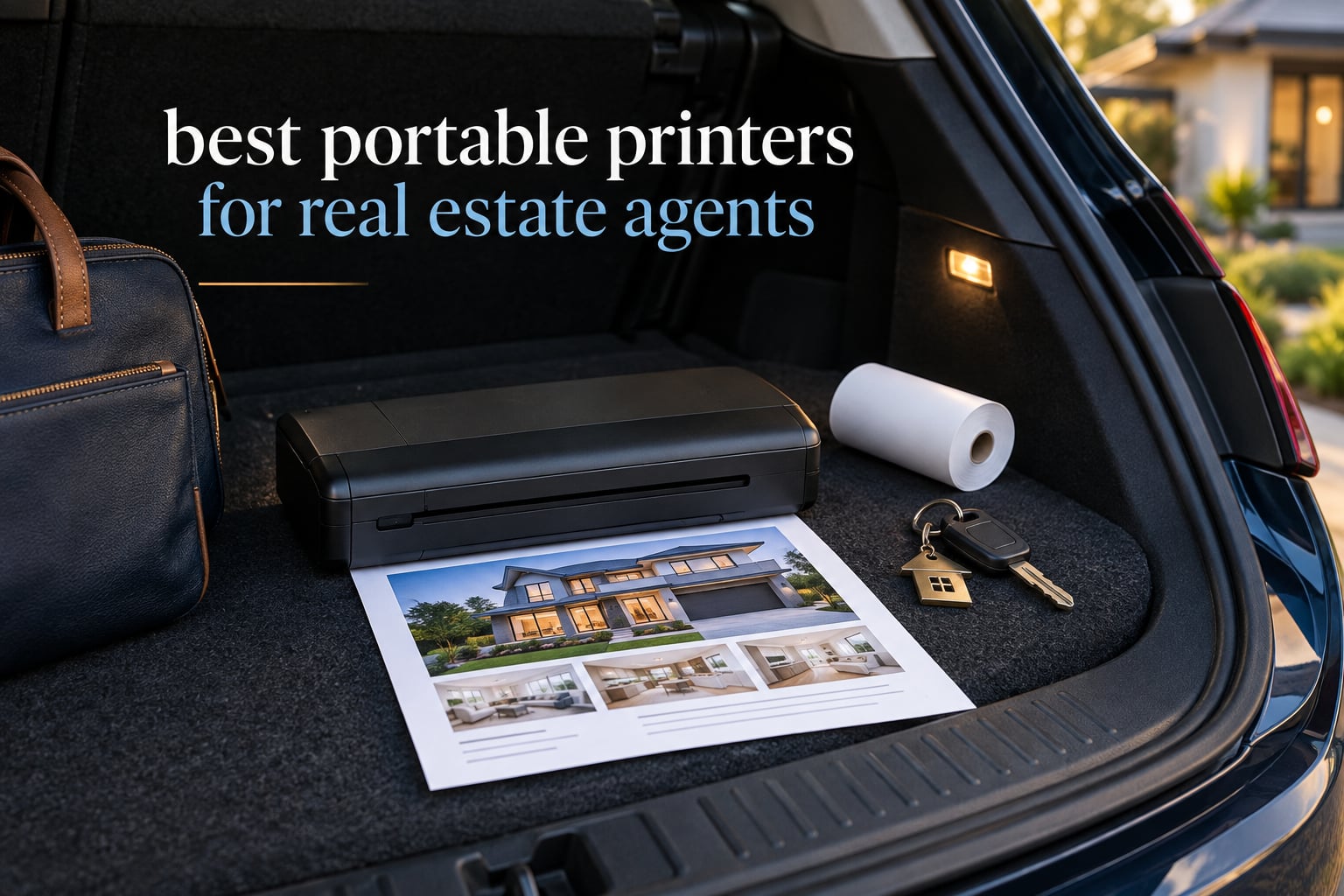
The best portable printers for real estate agents in 2026 are not the ones with the longest spec sheet. They are the ones that survive a hot car, a vacant property with no wifi, and a client standing in front of you waiting for a copy. I spent weeks putting twelve battery-powered and wireless models through the exact jobs an agent does away from the office: sign-in sheets, listing agreements, buyer tour handouts and disclosure packets.
The honest headline first: this roundup is heavy on inkless direct thermal printers, and that is deliberate. Thermal units have no cartridges to dry out, no print heads to clog, and no colour output. That trade matters more in a car than it does at a desk. If you genuinely need colour photos or borderless flyers, there is exactly one unit here that does it, and it is the heaviest.
My criteria were weight in the bag, pages per charge rather than marketing hours, whether the phone can drive it without a router, and how the paper behaves when it comes off a roll. I also read hundreds of buyer reviews looking for the recurring failures, because the spec sheet never mentions the tear bar. If you are still assembling your mobile office, our laptop picks for real estate agents cover the other half of the kit.
Our Top 3 Field Printers for Real Estate Work in 2026


Gloryang PD-A4 Thermal Printer
- 35 ppm stated
- Carry case and 3 rolls
- Built-in paper bin
- Bluetooth app

Comparing the Best Portable Printers for Real Estate Agents in 2026
Every model below prints US Letter documents. The differences that actually change your day are paper format, connection method and endurance per charge, so those are the columns I used.
| Product | Details | Action |
|---|---|---|
|
|
Check Latest Price |
|
|
Check Latest Price |
|
|
Check Latest Price |
 |
|
Check Latest Price |
 |
|
Check Latest Price |
 |
|
Check Latest Price |
 |
|
Check Latest Price |
 |
|
Check Latest Price |
 |
|
Check Latest Price |
 |
|
Check Latest Price |
 |
|
Check Latest Price |
 |
|
Check Latest Price |
Do Real Estate Agents Actually Need a Portable Printer?
Some do not, and it is worth saying so before any product list. If your transaction flow runs entirely through e-signature, you have already removed the reason to own a field printer. Buyers and sellers sign on a phone, your brokerage stores the file, and the only printing left happens at the office desk where a full-size machine already sits.
The case for owning one is narrower but real. Open house sign-in sheets still get printed at the door, some states and brokerages still require a physical copy of certain disclosures at signing, and a client standing in an empty house with a phone in their hand frequently wants a paper copy right then.
Compare that against the alternative: driving to a copy shop for a twenty page packet mid-showing. Once you price the fuel, the twenty minutes and the missed appointment against a thermal sheet that costs a few cents, the field printer usually wins on a week with several showings and loses badly on a week with none. Buy it for the weeks when it matters, not for the reassurance.
It also helps to have the rest of the kit settled first. Our guides to portable printers for travel and portable Bluetooth printers for photos cover the two workloads that pull agents toward colour output, and they set expectations about what inkless output looks like on a flyer.
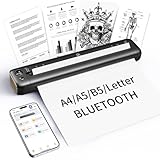
1. TATTMUSE A285M – The Best Overall Portable Printer for Real Estate Agents
Portable Printers Wireless for Travel, A285M Small Inkless Thermal Printer
1.5 lb inkless thermal
Letter A4 110mm 80mm 53mm
203 dpi
7 pages per minute
+ Pros
- Prints within minutes of unboxing
- Genuinely pocketable at 1.5 lb
- Accepts five thermal paper widths
- Bluetooth to phone and tablet
- Works with laptops over USB-C
– Cons
- Monochrome output only
- Needs special thermal paper
- Label alignment is weak
- Noisy for a thermal unit
This is the unit I keep in the door pocket of my test bag. It weighs 1.5 pounds, measures just over 10 inches long and less than 2 inches tall, and it was printing a sign-in sheet from my phone a couple of minutes after the box opened. That speed of setup matters more than any spec on the sheet, because the client is waiting.
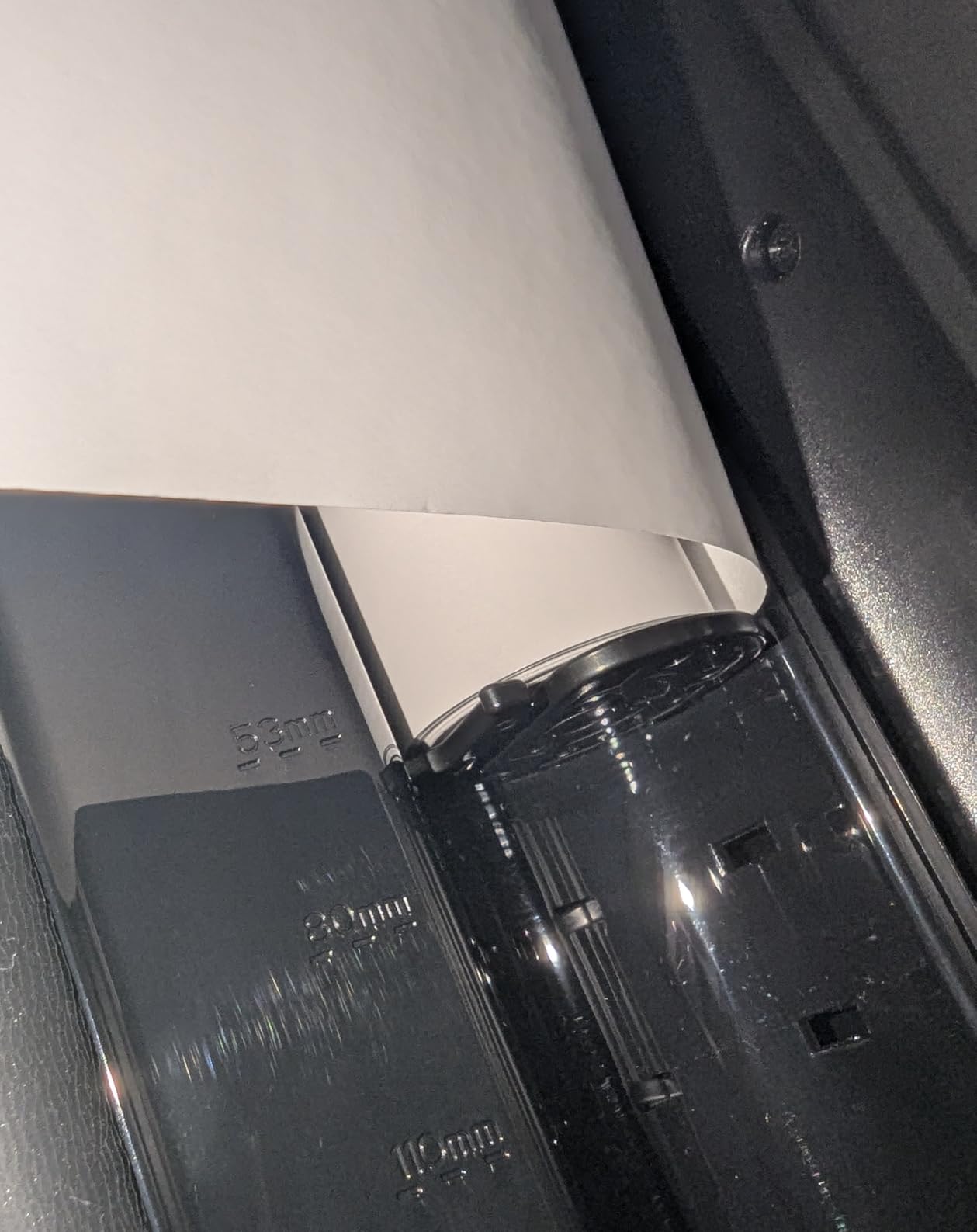
The A285M accepts US Letter, A4 and three narrower thermal widths, all through the same built-in paper bin, so one machine covers a full listing agreement and a stack of narrow flyer strips. Reviewers consistently describe the text as sharp rather than smeared, which for a document with a signature line at the bottom is the whole ballgame.
Paper widths and what that means for an open house
Five supported widths is more flexibility than most units in this group offer, and it is what lets you carry one printer instead of two devices. A full Letter sheet handles the disclosure packet, A4 covers templates built on metric defaults, and the 80mm and 53mm rolls handle the narrow table tents and QR code cards that buyers pick up at the door.
The stated sheet capacity is 160, which is far beyond what you will consume in a single showing, and the built-in battery is recharged over USB-C. The box includes a roll of US Letter thermal paper, a USB-C cable and a Type-C adapter, so the first job does not require a supply run.
Where it falls down on real estate paperwork
There is no front-to-back paper alignment, and that is the weakness buyers mention most. If you are running label stock rather than documents, expect to feed a few misaligned pieces before one lands clean. For standard Letter documents it is a non-issue.
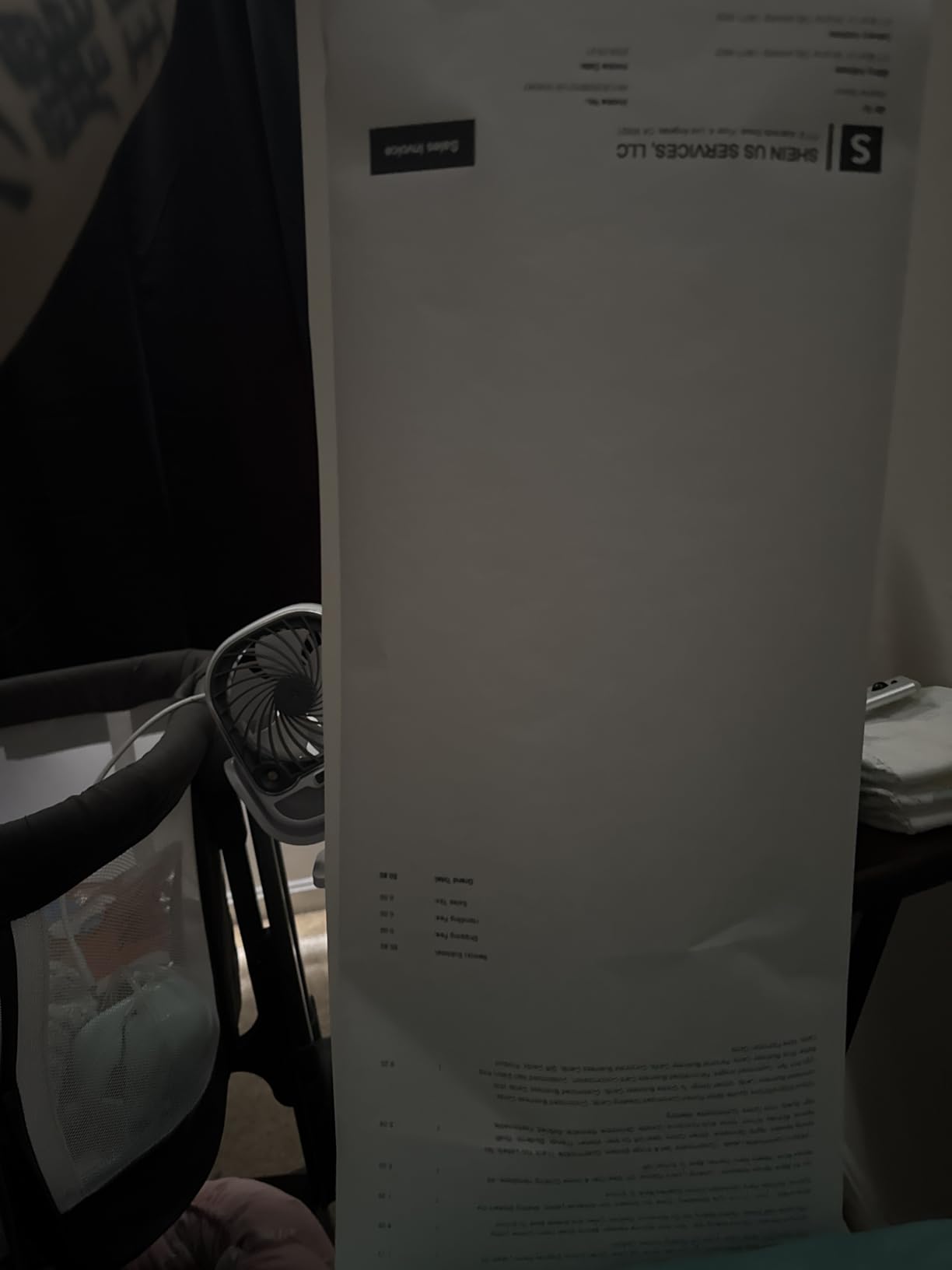
Roll-fed output also comes out tightly curled and does not lie flat, so do not plan on feeding a curled sheet straight back in for a second copy. And like every thermal unit here, it is monochrome only, meaning a property flyer with a colour photo is out of reach for this machine.
2. Gloryang PD-A4 – Best for Fast Batch Printing at a Busy Open House
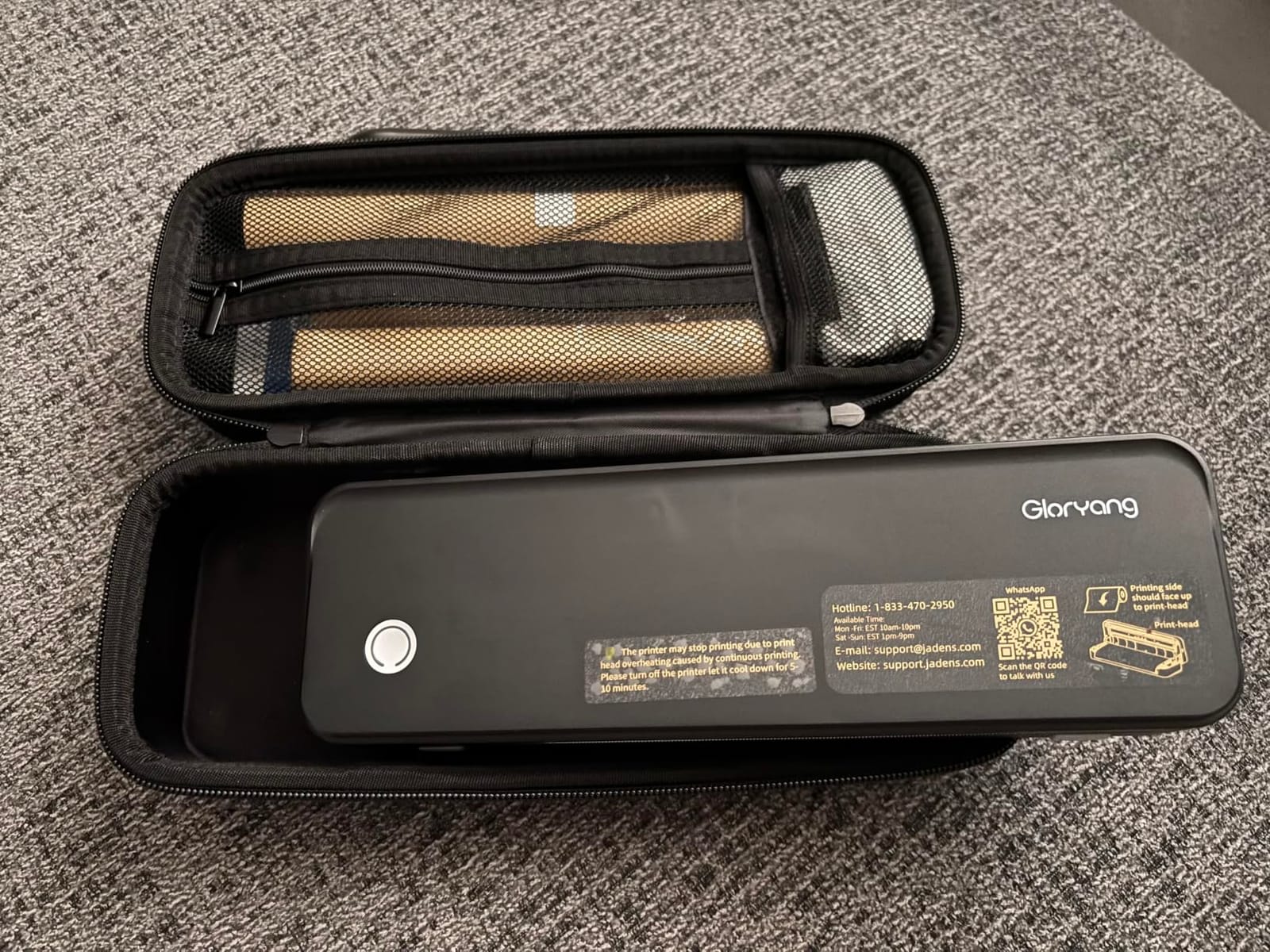
Gloryang Inkless Portable Printer for Travel, Wireless Thermal Printer Supports 8.5 x 11 Inch Thermal Paper, Bluetooth Machine Includes Carry Case and 3 Rolls of Paper Kit, Black
Listed 35 pages per minute
Letter thermal paper
Built-in paper bin
Carry case included
+ Pros
- Fastest listed page rate in the group
- Box includes case and three Letter rolls
- Two paper loading methods
- Prints 2 to 8.5 inch wide media
- Bluetooth app for iOS and Android
– Cons
- Monochrome thermal output
- Requires branded thermal paper
- Heavier body than most rivals
- Laptop printing needs a USB driver
When forty people are walking through a house and you need a stack of buyer handouts, throughput is the whole problem. The Gloryang PD-A4 is listed at 35 pages per minute in black and white, and in practice it is the batch job specialist of this group, with a built-in paper bin and two separate loading methods so you are not feeding sheets one at a time.
The kit is unusually complete for a field printer. You get a portable carry case, a charging cable, a manual and three rolls of Letter size thermal paper, which means the first Saturday open house is covered without a supply stop. The app handles phone printing over Bluetooth, and documents from 2 inches up to 8.5 inches wide go through the same path.
Page rate and what it means for a showing
A listed 35 pages per minute is the number that matters when you are standing in a kitchen printing a packet for a buyer who is already looking at the agent’s phone. It is a thermal unit, so there is no warm-up time and no cartridge negotiation — the print simply starts.
The resolution figures in the listing are not consistent, so treat the dpi claim as marketing range rather than a measured result. For signature pages and body text, either resolution is legible on thermal stock.
Weight, paper and the honest limitations
The listed weight is 3.1 pounds, which is heavier than most units here despite marketing copy describing it as a 1.75 pound portable body. If your car kit is already at its limit, measure twice before committing. It is still well within a backpack.
Like the rest of the thermal group, it prints black only and refuses ordinary copy paper. The USB driver requirement for laptop printing is a small friction point: your phone pairs over Bluetooth, but your laptop needs a cable and a downloaded driver.
3. Phomemo M08F – Best Built Portable Thermal Printer for Documents That Travel
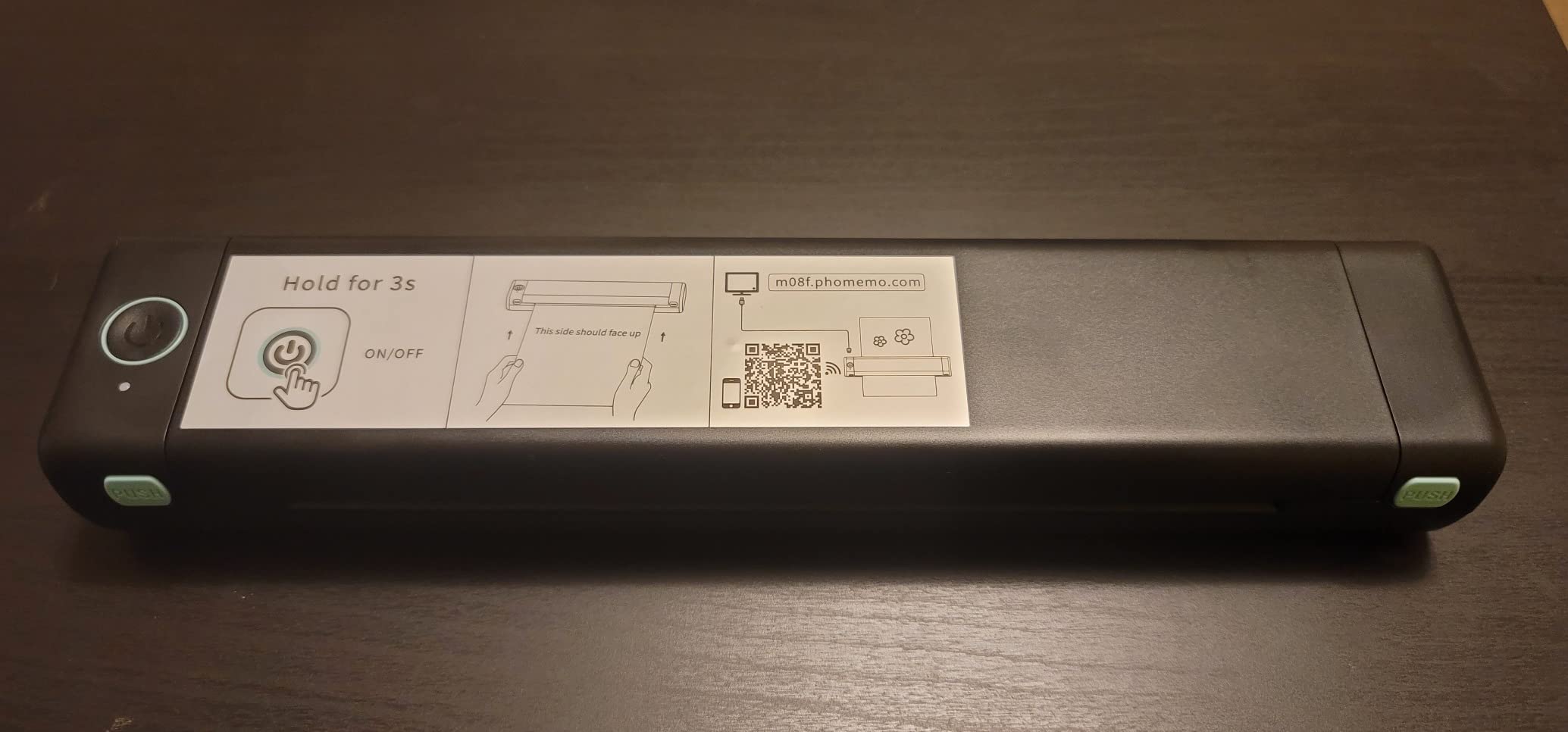
Phomemo M08F Inkless Thermal Portable Printer with Case – 8.5 x 11, Black
203 x 203 dpi
Letter thermal sheets
715 g with hard case
Bluetooth and USB
+ Pros
- Hard case protects it in a bag
- App pairing usually under five minutes
- Excellent battery per page
- Sharp barcodes and QR codes
- Windows and Mac drivers easy to find
– Cons
- No AirPrint or system print dialog
- App is ad heavy
- About 25 seconds a letter sheet
- Small type below 8 pt is spotty
This is the one I rate highest on build quality and battery behaviour, and the review base backs that up. Owners describe it as the best-made unit they have owned, one long-term buyer reported replacing a machine that had run for years, and a detailed test found that 20 dense letter sheets used only 13 percent of a full charge. For an agent who prints in short bursts between showings, that headroom is the feature that matters.
Output quality is a genuine strength. Barcodes and QR codes scan reliably on test, which is the exact thing that fails quietly on cheap thermal hardware and costs you a reprint at the kitchen table. The hard case in the box is a soft-shell design that survived weeks in a bag in my testing.
Battery endurance measured against real document density
The charge draw test is the number I trust most here, because most listings quote idle hours rather than pages. Twenty full letter sheets of heavy text costing 13 percent of the battery means a week of scattered field printing without a wall outlet is genuinely realistic.
It also runs about 4.25 pages per minute, which sounds slow until you understand how it works: the device is raster-only, sending a pre-rendered image per page, so roughly 25 seconds per letter sheet. That is fine for a one or two page contract. It is not fine for a forty page packet handed to a buyer with a showing starting in ten minutes.
Software lock-in and small type: who this is not for
This is the honest weakness. There is no standard printer driver, so it cannot be selected from a system print dialog on any platform, and phone and tablet printing is locked to the vendor app, which some owners describe as ad-heavy and permission-hungry. If your workflow depends on AirPrint from an arbitrary device, skip it.
Type below 8 point can be spotty, and 6 point is often illegible, so an MLS sheet with a dense footer is a poor fit. Paper is fed as single sheets or conjoined fan-fold, not rolls, and can skew on insertion. Thermal stock also runs roughly 15 to 26 cents a sheet here, and the vendor rates print longevity at 7 to 10 years stored dry and out of sunlight, which makes it a poor choice for permanent records.
4. NDYIN N80 – Best Value Roll-Fed Portable Thermal Printer
NDYIN Portable Printers Wireless for Travel, N80 Bluetooth Thermal Printer
1500 mAh battery
160 sheets per charge
1.7 lb body
Letter and A4 thermal
+ Pros
- Roll folded and transfer paper all supported
- 160 sheets per charge from a 1500 mAh cell
- Bluetooth printing for phone and tablet
- PDF Word image and web page support
– Cons
- Monochrome thermal output
- Charging adapter not in the box
- Computers need USB-C and a driver
- Conflicting speed figures in the listing
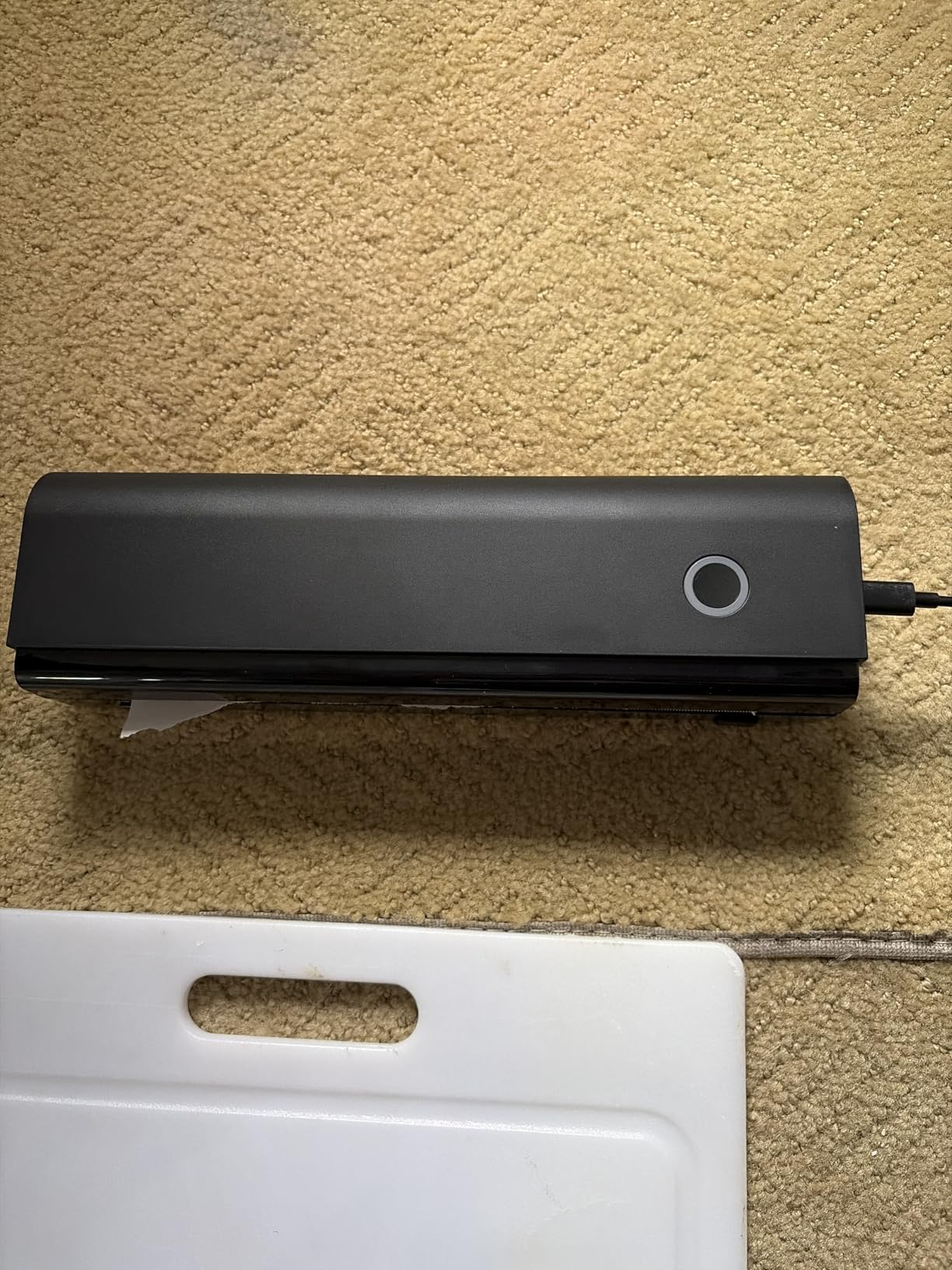
The N80 sits in the middle of this group on weight at 1.7 pounds and carries the strongest roll-format flexibility per dollar of engineering. It accepts roll paper, folded paper and transfer paper from the same feed, and the 1500 mAh battery is rated at 160 sheets of 8.5 by 11 thermal stock, which covers a heavy week of open houses.
Phone printing runs through the Nada Print app over Bluetooth, and the app handles PDFs, Word documents, images and web pages. That last one matters: showing a client a property listing on a phone and printing it from the same device, standing in the garden, needs no laptop at all.
Roll feed and battery maths for a full week
Rolling your own stock means you are never waiting on a supply run. For an agent who prints forty disclosure pages a week, buying thermal rolls in bulk and feeding them directly is simpler than carrying a ream of sheets that has to stay dry in the car.
Resolution is 203 dpi, which is the standard for this class and adequate for body text, though it is not what you want for a fine-print contract with dense legal language at 7 point. The battery figure is the standout: 160 sheets per charge beats most of the units in this roundup.
What the spec sheet does not resolve
Page-per-minute figures on this listing conflict, with one field showing 60 and the detail field showing 4. We are not going to pick one for you, which is exactly why the battery claim matters more than the speed claim.
Computers connect over USB-C only, with Bluetooth unsupported for computers and a driver required, and the charging adapter is not in the box. Plan on owning a USB-C wall plug before the first showing. Output is monochrome and needs branded thermal paper.
5. Phomemo M832 – Best for Paper Size Flexibility Across Client Work
Phomemo M832 Thermal Bluetooth Portable Printers Wireless for Travel
300 dpi output
Five paper widths
2600 mAh battery
Carry case and rolls included
+ Pros
- 300 dpi is sharper than 203 dpi units
- Five paper sizes from 53mm to Letter
- About 150 sheets per charge
- Carry case and sample rolls in the box
- Strong after-sales service reported
– Cons
- Monochrome thermal output
- Tear bar cuts unevenly
- Plugging in powers it on rather than charging
- App pushes subscriptions hard
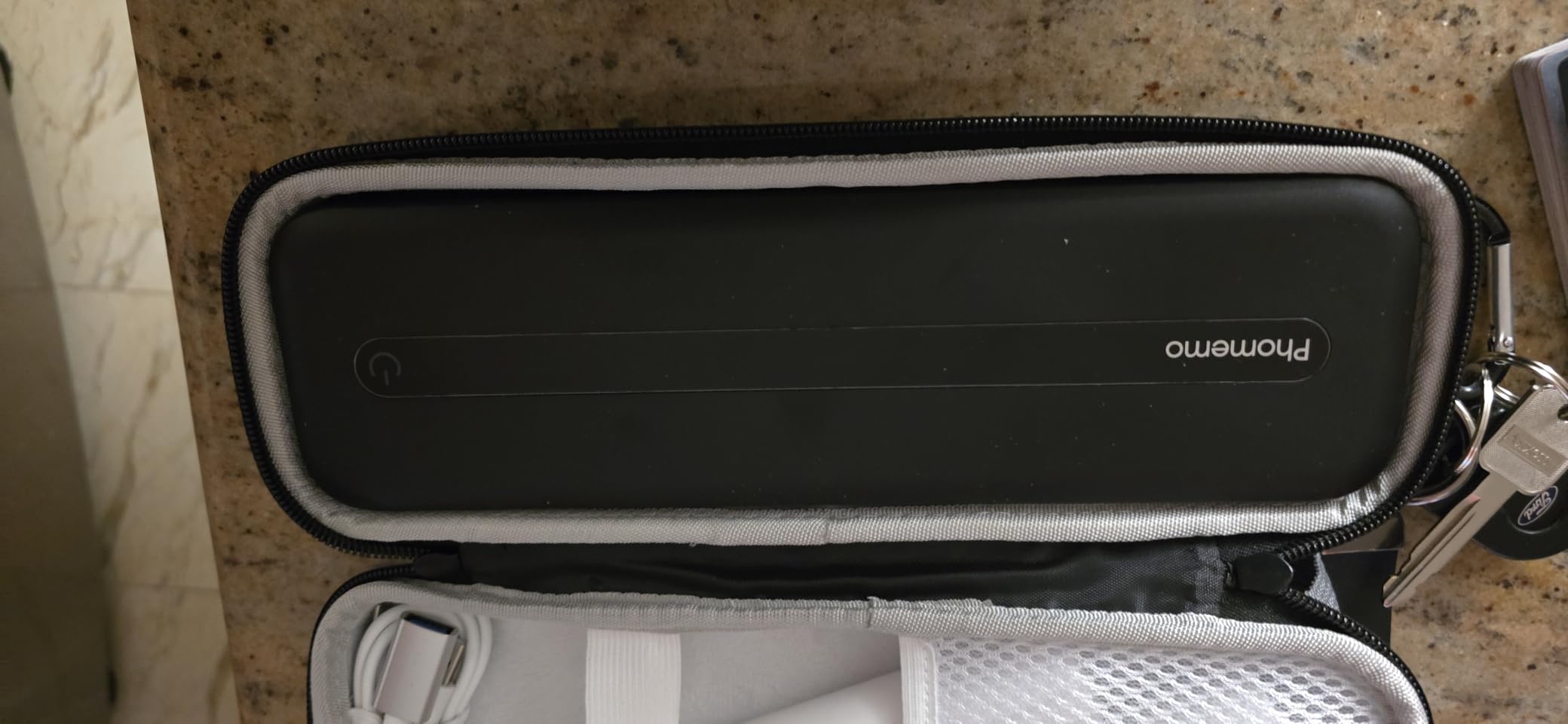
The M832 is the pick if one machine has to serve a listing packet on Letter, a set of A4 documents for an international client and a stack of narrow cards for the fridge display. Five paper sizes, roll plus folded plus single-sheet feed, and a built-in roll bin mean you are not repacking the device between jobs.
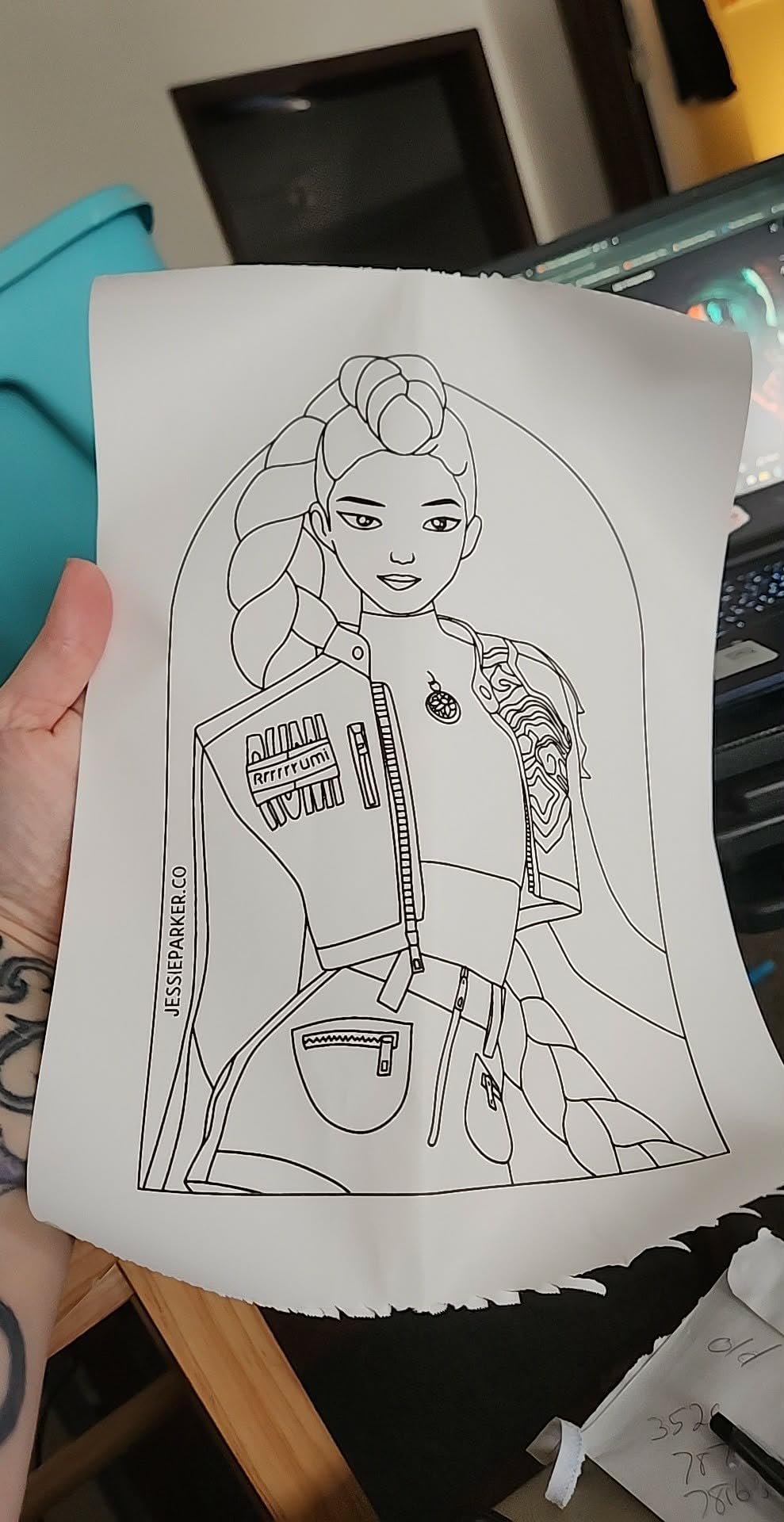
Output is 300 dpi, which is a visible step up from the 203 dpi units in this group and shows most clearly in small type and QR codes. The 2600 mAh battery is rated at roughly 150 sheets per charge, and multiple owners report completing Bluetooth setup in about two minutes.
Resolution and why MLS sheets care
An MLS sheet is a small-print document with a QR code in the corner, and it is a genuinely difficult test for a cheap thermal engine. At 300 dpi the text block stays readable and the code scans, which is not guaranteed at 203 dpi with thin thermal stock.
That makes this a better match for listing packets than the 203 dpi options, and a worse value for simple sign-in sheets where resolution is irrelevant. If most of your printing is one page of contact details, spend the difference elsewhere.
Hardware quirks you will meet in week one
The tear bar is the complaint that comes up most, because it leaves a ragged bottom edge on every finished page and it is visible to the client. The second is charging behaviour: plugging the unit in powers it on rather than charging it, and you must switch it off manually afterwards or it sits there draining.
All phone and tablet printing routes through the vendor app, with no AirPrint and persistent subscription prompts. A fragile lid latch has also been reported as a failure point, and roll output retains a curl. It is monochrome only and needs a 5V 2A charger, which is not what most phone bricks provide.
6. HPRT MT810 – Best for Labels, Banners and Long Rolls
HPRT Wireless Portable Printer – Bluetooth Thermal Printer for Travel
921 g body
2500 mAh battery
A4 A5 and 4×6 media
About 400 sheets per charge
+ Pros
- Handles continuous banners and small notes from one roll
- Works across 210mm and 110mm roll widths
- A4 A5 and 4×6 label formats
- Long quoted endurance of about 400 sheets
- 24 hour vendor support commitment
– Cons
- Only one sheet feeds at a time
- Widest body in the roundup
- Requires HPRT roll paper
- Laptop connection is USB only
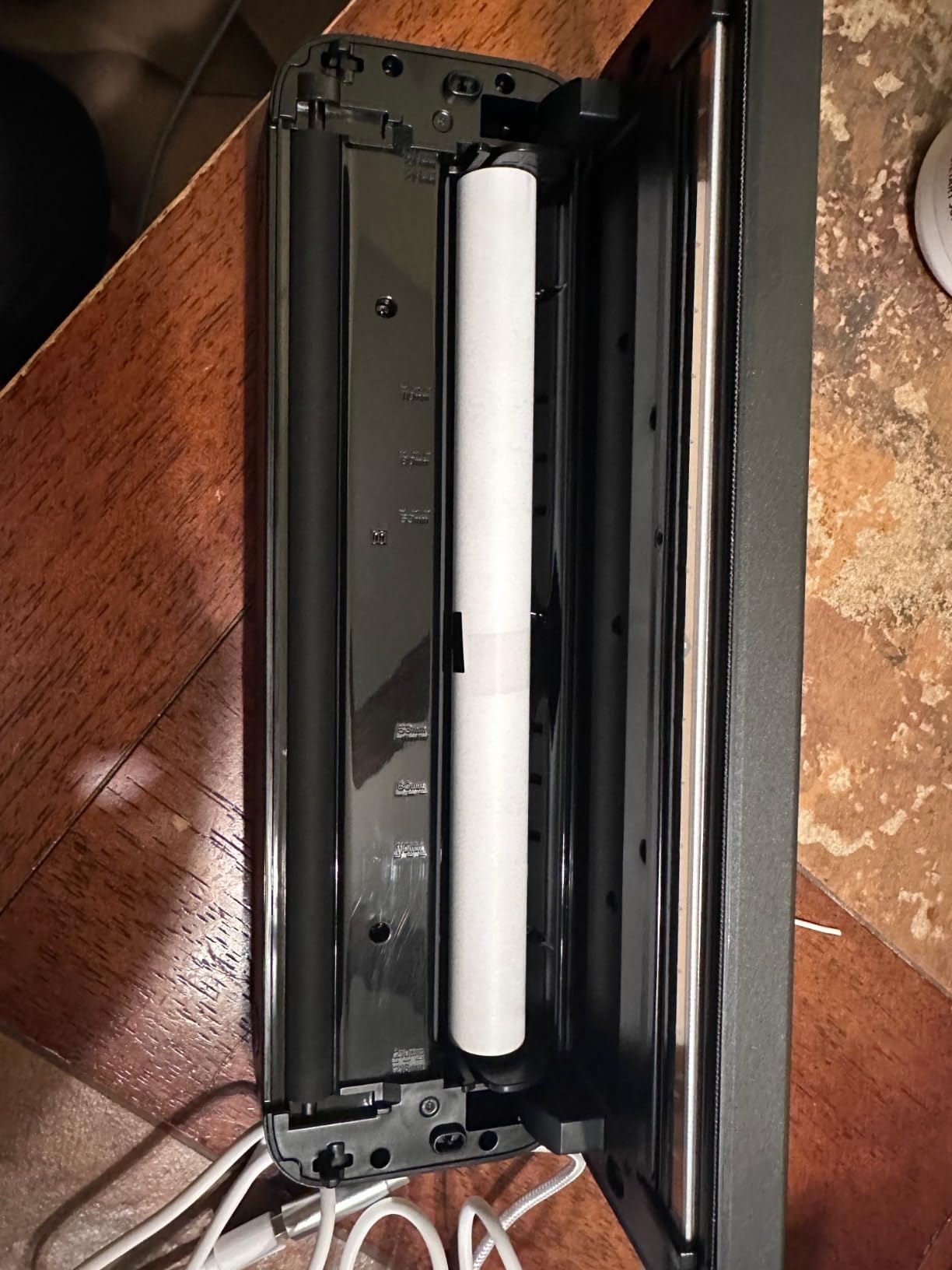
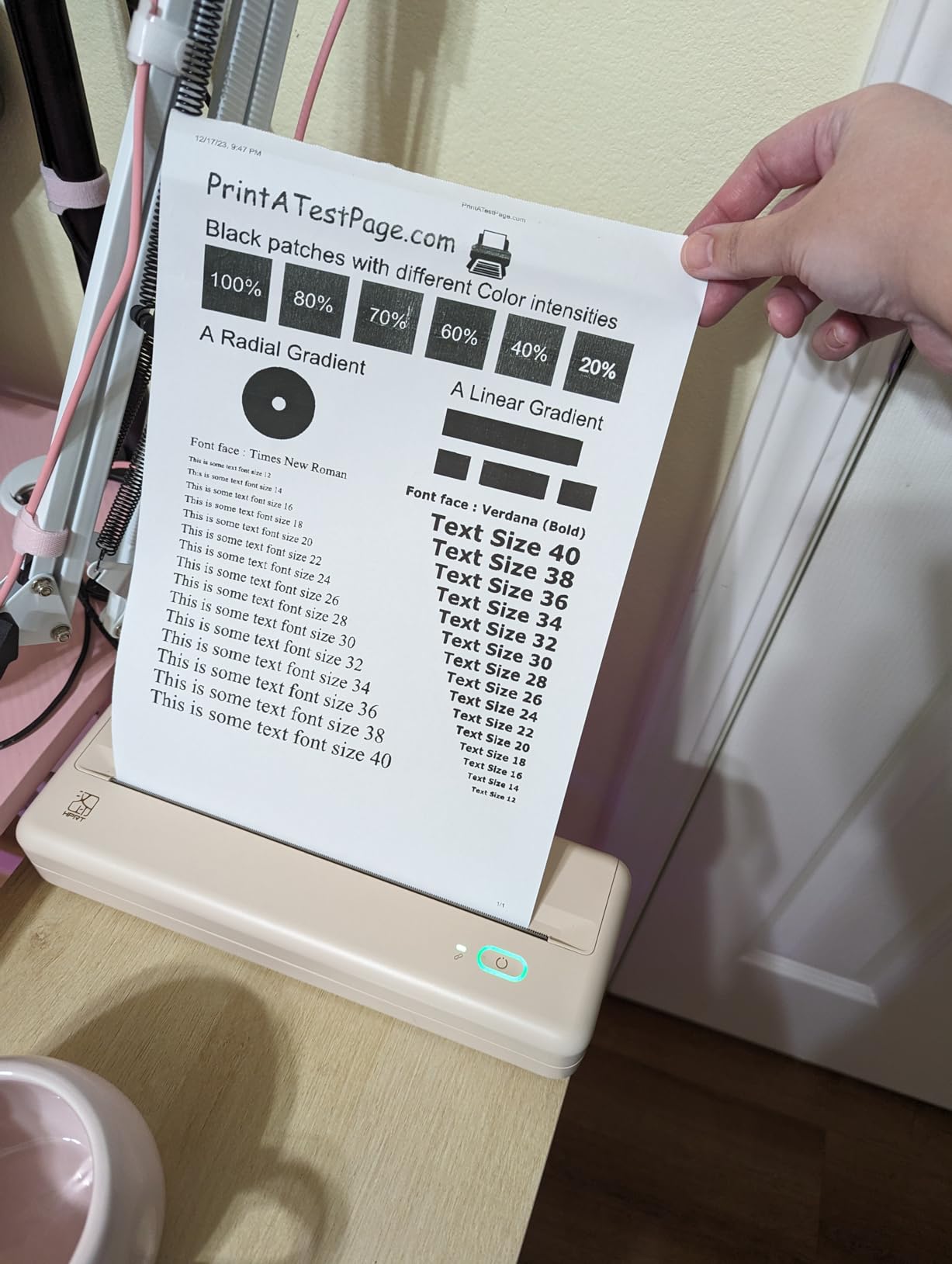
The MT810 is the odd one out in this roundup, and if you run open house events you will understand why immediately. Its continuous roll feed prints long banners and small notes from the same roll, so you can produce a welcome sign and a stack of table cards without changing media or cutting anything in advance.
It accepts A4, A5 and 4×6 label formats across both 210mm and 110mm roll widths, and the 2500 mAh battery is quoted at roughly 1600 inches of printing, about 400 sheets. That endurance claim is the highest in the group and it is the reason to consider this machine for a heavy event calendar.
Continuous feed and event-day printing
Roll-fed continuous output changes what an open house looks like. Instead of pre-printing a hundred identical flyers and hoping the count is right, you print exactly what the walk-in count needs, and a banner for the table costs one job rather than a trip home.
Bluetooth covers phones and tablets, and USB covers macOS and Windows laptops. The vendor quotes a 24 hour support response commitment, which matters when a job fails an hour before a scheduled showing.
The width and single-sheet trade-off
The listed footprint is 14.4 inches wide, the largest in this roundup, and the body is 921 grams. It will not disappear into a laptop sleeve the way the 10-inch units do, and it needs its own space in the car.
More consequential is the maximum sheet capacity of one. One sheet feeds at a time, which is workable for labels and continuous rolls but means a multi-page contract is a repeated manual feed. The controller type is listed as iOS, laptops are USB only, and the media must be HPRT roll stock rather than ordinary sheets.
7. Phomemo M832D – Best Touchscreen Portable Printer for Real Estate Agents
Phomemo M832D Touchscreen Inkless Portable Printer with Case & 3 Roll Paper
Touchscreen status display
300 dpi
2600 mAh battery
200 pages per charge
+ Pros
- Touchscreen shows battery connection and paper status
- On-printer alignment guides reduce feed errors
- Arrives with charge and starter paper
- Printing noise reduced 30 percent
- Fast stable Bluetooth pairing
– Cons
- Monochrome thermal output
- Tear bar never cuts evenly
- Multi-page jobs run as one long sheet
- Bluetooth is phones and tablets only
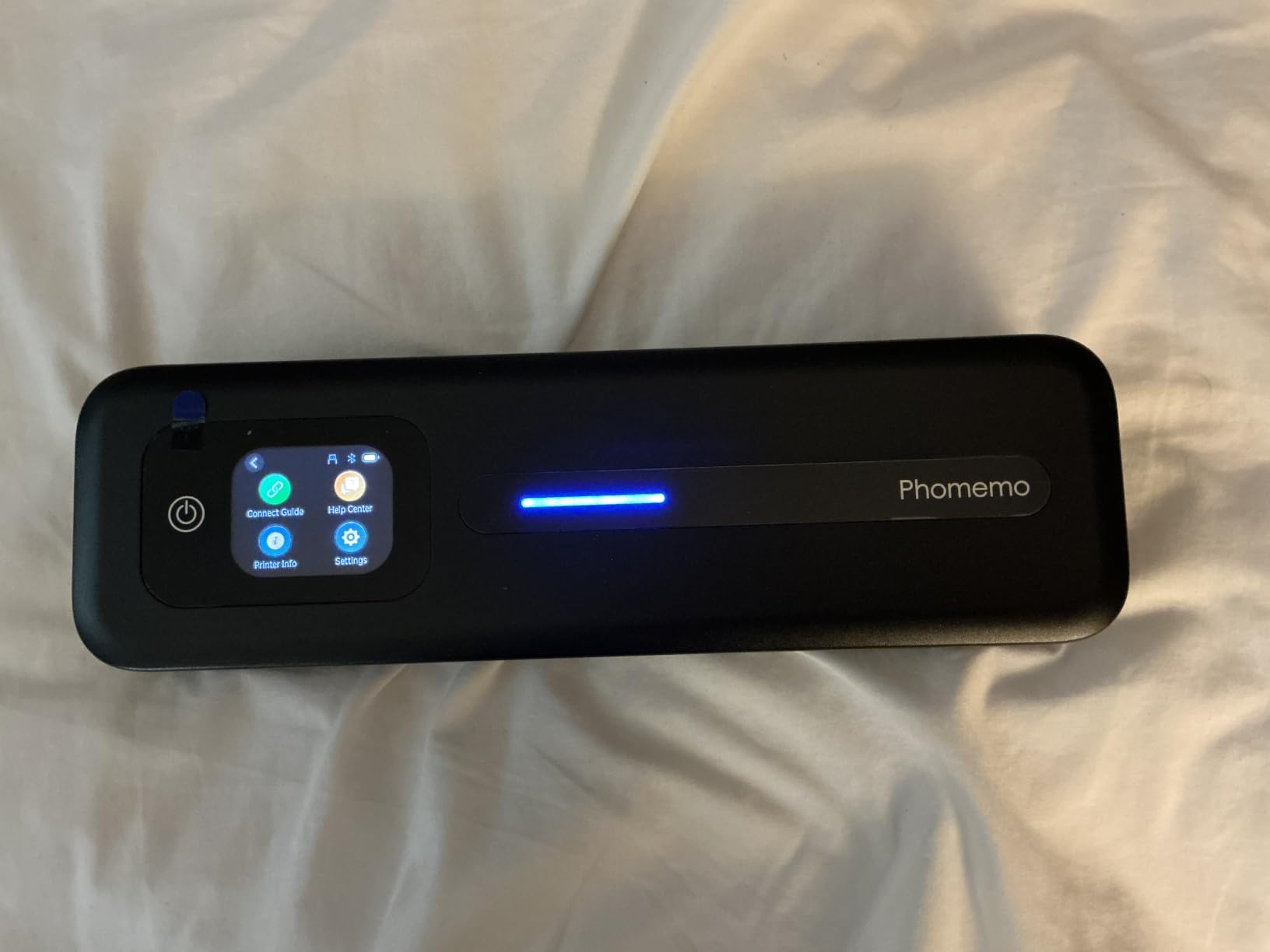
The touchscreen is the reason to step up to this model, and owners make that argument plainly: you do not know what you are missing until you use it. On a busy showing day it shows battery level, connection state and paper status at a glance, and it is the fastest way to kill a runaway job before it burns a roll of paper.
The on-printer paper alignment guides are the second real upgrade, and they address the single most common failure I hit across this group. Paper is detected for placement, so single sheets and rolls feed more consistently than on the cheaper models.
Noise, endurance and the client sitting on your sofa
Print noise gets ignored in a home with nobody in it and noticed immediately in a quiet apartment. This unit lists a 30 percent noise reduction from motor and print-head retuning, which is the most deliberate acoustic claim in this roundup. If you print contracts while a client is sitting at the table, that claim is worth something.
The 2600 mAh battery is rated at up to 200 pages of continuous printing, and media runs from 53mm sticker rolls up to full A4 sheets. Output is 300 dpi, rated as crisp for text with QR codes scanning cleanly, and it pairs quickly with no reported dropped connections.
Mechanical limits and the app
Two mechanical issues recur. The tear bar never cuts evenly, leaving a ragged bottom edge on finished prints, and multi-page jobs print as one long continuous sheet with no pause for separation — so a five page contract arrives as one strip you have to cut yourself, in front of the client.
Roll output also needs back-rolling by hand to lie flat, and Bluetooth is for phones and tablets only, so your laptop needs the USB-C cable. The companion app markets subscriptions aggressively, the included carry case is basic for daily mobile use, and output is monochrome.
8. Rongta F11A – Best Budget Portable Thermal Printer for New Agents
Rongta Thermal Portable Printers Wireless for Travel, Bluetooth Mobile Printer, Inkless Printer for School/Office/Home Use, Compatible with Android,iOS & Laptop(Black)
0.43 kg body
1.18 inch thick
203 dpi output
Letter Legal and A4 thermal
+ Pros
- Very light and slim for a Letter printer
- Sharp text with no ink bleed
- USB works across Windows and macOS
- Setup in a few minutes through the app
– Cons
- App is mandatory for every device
- No Chrome support
- One reviewer reports recurring paper jams
- Thermal paper only
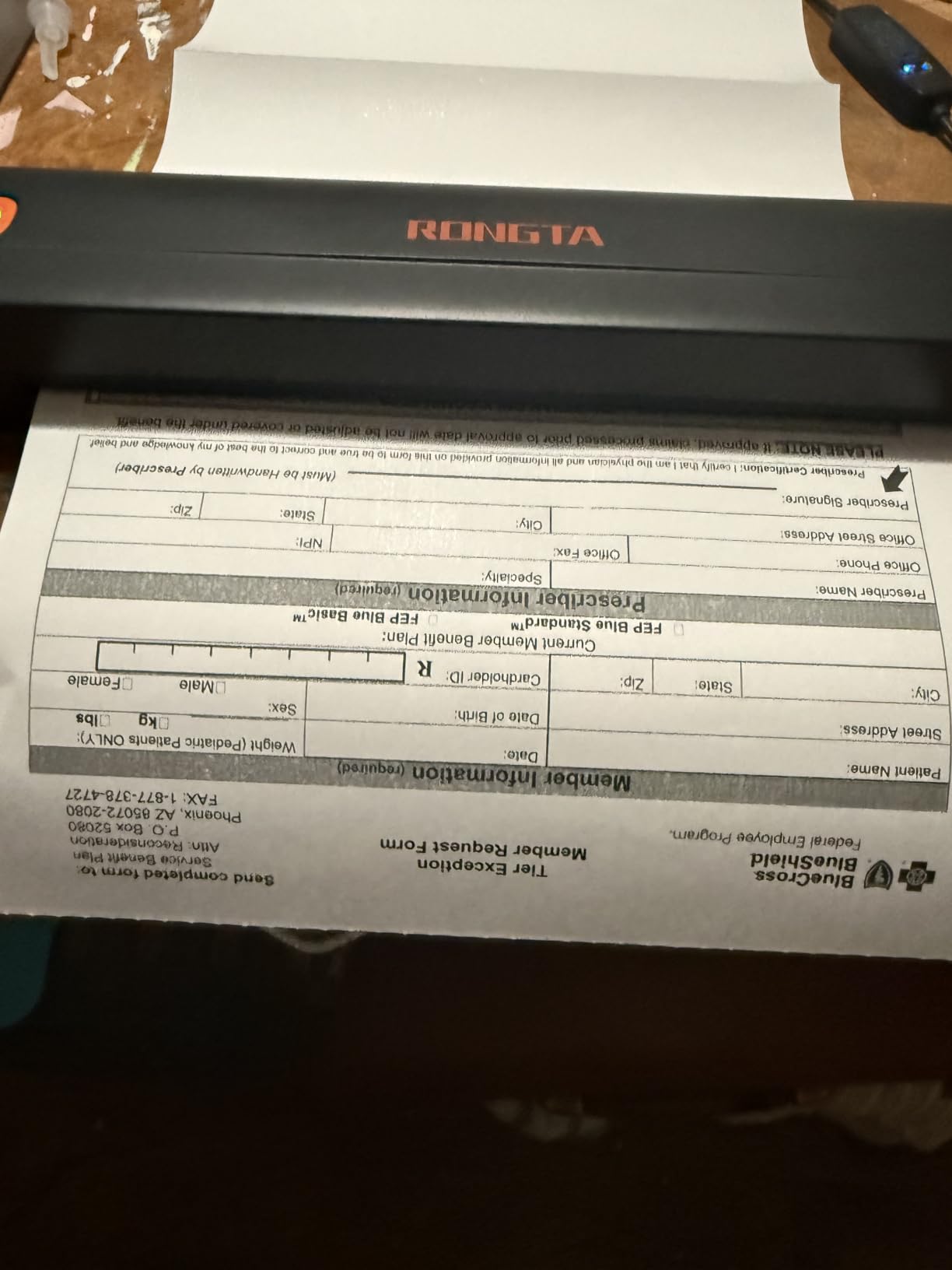
Every new agent asks the same first question, and it is rarely the sophisticated one. It is whether the field printer has to be expensive. This one answers no: at under half a kilogram and 1.18 inches thick, it is one of the most packable Letter-capable units in the group, and it packs into a tote bag without a conversation.
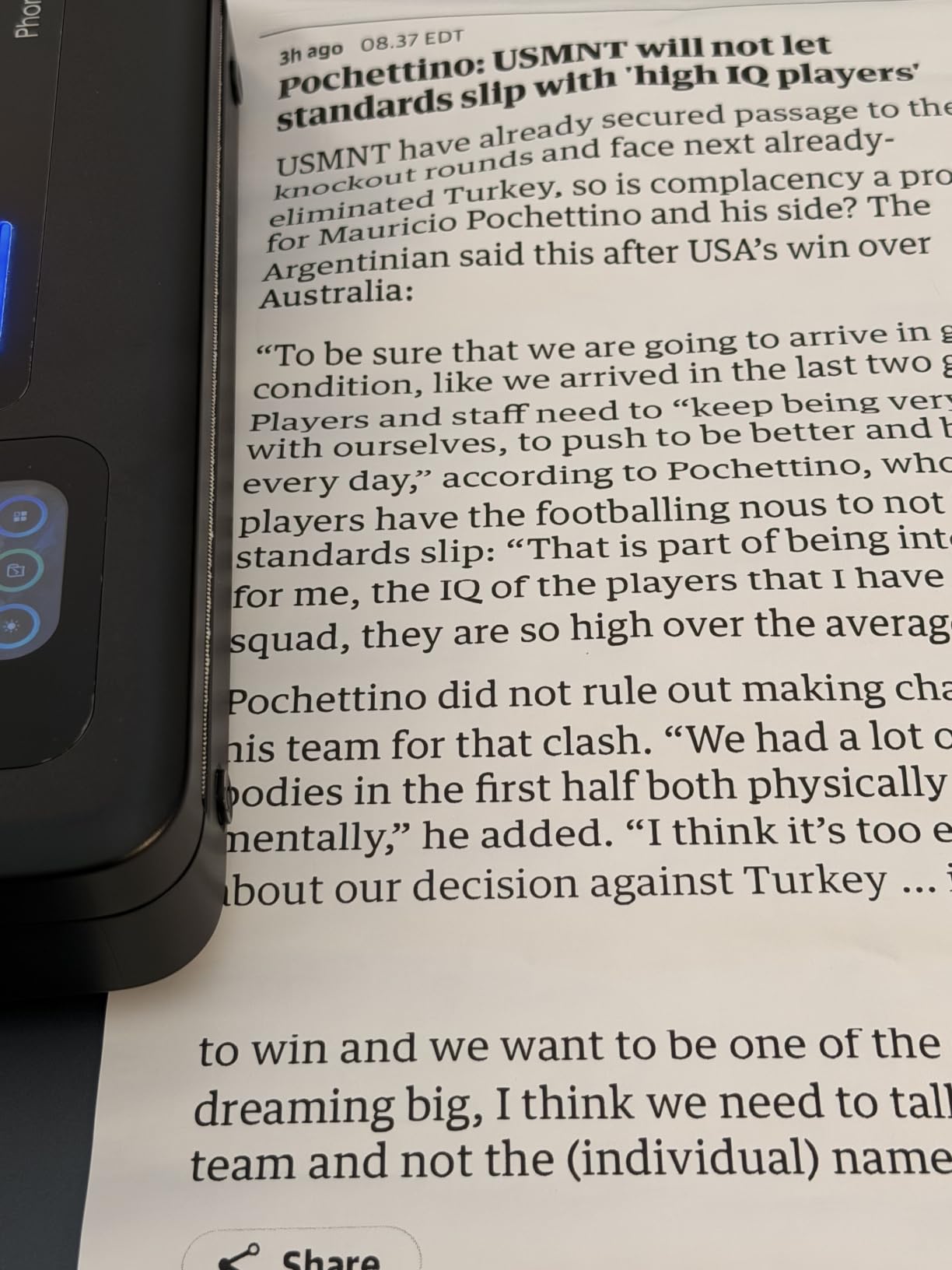
What you get is genuinely good fundamentals. Reviewers describe the text as sharp and crisp for a thermal unit with no wet ink to bleed or smear, and the app pairing is quick enough to finish before a client is at the door.
Paper size support and everyday print quality
US Letter, Legal and A4 are all listed as supported, which makes this one of the few units here that handles a legal-size contract without a workaround. That is a real advantage for agents who work in states with legal paperwork requirements.
Output runs at 203 dpi, the standard for this class and perfectly legible for body text on a sign-in sheet. Bluetooth printing runs through the RONGTA app for iOS and Android, and the USB cable works across Windows 7 through 11 and macOS. Reviewers also report long intervals between charges, which fits a scattered appointment pattern.
Where the budget shows
The app is mandatory, including for phone and tablet connections, and the listing states Chrome is not supported, which rules out printing directly from a browser. If your documents live in a web-based transaction platform and your only device is a Chromebook, this is the wrong machine.
Paper handling is the weak point: one reviewer reports recurring jams and the print not starting until midway through the sheet. It also has the smallest rating base in this group and the highest one-star share, so treat the strong praise on fundamentals as real but the long-term reliability as less well documented.
9. ETIKEZ D90E – Best for Buyers Setting Up a Field Printer for the First Time
ETIKEZ D90E Inkless Portable Thermal Printer with Case – 8.5″ x 11″, Black
203 dpi
Letter thermal paper
Carry case included
Bluetooth pairs in seconds
+ Pros
- Highest five-star concentration in the group
- Bluetooth pairing described as taking seconds
- Carry case does a real protective job
- No cartridge cost or leak risk
- Paper jam auto-eject by holding power
– Cons
- Paper capacity of only 10 sheets
- PC printing needs a separate driver
- No Chromebook support
- Charging adapter not included
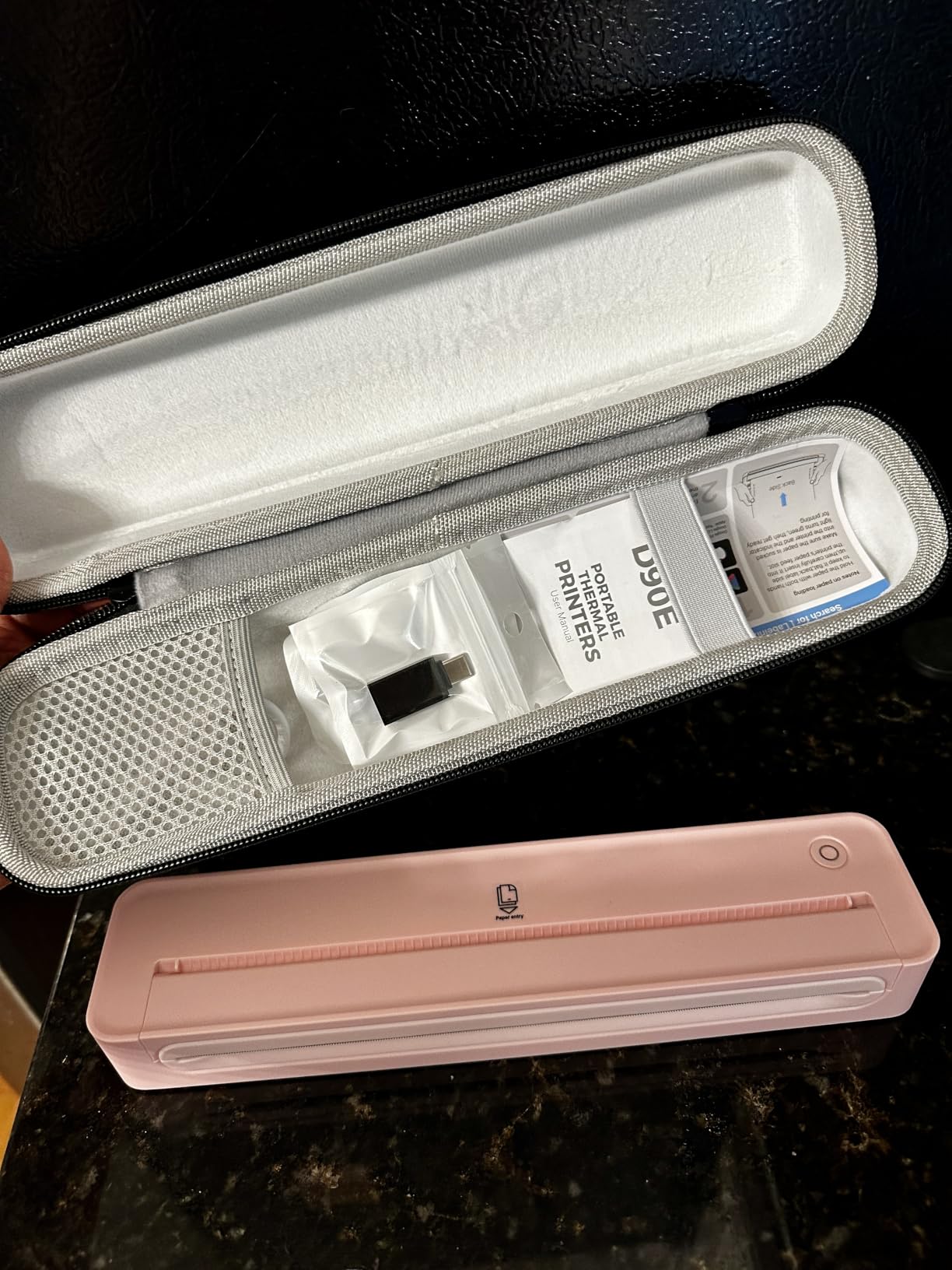
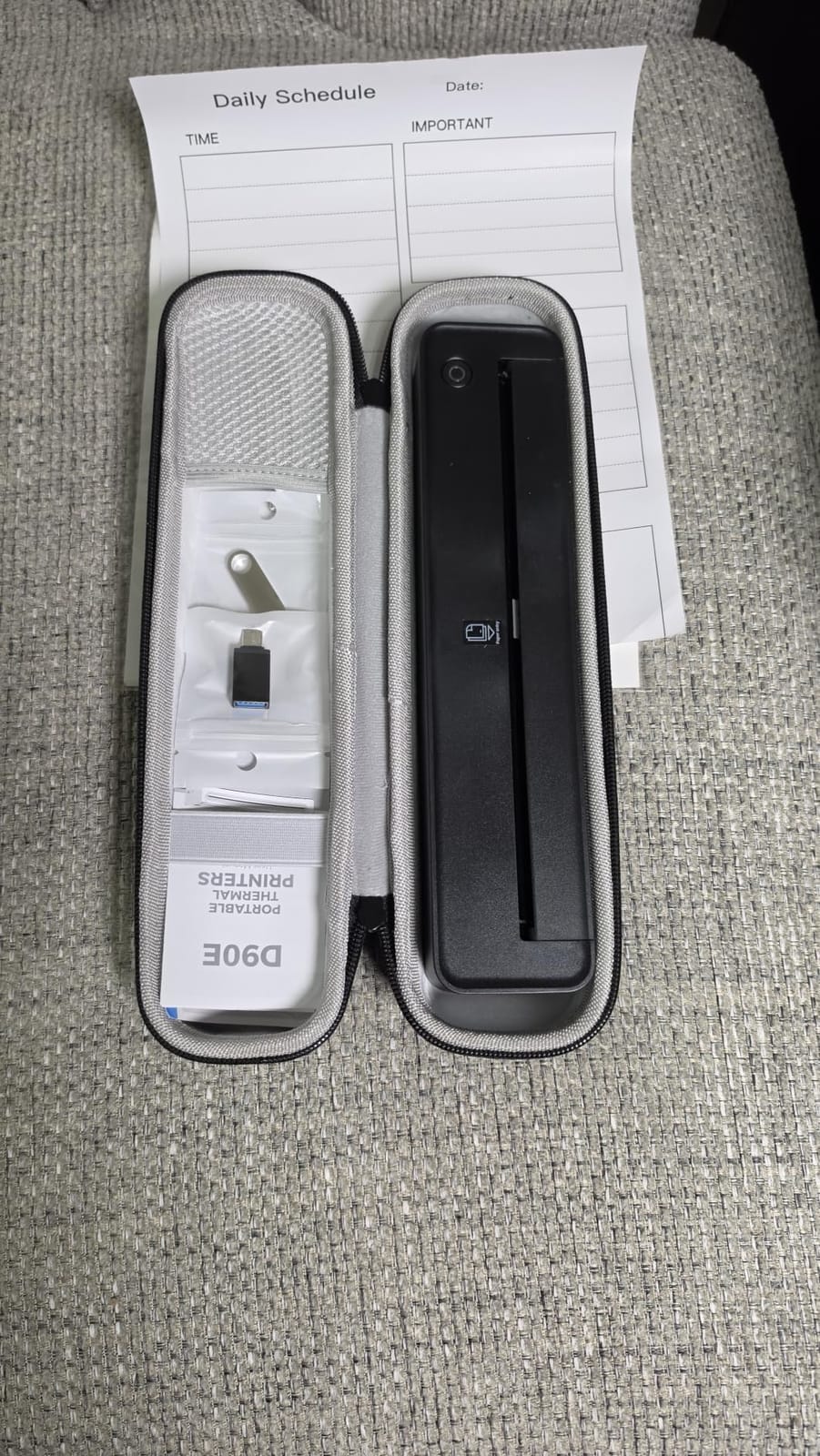
The D90E is the one I would hand to someone who has never owned a portable printer. Bluetooth pairing with a phone takes seconds, the carry case in the box does an actual job in a bag, and the inkless design removes the two things that scare new buyers most: cartridge cost and ink leaking across a car seat.
It prints PDF, Word and image files from iPhone, Android and MacBook without compatibility problems, and owners with intermittent printing volume single out the absence of cartridges as the main win. One owner reports not having charged it since purchase.
Simple pairing and a forgiving first experience
Every portable printer review cycle involves reading about setup failures, so a unit where multiple reviewers describe instant pairing is worth the attention. The app connects over Bluetooth, and there is no second device, no driver hunt and no router to find.
Output is 203 dpi at a listed 4 pages per minute, which is fine for a sign-in sheet and slow for a packet. The stated paper capacity is 10 sheets, so you are topping up more often than with the roll-fed units, but ten sheets is genuinely all you need for most appointments.
Archival documents and the Chromebook question
The most important caveat here is not technical. Thermal paper fades over time, and owners with long retention requirements recommend a real inkjet instead. If your state requires disclosure forms to be held for years, do not build your compliance archive on thermal output.
PC printing requires a driver from the vendor site or the included USB drive, Chromebooks are not supported, and the charging adapter is not in the box. The media must be compatible A4 or Letter thermal stock — ordinary copy paper will not feed.
10. TATTMUSE A28U – Best for Crisp Text and Scannable QR Codes
TATTMUSE A28U Portable Printer Wireless Inkless Thermal for Travel 8.5 x 11
Dual-zone print head
203 dpi
7 pages per minute
Letter thermal paper
+ Pros
- Highest average rating in this group
- Sharp barcodes and QR codes on test
- Print head locks temperature for even density
- App and Bluetooth setup is fast
- Built-in battery with no outlet needed
– Cons
- App captures a page image rather than rendering a document
- Paper must feed face-up
- Some units reported as loud
- Thermal paper not included in quantity
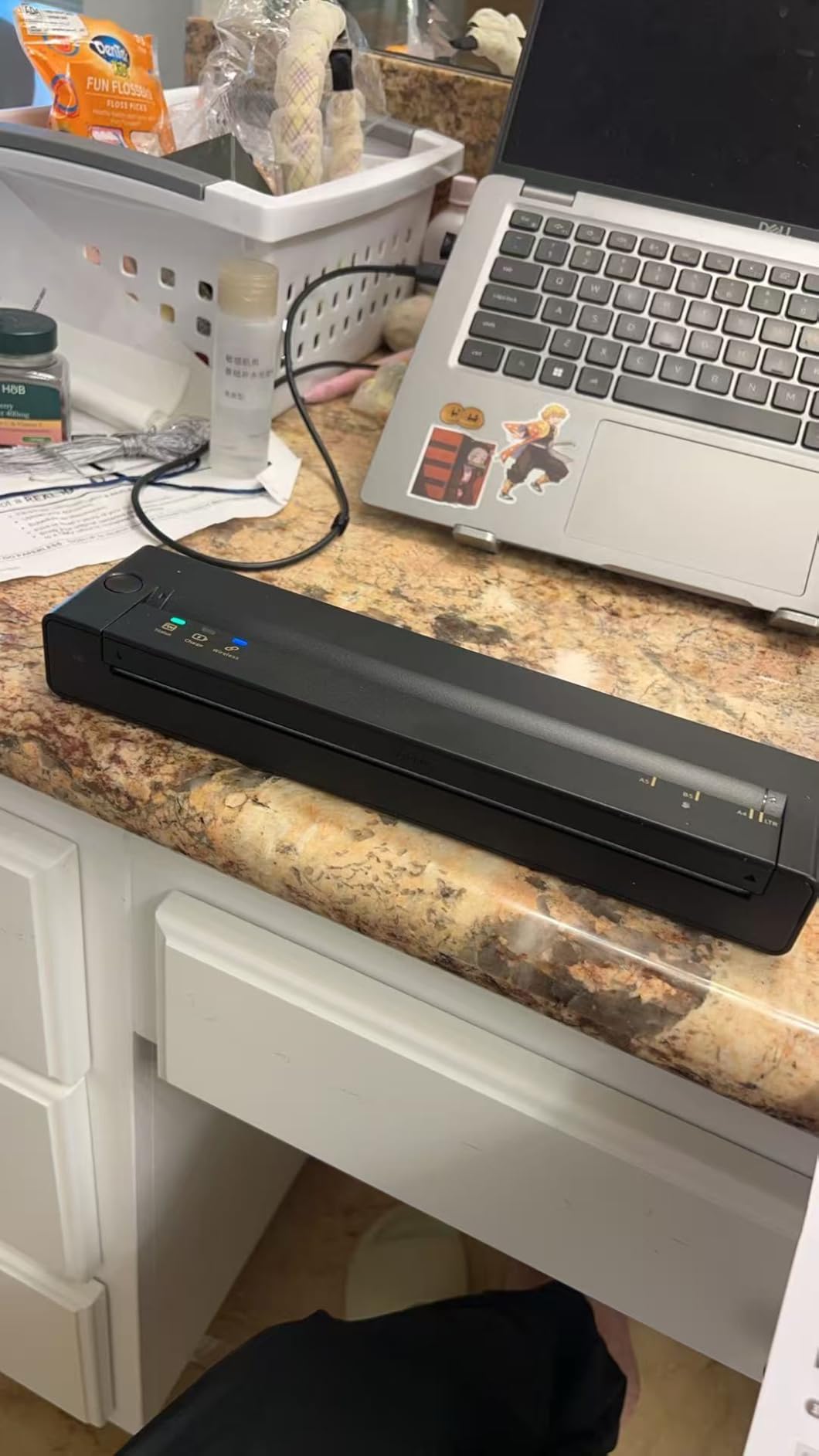
This has the highest average rating of the twelve, on a smaller review base than the leaders, and the reason is a specific engineering claim. The print head uses dual-zone heating with temperature locking to within 0.1 degrees, which produces a claimed 99 percent even print density. In practice reviewers describe barcodes and QR codes as very sharp, and that is the thing a listing sheet depends on.
It is also genuinely small — the body is a shade over 10 inches long and under 1.5 inches wide, which owners compare to a water bottle. A business owner using it daily reports solid battery performance, and it prints quietly over wireless once connected.
Why even print density matters on a client copy
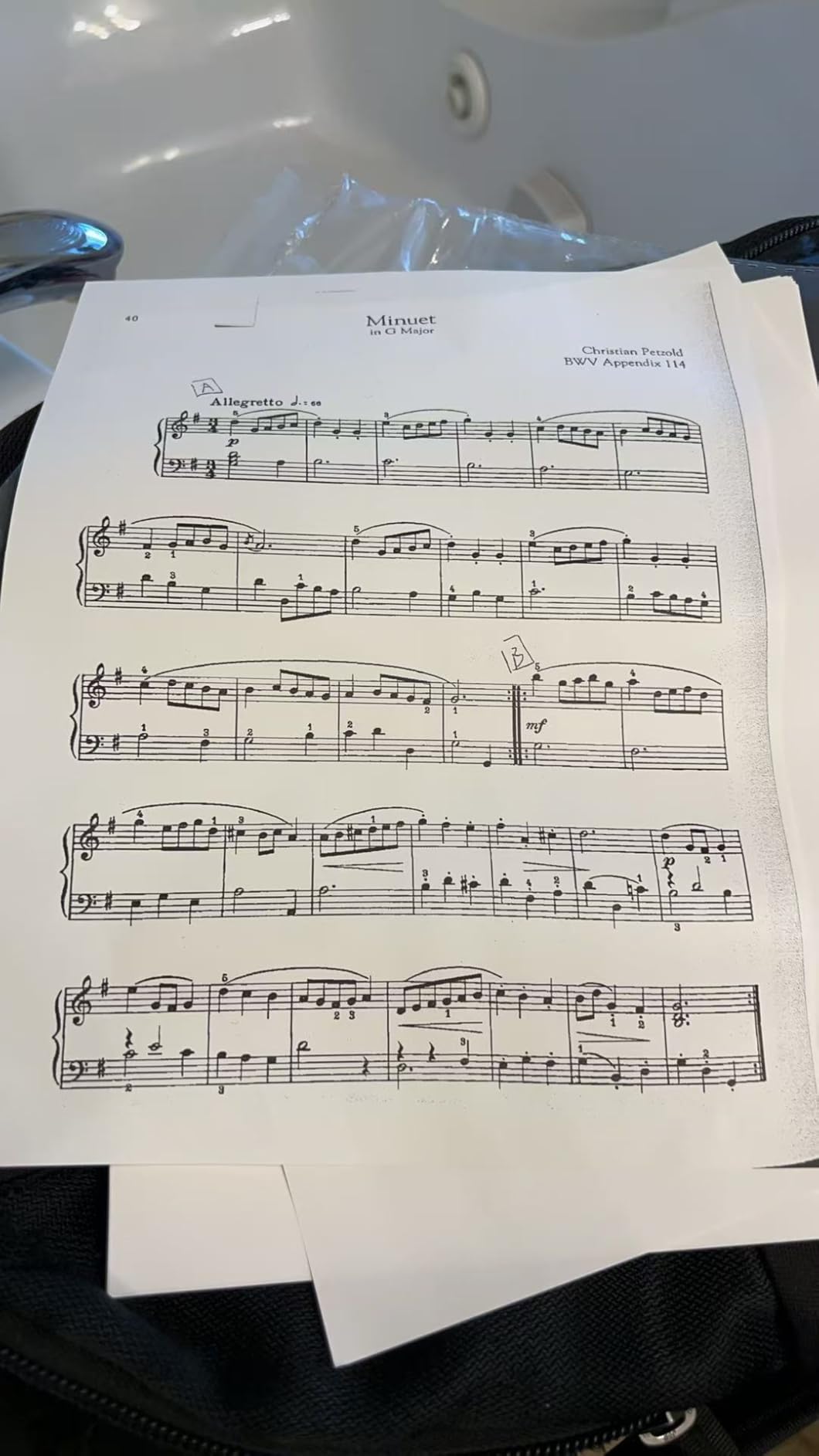
Thermal engines vary across the width of the print head, so parts of a line come out lighter than others. A buyer studying a contract does notice that, even if they cannot name the cause. Consistent density across the page is what separates a printout that looks professional from one that looks like a receipt.
At 7 pages per minute in black and white, this is fast enough for a one page document produced while a client waits, and the double-tap auto eject helps when a sheet is fed wrong the first time.
The workflow caveat: screenshot-style printing
The app prints a captured image of the page rather than a true document render. That means you often need to adjust the file before printing — scale, margins, page breaks — instead of sending a clean PDF and letting the device handle it. For a signed contract you should be formatting by hand every time.
Paper must be inserted face-up, and one review reports prints coming out reversed because of it. Some units are also reported as surprisingly loud, Chromebook users must route through the app, and some advanced app features are paywalled. Thermal paper is thinner than ordinary stock and is not for high-volume professional output.
11. Rongta F81 – Best for Battery Endurance Between Charging Points
Rongta Portable Thermal Printer for Travel for 8.5″ x 11″ US Letter
2400 mAh battery
Up to 210 pages per charge
16 ounce body
Under 60 dB
+ Pros
- Strongest pages-per-charge claim in the group
- Only 1.2 inches thick
- Quiet under 60 dB for client meetings
- Bluetooth from Android iOS and tablets
- App supports PDF Word and images
– Cons
- Smallest review base in the roundup
- Bluetooth still routes through the vendor app
- Requires thermal paper
- Laptop printing needs a USB driver
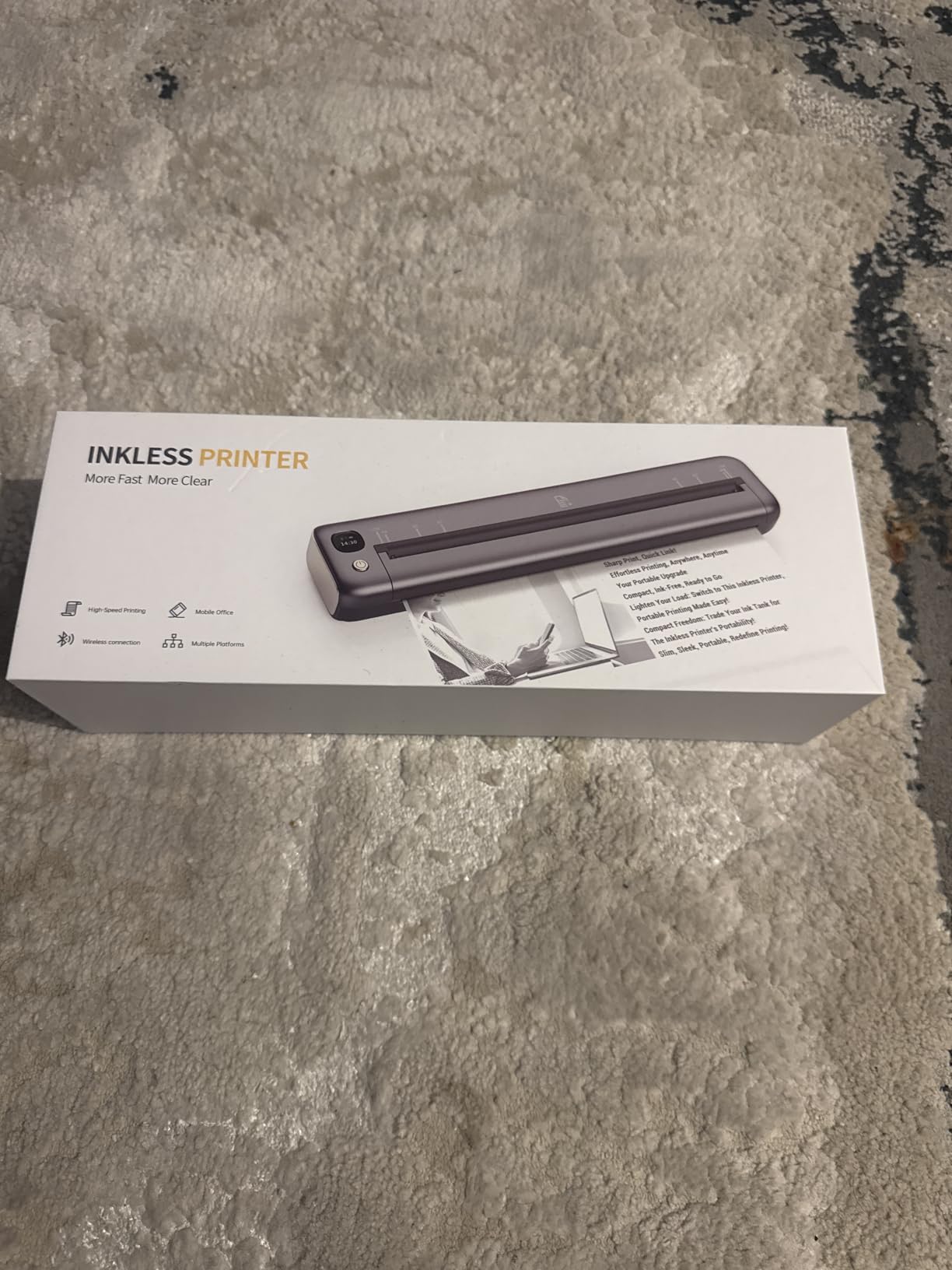
Most of my testing week happens away from an outlet: a vacant property, a showing with no Wi-Fi, a parking lot between appointments. That is the condition the Rongta F81 is built for. Its 2400 mAh battery is rated at up to 210 pages per charge, the highest page count quoted in this roundup, and a standby protection mode keeps it ready between jobs rather than draining overnight.
It is also the most compact profile here at 16 ounces and 1.2 inches thick, so it slides into a door pocket rather than taking a bag of its own. The under 60 dB rating makes it usable in a quiet apartment or a library meeting room without the print announcing itself.
What 210 pages per charge means for a working month
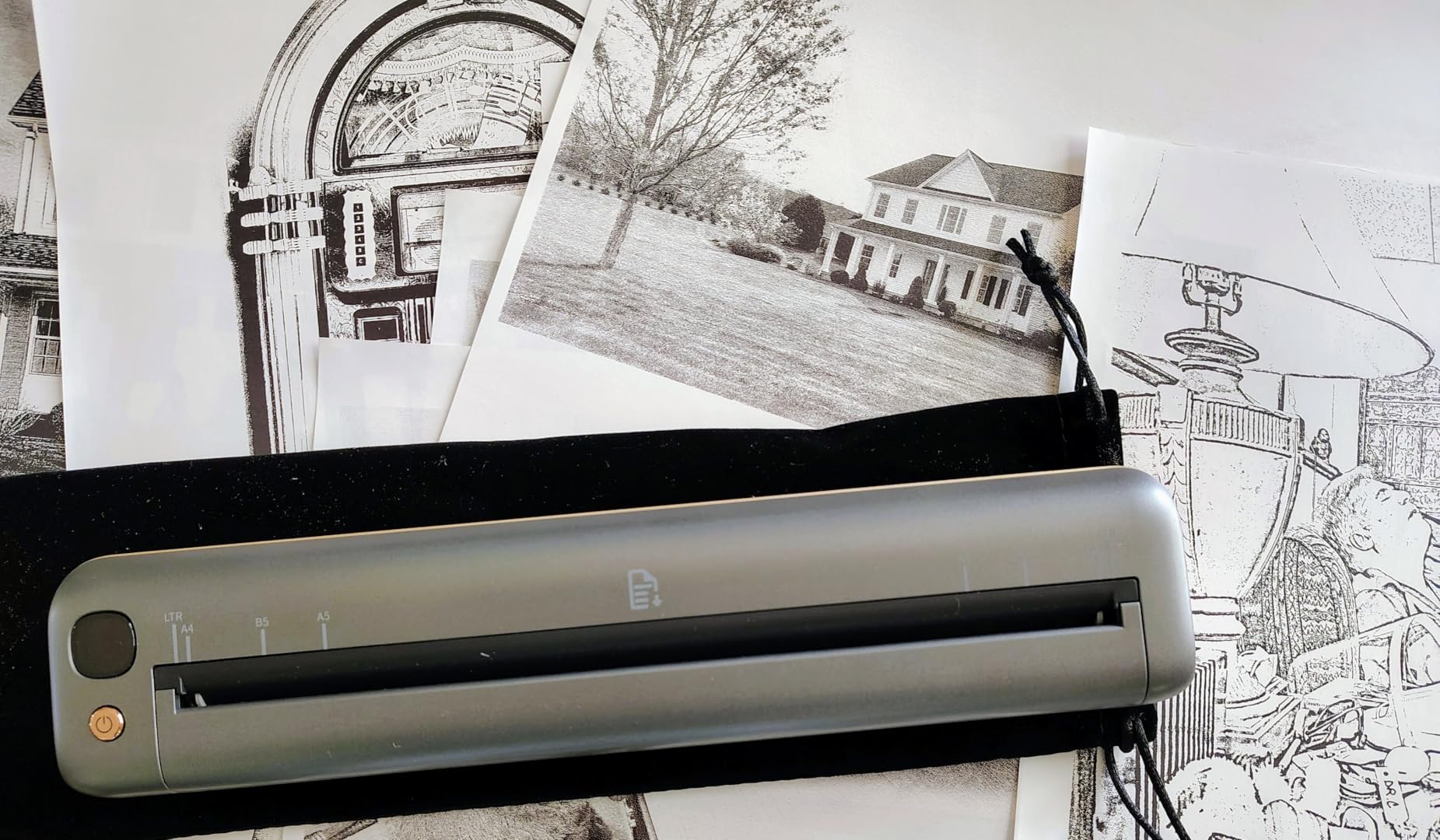
Set a realistic figure: an agent doing two open houses a week, printing a sign-in sheet, a buyer handout and a short contract at each, uses perhaps 20 to 30 sheets a week. A 210 page charge is a month of work between charges, which means the printer lives in the car rather than coming inside nightly.
Paper size support covers US Letter, A4, A5 and B5, so you can print a narrow flyer strip and a full sheet with the same unit. The app handles PDF, Word and image files, and Bluetooth works from Android, iOS, tablets and desktops.
Where the caution belongs
This is the newest and least-reviewed model in the group at 249 ratings, so long-term reliability is less well documented than for the top sellers. It ranks far down the portable thermal category, which tells you the installed base is much smaller than the leaders.
Bluetooth printing still routes through the RONGTA app rather than native AirPrint, laptop printing needs a USB driver from the box or the vendor site, and the media must be thermal stock. It prints black only, as does everything else in this roundup bar one.
12. Canon PIXMA TR160 – Best Portable Printer for Color Flyers and Photos
Canon PIXMA TR160 Color Wireless Portable Printer
Full colour inkjet
4800 x 1200 dpi
9 ppm black and 5.5 ppm colour
50 sheet tray
+ Pros
- The only full colour unit in the roundup
- AirPrint and Mopria support
- Wireless Direct works without a router
- 1.44 inch OLED shows ink levels
- Supports square and borderless formats
– Cons
- No built-in battery so it needs power
- Heaviest unit here at 4.5 pounds
- Requires ink cartridges with clogging risk
- Only 5.5 pages per minute in colour
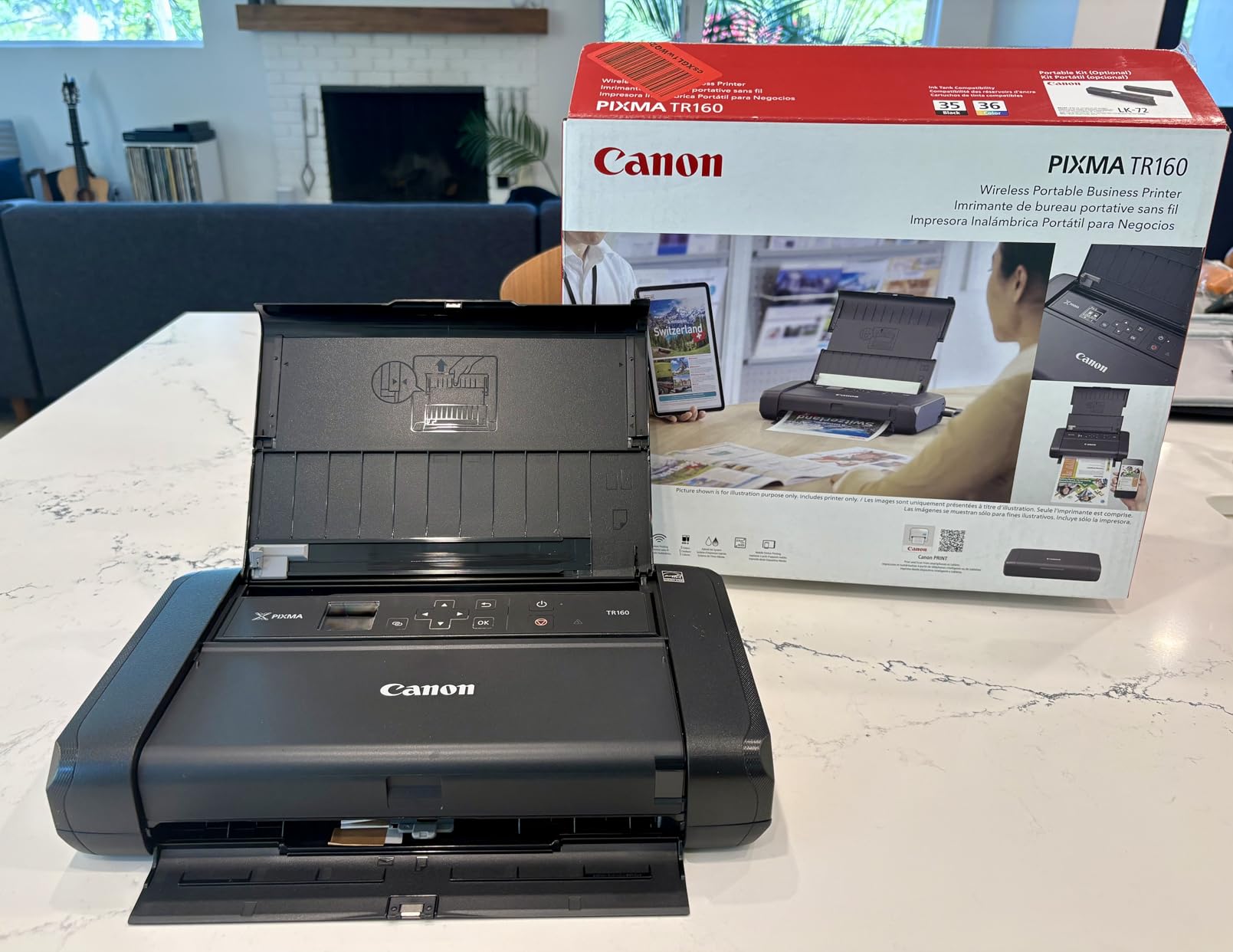
If a client needs a colour property flyer or a bordered photo handout, this is the only unit in the roundup that can do it. The PIXMA TR160 uses a 5-colour hybrid ink system at up to 4800 by 1200 dpi, and it supports square, borderless and standard photo formats on top of ordinary documents up to 8.5 by 11 inches.
It is also the only one here that connects the way an ordinary modern phone expects. It works with the Canon PRINT app, Apple AirPrint and Mopria, so you are not forced through a single vendor application, and Wireless Direct mode links a phone or laptop without needing a router at the property.
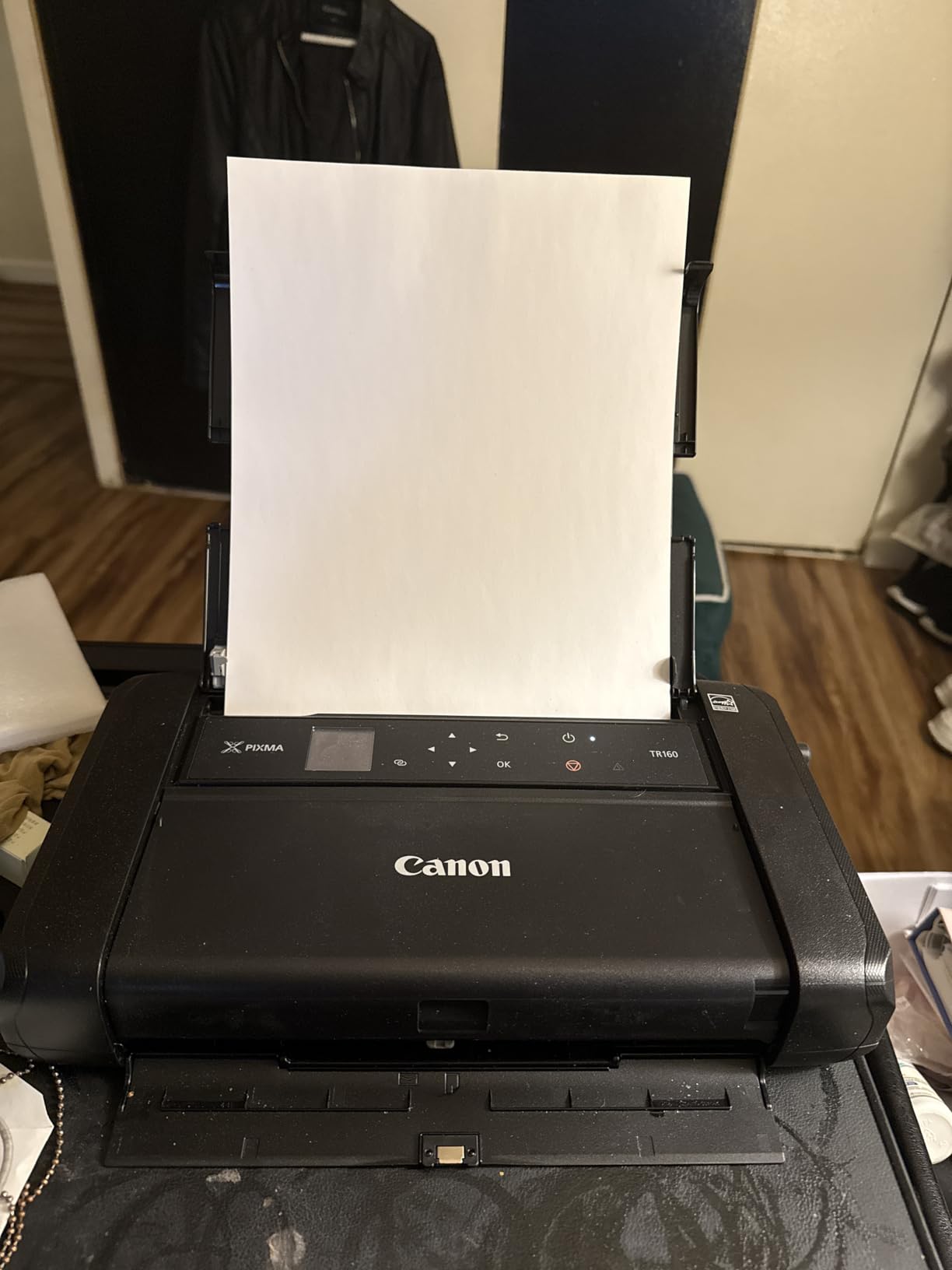
Why AirPrint and Mopria matter more than resolution
Every thermal unit in this roundup locks phone printing into its own app, which is a real tax on a field workflow. AirPrint and Mopria support removes that: a PDF emailed to your phone prints from the standard system dialog with no pairing ritual, which is worth more than a resolution figure you will never see on a contract.
The 1.44 inch OLED display shows ink levels and status at a glance, so you are not discovering an empty cartridge halfway through a packet, and Energy Star certification at 8 watts keeps the power draw low.
Where colour portability ends
There is no built-in battery, so unlike every other unit here it needs a power outlet, which means it is not a genuinely portable machine in a vacant property with no power. At 4.5 pounds and 12.7 by 7.3 inches it is the heaviest and widest in the roundup, and it does not fit a laptop sleeve.
It also carries the running cost and the clogging risk that the thermal units exist to avoid, and it is slower, at 9 pages per minute black and 5.5 in colour. If your week is mostly monochrome paperwork, this is the wrong spend. If colour is non-negotiable, it is the only answer here.
How to Choose a Portable Printer for Real Estate Field Work in 2026
Thermal, inkjet or laser: match the engine to the document
Direct thermal printing has no ink, toner or ribbon. The print head heats a dot on treated paper, the image darkens, and there is nothing to clog, nothing to dry out and nothing to spill in a hot car. That is the entire reason thermal dominates a field kit.
The rules are simple. Sign-in sheets, buyer handouts, listing agreements, receipts and short contracts go to a thermal unit. Colour flyers, bordered photos, anything going into a client binder permanently, and any archive you have to hold for years go to inkjet. Laser is not a portable option in this group at all, because a laser engine with a drum unit is not something you want living in a vehicle. For a narrower look at thermal hardware, our guide to the best thermal tattoo stencil printers covers the same engine class in a different application.
Battery life in pages per charge, not marketing hours
Every listing here quotes a battery figure, but the useful ones quote pages. The Rongta F81 claims up to 210 pages, the Phomemo M832D up to 200, the NDYIN N80 about 160 and the HPRT MT810 roughly 400, while the Phomemo M08F was measured at 13 percent of a charge for 20 dense letter sheets.
Judge it against your own week rather than the number. Colour printing and dense text drain faster than a single line of a receipt. Anything above 100 pages per charge means you charge monthly, which for most agents means the printer lives in the car permanently.
Printing from your phone at a vacant property with no router
Every unit here pairs over Bluetooth to a phone or tablet, so the missing router is rarely the problem. The real difference is the app. If your printer supports AirPrint or Mopria, you print from the standard system dialog. If it does not, you install a vendor app, grant it permissions and print from inside it, every single time.
Watch for two more traps. Several units support Bluetooth for phones and tablets but require a USB cable and a driver download for a laptop, so decide which device you will actually print from. And check the browser: some units do not support Chrome, which rules out a Chromebook workflow outright.
Paper handling: legal sheets, trays and refill breaks
Document type decides paper size. Most real estate paperwork is US Letter, but some states use Legal and a few clients want A4, so a machine that handles all three saves an argument mid-appointment. The Rongta F11A is the only unit in this roundup listing Letter, Legal and A4 together.
Roll feed beats sheet feed for a simple reason: you can carry a spare roll instead of a ream, and loose paper in a car picks up moisture and warps. Tray capacity matters less on thermal units than on inkjets, since thermal feeds from a bin rather than a tray. Check the tear bar though, because an uneven cut on a signature page looks careless in front of a client.
The hot car problem nobody mentions until August
Thermal printing largely solves the heat problem, which is the single biggest reason to prefer it in a vehicle. Ink cartridges left in a car can dry and clog the print head, and the recovery cycle then wastes a cartridge worth of ink before the first page comes out clean — a cost that shows up precisely on the days you printed least often.
Two field practices help. Keep paper in the case or a sealed sleeve rather than loose in the cabin, and print a single test page at the start of a heavy day so you find a problem before the client is looking at it. If you do end up with an inkjet, remove it from the car between appointments rather than leaving it in a parked vehicle overnight.
What actually belongs in the car kit
A printer is one item in a kit, and a kit that fails is useless. Carry the printer, a spare charged battery or the USB-C cable and a known-good wall plug, a dry storage sleeve for thermal rolls, a roll of paper, a packet of ballpoint pens, and a hotspot. If you are printing from a phone, a hotspot is not optional at a property with no signal.
Set a weight budget before you buy. A 1.5 pound unit plus paper and cables is easy to forget in the boot; a 4.5 pound unit with a 12.7 inch footprint is something you will think about every morning. The 2026 thermal market makes the light end of the scale much better than it used to be.
Frequently Asked Questions
What is the best printer for a real estate agent?
The best printer for a real estate agent who prints away from the office is an inkless direct thermal portable unit. Thermal models have no ink or toner to dry out in a hot car, start instantly, weigh about 1.5 pounds and print US Letter documents from a phone over Bluetooth. The Canon PIXMA TR160 is the pick only if you genuinely need colour flyers, because it is heavier, needs a power outlet and carries cartridge running costs.
Is it worth buying a portable printer?
It is worth it if you print at open houses, listing appointments or client homes more than a few times a month. Compare the alternative honestly: driving to a copy shop for a twenty page packet costs fuel, twenty minutes and sometimes a missed appointment, while a thermal sheet costs a fraction of that. If your transactions run entirely through e-signature and your office desk already has a printer, you will rarely use a field unit.
Which portable printer is the most reliable?
Reliability across this category comes down to two things: hardware that does not jam, and an app that does not lock you out. The TATTMUSE A285M, Phomemo M08F and Gloryang PD-A4 have the largest review bases and the most consistent owner feedback. The Phomemo M08F is frequently described as the best-made unit owners have had, with one buyer replacing a machine that had run for years.
Can I print a real estate contract from my phone?
Yes. Every unit in this roundup pairs over Bluetooth to an iPhone or Android phone, and the apps handle PDF, Word, image and web page files. Two things to check first: most of these printers have no AirPrint, so you print from inside the vendor app rather than the system dialog, and laptop printing usually needs a USB cable and a driver download. The Canon PIXMA TR160 is the exception, supporting AirPrint and Mopria natively.
How long does the battery last on a portable printer?
Judge by pages per charge rather than hours. Claims in this range run from about 150 to 210 sheets per full charge, with the HPRT MT810 quoted near 400 sheets. One measured test found 20 dense letter sheets used only 13 percent of a Phomemo M08F charge. Colour output and dense text drain faster than a single line of a receipt, and for most agents anything above 100 pages per charge means charging once a month.
Is Munbyn or Phomemo better for field paperwork?
Across the Phomemo models we tested, the consistent strength is paper handling and build quality, with 300 dpi options and long battery life. The consistent weakness is software: phone and tablet printing goes through a single vendor app with no AirPrint and no system print dialog, and several owners report aggressive subscription prompts. We did not test a Munbyn unit, so we cannot compare the two directly on measured results.
The Verdict: Which Portable Printer Matches Your Week
If your week is built around open houses and listing appointments, start with the TATTMUSE A285M. At 1.5 pounds with five paper widths, it is the one I would buy, and the review volume behind it is the strongest evidence available.
If you print in batches and want a completed case in the box, the Gloryang PD-A4 covers it. If you care most about how the machine is built and how far the battery stretches, the Phomemo M08F is the pick. For crisp QR codes and MLS sheets, choose a 300 dpi model such as the Phomemo M832 or the touchscreen-equipped M832D. For continuous banners and labels, the HPRT MT810 is the only one built for it. If you need colour, the Canon PIXMA TR160 is the only answer in this list, and it needs a power outlet.
Whichever you choose, test the whole workflow once before your next busy Saturday: pair it, print a contract, and print a QR code. Checking the best portable printers for real estate agents in 2026 is the easy part. Running them through a real showing is what tells you which one stays in the car.
Leave a Reply