
The best portable SSD for video editing is the SanDisk Extreme 2TB in our field testing: 1050MB/s NVMe speed, an IP65 sealed body rated for 3-metre drops, hardware encryption and a five-year warranty, in a shell weighing 1.76 ounces. It is the drive we reach for first on a shoot day, and the one we keep a duplicate of.
That answer matters because the top results for this question are forum threads, not tests. We spent months offloading cards and pushing ProRes clips and long multicam rushes across ten bus-powered solid-state drives, weighing the same three things every time: how fast a drive holds speed once its write cache fills, whether the shell survives real locations, and whether two of them fit in the same pocket.
This roundup covers the best portable SSDs for filmmakers in 2026 across three jobs people constantly confuse. The backup drive gets your cards off and keeps a second copy. The scratch drive holds the timeline and cache files while you cut on the road. The archive drive holds originals for months. Buying one drive to do all three is how footage ends up on a single device in a hotel room in another country.
We left out desktop-only and non-portable high-capacity drives. If you want the same capacities compared at the internal level, read our [best 2TB SSDs](https://fypower.org/best-2tb-ssds/) roundup, and for the silicon behind several of these enclosures, our [best NVMe SSDs](https://fypower.org/best-nvme-ssds/) guide explains why controller and NAND tier decide sustained writes.
Our Top 3 Portable SSDs for Filmmakers in 2026
The short version: the SanDisk Extreme takes the crown for everything a working filmmaker does with storage. The Samsung T7 is the smallest drive that still does the job properly, and the T7 Shield is the one to buy when the location is wet, dusty or handled by someone also carrying a gimbal.
Comparing All 10 Portable SSDs for Filmmakers in 2026
| Product | Details | Action |
|---|---|---|
 |
|
Check Latest Price |
 |
|
Check Latest Price |
 |
|
Check Latest Price |
 |
|
Check Latest Price |
 |
|
Check Latest Price |
 |
|
Check Latest Price |
 |
|
Check Latest Price |
 |
|
Check Latest Price |
 |
|
Check Latest Price |
 |
|
Check Latest Price |
1. SanDisk Extreme 2TB – The All-Round On-Set Backup Drive
Sandisk 2TB Extreme Portable SSD, Up to 1050MB/s, USB-C, USB 3.2 Gen 2, IP65 Water and Dust Resistance, Updated Firmware, External Solid State Drive, SDSSDE61-2T00-G25
2TB
NVMe 1050MB/s read
IP65 sealed, 3m drop
1.76 oz
5-year warranty
+ Pros
- 1.76 ounce body that disappears into a camera bag
- IP65 sealing with 3-metre drop protection
- 1050MB/s read handles large RAW batches quickly
- 256-bit AES hardware encryption for client footage
- Bundled Memory Zone app for file management
– Cons
- Picky about the USB cable and can fail to mount with generic cables
- Runs slightly warm during long sustained transfers
- One reported failure under sustained load on a newer revision
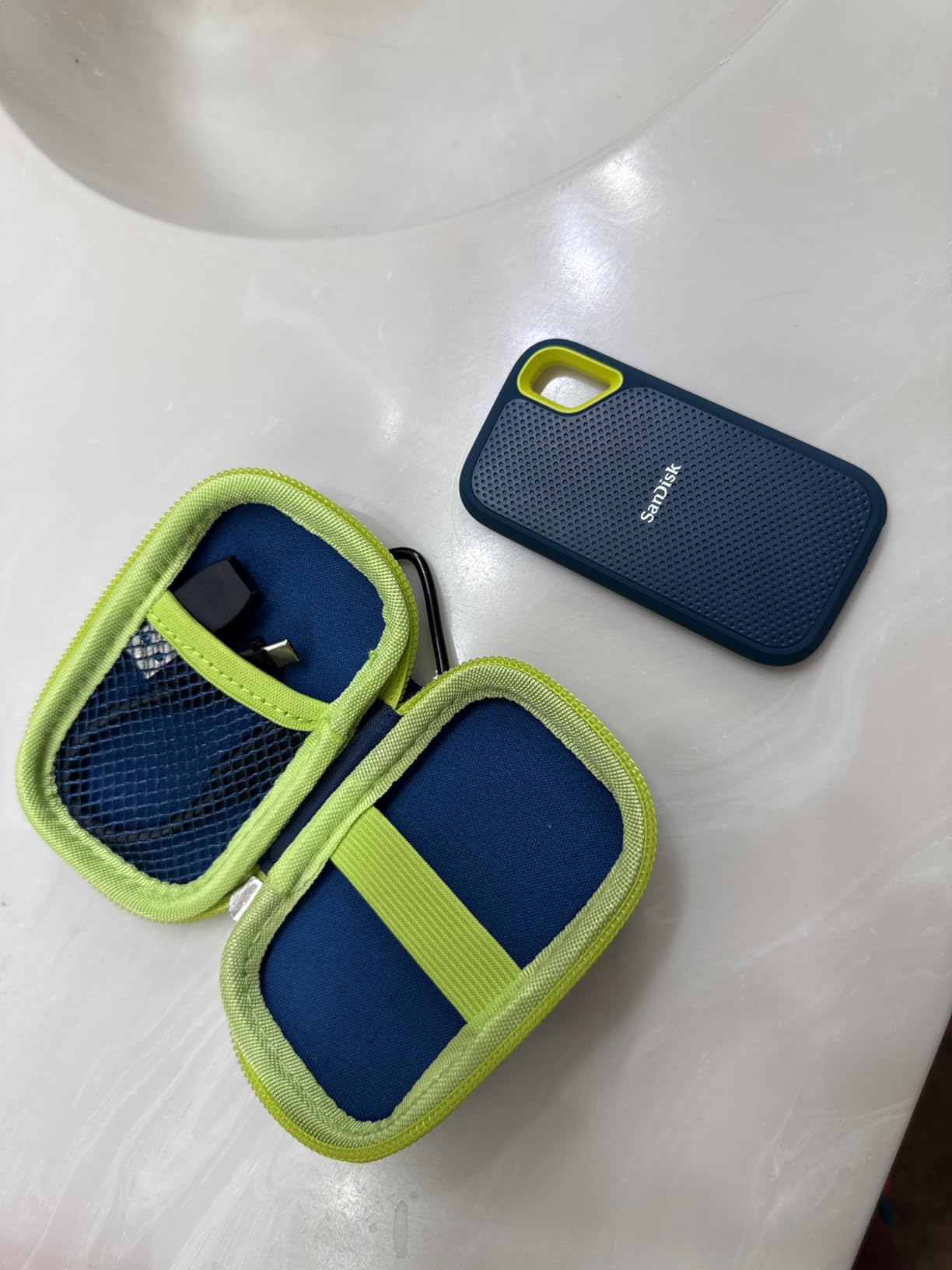
This is the drive we load first every time. At 1.76 ounces with 2TB, it does the two jobs that matter on a shoot day: it holds a full card offload with room for the second copy, and it disappears into a pocket when you move location.
Owners are consistent about what works here, and one warning recurs just as often. The drive is particular about the cable, and several buyers report a unit that would not mount until they replaced a cheap USB-C cable. Treat the included cable as the only one you trust.
IP65 Sealing and 3-Metre Drop Protection
IP65 means sealed against dust and protected against water jets from any direction, which is the number that matters on a beach unit or a wet mountain pass. The 3-metre drop rating and the carabiner loop cover the two most common ways field drives get destroyed: gravel impacts and losing one in a gear bag.
Speed for Card Offload and Proxy Work
Rated at 1050MB/s read and 1000MB/s write over USB 3.2 Gen 2, offload time is set by your cards rather than the drive. Owners report real-world speeds close to the rated read figure, and the only thermal note in reviews is that it runs slightly warm during long transfers in a hot vehicle.
Encryption and the One-Copy Trap
The 256-bit AES encryption runs in hardware, so it costs no speed and matters when client footage sits in a shared edit suite. Buy it for backup and scratch work; skip it if you need more than 2TB on one device, because filling a 2TB drive takes one long day of high-bitrate capture.
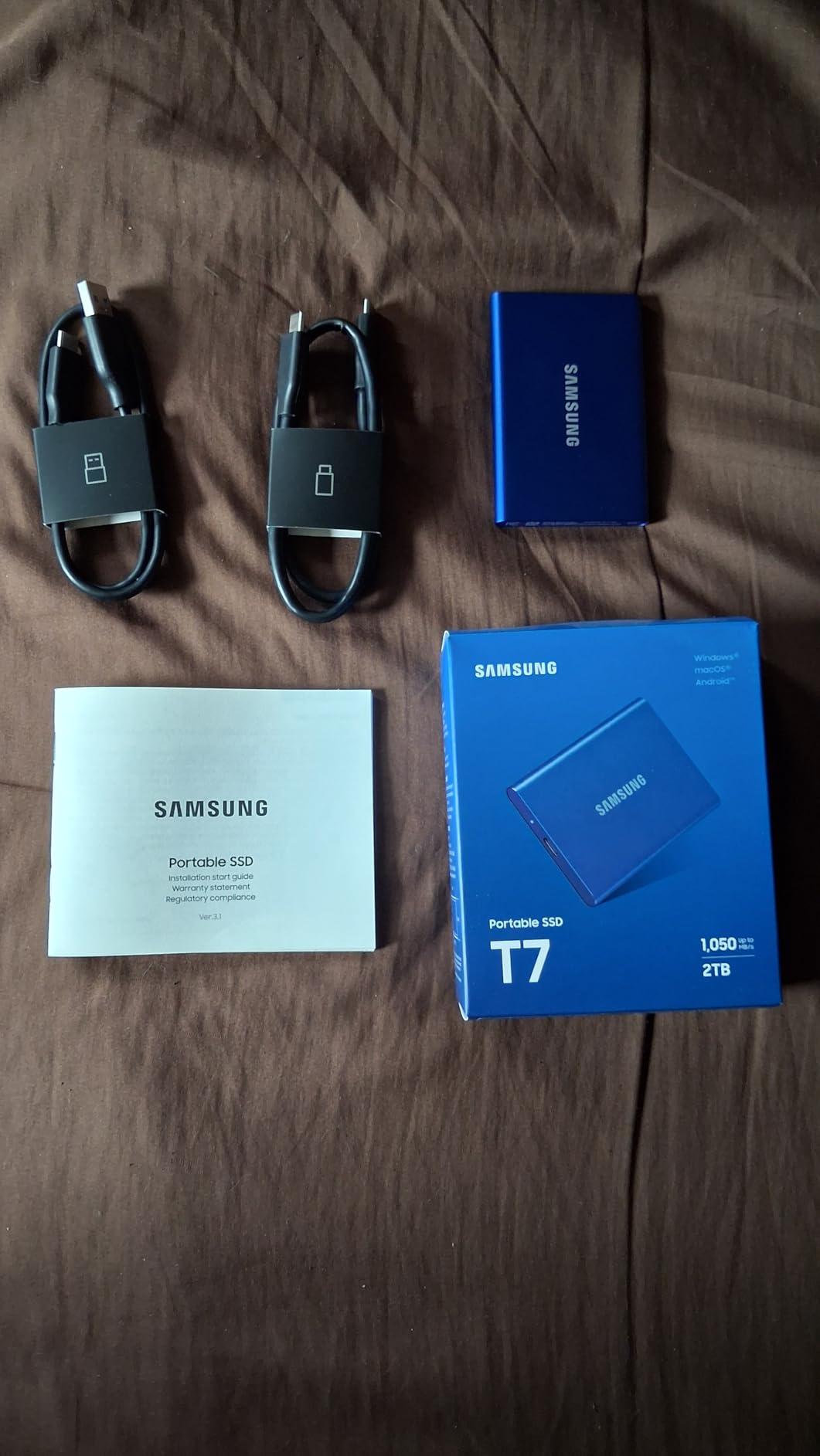
2. Samsung T7 1TB – The Slimmest Drive That Still Does the Job
Samsung T7 Portable SSD 1TB Titan Gray, USB 3.2 Gen 2, Up to 1,050MB/s
1TB
1050MB/s read, 1000MB/s write
Aluminium unibody
2.08 oz
3-year warranty
+ Pros
- 4.7 stars across more than 21000 ratings
- Slim solid aluminium unibody at 2.08 ounces
- Records 4K 60fps direct including iPhone 15 ProRes
- 6-foot drop resistance with 256-bit AES encryption
- Capacities up to 4TB in the same family
– Cons
- Bare aluminium shell carries no formal IP water or dust rating
- 1TB fills quickly with high-bitrate 4K footage
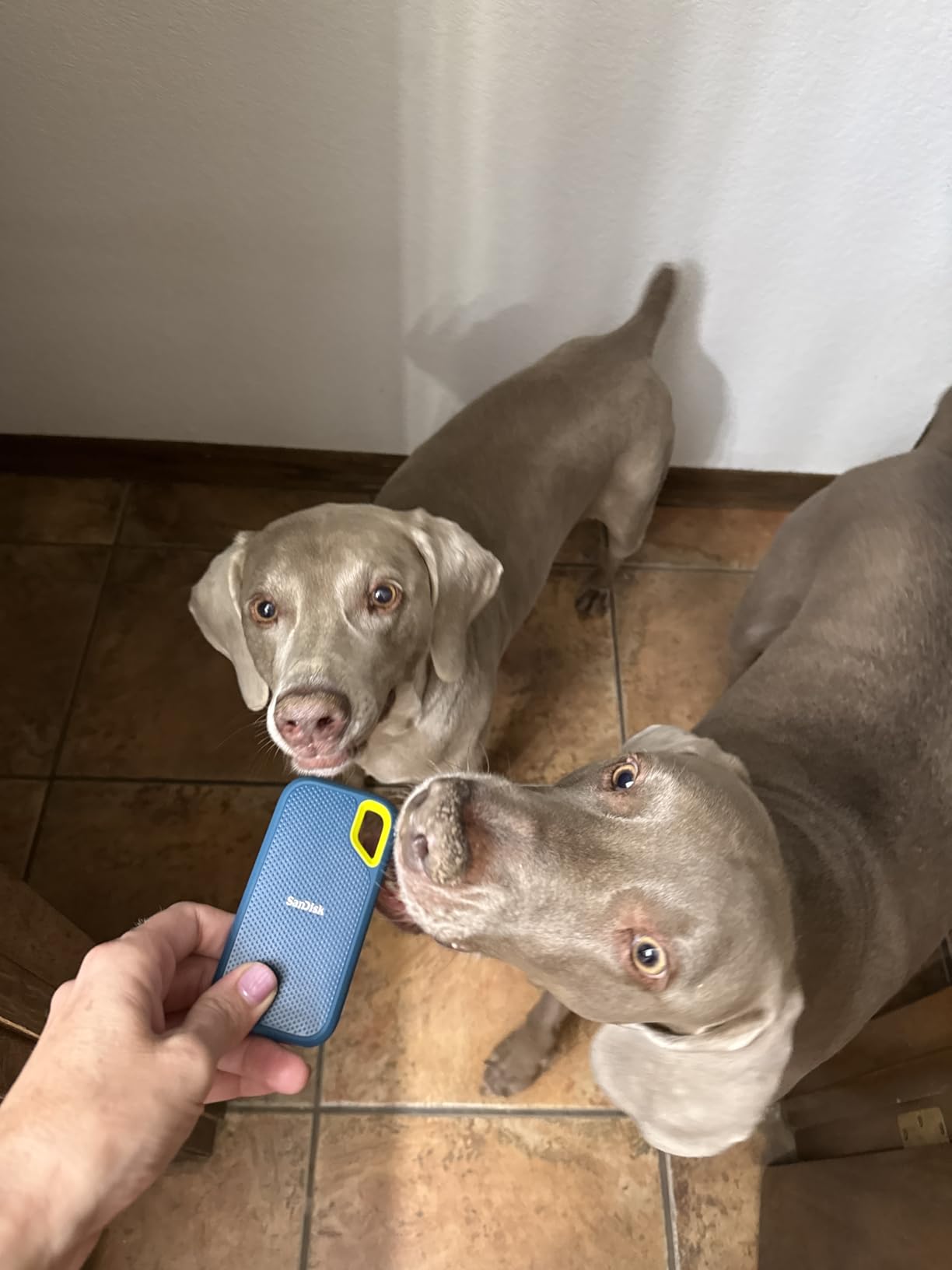
The T7 is the drive that comes up most often when we read editor forums. A Logic Pro Help thread calls it a great little SSD, and on gearspace the Glyph Atom and Samsung T7 are paired as the go-to USB-C drives for media storage.
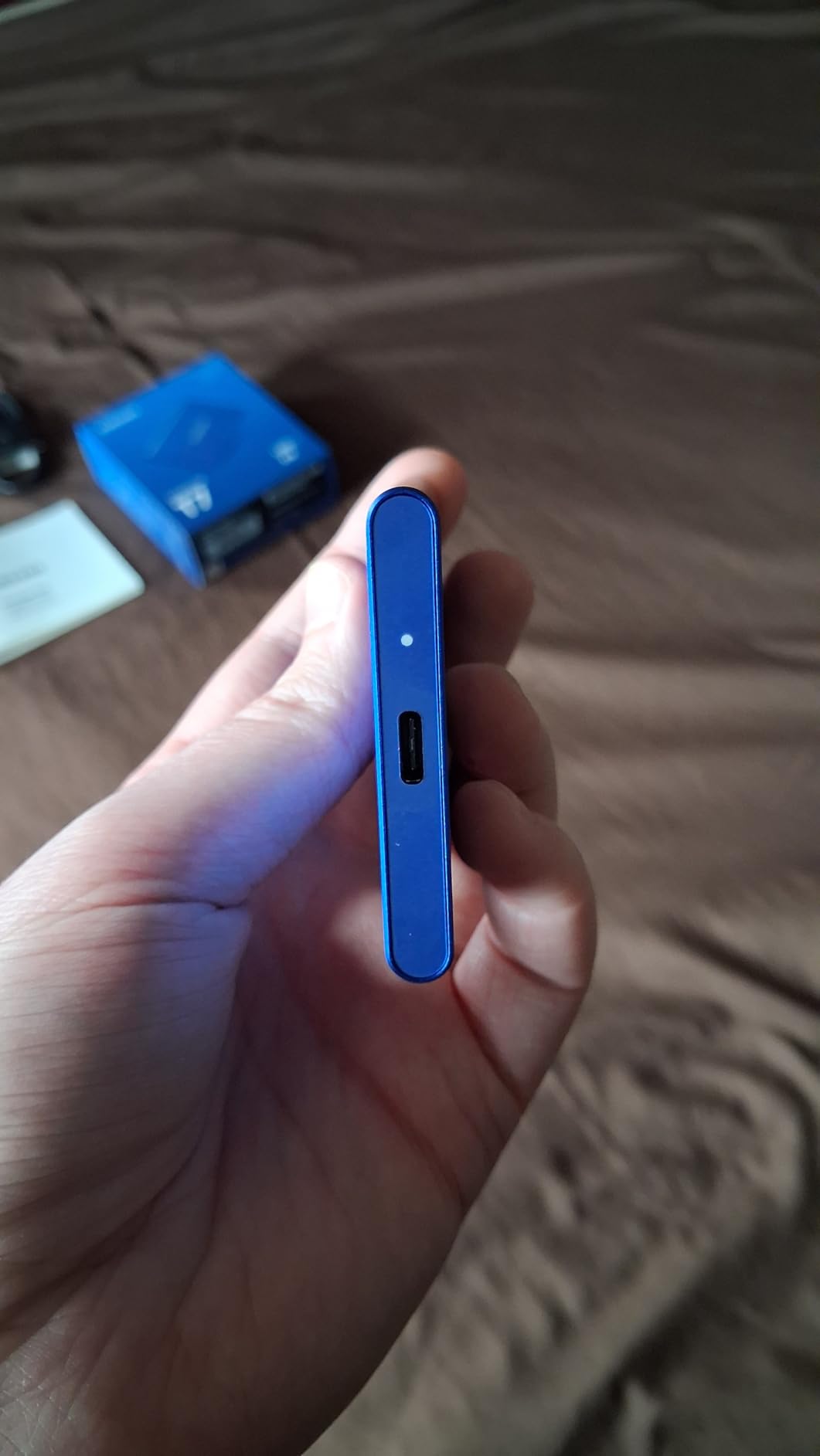
At 3.3 by 2.2 inches and 2.08 ounces, it is the drive we hand to someone already carrying too much. There is no fan, no moving part and no cable to lose beyond the one it lives on.
Rated 1050MB/s With Real Sustained Headroom
Read speed is rated at 1050MB/s and write at 1000MB/s through PCIe NVMe over USB 3.2 Gen 2. Owners report consistent throughput through media work rather than a number that collapses once you copy a large folder, which is what makes it a good working scratch drive.
Direct 4K 60fps Recording From Camera and Phone
Samsung lists 4K 60fps recording direct to the drive, including iPhone 15 ProRes capture. That confirmation saves mobile crews from discovering a compatibility problem on a paid day, and the same unit works with Mac, PC, tablets and consoles without reformatting.
Where the Slim Aluminium Body Falls Short
There is no formal IP rating on this shell. It is sealed well enough for a desk or a car boot, not for blowing sand or a downpour. Drop protection is quoted at 6 feet, and 1TB disappears quickly with high-bitrate 4K, so most owners treat it as a working drive rather than an archive.
3. WD My Passport SSD 4TB – 4TB of Originals in a Slim Body
Western Digital 4TB My Passport SSD External Portable Solid State Drive, Grey, Up to 1,050 MB/s, USB 3.2 Gen-2 and USB-C Compatible (USB-A for older systems) – WDBAGF0040BGY-WESN
4TB
1050MB/s read, 1000MB/s write
USB-C and USB-A
8.53 g
5-year warranty
+ Pros
- 4TB in a 0.35 inch thick body
- USB-C and USB-A cross-compatible with adapter included
- 5-year limited warranty
- 256-bit AES hardware encryption
- Shock and vibration resistance with 6.5ft drop rating
– Cons
- Some owners report slower-than-expected throughput in multi-camera workflows
- Runs warmer than smaller competitors under sustained load
- No IP water or dust rating
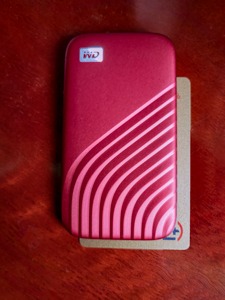
Capacity is the whole argument here. At 4TB in a body 0.35 inches thick and 8.53 g, this holds a multi-day shoot’s originals plus a second copy without the arithmetic that eats an afternoon on set.
A dpreview user travelling with backups recommends terabyte-rated capacity for exactly this reason. Buy the biggest drive your workflow can fill twice, not the biggest you can carry.
Why 4TB Changes the Backup Math
Two copies of everything is only practical if one device holds a shoot’s footage twice. For documentary work, the same logic scales: the drive becomes the shuttle moving originals off location storage and back to a desk, with the 3-2-1 discipline handled by three cheap drives rather than one expensive one.
Cross-Compatibility With Older Field Gear
It comes with a USB-C to C cable and a USB-C to A adapter, rated for USB 3.2 Gen 2 and USB-C, and covers Windows 10+ and macOS 11+. USB-A-only field laptops still appear on documentary kits, and this removes the adapter hunt on location. Use exFAT when cards move between Mac and Windows.
Heat and Multicam Workflow Reports
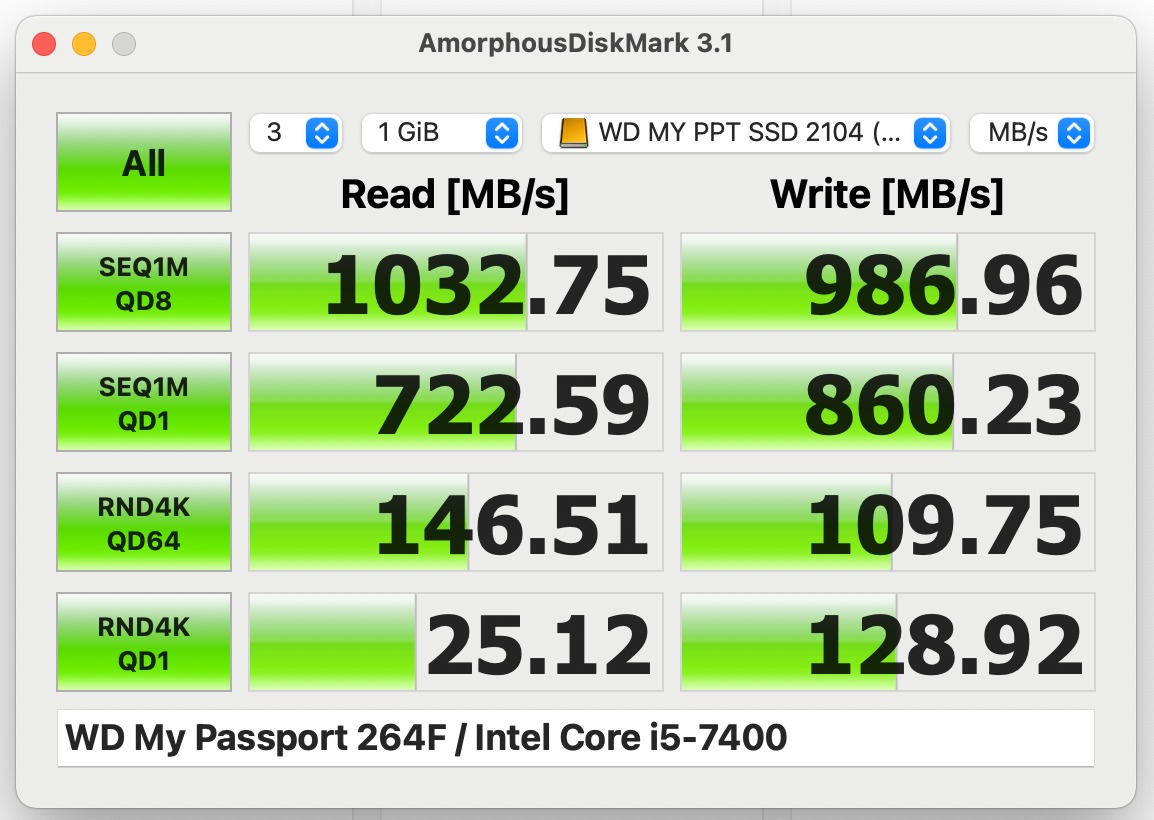
Two caveats recur in reviews. Some owners report slower-than-expected throughput in multi-camera Final Cut Pro workflows, where several streams hit the drive at once rather than one large sequential file, and the drive runs warm under sustained load. For all-day scratch work, pair it with a second device.
4. Samsung T7 Shield 2TB – The Rugged Field Workhorse
Samsung T7 Shield Portable SSD 2TB, USB 3.2 Gen 2, Up to 1,050 MB/s
2TB
IP65 sealed
9.8ft drop
1050/1000MB/s
Magician health monitoring
+ Pros
- IP65 sealing with a grippy rubberized shell
- Drop resistance quoted at 9.8 feet
- Direct 4K 60fps ProRes capture from iPhone 15 and 16
- 4.7 stars across more than 16000 ratings
- Samsung Magician for health monitoring and firmware
– Cons
- Heavier and bulkier than the slim T7 at 97 g
- USB 3.2 Gen 2 only
- so Gen 2×2 hosts gain nothing
If our first pick is the all-rounder, this is the one we trust when a location decides to be difficult. The rubberized shell, IP65 sealing and 9.8-foot drop rating make it the drive we hand to a second shooter working alone in the rain.
Owners treat it as the rugged workhorse of the range, citing the grip, the sealing and reliable sustained throughput for field media, and it pairs with PC, Mac, Android devices, tablets and consoles.

9.8-Foot Drop Rating and IP65 in a Field Shape
The 9.8-foot drop figure is the highest quoted in this group, and with IP65 sealing it covers gear bags dropped on gravel and drives used in blowing sand or drizzle. At 97 g and 0.49 inches thick it is chunkier than the slim T7, a deliberate trade that pays off when the drive lives clipped to a harness or sliding around a vehicle footwell.
ProRes Capture and Health Monitoring
Samsung lists iPhone 15 and 16 compatibility with 4K 60fps ProRes recording, which matters for mobile crews recording to an external unit rather than the phone’s internal storage. Samsung Magician handles firmware, encryption and drive health, and a warning before the shoot is far cheaper than a warning after one.
The Gen 2 Interface Ceiling
It runs USB 3.2 Gen 2 at 1050MB/s read and 1000MB/s write, so a 20Gbps Gen 2×2 host gains nothing. For most camera-to-laptop offloads that ceiling is theoretical, because no CFexpress card can feed 20Gbps into your laptop anyway.

5. SSK 1TB – The Lightest Full-Speed Pocket Drive
SSK Portable SSD 1TB External Solid State Hard Drive USB C Up to 1050MB/s
1TB
1050MB/s read
SLC caching
36.6 g
3-year warranty
+ Pros
- Lightest drive here at 36.6 g in a small aluminium body
- SLC caching reduces mid-transfer slowdowns
- 2mm aluminium alloy case dissipates heat well
- Under 2.4W draw with 4K60 ProRes HDR capture from iPhone
- Both USB-C and USB-A cables included
– Cons
- Uses SMR NAND
- so sustained writes beyond the cache slow down
- Windows shows about 931GB for a 1TB drive
- No IP rating and only a 3-year warranty
At 36.6 g and 2.5 by 1.31 inches, this is the drive that disappears on a gimbal rig or a drone pouch where every gram registers. It is also the only one here that includes both USB-C and USB-A cables.
The 2mm aluminium case is the quiet hero. With SLC caching using 25% of available capacity as high-speed cache, it holds throughput through a transfer instead of stalling partway.
SLC Caching and the SMR Trade-Off
SLC caching gives a fast burst across roughly a quarter of capacity, which covers a typical card offload comfortably. Past that window, writes depend on the NAND, and this drive uses SMR. For an offload or proxy workflow that is irrelevant; for all-day scratch work with constant timeline writes, choose a TLC drive.
Thermals, Power Draw and Phone Recording
Case temperature peaks at 105.58 degrees Fahrenheit in the manufacturer’s own figures, and power stays under 2.4 watts so the drive can draw from a phone. That is what enables 4K60 ProRes HDR capture from an iPhone, and S.M.A.R.T. diagnostics let you check the drive before a shoot.
Two Things That Surprise New Buyers
Windows reports roughly 931GB for a 1TB drive, which is a binary versus decimal display convention rather than lost storage, and the single most common confusion in reviews. With a 3-year warranty and no IP rating, treat it as a fast light spare rather than the archive holding your only copy.
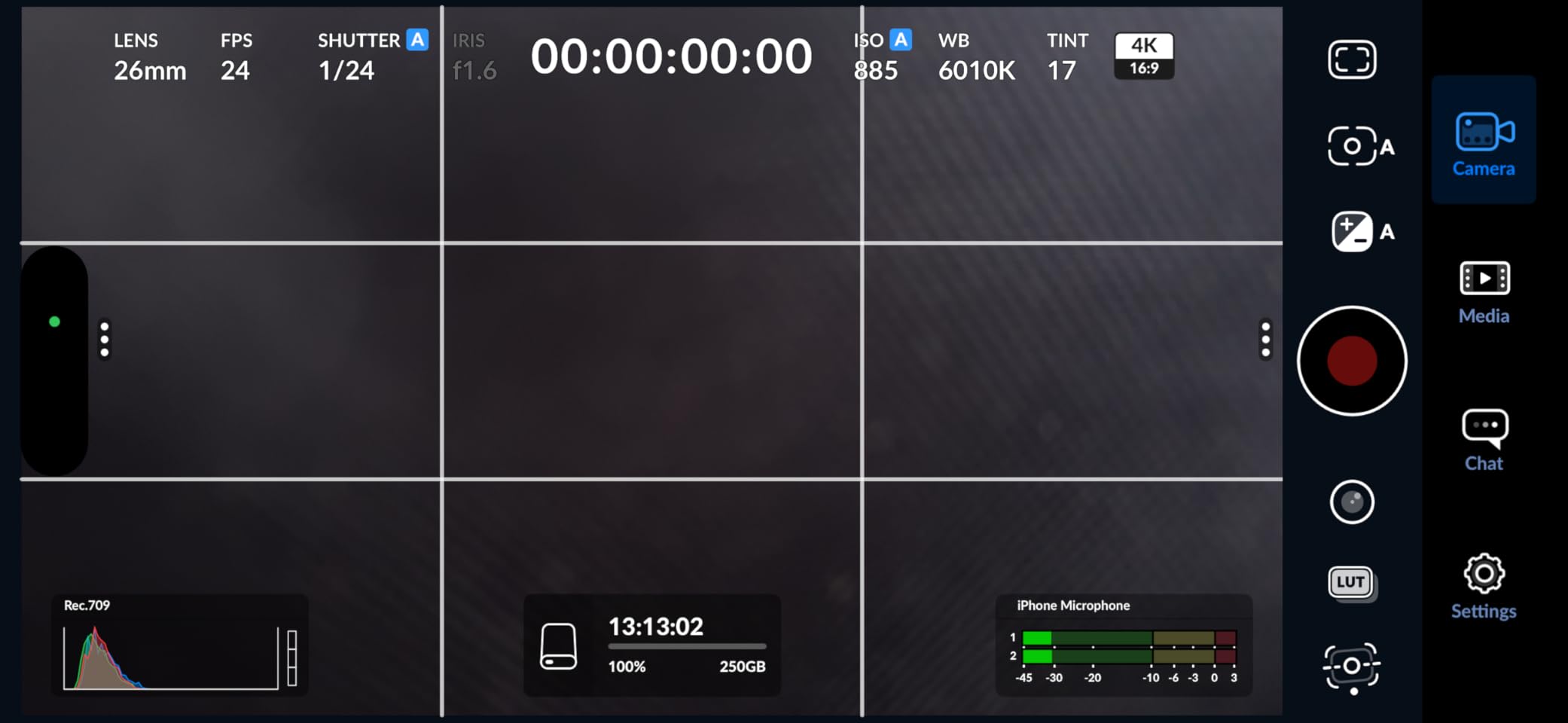
6. Samsung T9 4TB – Sustained 2000MB/s for High-Bitrate Capture
Samsung T9 Portable SSD 4TB, USB 3.2 Gen 2×2 External Solid State Drive
4TB
USB 3.2 Gen 2×2
Sustained 2000MB/s
Dynamic Thermal Guard
5-year warranty
+ Pros
- Sustained read and write up to 2000MB/s over Gen 2×2
- Dynamic Thermal Guard resists throttling on long transfers
- 9.8ft drop resistance with a rubberized shell
- 4TB handles heavy offloads and multi-project edits
- 5-year limited warranty
– Cons
- Most Macs fall back to around 900MB/s without a Gen 2×2 port
- Disk Utility erase can fail until the drive is force-ejected and reconnected
- May not initialize on older hardware with weak power delivery
The T9 is the fastest mainstream drive here and the only one where sustained write speed is the headline. Samsung rates both read and write at up to 2000MB/s and specifies them as sustained rather than burst.
Editors rate it highly for throughput and thermal behaviour on long offloads. The Dynamic Thermal Guard is the part that matters on a long shoot, because it is what stops a fast drive throttling once the shell heats up.
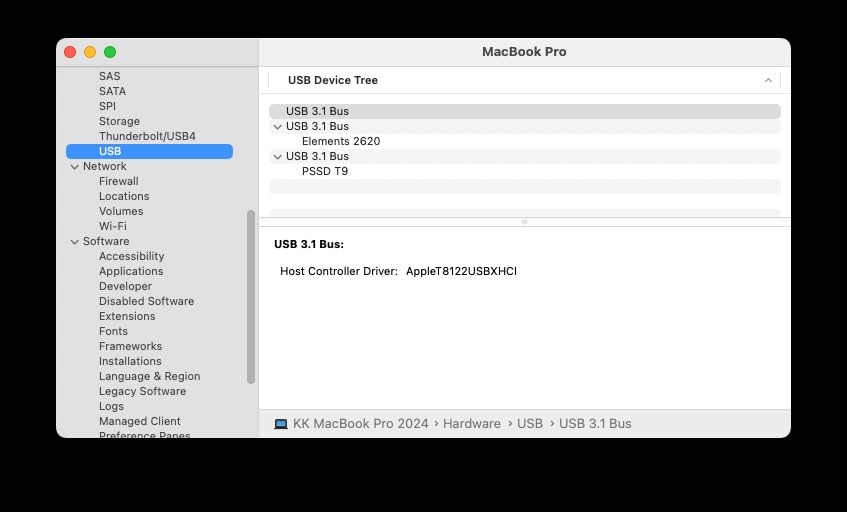
Why Sustained Write Speed Is the Real Spec
Every drive here quotes a headline number measured in a short burst, but a card offload is a long write. What governs offload time is the speed held after the cache fills, and when a 2000MB/s claim holds rather than collapsing, a full card finishes in a fraction of the time and the drive is ready for the second copy.
Check Your Host Port Before You Buy
This is the dominant caveat in reviews and it is entirely host-side. Without a USB 3.2 Gen 2×2 port, real-world speeds land near 900MB/s, roughly what a 10Gbps drive delivers. Macs in particular have shipped without 20Gbps ports, so check your machine first: buying a 20Gbps drive for a 10Gbps laptop is the most common way people overpay for speed they cannot use.
Capacity, Form and Two Rough Edges
At 4TB and 4.32 ounces, this holds multiple shoots of originals and project files, and Samsung lists compatibility with desktop, camera, mobile and console workflows. Two rough edges: Disk Utility erase can fail until the drive is force-ejected and reconnected, and some older hardware with weak power delivery fails to initialise a drive at 4TB.
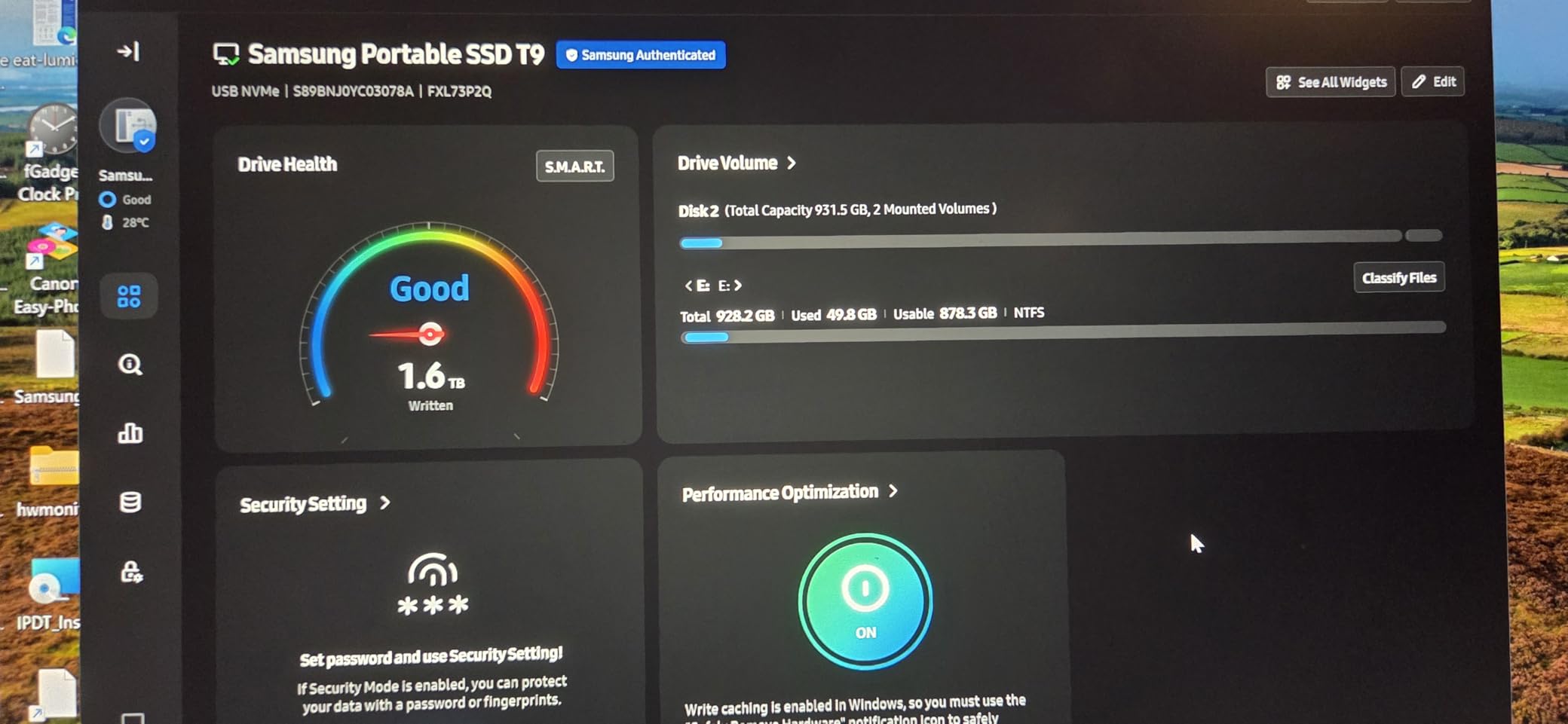
7. OWC Express 1M2 4TB – USB4 Speed With a DIY NVMe Bay
OWC Express 1M2 4TB USB4 40Gb/s Portable NVMe SSD Storage Solution
4TB
USB4 40Gb/s
Up to 3836MB/s
Palm-sized metal
Accepts 2280/2242/2230
+ Pros
- Fastest interface in the group at 40Gb/s USB4
- Up to 3836MB/s real-world throughput
- Patented passive heat dissipation holds speed
- Works with USB4
- Thunderbolt and plain USB-C hosts
- Bus-powered metal enclosure with a 40Gb/s cable included
– Cons
- Highest cost in the group at this capacity
- Needs a USB4 or Thunderbolt host to reach rated speed
- Enclosure warranty of 2 years or 3 years for the full solution
This is the speed specialist. USB4 at 40Gb/s with up to 3836MB/s real-world throughput is beyond anything else here, and owners with Thunderbolt workstations rate it highly for high-bitrate media.
It is also the enthusiast’s answer, because it accepts NVMe drives in 2280, 2242 or 2230 sizes. A dpreview user pairs a Samsung 990 Pro 4TB inside this enclosure with a Mac Mini Pro and reports it working fast, silent and cool, which is the configuration most buyers here end up with.
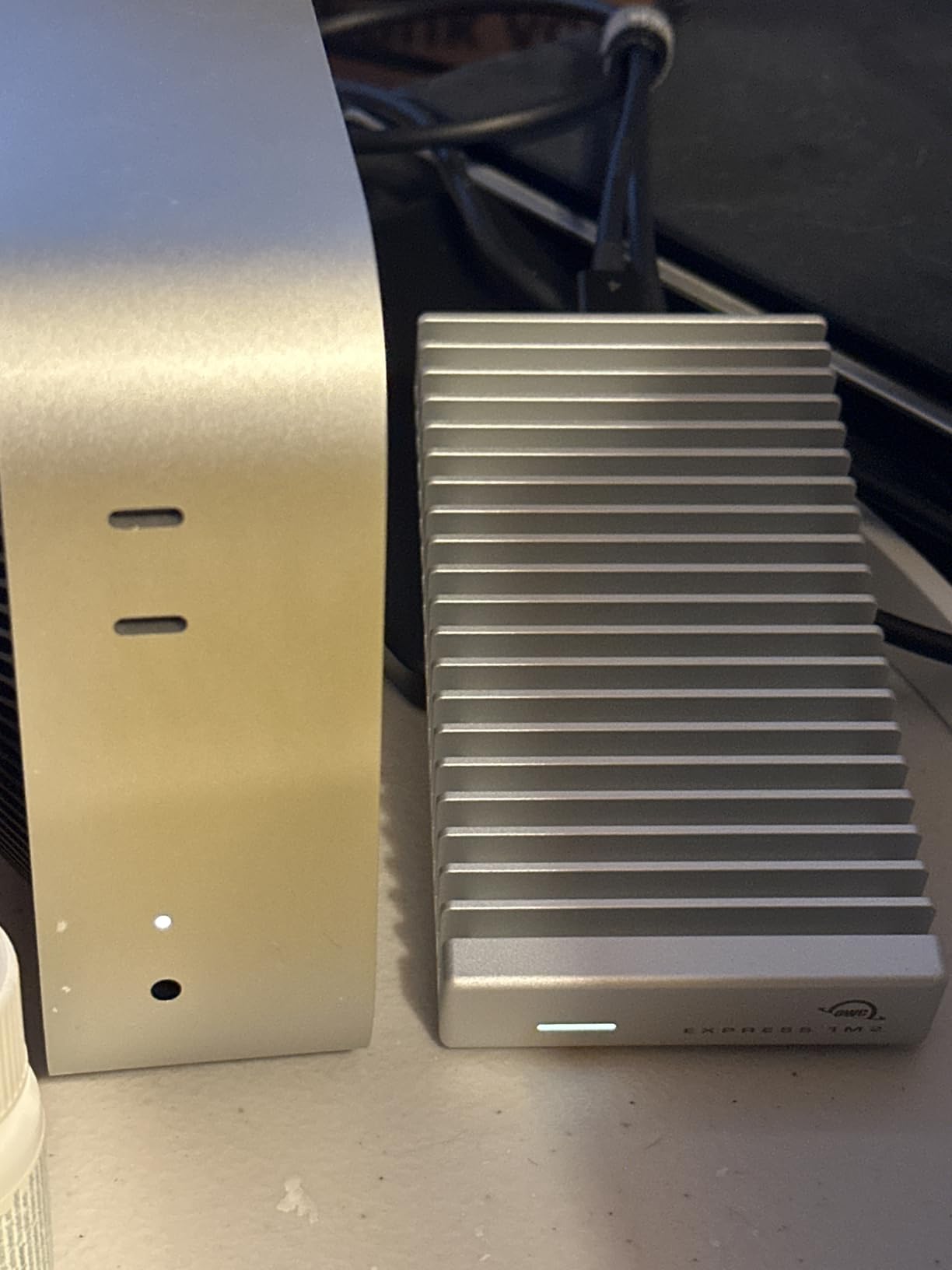
40Gb/s and What It Actually Delivers
OWC rates it at 3151MB/s with up to 3836MB/s real-world performance, more than twice as fast as Thunderbolt portable enclosures. On paper that is headroom most filmmakers never touch, because a single camera rarely produces that much data in real time. Where it earns its place is shuttling a finished shoot from cards to drive to a second drive to a remote workstation.
Passive Heat Dissipation as the Design Centre
The patented heat-dissipating design is not a fan. It moves heat out of the metal body passively, meaning no moving parts, no noise on a quiet set and no power draw beyond bus power, which is what keeps throughput consistent instead of throttling partway through a copy.
Host Requirements and the Warranty Gap
It is the most expensive option in this roundup and needs a USB4 or Thunderbolt host to deliver rated speed, working considerably slower on a plain USB-C machine. Warranty is 2 years for the enclosure or 3 for the full solution, and the rating base is far smaller than the mainstream picks. Buy it for throughput you will genuinely use, not as an offload spare.
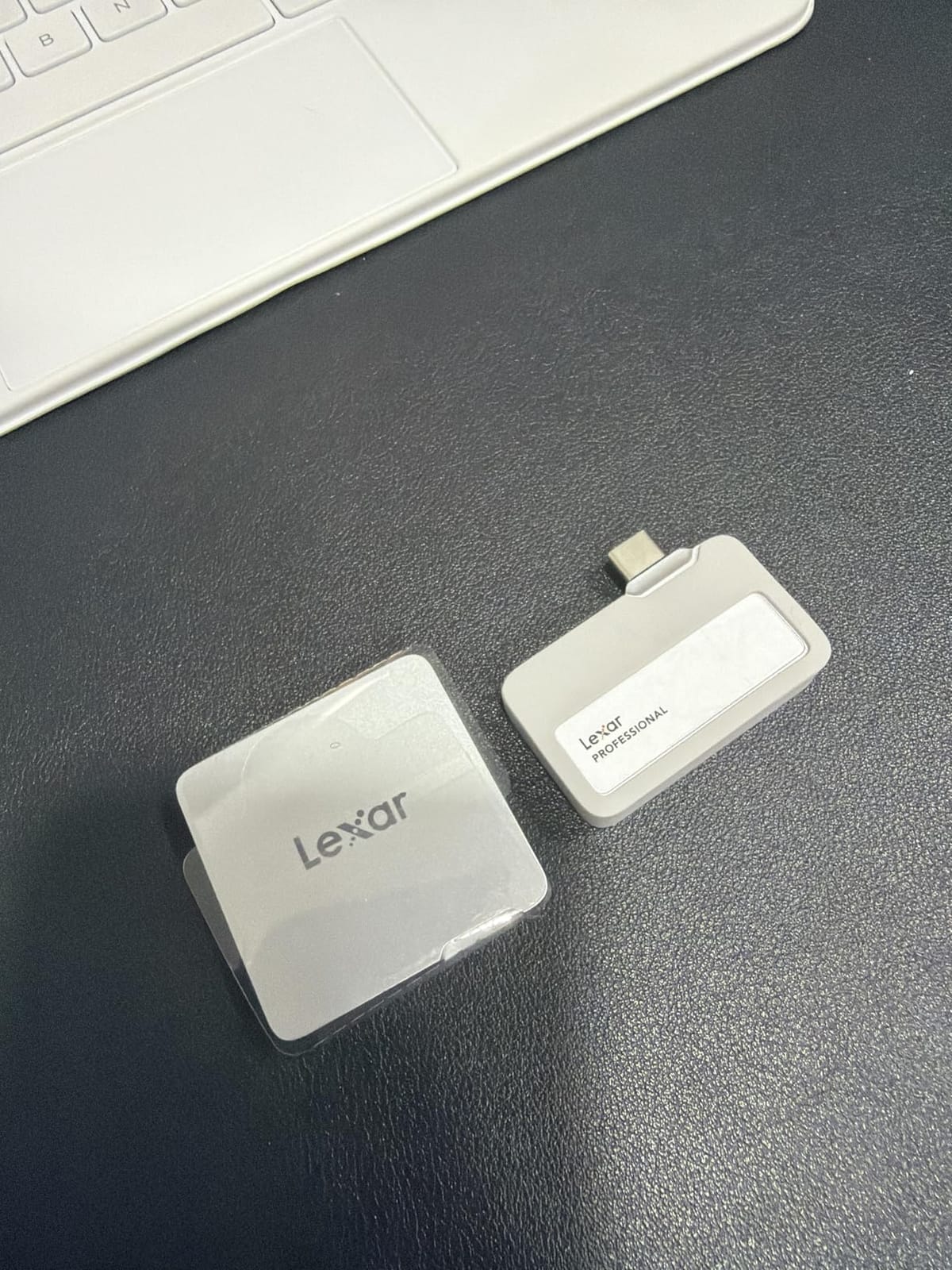
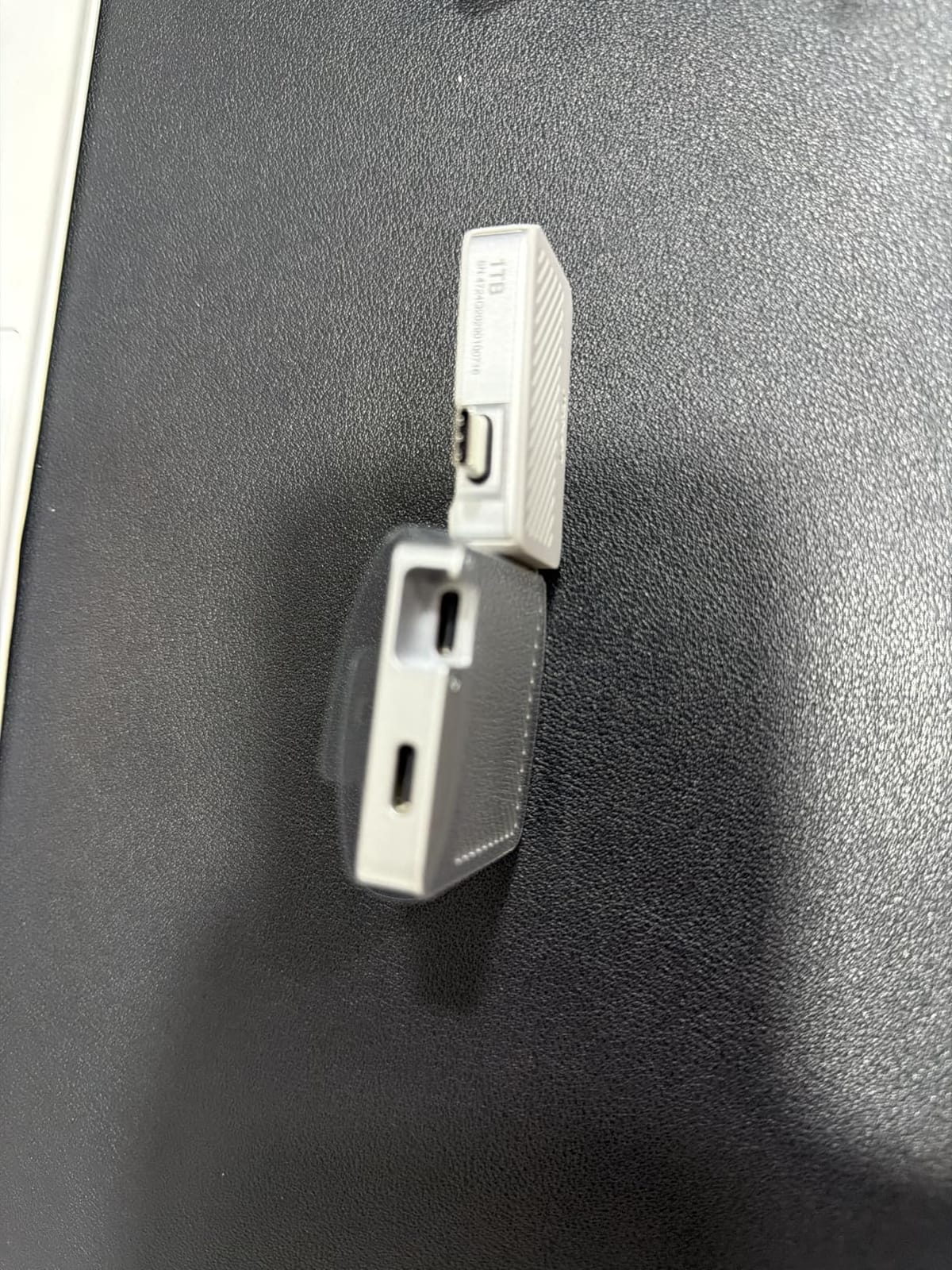
8. Lexar Go 1TB Hub – Direct-to-Drive Recording From a Phone
Lexar 1TB Go Portable SSD w/Hub, 1050MB/s Read, USB 3.2 Gen2, Ultracompact
1TB
1050MB/s read
Direct Type-C plug
4-port USB-C hub
5-year warranty
+ Pros
- Direct Type-C plug with no cable for phone recording
- Records straight to the drive on iPhone and Android up to 8K 30fps
- Bundled four-port USB-C hub for charging on set
- Very small and light
- so negligible rig weight
- Includes cold shoe adapter
- protective case and fabric pouch
– Cons
- Hub may not be recognised on a phone without external power
- Wireless connector needs a firm push to seat fully
- 1TB holds about 73 minutes of 4K 60fps ProRes Log
- Smaller review base than the mainstream picks
This is the most purpose-built drive here, and the only one aimed squarely at mobile crews. The Type-C connector is wireless and plugs straight into a phone, so there is no cable to strain at the connector during a take.
Owners frame it as a phone-first creator tool, reporting reliable direct-to-drive recording on iPhone and Android with the right camera app, and the bundled hub solving the charging problem that would otherwise end the session.
Recording Direct to the Drive
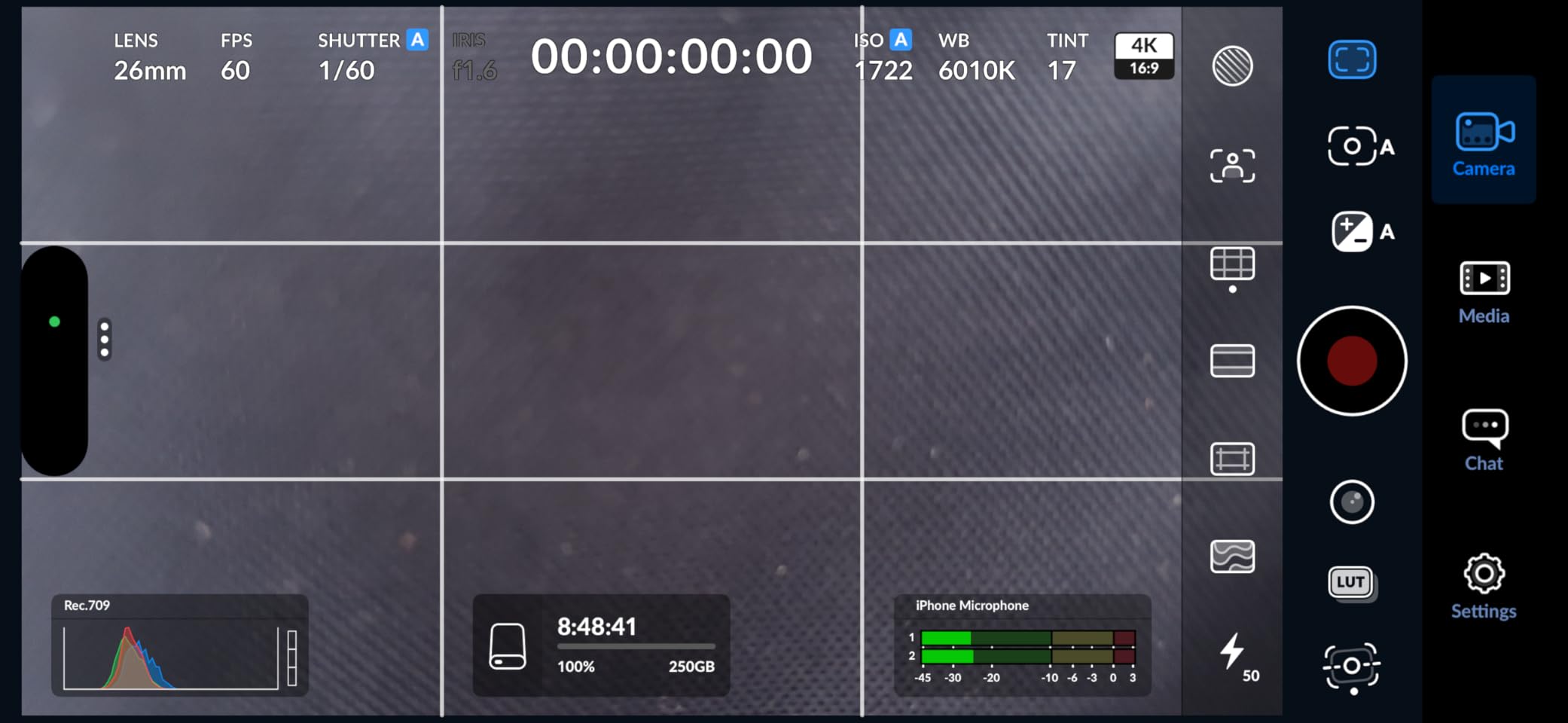
Lexar lists Apple ProRes capture support and direct-to-drive recording on Android and iPhone, with owners confirming 8K 30fps works. Rated at 1050MB/s read and 1000MB/s write, it handles 4K ProRes capture without dropped frames. Capacity is the real constraint: 1TB holds about 73 minutes of 4K 60fps ProRes Log footage, so plan the shooting day around that figure.
The Four-Port Hub That Solves Charging
The bundled hub carries four USB Type-C ports, so you can charge the phone, run an external monitor and keep peripherals connected while recording. One caveat appears in reviews: the hub may not be recognised on a phone without external power, which is phone behaviour rather than a drive fault but worth testing with your exact camera app first.
Small, Light and Still Growing Up
The body is ultracompact and light enough to add negligible rig weight, and the box includes a cold shoe adapter that turns it from a pocket drive into a mounted one. The review base is far smaller than the mainstream picks, so pair it with a second drive for anything irreplaceable.
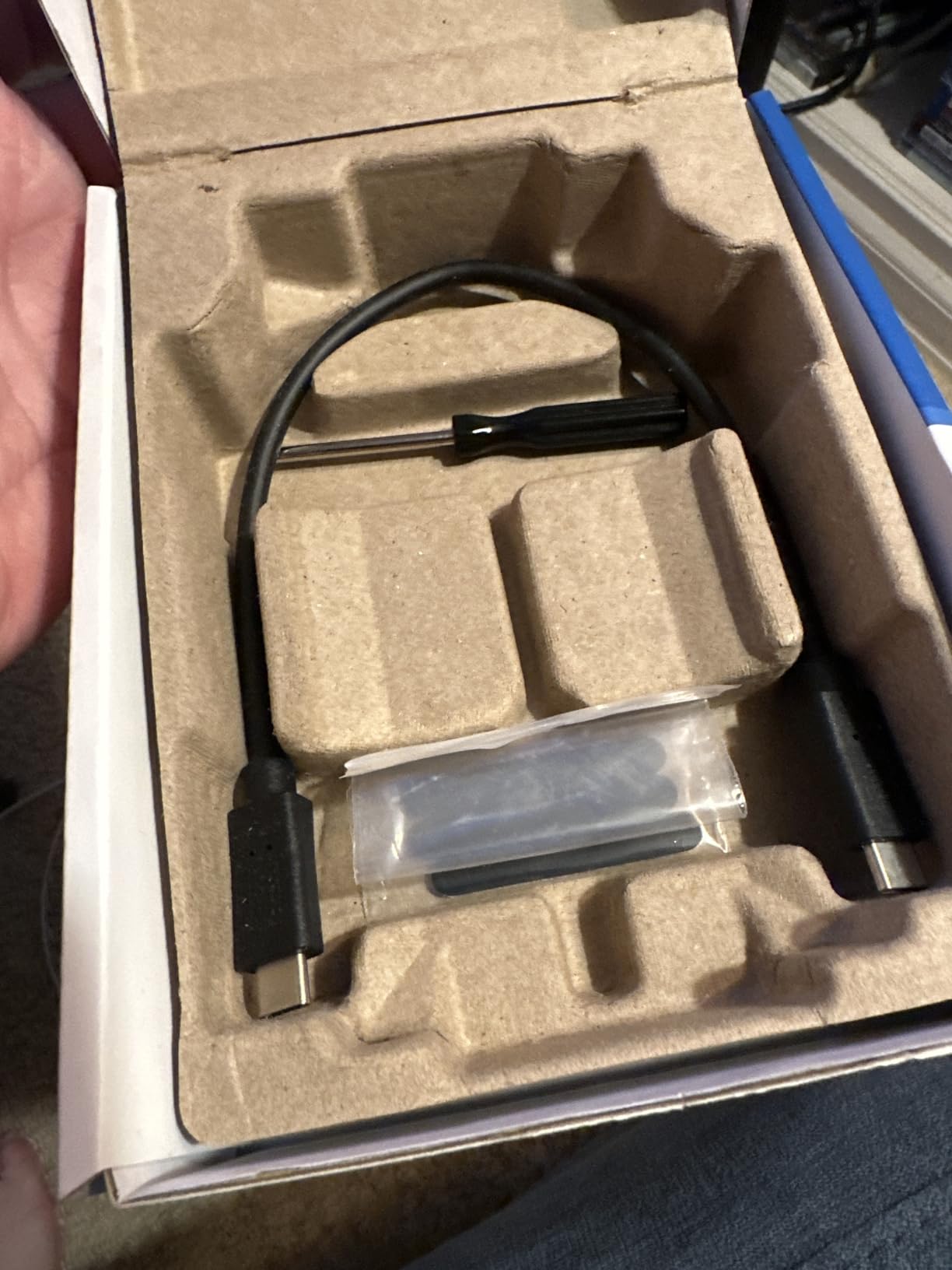
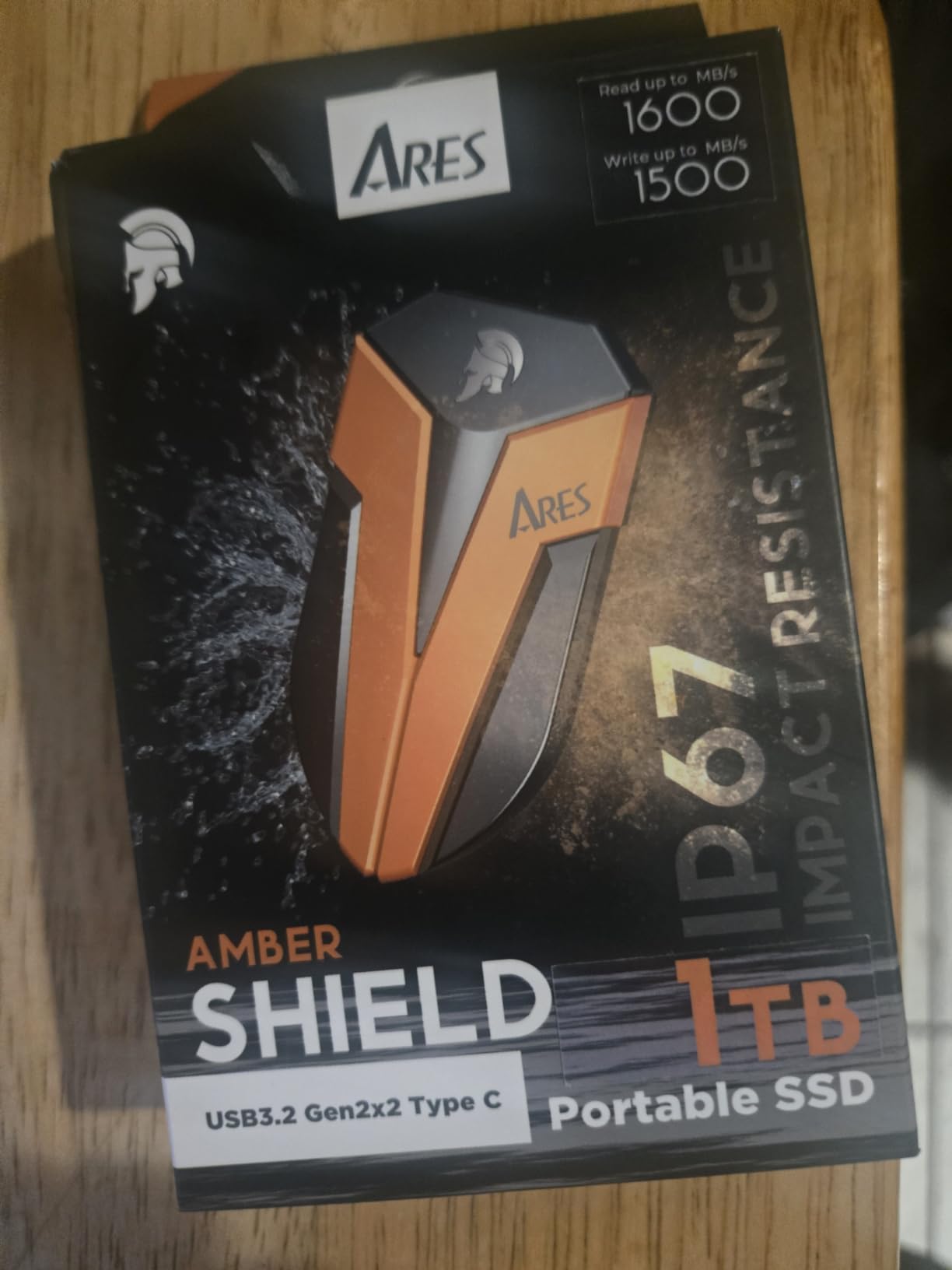
9. DATO ARES 4TB – IP67 Sealing for Desert and Rain Work
DATO External SSD 4TB, External Solid State Drive Portable SSD External USB 3.2 Gen 2×2 Type-C OTG Supported Compatible with PS5 and Xbox, up to 1600/1500 MB/s IP67 Waterproof – ARES Amber Shield
4TB
IP67 sealed
USB 3.2 Gen 2×2
1600/1500MB/s
40 g
+ Pros
- IP67 dust and water sealing to 1 metre for 30 minutes
- 1600MB/s read and 1500MB/s write over Gen 2×2
- Light at 40 g with housing tested to 1.2m drops
- Graphene thermal material manages heat on long transfers
- 5-year limited warranty
– Cons
- Smallest review base in the group
- Under 200 ratings
- so limited long-term owner data
- Rated speed depends on the included high-speed cables
- Needs a Gen 2×2 host to reach 1600MB/s
The DATO ARES is marketed on physical protection rather than software, and IP67 is the headline. Sealed to 1 metre of water for 30 minutes and dustproof, it is the drive we would choose for a desert unit, a boat shoot or any location where rain is a probability rather than a risk.
At 4TB and 40 g it is also one of the higher-capacity drives here, which makes the sealing useful in practice: a sealed drive you can fill twice beats a small sealed drive you must offload mid-shoot.
What IP67 Adds Over IP65
IP65 protects against dust and water jets from any direction. IP67 keeps that and adds immersion to 1 metre for 30 minutes, a meaningful step up when a drive can end up in a wash bag, a wet dock or a flooded footwell. One caveat applies to every rating in this article: IP ratings are tested in controlled still water, not moving rain, so they are a strong indicator rather than a promise.
Gen 2×2 Speed With Graphene Thermals
Rated at 1600MB/s read and 1500MB/s write over USB 3.2 Gen 2×2, it is faster than any 10Gbps drive here and short of the 2000MB/s class. The graphene thermal material targets the sustained-write problem that speed class creates, and reaching the numbers needs a Gen 2×2 host plus the included high-speed cables. The detachable 2-in-1 cable covers 20Gb/s C-to-C and 10Gb/s C-to-A.
Buy for the Sealing, Not the Ratings
The honest weakness is evidence. With fewer than 200 ratings and the lowest 4.4 average in the group, buyers are leaning on the spec sheet rather than years of owner reports. That makes it a specialist choice for harsh locations and 4TB archives, less obvious as a general daily driver.
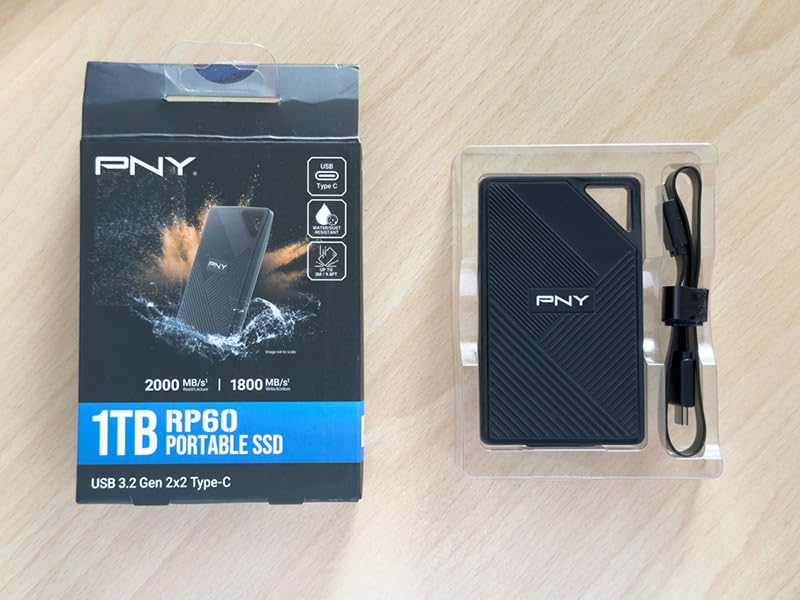
10. PNY RP60 1TB – A Clip-Loop Field Spare With Gen 2×2 Speed
PNY RP60 1TB USB 3.2 Gen 2×2 Type-C Portable SSD
1TB
USB 3.2 Gen 2×2
2000MB/s read
IP65 sealed, 3m drop
54.8 g
+ Pros
- Rated up to 2000MB/s read and 1800MB/s write
- IP65 water and dust protection with 3m drop resistance
- Clip loop for a belt loop
- backpack or camera bag
- Acronis True Image backup software included
- 54.8 g rubberized outer shell
– Cons
- Needs a USB 3.2 Gen 2×2 host to reach rated speed
- Listing carries several speed variants so measured performance varies
- Smallest review base in the group at 127 ratings
- Only a 3-year warranty
The RP60 does two things the faster drives here do not. It carries a clip loop for a belt loop or camera bag, and it wraps that speed class in an IP65 rubberized shell rated to 3-metre drops at 54.8 g.
That combination makes it a natural second drive: small enough to live on your body while the primary lives in the bag, and fast enough that swapping between them mid-shoot costs nothing.
The 20Gbps Class at a Lower Tier
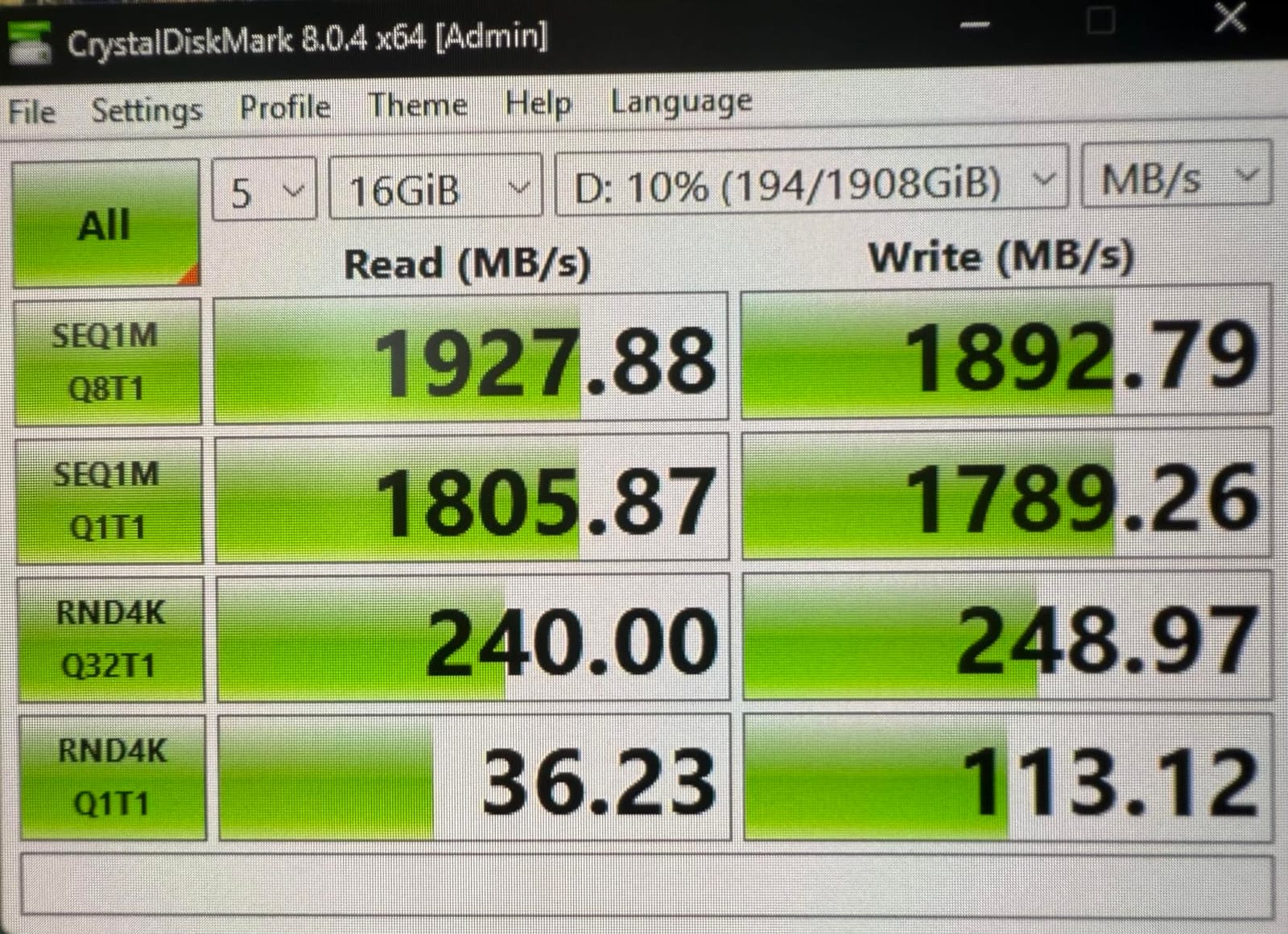
Rated sequential read of 2000MB/s and write of 1800MB/s with a Gen 2×2 host puts it in the same class as the T9 and the DATO, and it is the lightest of them. Owner feedback is positive on build and portability, but as with the T9 the caveat is entirely host-side: on a 10Gbps port it settles at roughly the speed of any good 10Gbps drive.
Variants That Change What You Get
This is the most important practical note on the drive. The listing carries speed variants at 1100/700, 1100/1000, 1600/1500 and 2000/1800MB/s, so measured performance depends heavily on which version is in the box. Check the model designation before ordering and re-check the packaging on arrival.
Where It Fits in a Two-Drive Kit
Acronis True Image is bundled for backup, the clip loop handles attachment, and IP65 sealing with a 3-metre drop rating covers the field cases. With a 3-year warranty and 127 ratings, treat it as the secondary drive in a two-drive kit rather than the one holding your only copy.
How We Picked and Ranked These Drives
Every drive here was judged on four things in order: the work it does, how it behaves when the write cache fills, how it is sealed and drop-rated, and warranty length combined with the size of its owner-review history, which is our proxy for how well a failure pattern would show up before you buy.
We deliberately did not rank on headline speed alone. Five of the ten drives here quote 1050MB/s, and the real difference between them is a 2mm aluminium case versus a 9.8-foot drop rating.
Two habits shaped the list. We read owner complaints as carefully as owner praise, which is why cable pickiness, SMR write behaviour and multicam throughput appear in the cons. And we credited long review histories heavily, because a 91,000-rating drive tells you more about failure rates than a 127-rating one.
How to Choose a Portable SSD for Film Work
Match the Interface to Your Host, Not the Spec Sheet
The interface ladder runs from USB 3.2 Gen 2 at 10Gbps, through Gen 2×2 at 20Gbps, to USB4 and Thunderbolt 4 at 40Gbps and Thunderbolt 5 at 80Gbps. Transfer speed is capped by the slower of drive and port, so the port decides how much of the drive you can use.
Most current machines offer 10Gbps USB-C, already faster than most camera cards can feed you. A 20Gbps drive only pays off if you own a 20Gbps port, and a 40Gbps drive needs USB4 or Thunderbolt hardware. If you are still choosing a workstation, our [PCIe 5.0 SSD guide](https://fypower.org/best-pcie-50-ssds/) covers what the internal side is doing.
Judge Sustained Writes, Not Burst Numbers
A headline speed is a short burst measured into an empty cache. A card offload is a long write, so what governs your offload time is the speed the drive sustains after the cache fills and the controller manages thermals.
NAND type explains why drives quoting the same speed behave differently. TLC holds sustained writes far better than QLC, and SLC caching on an SMR drive smooths a transfer without changing what happens past the cache window. For a daily scratch drive rather than an offload drive, treat TLC as the minimum.
Read IP Ratings for the Location You Actually Work
IP65 means sealed against dust and protected against water jets from any direction, covering blowing sand and drizzle. IP67 adds immersion to 1 metre for 30 minutes, covering wash bags, docks and the occasional dunk. Neither rating says anything about drop resistance, which is quoted separately in feet or metres and varies enormously across this list.
Work Out Real Capacity From Your Own Bitrate
Take your camera’s bitrate in megabits per second, multiply by 3600 seconds, divide by 8, and you have gigabytes per hour. Size a drive so it holds a full shoot day twice, once as the working copy and once as the verified backup. Lexar’s 1TB holding about 73 minutes of 4K 60fps ProRes Log gives a real-world scale, and high-bitrate RAW and BRAW consume more, so build in headroom.
One SSD Is Not a Backup
No portable SSD on this list is a backup on its own, and that is a property of having one copy rather than a flaw in the drives. The workable discipline is simple: offload to primary, copy to a physically separate second drive, verify the copy, then format the cards only after both checks pass. Buy two mid-range drives rather than one expensive one, and keep one of them out of the same bag. Our [budget SSD roundup](https://fypower.org/best-budget-ssds/) covers the value end of the market.
Frequently Asked Questions
What is the best portable SSD for video editing?
The SanDisk Extreme 2TB is the best all-round portable SSD for video editing, combining 1050MB/s NVMe read speed, an IP65 sealed body rated for 3-metre drops, 256-bit AES hardware encryption and a five-year warranty at 1.76 ounces. The Samsung T7 is slimmer for travel, and the Samsung T9 is faster if your laptop has a 20Gbps port.
Who makes the most reliable portable SSD?
Reliability is best judged by how much long-term owner data exists. The SanDisk Extreme leads this group with more than 91,000 ratings, followed by the Samsung T7 and T7 Shield with roughly 21,000 and 16,000. Brands with only a few hundred ratings, such as the DATO ARES and PNY RP60, carry far less evidence of long-term behaviour.
Is 1TB SSD enough for 4K video editing?
For a single shooting day of 4K footage, 1TB is workable, but only if you offload and verify a second copy elsewhere. To size it properly, multiply your camera bitrate in megabits per second by 3600 and divide by 8 to get gigabytes per hour. As a scale, 1TB holds about 73 minutes of 4K 60fps ProRes Log footage.
What is the fastest external SSD speed?
The fastest portable speed here is the OWC Express 1M2 at up to 3836MB/s real-world over 40Gb/s USB4, followed by the Samsung T9 and PNY RP60 in the 2000MB/s class over 20Gbps USB 3.2 Gen 2×2. Real speeds are capped by the slower of the drive and your host port, so a 10Gbps laptop limits everything to about 1000MB/s.
Can you edit video directly from an external SSD?
Yes, and it is a normal professional workflow. A 10Gbps drive such as the SanDisk Extreme or Samsung T7 sustains the throughput a timeline needs, provided you keep project files, cache and media on the same formatted drive. Use exFAT when cards move between Mac and Windows machines, and keep originals on a separate device from the drive you are cutting from.
Which Portable SSD Should You Buy?
If you want one answer, the SanDisk Extreme 2TB is the best portable SSD for filmmakers in 2026: it is the drive we keep a duplicate of, and the one we hand to people who are not storage nerds. If you want the smallest drive that still does everything properly, take the Samsung T7 1TB. If the location decides the outcome, take the T7 Shield 2TB with its IP65 sealing and 9.8-foot drop rating.
Match the drive to the job instead. High-bitrate capture on a workstation with a 20Gbps port means the Samsung T9 4TB, and 40Gbps USB4 means the OWC Express 1M2. Phone-based ProRes recording means the Lexar Go with its direct Type-C plug and hub. Sustained 4TB offloads in harsh locations mean the DATO ARES, and a clipped-on field spare means the PNY RP60.
Whatever you choose, buy two. Offload to primary, copy to a second drive, verify the copy, then format the cards, and keep one of the pair somewhere that is not the same bag. If you need matching drives for a different device rather than a camera, our [portable SSDs for gaming consoles](https://fypower.org/best-portable-ssds-for-gaming-consoles/) guide covers that use case.
Leave a Reply