
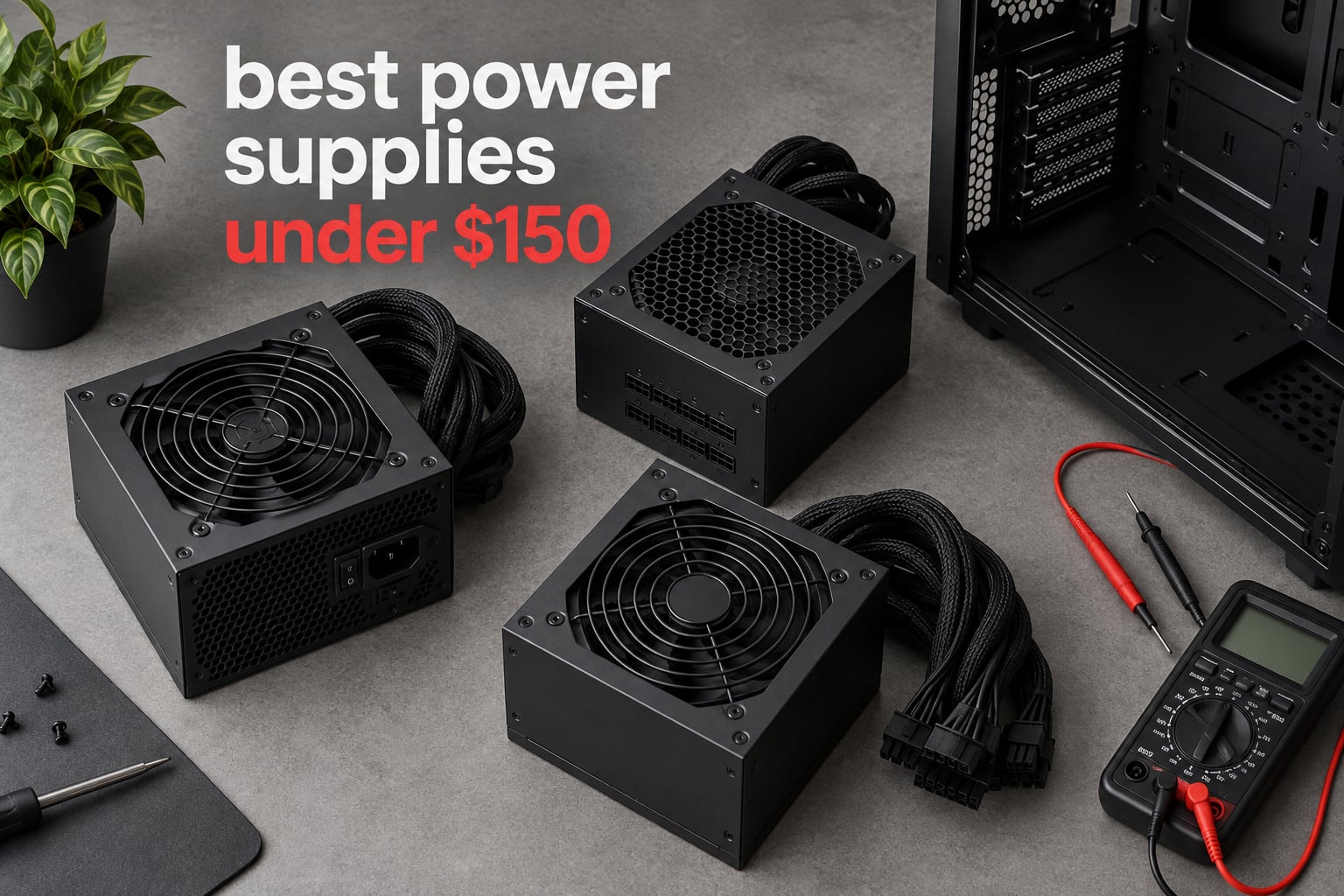
Short answer: the Corsair RM850e is the best power supply under 150 dollars for most people, because it brings a fully modular harness, an Intel ATX 3.1 rating and a native 12V-2×6 cable to a price band that normally only offers Bronze units. If you need a 650W unit for a mid-range gaming PC, take the MSI MAG A650BN instead.
I have spent the last few months reading through the owner feedback on every mainstream power supply that fits under a 150 dollar ceiling, cross-checking the spec labels against what buyers actually report after living with the unit. Ten models made the cut, and the list below is ordered by how much I would trust them in a finished build, not by wattage.
The reason this category needs more care than it gets: a power supply is the one component that can take every other part of a build down with it. A bad unit does not just fail, it delivers unstable voltage into your GPU and your mainboard. So the criteria I ranked on were brand and warranty backing, the protections actually listed on the label, the connector situation for a modern graphics card, and only then the headline wattage number.
What that ceiling genuinely buys you is a narrower choice than the marketing suggests. Under 150 dollars you can absolutely get Gold efficiency, full modularity and ATX 3.1, but you rarely get all three at 1000W with a long warranty. Most of the list sits between 600W and 850W, and the two 1000W options trade something away. We looked at more than a dozen candidates to get there.
If your build needs a specific wattage tier rather than a general recommendation, our 10 best 750W power supplies guide and 850W roundup go deeper on the electrical side of the same question.
Our Top 3 Tested Picks Under 150 Dollars


Two of those three come from Corsair or MSI, which is not a coincidence. Both names keep appearing in long-horizon owner reports, and both have support operations that will still be standing when a seven or ten-year warranty comes due. At this budget that matters more than another 200W of headroom.
Comparing 10 Power Supplies Under 150 Dollars in 2026
| Product | Details | Action |
|---|---|---|
|
|
Check Latest Price |
 |
|
Check Latest Price |
|
|
Check Latest Price |
 |
|
Check Latest Price |
 |
|
Check Latest Price |
 |
|
Check Latest Price |
 |
|
Check Latest Price |
 |
|
Check Latest Price |
 |
|
Check Latest Price |
 |
|
Check Latest Price |
Every model above lists its protections, carries a stated warranty and comes from a brand with an active support channel. That is the baseline for this price band, and it eliminates more candidates than the wattage ranking does.
1. Corsair RM850e – The Best All-Round Power Supply Under 150 Dollars
CORSAIR RM850e (2025) ATX 3.1 PCIe 5.1 Ready 850W Power Supply – Black
850W
Fully modular
ATX 3.1
105C Japanese capacitors
7 year warranty
+ Pros
- Fully modular so no unused cables
- Native 12V-2×6 included
- 105C-rated Japanese capacitors
- Compact 5.91 inch chassis
- Quiet rifle bearing fan curve
– Cons
- Runs warm under sustained full load
- A few reports of slight coil whine at maximum load
This is the unit I keep coming back to. The spec sheet reads like a much more expensive product: Intel ATX 3.1 certification, PCIe 5.1 support with two transient power excursions handled, 105°C-rated Japanese capacitors and a seven-year warranty, all wrapped in a fully modular shell that measures just 5.91 inches deep.
That short chassis is the detail that matters most in a real build. Owners consistently single it out as easy to route cables around in both small and large cases, and the fully modular design means no spare cables need tucking behind the tray. Long-form reviews from experienced builders describe rail stability under heavy CPU plus GPU stress, and the 120mm rifle bearing fan barely spins at idle.
Why the ATX 3.1 rating matters in practice
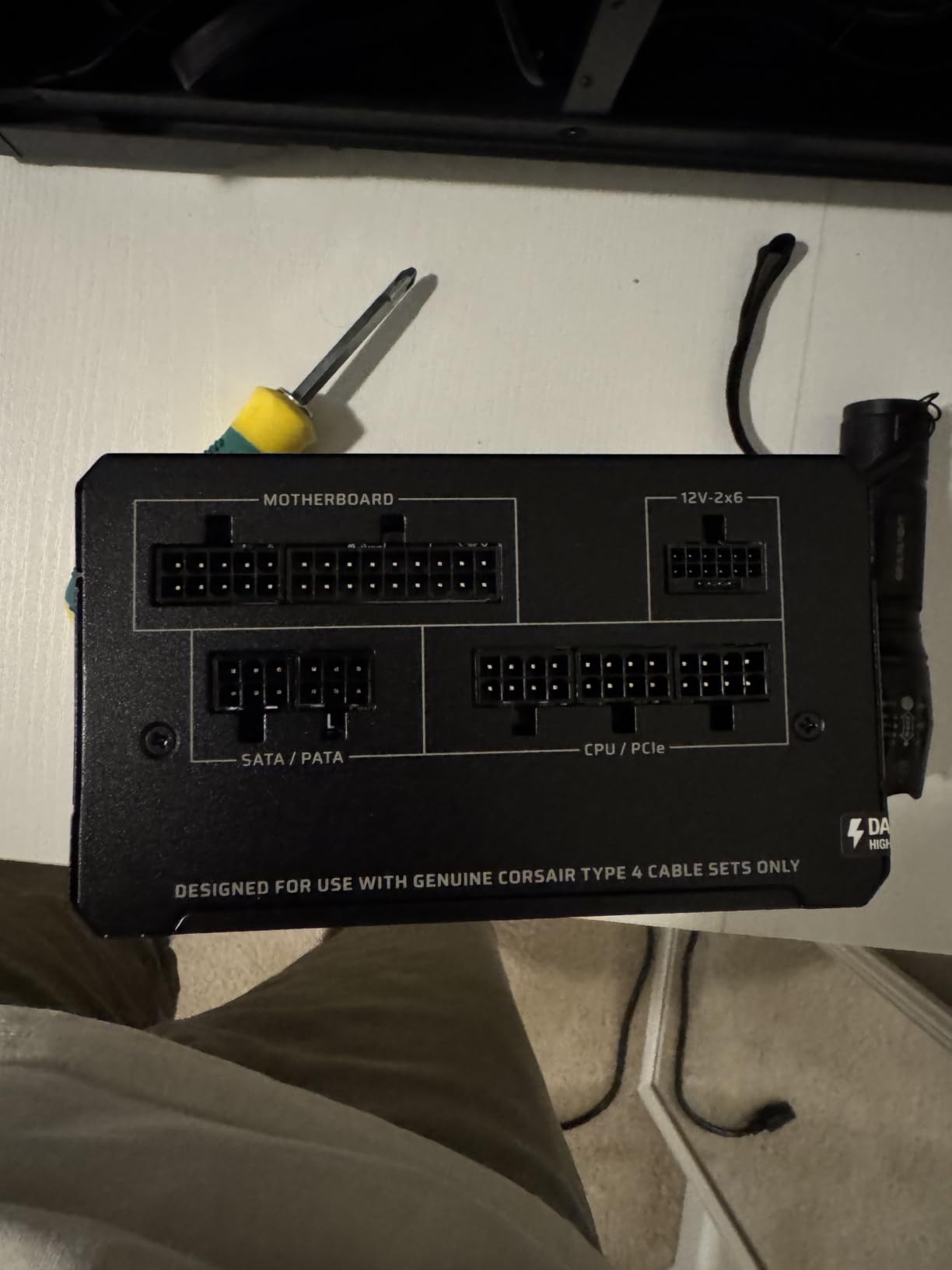
ATX 3.1 units are certified to survive two GPU transient power excursions, which are the microsecond spikes a modern card produces when switching states. A supply without that rating can trip its own protection and shut the machine down mid-game. The RM850e also ships with a native 12V-2×6 cable, so there is no adapter brick hanging off the end of your GPU power cable.
Where it falls short
The two complaints that show up in reviews are heat and coil whine. Some buyers note the unit runs warm under sustained heavy load, and a small number report a faint whine at maximum output. Neither was described as a functional problem, but if your case has poor airflow you will feel the warmth more than most.
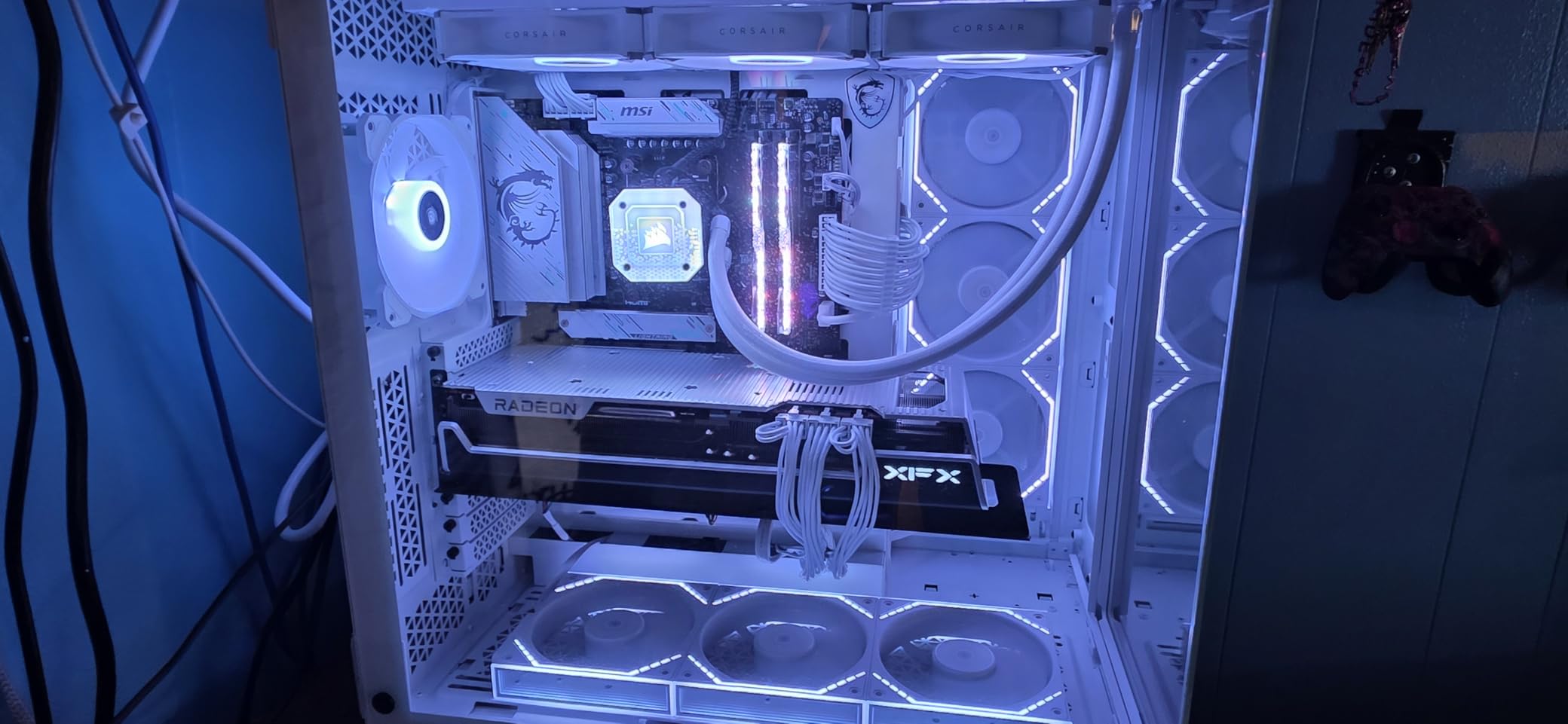
The Modern Standby support also improves wake-from-sleep times and low-load efficiency, which is a quieter benefit than it sounds when your machine sits idle overnight.
2. MSI MAG A650BN – Best Value 650W Supply for First-Time Builders
MSI MAG A650BN, Non-Modular Compact 650W Power Supply, 80+ Bronze, Low-Noise Fan, Active PFC Design, 5 Year Warranty
650W
80 Plus Bronze
Non-modular
OVP OCP OPP OTP SCP
5 year warranty
+ Pros
- 4.7 average across 4126 reviews
- Compact short-form factor fits small cases
- Quiet under gaming load
- Full five-circuit protection suite
– Cons
- Non-modular cabling makes builds less tidy
- One reviewer reports a loose 24-pin fit
- 6+2 pin PCIe cable is fiddly to plug
A 4.7 average across more than four thousand reviews is an unusual result for a budget power supply, and it is the reason this one ranks so high despite being a non-modular Bronze unit. For a first build, that track record of owner satisfaction is worth a lot more than a spec line.
Buyers frequently use it as a drop-in replacement for a failed supply and praise the small footprint, the quiet cooling and the clean power delivery under gaming load. The DC-to-DC circuit design and active PFC are the two details that separate it from the cheapest tier.
Protection circuits are the differentiator here
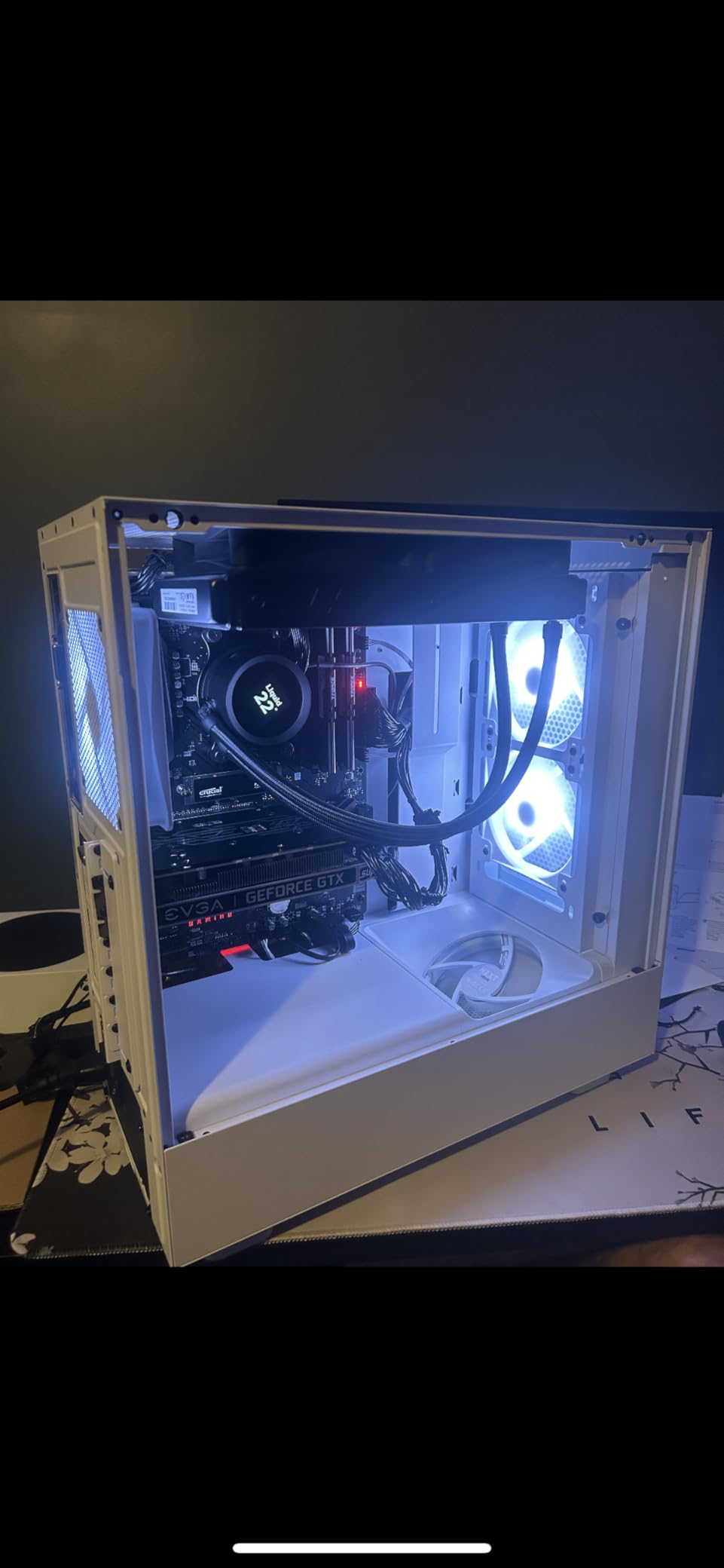
The label lists OVP, OCP, OPP, OTP and SCP, which is the full five-circuit set. At this budget most competing units advertise three. Thermal protection and over-power protection are the two that tend to be missing, and both are the ones that matter when a cheap component runs away.
The trade-off is cable clutter
Every cable is permanently attached, so unused leads have to be bundled behind the motherboard tray. One reviewer also reports the 24-pin connector feeling loose on the motherboard. For a small case where cable routing room is already tight, the footprint advantage and the cable mess can cancel each other out.
3. MSI MAG A850GL PCIE5 – Best 850W Modular Pick With a Native 12V-2×6
MSI MAG A850GL PCIE5, Fully Modular Compact Gaming 850W Power Supply, 80+ Gold, ATX 3.1 & PCIe 5.1 Ready, Native Dual-Color 12V-2×6 Cable, 10 Year Warranty
850W
80 Plus Gold
Fully modular
ATX 3.1
10 year warranty
+ Pros
- Native 12V-2×6 removes adapter daisy chains
- Fully modular braided cabling
- Runs cool and quiet for 850W
- 10 year warranty
– Cons
- Several reports of a failing supplied fan within 6-9 months
- Minority report coil whine on high load
- 24-pin connector sits on an awkward side
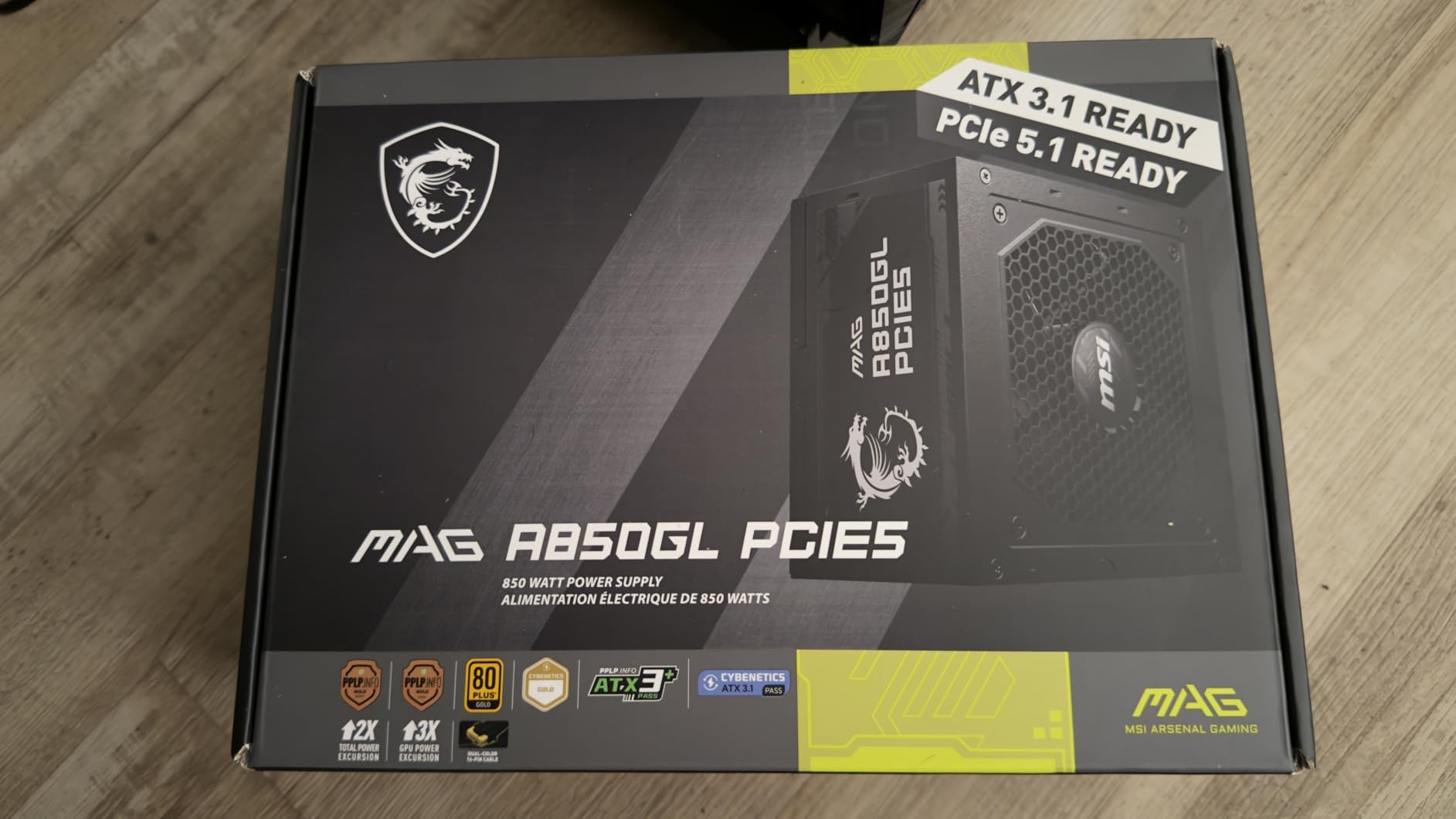
This one packs more into the spec sheet than most units at the same tier. You get 80 PLUS Gold, a fully modular design with braided cables, ATX 3.1 and PCIe 5.1 readiness, a native dual-color 12V-2×6 cable and a ten-year warranty, and it currently sits at the top of the best sellers chart in this category.
Owners love the power delivery and the fact that the native cable removes the adapter clutter. Plenty of buyers report that switching to this supply resolved freeze-ups on high-end GPUs, which is exactly the symptom an under-spec unit produces.
The fan is the weak point
Several reviews describe the supplied fan becoming loud, grinding or stopping entirely within six to nine months of ownership, and one reviewer replaced it with a Noctua fan instead. If you buy this one, check the fan early in the warranty period. A minority of owners also report coil whine on high-end Ryzen plus RTX combinations under sustained combined load.
Cable quality and connector placement
The bundled cables are described as rubbery next to sleeved units from higher-end brands, and the 24-pin connector sits on a side that is awkward in many cases. Neither is a deal breaker, but both are worth knowing before you route the harness.
4. be quiet! Pure Power 13 M 1000W – Best Pick for a Silent Build
be quiet! Pure Power 13 M 1000W, ATX 3.1, Fully Modular PSU, 80+ Gold
1000W
80 Plus Gold up to 94.4%
LLC topology
Semi-passive
10 year warranty
+ Pros
- Exceptionally quiet under normal loads
- Native 600W 12V-2×6 cable
- LLC topology for tight regulation
- Runs cool at 94.4% peak efficiency
– Cons
- 12V-2×6 cable is short for top-mounted installs
- EPS cable short for tray routing
- Highest cost in this group
Owners describe this as the quietest power supply they have owned. Semi-passive zero-RPM cooling keeps the fan from turning at all under low load, and the LLC topology is what the brand uses to hit its voltage regulation figures. Efficiency is rated up to 94.4 percent, which keeps internal temperatures down.
It delivers 1000W continuous on a single 12V rail and tolerates transients up to twice rated power, with a native 600W 12V-2×6 cable for the largest current graphics cards. Four PCIe 6+2-pin connectors sit alongside it, so a build with older cards does not fall back on adapters.
Cable length is the real complaint
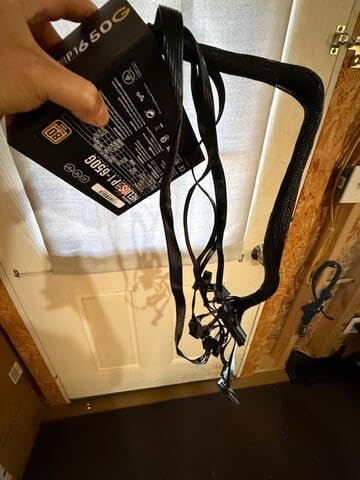
The most repeated practical issue is cable length. The 12V-2×6 cable is reported as too short when the supply is mounted above the motherboard, and the EPS cable is also short for routing behind a tray. Plan your cable path before you commit to a top-mounted layout.
One caveat worth knowing about
A commenter on the Hardware Busters thread reported that the 1kW version of this model had a component swap to lower-quality parts after certification, with no visible announcement. That is a single report, not a confirmed pattern, but it is a reminder to buy from a seller with straightforward return terms rather than the cheapest listing you find.
5. Corsair RM750e – Best 750W ATX 3.1 Choice for 1440p Builds
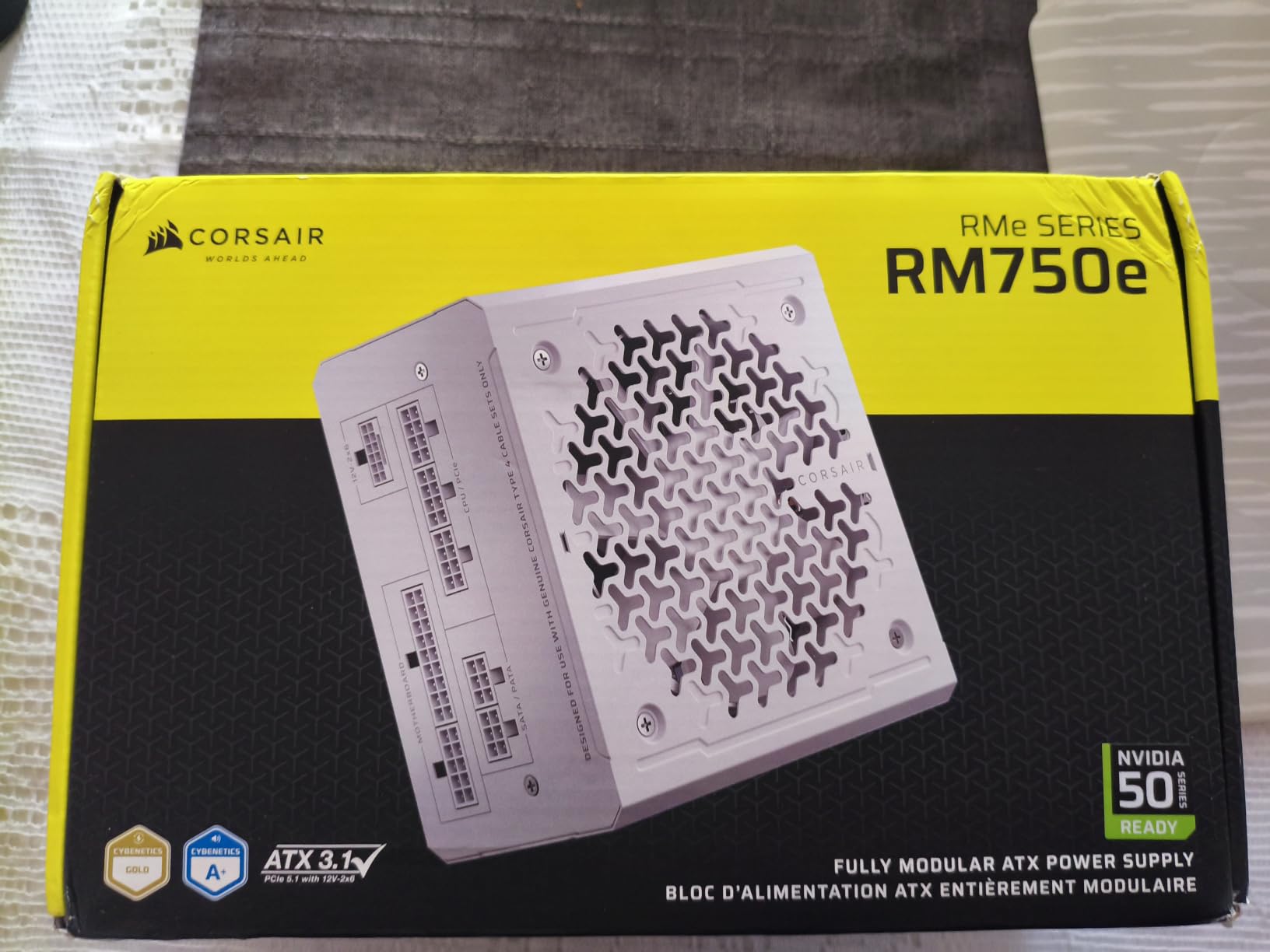
CORSAIR RM750e ATX 3.1 PCIe 5.1 Ready 750W Power Supply – Black
750W
ATX 3.1
Cybenetics Gold
Native 12V-2×6
7 year warranty
+ Pros
- Compact 5.91 inch length fits tight cases
- ATX 3.1 with native 12V-2×6 included
- 105C Japanese capacitors
- Modern Standby support
– Cons
- Smaller review pool than other picks in the group
- 750W can feel short for top-end workstation builds
This is the 750W member of Corsair’s refreshed RMe line, and it carries the same headline features as the 850W: ATX 3.1 certification, a native 12V-2×6 cable, full modularity and a short chassis that simplifies installation. The 4.6 average sits across a smaller pool of reviews, which is the one real difference from its bigger sibling.
For a 1440p build with a card like an RTX 4070 or an RX 7800 XT, 750W is comfortable headroom. A 4+4 EPS connector and the short body make it a good match for compact cases where cable routing room is the limiting factor.
Choosing this over the RM850e
Pick the 750W if your GPU is a 4070-class card and you are not planning a near-future upgrade to something larger. Pick the 850W if you want the headroom today rather than later. Both use the same 105°C-rated Japanese capacitors and the same seven-year warranty, so the decision is purely about wattage.
What the smaller review pool means
Fewer long-horizon reports means less evidence about how this specific unit ages. That is not a flaw, it is a data gap, and it is the main argument for spending the extra money on the 850W if the price gap is small.
6. Corsair CX750 – Best 750W for Tight Cases and Simple Upgrades
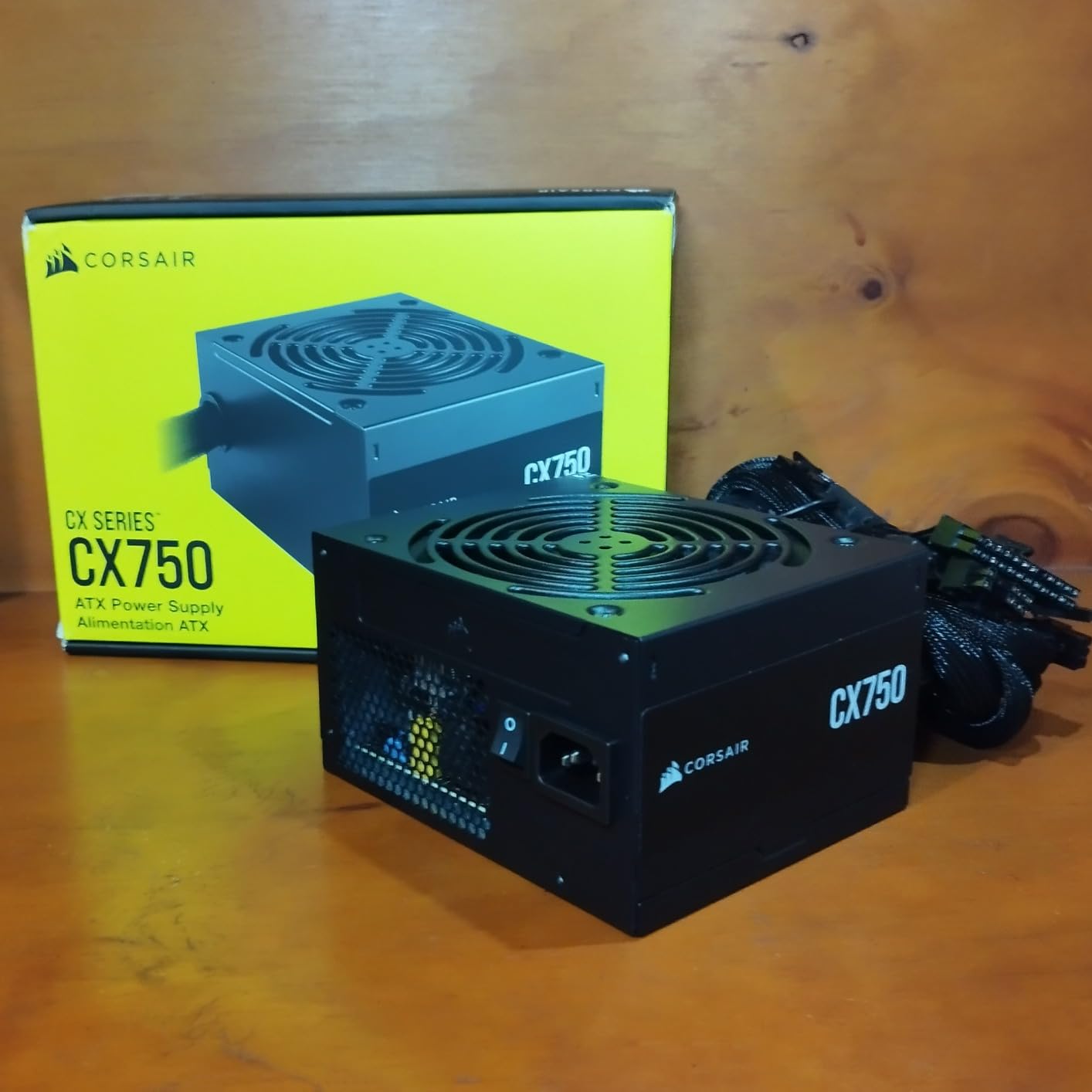
CORSAIR CX750 80 Plus Bronze Non Modular Low-Noise ATX 750 Watt Power Supply – NA – Black
750W continuous
80 Plus Bronze
125mm chassis
3 year warranty
+ Pros
- Short 125mm body fits almost any modern case
- Thermally controlled fan stays very quiet at low load
- Full 750W continuous rating guaranteed
- Large installed base with long track record
– Cons
- Only a 3 year warranty
- the shortest in this group
- Non-modular design leaves excess cabling
- Bronze efficiency trails Gold-rated rivals
The CX750 is not a new release, and that is the point. Its 4.6 average reflects a long record rather than a recent launch, and the 125mm chassis is one of the shortest full-size supplies you can still buy. It is a popular choice for replacing an aging OEM supply in an older machine.
Reviewers consistently point to the compact body, the quiet thermostatic fan that slows at lower loads, and dependable full-wattage output. Black sleeved cables and a powder-coated casing match most builds without fuss.
The warranty is the weak point
Three years is the shortest coverage in this roundup, and modern competitors are moving toward ten. If you keep a machine for a decade, the coverage difference between this and a seven-year unit is more meaningful than the Bronze-versus-Gold efficiency gap. The buyer community treats warranty length as a proxy for expected lifespan for exactly this reason.
When Bronze is genuinely fine
Efficiency only matters where you convert the difference into heat and electricity. In a small, well-ventilated case running a moderate load, the extra efficiency a Gold unit provides is close to unmeasurable. What the rating does buy you is a bit more headroom before thermal limits come into play.
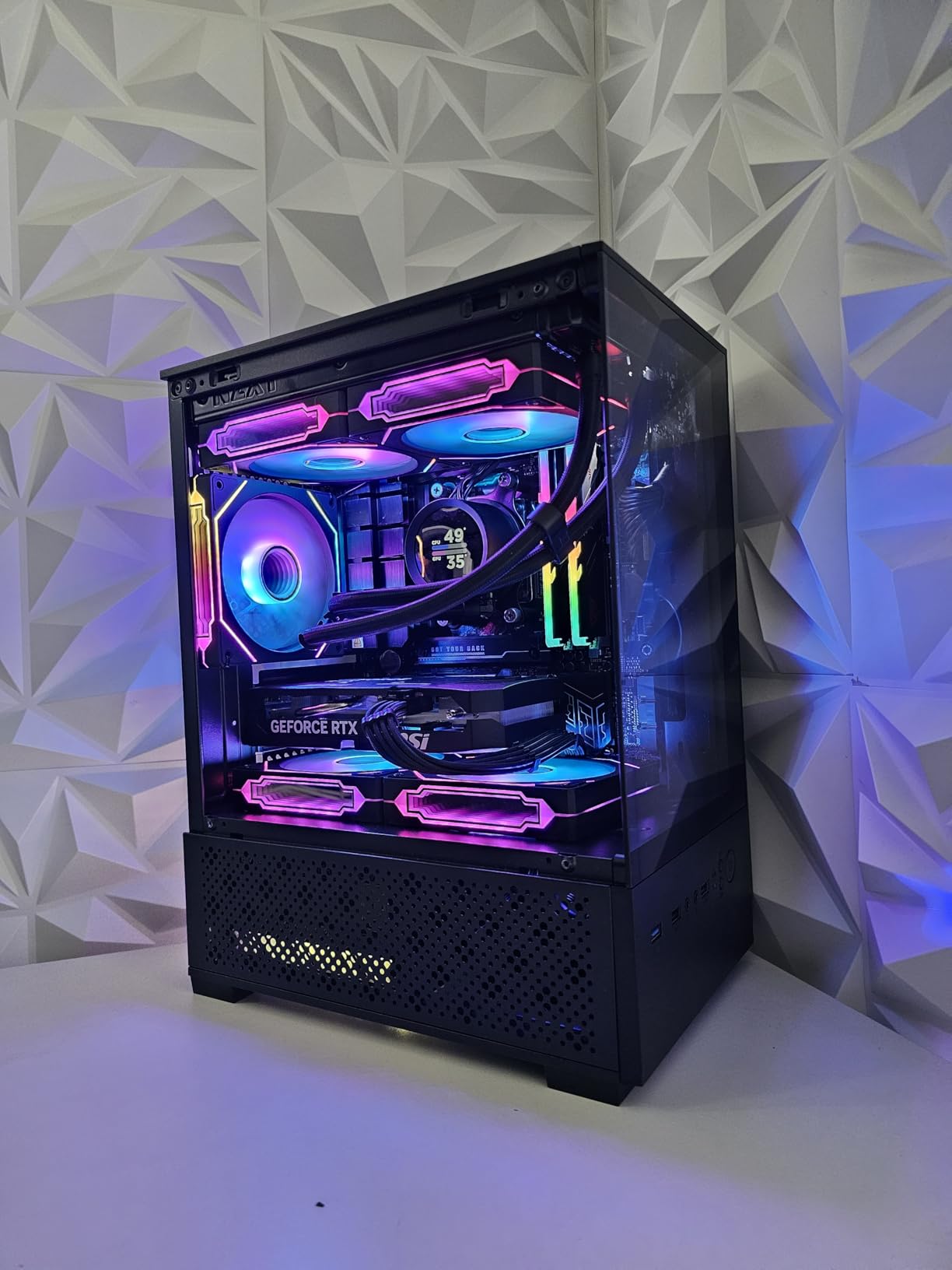
7. Thermaltake Toughpower GT 850W – Flat Cables and a Native 12V-2×6 at 850W
Thermaltake Toughpower GT 850W ATX 3.1 Standard Power Supply; 80 Plus Gold Efficiency; Smart Zero Fan; Native 450W PCIe 5.1 Connector; PS-TPT-0850FNFAGU-3; 5 Year Warranty
850W
ATX 3.1
Native 450W 12V-2×6
Smart Zero Fan
5 year warranty
+ Pros
- Low-profile flat black cables are among the tidiest here
- Native 12V-2×6 removes adapter clutter
- Available in white and black to match case colour
- High amperage single 12V rail
– Cons
- Fan speed can ramp abruptly and become audible
- One reviewer reports total failure after about three weeks
- A few buyers report sleep or wake issues
Most owners report solid performance with a fast Ryzen processor and an RTX 5070 or 5070 Ti, citing quiet, stable power and easy modular installation. The fully modular design uses low-profile flat black cables, which slide behind a tray far more easily than braided alternatives in the same price band.
It is ATX 3.1 and PCIe 5.1 compliant with a native 12V-2×6 connector rated to 450W, and Smart Zero Fan technology adjusts fan speed with load rather than running flat out.
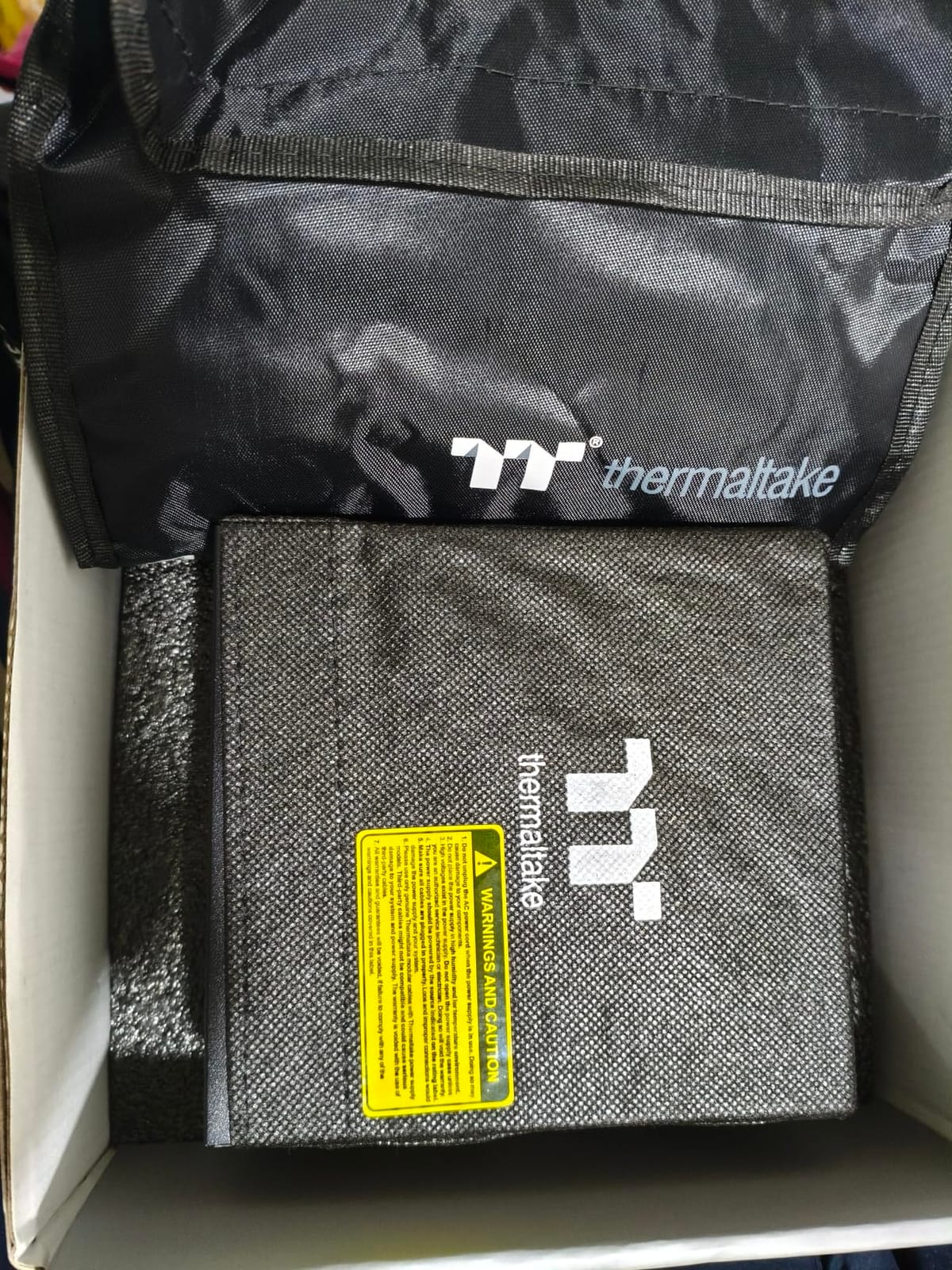
The failure reports are worth weighing
At least one detailed review describes complete failure after roughly three weeks with no cause, and the unit would not power back on. Another reports a fan that fluctuates loudly and irregularly. A few buyers also flag sleep or wake problems, and one unit arrived without an AC power cord. Isolated incidents on a 525-review listing are not a failure rate, but they are the kind of detail a 7 or 10 year warranty exists to cover.
Where it fits in a build
Because the cables are flat and low-profile rather than braided, this is a strong pairing with a case that has a tight space behind the motherboard tray. It also comes in white, which is unusual at this wattage and price combination.
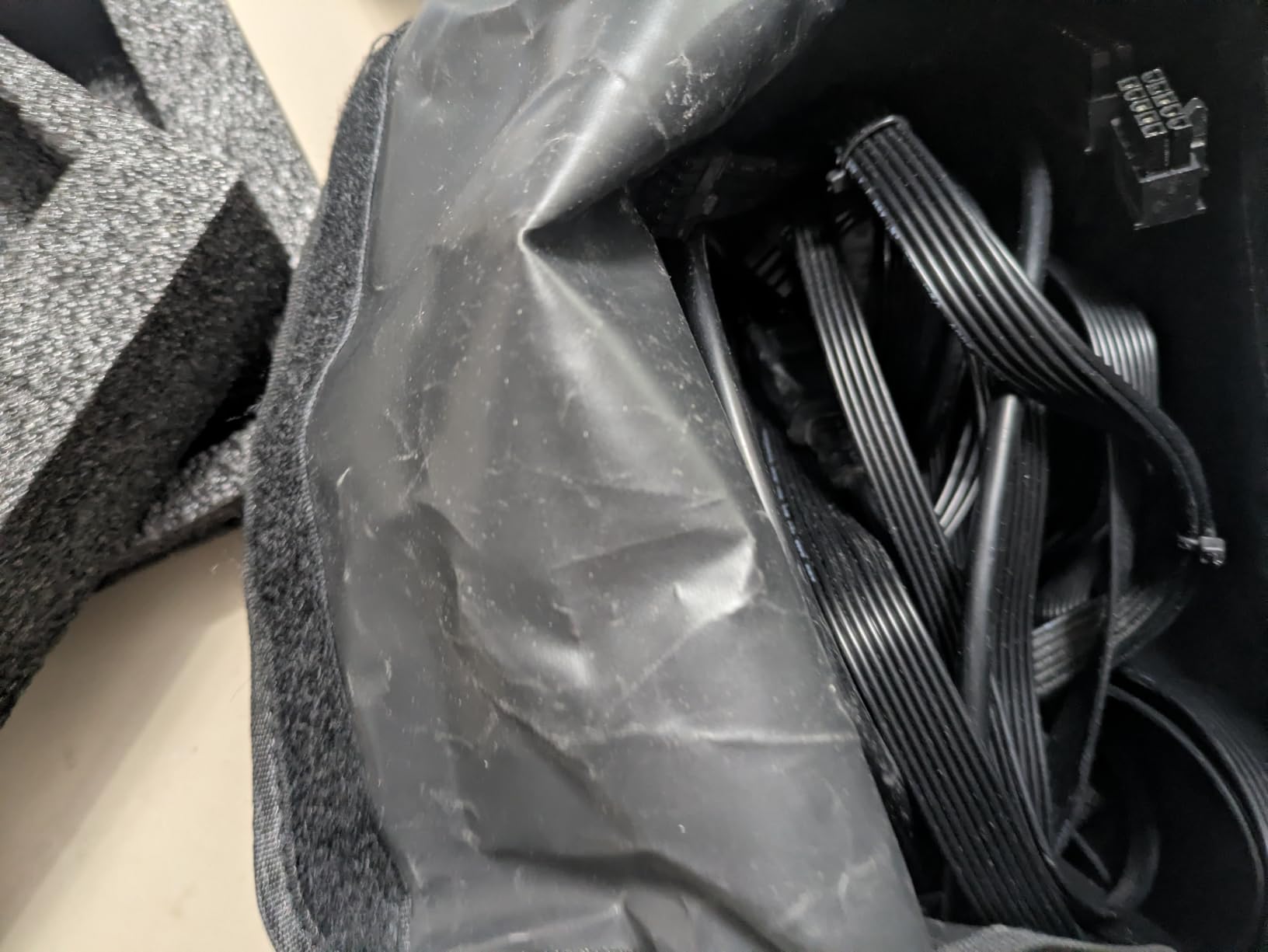
8. Thermaltake Toughpower GX2 600W – Gold Efficiency Without a Modular Harness
Thermaltake Toughpower GX2 80+ Gold 600W SLI/Crossfire Ready Continuous Power ATX 12V V2.4/EPS V2.92 Non Modular Power Supply 5 Year Warranty PS-TPD-0600NNFAGU-2
600W
80 Plus Gold up to 90%
Single 12V rail
DC-to-DC
5 year warranty
+ Pros
- Gold efficiency at a budget-friendly price point
- Quiet 120mm dynamic bearing fan
- Low ripple output on a single 12V rail
- Generous connector count including six SATA
– Cons
- Non-modular
- all cables permanently attached
- Older ATX 12V V2.4 platform needs an adapter for current GPUs
This is the odd one out in the list and worth explaining. It delivers 80 PLUS Gold efficiency at a price point where most units in this group sit a tier lower, using an older ATX 12V V2.4 platform. That older standard is the catch: current graphics cards still need an adapter, because there is no native 12V-2×6 here.
What you get in return is a single 12V rail with DC-to-DC conversion, low ripple noise, a quiet 120mm dynamic bearing fan, and a generous connector count including six SATA connectors for a drive-heavy build. Reviewers treat it as a sensible step up from White-rated supplies without the price jump of premium brands.
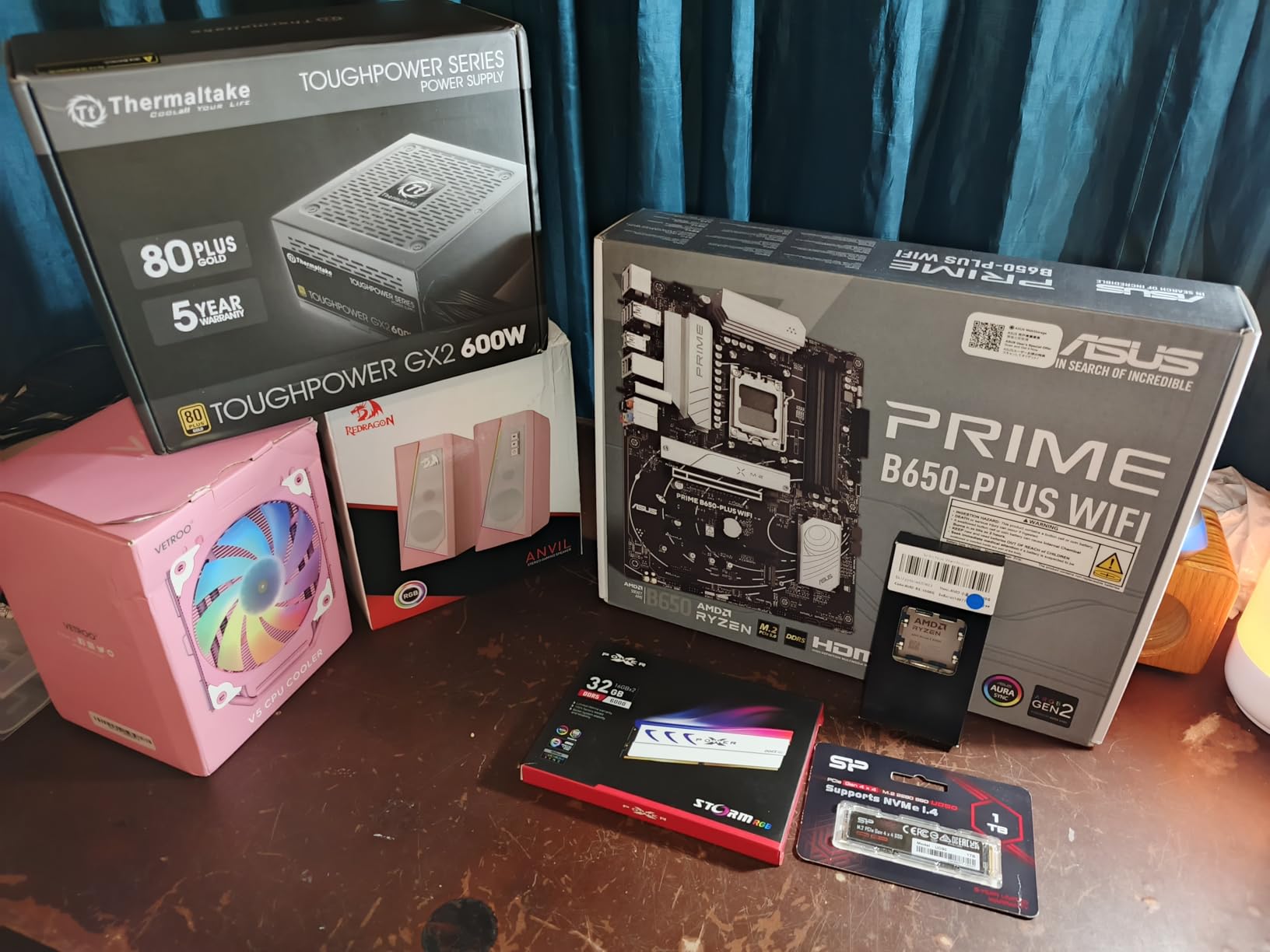
Gold efficiency on a 600W budget
Up to 90 percent efficiency means less waste heat going into the case and lower draw at the wall. If your build idles a lot, that difference is where you feel it most. The ripple control reviewers describe is also a real benefit for a system that will run a long time between maintenance visits.
Who should skip it
Skip it if you are buying for a current-generation GPU and want to avoid an adapter, or if cable management matters to you. It is a better fit for an existing system with a mid-range card that uses 6+2 pin connectors and a lot of storage drives.
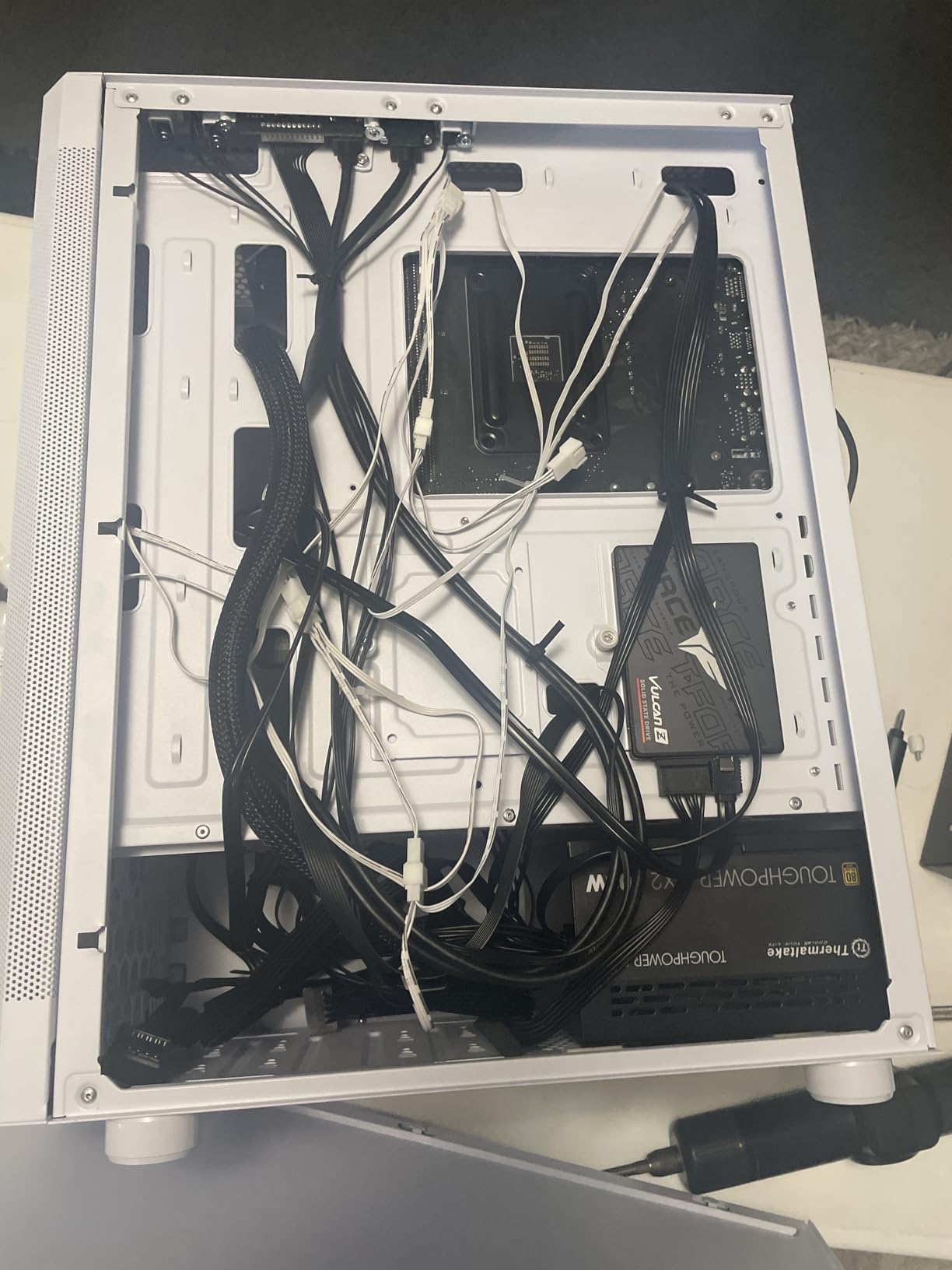
9. Thermaltake Smart 500W – The Most Reviewed Unit in This Price Band
Thermaltake Smart 500W 80+ White Certified PSU, Continuous Power with 120mm Ultra Quiet Cooling Fan, ATX 12V V2.3/EPS 12V Active PFC Power Supply PS-SPD-0500NPCWUS-W
500W
80 Plus White
Non-modular
OPP OVP SCP
5 year warranty
+ Pros
- Over 11000 reviews averaging 4.6
- Very quiet 120mm fan under typical loads
- Universal mounting fits standard ATX cases
- Reports of multi-year service reliability
– Cons
- Non-modular
- every cable permanently attached
- Lowest efficiency certification in this group
- Small share of reviews cite an early defective run
This unit has been on sale so long that it has the largest review history in the category by a wide margin, and that history matters. Owners who have had it for five or six years report continued reliability, and the recurring one-star reviews appear tied to a specific production run rather than to the design.
For an office desktop, a home lab machine, or a replacement supply in a system with a modest card, 500W is genuinely enough. It delivers 500W continuous at 40°C, complies with ATX 12V V2.3 and EPS 12V 2.92, and lists OPP, OVP and SCP protections with a 100,000 hour MTBF figure.
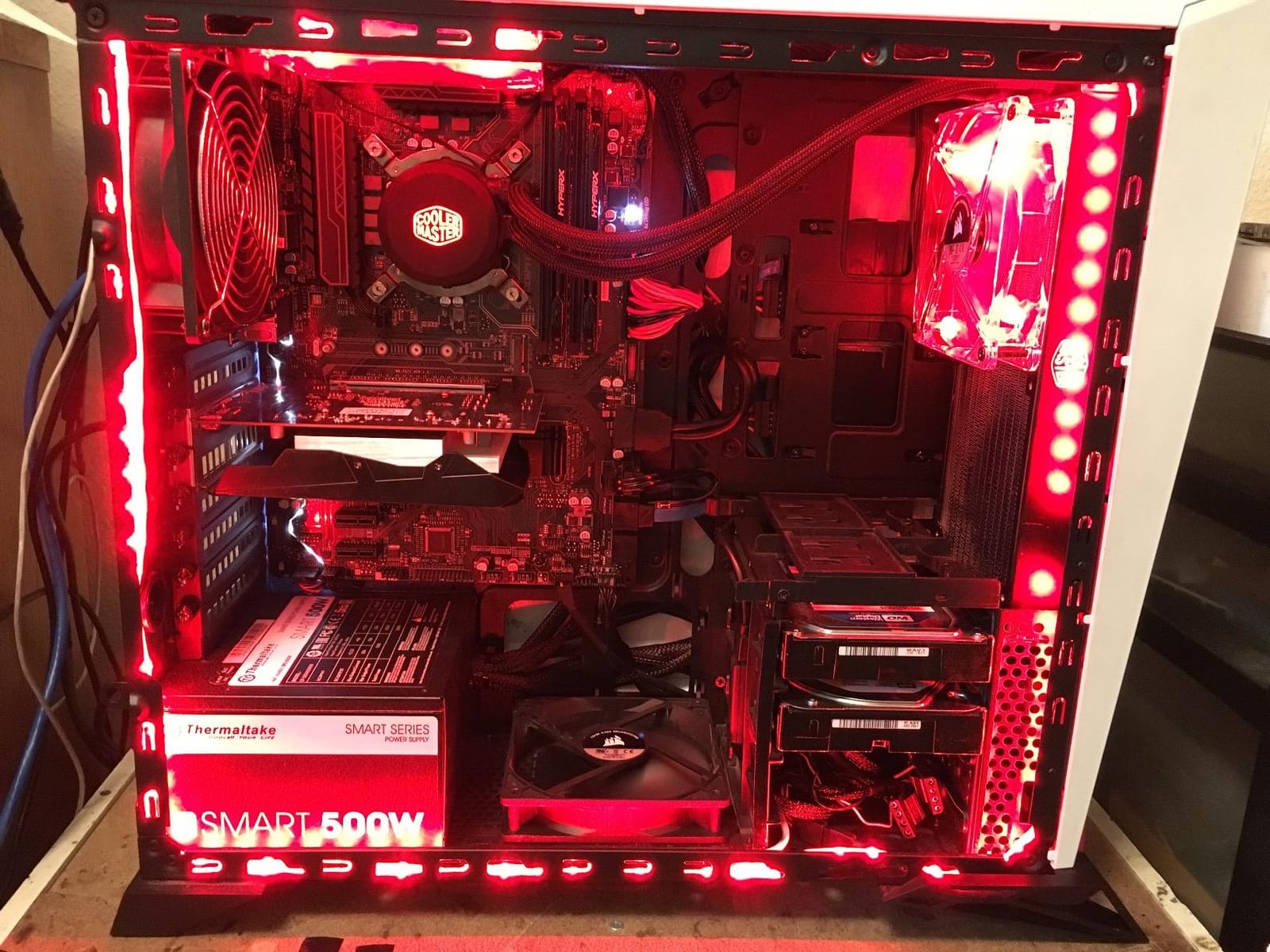
What the 80 PLUS White rating means for you
White is the lowest certification tier, roughly 80 percent efficiency under typical load. In a small office case that runs a light load all day, the extra heat is manageable. It is not the choice for a compact, sealed gaming rig where airflow is poor, because you would be converting more of your draw into heat with no offsetting benefit.
The honest limitation
Several owners report wishing they had chosen a higher efficiency tier, and a minority of reviews describe a small share of units failing early. A 500W ceiling also closes the door on any GPU upgrade later, so treat it as a fixed-endpoint purchase rather than a foundation to build on.
10. Auotac 1000W Gold – 1000W of Headroom in a Standard Case Footprint
Auotac 1000W Fully Modular Power Supply, 80+ Gold PSU, ATX 3.1 & PCIe 5.1 Ready, Native Dual-Color 12V-2×6 Cable, RGB Low-Noise Smart Fan, 105°C-Rated Capacitors, Black
1000W
80 Plus Gold at 92%
ATX 3.1
105C capacitors
10 year warranty
+ Pros
- 1000W in a standard 150mm ATX footprint
- Native dual-colour 12V-2×6 cable
- 105C-rated Japanese electrolytic capacitors
- PSU tester and cable management kit included
– Cons
- RGB lighting can conflict with other hardware on the same header
- Less established brand with a shorter review history
- Some listed reviews appear to describe unrelated items
If your priority is raw headroom, this is one of only two models here that deliver 1000W. It is fully modular, 80 PLUS Gold at up to 92 percent efficiency, ATX 3.1 compliant with transient excursion support, and it uses 105°C-rated Japanese electrolytic capacitors with a ten-year warranty.
Owners value the electrical quality first, citing smooth DC output and a quiet, powerful unit that has held up over a year of use driving a high-end graphics card. The bundled toolkit, including a PSU tester, cable comb and ties, is an unusual inclusion.
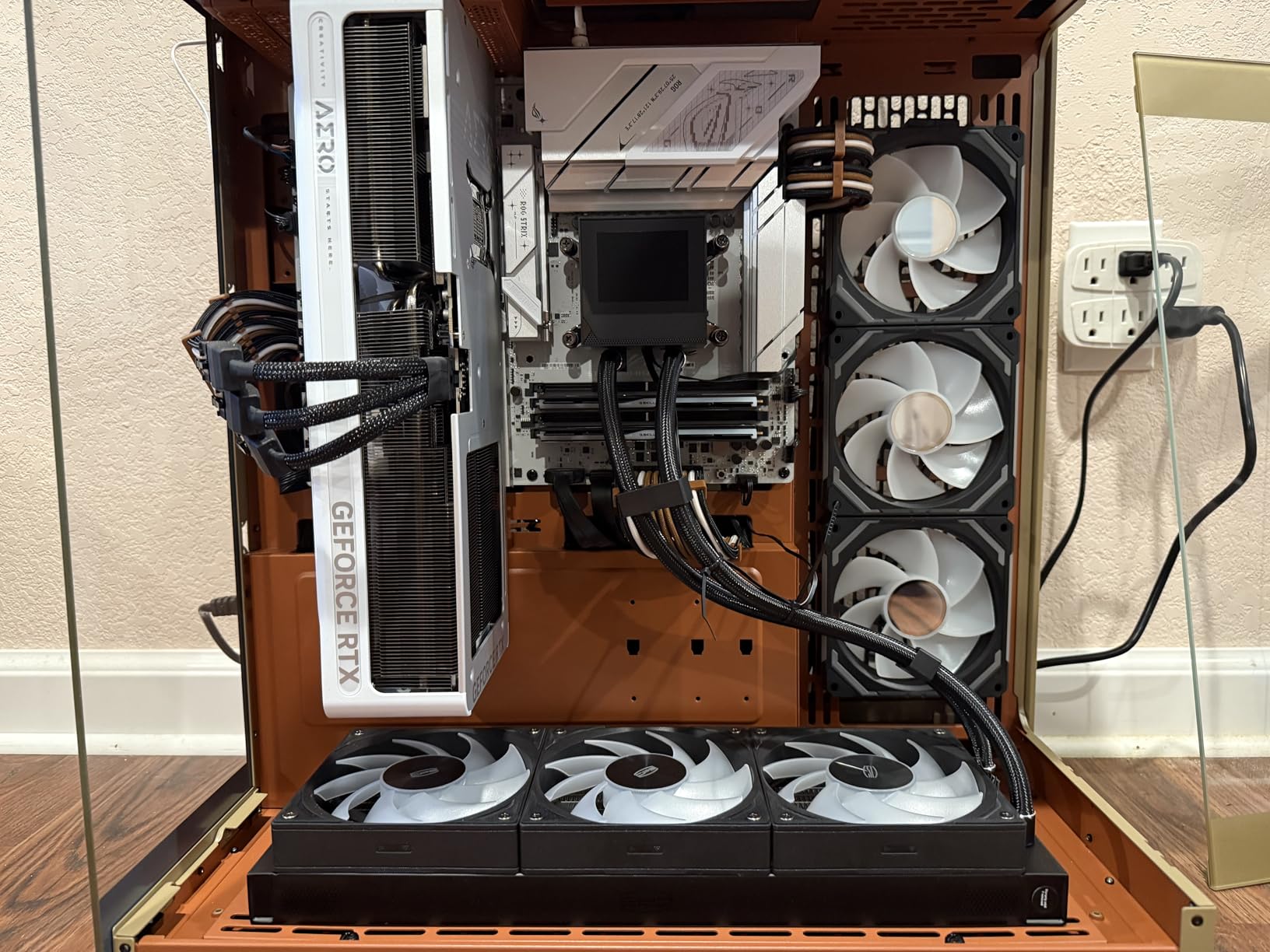
The 140mm fan and the standard footprint
A 140mm low-noise fan that supports an RGB silent mode means more airflow at lower speed than a 120mm would need. The 150 x 150 x 86mm body is the standard ATX footprint, so it fits mainstream cases without a special mounting bracket. That matters more than the wattage figure if your case is not oversized.
What the brand name tells you
This is the least established brand in the group, with a shorter review history than the major manufacturers, and some of the listed reviews describe products unrelated to power supplies, which makes the visible rating harder to read. The electrical claims are specific enough to verify, but the warranty track record is not yet established. The one consistent functional complaint is RGB integration, where lighting can cut out an entire circuit on some builds.
How to Choose a Power Supply Under 150 Dollars
The buying decision at this budget is a sequence, and doing it out of order is how people end up with a 1000W unit they never need. Work through the specs below in this order and the choice makes itself.
What the sub-150 tier actually buys you
Under 100 dollars the market is dominated by Bronze-rated, largely non-modular units, and that is a perfectly reasonable place to be for a 1080p build. The band from 100 to 150 is where the specification jumps: Gold efficiency, full modularity and ATX 3.1 certification all become available. If you are building anything with a current-generation graphics card, that band is the only one worth shopping in.
What you give up by waiting for a higher budget is usually wattage, not quality. Above 150 dollars you can get 1000W or 1200W units with longer warranties and quieter fans, but a 850W ATX 3.1 Gold unit is genuinely better for most builds than a 1000W Bronze unit at twice the price.
80 PLUS Bronze vs Gold vs Platinum: where the extra money goes
The rating measures how much of the power drawn from the wall reaches your components instead of becoming heat. Bronze is roughly 85 to 88 percent efficient, Gold is roughly 90 percent at a 50 percent load, and Platinum pushes past 90 percent across a wider band. The difference between tiers is a few watts of heat, and the savings only accumulate over a long time at a meaningful electricity rate.
For a gaming PC that spends hours at 30 to 50 percent load, Gold is the sensible target and it is where most of this list sits. Platinum buys you very little at this wattage, and White is acceptable only in a light, well-ventilated system. Our high-end graphics card power supply guide covers the case for stepping up much further.
ATX 3.0 vs ATX 3.1 and the 12V-2×6 connector
ATX 3.1 units are tested to handle GPU transient power excursions up to twice the steady-state wattage, which is the short spike a card produces when it changes power state. ATX 3.0 units have shorter required hold-up times and are generally fine for cards that draw a moderate amount, but they carry fewer excursion allowances. ATX 2.x units, like the Toughpower GX2, have no excursion handling at all and rely on adapters.
The 12V-2×6 connector is the physical expression of that standard. It is a 16-pin connector rated to 600W, and the reason the earlier 12VHPWR version had a reputation for melting was improper seating and tight bends at the plug. The 12V-2×6 revision adds improved contact geometry and the PSU side is designed to detect a partially inserted connector. Even so, seat the plug fully and keep the cable from bending within about 35mm of the connector.
If your graphics card ships with its own 12V-2×6 cable, use that rather than the one from the supply, since GPU vendors have reissued these with better contact design.
How much wattage you actually need
Add up your CPU and GPU power draw, add around 30 percent for peak transients and future upgrades, and round up to the next available tier. A Ryzen 5 or Core i5 with an RTX 4060 Ti or RX 7600 sits comfortably in the 550W to 650W range. A Core i7 or Ryzen 7 with an RTX 4070 or RX 7800 XT wants 750W.
Anything heavier, including an RTX 4070 Ti Super or RTX 4080, belongs in the 850W bracket, which is exactly where most of the strong options in this list sit. You are almost certainly over-wattaged if you are considering 1000W without a high-end card, and one owner of a much faster card reported a peak draw far below what the labelling implied. Sizing a supply to a realistic load also means it runs closer to its efficient sweet spot.
Modularity, fan noise and case fit
Fully modular means you only connect the cables you need, which is the single biggest difference in build quality between a cheap and an expensive-looking system. Semi-modular attaches the 24-pin and EPS permanently and detaches the rest. Non-modular attaches everything, and the unused bundle has to be stuffed behind the tray.
On noise, look for semi-passive or zero-RPM behaviour, where the fan stops entirely at low load. Also check the chassis length, because a short body leaves more room for cable routing. Our 750W roundup goes into this in more depth, and the 850W guide covers the higher tier. For unstable mains, an online UPS is the more effective protection than any supply choice.
Warranty length and brand support
Warranty length is the most honest proxy for expected lifespan available to a buyer who cannot measure the internals. A 10-year warranty tells you the manufacturer expects the unit to outlast several upgrade cycles. Before buying anything, confirm the brand still services power supplies at all, since some well-known names have exited this market and left warranty claims with a liquidator.
Community consensus in the build forums consistently names Seasonic, Corsair and Cooler Master among the safe choices, and brand reputation is weighted above raw wattage or headline price. A known-brand 650W beats an unknown-brand 850W in almost every scenario.
Power Supply Red Flags to Avoid Under 150 Dollars
The dominant fear in every budget builder forum is buying a ticking time bomb. That fear is reasonable, and it is also solvable, because almost every genuinely bad listing gives itself away if you know where to look.
Six checks to run on the listing before you buy
First, check that the efficiency rating is actually stated. No rating at all is a bad sign. Second, look for the protection list: OVP for over-voltage, OCP for over-current, OPP for over-power, SCP for short circuit and OTP for over-temperature. A listing that names none of them is a listing to skip.
Third, confirm the capacitor temperature rating, ideally 105°C. Fourth, verify the brand has a functioning warranty process rather than a storefront that no longer exists. Fifth, check whether the unit is a single 12V rail, since modern multi-rail designs split the output and can limit per-connector current on older supplies. Sixth, confirm the total connector count covers your drives, with at least two or three SATA connectors for a storage-heavy machine.
One category to treat carefully is server and OEM pulls. They can be cheap and electrically excellent, but they typically carry no warranty, no retail support and often odd connector layouts. They are a side project, not a first build.
The startup click is not a fault
Many buyers report a click at power-on and assume something has failed. That sound is the inrush relay engaging as the capacitors charge, and it is normal behaviour on most quality supplies. It is worth checking that the unit starts cleanly every time and holds voltage, but a single click at startup is not a defect on its own.
Component revisions and 12V-2×6 safety
Models get silently revised after certification, and community members have reported discovering lower-quality parts in a later production run of a model that had tested well. Buying from a seller with clear return terms protects you against this in a way that a lower price does not.
On connector safety, a commenter in the Hardware Busters discussion thread reported a burned 12V-2×6 cable end and a scorched video board. That outcome is what happens when a partially seated connector sits under load. Push the plug in until it clicks, do not route the cable with a sharp bend close to the connector, and check the fit again after a few minutes of operation.
Frequently Asked Questions About Power Supplies Under 150 Dollars
What is the best cheap power supply?
The best cheap power supply is one from a known brand that lists its protection circuits, states a 105°C capacitor rating and carries a warranty of at least five years. At the budget end, the Corsair CX750 and the Thermaltake Smart 500W both meet that bar with long owner histories. Efficiency matters far less than people expect; a reliable Bronze unit beats an unreliable Gold unit every time.
Who makes the most reliable power supplies?
Builders most often name Seasonic, Corsair and Cooler Master as the safest names, with Thermaltake and MSI also widely trusted. The more useful test is not the name but whether the brand still services power supplies and whether the specific model lists OVP, OCP, OPP, SCP and OTP. Warranty length from five to ten years is the most honest proxy for expected lifespan available to a buyer.
What is the best power supply under 100 dollars?
Under 100 dollars the market is dominated by 80 PLUS Bronze, mostly non-modular units. The Corsair CX750 and the MSI MAG A650BN are the two strongest options in that band, both proven over thousands of reviews, and both list a full protection suite. Below this price you give up Gold efficiency, full modularity and ATX 3.1 certification.
Is a 1000W PSU overkill?
Usually, yes. Sum your CPU and GPU draw, add roughly 30 percent for transients and future upgrades, and round up. A 4070 Ti Super or 4080 class card with a hot CPU justifies 850W or 1000W. A 4060 Ti or 7600 class card with a mid-range processor needs only 550W to 650W. Oversizing costs money and pushes the supply away from its most efficient load range.
Which is better for my PC, a 750W or 850W power supply?
Choose 750W for a Core i5 or Ryzen 5 with an RTX 4070 or RX 7800 XT, where it leaves comfortable headroom. Choose 850W if you run a hotter CPU, plan to upgrade the graphics card within a few years, or want protection against transient spikes that can briefly exceed steady-state draw. At this budget the step up is usually 20 to 30 dollars.
Do I need ATX 3.1 for an RTX 4070?
Not strictly. An ATX 3.0 or even ATX 2.x supply with a 12VHPWR adapter can run an RTX 4070, and the card ships with its own cable in most cases. ATX 3.1 is worth paying for because the unit is tested to handle GPU transient power excursions and includes a native 12V-2×6 cable, which removes the adapter and its seating risk entirely.
Final Verdict: Which Power Supply Under 150 Dollars Should You Buy?
If you want one answer, take the Corsair RM850e. Very few units in this group pair ATX 3.1 certification, a native 12V-2×6 cable, 105°C-rated Japanese capacitors and full modularity, and none of them combine that with a chassis as short as 5.91 inches. That combination is what makes it our pick for the best power supplies under 150 dollars in 2026.
Match the rest to your build. If you are running a 4070-class card and want to keep costs down, the Corsair RM750e gives you the same platform at 750W. If you need a 650W unit for a mid-range card, the MSI MAG A650BN has the strongest owner record in the category and a full five-circuit protection suite. For a silent rig, the be quiet! Pure Power 13 M 1000W is the quietest thing here, provided your cable lengths work in your case.
Avoid anything that hides its protections, omits a capacitor rating, or comes from a brand that no longer services power supplies. That is where budget builds actually go wrong, not at the wattage number. Check the listing against the six checks above, pick the match for your GPU, and buy the one whose warranty the seller will honour in five years.
Leave a Reply