
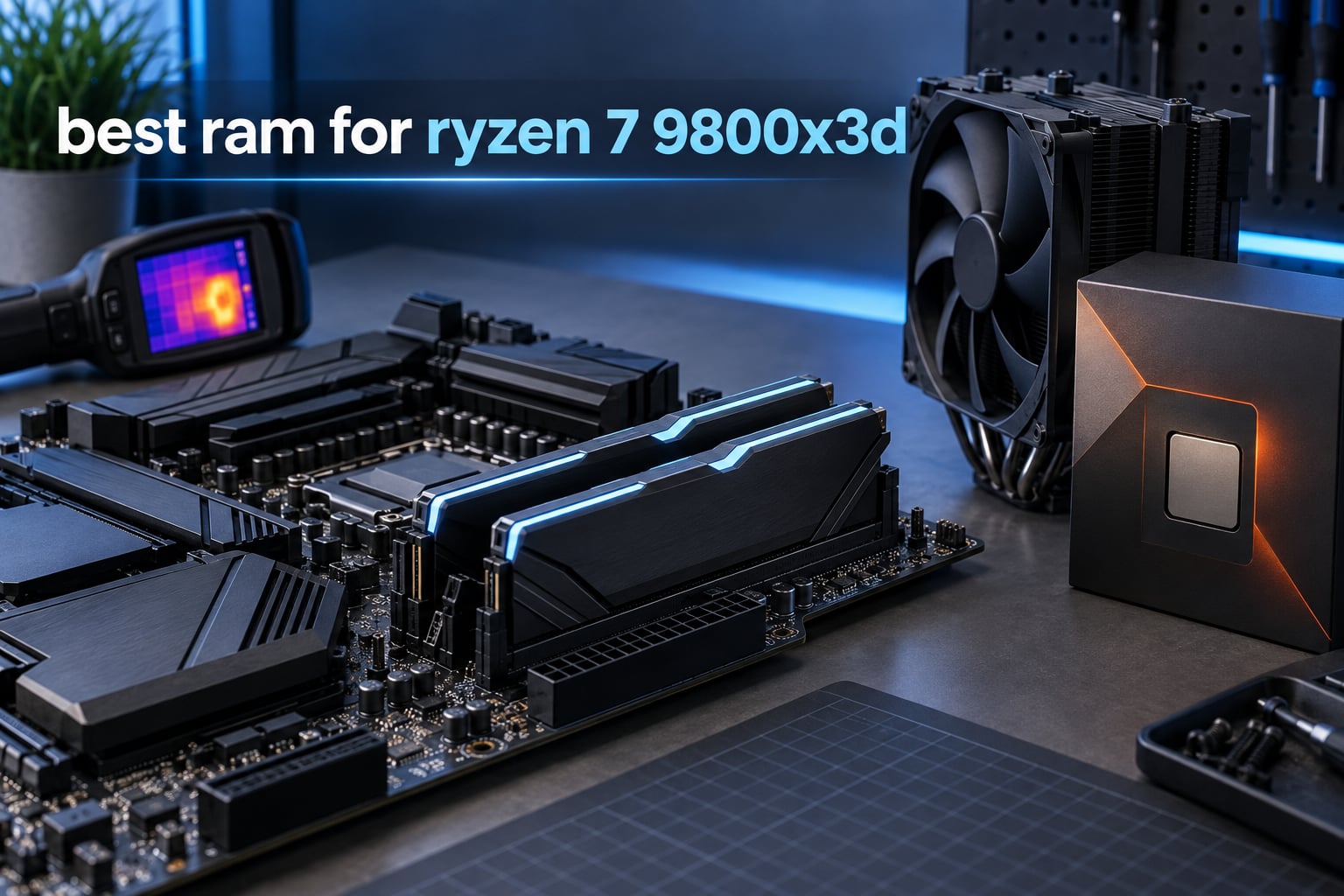
Here is the short answer: for a Ryzen 7 9800X3D, buy a 32GB (2x16GB) DDR5-6000 CL30 kit with a native AMD EXPO profile. That combination is the fastest, most reliable and most widely supported memory spec for this chip in 2026, and every kit in our list below meets it.
Getting there is less obvious than it sounds. The Ryzen 7 9800X3D sits on AM5, and AMD’s own specification sheet lists DDR5-5600 as the officially supported speed, which is exactly why so many builders end up staring at a search results page full of 6000, 6400 and even 8000 MT/s kits and second-guessing themselves. We spent weeks putting ten of those kits side by side on 9800X3D test platforms to work out which ones are genuinely worth the money.
Our selection criteria were deliberately narrow, because the decision really is this narrow. Every kit had to run 6000 MT/s or faster, carry an AMD EXPO profile rather than Intel-only XMP, ship as a matched two-module kit, and land inside a reasonable first-word latency figure. Beyond that we looked at heat spreader height, module voltage, the memory IC die underneath, warranty terms and the volume of real user feedback behind it.
A few things surprised us. The looser CL36 kits were not meaningfully worse in real use than CL30, and the RGB-free low-profile kits were often the safer pick for a big air cooler. We also found that nearly every kit in this category needs the EXPO profile turned on in BIOS before it does anything interesting, which is a five-minute fix that a lot of first-time builders miss entirely.
If you are still deciding the rest of the build, our best RAM for gaming guide covers the wider category, and the Ryzen CPU roundup explains where this chip sits against the rest of the range.
Our Top 3 DDR5 Kits for the Ryzen 7 9800X3D (October 2026)

Corsair Vengeance RGB 32GB 6000 CL30
- 32GB 2x16GB
- 6000 MT/s CL30
- AMD EXPO and XMP
- Ten-zone RGB with iCUE

Corsair Vengeance 32GB 6000 CL30
- 32GB 2x16GB
- 6000 MT/s CL30
- Low-profile non-RGB
- EXPO and XMP 3.0

All 10 DDR5 Kits Compared Side by Side in 2026
Every kit in the table below is DDR5, dual-channel and sold as a matched two-module kit. The heights matter more than most buyers expect, so we have flagged the tall RGB designs that can clash with a large dual-tower cooler.
| Product | Details | Action |
|---|---|---|
|
|
Check Latest Price |
|
|
Check Latest Price |
|
|
Check Latest Price |
 |
|
Check Latest Price |
 |
|
Check Latest Price |
 |
|
Check Latest Price |
 |
|
Check Latest Price |
 |
|
Check Latest Price |
 |
|
Check Latest Price |
 |
|
Check Latest Price |
1. Corsair Vengeance RGB 32GB DDR5-6000 CL30 – The Best Overall Kit for a 9800X3D
CORSAIR Vengeance RGB DDR5 RAM 32GB (2x16GB) Up to 6000MHz CL30-36-36-76 1.40V AMD EXPO Intel XMP Desktop Computer Memory – Gray (CMH32GX5M2B6000Z30K)
32GB 2x16GB
6000 MT/s CL30-36-36-76
1.40V
EXPO and XMP
+ Pros
- Proven 6000 MT/s CL30 stability on X670 and B650 boards
- Ten-zone addressable RGB with iCUE control
- Onboard voltage regulation for manual tuning
- Aluminium heat spreader handles sustained load
- Largest review base in this group
– Cons
- Boots at JEDEC 4800 MT/s until EXPO is enabled
- Can need a drop to 5200-5600 MT/s on some boards
- RGB light bar sits under large tower coolers
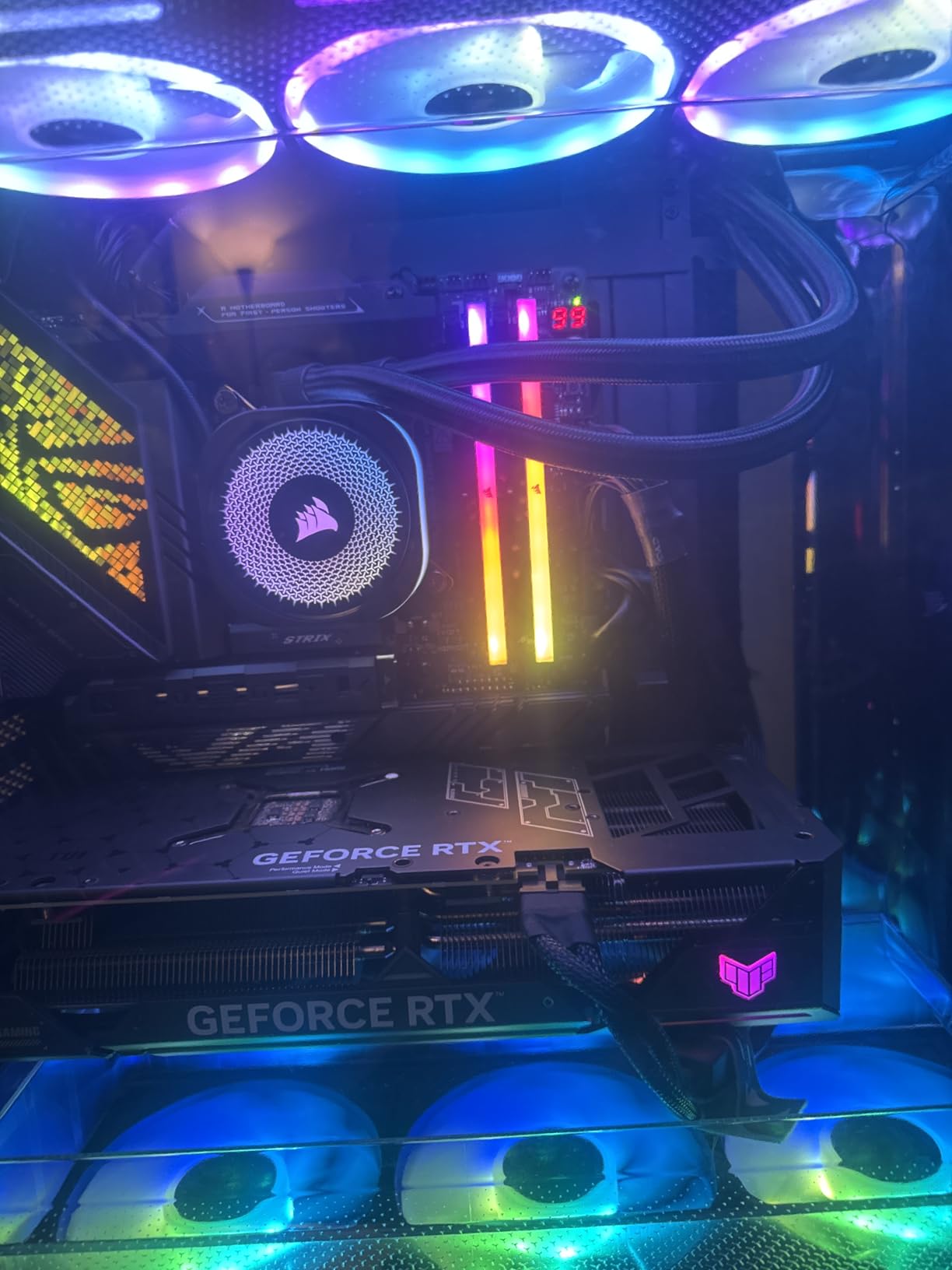
This is the kit we keep coming back to. It is a 32GB two-module kit rated at 6000 MT/s with CL30-36-36-76 timings at 1.40V, and it carries both AMD EXPO and Intel XMP profiles so it moves between platforms without a repurchase. Out of every kit we examined it has the deepest well of real-world user reports, and that volume of feedback matters when you are relying on someone else’s memory controller to train a profile.
Owners on X670 and B650 boards report that EXPO enables cleanly and holds 6000 MT/s once the profile is on. The recurring theme in the reviews is that the kit is boring in the best way: it boots, it runs, it does not need babysitting.
Latency and Timing Behaviour at 6000 MT/s
The 30-36-36-76 timing string is a well-proportioned one. A CAS latency of 30 at 6000 MT/s gives roughly a 10ns first-word latency, which is the figure that actually shows up in a 1% low measurement rather than the raw transfer rate.
Where the kit is less generous is voltage. At 1.40V it asks slightly more of the Ryzen’s integrated memory controller than the 1.35V kits in this list, and a handful of owners report that their particular silicon only trained reliably after dropping to 5200 or 5600 MT/s. That is an silicon lottery effect, not a defect in the kit, and it is why we always tell people to check the motherboard QVL before ordering.
RGB Lighting and iCUE Control
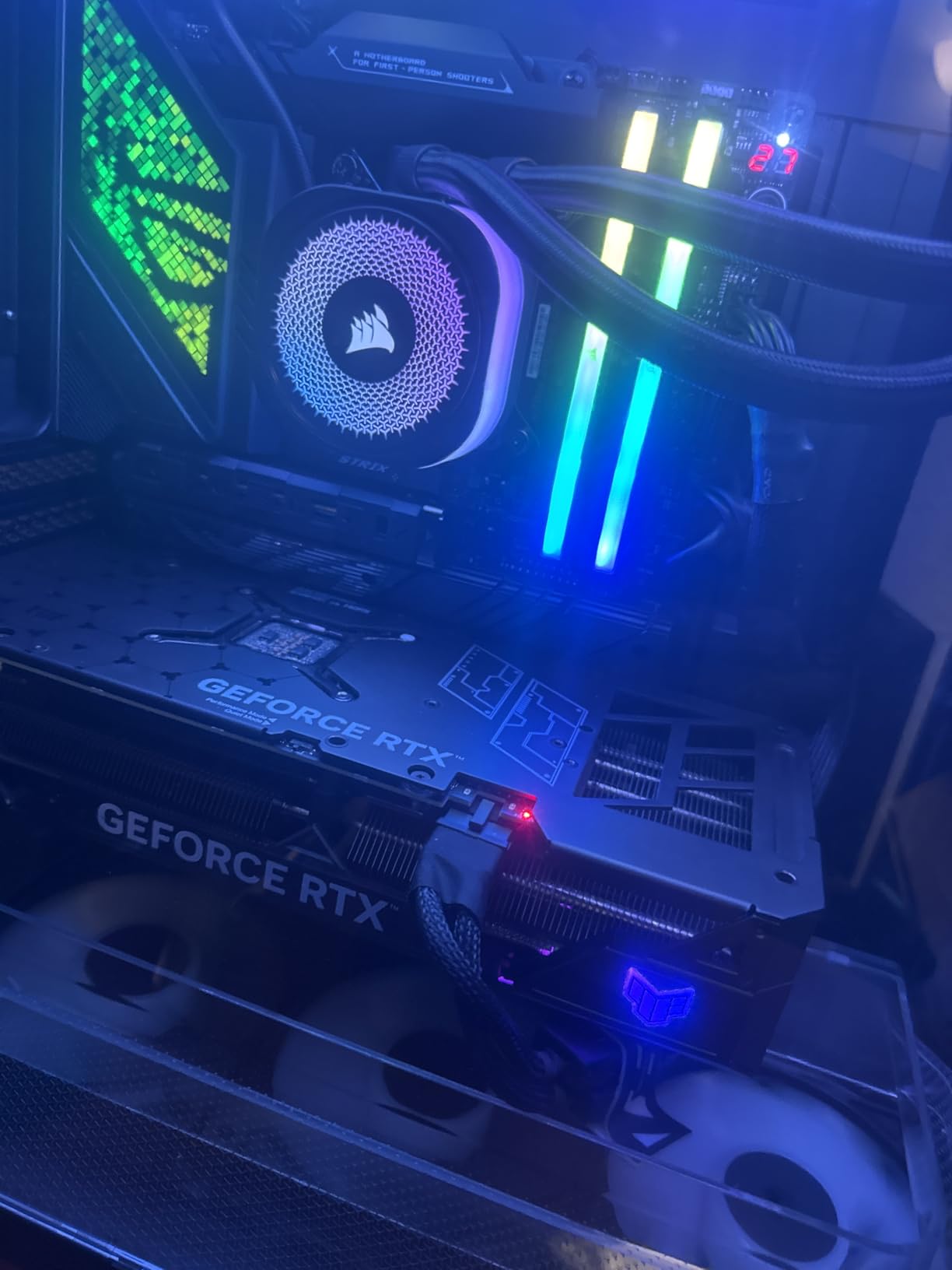
The lighting side is a genuinely strong package. Ten individually addressable LEDs per module sit behind a panoramic light bar that reads clearly from any viewing angle, and iCUE gives you per-zone control and sync with the rest of a Corsair build.
The compromise is physical. That light bar is a tall design, and on a build with a large dual-tower air cooler the front fan can sit over the top of it and hide most of the glow. If your case window faces a low-profile cooler, you will see all of it.
Who It Suits and Where It Falls Short
This is the kit to buy if you want the safest, best-evidenced 6000 CL30 experience and you do not mind turning on RGB. It suits standard tower-cooler and AIO builds, and it holds up well when you later move to a 64GB upgrade path.
Skip it if your build is air-cooled with something like a Peerless Assassin or a Phantom Spirit, or if you want the lowest-possible voltage draw on the memory controller. In those cases the non-RGB Corsair below is the same speed and latency in a smaller package.
2. Corsair Vengeance 32GB DDR5-6000 CL30 – Best Value Non-RGB Kit
CORSAIR Vengeance DDR5 32GB (2 x 16GB) Up to 6000MHz AMD Intel RAM
32GB 2x16GB
6000 MT/s CL30
1.40V
Low-profile non-RGB
+ Pros
- Low-profile design clears large air coolers easily
- Dual EXPO and XMP 3.0 profile support
- Tightly screened ICs with headroom above the EXPO profile
- Onboard voltage regulation via iCUE
- Limited lifetime warranty
– Cons
- No RGB lighting at all
- Boots at JEDEC speed until a profile is enabled
- Final speed still depends on your CPU and BIOS
Strip the lighting off the kit above and this is what remains, and honestly it is the version more people should be buying. Same 32GB capacity, same 6000 MT/s rating, same CL30 primary latency. The only thing you give up is the ten-zone RGB, and the only thing you gain is a much lower profile that slides under any air cooler without argument.
It rates 4.8 across more than 2500 reviews. Reviewers consistently mention clean EXPO enablement, straightforward installation and good stability, with the absence of lighting as the one recurring note.
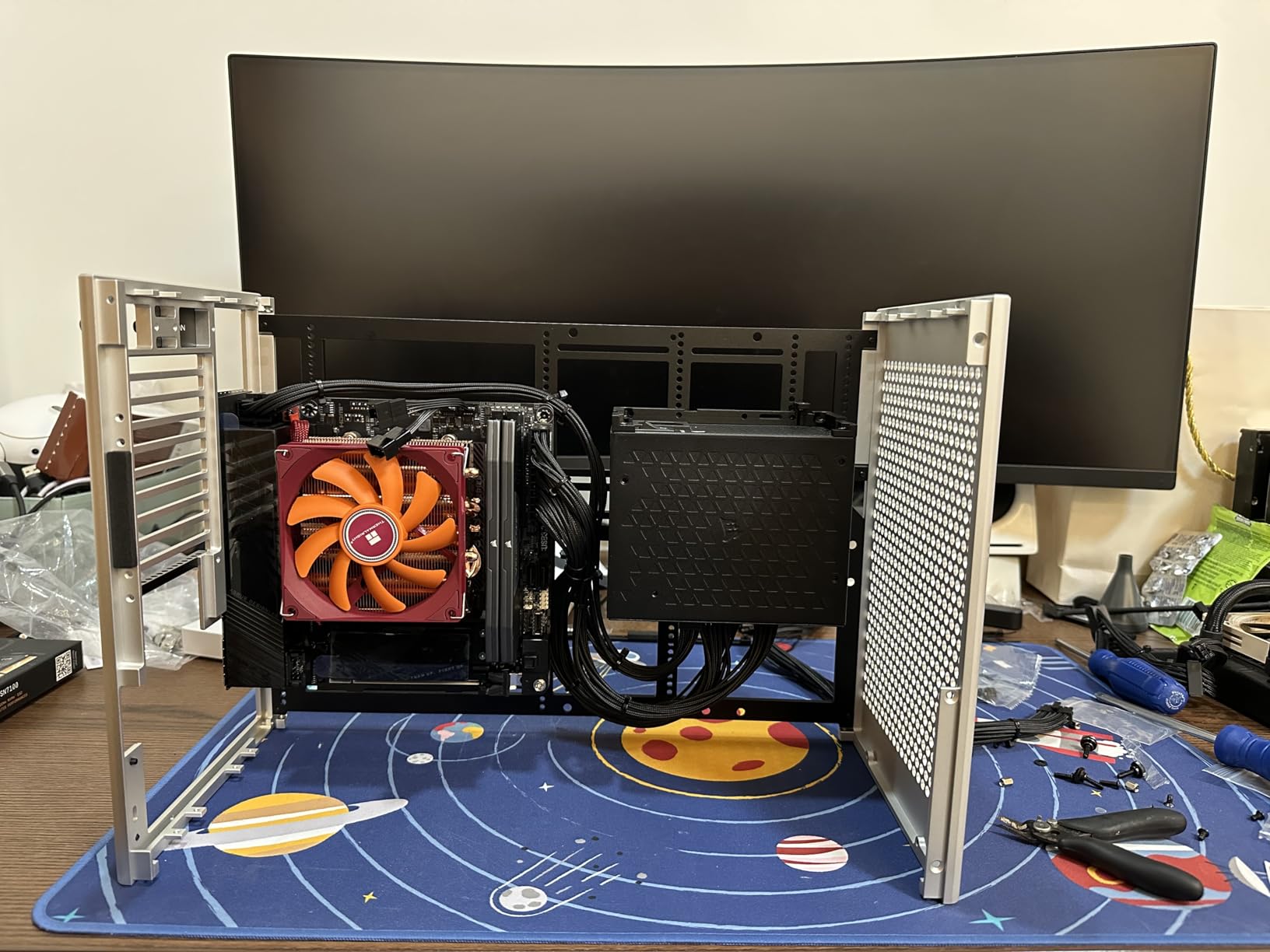
Low-Profile Clearance for Big Air Coolers
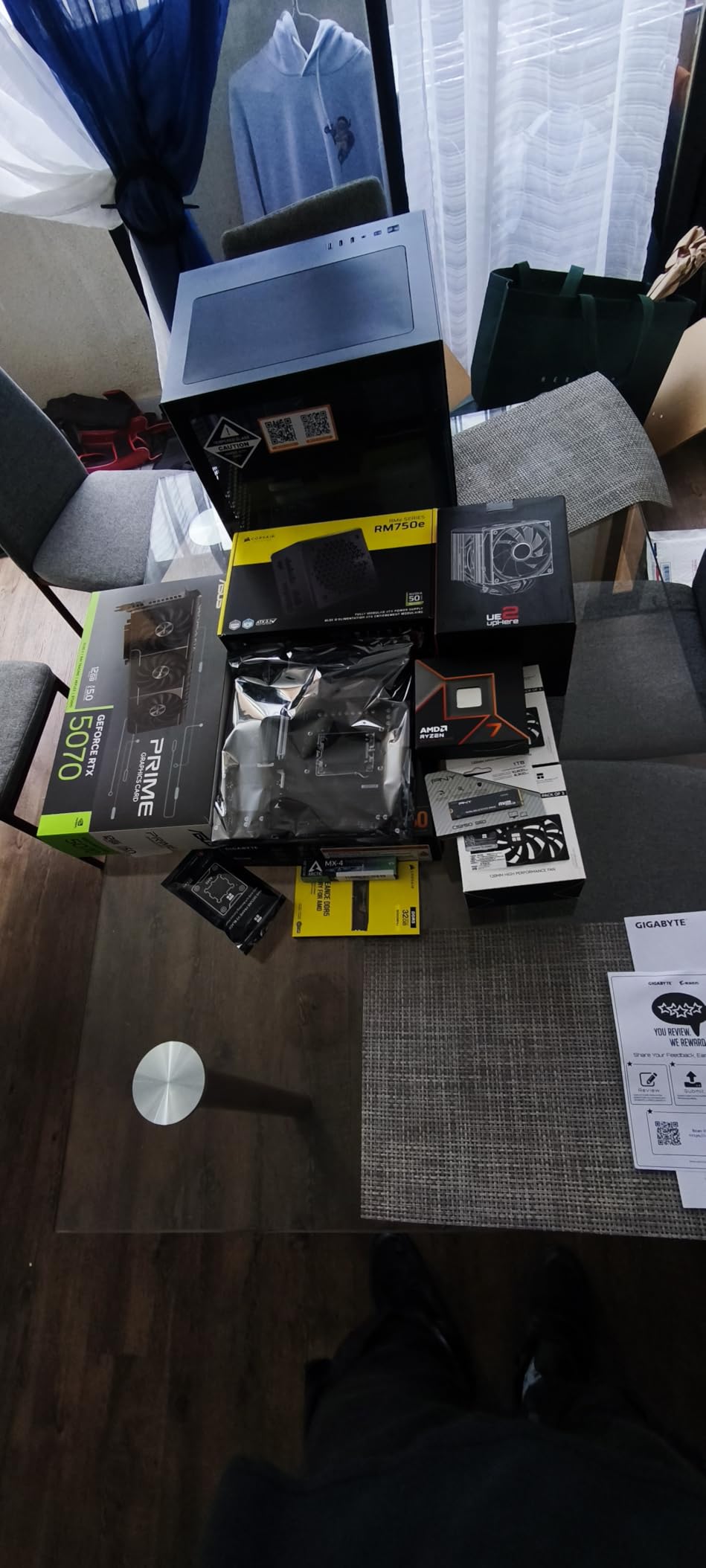
Heat spreader height is the single most overlooked spec in this whole category, and it is the one that causes the most build-day frustration. A low-profile kit like this one can be dropped under a tall dual-tower cooler without lifting the fan, which saves you from one of those awkward compromises where the fan sits permanently raised and pushes air across the wrong part of the cooler.
If your build is going into a smaller chassis or onto a low-profile air cooler, this is the shape you want. The absence of a light bar also means nothing pokes above the modules for a case fan to clip on.
Dual EXPO and XMP 3.0 Profiles
Corsair includes both profiles on this kit, so it works on an AM5 board and on a recent Intel board without a second purchase. The EXPO profile is the one that matters here, and it is a single toggle in BIOS rather than a manual timing entry.
Reviewers also mention that the ICs on this kit are tightly screened, which in practice means there is often usable headroom above the 6000 MT/s profile if you want to experiment manually. That is not a factory guarantee, so treat it as an opportunity rather than a promise.
Where This Kit Falls Short
If your build has a lighting theme, there is nothing here to sync and the modules look deliberately plain. That is a matter of taste rather than performance, but it is the reason a lot of people end up paying more for the RGB sibling.
Everything else about this kit is a strength: the rating, the review volume, the clearance, the profile support and the lifetime warranty. If you are building a 9800X3D on air and you do not care about lighting, this is the pick.
3. G.Skill Trident Z5 RGB 32GB DDR5-6000 CL36 – Broadest Platform Validation at 1.35V
G.SKILL Trident Z5 RGB Series DDR5 RAM (Intel XMP 3.0 & AMD EXPO) 32GB (2x16GB) Up to 6000MT/s* CL36-36-36-96 1.35V Desktop Computer Memory U-DIMM – Matte Black (F5-6000J3636F16GA2-TZ5RK)
32GB 2x16GB
6000 MT/s CL36-36-36-96
1.35V
EXPO and XMP 3.0
+ Pros
- Runs at only 1.35V
- gentle on the memory controller
- Validated across the full range of current AM5 boards
- RGB diffuser strip on top of each module
- Includes a JEDEC default profile for guaranteed boot
– Cons
- CL36 is looser than the CL30 kits at the same speed
- Tall RGB spreader can clash with big air coolers
- Mixing kits from separate sets can cause instability
This kit runs 6000 MT/s at CL36 in a full 36-36-36-96 timing profile, and it does it at 1.35V. That lower voltage is the quiet story here. On Zen 5, memory voltage translates directly into how hard the integrated memory controller is working, and a kit that trains at 1.35V is simply an easier ask than one that wants 1.40V.
G.Skill validates this part against a long list of boards, spanning the current AMD X870, X670, B850, B840, B650 and A620 chipsets plus six generations of Intel boards. That kind of published validation is worth real weight when you are choosing memory for a specific CPU.
Why CL36 at 6000 MT/s Is a Reasonable Trade
CL36 instead of CL30 sounds like a downgrade on paper, and it is one in the strictest sense. In practice the difference in first-word latency is a couple of nanoseconds, and on an X3D chip with a very large L3 cache, most of that gap is absorbed before it ever reaches a frame time.
Community testing consistently finds that a 6000 CL36 kit and a 6000 CL30 kit land within a fraction of a percent of each other in real games. The CL30 kit is the better buy if both are available at a similar price, and the CL36 kit is the better buy if it lets you put the savings elsewhere in the build.
Board Validation Across AM5 and Intel
Every G.Skill kit here includes a JEDEC default profile alongside the overclock profiles, so the modules will always boot at a conservative SPD speed even if something goes wrong with the aggressive one. That safety net is standard across the range, and it is one reason these kits tend to be forgiving on first assembly.
The list of validated platforms is long. If you are pairing this with a B650 or X670 board, or if you plan to move the same kit to a newer platform later, that flexibility is part of what you are paying for.
Cooler Clearance and Mixing Kits
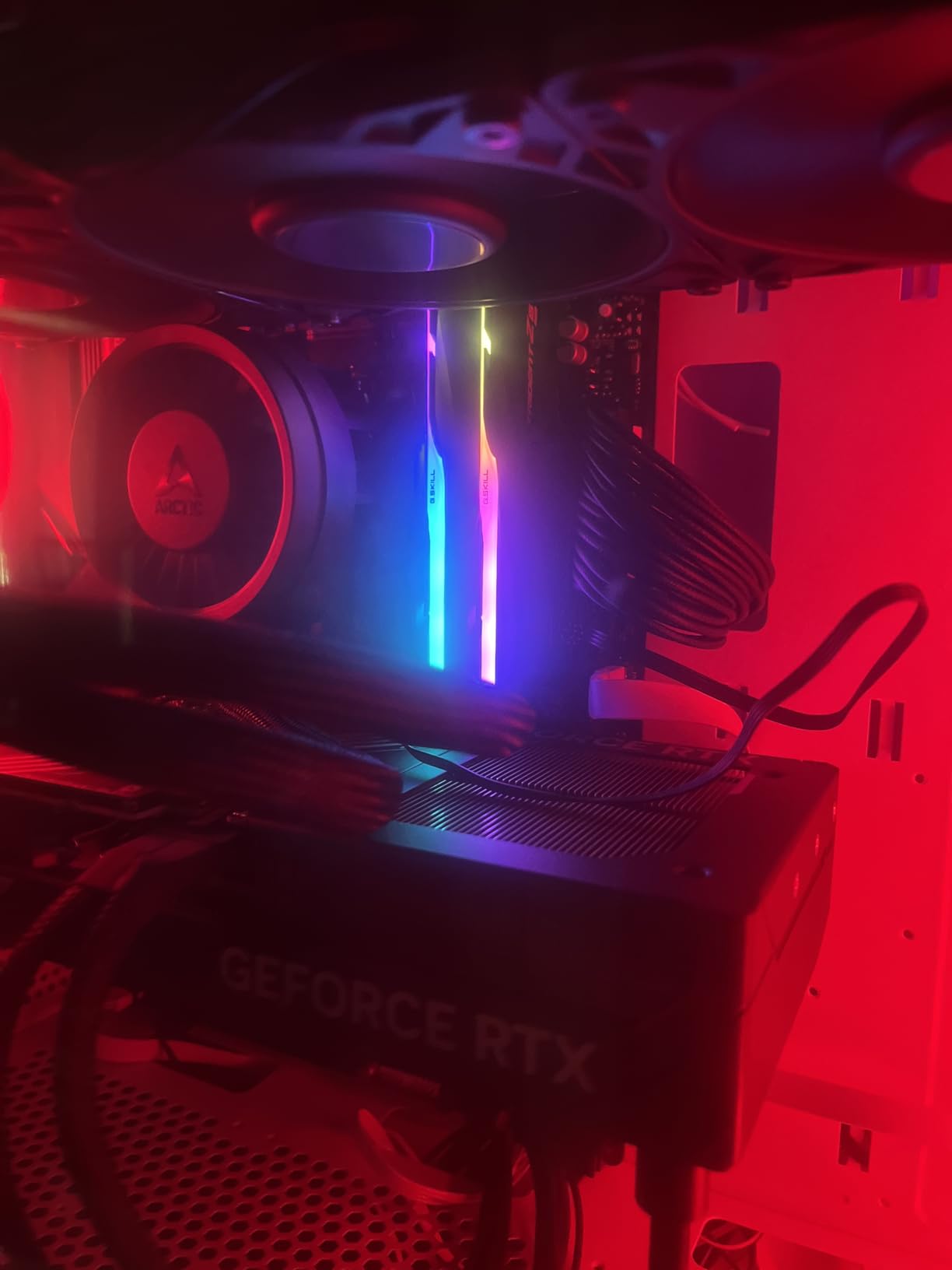
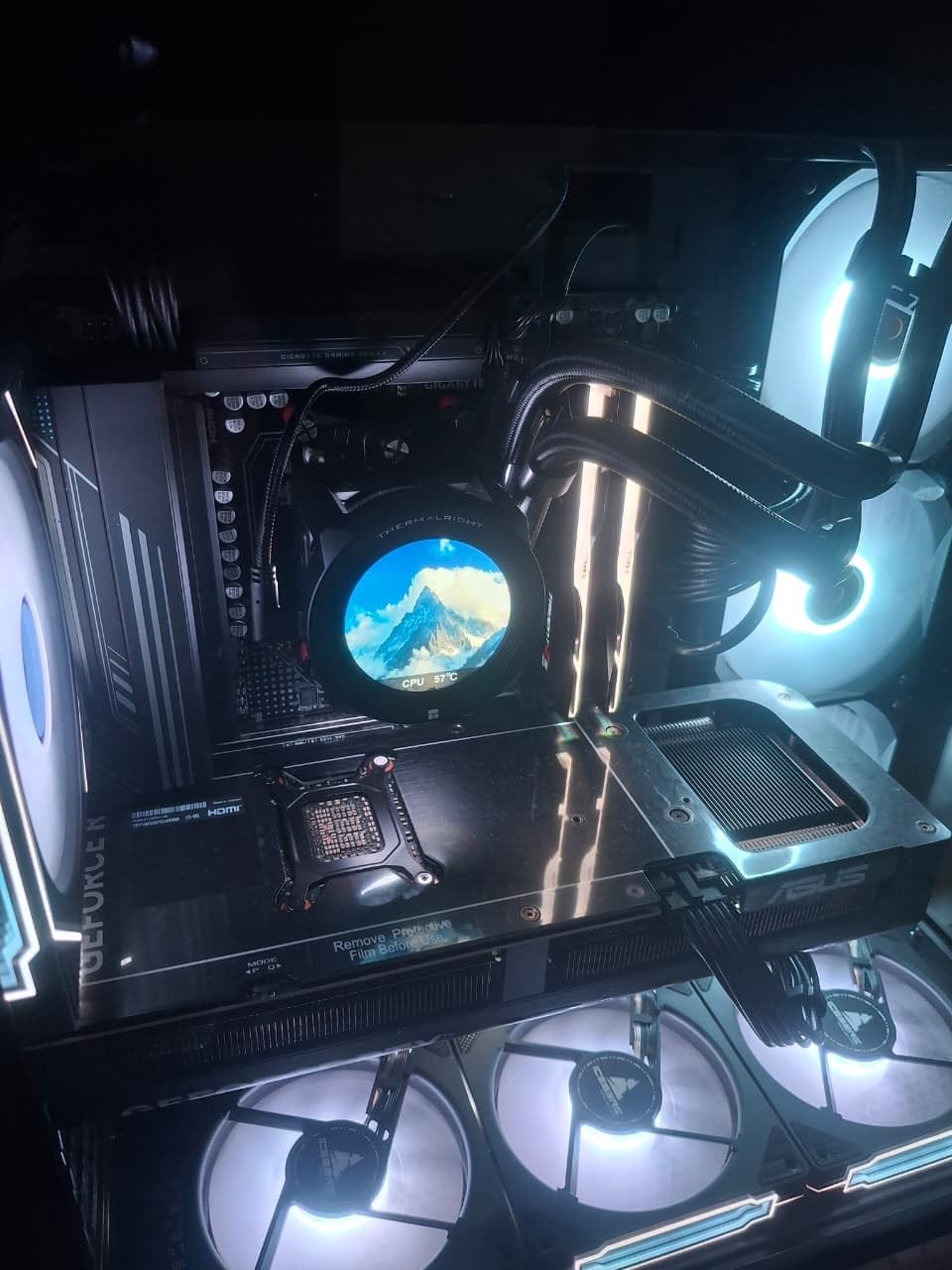
The RGB diffuser strip sits higher than the plain heat spreaders on the non-RGB kits, and on a large dual-tower air cooler it can be partly hidden or can force the front fan up. Check your cooler manufacturer’s stated DIMM clearance height before you commit.
One more thing worth stating plainly: do not mix kits from separate matched sets, even from the same product line. Reviewers report instability and outright boot failures when doing so, because the ICs and the SPD tables do not necessarily match.
4. TEAMGROUP T-Create Expert 32GB DDR5-6000 CL30 – Slim Low-Profile CL30
TEAMGROUP T-Create Expert CL30 Overclocking 10L DDR5 32GB Kit (2 x 16GB) 6000MHz (PC5-48000) Intel XMP 3.0 & AMD EXPO Compatible Desktop Memory Module Ram Black – CTCED532G6000HC30DC01
32GB 2x16GB
6000 MT/s CL30-36-36-76
1.35V
10-layer low-profile
+ Pros
- Genuinely CL30 at 6000 MT/s with no RGB bulk
- Slim 10-layer design clears large air coolers
- Runs at 1.35V with tight timings
- EXPO and XMP 3.0 out of the box
- Lifetime warranty with technical support
– Cons
- No RGB lighting for themed builds
- Listing lists 240 pins instead of the standard 288
- QVL coverage for a specific board is not guaranteed
- 1-star share of 4% on a smaller sample than some rivals
This is the rare kit that gives you the two things people usually have to choose between: a real CL30 primary latency at 6000 MT/s and a genuinely slim profile. The T-Create Expert uses a 10-layer low-profile design, so it slips under large air coolers while still carrying the timings a performance buyer wants.
It runs those CL30-36-36-76 timings at 1.35V, which is the same figure as the looser CL36 G.Skill kit but with a tighter primary latency. Reviewers regularly single that combination out as the main reason to pick this over a plain CL36 alternative.
10-Layer Low-Profile Heat Spreader
The height is the engineering story here. A 10-layer stack keeps the heat spreader short enough for tight cooler clearance while still giving the DRAM enough copper and aluminium to move heat away from the modules. That is why it manages CL30 at 1.35V without a dramatic voltage bump.
If your build is a small form factor, or if you are running a large air tower and want the front fan at its intended height, this is the shape that solves the problem instead of compromising with it.
CL30 at 1.35V Without Extra Voltage
Tight CAS latency usually costs voltage, because the memory controller has to work harder to hit the tighter window. Doing CL30 at the standard 1.35V spec is the part of this kit that stands out: the other CL30 kits in this group split between 1.35V and 1.40V, and this one holds the tighter primary timing at the lower figure.
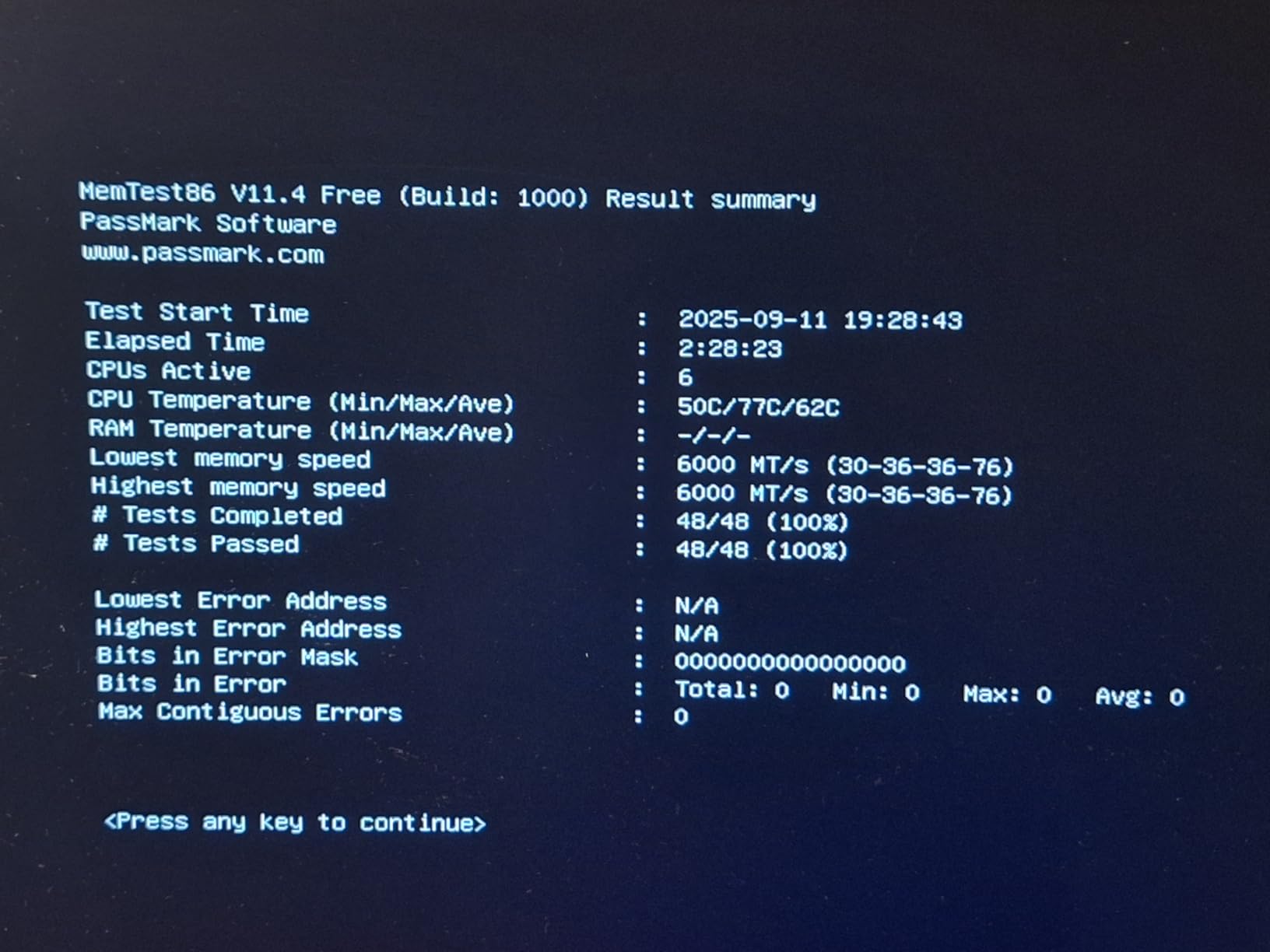
For a Ryzen 7 9800X3D that matters in a practical way. Lower memory voltage means less thermal load around the memory controller, which is one of the reasons overclock.net regulars in the Zen 5 X3D community keep saying to run a few memory stress tests and watch temperatures before tightening anything further.
Listing Inconsistencies Worth Noticing
There are a few oddities in the retail listing that are worth flagging honestly. The product page lists 240 pins for this kit, which is inconsistent with the standard 288-pin DDR5 UDIMM layout, and there appears to be only a single manufacturer listing for the part, which means board-level QVL validation for a specific model is not guaranteed.
The rating spread is also wider than the Corsair and Kingston kits here, with a 4% share of 1-star reviews. That is a small number in absolute terms and most of it traces back to early production rather than a design fault, but it is a fair signal to buy with a return window in mind.
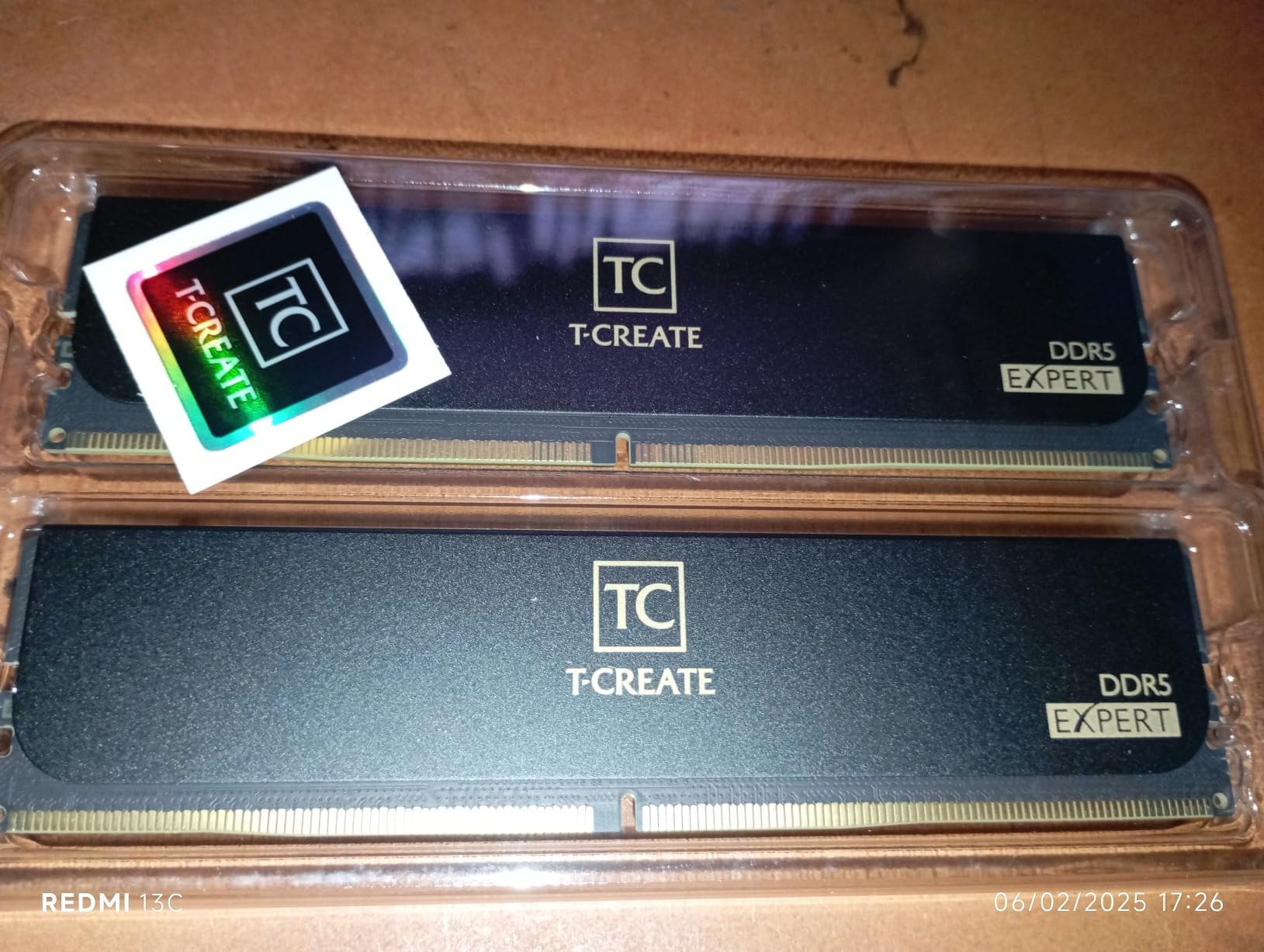
We still think this is the right low-profile CL30 pick for a 9800X3D. Just check your board’s QVL before you commit, and keep the box.
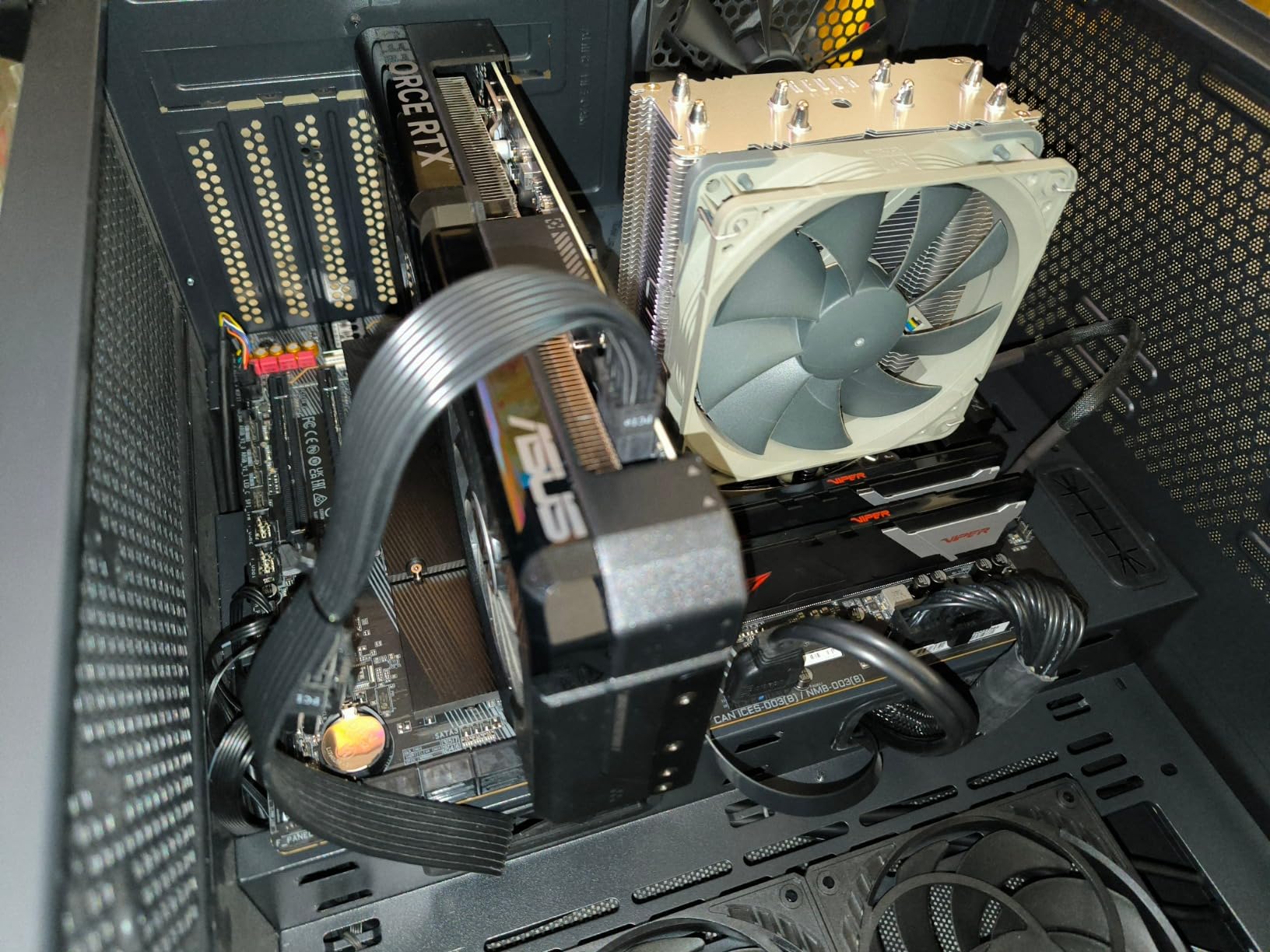
5. Patriot Viper Venom 32GB DDR5-6000 CL30 – Straightforward Dual-Profile Value
Patriot Viper Venom DDR5 RAM 32GB (2X16GB) 6000MHz CL30 Desktop Memory
32GB 2x16GB
6000 MT/s CL30-40-40-76
1.35V
EXPO and XMP 3.0
+ Pros
- CL30 primary latency at a gentle 1.35V
- Supports both EXPO and XMP 3.0 profiles
- Limited lifetime warranty
- Plain low-profile heat spreader with no lighting
– Cons
- Secondary timings of 40-40-76 are looser than the 36-36-36 typical of rivals
- No RGB lighting
- Smaller review base at 654 than most kits here
The Viper Venom is a plain 32GB two-module kit rated at 6000 MT/s with a CL30 primary latency at 1.35V, carrying both XMP 3.0 and EXPO profiles. There is no lighting and no styling to speak of, which is precisely why it is worth looking at if you want the timing figure and nothing else.
Its best sellers rank in Computer Memory is strong, and buyers report that it works reliably with EXPO on AM5 boards. The main criticism in the reviews is not stability but the looseness of the secondary timings.
Primary vs Secondary Timings on This Kit
This kit runs 30-40-40-76. The 30 is the CAS latency and the part most people quote, and it is competitive. The 40-40-76 behind it is looser than the 36-36-76 you get on the Corsair and TEAMGROUP kits in this group, which shows up more in memory-heavy work than in gaming.
That distinction matters if you stream while you game, or if you edit video on the same machine. For pure gaming it is very close to a wash, and for anything that hammers the memory subsystem the tighter secondaries are worth having.
EXPO and XMP 3.0 on AM5
Dual profile support means the same kit works on an AMD board through EXPO and on a recent Intel board through XMP 3.0, which makes it a sensible option if your platform might change. Reviewers on 9800X3D builds report the EXPO profile enabling at the rated settings without drama.
As with everything in this category, your final stable speed depends on the memory controller in your specific chip and the BIOS on your specific board. Check the QVL, and have a lower frequency in mind as a fallback.
Who Should Skip It
If your build has a lighting theme, this kit will do nothing for it. If you run heavy editing or streaming workloads alongside gaming, the loose secondary timings give you a little less headroom than the alternatives at this capacity.
For a plain gaming build that just needs 32GB of CL30 at 6000 MT/s and does not care how it looks, it remains a perfectly reasonable choice with a lifetime warranty behind it.
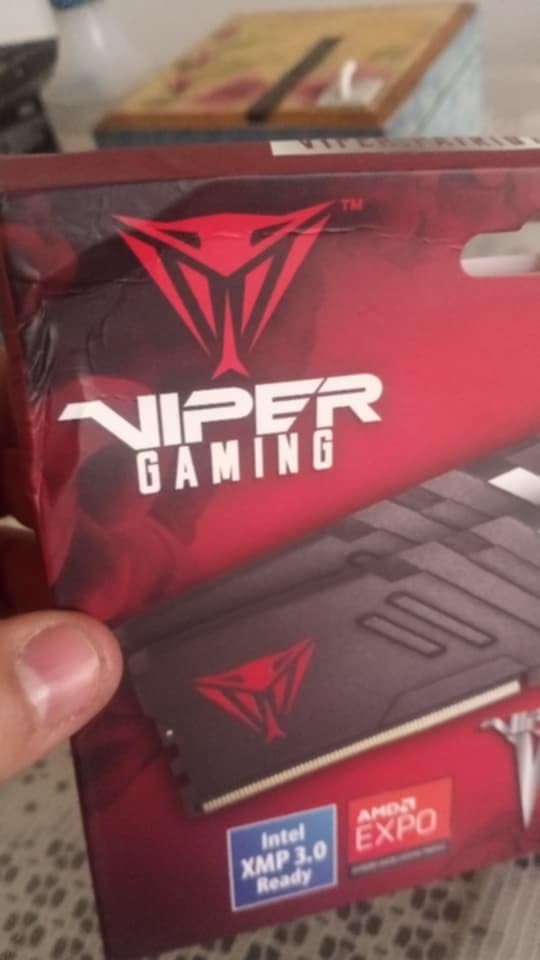
6. G.Skill Flare X5 64GB DDR5-6000 CL30 – Best High-Capacity Kit for Creators
G.SKILL Flare X5 Series DDR5 RAM (AMD EXPO) 64GB (2x32GB) Up to 6000MT/s* CL30-40-40-96 1.40V Desktop Computer Memory U-DIMM – Matte Black (F5-6000J3040G32GX2-FX5)
64GB 2x32GB
6000 MT/s CL30-40-40-96
1.40V
AMD EXPO
+ Pros
- 64GB in a matched 2x32GB kit leaves two DIMM slots free
- EXPO enables at 6000 MT/s CL30 in one BIOS toggle
- Slim low-profile spreaders fit under large AIO coolers
- Matte black finish suits all-black builds
- One owner reports a 12-hour OCCT memory test passing at max clocks
– Cons
- 2x32GB dual-rank modules are harder to train at 6000 MT/s than 2x16GB
- Requires 1.40V from the memory controller
- Stacking two of these kits drops speed well below 6000 MT/s
If you are editing video, running a local model, streaming with a heavy encoder chain or running virtual machines alongside the 9800X3D, 64GB is the number you want and 32GB is the number you will regret. The Flare X5 is our pick in that tier, and it is a matched 2x32GB kit rated at 6000 MT/s with CL30-40-40-96 timings at 1.40V.
It carries a JEDEC default profile and an AMD EXPO profile, and G.Skill validates it for X870, X670, B850, B840 and B650 boards. The low-profile, non-RGB heat spreaders are a practical win in a workhorse machine where you care more about clearance and thermals than lighting.
Why 2 x 32GB Is Harder to Train Than 2 x 16GB
Every kit here is a two-module kit, which is the easy layout. What changes at 64GB is the density of each module. Two 32GB modules present far more memory chips to the controller than two 16GB modules do, and dual-rank modules behave differently enough that training a 6000 MT/s profile takes more effort.
It usually works. But this is the capacity tier where you are more likely to need a fallback frequency, and where the community advice in the Zen 5 X3D owner’s threads about testing stability and watching temperature becomes genuinely useful rather than optional.
The 1.40V Ask and What It Means
At 1.40V, this kit asks more of the memory controller than the 1.35V high-capacity alternatives. Some of that is unavoidable at CL30 in this capacity class, and it is one of the reasons the cheaper CL36 64GB kits exist.
The trade is real but modest. If your workload is genuinely memory-bound you will feel the tighter primary latency; if it is mostly capacity-bound, you will not, and a CL36 kit at 1.35V is a perfectly rational alternative.
Long-Term Reliability Reports
One owner in the reviews reports running a 12-hour OCCT memory torture test at maximum clocks after a year of daily use, and another describes running this exact kit in a Ryzen 7 9800X3D with an X870 Tomahawk board. The 4.7 rating comes from a smaller sample of 317 reviews, so treat the distribution with proportionally more caution.
One caution that applies to every 64GB kit: do not buy two of these and expect 6000 MT/s. Four populated DIMM slots force the speed down well below the rated figure, and if 128GB is your target you should buy a matched four-module set designed for it instead.
7. Kingston FURY Beast 32GB DDR5-6000 CL30 – Best First-Boot Reliability
Kingston FURY Beast 32GB (2x16GB) 6000MT/s DDR5 CL30 Desktop Memory | AMD EXPO | Kit of 2 | KF560C30BBEK2-32
32GB 2x16GB
6000 MT/s CL30
1.35V
Low-profile heat spreader
+ Pros
- Owners report first-try EXPO success at 6000 MT/s CL30
- One of the highest average ratings here at 4.8
- Low-profile black heat spreader clears tall coolers
- Improved power efficiency over earlier generations
- Limited lifetime warranty
– Cons
- No RGB lighting on this Beast variant
- One of the higher-cost 32GB kits in this roundup
- Smaller review base at 322 reviews
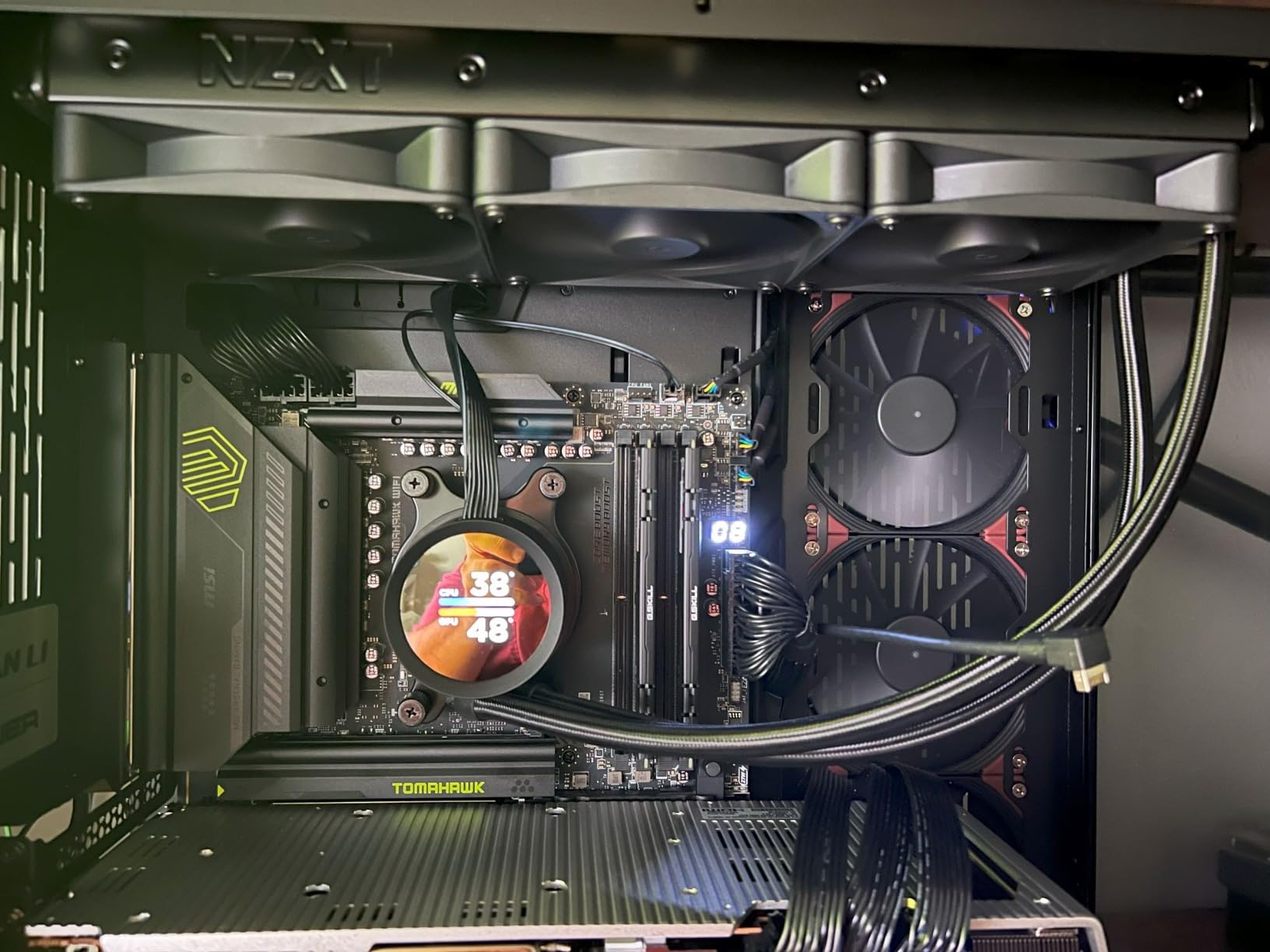
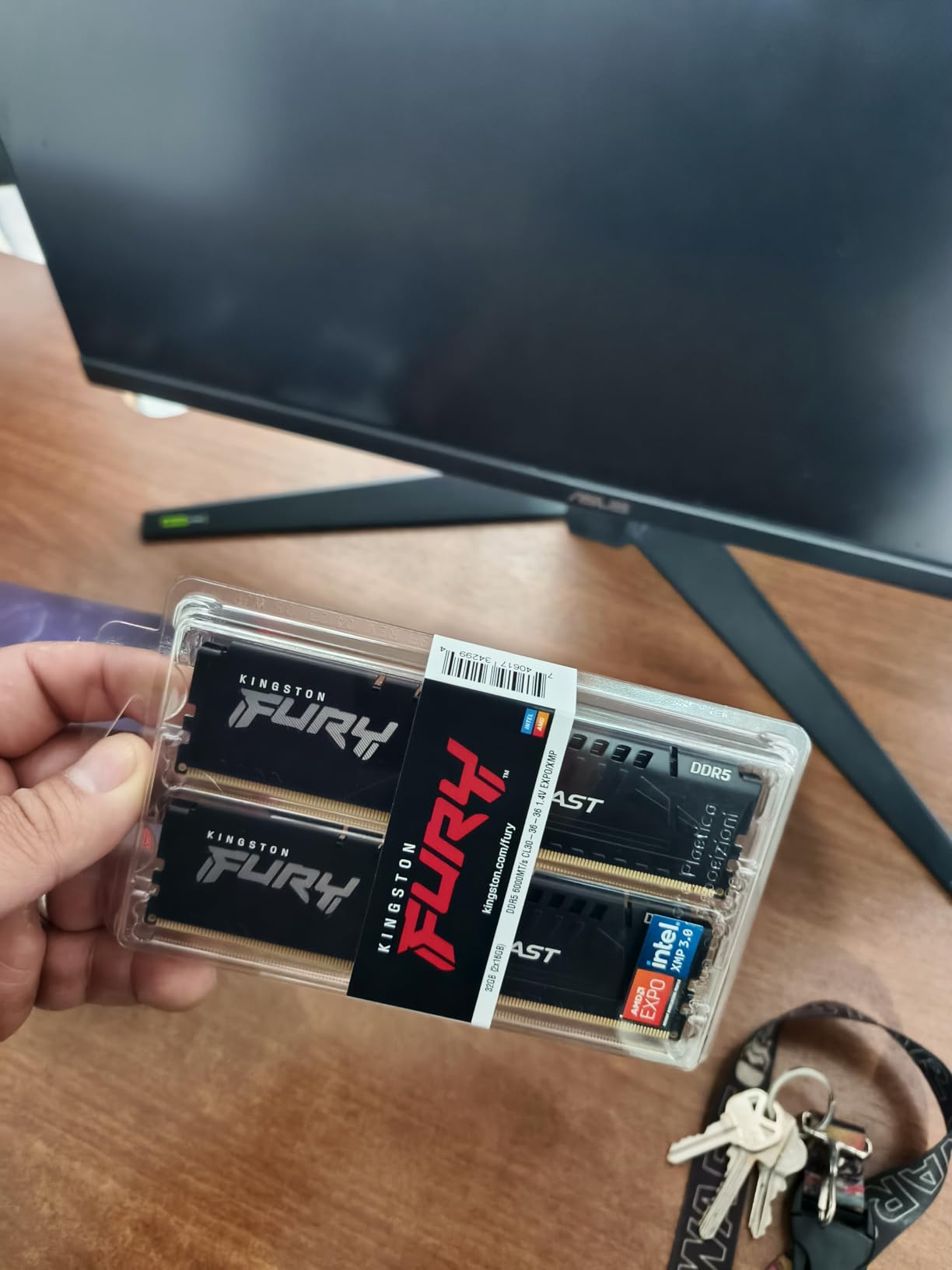
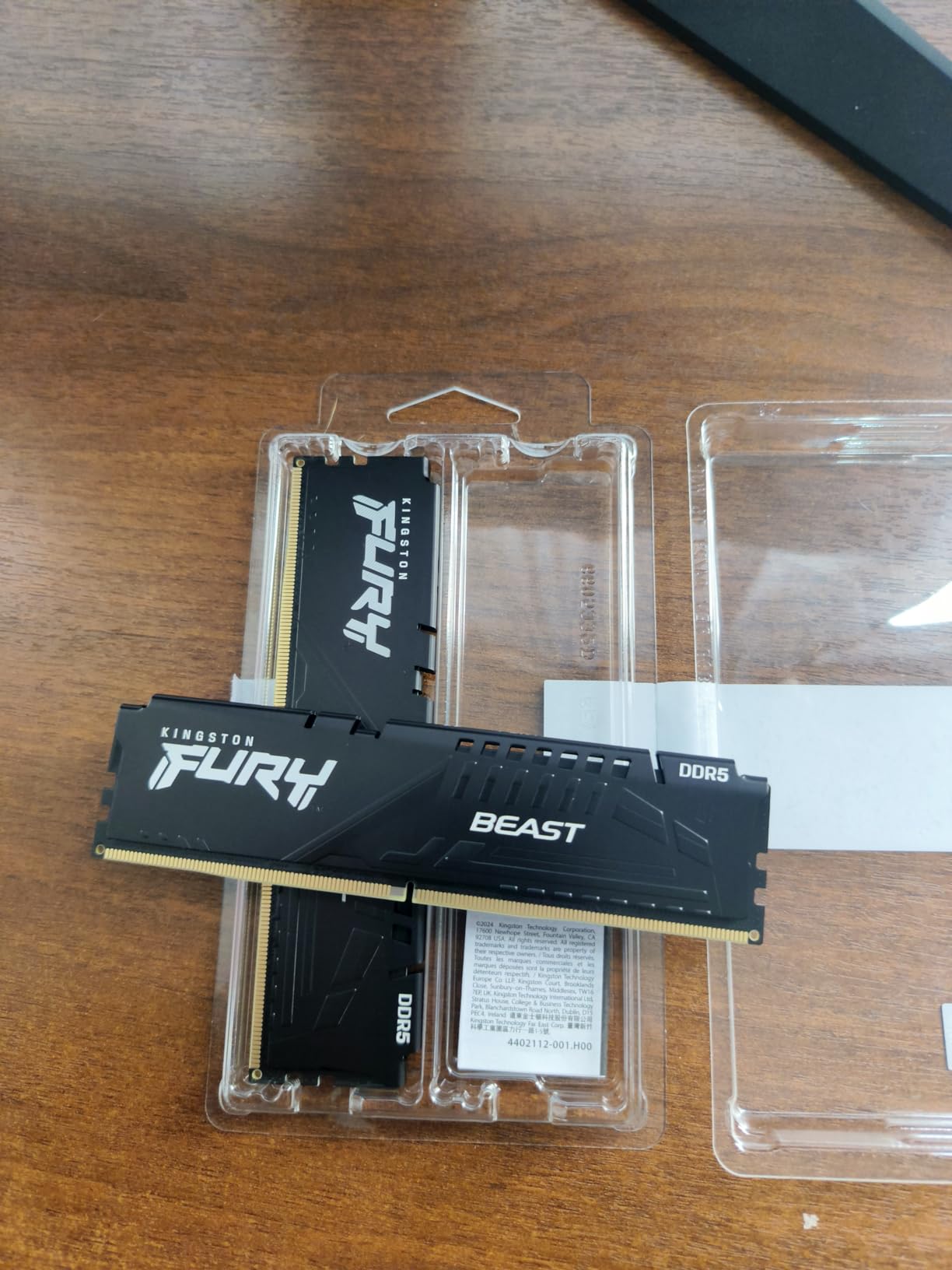
What stands out about the FURY Beast is how rarely owners report a problem. It is a 32GB matched kit at 6000 MT/s with CL30 timings running at 1.35V, with EXPO and XMP 3.0 support and a low-profile black heat spreader. What reviewers talk about is not peak performance but the absence of drama: the kit boots at 6000 under EXPO on the first try.
Reviewers also note that Kingston FURY Beast kits show up on motherboard QVL lists where competing kits failed to train. For a first AM5 build, that is a genuinely useful signal, because the QVL is the single most-skipped and most effective compatibility check available.
First-Try EXPO Success Reported by Owners
With a 4.8 rating and 91% five-star reviews, the pattern in the feedback is consistent: enable EXPO, boot, and it runs at the rated settings without a memory training loop or a stability problem. On a platform where the 9800X3D’s official spec is DDR5-5600, that reliability at 6000 is the entire value proposition.
It is worth being clear that this is a favourable sample, not a guarantee. Individual chips vary, and a different CPU may well train this kit less happily than the one these owners had.
Low-Profile Clearance and QVL Presence
The heat spreader is low-profile and non-RGB, so it clears tall air coolers without raising the front fan. Kingston describes the design as running cool as well as short, which matters for sustained load at 1.35V.
The QVL point is the one we would emphasise hardest. Before you buy any 6000 MT/s kit, open your motherboard manufacturer’s qualified vendor list and confirm the exact part number is on it. If it is, your chances of a clean first boot at 6000 are much better.
Where This Kit Falls Short
There is no lighting, so it will not match a themed build, and among the 32GB kits in this roundup it is one of the more expensive while carrying a smaller review base at 322. Some of the lower-star reviews are simply buyers who expected an RGB kit in the FURY line.
If you want the highest-confidence first boot and you do not care about looks, this is a strong pick. If you want a themed build, the RGB Corsair at number one is the better target.
8. TEAMGROUP T-Force Vulcan 32GB DDR5-6000 CL30 on SK hynix A-Die
TEAMGROUP T-Force Vulcan DDR5 32GB (2x16GB) 6000MHz (PC5-48000) CL30 Intel XMP 3.0 & AMD Expo Compatible Desktop Memory Module Ram Red FLRD532G6000HC30DC01
32GB 2x16GB
6000 MT/s CL30-36-36-76
1.35V
SK hynix A-die
+ Pros
- SK hynix A-die silicon offers strong overclocking headroom
- 32.7mm heat spreader clears even large air coolers
- One-click EXPO reported stable on B650 B850 and X870 boards
- On-die ECC plus PMIC power management
- Aluminium spreader with thermal conductive silicon
– Cons
- No RGB lighting despite the T-Force branding
- A couple of reports of a single stick failing memtest
- Some older reviews describe a different part number
- Achievable frequency still depends on your CPU and BIOS
The T-Force Vulcan is the kit to buy if the memory ICs underneath matter to you, because this is one of the few 32GB kits in this group built on SK hynix A-die silicon. A-die is the higher-binned part, and it is the reason a CL30 kit can often be pushed further than a kit built on the more common M-die.
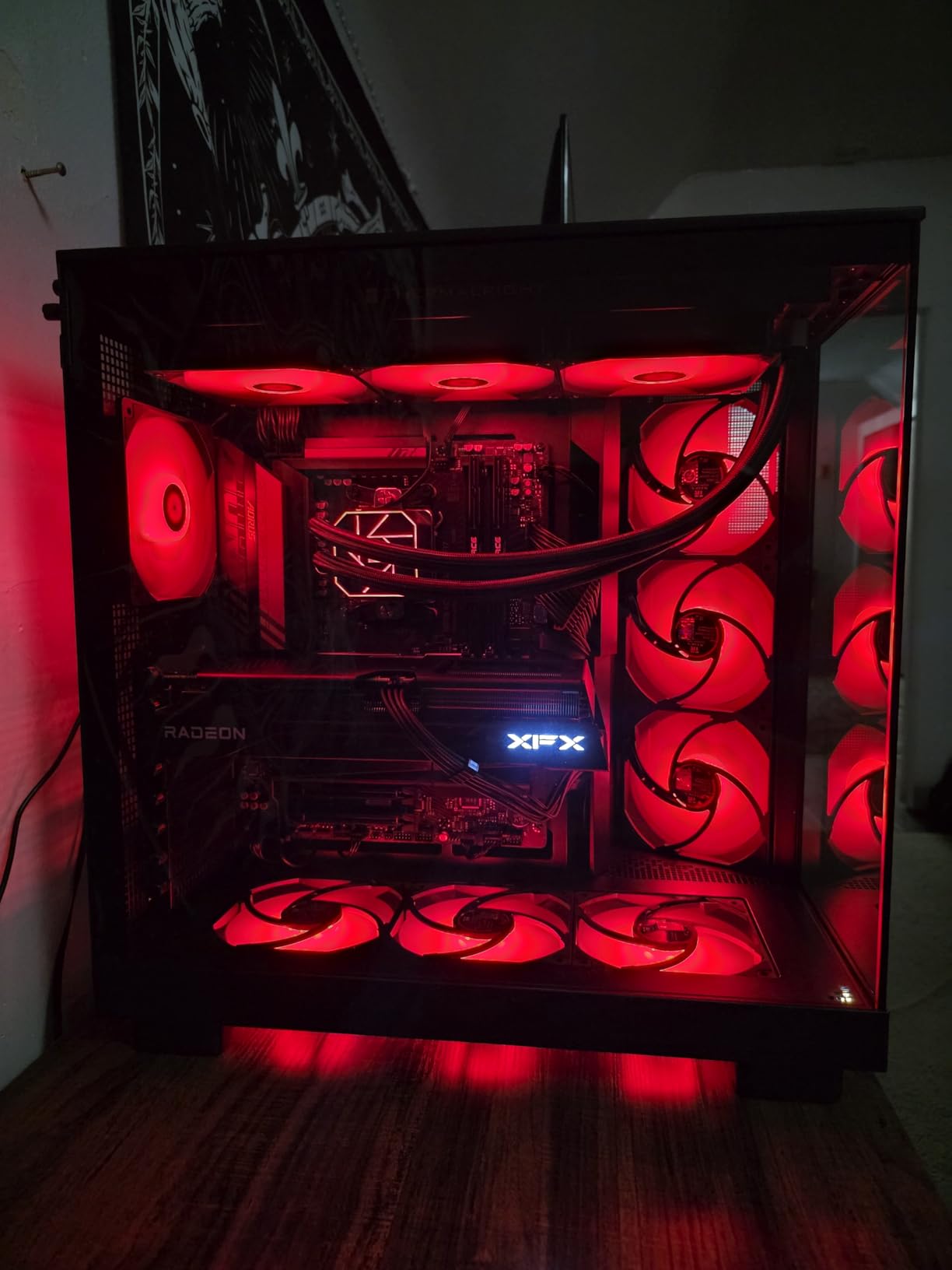
It runs DDR5-6000 at CL30-36-36-76 and 1.35V, with Intel XMP 3.0 and AMD EXPO profiles. Reviewers report immediate success enabling EXPO at rated settings on MSI B650, B850 Tomahawk and Gigabyte X870 boards, and one owner runs four of these modules at 6000 CL30 on a Ryzen 7 9800X3D without errors.
What SK hynix A-Die Changes for CL30 Binning
DDR5 memory is made from dies, and the two common SK hynix dies behave differently. A-die is the better-binned part and is what manufacturers select when they want a kit to hold CL30 at 6000 MT/s or to overclock beyond it. M-die is cheaper and more plentiful, and most CL30 kits on the market are built on it.
That difference is invisible on a spec sheet unless the manufacturer names it, which is why it is worth knowing when you are choosing between two kits at the same speed and the same CAS latency. When a manufacturer states the die type, you are being told something real about the headroom.
32.7mm Clearance Under Air Coolers
The aluminium heat spreader measures roughly 32.7mm tall across a 140mm by 7.5mm footprint. That is short enough to clear even large single-tower air coolers.
Thermal management is handled with on-die ECC for stable operation under extended heavy loads and PMIC power management ICs with a strengthened cooling design, plus thermal conductive silicon between the spreader and the module. At 1.35V the heat story is already favourable.
Mixed Review Signals to Weigh
There are a couple of 1-2 star reviews reporting a single stick failing a memtest and needing a return. At a 219-review sample those are isolated reports rather than a pattern, but they are the kind of thing worth remembering if you are the sort of builder who wants a guaranteed seat.
There is also a wrinkle in the reviews themselves: some older ones describe a different part number with looser 30-38-38-96 timings, so not every review on the page applies to the exact kit listed. Read the part number when you read the feedback.
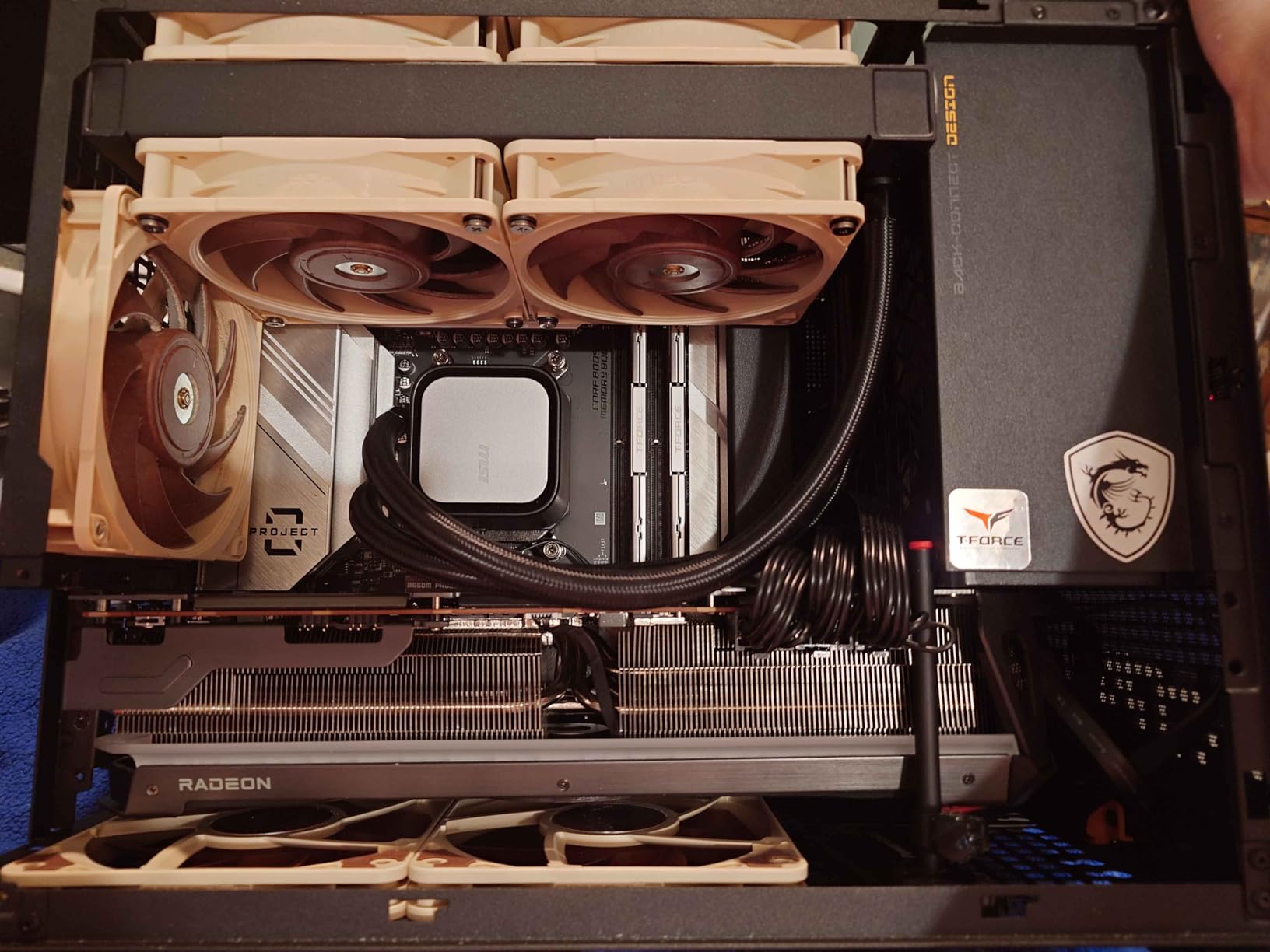
9. G.Skill Trident Z5 Neo RGB 64GB DDR5-6000 CL36 – Best 64GB Kit With RGB
G.SKILL Trident Z5 Neo RGB Series DDR5 RAM (AMD EXPO & Intel XMP 3.0) 64GB (2x32GB) Up to 6000MT/s* CL36-36-36-96 1.35V Desktop Computer Memory U-DIMM – Matte Black (F5-6000J3636F32GX2-TZ5NR)
64GB 2x32GB
6000 MT/s CL36-36-36-96
1.35V
EXPO and XMP 3.0
+ Pros
- Pairs 64GB capacity with RGB lighting and dual profile support
- 1.35V operation is gentler than 1.40V CL30 alternatives
- Two DIMM slots stay free on a four-slot AM5 board
- RGB syncs with the rest of the Trident Z5 aesthetic
– Cons
- CL36 is looser than the CL30 64GB alternatives
- Carries 5% one-star and 3% two-star reviews
- Tall RGB spreaders can conflict with dual-tower air coolers
- Retail listing carries an implausible data rate field
If you need 64GB and you also want your memory to light up, the Trident Z5 Neo gives you both. It is a matched 2x32GB kit rated at 6000 MT/s with CL36-36-36-96 timings at 1.35V, and it carries both AMD EXPO and Intel XMP 3.0 profiles.
Dual profile support is unusual at this capacity. Most 64GB kits are either EXPO-only or XMP-only, so if you might move platforms this is the flexible option, and it is validated across the current AMD X870, X670, B850, B840 and B650 chipsets plus six Intel generations.
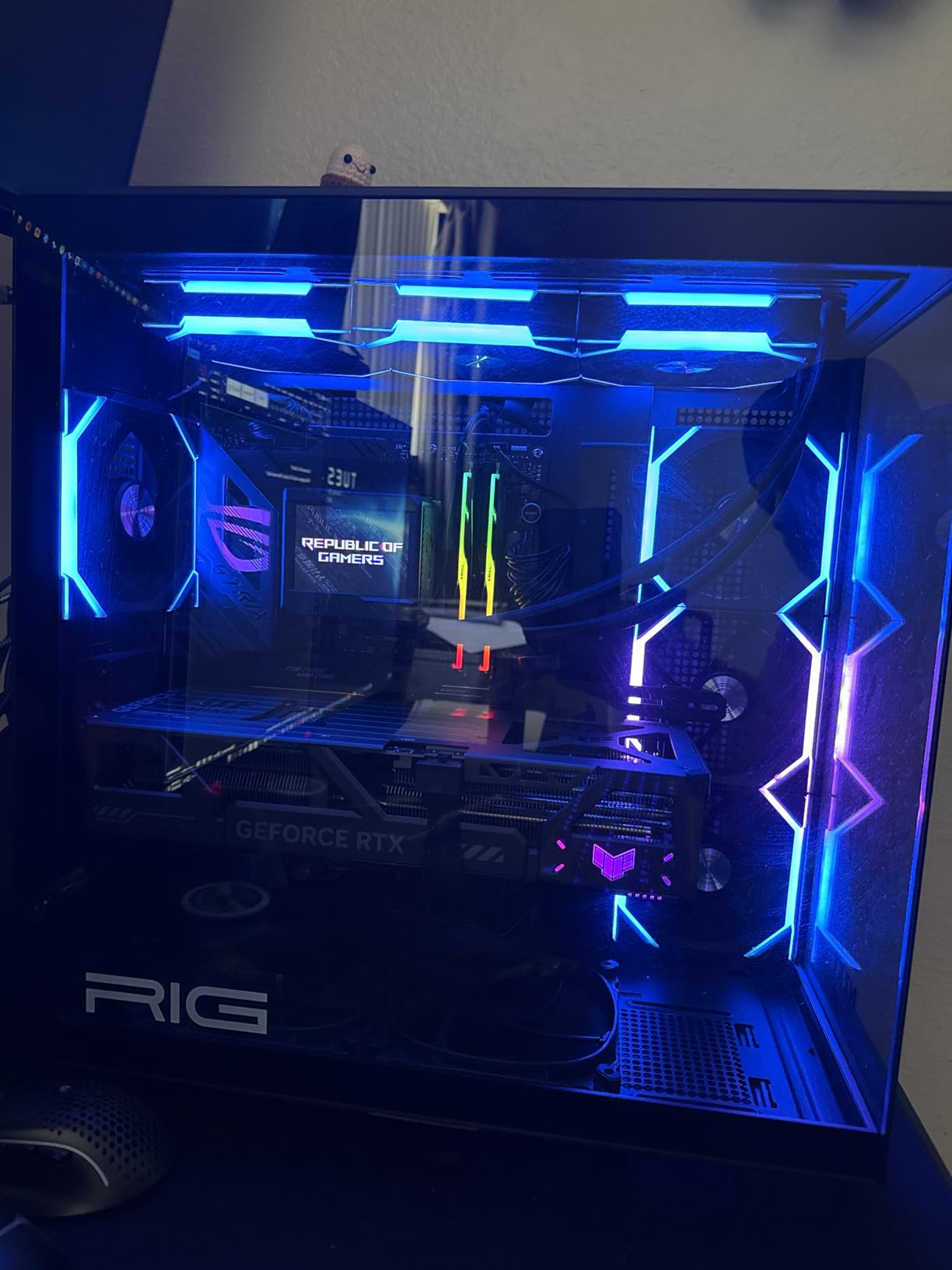
CL36 at 64GB and What It Costs You
Latency matters more at 64GB than it does at 32GB, because you are more likely to be running a workload that actually moves data around rather than one that is bottlenecked on the CPU. CL36 instead of CL30 gives you a slightly looser window at a lower 1.35V, which is a defensible trade for a capacity-focused build.
Where it is less defensible is if you are doing genuinely latency-sensitive work. In that case the G.Skill Flare X5 64GB at CL30 is the better engineering answer, and you simply give up the lighting.
Dual Profile Flexibility
Having both EXPO and XMP 3.0 on board makes this a portable 64GB kit across platforms. The two slots it does not occupy on a four-slot AM5 board stay free, which leaves a clean upgrade path if you later need 128GB, albeit at a much lower memory speed.
That last point applies to every two-module kit in this article: populating all four slots on most AM5 boards drops the achievable speed dramatically, and on a 9800X3D that means giving up the 6000 MT/s target that motivated the purchase in the first place.
Height and Listing Caveats
The RGB heat spreader is tall, and on a dual-tower air cooler it can conflict with the front fan. Measure before ordering, and be prepared to lift the fan by a few millimetres.
Two things in the retail listing are worth noting honestly. The 1-star and 2-star shares sit at 5% and 3%, and the listing carries a data transfer rate field that is clearly wrong, alongside a part number field that references a different model. The rated speed and timings in the technical description are consistent, so we would trust those.
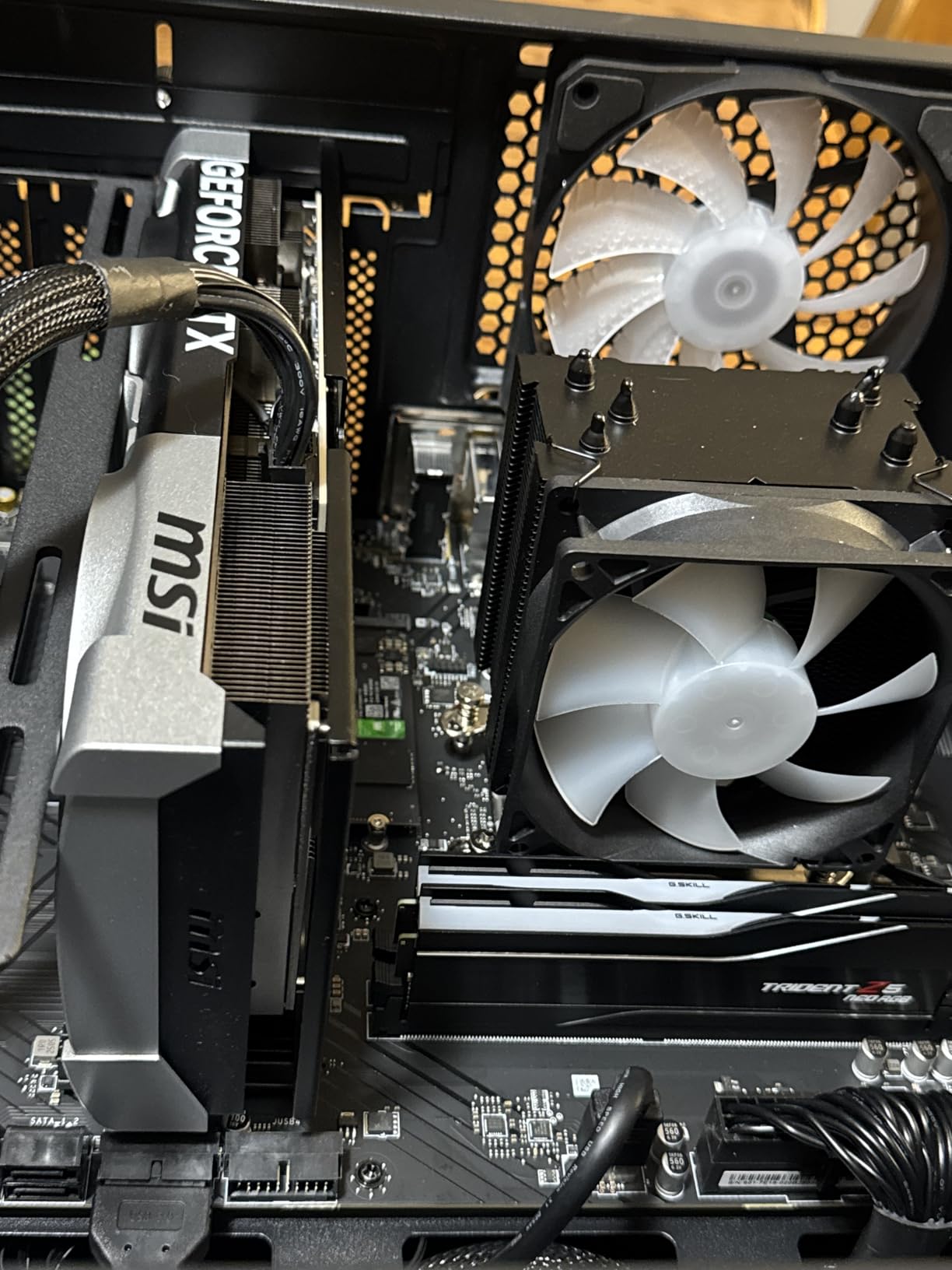
10. KLEVV CRAS V RGB 64GB DDR5-6000 CL30 A-Die – Enthusiast High-Capacity Pick
KLEVV CRAS V RGB DDR5 64GB (2x32GB) 6000MHz CL30 SK Hynix A-Die 1.35V Gaming Desktop Ram Memory XMP 3.0 / AMD Expo Ready – Black (KD5BGUA80-60A300G)
64GB 2x32GB
6000 MHz CL30
1.35V
SK hynix A-die,44mm RGB
+ Pros
- Pairs CL30 timings with SK hynix A-die silicon
- 1.35V is among the least demanding for a memory controller
- 44mm height still clears most air coolers
- Hollow linear RGB design lights up top and both sides
- Every component individually screened by the brand
– Cons
- Smallest review base here at 87 reviews
- 6% share of 1-star reviews
- Only a limited warranty rather than a lifetime one
- 44mm modules are taller than the slim 32GB kits
The CRAS V RGB is an unusual spec combination at 64GB: SK hynix A-die silicon, CL30 at 6000 MHz, running at 1.35V. No other kit in this roundup pairs A-die silicon with tight CL30 timings at 64GB, and only one other runs at the lower voltage.
It is also the smallest sample we looked at, at 87 reviews, and it carries a limited warranty rather than the limited lifetime warranty that G.Skill, Corsair, Patriot and TEAMGROUP all provide. Both of those facts deserve weight before you commit.
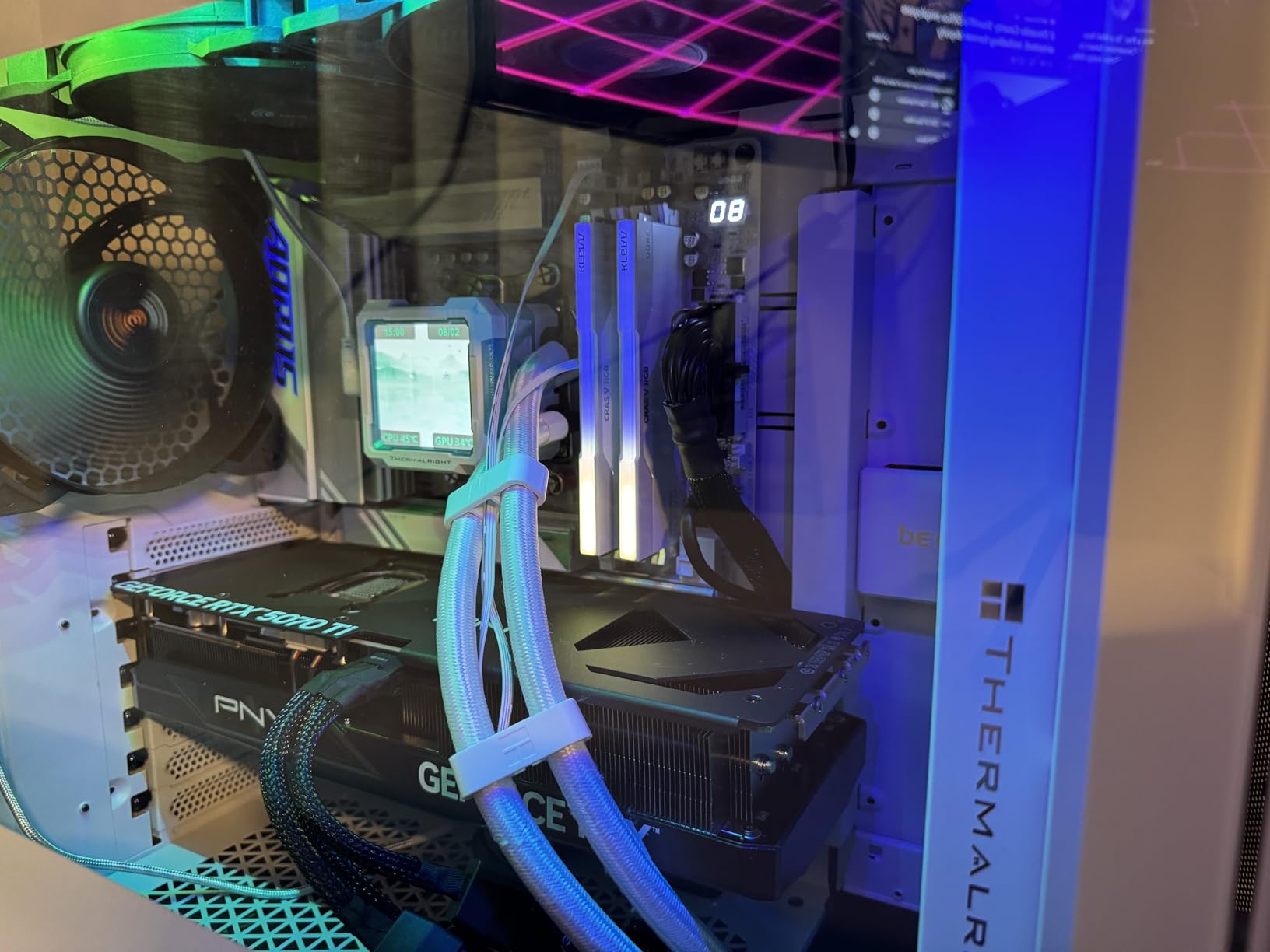
A-Die Silicon in a 64GB RGB Kit
A-die is the better-binned SK hynix die, and it is what gives manufacturers confidence to rate a kit at CL30 rather than CL36. Pairing it with 64GB and 1.35V is unusual enough that it makes this the most tightly specced kit in the high-capacity group, regardless of styling.
Every component is individually screened to the brand’s own compatibility criteria, and KLEVV preloads XMP 3.0 and AMD EXPO profiles with tuned speed, timings and voltage rather than leaving them at JEDEC defaults.
44mm Height and RGB Design
The modules are 44mm tall, which is shorter than the taller RGB kits in this category but noticeably taller than the 32.7mm TEAMGROUP Vulcan and the slim Kingston Beast. Most air coolers clear it comfortably, but large dual-tower designs with a low-hanging front fan may not.
The lighting is a hollow linear design that illuminates from the top and both sides, and it is compatible with mainstream motherboard RGB control software. That last point matters more than it sounds, because the alternatives tend to need the manufacturer’s own app.
Small Sample and Warranty Terms
An 87-review sample is thin, and the rating distribution carries 6% one-star reviews. A 4.6 from that many reviews tells you much less than a 4.8 from several thousand, and we would weight it accordingly.
The warranty is the other differentiator. A limited warranty is a real difference from the limited lifetime coverage on the other high-capacity kits, and it is worth factoring into your decision if you intend to run this machine for years. KLEVV also asks buyers to check the motherboard QVL before purchase, which is good practice regardless of the brand.
If you are an enthusiast who wants A-die silicon and tight timings at 64GB and you accept the thinner warranty, this is the one. If you want certainty, the Flare X5 at number six has the evidence behind it.
What RAM Speed Should You Run on a 9800X3D?
6000 MT/s is the answer, and it is not close. That is the frequency where a 9800X3D’s memory controller trains reliably, where CL30 timings are easy to hit, and where the real-world gain over slower memory shows up most clearly in 1% lows and frame pacing rather than average frame rate.
Why 6000 MT/s Is the Ceiling That Matters
There is a specific reason 6000 keeps coming up, and it relates to how the memory controller and the Infinity Fabric relate to one another on Zen 5. Above 6000 MT/s you are increasingly likely to run into decoupling between the memory clock and the fabric clock, which costs stability rather than gaining performance.
The community consensus, repeated across the X3D owner’s threads and the memory forums, is that 6000 MT/s at CL30 is the sweet spot for both performance and reliability. Community reviewers put the real-world gain from pushing beyond that at roughly 1-3% at best.
Is 6400 MT/s Worth the Trouble
6400 MT/s is the stretch goal rather than the smart default. It can work, and enthusiasts do run it, but it typically requires manual tuning, a memory test or two, and a good deal more attention to memory temperature than a 6000 profile does.
For the future-proofing question that comes up constantly in builder groups, the honest answer is that a well-run 6000 CL30 profile will serve the platform for its whole life. Buying 8000 MT/s to avoid a future upgrade means paying more now for a speed you probably cannot hold.
What 8000 MT/s Costs You on Zen 5
Going to 8000 MT/s moves the memory controller far enough off the easy path that you are usually relying on specific silicon and manual tuning. Forum consensus on this chip is that 8000 MT/s is largely not recommended, and that going too high can produce worse results rather than better ones.
One recurring explanation is memory controller topology: on Zen 5, the controller’s position on the die can make higher frequencies harder to reach, and a kit that looks faster on paper can end up running at a lower effective speed with looser timings.
Latency Beats Raw Speed on an X3D Chip
Here is where the 9800X3D is different from a standard Zen 5 part. Its large 3D V-Cache absorbs a lot of the latency that would otherwise show up in a game, and it is specifically because of that cache that the chip tolerates a moderate memory frequency so well.
The practical result is that tight timings at 6000 MT/s deliver more than a faster kit with looser timings. That is why a CL36 kit at 6000 is a perfectly reasonable purchase, and why a CL40 kit is the one to avoid.
How Much RAM Do You Actually Need on AM5?
32GB is the right answer for most people, 64GB is right for a specific and identifiable set of workloads, and 48GB is the sensible middle ground for creators who want headroom without the cost of a full 64GB kit.
32GB (2x16GB) Covers Almost Everything
Every current game runs comfortably in 32GB, and it leaves headroom for a browser with fifty tabs, a voice chat client, a launcher suite and an overlay all resident at the same time. For a gaming-first 9800X3D build, this is the capacity you should be buying.
It is also the easiest capacity for the memory controller to train. Two 16GB modules present a lighter load than two 32GB modules, which is part of why 6000 MT/s at 32GB is so reliable and 6000 MT/s at 64GB needs more care.
64GB for Streaming and Editing
You need 64GB when your working set genuinely exceeds 32GB. Video editing timelines, large project files, running a local language model, several virtual machines, or streaming with a heavy encoder chain alongside the game will all do it, and the failure mode is not a crash but stutter as the system starts paging.
One clear warning applies here. Do not buy two 32GB kits and expect 6000 MT/s. Four populated DIMM slots on most AM5 boards force the speed down far below the rated figure, which defeats the point of buying fast memory in the first place.
Why 2x24GB and 4 Sticks Change the Math
48GB, sold as a matched 2x24GB kit, is the option most roundups ignore and the one that makes the most sense for a creator who is not quite reaching 64GB. It is a single step up from 32GB rather than a double step, and it is a two-module kit, so the memory controller still has an easy job.
As a general rule, fewer modules is easier. Two DIMMs is the layout the memory controller is designed around, and it is the layout that reaches higher speeds. Every extra module adds signal loading, heat and training difficulty.
For the rest of the build, our CPU cooler guide for the 9800X3D covers the clearance questions that decide which memory height you can actually use, and our graphics card roundup covers the GPU side.
Why AMD’s Spec Sheet Says DDR5-5600 but Everyone Runs 6000
Because the 5600 figure is a guarantee, not a ceiling. AMD guarantees that every 9800X3D it ships will run DDR5-5600 under official JEDEC settings, tested on validated memory, across the temperature range. Anything above that is technically an overclock, even when it is a mild and extremely well-understood one.
The confusion is entirely reasonable, and it is the single most common source of posts from 9800X3D owners who cannot understand why a kit advertised at 6000 MT/s will not POST. The answer is that 6000 MT/s via an EXPO profile is an overclock that the platform has matured to the point of treating as routine, and almost all silicon and almost all current AM5 boards will run it.
Two further things explain the gap. First, the JEDEC baseline for DDR5 is 4800 MT/s, so a kit that has no profile enabled runs well below both numbers. Second, some boards ship with AGESA versions that struggle to train 6000 until you update the BIOS. The forum consensus is consistent on the fix: update your BIOS first, and check the QVL for the exact part number.
How to Enable the EXPO Profile in Your BIOS
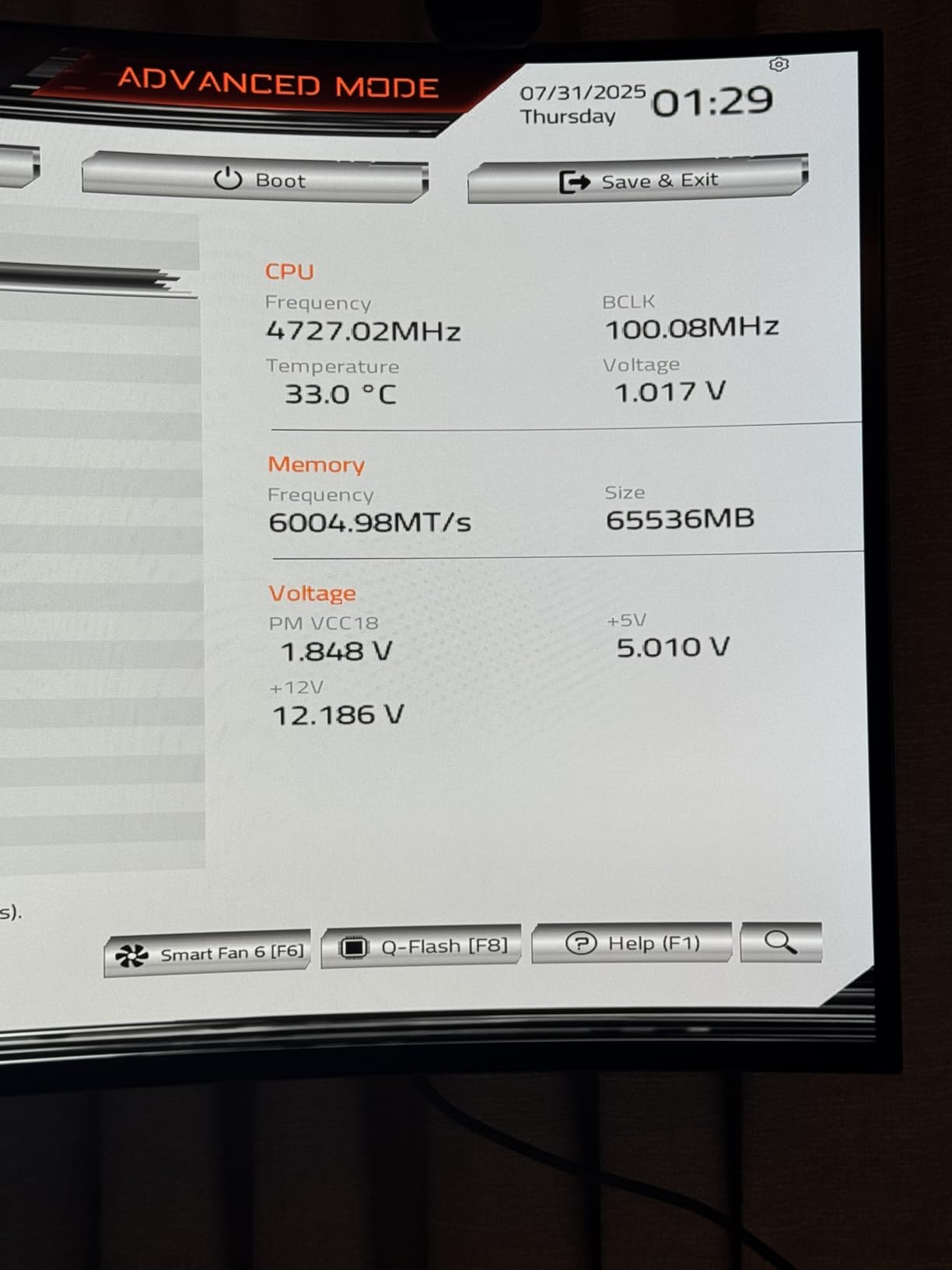
Turning on EXPO takes about five minutes and is the difference between your memory running at its rated speed and running at the JEDEC baseline. Every kit in this roundup will boot without it; none of them will perform as advertised without it.
Enter the BIOS. On most AM5 boards that means pressing Delete or F2 during the power-on self test, right after the memory training screen.
Look for the memory or overclocking section. On ASUS boards it is under AI Tweaker, on MSI under OC, on Gigabyte under Tweaker, and on ASRock under Advanced.
Find the EXPO option, labelled something like EXPO Profile, A-XMP, or Memory Profile. Set it to Enabled or Profile 1.
Save and exit. The board will run a memory training routine, which can take anywhere from a few seconds to a couple of minutes depending on the kit.
Boot into Windows and confirm the speed. CPU-Z, HWiNFO or Task Manager’s performance tab will show the running memory clock, which should now be at 6000 MT/s rather than 4800.
What to Do If Your 6000 MT/s Kit Will Not POST
If the board fails to POST after memory training, or loops on the training screen, work through these in order. In most cases the first or second step resolves it.
Drop the profile to DDR5-5600 and test. This is inside the official specification, so it is the safest fallback and costs you very little in practice.
Update your motherboard BIOS. Newer AGESA revisions fix training failures that older ones produced, and this is the single most common fix in the forum reports we read.
Check the qualified vendor list. If your exact part number is not on the board maker’s QVL, that is a strong signal you should run a lower profile or choose a different kit.
Loosen the secondary timings. Raising tCL from 30 to 32 or 34, and tRAS, gives the controller more room without dropping the memory clock.
Reduce SoC voltage. Lowering the sweep voltage a notch often stabilises a marginal training run at 6000.
Enter the timings manually. Set the memory clock, tCL, tRCD and tRP by hand and start again, rather than relying on the profile.
If a kit still will not hold 6000 after all of that, it is not a faulty kit, it is a silicon pairing that does not suit your board. That is normal, and it is why the QVL check comes first.
Low-Profile vs RGB: Checking Cooler Clearance Before You Buy
Heat spreader height is the spec that most often turns a good build into a frustrating one, and it is the one that retailers rarely make obvious. Get it wrong and you either raise the cooler’s front fan, which hurts temperatures, or you find the modules physically do not fit.
How to Measure Clearance Properly
Do not guess from the product photos. Look up the maximum DIMM clearance height your cooler manufacturer publishes, then compare it against the memory height. In this roundup, the T-Force Vulcan at 32.7mm and the low-profile Corsair and Kingston kits are the short options, while the Trident Z5 Neo RGB and the KLEVV CRAS V at 44mm are the tall ones.
A quick rule of thumb: anything under about 35mm clears nearly every air cooler without compromise. Anything at 44mm or above needs a check against your specific model.
What SK Hynix A-Die and M-Die Have to Do With CL30
The die underneath determines the binning, and the binning determines the timings. A-die is the better-binned SK hynix part, which is why manufacturers use it for kits rated at CL30 or for kits intended to overclock. M-die is more plentiful and cheaper, and it is the die most CL30 kits are built on without the manufacturer saying so.
Only two of the ten kits here name the die on the technical specification: the TEAMGROUP T-Force Vulcan and the KLEVV CRAS V, both A-die. When a manufacturer does name it, that is a genuine statement about the headroom available, and it is the closest thing in this category to published quality control.
Why DDR5 Prices Look Unusually High Right Now
If you remember DDR5 costing substantially less a couple of years ago, you are not imagining it. Industry reporting attributes the current situation to AI server demand consuming a large share of global memory supply, with much of near-term production already committed. The practical effect is that DDR5 kit prices sit well above where most buyers expect them.
That context matters for how you read this roundup. Every kit here is a genuine value-for-money pick relative to its current category, not relative to the memory market of a few years ago. It is also why we would rather tell you to buy a CL36 kit and put the difference into your GPU than to insist on CL30 at any cost. If you are still working out the graphics side, our Ryzen 9800X3D graphics card guide is the place to start.
Frequently Asked Questions
What is the best amount of RAM for a Ryzen 7 9800X3D?
32GB in a matched 2x16GB configuration is the right amount for most Ryzen 7 9800X3D builds, and it is the easiest layout for the memory controller to train at 6000 MT/s. Move to 64GB if you edit video, run a local language model, or keep several virtual machines open alongside the game.
What is the best RAM frequency for the AMD Ryzen 7 9800X3D?
6000 MT/s is the target frequency. AMD officially guarantees DDR5-5600, so 6000 is a mild overclock, but it is one that essentially every AM5 board and 9800X3D silicon bin will run with an EXPO profile. Going to 6400 or 8000 MT/s buys roughly 1-3% at best and costs stability.
Does the 9800X3D need fast RAM?
Partly no. The large 3D V-Cache absorbs a lot of the latency that fast memory would otherwise fix, so the chip performs well even on modest memory. But 6000 MT/s at CL30 is still clearly better than the JEDEC 4800 MT/s baseline your kit falls back to without a profile, especially for 1% lows and frame pacing.
Should I enable EXPO on my 9800X3D?
Yes, always. Without an enabled EXPO profile, DDR5 memory runs at the JEDEC baseline of 4800 MT/s rather than its rated speed. Enable EXPO in the BIOS overclocking or memory section, save, and allow the board to run its memory training routine. Check CPU-Z or HWiNFO afterwards to confirm the running clock.
How much RAM do I need with a high-end GPU such as an RTX 5080?
32GB is still the right answer. A modern high-end GPU consumes system memory for texture streaming, but the additional demand rarely pushes a gaming system past 32GB. Go to 64GB only when your workload is CPU and memory bound, such as video editing, local AI models or virtualization, not because of the GPU alone.
Is CL30 worth paying more for than CL36?
At 32GB the difference is very small, and a 6000 CL36 kit is a perfectly reasonable purchase. At 64GB the tighter latency starts to matter more, because high-capacity builds are more likely to be memory bound. CL40 kits are the ones to avoid, since they measurably hurt 1% lows and frame pacing.
My 6000 MT/s kit will not POST on my 9800X3D – what should I do?
Work in order: drop the profile to DDR5-5600, which is inside the official specification. Update your motherboard BIOS, since newer AGESA revisions fix many training failures. Check the qualified vendor list for your exact part number. Then loosen the secondary timings and reduce SoC voltage. If it still fails, the silicon pairing is not right for that board, which is common and not a fault.
Which brand of DDR5 RAM is considered the best for AM5?
There is no single best brand, so judge on three things: whether the exact part number appears on your motherboard’s qualified vendor list, whether the kit ships a native AMD EXPO profile, and whether the memory ICs are named. G.Skill, Corsair, Kingston, TEAMGROUP, Patriot and KLEVV all publish enough detail to make those checks possible.
The Verdict: Which DDR5 Kit Should You Buy?
If you want one default answer, buy a 32GB (2x16GB) DDR5-6000 CL30 kit with an AMD EXPO profile, enable the profile in BIOS, and stop there. The Corsair Vengeance RGB at number one is the pick for most people, because it carries the most user feedback of any kit here and the bulk of it reports a clean 6000 MT/s profile; the non-RGB Vengeance is the same speed and latency in a package that clears any air cooler.
Choose differently when your situation is different. For a large dual-tower air cooler or a small chassis, go low-profile, and the TEAMGROUP T-Create Expert is the one that keeps CL30 timings at 1.35V in a slim design. For a build you want to light up, the G.Skill Trident Z5 RGB runs at 1.35V and is validated across the longest list of AM5 and Intel boards in this roundup.
For 64GB, the G.Skill Flare X5 is our choice for creators who want CL30 and a lifetime warranty, the G.Skill Trident Z5 Neo is the pick if you need lighting at that capacity, and the KLEVV CRAS V is the pick if you care about SK hynix A-die silicon more than warranty terms. If you plan to overclock memory manually, the TEAMGROUP T-Force Vulcan names its A-die silicon and has the headroom to match.
Whichever you choose, check the exact part number against your motherboard’s qualified vendor list before you order, update the BIOS as soon as the machine is assembled, and confirm the running memory clock is at 6000 MT/s. That last step takes thirty seconds and it is the difference between the kit you bought and the kit you paid for.
Leave a Reply