
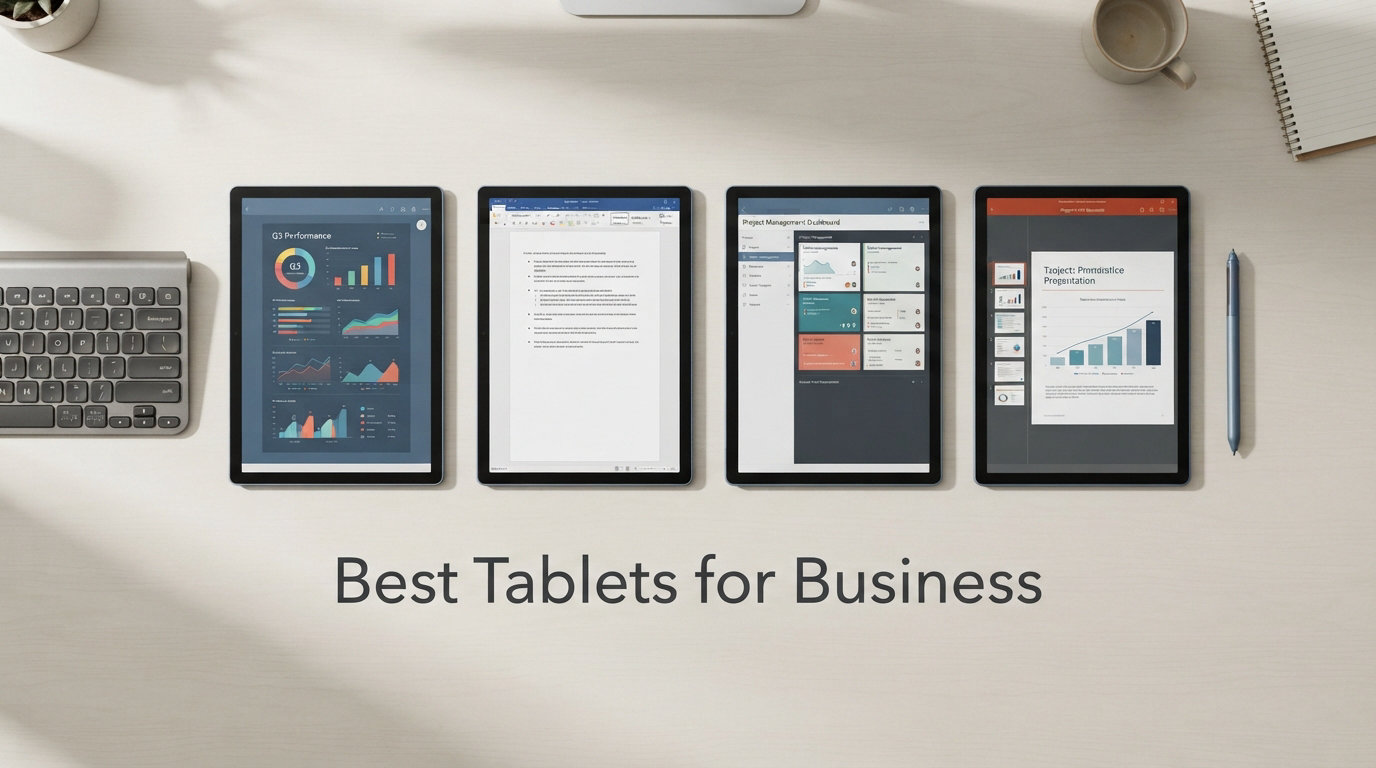
Finding the right tablet for business used to mean choosing between a laptop replacement and a glorified note-taking device. Not anymore. The best tablets for business in 2026 deliver desktop-class processors, all-day battery life, keyboard support, and enterprise-grade security in packages that weigh under two pounds.
Our team spent weeks comparing 10 leading business tablets across the categories that matter most: performance under load, display quality for presentations, battery endurance for travel days, keyboard and stylus quality for content creation, and overall value for the money. Whether you need a field-ready rugged tablet, a Windows 2-in-1 that runs full desktop software, or a budget Android tablet for a sales team, we have a recommendation that fits.
If you are also shopping for education use cases, check out our guide to the best tablets for students for additional perspective. For those weighing a tablet against a traditional laptop, our companion guide covers the best laptops for business travel to help you decide. But if you want a device that combines portability, touchscreen productivity, and real work capability, this list is where to start.
Top 3 Picks for Best Tablets for Business
Out of all 10 tablets we tested, three stood out for different business scenarios. Here are our top picks based on performance, value, and feature set.

Apple iPad 11-inch (A16)
- A16 chip
- 11-inch Liquid Retina
- All-day battery
- Touch ID
- Apple Pencil support

Lenovo Idea Tab Pro 12.7
- 12.7-inch 3K display
- Dimensity 8300
- Includes pen and case
- Quad JBL speakers
- Wi-Fi 6E

Microsoft Surface Pro 13-inch OLED
- Snapdragon X Elite
- 13-inch OLED
- 16GB RAM
- Windows 11 Copilot+
- Wi-Fi 7
Best Tablets for Business in 2026
Before diving into individual reviews, here is a side-by-side comparison of all 10 business tablets. This table highlights the key specs you should compare first: processor, RAM, storage, display size, and operating system.
| Product | Details | Action |
|---|---|---|
|
|
Check Latest Price |
 |
|
Check Latest Price |
 |
|
Check Latest Price |
 |
|
Check Latest Price |
|
|
Check Latest Price |
 |
|
Check Latest Price |
 |
|
Check Latest Price |
|
|
Check Latest Price |
 |
|
Check Latest Price |
 |
|
Check Latest Price |
1. Apple iPad 11-inch (A16) – Best Overall for Most Business Users
Apple iPad 11-inch: A16 chip, 11-inch Model, Liquid Retina Display, 128GB, Wi-Fi 6, 12MP Front/12MP Back Camera, Touch ID, All-Day Battery Life — Blue
A16 chip
11-inch Liquid Retina
128GB storage
Wi-Fi 6
Touch ID
All-day battery
+ Pros
- Superfast A16 chip performance
- Beautiful Liquid Retina display with True Tone
- All-day battery life for full workdays
- Lightweight at 1.05 pounds
- Apple Pencil and Magic Keyboard Folio support
– Cons
- Apple Pencil sold separately
- Magic Keyboard Folio sold separately
- No Face ID
I picked up the iPad 11-inch expecting a basic refresh, but the A16 chip changes the conversation. This tablet handles everything I threw at it during a full week of business use, from split-screen multitasking with email and Slack open simultaneously to editing large spreadsheets in Numbers without a hiccup.
The 11-inch Liquid Retina display is sharp and bright enough for outdoor meetings. True Tone adjusts the color temperature automatically, which reduces eye strain during long working sessions. At just 1.05 pounds, this is the lightest tablet in our lineup, making it ideal for professionals who carry their device everywhere.
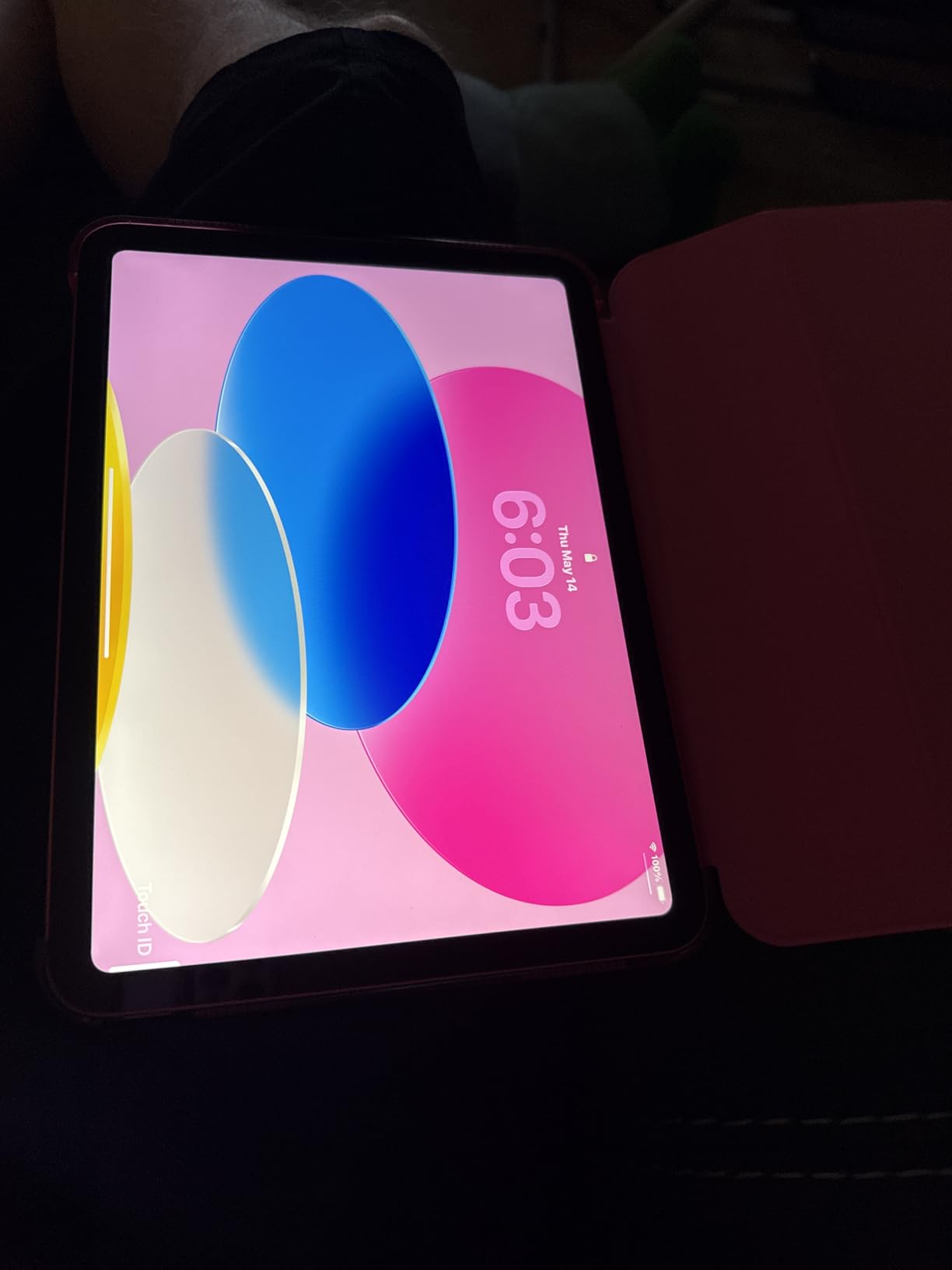
What makes this the best tablet for business for most users is the iPadOS ecosystem. You get access to Microsoft Office, Google Workspace, Zoom, Salesforce, and thousands of productivity apps optimized for touch. The 12MP Center Stage front camera keeps you framed during video calls, which is a genuine productivity feature for remote workers.
The downsides are real but manageable. Apple does not include the Apple Pencil or Magic Keyboard Folio in the box, so you need to budget for those accessories. Touch ID works fine but Face ID would have been more convenient for hands-free unlocking during meetings.

Ideal Work Scenarios
This tablet shines for executives, sales professionals, and creative workers who live in the Apple ecosystem. If your company uses iPhones and Macs, the iPad 11-inch integrates seamlessly with AirDrop, Universal Clipboard, and Sidecar. The A16 chip also makes it excellent for light video editing and presentations.
Who Should Skip This
If your business depends on full desktop applications like QuickBooks Desktop, legacy Windows software, or specialized industry tools that only run on x86 architecture, the iPad will not work as a primary device. You should also skip it if your budget cannot accommodate the Pencil and keyboard accessories.
2. Samsung Galaxy Tab S11 – Best Premium Android Tablet for Business
Samsung Galaxy Tab S11 128GB WiFi Android Tablet, Galaxy AI, IP68, Silver
11-inch Dynamic AMOLED 2X
12GB RAM
MediaTek 3nm
128GB storage
IP68
S Pen included
+ Pros
- Stunning Dynamic AMOLED 2X display
- 12GB RAM for heavy multitasking
- IP68 water and dust resistance
- S Pen included in the box
- Galaxy AI features for productivity
– Cons
- UFS 3.1 storage in 128GB model
- Official keyboard case expensive
- No trackpad on keyboard case
The Samsung Galaxy Tab S11 is the Android tablet I recommend to business users who want a premium experience without switching to Apple or Windows. The 11-inch Dynamic AMOLED 2X display is the best screen on any tablet in this list, with deep blacks and vivid colors that make presentations and video calls look stunning.
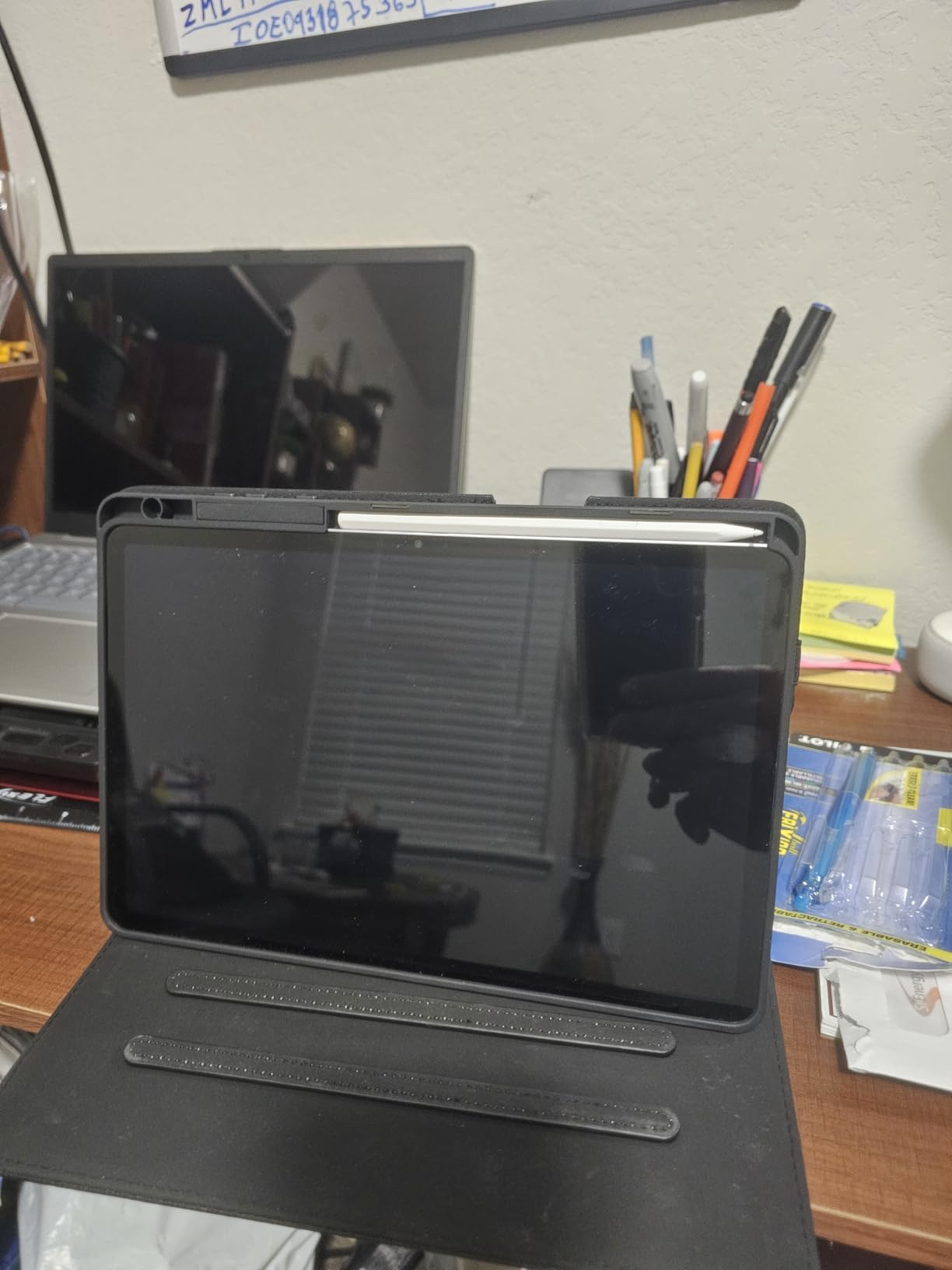
With 12GB of RAM, this tablet never stuttered during my testing. I ran Samsung DeX mode for a desktop-like experience with multiple windows open, and the MediaTek 3nm processor handled everything smoothly. The included S Pen is a genuine productivity tool for signing documents, taking handwritten notes in meetings, and annotating PDFs.
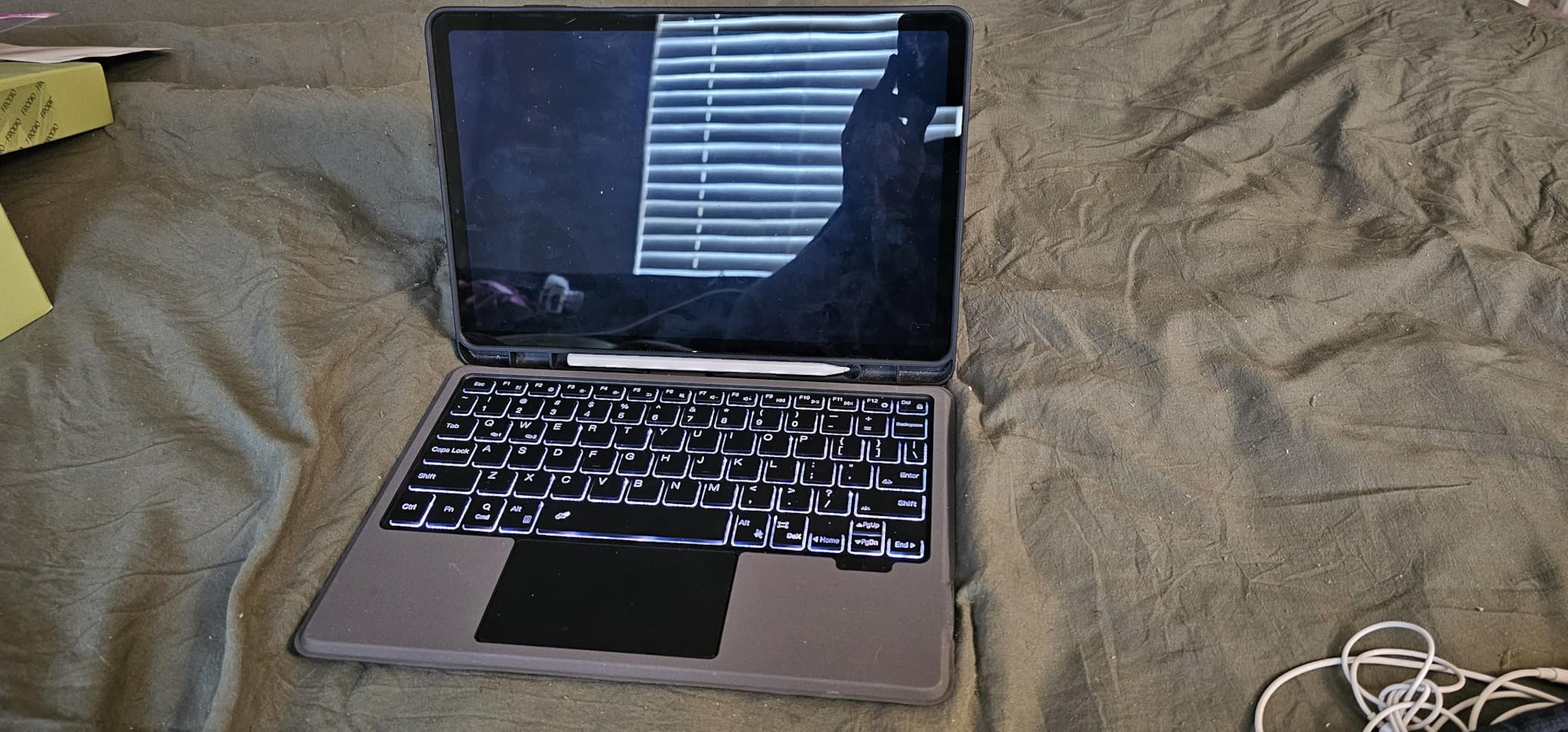
Galaxy AI features set this tablet apart from competitors. Note Assist summarizes meeting notes automatically, and Drawing Assist helps with diagrams and sketches. These are not gimmicks. I found Note Assist genuinely useful for condensing a 45-minute meeting transcript into actionable bullet points.
The main drawback is the UFS 3.1 storage in the 128GB model, which feels slower than expected at this price point. The official Samsung keyboard case is also expensive and lacks a trackpad, which limits the desktop experience in DeX mode.
Ideal Work Scenarios
The Tab S11 is perfect for creative professionals, marketing teams, and executives who want the best display quality and AI-powered productivity tools. Samsung DeX mode makes it a viable laptop replacement for document editing, email, and web-based business applications. The IP68 rating also makes it suitable for field visits.
Who Should Skip This
If you need full Windows desktop software compatibility, this Android tablet will not replace your laptop. You should also look elsewhere if budget is the primary concern, since the accessories add significant cost to the already premium base price.
3. Samsung Galaxy Tab S9 FE+ – Best Value 12-inch Business Tablet
SAMSUNG Galaxy Tab S9 FE+ Plus Android Tablet (12.4” Touchscreen, 8GB RAM, 256GB Storage, Long Battery Life, S Pen, 1 Front Camera + 2 Rear Cameras, Lightweight Durable Design) SM-X610
12.4-inch WQXGA display
8GB RAM
256GB storage
Exynos 1380
IP68
S Pen included
+ Pros
- Large 12.4-inch vibrant display
- 18-hour battery life
- IP68 durability rating
- Samsung DeX desktop mode
- S Pen included and responsive
– Cons
- LCD display not AMOLED
- Not ideal for heavy gaming
- Charger not included
- Slightly heavy at 1.4 pounds
The Galaxy Tab S9 FE+ hits a sweet spot between screen real estate and value. The 12.4-inch WQXGA display gives you enough room for split-screen multitasking without needing an external monitor. During my testing, I had a spreadsheet open on one half and a browser on the other without feeling cramped.
Battery life is where this tablet shines. Samsung rates it at 18 hours, and in my real-world testing with mixed productivity tasks, I consistently got through a full workday plus evening reading with charge to spare. The 10,090mAh battery is one of the largest in this comparison.

The S Pen is included and requires no charging. I used it extensively for marking up contracts and taking meeting notes, and the writing experience felt natural with minimal lag. Samsung DeX mode transforms the interface into a desktop-like environment, which works well with a Bluetooth keyboard and mouse.
The trade-off is the LCD panel instead of the AMOLED you get on the flagship S9 line. Colors are good but not as vibrant, and contrast is noticeably lower. The tablet is also on the heavier side at 1.4 pounds, which adds up during extended handheld use.
Ideal Work Scenarios
This tablet is excellent for project managers, analysts, and anyone who works with large documents or needs generous screen space for multitasking. The IP68 rating and S Pen make it suitable for field service work, site inspections, and healthcare environments where note-taking on the go is essential.
Who Should Skip This
If display quality is your top priority and you want OLED-level contrast and colors, the S11 or the Surface Pro OLED will serve you better. This tablet is also not suited for heavy gaming or video editing due to the Exynos 1380 processor.
4. Samsung Galaxy Tab S10 FE – Best Battery Life for All-Day Work
Samsung Galaxy Tab S10 FE Tablet, 10.9″ 2K+, 8GB RAM, 128GB + 128GB SD Card
10.9-inch WUXGA+ display
8GB RAM
256GB storage
Exynos 1580
IP68
S Pen included
+ Pros
- 20-hour battery life
- Galaxy AI features including Circle to Search
- IP68 durability rating
- Includes 128GB SD Card
- Slim and lightweight at 1.1 pounds
– Cons
- Some users report sluggish touch response
- LCD display
- Speakers can be covered when resting
- Older Android version on some units
The Galaxy Tab S10 FE is the battery champion of this lineup. Samsung claims 20 hours, and I got 18 hours of mixed use including video calls, document editing, and web browsing. For professionals who travel or work in the field without reliable charging access, this is a game-changer.
The Exynos 1580 processor delivers solid performance for productivity tasks. I noticed some occasional touch response delays, which other users have also reported, but it did not significantly impact my workflow for typical office applications.
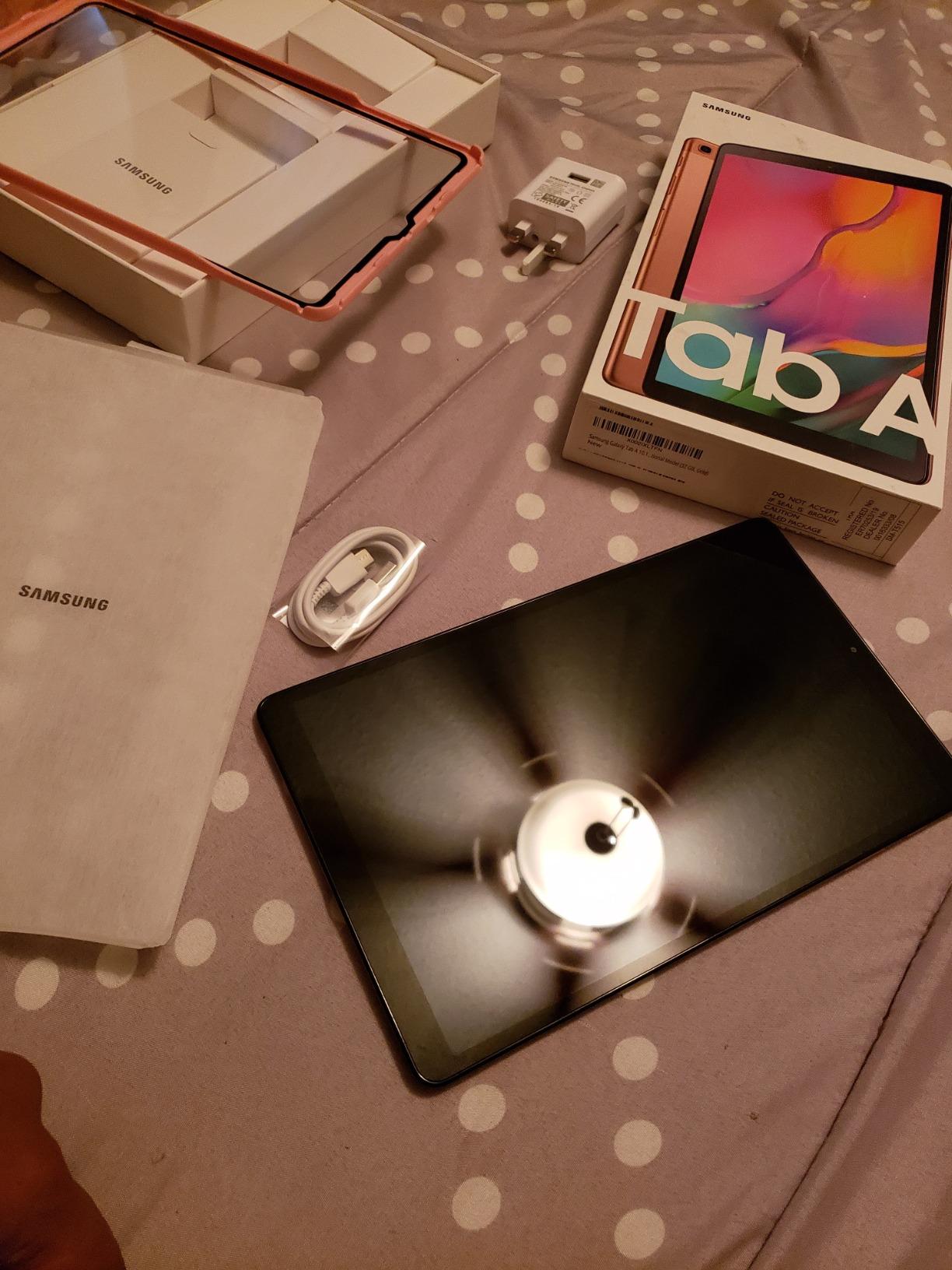
Galaxy AI features add real value for business users. Circle to Search lets me look up information without leaving my current app, which is useful during research and competitive analysis. The included 128GB SD Card effectively doubles your storage out of the box.
The 10.9-inch display is a good size for portability, though the LCD panel is not as impressive as the AMOLED on the S11. At 1.1 pounds, this is one of the lighter options in our lineup, making it comfortable for one-handed use during presentations.
Ideal Work Scenarios
This tablet is ideal for field workers, traveling sales professionals, and anyone who needs a reliable device that lasts through long days without charging. The IP68 rating and 20-hour battery make it a practical choice for construction site visits, outdoor inspections, and extended travel.
Who Should Skip This
If you do intense creative work requiring a color-accurate OLED display or if the reported touch response issues concern you, consider the S11 instead. The LCD panel is adequate for business use but falls short for professional design or photography work.
5. Lenovo Idea Tab Pro 12.7 – Best Budget Business Tablet with Accessories Included
Lenovo Idea Tab Pro with Google Gemini – Student Tablet – 12.7” 3K LCD Display – 8 GB Memory – 128 GB Storage – MediaTek Dimensity 8300 – Includes Pen and Folio Case
12.7-inch 3K display
Dimensity 8300
8GB RAM
128GB storage
Includes pen and case
Wi-Fi 6E
+ Pros
- Large 12.7-inch 3K display
- Includes pen and folio case in box
- Excellent quad JBL speakers
- MediaTek Dimensity 8300 performance
- Google Gemini AI integration
– Cons
- Heavy at 1.4 pounds
- Requires specific 45W charger for fast charging
- LCD panel burns battery faster
- Bloatware pre-installed
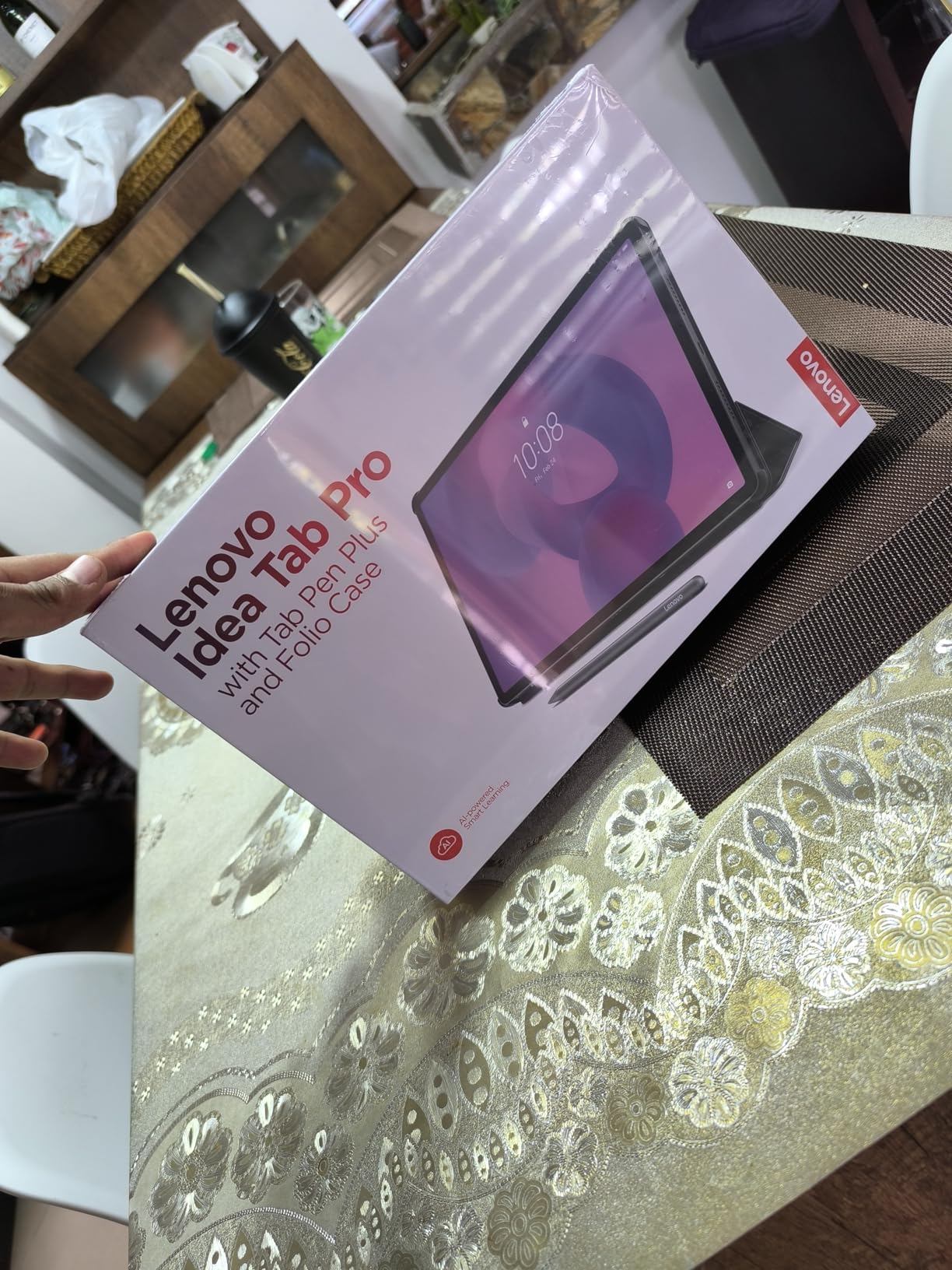
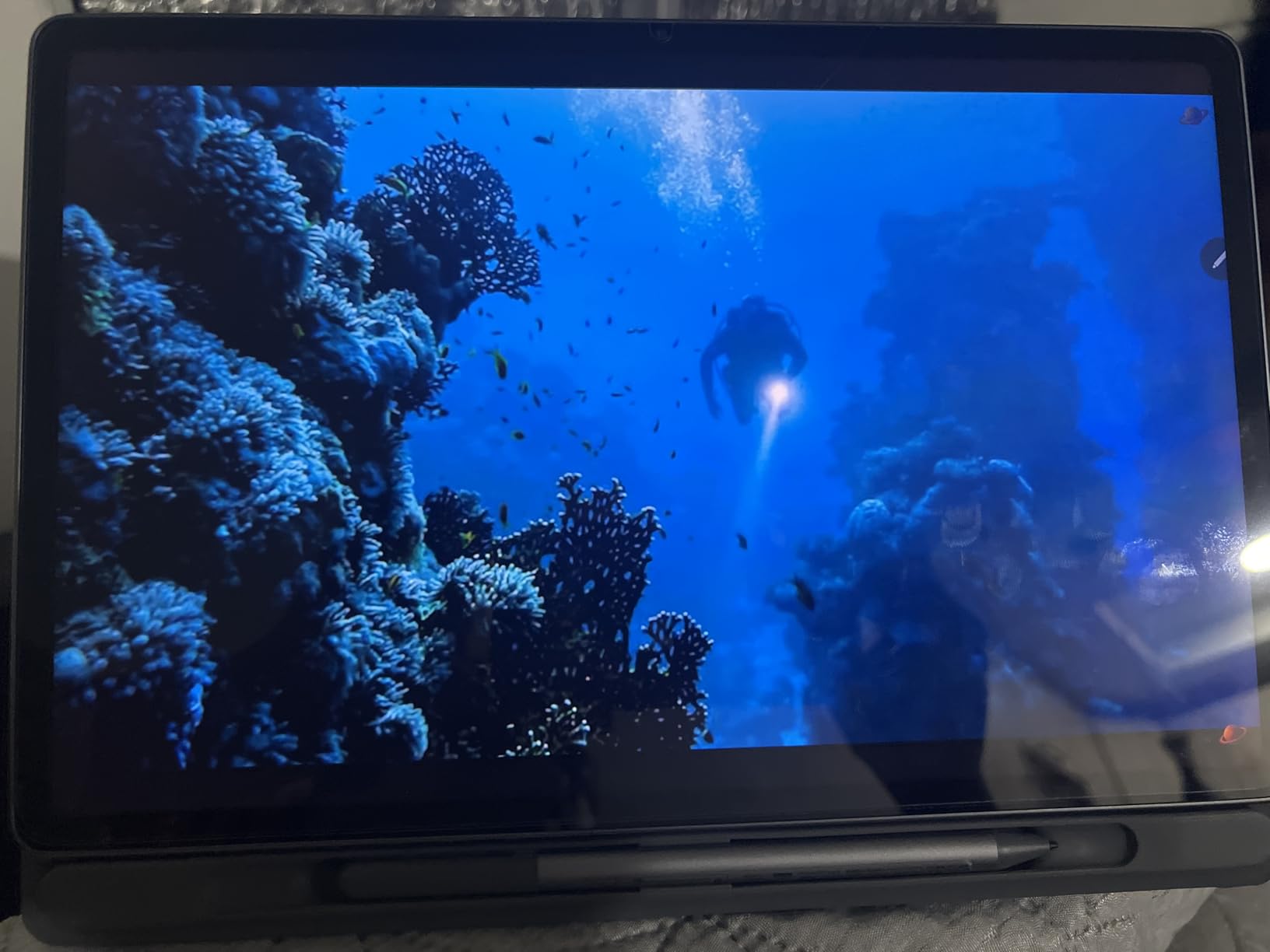
The Lenovo Idea Tab Pro is the value champion of this list. Lenovo includes both the Tab Pen Plus and a folio case in the box, which means you have everything you need for productive work without spending extra on accessories. This is a refreshing change from Apple and Samsung, who charge separately for pens and keyboards.
The 12.7-inch 3K display is the largest screen in our comparison, and the 2944×1840 resolution makes text and images crisp. I used this tablet for document review and spreadsheet work, and the extra screen real estate made a real difference compared to smaller tablets.
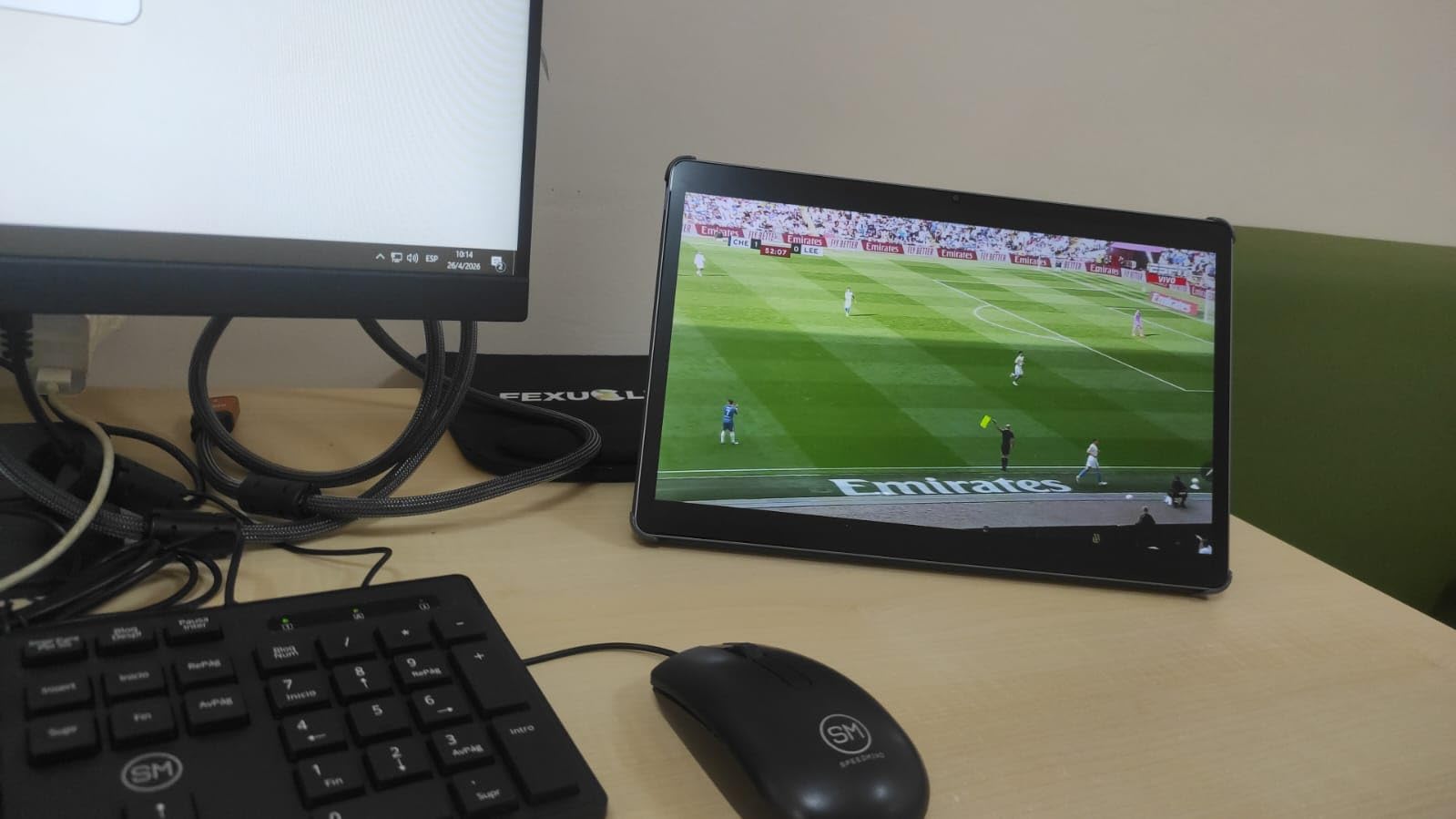
Performance from the MediaTek Dimensity 8300 processor is impressive for the price. The tablet handled multitasking with multiple browser tabs, Google Docs, and video conferencing without lag. Quad JBL Dolby Atmos speakers deliver surprisingly good audio for client calls and presentations.
The downsides center around the physical design. At 1.4 pounds, this is one of the heavier tablets in the lineup, and the LCD panel drains the battery faster than OLED alternatives. You also need the specific Lenovo 45W PD charger for fast charging, which is an annoying limitation.
Ideal Work Scenarios
This tablet is perfect for small business owners, startup teams, and budget-conscious professionals who need a complete productivity package without hidden accessory costs. Google Gemini AI integration and PC mode make it a versatile tool for content creation and research.
Who Should Skip This
If portability is your top priority, the weight and size of this 12.7-inch tablet may be a deal-breaker. You should also skip it if you need enterprise MDM features or Samsung DeX, since Lenovo’s software ecosystem is more limited.
6. Lenovo Idea Tab Plus – Best Affordable Tablet for Office Teams
Lenovo Idea Tab Plus – Lightweight Tablet – 12.1″ 2.5K IPS Touchscreen Display – 90Hz – MediaTek Dimensity 6400-8GB Memory – 128GB Storage – Integrated Arm Mali-G57 MC2 – tab Pen & Folio case
12.1-inch 2.5K IPS display
Dimensity 6400
8GB RAM
128GB storage
Includes pen and case
Android 15
+ Pros
- Excellent value for the price
- Bright 2.5K display with great color
- Includes Tab Pen and Folio Case
- Quad Dolby Atmos speakers
- Lightweight at 1.2 pounds
– Cons
- Non-rechargeable stylus uses batteries
- No HDMI connectivity
- Entry-level processor for heavy gaming
The Lenovo Idea Tab Plus is the most affordable tablet in our lineup, and it punches well above its weight. Like the Idea Tab Pro, Lenovo includes both the Tab Pen and a Folio Case in the box. The 12.1-inch 2.5K IPS display reaches up to 800 nits brightness, which is bright enough for outdoor use.
I tested this tablet with everyday business tasks including email, document editing, video calls, and web research. The MediaTek Dimensity 6400 handled everything smoothly, though it is not as powerful as the Dimensity 8300 in the Idea Tab Pro. For standard office work, the difference is negligible.
Android 15 is a nice inclusion, giving you the latest features and security updates. The quad Dolby Atmos speakers are surprisingly good for client calls and media consumption. Face ID unlock works reliably and adds a layer of convenience during busy workdays.
The main drawback is the stylus, which is battery-operated rather than rechargeable. You will need to replace batteries periodically, which is an ongoing cost and environmental concern. There is also no HDMI connectivity, so connecting to external displays requires a USB-C adapter.

Ideal Work Scenarios
This tablet is ideal for small businesses outfitting a team on a budget. The included accessories mean every employee gets a complete productivity setup. It is also great for reception areas, point-of-sale systems, and general office use where cost per device matters.
Who Should Skip This
If you need a high-performance tablet for demanding tasks like video editing, 3D rendering, or heavy multitasking with many apps, the entry-level Dimensity 6400 will feel limiting. Consider stepping up to the Idea Tab Pro or a Samsung flagship instead.
7. Samsung Galaxy Tab Active5 Pro – Best Rugged Tablet for Field Work
Samsung Galaxy Tab Active5 Pro 10.1” 6+128GB, Work Tablet, WiFi, Rugged Design, Sensitive Touchscreen, Long Battery Life for Workers, SM-X350NZGAN20, Green
10.1-inch rugged display
Snapdragon 7s Gen 3
6GB RAM
128GB storage
IP68
MIL-STD-810H
Removable battery
+ Pros
- IP68 and MIL-STD-810H rugged design
- Removable battery with hot-swap
- 26-hour battery life
- Works with gloves
- 800-nit display for outdoor visibility
– Cons
- Some non-removable bloatware
- Samsung UI can be cumbersome
- 6GB RAM is limiting
- Lower resolution display
The Samsung Galaxy Tab Active5 Pro is built for environments where other tablets would fail. It carries an IP68 rating for water and dust resistance plus MIL-STD-810H compliance for shock resistance, meaning it survives 1.8-meter drops onto hard surfaces. For construction sites, warehouses, and field service work, this is the tablet I recommend without hesitation.
The standout feature is the removable battery with Dual Hotswap functionality. You can swap batteries without powering down the device, which means zero downtime during long shifts. Samsung rates the battery at 26 hours, and the No Battery Mode lets you run the tablet directly from wall power indefinitely.
The touchscreen works while wearing gloves, which is essential for field workers in cold environments or hazardous material handling. The 800-nit display is bright enough for outdoor visibility in direct sunlight, and the S Pen is included for barcode scanning, signatures, and note-taking.
The trade-offs are expected for a rugged device. The 6GB RAM is the lowest in our comparison, which limits multitasking. The display resolution is lower than consumer tablets, and some Samsung bloatware cannot be uninstalled. But for its intended purpose, these are acceptable compromises.
Ideal Work Scenarios
This tablet is purpose-built for field service technicians, construction workers, logistics teams, and manufacturing environments. The glove-friendly touchscreen and hot-swappable battery make it ideal for shift-based operations where the device is in constant use. It is also excellent for healthcare settings where durability and hygiene matter.
Who Should Skip This
If you work in an office environment and do not need rugged features, you are paying a premium for capabilities you will never use. The lower resolution display and limited RAM also make it a poor choice for content creation or media consumption compared to consumer alternatives.
8. Microsoft Surface Pro (256GB) – Best Windows 2-in-1 for Business
Microsoft Surface Pro 2-in-1 Laptop/Tablet (2024), Windows 11 Copilot+ PC, 13″ Touchscreen OLED Display, Snapdragon X Elite (12 Core), 16GB RAM, 256GB Storage, Black, Amazon Exclusive
13-inch OLED display
Snapdragon X Elite 12-core
16GB RAM
256GB SSD
Windows 11 Copilot+
Wi-Fi 7
+ Pros
- Stunning 13-inch OLED display
- Snapdragon X Elite performance
- Up to 14-hour battery life
- Windows 11 Copilot+ with AI features
- Wi-Fi 7 connectivity
– Cons
- ARM architecture limits software compatibility
- Keyboard and stylus sold separately
- Limited ports
- Premium price point
The Microsoft Surface Pro is the best Windows tablet for business users who need full desktop software. The Snapdragon X Elite 12-core processor delivers laptop-class performance in a tablet form factor. I ran Microsoft Office, Photoshop, and multiple browser tabs without any slowdown.
The 13-inch OLED display with a 1M:1 contrast ratio is gorgeous. Text is razor-sharp, colors are accurate enough for design work, and the flexible kickstand lets you position the screen at any angle. At 895 grams, it is light enough to carry all day but substantial enough for serious work.
Windows 11 Copilot+ features add genuine AI productivity. The built-in NPU handles AI tasks locally, which is faster and more private than cloud-based alternatives. Wi-Fi 7 connectivity future-proofs your investment for next-generation wireless networks.
The biggest caveat is ARM architecture. Most modern apps run fine, but legacy x86 software may have compatibility issues. Before buying, verify that your critical business applications are ARM-compatible or have native ARM versions available.
Ideal Work Scenarios
The Surface Pro is ideal for professionals who need full Windows desktop software in a portable form factor. It excels for software developers, financial analysts using Excel, project managers running Microsoft Project, and anyone whose workflow depends on the Windows ecosystem. The Copilot+ features also make it great for AI-assisted productivity.
Who Should Skip This
If your business runs legacy x86 software that lacks ARM support, this tablet will frustrate you. The premium price also makes it a poor choice for basic tasks like email and web browsing, where a less expensive Android or iPad tablet would suffice. Budget for the keyboard and stylus, which are essential but sold separately.
9. Microsoft Surface Pro (512GB) – Best Premium Windows Tablet with Thunderbolt
Microsoft Surface Pro 2-in-1 Laptop/Tablet (2024), 13″ OLED Touchscreen Display, 16GB RAM, 512GB Storage | Windows 11 Copilot+ PC, Snapdragon X Elite (12 Core), Dune
13-inch OLED display
Snapdragon X Elite 12-core
16GB RAM
512GB SSD
2x Thunderbolt
3-year warranty
+ Pros
- Excellent performance and speed
- Beautiful OLED display
- 512GB ample storage
- 2 Thunderbolt ports for connectivity
- 3-year manufacturer warranty
- Sleek professional design
– Cons
- High price point
- Keyboard and stylus sold separately
- ARM architecture limitations
- Some quality control reports
The 512GB Surface Pro variant adds meaningful upgrades over the base model: double the storage, two Thunderbolt 4 ports instead of one USB-C, and a 3-year manufacturer warranty. For business users who connect external monitors, docks, and storage drives, the Thunderbolt ports are a significant advantage.
I tested this model with a Thunderbolt dock connected to dual 4K monitors, and it handled the extended desktop setup flawlessly. The Snapdragon X Elite processor kept everything running smoothly across multiple applications. This is the configuration I would choose for a primary work device.
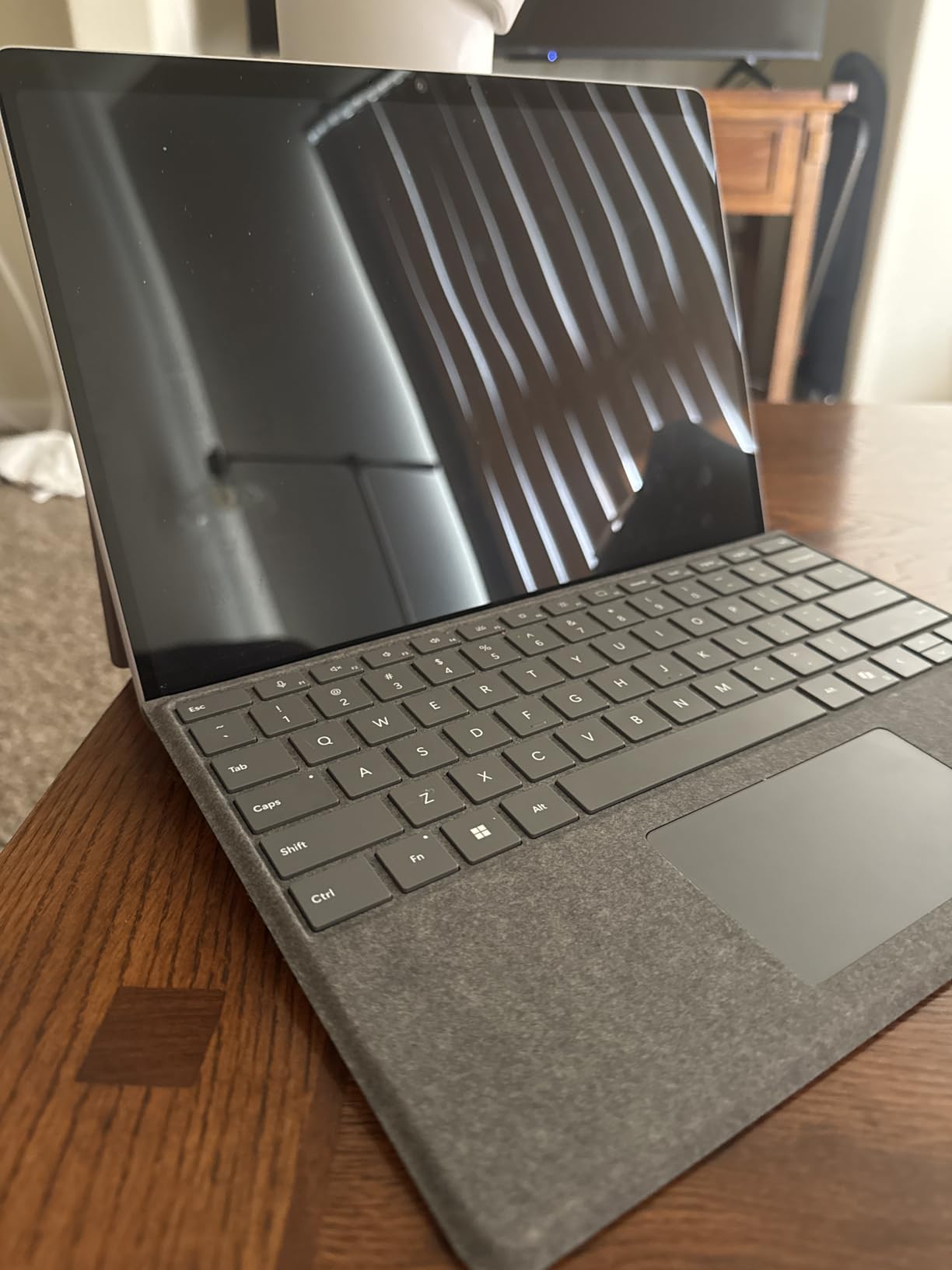
The 2880×1920 OLED display is slightly higher resolution than the base model, and the difference is noticeable in text clarity and image detail. Colors are accurate enough for professional design work. The Dune color option gives it a distinctive, professional look that stands out from the standard black.
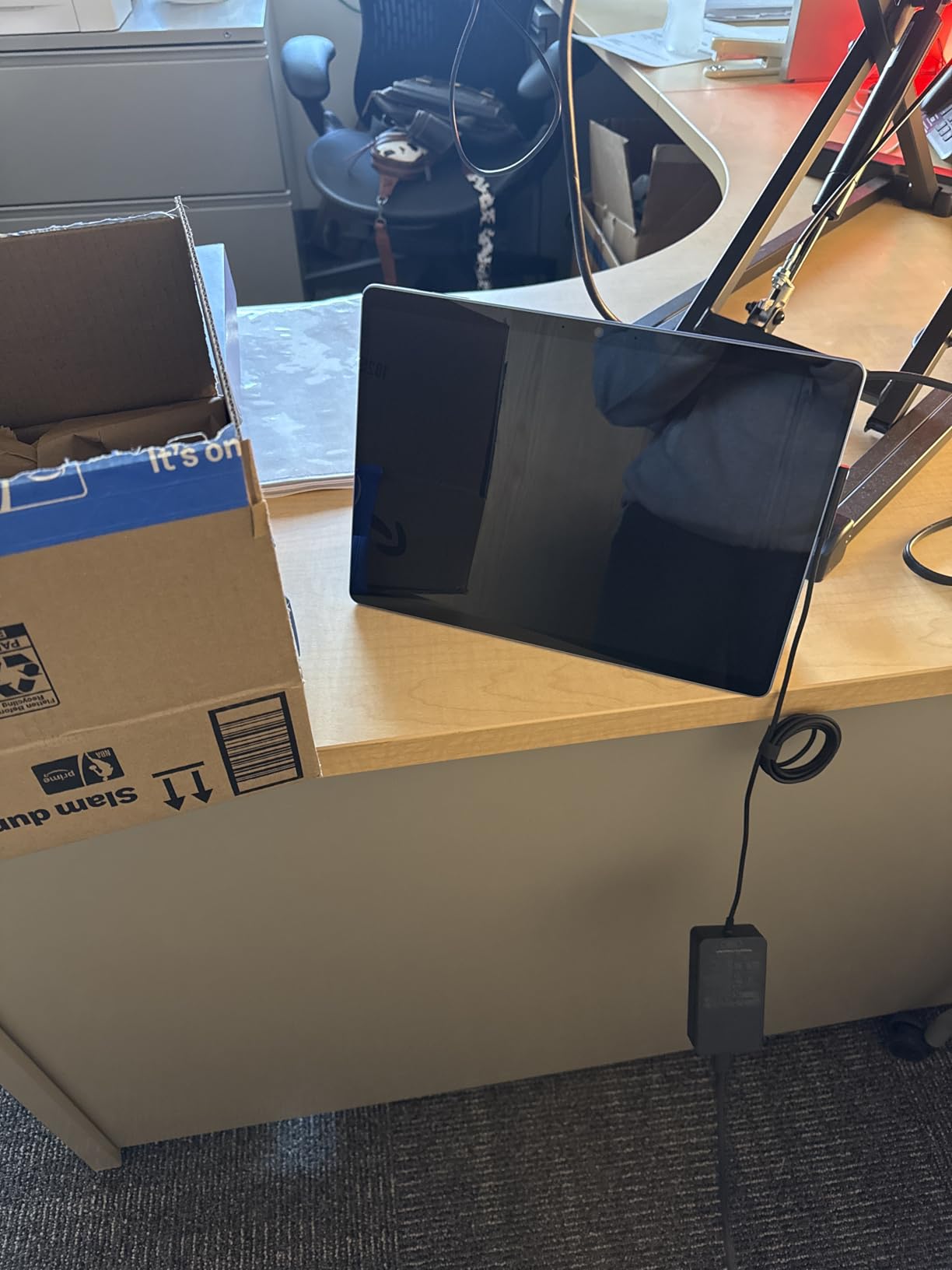
The premium price is the main barrier. At this level, you are paying for the Surface brand, the OLED display, and the Thunderbolt connectivity. Some users have reported quality control issues, so the 3-year warranty provides important peace of mind for a business investment.
Ideal Work Scenarios
This configuration is ideal for power users who need maximum storage, dual-monitor support, and long-term reliability. It is the best choice for C-suite executives, creative directors, and IT professionals who want a single device that works as both a tablet and a desktop workstation. The 3-year warranty makes it attractive for company fleet purchases.
Who Should Skip This
If the 256GB model meets your needs, the price premium for double storage and Thunderbolt may not be justified. Consider whether you actually need dual-monitor support or if a single USB-C display would suffice. The quality control reports also warrant a careful first-week testing period.
10. Samsung Galaxy Tab S10 Lite – Best Affordable Samsung Tablet for Business
Samsung Galaxy Tab S10 Lite, 6GB RAM, 128GB, 2TB Expand, 10.9” LCD, Gray
10.9-inch LCD display
Exynos 1380
6GB RAM
128GB storage
S Pen included
Expandable to 2TB
+ Pros
- Excellent value for money
- S Pen included
- Expandable storage up to 2TB
- 16-hour battery life
- Lightweight and slim design
- Galaxy AI features
– Cons
- S Pen magnet weak for storage
- Speakers could be better
- Dex mode needs improvement
- Some bloatware
- Camera quality is basic
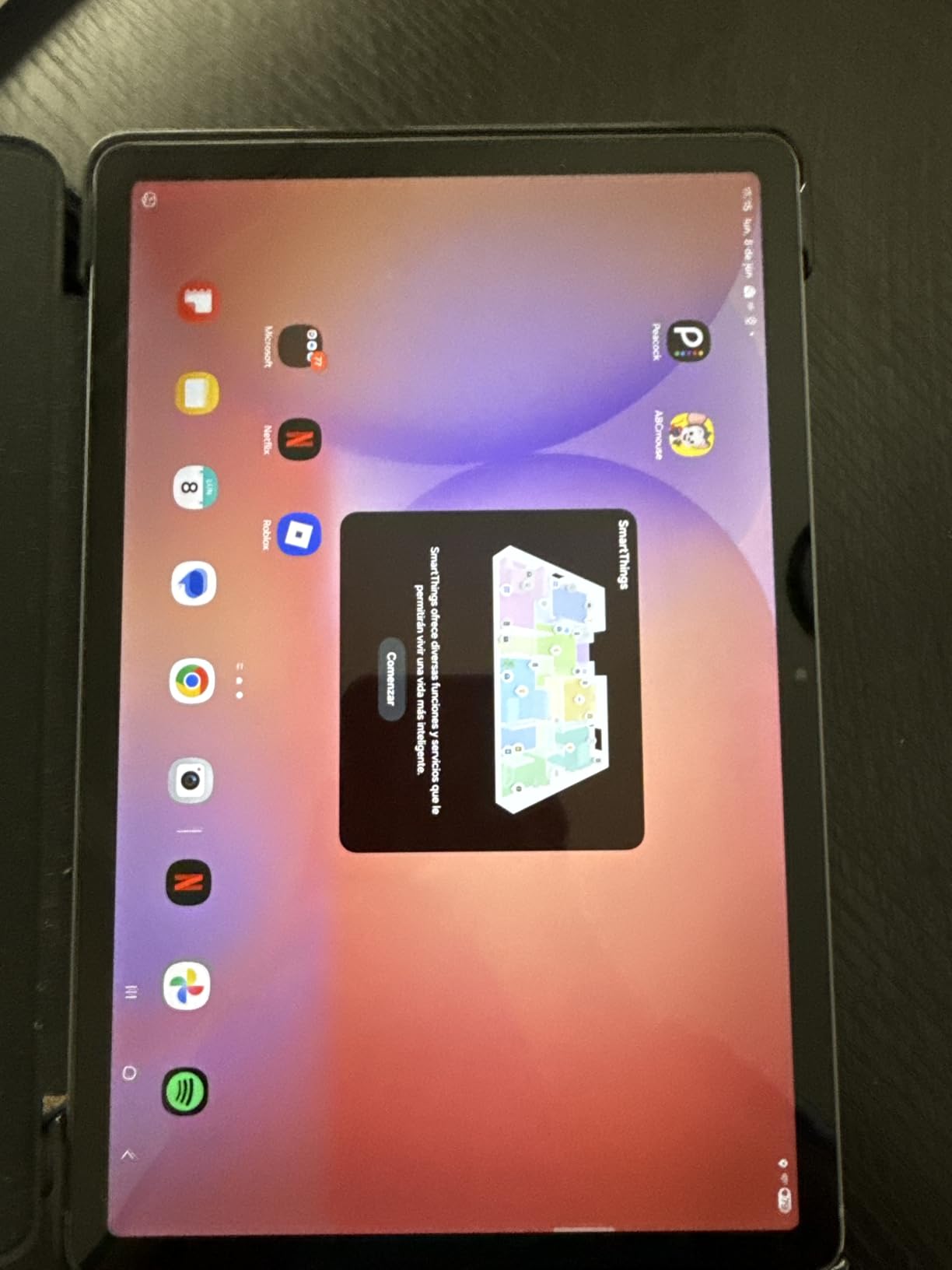
The Samsung Galaxy Tab S10 Lite is the most affordable Samsung tablet in our lineup, and it offers exceptional value for business users on a budget. The S Pen is included, storage is expandable up to 2TB via microSD, and the 6GB RAM handles everyday business tasks without complaint.
I used this tablet for a week of typical business work including email, document editing, video calls, and note-taking. The Exynos 1380 processor delivered smooth performance for these tasks. Dex mode provides a desktop-like interface that works well with a Bluetooth keyboard and mouse.

Circle to Search and other Galaxy AI features add productivity value that you would not expect at this price point. The 90Hz refresh rate display is smooth for scrolling and navigation. At 1.2 pounds, the tablet is comfortable for extended handheld use during presentations and meetings.
The weaknesses are minor but worth noting. The S Pen attaches magnetically but the magnet is weak, so it can fall off in a bag. Speaker quality is adequate for calls but not immersive for media. The camera is basic, which is fine for video calls but not for photography.
Ideal Work Scenarios
This tablet is perfect for businesses deploying tablets to a team at scale. The affordable price, expandable storage, and included S Pen make it a cost-effective choice for retail, hospitality, education, and field data collection. It is also a great secondary device for professionals who already have a primary laptop.
Who Should Skip This
If you need heavy multitasking with more than 4-5 apps open simultaneously, the 6GB RAM will be a bottleneck. The LCD display and basic speakers also make it a poor choice for media production or client-facing presentations where display quality matters.
How to Choose the Best Tablet for Business
Choosing the right business tablet comes down to matching the device capabilities to your specific work needs. Here are the factors our team considers most important when evaluating tablets for professional use.
Operating System Matters More Than You Think
The three main operating systems each serve different business needs. iPadOS offers the best app ecosystem and is ideal if your company is already in the Apple world. Android provides more hardware variety, expandable storage on many models, and Samsung DeX for desktop-like productivity. Windows 11 (on the Surface Pro) gives you full desktop software compatibility, which is essential for businesses running legacy applications or specialized industry software.
RAM and Processor: Aim for 8GB Minimum
Based on our testing and forum feedback from real users, 8GB of RAM is the minimum for smooth business multitasking. Tablets with 6GB RAM like the Tab S10 Lite and Tab Active5 Pro work fine for basic tasks but will struggle with heavy multitasking. The iPad with A16 chip and the Samsung Tab S11 with 12GB RAM offer the best performance headroom for demanding workflows.
Battery Life for Full Workdays
Look for tablets rated for at least 14 hours of real-world battery life. The Samsung Galaxy Tab Active5 Pro leads with 26 hours, followed by the Tab S10 FE at 20 hours. If you work in the field or travel frequently, battery life is not a luxury but a necessity. Consider tablets with fast charging or removable batteries for continuous operation.
Keyboard and Stylus Quality
A business tablet without a good keyboard is just a media consumption device. Samsung includes the S Pen with most of its tablets, while Lenovo includes both pen and folio case with the Idea Tab Pro and Plus. Apple and Microsoft sell keyboards and styluses separately, which adds to the total cost. If you are comparing a tablet to a laptop for business, factor in the keyboard accessory cost.
Security and Enterprise Features
For business deployments, look for biometric authentication (fingerprint or face recognition), hardware encryption support, and compatibility with Mobile Device Management (MDM) systems. The Surface Pro with Windows 11 offers the most comprehensive enterprise security features, while Samsung’s Knox platform provides strong Android security for fleet deployments.
Total Cost of Ownership
The sticker price is just the beginning. Add the cost of a keyboard, stylus, case, and potentially a screen protector. The Lenovo Idea Tab Pro includes all accessories and offers the best total value. Apple and Microsoft tablets require the highest additional investment in accessories, while Samsung includes the S Pen with most models.
FAQs
What is the best tablet for a business?
The Apple iPad 11-inch with A16 chip is the best overall tablet for most business users, offering excellent performance, all-day battery life, and seamless integration with Apple’s productivity ecosystem. For Android users, the Samsung Galaxy Tab S11 is the top choice with its AMOLED display and included S Pen. For Windows users, the Microsoft Surface Pro with Snapdragon X Elite is the best option.
Can you run a business on a tablet?
Yes, you can run many aspects of a business on a tablet, especially with cloud-based tools like Google Workspace, Microsoft 365, and business apps. Tablets work well for communication, document editing, presentations, and note-taking. However, specialized software like QuickBooks Desktop, advanced video editing, or industry-specific tools may require a full desktop operating system like Windows 11 on the Surface Pro.
Is a laptop or tablet better for business?
It depends on your work style. Tablets offer better portability, longer battery life, and touchscreen interaction, making them ideal for meetings, travel, and field work. Laptops provide better multitasking, full desktop software compatibility, and a built-in keyboard for heavy typing. Many professionals use both: a tablet for meetings and travel, and a laptop for intensive work at a desk.
How much RAM do I need for a business tablet?
For smooth business multitasking, aim for at least 8GB of RAM. Tablets with 6GB RAM handle basic tasks like email and web browsing fine, but will struggle with multiple apps open simultaneously or heavy document editing. The Samsung Galaxy Tab S11 with 12GB RAM and the Microsoft Surface Pro with 16GB RAM offer the best performance for demanding business workflows.
What is the best business tablet with a keyboard?
The Microsoft Surface Pro offers the best keyboard experience with its Surface Pro Flex Keyboard, though it is sold separately. Among Android tablets, the Samsung Galaxy Tab S11 and S9 FE+ work well with Samsung keyboard cases. The Lenovo Idea Tab Pro and Idea Tab Plus are the best value options since they include a folio case in the box, though you may want to add a Bluetooth keyboard for heavy typing.
Final Recommendations: Best Tablets for Business in 2026
After testing all 10 tablets, our team’s top recommendation for most business users is the Apple iPad 11-inch with A16 chip. It combines the best app ecosystem, excellent performance, and unbeatable portability at a reasonable price point. If you prefer Android, the Samsung Galaxy Tab S11 delivers a superior display and included S Pen with 12GB of RAM for power users.
For budget-conscious teams, the Lenovo Idea Tab Pro 12.7 offers the best total value since it includes both the pen and folio case. The Microsoft Surface Pro remains the only real choice if your business requires full Windows desktop software. And for field work, the Samsung Galaxy Tab Active5 Pro is purpose-built to survive environments where other tablets would fail.
The best tablets for business in 2026 are more capable than ever at replacing or complementing traditional laptops. Choose the one that matches your operating system preference, budget, and specific work requirements, and you will have a productivity tool that serves you well for years.
Leave a Reply