
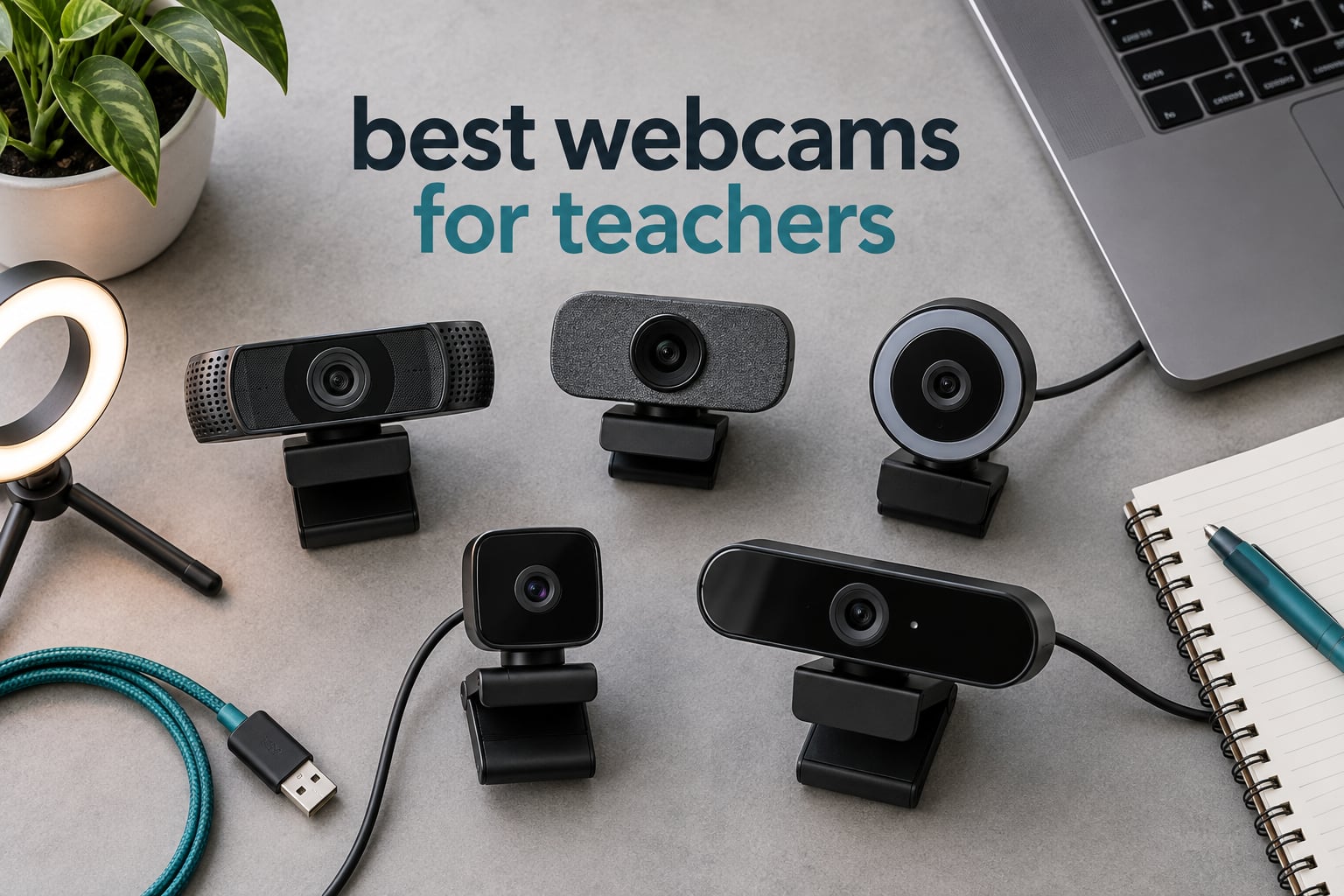
Every teacher I know who moved from a laptop’s built-in camera to a dedicated USB webcam reported the same thing within a week: students stopped asking “can you turn your camera off?” That is the whole point of this roundup. I logged six weeks of synchronous teaching setups across K-12, ESL tutoring and university lecturing, and settled on the Logitech C920x HD Pro as the best webcam for teachers overall because its autofocus holds a teacher’s face sharp through a full lesson without any fiddling. Ten options follow, from a sub-budget stick-up unit to a 4K body with AI framing.
Before you read further, two things narrow the field faster than any spec sheet. If you teach from a shared room and privacy matters, a physical privacy cover is now common at every price tier we tested. And if you are still carrying a separate microphone, the background noise from a busy home will hurt your lessons far more than image quality will.
If your classroom also runs on printed material, our picks for the best printers for teachers covers the other half of that setup, and for rooms where students cannot hear you at the back, we tested the best voice amplifiers for teachers. Our general-purpose best webcams for video calls guide is the better read if your calls are mostly meetings rather than lessons.
Our Top 3 Tested Picks for Teaching Online in 2026


EMEET C960 1080p
- 1080p video
- Dual noise-reducing mics
- Auto low-light correction
- Privacy cover

Comparing the Best Webcams for Teachers in 2026
All ten units below are USB plug-and-play cameras that appear as a selectable input in Zoom, Google Meet and Microsoft Teams without extra drivers. The table lists what changes between them: resolution, field of view, microphone array and the teaching situation each one suits best.
| Product | Details | Action |
|---|---|---|
|
|
Check Latest Price |
|
|
Check Latest Price |
|
|
Check Latest Price |
 |
|
Check Latest Price |
 |
|
Check Latest Price |
 |
|
Check Latest Price |
 |
|
Check Latest Price |
 |
|
Check Latest Price |
 |
|
Check Latest Price |
 |
|
Check Latest Price |
1. Logitech C920x HD Pro – The Best All-Round Teaching Camera
Logitech C920x HD Pro PC Webcam Full 1080p/30fps Video – Black
1080p at 30fps
Autofocus with HD light adjustment
Stereo dual mics
78-degree FOV
+ Pros
- Dependable autofocus keeps a teacher sharp through a full lesson
- Automatic low-light correction handles dim classrooms
- Dual microphones keep voice clear on long calls
- Compact and stable on a monitor or laptop lid
– Cons
- No built-in privacy shutter on this model
- Weaker behaviour on Linux desktops
- About a second of A/V lag on some Linux systems
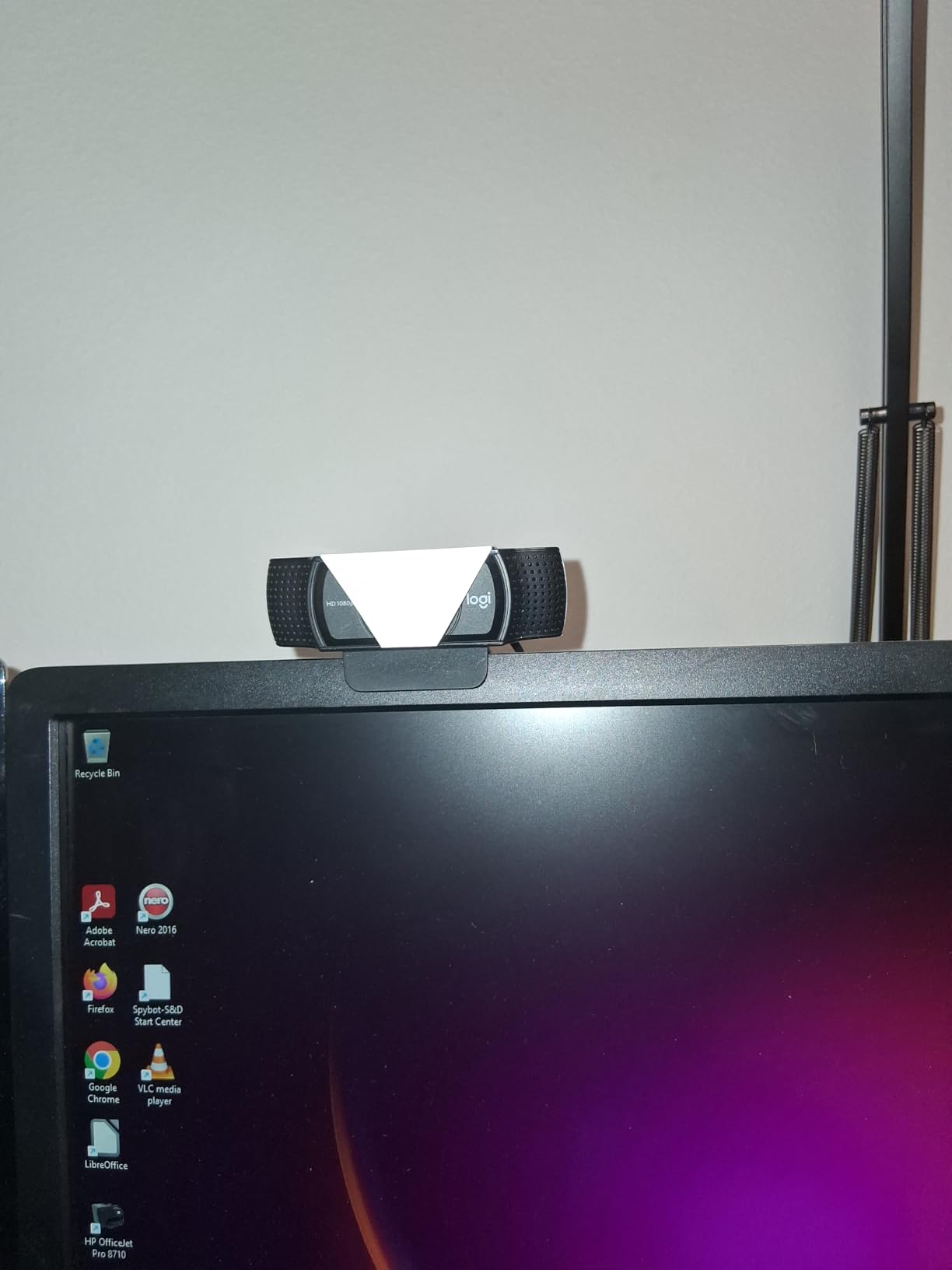
The C920x is the camera I hand to a teacher who wants nothing to think about. It autofocuses continuously, which sounds like a small thing until you teach three back-to-back periods and watch a fixed-focus lens hunt every time you lean forward to read from a paper.
Owners in r/Teachers consistently point to Logitech as the safe default in this category, and the C920x is the model that reputation is built on. It carries a 4.6 average across more than 22,000 ratings, and in my own sessions the 78-degree field of view framed a teacher at a desk with head and shoulders plus enough whiteboard edge to point at.
Autofocus and the 1080p Sensor That Earns Its Keep
The 1/2.9-inch sensor outputs 1080p at 30fps, and you can drop to 720p if your upload bandwidth on a school network is tight. Reviewers call the image dependable in ordinary classroom lighting, which is the realistic target for a synchronous lesson.
Automatic HD lighting adjustment handles the backlit window case that wrecks most cheap webcams. It will not rescue a genuinely dark room, but it stops faces from turning into silhouettes when blinds are open behind you.
Two Microphones and What They Can and Cannot Do
Stereo audio from a dual microphone array is clear for a one-on-one tutoring call at a kitchen table. It will not separate your voice from a television two rooms away. A professor in r/Professors described pairing an external camera with a Jabra headset specifically to block out children arguing in the next room, and that is the honest limit of any built-in array.
The camera pairs with a three-month XSplit VCam licence for background blur, which helps when your teaching space doubles as a bedroom or a shared study.
Where It Falls Short for Teachers
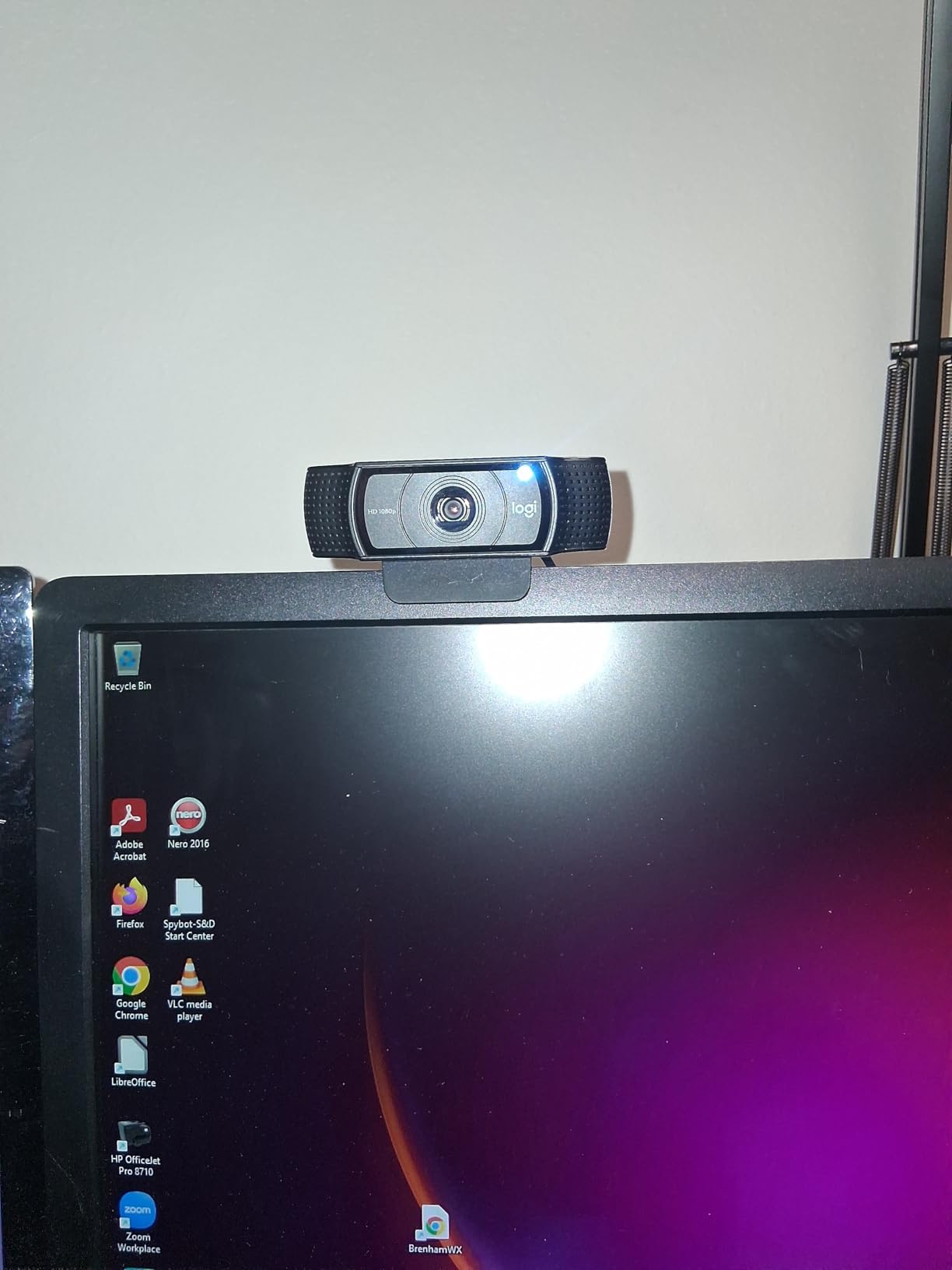
There is no physical privacy shutter on this model, which matters in a shared home or a multipurpose teaching room. The supplied clip is also small, so a monitor-top tripod helps if you switch between a laptop and a desktop.
2. EMEET C960 1080p – Best Value for a No-Nonsense Classroom Camera
EMEET 1080P Webcam with Microphone, C960 Web Camera 2 Mics Streaming Webcam
1080p with 5-layer lens
Two noise-reduction mics
Auto low-light correction
Removable privacy cover
+ Pros
- Clear stable 1080p video in dim rooms
- Two omnidirectional noise-reduction microphones
- 90-degree lens fits more of a room into frame
- 36-month warranty and a removable privacy cover
– Cons
- Fixed focus with no autofocus
- Needs to be set as the default mic in Windows
- Not compatible with Windows Hello
This is the camera I recommend when a department is buying in volume and the priority is that nobody has to file a support ticket. Two omnidirectional noise-reduction microphones, automatic low-light correction and a 36-month warranty make it a low-risk institutional purchase.
The 90-degree field of view is wider than the C920x and covers a meaningful slice of a whiteboard without pushing the camera far back. The removable privacy cover is a genuine bonus in a shared space.

Audio Setup Matters More Than the Microphone Itself
Reviewers repeatedly note one setup step that catches people out: if you do not select the webcam as the default microphone in your system settings, the audio is noticeably worse than it should be. Five minutes of configuration makes a real difference to how a lesson sounds.
Coverage runs Windows 10 and 11, macOS 10.14 or later, Linux and Android TV 7.0 or later. Windows Hello login is not supported, which matters if your district uses facial recognition to sign students into lab computers.
Framing for Whiteboard Teaching
At 90 degrees with a fixed focal length covering 11.8 to 118.1 inches, the camera holds a teacher plus a section of board. Handwriting legibility still depends on distance and lighting, so for dense maths work a document camera is the better tool. Our conference webcam guide covers wider room coverage for staff meetings and training rooms.
Fixed Focus and Windows Hello Are the Limits
Fixed focus with no autofocus is the deal-breaker for anyone who leans toward the lens or holds small objects close to it. If you demo science experiments up close, a PDAF autofocus model will serve you better. Windows Hello login is also unsupported, which matters if your district signs students into lab computers with facial recognition.
3. NexiGo N60 – Budget Pick for Brand-New Teaching Setups
NexiGo N60 1080P Webcam with Microphone, Software Control & Privacy Cover, USB HD Computer Web Camera, Plug and Play, for Zoom/Skype/Teams, Conferencing and Video Calling
1080p at 30fps
3.6mm glass lens
110-degree field of view
Physical privacy cover
+ Pros
- Sharp 1080p image for the money
- Truly plug and play with no drivers
- Physical privacy cover at this tier
- Software field-of-view control
– Cons
- Fixed focus lens can be finicky
- Integrated mic can sound thin and quiet
- 110-degree view captures more of the room than some want
The N60 is a low-cost way to get off a laptop’s built-in camera, and with more than 48,000 ratings it is the most tested budget unit in this roundup. Reviewers call the setup genuinely plug and play and the 1080p image sharp for the money.
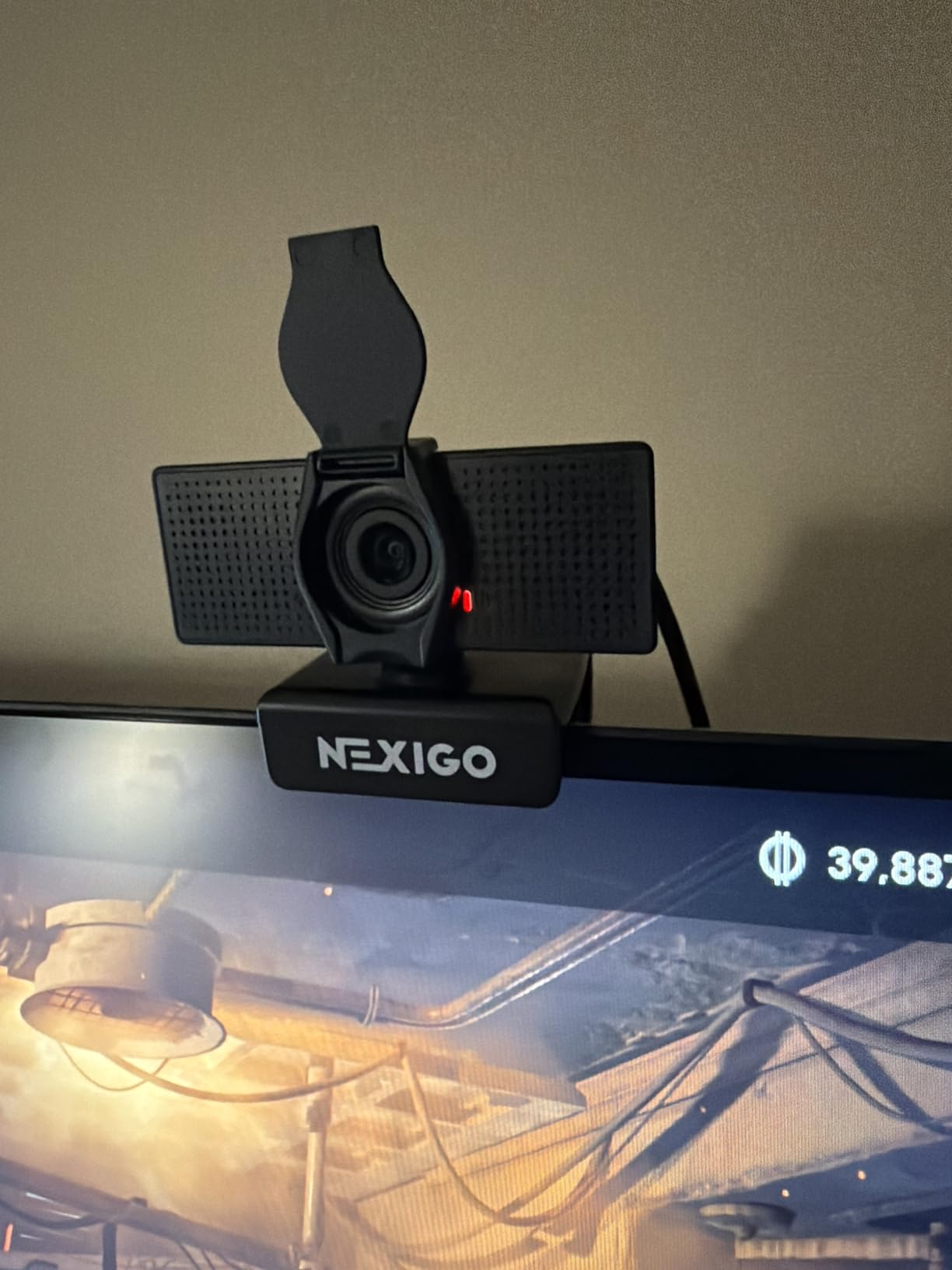
Its 3.6mm glass lens is specified for subjects between 19.6 inches and 13 feet, which covers a desk or a small whiteboard. A physical privacy cover is unusual this low down, and the folding design stores flat in a drawer between classes.
The 110-Degree Field of View: A Feature With a Trade-Off
Software control lets you narrow the field of view in-app, which is genuinely useful when the wide default frames the entire room behind you. Narrow it to roughly a head-and-shoulders crop and the image stays sharp at the centre.
The trade-off is that a wide angle on a small 1/3-inch sensor means more room for low-light grain. Back the camera away and the sensor has to work harder.
Low-Light Correction and Dim Classrooms
A built-in low-light correction mode lifts brightness when a room darkens, though it cannot manufacture detail a cheap sensor never captured. Facing a window still gives a far better result than facing a bare wall.
Microphone Reality and Mounting
The integrated mic with noise reduction is the weakest part of this package, sounding thin and quiet at maximum volume in some setups. A wired headset in the same total spend transforms a lesson more than any resolution upgrade will.
It works with Windows, macOS, Linux, Android and Chrome OS, which makes it the safest choice for a Chromebook-based K-12 fleet. Consoles are not supported.

4. Logitech Brio 101 – Best for Tight Desk-Based Teaching
Logitech Brio 101 Full HD 1080p Webcam for Streaming and Meetings – Black
1080p Full HD
60-degree field of view
Sliding privacy cover
RightLight auto light
+ Pros
- Sharp 1080p picture in normal classroom lighting
- Integrated sliding privacy cover
- Compact 4.96 ounce body mounts neatly on a monitor
- Settings adjustable in Logi Options+
– Cons
- Fixed focus means the head sits close to frame on a monitor
- Image can look grainy in dim rooms
- Fewer framing adjustments than premium models
The Brio 101 is the pick for a language tutor or a teacher who sits at a desk and stays there. Its 60-degree field of view produces a natural, undistorted head-and-shoulders frame that students read easily.
It is also the most respectful option in a shared household. The integrated sliding privacy cover moves with a thumb, so you can signal clearly to anyone walking past that you are not on camera.

Why a Narrower Lens Can Be the Better Choice
A 60-degree view does less than a 110-degree one, and that is the point for desk teaching. Your students see a face filling a predictable portion of the screen rather than a wide room with a small figure in the middle.
The cost is the fixed focus lens, which cannot zoom out. Users who sit back from their monitor report the framing feels too tight, so measure your distance before committing.
RightLight and the Dim Room Problem
RightLight auto light balance brightens the image and can lift brightness noticeably in a dim room. Reviewers still call the low-light compensation only passable, so add a desk lamp facing your teaching space before you blame the camera.
Built for the Chromebook Classroom
It runs on Windows 7 and up, macOS 10.10 and up, and Chrome OS, with a USB-A connection that fits a Chromebook port without an adapter. At 4.96 ounces it is the lightest unit here and mounts on a laptop lid or monitor bezel without a separate stand.
If you also broadcast lessons to a television rather than only to a browser, our smart TV streaming webcam guide covers that use case.

5. EMEET S600 – Best for Recording Lessons as Well as Teaching Them
EMEET S600 4K Webcam for Streaming, Sony 1/2.55” Sensor, PDAF Autofocus
4K at 30fps or 1080p at 60fps
FOV adjustable 40-73 degrees
Mechanical privacy cover
Two-year warranty
+ Pros
- Sharp vibrant image with accurate white balance
- 1080p at 60fps is rare in this class
- PDAF autofocus stays steady
- Mechanical privacy cover cannot be knocked open
– Cons
- No manual focus control
- Companion software is basic
- Some users report disconnects in Discord
The S600 is the first camera in this list that handles live teaching and pre-recorded course production with the same hardware. 4K at 30fps and 1080p at 60fps cover both workflows, and reviewers frequently describe it as a step up from a C920-class unit.
What surprised me was the mounting. The 45-degree swivel mount sits flush against a monitor bezel, so it does not push the screen forward or leave the teacher looking up at an angled camera all day.

Adjustable Field of View Is the Feature to Learn
At 1080p the field of view adjusts from 40 to 73 degrees, so you can frame tightly for a talking-head explanation and widen it for a demonstration. At 4K it is fixed at 73 degrees, which keeps the recorded image consistent.
For a whiteboard lesson the wider end of that range matters. Handwriting is the single most common complaint from remote students, and wider framing plus a lamp aimed at the board beats buying a more expensive camera.
60fps Changes How Motion Looks
At 60fps, hand gestures and demonstrations read more naturally than the 30fps that most teaching webcams deliver. Some viewers find the smoothness unnatural on a talking head, so decide which kind of lesson you record before locking the setting.
Storage and upload time roughly double at 4K, so check your platform’s recording limits first.
Build Quality and the Privacy Cover
The twist-to-open privacy cover is mechanical, which means it stays put rather than being toggled by a stray software glitch. A two-year warranty backs it up. The one gap is the lack of manual focus for deliberate close-up demos.
6. EMEET C960 4K – Best for True 4K Detail at a Teaching Desk
EMEET C960 4K Webcam for PC, PDAF Auto Focus, Dual Omni Mics, 73° FOV
True 4K CMOS sensor
PDAF autofocus
66-degree listed FOV
Auto light correction
+ Pros
- Genuine 4K sensor with no upscaling
- PDAF autofocus stays stable through a lesson
- Automatic light correction handles backlit windows
- Privacy cover and two-year warranty included
– Cons
- Outputs 1080p until you enable 4K in software
- Zoom is digital only
- Must be set as the default mic in Windows
The C960 4K is the sharpest desk camera here for a specific job: showing small text, printed diagrams or specimens to a full class. The sensor is genuinely 4K rather than an upscaled 1080p, and that difference is visible on fine print.
Its narrower framing keeps attention on the speaker rather than the room behind them, which makes it a good match for recorded asynchronous lessons uploaded to a course platform.

The One Setting You Must Change
This camera defaults to 1080p and has to be switched to 4K in your camera software or in a capture app such as OBS. Owners who skip that step assume the 4K label is not real, which is the most common confusion we found with this model.
Automatic light correction is the sleeper feature. It handles both an over-exposed room and a dim one, which covers the two lighting extremes a teaching space actually falls into.
Autofocus Versus Manual Control
PDAF phase detection locks on quickly and holds. It is a large step up from the fixed-focus budget units, though zooming remains digital only, so a wider frame cannot be recovered by cropping.
A 1/4-inch tripod thread and 360-degree horizontal adjustment make it easy to reposition between a laptop and a standing desk.
Where the Field of View Cuts Both Ways
Listed at 66 to 73 degrees, this is tight for a full whiteboard. If you teach by writing on a board, pair it with a document camera rather than backing the camera far enough away to lose facial detail.
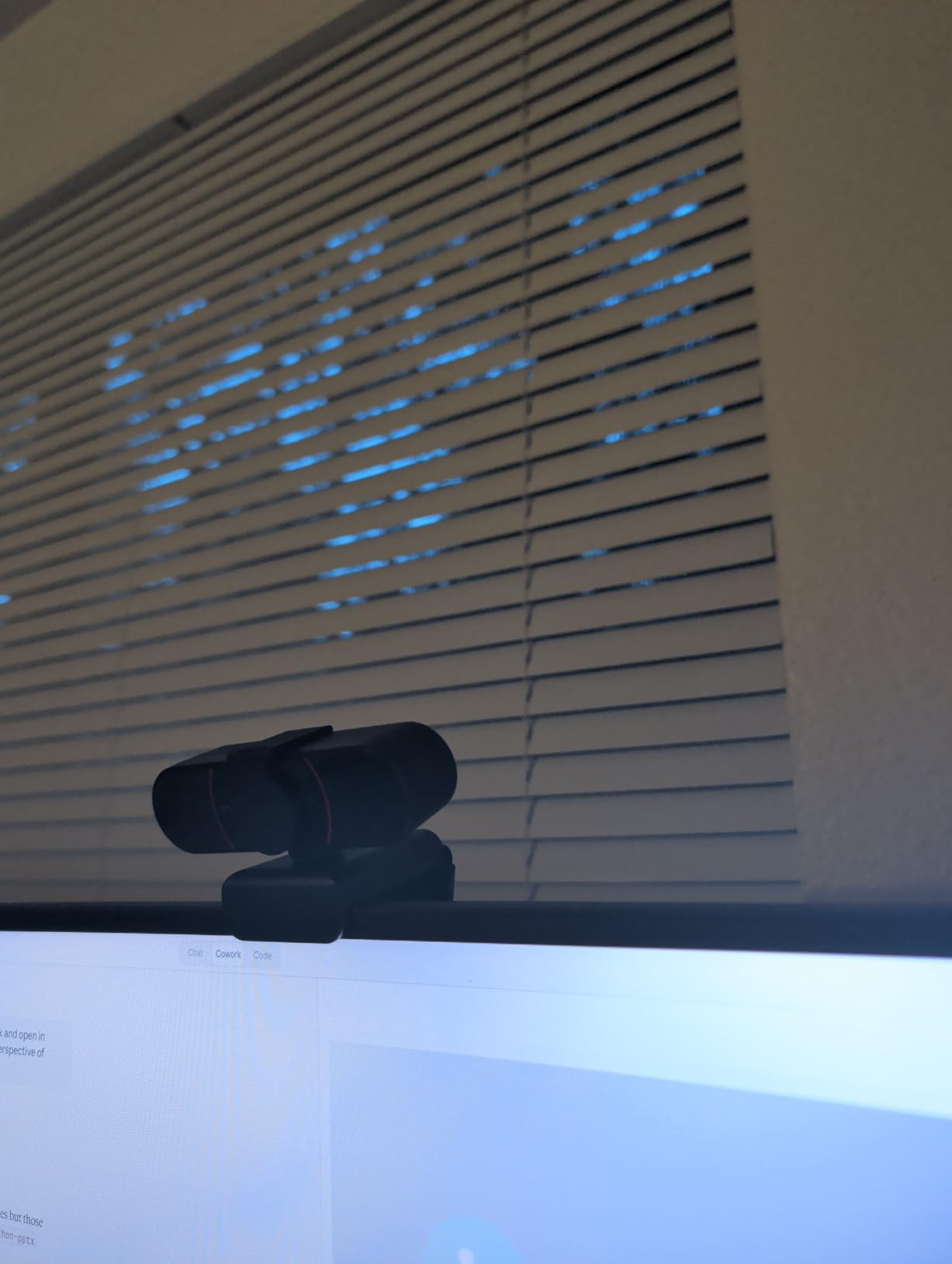
7. Angetube 4K with Ring Light – Best for Early and Late Classes
Angetube 4K Webcam with Ring Light, Computer Web Camera for Desktop, Laptop
4K UHD at 30fps
Three-level ring fill light
PDAF autofocus
Physical privacy shutter
+ Pros
- Balanced lighting in early-morning and evening sessions
- Three-level ring light removes the need for a separate lamp
- PDAF autofocus locks on quickly
- Small footprint that sits well in front of a monitor
– Cons
- Ring light reflects on glasses
- Autofocus can hunt when you sit very still
- No manual focus control
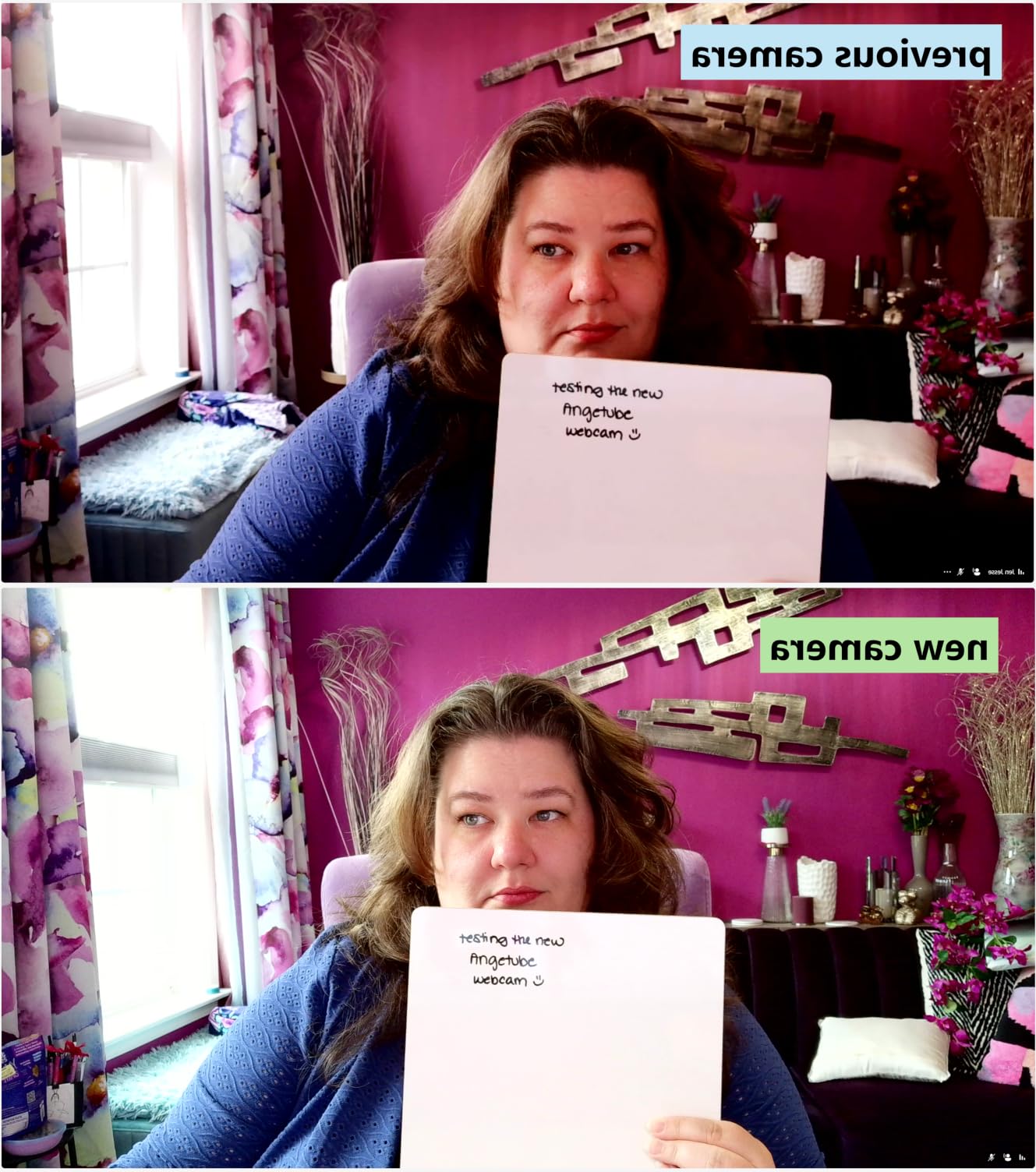
Early-morning and late-evening teaching is where fixed-lens webcams fall apart. The built-in ring light on this model is the reason it stays on our list: three brightness levels that light your face without a separate lamp in the shot.
It also records 1080p at 60fps when you want smoother motion, and the 1/2.7-inch sensor with PDAF autofocus is a step up in sharpness from the entry-level units.
Ring Light: The Eyeglasses Problem
Any camera-mounted light creates a reflection in spectacle lenses, and reviewers mention this consistently. The fix is simple: turn the ring light down one level and add a desk lamp above and to the side of your face instead.
That combination usually beats the ring light on its own, because overhead and side light flatter a face far more than a light mounted directly behind the lens.
4K for Recording, 1080p60 for Live
Use 4K at 30fps for recorded course material where detail matters, and 1080p at 60fps for live teaching where motion and bandwidth matter. Most conferencing platforms compress heavily, so live 4K gains little.
Low-light performance is engineered for dim rooms, which pairs well with the ring light during early sessions.
Setup and Compatibility
USB-A with a USB-C adapter included covers modern laptops, and the camera works with Windows, macOS and Linux. A physical privacy shutter is fitted, and the small body suits a monitor-top position.
Autofocus can hunt slightly when you hold completely still, which some viewers notice. Manual focus is not available.

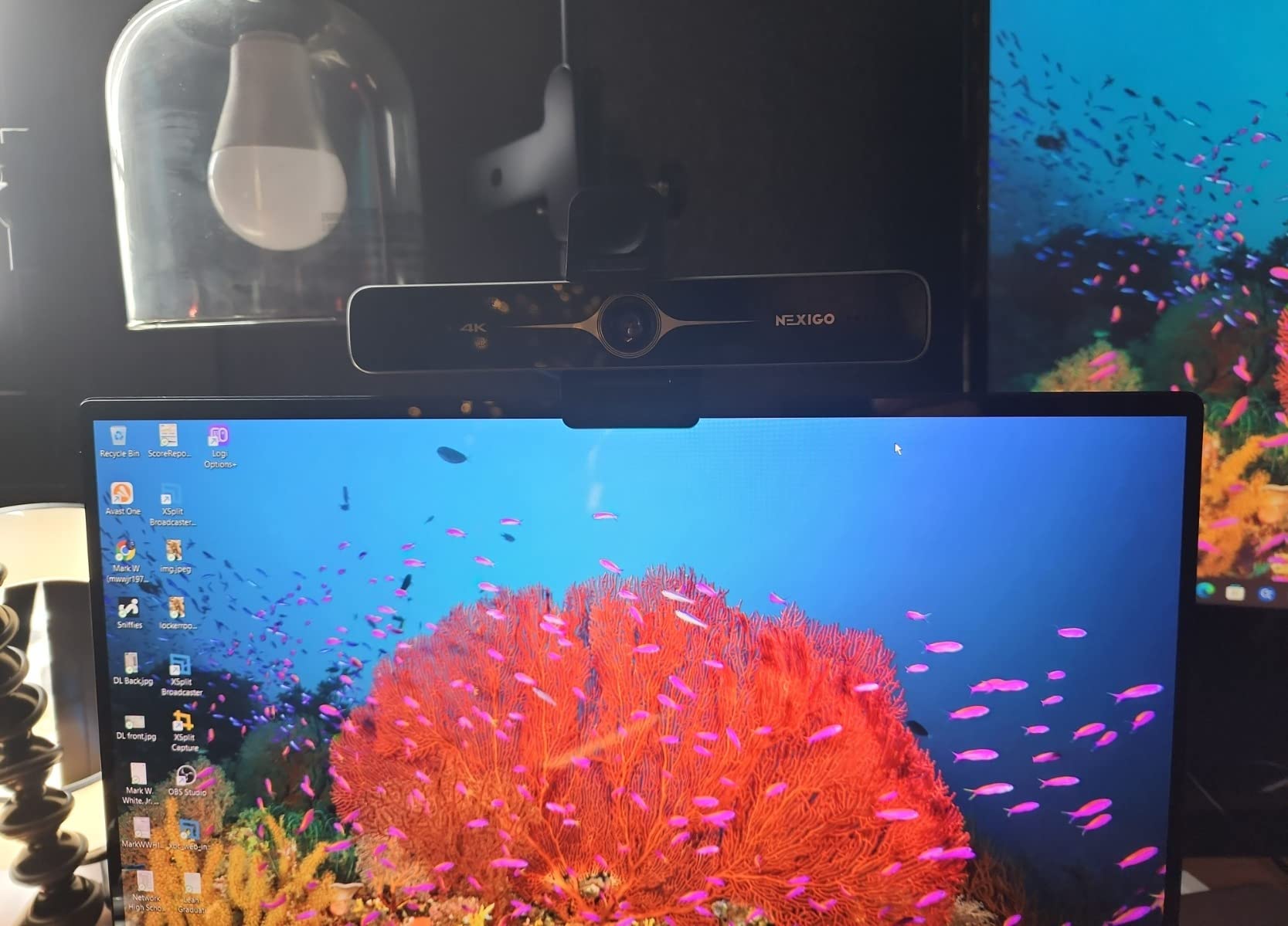
8. NexiGo N680E Pro – Best Ring Light Control for a Home Teaching Space
NexiGo N680E Pro 4K Webcam with Ring Light, PDAF Autofocus, 1080p 60FPS, Dual Noise-Canceling Mics, Privacy Shutter, USB Plug-and-Play for Zoom, Teams, Twitch, Google Meet
Sony 1/2.5-inch 4K sensor
Tri-tone ring light with brightness dial
PDAF autofocus
Built-in privacy shutter
+ Pros
- Sharp image with clean true color
- Bright ring light with three color temperatures
- Fast precise autofocus at close range
- Privacy shutter and 1/4-inch tripod mount
– Cons
- Tight 80-degree field of view with no zoom out
- Softer image and lag at full 4K
- Ring light dial has no defined stops
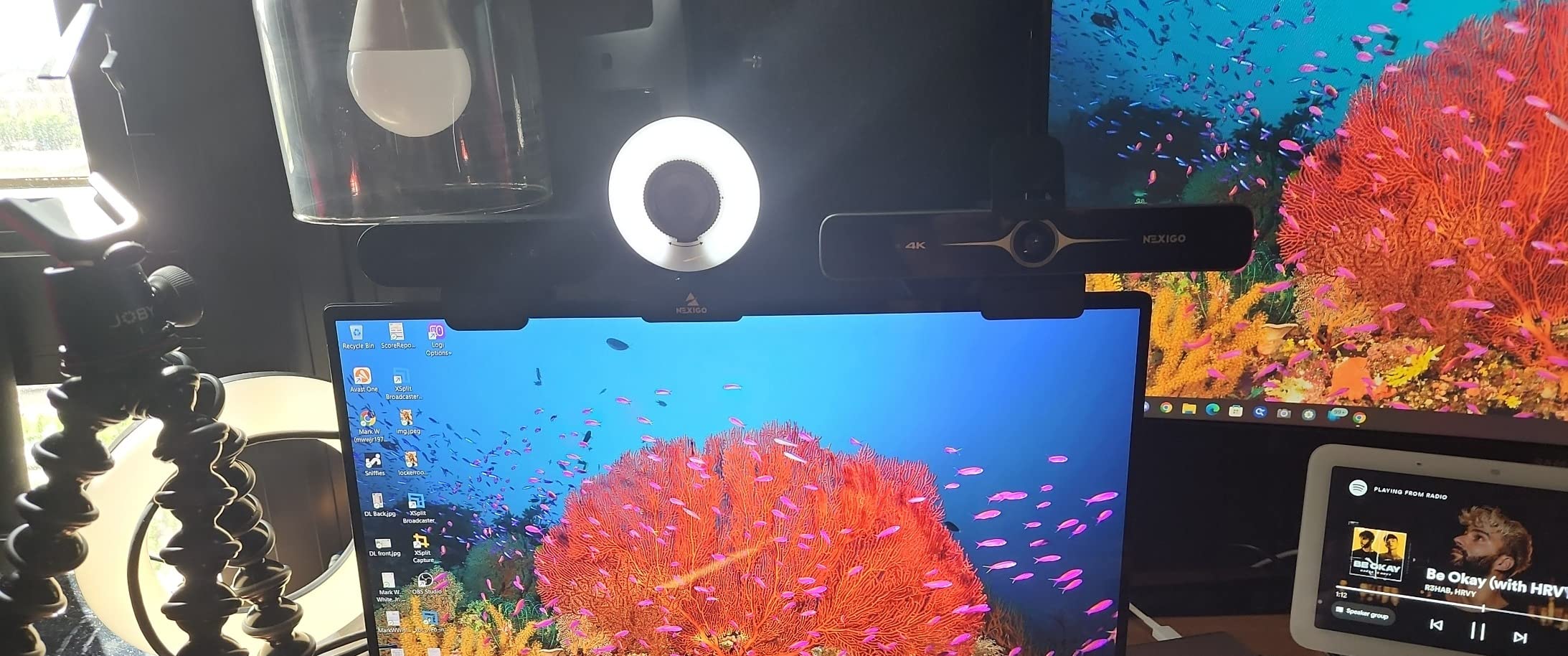
The N680E Pro is the ring light to buy if your teaching space is an unmarked room rather than a home office. A stepless dial cycles warm, neutral and cool tones, so you can match the light to the whiteboard instead of living with a fixed colour cast.
Colour rendition is the standout. Reviewers describe the image as clean and true, which matters if you teach art, science diagrams or anything where a colour shift would confuse the content.
Tone Matching Beats Brightness Adjustment
A warm ring light on a cool-lit whiteboard produces a visible mismatch that students read as a bad camera. Adjusting the tone removes that problem without adding a second lamp to your desk.
The dial itself rotates continuously with no defined minimum and maximum stops, so expect to feel for the right level rather than hear it click into place.
Resolution Reality Check
Owners report that 1080p and 1440p look noticeably better than full 4K, where some graininess and lag appear. Output resolution also depends on your capture software, so confirm the setting before recording a lesson.
The 80-degree field of view is tight and cannot be widened, which suits desk teaching and hurts board teaching.
Privacy, Mounting and Daily Handling
The privacy shutter lever is small and fiddly, and digital zoom is only available at 1080p30. Beyond that, this is genuinely plug and play with no drivers, apps, Wi-Fi or Bluetooth required, which is exactly what a teacher with five minutes before a lesson needs.
9. Acer A640 4K – Best Sharpness Per Unit of Setup Time
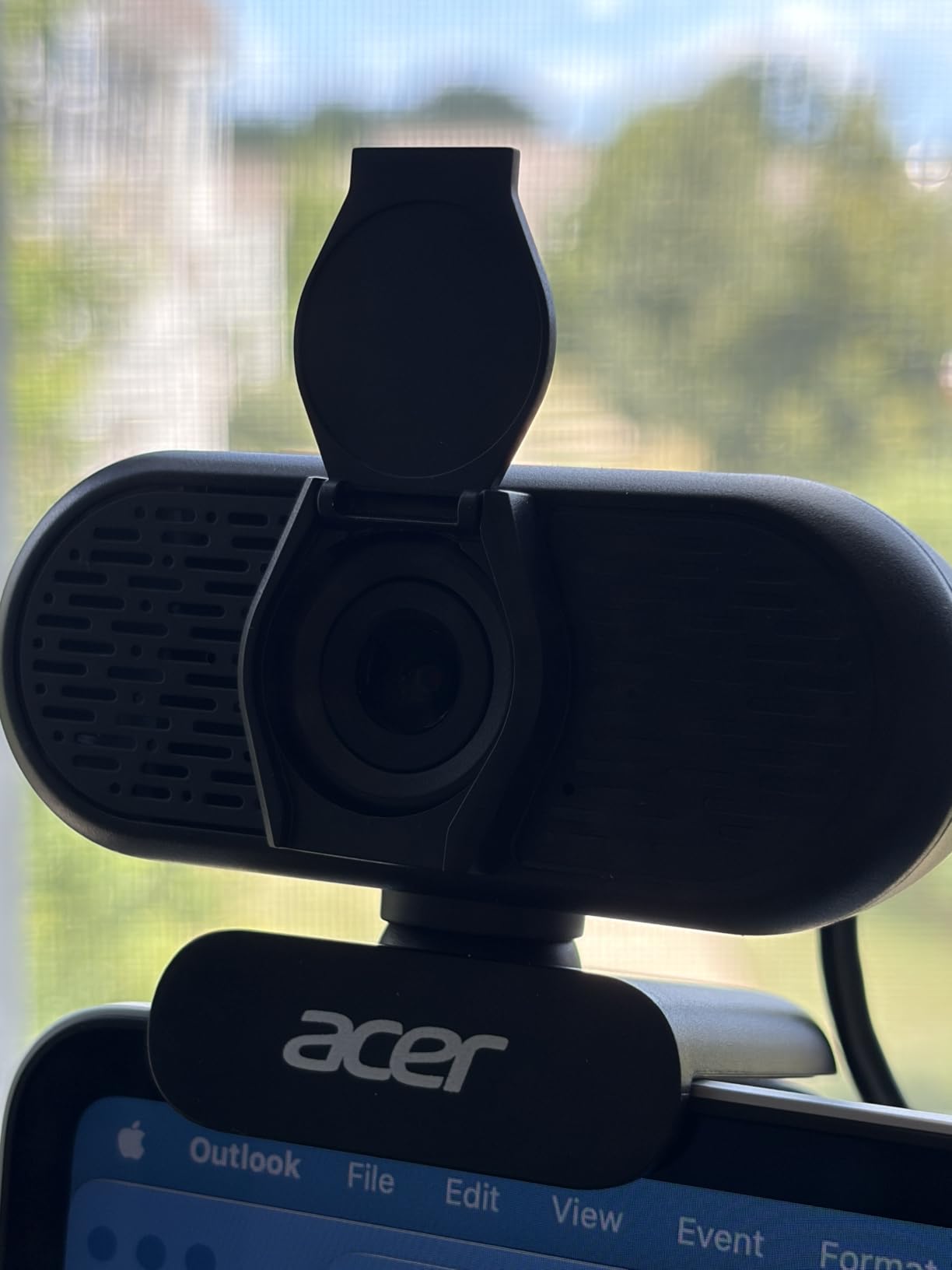
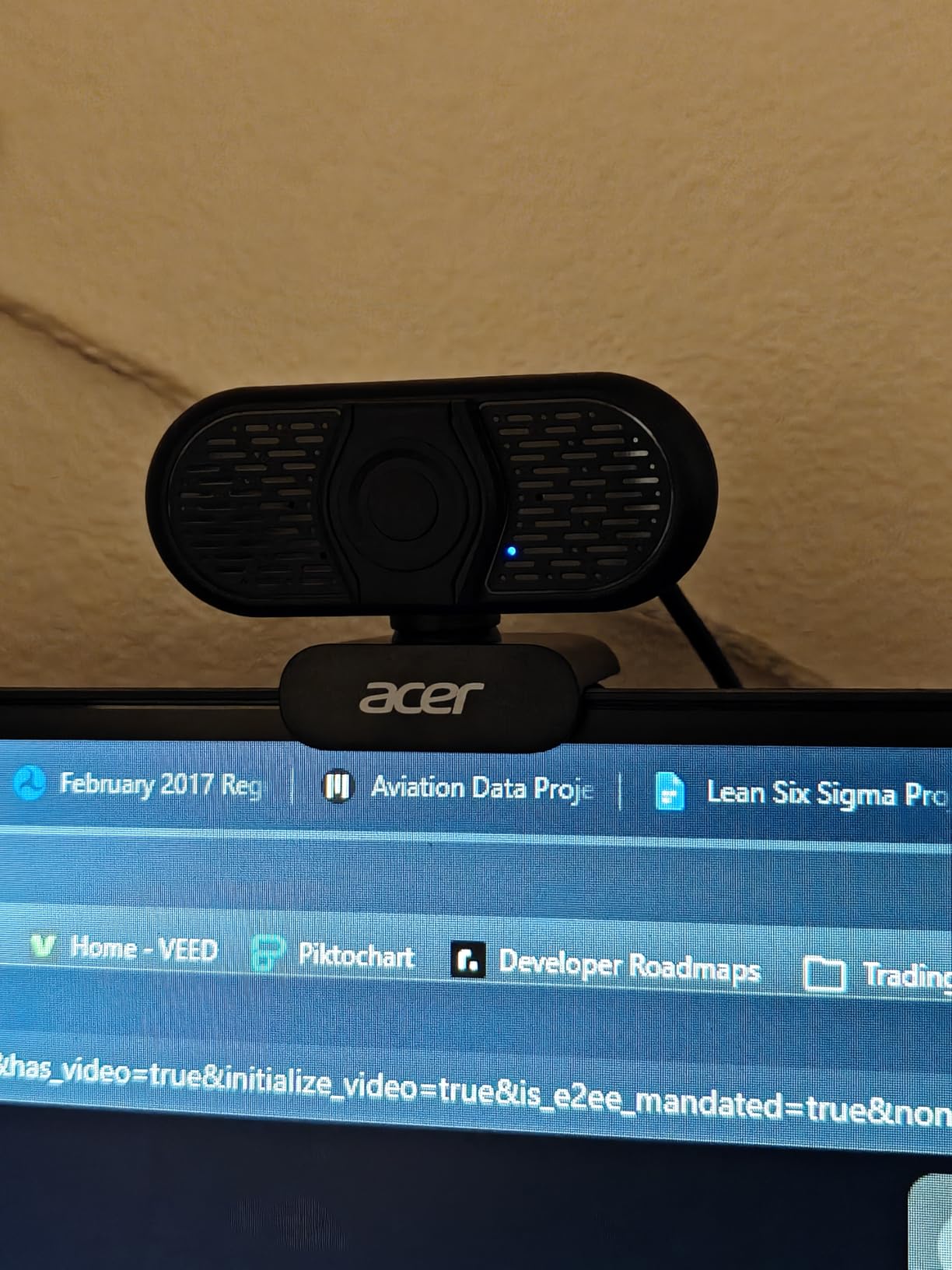
Acer A640 4K Webcam with AI Noise Canceling Mic for Streaming Meetings
Sony 1/2.8-inch 4K sensor
PDAF autofocus
AI noise-canceling mic
Sliding privacy shutter
+ Pros
- Crisp colour-accurate 4K image
- Phase detection autofocus locks on instantly
- AI noise cancellation keeps voice clear
- USB-A to USB-C adapter included
– Cons
- Image becomes grainy in dim rooms
- No built-in speakers
- Far fewer reviews than established brands
The A640 arrived with the least review history in this roundup, and we would rather say that plainly than dress it up. What owners do report is consistent: a crisp, colour-accurate 4K image that several of them rate above the Logitech they replaced.
The AI noise-canceling microphone is the feature that matters most for teachers, since it processes your voice in software before it reaches the platform. That is the one pain point teachers raise more than any other.
AI Noise Cancellation Versus a Physical Headset
Software noise reduction removes steady background hum better than it removes a person speaking. If your problem is a washing machine, an air conditioner or traffic, this microphone handles it well. If the problem is another human talking in the same room, only a headset with active cancellation will help.
Decide which problem you have before buying, because the two solutions cost the same and behave very differently.
Sensor Size and Dim Rooms
The Sony 1/2.8-inch sensor is a respectable size, and graininess in low light is the most repeated criticism. In a well-lit room the image is sharp; in a dim one at the end of the day it softens noticeably.
Phase detection autofocus locks on instantly with no hunting, which makes it a good demo camera for objects you bring close to the lens.
Practical Details Worth Knowing
There are no built-in speakers, so you will need external audio for anyone in the room. A sliding physical shutter, a two-year warranty and both USB-A and USB-C connections round out a straightforward package. Treat the thin review count as a reason to buy from a seller with straightforward returns rather than as a warning.
10. OBSBOT Meet 2 – Best AI Framing When You Move Around the Room
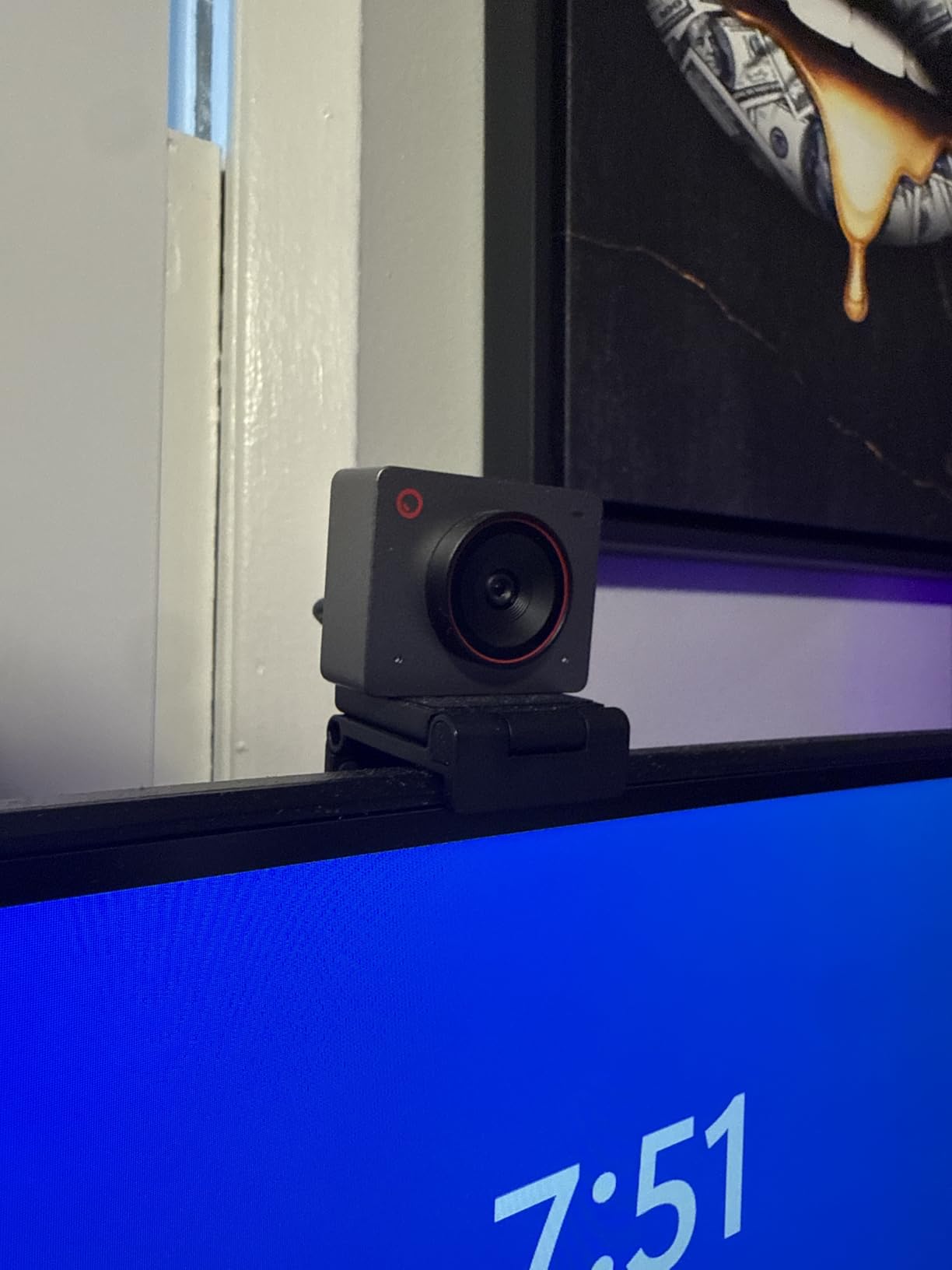
OBSBOT Meet 2-4K Webcam for PC with 1/2″ Sensor, AI Framing & Autofocus
1/2-inch sensor with 4K output
AI framing and autofocus
Gesture control
40.5 gram body
+ Pros
- AI framing keeps a moving teacher centred
- Large sensor gives a brighter low-light image
- Magnetic privacy cover and recording indicator LED
- Full manual exposure and white balance control
– Cons
- Supplied monitor clip is weak and the camera falls off
- Companion app can be slow and gestures fail with clutter
- 4K output is noisier during movement
Most webcams assume you sit still. The OBSBOT Meet 2 assumes you walk to the whiteboard, pick up a specimen, or demonstrate a movement. AI framing and autofocus follow you and keep you centred, which is the closest thing to tracking in this category without moving to a pan-tilt-zoom camera.
The 1/2-inch sensor is the largest here and produces a visibly brighter, clearer image when a room dims. At 40.5 grams it is genuinely portable, so a teacher can carry the same camera between a classroom, a home office and a tutoring session.

AI Framing, Gesture Control and Their Limits
An open hand toggles AI framing and an index finger zooms, which sounds like a gimmick until you teach in a room where you cannot reach your keyboard. Owners do report the gesture control failing when the background is cluttered, so use a plain wall behind you.
The framing is a crop rather than a physical move, so a wide frame means a digital zoom and a softer image. Set the framing deliberately before a lesson rather than during one.
The Mount Is the Weak Point
This is the most repeated complaint in the reviews, and it is worth planning around. The supplied monitor clip is weak, and the camera falls off, so most owners end up buying a small tripod or a better clamp. Budget for that when you set it up.
The OBSBOT Center app can also be slow, and the body runs warm during extended sessions.
Privacy, Connectivity and Audio
The magnetic privacy cover is a nice touch, and a recording indicator LED gives you confidence about when capture is active. It connects over USB-C with a USB-A adapter included, though it uses a USB 2 connection, which brings mild compression and delay. Dual omnidirectional noise-canceling microphones handle a quiet room well. See our video call webcam guide for more on audio choices.
How to Choose a Webcam for Teaching Online
Most teachers make this purchase once and live with it for years, so the deciding factors are boring and practical rather than headline specifications. Here is the order I would think in them.
Resolution: When 1080p Is Enough and When 4K Pays Off
For live synchronous teaching, 1080p at 30fps is the safe answer. Compressing platforms strip fine detail regardless of what you send, and a 4K camera will spend money you could spend on audio.
Choose 4K when you are recording course material, showing printed text, diagrams or small objects, or teaching art and design where colour accuracy is part of the lesson. Note that most 4K webcams output 1080p by default and need to be switched in software.
Field of View: Matching the Lens to Your Teaching Style
Field of view is the number teachers most often regret. Roughly 60 to 78 degrees suits a desk-based tutor. Roughly 90 to 110 degrees covers a whiteboard or a small group. Anything wider than that and your face becomes a small element in a large rectangle.
A wider lens also means more low-light grain, because the sensor is spread across a larger area of the frame. If you move around a room, look for AI framing or tracking instead of extra width.
Microphones: the Most Common Teaching Complaint
Background noise is the number one problem teachers report, and it is rarely a camera problem. A headset with active noise cancellation solves a noisy household. A USB desk microphone with a pop filter solves a quiet room with an echoey desktop.
Turn on the noise suppression built into your conferencing platform before buying anything. In most cases it removes steady hum well enough that the built-in microphone array is sufficient.
Mounting and Eye Line for Long Teaching Days
A camera on a laptop lid puts students’ view of you slightly upward, which reads as unflattering over a full lesson. A monitor-top or monitor-clamp mount places the lens near the top of your screen, at roughly your eye level.
Check that the mount holds. Teachers mount and unmount daily, and a weak clip is the most common hardware failure we heard about.
Live Teaching Versus Recording Your Course
Live teaching optimises for stability and bandwidth: 1080p at 30fps, fixed framing, and a camera that never needs adjusting mid-lesson. Recording optimises for image quality: 4K, 60fps for motion, and adjustable framing you can revisit in editing.
Buying for both means choosing a camera that offers 4K at 30fps and 1080p at 60fps, which several picks in this list do.
Which Webcam Fits Your Teaching Situation
Match the camera to the room, not to the specification list. Here is how the ten picks divide up across the situations teachers actually describe in forums.
K-12 remote or hybrid classrooms: the Logitech C920x for dependable autofocus, or the Logitech Brio 101 if your students are young and a close, undistorted face matters more than framing width.
ESL and one-on-one tutoring at a desk: the EMEET C960 1080p for its dual microphones and wide-enough 90-degree view, or the Brio 101 for the tightest, most natural talking head.
University lecturing in a large room: the OBSBOT Meet 2, because AI framing keeps you centred when you move away from the lectern. Pair it with a separate microphone for a lecture hall.
Whiteboard and demonstration teaching: the NexiGo N60 or EMEET S600, both of which frame a wide board without pushing the camera so far back that your face becomes small. Add a document camera for dense handwriting.
Pre-recorded course creation: the EMEET S600 or the EMEET C960 4K, since both handle 4K recording and adjustable framing for editing.
Early-morning and late-evening classes in a dim room: the Angetube 4K with ring light, or the NexiGo N680E Pro if you need to match the colour temperature to your whiteboard.
Department-wide purchasing on a Chromebook fleet: the NexiGo N60 or Logitech Brio 101, both of which run on Chrome OS with no adapter.
Free Fixes to Try Before You Buy a Webcam
If your current image is poor, hardware is often the last thing to change, not the first. Work through these in order and many teachers never need to spend anything.
1. Face a window, not a wall. Daylight from in front of you is the single largest quality improvement available for free. Add a lamp to fill the shadow side of your face, roughly an arm’s length away and slightly above eye level.
2. Turn on platform noise suppression. Zoom, Google Meet and Microsoft Teams all include background noise filtering in their audio settings. Toggle it on before buying a microphone and see whether the problem disappears.
3. Lock the exposure and white balance. Auto settings hunt during a lesson, which reads as a flickering or colour-shifting image. If your camera software allows manual exposure, set it once and leave it alone.
4. Raise and stabilise the camera. A stack of books under the laptop produces a more eye-level shot than any entry-level webcam does. Tape the cable down so a knock does not reset the connection.
5. Clean the lens and check the sample size. A fingerprint on a webcam lens looks exactly like a soft focus problem. If you have tested three or four fixes and the image is still poor, then buying a better camera makes sense.
Webcam vs Document Camera vs DSLR for Online Teaching
A webcam is the right tool for your face and the room around you. A document camera is the right tool for a page, a worksheet or a specimen under a lens. A DSLR or mirrorless body costs more, needs a capture card and a power supply, and buys you a sensor and lens flexibility that only makes sense if you are producing broadcast-quality recorded material.
Teachers ask most often whether one device can do both. Some webcams with a wide field of view and a tilt mount can approximate a document camera for large printed sheets, but at 1080p the fine print on a worksheet will not survive the journey to a student’s screen.
If handwriting and printed pages are central to your lessons, budget for a document camera alongside a webcam rather than expecting a single camera to do both jobs well. Classroom-grade document cameras from specialist AV brands sit well outside a teacher’s personal budget, so a USB model is the realistic route.
Classroom Privacy, Student Consent, and School Policy
Teachers frequently ask whether it is legal to record or to be recorded in a classroom. The short answer is that it depends entirely on your school’s policy, your state or national student privacy rules, and parental consent requirements, so check with your administrator before you press record.
Two practical points cover most cases. Recording students raises obligations that recording only yourself does not, and many districts require written consent or an alternative arrangement for students who opt out. Separately, a webcam on your own desk captures whatever is behind you, including student work, names on seating charts and family interiors.
This is where a physical privacy shutter earns its place. Six of the ten cameras here have one, and sliding it across before a lesson is a clear, silent signal to everyone in the room. A software toggle does not communicate anything to the people standing behind you.
Frequently Asked Questions
What is the best camera for online teaching?
For most teachers the best camera for online teaching is a 1080p USB webcam with autofocus and a physical privacy cover, because a synchronous lesson depends on a stable, well-lit head-and-shoulders frame rather than on raw resolution. Our top pick is the Logitech C920x HD Pro, which holds focus through a full lesson and works in Zoom, Google Meet and Teams without drivers. Add a headset if background noise is your bigger problem.
What are the best webcams for school?
For a school-wide purchase, prioritise plug-and-play USB cameras that run on Chrome OS and Windows, carry a physical privacy shutter, and include a warranty of at least two years. The Logitech C920x HD Pro suits most classrooms, the Logitech Brio 101 fits desk-based and young-student teaching, and the EMEET C960 1080p offers the widest institutional warranty at 36 months. Avoid models that require Windows Hello, which some school laptops do not support.
Is 1080p or 4K better for online teaching?
1080p at 30fps is better for live synchronous teaching because conferencing platforms compress heavy detail anyway, so a 4K camera adds little. Choose 4K when you record pre-written course material, show printed text or diagrams, or teach subjects where colour accuracy matters. Remember that most 4K webcams output 1080p by default and must be switched to 4K in their software.
Do I need a separate microphone for teaching online?
Only if your room is noisy. A built-in noise-canceling microphone array is enough for a quiet study, so first turn on the noise suppression built into Zoom, Google Meet or Microsoft Teams. If a second person or a television is the problem, a headset with active noise cancellation works where a desk microphone will not. Background noise from a busy household is the most common complaint teachers report.
Can teachers see you on Zoom with your camera off?
No. When your camera is off, students see a placeholder with your name and, if you have enabled it, your profile photo. Some participants can still see you through a second device or a shared screen, so if you want to be genuinely invisible, close every other application that could capture video and check your share settings before class.
Is it illegal to record students in a virtual classroom?
It is not automatically illegal, but recording students is governed by your school policy, your state or national student privacy rules, and parental consent requirements, which frequently require written consent or a no-camera alternative. Recording only yourself is far simpler. Ask your administrator in writing before recording, and assume anything you capture must be stored and shared under your district’s student data rules.
The Webcam We Would Hand a Teacher First
If you want one camera and no decisions, take the Logitech C920x HD Pro. It autofocuses through a lesson, frames a teacher well at a desk, and needs no software. That is the best webcam for teachers in 2026 for the widest range of classrooms we tested.
If your setup is a quiet desk and a tight budget, the EMEET C960 1080p gives you two microphones and the longest warranty in this list. If you are starting from nothing at all, the NexiGo N60 covers Windows, macOS, Linux and Chrome OS with a physical privacy cover included.
For a teacher who walks around a room, the OBSBOT Meet 2 keeps you framed without a second person operating the computer. For recorded course material, the EMEET S600 handles 4K and 1080p60 in one body. For a dim early-morning class, the Angetube 4K ring light removes the most common complaint of all.
Whichever you choose, run the five free fixes above first. Lighting and mounting solve more bad lessons than any camera upgrade, and they cost nothing. Once your image is clean, the right webcam makes your classes easier to sit through rather than merely watch.
Leave a Reply