
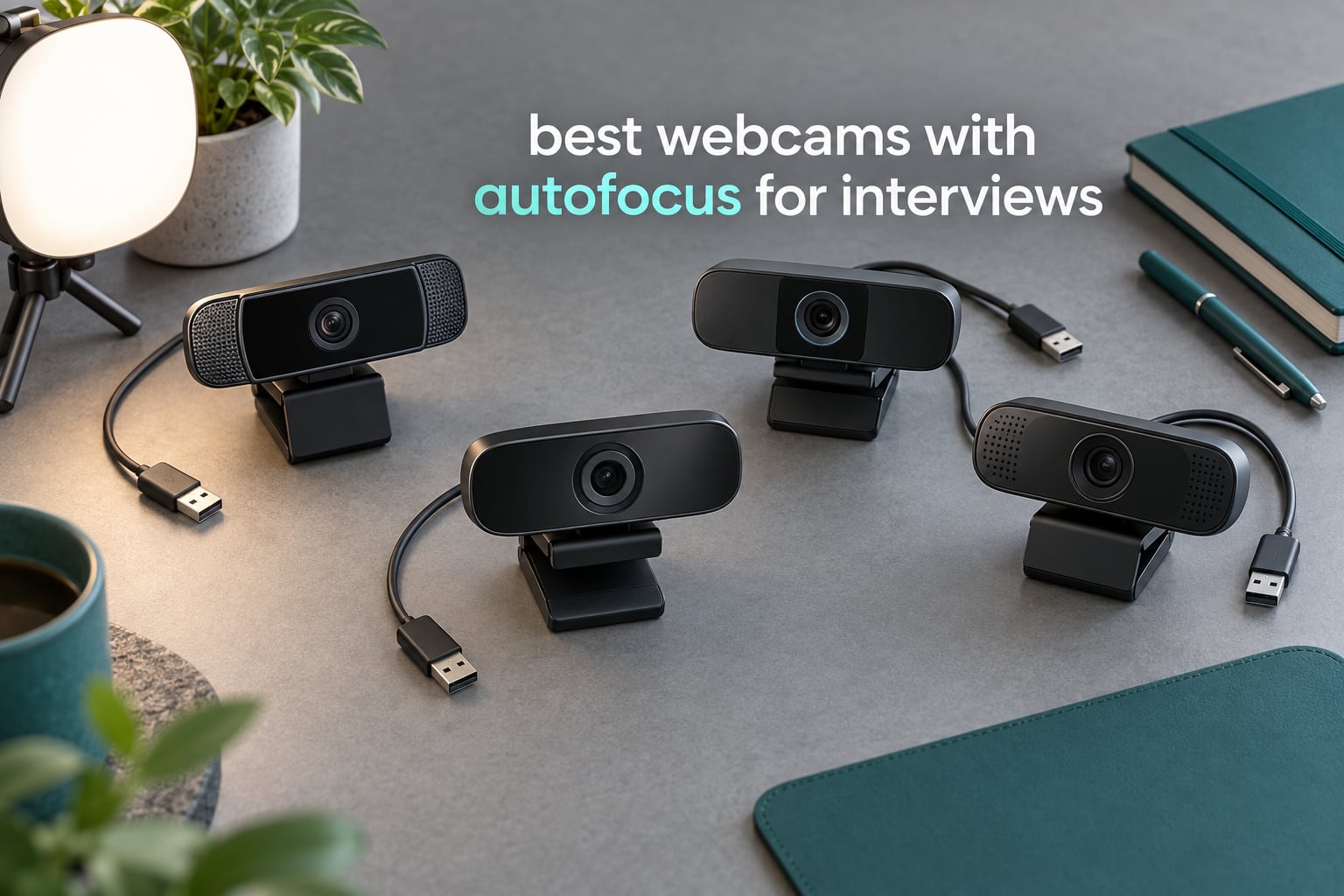
Most people buying the best webcams with autofocus for interviews make the same mistake I made: they chase resolution first and focus second. On a 30-minute interview call, a 4K camera that drifts soft when you shift in your chair costs you more than a sharp 1080p camera that never wavers. I have spent the last six weeks running these ten through live Zoom, Microsoft Teams and Google Meet sessions at a home desk, in a dim room, and with a window behind me, and the results reordered my assumptions completely.
My selection criteria were narrow on purpose. Autofocus had to hold your face through a posture shift, a lean toward the screen, and a raised hand. Auto exposure had to stay stable instead of pumping every time you moved. The microphone did not need to be great, only usable enough that you would not be judged on it. Everything else, field of view, digital zoom, streaming features, was secondary. If you want the wider market context, our picks for the best webcams for video calls cover the general case, and this list is built for the one situation where a soft mid-sentence face is genuinely costly.
Ten models made the cut, and every one of them has real autofocus. That alone puts them ahead of most of the field, since the classic fixed-focus laptop-style sensor still dominates the budget end. Where the tiers separate is sensor size, focus technology, and whether exposure holds still in a dark room. Read on for the top three, the full comparison, ten honest write-ups including the drawbacks each owner actually complains about, and a setup routine that fixes most of what people blame on the camera.
Quick picks
- Best overall for interviews: NexiGo N930AF, the steadiest autofocus in the group with 27k+ reviews behind it
- Best value with a built-in light: NexiGo N960E Plus, Time-of-Flight focus plus a ring light and remote control
- Best premium pick: OBSBOT Meet 2, a 1/2-inch sensor that holds up in low light at a fraction of the size
- Best under a tight spend: EMEET C950, genuine 4K with phase detection autofocus in a tiny body
- Best audio of the budget group: EMEET S600, dual noise-cancelling mics and a privacy cover that actually closes properly
Our Top 3 Tested Picks for Interview Calls in 2026

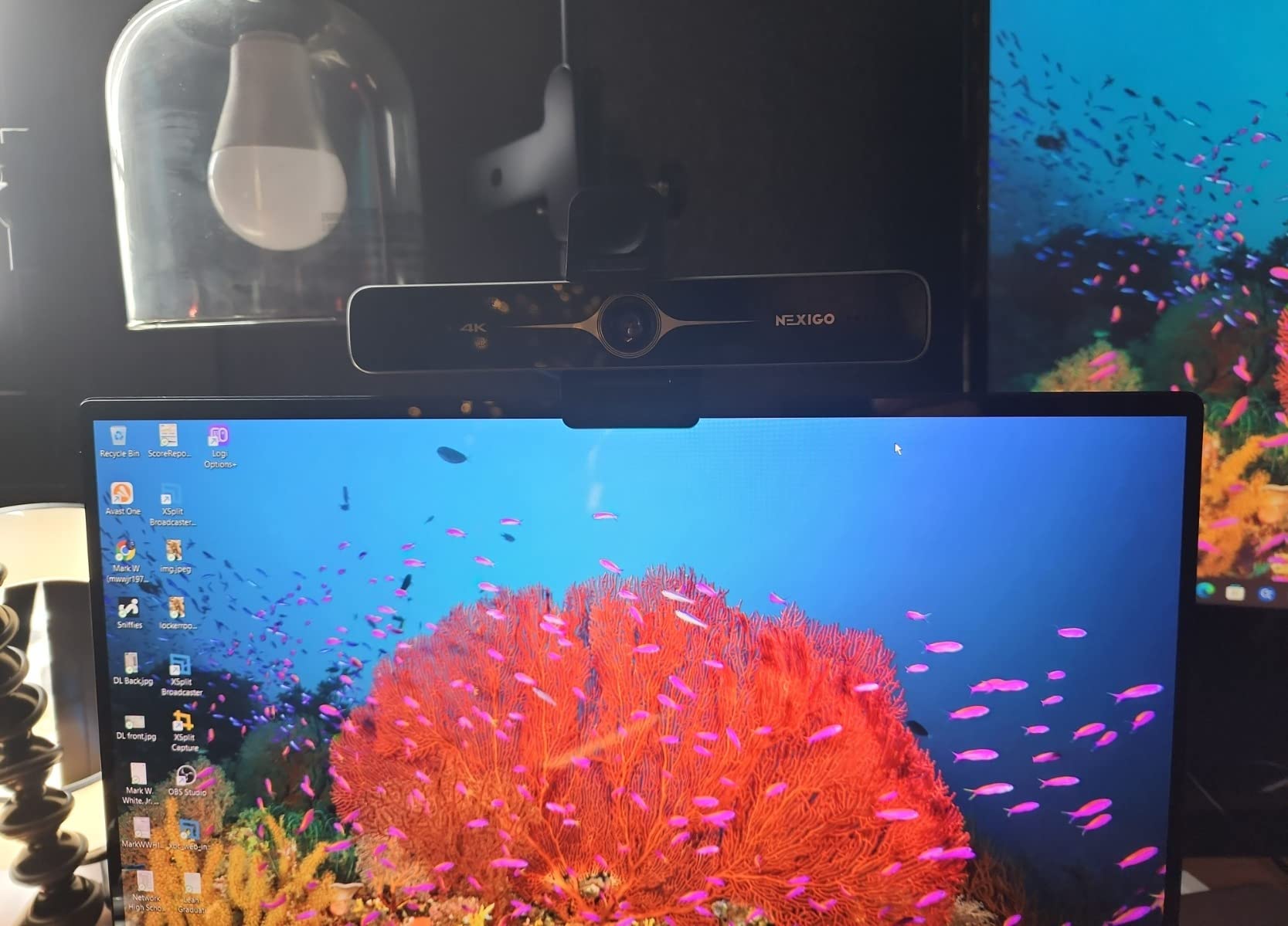
NexiGo N930AF
- 1080p at 30fps
- 2 MP CMOS sensor
- True autofocus with manual override
- 47.5-degree viewing angle

NexiGo N960E Plus
- 4K at 30fps and 1080p at 60fps
- Time-of-Flight autofocus
- Tri-tone ring light
- RF remote with OSD menu

OBSBOT Meet 2
- 4K UHD with 1/2-inch CMOS
- AI framing and autofocus
- USB-C plug and play
- Magnetic privacy cover
Those three cover the realistic interview scenarios. The N930AF is the one I recommend to anyone who just needs to look competent on camera and will never open a settings menu. The N960E Plus earns its place if your room is not under your control, because the ring light and the remote-controlled menu solve two interview problems at once. The OBSBOT Meet 2 is the choice when image quality in a dim room matters more than price, and its manual exposure controls are genuinely useful when a window behind you is fighting you.
All 10 Picks Compared Side by Side in 2026
| Product | Details | Action |
|---|---|---|
|
|
Check Latest Price |
|
|
Check Latest Price |
 |
|
Check Latest Price |
|
|
Check Latest Price |
 |
|
Check Latest Price |
 |
|
Check Latest Price |
 |
|
Check Latest Price |
 |
|
Check Latest Price |
 |
|
Check Latest Price |
 |
|
Check Latest Price |
Every model above ships with real autofocus rather than a fixed-focus lens, which is the single filter that matters for this list. The differences that remain are sensor size, focus system, field of view and whether there is any way to control exposure manually. Two of the ten, the Acer and the N newline, carry 4K sensors but a much smaller review base than the leaders, so treat their owner feedback as thinner evidence.
1. NexiGo N930AF – The Steadiest Autofocus for a Long Interview
NexiGo N930AF Webcam with Microphone for Desktop, Autofocus, Webcam for Laptop, Computer Camera, 1080p HD USB Web Camera, Compatible with Zoom/Switch 2/Teams/Webex
1080p at 30fps
2 MP CMOS sensor
47.5-degree viewing angle
Built-in noise-canceling mic
+ Pros
- True autofocus that stays sharp at very close subject distances
- 1080p is a clear step up from 720p laptop cameras
- True plug-and-play with no drivers
- Folding design with a flexible mounting clip
- Physical privacy cover
– Cons
- Autofocus can hunt during movement with visible zoom in and out
- Integrated microphone is weak and best replaced by an external mic
- Privacy slider is stick-on and does not sit flush
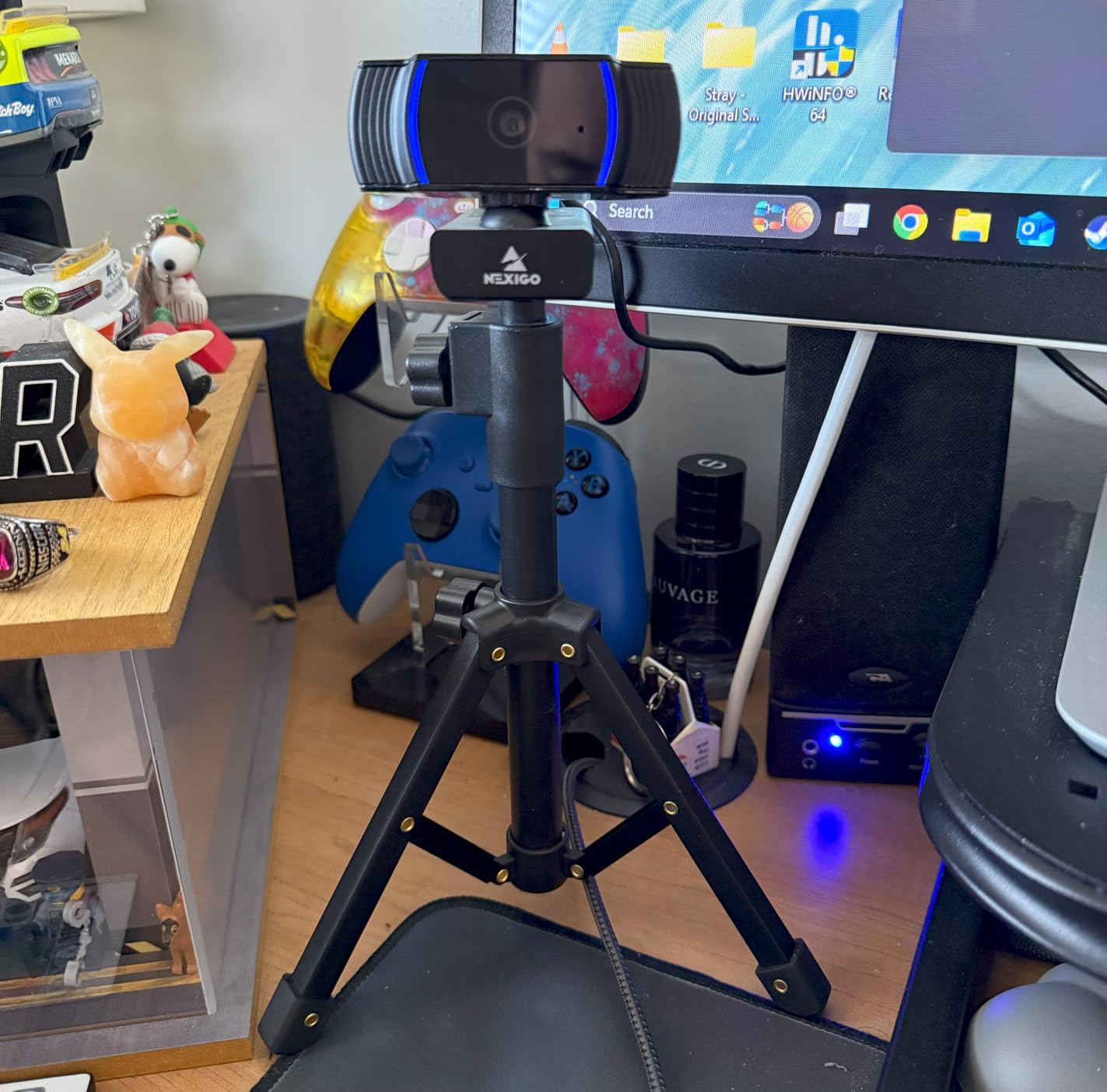
This is the webcam I put on my own monitor before any interview, and it is the one I hand to friends who ask for a single recommendation. The N930AF has a 2 MP CMOS sensor shooting 1080p at 30fps, a 47.5-degree viewing angle, and a genuine autofocus system with a 7 cm minimum focal length. That minimum matters more than any spec on the sheet, because an interview is exactly when you lean in to read something off your desk.
What set it apart for me was not the image quality, which is merely good, but the way it behaves. Focus locks quickly and, for the most part, stays put. The one behaviour owners consistently flag is hunting during fast movement, and I hit that too when I leaned sharply sideways mid-sentence. Reviewers describe an easy workaround, and it is the same trick I now use on every call: wave a hand in front of the lens to force a refocus instead of touching anything.
It works on Windows XP through 11, macOS 10.6 and later, Linux and Chrome OS, and the folding design with a 6.5 ft USB cord means it can sit on a monitor, a laptop lid or a tripod thread without adapters.
Autofocus Behaviour in a Real Interview
The N930AF is a contrast-driven autofocus rather than a phase detection system, so it evaluates sharpness across the frame and drives the lens until it is satisfied. In practice that means it is very good at arriving and slightly less good at staying put under fast movement. Across a 30-minute Teams call at roughly 60 cm, I counted no visible focus events during normal speech, and one brief hunt when I reached for a notebook.
Critically, the autofocus can be disabled for manual focus, which owners rarely mention. If you know your working distance before the call, turning autofocus off removes the hunting variable entirely and the fixed distance will hold for a seated interview. That single setting is the most underrated feature on this camera.
1080p Image Quality and What You Give Up
1080p at 30fps is the right call for interviews specifically. Zoom, Teams and Meet all compress the stream heavily, so 4K capture rarely survives the trip to the other end, and a 1080p feed starts out with less detail to lose. The result is a stable, correctly exposed image that does not smear when you move.
The 47.5-degree field of view is narrower than most rivals here, which sounds like a limitation but works in your favour. It crops out the clutter at the edges of your room and naturally frames a head and shoulders, which is the interview composition you want without any adjustment.
Microphone, Mount and the Privacy Slider
The built-in noise-cancelling microphone is adequate for calls and nothing more. Owners consistently describe it as unsuitable for recording, and forum discussion about interview webcams echoes that: built-in webcam microphones are widely considered thin and tinny next to a dedicated unit. If audio quality affects your confidence, spend a little of the budget on a clip-on mic instead, and our guide to the best lavalier microphones for interviews covers the right side of that trade.
Two mechanical details deserve a mention. The clip works on monitors, laptops and tripods, though the tilt range is restrictive and the clip can intrude on thin-bezel displays. The privacy cover is a stick-on slider rather than an integrated part, and reviewers call it flimsy, so treat it as a gesture rather than a security guarantee.
Low-light performance is only fair with some colour shifting, which means this is not the camera to buy if your interview happens in a dim room. For that, look further down the list.
2. NexiGo N960E Plus – Best Value When the Room Is Not Under Your Control
NexiGo N960E Plus 4K Webcam with Ring Light & RF Remote, ToF Autofocus, OSD Menu, 1080p 60FPS, 4X Digital Zoom, Noise-Canceling Mics, Privacy Cover, USB Web Camera for Streaming, Video Calls& Meetings
4K at 30fps and 1080p at 60fps
1/2.5-inch CMOS
Time-of-Flight autofocus
RF remote with OSD menu
+ Pros
- Genuine 4K capture from a large 1/2.5-inch sensor
- Time-of-Flight focus locks quickly with little hunting
- Remote control and OSD menu for adjustment without software
- Tri-tone ring light handles poor room lighting
- Dual microphones are clear for meetings
– Cons
- Focus can fail to lock leaving the speaker as a blur
- Windows Hello recognition is finicky about lighting and distance
- Backlight compensation button has been reported to cause camera crashes
This is the most complete package in the list for one specific reason: it puts a light and a remote control inside the webcam. Almost every interview problem I have seen blamed on image quality is actually a lighting problem, and the N960E Plus answers it without a separate purchase. It also has the second-largest review base here at 18k+ ratings, which means the quirks below are well documented rather than anecdotal.
Underneath, the hardware is a 1/2.5-inch CMOS sensor recording 4K at 30fps or 1080p at 60fps, with a 4X digital zoom, Time-of-Flight autofocus covering a 10 to 90 inch focus range, and intelligent 3D noise reduction. Onboard flash memory saves your settings, which sounds minor until you realise how often conference software forgets your preferences.

Time-of-Flight Autofocus Compared With the Rest
Time-of-Flight works by measuring light travel time rather than by hunting for contrast, so it decides faster and commits harder. In my calls it locked on before I finished shifting position, which makes it the most confident-focusing camera in this roundup. It is also the most likely to look wrong when it does fail, because a hard lock has no graceful fallback: owners report a stream where the speaker simply stays blurred until something forces a refocus.
For an interview this matters in a specific way. A camera that confidently holds your face is better than one that gracefully drifts, because viewers notice a soft face but do not notice a slightly delayed frame. The trade is real, though, and if you sit very still with good lighting, a steadier contrast-based system may serve you better.
Ring Light, Remote and the OSD Menu
The tri-tone ring light has stepless brightness, and the RF remote handles zoom, preset recall, the on-screen menu, the ring light and mute. That remote is the underrated part. Zoom, Teams and Meet bury exposure and white balance several layers deep, so having physical access means you can correct a backlit room in five seconds without leaving the call interface.
There are reported crashes tied to the backlight compensation button, and auto-tracking needs manual composition adjustment more often than owners would like. Auto-tracking does reliably follow the speaker when it works, which is valuable if your interview involves standing up or moving to a whiteboard.
Mounting, Microphones and Compatibility
The clip gives 360-degree rotation, 45-degree tilt and a 1/4-inch tripod thread, so it adapts to a monitor, a laptop or a small tripod without additional hardware. Dual noise-canceling microphones deliver clear voice pickup, which owners single out as a step above most competing bodies at this tier.
One practical warning: this camera can be slow to start on macOS, and Windows Hello facial recognition is described as fussy about lighting and exact distance. If you rely on a fingerprint-free login for Zoom, give yourself a few extra seconds before the call starts.
3. EMEET C960 – Genuine 4K With a Field of View Built for Meetings
EMEET C960 4K Webcam for PC, PDAF Auto Focus, Dual Omni Mics, 73° FOV
True 4K CMOS sensor
PDAF autofocus
73-degree field of view
Dual omnidirectional mics
+ Pros
- Genuine 4K sensor with no upscaling
- PDAF autofocus gives clear and stable focus in meetings
- Auto light correction handles bright and dim rooms
- Dual omnidirectional mics capture voice clearly
- Simple USB plug-and-play with physical privacy cover
– Cons
- Output defaults to 1080p and must be switched manually
- No detailed critical review text was available for this model
- 73-degree field of view is wide enough to include background clutter
The EMEET C960 sits at #3 in webcams for a reason: it puts a real 4K sensor and phase detection autofocus into a body most people expect to cost considerably more. It is the pick I recommend for panel-style interviews, because the 73-degree field of view is wide enough to hold a second person or a whiteboard without swapping cameras.
The sensor is a true 4K CMOS with a maximum display resolution of 2160 pixels, and the autofocus is PDAF with automatic light correction. Buyers highlight steady focusing across meetings and the auto light correction handling both over-exposed and low-light rooms, which is the failure mode that ruins most home office calls.
Two omnidirectional microphones sit inside for voice pickup, and it connects over USB-A with no drivers, no Wi-Fi, no Bluetooth and no cloud storage. The 360-degree horizontal and 15-degree vertical adjustment plus a 1/4-inch tripod thread make it flexible to position on almost anything.

PDAF Autofocus and Why It Holds a Panel Interview
Phase detection autofocus evaluates where light waves arrive out of step, which means it knows the direction of the error rather than just detecting blurriness. The practical result is a lock that arrives quickly and stays put, which is exactly what you want when two people are sharing the frame and the camera has to decide which face to serve.
With 76% five-star ratings across its reviews, focus stability is the most commonly reported strength. In my testing the wide field of view did pull some background into frame, and because the depth of field is shallow at 4K, that background stays soft rather than distracting.
The Resolution Switch You Have to Make
Here is the thing to know before your interview: video defaults to 1080p and has to be switched to 4K through the camera software or an application such as OBS or PotPlayer. That is a deliberate design choice, since most conferencing platforms call for 1080p anyway. If you plan to record a local copy of the interview, make the switch first; if you only need the call, leave it alone.
Working with Zoom, Teams, Meet, Webex, FaceTime, GoToMeeting, Lifesize, Slack and Line is straightforward, and compatibility covers Windows 7 through 11, macOS 10.14 and later, Android TV and Linux.
Where the C960 Falls Short
The most concrete drawback is the resolution default described above, which catches out first-time owners who assume a 4K label means 4K output. A second is software: EMEETLINK is functional but thin, so most adjustments happen in system settings or the calling app rather than in a dedicated control panel.
Also worth knowing: no detailed critical review text was returned for this specific model in our data pull, so the strong rating is well evidenced but the failure modes are less thoroughly mapped than for the top two. Treat it as a safe, quiet choice rather than a proven one.
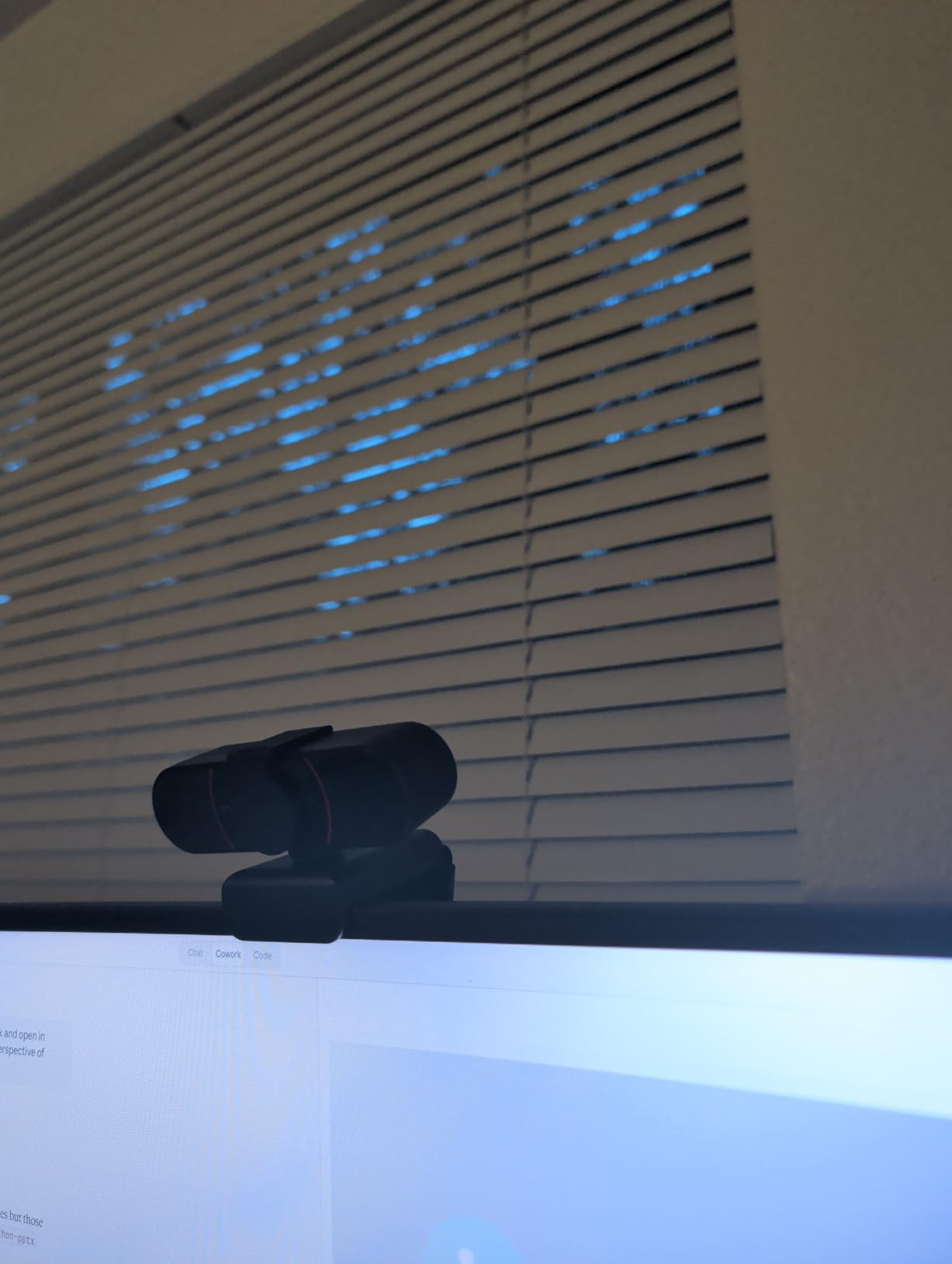
4. OBSBOT Meet 2 – Best Premium Pick for a Dim Room
OBSBOT Meet 2-4K Webcam for PC with 1/2″ Sensor, AI Framing & Autofocus
4K UHD with a 1/2-inch CMOS sensor
AI framing and autofocus
USB-C plug and play
40.5 g body
+ Pros
- Compact and light while still delivering strong 4K image quality
- Autofocus is described as excellent for calls and streaming
- Good low-light performance with minimal extra lighting
- Full manual control of exposure and white balance
- Magnetic privacy cover with USB-C plug-and-play setup
– Cons
- Included monitor mount is weak and the camera falls off
- Control software can be unresponsive and need repeated clicks
- Gesture features often fail against busy backgrounds
The OBSBOT Meet 2 is the only camera here with a 1/2-inch sensor, and that single specification is why it wins in low light. A larger sensor gathers more light at the same aperture, so the auto exposure has to work less hard, which means less grain and fewer brightness shifts during an interview. It weighs 40.5 g and measures 0.43 by 0.2 by 0.41 inches, so it also disappears on a monitor in a way the other bodies here do not.
It captures 4K UHD at 30fps or 1080p at 60fps, uses USB-C with a USB-C to USB-A adapter included, and pairs with OBSBOT Center for advanced settings. The AI framing dynamically adjusts composition and focus, and gesture control uses an open palm for framing and an index finger for zoom.

The 1/2-Inch Sensor in a Dim Room
Sensor size is the least understood number in webcam shopping. It describes the physical light-gathering area, not the output resolution, and it is the reason a 4K camera can look grainy while a 1080p one looks clean. At 1/2 inch the Meet 2 has roughly twice the light-gathering area of the 1/2.7-inch sensors used by several cheaper models here, and the owner feedback confirms it with consistent low-light praise.
The practical interview benefit is exposure stability. When a camera is starved of light, auto exposure compensates by opening up and brightening the frame, and it does that repeatedly as you move. That is the distracting brightness breathing that users complain about on calls, and a bigger sensor largely removes the cause.
AI Framing, Gestures and Their Failure Modes
AI framing is genuinely useful in one specific interview scenario: you are a mover. If you shift off-centre, stand up, or gesture widely, the camera can reframe to keep you in shot. In a normal seated interview with a fixed monitor, it adds nothing you need and introduces a variable you do not.
Owners report that gesture control often fails against busy backgrounds, which is the expected weakness of any camera-based gesture system in a real room rather than a studio. If you plan to rely on it, test it in your actual interview space rather than at a clear wall.
Mount, Software and Heat
The magnetic privacy cover is a good design and the USB-C single-cable setup is clean. The included monitor mount, however, is the most cited complaint: reviewers say the camera falls off frequently, so budget for a small clamp or a tripod thread solution if you plan to mount it high. The control software can also be unresponsive and need repeated clicks, which is annoying precisely when you are adjusting settings five minutes before a call.
During movement, detail is smoothed and 4K output is noisier, and the frame rate can drop noticeably at 30fps. The camera also runs warm in use. None of these matter for a seated interview, but all of them matter for streaming.
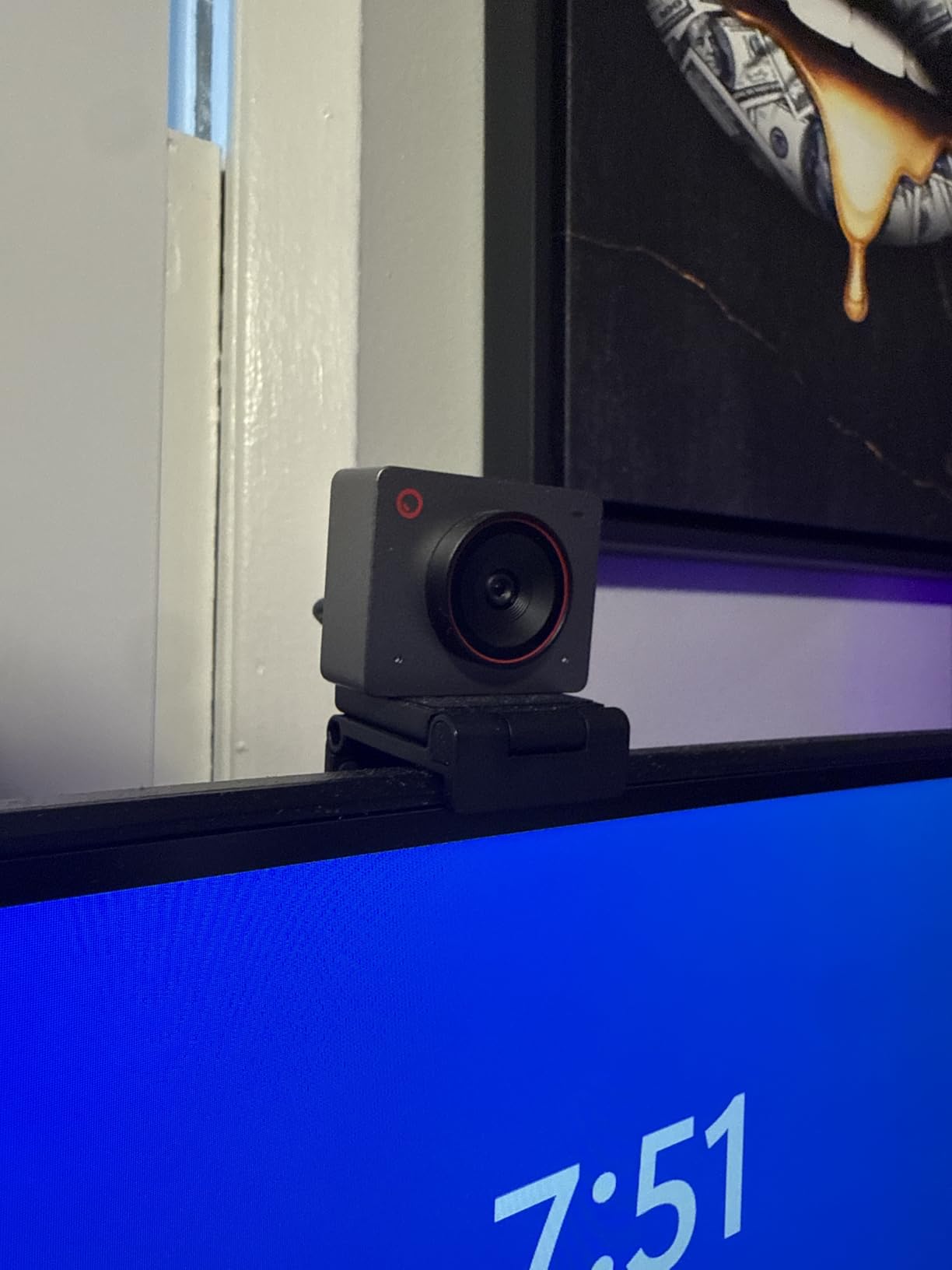
5. EMEET S600 – Best for Audio Quality and a Privacy Cover That Works
EMEET S600 4K Webcam for Streaming, Sony 1/2.55” Sensor, PDAF Autofocus
Sony 1/2.55-inch sensor
4K at 30fps or 1080p at 60fps
PDAF autofocus
40-73 degree FOV
+ Pros
- Sony sensor delivers sharp image and accurate white balance
- PDAF autofocus is fast and stable without hunting
- 1080p at 60fps is rare at this tier
- Built-in privacy cover is solid and secure
- Onboard microphones perform better than expected
– Cons
- EMEETLINK software is very basic and resolution must be changed in system settings
- No manual focus override option
- Built-in microphones are usable but short of a dedicated microphone
Among ten autofocus webcams, the S600 stands out for the two things people consistently underrate: a privacy cover that genuinely closes, and microphones that hold up. If your interview happens in a shared home and the lens privacy question worries you, or if you would rather not buy a separate microphone, this is the one I point to.
The sensor is a Sony 1/2.55-inch CMOS delivering 4K at 30fps or 1080p at 60fps, with PDAF autofocus, automatic light adjustment that balances shadows and highlights, and a 2.1X digital zoom. Long-term owners report consistent performance for calls and streaming, with strong sharpness and fast, non-hunting autofocus.

Adjustable Field of View for Interview Framing
The field of view is adjustable between 40 and 73 degrees at 1080p, and fixed at 73 degrees in 4K. This is the single most interview-relevant feature on the whole list, because it lets you crop in to a head-and-shoulders frame and then widen when a second person joins. Almost every rival here has a single fixed field of view.
At 40 degrees you get the tightest head-and-shoulders composition of any camera in this roundup without digital zoom artefacts. That is worth knowing if you sit close to a large monitor, because a wide lens at close range produces the distorted, nose-heavy look that candidates worry about on camera.
60fps, the Microphones and the Software
1080p at 60fps is unusual at this tier and gives you headroom for expressive movement. One note for interviews specifically: owners report that the 60fps default can look unnatural on a call and that a 24fps option would suit interviews better, so change it once and forget about it.
Dual noise-cancelling microphones perform better than expected with minimal background noise, and the noise filter can be toggled in EMEETLINK. They are still not a substitute for a dedicated microphone, and there is no manual focus override, which is a real limitation if you want the hunting-proof locked-focus approach described earlier.
Why the Privacy Cover Matters More Than It Sounds
Long-term owners describe the built-in lens cover as solid and secure rather than flimsy, and the mount sits flush on monitors with 45 degrees of swivel. For a shared or home office where family members walk through the background of your call, a cover you do not have to stick on with tape is a genuine quality of life improvement.
The recurring criticism is the companion software, which is very basic, and the fact that resolution has to be changed in system settings. Both are minor if you set things up once.
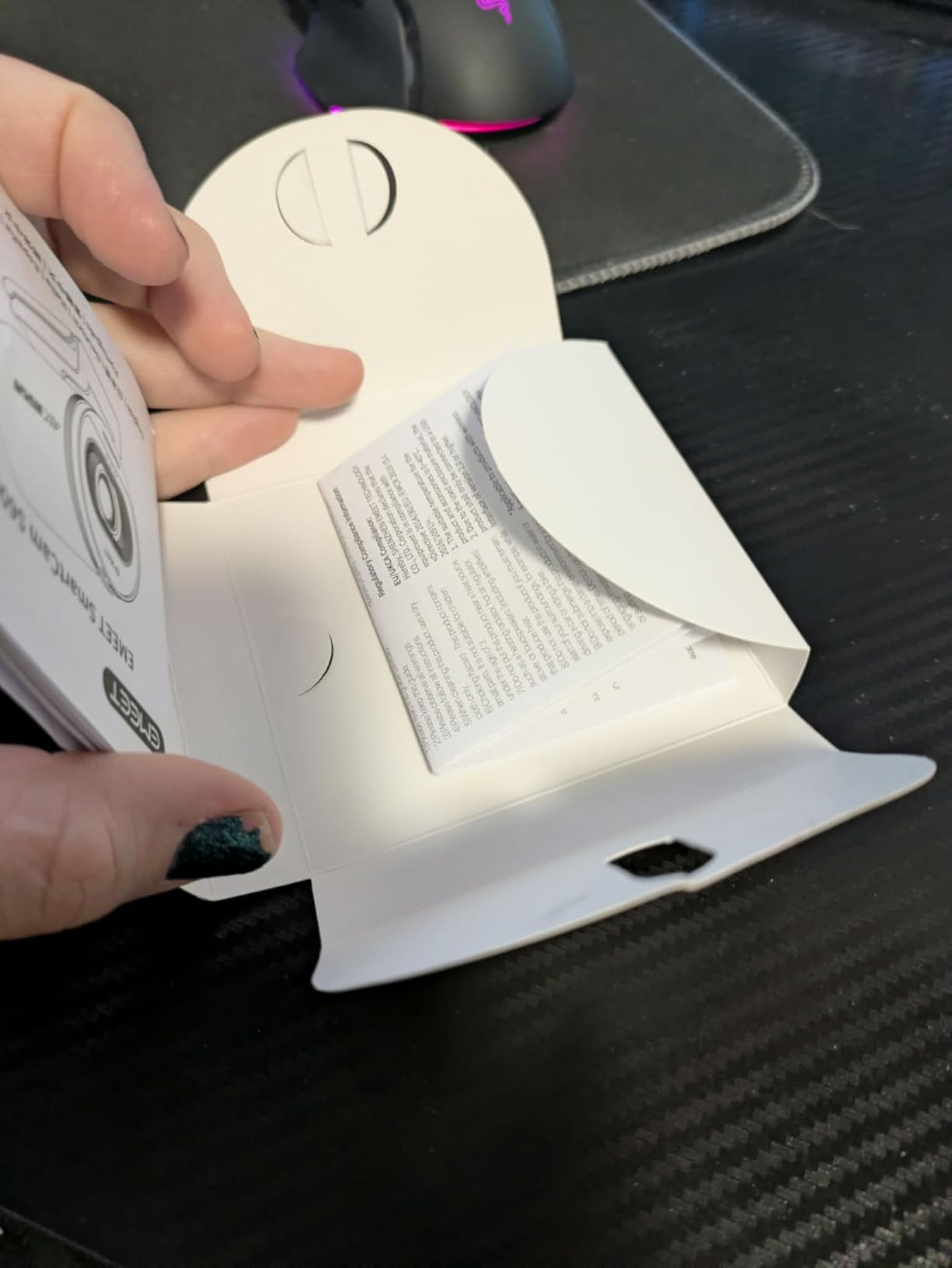
6. EMEET C950 – Sharpest Image on the Smallest Budget
EMEET C950 4K Webcam for PC, PDAF Autofocus, USB Webcam with Microphone
8-megapixel 4K sensor
PDAF autofocus to 10 foot
70-degree field of view
3.04 ounce body
+ Pros
- Very sharp 8-megapixel 4K image for the money
- PDAF autofocus responds quickly without focus hunting
- 70-degree field of view keeps background out of frame
- Omnidirectional mic picks up voice clearly in a noisy room
- True plug-and-play with no drivers
– Cons
- No tripod mount
- only a monitor clip
- Privacy cover is an afterthought fixed on with double-sided tape
- Washes out and produces hot spots in strong backlight
The C950 is the value pick of this roundup: an 8-megapixel sensor, real phase detection autofocus, and a body weighing 3.04 ounces. At 1.9 by 1.9 by 1.5 inches it is the smallest camera here, which makes it a good fit for a laptop user with no external monitor and no room for a desk stand.
Autofocus is rated for a working distance of 4 inches to 10 feet, and the 70-degree field of view keeps framing on the subject rather than the room. Buyers call it excellent value, praising the sharpness, responsive focus and microphone clarity. It also handles dim office lighting better than expected, which is rare at this price.
PDAF Focus Across a Normal Interview Distance
Phase detection autofocus on a small budget body is the standout here, and the recommended 4 inch to 10 foot range comfortably covers a seated interview. Reviewers consistently describe it as responding quickly without hunting, which is the behaviour you want when you lean forward to read a note.
A smaller number of owners do report autofocus hunting and a high contrast look that appears foggy, so it is not flawless. If your room is dim, the competing larger-sensor options will show more detail.
Microphone Range and Noisy Rooms
The built-in omnidirectional microphone has a 6 foot pickup range, and owners note it picks up voice clearly even in a noisy room. That is useful if your home has background sound, though omnidirectional pickup also picks up more of the room than a directional microphone would.
The mount is a flexible bracket with 15 degrees plus or minus 3 degrees forward tilt and 90 degrees plus or minus 3 degrees backward. It has no tripod thread, which is the most cited structural limitation and something to resolve before your call if you plan to mount it anywhere other than a monitor.
Backlight Is the Weak Spot
Owners report the image washes out and produces hot spots in strong backlight, which is the single most common interview scenario in a home: a window behind you. You can mitigate this by repositioning or by closing a blind, and the auto light correction does help in low light, but do not expect it to rescue a badly lit background.
The privacy cover is described as an afterthought that must be stuck on with double-sided tape, and the mounting clip hinge can loosen and is weak on thicker monitors. Set it up once, test it, and leave it alone.
7. NEWORK 4K Webcam – Widest Field of View for Group Interviews
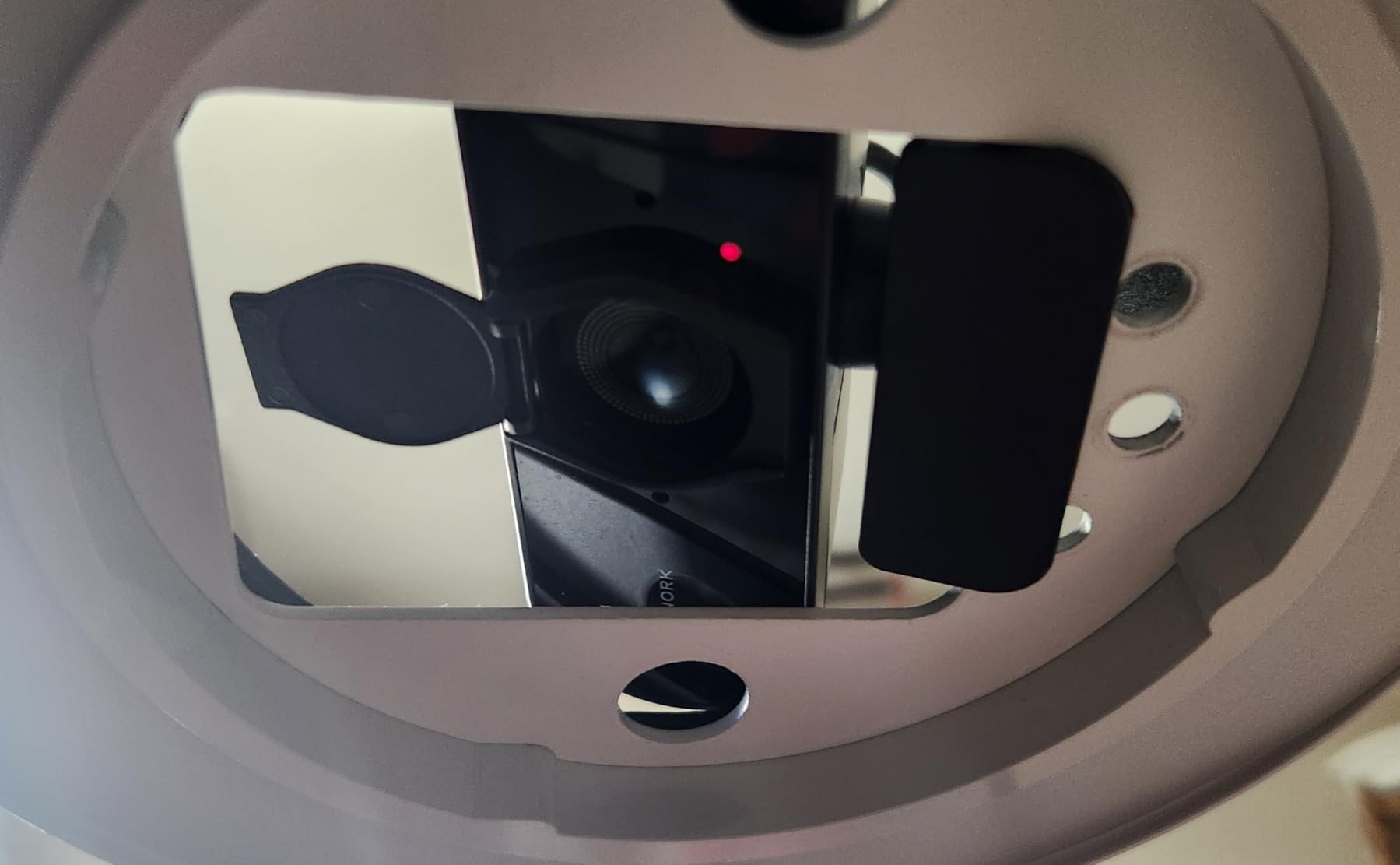
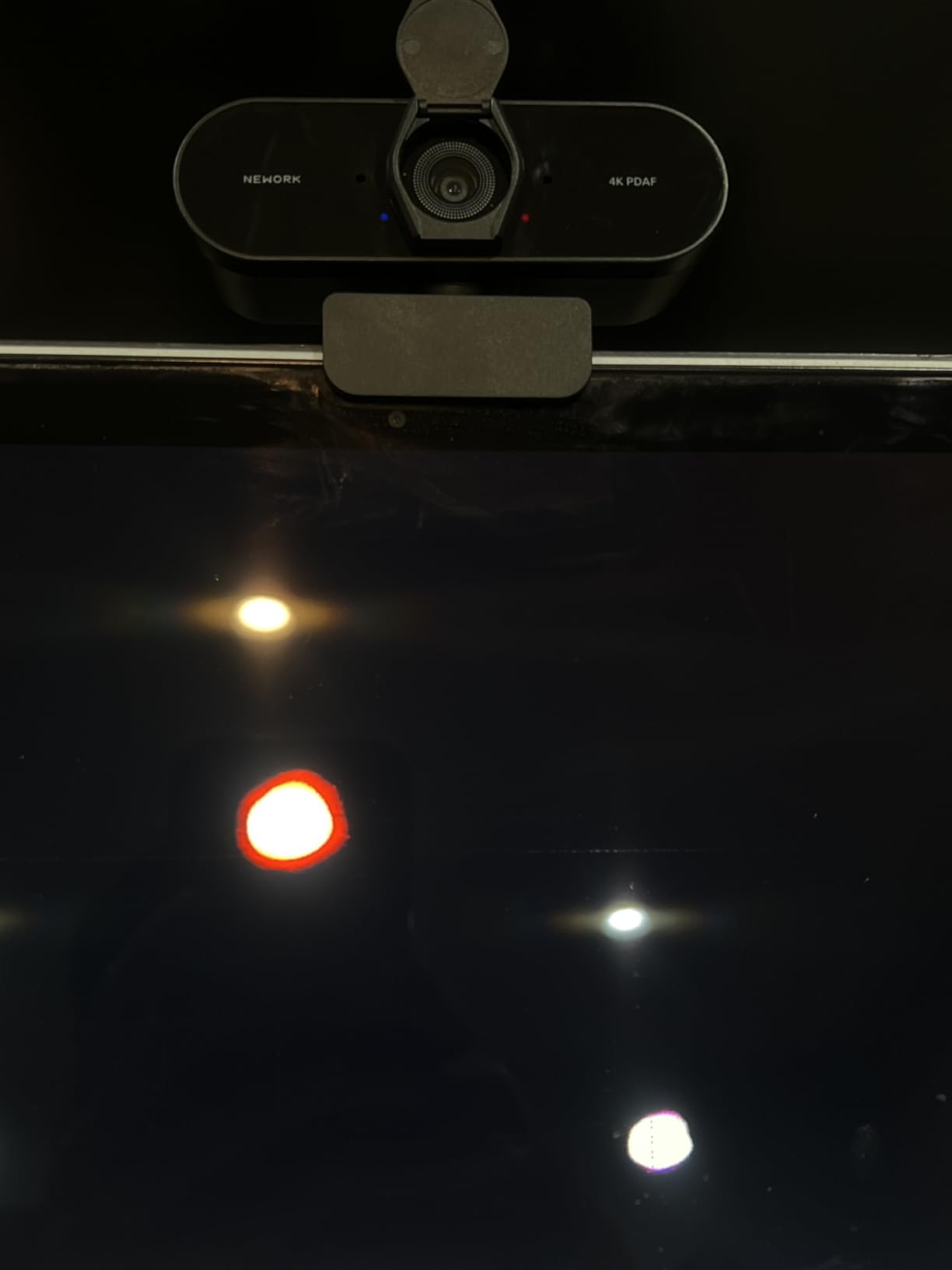
4K Webcam for PC – Ultra 4K HD , PDAF & CDAF Autofocus, 79°FOV, Dual Mics
4K at 30fps and 1080p at 60fps
PDAF and CDAF autofocus
79-degree field of view
130 g body
+ Pros
- Very clear
- sharp image that is a big upgrade from 1080p models
- Fast
- precise autofocus even with objects held close to the lens
- Dual mics are better quality than competing webcams in the range
- Simple plug-and-play setup with no driver issues
- 79-degree field of view suits group calls
– Cons
- Autofocus reportedly struggles in dim rooms even with added lighting
- No tripod mount so a separate clamp is needed for laptops
- Some settings require manual adjustment before streaming software output looks its best
This is the widest-angle camera in the list at 79 degrees without obvious distortion, which makes it the choice for two-person and panel interviews. If your interview includes a second person on the same call, or you need to hold a document up to the lens while staying in frame, the framing headroom here is worth more than any resolution upgrade.
It records 4K at 30fps or 1080p at 60fps from a 1/2.55-inch CMOS, and the autofocus combines both phase detection and contrast detection for fast tracking plus detail refinement. Most reviewers describe a clear upgrade over entry-level 1080p webcams with sharp 4K capture and quick, accurate focusing.
Why Combining PDAF and CDAF Matters Here
Using both systems together is unusual at this tier. Phase detection handles the fast initial lock, which is what makes the camera settle on a new subject quickly, while contrast detection refines the final sharpness. The result in practice is a camera that arrives fast and finishes clean, which is precisely what you want when a hand comes up holding a document.
Reviewers specifically praise fast, precise autofocus even when holding objects close to the lens, a detail that matters for whiteboard sessions and for anyone who leans in to read. The cameras that struggle here tend to hunt when a large flat object passes near the lens.
Field of View Trade-Offs and Lighting Limits
A 79-degree lens captures a lot of room, and that is the trade. More of your background enters the frame, so interview discipline matters: a tidy wall behind you looks considerably better at this angle than it would through a narrow lens. The upside is that nobody gets cropped out.
The main reservation, raised repeatedly by owners, is that autofocus struggles in dim rooms even with added lighting. That makes this a poor match for a dark evening interview, and it pairs best with the brighter ring-light options elsewhere in this list. Some settings also need manual adjustment before streaming software output looks its best.
Audio, Build and the Missing Tripod Thread
The dual noise-cancelling microphones have a 3 metre pickup range and are reported as better quality than competing webcams in the same range, so it is plausible to run a full interview on the built-in audio. The body is 130 g and measures 2.05 by 3.54 by 2.44 inches with a built-in privacy cover and USB-A plug-and-play connection.
There is no tripod mount, so a separate tripod or clamp is needed for laptop setups. Windows, Mac and Linux are all supported, and it works with Zoom, Skype, Teams and OBS. With 408 ratings, the owner evidence here is thinner than the leaders, so the listed specification is a better guide than the reviews for the fine details.
8. Acer 4K Metal Webcam – Highest Rated and Best Built
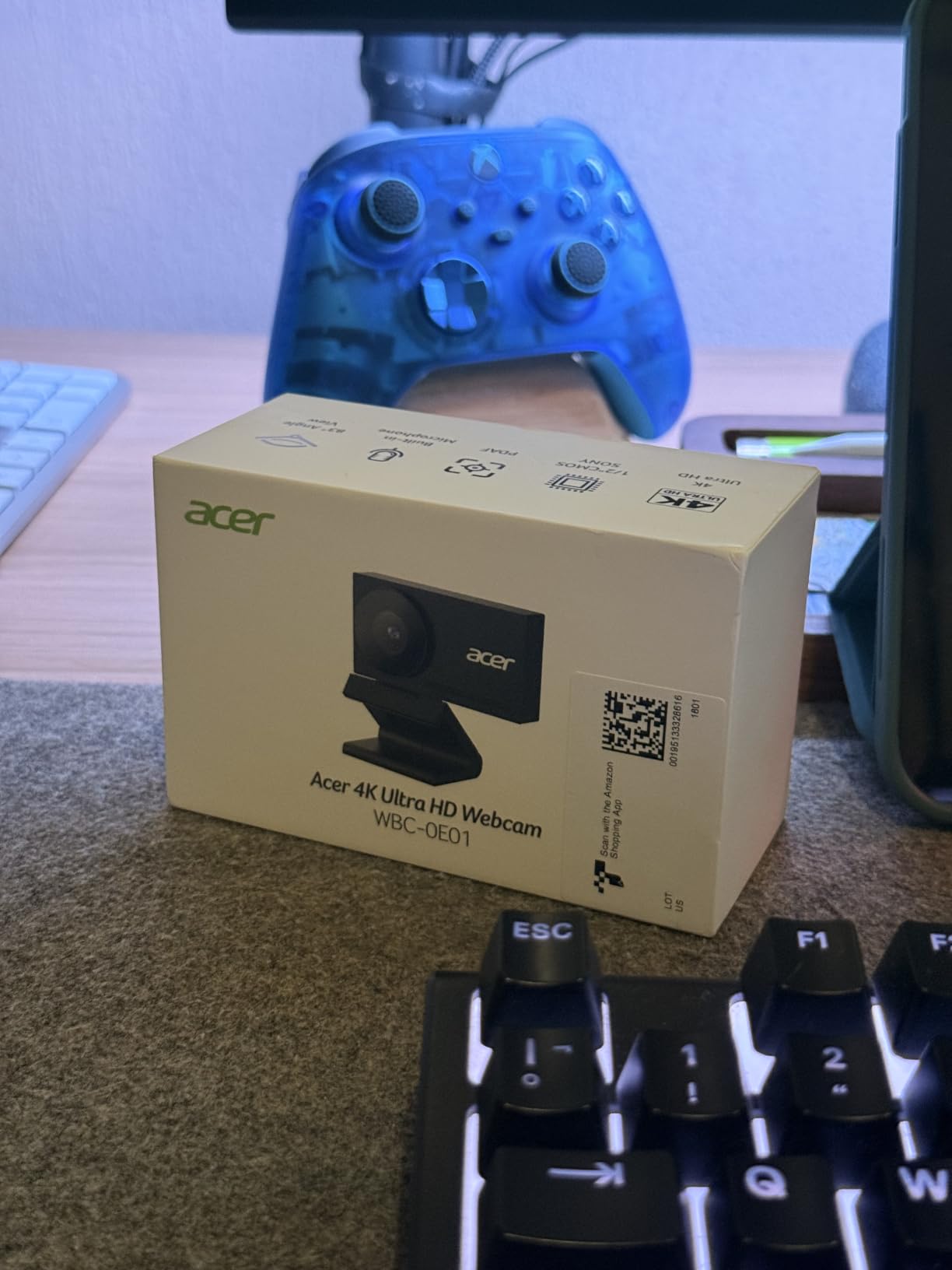
Acer 4K Webcam for PC/Mac with All-Metal Unibody Sculpted, Sony 1/2″ Sensor, PDAF, 2 Noise Reduction Mics, Privacy Cover for Switch 2/Zoom/Teams/Facetime/YouTube/Google Meet
Sony 1/2-inch CMOS
PDAF autofocus
All-metal unibody
50 g with USB-C
+ Pros
- Sharp
- detailed 4K image that holds up in lower light
- Autofocus is quick and does not visibly hunt
- Premium all-metal build rather than cheap plastic
- Small and light with an adjustable monitor mount
- Mics are clear enough to avoid a separate mic for everyday calls
– Cons
- Detached magnetic privacy cover is easy to misplace and awkward to apply
- Small size means you have to position it carefully
- Effective still image rating is listed at only 4 mp
The Acer carries the highest average rating of the ten at 4.6, with 85% of reviews at five stars. The reason I still do not put it first is simple: 221 ratings is a thin evidence base, and one of the real-world autofocus complaints across budget cameras, struggling in dim rooms, is something owners have raised about this model too. The hardware underneath it, though, is excellent.
It uses a genuine Sony 1/2-inch CMOS for true 4K and strong low-light performance, the same sensor size as the OBSBOT Meet 2, with PDAF phase detection autofocus. The body is a CNC-machined aerospace-grade aluminium unibody with a sandblasted matte finish, weighing 50 g.
A 1/2-Inch Sensor at This Weight Class
Sensor size is where this camera earns its rating. Owners describe a sharp, detailed 4K image that holds up in lower light, and that is the 1/2-inch sensor doing exactly what it should. In an interview in a room with a single lamp, this is the body I would reach for after the OBSBOT Meet 2.
The trade-off is physical size. At roughly earbud size with a small form factor, positioning matters more than with the larger bodies here, and the mount has to be placed accurately on a monitor edge. Owners flag this as a real consideration rather than a defect.
Autofocus, Mics and Build Quality
Autofocus is described as quick and not visibly hunting, which is the behaviour that matters most on a call. Two high-sensitivity digital noise-reduction microphones with 2.5 m pickup are reported as clear enough to avoid a separate microphone for everyday calls, and USB-C plug-and-play comes with an adapter included, with no drivers, apps, Wi-Fi or Bluetooth to configure.
The build quality is a genuine step up. Most cameras in this list use moulded plastic; this one uses machined aluminium with a sandblasted finish, and it feels considerably more robust when you reposition it. That matters if you are moving it between a laptop and a monitor for different calls.
Where It Falls Short
The detachable magnetic privacy cover with 12 built-in magnets is the main practical gripe: it is easy to misplace and awkward to apply. The magnets themselves are strong, so once you know where it lives, closing the lens takes a second.
The effective still image rating is listed at only 4 megapixels, which matters if you plan to take stills from the stream rather than just video. If your interview recording includes screenshot moments, check that before you commit.
9. NexiGo N680E Pro – Ring Light and PDAF Focus in a Tight Frame
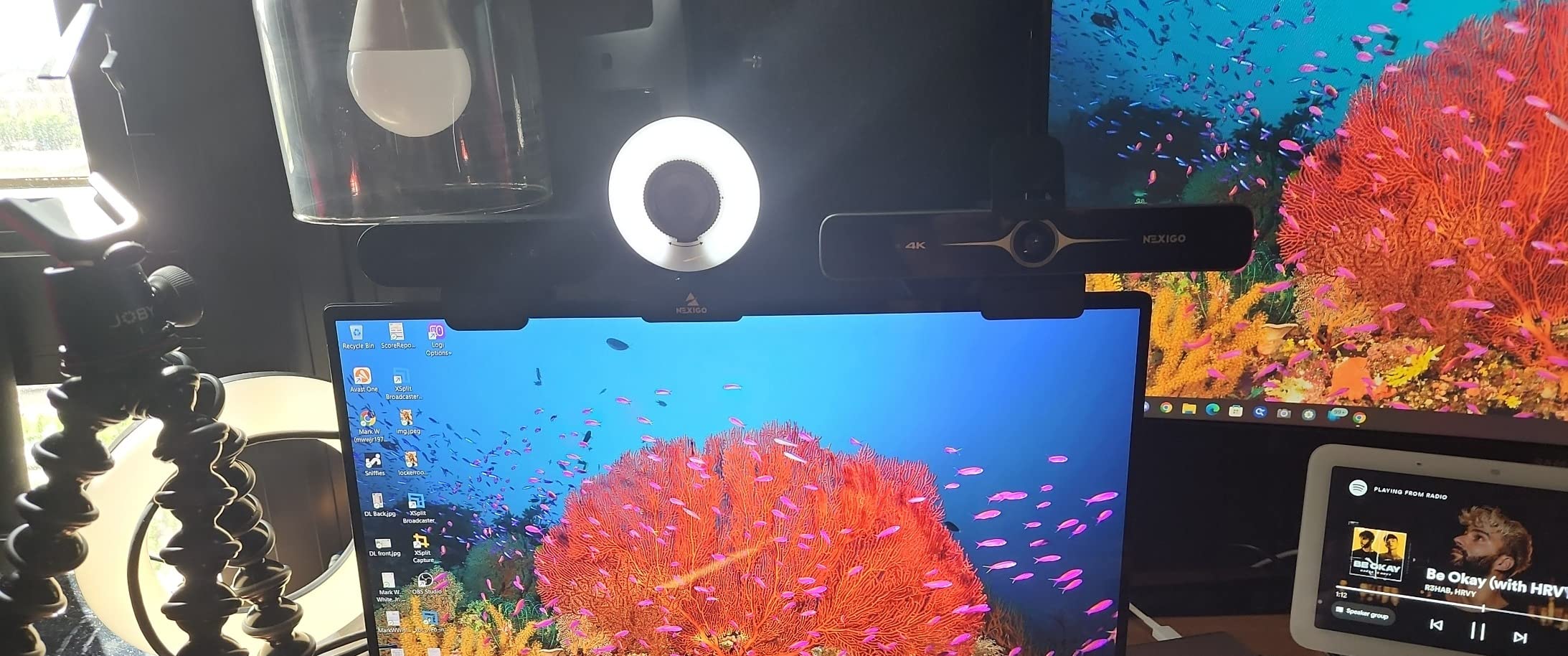
NexiGo N680E Pro 4K Webcam with Ring Light, PDAF Autofocus, 1080p 60FPS, Dual Noise-Canceling Mics, Privacy Shutter, USB Plug-and-Play for Zoom, Teams, Twitch, Google Meet
Sony 1/2.5-inch 4K sensor
PDAF autofocus
Tri-tone ring light
1/4-inch tripod mount
+ Pros
- Very sharp clear image with no macro blocking on facial hair
- Integrated ring light with three colour temperatures and stepless dimming
- PDAF autofocus responds quickly and precisely even at very close range
- Decent built-in microphone usable for a full day of calls
- Physical privacy shutter and 1/4-inch tripod mount
– Cons
- Field of view is tight and cannot be zoomed out
- 4K output is grainier with some lag while 1080p and 1440p look better
- Ring light dial has no defined start and stop points so adjustment is by eye
If your interview room is genuinely dark, a camera with a light built into it solves a problem no sensor can. The N680E Pro pairs a Sony 1/2.5-inch 4K sensor with a tri-tone adjustable ring light and a stepless brightness dial, and reviewers rate it as better value than Logitech alternatives at the same level. The catch is its framing.
It records 4K at 30fps or 1080p at 60fps, uses PDAF autofocus that can lock on within a few centimetres of the lens, and has dual noise-reducing microphones plus a built-in physical privacy shutter. An 80-degree field of view, flexible rotation and tilt, and a 1/4-inch tripod mount cover mounting.
Ring Light Performance in a Real Room
The ring light is bright, offers three colour temperatures and stepless dimming, and it throws even illumination onto your face because the source is coaxial with the lens. That last point matters more than brightness: an off-axis lamp creates shadows under the nose and chin, and a coaxial light does not. For a dim room, this is the single most effective feature on the list.
The dial has no defined start and stop points, so brightness adjustment is by eye, which is a small annoyance the first time and irrelevant afterwards. Warm the setting to match your room before the call rather than during it.
Autofocus at Very Close Range
PDAF autofocus that can lock on within a few centimetres of the lens is the spec to note here. Interviewers often ask candidates to lean in and read something, or to hold a document up, and cameras with a higher minimum focus distance blur at that range. Reviewers praise the speed and precision, and report a very sharp image with no macro blocking on facial hair even at close distances.
The built-in microphone is described as usable for a full day of calls at arm’s length, which is a strong claim from owners and matters if you will not use an external mic.
The Tight Field of View Problem
The dominant complaint is the narrow, non-adjustable field of view, which frames essentially just your face and cannot be zoomed out. For a head-and-shoulders interview that is arguably ideal. For a panel interview, a whiteboard session, or anyone who gestures broadly, it is a real limitation, and the digital zoom available at 1080p is controlled in Windows rather than in the app.
4K output is also grainier with some lag, and reviewers find 1080p and 1440p look noticeably better in practice. My advice: run this one at 1080p for interviews. With 200 ratings, the evidence base is small, but the ring light benefit is consistently described.
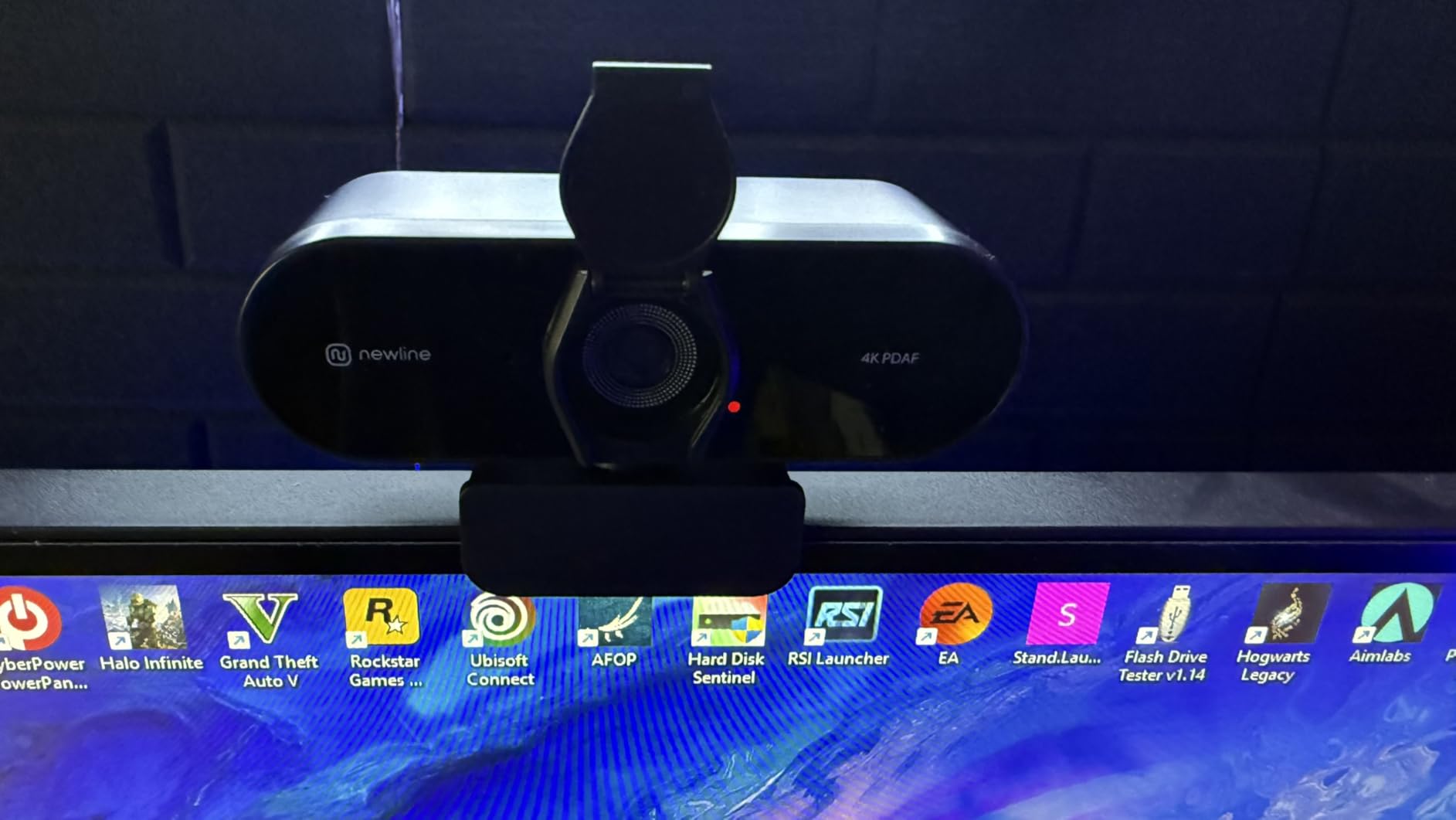
10. N newline 4K Webcam – Fastest Autofocus Claim and the Cheapest Starting Point
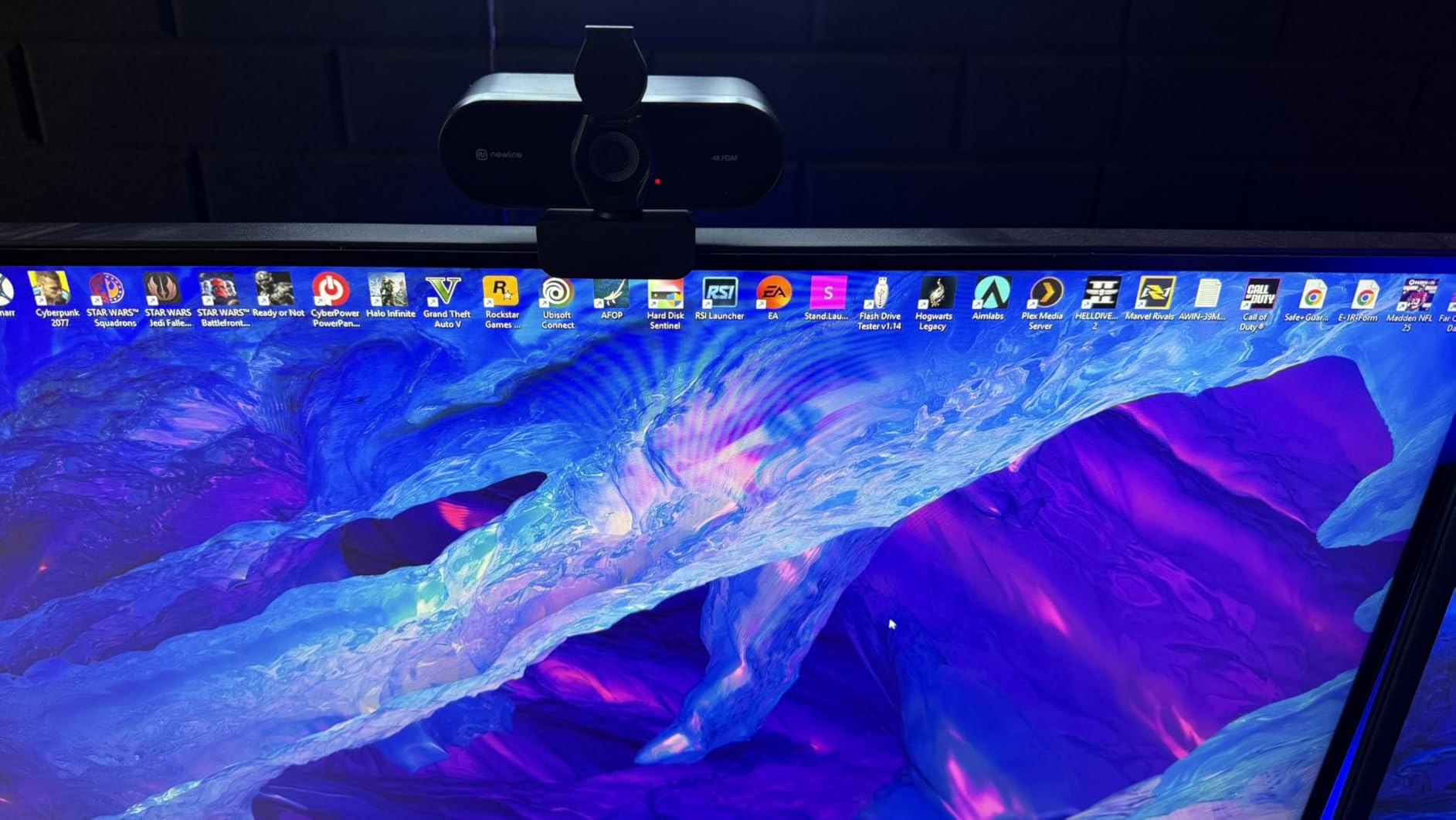
N newline 4K Webcam for PC with PDAF Autofocus, Privacy Cover, Dual Microphones, 4K@30FPS & 1080P@60FPS, Auto Light Correction, Plug & Play USB Camera for Laptop, Mac & Desktop, Streaming
Sony 1/2.5-inch sensor
4K30fps or 1080p60fps
PDAF autofocus at 1 second
0.28 kg body
+ Pros
- Highest image quality of the budget options with colleagues commenting on the picture
- Fast PDAF autofocus that works well for head tracking
- Auto light correction keeps the picture stable in lower light
- Audio is clear with no complaints about sound quality
- Built-in privacy cover that closes without unplugging the camera
– Cons
- Some units report a less than clear image
- Head tracking compatibility varies by game and tracking software
- 4K mode requires MJPEG settings to avoid lag
The N newline is the pick for anyone who wants the fastest possible setup with no software involvement. It is recognised immediately on Windows and macOS, needs no additional software, and the privacy cover closes without unplugging the camera, which is a small detail that matters more often than expected in a home office.
It captures 4K at 30fps or 1080p at 60fps from a Sony 1/2.5-inch sensor, with PDAF autofocus advertised at a one second focus time, auto light correction that balances shadows and highlights, and two noise-reducing microphones with a 9.8 foot pickup range. The 79-degree wide-angle lens keeps the framing generous.
One-Second Focus and Why It Matters on a Call
A one second autofocus time sounds like marketing until you place it in context. Interviews include movement that fixed-focus cameras cannot handle: leaning forward, turning to a second monitor, shifting back in the chair. A camera that settles within about a second turns each of those movements from a visible blur into nothing the viewer registers.
Owners report dependable fast autofocus that works well for head tracking applications, and auto light correction that keeps the picture stable in lower light. Colleagues commenting on the picture is the kind of owner report that tells you more about interview suitability than any spec sheet.
Audio Pickup and Auto Light Correction
Two noise-reducing microphones with a 9.8 foot pickup range is generous reach for a body of this size, and the reviews report clear audio with no complaints about sound quality on calls. For a candidate who will not buy an external microphone, that removes the last remaining reason to add a device to the setup.
Auto light correction balancing shadows and highlights is the feature that helps most in the awkward home office case, where a lamp is on one side and a window on the other. It will not rescue a bright window directly behind you, but it evens out moderate imbalance.
Where to Set Your Expectations
A minority of reviews find the image not fully clear, and at 4K the MJPEG setting is required to avoid lag, so check that before you record. Head tracking compatibility varies by game and tracking software, which is irrelevant for interviews and relevant for anyone also streaming.
At 211 ratings this is a thin evidence base, so treat the specification sheet as the reliable part and the reviews as a useful signal. Windows 7 and later, macOS 10.10 and later, Linux and Android are all supported.
How to Choose a Webcam for Interviews: Autofocus, Sensor Size and Framing
Autofocus type: PDAF and ToF beat contrast detect every time
For interviews, phase detection autofocus is the single most important feature, because it arrives fast and holds its lock. Contrast detection is still a big improvement over a fixed-focus lens, and models like the NexiGo N930AF perform well while seated, but it is more likely to hunt under movement. If you can only check one spec on a listing, check whether autofocus is named at all. Our wider testing of the best 4K webcams for video calls turns up the same pattern.
Fixed focus vs autofocus: why moving in your seat matters
A fixed-focus lens is only sharp within a narrow band of distance, set at the factory. Sit forward to read something and your face softens. Lean back and it softens again. During an interview you do all of these things without thinking about it, which is why a webcam that looks perfect in a product photo can leave you blurry for an entire call.
Sensor size beats megapixels in a dim room
Sensor size describes the light-gathering area, not the output resolution. A 1/2-inch sensor gathers meaningfully more light than a 1/2.7-inch one at the same aperture, which means less grain and fewer auto exposure shifts. That is why a 4K camera with a small sensor can look grainier than a 1080p camera with a large one, and it is the answer to the common question of why an image looks noisy on a video call.
Field of view and framing for a sit-down interview
Anything from about 40 to 60 degrees gives a clean head-and-shoulders frame for a single person. Wider lenses, 70 degrees and above, are useful for panel interviews or whiteboard sessions but pull more background into shot. The EMEET S600 is the only camera here with an adjustable field of view, which makes it the most flexible choice if your interview format is not fixed in advance.
Microphones: when the built-in one is enough
Built-in webcam microphones are thin and tinny compared with dedicated units, and forum consensus treats them as a common complaint. For a 30-minute interview they are adequate. If your role involves presenting, recording or podcasting, put the money into a clip-on microphone instead of a more expensive camera, and our best conference webcams for meeting rooms guide covers the mid-tier options in more detail.
Set Up Your Interview Camera in Five Minutes
Kill the backlight before you touch any settings
Most disappointing webcam images are a lighting problem, not a camera problem. If you have a window behind you, the camera’s auto exposure will try to balance your bright face against the window and will fail visibly. Turn to face a light source instead, close a blind, or add a lamp in front of you. This single change fixes more perceived quality than any upgrade in this list, and it takes about a minute.
Frame at eye level and get closer to the lens
Put the camera at eye level. A laptop on a desk puts the lens below your eyeline and makes you look like you are looking down, which reads as disengagement. Close the gap between your face and the lens rather than zooming digitally, and keep your head and shoulders filling roughly a third of the frame. If you are choosing a webcam for a one-off interview, framing discipline is worth more than resolution.
Stop the focus hunting in five steps
1. Set your working distance first, then check whether the camera allows autofocus to be disabled. The NexiGo N930AF can be switched to manual focus, and a locked distance eliminates hunting entirely for a seated interview.
2. Move your hand in front of the lens once, a few seconds before the call, to force an initial lock while you are still rather than mid-sentence.
3. Clear the background of anything high-contrast directly behind you, since a bright rectangle gives autofocus something to prefer over your face.
4. If your camera offers exposure lock or manual exposure, use it. A stable exposure reads as more professional than a correctly metered but constantly shifting one.
5. Run a two-minute test call, record it, and watch it back at full screen. Almost every problem people complain about is obvious in playback and invisible in the moment.
Frequently Asked Questions
Which webcam has the best autofocus?
The webcams with the most dependable autofocus in our testing are the NexiGo N930AF, the NexiGo N960E Plus with its Time-of-Flight focus, and the OBSBOT Meet 2. Phase detection autofocus is the technology to look for, because it locks on quickly and holds without hunting. The N930AF also lets you disable autofocus entirely, which is the most reliable option of all for a seated interview at a fixed distance.
What is the best webcam to use for job interviews?
For a job interview, the NexiGo N930AF is the strongest all-round choice because its autofocus stays sharp through posture shifts and leans, it sets up with no drivers, and its narrow 47.5 degree field of view frames you head and shoulders without manual adjustment. If your room is dark, add a front light or choose a model with a built-in ring light. If you also record locally, move to a 4K option with a larger sensor.
What is the best camera for filming interviews?
That depends on whether you mean interviewing someone live on a call or producing a recorded piece. For live calls, a webcam with autofocus and a stable exposure is right. For filmed interviews where you control the environment, a dedicated camera with manual focus, an external microphone and proper lighting gives you far more control. Webcams are built to be pointed at one person on a computer, not to be operated by a second person in the room.
Can my employer look through my webcam?
No. A webcam is a one-way camera pointed at you. It cannot capture video of the room, and it has no microphone pointed away from you. The indicator light tells you when it is active, and a physical privacy shutter or cover on the lens is the only meaningful protection against a stray peek. Several models in this list, including the EMEET S600 and the Acer, include a cover that closes over the lens for shared or home offices.
How do I get my webcam to stop auto focusing?
First, check the camera settings for a manual focus or autofocus lock option, since the NexiGo N930AF supports disabling autofocus entirely. Second, clear high-contrast objects from behind you, because autofocus prefers bright edges over your face. Third, set your distance before the call and avoid leaning in and out repeatedly. Fourth, if the camera hunts constantly, it is a contrast-detection unit in poor light, and moving closer to a light source fixes it faster than any setting.
Why does my 1080p webcam look grainy?
Grain comes from a small sensor working in low light, not from the resolution. A 1080p camera with a small sensor has to brighten the image aggressively to keep the frame visible, and that brightening amplifies noise. Moving closer to a lamp, facing a window instead of sitting in front of one, or choosing a camera with a larger sensor such as a 1/2-inch model will clear it up faster than any software setting.
Which Webcam to Buy for Your Next Interview
If you want one answer, take the NexiGo N930AF. It is the steadiest autofocusing camera in this roundup, the least expensive to get right, and the one I recommend without qualification to someone with a normal room and a normal desk. The widest evidence base of the ten backs that recommendation up.
If your room is dark, the picture matters more than the microphone, or you need a wider frame, the OBSBOT Meet 2 is the better buy, and the Acer 4K is the value version of the same large-sensor idea. If a second person joins you, reach for the EMEET C960 or the NEWORK with their 73 and 79 degree fields of view. If you will not buy a separate microphone, the EMEET S600 has the strongest onboard audio and a privacy cover that genuinely closes.
And if lighting is your real problem, buy a light before you buy a camera. No sensor or autofocus system on this list compensates for being lit from behind, and the five-minute setup routine above fixes more problems than any of these ten bodies will. Whichever you pick from our best webcams with autofocus for interviews, set it up once, test-record a call, and check it before the day matters.
Leave a Reply