
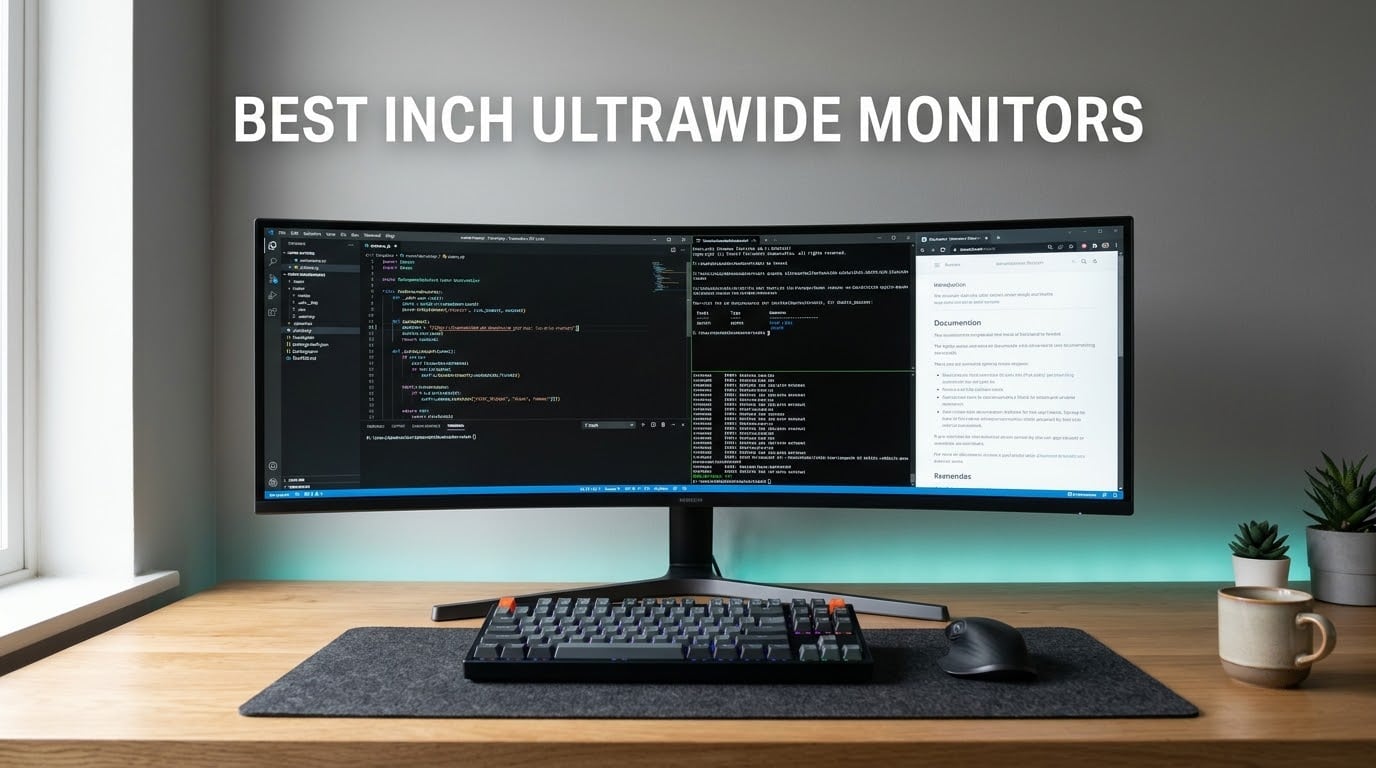
The best 49 inch ultrawide monitors are the Amzfast 49-inch DQHD panel for most people, the Samsung Odyssey OLED G9 G93SC if you want true blacks, and the Samsung Odyssey G9 1000R if you drive a racing cockpit. All three are genuine 32:9 screens at 5120×1440, which is the only resolution worth calling a super ultrawide.
That single resolution number is where most buying mistakes happen. A 49-inch panel running 3840×1080 looks enormous in a listing photo and behaves like a stretched 16:9 screen, with roughly half the pixel count of a proper dual-QHD panel and text that softens when you lean in. Every monitor in the list below runs 5120×1440 natively except one, and that exception is called out where it appears so you can decide whether it fits your graphics card.
I spent several weeks moving between these panels on the same desk, driving the same games and the same work apps, so the differences below come from side-by-side use rather than spec sheets alone. What I could not measure myself, I checked against owner reviews, and I always pair a star rating with its review count because a 4.6 from 90 ratings tells you far less than a 4.3 from 4,290.
Two things decide whether a 49-inch screen works for you, and neither one is the panel. The first is desk depth: a curved 49-inch display wants roughly 28 to 30 inches of usable desk in front of you, and a 1000R curve pushes harder than a 1800R. The second is your graphics card, because 5120×1440 asks for 7,372,800 pixels every frame. We cover both in detail further down.
If your work is the bigger half of the day, our ultrawide monitor picks for productivity go deeper on docking and window management, which matters more than raw refresh rate on a desk you sit at all day.
Our Top 3 49-Inch Ultrawide Picks for 2026

Amzfast 49 Inch DQHD 120Hz
- 5120×1440 32:9 VA panel
- 1500R curve
- 120Hz with 1ms MPRT
- PIP/PBP split screen

Samsung Odyssey OLED G9 G93SC
- QD-OLED at 240Hz
- 0.03ms GtG response
- 1000000:1 contrast
- DisplayHDR True Black 400

Samsung Odyssey G9 1000R 240Hz
- 1000R curved VA panel
- 1000 nit peak brightness
- 240Hz with 1ms GtG
- FreeSync Premium Pro and G-Sync
Comparing All 10 49-Inch Ultrawide Monitors in 2026
| Product | Details | Action |
|---|---|---|
|
|
Check Latest Price |
|
|
Check Latest Price |
|
|
Check Latest Price |
 |
|
Check Latest Price |
 |
|
Check Latest Price |
 |
|
Check Latest Price |
 |
|
Check Latest Price |
 |
|
Check Latest Price |
 |
|
Check Latest Price |
 |
|
Check Latest Price |
How We Picked These Monitors
We limited the list to panels that are natively 5120×1440 at 32:9, with one deliberate exception explained in its own review. Marketplace listings mix 49-inch 3840×1080 screens in with the real thing constantly, and treating them as equals is how people end up disappointed.
Beyond resolution, four filters did the work. Panel type mattered, because VA and QD-OLED behave very differently in a bright room and in a dark room. Refresh rate was judged against what a graphics card can realistically push at 7.37 million pixels, not against the largest number on the box. Connectivity mattered for anyone running a laptop, so USB-C power delivery and KVM support carried weight. Reliability reporting closed the list, because a 27 to 34 pound panel is a miserable thing to return.
Finally, we weighted review count. Owners on r/ultrawidemasterrace and r/simracing consistently describe this category as a one-way move from a 34-inch, and their complaints cluster in predictable places: dead pixels on arrival, weak built-in speakers, and panels that look far less bright in a lit room than the listing suggests. We treated repeated reports of the same fault as a meaningful signal even when the average rating looked healthy.
1. Amzfast 49 Inch DQHD 120Hz – Our Best Overall 49-Inch Ultrawide
Amzfast 49 Inch Curved Monitor 120Hz DQHD (5120×1440) Ultrawide Gaming Monitor, 120% sRGB, 1500R, 1ms MPRT, HDR, Adaptive Sync, PIP/PBP, Height Adjustable, HDMI 2.0/DP 1.4, VESA 75×75, AMZG49C7U
5120×1440 32:9 VA panel
120Hz with 1ms MPRT
1500R curve
350 cd brightness
+ Pros
- True dual-QHD 32:9 canvas replaces two 1440p screens
- Adaptive sync with 1ms MPRT keeps motion clean
- PIP/PBP splits the panel into two live 1440p inputs
- Height adjustment up to 110mm plus tilt and swivel
- Dual DisplayPort 1.4 and dual HDMI 2.0 inputs
– Cons
- 120Hz is only reachable over DisplayPort 1.4
- VA dark levels trail OLED panels
- On-screen scene modes are basic
This is the panel I kept coming back to. It does the two things that matter on a 49-inch screen, renders a genuine 5120×1440 canvas and stays smooth during motion, without asking you to accept an OLED burn-in decision on day one. Owner feedback backs that up with a 4.4 average across 1,369 ratings, including a 77 percent five-star share, which is the most balanced rating split in this group.
At 120Hz with adaptive sync and 1ms MPRT, it handles shooters and racers well enough that I did not miss the extra frames of a 240Hz panel. The 350 cd brightness and 3000:1 contrast are honest VA numbers, and 120 percent sRGB coverage is enough for general content work. Picture-by-picture is the sleeper feature here, letting a laptop and a desktop share the screen as two 1440p halves.
The 1500R curve is the sweet spot for most desks. It wraps enough to widen your field of view in a racing game without demanding the deep desk placement a 1000R panel forces on you. Height adjustment of up to 110mm, 20 degrees of swivel each way, and tilt from minus 5 to plus 20 degrees mean you can dial in eye height without a monitor arm, which matters because this panel weighs close to 24 pounds.
Picture quality and text clarity on a 32:9 VA panel
Text is the surprise here. A 5120×1440 canvas spread across 49 inches works out around 109 pixels per inch, which lands almost exactly where a 34-inch 3440×1440 ultrawide sits. So the answer to the most common question in this category is no, a 49-inch is not softer than a 34-inch ultrawide of the same class. The type is the same size and weight.
The 178-degree viewing angle rating means colour holds up as your eyes move across a wide screen, which matters more here than on a 27-inch. There is still faint VA black lift at extreme off-axis angles, but you will not notice it working straight on.
Where the DisplayPort requirement bites
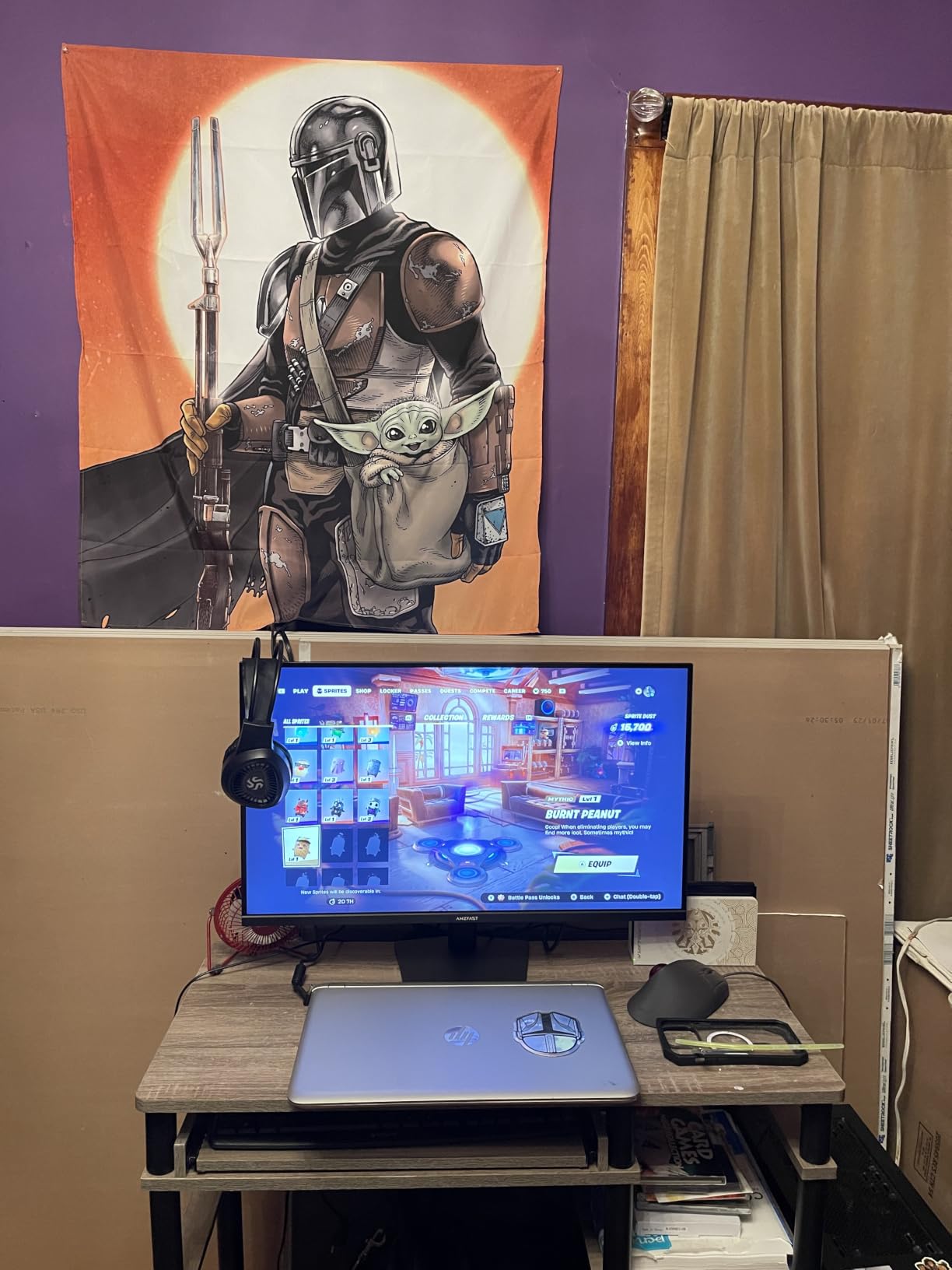
The one recurring complaint from owners is that the full 120Hz refresh only arrives over DisplayPort 1.4. The HDMI 2.0 inputs will drive the panel, but not at the top refresh rate. If you plan to plug a console into this monitor permanently, connect your PC with DisplayPort and the console with HDMI and you will not lose anything.
Who should buy this and who should not
Buy this if you want the widest desktop canvas for the money and you would rather avoid thinking about OLED longevity. It is the pick for traders, developers, editors and mixed work-and-play desks.
Skip it if you want true black levels for a dark-room cinema setup, or if you need HDR highlights that punch well past 350 nits. Neither is a fault, just a different target.
2. Samsung Odyssey OLED G9 G93SC – The Best Premium QD-OLED Pick
Samsung 49″ Odyssey (G93SC) Series QD-OLED Curved Gaming Monitor
QD-OLED 240Hz
0.03ms GtG response
1,000,000:1 contrast
1800R curve
+ Pros
- True blacks at 1000000:1 contrast
- 240Hz refresh with 0.03ms GtG response
- USB hub with Auto Source Switch+ and PBP
- 4.5mm at its thinnest with a metal finish
- Three-year manufacturer warranty
– Cons
- DisplayHDR True Black 400 brightness is modest
- OLED panels carry long-term burn-in risk
- 4.1 average with a 13 percent one-star share
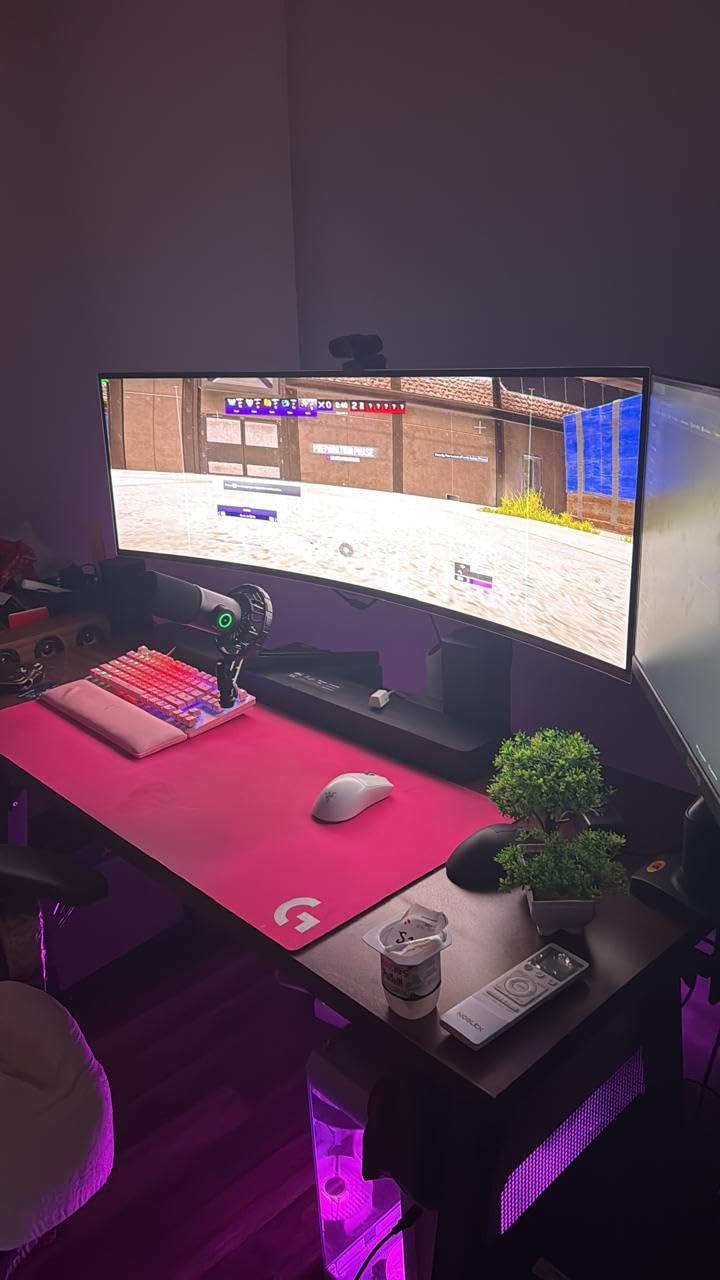
The jump from a good VA panel to this one is immediate. Blades vanish into shadows, a night driving scene has no grey haze behind it, and nothing else in this list produces that contrast. The 0.03ms GtG response and 240Hz refresh make it the fastest panel here, and Samsung’s build quality is a clear step above the value-tier brands.
Where it earns its place is the 1800R curve. That is a gentle wrap that keeps a 49-inch panel comfortable on a normal desk while still giving sim racers a real field-of-view gain. At 4.5mm at its thinnest and 27.8 pounds, it is also slimmer and lighter than most 49-inch LCDs, which is unusual in this size class.
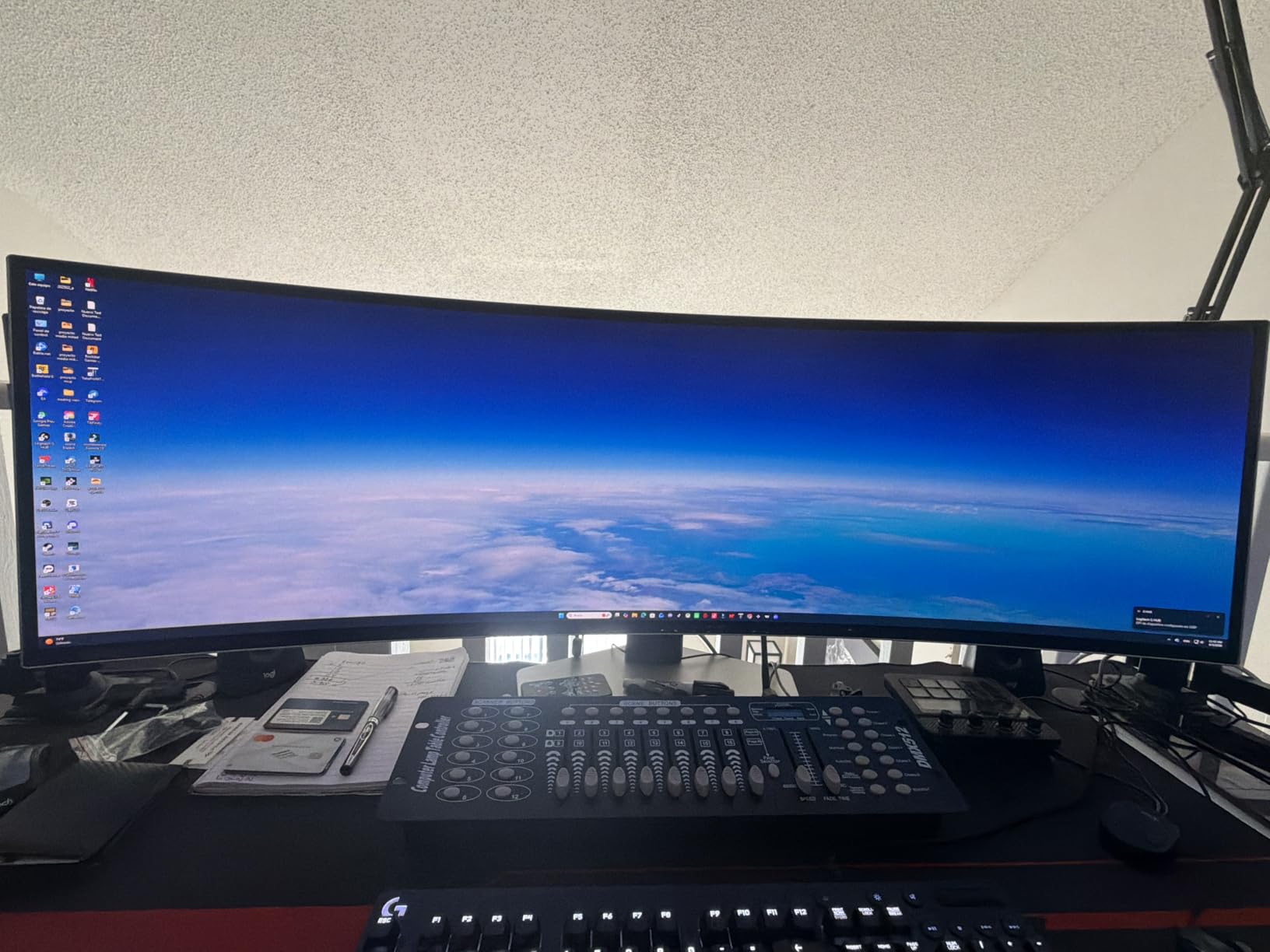
Connectivity is the quiet strength. A three-port USB hub, Auto Source Switch+ that flips inputs when you power on a device, and picture-by-picture at native resolution make it a natural second screen for a laptop. Owners on r/ultrawidemasterrace describe it as the go-to recommendation for good reason.
HDR that prioritises contrast over brightness
DisplayHDR True Black 400 is the honest label here. It is not a 1000-nit panel, and its 250 cd rating sits below every LCD competitor in this list. In a controlled room with the lights down, the black level makes HDR look better than a brighter panel with grey blacks. In a sunlit office, the LCD options win.
Frame the choice this way: buy this for dark-room gaming and media, buy the Samsung 1000R for a bright room. Both are 49-inch 240Hz panels and they solve the same problem from opposite directions.
Model codes and the rating split
Samsung model codes trip people up constantly, and the G9 family spans OLED and LCD panels at 144Hz, 240Hz and beyond. A buyer who assumes every 49-inch G9 is the same panel will end up with something completely different from what they pictured.
The 4.1 average from 1,233 ratings, with 13 percent one-star, is the weakest-looking average among our top three. Reading the individual complaints, they cluster around panel longevity worry and support experiences rather than picture quality, which is why this still earns a top-three slot.
Who should buy this and who should not
Buy it for competitive shooters, sim racers in a dark room, and anyone who watches films at night and wants a monitor that does not wash out the blacks.
Pass if you leave a taskbar docked for eight hours a day and are not willing to run screen savers, or if you need a bright panel for a sunlit room. Forums show this burn-in worry is the single biggest reason people stay on LCD.
3. Samsung Odyssey G9 1000R 240Hz – The Best 49-Inch Ultrawide for Sim Racing
Samsung 49” Odyssey G9 Series DQHD 1000R Curved Gaming Monitor, 1ms(GtG), VESA DisplayHDR 1000, 240Hz, AMD FreeSync Premium Pro, Height Adjustable Stand, Ultrawide Screen, LS49CG954ENXZA, 2024
1000R curved VA panel
240Hz with 1ms GtG
1000 nit peak brightness
+ Pros
- 1000R curve wraps peripheral vision on a 49-inch panel
- 1000 nit peak brightness for real HDR impact
- 240Hz refresh with 1ms GtG response
- FreeSync Premium Pro with G-Sync support
- PBP and PIP at native resolution
– Cons
- 34.4 lb chassis needs a properly rated monitor arm
- Built-in speakers are below average
- Dead pixels and panel failures appear in the one-star tail
If you drive, this is the panel. The 1000R curvature is the tightest wrap here, and it is the one that actually changes what you see out of a cockpit. Mirrors sit further into your peripheral vision, and the far corners of a wide track stay visible without you turning your head.
It also solves the brightness problem the OLED picks cannot. A 1000 nit peak rating with 1,000,000:1 listed contrast is a genuine HDR panel, and in a bright room it stays readable where a 250 cd OLED panel fades. At 240Hz with 1ms GtG, motion is as clean as anything in this list.
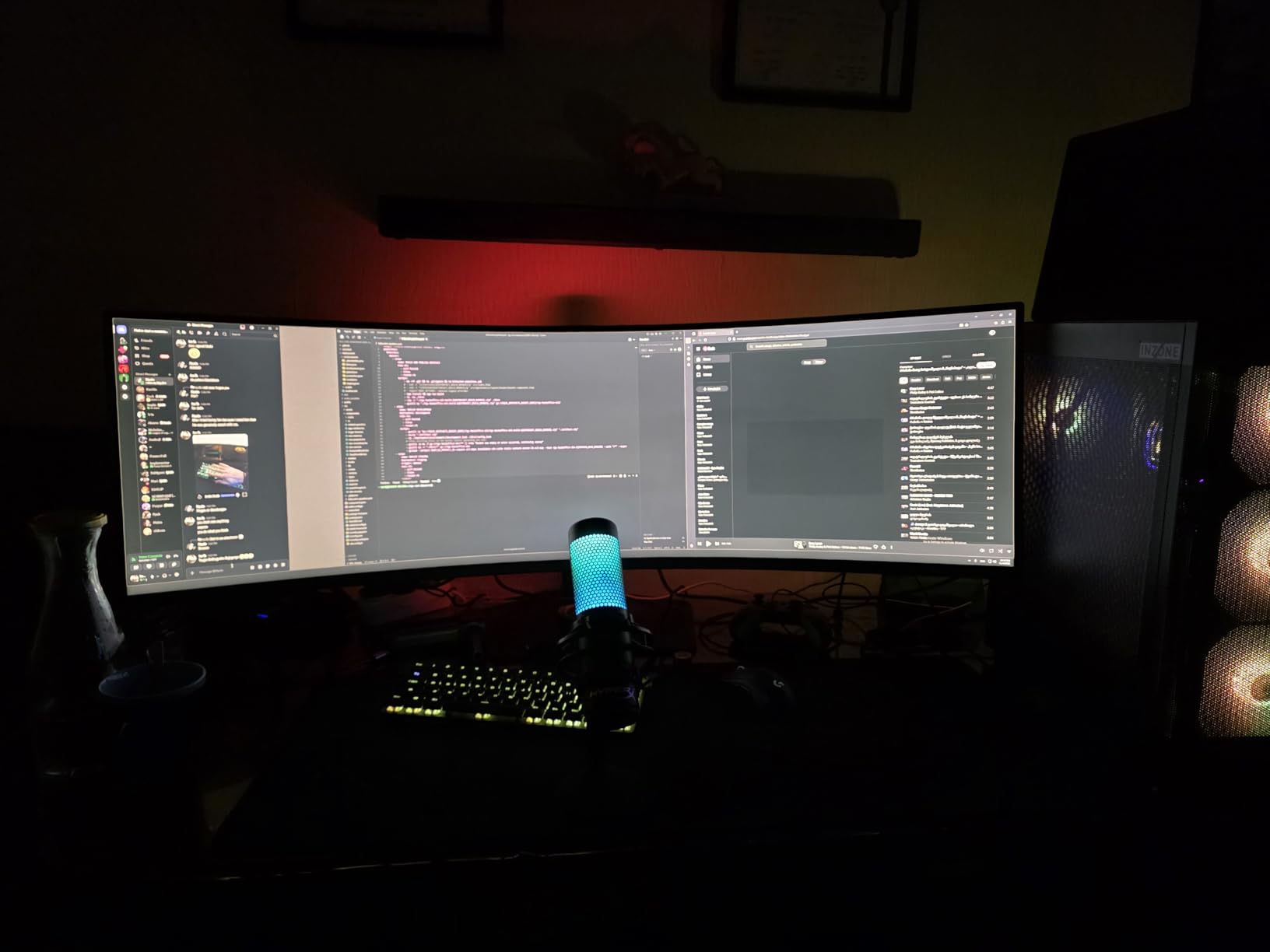
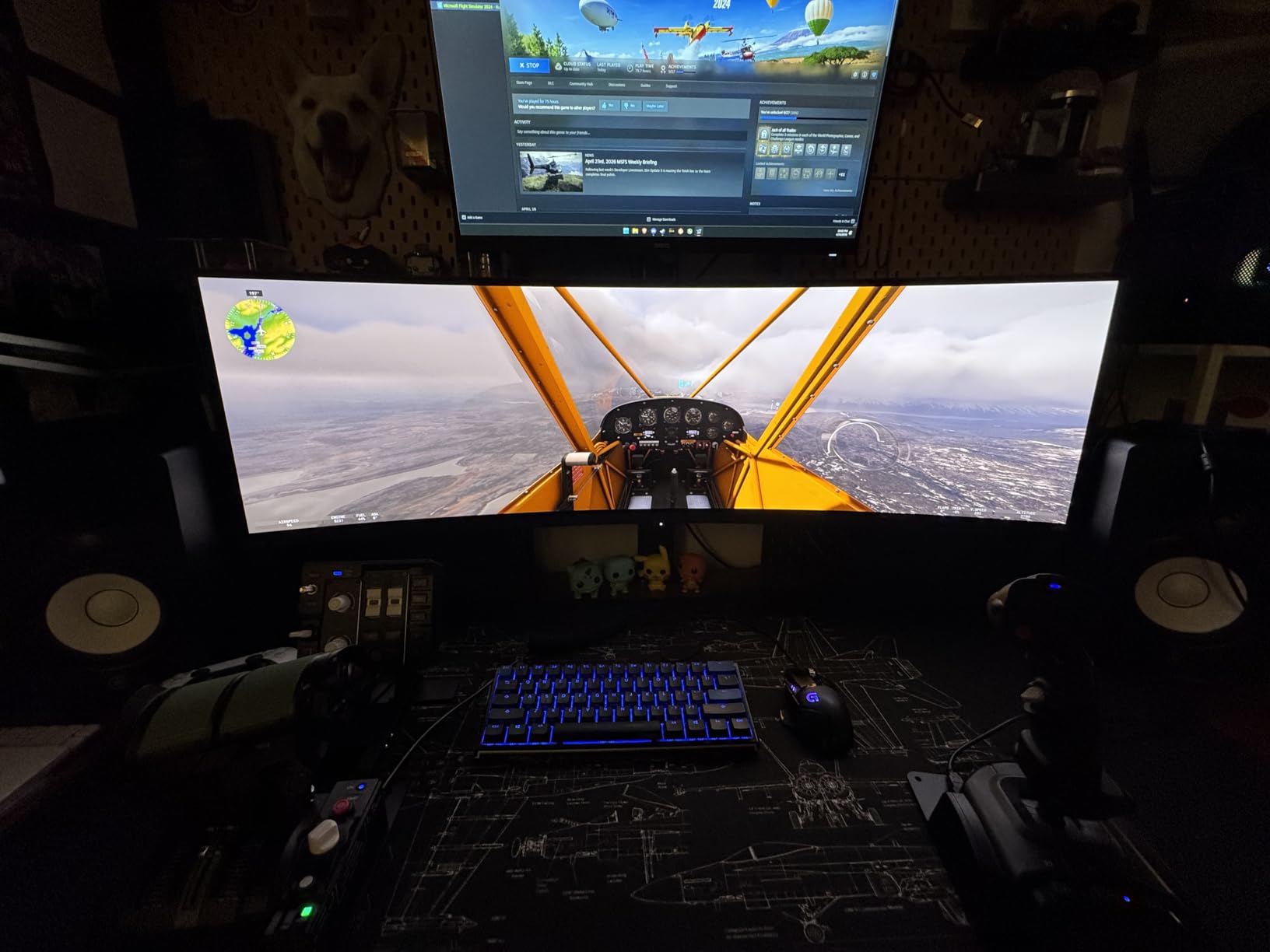
Community tuning on r/simracing and forum.flightsimulator.com converges on the same advice: a 32:9 panel changes the whole framing of a cockpit, and you should recalibrate your field of view rather than reuse a 16:9 setting. A 32:9 screen at a 16:9 FOV makes everything look small and distant.
The desk depth this curve demands
A 1000R panel is not a shallow-desk monitor. The screen is designed to be viewed from a set distance so that the centre and edges land at roughly equal focal length, which means you need real clearance in front of the display. On a shallow desk the bottom edge crowds your keyboard and the curve forces you to sit further back than feels natural.
Give it 28 to 30 inches of usable depth. If that is not available, look at a 1500R or 1800R panel such as the Amzfast or the Samsung OLED G9 instead. The difference in immersion is real but far smaller than the difference in daily comfort.
Weight, arms and mounting reality
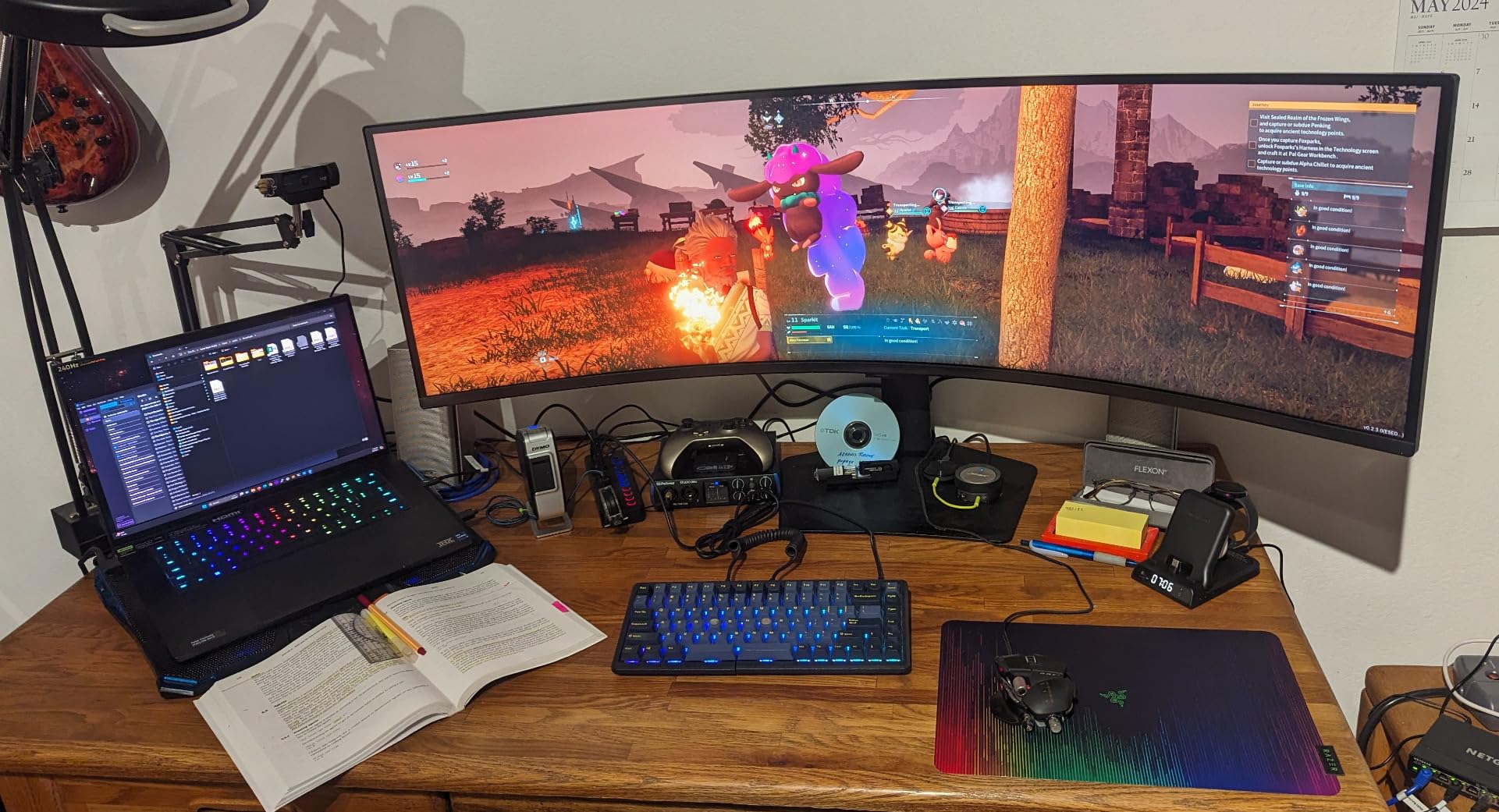
This is a 34.4 pound monitor. That number decides your mounting plan, and it is a bigger constraint than most listings admit. Curved panels of this size put substantially more torque on a tilt pivot than a flat screen of the same weight, so a cheap gas-spring arm can droop or drift out of position over time.
If you want an arm, check the manufacturer’s weight rating with headroom, and check the VESA pattern matches. Our ultrawide monitor arm guide covers load ratings in detail, and the same principle applies here with a larger margin.
Reliability reports you should read before buying
The 4.1 average from 548 ratings includes a 15 percent one-star share, the largest in this group. Reading the reviews, the complaints cluster around dead pixels on arrival, including full vertical columns, and a handful of outright panel failures within months.
That is a real consideration on a panel this heavy, because a return involves physically moving something awkward. A three-year manufacturer warranty on the OLED option is a meaningful difference in that respect.
Who should buy this and who should not
Buy it for sim racing, flight simulation, and any HDR content in a lit room. The 1000R wrap and 1000 nits are a combination nothing else here matches.
Pass if you are on a small desk, if you care most about contrast rather than brightness, or if you cannot lift and position 34 pounds comfortably.
4. MSI MPG 491CQPX QD-OLED – The Best 49-Inch Ultrawide for Hybrid Work and Play
msi MPG 491CQPX QD-OLED 49-inch QD-OLED 5120 x 1440 (DQHD) Computer Monitor, 240Hz, G-SYNC Compatible, HDMI, Display Port, VGA Port, VESA Mountable, Tilt, Height Adjustable, Speaker, 0.03ms, Black
QD-OLED 240Hz
0.03ms GtG response
400 nits
Built-in KVM
+ Pros
- 79 percent five-star share across 485 ratings
- Built-in KVM switches a rig and a laptop from one keyboard
- Fanless graphene heatsink runs silent
- OLED Care 2.0 with a three-year burn-in warranty
- HDMI 2.1 at full 48 Gbps bandwidth
– Cons
- OLED care prompts interrupt long sessions
- No meaningful built-in speakers
- Shadow detail needs raising out of the box
This is the one I recommend to people who game at night and work during the day. The built-in KVM is the reason. One keyboard and one mouse move between a gaming desktop and a work laptop with a button press, which is exactly the mixed-desk problem a 49-inch screen creates and also solves.
Picture quality is 240Hz QD-OLED territory with 0.03ms response, and unlike most 49-inch OLEDs it rates at 400 nits, so it holds up better in a room with the lights on than the 250 cd Samsung. The 79 percent five-star share is the strongest in the group, even though the review count of 485 is modest.
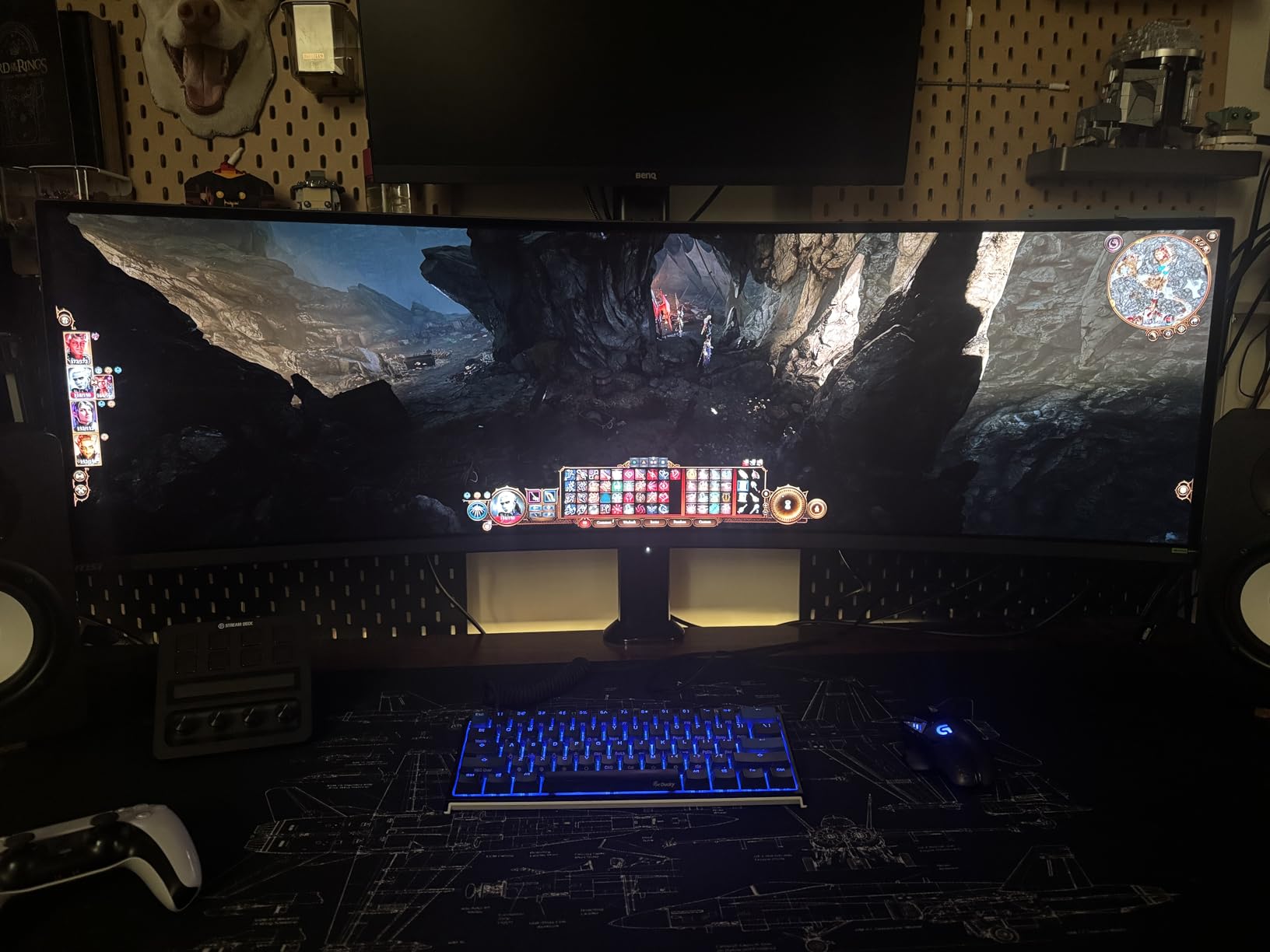
It is also the quietest panel here. A fanless design using a graphene heatsink means no fan noise sitting two feet from your head on a desk, which is a bigger quality-of-life difference on a 49-inch than the spec sheet suggests.
Connectivity for a two-machine desk
Two HDMI 2.1 ports, DisplayPort, a VGA port for older hardware and three USB 2.0 ports cover most setups. HDMI 2.1 at the full 48 Gbps bandwidth means a current console gets the full bandwidth rather than a capped link.
For Mac users, this connects as a single-cable display for most laptops over USB-C, though macOS scaling at 5120×1440 still needs a scaling tool to look comfortable. We cover that in the buying guide.
OLED Care 2.0 and what the warranty covers
MSI’s OLED Care 2.0 runs pixel refresh cycles and shift routines to reduce image retention, and the three-year manufacturer warranty explicitly covers burn-in. That is the strongest burn-in position of any pick in this list, and it directly answers the worry that forum buyers raise most often.
The catch is that the care routine is not silent. Owners report prompts interrupting long sessions, and there is no way to fully suppress them. If you are the type to dismiss a dialog, plan on that happening at awkward moments.
Who should buy this and who should not
Buy it if you run a desktop for gaming and a laptop for work, want OLED contrast in a lit room, and will use the KVM daily. The 22.2-pound weight is also friendlier than most 49-inch panels.
Pass if you need working built-in speakers, which these are not, or if the OLED care interruptions will get on your nerves. Also pass if you want the widest possible review base behind your purchase.
5. INNOCN 49C1R 120Hz – The Best 49-Inch Ultrawide for Bright Rooms
INNOCN 49″ Curved Monitor Ultrawide Gaming 5K2K 120Hz 32:9 QHD 5120 x 1440P Computer Monitor, R1800, 99% sRGB, HDR400, USB Type C, DisplayPort, HDMI, Built-in Speakers, Height/Tilt Adjustable – 49C1R
VA 5120×1440 at 120Hz
400 nits with HDR400
1800R curve
65W USB-C
+ Pros
- 400 nit brightness handles a sunlit office
- 65W USB-C plus RJ45 and a USB hub
- 99% sRGB suits editing and documents
- 1800R curve stays gentle on editing timelines
- PIP/PBP for two live sources
– Cons
- Integrated speakers are weak
- Occasional dead pixels and vertical line reports
- Glossy finish shows room reflections
The panel to buy if your desk faces a window. A 400 nit rating is the joint-highest here alongside the 3840×1080 model, and it makes an enormous difference in a room with daylight on the screen. OLED panels at 250 cd look muddy in the same conditions.
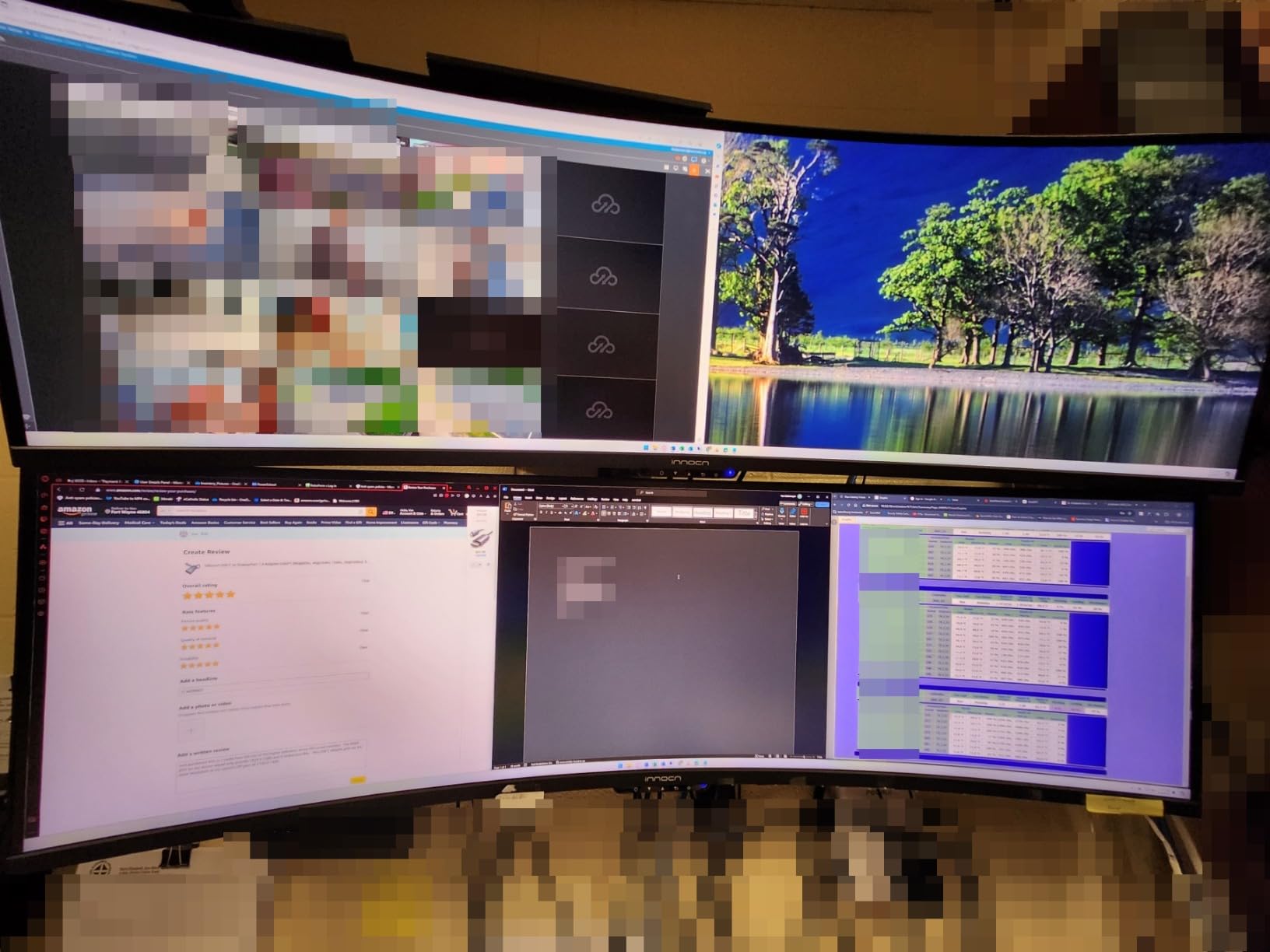
The 1800R curve is the most restrained here, and that is a feature when your main job is reading and editing rather than racing. A gentle curve does not distort a timeline or pull text at the edges, and 99 percent sRGB coverage is genuinely usable for colour work on documents and footage.
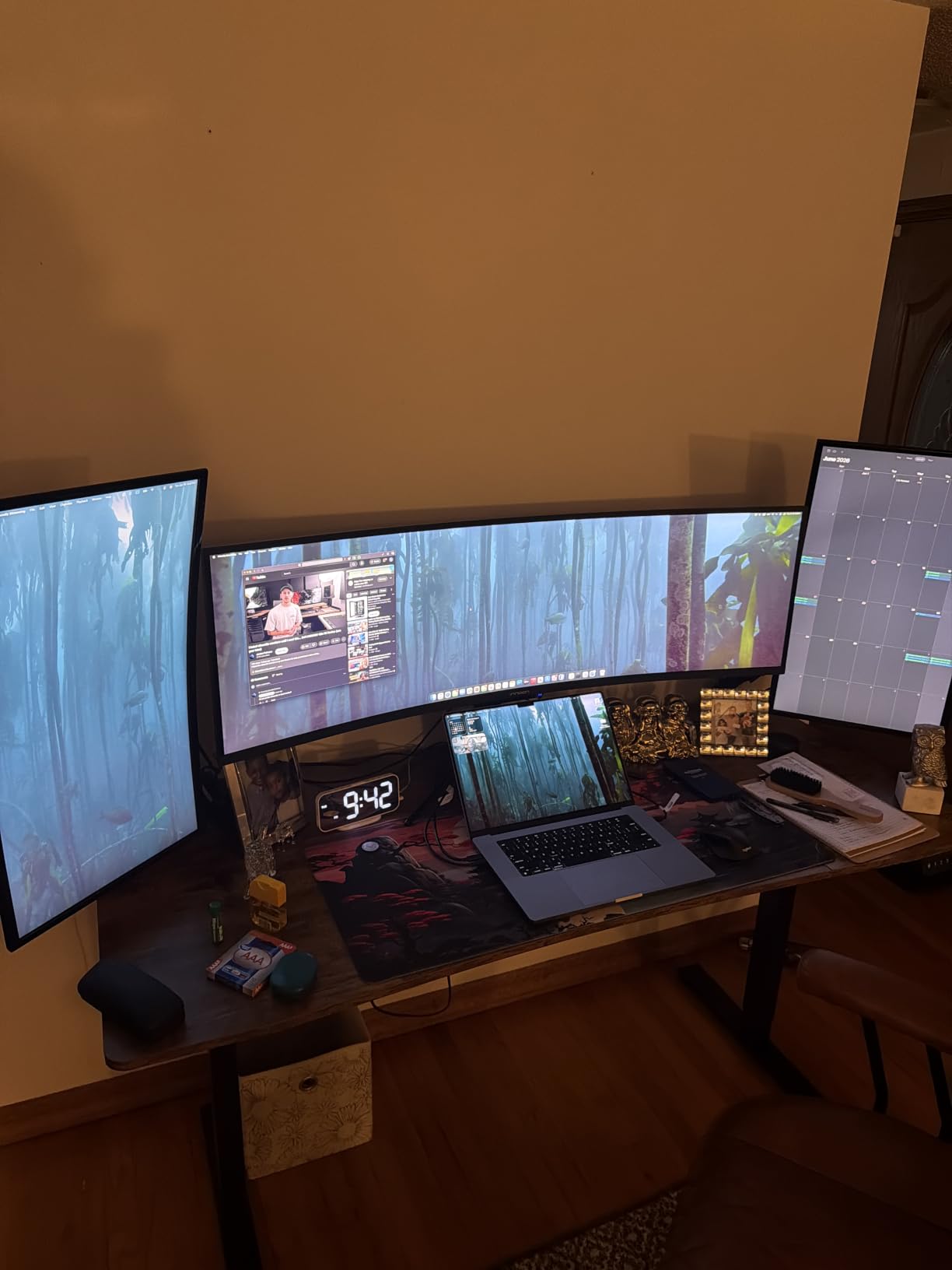
Port selection is unusually good for a value-tier screen. You get DisplayPort 1.4, USB-C with 65W of power delivery, HDMI 2.1, two USB-A ports, a USB-B upstream port, an RJ45 jack and a 3.5mm audio out. That RJ45 is a real differentiator for a desk where a wired network matters.
Setup speed and everyday build quality
Owners report a genuinely painless setup, with three screws, a stand that clicks up, and the 5120×1440 resolution recognised on first connection. That is worth more than it sounds when the alternative is a 47-inch panel wrestling with a desk clamp.
The 4.3 average from 556 ratings comes with a healthy 67 percent five-star share, and long-term owners frequently describe it as replacing a dual-monitor setup or a larger curved panel from a bigger brand.
The reliability tail worth knowing about
Two fault types show up repeatedly in the reviews. Some units arrive with a small cluster of dead pixels, and a smaller number report vertical lines or blanking after a few months of use. With a 49-inch panel, both problems are highly visible, so inspect the screen carefully in the first week.
Against that, the warranty is a one-year manufacturer term, which is thinner than the three years on the Samsung OLED G9. Support network strength is the other variable on a panel this size, and it is worth factoring into your decision if you are far from a major shipping route.
Who should buy this and who should not
Buy it for a bright office, for colour-sensitive document and video work, or as a laptop-driven display where one USB-C cable should carry video, data and 65W of charging.
Pass if you need true blacks for dark-room media, if you rely on the built-in speakers, or if you are sensitive to reflections, because the glossy finish will mirror a bright window.
6. Samsung Odyssey G9 G91F 144Hz – The Best 49-Inch Ultrawide for Office and Coding
SAMSUNG 49-inch Odyssey G9 (G91F) DQHD, 144Hz, Curved Gaming Monitor, Ultra-Wide 32:9 Screen, DisplayHDR 600, AMD FreeSync™ Premium Pro, Ergonomic Stand, LS49FG910ENXZA, 2025
1000R VA panel at 144Hz
DisplayHDR 600
1ms response
FreeSync Premium Pro
+ Pros
- DisplayHDR 600 beats typical 49-inch VA brightness
- 144Hz with 1ms response and FreeSync Premium Pro
- Replaces a three-monitor office desk
- Stand is tall enough for good posture without an arm
- Auto Source Switch+ handles multiple devices
– Cons
- No built-in speakers
- 34.4 lb weight needs a heavily rated arm
- Full 5120×1440 wants a GPU with 12GB of VRAM or more
This is the version of the Samsung G9 that a lot of office buyers actually want. DisplayHDR 600 gives deeper blacks and brighter whites than a typical 49-inch VA panel, and at 144Hz with 1ms response it still feels quick when you switch from a spreadsheet to a game.
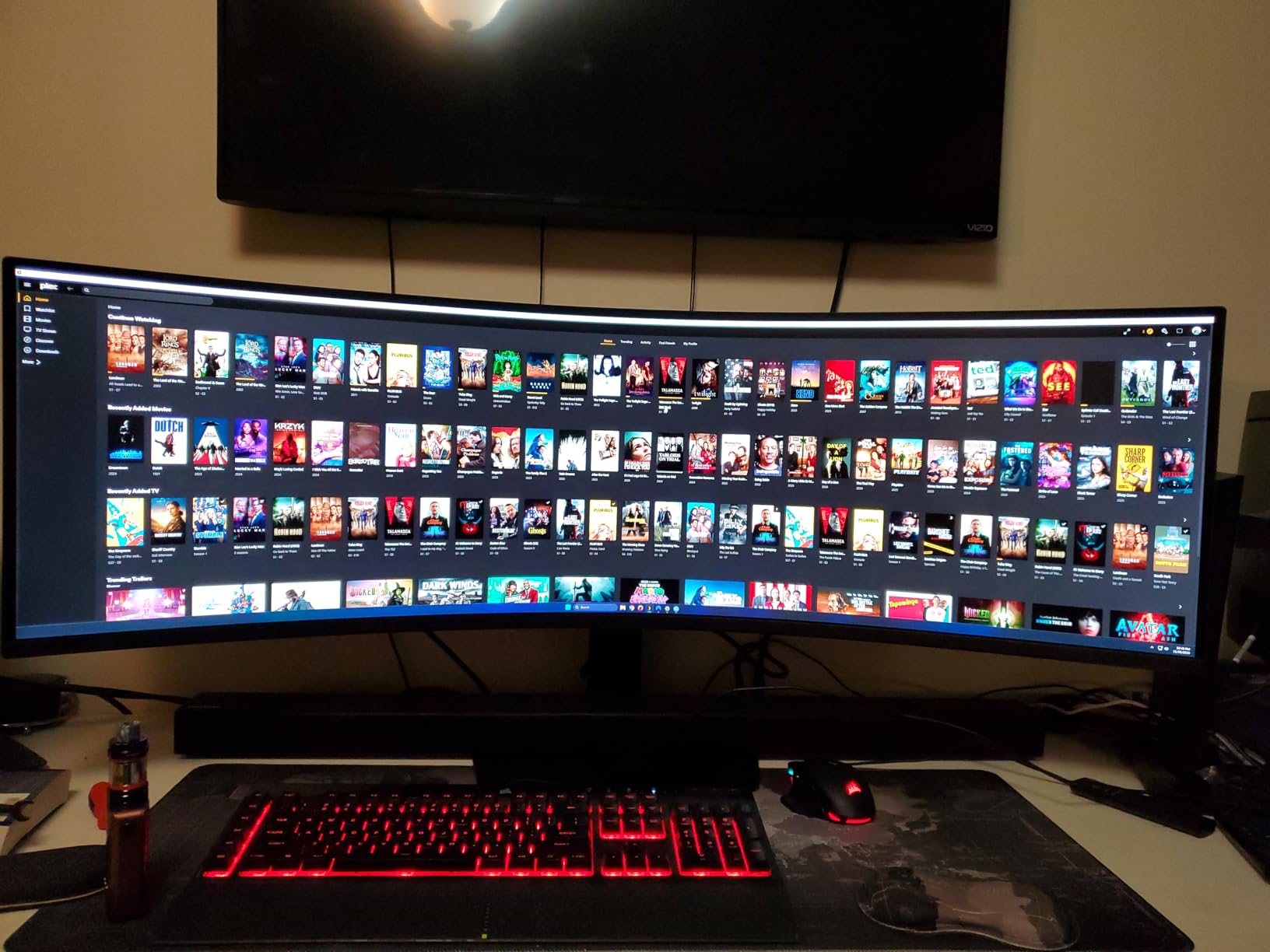
Owners replacing a three-screen desk describe it as the moment the cable clutter disappeared. With split screen, picture-in-picture and Auto Source Switch+ handling multiple devices, the 32:9 canvas behaves like a very wide sheet of paper with your IDE, terminal and browser side by side.
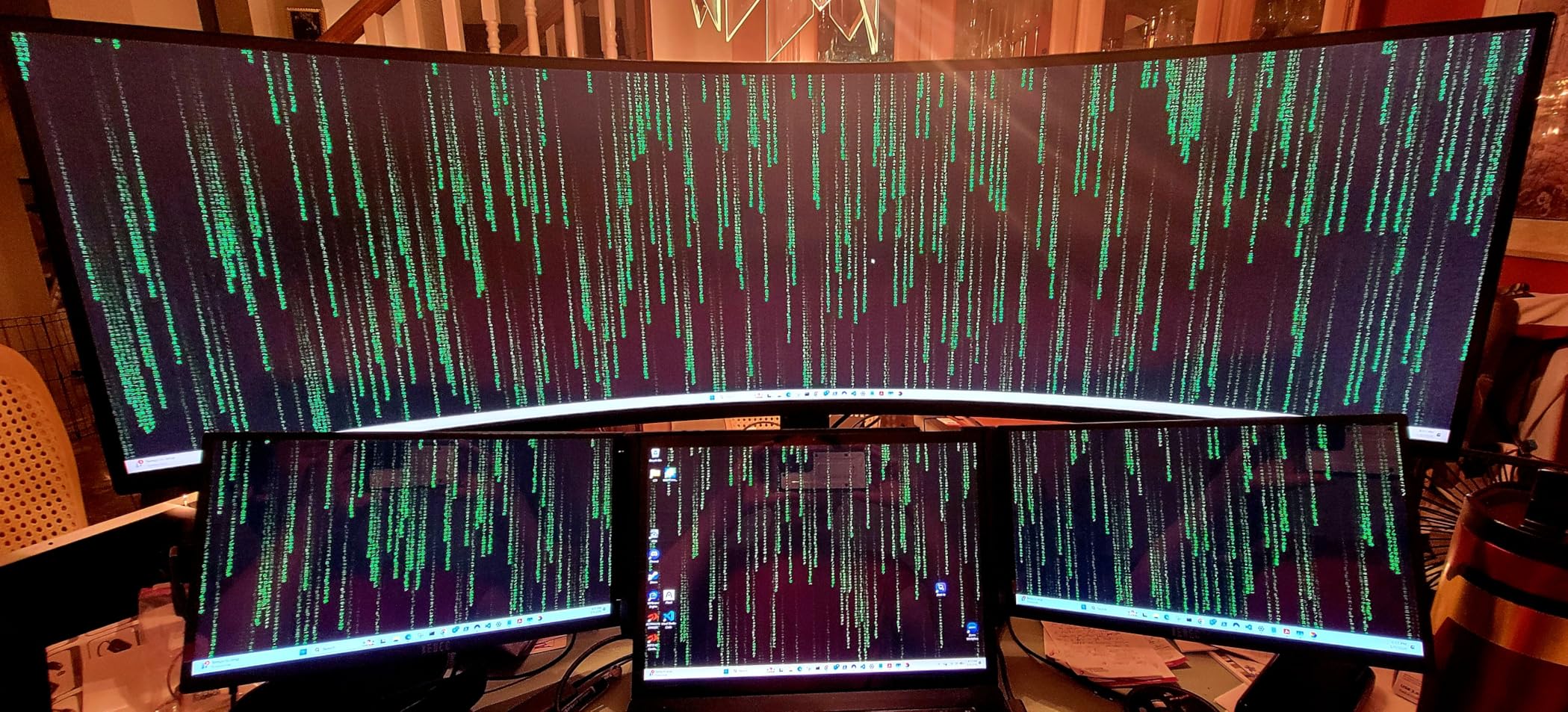
Text rendering is consistently praised by developers, which is not a given on every ultrawide. The 4.4 average from 184 ratings is high, but treat it with caution: 184 reviews is the thinnest base in this group, and forum buyers are right to distrust a strong rating built on few reviews.
Panel size and the VRAM question
Two owner notes are worth repeating. First, HDR is disabled when a single signal is split into two sections, so picture-by-picture and HDR do not coexist here. Second, driving the full 5120×1440 canvas in demanding titles needs a graphics card with 12GB of VRAM or more for the best settings.
That is a real constraint worth checking before you commit. A card with 8GB will run the panel, but at reduced texture settings in the heaviest games.
Weight and stand quality
At 34.4 pounds, this is one of the two heaviest monitors in the list. The included stand is tall enough to give you good posture without an arm, which is a genuine plus, but if you do mount it, budget for an arm rated near 50 pounds and confirm it handles a 30-inch wide panel.
Setup is otherwise described as painless, with tilt and height adjustment and no reported issues on that front.
Model codes are the biggest mistake risk here
Within the G9 family, model codes differ by only a couple of characters while the panel, curve and refresh rate change completely. The G91F is a 144Hz VA panel with HDR 600. The G95C is a 240Hz QD-OLED. The 1000R LCD is a different product again. Always confirm the exact code in the listing before you buy.
That confusion is the single most common purchase complaint forum readers raise about this category, and it is entirely avoidable.
Who should buy this and who should not
Buy it for office work with evening gaming, for anyone consolidating a multi-monitor desk into one screen, and for developers who want three windows without a bezel between them.
Pass if you need 240Hz, if you have no room for a heavy monitor arm, or if you want HDR while simultaneously using split screen.
7. CRUA 49 Inch DQHD 120Hz – The Best Value 49-Inch Ultrawide
CRUA 49″ DQHD 120Hz Ultrawide Curved Gaming Monitor, 1500R, FreeSync, White
5120×1440 at 120Hz
1500R curve
330 cd and 3000:1 contrast
+ Pros
- 4290 ratings give the widest owner base here
- 120Hz refresh with AMD FreeSync
- 120 percent sRGB for general content work
- Height-adjustable stand with tilt and lift
- DisplayPort 1.4 and HDMI 2.1 inputs
– Cons
- No built-in speakers
- only a 3.5mm audio jack
- LCD panel suits high-end HDR less well
- Text can look small at this pixel density
The most reassuring monitor in this list is not the most expensive one. With 4,290 ratings behind a 4.3 average, this is by a wide margin the best-evidenced recommendation we can make, and the 72 percent five-star share suggests the experience is consistent rather than lucky.
Underneath, it is a sensible 5120×1440 VA panel at 120Hz with a 1500R curve, 330 cd brightness, 3000:1 contrast and 120 percent sRGB. That is a well-balanced spec sheet for a screen you will use for work, media and the occasional game, and it avoids the OLED burn-in question entirely.
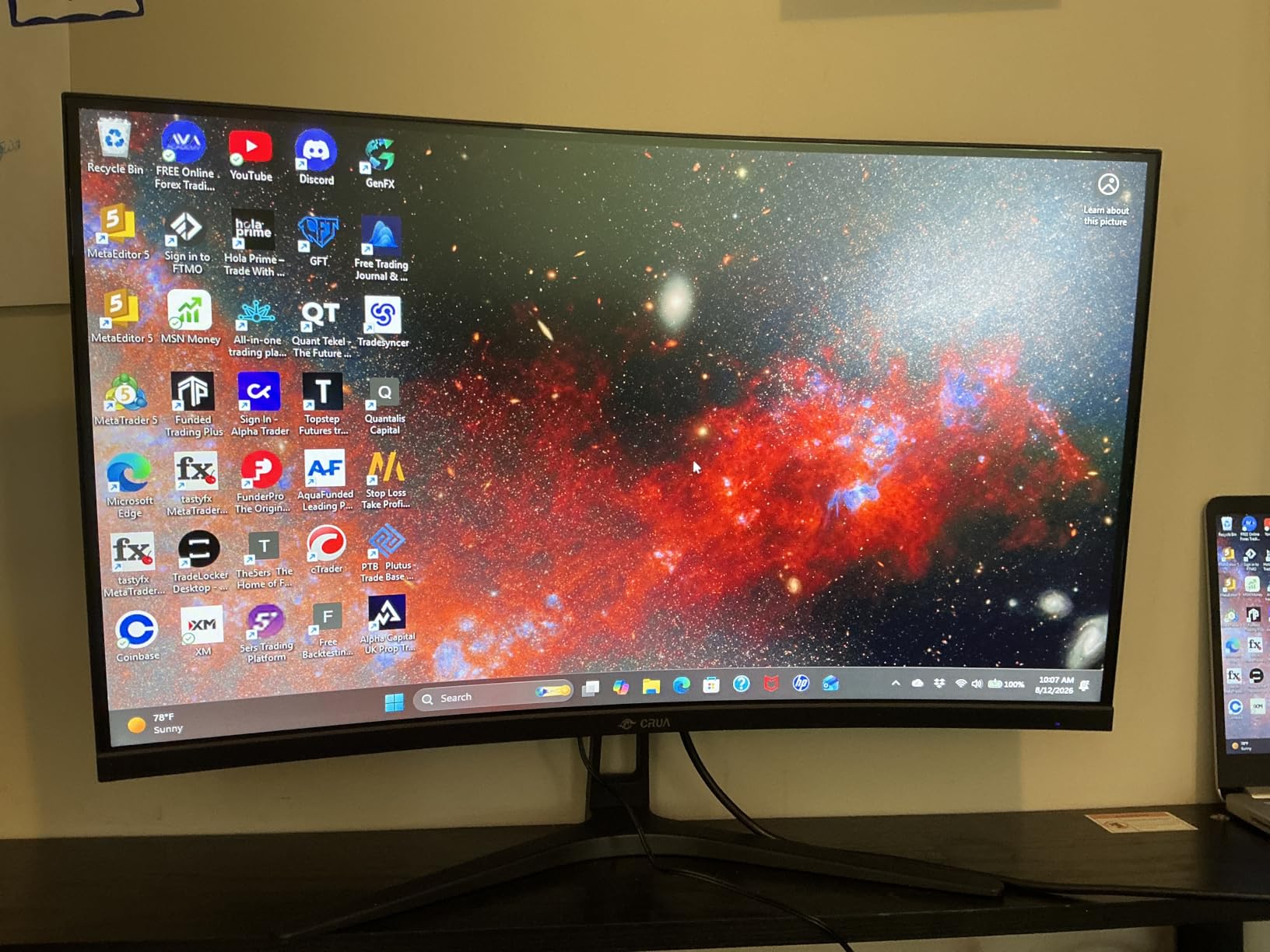
It comes in white, which is a small thing but genuinely rare at this size, and the stand offers height adjustment, tilt and lift. Wall mounting is supported if your desk cannot take the footprint.
Brightness, colour and where it falls short
330 cd is adequate for a normally lit room and short of what the 400-nit models deliver. The 3000:1 contrast is a proper VA figure, so blacks are dark and there is no grey haze behind a dark browser window.
The recurring theme in reviews is that this is excellent value and the reservations are minor. Two come up most: there are no built-in speakers, only a 3.5mm audio jack, and the LCD panel is not built for high-end HDR the way an OLED or a 1000-nit panel is.
Text size and the 49-inch density question
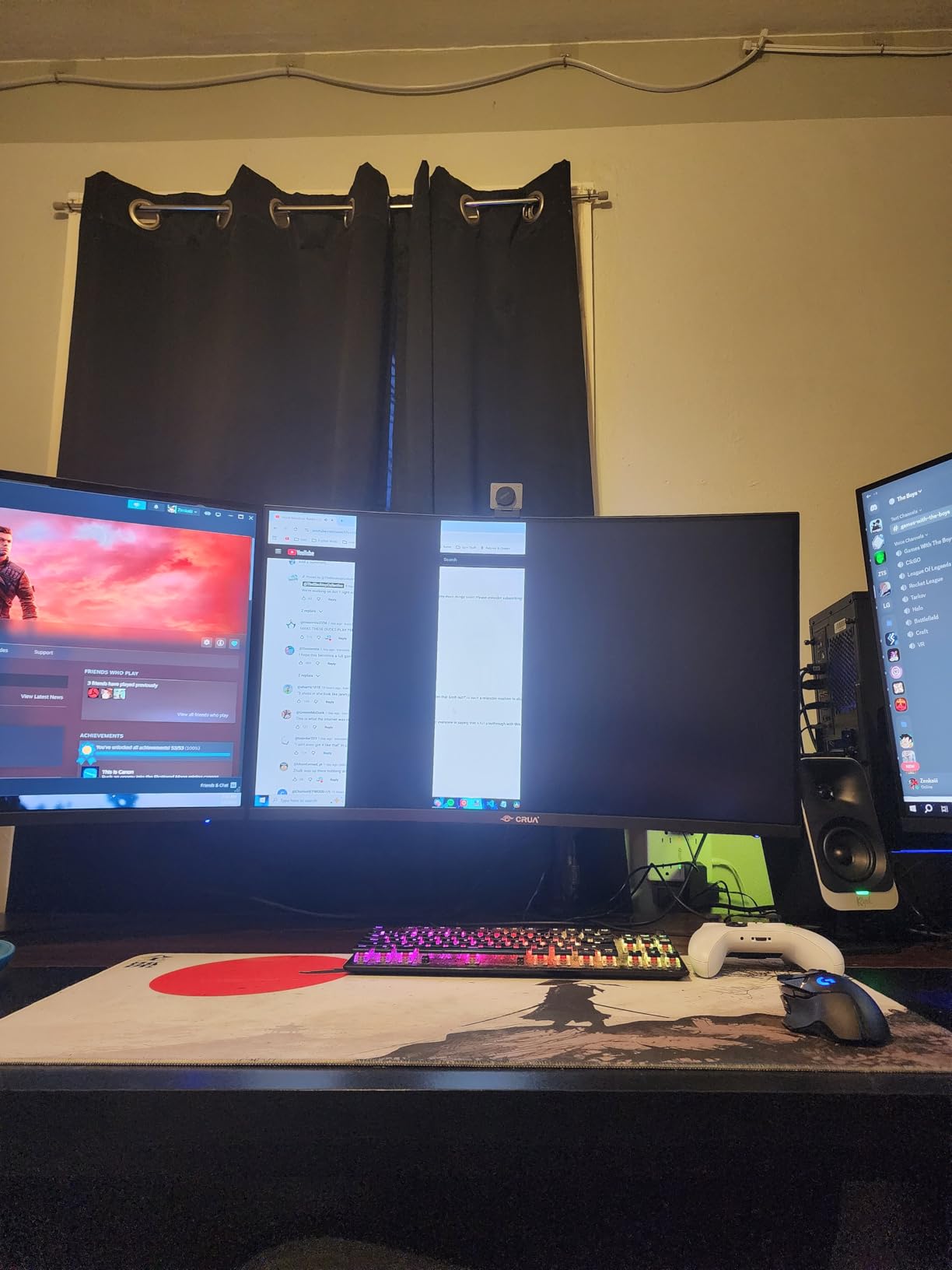
Some buyers report that 8-point text looks small at this panel’s 109-class pixel density. This is a Windows scaling question rather than a panel weakness, since the density matches a 34-inch ultrawide closely. If small text bothers you, set display scaling to 125 or 150 percent rather than returning the monitor.
The matte finish here is worth noting as well, since it handles reflections better than the glossy models in this list.
Who should buy this and who should not
Buy it if you want the most proven 49-inch ultrawide on the market, if you work in a normally lit room, and if you would rather not manage an OLED. The review volume behind it is a genuine safety net.
Pass if you need deep black levels, a bright panel for direct sunlight, or working built-in audio. The one-year warranty with a 30-day return window is also thinner than the three-year terms on the Samsung OLED.
8. INNOCN 49Q1R QD-OLED 144Hz – The Best 49-Inch Ultrawide for Laptop Docking
INNOCN 49″ QD-OLED 5K2K 5120 x 1440P 144Hz Ultrawide Curved Monitor – 49Q1R
QD-OLED 5120×1440 at 144Hz
1,500,000:1 contrast
90W USB-C
+ Pros
- 90W USB-C with RJ45 runs a laptop on one cable
- Matte finish cuts reflections
- 1500000:1 contrast with 99 percent sRGB
- Two HDMI 2.1 ports plus DisplayPort 1.4
- Tilt
- swivel and height adjust without tools
– Cons
- Fixed OLED pixel-refresh cycle cannot be triggered manually
- 250 cd rating is modest for the class
- Arched stand pushes the panel far forward
This is the one to look at if your machine is a laptop. A 90W USB-C port carries video, data and enough power to charge a demanding portable workstation, and there is an RJ45 jack next to it so you get a wired network connection over the same cable. Add the built-in USB hub and a single USB-C lead replaces an entire desk dock.
Underneath, it is a 144Hz QD-OLED at 5120×1440 with 1,500,000:1 contrast, the highest listed ratio in this group, and 99 percent sRGB coverage. Reviewers consistently point to the docking as the reason this panel beats the Samsung OLED alternatives for laptop users.
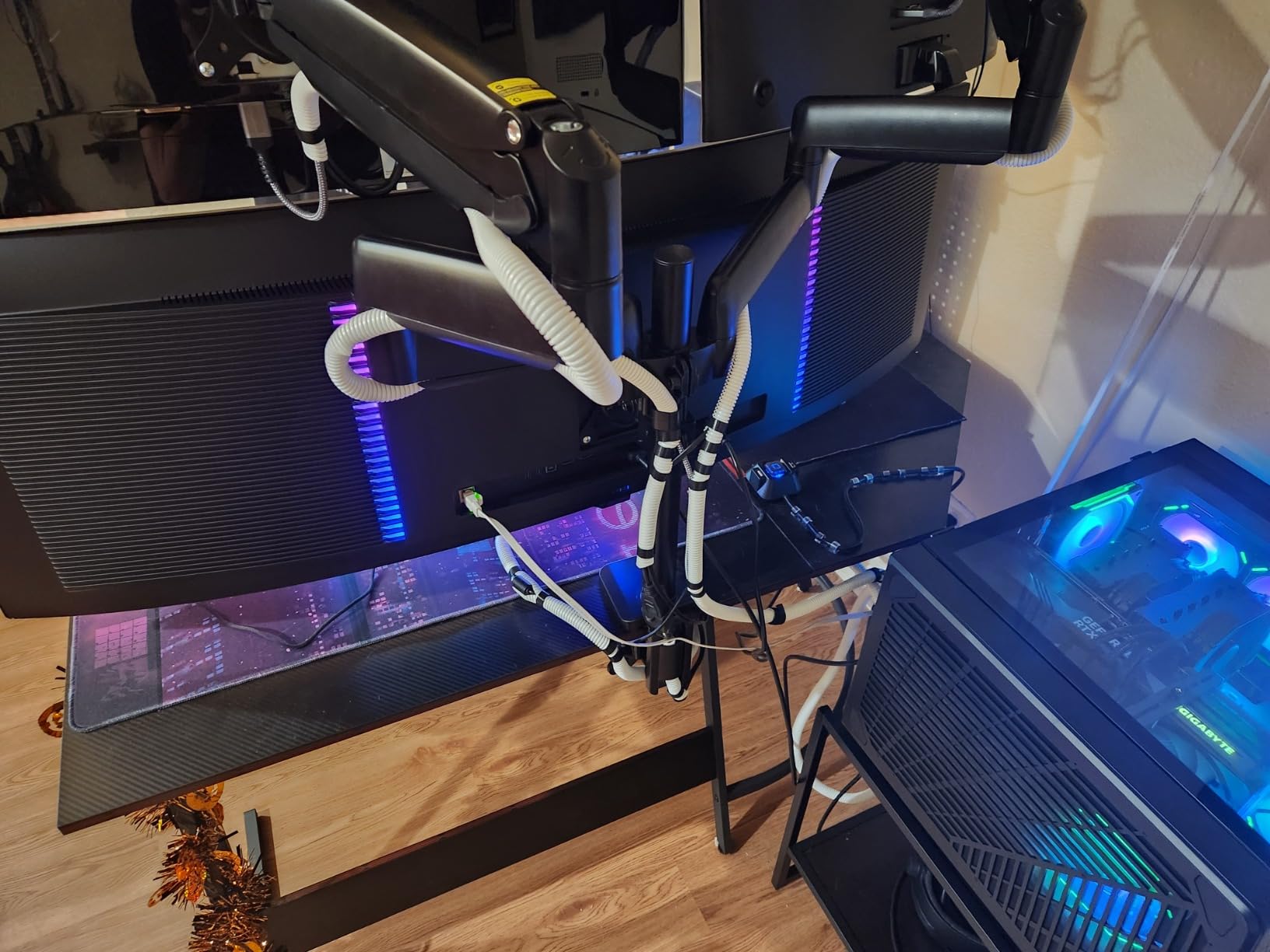
Two HDMI 2.1 ports plus DisplayPort 1.4 leave room for a desktop as well, and picture-by-picture plus KVM-style switching handles a two-machine desk without a second monitor.
Matte finish and 144Hz in a work-first panel
The matte surface is unusual for an OLED and it is the right call for an office. It kills the mirror effect that glossy OLEDs have, which is exactly what you want when daylight hits the desk for part of the day.
144Hz is a sensible refresh rate for a panel likely to spend more hours on documents than on racing games. You give up the 240Hz ceiling of the MSI and Samsung OLED picks, and in return you get a panel that is simply more at home on a desk.
The pixel-refresh routine you cannot control
This is the main drawback and it is a strange one. The OLED compensation cycle runs on a fixed schedule and cannot be triggered manually, and the pixel shift it performs is visible if you happen to be looking at the screen at that moment. Several owners mention it directly.
The arched three-legged stand is the other issue. It pushes the panel far forward of the desk edge, which wastes depth on a category where desk depth is already tight. Many owners replace the stand, and that is fine, but budget for an arm.
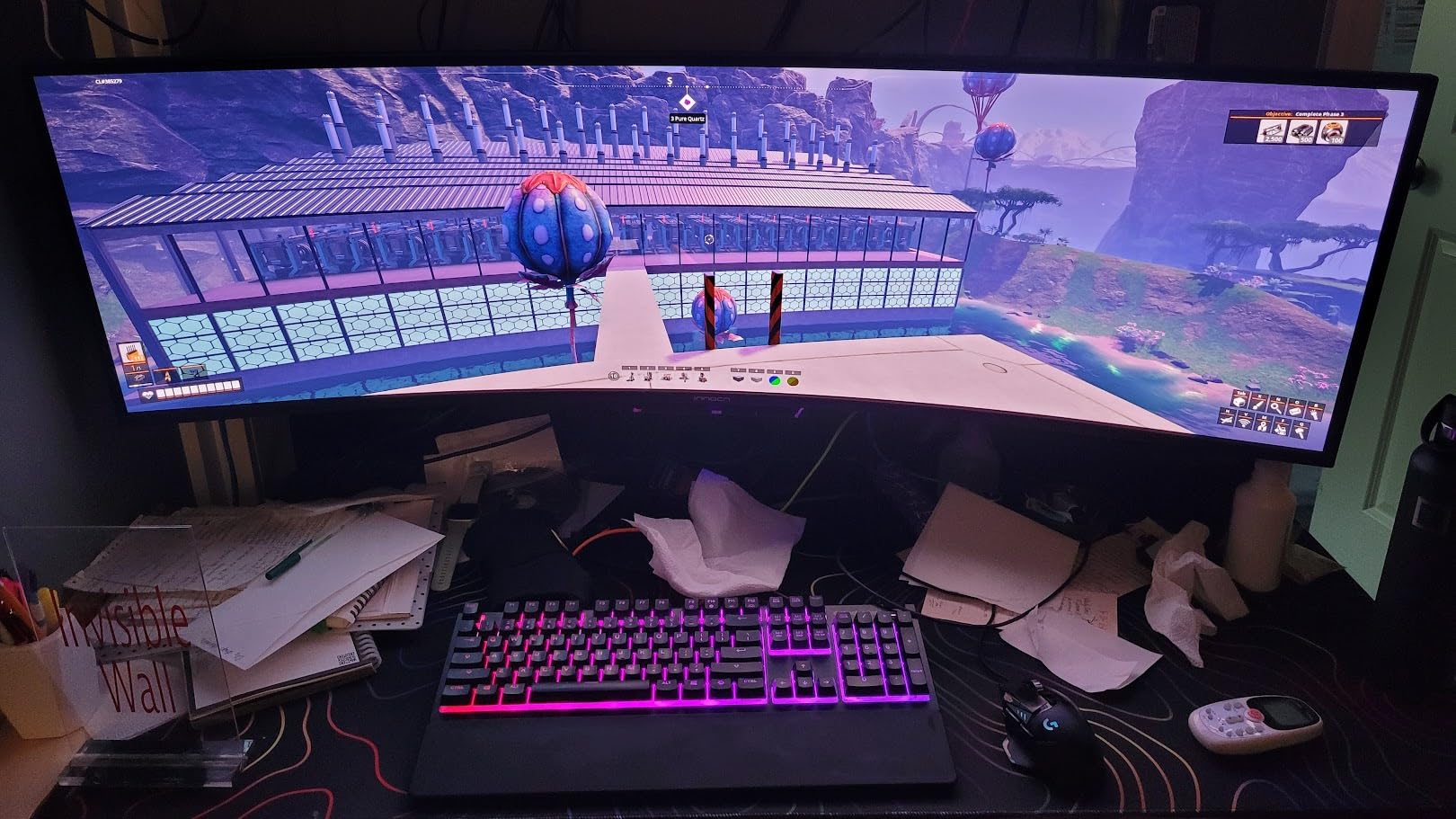
Who should buy this and who should not
Buy it if you work from a USB-C laptop, want OLED contrast in a daylit office, and prefer a matte surface. The 90W and RJ45 combination is the clearest reason on this list.
Pass if you need 240Hz, if you are bothered by a screen shift you cannot control, or if you want true HDR highlights given the modest 250 cd rating. The 228-review base is also the thinnest here, so treat the rating with proportion.
9. Deco Gear 49 Inch 5120×1440 120Hz – The Budget Pick That Still Gets the Resolution Right
Deco Gear 49″ Super Ultrawide Curved Monitor, 5120×1440, 5K2K, 120Hz, 32:9
VA 5120×1440 at 120Hz
65W USB-C with KVM
1ms MPRT
+ Pros
- Lowest entry point into a true 49-inch 32:9 canvas
- 65W USB-C carries video
- data and power
- KVM plus PIP/PBP for two machines
- Built-in speakers and a USB hub
- 100x100mm VESA mount with height
- swivel and tilt
– Cons
- Glossy finish picks up room reflections
- Vertical line artifacts and dead pixels reported by a minority
- Only a one-year limited warranty
The trick with this category is that the cheapest option is often the one that is not really a 49-inch ultrawide. This model avoids that trap. It runs a genuine 5120×1440 VA panel at 120Hz, which means the resolution maths works out the same as every other proper super ultrawide here.
For a first super ultrawide, or a second desk in a home office, that is the right panel at the right specification. The 4.2 average from 522 ratings includes a 69 percent five-star share, and buyers describe it as excellent value for a 49-inch workspace.
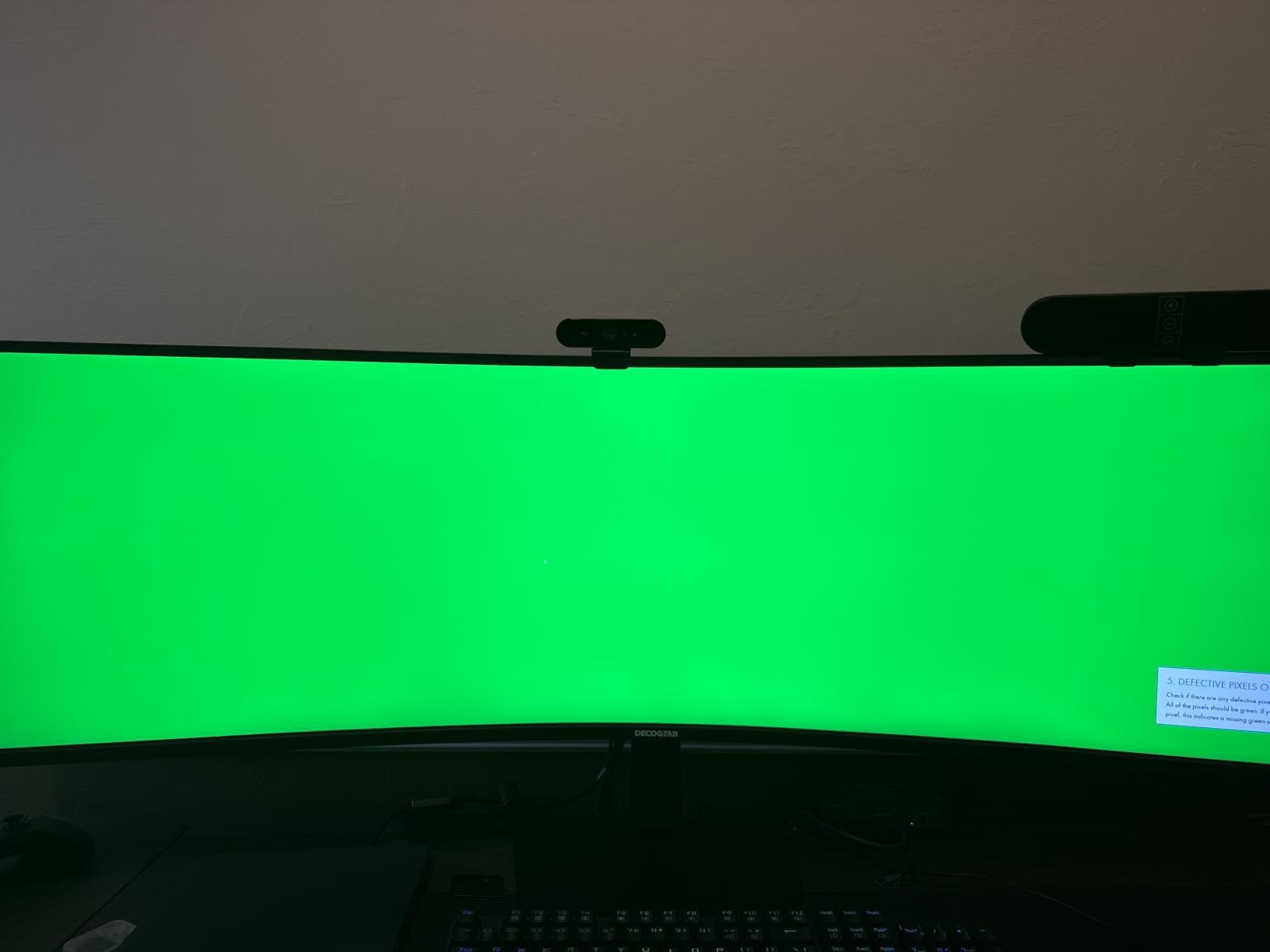
Connectivity is the surprise at this tier. You get 65W USB-C, KVM switching, picture-by-picture, a USB hub and built-in speakers. The customer support team also draws specific praise for shipping replacement VESA hardware, which tells you something about how the brand handles a setup problem on a panel this size.
Colour and contrast for creative work
A 3000:1 contrast ratio helps blacks look deeper and improves separation in dark scenes. Colour coverage is listed at 100 percent sRGB, 91 percent DCI-P3 and 85 percent NTSC, which is a credible spread for design, photos and video editing in a single screen.
At 120Hz with 1ms MPRT and adaptive sync, scrolling and window management feel noticeably smoother than a 60Hz office panel, even if it is not a competitive gaming refresh rate.
Quality control and the one-year warranty
The negative tail is specific rather than general. A minority of buyers report vertical line artifacts or dead pixels on arrival, and there are questions about long-term build durability. On a glossy 49-inch panel those lines are very visible, so check the screen within the return window.
The warranty is a one-year limited term. That is the shortest in this group and it matters more than usual at 49 inches, because returning a large panel is a two-person job. If support reach matters to you, weight that against the specification.
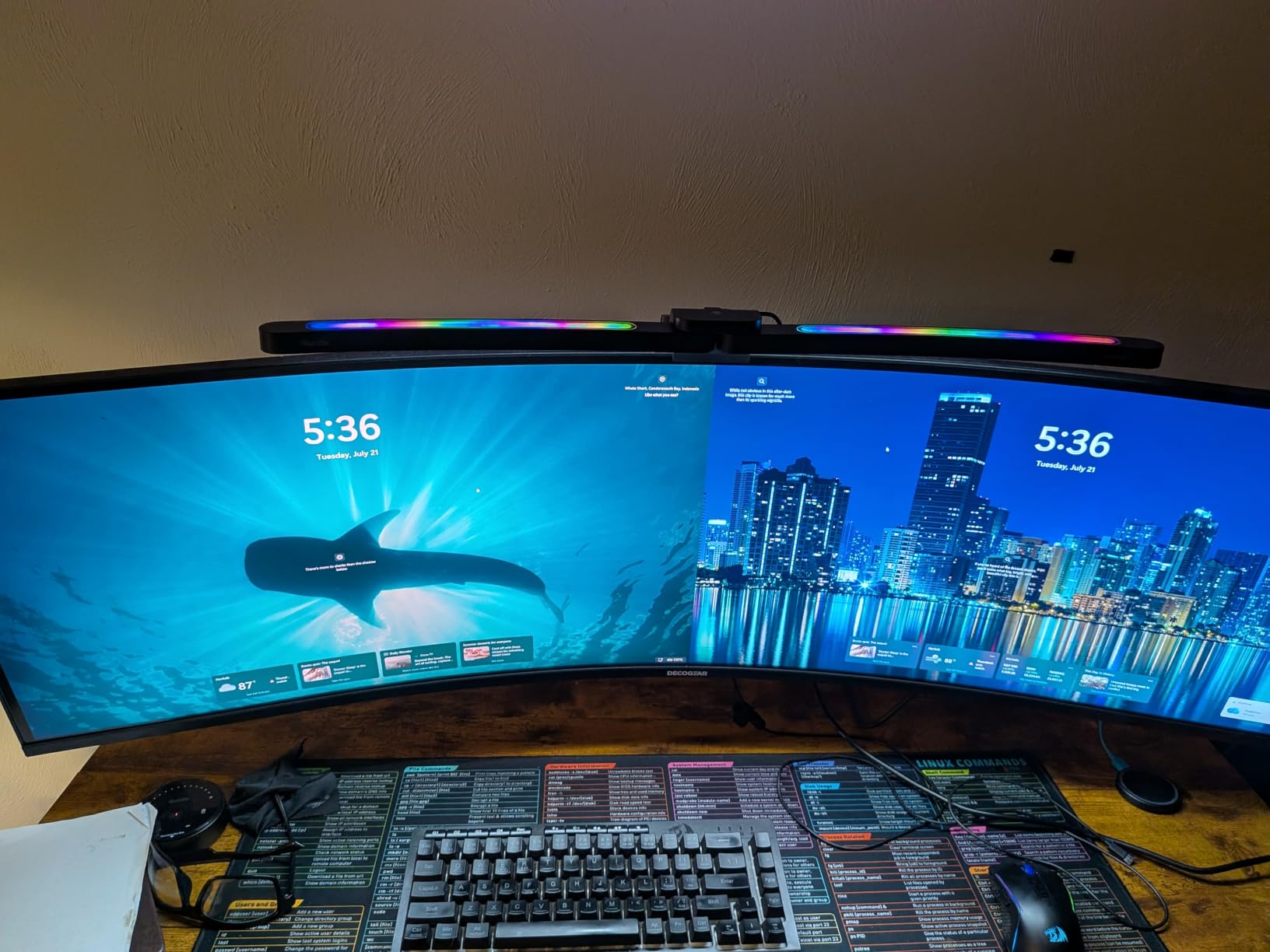
Who should buy this and who should not
Buy it as a first super ultrawide, as a second desk, or if you need USB-C docking, KVM and speakers in one panel without moving to OLED pricing. The adjustable stand, 130mm of height travel and 100x100mm VESA mounting give you room to position it properly.
Pass if you sit in a bright room, since the glossy finish will reflect, or if you want the reassurance of a three-year warranty on a panel that heavy.
10. Deco Gear 49 Inch 3840×1080 144Hz – The Best 49-Inch Ultrawide for Mid-Range Graphics Cards
Deco Gear 49 Inch Curved Monitor, 3840×1080 Ultrawide Gaming WDFHD Screen, 144Hz, 32:9, 3ms, 3000:1 VA Display, HDR400, Adaptive Sync, USB-C 65W, HDMI, PIP/PBP, KVM, 1800R, Office & Workstation Setup
3840×1080 32:9 at 144Hz
VA HDR400
USB-C 65W with KVM
+ Pros
- Easiest 49-inch panel to drive on a mid-range GPU
- 144Hz refresh with adaptive sync
- 65W USB-C with KVM and PIP/PBP
- 3000:1 VA contrast with HDR400 support
- Four USB ports and two HDMI inputs
– Cons
- 3840×1080 is a different product category
- 3ms response is slower than the 1ms panels
- No audio output port
- Loose or missing stand hardware reported
This one is here because the exception deserves a full explanation rather than a footnote. It is a 49-inch 32:9 screen, but the resolution is 3840×1080 rather than 5120×1440. That is roughly half the pixels, spread across the same physical size, and it changes what the panel is good at.
What it is good at is being driven. A 3840×1080 canvas is achievable on a mid-range card, and 4.7 million pixels is far easier to push at 144Hz than 7.37 million is. If your graphics card cannot comfortably feed a proper super ultrawide, this gets you the physical size and the aspect ratio at a frame rate you will actually see.
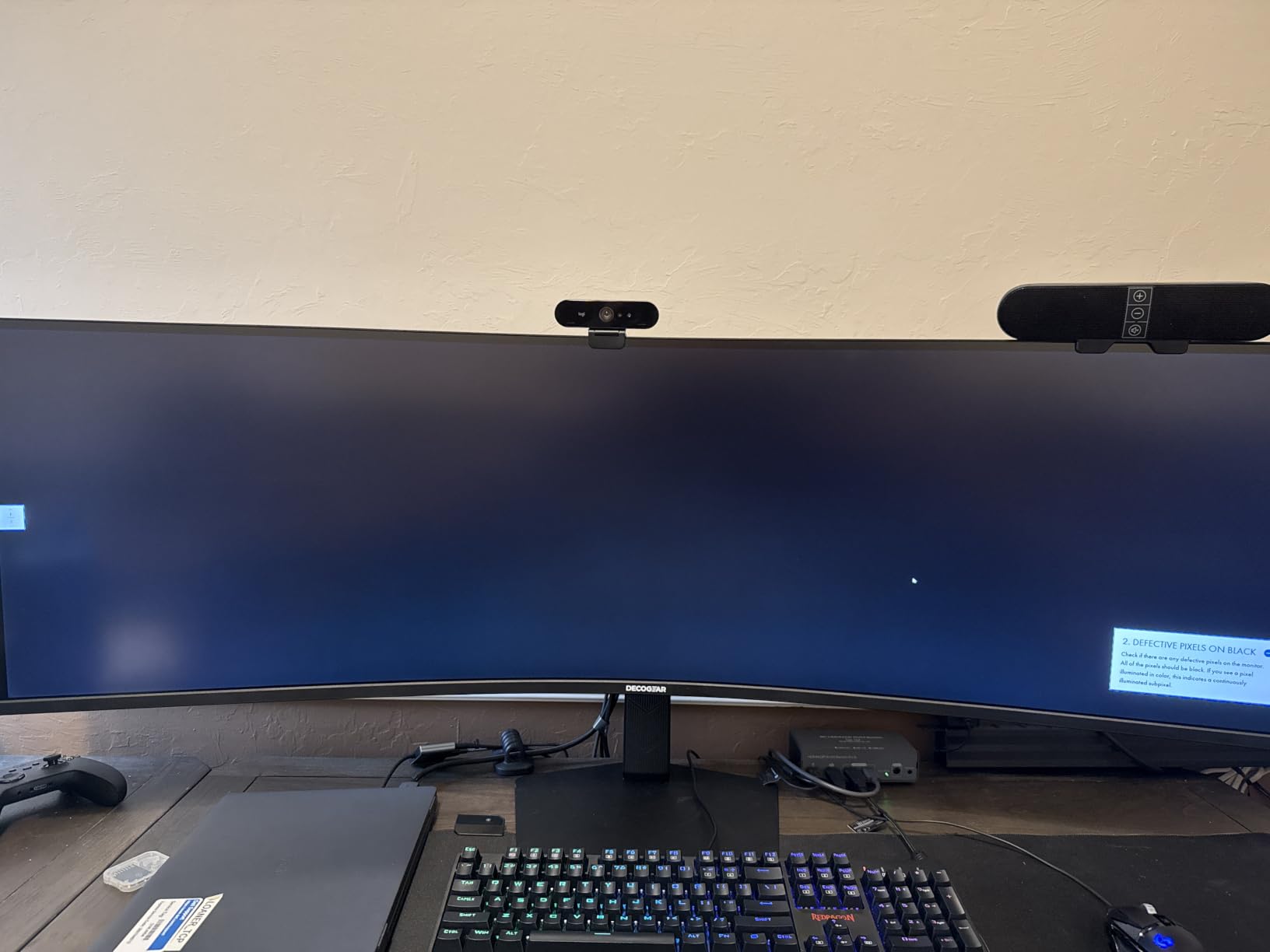
Connectivity is respectable: USB-C with 65W power delivery, KVM switching, picture-by-picture, two HDMI ports, DisplayPort and four USB ports. That is a full laptop docking solution on a panel that also runs at 144Hz.
Why 3840×1080 is not the same as 5120×1440
Spread across 49 inches, 3840×1080 works out around 109 pixels per inch, the same density as a 34-inch 3440×1440 ultrawide. So each individual pixel is the same physical size, but you have half as many of them across the width. A 1440p window opened here is not truly native 1440p.
In practice this means text is softer across a wide desktop, a code editor shows fewer characters, and a video timeline is narrower. For gaming it is a fair trade. For desk work it is a compromise, and you should make it knowingly.
Where the panel shows its budget
Response time is 3ms, slower than the 1ms panels elsewhere in this list, and motion clarity in fast games will not match them. The VA panel also shows grey blacks at off-axis angles, which is the standard VA compromise and more noticeable on a wide screen.
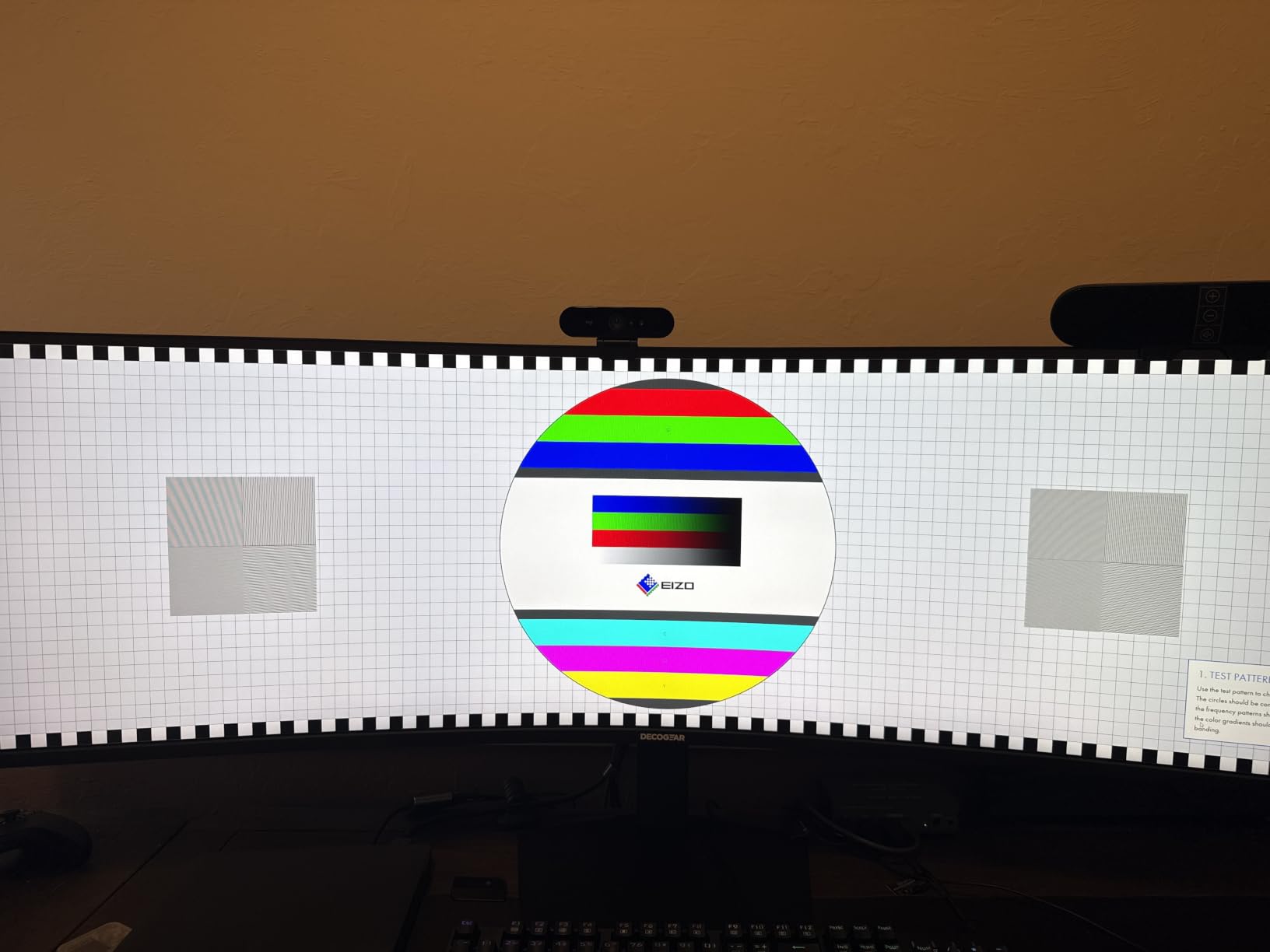
There is no audio output port on this model, and buyers report loose or missing hardware during stand assembly, along with USB-C port failures. The 4.0 average from 639 ratings, with a 15 percent one-star share, is the lowest in this group and reflects that build quality criticism.
Who should buy this and who should not
Buy it if you want 49 inches of width, 32:9 gaming at 144Hz and USB-C docking, and your graphics card cannot feed 5120×1440. Many buyers also use it as a second screen rather than a main display.
Pass for productivity-led work, for colour-critical tasks, or if you plan to upgrade your graphics card within a year, because you will outgrow the resolution first. If you want a smaller canvas done well, our 24-inch gaming monitor picks cover the more conventional options.
How to Choose a 49-Inch Ultrawide That Fits Your Desk
Start with resolution, because it is the one decision that cannot be fixed later. A 49-inch ultrawide should mean 5120×1440 at 32:9, and anything listed at 3840×1080 is a different product that happens to share a diagonal. Nine of the ten monitors here run the full dual-QHD canvas, and the one that does not is documented as an exception rather than a rival.
Check that your desk can physically take it
A 49-inch panel measures roughly 47 to 48 inches across the panel itself, before any stand. Your desk needs to be at least that wide, and you need 28 to 30 inches of usable depth in front of it. Curvature makes this worse, because a 1000R design is built to be viewed from a set distance and crowds your keyboard if you push it back against a wall.
Measure before you order, and check the total depth with the stand attached. Mounting on an arm buys you reach, but check the weight rating: panels here run from about 19 pounds to 34 pounds, and curved designs put extra torque on a tilt pivot. Our arm rating guide explains how to size one properly.
Choose the panel type that matches your room
QD-OLED gives you true blacks and the fastest response, at the cost of a fixed brightness ceiling around 250 to 400 cd and a long-term burn-in consideration. VA LCD panels run brighter, peak at up to 1000 nits in the case of the Samsung 1000R, and never risk image retention, but their blacks are dark grey rather than black.
The shortcut rule is simple. Dark room, film and competitive gaming, and you are willing to manage burn-in: go OLED. Bright room, long work days, HDR content, and you never want to think about burn-in: go VA LCD.
Match refresh rate to your graphics card, not to the monitor
5120×1440 is 7,372,800 pixels per frame, against 3,686,400 for a 2560×1440 monitor and 8,294,400 for 4K. So a super ultrawide asks for roughly twice the pixel work of a 1440p screen and about 89 percent of what a 4K display demands. You need the graphics card you would buy for 4K, and you get roughly 11 percent of that load back.
A 240Hz panel also needs more than a capable card in many titles. If your card cannot hold the frame rate, a 120Hz or 144Hz panel at a stable rate is a better experience than a 240Hz panel that constantly drops. Owners on the Samsung G9 note that full 5120×1440 in demanding titles wants 12GB of VRAM or more for the highest settings.
Know which games and consoles actually use 32:9
Support is genre-dependent, and this is the most common disappointment. Sim racers, flight simulators, strategy games and most modern shooters render natively at 32:9 and use the extra width as real peripheral vision. Older titles in those genres sometimes needed community patches, as racing sim enthusiasts on forum.kw-studios.com recall.
Large open-world action titles often pillarbox, cutting back to 21:9 or 16:9 with black columns. Cutscenes frequently render at 16:9 regardless of what the gameplay does, which looks odd on a 32:9 screen. Consoles never output 32:9 at all, so a PS5 or Xbox Series X will render 16:9 with black bars on the sides, and at that point a 16:9 television may suit you better. Our 32-inch 4K monitor guide covers that alternative.
Decide what connectivity you actually need
For a desktop-only setup, DisplayPort 1.4 is the important one, and on several panels here the full refresh rate is only available over DisplayPort. Note that the Amzfast in particular will not hit 120Hz over HDMI.
For laptop users, look for USB-C with meaningful power delivery, ideally 65W or 90W, plus a USB hub and ideally an RJ45 jack. The INNOCN 49Q1R is the strongest example in this list, and the MSI 491CQPX wins if you also want a built-in KVM. On macOS, 5120×1440 needs a third-party scaling utility to render text at a comfortable size.
Accept a burn-in or reliability risk consciously
Every purchase here carries one. On OLED models the risk is image retention from static desktop elements, mitigated by pixel refresh routines and covered by the MSI’s three-year burn-in warranty, but not eliminated. On value-tier LCD panels the risk is manufacturing quality, with dead pixels and vertical line reports appearing in a minority of units across several brands.
Weight the review count alongside the star rating when you decide. A 4.3 from 4,290 ratings, as on the CRUA, tells you far more about what to expect than a 4.4 from 184. On a panel this heavy, support reach matters as much as the specification.
Frequently Asked Questions
Is it worth getting a 49-inch monitor?
Usually yes, if you can give it the desk depth and viewing distance it needs. A 49-inch 32:9 screen replaces two 27-inch 1440p monitors without a bezel gap, adds real peripheral vision in sim racing and flight simulation, and gives you one continuous canvas for code, timelines and spreadsheets. It is worth it if you sit 28 to 39 inches back and have 28 to 30 inches of usable desk depth. Skip it on a small desk or if your graphics card cannot drive 7,372,800 pixels.
What is the best resolution for a 49-inch ultrawide monitor?
5120×1440 at 32:9, also called dual QHD or DQHD. That is the only resolution that justifies the panel size. A 49-inch screen running 3840×1080 has roughly half the pixels spread across the same area, so text is softer across a wide desktop and a 1440p window is not truly native. Treat 3840×1080 49-inch models as a different product category, not a cheaper equivalent.
What graphics card do I need for a 49-inch ultrawide monitor?
The card you would buy for 4K. A 5120×1440 canvas renders 7,372,800 pixels per frame, about 89 percent of a 4K display and roughly twice a 2560×1440 monitor. For 240Hz at the top settings you generally want a current high-end card with 12GB of VRAM or more. If your card cannot hold the frame rate, a 120Hz or 144Hz panel at a stable rate feels better than a 240Hz panel that keeps dropping frames.
Do all games support the 32:9 aspect ratio?
No. Sim racers, flight simulators, strategy games and most modern shooters render natively at 32:9. Many large open-world action titles pillarbox back to 21:9 or 16:9, cutscenes frequently render at 16:9 even when gameplay is 32:9, and consoles never output 32:9 at all, so a PS5 or Xbox Series X shows black bars on the sides.
How far should I sit from a 49-inch ultrawide monitor?
Roughly 28 to 39 inches from the panel, depending on the curve. A 1000R panel such as the Samsung Odyssey G9 is designed for a specific viewing distance so the centre and edges sit at similar focal length, and it needs the deepest placement. A 1500R or 1800R panel is more forgiving and works on shallower desks. If you cannot give a 1000R design 28 to 30 inches of desk depth, choose a gentler curve instead.
Is a 49-inch ultrawide sharper than a 34-inch ultrawide monitor?
No, not at the same class of resolution. A 49-inch 5120×1440 panel works out around 109 pixels per inch, and a 34-inch 3440×1440 ultrawide lands in almost the same place, so text is the same size and weight on both. The real difference is area and aspect ratio, not sharpness. A 49-inch 3840×1080 panel is the one case where the wide screen genuinely looks soft.
Final Verdict on the Best 49-Inch Ultrawide Monitors in 2026
The best 49 inch ultrawide monitor overall is the Amzfast 49-inch DQHD. It gives you a true 5120×1440 canvas, a 120Hz refresh with adaptive sync, picture-by-picture and a 1500R curve that suits a normal desk, with a 4.4 rating across 1,369 reviews behind it.
If you want true blacks and the fastest response available, take the Samsung Odyssey OLED G9 G93SC, accepting a lower brightness ceiling and a shorter brightness budget. Drive a racing rig in a lit room and the Samsung Odyssey G9 1000R is the pick, at the cost of a 34-pound panel that wants a properly rated arm. For a laptop-driven desk, the INNOCN 49Q1R with 90W USB-C and RJ45 is the simplest single-cable setup in the group.
None of that describes you? If your desk is shallow, or your main use is console gaming where 32:9 never appears, a 34-inch ultrawide or a conventional 16:9 display will suit you better. Owners who moved from 34-inch to 49-inch rarely go back, but they all had the desk to do it.
Leave a Reply