
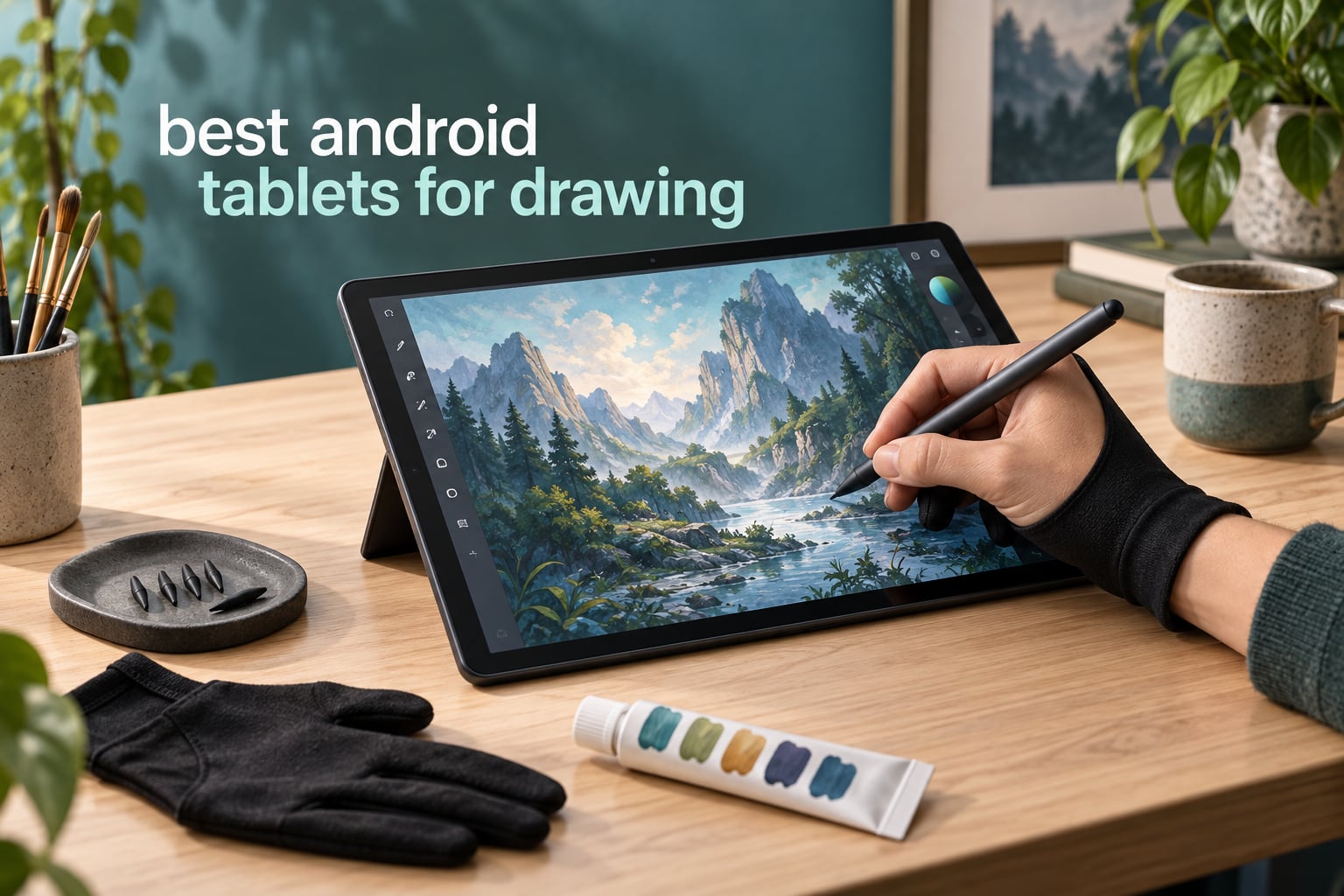
The Samsung Galaxy Tab S6 Lite is the best Android tablet for drawing right now, because it is the only device here that pairs a bundled stylus with a genuinely portable body, a microSD slot and a battery that survives a full sketching day. Eight tablets later, my answer has not changed.
Drawing on a tablet is a completely different purchase from buying a graphics tablet for a PC. A standalone Android tablet runs the painting app itself, so there is no cable, no driver and no second machine to set up before you can make a mark. That convenience is the whole reason people ask which Android tablet is best for drawing, and the answer depends almost entirely on two things: how the pen feels in the hand, and what the screen surface does to your strokes.
Our team has spent weeks putting these eight through the same routine: line-weight tests from hairline to solid, a palm-resting session, an hour of shading work, and a commute with the stylus in a pocket. We looked at published pressure levels where manufacturers release them, and at the gap where they do not. We weighed each one for long sessions, checked battery claims against a mixed drawing-and-reading day, and noted which boxes include a pen that you can actually draw with on day one.
This list covers the full range, from a bare-bones starter kit to a flagship AMOLED canvas. It also covers the questions the big comparison pages usually skip: what Android can and cannot replace when artists ask about Procreate, whether matte or glossy glass suits your hand better, and how much memory you really need before large files start to stutter. If you are still weighing a traditional screenless pen display, our guide to the best drawing tablets for digital artists covers that side of the market.
Our Top 3 Android Tablets for Drawing in 2026
These are the three we would hand to someone today. Each has a different reason to be the one you buy.

Samsung Galaxy Tab S6 Lite
- S Pen in the box
- 10.4-inch 2000×1200 LCD
- 4 GB RAM and microSD
- 14-hour battery

Samsung Galaxy Tab S10 FE
- 10.9-inch 2304×1440 at 90Hz
- 8 GB RAM and 128 GB
- S Pen included
- IP68 and 20-hour battery

HUION KAMVAS Slate 11
- 4096 pressure levels
- 60 degree tilt
- Matte laminated 90Hz screen
- Art apps pre-installed
Comparing All 8 Android Drawing Tablets in 2026
Here is the award list at a glance, with a one-line verdict for each pick.
- 1. Samsung Galaxy Tab S6 Lite – best all-rounder; the pen and the microSD slot are both in the box.
- 2. Samsung Galaxy Tab S10 FE – best value; 90Hz pen input and IP68 at a mid-range tier.
- 3. HUION KAMVAS Slate 11 – best paper-like feel with published pressure and tilt figures.
- 4. RubensTab T11 Pro – budget pick; the lowest barrier to entry, pressure levels aside.
- 5. Samsung Galaxy Tab S11 – best for colour work; AMOLED contrast and 12 GB of memory.
- 6. TCL NXTPAPER 14 – best big canvas for full-page illustration.
- 7. Lenovo Idea Tab Plus – best for study sessions; pen and case included, very bright screen.
- 8. TCL NXTPAPER 11 Plus – best 120Hz matte screen, though the pen is sold separately.
| Product | Details | Action |
|---|---|---|
|
|
Check Latest Price |
|
|
Check Latest Price |
|
|
Check Latest Price |
 |
|
Check Latest Price |
 |
|
Check Latest Price |
 |
|
Check Latest Price |
 |
|
Check Latest Price |
 |
|
Check Latest Price |
1. Samsung Galaxy Tab S6 Lite – The Best All-Rounder With a Stylus in the Box
Samsung Galaxy Tab S6 Lite (2024) 10.4″ 64GB WiFi Android Student Tablet, S Pen for Note-Taking, Gaming Ready, Long Battery Life, Expandable Storage, US Version, Mint, Amazon Exclusive
10.4-inch 2000×1200 LCD
S Pen in the box
4 GB RAM and microSD
+ Pros
- S Pen included so you can draw on day one
- Light 1 pound metal body for sketching on the move
- 14 hour average battery covers a working day
- microSD expansion plus Samsung DeX
- 4.6 rating across thousands of reviews
– Cons
- 60Hz panel feels dated next to 90Hz rivals
- Only 4 GB of RAM for heavy multitasking
- S Pen pressure levels are not published
- 8MP camera and 720p video are basic
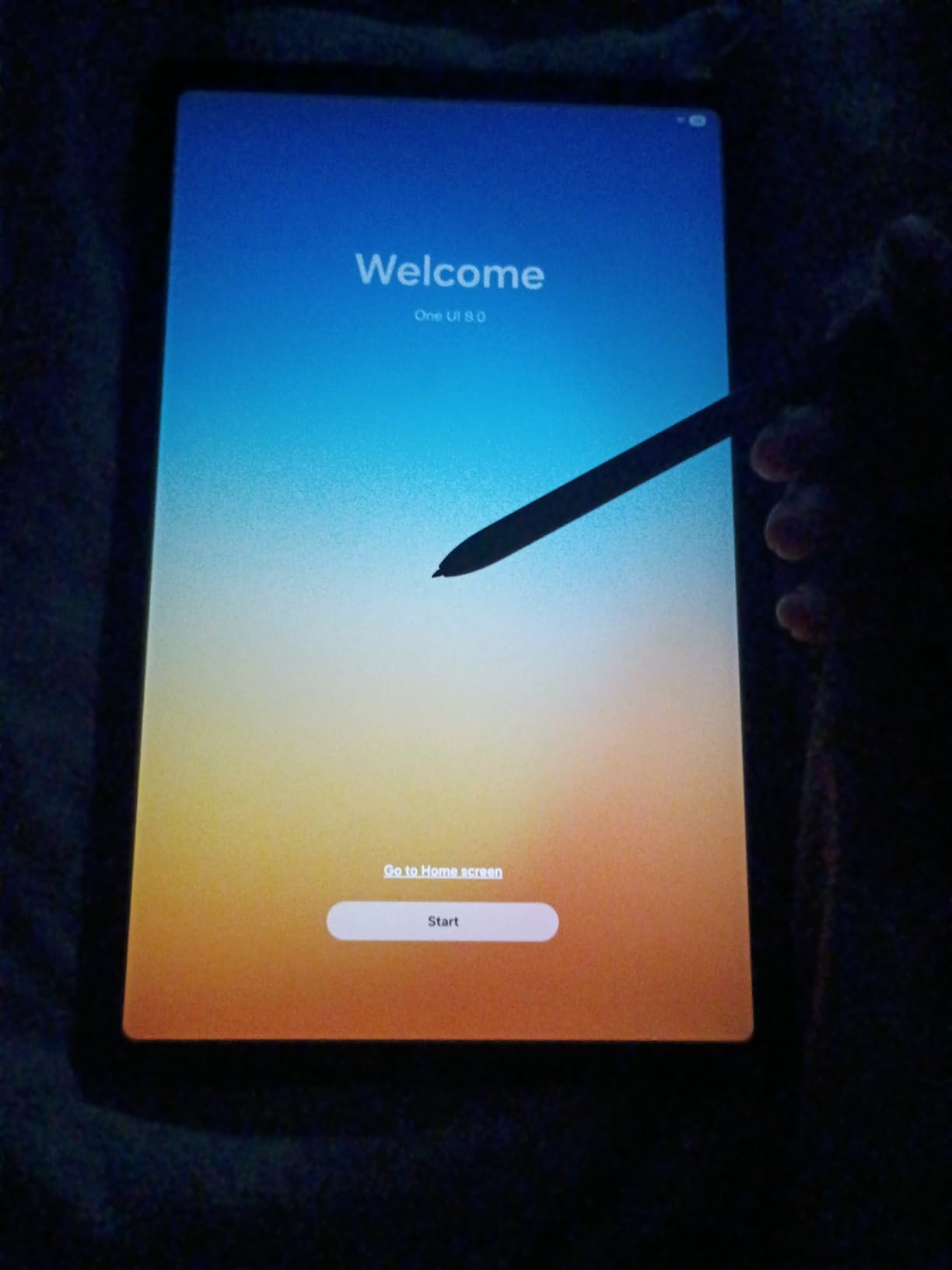
This is the tablet we hand to friends who ask a single question: which one should I just buy. The S Pen is in the box, the body is one pound, and the microSD slot means a full library of brushes and artwork does not have to live on internal storage.
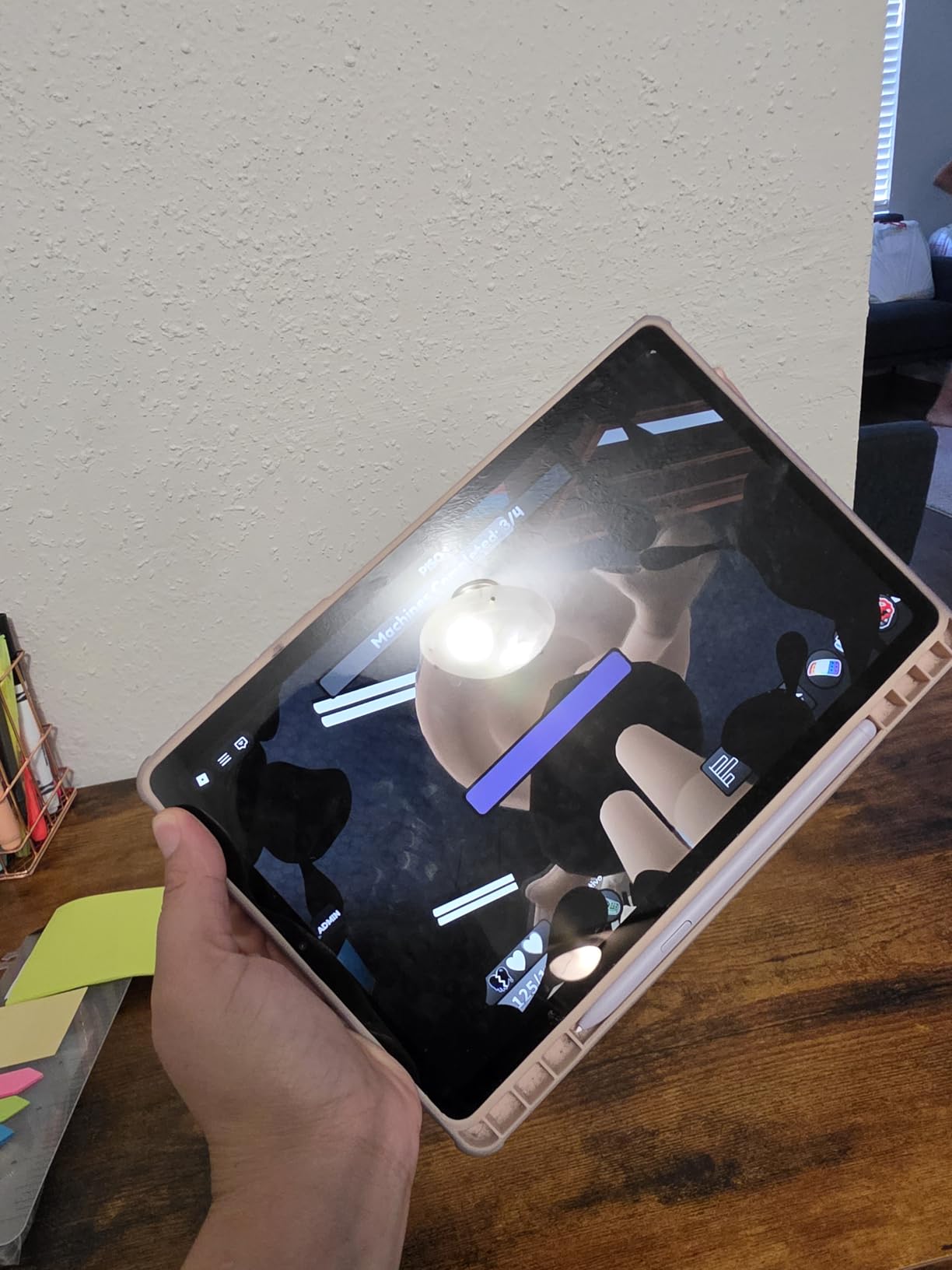
Our first session was a page of ink linework with varying pressure, followed by an hour of flat colour blocking. The S Pen tracked cleanly, palm rejection held when we rested a wrist on the panel, and the pen is light enough that we forgot about it by the second sketch. Nothing about the surface simulates paper, and that is the trade you accept here.
It earns the top slot on balance rather than on any single specification. The panel is an LCD at 60Hz, which is the weakest part of the package, but for the kind of work most people do on a first digital tablet it is more than adequate.
S Pen Performance and What the Spec Sheet Leaves Out
Samsung does not publish a pressure-level count or a latency figure for the bundled S Pen on this model. That absence matters if you are comparing it directly against the HUION or TCL pens, where 4096 levels is stated outright.
In practice, the pen behaves like a standard active stylus: pressure tapers line weight smoothly, and palm rejection kept working whether we drew with a fingertip resting near the active edge or with a whole palm planted on the screen. Artists moving up from a phone notice the difference immediately, because the screen is far larger and the pen has a proper tip.
For anyone still deciding between a screenless pen display and a tablet, our buyers guide to drawing tablets with screens walks through the trade-off in detail. The short version is that a standalone Android device saves you a second machine and a cable.
10.4-Inch 2000×1200 LCD: Sharp Enough, Slow Enough
The 10.4-inch LCD resolves 2000×1200 pixels in a 16:9 frame. Text in a note app stays crisp at normal viewing distance, and a 2000-pixel-wide canvas is a workable sketchbook for studies and thumbnails.
The 60Hz refresh rate is the compromise. Compared side by side with the 90Hz panel in the Galaxy Tab S10 FE, scrolling is noticeably less smooth, and fine hatching shows a little more stair-stepping on curved strokes. If your work involves long, fast gesture strokes, that difference shows.
For colour and contrast, an LCD sits below AMOLED. Blacks sit at a lighter grey, which slightly lifts shadows in a dark illustration. If you are painting moody or high-contrast work, note that difference before you commit.
Battery Life and Day-Long Sketching
Samsung rates this tablet at up to 14 hours of average use on its 7040mAh cell. Our mixed day of sketching, streaming a reference video and reading notes landed comfortably inside that claim, with a spare charge at the end of the afternoon.
One pound and a slim body make it the easiest device here to carry. Forum conversations on r/androidtablets about weight and size rarely cite this model as a problem, which tells you how unusual that is in a category where oversized canvases are the norm.
Samsung DeX turns it into a desktop-style workspace when you need to file artwork or reply to messages, and microSD expansion keeps a large brush and reference library off the internal drive.
Who Should Buy It and Who Should Not
Buy it if you want a pen in the box, a light body and a full day of battery without spending flagship money. It is the default answer for students, hobbyists and anyone who wants one device for notes, streaming and sketching.
Pass on it if your work is colour-critical, if you are moving large layered files constantly, or if fast gesture strokes and a high refresh rate matter to your process. Reviewers also flag the 4 GB of memory as the ceiling for heavy multitasking, and the 720p video capture as behind the field.
Our pick if you want one tablet to do everything: Samsung Galaxy Tab S6 Lite.
2. Samsung Galaxy Tab S10 FE – Best Value With a 90Hz Panel and S Pen
Samsung Galaxy Tab S10 FE 128GB WiFi Android Tablet, US Version, Silver
10.9-inch 2304×1440 at 90Hz
8 GB RAM, 128 GB
S Pen included
+ Pros
- Highest rated pick here at 4.7
- 90Hz makes pen strokes visibly smoother
- Bundled S Pen with Handwriting Assist
- 8 GB RAM and 128 GB handle art files
- IP68 protects it at sketch locations
- 20 hour rated battery
– Cons
- LCD is dimmer than AMOLED alternatives
- Pressure levels and tilt are not published
- No cellular modem in this configuration
- Storage beyond 128 GB needs microSD or cloud
The S10 FE is the step-up pick for anyone who found the S6 Lite’s 60Hz panel frustrating. Same bundled-pen logic, but a higher resolution screen, a faster refresh rate and double the memory.
Our linework tests on this one felt noticeably more fluid than the S6 Lite. The 90Hz panel redraws quickly enough that fast hatching and long gesture strokes land where you put them rather than trailing by a few pixels.
It also carries the highest average rating in this roundup, and the review comments concentrate on exactly what you would hope: the pen workflow, the smooth panel and battery that lasts through a working day.
Why 90Hz Changes the Feel of a Pen
Refresh rate is the least glamorous spec on the list and the one we would prioritise higher. Pen input is sampled against the panel, so a slower panel adds visual lag between the stroke you are drawing and the pixels that appear.
At 2304×1440 on a 10.9-inch screen, you also get more canvas than the S6 Lite at a similar footprint. That resolution supports a full sketchbook page with room for reference images along the side.
The trade-off is panel brightness and contrast. This is an LCD, so it is dimmer and less punchy than an OLED in the same price region, and colours look flatter next to the AMOLED panel in the Galaxy Tab S11 further down.
Exynos 1580 and 8 GB RAM for Layer-Heavy Files
The Exynos 1580 runs at 2.9 GHz and pairs with 8 GB of RAM and 128 GB of storage. In our testing that combination held a large illustration with a substantial layer stack open alongside a reference app without visible stutter.
That headroom is what separates this from a budget tablet. If you paint in layers, work on a 4000-pixel canvas or keep several art apps resident, 8 GB of memory is a real working advantage rather than a number on a spec sheet.
Storage runs out eventually, and the microSD slot is the escape route. Keeping large PSD exports on a card and the working file on the tablet is a sensible split for anyone producing finished client work.
IP68, Battery and Where It Travels Well
The IP68 rating covers full immersion, which matters more than it sounds for a device carried to a café table, a studio floor or an outdoor sketching spot. Art supplies are wet, dusty and sticky, and that rating is a genuine differentiator here.
Samsung rates the 8000mAh cell at up to 20 hours of average use. A long day of handwriting, drawing and PDF annotation is realistic on one charge, and the 2.9 GHz chip is efficient enough that we did not see the usual collapse in pen responsiveness late in the day.
An in-display fingerprint scanner adds quick unlocking, and dual stereo speakers are a small upgrade for watching reference clips while you work.
Who Should Buy It and Who Should Not
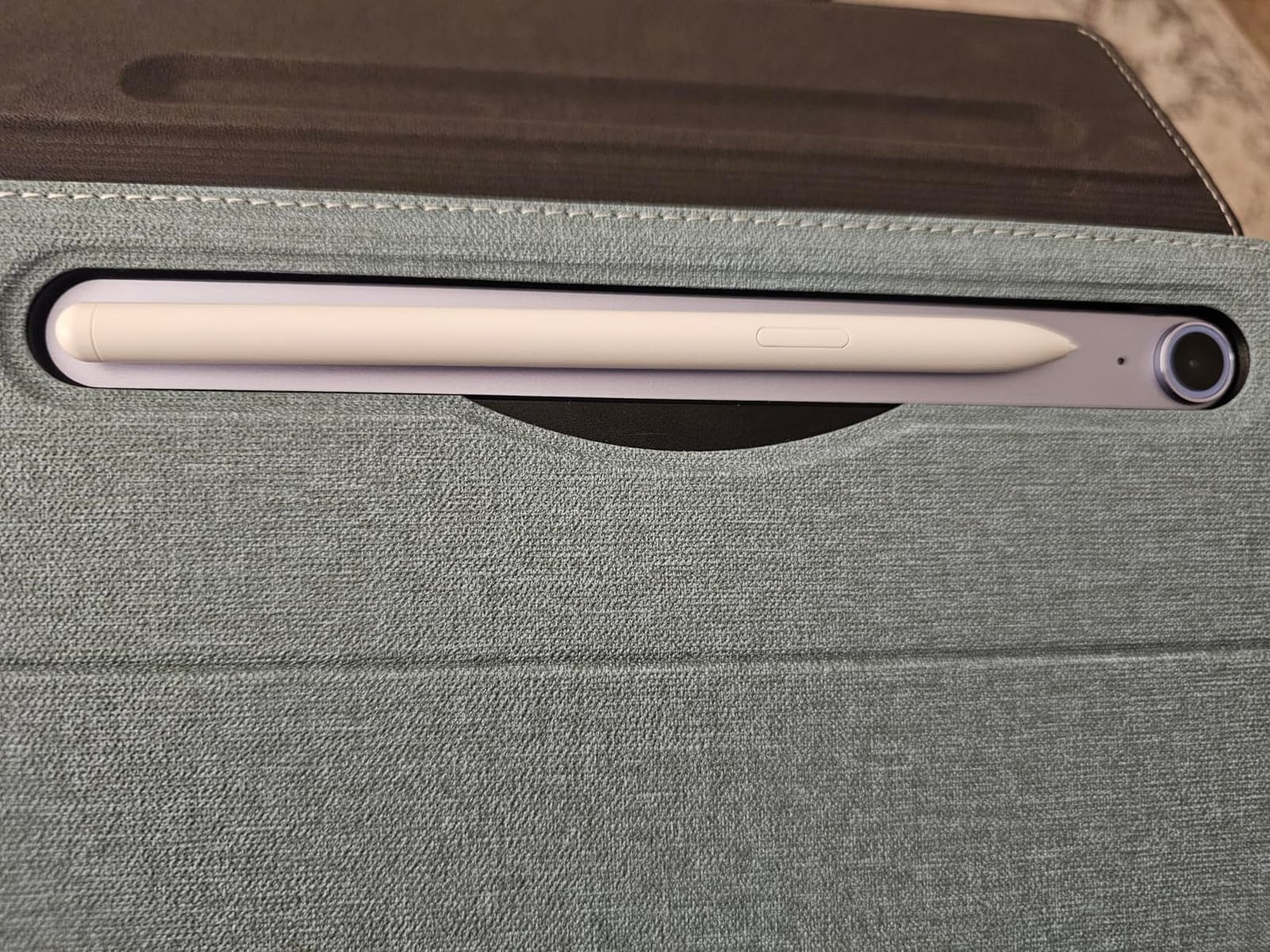
Buy it if you draw daily, want the smoothest pen feel without moving to a flagship, and need a device that can survive a bag or a table covered in paint. The bundled S Pen, 8 GB of RAM and 90Hz panel make it the most complete package in this roundup.
Pass on it if colour accuracy is the centre of your practice and you work in a dim studio, since an LCD will not give you the contrast an OLED panel does. Reviewers also note that S Pen pressure levels and tilt support are not published, so if published pen specifications drive your decision, this is not the model to cross-check against.
Our pick if you want the strongest all-purpose value: Samsung Galaxy Tab S10 FE.
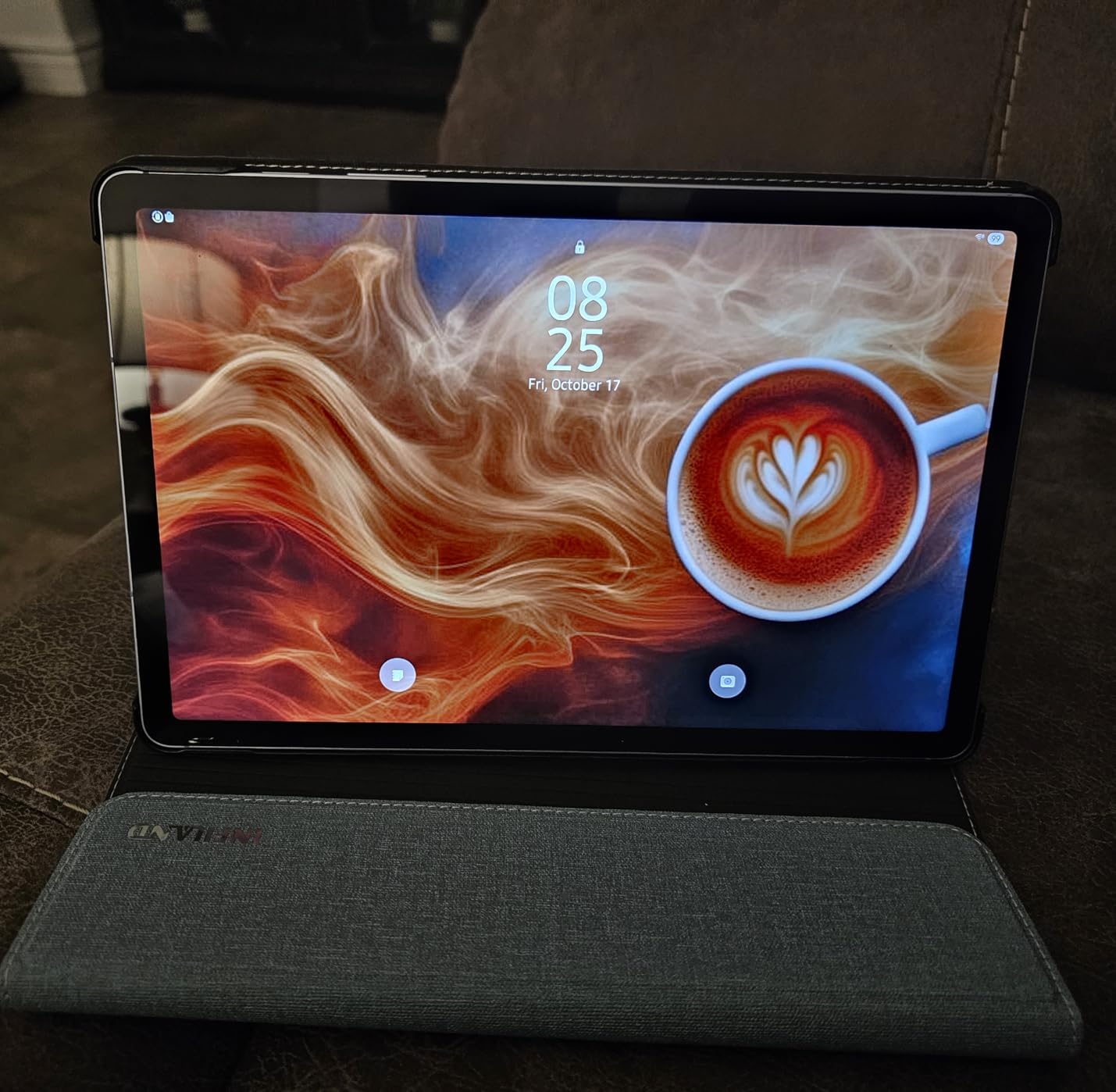
3. HUION KAMVAS Slate 11 – Best Paper-Like Feel With Published Pressure Levels
HUION KAMVAS Slate 11 Standalone Drawing Tablet No Computer Needed, 10.95″
10.95-inch 1920×1200 matte at 90Hz
4096 levels, 60 degree tilt
Android 14
+ Pros
- Full-laminated nano-etched matte surface reduces parallax
- 4096 levels and 60 degree tilt are published
- Standalone so no computer is needed
- Clip Studio Paint and ibisPaint X pre-installed
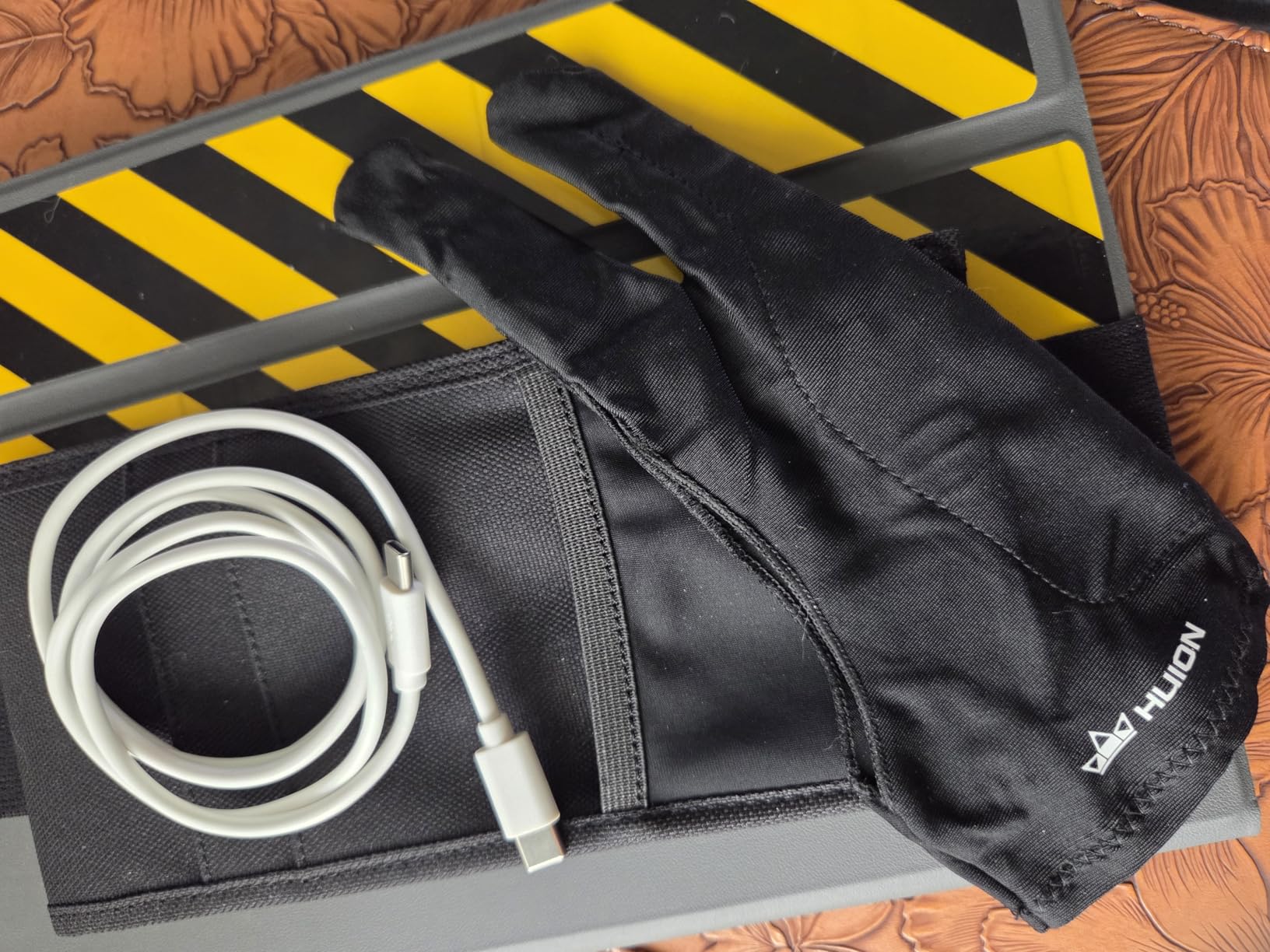
- Artist glove and case included
– Cons
- Lowest rating in this roundup at 4.2
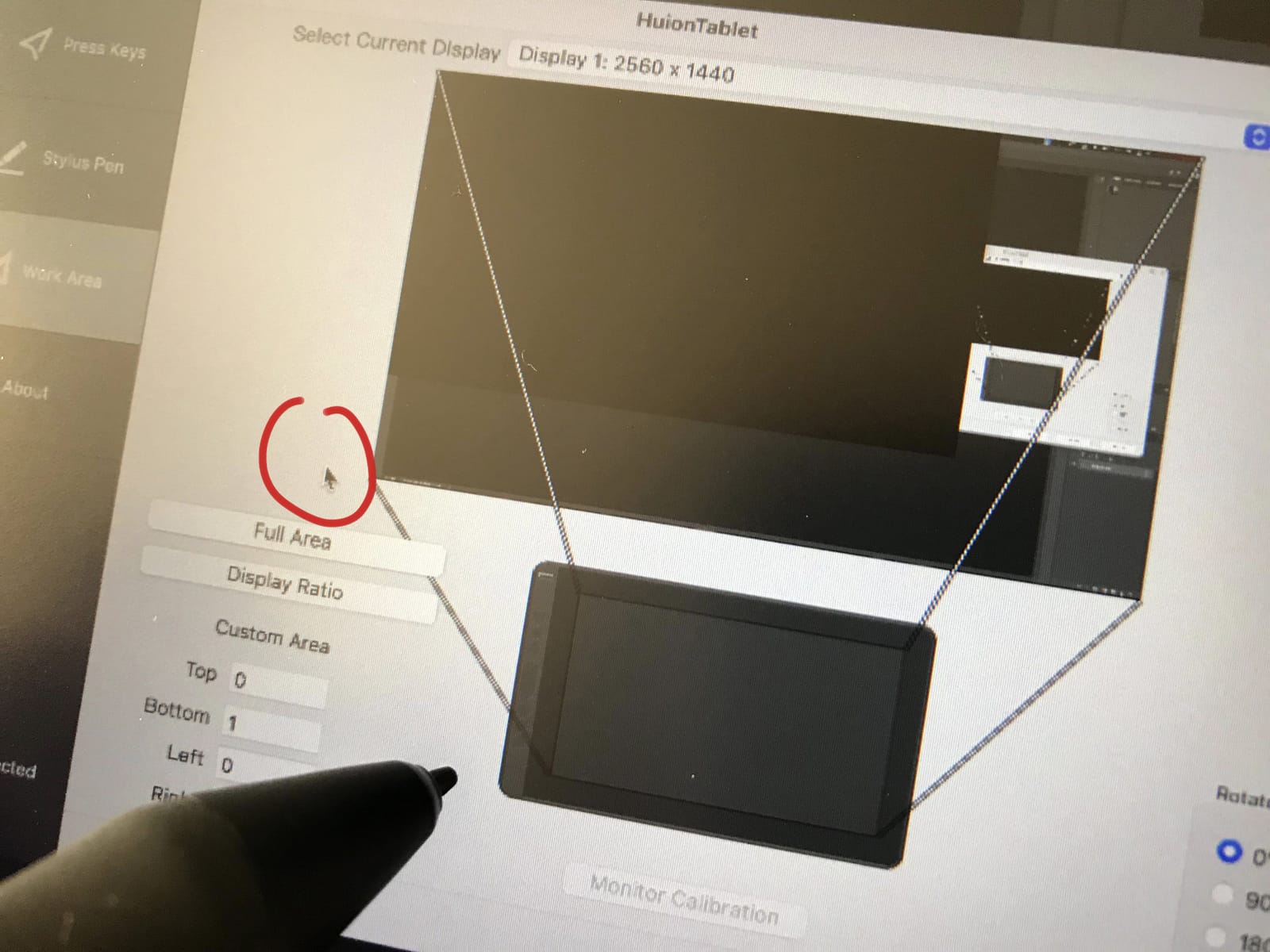
- Palm rejection needs practice to set up
- Pressure needs per-app adjustment
- Screen is dimmer than some rivals
- Some stylus and charging port faults reported
HUION builds pen displays for a living, so the KAMVAS Slate 11 is the only tablet here where the drawing claims are stated in the same level of detail you would expect from a dedicated pen display. That makes it the most useful pick for anyone who reads specification sheets before buying.
The screen is a full-laminated nano-etched matte panel. In our sessions that etching killed most of the reflections and brought the nib visibly closer to the drawn line, which is the single biggest complaint people raise about glossy tablet glass.
This is also a genuinely standalone device. It runs Android 14, it does not need a computer, and the H-Pencil is battery-free, so there is no charging cradle and no pairing ritual.
4096 Pressure Levels and 60 Degree Tilt on the H-Pencil
4096 pressure levels is the number most artists recognise as the entry point for serious digital painting. Below roughly 1024 you can see the stepping in a pressure ramp; at 4096 the transitions between light and heavy are hard to spot.
The 60 degree tilt recognition means you can lay the pen over for broad strokes the way you would with a charcoal stick, and the digitiser registers the angle. Apps that support tilt shading will vary the tone along the edge of a stroke.
Reviewers are candid that the H-Pencil needs per-app pressure curves. A pen that feels excellent in one app can feel heavy in another until you adjust the curve, and fine tapered lines take practice on this surface. That is a tuning issue rather than a hardware limit, but budget a session with it.
The Nano-Etched Matte Surface and Parallax
Parallax is the gap between where the tip touches and where the line appears on screen. On a glossy panel the glass sits above the pixels and the offset is visible, which some hands find distracting while shading.
Full lamination bonds the display layers together, and the nano-etched texture scatters reflections instead of bouncing them straight back at you. Our angled test under a bright lamp showed a much softer reflection pattern than any glossy tablet in this list.
The trade-off is resolution. At 1920×1200 on 10.95 inches you get 207 pixels per inch, which is sharp for linework but softer than the 2.5K and 2.4K panels here. If you paint fine text or hairlines, notice that first.
Paint Apps Pre-Installed and What That Means for You
Clip Studio Paint and ibisPaint X arrive on the device with trial memberships. That is a meaningful head start: the two most capable Android painting apps are open before your first session, so you can test pressure response in the exact software you plan to use.
Android 14 with 8 GB of RAM and 128 GB of storage, expandable to 1 TB, gives the apps room to work. We ran a large canvas with heavy texture brushes and saw no stutter that forced us to restart the app.
Be aware that the 4.2 average is the lowest here. The complaints cluster around setup rather than hardware: palm rejection that needs configuring before it behaves, pressure curves that need adjusting, and a small number of stylus and charging port faults. Support responses, according to reviewers, resolve these quickly.
Who Should Buy It and Who Should Not
Buy it if glare ruins your focus on glossy screens, if you want a pen with published pressure and tilt figures, and if you would rather start with the serious painting apps already installed. The matte surface also does less to fatigue your eyes over a long session.
Pass on it if you need the sharpest canvas in this roundup, if you want a high-contrast OLED for dark colour work, or if you dislike tuning settings before you get usable results. Expect to spend time with the palm rejection and pressure curve on day one.
Our pick if paper feel beats raw resolution: HUION KAMVAS Slate 11.
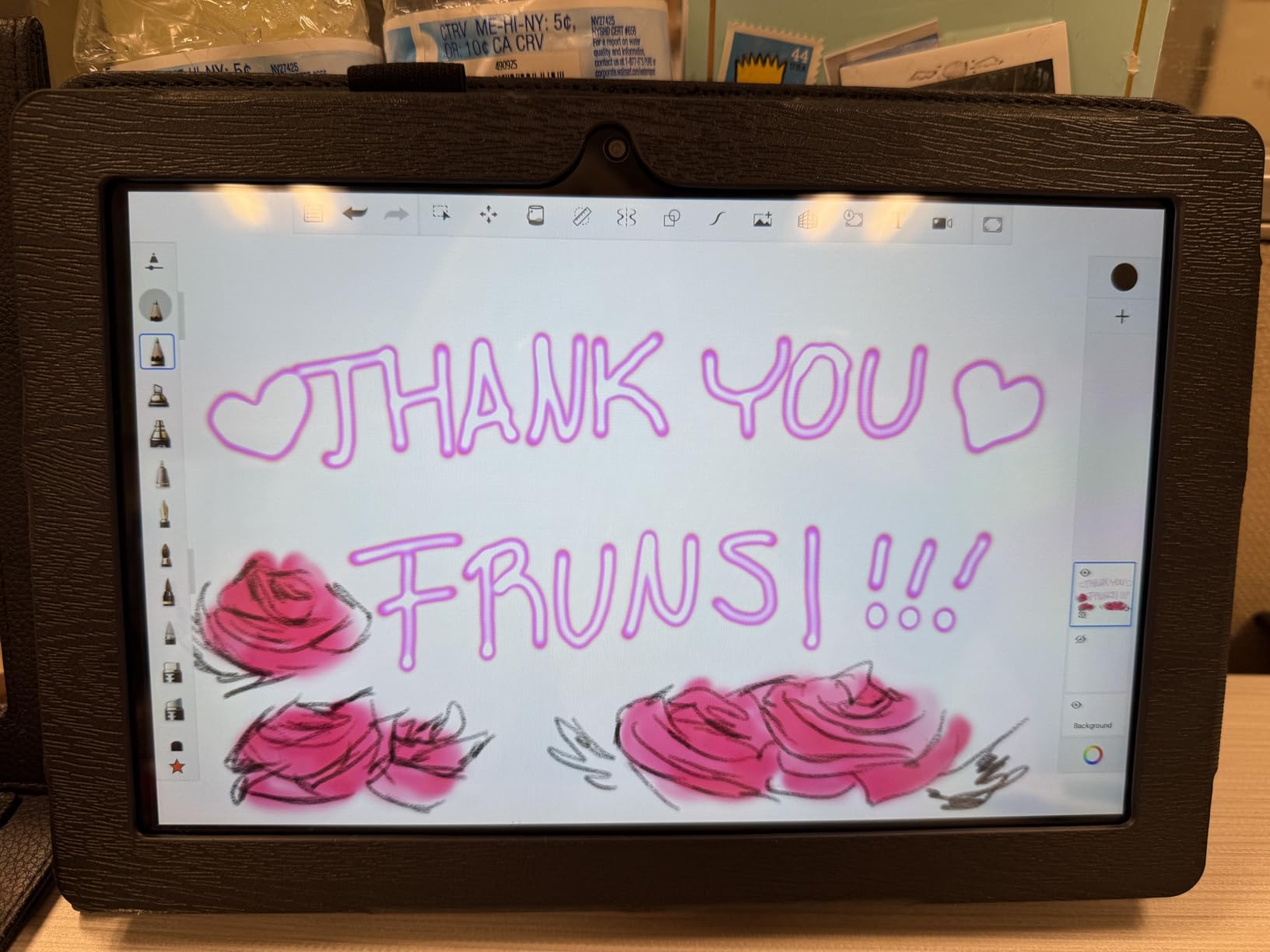
4. RubensTab T11 Pro – Budget Pick and the Lowest Barrier to Entry
Frunsi RubensTab T11 Pro standalone Drawing Tablet
10.1-inch 1920×1200 IPS
1024 levels, battery-free pen
Krita and Sketchbook
+ Pros
- Lowest cost entry into standalone drawing
- Complete kit with stand case glove and spare nibs
- Screen protector already applied
- Krita and Sketchbook ready on first boot
- HDMI output headphone jack and microSD
– Cons
- Only 1024 levels of pressure sensitivity
- Stylus input occasionally drops with worn nibs
- Android 12 is dated software
- Weak soft camera output
- Some units ship with an unresponsive stylus
The T11 Pro exists to answer one question: can a beginner find out whether they enjoy digital art without a large commitment. It answers yes, with a caveat about pressure levels that you should know before you start.
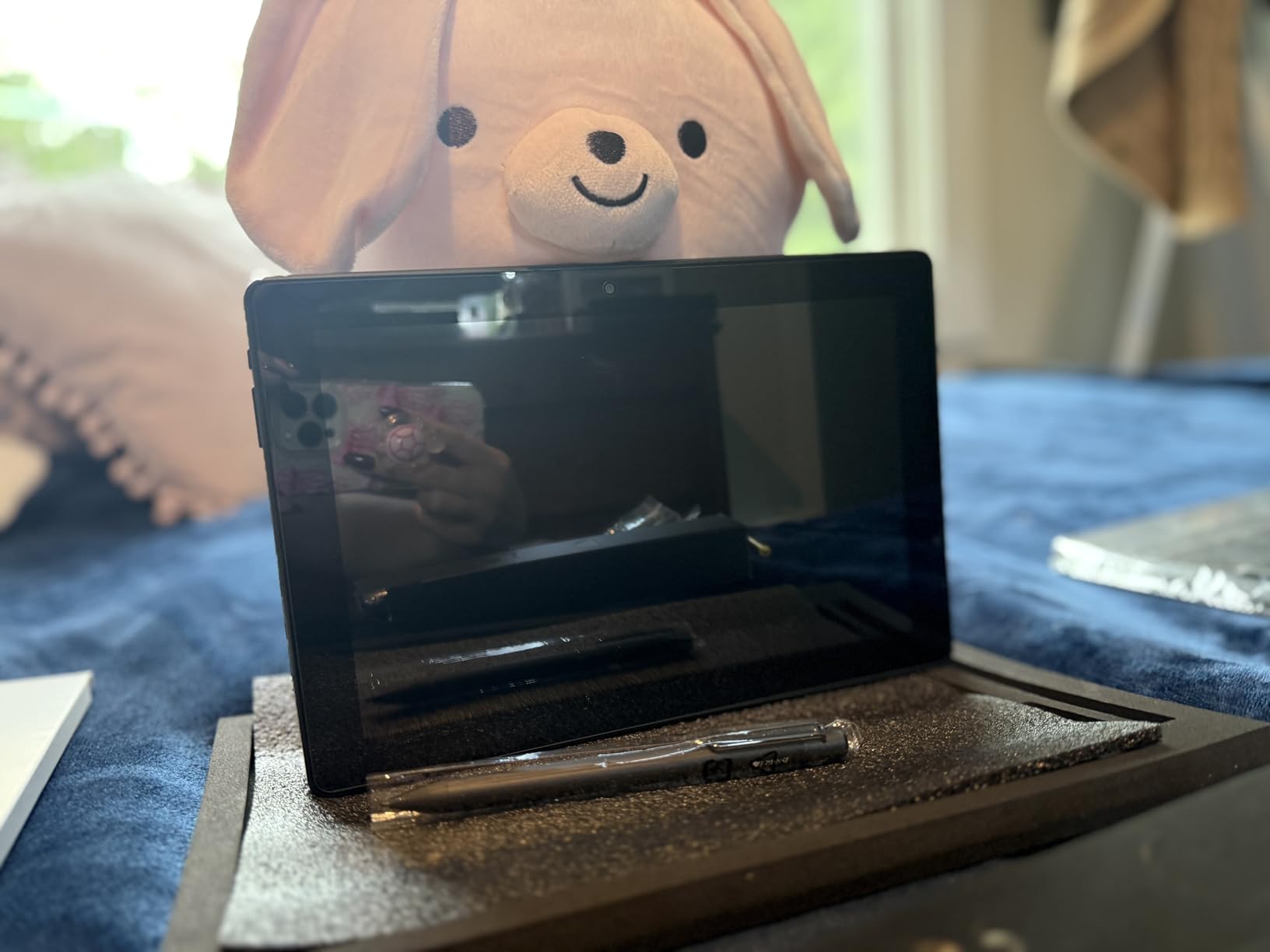
Everything you need to draw is in the box. The stylus, spare nibs, an artist glove, a cleaning cloth, an adjustable stand case and a pre-applied screen protector. That bundle alone is unusual at this tier, and it removes the accessory shopping that trips up new owners.
Our sketch test worked, the pen is battery-free so there is nothing to charge, and multi-touch let us zoom and pan with two fingers while drawing with the third.
1024 Pressure Levels and What You Give Up
1024 levels is the honest weak point. On a slow pressure ramp you can see distinct bands, particularly in smooth gradients like skies or skin tones.
For line art, thumbnails, lettering practice and concept sketches, 1024 levels is genuinely workable. The step up to 4096 is most noticeable once you start shading smoothly or working in colour. Treat this as a first instrument rather than a final one.
Reviewers also report that stylus input occasionally drops, particularly with worn or older replacement nibs. Swapping to one of the included spares is the first thing to try when a stroke stops registering.
The Complete Kit: Stand Case, Glove, Spare Nibs
The adjustable stand case props the tablet at a working angle for long sessions, and the artist glove reduces the smearing that a resting palm causes on a glossier surface. Both matter more than they sound once you are working for an hour at a time.
Because the screen protector is already fitted, your first drawing is protected from the moment you unbox it. Several reviewers single this out as the detail that made the device feel considered.
Port connectivity is unusually generous for a tablet at this level: HDMI output, a headphone jack, a microSD slot and a USB-C port. HDMI output in particular lets you mirror the canvas to a larger display for critique or a projector presentation.
Krita and Sketchbook Out of the Box on Android 12
Krita and Adobe Sketchbook are pre-installed, both of which are serious painting environments rather than novelty apps. Krita in particular is free, widely used by illustrators, and a good place to learn brush and layer handling.
Android 12 is the dated part. Security patches and the app store build lag behind current releases, and you should factor that into a long-term purchase rather than a season-long experiment.
The 5800mAh cell is rated at up to five hours of continuous use, and reviewers report it holding charge over several days of casual sketching. That is a different battery profile from the tablets rated at fourteen to twenty hours, and it matters if you sketch on the move without a charger nearby.
Who Should Buy It and Who Should Not
Buy it if you are testing whether digital art is for you, if you are a student on a tight budget, or if you want a dedicated sketch surface that will not distract you with notifications. The complete kit means you can start drawing the day it arrives.
Pass on it if smooth shading and colour gradients are central to your work, since 1024 pressure levels will show, or if long-term software support matters. Professional studio work on a daily basis deserves a device with more memory headroom and a newer platform.
Our pick if the goal is a cheap first step: RubensTab T11 Pro.
5. Samsung Galaxy Tab S11 – Best for Colour Work on an AMOLED Canvas
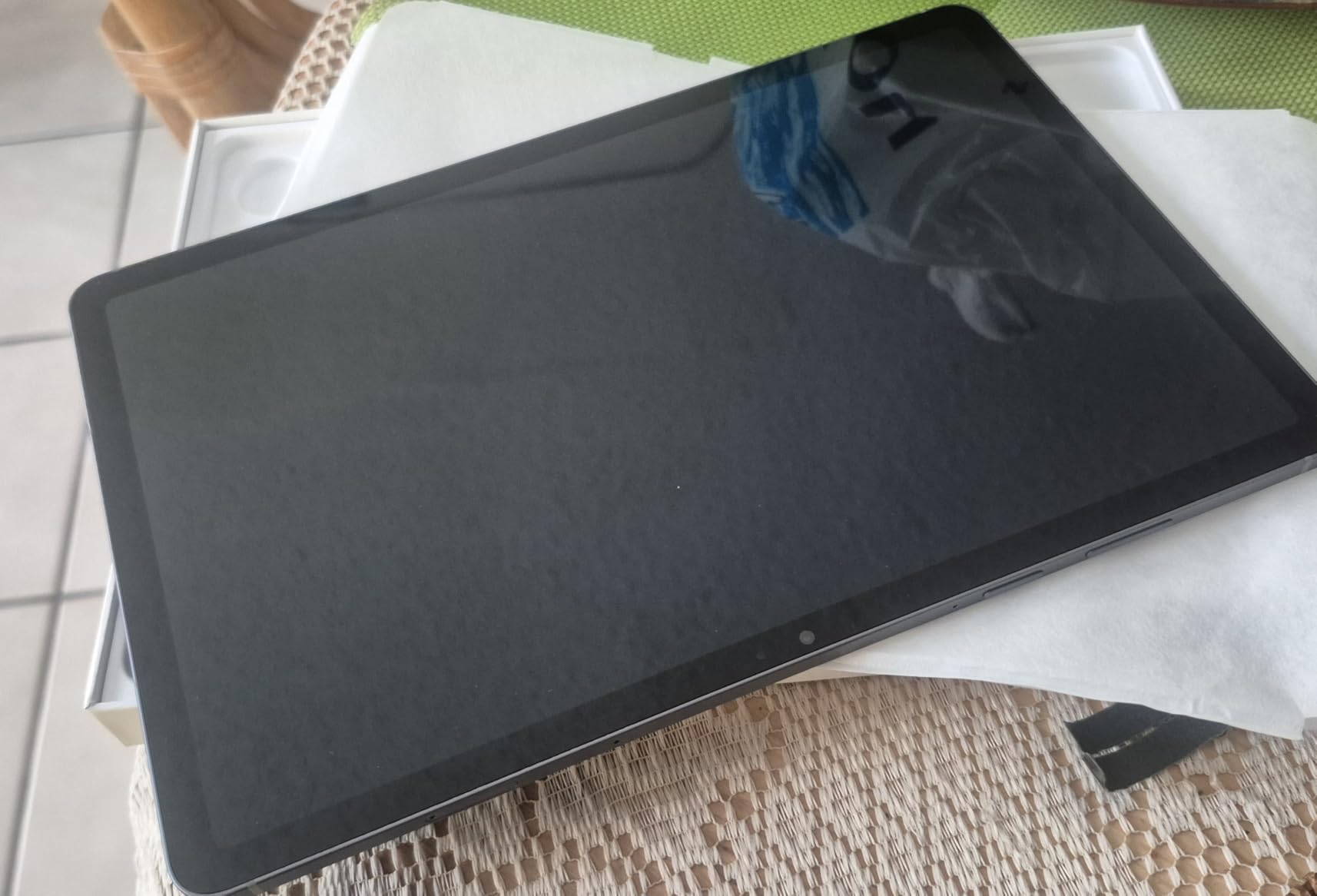
Samsung Galaxy Tab S11 128GB WiFi Android Tablet, Galaxy AI, IP68, Gray
11-inch AMOLED 2X at 2560×1600
Dimensity 9000, 12 GB RAM
S Pen Drawing Assist
+ Pros
- AMOLED contrast suits dark and vivid colour work
- 12 GB RAM keeps large files and apps resident
- Drawing Assist tidies rough sketches
- IP68 and a 5.5mm body make it very portable
- microSD keeps artwork libraries off internal storage
– Cons
- 60Hz refresh rate is low for a flagship panel
- Bundled S Pen feels less responsive than older Samsung models
- Colour accuracy resists manual adjustment
- Speakers are adequate rather than good
- Keyboard covers sold separately
The Tab S11 is the pick for anyone whose work depends on colour. An AMOLED panel renders blacks as black, so a dark illustration or a saturated palette looks the way it does on a reference display rather than slightly lifted.
It is also the most future-proofed device here for large files. 12 GB of RAM and Dimensity 9000 series silicon had no trouble with a heavy illustration plus multiple resident apps in our testing.
At 1.1 pounds and 0.22 inches thick with an IP68 rating, it is genuinely portable for a device with this much screen. That combination of power and portability is what earns it a place in this list despite one odd spec.
Dynamic AMOLED 2X Colour and Contrast for Painting
At 2560×1600 on 11 inches, the panel resolves more canvas than anything else in this roundup at a portable size. That headroom means a full illustration at a usable scale, with reference material pinned to the side without shrinking the art.
AMOLED’s perfect blacks matter for digital painting. If you work in nocturnal scenes, deep shadows or vivid colour, the difference against an LCD panel is not subtle once you see them together.
One genuine limitation: reviewers report that colour accuracy is limited by the panel and resists manual adjustment. If you colour-match a brand palette against a calibrated monitor, this device will not hold you to a strict standard.
Dimensity 9000 Series and 12 GB RAM for Big Files
12 GB of RAM is the largest allocation in this list and it changes the experience of professional work. Large canvases with dozens of layers, a reference document and a cloud drive can all stay open without the system evicting the artwork.
The MediaTek Dimensity 9000 series chip runs up to 3.05 GHz, which kept brush response immediate in our testing even with texture-heavy brushes at high canvas resolutions.
MicroSD expansion is the quiet advantage here. A colour artist with a library of licensed brushes, reference scans and finished pieces can move that archive to a card and keep the working set on the tablet.
Drawing Assist, IP68 and a 5.5mm Body
Drawing Assist is a Galaxy AI feature that takes a rough sketch and produces a tidied, shareable version. It is a genuinely useful starting point for thumbnail work, and note assistants handle handwriting cleanup in the same package.
The IP68 rating protects against water and dust, which matters for a device that lives in a bag next to watercolours or a dusty studio desk. Most of the tablets in this list offer no such rating.
At 1.1 pounds with a 5.5mm body, this is the device we would actually put in a shoulder bag for a week of sketching. The 8400mAh cell is rated at 18 hours, and the AMOLED panel draws more than an LCD, so expect to charge more often than the LCD-based models here if you work at high brightness.
Who Should Buy It and Who Should Not
Buy it if you paint in colour, work on large detailed canvases, or want the most memory headroom and screen resolution in a portable Android body. If you plan to illustrate professionally, this is the device in the list least likely to run out of headroom.
Pass on it if smooth fast gesture strokes are your main tool, because the 60Hz panel is a genuine mismatch for a flagship-class display. Some owners also find the bundled S Pen less responsive than older Samsung stylus models, so if pen feel is everything, check that before committing.
Our pick for colour and large files: Samsung Galaxy Tab S11.
6. TCL NXTPAPER 14 – Best Big Canvas for Full-Page Illustration
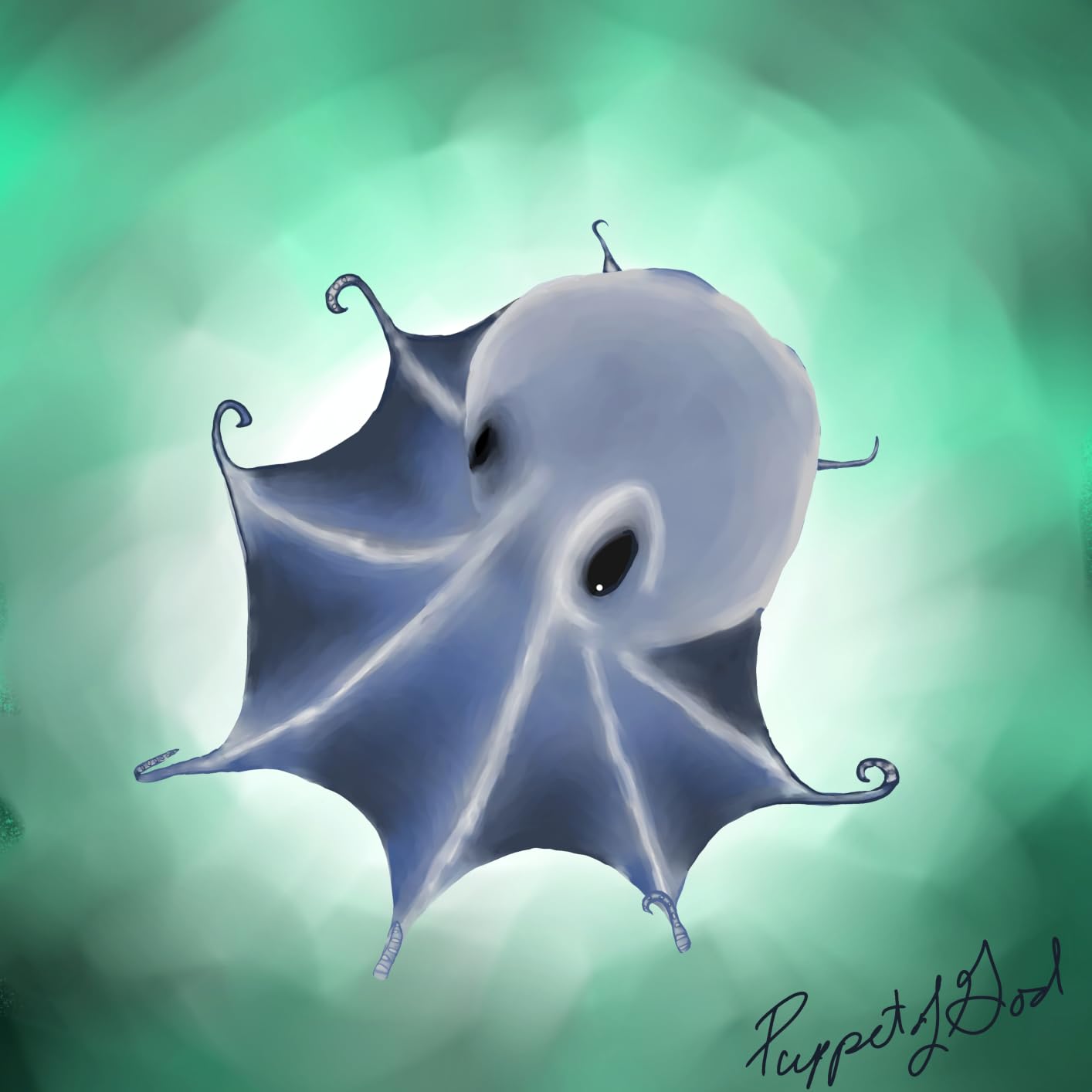
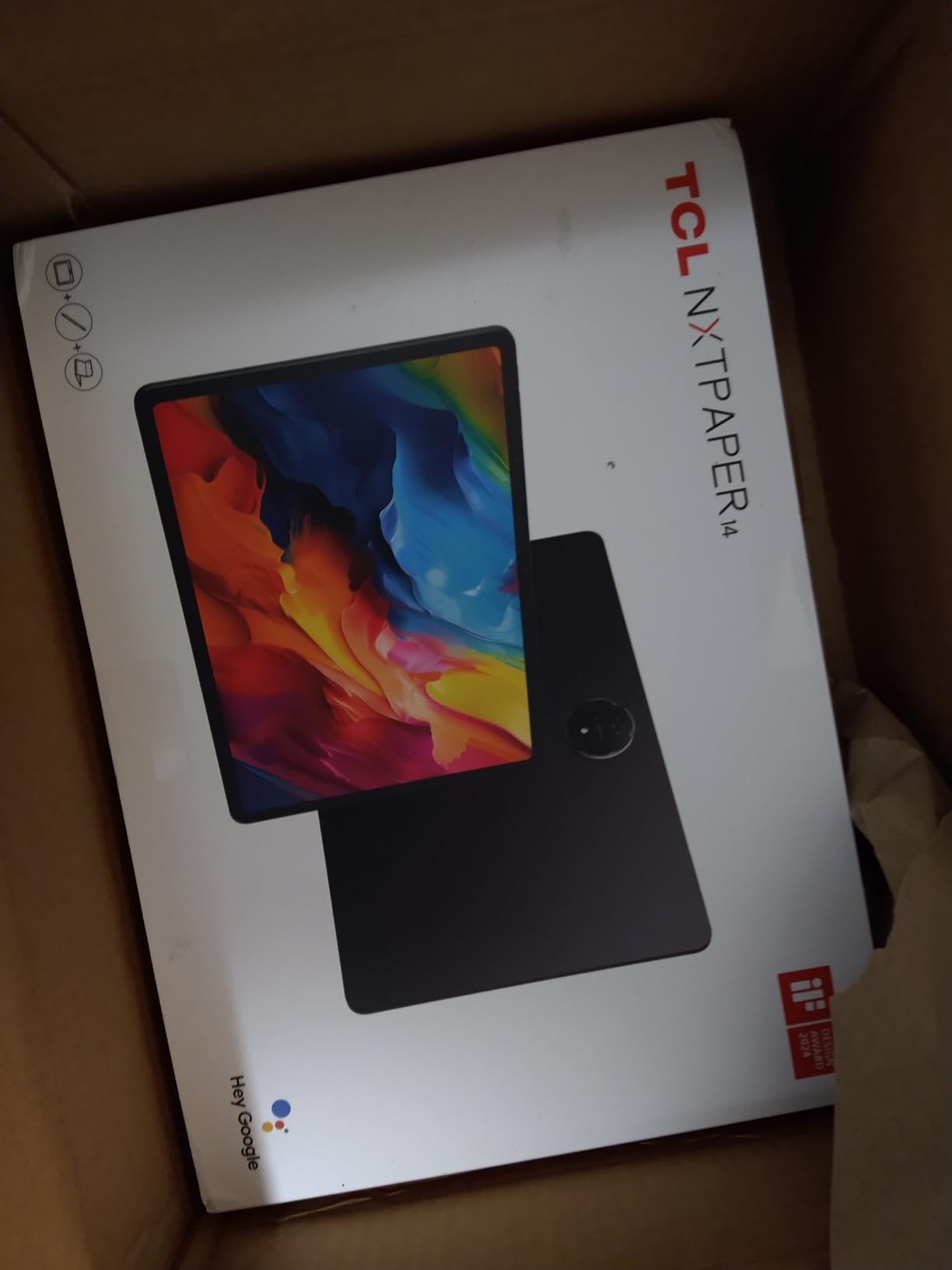
TCL NXTPAPER 14 Android Tablet, 14.3″ 2.4K Paper-Like Display, 8+256GB
14.3-inch 2400×1600 NXTPAPER 3.0
T-PEN 4096 levels included
Standard, Ink Paper modes
+ Pros
- Largest canvas here at 14.3 inches for full-page layouts
- T-PEN with 4096 levels and a flip case both included
- NXTPAPER 3.0 anti-glare surface suits long sessions
- Three display modes via a dedicated key
- 10000mAh battery with 33W fast charging
– Cons
- T-PEN shows noticeable input lag
- S Paper display modes are dim and softly focused
- Battery life described as only mediocre by long-session users
- No microSD slot so storage is fixed at 256 GB
- Stylus has no attachment point or tap-to-wake
This is the largest drawing surface in the roundup, and for layout work that matters. If you draw a comic page, a character sheet or a spread rather than a thumbnail, 14.3 inches changes how you work rather than just how big the picture is.
The T-PEN with 4096 pressure levels is in the box, along with a flip case that doubles as a stand. That combination of a big canvas, a capable pen and no accessory cost is unusual.
It is not a light device. At 1.67 pounds it is best used propped on the case or a desk rather than held in one hand for hours, which is the honest trade for a canvas this size.
A 14.3-Inch Paper-Like Canvas and Its Weight
At 2400×1600 on a 14.3-inch panel in a 16:10 frame, you get a page-shaped workspace rather than a widescreen one. That aspect ratio suits sketchbooks, comic pages and sheet music, all of which are the reason reviewers highlight it as a drawing surface.
NXTPAPER 3.0 is an anti-glare layer with blue-light filtering and DC dimming, so the screen stays readable in bright rooms and does not flicker visibly at low brightness. For a device this large that you will use for long sessions, that is a real comfort benefit.
The weight is the counterweight to all of it. Reviewers treat the size as a desk device, and the included flip case is part of the experience rather than an accessory. If you want to sketch on a train, this is the wrong shape for the job.
NXTPAPER Key: Standard, Color Paper and Ink Paper Modes
A dedicated key on the chassis switches the display between Standard, Color Paper and Ink Paper modes. Standard gives you the normal full-colour view for painting, Ink Paper drops the display toward a monochrome reading look, and Color Paper sits between the two with a warmer, flatter rendering.
This is genuinely useful rather than a gimmick. Painters often want a distraction-free grey canvas while sketching thumbnails, then full colour when they start rendering, and a hardware key does that faster than opening a menu.
The flip case doubles as a stand, so you can work at a comfortable angle instead of flattening the tablet against the desk. For long drawing sessions that is not a small detail.
T-PEN 4096 Levels and the Lag Reviewers Report
4096 levels of pressure is a solid figure for a bundled pen, and the line weight range was consistent in our tests from fine detail to solid fills. The flip case includes a holder, though the pen itself has no magnetic attachment point or tap-to-wake function.
The repeated complaint in reviews is input lag. The T-PEN trails compared with Samsung S Pen tablets, particularly on fast strokes. If your style involves quick gesture lines and long sweeping curves, test this before buying, because the pen feel is the weakest part of an otherwise well-equipped package.
MediaTek Helio G99 with 8 GB of RAM and 256 GB of storage is enough for large illustrations, and the tablet can add another 8 GB of expandable memory. Android 15 is current, and it upgrades to Android 16.
Who Should Buy It and Who Should Not
Buy it if you draw full pages, comics, character sheets or sheet music, and if you want an anti-glare screen you can stare at for hours. The bundled pen, bundled case and 4096 levels cover the essentials of a dedicated art tablet in one box.
Pass on it if you work on the move, if you draw with fast sweeping gestures and cannot tolerate pen lag, or if you need expandable storage, since there is no microSD slot. Reviewers also describe the paper display modes as dim and softly focused, and battery life as only mediocre for long sessions despite the 10000mAh cell.
Our pick for a desk-based large canvas: TCL NXTPAPER 14.
7. Lenovo Idea Tab Plus – Best for Study Sessions and Handwriting
Lenovo Idea Tab Plus – Lightweight Tablet – 12.1″ 2.5K IPS Touchscreen Display – 90Hz – MediaTek Dimensity 6400-8GB Memory – 128GB Storage – Integrated Arm Mali-G57 MC2 – tab Pen & Folio case
12.1-inch 2560×1600 IPS at 90Hz
Tab Pen and folio case included
8 GB, 128 GB
+ Pros
- Sharp 2.5K 12.1-inch panel at a smooth 90Hz
- Up to 800 nits makes it usable outdoors
- Tab Pen and folio case both in the box
- Just over a pound for a 12-inch tablet
- Quad Dolby Atmos speakers and 13 hour streaming battery
– Cons
- Tab Pen pressure levels and tilt are not published
- Mali-G57 graphics are entry-level for 3D work
- Memory listed inconsistently between listings
- Brightness figures conflict across listings
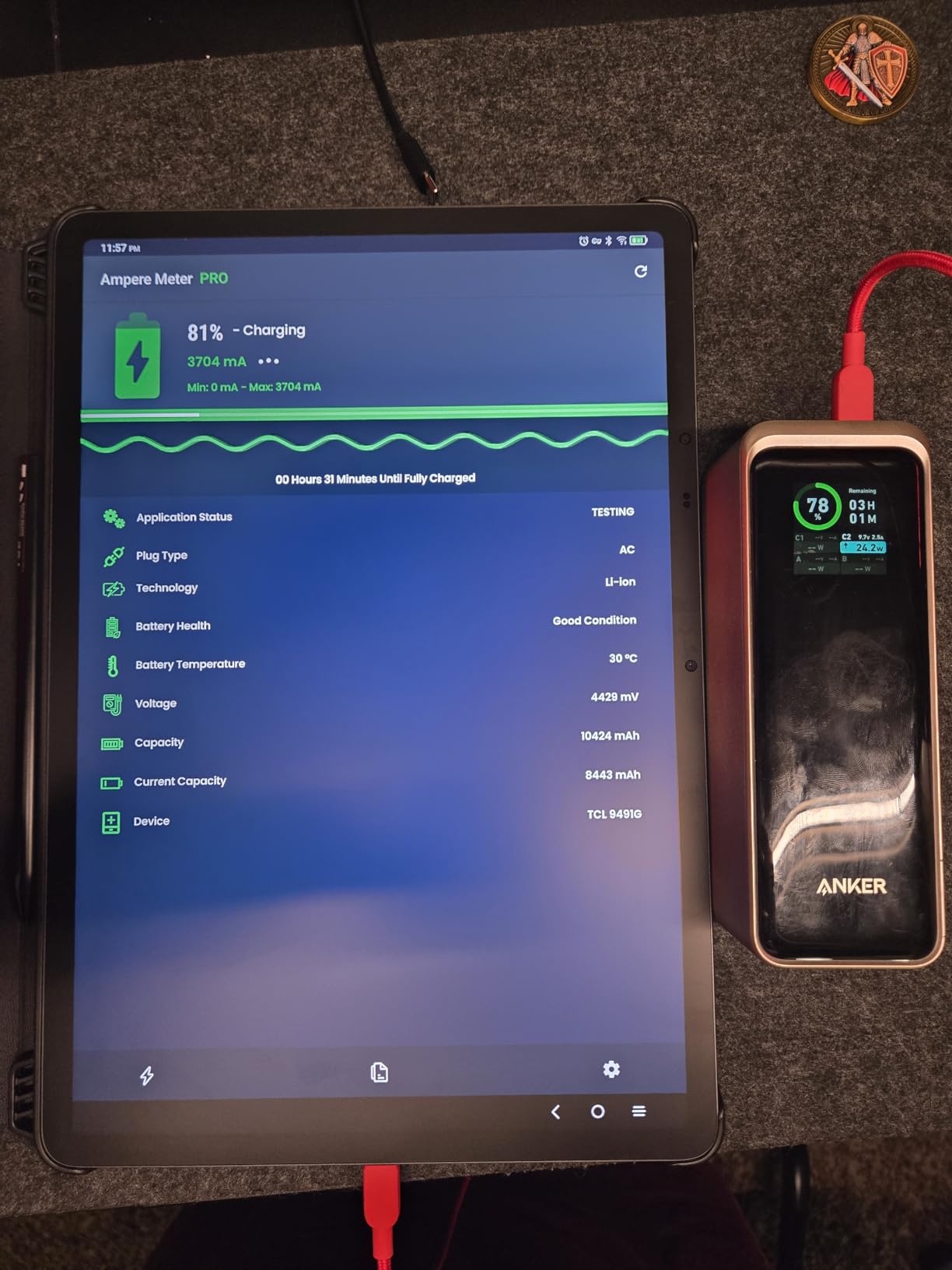
The Idea Tab Plus is built for the student use case: a large sharp screen, a pen in the box, a case in the box, and a body you can carry between classes. For handwriting and note work it is hard to argue with.
Our note session covered handwritten lecture notes with highlighting and margin annotation, and the 90Hz panel kept the pen close to the line while we wrote quickly. The 2.5K resolution is the sharpest LCD here, so text looks clean at arm’s length.
It also bundles the apps that matter for this job, including a note app, a handwriting-to-text tool and a calculator, which saves setup time on day one.
2.5K 90Hz IPS Panel at Up to 800 Nits
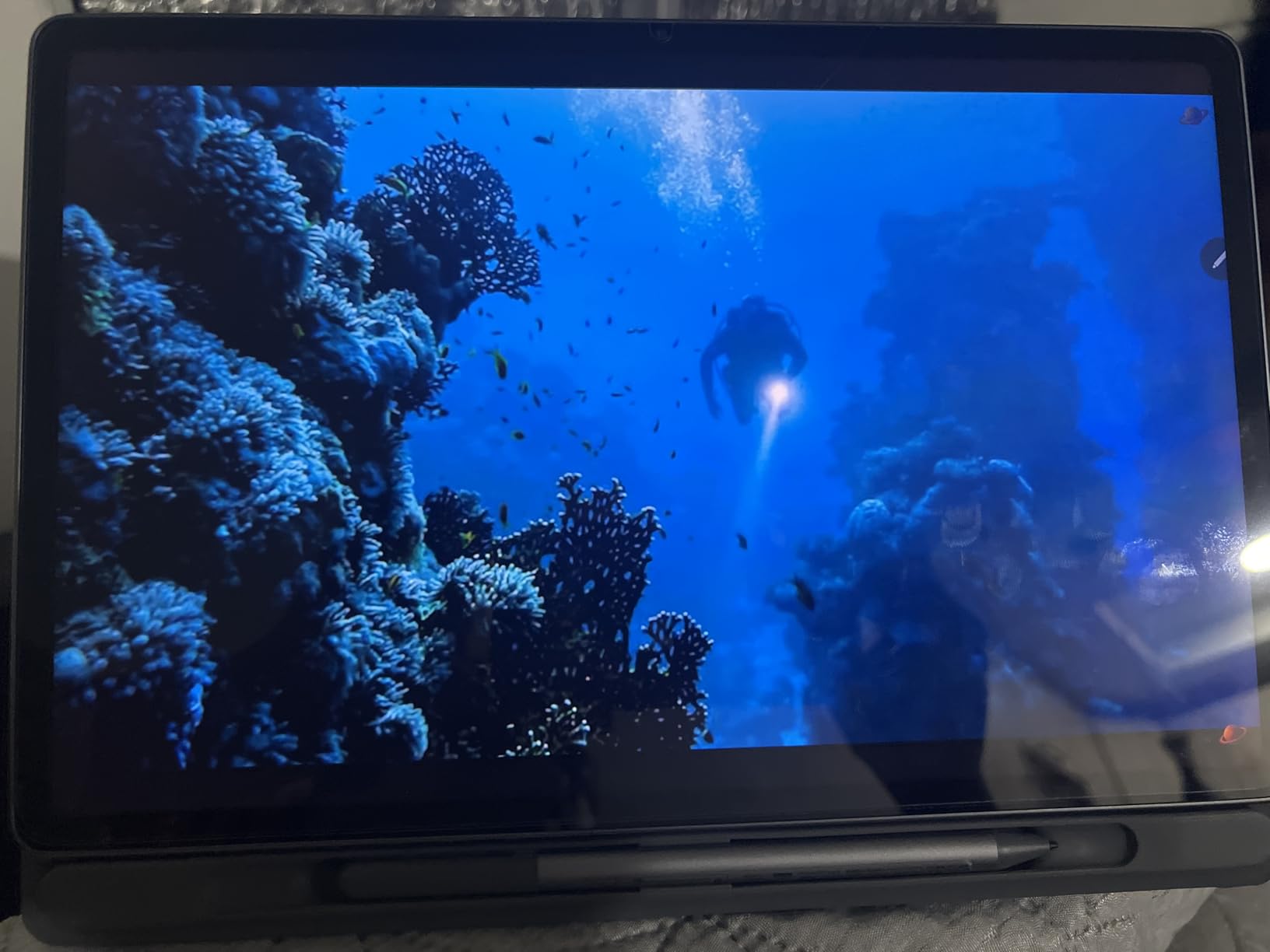
2560×1600 at 12.1 inches is a lot of canvas for handwriting, and the 90Hz refresh rate gives the pen the same smooth feel we praised on the Galaxy Tab S10 FE.
Up to 800 nits of brightness is high for an LCD in this class and it shows in practice. Reviewers note the screen holds up for outdoor reading and sketching, which matters if you take notes away from a desk with good lighting.
TUV Rheinland Low Blue Light certification is a comfort feature for long study sessions, and the quad Dolby Atmos tuned speakers make it double as a media device for revision sessions.
Tab Pen and Folio Case in the Box
Both the Lenovo Tab Pen and a folio case are included in this configuration, which removes the accessory cost that penalises some cheaper tablets. The folio also gives the pen somewhere to live between sessions, a problem that the TCL NXTPAPER models have.
Handwriting apps are pre-installed and work with the pen out of the box. Handwriting-to-text conversion is the standout, turning a page of notes into editable text when you want to study from it later.
Like the Samsung FE models, Lenovo does not publish the Tab Pen’s pressure levels or tilt support. If you want to compare pen specifications side by side, cross-check it against the HUION and TCL T-PEN figures instead.
Dimensity 6400 and the Limits of Mali-G57 Graphics
The MediaTek Dimensity 6400 runs at 2.5 GHz with 8 GB of memory and 128 GB of storage, plus microSD expansion. That is comfortable for 2D painting apps, and it held a busy page with a full layer stack without complaint.
The integrated Arm Mali-G57 MC2 graphics are the limit. Reviewers flag them as entry-level for demanding 3D work and modern games, so this is a 2D illustration and note-taking device rather than a 3D or motion graphics machine.
Battery life is rated at up to 13 hours of video streaming with quick charge, which tracks well with a mixed study day of notes, reading and streaming lectures.
Who Should Buy It and Who Should Not
Buy it if your drawing is study-focused, handwriting, annotation and note work, or if you want a large sharp screen that is usable outdoors. The bundled pen and case make it a complete study kit on arrival, and just over a pound keeps it easy to carry.
Pass on it if you need published pen specifications to decide, if you do 3D or heavy motion graphics work, or if you paint large colour pieces where panel contrast would matter. Some listings also disagree on the memory configuration and brightness figure, so check the spec sheet on the page you buy from.
Our pick for students and handwriting: Lenovo Idea Tab Plus.
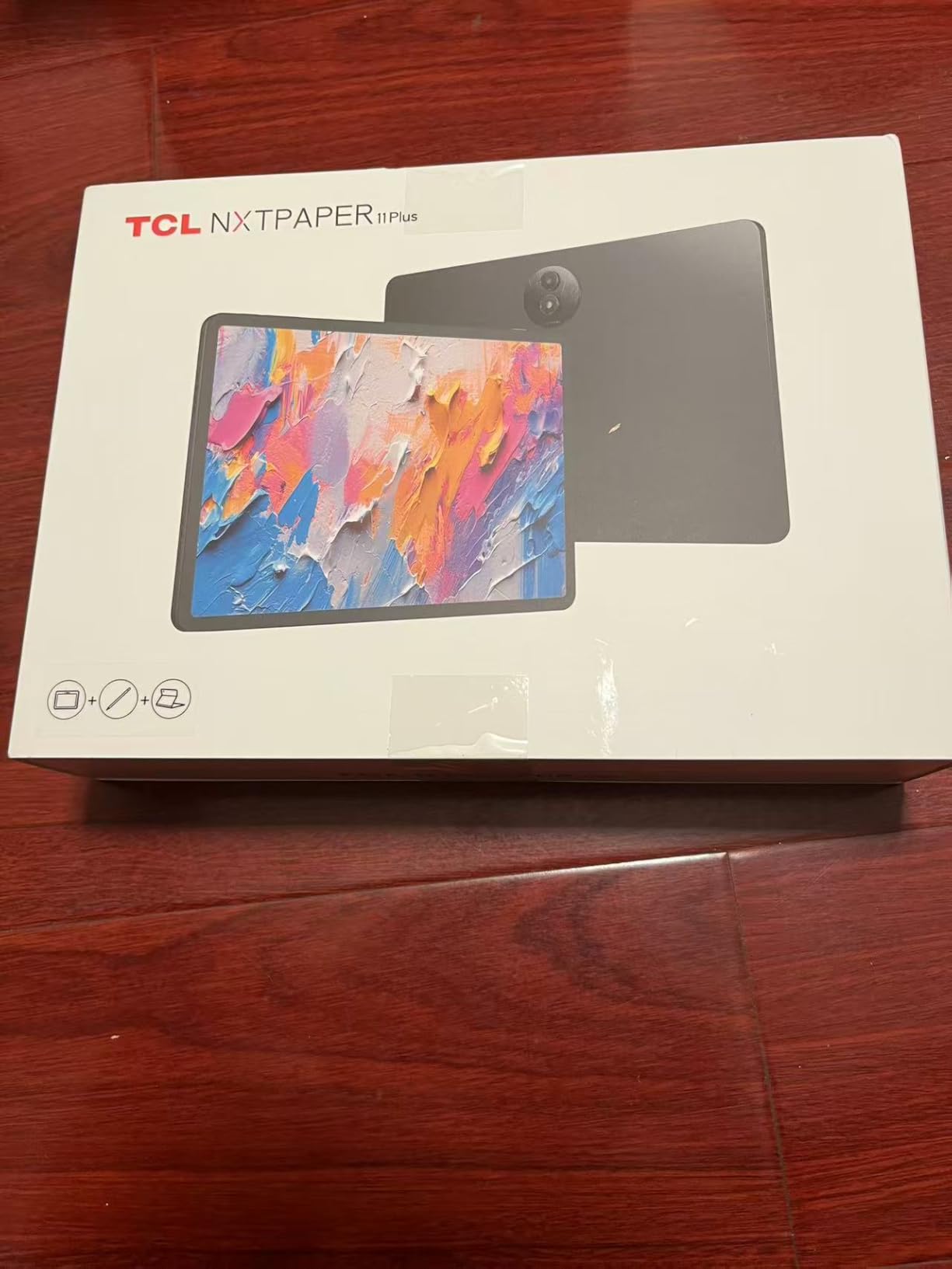
8. TCL NXTPAPER 11 Plus – Best 120Hz Matte Screen With a Separately Sold Pen
TCL NXTPAPER 11 Plus Android Tablet, 11.5″ 2.2K 120Hz Display, 8+256GB
11.5-inch 2200×1440 at 120Hz
NXTPAPER 4.0 matte panel
8 GB, 256 GB
+ Pros
- Genuine matte anti-glare display rare at this tier
- 120Hz gives the smoothest pen tracking here
- 256 GB storage and 8 GB RAM
- 8000mAh with a full day of typical use
- Aluminium frame feels more premium than expected
– Cons
- T-PEN stylus is sold separately on this configuration
- Helio G100 graphics are weak for 3D games
- No headphone jack and average speakers
- Android update path ends at Android 16
- Thin case lets the magnetic pen holder slip
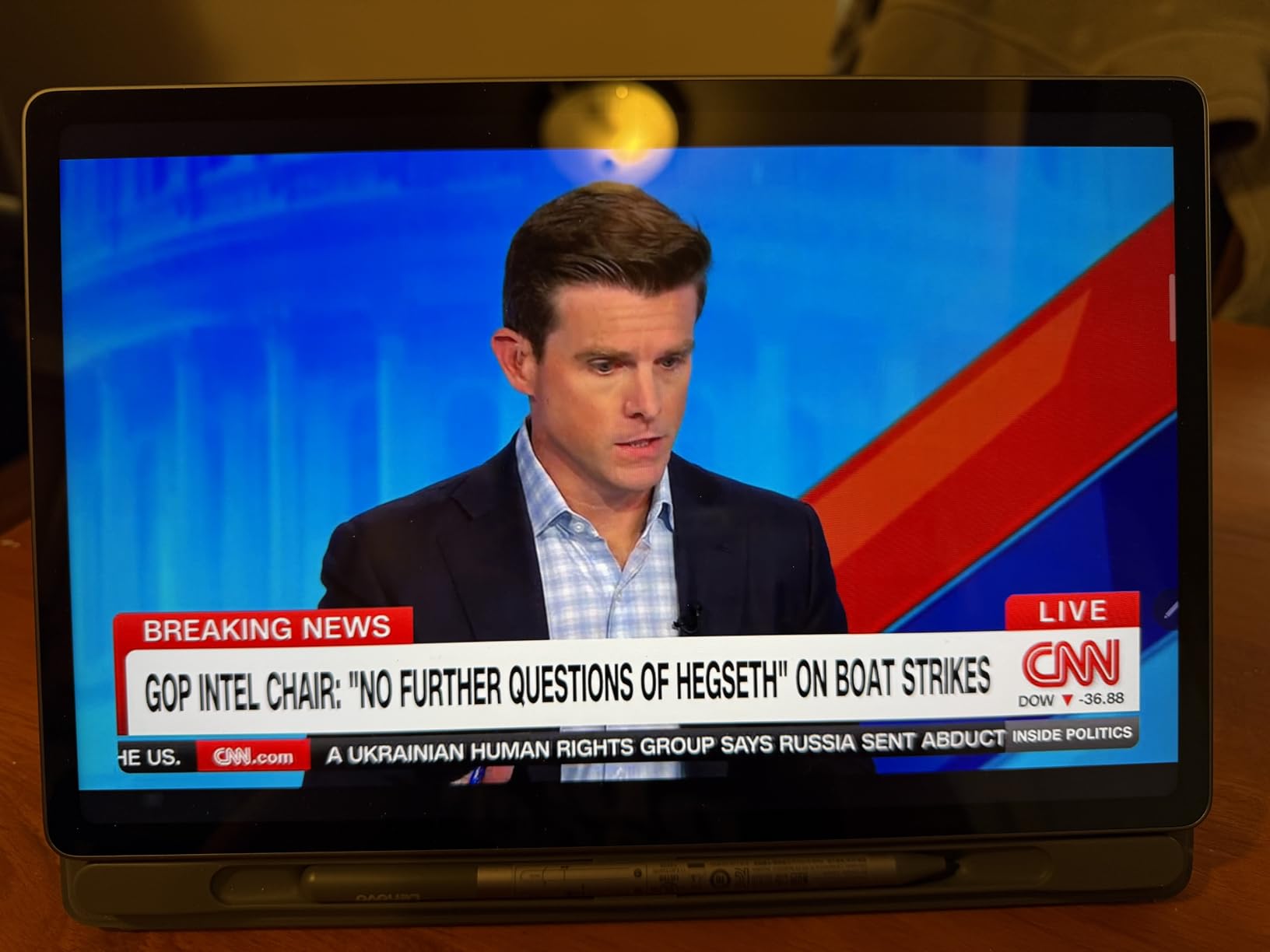
The NXTPAPER 11 Plus is the one device here that pairs a genuinely matte screen with the fastest refresh rate in the roundup. That combination is unusual, and it is the most pen-friendly display per pound on this list.
The catch is the pen. This configuration supports the TCL T-PEN with 4096 pressure levels, but the stylus is not included, so plan for a second purchase before you can draw.
With the pen added, our sketch and note tests were smooth. 120Hz tracking is the difference you feel most in fast hatching and in long curved strokes.
NXTPAPER 4.0 Matte Panel at 120Hz
NXTPAPER 4.0 is an anti-glare layer over a 2200×1440 LCD, and at 11.5 inches in a 16:10 frame it gives a comfortable page-like working area. Blue-light certification and DC dimming reduce the flicker that can bother people on long reading and drawing sessions.
120Hz is the headline. It is the fastest refresh rate in this roundup, and it is most visible when you draw quickly or pan across a large canvas, where the strokes stay attached to the cursor.
The matte texture costs you a little crispness compared with the glossy 2.5K and 2.4K panels here. If you paint fine lettering and hairlines, compare the two in person before deciding.
The T-PEN Is Sold Separately Here
This is the single most important thing to know before buying. The tablet supports a USB-C rechargeable T-PEN with 4096 pressure levels, and the NXTPAPER Key switches between Regular, Ink Paper and Color Paper modes, but the pen is not in the box on this configuration.
That changes the calculation for a first-time buyer. The total cost includes the stylus, and the bundled pen is a large part of why the Samsung models rank where they do in this list. Plan the extra step into your budget rather than discovering it later.
Once connected, reviewers describe the pen as smooth and responsive, and it works well for both sketching and note-taking. The included case is thin, though, and the magnetic holder lets the pen slip out.
Helio G100, 8 GB RAM and 256 GB Storage
The Helio G100 with 8 GB of RAM, 8 GB of expandable memory and 256 GB of storage is a generous specification for a device in this class, and it gave our large-canvas sessions plenty of room.
Graphics performance is the weak point. Mali-G52-MC2 graphics are unsuitable for modern 3D games, which is fine for a 2D painting device but worth knowing if you also want something to game on.
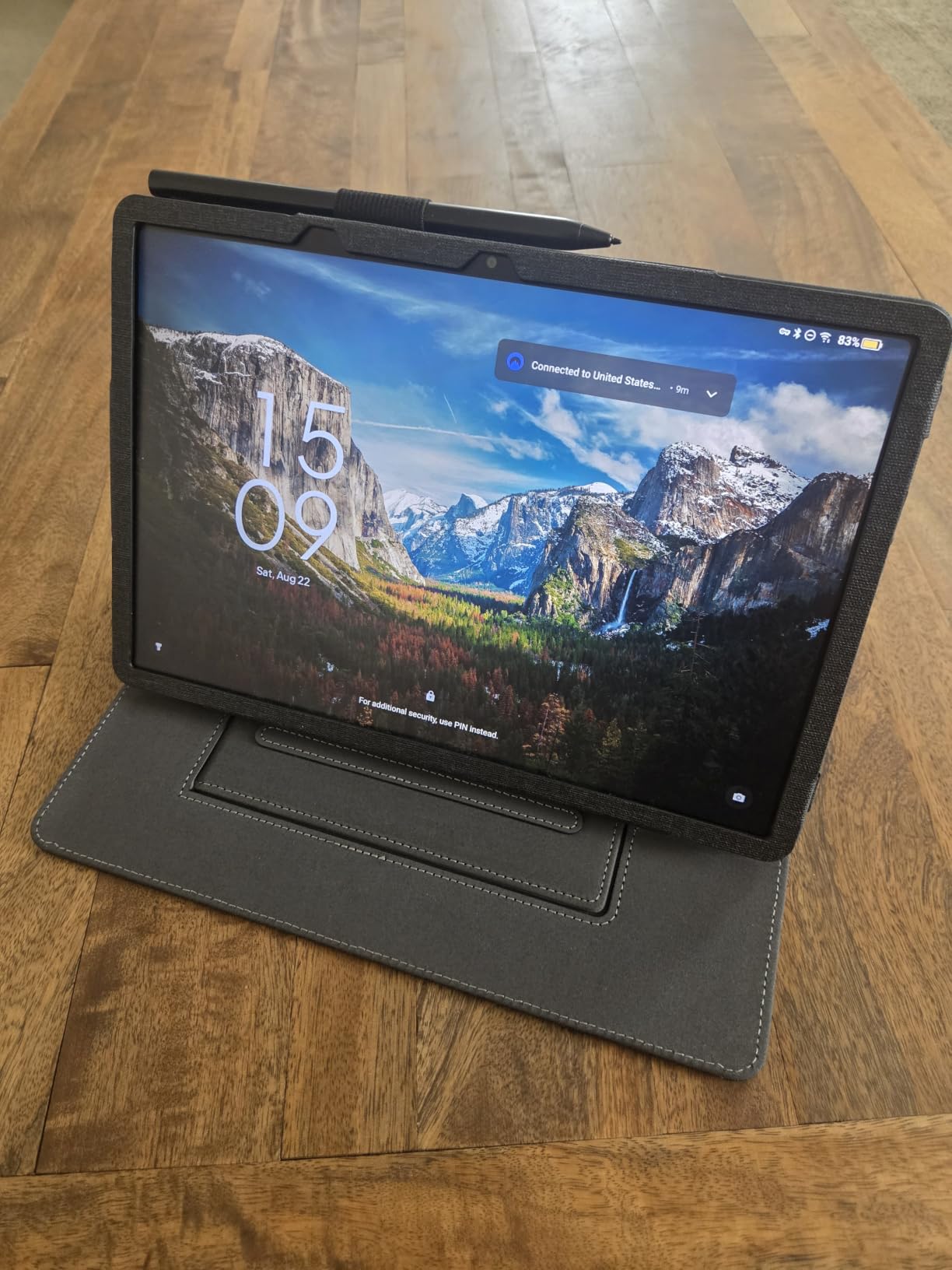
The 8000mAh cell with 33W PD fast charging gives a full day of typical use, and the 1.08 pound body with a 0.26 inch metal frame is easy to carry. There is no headphone jack, and reviewers report the touchscreen can register phantom taps or drop input while charging.
Long-term software support is the real question here. Reviewers report no committed update path beyond Android 16 and lagging security patches, so this suits a buyer who wants a capable drawing surface now rather than one planning five years ahead.
Who Should Buy It and Who Should Not
Buy it if matte glass and a 120Hz pen response matter more to you than having everything in the box, and if you want large storage for a mixed library of artwork and media. The anti-glare panel is the one reviewers mention most warmly.
Pass on it if you want to start drawing immediately, since the T-PEN is a separate purchase, or if you need long-term update support. Entry-level graphics also rule it out for 3D and heavy gaming.
Our pick for the smoothest matte pen feel: TCL NXTPAPER 11 Plus.
How to Choose an Android Tablet for Drawing
Beyond the eight picks above, these are the decisions that actually change how a tablet feels in your hand. If you are still narrowing the field, the guide to drawing tablets for beginners covers the first-time buyer path in more detail.
Pressure Levels: What 1024, 4096 and More Actually Change
Pressure sensitivity is the number that controls how finely you can taper a line. The digitiser reports how hard the pen is pressing, and the app maps that to width, opacity or brush density.
At 1024 levels you can see banding in a smooth gradient. The jump to 4096 is where most illustrators say the transitions stop being visible, and it is the figure published by the HUION KAMVAS Slate 11 and the TCL T-PEN. Beyond 4096 the gains are harder to spot in everyday work, and few Android tablets publish the figure at all.
Important caveat: several manufacturers, including Samsung on the models here and Lenovo on the Idea Tab Plus, do not publish pressure levels or tilt support. Where a figure is missing, judge by how the pen behaves in the app you will actually use.
Screen Surface: Glossy, Matte and Colour E Ink Compared
Glossy glass gives you the sharpest image and the most vivid contrast, and it reflects whatever is above your head. Matte or nano-etched surfaces scatter reflections, reduce parallax and feel closer to paper, at the cost of a little contrast and crispness.
Glare is one of the most repeated complaints in artist forums. If you work in bright rooms or dislike the look of your reflection over the canvas, the matte options here are worth the trade: the KAMVAS Slate 11, the NXTPAPER 14 and the NXTPAPER 11 Plus.
Colour E Ink exists in the Android market for reading and sketching, and it offers an unlit, paper-like surface with multi-day battery life. It is excellent for line work and notes, and wrong for colour painting, where the refresh is slow and the palette is muted.
Screen Size Against Weight and Grip
Ten to eleven inches is the sketching range: enough canvas for a study, light enough to hold in one hand. Twelve to thirteen inches suits illustration and layout, where you need room for a full page. At 14.3 inches and above you are working at a desk, propped on a case, and the extra inches help with composition rather than portability.
Weight follows size closely. The devices here run from 0.51 kg for the KAMVAS Slate 11 to 1.67 pounds for the NXTPAPER 14. Long sketching sessions on a heavy tablet will tire your wrists, which is why several models in this roundup ship with a stand case.
If you sketch on trains, in cafes or on the sofa, weight is a more important criterion than screen size. Test it in a shop if you can.
Stylus In the Box Against Buying a Pen Separately
Users consistently prefer a stylus included in the box. It removes a purchase, a pairing step and a running cost, and it means you can draw the moment you switch the tablet on. Six of the eight devices here include a pen.
The NXTPAPER 11 Plus supports the T-PEN with 4096 levels but sells it separately, so the total cost is higher than the box suggests. That is the single most common surprise in this category.
Note the technology difference too. The battery-free pens here, including the RubensTab stylus and the H-Pencil, never need charging. The S Pen is rechargeable and stores magnetically on some models. Both work; the battery-free approach simply has nothing to forget.
RAM, Storage and Large Canvases
Four gigabytes of RAM is enough for sketching and notes. Eight gigabytes handles large layered illustrations alongside other apps, and 12 gigabytes lets you keep big files, a reference document and a cloud drive open at once.
Storage is a separate question. A 128 GB tablet with a microSD slot gives you room to grow, while a 256 GB tablet with no card slot sets a fixed ceiling. The TCL NXTPAPER 14 and NXTPAPER 11 Plus have no microSD, so plan your file workflow around internal storage or cloud.
Canvas resolution is the other factor. A 2560×1600 panel supports a full page at a useful scale. A 1920×1200 screen is perfectly capable but asks you to zoom more often on a detailed piece.
The Procreate Gap on Android and What Replaces It
There is no Android equivalent to Procreate, and artists searching for one deserve a straight answer rather than a workaround. Procreate is built for a single platform with a very specific set of features, and the closest Android tools work differently.
What Android does have: Clip Studio Paint, which is the most capable mobile painting environment available on either platform, with layers, stabilisers, brushes and PSD export. Krita is free, open source and a favourite of illustrators for its brush engine. ibisPaint X is a strong cheaper alternative with excellent cel-shading support. ArtRage, Infinite Painter, Concepts and Sketchbook cover everything from textured painting to vector sketch work.
For professional illustration, Clip Studio Paint and Krita together cover most of the ground, and the workflow gap with Procreate narrows considerably once you are used to them. Where Android still trails is motion, 3D and timeline animation, where Procreate’s frame-by-frame video tools have no clear counterpart.
Community threads on r/ClipStudio and r/ArtistLounge generally land in the same place: Android is a safe long-term platform for 2D illustration if you settle on the right apps, and for 3D or animation it is not the platform you want.
Standalone Tablet Against a Pen Display and a PC
A standalone Android tablet runs the painting app itself. You can sit on a sofa, on a train or in a park and draw, with no cables, no drivers and no second device.
A pen display is a monitor that only works when connected to a computer. In exchange you get larger screens at lower cost, colour accuracy calibrated to a desktop workflow, and access to full desktop applications. For studio professionals working on a desk all day, that trade is often worth making.
For students, commuters and hobbyists, the standalone experience is usually the deciding factor. You pick it up and draw, which removes the single biggest reason people abandon digital art.
Frequently Asked Questions
Which Android tablet is best for drawing?
The Samsung Galaxy Tab S6 Lite is the best Android tablet for drawing for most people, because the S Pen is in the box, the body weighs about a pound, the storage expands with microSD and the battery covers a working day. Choose the Samsung Galaxy Tab S10 FE instead if you want a 90Hz panel and 8 GB of RAM, or the HUION KAMVAS Slate 11 if a matte paper-like screen matters more to you than raw resolution.
What are some good Android drawing tablets?
Good Android drawing tablets fall into three groups. All-rounders such as the Samsung Galaxy Tab S6 Lite and Galaxy Tab S10 FE include a stylus in the box. Dedicated art tablets such as the HUION KAMVAS Slate 11 and the RubensTab T11 Pro ship with paint apps and a matte screen. Large-canvas and colour-first devices such as the TCL NXTPAPER 14, the Samsung Galaxy Tab S11 and the Lenovo Idea Tab Plus suit illustration and study work.
What is the best budget Android tablet for drawing?
The RubensTab T11 Pro is the cheapest credible way into standalone digital art, and it arrives with the stylus, spare nibs, an artist glove, a stand case and a screen protector already fitted. Its 1024 levels of pressure show banding in smooth gradients, so it suits line art, lettering and thumbnails more than colour shading. The TCL NXTPAPER 11 Plus is the alternative if you want a 120Hz matte screen, but its T-PEN stylus is sold separately.
Can I use an Android tablet as a drawing tablet without a computer?
Yes. Every tablet in this roundup is standalone. The digitiser, the painting app and the operating system all run on the device, so you can draw anywhere without a cable, a driver or a second machine. A pen display is the opposite: it needs a computer connection to draw at all, which costs you portability but gives you desktop applications and a larger screen for the same money.
Is there an Android equivalent to Procreate?
There is no exact equivalent, and Android still trails in 3D, motion and timeline animation. For 2D illustration, Clip Studio Paint is the closest capability match with layers, stabilisers, brushes and PSD export, and Krita is a free, open-source alternative with a strong brush engine. ibisPaint X, ArtRage, Infinite Painter, Concepts and Sketchbook cover the rest of the range from cel shading to textured painting.
How many levels of pressure sensitivity do I need for drawing?
Around 4096 levels is the practical target for illustration. At 1024 levels you can see banding in smooth gradients, which makes the RubensTab T11 Pro better suited to line art and thumbnails. Above 4096 the gains are harder to notice in everyday work. Note that Samsung and Lenovo do not publish pressure levels for their bundled pens, so check the figure against the HUION KAMVAS Slate 11 and the TCL T-PEN, which both state 4096 levels.
Which Android Drawing Tablet Should You Buy?
If you want one answer, buy the Samsung Galaxy Tab S6 Lite. It has the pen in the box, the lightest practical body and a battery that covers a working day, which is why it tops our list of the best Android tablets for drawing in 2026.
Match the device to the work instead. Smooth pen feel and headroom for large files point to the Galaxy Tab S10 FE. Colour-critical painting and heavy multi-app work point to the Galaxy Tab S11. A matte, paper-like surface with published pressure and tilt figures points to the HUION KAMVAS Slate 11.
For full pages and comic work, the TCL NXTPAPER 14 gives you the biggest canvas with a 4096-level pen included. For handwriting-heavy study, the Lenovo Idea Tab Plus bundles both pen and case on a bright 12.1-inch screen. The lowest-risk first step is the RubensTab T11 Pro, and the smoothest matte pen response is the TCL NXTPAPER 11 Plus once you add its separately sold pen.
Whichever you choose, download Clip Studio Paint and Krita before you buy anything else, test your pressure range on the display modes you will actually use, and set aside a full session to tune the palm rejection. That session is the difference between a tablet you enjoy and one you stop using.
Leave a Reply