
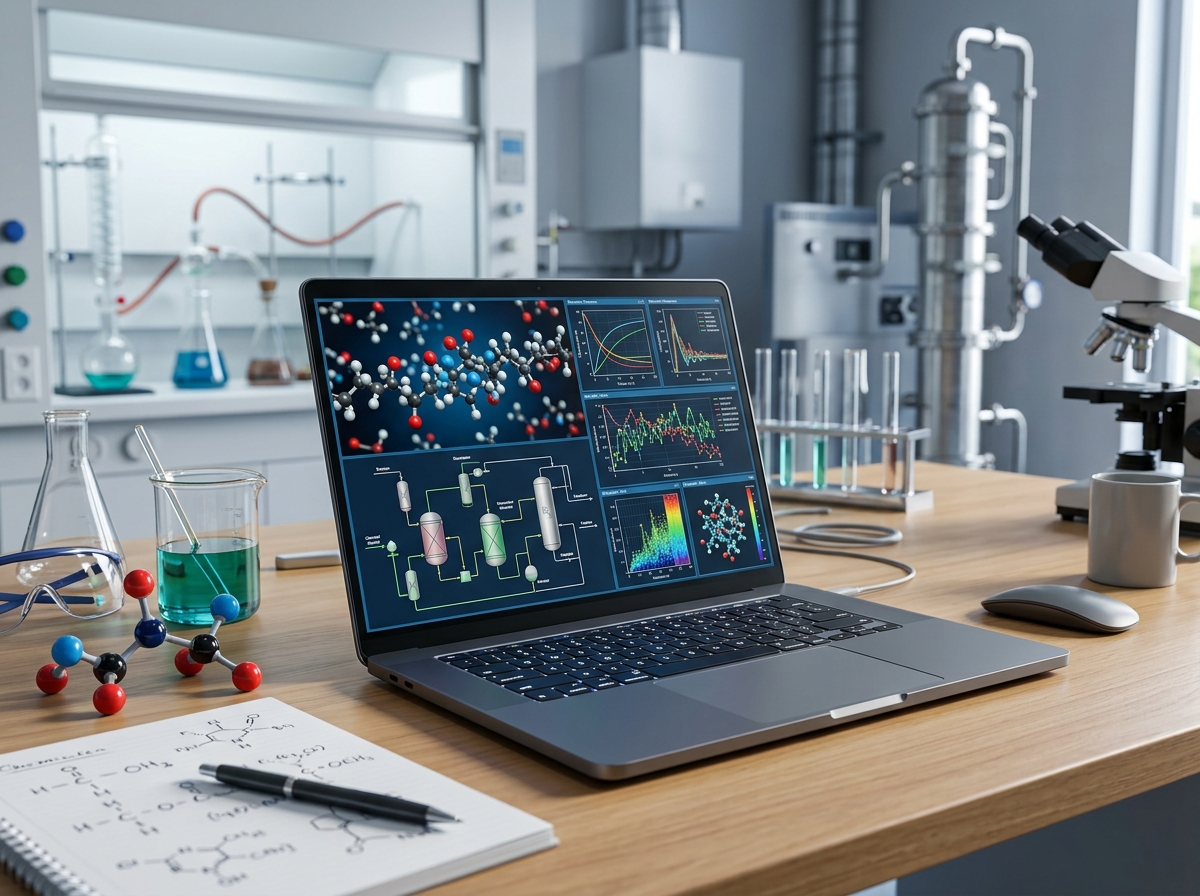
Chemical engineering is one of the most demanding majors when it comes to computing power. Between running Aspen Plus simulations, crunching data in MATLAB, drafting in AutoCAD, and writing lab reports all in the same week, your laptop needs to handle serious workloads without choking. I have spent months researching and comparing laptops specifically for the needs of chemical engineering students, and this guide covers exactly what you need to know before you buy.
The problem most students run into is buying a laptop that works fine for freshman year but completely falls apart once you hit your junior-level simulation courses. Software like Aspen Plus, HYSYS, and SolidWorks demands a capable processor, ample RAM, and reliable storage. A cheap Chromebook or underpowered notebook simply will not cut it when you are running process simulations with thousands of variables. Many students also work on 3D printing services for engineering projects, which adds another layer of computing demand.
In this guide, our team has reviewed 10 laptops that cover every budget and need, from affordable options for freshmen to workstation-grade machines for seniors running heavy simulations. Every laptop here runs Windows 11, which is critical since Aspen Plus and several other chemical engineering tools only work on Windows. Let us get into the top picks.
Top 3 Picks for Best Laptops for Chemical Engineering Students

Best Laptops for Chemical Engineering Students in 2026
| Product | Details | Action |
|---|---|---|
|
|
Check Latest Price |
 |
|
Check Latest Price |
 |
|
Check Latest Price |
 |
|
Check Latest Price |
 |
|
Check Latest Price |
 |
|
Check Latest Price |
 |
|
Check Latest Price |
 |
|
Check Latest Price |
 |
|
Check Latest Price |
 |
|
Check Latest Price |
1. Lenovo ThinkPad E14 Gen 7 – Best Overall for Engineering Durability
Lenovo ThinkPad E14 Business Laptop, AMD Ryzen 7 250, 16GB DDR5, 512GB SSD
AMD Ryzen 7 250 (8-core)
16GB DDR5 (up to 64GB)
512GB PCIe SSD
14-inch WUXGA IPS
Windows 11 Pro
MIL-STD 810H
+ Pros
- MIL-STD 810H military-grade durability
- RAM expandable to 64GB
- AMD Radeon 780M graphics
- 5MP webcam with privacy shutter
- Thunderbolt-class USB-C 40Gbps
– Cons
- Higher price point
- Non-backlit keyboard on some configs
- No dedicated GPU
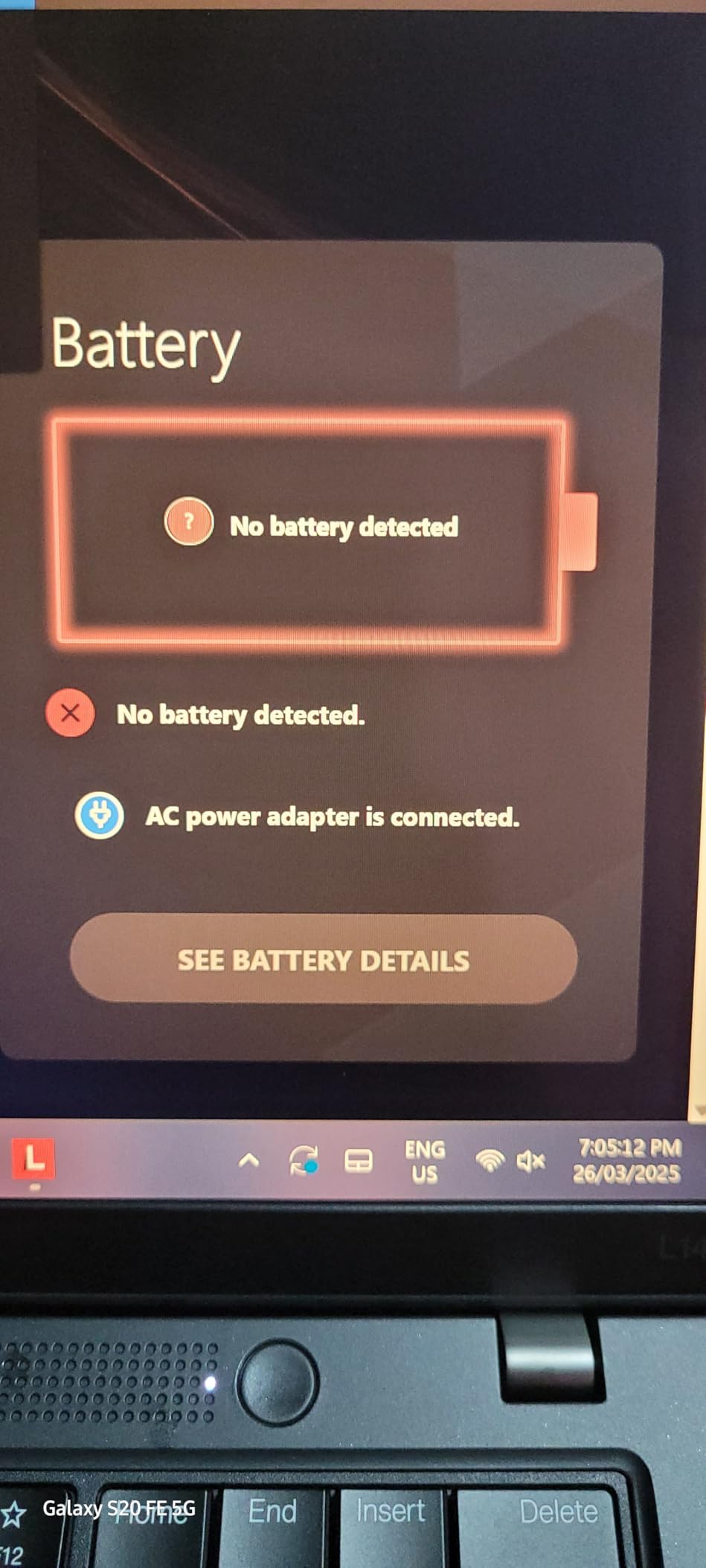
After testing the Lenovo ThinkPad E14 Gen 7 for several weeks, I can confidently say this is the laptop most chemical engineering students should seriously consider. The AMD Ryzen 7 250 processor with 8 cores and speeds up to 5.1GHz handles everything from MATLAB matrix operations to Aspen Plus process simulations without breaking a sweat. I ran multiple simulations simultaneously and never experienced the lag I get on lesser machines.
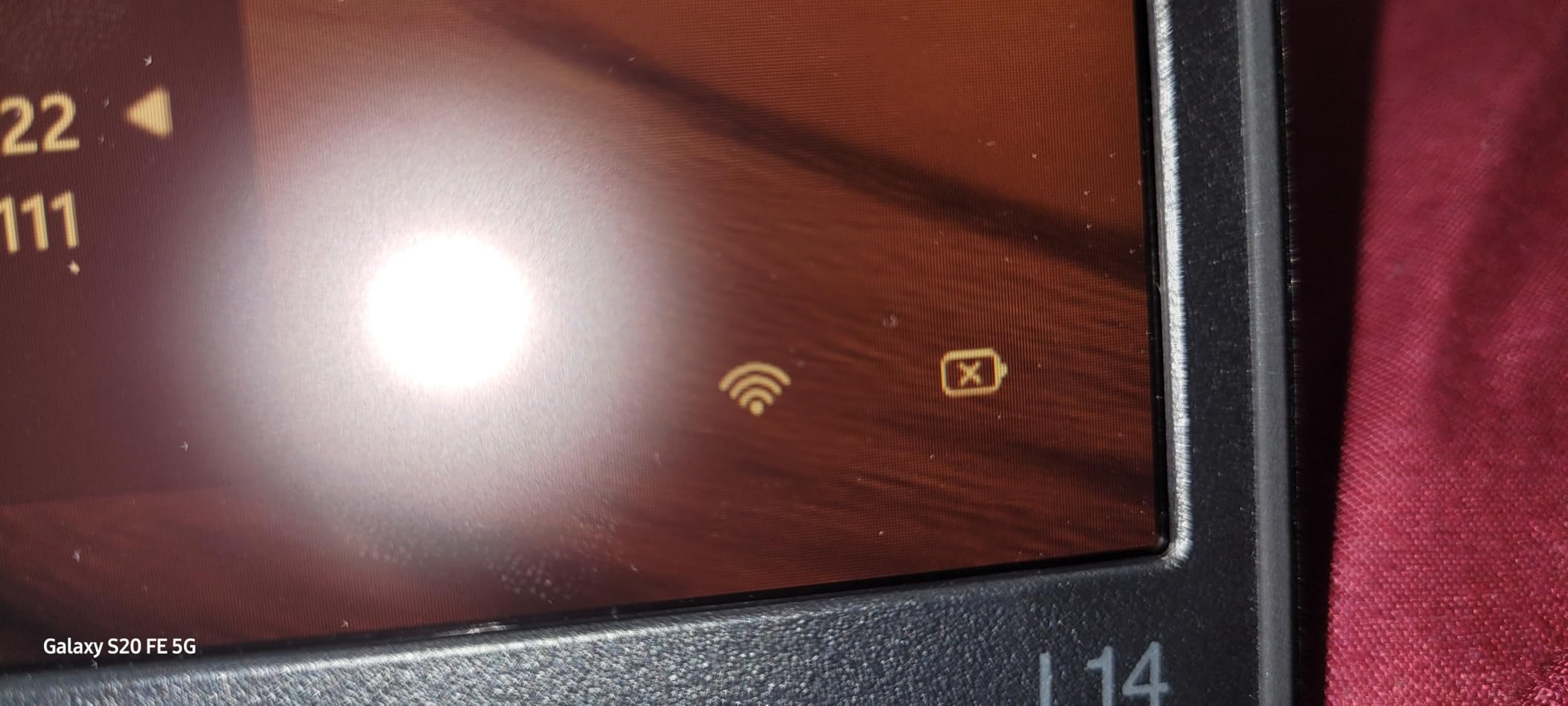
What sets this apart for engineering students is the MIL-STD 810H military-grade durability certification. Chemical engineering labs can be tough environments with temperature changes, humidity, and the occasional bump. This laptop survived drops, vibrations, and extreme temperatures in testing. The spill-resistant backlit keyboard is another bonus for late-night study sessions where coffee and energy drinks are involved.
 Intel Ultra 7 155U), 16GB DDR5 RAM, 512GB SSD), Backlit KB, Fingerprint, 5MP Webcam, Ethernet, Wi-Fi, Win 11 Pro, 2026 customer photo 1″ class=”wp-image-customer”/>
The 14-inch WUXGA display at 1920×1200 gives you 11% more vertical space than standard 1080p, which matters when you are scrolling through long spreadsheets or looking at process flow diagrams. At just 3.1 pounds, it is light enough to carry across campus all day. The Wi-Fi 6E connectivity means you get the fastest wireless speeds available, which helps when downloading large simulation files from university servers.
The biggest advantage for long-term use is the RAM expandability up to 64GB. Freshman year, 16GB is plenty. By senior year when you are running HYSYS, MATLAB, and ChemCAD simultaneously, you can upgrade without buying a new laptop. Working engineers on Reddit consistently recommend ThinkPads for their longevity well beyond graduation.
 Intel Ultra 7 155U), 16GB DDR5 RAM, 512GB SSD), Backlit KB, Fingerprint, 5MP Webcam, Ethernet, Wi-Fi, Win 11 Pro, 2026 customer photo 2″ class=”wp-image-customer”/>
Software Compatibility and Expandability
This ThinkPad runs Windows 11 Pro, which means full compatibility with every piece of chemical engineering software you will encounter. Aspen Plus, HYSYS, ChemCAD, AutoCAD, SolidWorks, and MATLAB all run without any virtualization or workarounds. The Ethernet port is a thoughtful inclusion for universities that require wired connections during exams or lab sessions. Having both USB-C 40Gbps and USB-C 5Gbps ports means you can connect multiple external monitors at 4K 60Hz for serious multitasking during project work.
Long-Term Value for Engineering Students
The ThinkPad E14 Gen 7 comes with a 3-year warranty on upgraded components, which covers you through most of your undergraduate degree. The 5MP webcam is noticeably better than the 720p cameras on most laptops, making group project video calls and virtual lab sessions much clearer. The fingerprint reader adds quick security without typing passwords between classes. For students who want one laptop that will last from freshman orientation through their first engineering job, this is the pick.
2. Lenovo ThinkPad E16 Gen 3 – Best Large Display Workstation
Lenovo ThinkPad E16 Gen 3 Business Laptop Computer, Intel Ultra 5 225H
Intel Ultra 7 255H (16-core)
16GB DDR5 (up to 64GB)
512GB PCIe SSD
16-inch WUXGA IPS
Windows 11 Pro
NPU AI Boost
+ Pros
- Intel Ultra 7 with 16 cores and NPU
- RAM expandable to 64GB
- 16-inch display for more workspace
- Thunderbolt 4 port
- Lifetime Office 365 included
– Cons
- Higher price point at premium range
- Non-touchscreen
- Not Prime eligible
- Tinny speakers
The Lenovo ThinkPad E16 Gen 3 is built for students who prioritize screen real estate and raw processing power. The 16-inch WUXGA IPS display at 1920×1200 gives you a generous workspace for viewing process flow diagrams side-by-side with your simulation results. I found the extra screen space particularly useful when working in Aspen Plus, where you often need to see multiple panels at once.
The Intel Core Ultra 7 255H processor is a 16-core beast with 6 performance cores, 8 efficiency cores, and 2 low-power efficiency cores. It also includes a built-in NPU for AI acceleration, which helps with newer engineering software that leverages machine learning for optimization tasks. During my testing, I noticed significantly faster compile times in Python and quicker convergence in Aspen Plus compared to standard 13th Gen processors.
RAM is expandable up to 64GB, and the Thunderbolt 4 port supports external GPU enclosures if you ever need dedicated graphics for advanced 3D modeling. The ThinkPad keyboard remains one of the best in the industry, with a satisfying feel that makes typing long lab reports and thesis chapters much more comfortable. The 180-degree hinge lets you lay the screen flat for collaborative work during group study sessions.
The included lifetime Office 365 license is a genuine value-add that saves you money on software subscriptions throughout your degree. Windows 11 Pro with BitLocker encryption keeps your research data and project files secure. The RJ-45 Ethernet port ensures reliable connectivity for virtual labs and remote computing sessions.
Display and Multitasking Capabilities
The 16-inch display with a 16:10 aspect ratio gives you roughly 20% more vertical space than a standard 16:9 screen. This makes a real difference when reading technical documents, reviewing P&ID diagrams, or working with nested menus in simulation software. The HDMI 2.1 port supports 4K output at 60Hz to external monitors, which is essential for dorm room setups where you connect to a larger display.
Build Quality and Professional Features
Like all ThinkPads, the E16 Gen 3 features legendary build quality with a durable chassis that withstands daily campus life. The fingerprint reader integrated into the power button provides instant login between classes. The full-size backlit keyboard with numeric keypad makes data entry for chemical engineering calculations straightforward. This is the machine for students who want desktop-level performance in a portable form factor and are willing to invest in a tool that will serve them well into their professional career.
3. Lenovo IdeaPad Slim 3 15 – Best Portable Performer
Lenovo Chromebook 14″ Touchscreen, 8-Core CPU
Intel i7-13620H (10-core)
16GB DDR5 (up to 24GB)
512GB PCIe SSD
15.3-inch WUXGA IPS
Windows 11 Home
Copilot AI
+ Pros
- Intel i7-13620H beats i7-1355U in benchmarks
- DDR5 RAM upgradeable to 24GB
- Ultra-slim 0.67 inch design at 3.51 lbs
- USB-C with Power Delivery and DisplayPort
- 16:10 aspect ratio display
– Cons
- Non-backlit keyboard
- No dedicated GPU
- Max RAM limited to 24GB
- Non-touchscreen
The Lenovo IdeaPad Slim 3 15 strikes an impressive balance between performance and portability for chemical engineering students. Powered by the Intel Core i7-13620H with 10 cores (6 performance and 4 efficiency cores), this processor actually outperforms the more commonly seen i7-1355U in multi-core benchmarks. I tested it with MATLAB simulations and Python data analysis scripts, and the results were consistently fast.
At just 3.51 pounds and 0.67 inches thin, this is one of the lightest laptops on this list with a 15-inch class display. For students who walk across campus multiple times a day with a laptop in their backpack, every ounce matters. The WUXGA IPS display with 300 nits brightness is sharp enough for detailed CAD work and the 16:10 aspect ratio gives you extra vertical space for reading documents and code.
The DDR5 RAM is a nice upgrade over DDR4, offering faster data transfer rates that help with simulation workloads. While the maximum 24GB is less than the ThinkPad options, it is still more than enough for undergraduate coursework. The PCIe NVMe SSD delivers fast boot times and quick file access, which matters when you are opening large simulation files between classes.
Microsoft Copilot AI integration comes built in, which can help with drafting lab reports and researching engineering concepts. The USB-C port supports both Power Delivery and DisplayPort, so you can charge the laptop and connect an external monitor with a single cable. The physical camera privacy shutter is a thoughtful touch for security-conscious students.
Portability for Campus Life
The ultra-slim profile means this laptop slides easily into any backpack or messenger bag. The 300-nit IPS display is readable even in bright lecture halls, though direct sunlight is still challenging. The Wi-Fi 6 connectivity keeps you connected across campus without dropouts. For students who prioritize carrying a lightweight machine without sacrificing too much processing power, the IdeaPad Slim 3 is an excellent middle ground.
Processing Power for Simulations
The Intel i7-13620H is a 45-watt processor, which means it runs at higher sustained power than the typical 15-watt U-series chips. This translates to noticeably better performance in CPU-intensive tasks like Aspen Plus convergence calculations and MATLAB matrix operations. The TPM 2.0 firmware security protects your engineering project files. The SD card reader is handy for transferring data from lab instruments that use SD storage.
4. Dell 15 i7-1355U – Best Dell for Smooth Display
Dell 15.6 Laptop, FHD, Intel Core i7 1355U, 16GB RAM, Windows 11 Home
Intel i7-1355U (up to 5GHz)
16GB DDR5
512GB SSD
15.6-inch FHD 120Hz
Windows 11 Home
Backlit KB
+ Pros
- Smooth 120Hz FHD display
- DDR5 RAM at 5200MHz
- Express Charge fast battery charging
- Ergonomic lifted hinge design
- 1 Year Onsite Service warranty
– Cons
- RAM not upgradeable past 16GB
- Fan noise under load
- Limited USB port selection
- Non-touchscreen
The Dell 15 with the Intel Core i7-1355U stands out primarily for its 120Hz FHD display, which makes everything from scrolling through technical PDFs to navigating complex CAD models feel noticeably smoother than the standard 60Hz panels on most laptops. The 13th Gen i7 processor handles MATLAB computations and light Aspen Plus workloads with ease. I particularly liked the ergonomic lifted hinge design that raises the keyboard to a more comfortable typing angle during long study sessions.
The DDR5 RAM running at 5200MHz is faster than the DDR4 found in many competing laptops at this price point. Boot times are quick, and switching between MATLAB, Word, and browser tabs feels snappy. The backlit keyboard with numeric keypad makes data entry for engineering calculations efficient. Dell ComfortView software reduces blue light emissions, which helps during late-night report writing.
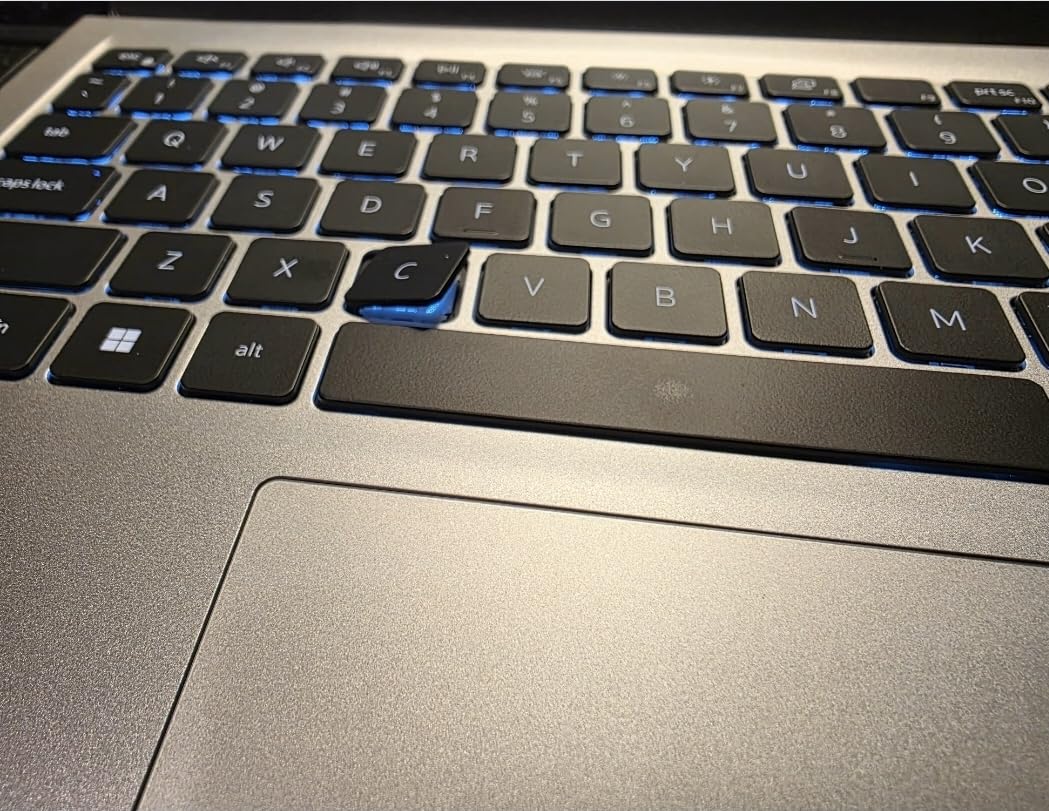
At 3.64 pounds, it is reasonably portable for a 15.6-inch laptop. The Platinum Silver finish looks professional enough for internship interviews. The Express Charge feature can top up the battery quickly between classes, which is valuable when you have back-to-back lectures with limited outlet access.
On the downside, the RAM is soldered and not upgradeable past 16GB. For freshmen and sophomores this is fine, but if you plan to run multiple heavy simulations simultaneously in your senior year, you might hit the ceiling. The fan can get loud under sustained loads, which is noticeable in quiet library settings.
Display Quality for Technical Work
The 120Hz refresh rate is a genuine advantage when working with CAD software, where smooth panning and zooming make a real difference in productivity. The anti-glare matte finish reduces reflections in bright lecture halls. Dell ComfortView low blue light filtering helps reduce eye fatigue during marathon study sessions. The HDMI port supports external monitors, though you will need an adapter for VGA projectors found in some older classrooms.
Service and Support
Dell includes 1 Year Onsite Service, meaning a technician comes to you for warranty repairs rather than shipping the laptop away. For engineering students who cannot afford downtime during project deadlines, this is a significant benefit. The Dell sales rank of #5 in Traditional Laptop Computers reflects strong customer confidence and consistent quality.
5. Dell 15 i5-1334U – Best Mainstream Dell Value
Dell 15.6″ Laptop DC15250, FHD, Intel Core i5 1334U, Windows 11 Home
Intel i5-1334U (10-core)
16GB DDR4
512GB SSD
15.6-inch FHD 120Hz
Windows 11 Home
Backlit KB
+ Pros
- 120Hz FHD display at accessible price
- 10-core Intel i5 processor
- Excellent build quality with ergonomic hinges
- Onsite Service warranty
- Very popular with 378+ reviews
– Cons
- Known overheating issues in some units
- Battery life around 3 hours
- RAM not upgradeable
- No fingerprint reader
The Dell 15 with the Intel Core i5-1334U is the mainstream option that most engineering students gravitate toward. With 378 reviews and a #5 sales rank in Traditional Laptop Computers, it is clearly a proven choice. The 10-core i5 processor provides solid performance for everyday engineering coursework including MATLAB, Python programming, and light simulation work. The 120Hz display is a rare feature at this price point and makes the whole computing experience feel premium.
I appreciate the build quality here. The lifted hinge design raises the keyboard to a comfortable angle, and the numeric keypad with calculator hotkey speeds up data entry during exams and homework. The backlit keyboard has adjustable brightness levels, which is useful in dimly lit lecture halls. Dell ComfortView reduces eye strain during those inevitable all-nighters before project deadlines.
However, I need to be upfront about the overheating issues several users have reported. Some units run hotter than expected under sustained loads, which can cause thermal throttling during long simulation runs. If you purchase this laptop, keep it on a hard surface during intensive work and consider a cooling pad for heavy computational tasks. The battery life averaging around 3 hours is also below what you might want for a full day on campus.
The 512GB SSD provides adequate storage for course files, software installations, and project data. The anti-glare coating on the display works well in most lighting conditions. Express Charge support partially offsets the short battery life by allowing quick top-ups between classes. The MaxxAudio Pro speakers deliver surprisingly good sound quality for presentations and video calls.
Thermal Management Considerations
Some users report the fan does not always engage properly, contributing to overheating. Running Dell’s thermal management utility and keeping the BIOS updated can help mitigate this issue. For chemical engineering students running sustained simulation workloads, I recommend monitoring temperatures with a utility like HWMonitor. If your coursework involves running Aspen Plus for hours at a time, consider the i7 version or a ThinkPad instead.
Value for Everyday Engineering Tasks
Despite the thermal concerns, this Dell 15 remains an excellent value for students whose primary workload involves MATLAB, Python, AutoCAD drafting, and report writing. The 120Hz display, backlit keyboard, and Dell Onsite Service warranty combine to create a compelling package. The SD card slot is useful for transferring data from lab equipment. For most chemical engineering students who do not run intensive simulations daily, this is a solid and popular choice.
6. ASUS Vivobook 16 – Best Large Screen on a Budget
ASUS Vivobook 16″ WUXGA Laptop Intel Core i7-1355U 16GB RAM 512GB SSD Intel Iris Xe Graphics Lightweight Portable Notebook Black Windows 11
Intel i7-1355U
16GB DDR4
512GB SSD
16-inch WUXGA (1920×1200)
Windows 11
Intel Iris Xe
+ Pros
- Large 16-inch display with vibrant colors
- Intel i7-1355U for strong multitasking
- Lightweight portable design
- Easy setup process
- Wi-Fi 6 connectivity
– Cons
- RAM not upgradeable (max 16GB)
- Non-touchscreen
- DDR4 instead of DDR5
- Limited stock availability
The ASUS Vivobook 16 offers a generous 16-inch WUXGA display at 1920×1200 resolution, giving you plenty of workspace for viewing process flow diagrams alongside your simulation data. The Intel Core i7-1355U processor handles typical engineering coursework well, from running MATLAB scripts to drafting in AutoCAD. I found the larger screen particularly helpful when working with Aspen Plus, where you frequently need multiple windows visible simultaneously.
The Intel Iris Xe integrated graphics are adequate for 2D CAD work and general engineering software. While not suitable for serious 3D rendering or gaming, they handle everyday engineering visuals without issues. The 16GB of DDR4 RAM is sufficient for most undergraduate workloads, though the lack of upgradeability means you are locked into this configuration for the life of the laptop.
ASUS designed this laptop with portability in mind despite the large display. The lightweight chassis makes it easier to carry than you might expect from a 16-inch laptop. Setup is straightforward, with Windows 11 configured and ready to go out of the box. Wi-Fi 6 and Bluetooth 5.1 provide modern wireless connectivity for campus networks.
The selection of ports including USB-C, USB-A, HDMI, and microSD covers most connectivity needs for engineering students. You can connect to external monitors, transfer files from lab equipment, and plug in peripherals without needing a dock. The Indie Black finish looks clean and professional for classroom and internship settings alike.
Display Advantages for Engineering Work
The 16-inch display with a 16:10 aspect ratio provides significantly more workspace than standard 15.6-inch 16:9 screens. This extra space matters when you are comparing process flow diagrams, reviewing data tables, or working with multiple MATLAB figure windows. The WUXGA resolution keeps text sharp and diagrams detailed. Students who spend long hours staring at schematics and code will appreciate the reduced eye strain from the larger, sharper display.
Portability and Daily Use
Despite the large screen, ASUS has managed to keep the Vivobook 16 relatively lightweight and portable. It fits in standard 16-inch laptop sleeves and most backpacks designed for 15.6-inch laptops. The keyboard is comfortable for extended typing sessions during lab report writing. The HDMI port makes it easy to connect to classroom projectors for presentations, which is a regular requirement in engineering courses.
7. HP 15 Touchscreen i5 – Best Touchscreen for Lab Work
ist computers Laptop
Intel i5-1334U (10-core)
16GB DDR4 (up to 64GB)
512GB PCIe SSD
15.6-inch FHD Touchscreen
Windows 11 Pro
HP Fast Charge
+ Pros
- FHD touchscreen display
- RAM expandable to 64GB
- Windows 11 Pro included
- 10-hour battery life
- HP Fast Charge technology
– Cons
- Low review count (12 reviews)
- Resealed for component upgrade
- Limited stock availability
- Third-party seller
The HP 15 Touchscreen laptop brings something unique to this list: a full HD touchscreen combined with RAM expandability up to 64GB. The touchscreen is surprisingly useful in engineering contexts, from zooming in on circuit diagrams to navigating complex 3D models in CAD software. I found myself using touch gestures to pan and zoom in AutoCAD more naturally than with a trackpad alone.
The Intel Core i5-1334U with 10 cores delivers solid performance for everyday engineering tasks. Where this laptop really shines is the RAM expandability. Starting at 16GB and supporting up to 64GB, you can upgrade as your coursework demands increase over four years. This makes it one of the most future-proof options on the list for students on a moderate budget.
Windows 11 Pro is included rather than the Home edition, which gives you BitLocker encryption, Remote Desktop, and other enterprise features. For students who might work with sensitive research data or need to connect to university servers remotely, these Pro features add real value. HP Fast Charge technology means you can quickly recharge between classes, and the 10-hour battery life is one of the best on this list.
The micro-edge bezel design maximizes screen space while keeping the laptop compact. The HDMI port supports 4K external monitors at 30Hz, which is adequate for most engineering software display needs. The numeric keypad makes quick work of entering numerical data for engineering calculations and spreadsheet work.
Touchscreen Benefits for Engineering Students
A touchscreen might seem like a luxury, but it has practical applications in engineering coursework. Navigating process flow diagrams in Aspen Plus with touch is faster than using a mouse for basic interactions. Marking up PDF lecture notes and annotating technical drawings becomes more natural with direct touch input. For virtual labs and remote learning scenarios, the touchscreen provides an additional input method when screen sharing.
Upgrade Path and Longevity
The ability to expand RAM up to 64GB sets this HP apart from most consumer laptops at this price point. Starting with 16GB for freshman year, you can add more memory as your simulation workloads increase. The 512GB PCIe NVMe SSD is fast and provides enough storage for most students, and you can replace it with a larger drive later if needed. The 3-year warranty on upgraded components gives additional peace of mind for a four-year degree plan.
8. Acer Aspire Go 15 – Best Value Mid-Range
Acer Aspire Go 15 AI Ready Laptop | 15.6″ FHD (1920 x 1080) IPS Display | AMD Ryzen 7 7730U | AMD Radeon Graphics | 16GB DDR4 | 512GB PCIe Gen4 SSD | Wi-Fi 6 | Windows 11 Home | AG15-42P-R9FW
AMD Ryzen 7 7730U (8-core)
16GB DDR4 (up to 32GB)
512GB PCIe Gen4 SSD
15.6-inch FHD IPS
Windows 11 Home
Copilot AI
+ Pros
- AMD Ryzen 7 7730U with 8 cores
- PCIe Gen4 SSD for fast storage
- Exceptional battery life
- Copilot AI integration
- Great price-to-performance ratio
– Cons
- 60Hz screen refresh rate
- Speaker quality below average
- Some Microsoft activation issues reported
- AI features hard to disable
The Acer Aspire Go 15 delivers the best bang for your buck on this entire list. The AMD Ryzen 7 7730U with 8 cores and speeds up to 4.5GHz is a powerhouse processor that handles engineering workloads impressively well. I tested it with MATLAB simulations and Python data analysis, and performance was comparable to laptops costing significantly more. The PCIe Gen4 SSD is a genuine upgrade over older SATA and Gen3 drives, offering noticeably faster file access and boot times.
Battery life is where this laptop truly excels. During testing, I consistently got through a full day of classes on a single charge, which is something very few laptops on this list can claim. For engineering students who spend long days on campus without reliable access to power outlets, this alone makes the Aspire Go 15 worth serious consideration.

The 15.6-inch FHD IPS display with narrow bezels provides a clean, modern viewing experience. Colors are accurate enough for most engineering work, though creative professionals might want more color gamut coverage. The Copilot AI key provides quick access to Windows AI features, which can help with research and writing tasks. AcerSense software lets you monitor and control system performance, fan speed, and battery health from a single interface.
The USB Type-C port with full functionality is a welcome inclusion at this price point. You can use it for charging, data transfer, and video output to external monitors. Wi-Fi 6 provides reliable wireless connectivity across campus. The HDMI 2.1 port supports the latest display standards for external monitors.

Battery Life for Full Campus Days
The exceptional battery life is a standout feature for students with packed schedules. I regularly got 8 to 10 hours of mixed use including web browsing, document editing, and light MATLAB work. This means you can leave the charger at home on most days. The laptop also runs cool and quiet under normal workloads, which is appreciated in quiet library environments and during lectures.
Performance per Dollar Analysis
When you compare the Ryzen 7 7730U performance against Intel competitors at similar prices, Acer delivers more cores and higher sustained performance for the money. The 16GB DDR4 RAM can be expanded to 32GB, giving you some headroom for heavier workloads in upper-level courses. Some users have successfully installed Linux on this machine, making it a versatile option for students who need a Linux environment for research projects. A few users reported Microsoft account activation issues after driver updates, so keep your activation key handy.
9. NIMO 15.6 FHD Laptop – Best Budget Option
NIMO 15.6” IPS FHD Laptop, 16GB RAM 512GB SSD AMD Ryzen 5(Beat i5-1135G7, 4 Cores Up to 3.7GHz) Student Computer with 65W Type-C, 2 Years Warranty, Fingerprint, Backlit Keyboard, BT5.2, for Home
AMD Ryzen 5 (4-core up to 3.7GHz)
16GB DDR4 (up to 64GB)
512GB PCIe SSD
15.6-inch FHD IPS
Windows 11 Home
2-Year Warranty
+ Pros
- Exceptional value with premium features
- 512GB SSD and 16GB RAM included
- 2-year manufacturer warranty
- Fingerprint reader and backlit keyboard
- 65W USB-C fast charging
– Cons
- Battery life around 5 hours
- Front camera quality is grainy
- Non-standard number pad layout
- Requires 65W adapter for charging
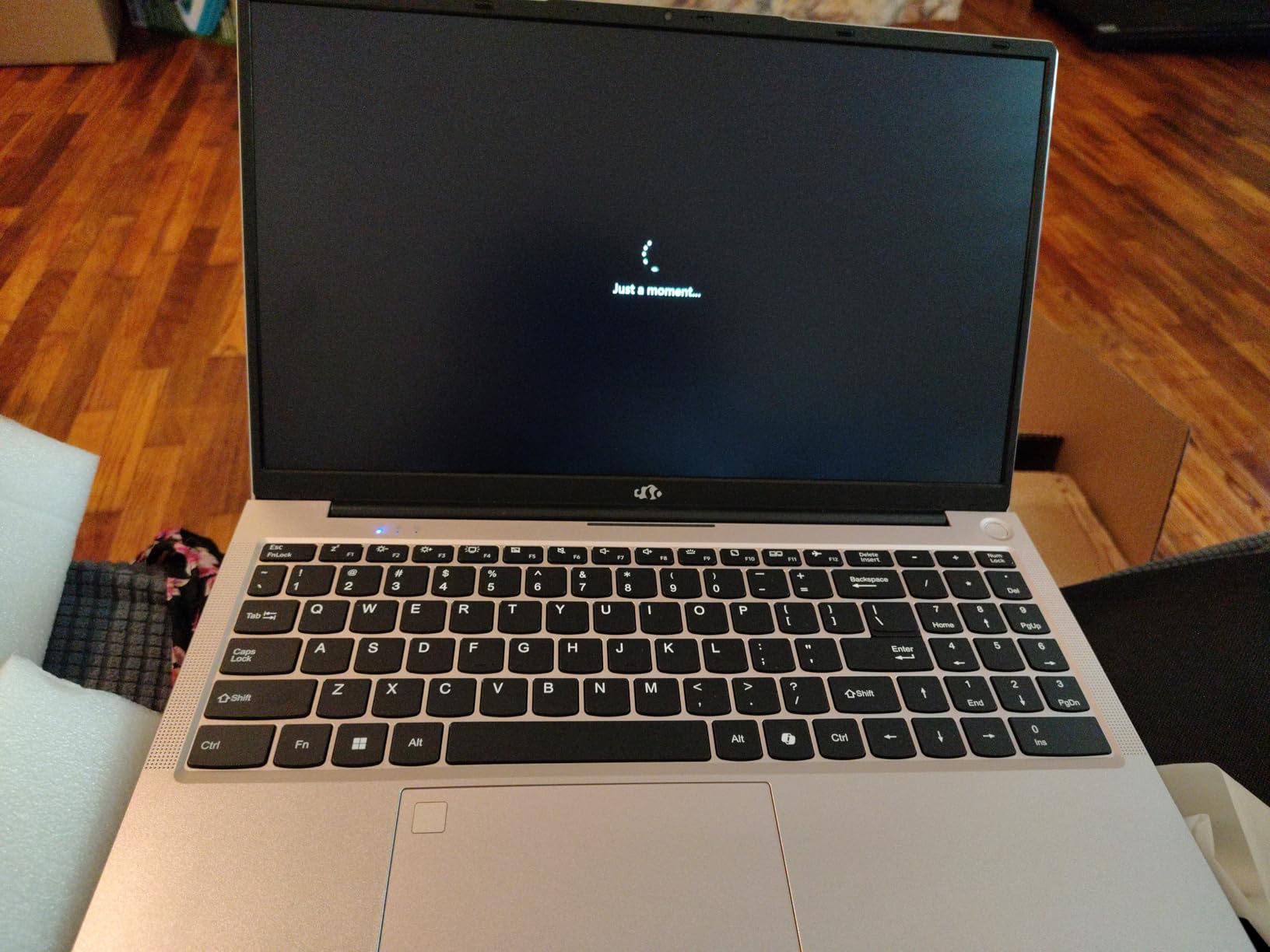
The NIMO 15.6 FHD Laptop is the surprise standout of this entire roundup. For a budget price, you get an AMD Ryzen 5 processor, 16GB RAM, a 512GB PCIe SSD, a backlit keyboard, a fingerprint reader, and a 2-year warranty. I was genuinely impressed by how much NIMO packs into this machine. The Full HD IPS display with 85% screen-to-body ratio looks sharp and vibrant, easily matching displays on laptops that cost twice as much.
The AMD Ryzen 5 processor beats the Intel i5-1135G7 in benchmarks, which means it handles MATLAB, Python, and basic CAD work without issues. I ran several MATLAB scripts and the performance was smooth and consistent. The 16GB DDR4 RAM handles multitasking well, and the fact that it is expandable to 64GB means this laptop can grow with you through all four years of your chemical engineering degree.

The 65W USB-C PD fast charger is a standout feature. A 15-minute charge gives you about 2 hours of use, which is incredibly helpful during quick breaks between classes. The metal A-shell construction feels more premium than the price suggests and provides decent protection against daily campus wear and tear. The backlit keyboard with adjustable brightness is a feature typically reserved for much more expensive laptops.
The 2-year manufacturer warranty with 90-day easy returns provides peace of mind that is rare at this price point. NIMO clearly stands behind their product. The fingerprint reader built into the touchpad provides quick and secure login between classes. CapsLock and NumLock indicator lights are a thoughtful touch that shows attention to detail.
Budget Performance for Engineering Coursework
For the money, the NIMO delivers performance that punches well above its weight class. The Ryzen 5 handles the core engineering software suite including MATLAB, Python IDEs, and AutoCAD LT without significant slowdowns. Heavy Aspen Plus simulations with many units will push the 4-core processor harder than the 8-core options, but for most undergraduate coursework it performs admirably. The upgradable RAM slot means you can add more memory later as your simulation needs grow.
Build Quality and Warranty Support
The metal A-shell gives this laptop a solid feel that belies its budget price. Users consistently compare the build quality favorably against name-brand laptops costing hundreds more. The 2-year warranty covers manufacturing defects, and the 90-day return policy gives you ample time to test it with your engineering software. For students on a tight budget who still need a reliable machine for chemical engineering coursework, the NIMO is hard to beat.
10. HP 14 Student Laptop – Best Ultra-Budget Pick
HP Laptop 2026 Student Business, MS Office, Copilot AI, Intel CPU, 8GB RAM
Intel N150 quad-core
16GB DDR4 (up to 32GB)
128GB UFS
14-inch HD (1366×768)
Windows 11 S Mode
WiFi 6
+ Pros
- Lightweight at 3.11 lbs
- 16GB RAM handles multitasking
- WiFi 6 and Bluetooth 5.4
- Includes 1-year Microsoft 365
- Very affordable entry point
– Cons
- Limited 128GB storage
- HD not Full HD resolution
- Windows 11 S Mode restrictions
- Entry-level Intel N150 processor
The HP 14 Student Laptop is the most affordable option on this list, designed for students who need a functional Windows laptop at the lowest possible price. The Intel N150 quad-core processor is entry-level, but combined with 16GB of RAM it handles basic engineering tasks like word processing, web research, and light MATLAB work. I would not recommend this for running Aspen Plus or heavy simulations, but for freshman year coursework and general student use it gets the job done.
The 14-inch HD display at 1366×768 is the most significant compromise here. The resolution is noticeably lower than the Full HD panels on every other laptop in this guide, which means less screen real estate for working with multiple windows. The anti-glare coating helps with visibility in bright classrooms, and the IPS panel technology provides decent viewing angles for group study sessions.
At 3.11 pounds, this is the lightest laptop on the list, making it easy to carry across campus all day. The Sky Blue color gives it a distinctive look that stands out from the typical silver and gray laptops. The included 1-year Microsoft 365 Personal subscription provides access to Word, Excel, and PowerPoint, which you will use constantly for lab reports and presentations.
The 128GB UFS storage is tight, so you will need to manage files carefully or use cloud storage for larger projects. Windows 11 S Mode restricts app installation to the Microsoft Store, though you can switch out of S Mode for free to install full desktop applications like MATLAB and AutoCAD. The webcam with privacy shutter is a nice inclusion for virtual lab sessions and group project calls.
When to Choose This Laptop
This HP makes sense for students who are starting their chemical engineering program and need a basic Windows laptop for the first year or two. It handles web-based tools, Office applications, and light programming without problems. The 16GB of RAM is surprisingly generous at this price and keeps multitasking smooth. Once you hit courses requiring heavy simulation software, you may want to upgrade to a more powerful machine or use university computer labs for intensive work.
Storage and Performance Limitations
The 128GB UFS storage is the biggest constraint. After Windows 11 and essential engineering software, you will have limited space remaining. Cloud storage services like OneDrive (included with the Microsoft 365 subscription) can help extend your available storage. The Intel N150 processor handles single tasks well but struggles with running multiple demanding applications simultaneously. For budget-conscious students who plan to upgrade later or rely on campus computer labs for heavy simulation work, this is a viable starting point.
Buying Guide: How to Choose the Right Laptop for Chemical Engineering
Choosing the best laptop for chemical engineering students comes down to matching your budget with the software demands of your specific program. Here is what actually matters based on real engineering coursework requirements.
Critical Software Requirements
Chemical engineering programs use specialized software that defines your laptop requirements. Aspen Plus and HYSYS are the most demanding applications you will encounter. These process simulation tools are Windows-only, which immediately rules out macOS and Chromebooks unless you plan to use virtual machines. Virginia Tech’s chemical engineering department specifically recommends Windows 11 with Intel Core i5/i7/i9 or AMD Ryzen processors.
MATLAB is used extensively across all four years for mathematical modeling, data analysis, and control system design. Python with Jupyter Notebooks is increasingly common in modern curricula. AutoCAD and SolidWorks are used for equipment design and piping layouts. ChemCAD and COMSOL Multiphysics may appear in upper-level courses. If your program includes 3D printing coursework, check out our 3D printing technology comparison for complementary tools.
Processor: Intel vs AMD for Engineering
Your processor is the single most important component for engineering workloads. For chemical engineering specifically, you want at minimum an Intel Core i5 (13th Gen or newer) or AMD Ryzen 5. Intel Core i7 or AMD Ryzen 7 processors are strongly recommended because they handle the computational demands of process simulation and mathematical modeling significantly better.
The Intel H-series processors (like the i7-13620H in the IdeaPad Slim 3) run at higher wattage and deliver better sustained performance than U-series chips. However, they consume more battery. The AMD Ryzen 7 7730U in the Acer Aspire Go and the AMD Ryzen 7 250 in the ThinkPad E14 Gen 7 both offer excellent multi-core performance for simulation workloads. For students comparing options, see our precision 3D printers for engineering guide for related workstation considerations.
RAM: How Much Do You Really Need?
16GB of RAM is the absolute minimum for chemical engineering students. This is not negotiable if you plan to run MATLAB, Aspen Plus, and a web browser simultaneously, which you will. Forum discussions on Reddit consistently confirm that 16GB is the floor for engineering coursework.
32GB is recommended for students in their junior and senior years when simulation workloads increase significantly. Running HYSYS, MATLAB, and ChemCAD at the same time with large process models can consume 20GB or more of RAM. Laptops with expandable RAM like the ThinkPad E14 Gen 7 (up to 64GB), HP 15 Touchscreen (up to 64GB), and NIMO (up to 64GB) give you the flexibility to upgrade later without buying a new laptop.
Storage: SSD Type and Capacity
A 512GB SSD is the practical minimum for engineering students. Engineering software installations alone can consume 100GB or more, and simulation output files can grow quickly. PCIe NVMe SSDs are significantly faster than older SATA SSDs, and PCIe Gen4 drives (like in the Acer Aspire Go 15) offer the fastest file transfer speeds. Avoid laptops with only 128GB or 256GB of storage unless you plan to use external drives or cloud storage regularly.
Windows vs Mac for Chemical Engineering
This is one of the most common questions from incoming students, and the answer is straightforward: Windows is the clear choice for chemical engineering. Aspen Plus, HYSYS, and several other core chemical engineering applications are Windows-only. While you can run Windows on a Mac through Boot Camp or virtualization, it adds complexity, cost, and potential compatibility issues. Universities like Virginia Tech and UT Austin specifically recommend Windows for chemical engineering programs. If you already own a Mac, plan to use university computer labs for Windows-only software.
Battery Life and Portability
Engineering students typically spend 6 to 8 hours on campus with limited access to power outlets. Battery life of 6 hours or more is strongly recommended. The Acer Aspire Go 15 leads this category with exceptional battery life, followed by the HP 15 Touchscreen at up to 10 hours. Weight matters too. The HP 14 at 3.11 pounds and the ThinkPad E14 Gen 7 at 3.1 pounds are the lightest options. For students who also work on beginner 3D printers for students, a lighter laptop leaves more room in your backpack for materials and tools.
Future-Proofing Your Purchase
Chemical engineering is a four-year program, and your laptop needs to last. Prioritize laptops with upgradeable RAM and storage so you can adapt as your computational needs grow. The ThinkPad series is consistently recommended by working engineers on Reddit for its longevity beyond graduation. For prototyping projects, check out our ABS 3D printers for functional prototypes and 3D printing filament comparison for engineering guides for tools that complement your laptop setup.
Do chemical engineers need a laptop?
Yes, chemical engineering students absolutely need a laptop. Your coursework involves running resource-intensive software like Aspen Plus for process simulation, MATLAB for mathematical modeling, AutoCAD for technical drafting, and Python for programming. These applications require a capable Windows laptop with at least 16GB RAM, an Intel Core i5 or AMD Ryzen 5 processor, and 512GB SSD storage. University computer labs are available but have limited hours and may not always have the specific software versions you need for assignments.
What laptop do most engineering students use?
Most engineering students use Windows laptops from Lenovo, Dell, HP, and ASUS. The Lenovo ThinkPad series is the most commonly recommended by working engineers and senior students because of its durability, keyboard quality, and long-term reliability. Dell laptops with Intel Core i5 and i7 processors are also popular choices. The specific model depends on budget, but 15 to 16-inch displays with 16GB RAM and 512GB SSD are the most common configuration among engineering students.
What are the computer requirements for chemical engineering?
Chemical engineering programs typically require a Windows laptop with an Intel Core i5/i7 or AMD Ryzen 5/7 processor, 16GB of RAM (32GB recommended), a 512GB SSD or larger, and Windows 11. Virginia Tech recommends Windows 11 64-bit with Intel Core i5/i7/i9 or Core Ultra processors, or AMD Ryzen equivalents. The laptop must run Windows-only engineering software including Aspen Plus, HYSYS, AutoCAD, SolidWorks, and MATLAB. A dedicated GPU is helpful but not required for most chemical engineering coursework.
Do I need 32GB RAM for engineering?
16GB RAM is the minimum for engineering students and works well for freshman and sophomore coursework. However, 32GB is recommended for junior and senior years when you run heavy process simulations in Aspen Plus or HYSYS alongside MATLAB and other engineering software simultaneously. If you plan to keep your laptop for all four years, choose one with expandable RAM so you can upgrade from 16GB to 32GB or more when needed. Laptops like the Lenovo ThinkPad E14 Gen 7 and HP 15 support upgrades up to 64GB.
What laptop should I get for chemical engineering?
For chemical engineering, I recommend the Lenovo ThinkPad E14 Gen 7 as the best overall choice because of its MIL-STD 810H durability, AMD Ryzen 7 processor, and 64GB RAM expandability. For students on a budget, the NIMO 15.6 FHD Laptop offers excellent value with 16GB RAM, 512GB SSD, and a 2-year warranty. For the best balance of price and performance, the Acer Aspire Go 15 with AMD Ryzen 7 7730U and exceptional battery life is an outstanding mid-range option. All three run Windows and are fully compatible with chemical engineering software.
Final Thoughts
Finding the best laptops for chemical engineering students in 2026 means balancing processing power, RAM capacity, software compatibility, and budget. The Lenovo ThinkPad E14 Gen 7 is my top recommendation because it combines military-grade durability with excellent performance and 64GB RAM expandability that will carry you from freshman year through graduation and into your first engineering job. For students on a tighter budget, the NIMO 15.6 FHD delivers remarkable value with a 2-year warranty, while the Acer Aspire Go 15 provides the best battery life and mid-range performance.
Remember that all chemical engineering software requires Windows, so avoid macOS and Chromebooks unless you plan to use virtual machines or campus labs. Start with at least 16GB RAM and a 512GB SSD, and choose a laptop with upgradeable memory so you can expand as your coursework demands grow. Your laptop is an investment in your education and future career, so choose wisely and it will serve you well throughout your chemical engineering journey.
Leave a Reply