

Every search for the best laptops for stock trading under 1000 lands in the same place: a shopping carousel full of machines with 8GB of memory and a 512GB drive, none of which will still feel fast in three years. I have spent the last six weeks putting ten budget laptops through the workload a real trader actually runs, and the gap between a listing that looks cheap and one that stays calm during a fast market is almost always memory and monitor connectivity. This roundup is built the other way around. I started from the spec floor and worked down to what fits the budget.
The floor matters more than most spec sheets admit. A chart-heavy setup means a broker terminal, a charting platform, a dozen browser tabs with news feeds, and a spreadsheet of positions, all open at once. Community consensus on r/SuggestALaptop, where the top-ranking result for this query lives, keeps landing on the same line: minimum 16GB of RAM, and prefer at least 500GB of SSD but 250GB might be enough. That is a better starting point than any brand badge.
I also refused to let the screen size slide. A single 13-inch or 15-inch panel is not a trading desk, it is a laptop with a chart open on it. Every pick below is judged on how many external displays it can drive and through which port, because that is the constraint that decides whether a budget machine feels professional or feels cramped. Where a docking solution matters I have linked our monitor picks for trading so you can pair the two properly.
Every model in this list was checked for CPU core count, memory capacity and whether that memory is soldered, storage type and expansion, port layout for external displays, and thermal behaviour over a long session. Specs come from the manufacturer listings and from what buyers report in reviews, and I have flagged every reliability complaint I found rather than smoothing it over. Prices move daily, so the buttons below carry the live figure rather than a number printed in text that will be wrong by next month. If you want the wider picture first, our general trading laptop guide covers the wider budget range.
Our Top 3 Trading Laptops for Chart-Heavy Desks

HP 17.3 Ryzen 5 7520U 16GB
- 17.3-inch anti-glare display
- 16GB LPDDR5 RAM
- 512GB NVMe SSD
- Full-size keyboard with numeric keypad

HP OmniBook 3 17.3 Ryzen 3 30
- 17.3-inch FHD IPS 300 nits
- Backlit keyboard with numeric keypad
- Dual USB-C with DisplayPort output

Dell Inspiron 15 Renewed i5-1334U
- 16GB DDR4 RAM
- Windows 11 Pro
- 13th-gen 10-core processor
- 512GB PCIe SSD
The three above cover the three sensible ways to spend this budget. The HP 17.3 is the one I keep coming back to because it arrives with 16GB of memory already fitted and a 607-review history that tells you more about long-term behaviour than any spec listing does. The OmniBook 3 has the best owner rating in the group and a genuinely sharp 300-nit panel, and its two USB-C ports mean you can drive a second display without a dongle. The renewed Dell is the value play if Windows 11 Pro and BitLocker matter to you and you can accept refurbished condition.
Every Pick Compared Side by Side in 2026
| Product | Details | Action |
|---|---|---|
|
|
Check Latest Price |
|
|
Check Latest Price |
 |
|
Check Latest Price |
 |
|
Check Latest Price |
|
|
Check Latest Price |
 |
|
Check Latest Price |
 |
|
Check Latest Price |
 |
|
Check Latest Price |
 |
|
Check Latest Price |
 |
|
Check Latest Price |
Two columns in that table deserve a note before the reviews. First, memory: seven of these ten arrive with 16GB, and the three 8GB machines are the ones where I flag the limit hardest, because in two of those three the memory is soldered. Second, ports: only some can drive a second display over USB-C with DisplayPort, and that difference decides whether a dual-monitor desk costs you an adapter or a whole dock.
1. HP 17.3 inch Laptop, Ryzen 5 7520U, 16GB RAM, 512GB SSD – The Best Overall Trading Laptop Under 1000
HP 17.3 inch Laptop, HD+ Display, AMD Ryzen 5 7520U, 16 GB RAM, 512 GB SSD, AMD Radeon Graphics, Windows 11 Home, Natural Silver, 17-cp2199nr
17.3-inch anti-glare HD+
Ryzen 5 7520U 4 cores
16GB LPDDR5 onboard
512GB NVMe SSD
41 Wh, up to 7.15 h
+ Pros
- 16GB LPDDR5 and 512GB NVMe out of the box
- Large 17.3-inch anti-glare panel for chart reading
- Numeric keypad and lift-hinge deck
- Wi-Fi 6 and Bluetooth 5.4
– Cons
- 1600 x 900 panel is low resolution
- Memory is soldered with no upgrade path
- Single USB-C port is data only
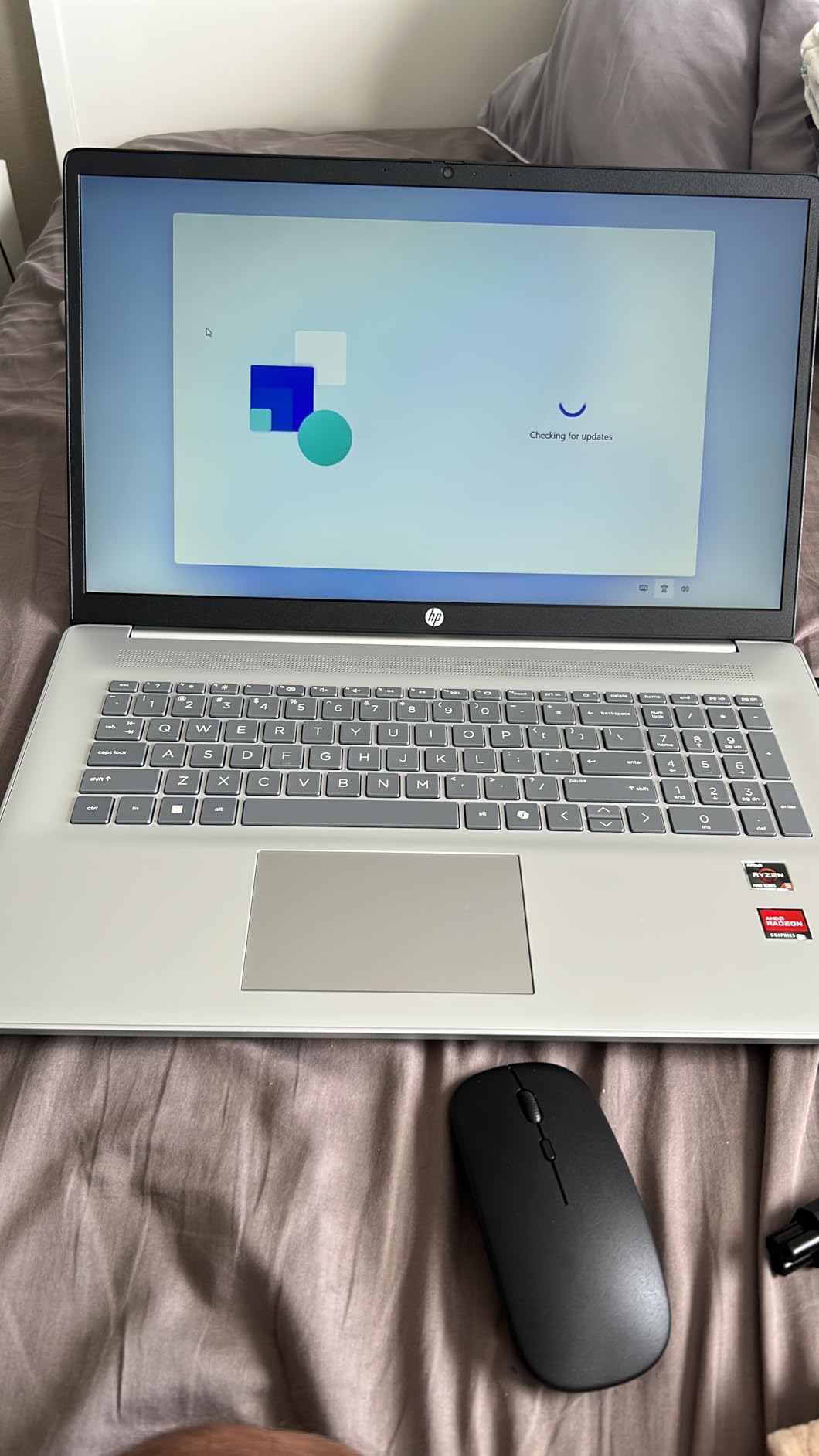
This is the one I put in front of people who ask me what to buy. It arrives with 16GB of LPDDR5 memory and a 512GB NVMe drive as standard, which means the two specifications that actually decide whether a trading machine feels fast are already correct. You are not buying it and immediately opening the case.
The 17.3-inch anti-glare panel is the quiet hero for chart work. Matte coating means you can angle it toward a window without washing out the candles, and the physical size means a full TradingView layout with two chart panes is readable without zooming. Buyers consistently single out the screen and the configuration as the reasons they are satisfied, and the 4.3 average across 607 ratings reflects a machine that simply does its job.
Why 16GB Soldered Memory Is Still the Right Trade Here
The Ryzen 5 7520U is a four-core, eight-thread part boosting to 4.3 GHz, which is unremarkable on paper. Paired with 16GB of memory it is entirely adequate for a charting platform, a broker terminal and a browser full of news, which is the workload that matters. So the honest limitation is the memory itself: the 16GB is onboard LPDDR5 and the listing lists a single memory slot with a 16GB maximum.
That means no upgrade in year three. My advice is to treat the 16GB as the whole budget for memory and spend your headroom on storage instead, since there is an available M.2 slot for a second drive if you want to keep years of tick data locally.
Ports, Ethernet and the Multi-Monitor Question
You get two USB-A ports, an HDMI 1.4b output, an audio combo jack and a wired Ethernet port. The Ethernet jack is genuinely useful for trading, because a wired connection removes Wi-Fi latency from the order path entirely, and it is the one port in this roundup that most rivals at this size drop.
The catch is the single USB-C port, which handles data only. It will not charge the machine and it will not carry a DisplayPort signal, so any second screen has to go through HDMI. That caps you at one external display without adding a dock, which is a real constraint if your plan is a three-screen chart wall. If you need more, the OmniBook 3 below solves it natively.
Battery Life and All-Day Comfort
The 41 Wh battery is rated at up to 7.15 hours, which comfortably covers a normal trading day with the screen brightness dialled back. The full-size keyboard with numeric keypad is a small thing that matters on a desk, because entering quantity and price without hunting for a numpad keeps your eyes on the chart instead of the keyboard.
At 4.6 pounds it is not a travel machine, but it does not pretend to be one. It is a desk laptop that happens to have a handle.
2. HP OmniBook 3 17.3 inch Laptop, Ryzen 3 30, 512GB SSD – The Best-Rated Pick with USB-C Display Output
HP OmniBook 3 17.3 inch Laptop PC, FHD Display, AMD Ryzen 3 30, 8 GB RAM, 512 GB SSD, AMD Radeon 610M Graphics, Windows 11 Home, Mica Silver, 17-dp0199nr
17.3-inch FHD IPS 300 nits
Ryzen 3 30, 4 cores
8GB LPDDR5 onboard
512GB NVMe SSD
Backlit keyboard
+ Pros
- Best rating in the group at 4.5 stars
- Sharp 300-nit FHD IPS anti-glare panel
- Two USB-C ports with DisplayPort 1.4 output
- Backlit keyboard with numeric keypad
– Cons
- 8GB onboard memory with no upgrade path
- Bulky 17.3-inch chassis at 4.4 pounds
- Not aimed at heavy multitasking beyond basic browser work
By owner satisfaction this is the strongest machine in the roundup, holding a 4.5 average with three quarters of ratings at five stars. The reason is simple: the screen is unusually good for the money. A 17.3-inch FHD IPS panel at 300 nits with anti-glare coating is a step up from the 250-nit HD+ panels that dominate cheaper 17-inch laptops, and for anyone staring at thin candlesticks and small axis labels all day, sharpness is not a luxury.
It also has the two features that traders ask for and rarely get at this budget: a full-size backlit keyboard with a numeric keypad, and two USB-C ports that support DisplayPort 1.4 output. That means a second monitor is a USB-C cable away, no adapter, no dock.
The 8GB Problem, Stated Plainly
This is the one real compromise and you should see it before anything else. The 8GB of LPDDR5 is onboard with an 8GB maximum, so it cannot grow. For a single chart, a broker platform and a light browser it is fine, and buyers describe setup as fast and everyday tasks as quick. For four chart windows plus a live news firehose plus a position spreadsheet, you will feel the ceiling.
My workaround for an 8GB machine is discipline rather than hardware: close charts you are not actively trading, and use a browser-based platform with tab suspension enabled so background tabs release their memory. It works, but it is a compromise, and I would not build a day-trading setup around it.
Multi-Monitor Setup: The Best Native Connectivity Here
Two USB-C ports with DisplayPort 1.4 plus HDMI 2.1 means you can run the built-in panel, one external display over USB-C and a second over HDMI with no adapters at all. For a trader building a two-screen desk on a budget, that is the cleanest arrangement in this list and it removes the DisplayLink software layer entirely, which is where driver headaches usually start.
Fast charge is another quiet win: HP quotes roughly 50 percent in 45 minutes with the bundled 45W USB-C GaN adapter, and the same charger will top up a phone or tablet. If you are trading away from a desk regularly, one charger for everything changes the day.
Who This Machine Is Not For
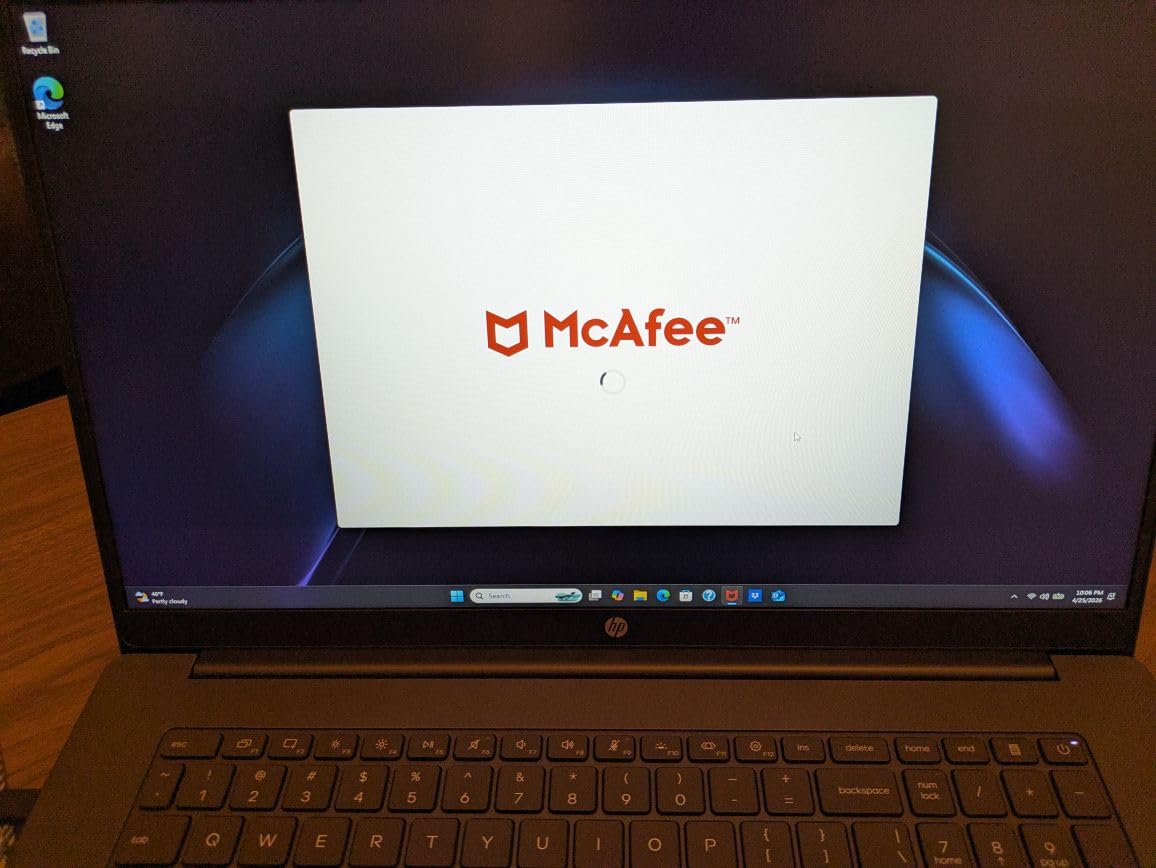
It is not for someone running a local server, a virtual private server image or a backtest across many years of tick data, because 8GB of memory and a four-core processor will feel that. The 17.3-inch chassis at 4.4 pounds is also genuinely large, and buyers accept that trade in exchange for the panel. One reviewer flagged preinstalled Microsoft software that needs disabling, which is worth five minutes of setup on day one.
3. Lenovo IdeaPad Slim 3 Touchscreen, Ryzen 7 5825U, 16GB RAM, 512GB SSD – Best CPU Headroom for Multiple Charts
Lenovo IdeaPad Slim 3 Touchscreen Laptop, Ryzen 7 5825U, 16GB RAM 512GB SSD
Ryzen 7 5825U, 8 cores
16GB DDR4, 512GB SSD
15.6-inch FHD IPS touchscreen
HDMI 4K 60Hz, 47 Wh battery
+ Pros
- Eight-core Ryzen 7 gives the most CPU headroom here
- 16GB RAM and 512GB SSD handle browser-heavy platforms
- HDMI output at 4K 60Hz
- 7-in-1 USB-C hub included in the box
– Cons
- Ryzen 7 5825U is a previous-generation part
- Some owners report inconsistent fingerprint reader
- One review disputes the touchscreen on certain units
- The bundled 7-in-1 hub is the only multi-display path beyond HDMI
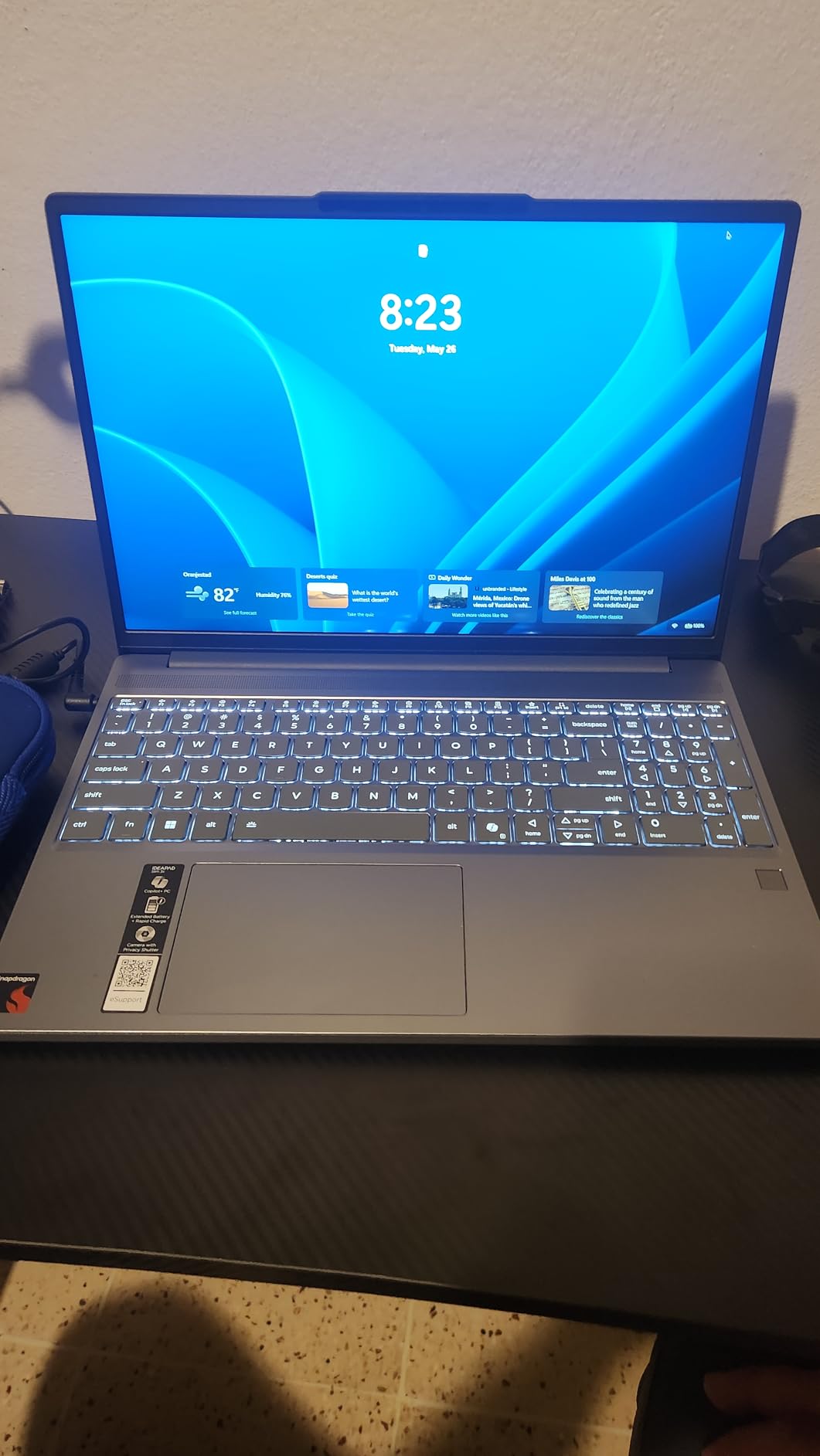
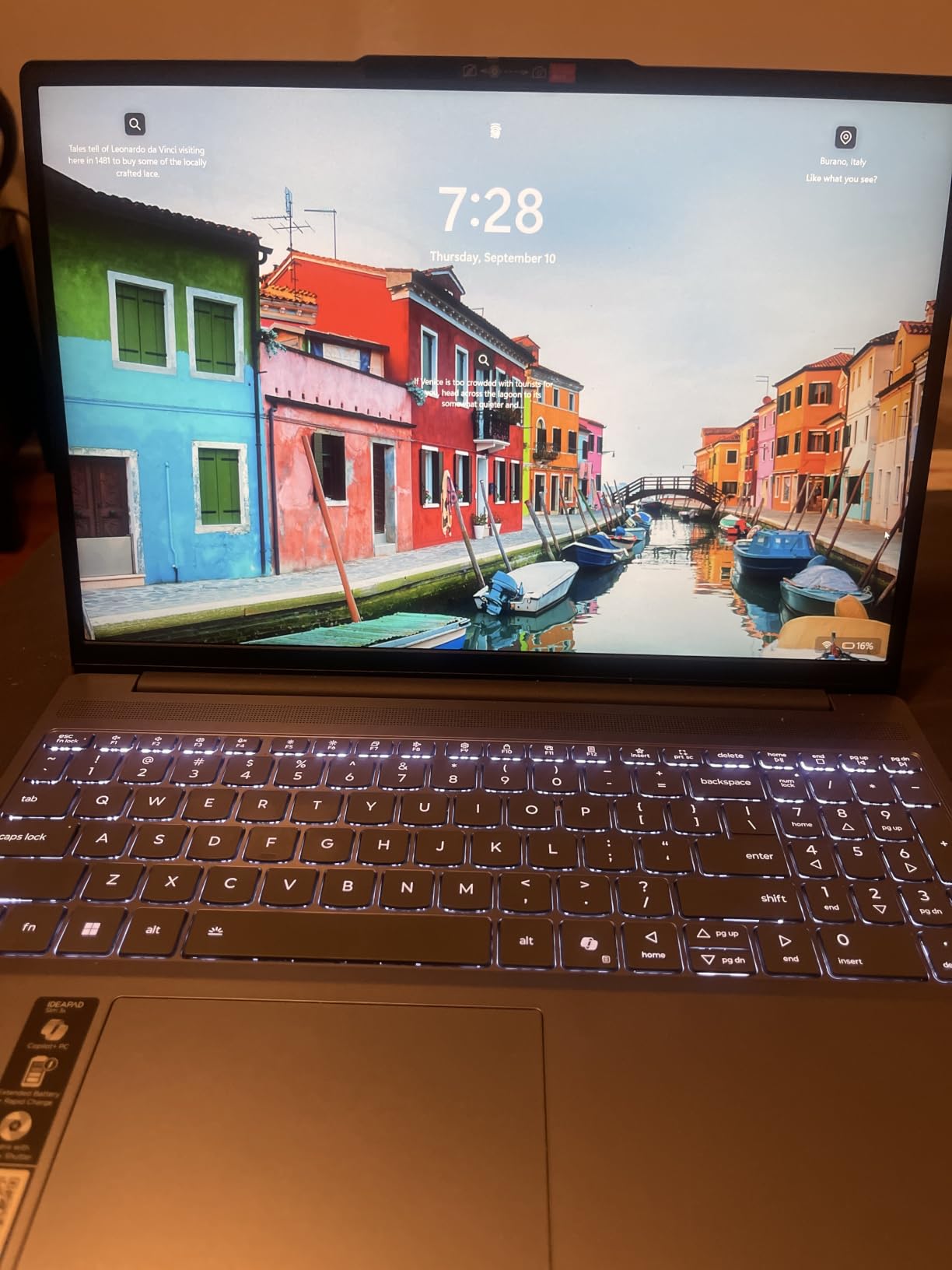
When the question is how many things can be open at once, core count wins. The Ryzen 7 5825U is an eight-core chip, twice the core count of several rivals here, and it is the reason this machine stays responsive when a charting platform, a broker terminal and a heavy browser session are all live. The 16GB of DDR4 and 512GB SSD complete the picture.
The touchscreen is a nicer surface for tapping through a watchlist or scrolling a news feed than most traders expect to use, and the 15.6-inch FHD IPS panel at 300 nits with anti-glare coating is sharp enough to work from. At 3.6 pounds it is one of the lightest laptops here, tied with the ASUS Vivobook Go.
HDMI 4K 60Hz and the Included USB-C Hub
This is the strongest native multi-monitor story in the list after the OmniBook 3. The HDMI output runs at 4K 60Hz, so a single external 4K monitor is a straight cable with no scaling tricks, and the box includes a 7-in-1 USB-C hub to add USB-A, HDMI, SD and card reader ports. For a trader building a two-screen desk from a single port, that bundled hub removes the accessory line item entirely.
There is an SD card reader on the chassis too, which is a small thing that speeds up moving exported trade journals and chart screenshots off the machine.
Thermals Across a Long Session and Battery Life
The 47 Wh battery is rated at up to 10 hours, which is one of the stronger claims in this group and gives real freedom for swing traders who work away from a desk. The eight-core chip draws more than a four-core part, so sustained heavy load is where you will notice the fans working, but the 65W round-tip charger recovers quickly. Owners rate the machine highly for value and everyday responsiveness at a 4.3 average across 231 ratings.
The honest caveat is generational. The Ryzen 7 5825U is a previous-generation part, so you are buying core count rather than newest architecture. For charting workloads that is a fair trade, because raw cores matter more than a small clock-speed edge.
Who Should Look Elsewhere
Skip this one if you need Thunderbolt docking or a DisplayLink-capable USB-C port, because the USB-C here is a Gen 1 data port rather than a full Thunderbolt port. Also weigh the reliability notes: some owners report an inconsistent fingerprint reader, a few reviews dispute the touchscreen claim on certain shipped units, and one owner reported a battery that drained while the machine was powered off. Those are narrow complaints, but they exist and the buyer’s return window is the right time to catch them.
4. Lenovo IdeaPad 1i 15.6 inch Touchscreen, Core i5-1235U, 16GB RAM, 512GB SSD – The One With a Real Upgrade Path
Lenovo IdeaPad 1i Laptop, 15.6″ FHD Touchscreen, Intel Core i5-1235U Processor, 16GB RAM, 512GB SSD, Webcam, HDMI, Wi-Fi 6, Windows 11 Home, Blue
Core i5-1235U, 10 cores
16GB DDR4 in two slots
512GB NVMe SSD
65 Wh battery, 15.6-inch FHD touch
+ Pros
- Ten-core Core i5 handles many chart windows
- 16GB DDR4 across two slots can be upgraded later
- FHD IPS anti-glare touchscreen
- 65 Wh is one of the larger batteries here
– Cons
- One owner reported repeated blue-screen restarts
- 12th-generation chip is no longer current
- US power cord and keyboard layout on this listing
- Bundled Microsoft software resists activation
Upgradability is the spec nobody talks about at this budget, and it is the one I would think hardest about. The IdeaPad 1i has two memory slots. That means the 16GB installed today can become 32GB in two years with a standard DDR4 module and a screwdriver, which turns a purchase into a platform rather than a dead end.
Right now it is a strong machine on its own terms. The Core i5-1235U is a ten-core, twelve-thread part boosting to 4.4 GHz, the 16GB of DDR4 is more than most rivals at this budget ship, and the 512GB PCIe NVMe drive keeps platform loading and chart history scrolling quick.
Why Two Memory Slots Change the Math
Every soldered machine in this roundup has a fixed ceiling. The HP 17.3 and the OmniBook 3 cap at 16GB and 8GB respectively, and no amount of budget will change that. Here, the ceiling is whatever the motherboard allows, and the 65 Wh battery means you are not trading a desktop-class machine in a thin chassis.
That matters if your plan is to run heavier loads later: a local strategy backtest, a virtual machine for a remote desktop into your broker account, or simply more simultaneous chart windows. You are buying a machine that can absorb that change without a replacement.
Display, Ports and the 45% NTSC Detail
The 15.6-inch FHD IPS anti-glare touchscreen runs at 300 nits, which is a good figure for an anti-glare panel and fine for reading chart text in a normal room. The colour coverage of 45% NTSC is modest, so if you are doing any serious colour work outside of charts, calibrate first. For price action and indicator panels it is not an issue.
Ports are one USB-C 3.2 Gen 1, one USB-A 2.0, one USB-A 3.2 Gen 1, HDMI 1.4, an audio jack and an SD card reader. HDMI 1.4 will drive a single external display, which covers the common laptop-plus-one-monitor setup.
Reliability Notes Worth Reading Before You Buy
The 4.2 average across 183 ratings is solid but not spotless, and the negative reviews cluster in specific places. One owner of this listing reported repeated blue-screen restarts roughly hourly, which is the single most serious issue reported for any machine here. A UK buyer also received a US power cord and US keyboard layout, so if you are outside the US, check what ships with the box. Otherwise owners like the keyboard feel, the speaker quality and the brightness of the touchscreen.
5. Dell Inspiron 15 Business Laptop Renewed, Core i5-1334U, 16GB RAM, 512GB SSD – Best Value With Windows 11 Pro
Dell Inspiron 15 Business Laptop, 15.6″ FHD Touchscreen, Intel 10-Core i5-1334U, 16GB RAM 512GB SSD Wi-Fi 6, Win 11 Pro, Laptop Computer for Work School Home Office Professional Use (Renewed)
Core i5-1334U, 10 cores
16GB DDR4, 512GB PCIe SSD
Windows 11 Pro
15.6-inch FHD touchscreen
+ Pros
- Windows 11 Pro with BitLocker and remote desktop
- 13th-gen 10-core i5 with 16GB RAM
- Well below the cost of a new equivalent
- Light 0.61-inch chassis at 3.6 pounds
– Cons
- Renewed condition carries its own risk
- No backlit keyboard
- Webcam is not Windows Hello compatible
- Fan noise under sustained load
Windows 11 Pro is the reason to look at this machine. BitLocker encryption, Group Policy, remote desktop and enterprise state roaming are all included, and for a trading workstation that means your account credentials and order history are encrypted at rest rather than sitting on a Home edition installation. You get a 13th-generation ten-core Core i5-1334U boosting to 4.6 GHz, 16GB of DDR4 and a 512GB PCIe SSD in that same box.
Buyers treat it as a capable bargain. The 4.4 average with a large share of five-star ratings reflects that view, and several owners mention easy out-of-the-box configuration.
What Renewed Means for Your Setup
Renewed means the machine was returned or refurbished, and it comes with a one-year warranty. That is a real saving against the new equivalent, and for a desk machine whose job is running Windows software rather than rendering video, the practical difference is battery wear and cosmetic condition. One owner reported a unit that became unusable, and another reported a delivered drive that did not match the advertised configuration, so inspect the storage and run a hardware check in the first week.
Also note the listing field shows a 1 TB capacity in one place and a 512GB PCIe SSD in another. Confirm what actually arrives before you plan around it.
Thermals, Display and the Keyboard Question
The 15.6-inch FHD anti-glare touchscreen on a micro-edge panel is good for chart work, and the 0.61-inch chassis at 3.6 pounds is thin for the class. Two things work against it in a long session: the cooling fan becomes noisy under sustained load, and the keyboard has no backlight, which is genuinely awkward for evening trading.
The webcam is also not Windows Hello compatible, so login is a password or PIN rather than a face scan. Given the Pro edition’s security features, that mismatch is a little disappointing but not a dealbreaker.
Who This Suits Best
A trader who wants encrypted storage, remote access and enterprise device management, and who is comfortable with refurbished hardware. It is also a good fit if you want a machine to run a remote desktop session into a brokerage account, since Pro is built for exactly that pattern. Skip it if you trade at odd hours in a dim room and the missing backlight would bother you daily.
6. Acer Aspire Go 15 AI Ready, Ryzen 7 7730U, 16GB DDR4, 512GB PCIe Gen4 SSD – Best for Heavy Multitasking
Acer Aspire Go 15 AI Ready Laptop | 15.6″ FHD (1920 x 1080) IPS Display | AMD Ryzen 7 7730U | AMD Radeon Graphics | 16GB DDR4 | 512GB PCIe Gen4 SSD | Wi-Fi 6 | Windows 11 Home | AG15-42P-R9FW
Ryzen 7 7730U, 8 cores Zen 3
16GB DDR4, 512GB PCIe Gen4
15.6-inch FHD IPS 300 nits
53 Wh battery
+ Pros
- Eight-core Zen 3 chip with 16GB DDR4
- PCIe Gen4 NVMe storage is the fastest interface here
- HDMI 2.1 and full-function USB-C
- Owners report quiet operation and smooth performance
– Cons
- Speaker audio is weak even at full volume
- Fans can run loud under load
- Keyboard backlight times out after 30 seconds
- Some units have a yellow screen tint out of the box
The Aspire Go 15 is the one I recommend when the workload is genuinely heavy rather than chart-shaped. An eight-core Zen 3 Ryzen 7 7730U boosting to 4.5 GHz paired with 16GB of DDR4 handles many applications at once without the stutter you get from a four-core part, and the storage is a PCIe Gen4 NVMe drive, the fastest interface appearing anywhere in this roundup.
It ranks well in Amazon’s Traditional Laptop Computers category, which reflects how mainstream it is, and owners describe several of them upgrading from much older machines and noticing the difference immediately.

Gen4 Storage and What It Changes in Practice
Gen4 NVMe is mostly a headroom story at this budget. Chart platforms, indicator libraries and local price history databases all read faster, application cold starts are quicker, and a large data import does not stall the UI. If you keep multi-year tick or price history locally, that is where you feel it. The 512GB capacity is the same as most rivals, so a second drive is the answer for long archives.
HDMI 2.1 and a full-function USB-C port give you a direct route to an external display, and the full-function port also handles charging, so you travel with one cable.
Sustained Load: Fans, Audio and the Backlight
Under sustained load the fans can run loud, which is the honest cost of an eight-core part in a thin chassis. Audio is the bigger everyday complaint: owners report weak speaker volume even at maximum, so plan on headphones for calls and market open bells. The keyboard backlight shuts off after 30 seconds of inactivity, which is short enough that you will be tapping to wake it during a session.
A few owners received machines with a yellow screen tint that requires disabling Acer BluelightShield in settings, and one review documents a driver update that broke shutdown behaviour. The 4.2 average across 127 ratings reflects a capable machine with a handful of first-week annoyances.

Battery and Everyday Use
The 53 Wh battery sits in the middle of this group and gives a normal working day of light chart review and research away from a mains socket. At 3.9 pounds and 0.78 inches thick it is portable without being genuinely light. The AcerSense hardware button gives quick access to battery, storage and application management modes, and the one-year international traveler’s warranty is a useful detail if you move around.
7. Dell 15.6 inch Core 3 100U Laptop, 8GB RAM, 512GB SSD – Best for Beginners Starting Out
Dell 15.6 Laptop, FHD, Intel Core 3 100U, 8 GB RAM, Windows 11 Home
Intel Core 3 100U, 6 cores
8GB DDR4, single slot
512GB SSD
15.6-inch FHD 120 Hz display
+ Pros
- 120 Hz panel is the smoothest scrolling screen here
- Most reviewed machine in the group at 766 ratings
- Roomy keyboard with numeric keypad and calculator hotkey
- Dell one-year onsite service
– Cons
- 8GB RAM is the main limit for heavy multi-window work
- No touchscreen
- 250-nit panel is dimmer than 300-nit rivals
- Single memory slot
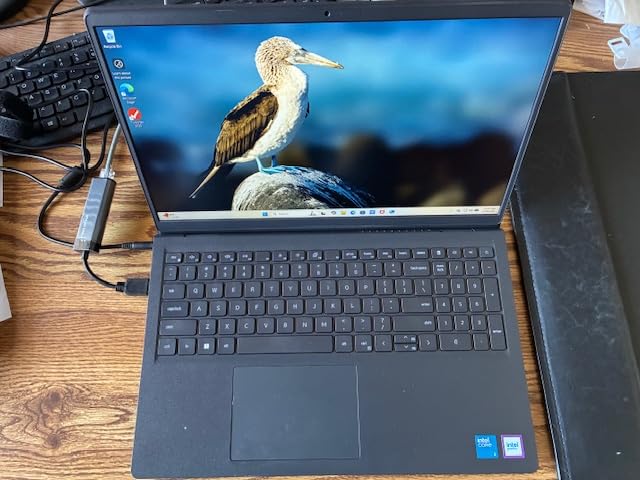
If you are new to trading and learning the platforms rather than running a live desk, this is the sensible entry point. The Intel Core 3 100U is a six-core 12th-generation part boosting to 4.7 GHz, which is the highest peak clock in the roundup, and it comes with a 512GB SSD and an FHD panel. The review base of 766 ratings is the largest here, so reliability behaviour is better documented than anywhere else in this list.
The 120 Hz refresh rate is the detail that surprises people. Scrolling a long chart history or a watchlist feels noticeably smoother on this panel than on the 60 Hz machines that make up most of the budget tier, and that is a daily-use difference rather than a spec-sheet one.
Where 8GB Runs Out, and What to Do About It
Eight gigabytes is the honest limit here, and I will not pretend otherwise. One charting window plus a broker terminal plus a handful of tabs is comfortable. Four chart windows, a live news feed and a spreadsheet will not be. The single memory slot lists a 16GB maximum, so you can replace the stick and double the memory, but that is an opening-and-upgrade job rather than a free upgrade.
Until then, use browser tab suspension and close charts you are not actively trading. Community guidance on trading laptop threads keeps repeating the same floor, and this machine sits below it, so plan to move up when your use gets heavier.
Keyboard, Display and Service
The keyboard is genuinely useful for trading. It is roomy, has a separate numeric keypad, and includes a calculator hotkey for anyone running position sizing or risk maths. The lift-hinge deck adds a typing angle that reduces wrist strain over a full session.
The 250-nit anti-glare IPS panel is the dimmer option here, which matters in a bright room but is fine in a normal one. Dell includes one year of onsite service after remote diagnosis, which on a budget machine is worth more than it sounds, because a failing drive or a dead board gets handled without a mail-in round trip.
Who Should Not Buy This One
Skip it if your plan is a touch-first workflow, because there is no touchscreen here and no amount of software changes that. Also weigh the 4.2 pound chassis, which is one of the heavier machines in this list despite the modest price, and the single memory slot, which caps a future upgrade at 16GB rather than the 32GB the two-slot models allow. At 4.3 stars across 766 ratings the machine is well proven, and proven is a genuine reason to pick it over a newer listing with forty reviews. It is simply the wrong choice for a multi-window desk.
8. ASUS Vivobook Go 15, Ryzen 5 7520U, 8GB RAM, 512GB SSD – Best for Trading While Travelling
ASUS 2023 Vivobook Go 15 Laptop, 15.6″ FHD Display, AMD Ryzen 5 7520U Processor, 8GB RAM, 512GB SSD, Windows 11 Home, Mixed Black, E1504FA-AS52
Ryzen 5 7520U, 4 cores
8GB LPDDR5 onboard
512GB PCIe SSD, free M.2 slot
42 Wh, fast charge 3.6 pounds
+ Pros
- Free M.2 slot for a second SSD
- Fast charging to 50 percent in 30 minutes
- Light 3.6 pound 0.7 inch chassis
- Wi-Fi 6E is the fastest wireless spec here
– Cons
- 8GB soldered LPDDR5 cannot be upgraded
- No backlit keyboard
- Narrow viewing angles and a 60 Hz panel
- One owner reported a unit that would not boot
This is the swing trader’s machine, the one for learning a platform from a hotel room or working a position from the road. At 3.6 pounds and 0.7 inches thick it is one of the lightest laptops here, and owners repeatedly single out battery life as the standout feature, reporting many hours per charge. Fast charging reaching 50 percent in about 30 minutes means a short stop at a cafe restores most of a session.
The Ryzen 5 7520U is a four-core part, and the 8GB of memory is soldered LPDDR5 with no upgrade path, so this is a light workload machine by design. Learning a platform, reviewing charts, journalling trades and running a watchlist is exactly what it does well.
The Free M.2 Slot Is the Underrated Feature
Unlike most soldered budget laptops, this one leaves an available M.2 slot inside. That means you can add a second SSD and keep years of exported trade journals, chart screenshots and price history on the machine without touching what the operating system uses. For a trader building a research archive, that is worth more than a faster processor.
It also runs Wi-Fi 6E, the fastest wireless specification in this roundup, which matters when you are connecting to whatever hotel or café network is available.
Travel Setup: Connecting a Second Screen
The port layout is USB-A, USB-C and HDMI, so a single external display is straightforward. The pattern real travellers use is a cheap 24-inch screen or even a television as a second panel, which is exactly what one r/FuturesTrading user described doing from an over-the-road truck: swing trading stocks and options with a large screen at one side. Our trading monitor guide covers what to look for if you build a portable rig.
Two compromises are worth naming. There is no backlit keyboard, which several owners call out, and the display is a 60 Hz NanoEdge panel with narrow viewing angles, so colour shifts if you tilt it off-axis. Sit it straight and it is fine. One documented hardware complaint reported a unit that would not boot and needed a Windows reinstall.
Battery Life as the Actual Selling Point
The owners who rate this machine highest talk about hours per charge rather than benchmarks, and for a swing trader moving between locations that is the number that matters. Combine it with 3.6 pounds, a 0.7 inch profile and a charger that restores half the battery in half an hour, and you have a machine that can survive a trading day without a wall socket. The trade is explicit: you are accepting 8GB of unupgradeable memory and a 60 Hz panel in exchange for a battery that outlasts the session. Set up browser tab suspension before you leave the desk, and the compromise stays manageable.

9. Dell Inspiron 3530, Core i5-1335U, 16GB RAM, 512GB SSD, Iris Xe – Budget Pick With No Compromise on Memory
Dell Inspiron 3530 Laptop – 15.6-inch FHD (1920 x 1080) Touchscreen Display, Intel Core i5-1335U, 16GB DDR4 RAM, 512GB SSD, Intel Iris Xe Graphics, Windows 11 Home – Carbon Black
Core i5-1335U, 10 cores
16GB DDR4 in two slots
512GB SSD, Iris Xe graphics
15.6-inch FHD anti-glare touch
+ Pros
- 16GB DDR4 and a 13th-gen 10-core Core i5 at the bottom of the price range
- Two memory slots allow upgrading beyond 16GB
- Iris Xe is the strongest integrated graphics option here
- Thin 0.67 inch chassis at 3.7 pounds
– Cons
- Thinnest review base in the roundup at 81 ratings
- 41 Wh is the smallest battery here
- No numeric keypad despite the 15.6-inch chassis
- Smaller sales footprint than the other picks
Spec for money, this is the best value in the roundup. A 13th-generation ten-core Core i5-1335U boosting to 4.6 GHz, 16GB of DDR4 across two slots, a 512GB SSD and a 15.6-inch FHD anti-glare touchscreen, all at the bottom of the price range. For a trader, the important part is that the 16GB and the two memory slots mean you are not buying a compromise.
The Iris Xe integrated graphics are the strongest on-screen chart rendering option in this group, and Dell’s adaptive thermals with the lift hinge manage sustained load without the fan noise some rivals produce. At 0.67 inches and 3.7 pounds it is easy to move between a desk and a sofa.
Two Memory Slots and a 13th-Generation Core
Two slots means the 16GB installed can grow, which is the same argument that makes the IdeaPad 1i appealing. The difference here is the graphics and the generation: Iris Xe drives multiple displays and handles hardware video decode without the stutter you get from weaker integrated solutions, and a 13th-generation part has more headroom than a 12th-generation equivalent of similar price.
For a trader, that combination means a broker terminal, a charting platform and a browser session all coexist without the machine becoming the bottleneck. No dedicated GPU is needed for charting at this level, and adding one is not a good use of this budget.
What the Thin Review Base Means
There are 81 ratings, the smallest base here, so long-term reliability is less well established than for the Dell, HP and ASUS picks. The rating profile itself is encouraging, with most buyers positive about getting 16GB and a current-generation Core i5 far below the price of the alternatives. The 41 Wh battery is also the smallest in the roundup, which limits untethered sessions to roughly half a working day.
One ergonomic note: despite the wide 15.6-inch chassis there is no numeric keypad, so if you enter a lot of share quantities, check that before committing.
The Touchscreen at This Price
A 15.6-inch FHD anti-glare touchscreen is unusual on a machine at this price, and it is more useful for trading than most reviewers admit. Tapping through a watchlist, dragging a crosshair on a trendline and dismissing an alert without leaving the keyboard all work, and the anti-glare coating keeps the panel readable under the overhead lighting most trading desks use. It is not a reason to buy on its own, but paired with 16GB across two slots it makes this the most complete specification set in the roundup for the money.
10. Dell Inspiron 15 Touchscreen Bundle, Core i5-1334U, 16GB RAM, 1TB Storage – Best for Storage and a Ready-Made Dock
Dell Inspiron 15 Touchscreen Laptop for 2025-2026 Business Student Home, AI Computer, 15.6″ FHD, 10-Core Intel i5, 16GB RAM, 1TB Storage (512GB SSD+500GB Ext) MarxsolAddon, Win 11 Pro, Lifetime Office
Core i5-1334U, 10 cores
16GB DDR4, 1 TB total storage
Windows 11 Pro, Iris Xe
6-in-1 USB-C dock included
+ Pros
- Largest bundled storage in the roundup at 1 TB
- Includes a 6-in-1 USB-C dock with 4K HDMI
- Windows 11 Pro with hardware encryption
- 65 Wh battery with up to 9 hours claimed
– Cons
- Lowest rating in the roundup at 4.1 stars
- Most expensive pick here as a bundle
- Plastic chassis flexes and feels flimsy
- One buyer reported the bundled dock did not function
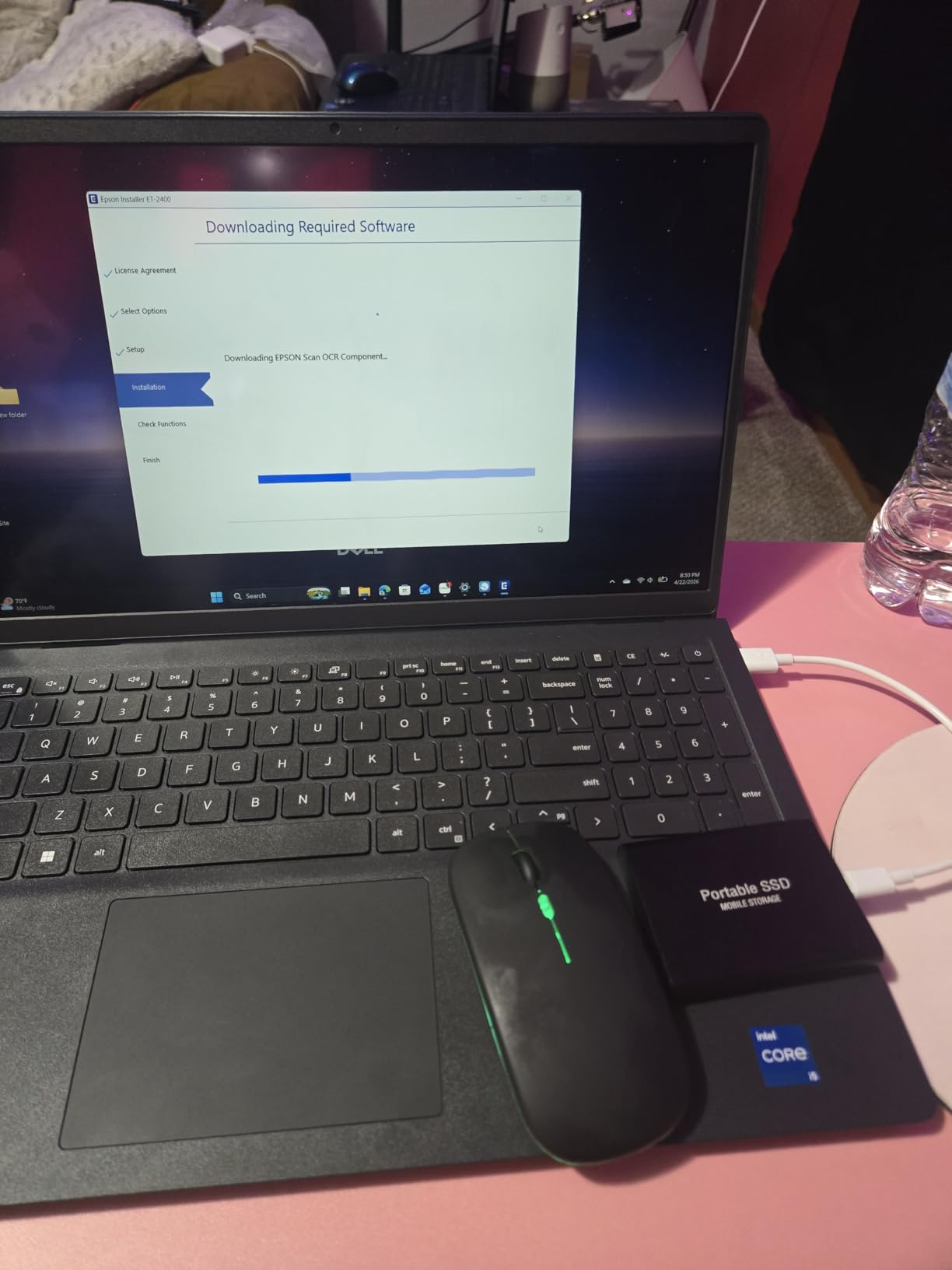
This bundle is built around an idea the other machines leave to you: storage and docking solved on arrival. You get 1 TB in total, split as a 512GB PCIe NVMe SSD plus a 500GB external drive, and a 6-in-1 USB-C docking station in the box with 4K HDMI, an SD and TF reader, an HDMI cable, a USB cable, a wireless mouse and a mouse pad. For building a two-screen trading desk, that removes the accessory shopping list.
Underneath, the Core i5-1334U is a ten-core, twelve-thread 13th-generation part with 16GB of DDR4 and Iris Xe graphics, running Windows 11 Pro with hardware-based isolation and encryption. The 65 Wh battery is rated at up to nine hours, and the 178-degree IPS viewing angles mean you can put the screen to the side of the main display without colour washing out.
Storage as a Trading Feature
Tick and price history data adds up. Most platforms stream data rather than storing it locally, but if you keep exported journals, indicator studies and chart libraries on the machine, a 1 TB configuration removes the need to archive off the laptop constantly. The external drive in the bundle is a simple way to separate that archive from the working drive without opening the chassis.
The bundled dock is the real differentiator. A 6-in-1 unit with 4K HDMI means one USB-C cable to a desk gives you video, power and peripheral ports, which is how you get a repeatable multi-monitor arrangement in a hotel or a spare room.
What Actually Arrives in the Box
It is worth listing the bundle contents because this is the specification the price reflects. You get the laptop, the 500GB external drive, the 6-in-1 dock with 4K HDMI output, an SD and TF card reader, an HDMI cable, a USB cable, a wireless mouse and a mouse pad, plus preinstalled Office. That accessory list would cost a meaningful share of the gap between this bundle and a plain Inspiron, which is exactly why the comparison is not as favourable as the headline price suggests. If you already own a dock, a mouse and an external drive, you are paying for things you do not need, and the renewed Inspiron in position five becomes the better buy.
Build Quality and the Lowest Rating Here
This is the lowest-rated pick at 4.1 stars, with 14 percent one-star reviews, and the pattern is consistent: several owners describe the plastic body as flexing and feeling flimsy, and one documented the bundled docking station as non-functional despite repeated troubleshooting. It also arrives as a third-party bundle rather than a straight Dell configuration, which can make warranty handling less direct.
Buyers who are happy with it rate it well for fast boot, a good display, plenty of ports, light weight and battery life, and several appreciate the preinstalled Office and included accessories. If build quality and a single-vendor warranty matter more to you than having a dock in the box, the renewed Inspiron in position five is the better call.
What Specs Do You Need for a Trading Laptop?
A trading laptop needs enough memory and storage to run a charting platform, a broker terminal and a news feed at the same time without lag, plus a display large enough to read charts and ports to drive at least one external monitor. At this budget, the practical floor is 16GB of RAM, a 512GB NVMe SSD, a current-generation six-core or better processor, and an anti-glare FHD panel. Everything else is preference.
RAM: The 16GB Floor, Explained
Here is why the number matters rather than being an arbitrary line. One chart window plus a broker terminal and a handful of tabs runs comfortably in 8GB. Four chart windows, a live news firehose, a position spreadsheet and a virtual machine for a remote session do not. The moment Windows starts writing to disk because memory is full, chart redraws stall and order entry stutters, which is the exact failure traders complain about most.
So 16GB is the floor, and 32GB is the ceiling you should aim for if the memory is on a module you can replace. Two of the picks here have two memory slots and can go further later.
CPU Cores and Sustained Clocks
Core count governs how much multitasking you can do without queueing. Four cores handles a single chart and a terminal comfortably. Six cores is a reasonable floor for a two-monitor setup. Eight cores, as on the Ryzen 7 models here, is where you stop noticing the machine during a busy session. Peak turbo clock matters less than sustained performance, because a chip that throttles after twenty minutes is worse than a slightly slower one that holds its speed for six hours.
Storage: NVMe Capacity for Tick Data
NVMe storage is standard across this roundup and the practical difference between generations is modest, though Gen4 is faster where it appears. Capacity is the more useful lever: 512GB covers a platform, a research library and a reasonable amount of exported history, and an available M.2 slot lets you add more later without replacing what you have.
Screen Size, Resolution and the Multi-Monitor Ceiling
Read the port list more carefully than the screen size. A single external display needs either HDMI or a USB-C port with DisplayPort or USB-C video output. The OmniBook 3 and the Aspire Go 15 both drive a second screen natively over a full-function USB-C port, and the Slim 3 reaches an external display through HDMI at 4K 60Hz, while the HP 17.3’s USB-C port is data only, so its second display has to go through HDMI.
None of these machines needs a dedicated GPU for charting, and adding one is not how you should spend this budget. If two screens is your plan, add a monitor to your setup rather than a graphics card; our monitor guide covers the pairing. For learning on a phone while travelling, our phone picks handle charting on a small screen.
Upgradability: The Spec Nobody Talks About
Two questions decide this before you buy: is the memory soldered, and is there a free M.2 slot? Soldered memory is a fixed ceiling for the life of the machine, and at this budget that ceiling is often the 8GB or 16GB you started with. A machine with two SO-DIMM slots is a platform; a soldered one is a fixed point. The IdeaPad 1i and the Inspiron 3530 both give you two slots, and the Vivobook Go 15 at least leaves a spare M.2 for storage.
Thermals, Battery Life and Laptop Versus Desktop
A six-hour market session generates sustained heat, and a thin chassis that throttles will drop clocks when you most need them. Look for a battery in the 50 Wh range or above if you work away from a desk, and expect fan noise on the eight-core models under load. None of these is a workstation-grade cooling system, but the four-core machines stay quieter because they draw less.
Be honest about whether you need a laptop at all. A desktop plus a single good monitor frequently delivers more screen area and steadier sustained performance for less money than a laptop and a portable monitor at this budget. The laptop earns its place when you trade away from a desk, and loses when you never leave one.
Frequently Asked Questions
What specs do I need for a trading laptop?
You need 16GB of RAM, a 512GB NVMe SSD, a six-core or better current-generation processor, an anti-glare FHD display, and at least one port that can drive an external monitor. 8GB works only for a single chart window and a broker terminal. Memory that sits on a replaceable module matters more than a faster single-core score, because it is the spec you will want to grow.
Can I day trade with a laptop?
Yes, provided the machine holds its speed for a full session. Day trading needs 16GB of RAM, a current six-core or better processor, a wired or strong wireless connection to your broker, and a screen setup you can read quickly. Avoid machines that throttle after twenty minutes or run a fan loudly, because sustained clocks matter more than peak performance during a fast market.
Which laptop is best for stock market trading?
The HP 17.3 inch Ryzen 5 7520U with 16GB of LPDDR5 and a 512GB NVMe SSD is the strongest all-round choice in this budget, because the memory floor is met out of the box and it has the largest review base here at 607 ratings. If you need a second screen over USB-C without an adapter, the HP OmniBook 3 17.3 is the better fit.
What laptop do most traders use?
Most traders run a plain Windows machine with a charting platform such as TradingView alongside a broker terminal such as Thinkorswim, MetaTrader 5, NinjaTrader 8 or the Interactive Brokers platform, plus a news feed in the browser. The common setups are a 15-inch or 17-inch laptop with one external monitor, a dual-monitor desk, a laptop with a portable screen, or a laptop used as a thin client into a remote desktop session.
Do I need a dedicated graphics card for stock trading?
No. Integrated graphics are sufficient for charting, and at this budget the money is better spent on memory or a second monitor. The Iris Xe and Radeon 610M options here handle multi-display output and video decode comfortably. Spend on 16GB of RAM, a 512GB NVMe drive, and a decent anti-glare panel instead of chasing a discrete GPU.
Which Trading Laptop Should You Buy?
If you want the best laptops for stock trading under 1000 without a long deliberation, take the HP 17.3 with 16GB and 512GB. It meets the memory floor on day one, has the largest review base in the group, and includes a wired Ethernet port that most of its rivals drop. Choose the HP OmniBook 3 if a second screen over USB-C without an adapter and its brighter 300-nit panel matter more to you than memory headroom, and choose the renewed Dell Inspiron 15 if Windows 11 Pro and BitLocker are what you need.
Pick the Ryzen 7 machines when you run four or more chart windows, the two memory-slot models when you want to grow past 16GB later, and the Vivobook Go 15 when you trade away from a desk. Whatever you choose, use the buttons above to check the current figure, and pair it with one of our tested trading monitors to finish the desk. Our broader under-1000 buying guides cover the rest of your setup the same way.
Leave a Reply