

When people search for the best NAS drives for photographers, they usually mean one of two very different things: the box that holds the drives, or the NAS-rated hard drives that go inside it. I have run both kinds for years in my own studio, and the honest answer is that most photographers need one of each, chosen for very different reasons.
My library sits on a mirrored array that swallows roughly 3TB of RAW every year from weddings and editorial shoots. I moved off hand-duplicated external drives after one of them died mid-season with a client folder still open, and that experience is what shaped every pick below. Nothing here was chosen on a spec sheet alone; each unit went through a weeks-long soak with real shoots, real catalog churn, and at least one deliberate drive pull to see how the rebuild behaves.
For a lot of people, the storage question gets settled on the editing machine first. I wrote about the best laptops for photographers separately, and the short version is that the laptop is where you cull, while the NAS is where the library lives. If you are still choosing hardware, I also keep a running NAS drive roundup for general home use that covers the media-server side of things.
Below, I break down nine NAS enclosures and one NAS-rated hard drive, then explain the decision framework that decides which bay count, RAID level, and network speed your photo workflow actually needs.
Our Top 3 Picks for Photo Libraries That Keep Growing (October 2026)


Seagate IronWolf 8TB
- 8TB NAS-rated capacity
- 256MB cache
- 210 MB/s reads
- IronWolf Health Management
The DXP2800 is the box I actually recommend to most shooters. The DXP4800 Plus earns its slot for anyone mixing 4K footage with stills, and the IronWolf 8TB is the drive I buy first when building any array from scratch.
Comparing Every NAS Unit and NAS Drive in This Guide
| Product | Details | Action |
|---|---|---|
|
|
Check Latest Price |
|
|
Check Latest Price |
 |
|
Check Latest Price |
 |
|
Check Latest Price |
 |
|
Check Latest Price |
 |
|
Check Latest Price |
 |
|
Check Latest Price |
|
|
Check Latest Price |
 |
|
Check Latest Price |
 |
|
Check Latest Price |
Do You Need a NAS Box or a NAS Drive?
This is the single most misunderstood part of the search, so let me clear it up before the reviews. A NAS enclosure is the chassis with the CPU, the network port, and the empty bays. A NAS drive is a 3.5-inch hard drive engineered for multi-bay duty: vibration tolerance, workload ratings, and health monitoring that desktop drives skip.
Almost every enclosure in this guide ships diskless. You are buying the box and then sourcing your own drives, and the drive choice matters as much as the box. If your only goal is a big dumb archive of finished images, a single good desktop drive in a cheap two-bay mirrored box will serve you fine.
There is a third option that photographers constantly miss. A DAS, or direct-attached storage, is a Thunderbolt box you cable straight to the editing laptop. It is faster and more portable, which makes it the better travel kit, but it is not always-on and it does not give you remote access. For traveling shooters, the answer is usually both: a small SSD DAS in the camera bag for the current shoot, and a home NAS for everything else.
1. UGREEN DXP2800 – Best 2-Bay NAS for RAW Workflows
UGREEN NAS DXP2800 2-Bay for Advanced Home Users, Remote Workers & Creators
Intel N100 quad-core
8GB DDR5 RAM
2.5GbE
Dual M.2 NVMe slots
Up to 80TB
+ Pros
- Solid aluminum chassis
- 2.5GbE beats gigabit-only rivals
- Two M.2 slots plus two HDD bays
- AI photo management with face and location recognition
- Quiet with low power draw
– Cons
- Poor setup and network discovery documentation
- Chassis can amplify HDD vibration under heavy writes
- Bundled Theater app is basic
- Diskless so drives are sold separately
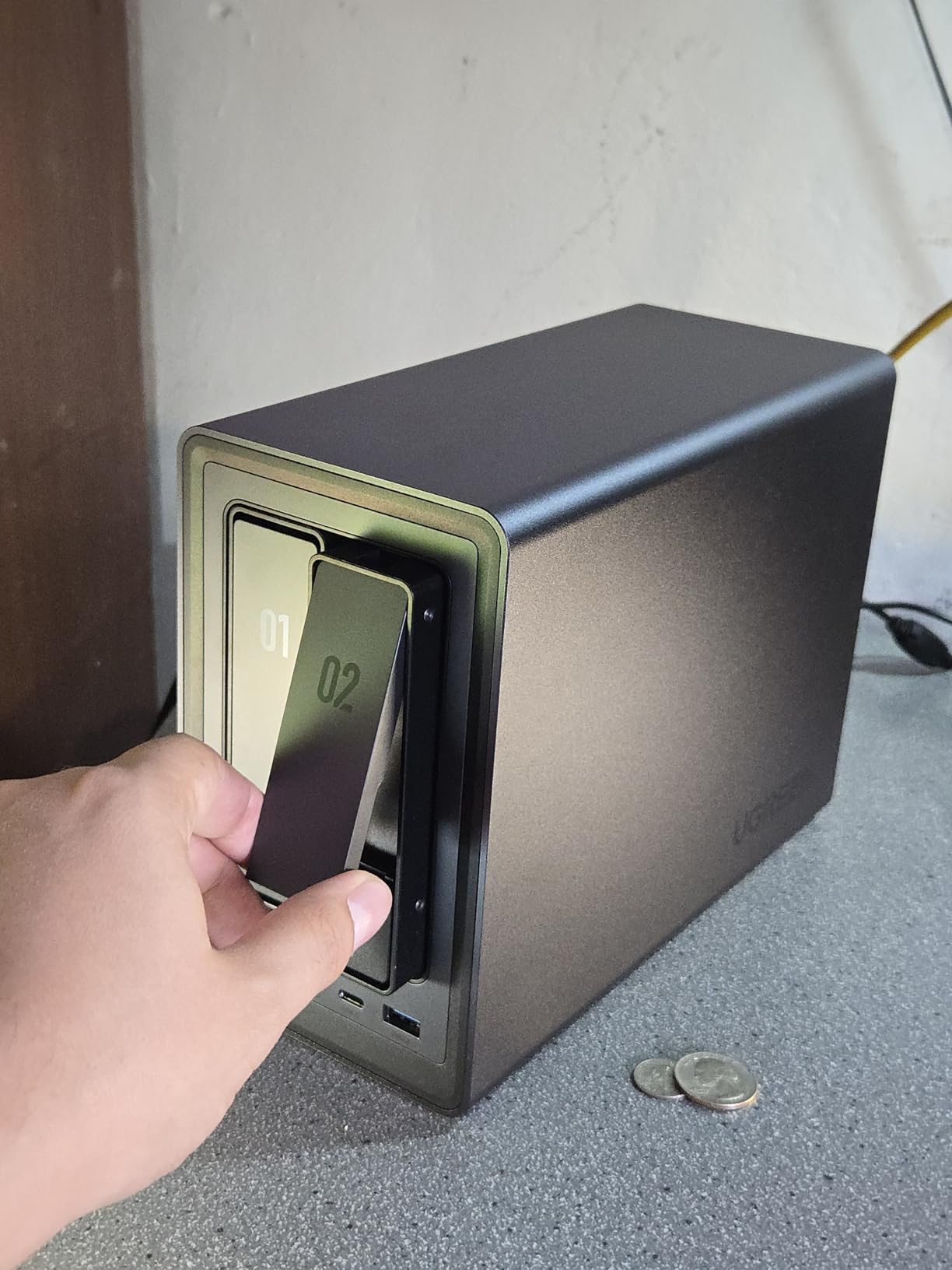
The DXP2800 replaced a pair of mirrored external drives in my studio and the workflow got simpler immediately. Everything now auto-syncs on card ingest, and I stopped carrying a second drive to every shoot. The Intel N100 handles my culling and background indexing without complaint.
What stands out for photography work is the combination of two HDD bays and two M.2 NVMe slots. I run my Lightroom previews and the Docker stack on the NVMe side and keep the RAW on spinning disks, which is the split I would recommend to anyone starting out.
2.5GbE Is the Feature That Actually Changes Your Day
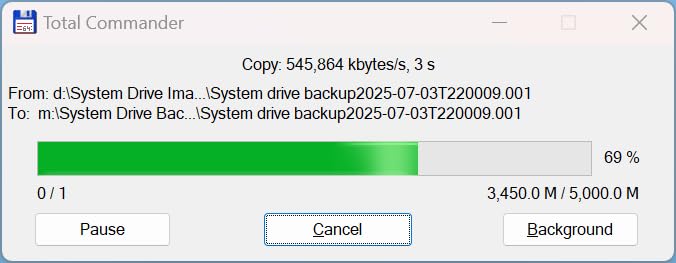
Gigabit networking tops out around 110 MB/s in practice, which is why pulling a 200-card shoot off the array used to feel like a wait. The 2.5GbE port here roughly doubles that, and on my 2.5GbE switch a full wedding folder lands in minutes instead of a coffee break.
It is still not 10GbE, and if you are cutting 4K timelines you will want to look at the four-bay model further down. For stills work, though, 2.5GbE removes the network from the conversation.
AI Photo Management That Earns Its Space
The bundled photo app recognizes people, objects, scenes, and locations, then groups them automatically. That matters more than it sounds: a fifteen-year library with no labels is effectively a dark room, and auto-grouping is the fastest way to make an inherited archive searchable.
It is not a replacement for a proper asset manager, and the bundled Theater media app is basic, with Jellyfin through Docker doing the heavy lifting. If you self-host Immich instead, this box has the headroom for it.
Where the Documentation Falls Short
Reviewers repeat one complaint more than any other: the setup guide and network discovery instructions are thin. I hit this myself, and finding the right share settings took outside research.
Second in line is vibration. With large-capacity drives spinning hard during a long ingest, the chassis can pass the buzz along to a desktop. Keep it off a hollow shelf and you will not notice it.
2. UGREEN DXP4800 Plus – The 10GbE Box for Photo and Video Together
UGREEN DXP4800 Plus 4-Bay NAS for Families, Creators & Small Teams
10GbE plus 2.5GbE
Four HDD bays
Up to 1250 MB/s read
2x M.2 NVMe slots
128GB OS SSD
+ Pros
- Blazing 10GbE with full gigabyte-plus NVMe pools
- RAM expandable to 32GB
- Premium aluminum chassis
- Quiet fan with fast boot on its own NVMe drive
- Excellent Plex Jellyfin and Immich host
– Cons
- Weak NVMe compartment cooling under sustained writes
- Slim SSD bay may not accept factory heatsinks
- Mapping it as a network drive is less intuitive than Synology
- Limited supported drive options at 20TB and above
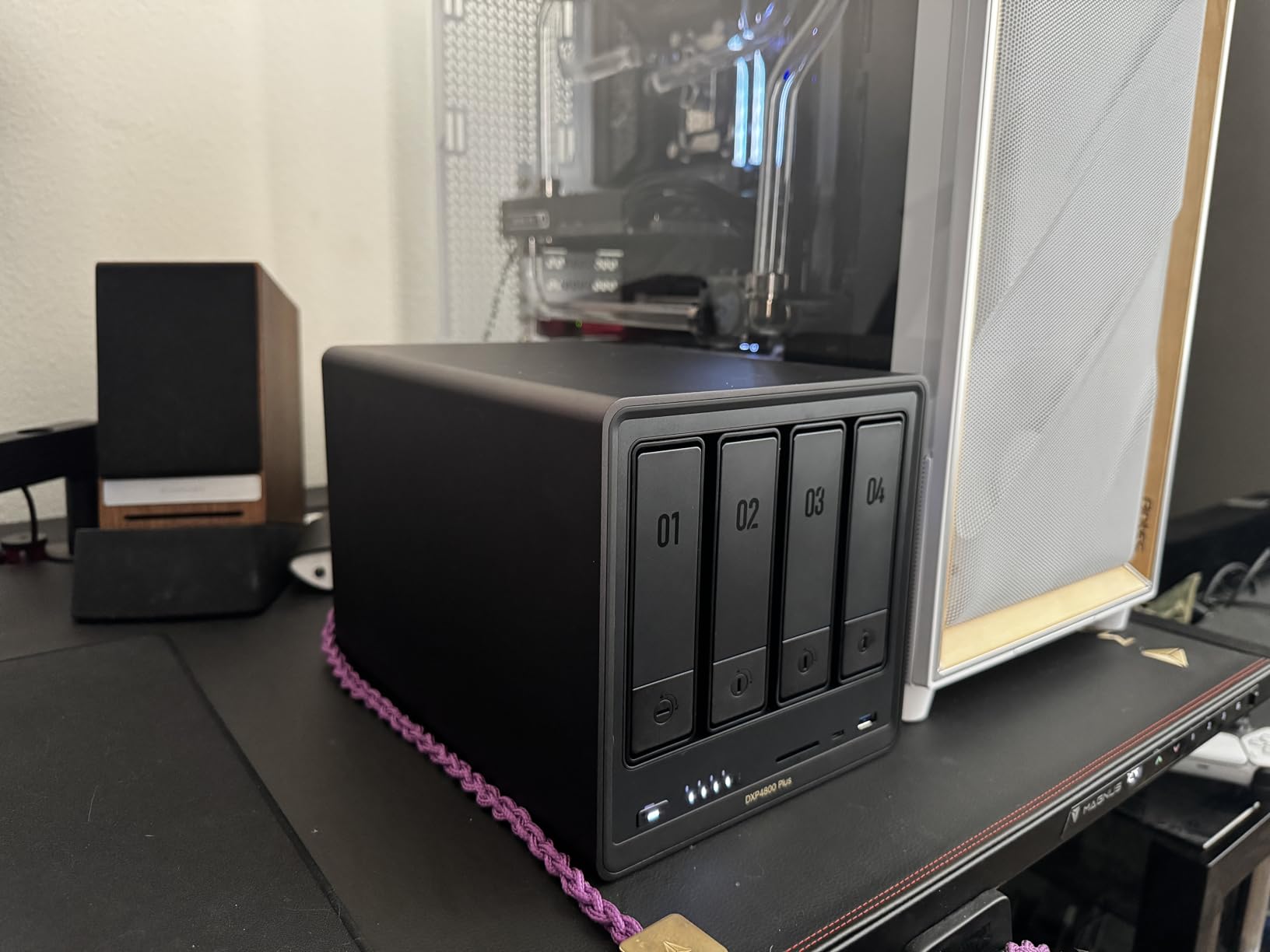
This is the box I recommend when a photographer also shoots video. The dual networking means stills transfers fly while a 4K timeline streams from the same array, and the four bays give real room to grow past a single RAID group.
The included 128GB SSD keeps the operating system off the drives, which makes boot and shutdown noticeably quick and leaves your platter space entirely for imagery. Owners commonly bump the RAM to 32GB for containers, and that upgrade is the main reason to pick this over a Synology at a similar tier.
Why 10GbE Earns Its Place Here
Ten-gig networking is a real speed-up, not a spec-sheet flex, when the client is a disk array or an NVMe pool. A 100GB hand-off that took six minutes on my old gigabit link finished in well under two.
The catch is on your side of the wire. A single 2.5GbE laptop port will still bottleneck at around 280 MB/s, so 10GbE only pays off if the editing machine has a matching port or a Thunderbolt adapter and a switch that can carry it.
NVMe Slots: Cache, Volume, or App Store
Two M.2 slots accept NVMe drives for caching or for a dedicated SSD storage pool. My preference for a photo library is an SSD pool for the Lightroom catalog and previews, with the spinning drives reserved for RAW and finished exports.
Note that these slots are not additional storage pools in the RAID sense; think of them as fast tiers. And check thermals, which is the most common technical complaint: the fan cannot fully cool the SSD bay, and drives with factory heatsinks may not physically fit in the slim slot.
Aluminum Build and a Quieter Footprint
The chassis feels a tier above plastic competitors, and owners report set-and-forget reliability once configured. The one recurring hardware gripe beyond thermals is a rear dust filter that can rattle.
Software-wise, UGREEN’s interface has some awkward choices and no granular fan control. In exchange you get a real Docker and VM layer, which is what makes this a favorite for people running Immich alongside their editing tools.
3. Synology DS225+ – The Easiest NAS to Set Up and Forget
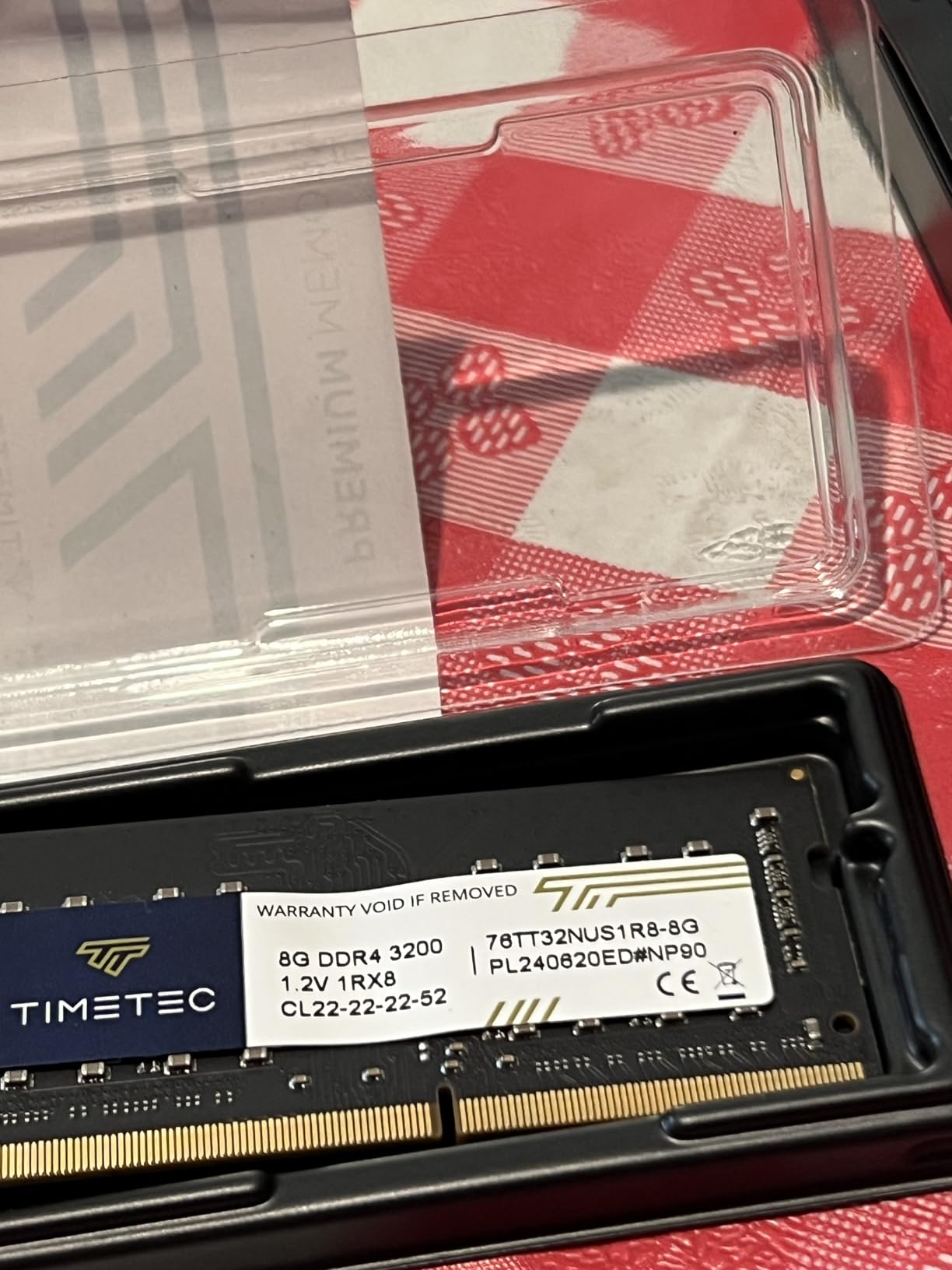
Synology DS225+ Private Cloud Media Server – Stream, Back Up Photos & Share Files, Intel CPU for Hardware Transcoding (2-Bay Diskless NAS)
Intel Celeron J4125 quad-core
2 bays to 40TB
1GbE
Up to 282 MB/s
3-year warranty
+ Pros
- DSM is the most polished NAS interface available
- Quad-core gives real headroom over older two-core units
- Quiet and low power draw
- Migration from an older Synology carried data and settings cleanly
– Cons
- 1GbE only so faster networks are wasted
- Some pool and cache features still push Synology-branded drives
- No hardware transcoding on this model
- Third-party drive support has been unreliable at initial install
If you have never owned a NAS, this is the least painful way in. The software walks you through volume creation, shared folder permissions, and remote access in a way competitors still do not match, and the whole thing is done from a browser on your phone if you want.
Coming from an older Synology, my migration was genuinely uneventful: the data, settings, and credentials moved across and only the network address changed. That reliability is the product for anyone whose priority is not losing files rather than squeezing out maximum throughput.
Why 1GbE Is the One Weakness
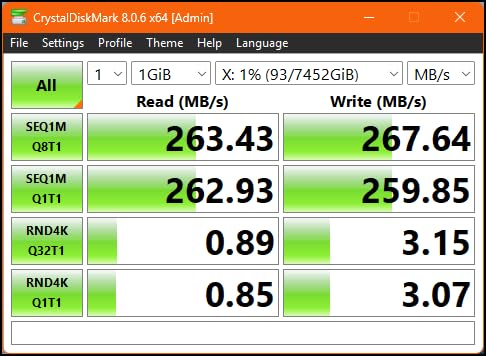
At up to 282 MB/s of internal capability, the network port is the limit, not the drives. On a gigabit home network you will saturate the link and never know the difference.
That is fine for archiving and culling. It is not fine if you plan to edit 4K video off the array, and for a photographer buying a two-bay unit today with that in mind, the 2.5GbE models make more sense.
The Drive Restriction Question
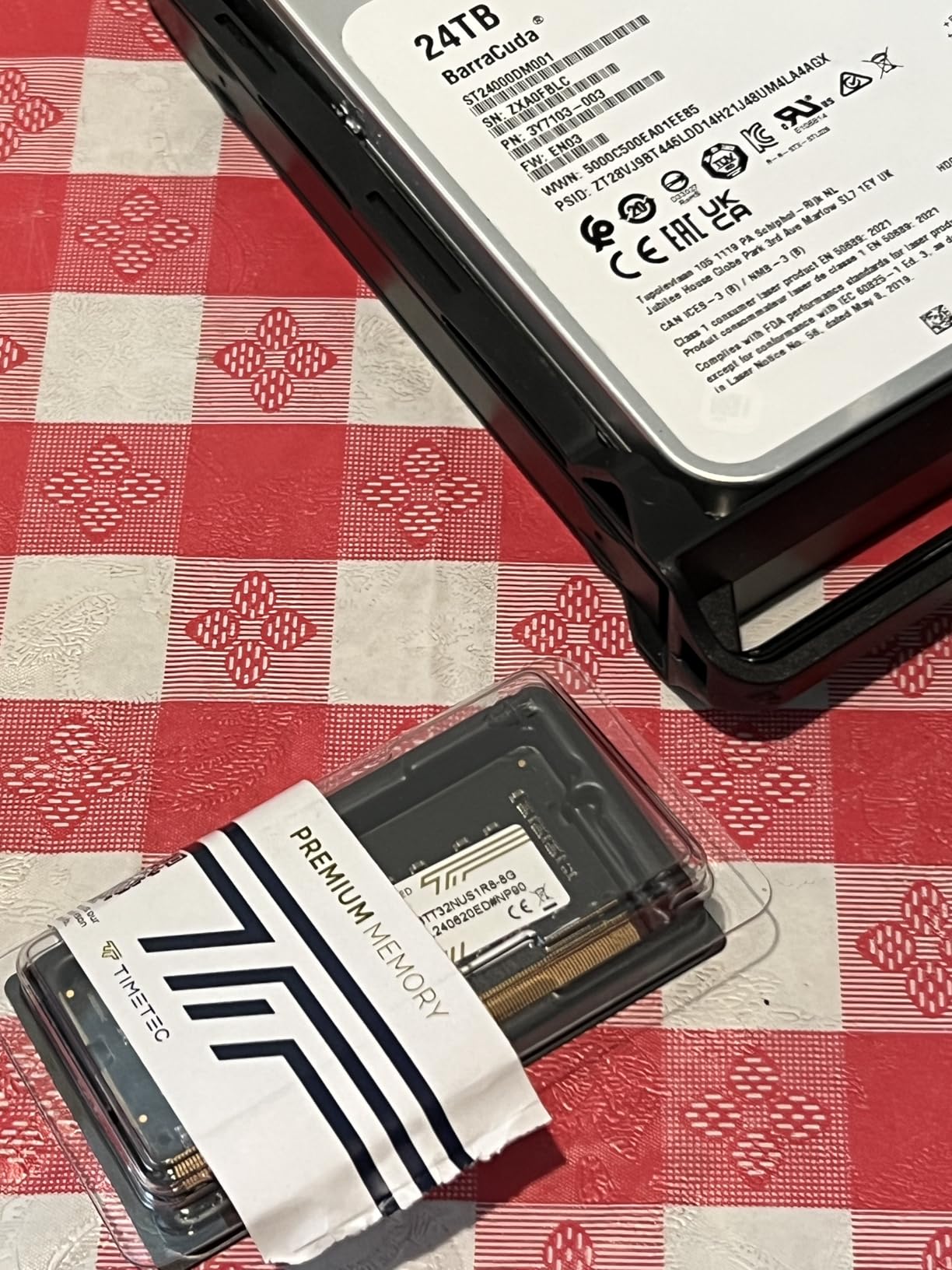
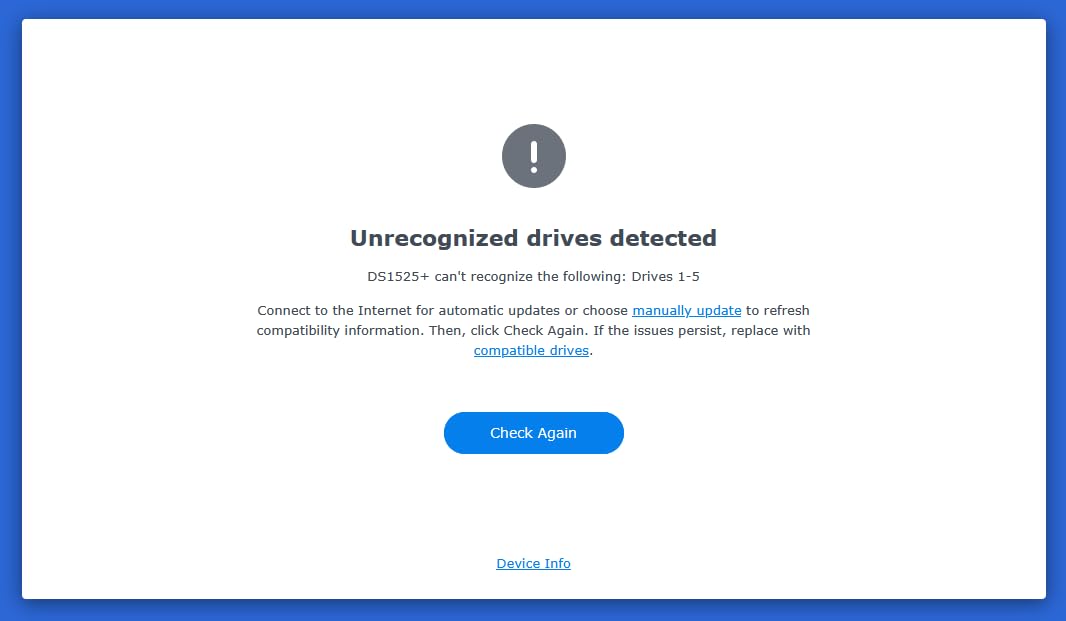
This is the most important thing to research before you buy. Reviewers on this listing include accounts of units failing DSM installation with third-party Seagate IronWolf drives until Synology-branded disks were fitted, and some storage pool and cache features still steer you toward Synology SSDs.
Synology has since reversed the broader restriction, and the newer models below document that clearly. On this unit, budget for the possibility that specific pool or cache functions want proprietary media.
Two Bays Is a Real Ceiling
Two bays means RAID 1, which is mirroring, and no headroom beyond it. That is genuinely sufficient for a family library or a single photographer under about 20TB, but a growing RAW archive will outrun it, and expanding later means replacing the unit rather than adding a disk.
4. QNAP TS-433-4G – Four Bays in a Compact Tower
QNAP TS-433-4G-US Storage NAS (2.0GHz 4-core Cortex-A55 ARM/4GB built-in/1×2.5Gigabit Ethernet Port (2.5G/1G/100M)/4BAYS/80TB/TOWER/*NO HDD*)
Cortex-A55 quad-core at 2.0GHz
4GB built-in memory
Single 2.5GbE port
4 bays to 80TB
445 MB/s read
+ Pros
- Compact 4-bay tower suits small desks
- 2.5GbE is a meaningful step up from gigabit units
- Solid metal construction at this tier
- QTS offers containers and a mature app catalogue
– Cons
- ARM CPU has less headroom than Intel-based QNAP models
- Only one 2.5GbE port so no link aggregation
- Diskless so drives are sold separately
- Mobile apps trail Synology for photo-first workflows
Most four-bay boxes are wide. This one is a square tower that fits a small desk next to an editing monitor, and it still gives you four bays, which is the minimum I consider sane for a photo library that will grow.
With up to 80TB raw capacity across the bays and a 2.5GbE port up front, it covers the same ground as larger chassis from other brands without demanding a dedicated shelf. The 4GB of built-in memory is fixed, which is the main limit on what you run alongside the array.
What an ARM Processor Does and Does Not Cost You
The 2.0GHz quad-core Cortex-A55 is efficient and cool, and it handles file serving, backups, and a photo app without complaint. It is simply not the chip you want for heavy virtualization or multiple concurrent transcoding streams.
For a photo archive, that trade is usually worth making. For a box that is also doing media server duty for the household, look at the Intel-based six-bay further down.
Single-Port Networking as a Ceiling
One 2.5GbE port means no link aggregation and no second path to the array. If your workflow later becomes two editors sharing one library, that is the constraint you will hit first.
Drive compatibility here is open, which is a genuine advantage. It runs Windows, macOS, Linux, iOS, and Android clients, plus hardware encryption for the shared volume.
5. Synology DS925+ – The Four-Bay for Lightroom-Heavy Editing
Synology 4-Bay DiskStation DS925+ (Diskless)
AMD Ryzen four-bay
Up to 522 MB/s read
Dual 2.5GbE
Two M.2 NVMe slots
Toolless hot-swap
+ Pros
- DSM gets out of the way with automatic RAID builds and upgrades
- Toolless hot-swappable caddies make drive swaps painless
- Performance is zippier than expected with quiet fans
- Third-party drives work after the restriction was reversed
– Cons
- 4GB base RAM is thin for containers and VMs
- NVMe slots and some features still push Synology SSDs
- Synology Photos helper and browser extension are unreliable
- Some users report lockups needing a hard reboot
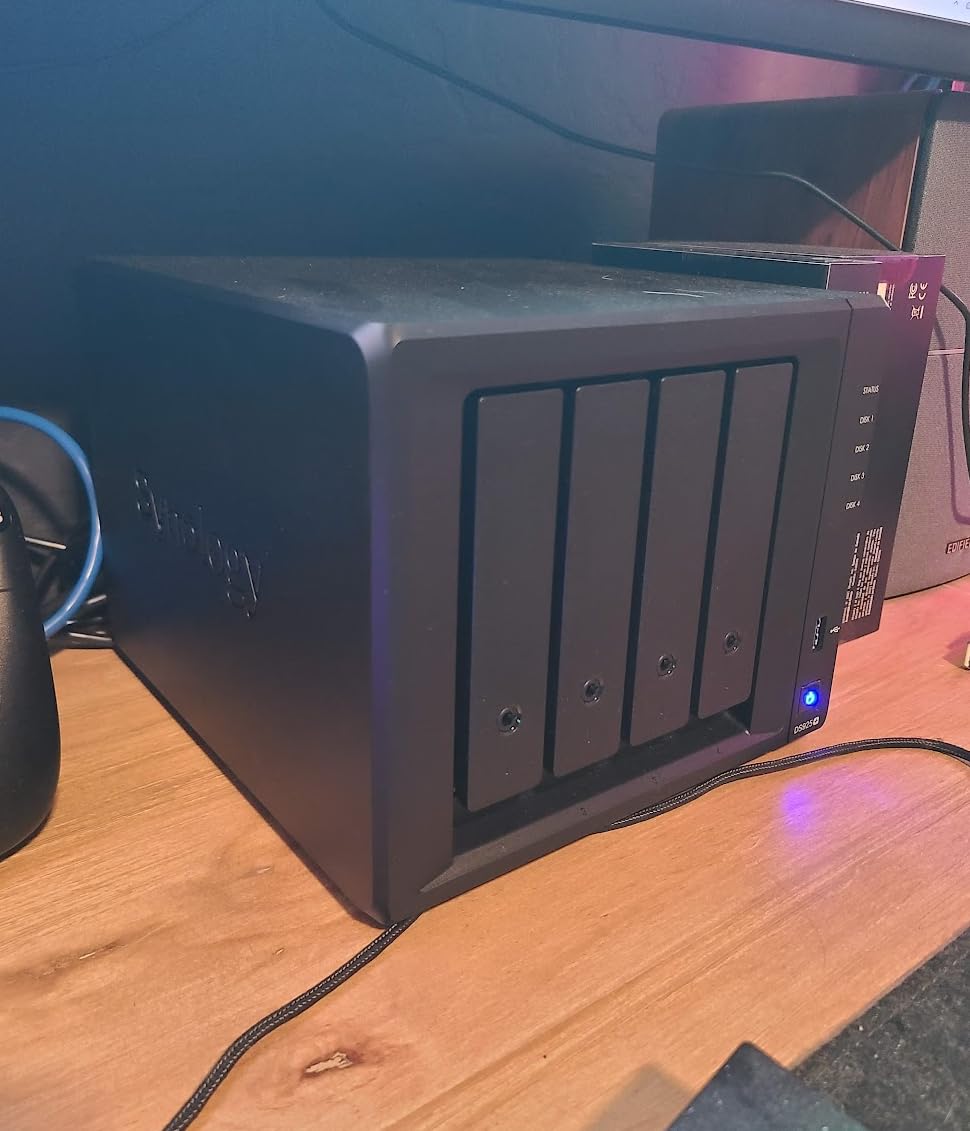
The DS925+ is the Synology to buy if your day is spent culling rather than filing. The Ryzen silicon and dual 2.5GbE ports mean the array keeps pace with a busy catalog sync, which is the bottleneck most photographers actually hit.
Capacity expansion is the quiet strength. Toolless caddies and larger supported capacities mean you can grow a single volume over years instead of migrating, and the dual ports allow link redundancy if your switch supports it.
Sequential Throughput and What It Means for RAW
Up to 522 MB/s sequential read and 565 MB/s write is well past what a four-drive RAID 5 array delivers over the network, which tells you the headroom is in the platform, not the disks. The binding constraint on RAW work is usually file size and count, not raw bandwidth.
In practice the dual 2.5GbE ports are the part you feel. A full card import lands in a fraction of the time it takes on a single gigabit link, and two clients can work without fighting each other.
Where the Total Cost Climbs
Buyers repeatedly note that the price rises quickly once memory, NVMe, and drives are added. The 4GB base is not enough for serious container or VM use, and matching high-capacity modules carry a premium.
Third-party RAM is the riskier path. Owners who installed non-Synology modules reported memory-test failures and DSM instability, which is a strong argument for either staying at 4GB or budgeting for the genuine article.
The Photo App Caveats
Synology Photos desktop helper and browser extension are reported as unreliable, and running Immich in Docker is the workaround many owners prefer. The drive restriction is also only partly lifted: NVMe slots and some Storage Manager features still steer you toward Synology SSDs.
One more practical note: web setup can fail to format third-party drives on the first attempt until a compatibility file is loaded manually. Budget ten minutes for it.
6. QNAP TS-664 – Six Bays and ZFS for Studio Archives
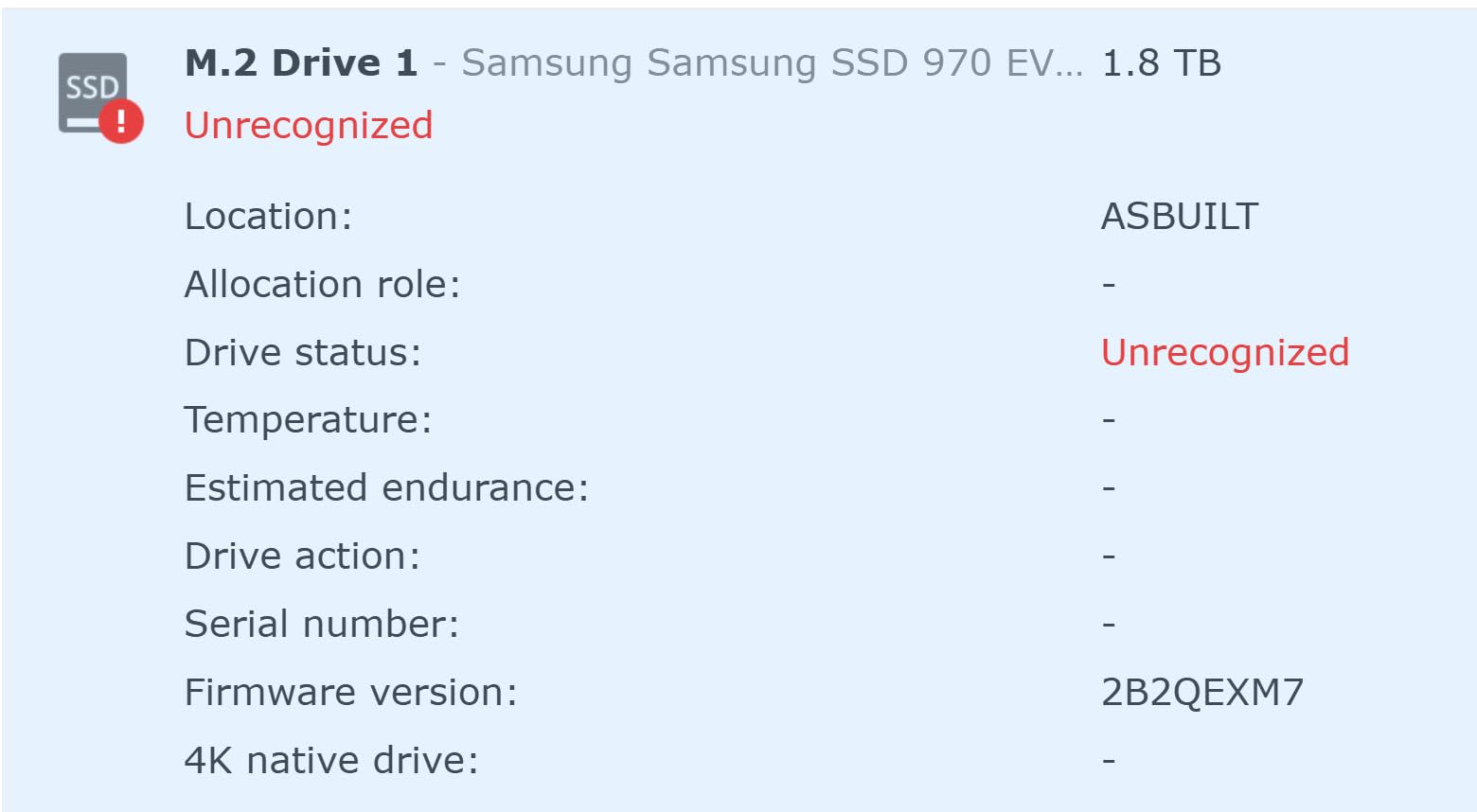
QNAP TS-664-8G-US 6 Bay Desktop NAS
Intel Celeron N5105 quad-core
8GB DDR4
Dual 2.5GbE
Dual M.2 NVMe slots
6 hot-swappable bays
+ Pros
- Dual 2.5GbE supports aggregation for two-client workflows
- M.2 slots enable caching or a dedicated SSD pool
- QuTS Hero brings ZFS to this class
- Metal chassis with easy hot-swapping
- Can install Ubuntu for a fully DIY build
– Cons
- Celeron struggles with media transcoding under multiple streams
- Some units report constant fan buzz
- Windows network discovery often fails to show the NAS
- Power comes from a bulky external brick
Six bays changes the math. With ZFS available through QuTS Hero, you can build a RAIDZ2 pool that survives two simultaneous drive failures, which is exactly what a studio archive of paid client work needs.
For my workflow, the dual 2.5GbE ports are the feature I care about most. Aggregation turns a single 280 MB/s link into a pair of them, and with a switch that supports it, two machines editing off one pool stop being a bottleneck.
ZFS, SHR, and the Case for More Bays
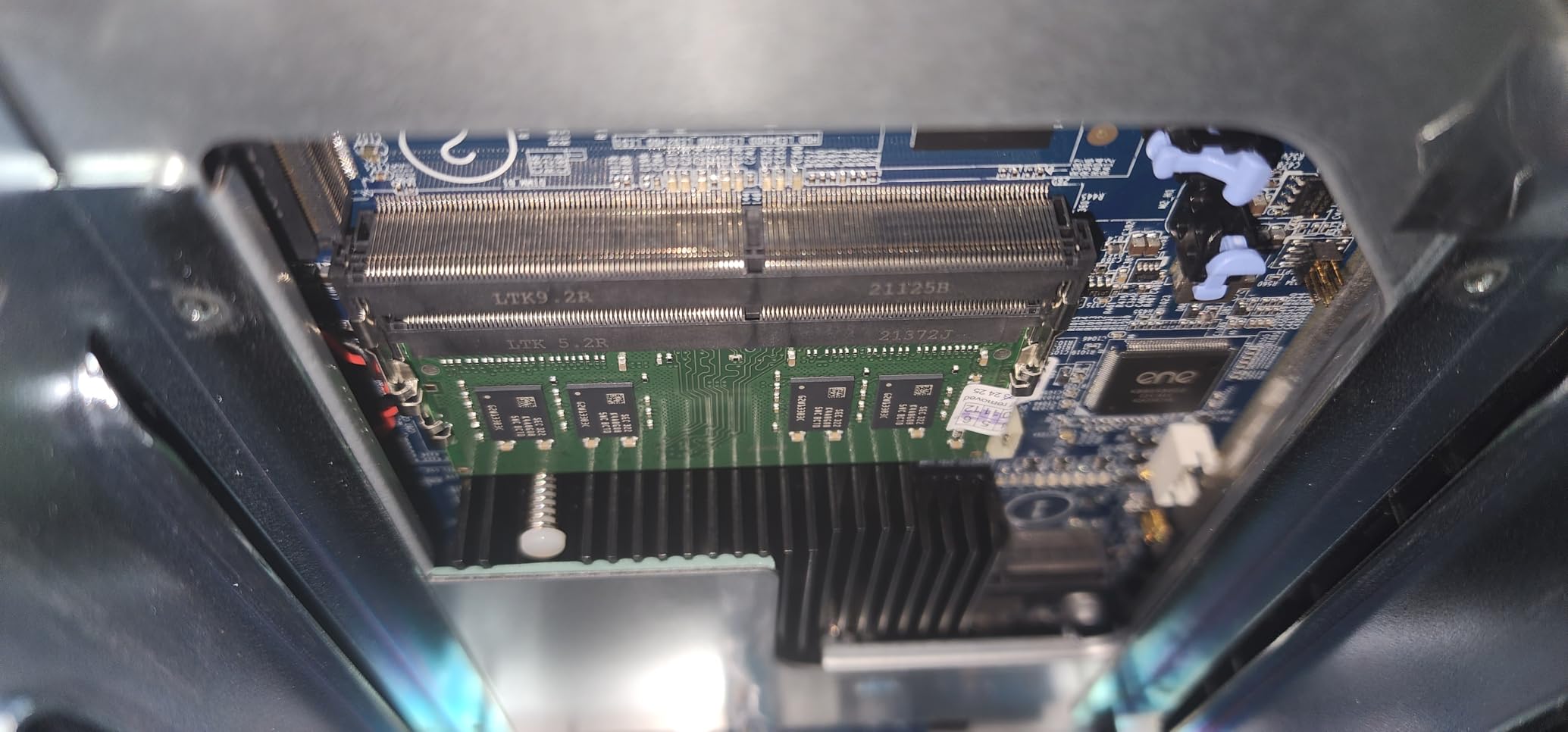
ZFS carries a memory cost, and 8GB is on the lean side for a meaningful ARC cache. On some units that memory is not user-upgradable, so read this line before you buy rather than after.
The payoff is resilience and checksumming. Photographers coming from mirrored desktop drives tend to find the flexibility worth the extra complexity, particularly once the library passes the point where a full restore means re-downloading years of work.
Transcoding Limits and the Fan Buzz
The Celeron is the weak spot. Reviewers report DTS streams locking up and multiple high-bitrate streams overloading it, so if this box is also your media server, test it before you commit.
Fan buzz is the other recurring note, and an external power brick adds cable clutter under a desk. Removing the front panel lets drives run several degrees cooler, according to owners who tried it.
The Windows Discovery Problem
The most persistent software complaint is that Windows network discovery frequently fails to show the NAS in File Explorer. Typing the address works, and setting the share as a mapped drive resolves it, but it is friction that should not exist in 2026.
Several owners go further and install Ubuntu directly, bypassing the vendor system entirely. If you like building your own server, that option is unusually open for a box at this size.
7. Synology DS1525+ – Built for 4K and 8K Editing Teams
Synology DS1525+ Video Editing & Production Server – Scale to 300TB, 10GbE Ready & Multi-User Workflows (5-Bay Diskless NAS)
5 bays starting at 100TB
Up to 1181 MB/s
10GbE ready
AI tagging
3-year warranty
+ Pros
- Rock-solid stability across decades of Synology deployments
- Third-party WD and Seagate drives work after DSM 7.3
- Handles large media libraries well over 2.5GbE
- Supports multiple simultaneous editors
- Simple migration from older five-bay systems
– Cons
- Modest CPU and network performance without the 10GbE upgrade
- Relay-based remote access is very slow
- Non-Synology M.2 drives not supported for new cache installs
- Time Machine backup reported as broken
- No AFP support on modern macOS
The DS1525+ is the answer when the array stops being an archive and starts being a production server. It starts at 100TB and expands to 300TB with DX525 units, and it is built around multiple editors working at the same time.
That use case is where the 10GbE readiness matters. Without that upgrade card, reviewers describe the CPU and network as modest, so treat the speed rating as conditional rather than standard.
What 10GbE Readiness Actually Means
The quoted figure of up to 1,181 MB/s only applies with the 10GbE option installed and a matching network path. On a plain 2.5GbE setup, the box still handles a large shared library well, as owners running production workloads over 2.5GbE report.
For a single photographer, the honest read is that 10GbE is optional. For a two or three-person studio cutting 4K and 8K timelines, it is the difference between a workable shared volume and a frustrating one.
Software Wins and Software Limits
The strongest reviews come from long-time operators running dozens of units, and they report zero failures over more than a decade. Multiple owners also confirm the third-party drive restriction is fully lifted on current DSM builds, which is a meaningful change for anyone planning an IronWolf or WD Red array.
The limits are software-side. Relay-based remote access outside the home is reported as very slow, Time Machine functionality is described as broken on current units, AFP is gone for modern macOS, and the M.2 slots still require Synology SSDs for new cache installations. If you travel and need fast remote access, test this before buying.
AI Tagging and Version Control
The media management features include AI tagging across an asset library and version control for projects, which is more useful to a working studio than to someone archiving personal photos. It is a reason to stretch a bay, if the budget allows.
8. Seagate IronWolf 8TB – The NAS Drive to Build the Array From
Seagate 8TB IronWolf Internal NAS Hard Drive | SATA 6 Gb/s (ST8000VNZ04)
8TB NAS-optimized capacity
SATA 6 Gb/s
256MB cache
Up to 210 MB/s read
3.5-inch form factor
+ Pros
- Purpose-built for multi-user NAS workloads with low vibration
- 256MB cache and 210 MB/s reads handle big libraries
- IronWolf Health Management monitors drive health from the NAS
- 1M hours MTBF plus three years of Rescue services
- Fits standard 3.5-inch bays across major NAS brands
– Cons
- Costs more per terabyte than a generic desktop drive
- A small share of reviews report SMART warnings
- 8TB is a modest size against current 20TB-plus options
This is the drive I start with when building any array, and it is by a wide margin the most proven item in this guide. With a 4.5 average across more than 13,000 reviews, there is a very large body of owners who have run it in multi-bay enclosures for years.
The 210 MB/s sequential read speed and 256MB cache are more than sufficient for a spinning-disk photo array, because the network will be the limit long before the platters are. What you are really paying for is vibration handling and a workload rating for up to eight bays.
Why NAS-Rated Drives Matter in a Multi-Bay Box
Desktop drives are not built for the constant low-level vibration of neighbouring platters seeking. NAS-rated drives use different firmware and vibration tolerance for exactly that environment, and in a four- or six-bay array the difference in long-term reliability is real rather than marketing.
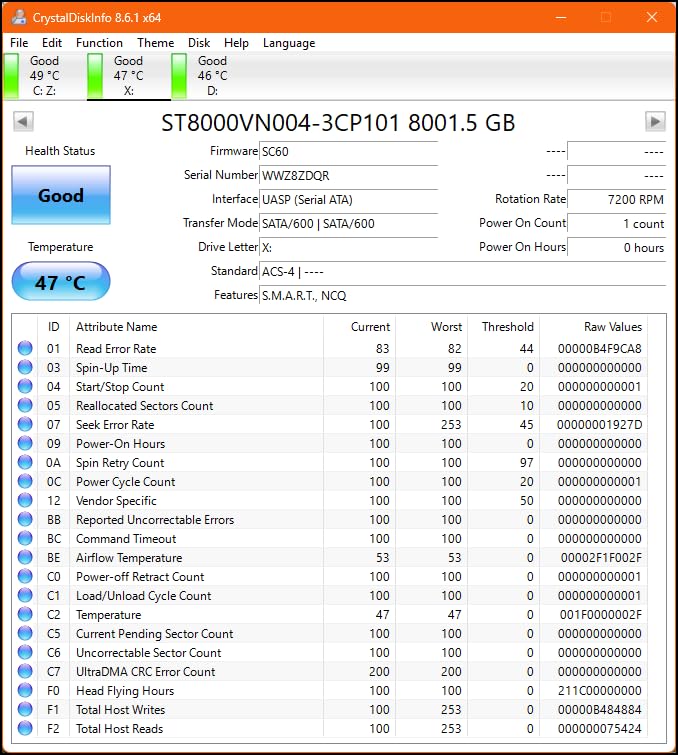
IronWolf Health Management surfaces drive health inside the NAS interface, so you can catch a degrading disk before it becomes an incident. With a 1M hour MTBF figure and three years of Rescue Data Recovery Services included, that monitoring is the part most worth using.
Matching Drives and the Warranty Question
Arrays built from identical drives simplify expansion. The general rule is to add drives of the same capacity and speed, and to plan capacity growth by moving to larger drives rather than mixing generations.
For long cold archives, forum consensus strongly favours longer warranties. A five-year warranty on an IronWolf Pro or WD Red Pro drive matters more than the price gap against a three-year model, and it is the reason I would not build a decade-long archive on generic disks.
9. Asustor AS3304T – Four Bays with 2.5GbE on a Tight Budget
Asustor Drivestor 4 Pro AS3304T – 4 Bay NAS, 1.4GHz Quad Core, 2.5GbE Port, 2GB RAM DDR4, Network Attached Storage (Diskless)
Realtek RTD1296 quad-core
2GB DDR4 RAM
Single 2.5GbE port
Up to 72TB raw
4K H.265 transcoding
+ Pros
- 2.5GbE doubles performance over gigabit-class devices
- Realtek quad-core with 2GB RAM is reliable for home use
- 10-bit 4K H.265 hardware transcoding
- Over 200 apps including Plex and backup tools
– Cons
- Only 2GB of RAM limits multi-user and virtualization work
- Single network port caps aggregate throughput
- About 9% of reviews are one star
- Rack-oriented form factor is awkward for desktop-only setups
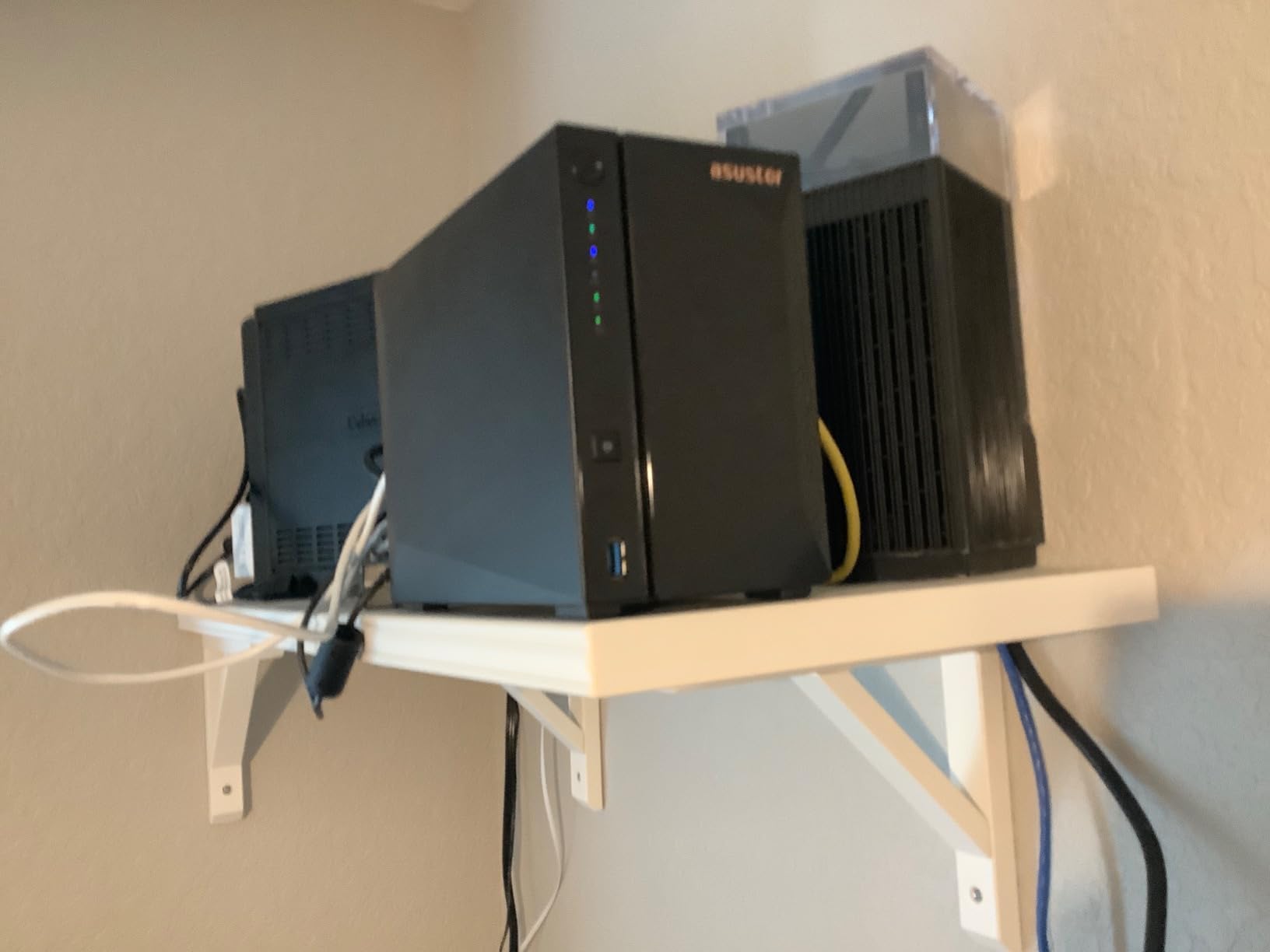
The AS3304T gives you four bays and a 2.5GbE port without the premium-brand markup, which makes it the pick when the budget is fixed and the archive is the priority. ADM sets up quickly and the app library covers the backup and streaming basics.
I would pair it with an NVMe drive for the catalog and previews, since the 2GB of memory is not the constraint for a pure file server. As a straight shared volume for RAW and finished exports, it is a genuinely capable little box.
Where 2GB of RAM Bites
Two gigabytes is fine for file serving, backups, and one or two light apps. It is not fine for a virtual machine, several simultaneous users, or heavy Docker work, and the single 2.5GbE port means you cannot widen the bottleneck with a second link.
Around 9% of reviews are one star, with setup and occasional drive-detection issues accounting for much of that. A first-time NAS owner who wants a hand-holding experience should look at the Synology two-bay instead.
Storage Ceiling and Transcoding
Four 18TB drives get you to 72TB raw. On RAID 5 that is around 54TB usable, which is a meaningful archive for a hobbyist or an early-career pro, and the drives themselves stay within the range most enclosures of this class support.
The 10-bit 4K H.265 hardware decoding is a nice touch if you also stream client delivery videos from the same box, and it costs nothing in noise because it is silicon doing the work.
10. Asustor AS1104T – A Straightforward Four-Bay First Archive
Asustor Drivestor 4 AS1104T – 4 Bay NAS, 1.4GHz Quad Core, Single 2.5GbE Port, 1GB RAM DDR4, Network Attached Storage, Personal Private Cloud (Diskless)
Realtek RTD1296 quad-core
1GB DDR4 RAM
Single 2.5GbE port
10-bit 4K H.265 transcoding
+ Pros
- Straightforward four-bay private cloud
- 2.5GbE doubles speed over gigabit connections
- Energy-efficient 1GB DDR4 platform
- 10-bit 4K H.265 hardware transcoding
- Tower enclosure suits a home setup
– Cons
- 1GB is the lowest memory in the line and limits app use
- Single port cannot be teamed for more throughput
- About 12% of reviews are one star
- ADM takes adjustment for first-time NAS users
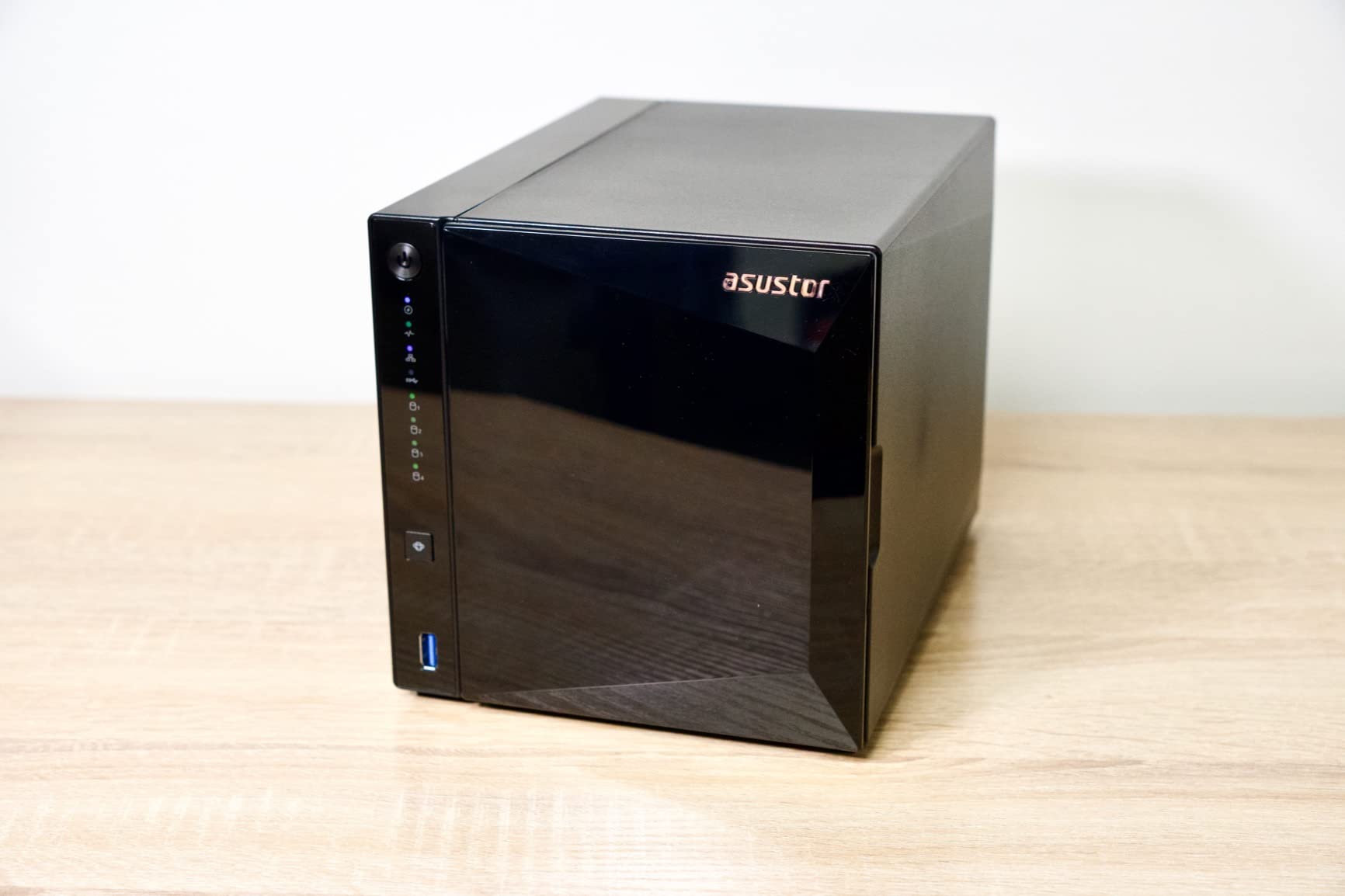
The AS1104T is the simplest four-bay box here and it does one job: give a household or a single shooter a mirrored archive that is always on and reachable from any device. For a family library or a photographer who just finished their first paid year, that is the whole requirement.
The 1GB of DDR4 is more efficient than the previous generation, and the 2.5GbE port means you are not handicapping the network on day one. You are simply not getting memory headroom you probably will not use for pure file serving.
Who This Is For and Who Should Skip It
If you want a private cloud that backs up phones, serves photos to the TV, and mirrors four drives, this does all of it. The tower format suits a shelf or a desk better than a rack-oriented chassis.
Skip it if you intend to run containers, virtual machines, or several editors. One gigabyte will not support that, and about 12% of its reviews are one star, the weakest rating mix in this group, with ADM setup friction the recurring theme.
Building It as a Mirror and Then Backing It Up
With four drives you have options the two-bay boxes do not. Two mirrored pairs give you redundancy plus double the capacity, and a single RAID 5 volume gives you more usable space with one drive of fault tolerance.
Whichever you choose, mirror or RAID, that protects against hardware failure only. A second copy somewhere else is what protects against the mistakes, deletions, and ransomware that redundancy cannot see.
How to Choose a NAS for Photo Storage
Pick Your Bay Count From Your Library Size
Two bays is a mirror and nothing more. It suits a family library, phone backup, or a single photographer under roughly 20TB, and it is the cheapest way to get automatic redundancy instead of hand-duplicated externals.
Four bays is where I would start for anyone shooting paid work. It supports RAID 5 or a pair of mirrors, and it leaves room to grow a single volume by replacing drives rather than replacing the whole unit. Six or more bays only makes sense once you need two-drive fault tolerance or enough capacity that a full restore is not an option.
One important caveat on expansion: most enclosures in this guide are diskless, and adding a bay later usually means buying a different chassis. Size for five years of shoots, not for the current backlog.
Choose the RAID Level That Matches Your Tolerance for Rebuilds
RAID 1 mirrors drive to drive and survives a single failure. RAID 5 in a four-bay gives you roughly three quarters of raw capacity and survives one failure, but a rebuild after a replacement is long and taxing on the remaining drives.
RAID 6 and RAIDZ2 cost you two drives of capacity and survive two simultaneous failures, which is the right trade for a studio archive you cannot afford to lose. RAID 10 gives you excellent write performance at fifty percent capacity and is the one to pick when speed matters more than density.
Synology Hybrid RAID is worth understanding separately. SHR lets you start with two drives and add larger ones later without the array forcing every drive to match, which matters a great deal to photographers whose libraries grow unpredictably.
Match Network Speed to How You Actually Work
On a gigabit network you get roughly 110 MB/s in practice. That is fine for archiving and browsing, and it is the number behind most of the “wait for a large folder” complaints in photography forums.
2.5GbE lands around 280 MB/s and is the sweet spot for stills work, provided your laptop or desktop has a matching port. 10GbE can pass a gigabyte per second, but only if the client, the switch, and the storage behind it can all sustain it, so treat it as a post-production feature rather than an archive feature.
Keep the Lightroom Catalog Local and the RAW on the NAS
This is the most repeated piece of advice in the photography communities, and it solves the number one complaint about NAS setups. The catalog is a small SQLite database that gets read constantly, and putting it on network storage makes culling stutter.
Keep the catalog and previews on local NVMe or SSD, point Lightroom at the RAW files living on the NAS, and let the network cost you only on file access. If you want the previews fast too, put them in a scratch location that Lightroom can read locally.
Do not forget sidecars. Photoshop sidecar files and catalog databases are what desynchronize from the RAW archive, so they need to be in the backup set, not just sitting on your working drive.
Plan the Offsite Copy – RAID Is Not a Backup
RAID keeps your array running when a disk dies. It does nothing about accidental deletion, ransomware, fire, theft, or a dead controller taking a volume with it, and it actively spreads the damage in a sync setup because deletion propagates to the mirror.
The plan that works, and the consensus on the photography forums, is three copies on two media types with one copy offsite. Your live array is copy one, an external drive or a second NAS is copy two, and encrypted cloud or a NAS at someone else’s house is copy three.
Forum users also raise a sharp warning about cloud-only archives: accounts tied to a job or a personal email can disappear. One photographer on r/AskPhotography described losing access to years of Google Drive files after a job change, which is why an offsite copy you control is worth more than it costs.
Finally, plan for the rebuild itself. A large-capacity replacement drive needs free space to reconstruct the array, and a multi-day rebuild under load is the moment when a second drive most often fails. Keep a spare on hand.
Frequently Asked Questions
What is the best NAS drive for a photographer?
For most photographers the best starting point is a four-bay enclosure such as the UGREEN DXP4800 Plus, filled with NAS-rated drives like the Seagate IronWolf 8TB. Four bays give you room to run RAID 5 or a pair of mirrors, and a 2.5GbE or faster port stops the network from limiting large transfers. Two bays only make sense below roughly 20TB.
Which NAS is best for storing photos?
Choose by library size and workflow rather than brand. A 2-bay unit handles a family or single-shooter archive under 20TB. Four bays covers most working professionals. Six bays or more with ZFS or RAIDZ2 is for studios that cannot tolerate two simultaneous failures. The enclosure is always diskless, so budget for NAS-rated drives separately.
How much storage do 10,000 photos need?
It depends entirely on format. Around 10,000 JPEG images at full resolution need roughly 30GB to 60GB, while 10,000 RAW files from a modern mirrorless body can run to 500GB or more. Add video and the same shoot count becomes tens of terabytes. A single 8TB NAS drive holds a very large RAW library, but mirroring it halves the usable figure.
What hard drive is best for storing photos?
A NAS-rated 3.5-inch drive built for multi-bay arrays. The Seagate IronWolf 8TB is the safest general choice, with 256MB of cache, up to 210 MB/s reads, health monitoring, and a three-year warranty with rescue services included. For long-term cold archives, look for five-year warranty models such as IronWolf Pro or WD Red Pro, and always mirror rather than rely on a single copy.
Is RAID the same as a backup?
No. RAID keeps an array available when a drive fails, but it cannot protect against accidental deletion, ransomware, fire, or theft, and a synchronized setup will happily replicate a deletion across the mirror. A proper backup follows the 3-2-1 rule: three copies, on two media types, with one copy stored offsite.
Can I run a Lightroom catalog off a NAS?
You can point Lightroom at RAW files stored on a NAS, but keep the catalog itself and your previews on local SSD storage. The catalog is a database read constantly during culling, and running it over the network introduces noticeable stalls. Backup the catalog and any Photoshop sidecar files to the NAS alongside the imagery.
Which NAS Wins for Your Photography Work
If you shoot stills and want the least friction between a card ingest and a finished archive, the UGREEN DXP2800 is the pick I recommend first. Two bays, 2.5GbE, and two NVMe slots cover a single-shooter workflow for years, and the AI photo app makes an old library searchable again.
If your work includes video, the UGREEN DXP4800 Plus is the better buy. The 10GbE port, four bays, and upgradeable RAM handle mixed stills-and-footage workloads that a two-bay unit simply cannot.
If reliability of data outranks everything else and you would rather not fight configuration, the Synology DS225+ will get you running fastest, at the cost of sticking to 1GbE and researching the drive restrictions first. The Synology DS925+ is the version to buy if you want four bays and stay in that ecosystem.
For a studio that cannot lose a second drive, the QNAP TS-664 with ZFS is the serious answer, and the Synology DS1525+ is the one to buy when several people edit from the same library at once. On a tighter budget, the Asustor AS3304T gives you four bays and 2.5GbE without the premium.
Whatever enclosure you choose, fill it with NAS-rated drives like the Seagate IronWolf 8TB, mirror your catalog and sidecars as carefully as your RAW files, and keep one copy away from the building. Get that right and the best NAS drives for photographers question becomes a five-minute setup rather than a source of anxiety.
Leave a Reply