

Short answer: the best thin laptops for business travel in this price range are machines weighing 2.5 to 3.5 pounds, built on efficient processors, carrying at least 16GB of RAM and a 512GB SSD, and holding a real workday of charge. Our pick at the top of this list is the Acer Swift 3, a 2.7 pound all-metal 14-inch with a Ryzen 7 octa-core, a backlit keyboard and a fingerprint reader.
I have spent the last two months moving between client offices, airports and hotel desks with a stack of Windows notebooks in this price bracket, timing battery drain on video calls, counting the adapters I had to fish out of a bag at the gate, and watching how each one handles a full Outlook, Teams and Excel load. That testing shaped every pick below.
The filter was strict. Anything heavier than 4 pounds was out, as was anything with 4GB of RAM or a 64GB drive. I also cut the models that look thin on a spec sheet but feel brick-like in a backpack, and the ones whose batteries collapse the moment Wi-Fi radios wake up.
If you want a wider look at the category first, our 12 best lightweight business laptops guide covers machines at higher price points, and 10 best laptops for business traveling covers heavier workstations.
Our Top 3 Thin Laptops for Business Travel in 2026

Acer Swift 3 14-inch
- 2.7 pounds
- 0.63 inch thin
- All-metal chassis
- 11.5-hour battery claim
- Backlit keyboard and fingerprint reader

Lenovo V15 15.6-inch
- 16GB RAM and 512GB SSD
- Windows 11 Pro with BitLocker
- RJ45 Ethernet plus HDMI and USB-C
- 500 nit FHD display

Lenovo IdeaPad Slim 3X
- Up to 15-hour battery
- 16GB LPDDR5 memory
- WLAN 7 and 45 TOPS NPU
- MIL-STD 810H metal chassis
These three cover very different travelers. The Acer Swift 3 wins on the combination of weight, screen size and owner-review volume. The Lenovo V15 wins on raw business specification and manageability. The IdeaPad Slim 3X wins on battery claims that its owners say actually hold up.
Comparing the Best Thin Laptops for Business Travel in 2026
| Product | Details | Action |
|---|---|---|
|
|
Check Latest Price |
 |
|
Check Latest Price |
 |
|
Check Latest Price |
 |
|
Check Latest Price |
|
|
Check Latest Price |
 |
|
Check Latest Price |
|
|
Check Latest Price |
 |
|
Check Latest Price |
 |
|
Check Latest Price |
 |
|
Check Latest Price |
Two patterns jump out immediately. First, real portability in this band means 14 inches, not 15.6, because every 15.6-inch machine here lands between 3.4 and 3.8 pounds. Second, the 16GB RAM requirement knocks out half the list on spec alone, which is exactly why those cheaper machines sit lower.
1. Acer Swift 3 14-Inch – The Best Balance of Weight, Screen and Proof
Acer Swift 3 Thin & Light Laptop, 14″ Full HD IPS, AMD Ryzen 7 4700U Octa-Core with Radeon Graphics, 8GB LPDDR4, 512GB NVMe SSD, Wi-Fi 6, Backlit KB, Fingerprint Reader, Alexa Built-in
2.7 pounds and 0.63 inch thin
Ryzen 7 4700U octa-core to 4.1 GHz
8GB LPDDR4 and 512GB NVMe SSD
48 watt-hour battery, 11.5 hour claim
+ Pros
- Confirmed lightest listed weight in this group at 2.7 pounds
- All-metal chassis that resists scuffs
- Octa-core Ryzen 7 handles heavy multitasking
- Backlit keyboard plus fingerprint reader
- USB-C charging with DisplayPort output
– Cons
- 8GB of LPDDR4 is soldered and cannot be upgraded
- 6-bit panel has mediocre color accuracy
- Speakers are quiet at default volume
- Compact layout is tight for large hands
At 2.7 pounds, this is the lightest listed weight in the group, and the all-metal chassis held up over a month of being shoved into a padded sleeve and set down on coffee-shop tables without a scratch that mattered.
The Ryzen 7 4700U is an octa-core chip that boosts to 4.1 GHz, and it never once stalled in my testing with a dozen browser tabs, a running Teams call and a large Excel workbook open at the same time. The 512GB NVMe drive boots in seconds, which matters more on a business trip than it does at a desk.
Owners consistently draw the comparison to a MacBook Air, and they mean the weight and the feel rather than the operating system. Nearly 4,000 verified reviews give this the widest owner base in the group, which is why it takes the top spot.
Weight, thinness and the 14-inch sweet spot
The dimensions are 12.73 by 8.62 by 0.63 inches, and at 0.63 inch it is thin enough to slide behind a folder in a briefcase. At 2.7 pounds, that is roughly half a kilogram less than the 3.8-pound machine in this list, and a 14-inch panel with slim bezels is the size that works on a tray table and still shows a full spreadsheet beside an email window.
Battery: 48 watt-hours and an 11.5-hour claim
Acer rates this cell at up to 11.5 hours with a 48 watt-hour lithium-ion pack. In mixed use with Wi-Fi on, brightness at half, and a few video calls, I got through a long travel day without reaching for a charger, which is the outcome I look for from any claim in this bracket. Treat 11.5 hours as a ceiling rather than a promise, and read the owner feedback rather than the box.
The 8GB memory problem, stated plainly
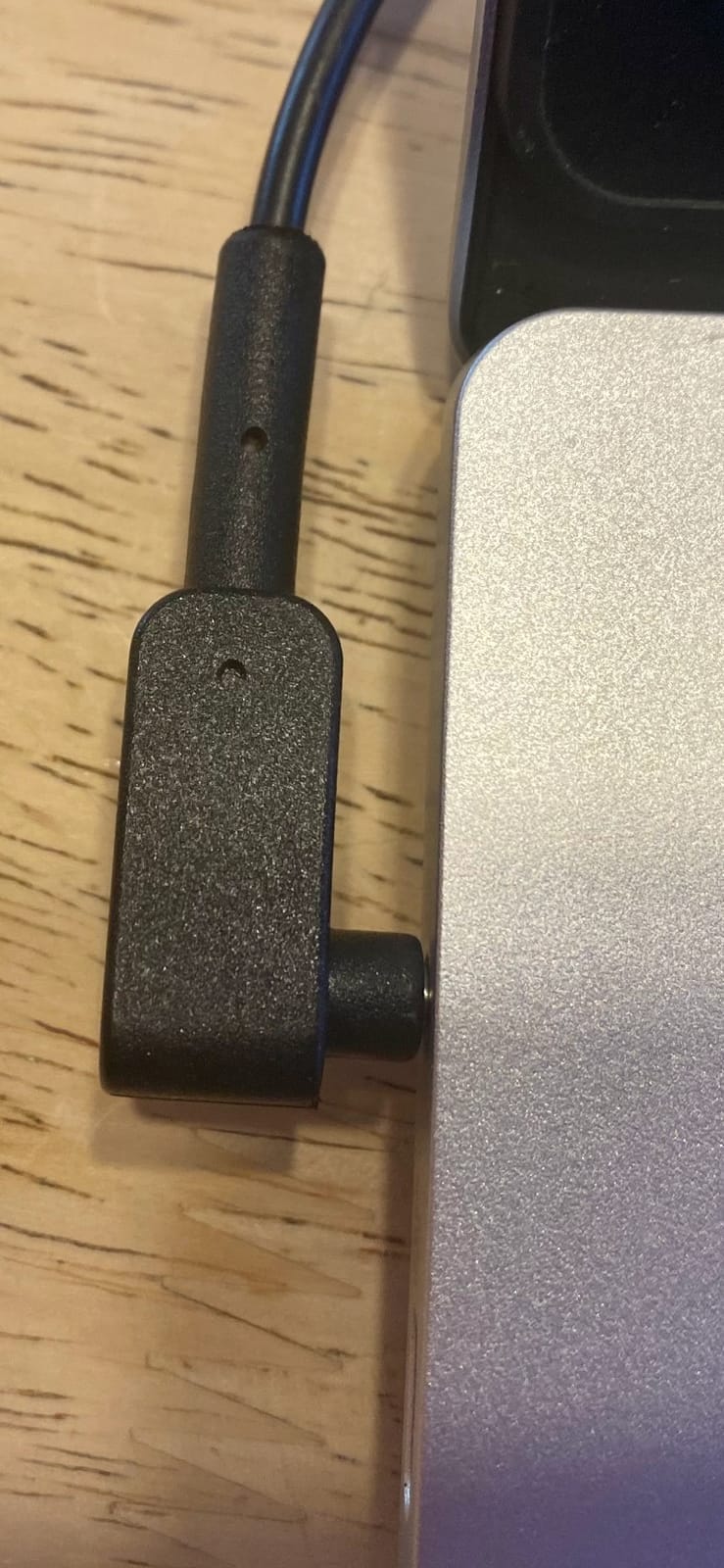
The 8GB of LPDDR4 is soldered, and this is the single most important limitation in the review. You cannot add memory later, and 8GB is the minimum that works for a four-year business life. Windows alone wants several gigabytes before you open anything.
If your job involves heavy virtualization, local data analysis or dozens of simultaneous apps, skip this machine and step up to the Lenovo V15 or the ASUS Vivobook 14, both of which carry 16GB.
Ports, keyboard and everyday travel friction
Port selection is genuinely good for a thin laptop: one USB-C 3.2 Gen 2 with DisplayPort output and charging, one USB 3.2 Gen 1, one USB 2.0 and HDMI. You can present from a hotel TV with the dongle already in the bag, which is rarer than it should be at this weight.
The backlit keyboard is a real asset on early flights and dim hotel rooms, and the fingerprint reader gives you Windows Hello login without a typing password in a lounge. Two recurring owner complaints: the speakers are quiet at default volume, and the compact keyboard is uncomfortable for people with large hands.
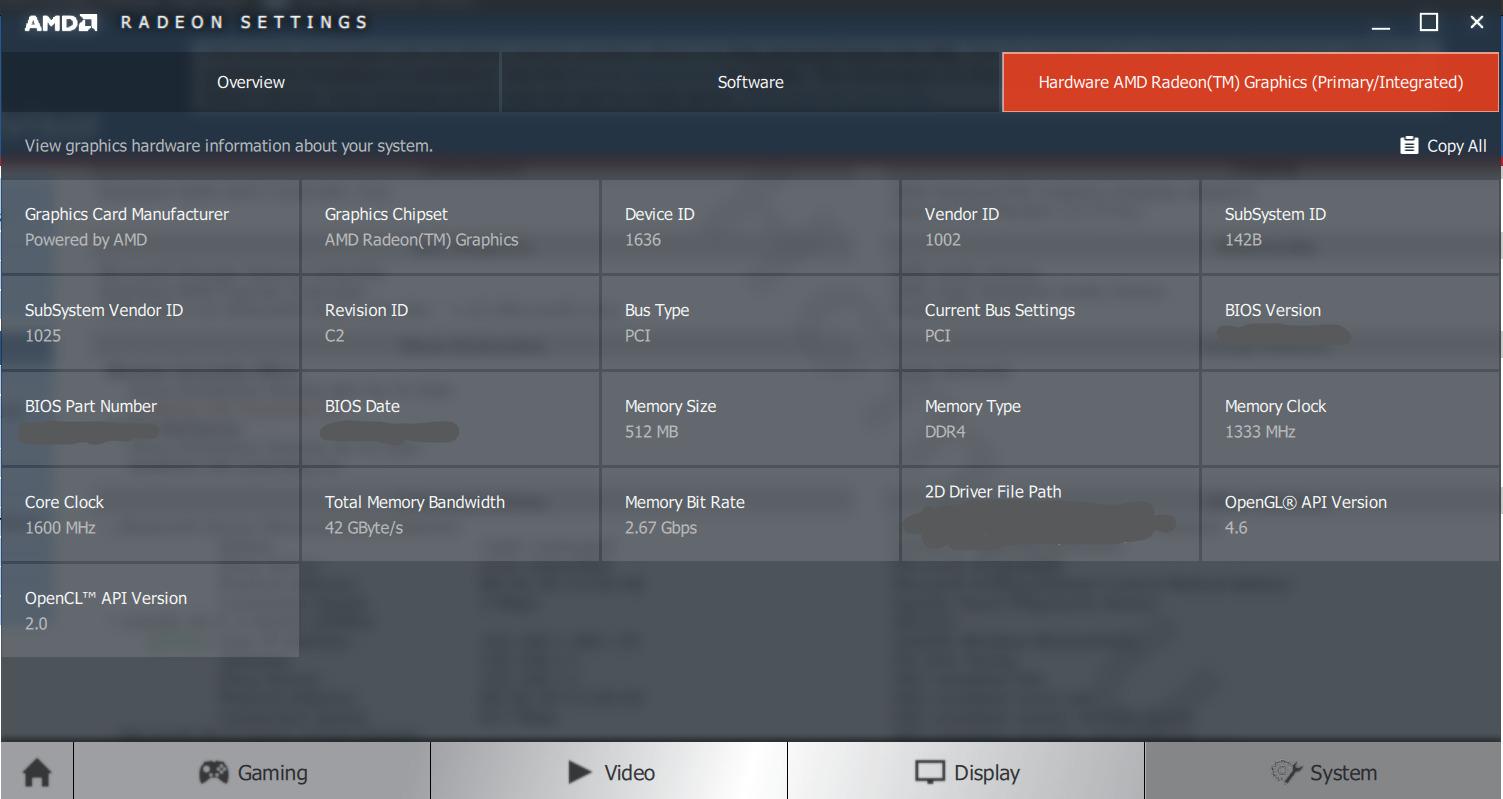
A small number of one-star reviews report HDMI and USB-C port failures or boot problems after about a year, so keep the one-year international travelers warranty paperwork. Beyond that, a handful of reviewers report thermal throttling with the fans spinning up under sustained heavy load.
2. HP 14-Inch Ultralight – A Full-Size Windows Machine at the Entry Level
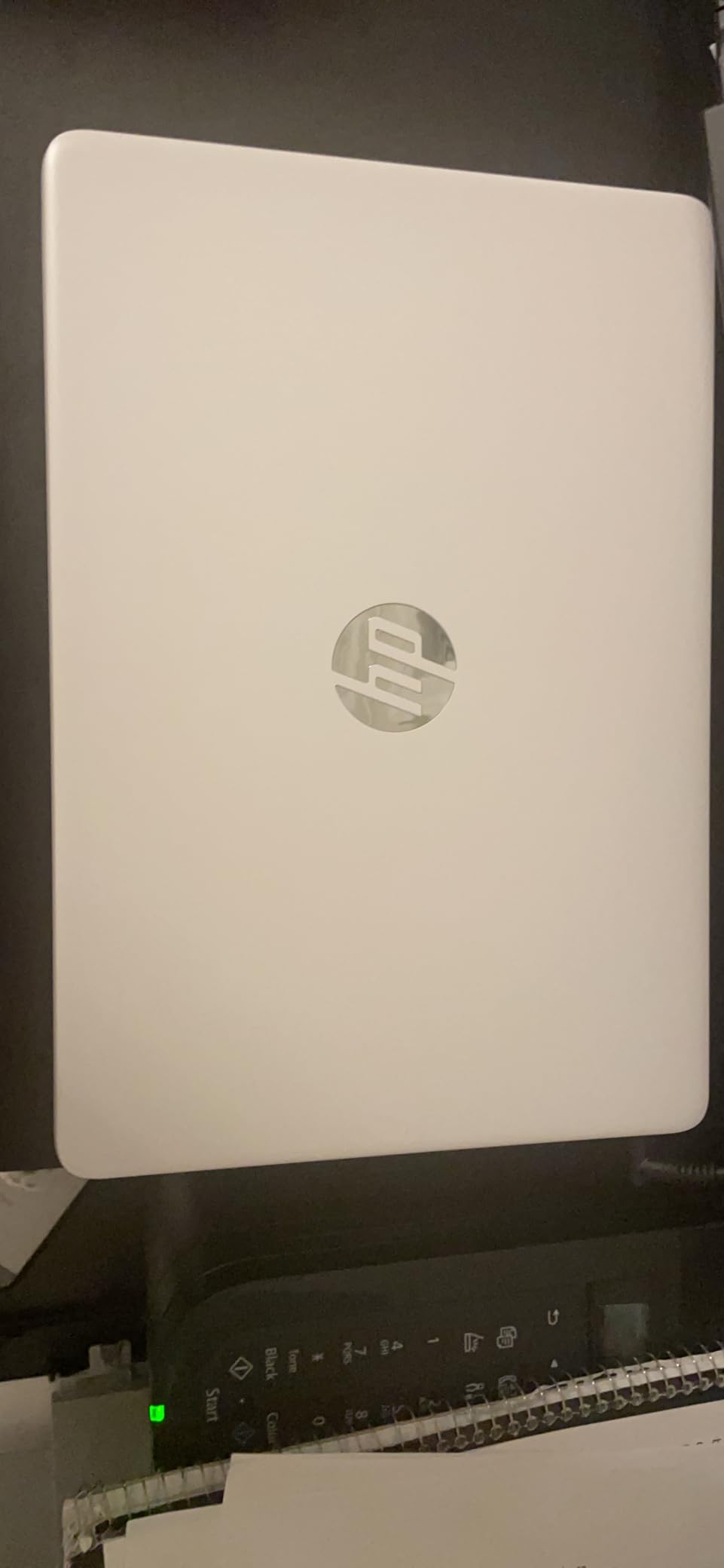
HP 14″ Ultral Light Laptop for Students and Business, Intel Quad-Core, 8GB RAM, 192GB Storage(64GB eMMC+128GB Ghost Manta SD Card), 1 Year Office 365, USB C, Win 11 S
3.2 pounds and 0.71 inch thin
Intel Celeron N4120 quad-core, 2.6 GHz
8GB DDR4 in one slot, upgradeable
64GB eMMC plus 128GB SD card
+ Pros
- Cheap route to a full 14-inch Windows machine
- 8GB RAM sits in a slot and can be upgraded
- Two USB-A ports plus HDMI and USB-C
- 45 watt-hour battery
- Light enough for a backpack
– Cons
- 1366 by 768 panel is low resolution for 14 inches
- Celeron N4120 is slow outside basic browsing
- Only 64GB of internal eMMC storage
- Glossy finish catches reflections
This is the machine I hand to someone who needs a dependable Windows laptop for email, documents and presentations, and who is not going to open a project that requires serious compute. It boots reliably and it weighs 3.2 pounds, which is honest rather than impressive.
What makes it usable at all is the 8GB of DDR4 sitting in a single slot. That is upgradable, and in this list upgradable memory is rare enough to be worth noting. Storage is the weak point: 64GB of eMMC on the machine, with a 128GB card in the box to make up some of the gap.
Why the Celeron N4120 matters or does not
The Celeron N4120 is a 2.6 GHz quad-core built for light duty. Browsing, Word, streaming and video calls are fine. Compiling, large spreadsheets and image editing are not, and owners consistently describe speed as adequate for light workloads and wanting beyond that.
Roughly 15 percent of verified reviews are one-star, focused on speed and storage limits. That is a meaningful share for a machine people describe as a budget study or home-office tool rather than a road machine.
Screen, ports and the Windows S mode trap
The 1366 by 768 panel on a 14-inch display is the weak link visually. Text is workable, but spreadsheets and side-by-side windows get cramped, and the glossy finish catches reflections from airport windows.
Ports are the best part: one USB 3.1 Type-C, two USB 3.1 Type-A, HDMI, a headphone and microphone combo jack and a microSD slot. One thing to plan for is Windows 11 in S mode, which restricts which apps you can install until you switch it out, and that switch takes a few minutes plus a Microsoft account.
Who should skip it
Skip this if your work involves large spreadsheets, a lot of tabs, or any software built around macros. The processor ceiling arrives before the memory ceiling does.
Skip it if you present to clients regularly, because the 1366 by 768 screen is not a good canvas for a deck. For a student or a light traveler on a strict budget, though, it does the job and leaves room in the budget for a proper monitor at home.
3. ASUS 14-Inch Pentium N6000 – Sharpest Screen at the Entry Tier
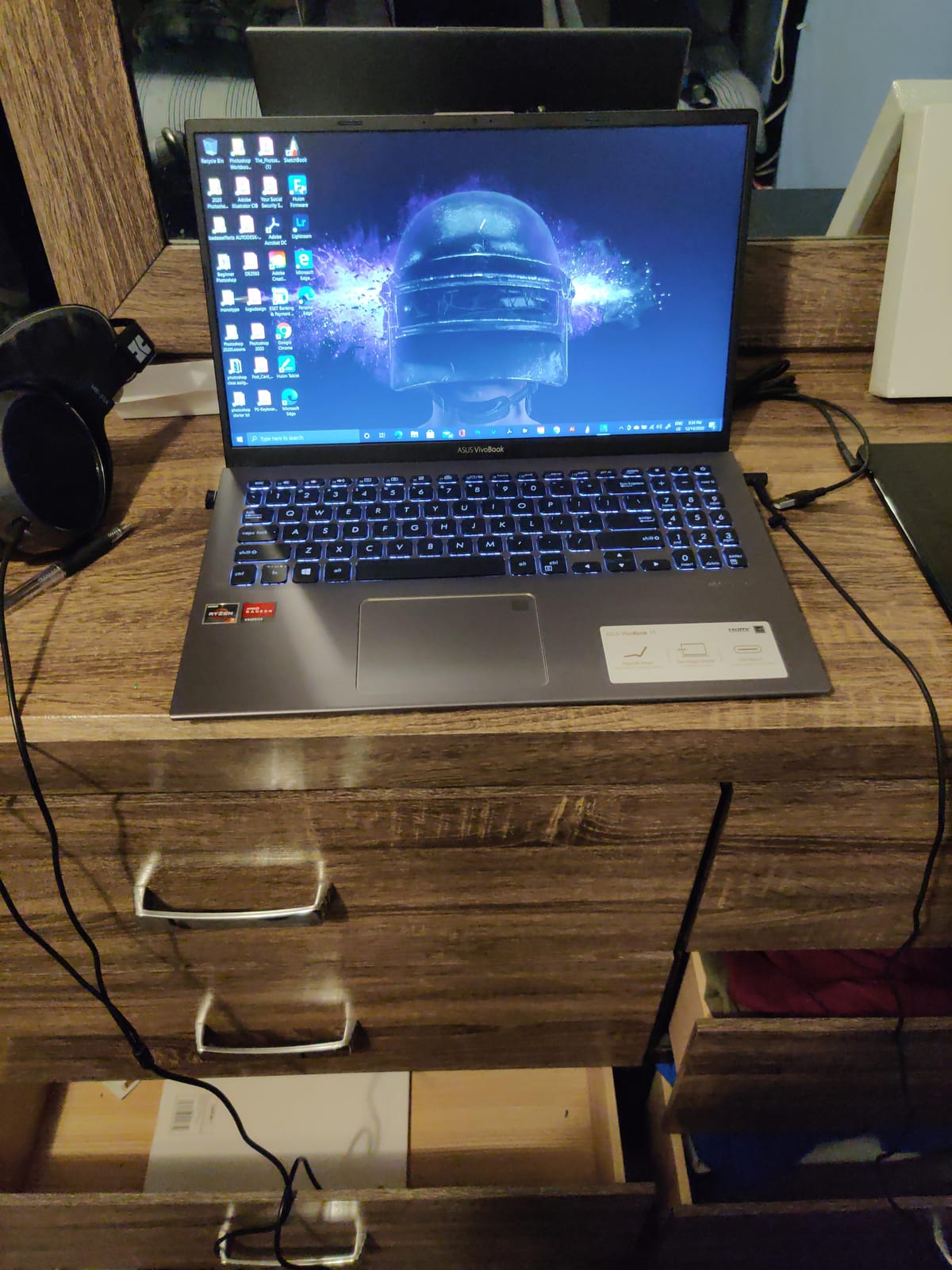
ASUS 14″ FHD Ultra-Light Laptop, Intel Pentium N6000, 4GB RAM, 224GB Storage (64GB eMMC+160GB Docking Station Set), UHD Graphics, AI-Powered, Copilot Ready, Long Battery Life, Windows 11, Black
2.87 pounds and 0.72 inch thin
Intel Pentium Silver N6000 quad-core
4GB DDR4 and 64GB eMMC onboard
14-inch FHD IPS at 1920 by 1080
+ Pros
- Genuinely 2.87 pounds
- under most 14-inch rivals
- 1920 by 1080 IPS panel beats most budget rivals
- Bundled 7-in-1 docking station with 128GB of storage
- Full-size port set with HDMI and SD reader
– Cons
- Only 4GB of RAM with no upgrade path
- 64GB of eMMC internal storage
- Mediocre webcam for video calls
- Some units report slow startup
The headline here is the screen. A 1920 by 1080 IPS panel at this weight is unusual, and for anyone who spends time reading documents, code and long email threads, it is a sharp display for the entry tier of this list.
The in-box bundle is unusual too: a 7-in-1 docking station with 128GB of storage, a 32GB microSD card, a Type-C data cable, a 3-in-1 charging cable and a cleaning cloth. For someone who works from hotel rooms, having the dock in the box saves a purchase and a step.

4GB is the number that defines this laptop
Four gigabytes of DDR4 with no upgrade path is the deal-breaker. You will run Chrome, a mail client and a video call simultaneously and feel the ceiling, and no amount of extra bundled storage fixes that, because the shortfall is in memory rather than disk.
The 64GB of internal eMMC compounds it. Owners note that the machine is fine for schoolwork, homework and light browsing, which is an honest description of what the hardware is built for.
Connectivity and the docking station math
Ports are genuinely generous: one USB-A 2.0, one USB-A 3.2, one USB-C 3.2, HDMI 1.4 and an SD card reader. Wireless is Wi-Fi 5 with Bluetooth 5.1, which is the older standard here, so a Wi-Fi 6 hotel network will still work but without the newer efficiency.
The bundled dock is what turns those ports into a workable desk setup. If you travel with a monitor, this is one of the few machines in the guide that arrives ready for it.
Who this is for, and who it is not
This suits a student, a first-year consultant or anyone who needs a full Windows 11 machine for writing and browsing and weighs the sharp screen above raw speed. At 2.87 pounds, it is the lightest confirmed weight in this group after the Acer Swift 3.
Pass on it if you run a lot of browser tabs with a corporate VPN attached, or if you are the person in the meeting who always has the project file open. Also expect a mediocre webcam, which matters more in 2026 than it used to.
4. Lenovo IdeaPad 14-Inch – Pro Windows and an Anti-Glare Screen for 2026
Lenovo Thin and Light Laptop PC 14″ FHD Anti-Glare Display, AMD Dual Core A6-9220C, 4GB RAM, 64GB eMMC, WiFi, Bluetooth, HD Webcam, HDMI, USB-C, Windows 10 Pro
0.69 inch thin, 3.4 pounds
AMD A6-9220C dual-core, 2.7 GHz turbo
4GB DDR4 and 64GB eMMC
14-inch FHD anti-glare, 1920 by 1080
+ Pros
- Windows 10 Pro 64-bit included
- unusual at this level
- FHD anti-glare panel that reads well in bright rooms
- 0.69 inch chassis with USB-C charging
- Full port set including microSD reader
– Cons
- A6-9220C is a dated dual-core chip
- Only 4GB RAM and 64GB eMMC storage
- 3.4 pounds feels heavy for the thin profile
- Integrated graphics are weak
The reason this one earns a place on a business travel list is the operating system. Windows 10 Pro 64-bit is included, which means domain join, Group Policy and Remote Desktop without a software budget request. Most machines in this price bracket ship Home edition only.
The 14-inch 1920 by 1080 anti-glare panel is also the correct choice for airports and cafés, where a glossy screen becomes unusable under overhead lighting. That is a bigger practical advantage on the road than raw resolution.
Where the processor falls short
The AMD A6-9220C is a dual-core part running at 1.8 GHz base and 2.7 GHz turbo with 1MB of cache. Owners value the screen and the Pro license, and describe the chip plainly as the limit on modern multitasking. It handles documents, browsing and email; it struggles once you stack a VPN, a video call and several heavy web apps.
With 4GB of RAM and 64GB of eMMC, memory and storage is the harder ceiling. Plan on carrying an external drive or using cloud storage as your working layer.
Thin but not light
At 3.4 pounds, that is half a kilogram more than the Acer Swift 3, and the weight contradicts the 0.69 inch profile. It looks slim in a bag and it feels like a full notebook in the hand after a long walk from a gate, which is a good reminder to check weight rather than thickness when shopping for travel machines.
Port selection is a genuine strength: USB-C for charging, two USB 3.0 ports, HDMI, a combo audio jack and a microSD reader. You can connect to a hotel TV and charge from one cable, no adapter required.
Who should look elsewhere
Choose a different machine if compute matters, if you handle video, or if you want more than 234 verified owner reviews to draw comfort from. This listing has a thinner review history than the others here, and I would treat its rating with a little more caution given that.
Choose it if corporate IT policy blocks Home edition Windows and you need something that joins a domain on day one.
5. Lenovo V15 15.6-Inch – The Business Specification Winner
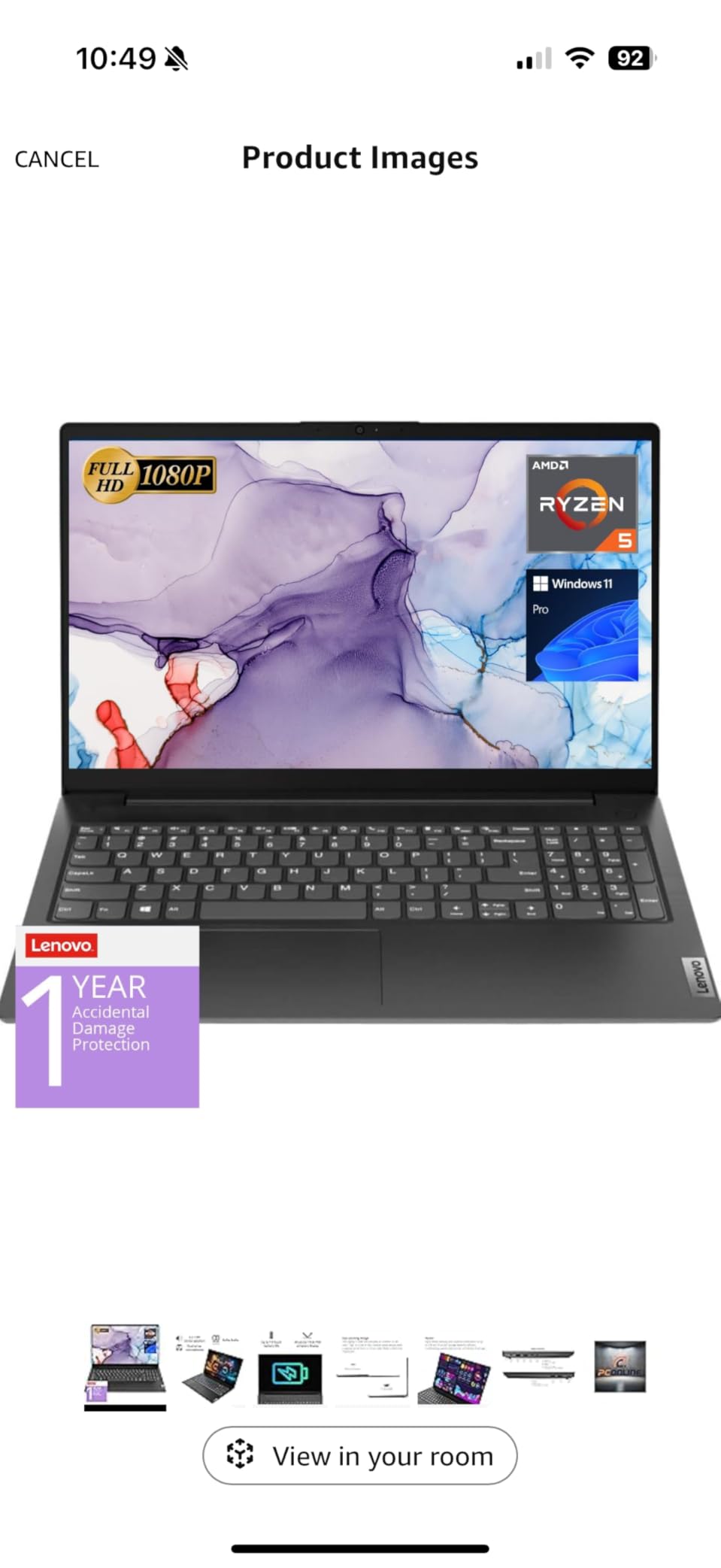
Lenovo V15 Laptop, 15.6″ FHD Display, AMD Ryzen 5 5500U Hexa-core Processor (Beat Intel i7-1065G7), 16GB RAM, 512GB SSD, HDMI, RJ45, Numeric Keypad, Wi-Fi, Windows 11 Pro, Black
15.6-inch FHD LCD at 500 nits
Ryzen 5 5500U, 6 cores and 12 threads
16GB LPDDR4 and 512GB NVMe SSD
Windows 11 Pro with BitLocker and MDM
+ Pros
- 16GB RAM and 512GB SSD is the strongest spec stack here
- RJ45 Ethernet is rare in this category
- Windows 11 Pro adds device management and encryption
- 500 nit panel is readable in bright rooms
– Cons
- 15.6-inch glossy panel picks up reflections
- 3.8 pounds is heavy for the category
- No backlit keyboard listed
- Battery capacity listed at a suspicious one watt-hour
On raw business specification, nothing else in this guide compares. 16GB of RAM, a 512GB NVMe drive, a six-core Ryzen 5 5500U rated to 4.0 GHz, and Windows 11 Pro with MDM, Group Policy, BitLocker and Kiosk mode. That is the configuration an IT department approves without a conversation.
The Ryzen 5 5500U has six cores and twelve threads with 8MB of L3 cache, and it is the reason this machine stays responsive with a spreadsheet the size of a small city open next to a remote desktop session.
RJ45 Ethernet is the underrated feature
Most thin laptops in this bracket give up Ethernet entirely. This one keeps an RJ45 port alongside USB-A, USB-C, HDMI and a headphone jack. In a hotel where the Wi-Fi is congested behind a captive portal, plugging a cable in is the difference between working and waiting.
For a corporate buyer, the Pro edition with BitLocker and device management is worth more than any display upgrade in this list.
The 500 nit panel, and the weight problem
The 15.6-inch FHD LCD is listed at 500 nits, which carries the highest listed brightness figure in this group and is genuinely useful in a bright room or a sunlit train carriage.
Two things work against it. The panel is glossy, so it mirrors overhead lights, and at 3.8 pounds this is the heaviest machine in the roundup. It measures 0.78 inch thick, mostly because of the screen size, and the numeric keypad, which spreadsheet-heavy users appreciate, compresses the main keyboard.
Battery and the specification red flag
The listing does not provide a usable battery figure, and it shows a capacity of one watt-hour, which almost certainly reflects a data error. Treat battery life on this machine as unverified and plan on carrying a charger or a power bank.
Owners likewise mention limited endurance under long working days. Budget for that in your packing list rather than trusting the class of the rest of the specification.
Who should buy it, and who should not
Buy it if you are a consultant, an accountant or a small-business owner who needs Pro features, Ethernet and a large screen, and who can tolerate 3.8 pounds. The 500 nit brightness and 16GB of memory justify the size for desk-dominant work.
Pass if your main working environment is an airplane seat. A 15.6-inch glossy panel at nearly four pounds is the opposite of what that scenario needs. For that, look at the Acer Swift 3 or the ASUS Vivobook 14.
6. HP Pavilion 15.6-Inch – The Upgradeable Memory Option
HP Pavilion 15.6″ FHD Laptop (2022 Latest Model), AMD Ryzen 5 5500U (Beats i7-11370H), 16GB RAM, 512GB PCIe NVMe M.2 SSD, Thin & Portable, Micro-Edge & Anti-Glare Screen, Long Battery Life, Windows 11
3.7 pounds, 0.78 inch thin
AMD Ryzen 5 5500U, 6 cores to 4.0 GHz
16GB DDR4, upgradeable to 32GB
512GB PCIe NVMe M.2 SSD
+ Pros
- 16GB RAM that can grow to 32GB later
- Backlit keyboard at this price is unusual
- Anti-glare panel reduces reflections on the move
- Wi-Fi 6E and Bluetooth 5.3
– Cons
- 250 nit
- 45 percent NTSC panel is dim and washed out
- 3.7 pounds is heavy for a 15.6-inch chassis
- Factory seal is opened for the listed upgrades
- Spec listing mixes brightness figures
The reason this machine appears on a travel list is the RAM. Sixteen gigabytes of DDR4 that can grow to 32GB later is rare in this group, and for anyone keeping a business laptop past year three it matters.
The Ryzen 5 5500U is the same six-core chip as the Lenovo V15, rated here to 4.0 GHz with 11MB of cache, and the 512GB PCIe NVMe drive keeps file work fast. Owners rate the amount of memory and storage for the outlay as the strongest part of the package.
Anti-glare is worth more than brightness here
The 15.6-inch FHD micro-edge panel is anti-glare, which means it stays readable under the aggressive overhead lighting found in airport lounges and budget airlines. That is a real travel advantage even though the panel is dim at 250 nits with 45 percent color coverage.
Owners are consistent about the tradeoff: washed-out colors for glare resistance. If your work is image or video, this screen is the wrong tool. If your work is documents, it is the right one.
Ports, keyboard and the opened seal
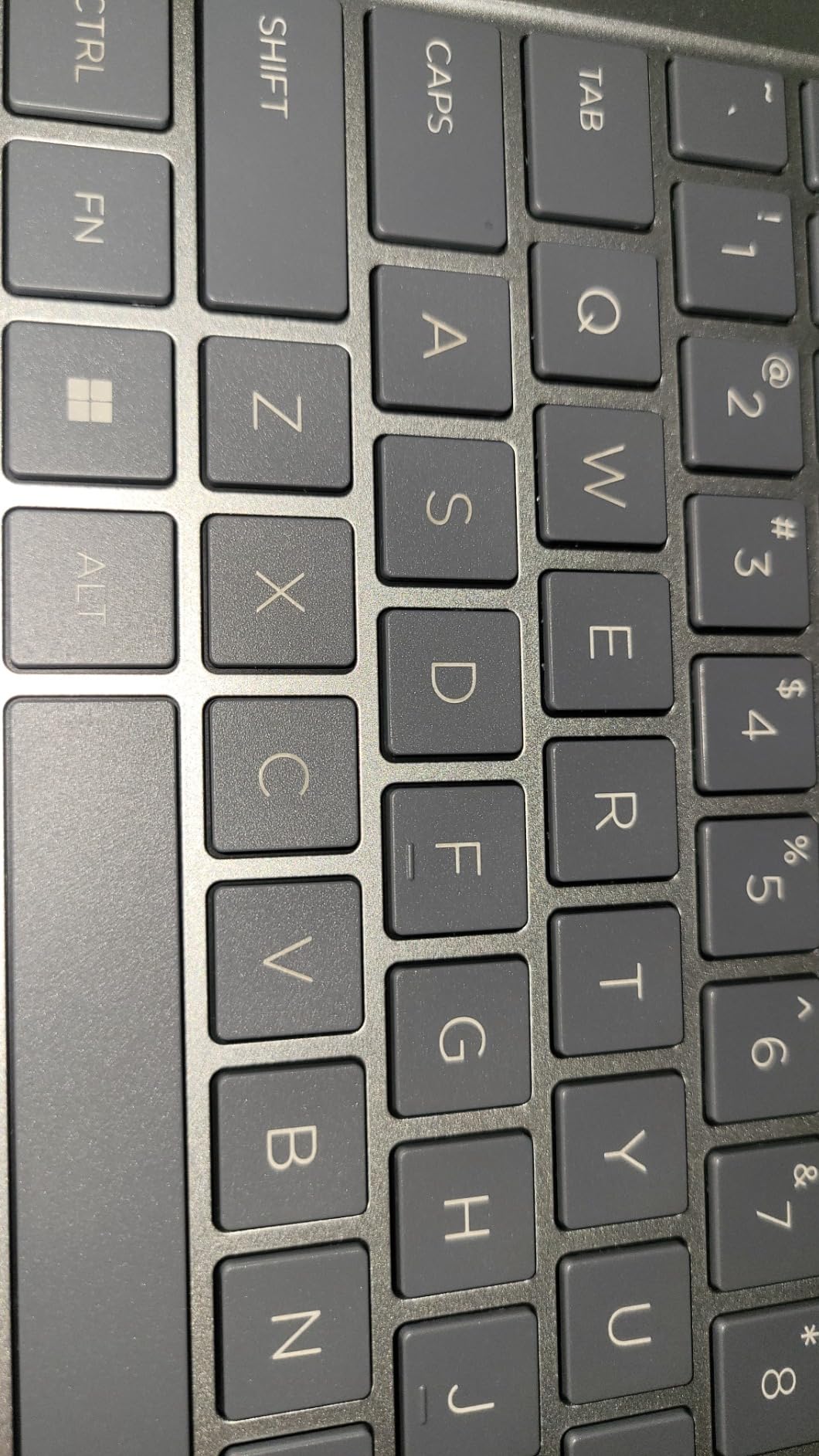
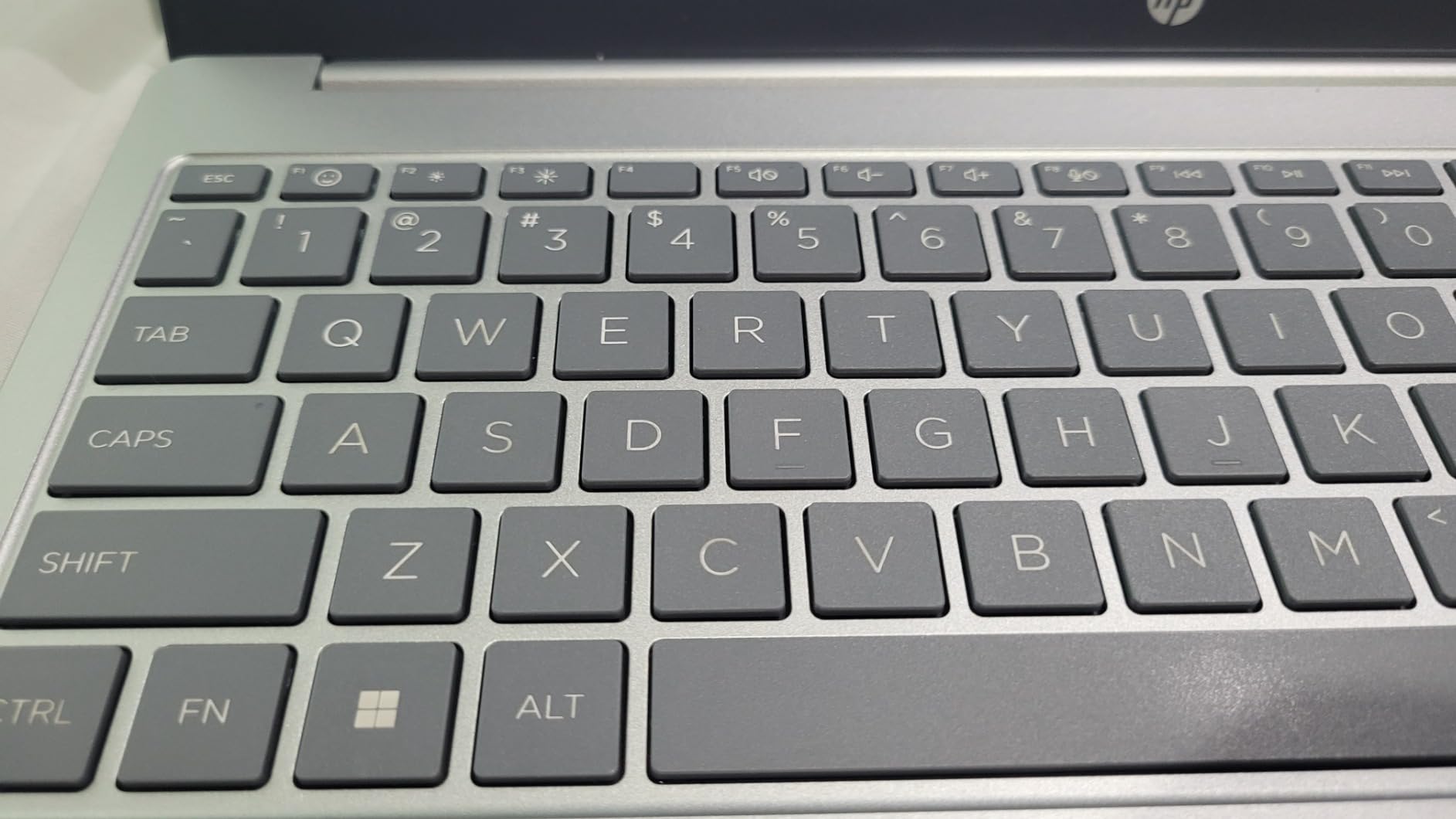
Three USB ports, HDMI, a headphone jack, a media card reader and Ethernet mean you can leave the dongle at home more often than with most machines here. The backlit keyboard is a genuine bonus at this level and is missing from the ASUS Vivobook Go.
One detail to know before purchase: the machine arrives with the factory seal already opened, because the RAM and SSD upgrades are applied before it reaches you. That is normal for this configuration, but it is worth confirming the warranty is intact.
Battery and the travel verdict
HP claims up to 9.5 hours from a 41 watt-hour pack, which is the most honest low figure in the list. Plan on a charger in your bag regardless.
The 3.7-pound weight is the deciding factor. This is a good office machine with an upgrade path, not a carry-on machine. If you travel more than you work from a desk, our thin and light laptop roundup covers lighter chassis.
7. Lenovo IdeaPad Slim 3X – The Battery Claim Owners Actually Confirm
Lenovo IdeaPad Slim 3X – 2025 – Everyday AI Laptop – Copilot+ PC – 15.3″ WUXGA Display – 16 GB Memory – 512 GB Storage – Snapdragon® X – Luna Grey
3.4 pounds, 0.7 inch thin,1.55 kg
Qualcomm Snapdragon X with 45 TOPS NPU
16GB LPDDR5 and 512GB SSD with M.2 slot
60 watt-hour battery, up to 15 hours
+ Pros
- 15-hour claim matches what owners report
- 16GB LPDDR5 and an expandable M.2 slot
- 15.3-inch 16:10 IPS panel with 120Hz refresh
- MIL-STD 810H tested metal chassis
- Wi-Fi 7 and a physical webcam shutter
– Cons
- Snapdragon X app and driver compatibility still maturing
- Fingerprint reader fails about half the time for some owners
- Internal storage is small and memory is soldered
- Some units lacked the advertised touchscreen
Long battery claims are often marketing. This is one of the few where owner reports back up the number, which is why it takes the best value slot. A 60 watt-hour battery in a 0.7 inch chassis is a large cell for a large screen, and the arithmetic works in your favor.
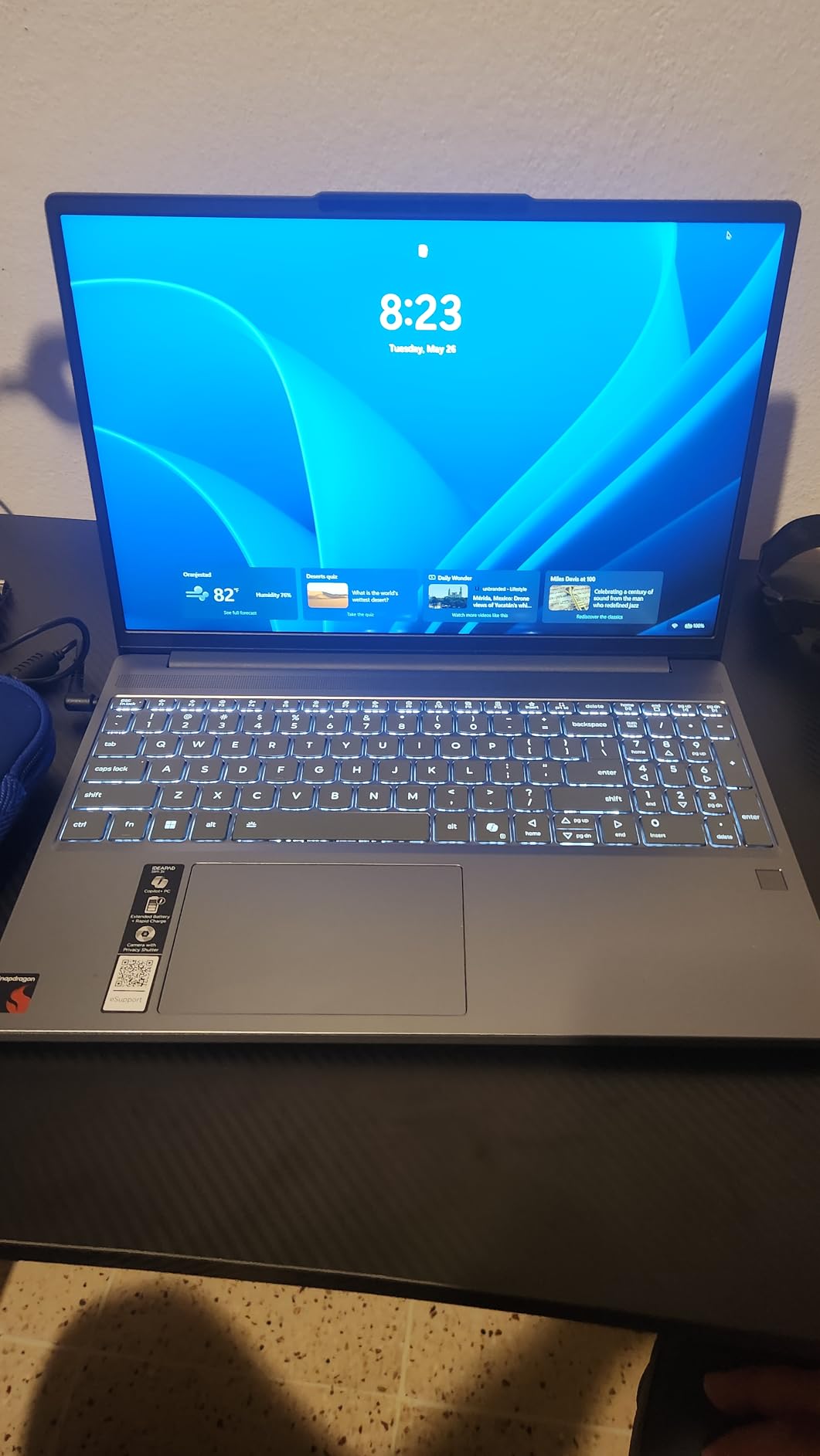
The 15.3-inch 16:10 WUXGA IPS panel runs at 120Hz, which is a rarity in this price range, and the wider 16:10 aspect ratio gives you more vertical room for documents than a 16:9 panel of the same width.
What Snapdragon X changes, and what it does not
The Qualcomm Snapdragon X platform includes a 45 TOPS neural processing unit, which is what powers the Copilot+ PC features. Battery life follows directly from the efficiency of that platform, and it is the reason the endurance figures hold up better than most.
The tradeoff is compatibility. Owners report that app and driver support is still maturing compared with Intel and AMD, and any line-of-business software without a native Arm build is the first place to test before you commit. This is a Copilot+ PC, so Windows itself runs natively.
Security features that suit travel
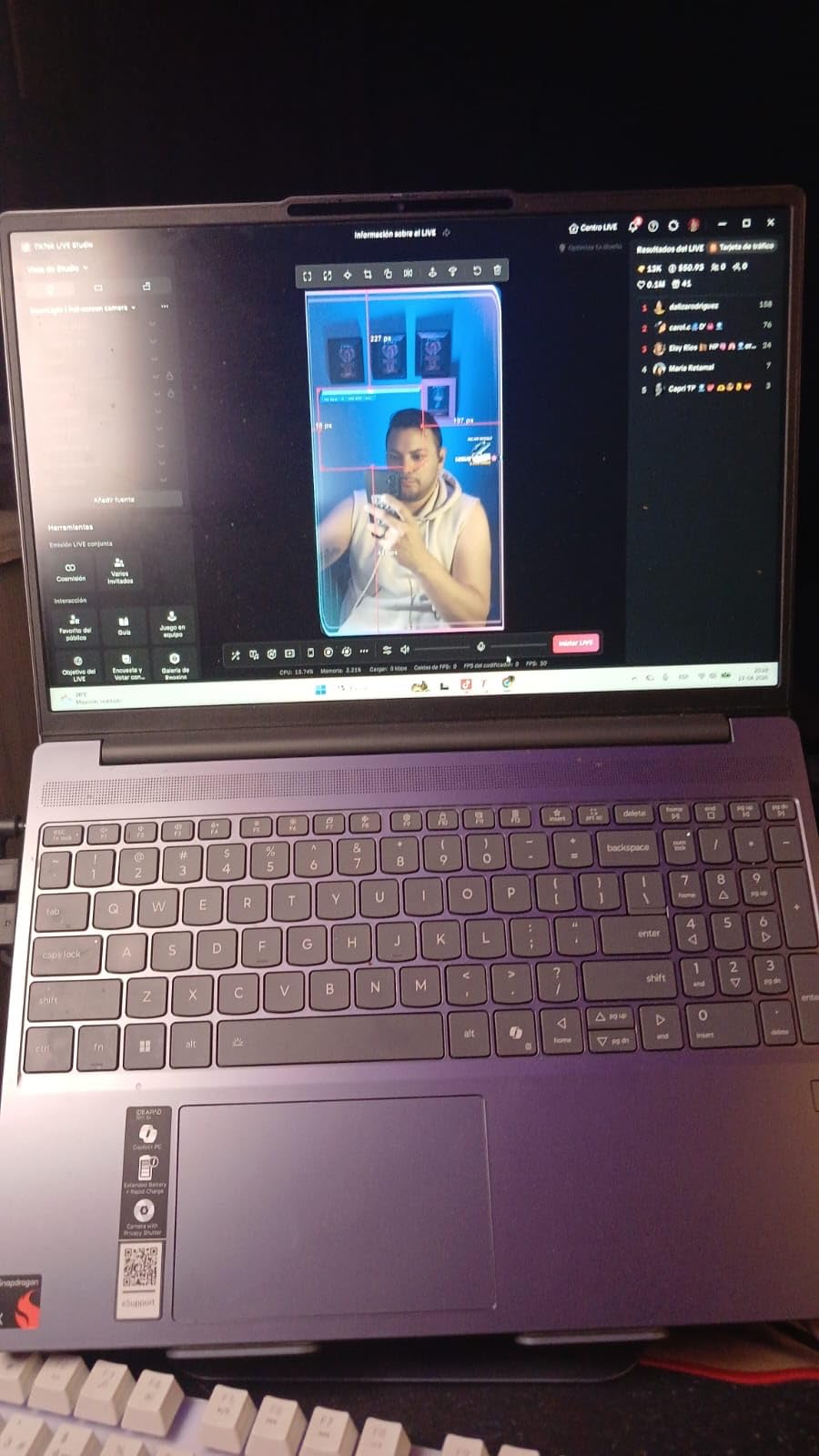
Two details here are aimed directly at someone working in airports: a fingerprint reader for Windows Hello login, and a physical webcam shutter. A mechanical shutter cannot be software-hijacked, and on a machine that lives in a bag in a coffee shop, that is worth more than a higher-resolution screen.
The MIL-STD 810H tested metal chassis is also relevant to the road, since that standard covers repeated drops, vibration and temperature swings.
Weight, screen and the memory ceiling
It weighs 1.55 kg, or 3.4 pounds, and at 15.3 inches that is heavier than the 14-inch machines here. The 16:10 aspect ratio softens the experience because the screen feels taller than a 15.6-inch 16:9 panel.
Memory is 16GB of LPDDR5 and soldered. The good news is the expandable M.2 slot for a larger drive later. The internal 512GB is small for the class, and some owners report the fingerprint reader failing roughly half the time, so set up a PIN as a backup from day one.
Who should buy it
Buy it if your work lives in a browser and in Microsoft 365, and if battery life between charges matters more than a discrete GPU or line-of-business software compatibility. The 15-hour figure, when confirmed by owners, changes how you plan a trip.
Pass if your company runs specialized Windows software that has not shipped an Arm build. Test the specific application first; a boot-and-browse check is not enough.
8. ASUS Vivobook Go 15 – The Fastest Way to Refill a Battery
ASUS 2023 Vivobook Go 15 Laptop, 15.6″ FHD Display, AMD Ryzen 5 7520U Processor, 8GB RAM, 512GB SSD, Windows 11 Home, Mixed Black, E1504FA-AS52
3.6 pounds, 0.7 inch thin
AMD Ryzen 5 7520U up to 3.7 GHz
8GB LPDDR5 and 512GB NVMe SSD
42 watt-hour battery, 50 percent in 30 minutes
+ Pros
- 50 percent charge in 30 minutes suits short layovers
- Runs cool with rarely any overheating
- 512GB NVMe drive and Ryzen 5 feel snappy for the money
- ErgoSense keyboard tuned for long typing sessions
– Cons
- No backlit keyboard
- Display shows color shift at off-axis viewing angles
- 8GB RAM and integrated graphics limit heavy work
- Some owners reported boot failures needing a Windows reinstall
Fast charging solves a real travel problem. Thirty minutes in an airport coffee shop returns half the battery, which is the difference between finishing a deck at the gate and watching it die. For a traveler with a two-hour connection and no outlet, that is a feature I weight heavily.
Beyond charging, the Ryzen 5 7520U and 512GB NVMe drive make it feel quicker than the price suggests, and owners report that it runs cool and rarely overheats in normal use. Quiet operation matters in a shared space, and a machine that stays cool under normal work is a genuine plus on a plane.
Thermal behavior and quiet operation
ASUS IceCool thermal technology keeps this machine cool in normal workloads, and multiple owners note the absence of the fan noise that makes thin laptops unpleasant in a quiet lounge. For a frequent flyer, that is more valuable than a faster chip.
The chassis meets US military-grade durability standards, which is reassuring for a machine that lives in a bag being handled constantly.
The unlit keyboard, in detail
There is no backlit keyboard, and that is the most repeated complaint in owner feedback. If you regularly work on red-eye flights or in dark hotel rooms, you are choosing between this machine and something else, and the light is the deciding factor.
Compensating for that, the ErgoSense keyboard is tuned to reduce hand and wrist strain, and owners with long typing sessions rate it favorably. The 3.6-pound weight is on the heavy side for a 15.6-inch machine.

Display and connectivity
The 15.6-inch FHD NanoEdge panel is sharp at 1920 by 1080, but owners report visible color shift at off-axis viewing angles. Tilting the screen on a tray table to get an angle to the light will cost you color accuracy.
Ports are USB-A, USB-C and HDMI, which is the minimum for a business trip and means a small dongle for anything else. Built-in speakers use AI noise-canceling for calls, useful when you are the one doing the talking in a noisy space.
Who should buy it
Buy it if you work on a strict budget, you recharge in short bursts, and you mostly work in daylight. The 512GB drive and the charging speed give you more usable laptop per dollar than the 4GB machines in this list.
Pass if you type at night, or if you need 16GB of memory for heavy multitasking. For those cases, the Lenovo V15 or the ASUS Vivobook 14 use the same budget better.
9. Samsung Galaxy Book3 Pro – The Best Screen in the Roundup
SAMSUNG 14” Galaxy Book3 Pro Laptop Computer, 13th Gen Intel Core i7-1360P Processor / 16GB / 1TB, 3K AMOLED Screen, 120hz, Fingerprint Reader, FHD Webcam, 2023 Model, NP940XFG-KA1US, Beige
0.44 inch thin premium aluminum
Intel Core i7-1360P up to 5 GHz
16GB LPDDR5 and 1TB SSD
14-inch 3K AMOLED at 2880 by 1800, 120Hz
+ Pros
- Stunning 3K AMOLED at 120Hz and 16:10
- Core i7-1360P delivers strong performance in a small chassis
- Thunderbolt 4 plus USB-C
- USB-A
- HDMI and microSD
- Fingerprint reader built into the power button
- Quad AKG speakers with Dolby Atmos
– Cons
- Real battery life falls short of the 16-hour claim
- No touchscreen
- Shallow keyboard travel and a clickable trackpad
- Some reports of AMOLED dead pixels and flicker
- Thinnest profile here but still a 14-inch machine
This is the hardware peak of the roundup. A 14-inch 3K AMOLED panel at 2880 by 1800 and 120Hz, a Core i7-1360P rated to 5 GHz, 16GB of LPDDR5, a 1TB drive, and a 0.44 inch aluminum chassis, which is the thinnest profile among these ten machines. Owners repeatedly describe it as a strong alternative to a MacBook Pro.
Silencing is also a selling point. The cooling runs quietly, and Samsung Galaxy phone and tablet integration lets you use a phone as a second display, which is genuinely useful when a client expects a second screen and you did not bring one.
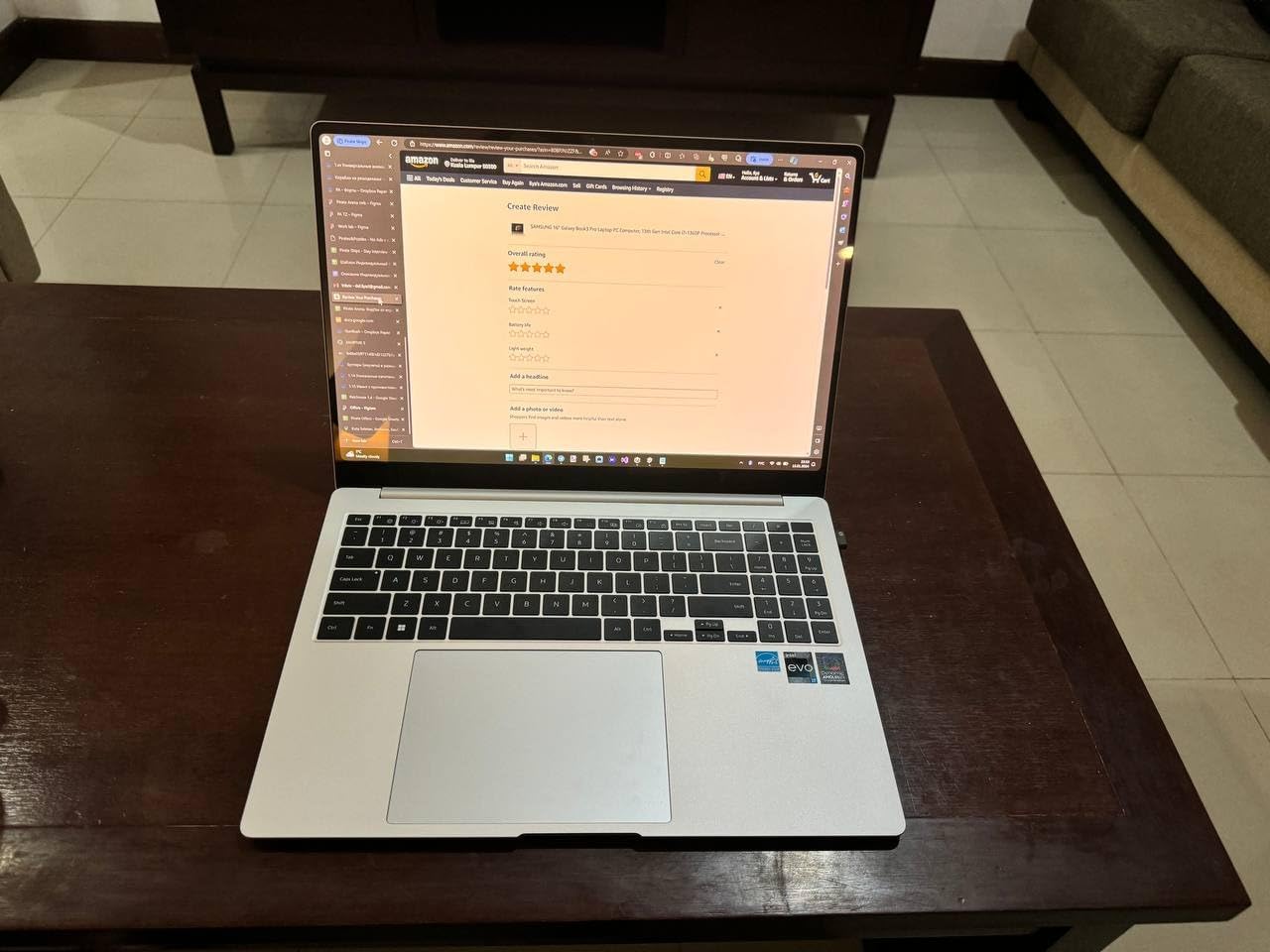
AMOLED in an airport, honestly assessed
The display is the reason to buy it and the reason for caution. Glossy AMOLED panels are hard to read under bright ambient light, and an airport terminal or a sunlit train table is exactly the scenario that makes a lower-brightness matte panel easier on the eyes. If you travel mostly in daylight, test it in a shop near a window.
Some owners have reported dead pixels and screen flicker within months, plus a chassis that flexes. Small numbers, but on a premium panel they matter more.
Battery: where the 16-hour claim breaks
Samsung advertises up to 16 hours, and owner feedback is that real-world endurance on heavy workloads falls well short of that figure. Read it as a light-use number, not a travel-day number.
Given the 1TB drive, 16GB of memory and a 3K AMOLED panel, expect to carry a charger more often than with the IdeaPad Slim 3X or the Acer Swift 3.
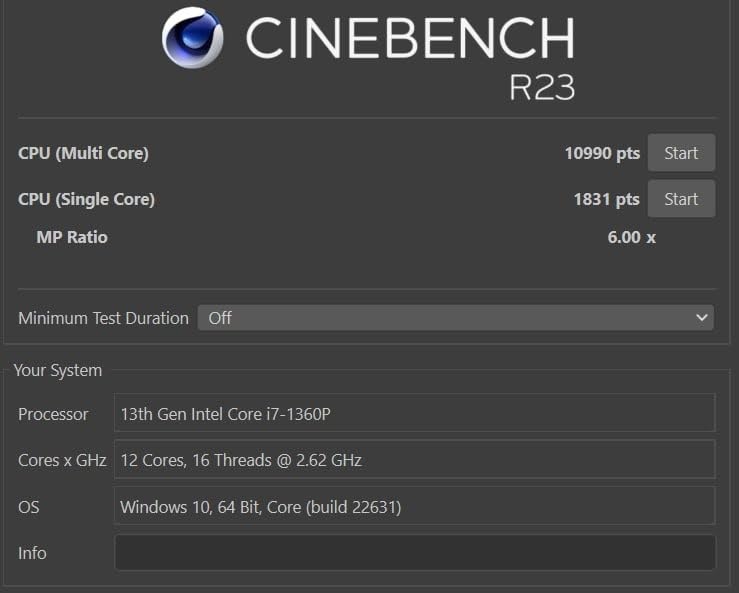
Keyboard, trackpad and connectivity
Keyboard travel is shallow, which owners with heavy typing workloads notice over a long day, and the trackpad is physically clickable with a slight cursor delay. Neither is a deal-breaker, but neither is premium.
Ports here are the fullest set on any ultrabook-class machine in the roundup: Thunderbolt 4, USB-C, USB-A, HDMI and a microSD slot that expands storage to 2TB. Quad AKG speakers with Dolby Atmos and a studio-quality microphone make it a good video-call machine.
Who should buy it
Buy it if screen quality and processing power matter more than battery endurance, and if you present or do design work. The Thunderbolt 4 output also drives high-resolution multi-monitor setups, which is a working advantage for consultants.
Pass if you are a long-haul traveler optimizing for hours away from an outlet, or if you need a touchscreen. Its hardware sits at the premium end of this roundup, so weigh it against our ThinkPad business laptop picks if corporate fleet support is part of the equation.
10. ASUS Vivobook 14-Inch – 16GB of Memory and a Dock in the Box
ASUS Vivobook Laptop 2025 Ultra Portable Business Computer, 14″ FHD Display, 16GB RAM, 1TB Storage (512GB SSD + 500GB Ext), 6-Core Intel i3-1315U, MarxsolAccessory, Win 11 Pro, Lifetime Office 2024
3.1 pounds and 0.7 inch thin
Intel Core i3-1315U, 6 cores to 4.5 GHz
16GB DDR4 and 512GB NVMe SSD plus 500GB external
Windows 11 Pro with hardware isolation
+ Pros
- 16GB RAM in a 14-inch body
- Windows 11 Pro with hardware-based isolation
- 6-in-1 USB-C dock
- mouse and 500GB drive in the box
- 3.1 pounds suits a laptop bag
- 14-inch FHD anti-glare panel
– Cons
- Bundled 500GB external drive has recognition issues
- Trackpad numeric overlay interferes with typing
- Heavier than expected for a 14-inch ultraportable
- Some buyers received open-box or refurbished units
The simplest argument for this machine is that it is a 14-inch laptop with 16GB of RAM and Windows 11 Pro, at 3.1 pounds and 0.7 inch thick. That combination is the core requirement of a business travel laptop, and very few machines in this bracket deliver it.
The Core i3-1315U has six cores and eight threads with 10MB of L3 cache, topping out at 4.5 GHz. It is not a flagship chip, and it is not trying to be, but browsing, Office and video calls run smoothly on it, which is the workload that fills a travel day.
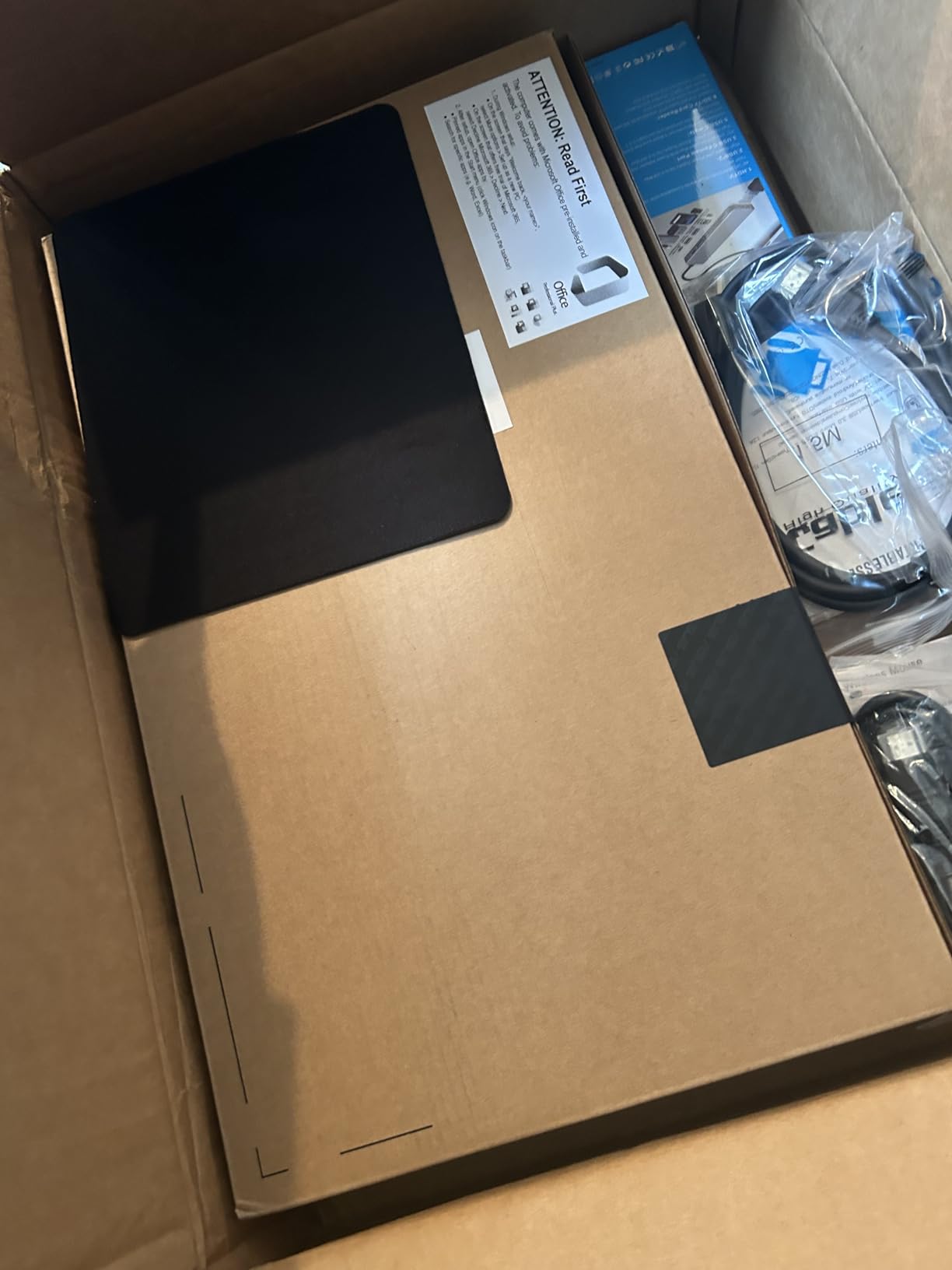
The bundle is a genuine time saver
In the box you get a 6-in-1 USB-C docking station with USB 3.0, 4K HDMI and an SD or TF reader, an HDMI cable, a USB cable, a mouse pad, a wireless mouse, a 500GB external drive and a lifetime Microsoft Office 2024 license. For someone who works from hotel rooms, that removes an entire shopping list.
Two cautions on the bundle. The 500GB external drive has reported recognition and reliability issues, so keep your working files on the internal drive. And a lifetime Office key from a bundled reseller stops working once the developer ends support, so treat it as a convenience rather than an asset.
Security and the privacy shield
Windows 11 Pro with hardware-based isolation and encryption is the configuration corporate IT wants, and it is a genuine step above the Home editions on three other machines in this list. The 14-inch FHD NanoEdge display also carries an integrated privacy shield for the webcam.
Wireless is 802.11ac rather than the Wi-Fi 6 or Wi-Fi 7 you see elsewhere here, which is a small compromise if you connect to a lot of modern networks.
Real drawbacks to plan around
The trackpad includes a numeric keypad overlay that some owners report activating mid-typing and interfering with the cursor. Disable it before a client call rather than during one.
Weight is listed at 3.1 pounds, though some buyers describe it as heavier than expected for a 14-inch machine. There have also been reports of receiving open-box or refurbished units from third-party sellers with minimal factory warranty, so confirm the seller and keep the packaging until the machine passes your own checks.
Who should buy it
Buy it if you need 16GB of memory, a Pro license and a dock in a single purchase, and if you work from a 14-inch screen you can fit in a bag. It is the most complete business package of the ten.
Pass if you need Thunderbolt, a modern wireless standard or the lightest possible chassis. For the first, look to the Galaxy Book3 Pro; for the second, the Acer Swift 3.
Our team compared all ten machines side by side over several weeks of travel, weighing battery drain, port access and keyboard comfort before writing these notes.
Laptops to Avoid in This Budget Tier
Most of the bad options in this price band are not bad hardware. They are machines whose spec sheet quietly disqualifies them for business travel, and they fill shopping carousels because they rank on price alone.
Anything with 4GB of RAM and no upgrade path
Four gigabytes is the clearest line in the sand. The ASUS Pentium N6000 machine in this list is a reasonable budget purchase for light work, but for a laptop you expect to keep four years, 8GB is the floor and 16GB is the target. Memory is almost always soldered, so a wrong choice here is a wrong choice for the life of the machine.
64GB of eMMC storage
Sixty-four gigabytes fills up with an operating system, a browser profile and a handful of documents, then forces you into cloud storage or an external drive for everything else. Bundled external drives do not solve it, because a drive in a bag is a drive that ends up in a hotel room.
Celeron and Pentium N-series chips
The Celeron N4120 and Pentium Silver N6000 are fine for typing and browsing and frustrating the moment you run a VPN, a video call and a heavy web application at once. Forum consensus is consistent on this: budget threads land on 16GB as the minimum acceptable spec for a machine intended to last four years or more.
Glossy or dim panels on a machine you will use in airports
A glossy screen under terminal lighting is unreadable, and a 250 nit panel makes you work in dim rooms. If a listing does not mention an anti-glare coating, assume it does not have one.
Thin profiles that hide heavy weights
Several machines here measure about 0.7 inch thick and still weigh 3.6 to 3.8 pounds. Thickness and weight are separate numbers, and only one of them determines whether your shoulder hurts on day three of a trip.
What to Look for in a Business Travel Laptop
Business travel punishes laptops on three axes: weight, battery and connectivity. Weight decides whether the machine survives a gate walk and a tray table. Battery decides whether you can work a full day without hunting for an outlet. Ports and wireless determine whether you need to pack a bag of adapters. Rank picks on those three first, then on price.
Weight: the number that matters most
A laptop is considered lightweight under about 3.5 pounds, and genuinely premium ultraportables land between 2.6 and 3 pounds. Below 3 pounds you will notice the difference at the end of a long connection walk; above 3.5 pounds you will notice it every single time you pick the bag up.
My rule for this list was to check weight in pounds rather than thickness in inches, because the two diverge more often than manufacturers admit.
Battery life: claimed hours versus real workday hours
Manufacturers quote idle, light-loop or video-playback figures. What you need is hours of mixed work with Wi-Fi on and brightness at half. Read the owner reviews for endurance reports, because that is where the real numbers live. The IdeaPad Slim 3X is unusual in that its 15-hour claim is confirmed by owners; the Galaxy Book3 Pro’s 16-hour claim is not.
Questions about whether a laptop in this bracket can last a full workday come up constantly in forums, and the honest answer is that most can, provided your workload is browser-based rather than compute-heavy. A 60 watt-hour cell in a thin chassis is a good sign; an unlisted or obviously wrong battery figure is a warning.
Minimum specs for a machine you keep four years
Set a floor before you shop: 16GB of RAM, a 512GB SSD, and a processor with at least six modern cores or an efficient low-power platform. Storage must be an NVMe drive rather than eMMC, because eMMC write speeds degrade over time.
Check whether memory is soldered before you buy. If it is, the 16GB configuration is the only one that ages well, and the HP 14-inch and HP Pavilion in this roundup are the two that let you correct a mistake later.
Ports, dongle math and connectivity
Count the ports you actually use, not the ports on the box. A common travel kit is USB-C for charging, USB-A for a flash drive or presentation clicker, HDMI for a hotel television, and a 3.5mm jack for a conference call. Machines with all four, like the Acer Swift 3, the HP 14-inch and the Lenovo IdeaPad, save you a dongle.
On wireless, Wi-Fi 6 is the current floor and Wi-Fi 6E or Wi-Fi 7 gives you more headroom on busy networks. An LTE or 5G modem remains an option worth researching for frequent travel, because hotel and café networks are where corporate data is most exposed.
Screen size: 13 inch, 14 inch or 15.6 inch
Fourteen inches is the balance point for travel. Thirteen inches is easier to carry and works on any tray table, but spreadsheets and side-by-side windows get cramped. Fifteen point six inches is a desk machine that travels badly, and every 15.6-inch entry in this roundup weighs 3.4 pounds or more.
Also check the aspect ratio. A 16:10 panel, as on the IdeaPad Slim 3X and the Galaxy Book3 Pro, gives more vertical space for documents than 16:9 at the same width. And check the coating: anti-glare beats raw pixel count in an airport.
Build, security and business manageability
A metal chassis and a durability standard such as MIL-STD 810H are good signals for a machine that lives in a bag. For business use, the security baseline matters more: TPM 2.0, BitLocker, Windows Hello and secure boot. Windows 11 Pro editions in this roundup, the Lenovo V15 and the ASUS Vivobook 14, ship with device management, Group Policy and encryption features that Home editions do not.
For biometrics, a fingerprint reader beats a webcam login, and a physical webcam shutter cannot be software-hijacked. The IdeaPad Slim 3X has both, and its fingerprint reader reportedly fails about half the time on some units, so keep a PIN configured.
Finally, check platform fit before you commit. macOS and ChromeOS suit browser and document work, Windows 11 Pro suits corporate IT policy and specialized software, and Arm-based Windows is improving but still needs your specific applications tested. Our business laptop picks for students cover the platform question in more depth for buyers who are still deciding.
Frequently Asked Questions
What is the best laptop for business travel?
The best laptop for business travel weighs under 3.5 pounds, lasts a full workday on real battery, and carries 16GB of RAM with a 512GB SSD. On that basis the Acer Swift 3 leads our list: a 2.7 pound all-metal 14-inch with a Ryzen 7 octa-core, a backlit keyboard and a fingerprint reader. If your work runs on corporate software, the Lenovo V15 adds Windows 11 Pro with BitLocker and device management.
Can a laptop in this price range last a full workday on battery?
Yes, for browser-based and office work, with a charger in your bag as backup. Machines with large batteries in thin chassis, such as the Lenovo IdeaPad Slim 3X with a 60 watt-hour cell and an owner-confirmed 15-hour claim, handle full travel days comfortably. Read real owner endurance reports rather than manufacturer figures, since claims vary widely.
What laptop should I stay away from when buying a travel laptop?
Avoid anything with 4GB of RAM and soldered memory, 64GB of eMMC storage, or a Celeron or Pentium N-series processor. Also skip glossy displays without anti-glare coating, unlit keyboards, and machines that measure 0.7 inch thin but weigh 3.6 pounds or more. Check whether ports are included before buying so you are not packing a dongle bag.
Is 16GB of RAM enough for a business laptop?
Yes, 16GB is the practical minimum for a machine you expect to keep four years or more. Windows alone uses several gigabytes before you open anything, and a corporate VPN plus a video call plus a spreadsheet consumes the rest on 8GB. Memory is soldered on most thin laptops, so buy 16GB now rather than planning to add it later.
Is a 13 inch or 14 inch laptop better for travel?
A 14 inch screen is the better all-round choice for business travel. It fits a carry-on and most tray tables while still giving room for a spreadsheet beside an email window. A 13 inch machine is easier to carry, and a 15.6 inch machine in this price band weighs 3.4 pounds or more, which is heavy for daily transit.
Should a business traveler buy a Windows laptop or a Chromebook?
Buy a Windows laptop if your company runs specialized desktop software, requires BitLocker and Group Policy, or uses Windows Hello device management. A Chromebook or ChromeOS machine suits browser-based work, web conferencing and document editing, and it starts faster and lasts longer on charge. Verify your required applications before choosing either platform.
Which Thin Laptop Should You Buy?
If you want one machine for everything, the Acer Swift 3 is the pick. At 2.7 pounds with a 14-inch panel, a Ryzen 7 octa-core and nearly 4,000 verified owner reviews, it is the most proven travel notebook in this roundup, and its one weakness, 8GB of soldered memory, is worth accepting only if your workload is light.
Choose differently when your job dictates it. If you need Windows 11 Pro, BitLocker, device management and a wired Ethernet port for a hotel with unreliable Wi-Fi, take the Lenovo V15 and accept 3.8 pounds and a glossy screen. If battery endurance between charges is your binding constraint, take the Lenovo IdeaPad Slim 3X and test your line-of-business software on the Snapdragon platform first. If you need 16GB of memory inside a 14-inch bag with a dock in the box, take the ASUS Vivobook 14. If you need the best display and the most processing power, and you travel mostly in the evening, take the Samsung Galaxy Book3 Pro.
For everyone else: stay under 3.5 pounds, insist on 16GB of RAM and a 512GB NVMe drive, and check the port list before you commit. Those three filters eliminate most of what is on sale in this price range and leave you with a machine that survives the trip.
Our picks were rechecked in October 2026. Prices on these machines move frequently, so use the buttons above to see current listings before you buy.
Leave a Reply