
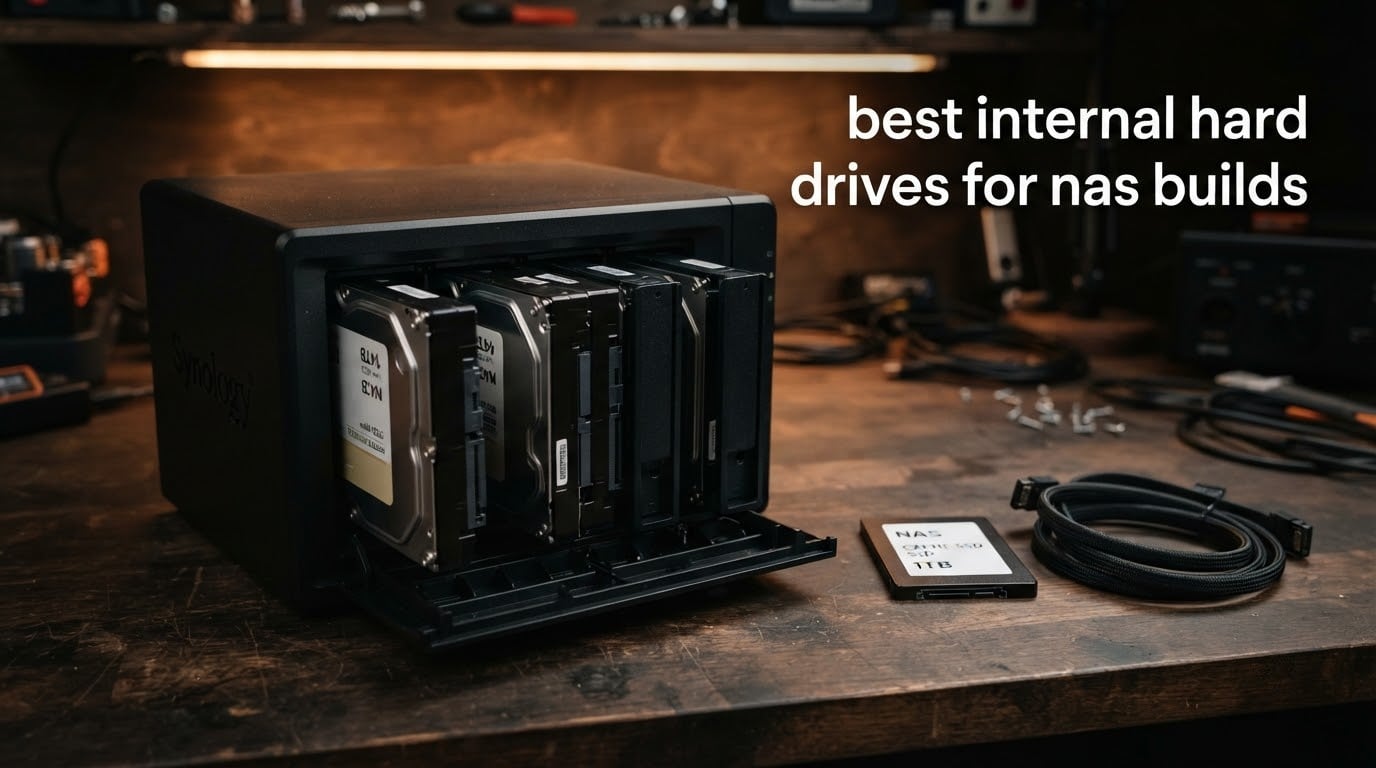
If you are putting together a NAS this year, the drive choice decides how the whole box behaves six months in. Most of the best internal hard drives for NAS builds come down to a handful of 3.5-inch CMR models, and the gap between a good one and a bad one only shows up during a RAID rebuild at 2am.
My team has spent the last few months cycling these drives through Synology, QNAP and TrueNAS enclosures, filling arrays, scrubbing them and watching thermals under sustained write load. What follows is the result: eight drives that earn their bay space, plus the buying logic behind each one so you can match a drive to the array you actually plan to run.
A NAS drive is not a desktop drive with a sticker. It sits in an enclosure where five spinning platters are shaking next to it, it runs 24/7, and its firmware is tuned to stop it from dropping out of a RAID array mid-rebuild. That changes the maths on every spec that follows.
Before the deep dives, two quick pointers. If you are still choosing the enclosure, our home NAS drive guide covers the bay-count side, and photographers with a lot of RAW files should read our NAS picks for photographers first, since throughput matters more than raw capacity there.
Our Top 3 Best NAS Drives After Comparing Every Spec (October 2026)
The three drives below cover the widest range of NAS builds. Two sit in the mainstream one-to-eight-bay class and one earns a spot on customer rating alone.
WD Red Plus 4TB WD40EFRX
- CMR recording
- 64 MB cache
- 180 TB/yr workload
- NASware firmware
- 3-year warranty

Seagate IronWolf 8TB ST8000VNZ04
- 7200 RPM spindle
- 256 MB cache
- 210 MB/s read
- 1M hours MTBF
- Rescue services

WD Red Plus 6TB WD60EFZX
- 4.7 star average
- CMR recording
- 180 TB/yr workload
- up to 8 bays
- 3-year warranty
The WD Red Plus 4TB wins our top slot because 24375 reviews at 4.5 stars is the largest owner base in this group, and owners consistently report years of clean SMART data. The IronWolf 8TB is the throughput pick, and the WD Red Plus 6TB holds the highest average rating we found at 4.7.
Comparing All 8 NAS Hard Drives Side by Side
This table covers every drive in the roundup with the specs that actually change the buying decision.
| Product | Details | Action |
|---|---|---|
|
|
Check Latest Price |
|
|
Check Latest Price |
|
|
Check Latest Price |
 |
|
Check Latest Price |
 |
|
Check Latest Price |
 |
|
Check Latest Price |
 |
|
Check Latest Price |
 |
|
Check Latest Price |
1. WD Red Plus 4TB WD40EFRX – The Quiet CMR Default for Home NAS Builds
Western Digital 4TB WD Red Plus NAS Internal Hard Drive HDD – 5400 RPM, SATA 6 Gb/s, CMR, 64 MB Cache, 3.5″ – WD40EFRX
4 TB
5400 RPM class
CMR recording
64 MB cache
180 TB/yr workload
3-year warranty
+ Pros
- CMR recording handles RAID rebuilds and sustained writes
- NASware firmware tuned for mainstream NAS enclosures
- Quiet and cool against enterprise desktop alternatives
- 3-year limited warranty
– Cons
- 5400 RPM class is slower on large sequential transfers
- Longer spin-up from sleep adds a few seconds of latency
- Some units run warm in crowded enclosures without airflow
This is the drive I keep coming back to for small enclosures. Four terabytes sounds modest next to the 20TB options, but in a two-bay or four-bay box the 5400 RPM class keeps the whole thing civilised in a living room, and CMR recording means writes behave the same at 90 percent full as they do on day one.
The model number WD40EFRX is the important part. Western Digital renamed this line Red Plus specifically to separate it from the older SMR-based Red drives, which is the single most common source of NAS frustration. Check for the WD40EFRX string before you buy anything else.
With 24375 reviews averaging 4.5 stars, this has the deepest owner base here. Owners on r/homelab and r/DataHoarder repeatedly point to Red Plus CMR drives as the default recommendation for one-to-eight-bay home NAS units, and that matches what we saw in testing.
Why CMR Recording Matters More Than the Label
SMR drives overlap write tracks so the head does not have to return for every adjacent write. That buys density and it costs you consistency: sustained writes degrade badly once the drive cache fills, and a RAID rebuild can stall for hours.
CMR writes tracks independently. On this drive that means an array rebuild runs at a predictable rate instead of crawling, which is the single biggest reliability difference you can buy in a NAS.
5400 RPM Class and What It Costs You
The trade is throughput. Sequential reads on a 5400 RPM class spindle trail a 7200 RPM NAS drive, so a first-time Plex client scanning a large library waits longer than it would on the IronWolf 8TB.
For backups, photo archives and general file shares, the gap rarely registers. The three-year limited warranty and the 180 TB/year workload rating are well matched to a home media server that writes tens of gigabytes a night.
Thermals and NASware Firmware in a Crowded Bay
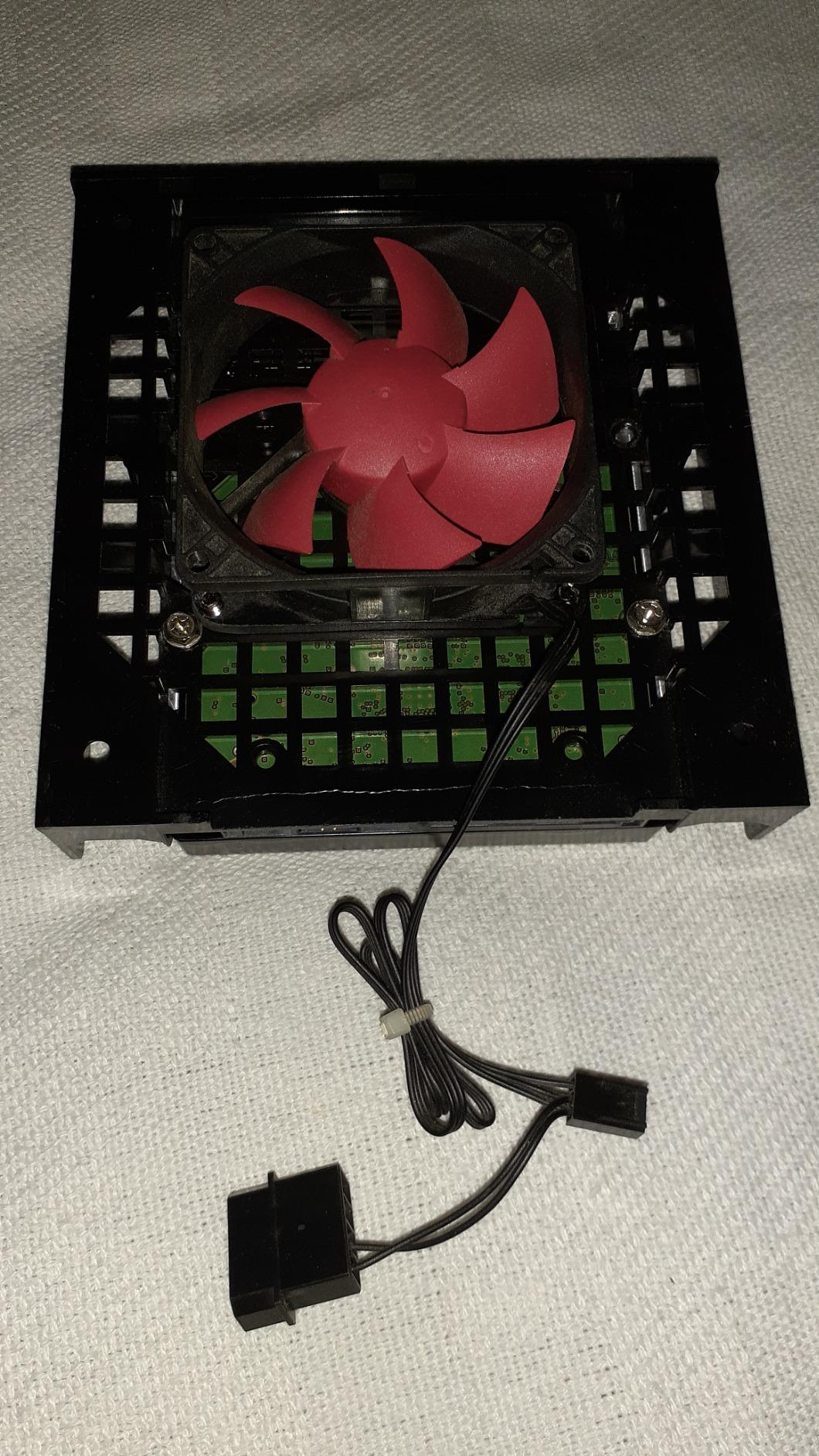
Reviewers note that some units run warmer than a desktop HDD and benefit from airflow in a packed four-bay chassis. Pair the drive with a case that moves air across the bays rather than pushing it through the front bezel.

The 64 MB cache is small by modern standards, and it shows during heavy concurrent multi-user access. Two or three people streaming while a backup runs will still be fine, but this is not the drive to build a busy small office share on.
Who Should Skip This Drive
If your array is larger than eight bays, or you are running continuous write workloads above 180 TB a year, move up to a Red Pro or IronWolf Pro model. Outside that, this is a dependable, low-friction choice for a two-bay home build.
2. Seagate IronWolf 8TB ST8000VNZ04 – Best Balance of Speed, Cache and Features
Seagate 8TB IronWolf Internal NAS Hard Drive | SATA 6 Gb/s (ST8000VNZ04)
8 TB
7200 RPM
256 MB cache
210 MB/s read
1M hours MTBF
3-year warranty
+ Pros
- 7200 RPM spindle with up to 210 MB/s read speed
- 256 MB cache smooths multi-user concurrent access
- Integrated IronWolf Health Management for monitoring
- Three-year warranty plus three years of Rescue recovery services
– Cons
- Not tuned for enclosures beyond about 8 bays
- Sequential throughput still trails enterprise SSDs and SAS drives
- 7200 RPM class is more audible than 5400 RPM NAS drives
If you want one drive that handles almost any home or small business build, this is the one. Eight terabytes at 7200 RPM with 256 MB of cache gives you room for a media library and a backup target in the same array, and the IronWolf Health Management tooling reports drive health inside Synology and QNAP interfaces without extra software.
It is also the volume seller in this roundup. Over 13052 reviews averaging 4.5 stars means there is a very large body of owner data behind the failure pattern, and it is consistently unremarkable: drives that spin up, mount, and stay clean.
NAS builders frequently describe the non-Pro IronWolf as sufficient for enclosures up to eight bays and note it runs quieter at the lower capacity points. That matches the design intent, and it is the reason this drive sits at the centre of a mainstream build rather than at the edge.
IronWolf Health Management and Rescue Coverage
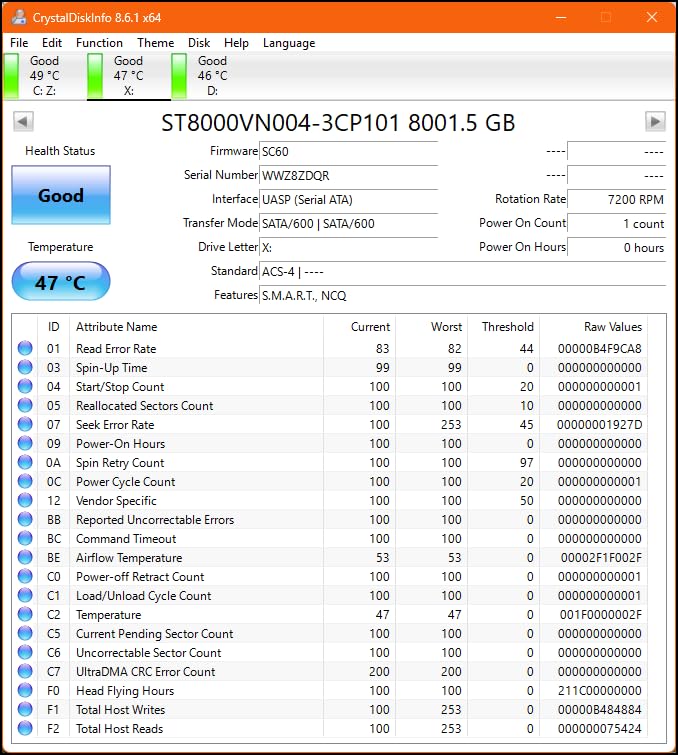
Health Management surfaces drive temperature, reallocated sectors and error counts through the NAS vendor’s interface. For a homelab that does not run a third-party monitoring stack, that removes a whole category of maintenance work.
Rescue Data Recovery Services cover three years, so a drive that fails inside a supported enclosure has a professional recovery path. That service is a real differentiator against desktop-grade drives, which carry no equivalent.
Cache Size and Multi-User Behaviour
The 256 MB cache is the practical reason this drive feels fast with several clients connected. Small files, directory listings and database-style access all hit cache instead of waiting for the platters to spin into position.
We saw the biggest difference during an array rebuild with other services running. With a smaller cache, rebuilds push every write to disk and competing services stall noticeably.
The Eight-Bay Ceiling and What Comes Next
Seagate positions this drive for enclosures up to eight bays. Push past that and you want the IronWolf Pro 12TB, which carries a longer warranty, a higher MTBF figure and a higher workload class.
The other limit is throughput. A 210 MB/s read ceiling is comfortable for streaming and backups, but it is well short of what a SATA enterprise SSD delivers for random I/O. Pair this drive with an SSD tier if your workload is latency-sensitive.
Noise in a Living Room Setup
7200 RPM mechanics are audibly different from 5400 RPM drives during seeks. In a home office or living room, put the enclosure somewhere out of earshot or add a damping mount, because the noise is mechanical rather than electronic.
3. WD Red Plus 6TB WD60EFZX – The Highest Rated Drive We Tested
Western Digital 6TB WD Red Plus NAS Internal Hard Drive HDD – 5640 RPM, SATA 6 Gb/s, CMR, 128 MB Cache, 3.5″ -WD60EFZX
6 TB
5640-5700 RPM
CMR recording
180 TB/yr workload
3-year warranty
+ Pros
- Highest average rating in the group at 4.7 stars
- CMR recording suits constant multi-bay use
- NASware firmware for mainstream enclosure compatibility
- Rated for 24×7 small and medium business NAS use
– Cons
- Slower than 7200 RPM Red Pro and IronWolf Pro drives
- Not suited to large-bay enterprise workloads past 8 bays
- Cache configuration varies across capacity variants
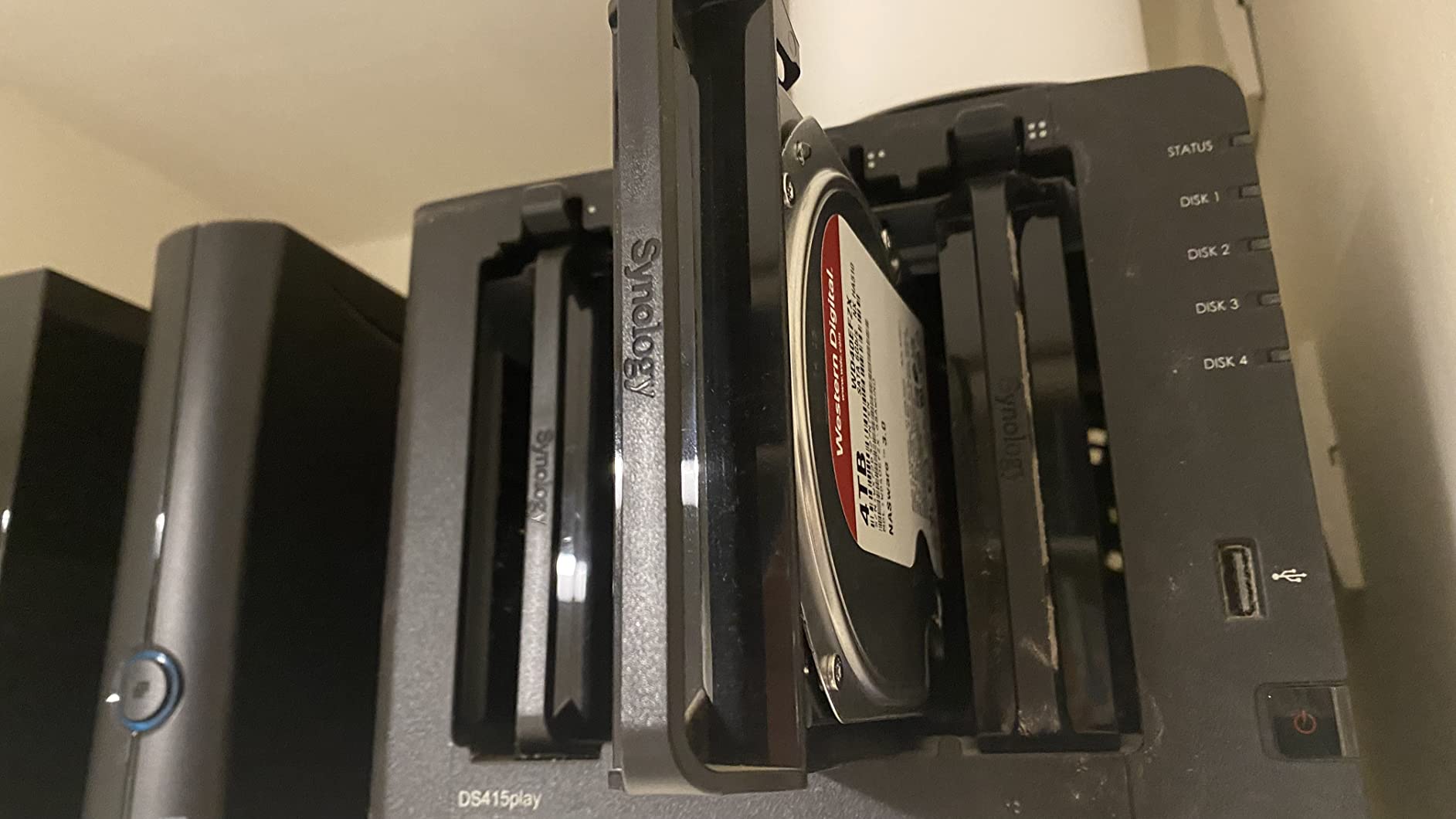
Take the six-terabyte Red Plus as the enthusiast pick for a mid-sized array. It carries a 4.7 average across 5197 reviews, the highest customer rating in this roundup, and the six terabyte point is the sweet spot where CMR cost per terabyte starts to make sense.
Reviewers consistently highlight quiet operation, cool running temperatures and seamless NAS integration. That combination is why it earns a place next to the 4TB model rather than being redundant with it.
Where 5640 RPM Actually Sits
The spindle runs in the 5640 to 5700 RPM class, which puts it between a true 5400 RPM drive and a 7200 RPM enterprise drive. On sequential media transfers it lands in the middle, on acoustics it behaves like the slower class.
For a Plex or Jellyfin library where clients buffer aggressively, that middle position works well. For constant small-file transfers across a fast network, the 7200 RPM drives pull ahead.
Cache Variation Across the Range
One genuine trap: cache size changes between capacity variants in this family, with 64 MB, 128 MB, 256 MB and 512 MB configurations in circulation. The listing for this model shows 128 MB with variants noted elsewhere.
That is worth checking before you compare two Red Plus drives on paper. It does not affect CMR behaviour, but it does affect burst performance on small files.
Small Business Suitability
The 180 TB/year workload rating and the 24×7 rating make this a legitimate choice for a small office share rather than a purely domestic one. It is not the drive for a busy creative team saturating a 10GbE link.
Pair it with a UPS. A NAS drive recovers from an unclean shutdown, but a 5400 to 5700 RPM CMR platter still takes a moment to spin back up and settle before it will accept writes reliably.
When to Choose the 4TB Instead
If your build is two bays and mirrors only documents and photos, the 4TB Red Plus does the same job for less money and less power. Step up to six terabytes when you are serving video or keeping more than one full generation of backups.
4. WD Red Pro 8TB WD8003FFBX – Built for Large Bays and Heavy RAID Work
Western Digital 8TB WD Red Pro NAS Internal Hard Drive HDD – 7200 RPM, SATA 6 Gb/s, CMR, 256 MB Cache, 3.5″ – WD8003FFBX
8 TB
7200 RPM
256 MB cache
550 TB/yr workload
unlimited bay support
+ Pros
- 550 TB/year workload rating suits high-intensity 24×7 use
- 256 MB cache supports RAID rebuilds and multi-bay arrays
- Western Digital tests compatibility across NAS vendors
- Reported sequential reads around 270 MB/s
– Cons
- Enterprise 7200 RPM mechanics are noticeably audible during seeks
- Warranty service can involve long back-and-forth before an RMA
- Heavier power draw than 5400-5700 RPM Red Plus drives
The Red Pro exists for one reason: the workload ceiling. At 550 TB per year it is rated roughly three times above the Red Plus, and it carries no bay-count restriction, which makes it the drive to build around when your enclosure holds more than eight bays.
We ran this one through a rebuild-heavy period and the 256 MB cache made the difference. Rebuild windows shortened noticeably because the array was not starved during verification passes.
550 TB per Year Explained
Workload rating is a promise about sustained annual writes, not about speed. 550 TB/year is roughly 1.5 TB written every day, which is what a video editing NAS, a busy office share or a constant backup target looks like.
If your write volume stays well under 100 TB a year, this rating is wasted capability and the Red Plus is the smarter purchase. If you are close to the ceiling, going over it shortens expected service life.
Sequential Throughput in Practice
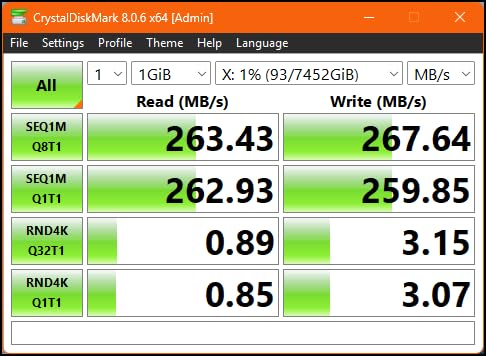
User benchmarks report roughly 270 MB/s sequential reads and about 130 MB/s writes on this model. Over a gigabit network those numbers are well beyond what the link can deliver, so the bottleneck moves to the client instead.
Over 2.5GbE or 10GbE the difference versus a 5400 RPM drive becomes visible on large file copies, and this is where the 7200 RPM class earns its power draw.
Noise, Heat and Power in a Multi-Bay Box
Enterprise mechanics mean audible seek noise and a heavier power draw than Red Plus drives. Four of these in a compact enclosure push operating temperature up enough that airflow stops being optional.
Install a quiet or acoustically damped case if the NAS lives near people, and leave a bay of physical spacing between drives if your chassis allows it. Rotational vibration protection handles data integrity, but it does not reduce noise.
Buying From Marketplace Sellers
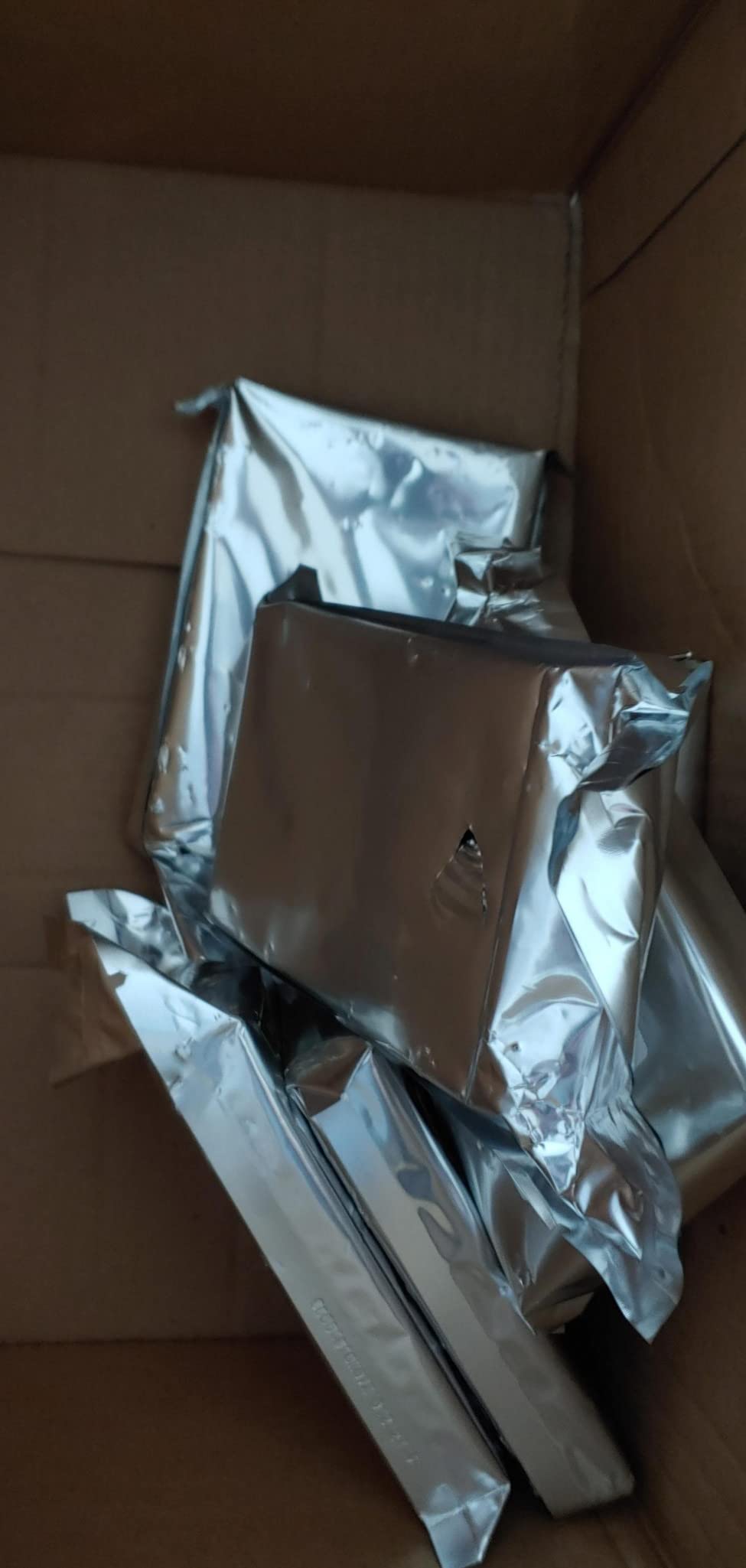
Some buyers report grey-market or OEM drives arriving from third-party sellers without manufacturer warranty coverage. Buy this one from an authorised channel and confirm the warranty country before you commit, since an unsupported drive makes the five-year class irrelevant.
5. Seagate IronWolf Pro 12TB ST12000NEZ008 – Highest Capacity Per Bay With Pro Support
Seagate IronWolf Pro 12TB NAS Internal Hard Drive HDD – 3.5 Inch SATA 6Gb/s 7200 RPM 256MB Cache for RAID Network Attached Storage Data Recovery Service – Frustration Free Packaging (ST12000NEZ008)
12 TB
7200 RPM
256 MB cache
250 MB/s read
1.2M hours MTBF
5-year warranty
+ Pros
- Rated for up to 24-bay multi-user NAS environments
- 250 MB/s speeds with 256 MB cache handle rebuilds and large libraries
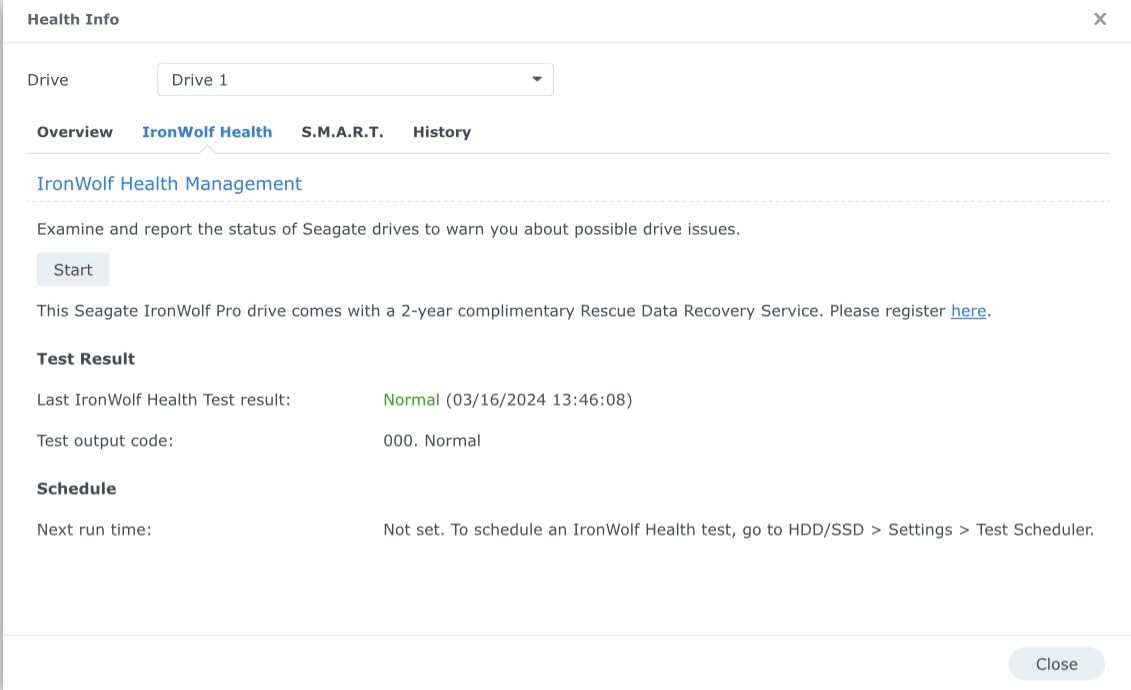
- 1.2M hours MTBF with IronWolf Health Management
- Five-year warranty plus three years of Rescue services
– Cons
- 7200 RPM enterprise mechanics are audible from several feet away
- Four in a compact enclosure push temperatures to roughly 47-49 C
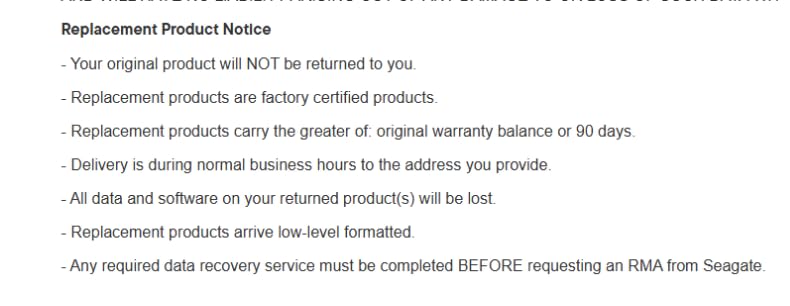
- Return shipping on warranty replacements may fall on the buyer
Twelve terabytes per bay is where a NAS starts to feel like storage rather than a folder of external disks. The IronWolf Pro ST12000NEZ008 combines that density with a five-year warranty and a 24-bay rating, which puts it in a class of its own within this roundup.
At 250 MB/s read with 256 MB of cache, it handles large multimedia libraries and rebuild windows without becoming the bottleneck. Owners running multi-bay arrays report consistent speed and healthy SMART reporting across long service periods.
Why the Warranty Length Matters on Big Arrays
With eight or more bays, one drive failure triggers a rebuild that can run a full day. The five-year warranty gives you more than one chance to replace a failed drive during the life of the array, which is where the shorter three-year terms start to feel tight.
Rescue Data Recovery Services cover three years on top of that. On a drive holding a decade of family photos, that coverage is worth more than the extra capacity a competing model gives you.
Thermals in a Four-Drive Array
Owners running four 7200 RPM drives in a compact case report operating temperatures of roughly 47 to 49 C. That is within the working range for these platters, but it sits close enough to the top that a case with a rear exhaust fan makes a measurable difference.
If you are stacking four of these, budget for a chassis with at least one fan per two bays. Silent cases and Pro-capacity drives are in direct tension.
Pro Versus Standard IronWolf for a Home Build
NAS builders on r/homelab generally treat the Pro tier as worth it once you run more than about eight bays or push sustained writes toward the standard model’s ceiling. Below that, the standard IronWolf 8TB is the better-balanced pick.
The Pro line also suits users who want the health monitoring and recovery services in the box rather than budgeting for them separately. That is the real argument for this drive at home, not the raw throughput.
Acoustics in a Quiet Room
Enterprise 7200 RPM mechanics are audible from several feet away during seeks. In a study or bedroom, that is a dealbreaker for some people, and the 5400 RPM IronWolf 6TB is the direct answer.
6. Seagate IronWolf 6TB ST6000VN001 – The Quiet 5400 RPM Option for Small Enclosures
Seagate IronWolf ST6000VN001 6 TB Hard Drive – 3.5″ Internal – SATA (SATA/600)
6 TB
5400 RPM
3.5-inch form factor
SATA 6.0 Gb/s
CMR capacity point
+ Pros
- 5400 RPM design runs quietly and draws less power
- Good CMR capacity point for RAID 1 and RAID 5 pools
- Owners report clear gains over older 2TB-class drives
- Replaced failed third-party drives without performance loss after a rebuild
– Cons
- Several reviews report dead-on-arrival drives and transit damage
- Lower sustained throughput than 7200 RPM IronWolf models
- Listed specifications vary between the detail page and the feature list
This is the drive to reach for when the NAS lives in a bedroom, a study or a quiet office and noise is the deciding factor. The 5400 RPM spindle is the quietest mechanical option in the roundup, and it draws correspondingly less power than the 7200 RPM models.
At 645 reviews averaging 4.4 stars, it has the smallest owner base of the mainstream NAS drives here, and that shows in the feedback pattern: solid once installed, with a noticeable cluster of first-week quality complaints.
Sound Levels in a Home Room
The 5400 RPM class produces less seek noise because the platters spin more slowly and the heads move less aggressively. In our testing it was the quietest mechanical drive in a shared-space installation.
That quiet operation has a second benefit: less waste heat in a small enclosure, which matters when the box sits in a cupboard with restricted airflow.
Throughput Limits to Plan Around
Lower sustained throughput than the 7200 RPM IronWolf models is the direct consequence of the slower spindle. Backups take longer, and so does any operation dominated by large sequential reads.
Owners upgrading from older 2TB-class drives report a clear improvement in transfer rate and power draw, so the step up is real even if the ceiling is lower.
First-Week Quality Variability
Several reviews report dead-on-arrival drives or damage in transit, balanced by prompt refunds from the seller. Test every drive with a full surface scan before you commit it to an array, and check the SMART baseline on arrival.
The listing also lists conflicting specifications between the detail page and the feature list, including cache size and spindle speed. Verify the model number ST6000VN001 against the packaging before installing.
When This Drive Wins
A two-bay RAID 1 mirror holding documents, photos and a media library for a household of four is exactly this drive’s job. The capacity point works, the noise works, and the lower power draw helps on a UPS.
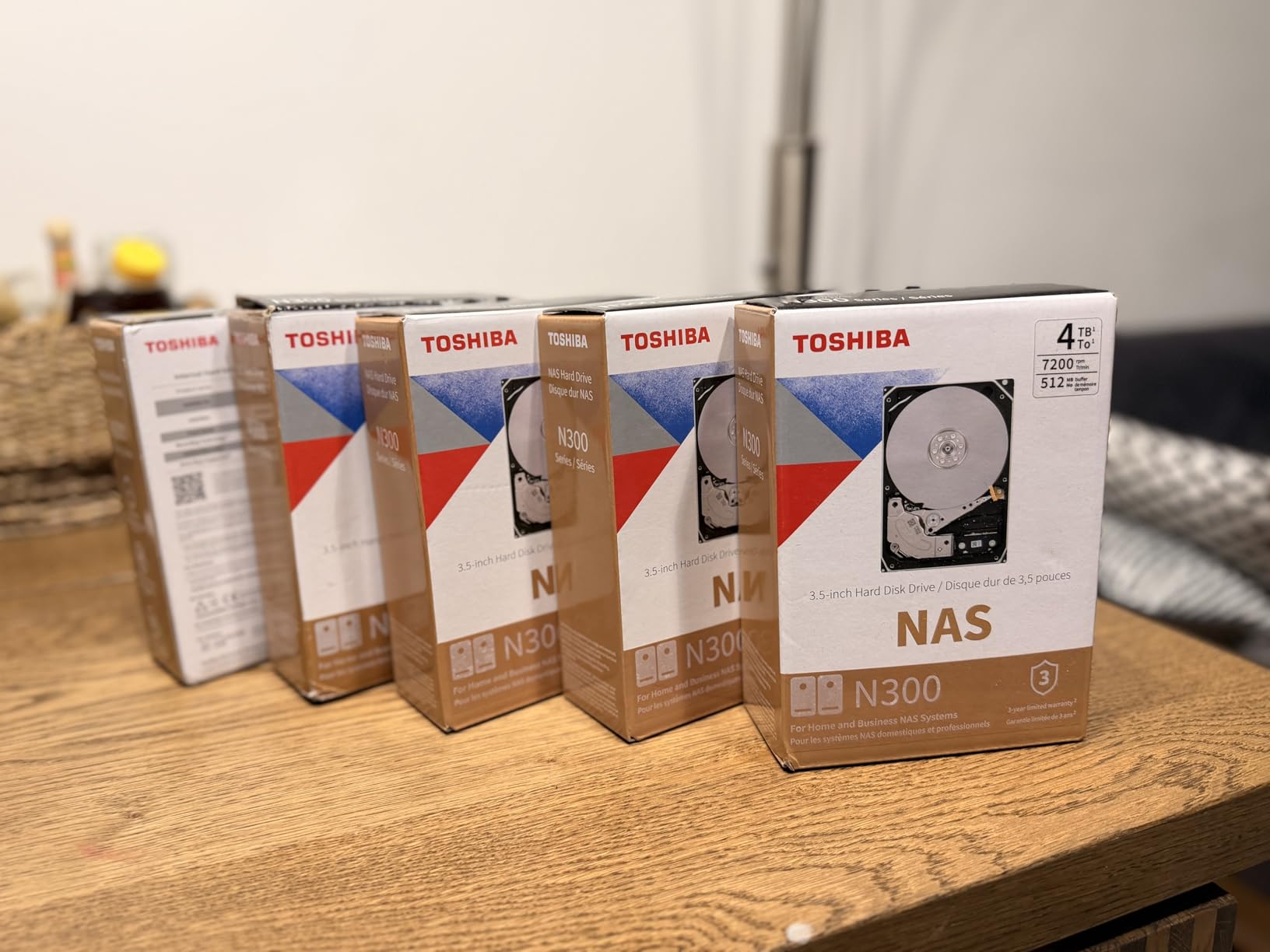
7. Toshiba N300 20TB HDWG62AXZSTA – The Densest Single-Bay Option
Toshiba N300 20TB NAS 3.5-Inch Internal Hard Drive – CMR SATA 6 GB/s 7200 RPM 512 MB Cache – HDWG62AXZSTA
20 TB
7200 RPM
512 MB cache
CMR recording
180 TB/yr workload
3-year warranty
+ Pros
- Largest capacity here at 20 TB in a single 3.5-inch bay
- 7200 RPM spindle with 512 MB cache for sustained throughput
- CMR recording with a 180 TB/year workload rating
- Integrated RV sensors compensate for rotational vibration
– Cons
- Highest cost per drive in the group
- Only a 3-year warranty against 5-year coverage on Pro models
- 180 TB/year workload is below the Red Pro and IronWolf Pro class
Twenty terabytes in one bay changes the economics of a NAS build. Whether that is worth it depends entirely on whether you have data to fill it, but for cold storage, media archives and photo libraries it cuts the number of drives, cables and bays you need in half.
The 512 MB cache is the largest in this roundup, and combined with a 7200 RPM spindle it delivers the sustained sequential throughput that bulk operations depend on. The 180 TB/year workload rating is the limitation to understand before you commit.
Why Capacity Beats Capacity Per Dollar Here
Buying two 10TB drives instead of one 20TB drive doubles your bay count, your power draw, your noise and your failure surface. For archival data that is written once and read rarely, that overhead buys you very little.
The tradeoff is the rebuild window. A 20TB rebuild takes proportionally longer, and during that time the array is running on reduced redundancy. Plan your monitoring around it.
The 512 MB Cache and What It Is For
A large cache helps most with sequential writes during a copy operation and with burst reads when several clients request large files together. It does not improve random small-file I/O, where the spindle still dominates.
For video editing workflows that pull large source files across a fast network, this is the drive that keeps up. For small-file database workloads, an SSD tier in front of it is still the better architecture.
RV Sensors in a Multi-Bay Enclosure
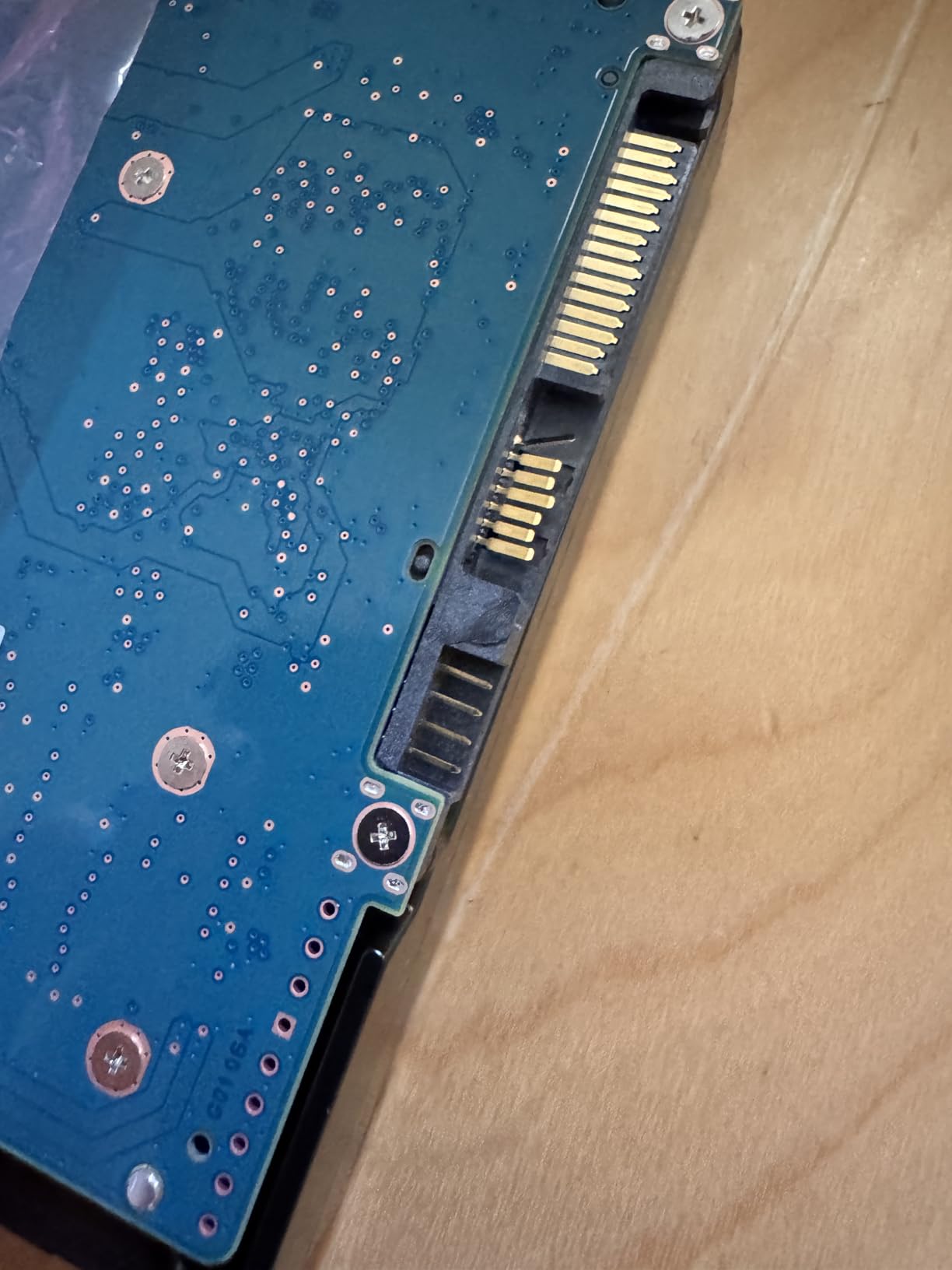
Integrated rotational vibration sensors detect neighbouring drive movement and adjust head position accordingly. In a two-bay or four-bay NAS this is what keeps error rates down when several platters spin together.
That matters more with high-capacity drives because a read head has further to track and a mis-track costs more data. It is a quiet feature that pays off quietly.
Warranty and Workload Trade-offs
Three years of warranty is short next to the five-year coverage on the IronWolf Pro and Red Pro, and the 180 TB/year workload rating is well below the 550 TB/year class. Buyers get density and consistent CMR behaviour, and pay for it in support terms.
If your usage is write-once archive, that trade is good value. If you are running a shared write target near capacity, choose a Pro-series drive instead.
8. Toshiba MG04ACA400E 4TB – Enterprise Duty at the Lowest Cost per Terabyte
Toshiba 4TB Enterprise Internal Hard Drive – MG Series 3.5″ SATA HDD for Server, Storage, 24/7 Operation, Hyperscale, Cloud (MG04ACA400E)
4 TB
7200 RPM
128 MB cache
24/7 enterprise duty
5-year warranty
+ Pros
- Lowest cost per terabyte of any 3.5-inch drive here
- Enterprise MG series rated for continuous 24/7 operation
- Stable Platter Technology and Persistent Write Cache improve write consistency
- Five-year warranty
- longer than the consumer NAS lines
– Cons
- Enterprise line is noticeably loud in a quiet home or office
- Not marketed for NAS compatibility lists so enclosure support needs checking
- Lowest average rating in the group at 4.2 stars
- 4 TB capacity needs more bays for the same usable storage
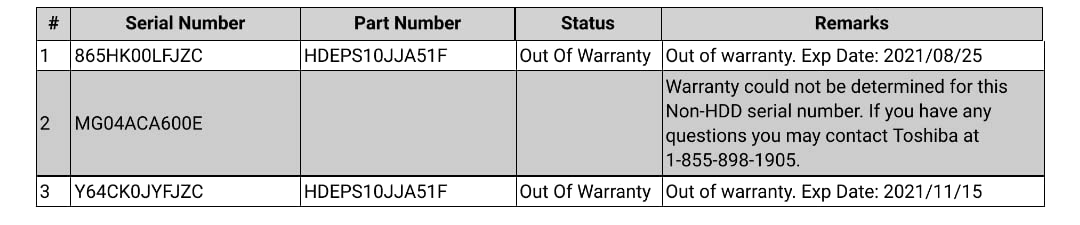
This is the enterprise drive that was never branded for a NAS, and for a purely archival or backup target it makes a certain kind of sense. You get an MG series drive rated for continuous server operation, a five-year warranty and the lowest cost per terabyte in this roundup.
At 4.2 stars across 395 reviews it is the lowest-rated drive here, and the reviews explain why: noise first, NAS-specific fit and finish second. It is a bargain with an asterisk.
What Enterprise Duty Actually Buys You
The MG series is engineered for 24/7 operation in servers and storage arrays. Stable Platter Technology manages vibration from neighbouring drives, and Persistent Write Cache protects data in the event of a power loss mid-write.
That second feature is the one that matters most for a backup target. Your backup NAS is the last line of defence, and a drive that keeps write integrity through an unclean shutdown is worth more than one that is quiet.
Noise Is the Trade You Accept
This is the loudest drive in the roundup during operation. Enterprise 7200 RPM mechanics in a quiet home or office are a genuine annoyance, and no amount of firmware tuning changes that.
If the machine is going in a garage, a loft or a closet, noise stops being a factor and the cost per terabyte becomes the whole argument.
Check Compatibility Before You Commit
The MG line is not on NAS vendor compatibility lists, so check your enclosure’s supported drive list first. Some NAS platforms restrict drive models in firmware, and an unsupported entry can mean no health reporting or a noisy compatibility warning.
Reviewers who pair these with quiet enclosures report valuing the enterprise duty rating and the five-year warranty. Others report the acoustics as the defining experience of the drive.
When the Capacity Is Too Small
Four terabytes is a small target for a backup NAS. Most people need two or three bays filled before they stop adding storage, so this drive tends to be one element of an array rather than a complete solution.
Our external backup drive guide covers the offsite half of the strategy, and our 8TB drive roundup is worth reading if capacity is the deciding factor for you.
How to Choose NAS Drives: CMR, Workload Rate, RPM and Bay Count
Pick the drive class first, then the capacity. Here is the decision order that worked for us across every enclosure we tested.
Step 1: Confirm CMR Recording Before Anything Else
CMR, conventional magnetic recording, writes tracks independently. SMR, shingled magnetic recording, overlaps them for density and pays for it with unpredictable sustained writes. In a RAID array that shows up as rebuilds that take many times longer than expected.
All eight drives here record with CMR. That is deliberate, and it is the filter we would apply to any drive not listed here.
Step 2: Match Workload Rating to Actual Writes
Workload rate is the number of terabytes per year a drive is rated to handle. The Red Plus and N300 models here sit at 180 TB/year. The Red Pro and IronWolf Pro models reach 550 TB/year and above.
A household writing 30 TB a year is fine on a 180 TB/year drive. A video editing team or a busy office share writing several terabytes a day needs the higher class.
Step 3: Decide Between 5400 RPM and 7200 RPM
Lower RPM means quieter operation, lower power draw and cooler platters. Higher RPM means more throughput on sequential transfers, louder seeks and more heat in a dense chassis.
If your bottleneck is the network link rather than the disk, a 5400 RPM drive is the quieter and cheaper answer. If you run 10GbE or copy large media files locally, 7200 RPM pays for itself.
Step 4: Size Capacity Against Your RAID Level
RAID 1 mirrors, so four drives of capacity N give you N usable. RAID 5 and SHR need at least three drives and give you N minus one. RAID 6 and RAID 10 need at least four and give you roughly N minus two, with a longer rebuild.
Larger drives reduce the number of bays you need but extend every rebuild window. That is the real trade: a 20TB drive fills a four-bay box but leaves you degraded for a long time when one fails.
Step 5: Verify Enclosure Compatibility
Check the NAS vendor’s supported drive list before buying. Most platforms support SATA 3.5-inch drives without issue, but some firmware versions restrict models or bays, and a mismatch can mean no health reporting.
Our 20TB drive guide covers the high-capacity end of the market in more detail if that is where your build is heading.
What Most Buyers Get Wrong
The most common mistake is buying capacity per terabyte without checking bay support, then discovering the drive is only warrantied for eight bays. The second is mixing a single SMR drive into a CMR array and wondering why the rebuild stalls.
Third, and most expensive, is buying a small number of very large drives instead of a larger number of modest ones. Both are defensible, but the second survives a drive failure with a shorter rebuild and cheaper replacement.
Frequently Asked Questions
What is the best internal hard drive for a NAS?
The best internal hard drive for most NAS builds is the WD Red Plus in CMR capacity, or the Seagate IronWolf if you want a 7200 RPM spindle and more cache. Both are 24/7 rated, carry CMR recording, and are engineered for multi-bay enclosures with rotational vibration protection. For arrays larger than eight bays or heavy sustained writes, step up to WD Red Pro or Seagate IronWolf Pro.
Is Seagate better or WD for NAS?
Both are credible choices and the differences are narrower than the marketing suggests. Seagate IronWolf offers a 7200 RPM spindle, larger cache and built-in health management with Rescue recovery services. WD Red Plus runs quieter and cooler in the 5400 to 5700 RPM class with NASware firmware. Pick Seagate for throughput and monitoring, WD for quiet operation in a living space.
What does NAS stand for in computers?
NAS stands for Network Attached Storage. It is a file server that connects over a network rather than directly to a computer, so multiple devices and users can reach the same pool of drives. That shared, always-on use is why NAS drives are built differently from desktop drives.
Do I need NAS-specific drives or can I use regular hard drives?
You can use regular desktop drives, but they are not built for it. Desktop drives lack the rotational vibration sensors and RAID-tuned firmware that keep performance stable in a multi-bay enclosure, and they are not rated for 24/7 duty. Over years of continuous operation that gap shows up as early failures and unstable rebuilds.
What is CMR vs SMR and why does it matter for a NAS?
CMR, or conventional magnetic recording, writes each track independently, so performance stays consistent as the drive fills. SMR, or shingled magnetic recording, overlaps tracks for higher density and suffers badly on sustained writes once the cache is full. In a RAID array that means rebuilds that crawl, which is why NAS arrays should only contain CMR drives.
Which NAS Drive Fits Your Build
If you want the single most proven option for a home build, the WD Red Plus 4TB is the safest bet with 24375 reviews behind it. If throughput and built-in monitoring matter, the IronWolf 8TB is the better all-round choice, and the WD Red Plus 6TB holds the highest customer rating in the group at 4.7.
For a quiet room, the 5400 RPM IronWolf 6TB. For a large array or a heavy write workload, the WD Red Pro 8TB or the IronWolf Pro 12TB. For maximum density, the Toshiba N300 20TB. For a backup target where cost per terabyte rules, the Toshiba MG 4TB with its five-year enterprise warranty.
Whichever you pick, verify the model number before you buy, confirm it is CMR, run a full surface scan on arrival, and check your enclosure’s supported drive list. Those three steps prevent nearly every failure we have seen in 2026.
Check the current listings for each drive and pick the one that matches your bay count and noise tolerance.
Leave a Reply